V4.5Artists
sort: FAVS▾
▾
>
$

NovelAI Artist Tags List — V4.5

artist --count 16,352[242/273]
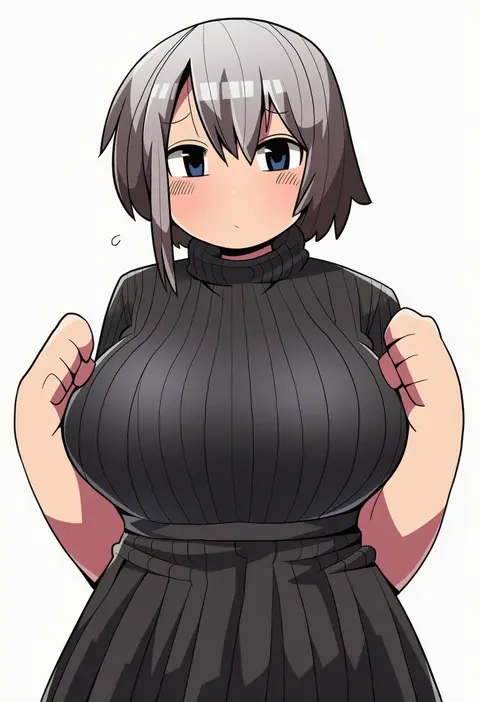
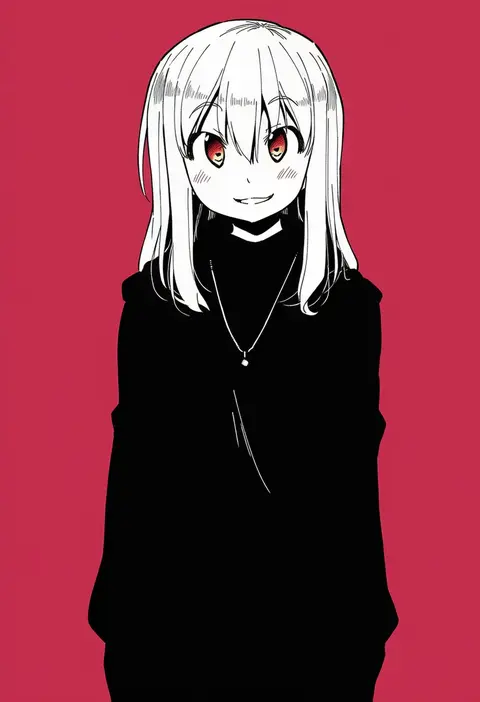
kakuzatou (koruneriusu)
ARTIST0x387C
0
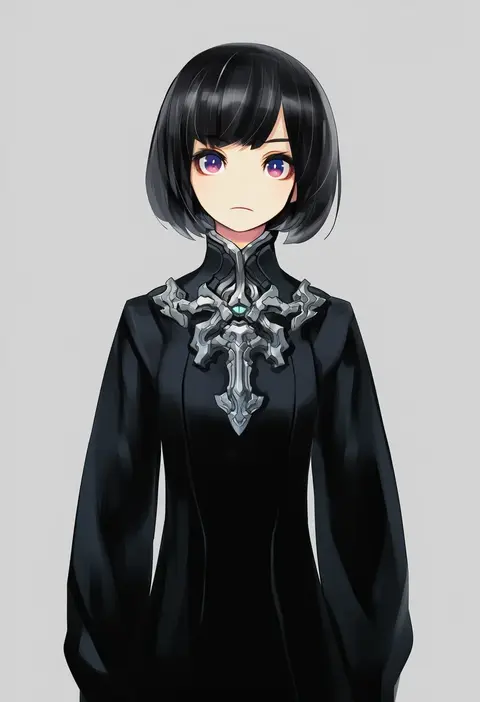
riru
ARTIST0x387D
0
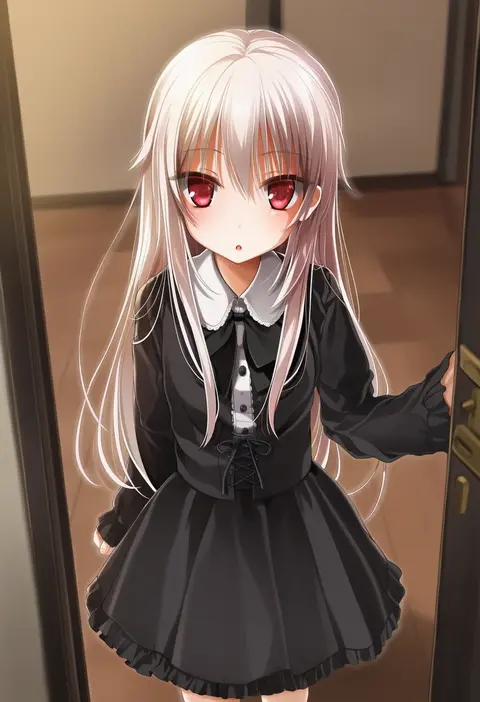
lily (artist)
ARTIST0x387E
0
mickeysmith
ARTIST0x387F
0
oku tamamushi
ARTIST0x3880
0
kiri (2htkz)
ARTIST0x3881
0
tsukiyo no ribbon
ARTIST0x3882
0
fushigi ebi
ARTIST0x3883
0
mattari illust
ARTIST0x3884
0
kyabekko
ARTIST0x3885
0
hitode
ARTIST0x3886
0
capriccyo
ARTIST0x3887
0
ark kan
ARTIST0x3888
0
hoshino kagari
ARTIST0x3889
0
map (blue catty)
ARTIST0x388A
0
arai sumiko
ARTIST0x388B
0
aida yuu
ARTIST0x388C
0
chii-kun (seedyoulater)
ARTIST0x388D
0
yayoi (egoistic realism)
ARTIST0x388E
0
kapura
ARTIST0x388F
0
tsumetai (tsurunoka)
ARTIST0x3890
0
0321smith
ARTIST0x3891
0
naotin3333
ARTIST0x3892
0
hacko
ARTIST0x3893
0
jont
ARTIST0x3894
0
otoutogimi
ARTIST0x3895
0
tamachi kuwa
ARTIST0x3896
0
iga tamaki
ARTIST0x3897
0
katsura ichiho
ARTIST0x3898
0
maru (hachi 47923)
ARTIST0x3899
0
miyama (lacrima01)
ARTIST0x389A
0
natsushi
ARTIST0x389B
0
namuko
ARTIST0x389C
0
briska
ARTIST0x389D
0
hotechige
ARTIST0x389E
0
komuzuka
ARTIST0x389F
0
urako
ARTIST0x38A0
0
wacca005
ARTIST0x38A1
0
yamiya (8 18dlq)
ARTIST0x38A2
0
euyueuy
ARTIST0x38A3
0
chris4708
ARTIST0x38A4
0
inumoto
ARTIST0x38A5
0
nagumo (nagumon)
ARTIST0x38A6
0
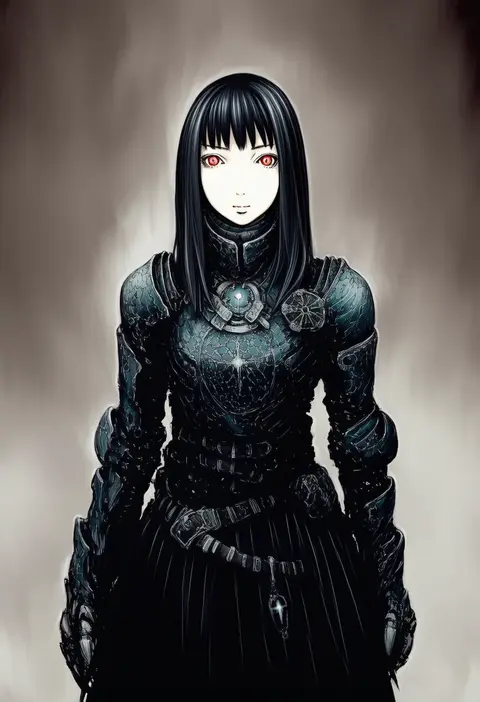
nihei tsutomu
ARTIST0x38A7
0
pump (pumpqmuq)
ARTIST0x38A8
0
chaamii
ARTIST0x38A9
0
satsuma age
ARTIST0x38AA
0
nippori honsha
ARTIST0x38AB
0
mikami
ARTIST0x38AC
0
otogi kyouka
ARTIST0x38AD
0
kawamura toshie
ARTIST0x38AE
0
ton (ton39342104)
ARTIST0x38AF
0
nonosaki
ARTIST0x38B0
0
angel31424
ARTIST0x38B1
0
rinx
ARTIST0x38B2
0
tsumetsume zerii
ARTIST0x38B3
0
chitose (usacan)
ARTIST0x38B4
0
tunamayochan
ARTIST0x38B5
0
fujinohara akihira
ARTIST0x38B6
0
takurada
ARTIST0x38B7
0

What these tags change

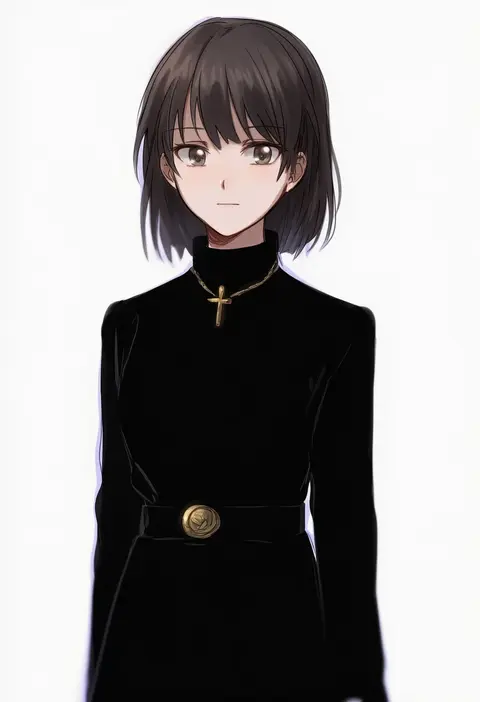
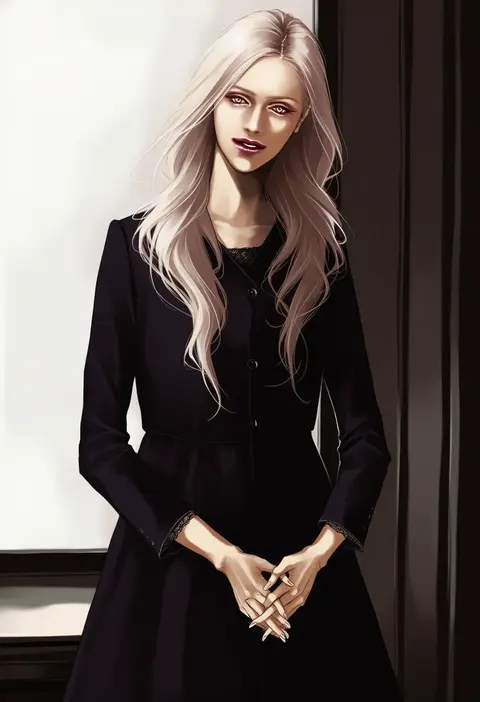
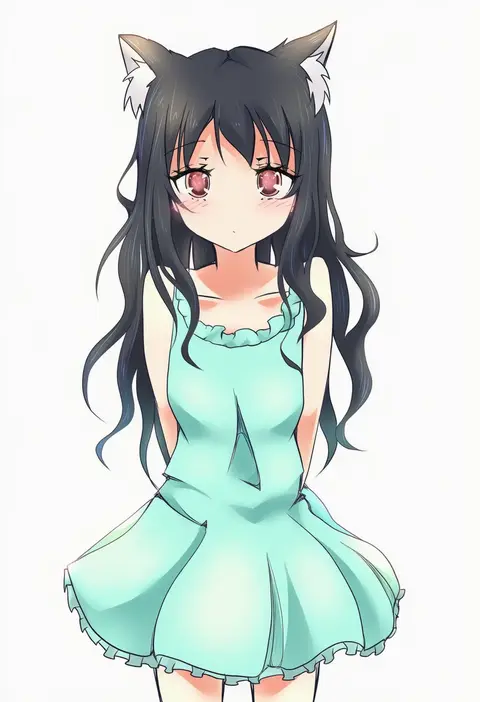
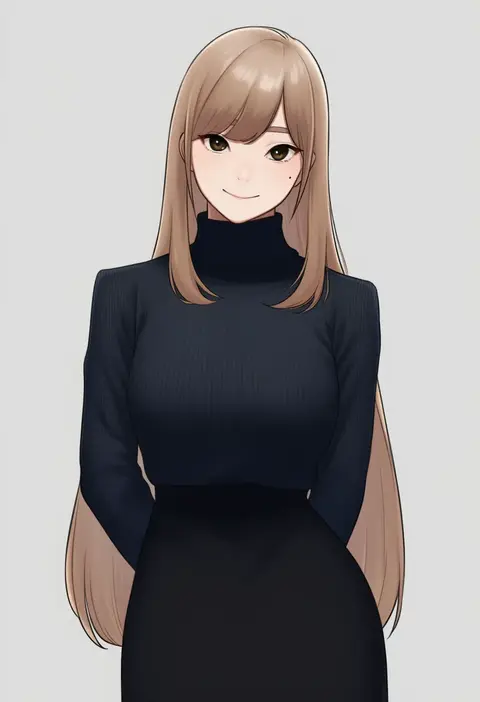
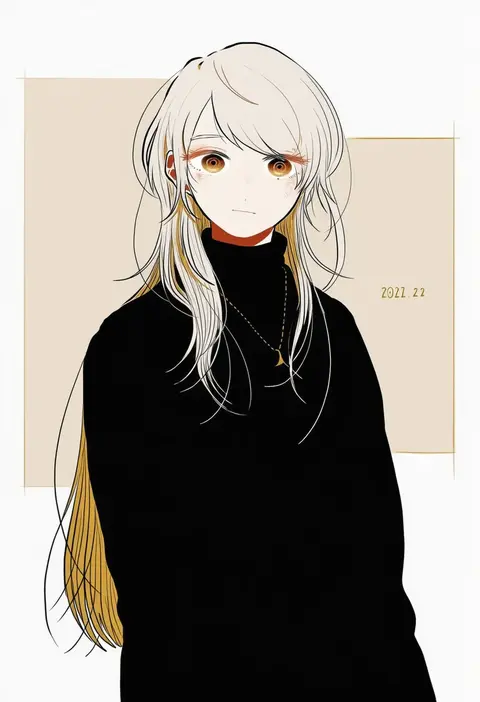
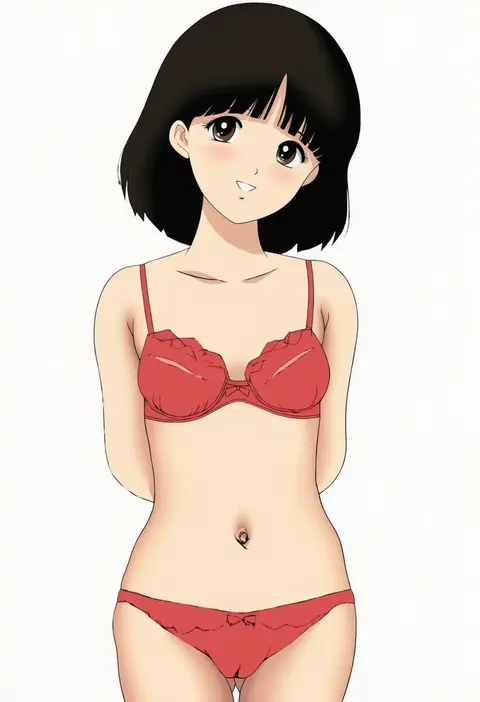
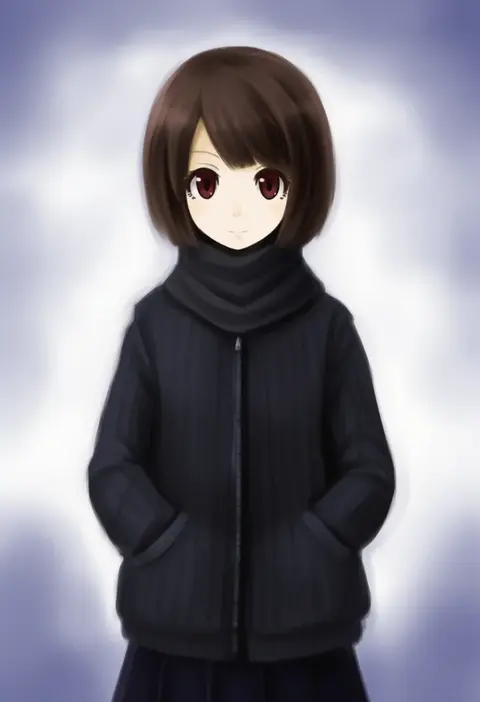
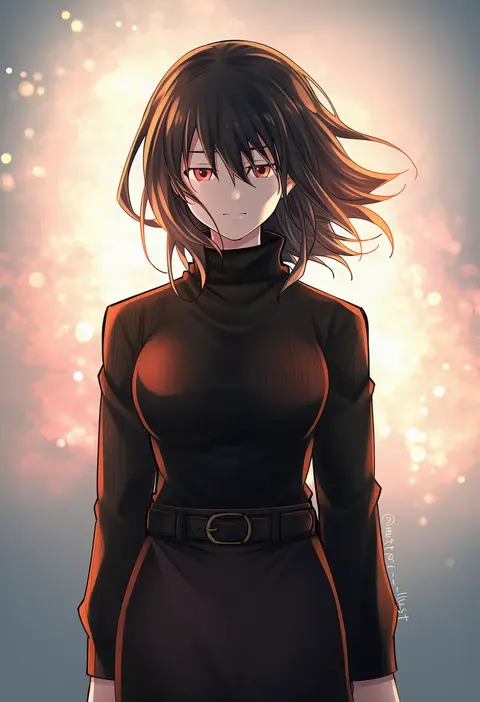
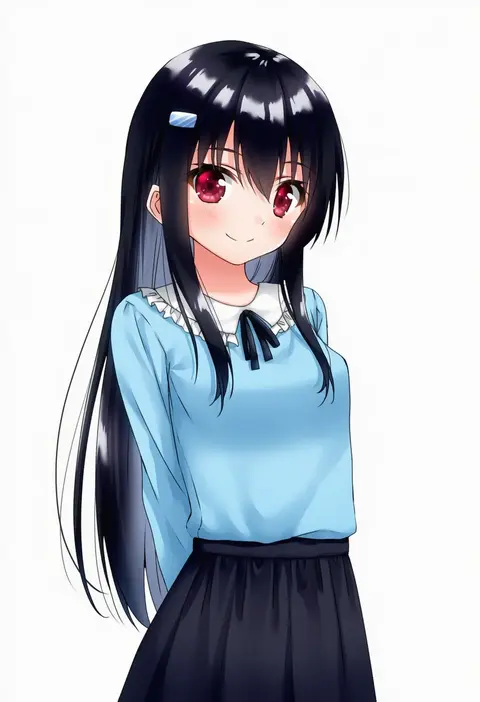
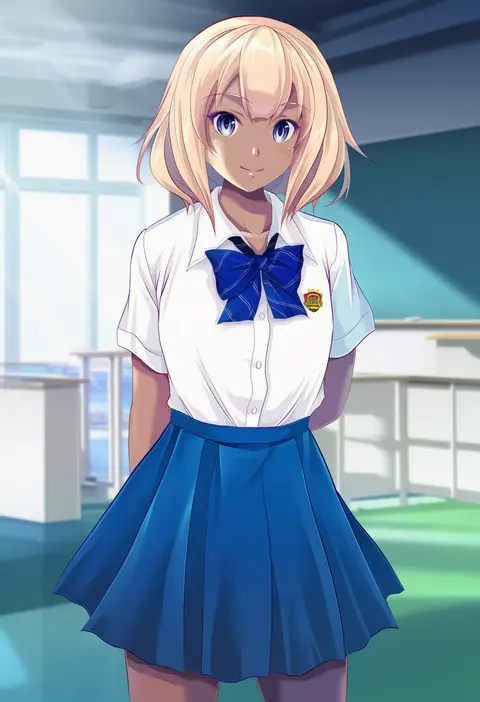
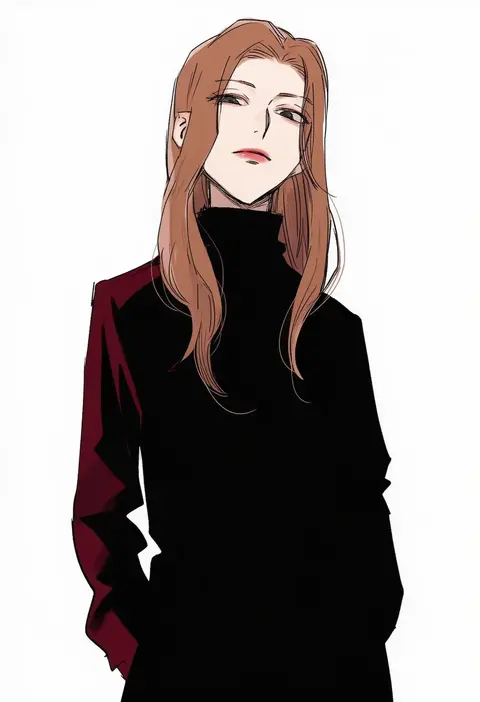
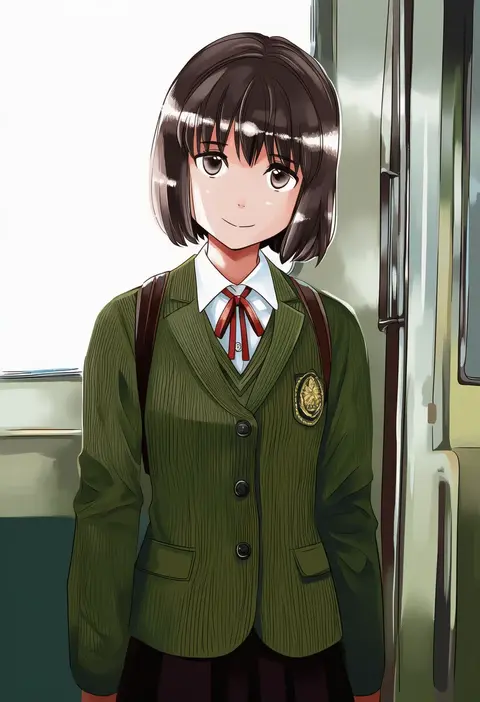
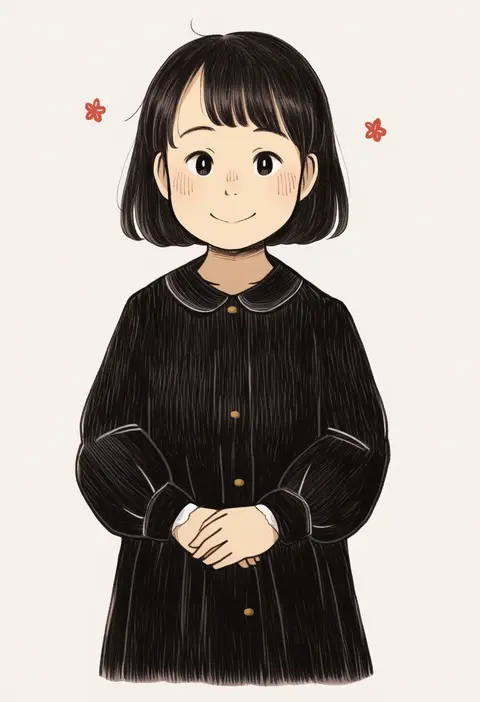
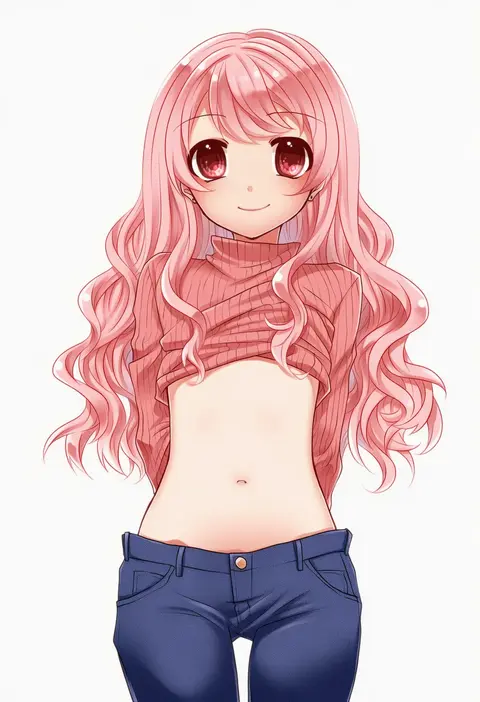
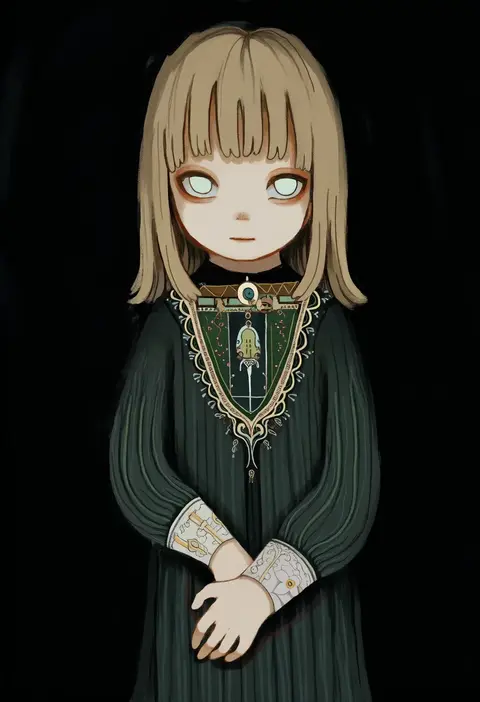
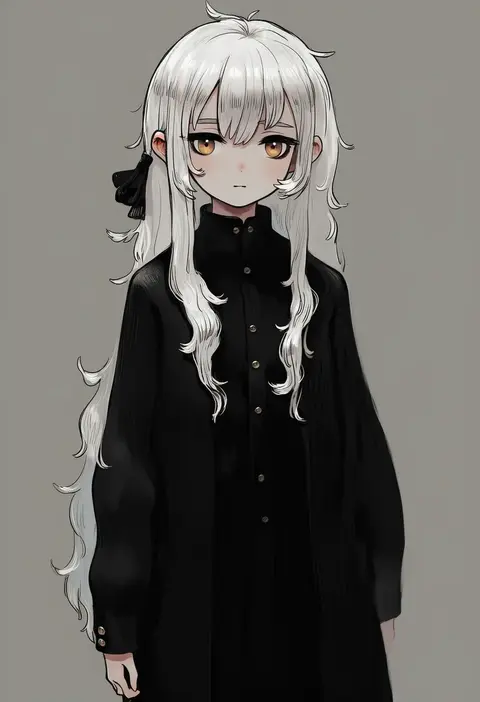
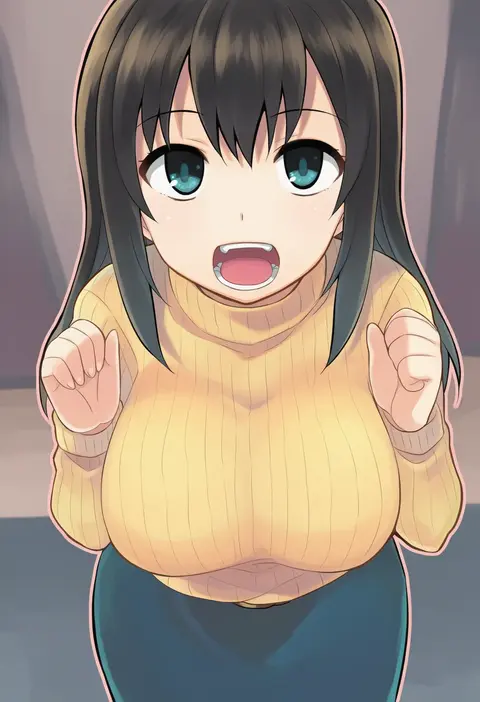
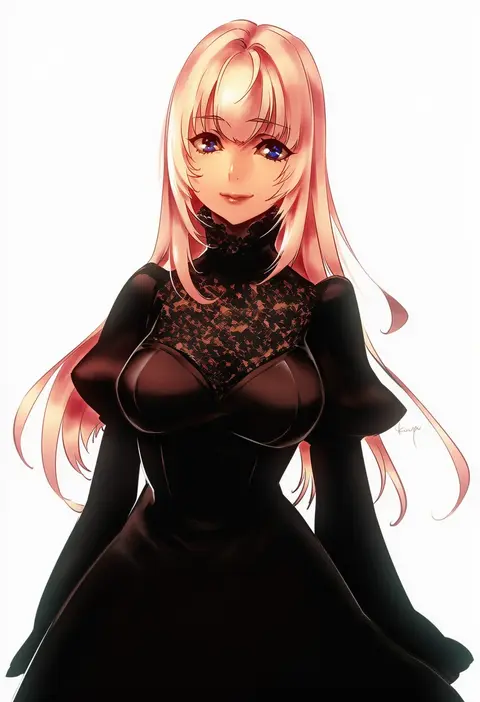
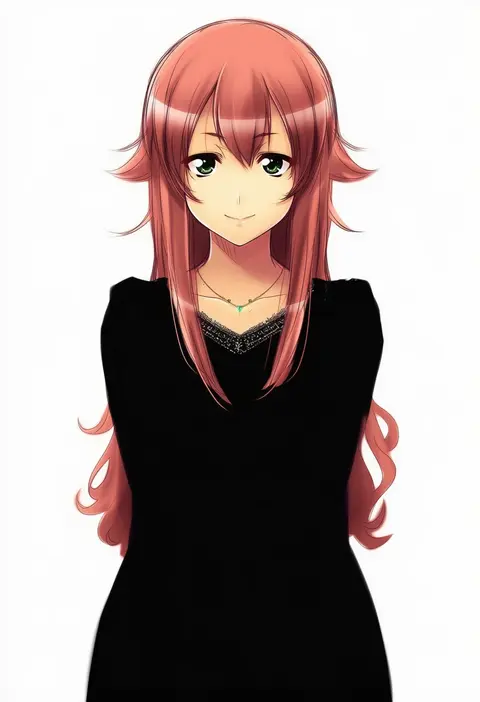
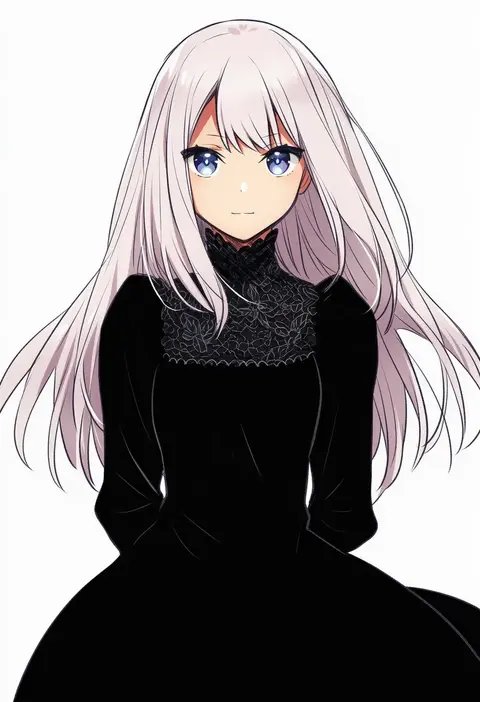
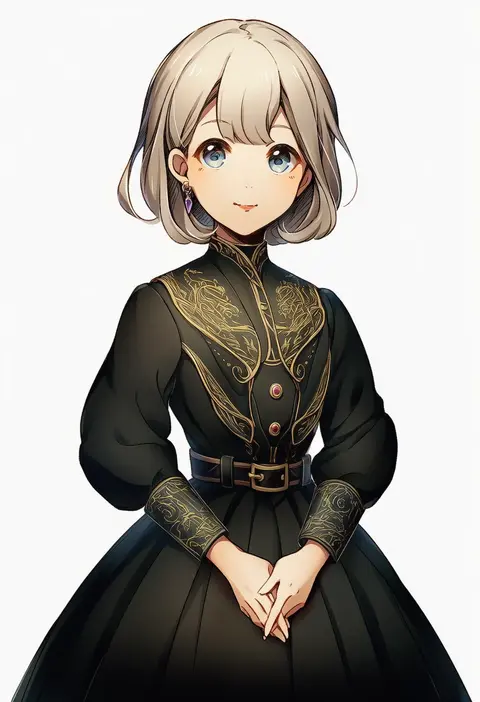
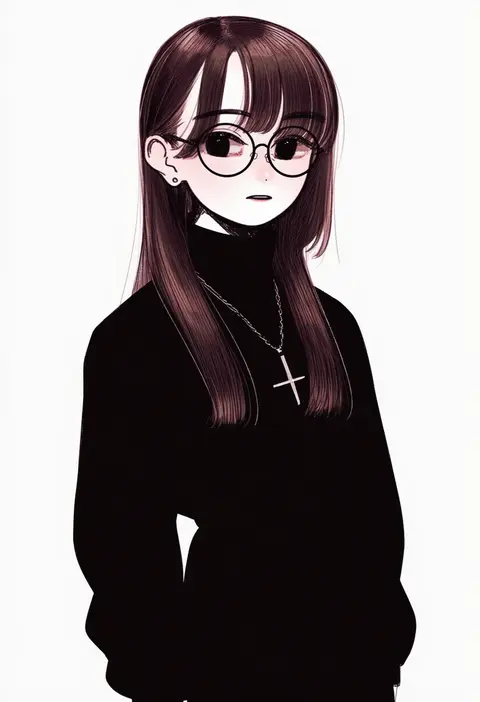
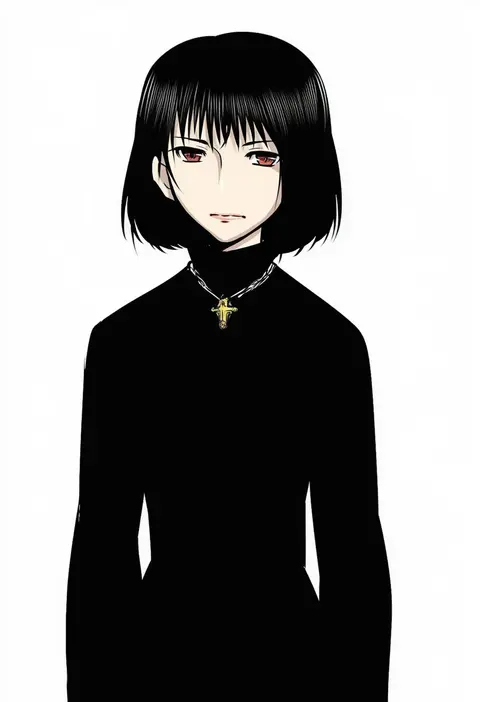
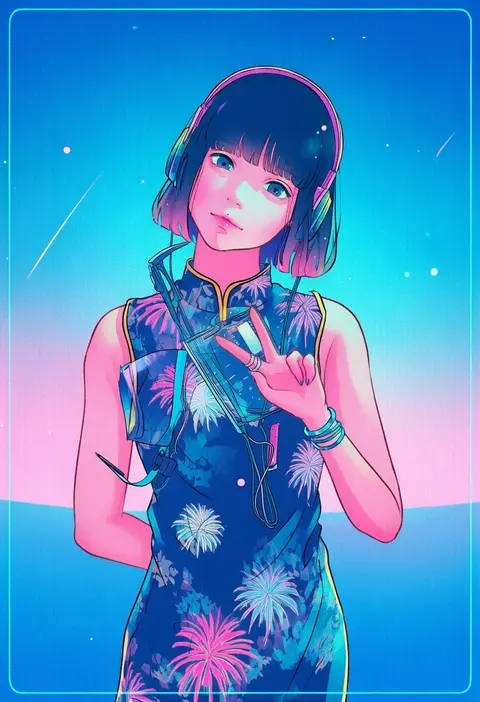
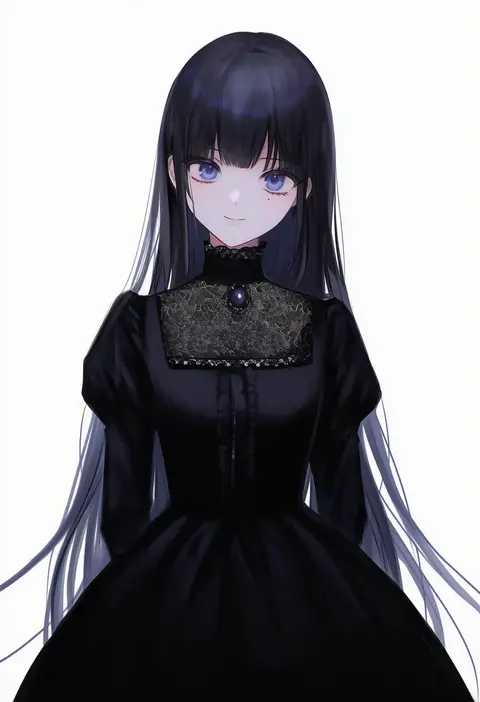
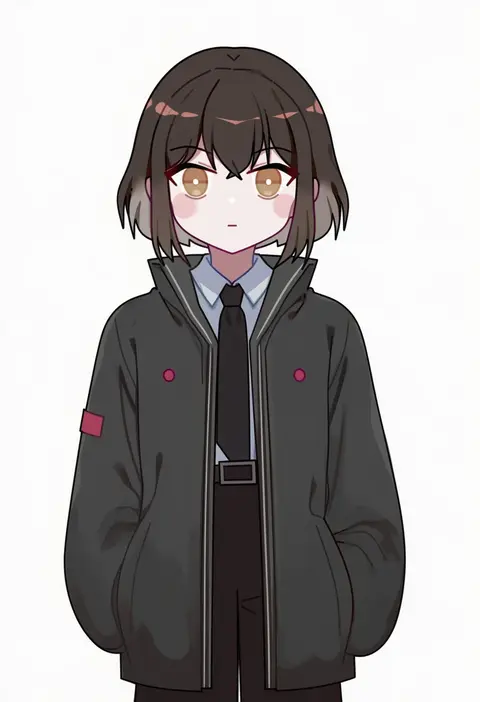
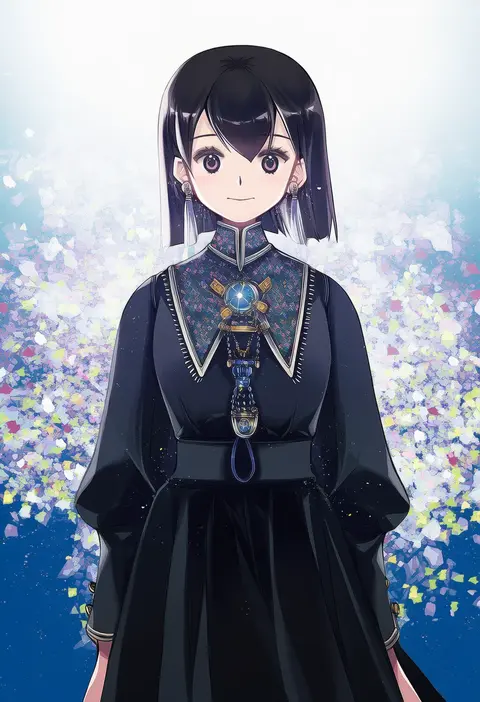
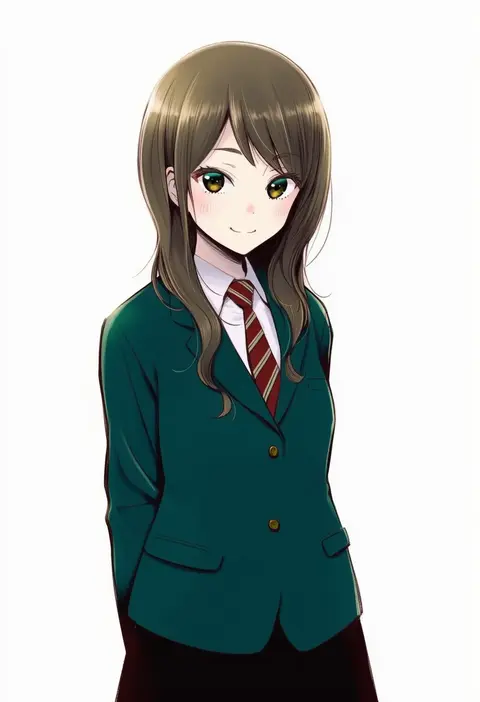
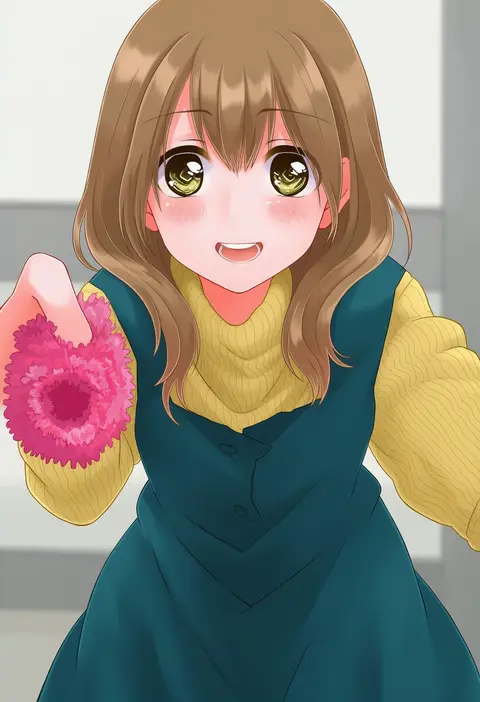
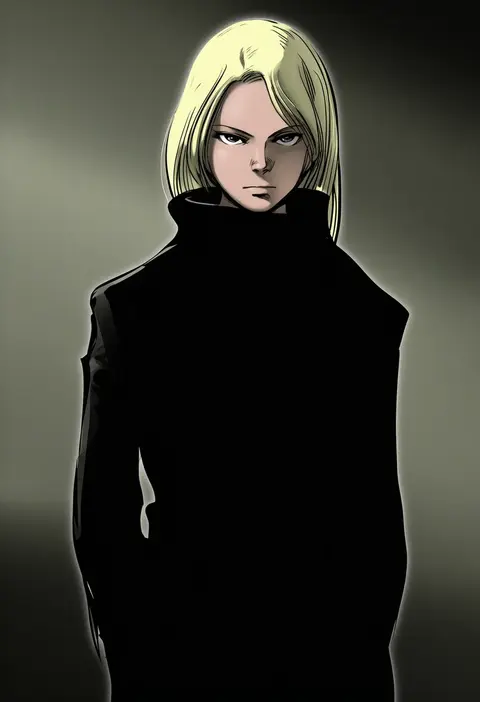
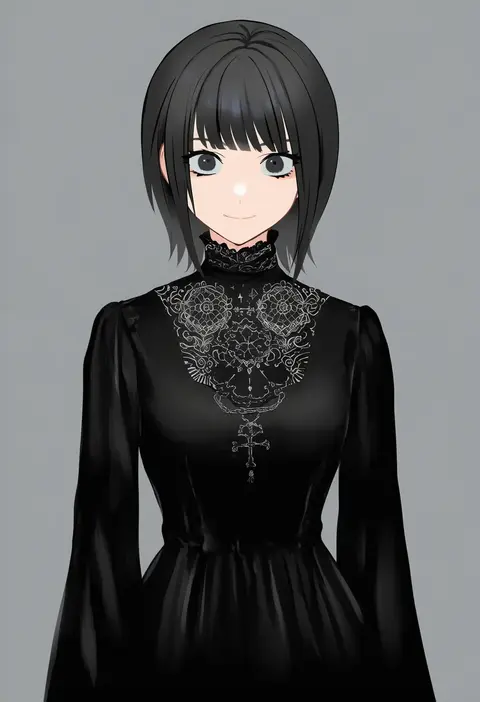
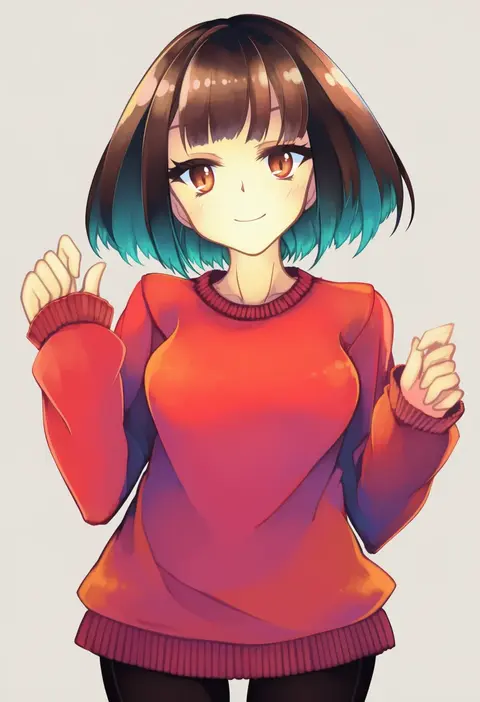
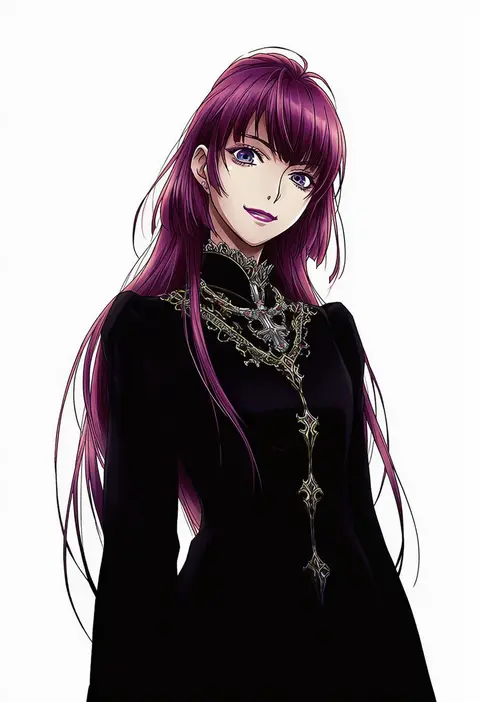
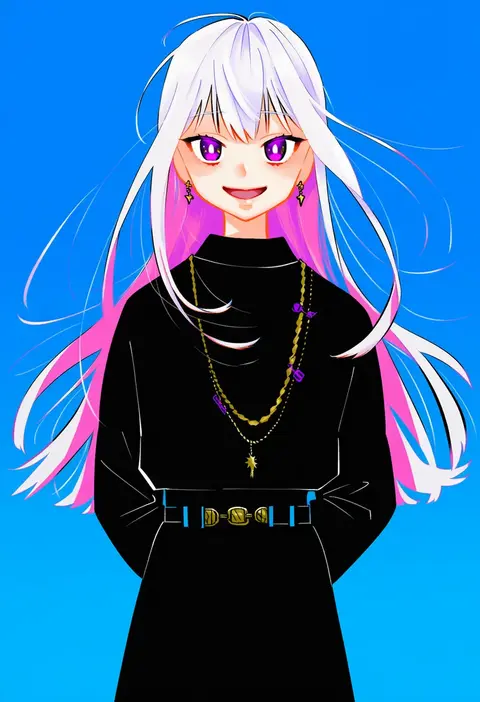
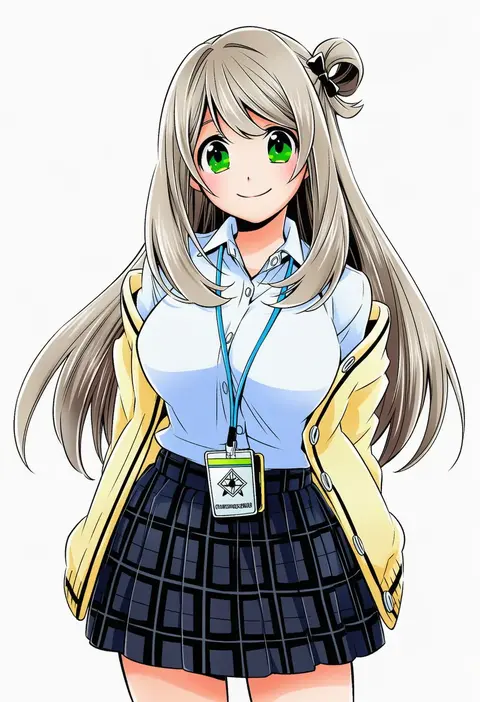
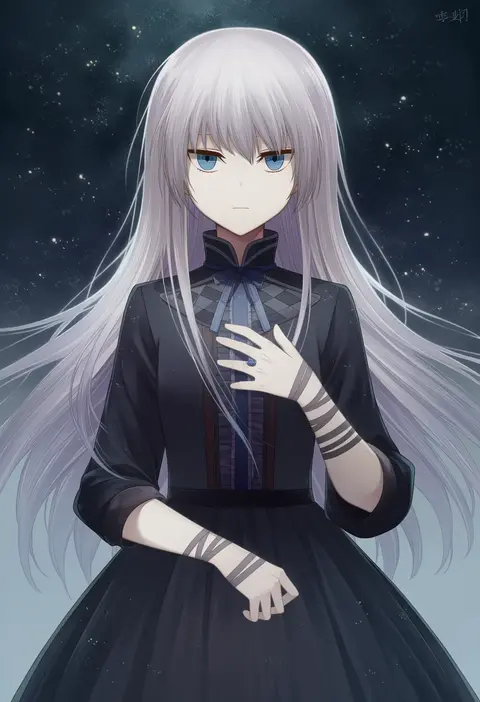
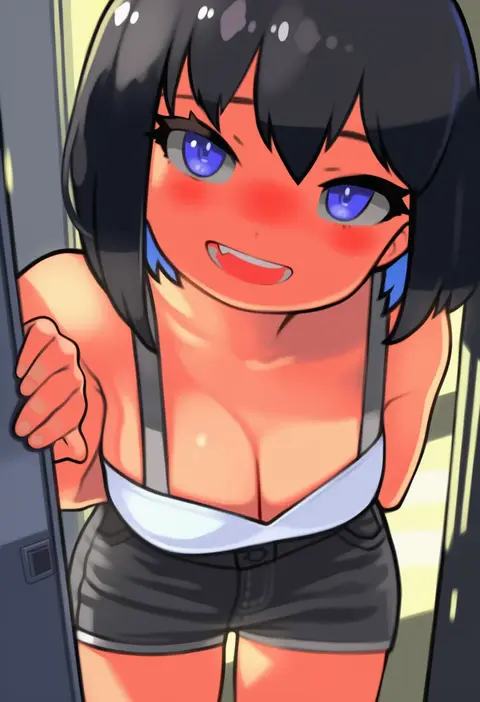
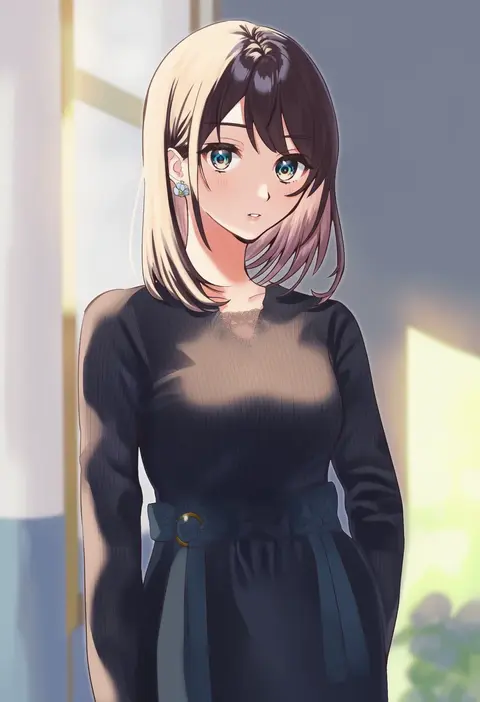
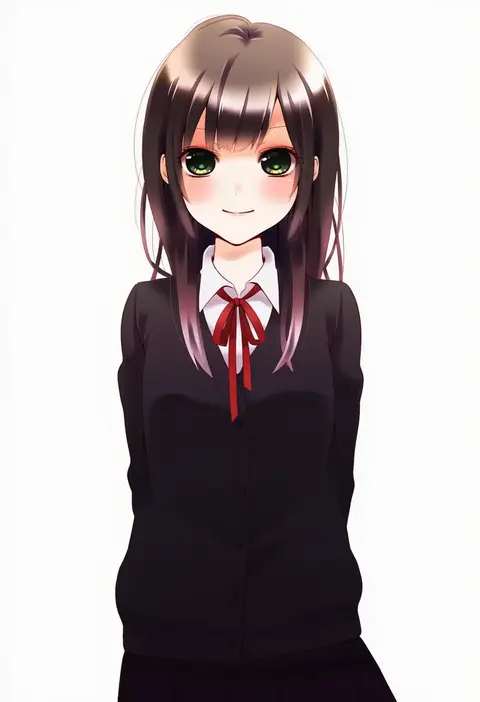
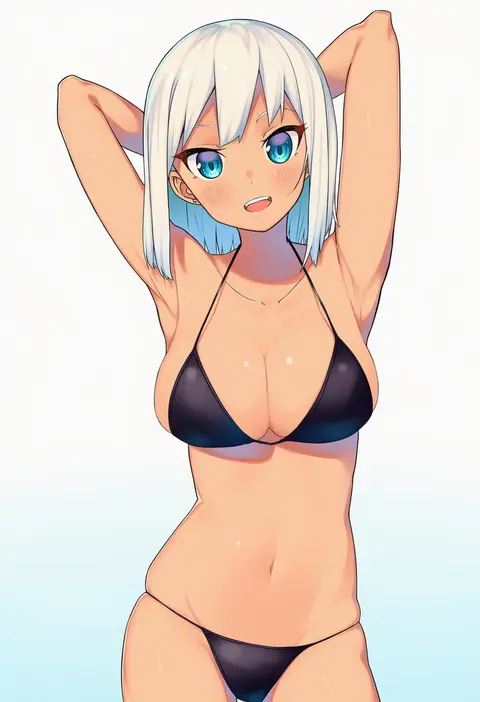
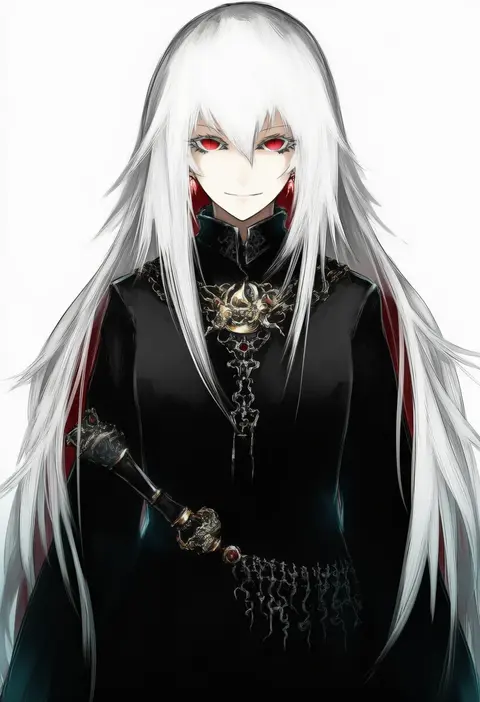
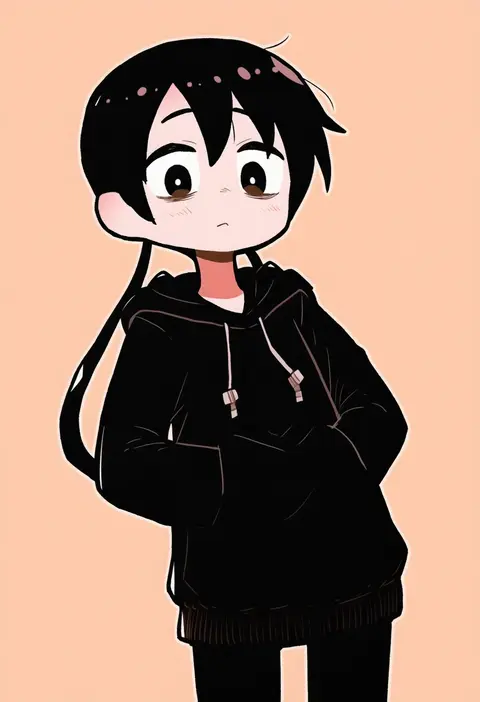
Artist tags tell NovelAI Diffusion to draw in a specific artist's style: line weight, paint texture, face shapes and palette all shift at once. Character and outfit tags decide what is drawn; artist tags decide how. 16,352 tags are listed for V4.5.
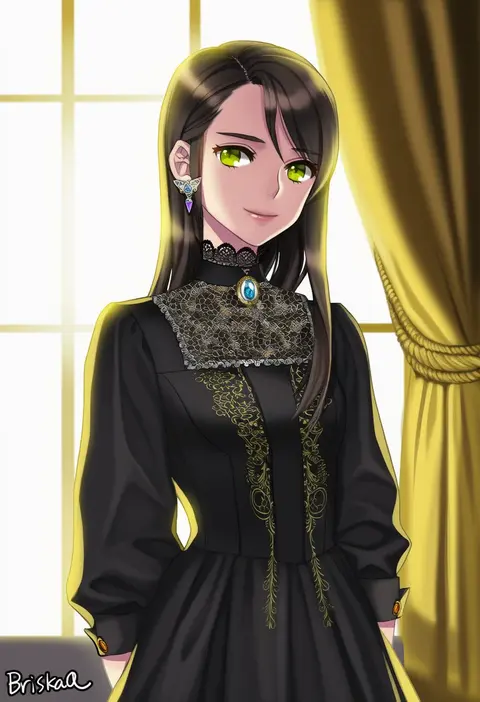
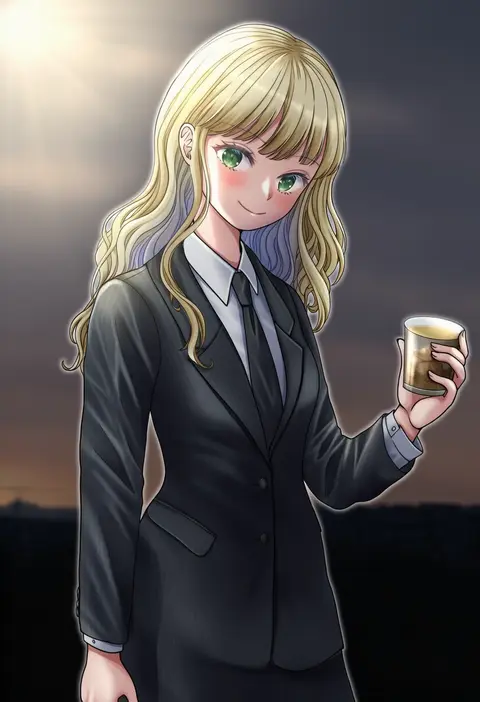
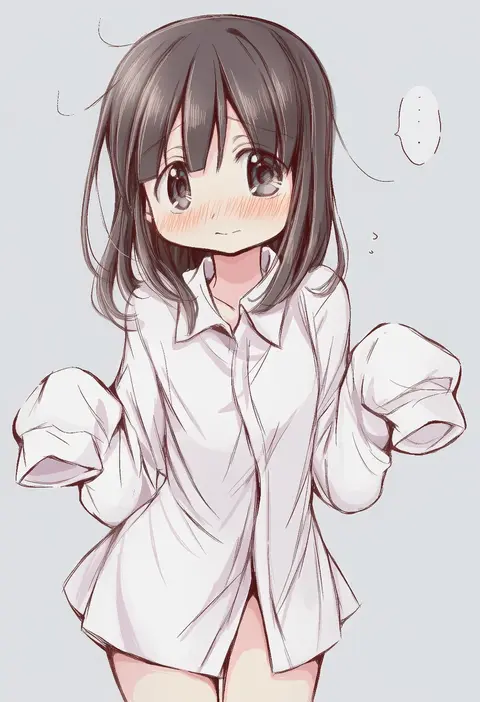
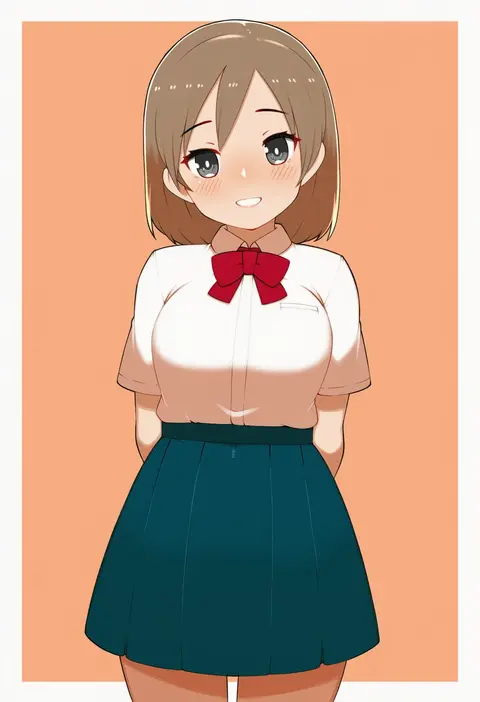
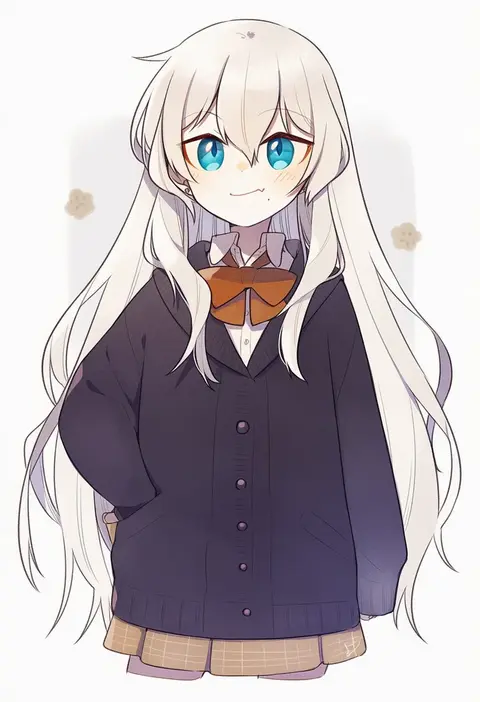
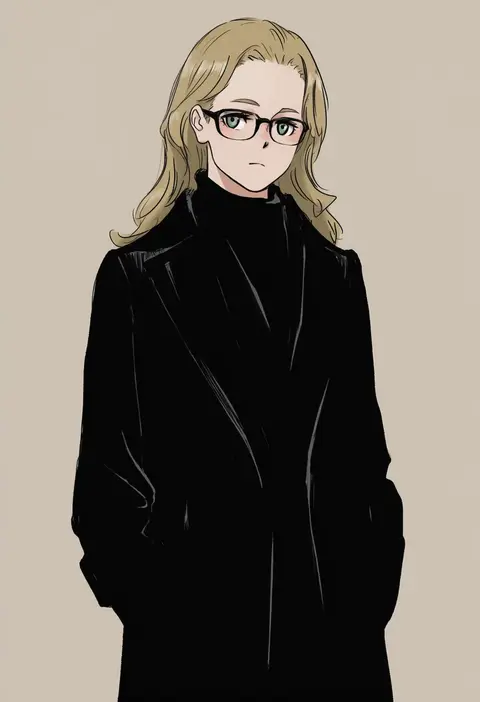
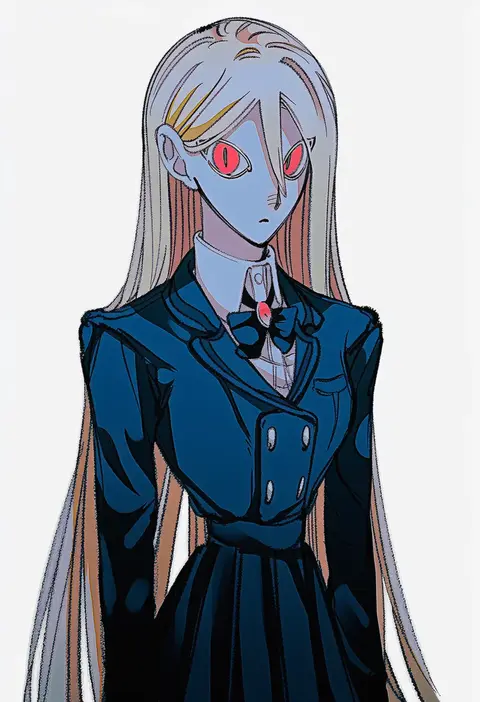
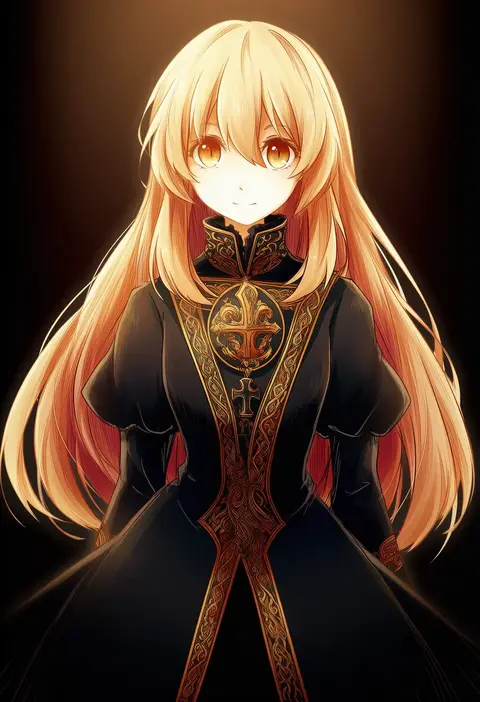
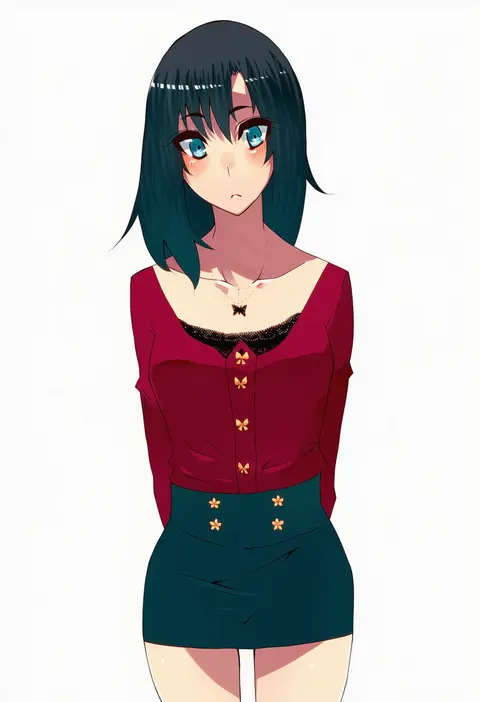
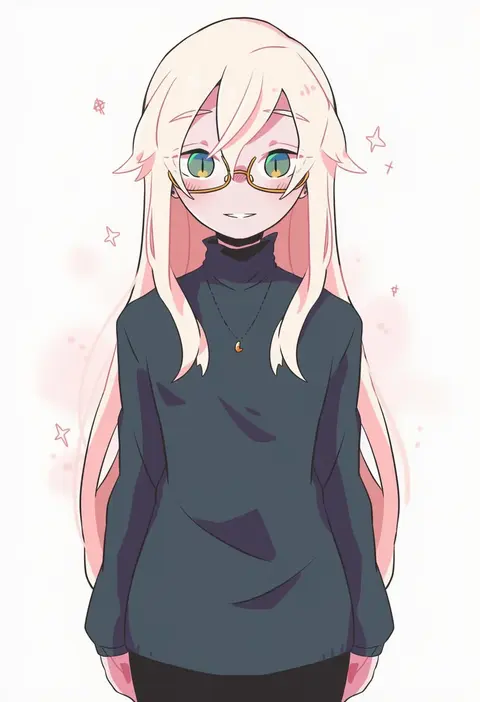
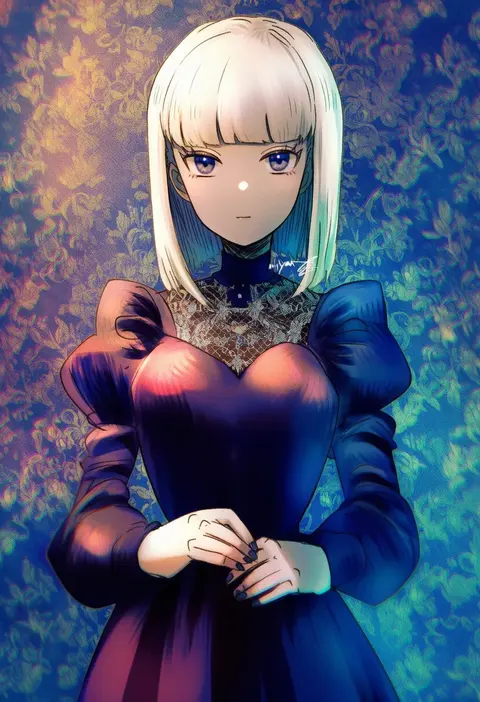
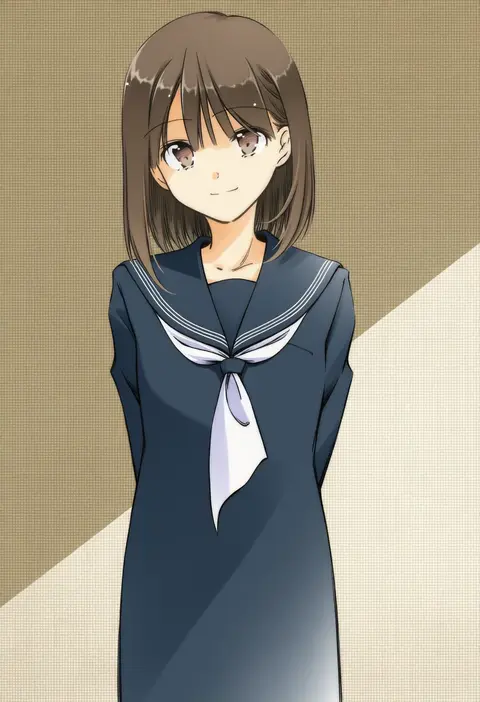
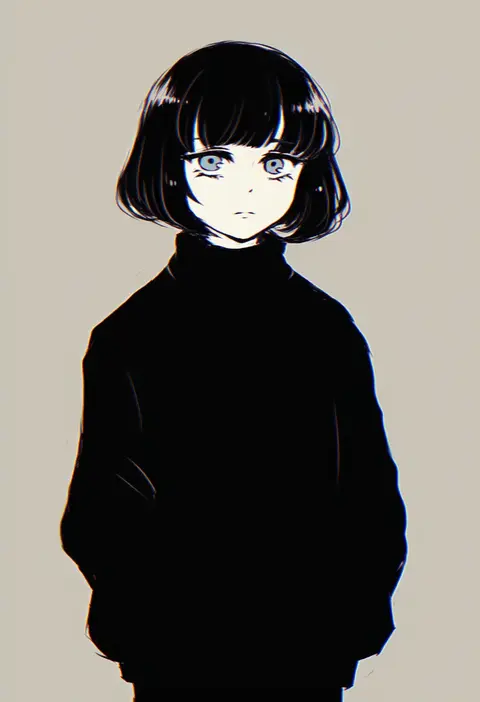
Every tag listed here is verified to react in NovelAI. All images use the same prompt, seed and settings with only the artist tag swapped, so the difference between two images is the style that tag brings in.

How to use them

Put the artist tag near the front of the prompt, e.g. "<artist>, 1girl, solo, best quality, masterpiece, cowboy shot". Two or three artist tags blend styles; lower the weight with "0.8::<artist>::" when the style overpowers the character.

SCORE sorts by Danbooru's top score, POSTS by post count, FAVS by hearts on this site. Open a card to see V5 and V4.5 side by side on the same seed.

V5 vs V4.5

V5 usually lands closer to the artist's real style, and tags that did nothing on V4.5 often react on V5. V4.5 still fits older and doujin-heavy artists better. Try V5 first, fall back to V4.5.

FAQ

Where does the artist tag go?
Near the front of the prompt. Use "0.8::tag::" to adjust its weight.

Can I stack artist tags?
Yes, styles blend. Past two or three the result stops looking like anyone.

Are these the artists' own works?
No. Every image is a NovelAI sample generated from the tag.