V4.5Artists
sort: FAVS▾
▾
>
$

NovelAI Artist Tags List — V4.5

artist --count 16,352[245/273]
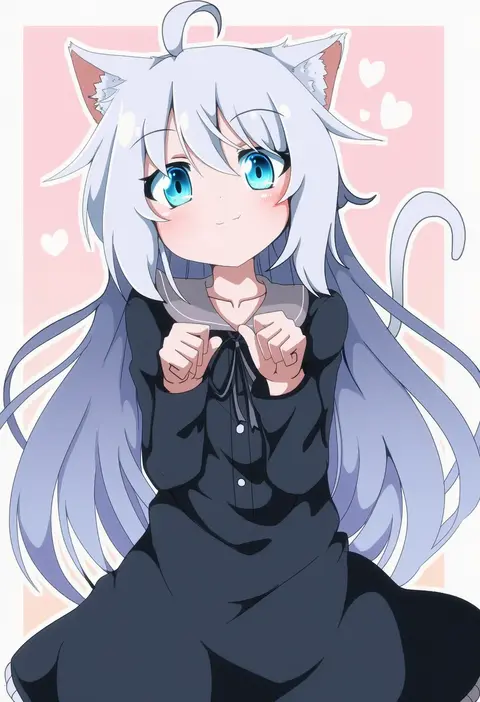
do (4-rt)
ARTIST0x3930
0
izumi (stardustalone)
ARTIST0x3931
0
madara inosuke
ARTIST0x3932
0
akakokko (niro azarashi)
ARTIST0x3933
0
akichin (atelier baguri)
ARTIST0x3934
0
any (lucky denver mint)
ARTIST0x3935
0
myon (tokipi)
ARTIST0x3936
0
hrd
ARTIST0x3937
0
red star (toranecomet)
ARTIST0x3938
0
sato-pon
ARTIST0x3939
0
shipu (gassyumaron)
ARTIST0x393A
0
neumo
ARTIST0x393B
0
matasabu
ARTIST0x393C
0
tsukko (3ki2ne10)
ARTIST0x393D
0
mizuno mumomo
ARTIST0x393E
0
tamura hiro
ARTIST0x393F
0
hinoe (right-hnxx03)
ARTIST0x3940
0
ranko no ane
ARTIST0x3941
0
yamai (lsd)
ARTIST0x3942
0
lunarisaileron
ARTIST0x3943
0
mikan tabetai
ARTIST0x3944
0
tdk
ARTIST0x3945
0
nishimura (shinchinagachi)
ARTIST0x3946
0
mi no take
ARTIST0x3947
0
kikivi
ARTIST0x3948
0
hi-go!
ARTIST0x3949
0
7 calpis 7
ARTIST0x394A
0
masayoshi togashi (alu379)
ARTIST0x394B
0
moreshan
ARTIST0x394C
0
sumeragi tomo
ARTIST0x394D
0
kirino souya
ARTIST0x394E
0
rii abrego
ARTIST0x394F
0
sukiyo
ARTIST0x3950
0
koutetu yarou
ARTIST0x3951
0
arablue
ARTIST0x3952
0
aya carmine
ARTIST0x3953
0
tyouya
ARTIST0x3954
0
scorpion5050
ARTIST0x3955
0
iro (mywife sunny)
ARTIST0x3956
0
iyakun
ARTIST0x3957
0
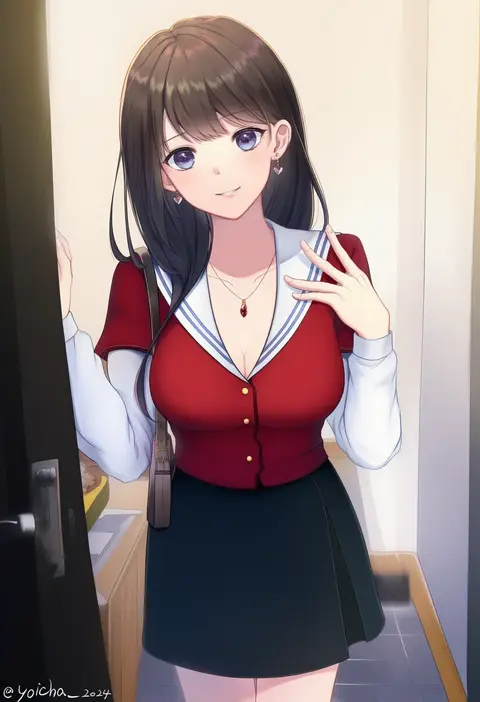
yoicha
ARTIST0x3958
0
servachok
ARTIST0x3959
0
inaka keikou
ARTIST0x395A
0
tabun (osoracu)
ARTIST0x395B
0
sao (0060)
ARTIST0x395C
0
horiizumi inko
ARTIST0x395D
0
kuuron (moesann17)
ARTIST0x395E
0
maggi
ARTIST0x395F
0
nazo (mystery)
ARTIST0x3960
0
hosaka dx
ARTIST0x3961
0
mikami (mkm0v0)
ARTIST0x3962
0
murabito
ARTIST0x3963
0
touma rui
ARTIST0x3964
0
rin (fuwarin)
ARTIST0x3965
0
riuichi
ARTIST0x3966
0
mini mamu
ARTIST0x3967
0
nyaou
ARTIST0x3968
0
ren (endscape20)
ARTIST0x3969
0
minase kaya
ARTIST0x396A
0
metadio
ARTIST0x396B
0

What these tags change

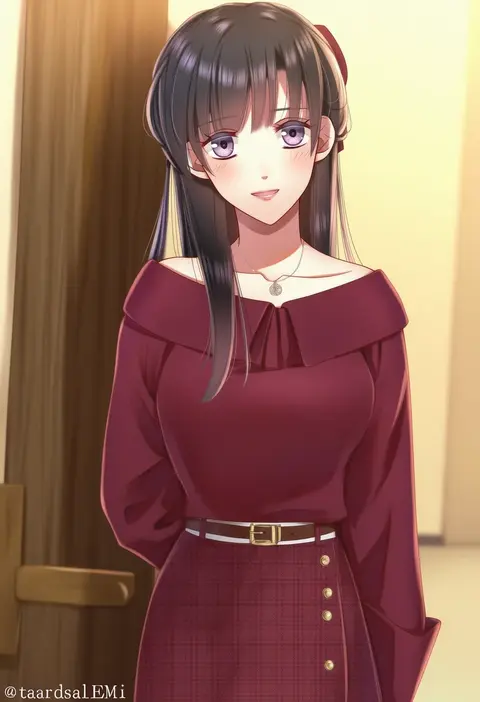
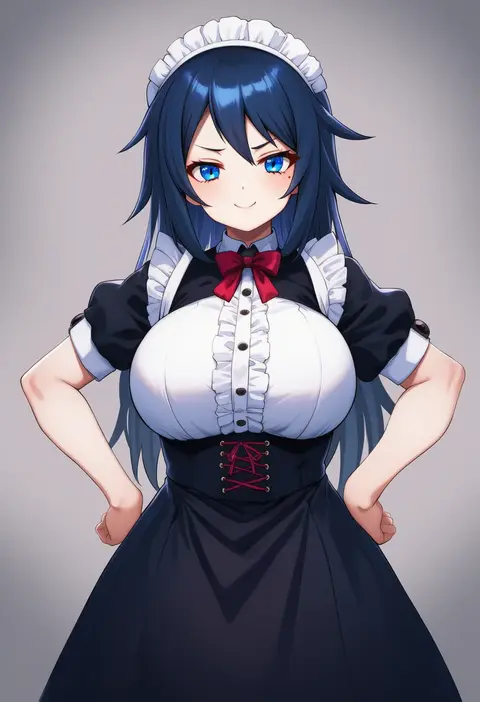
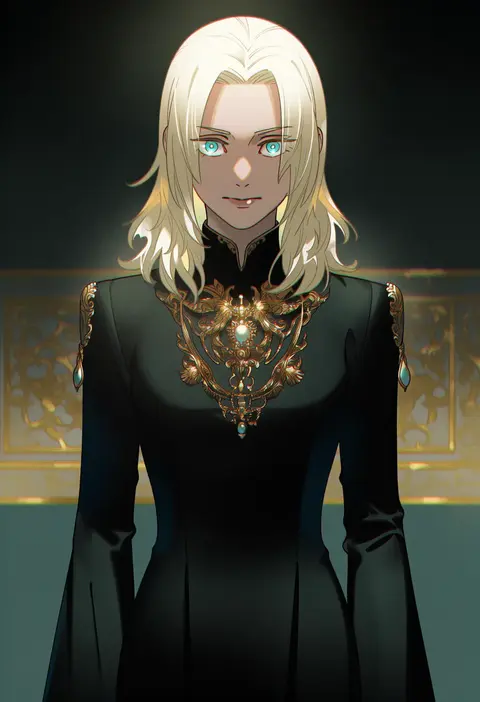
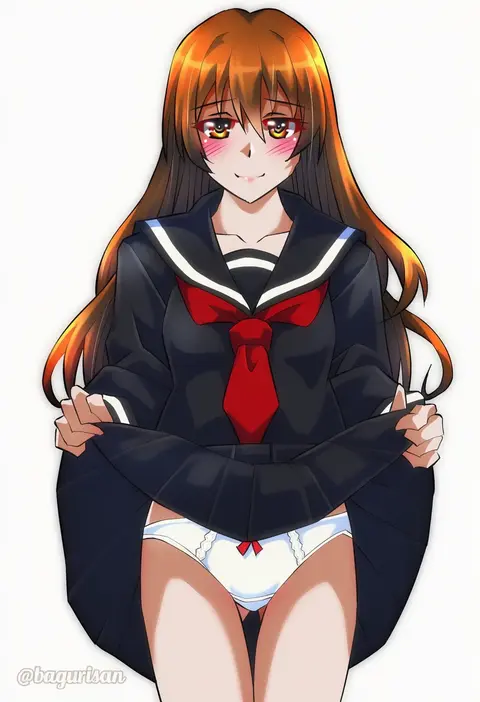
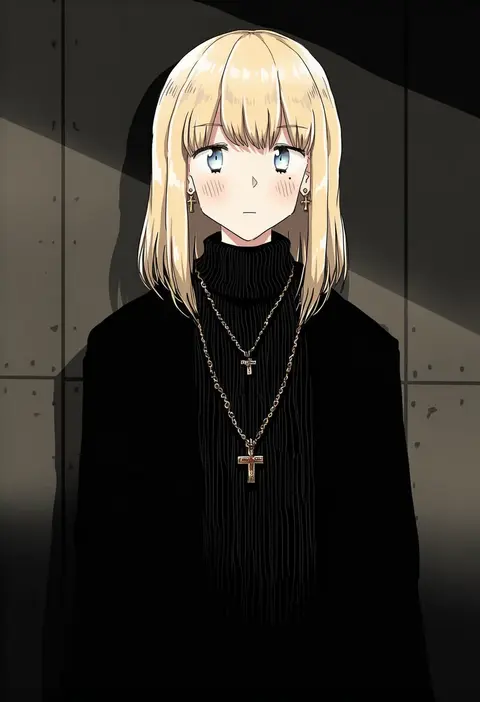
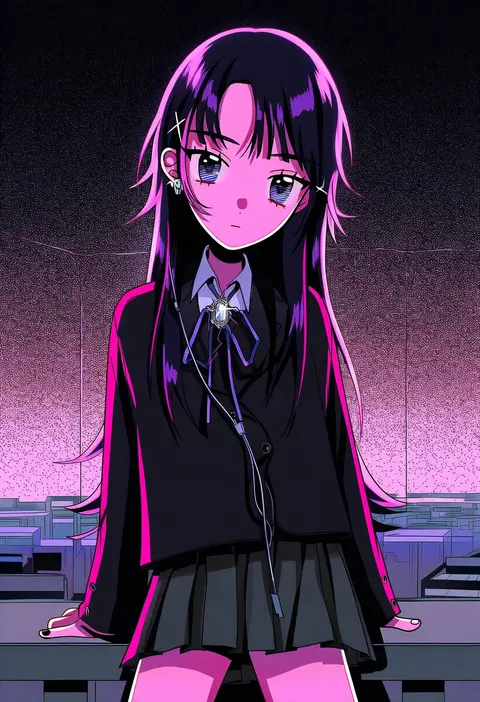
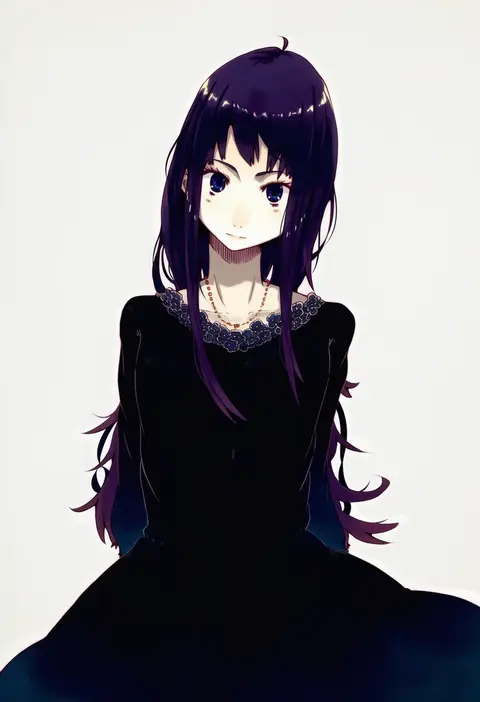
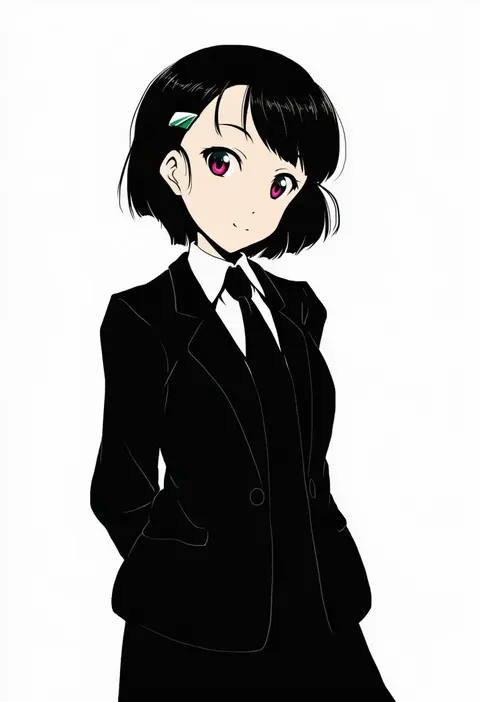
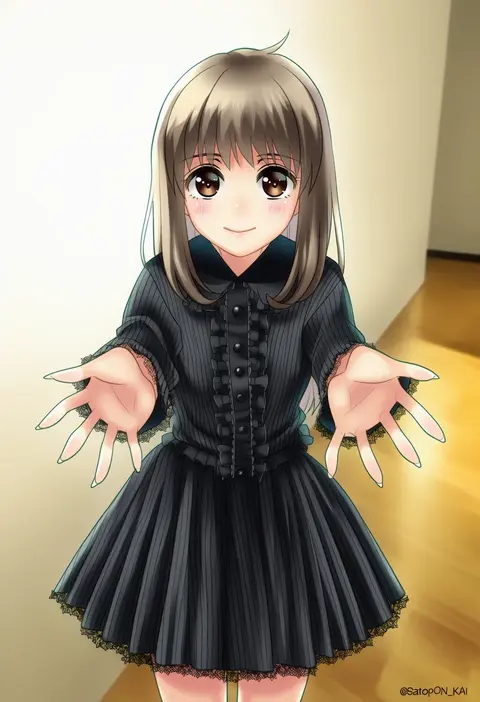
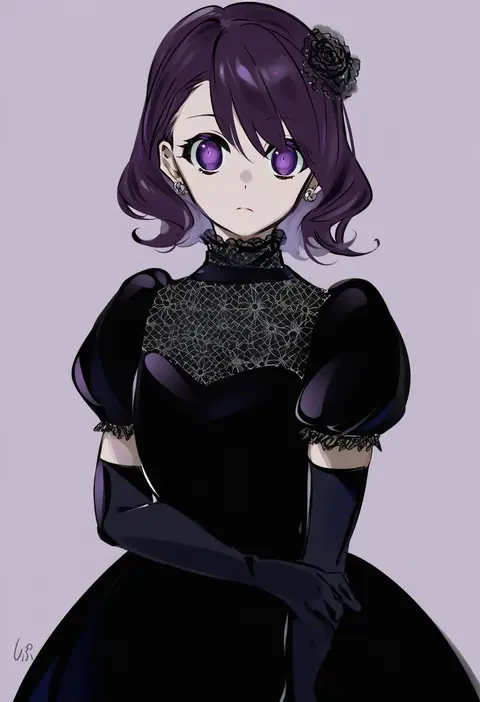
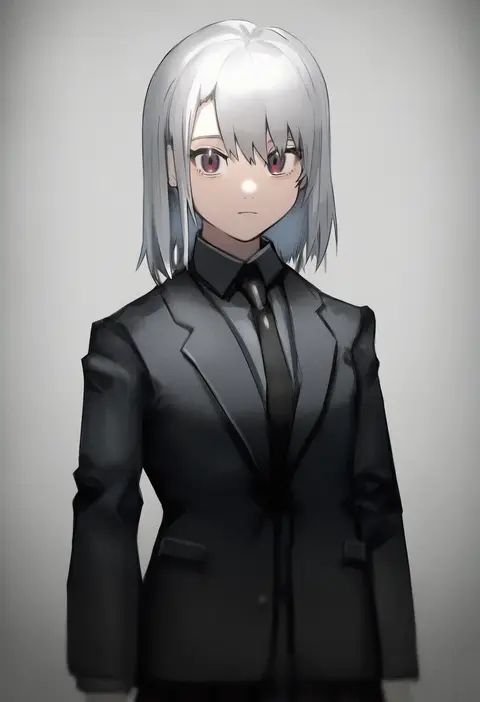
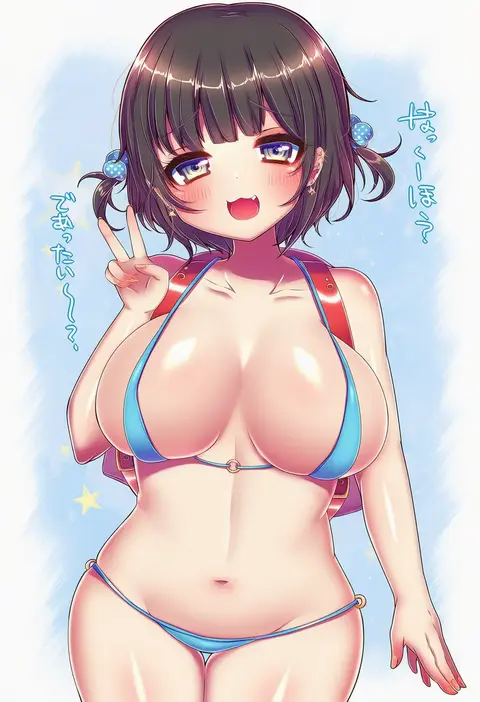
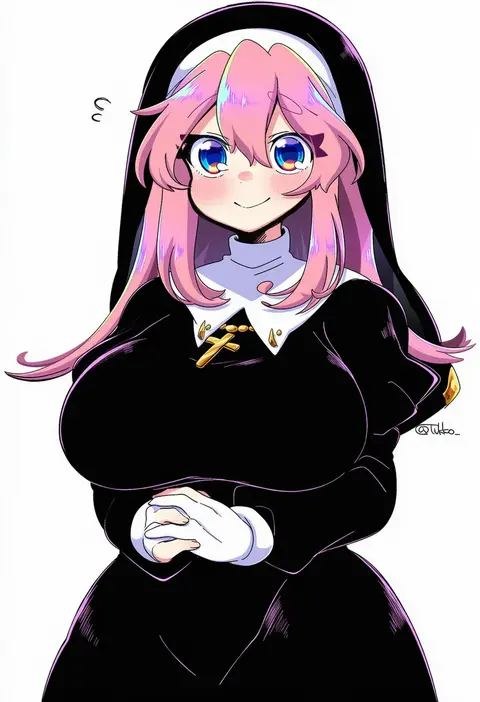
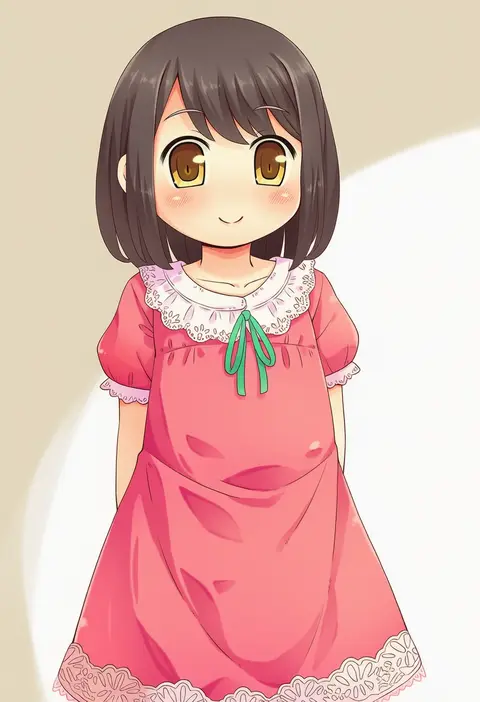
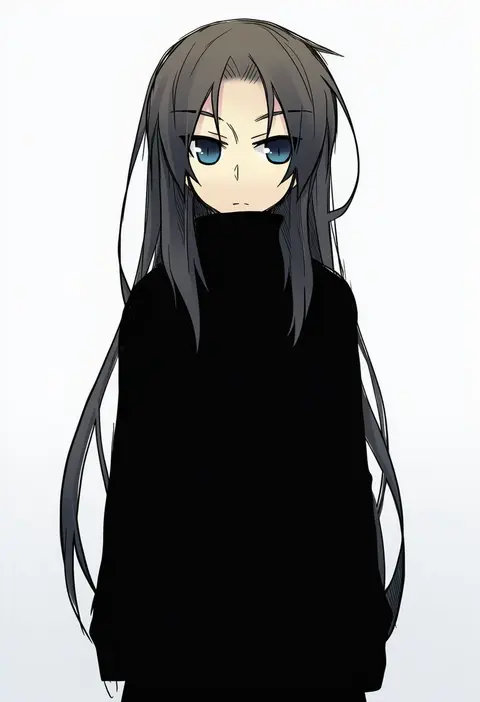
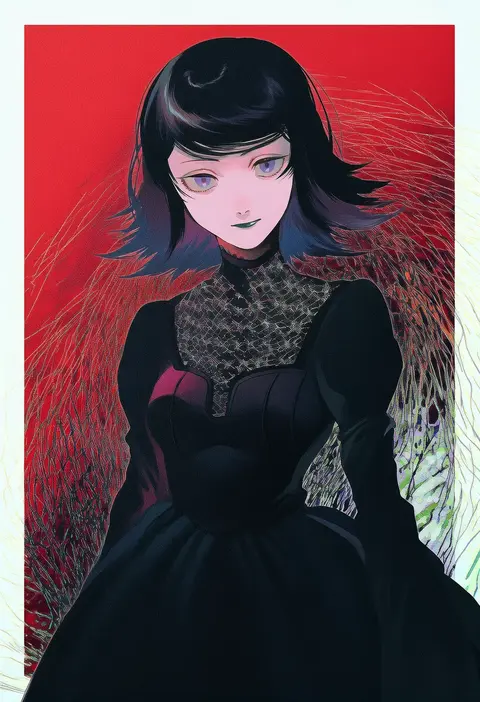
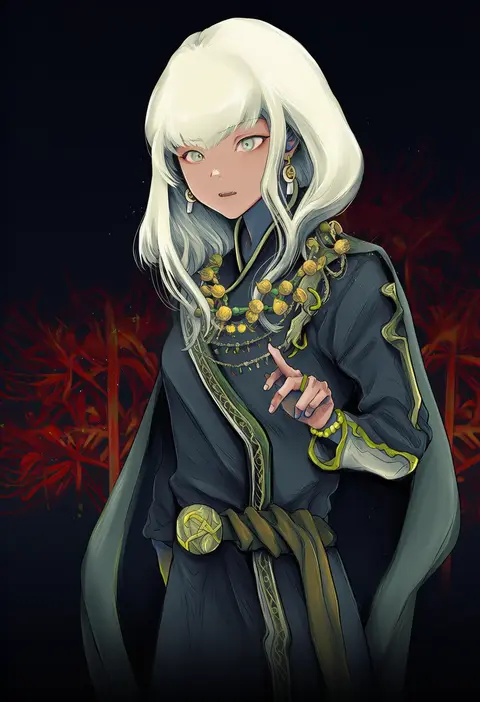
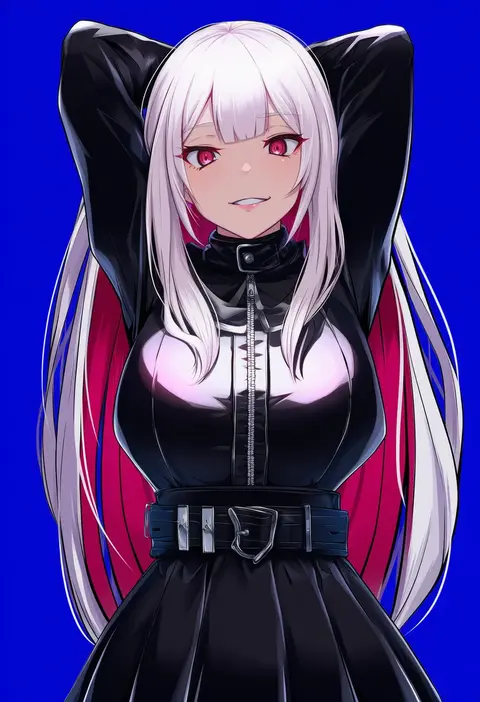
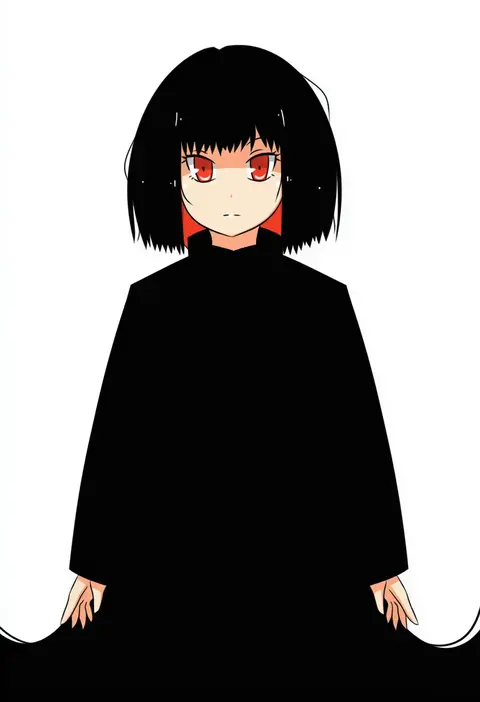
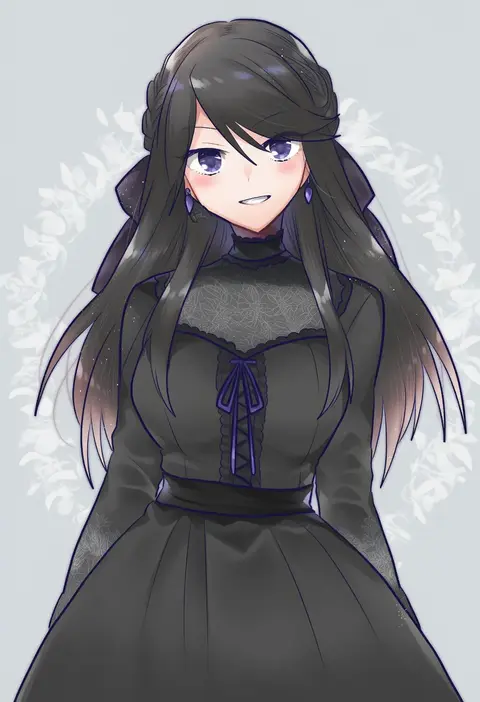
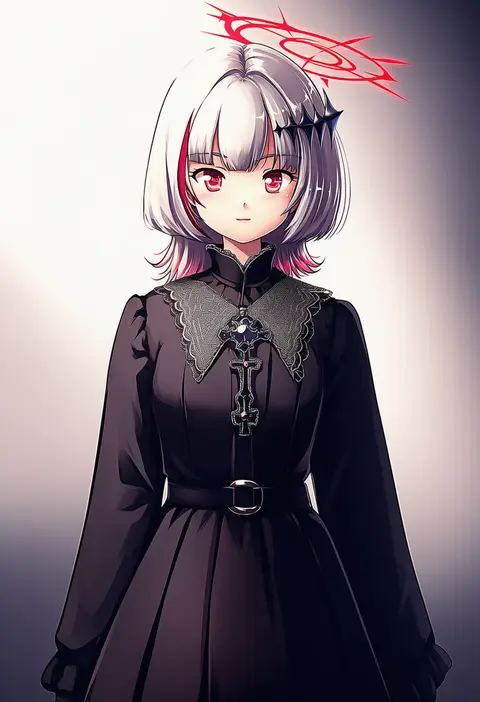
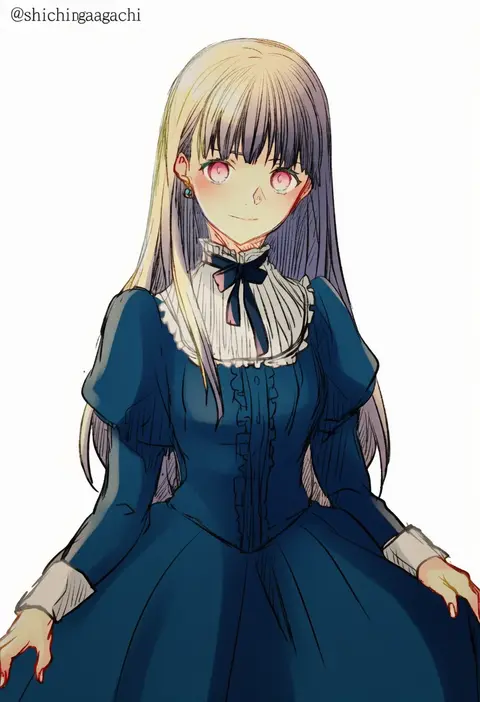
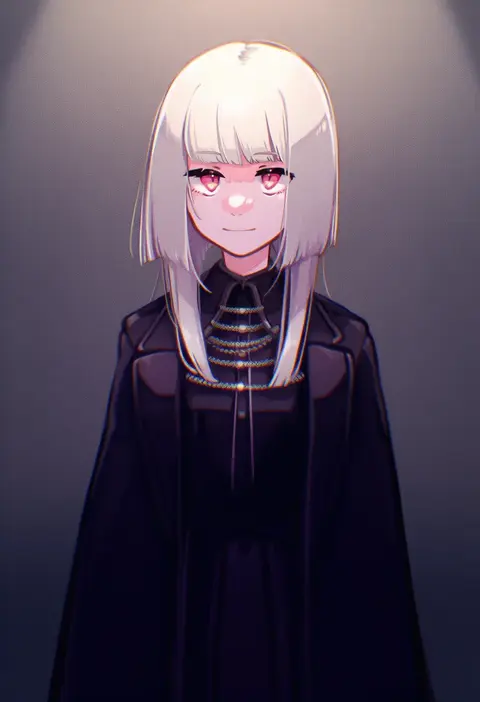
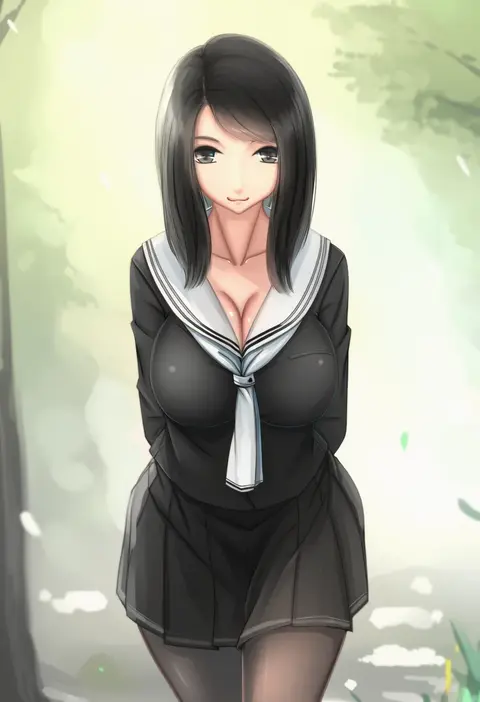
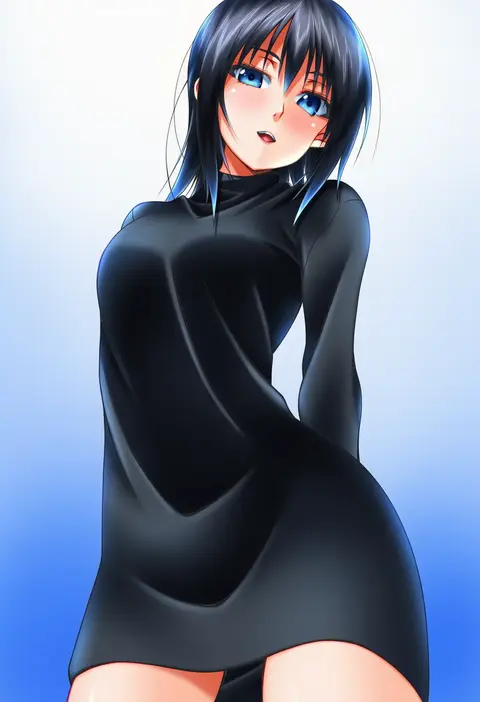
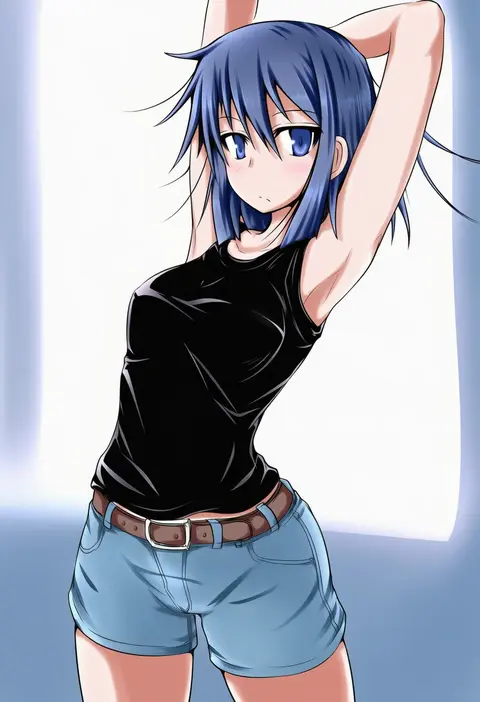
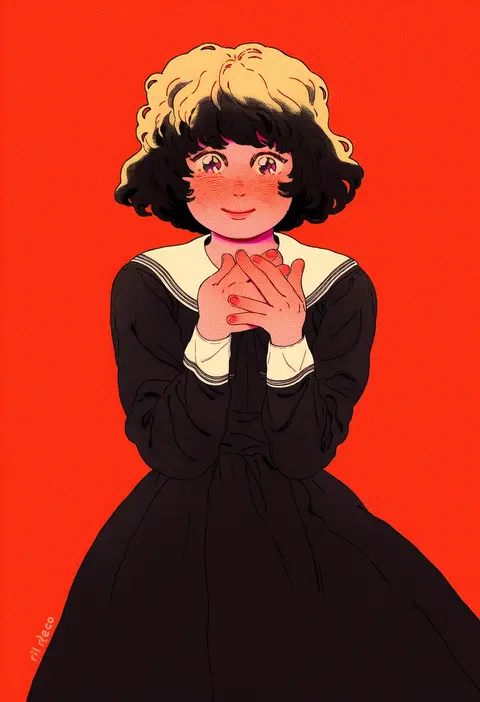
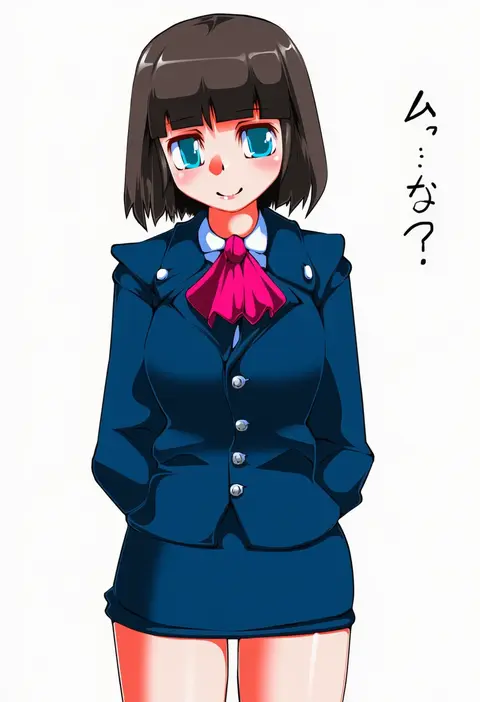
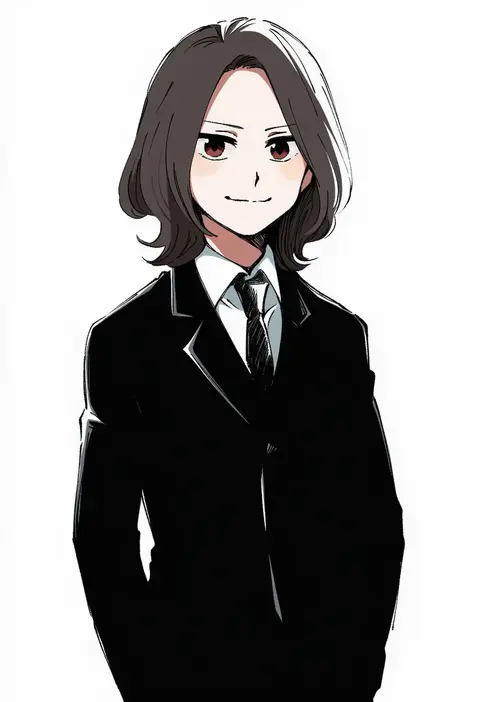
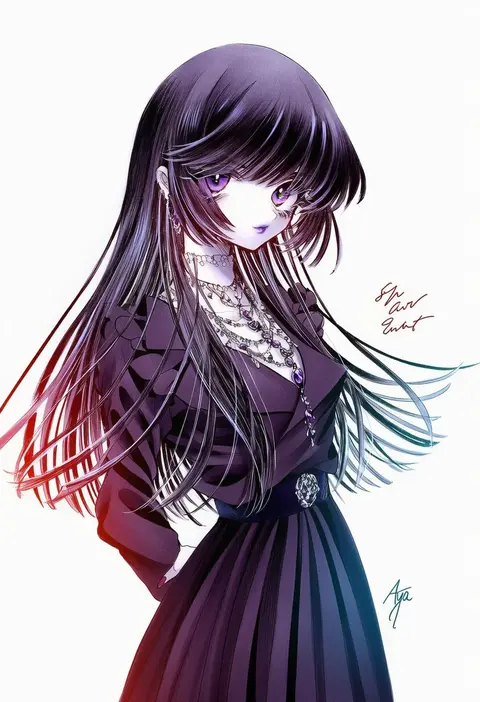
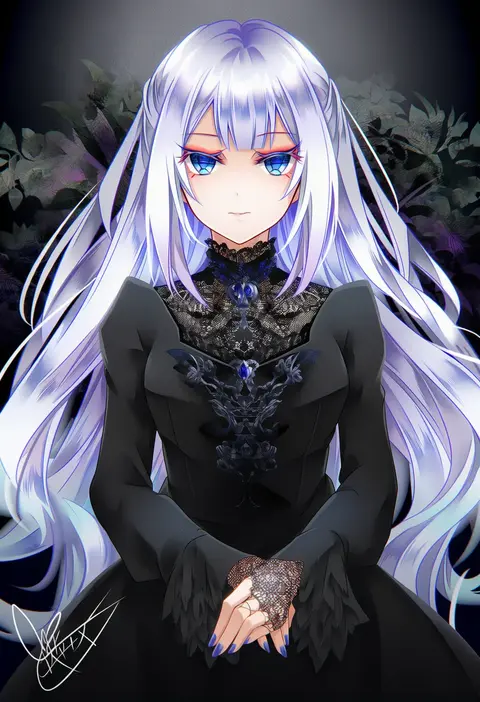
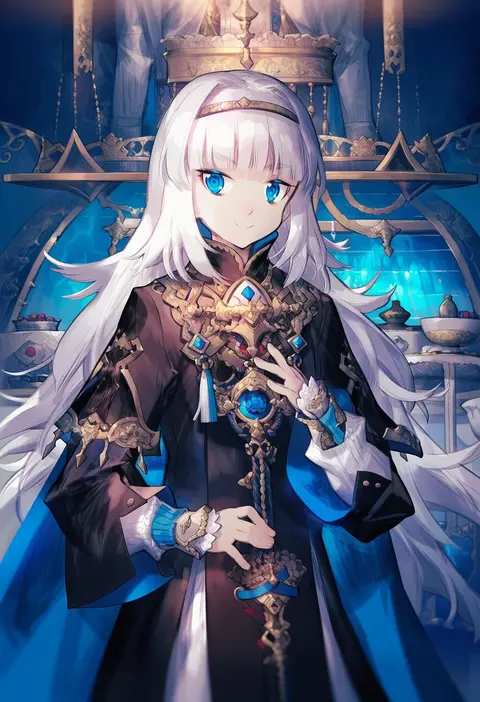
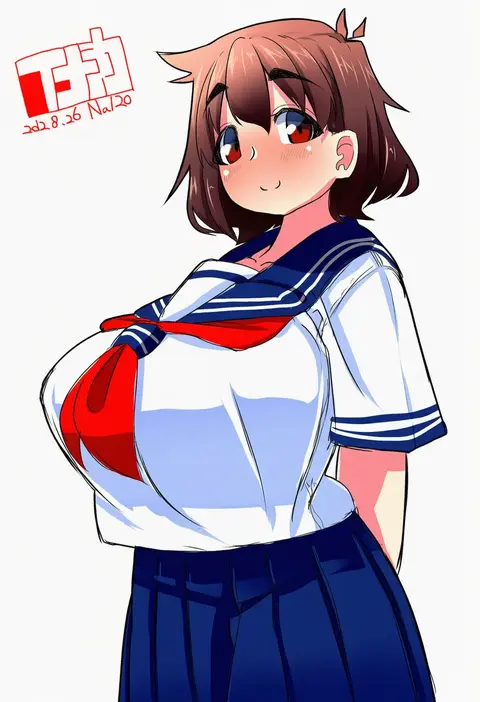
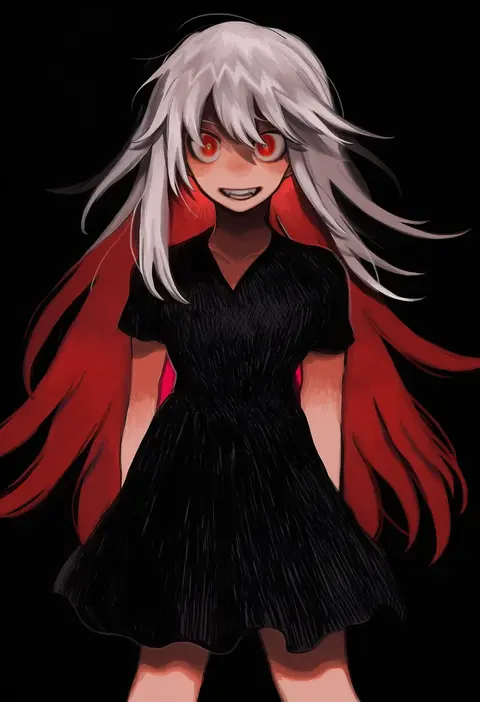
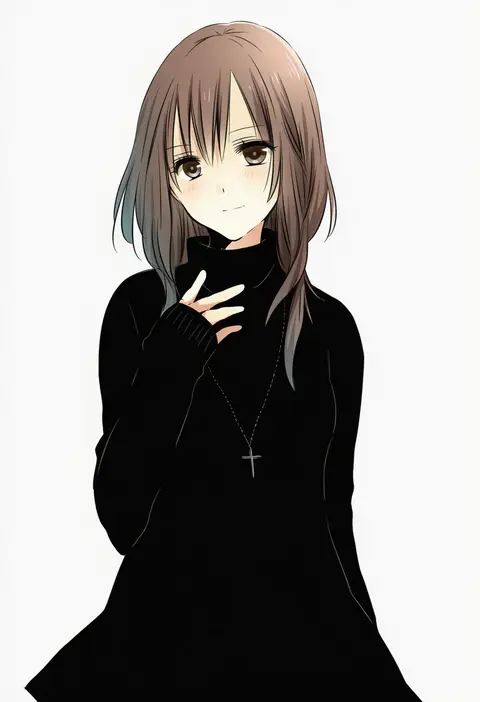
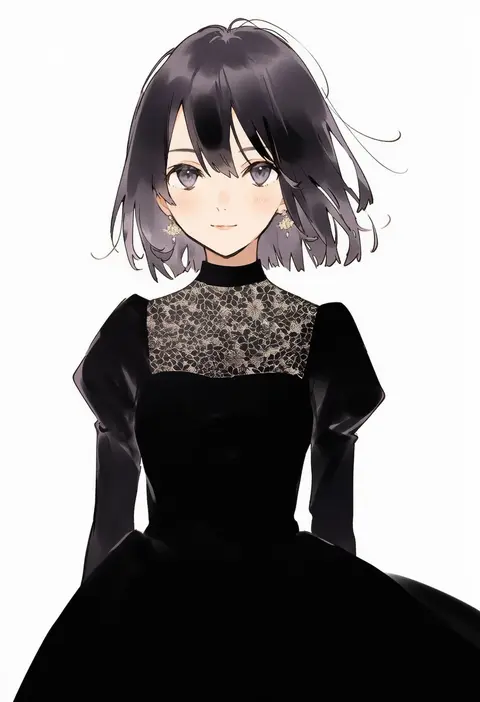
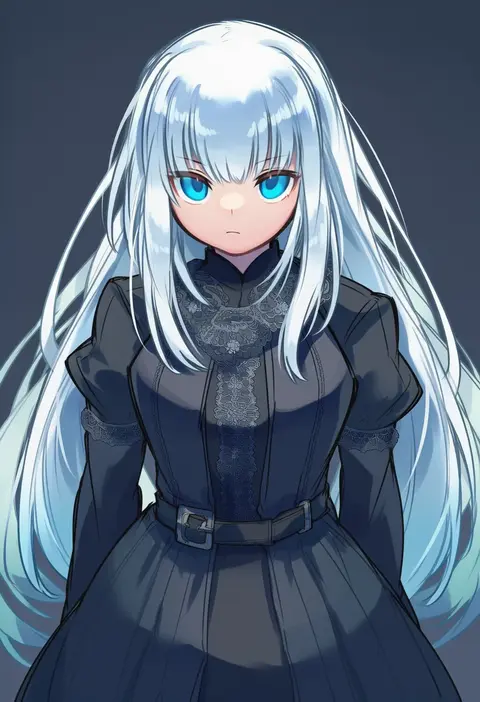
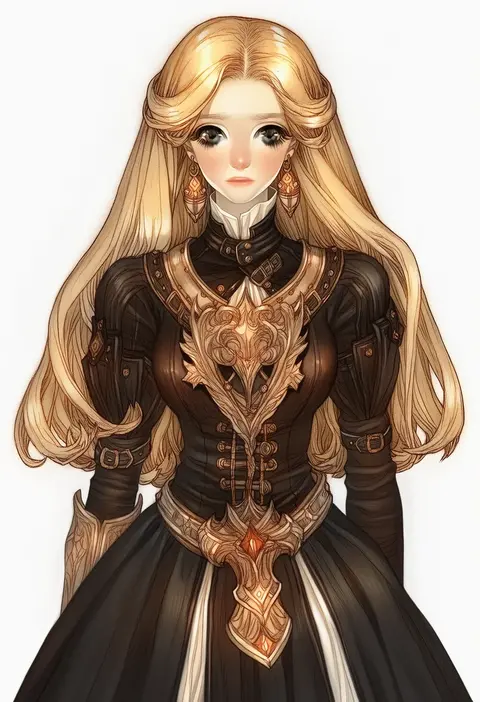
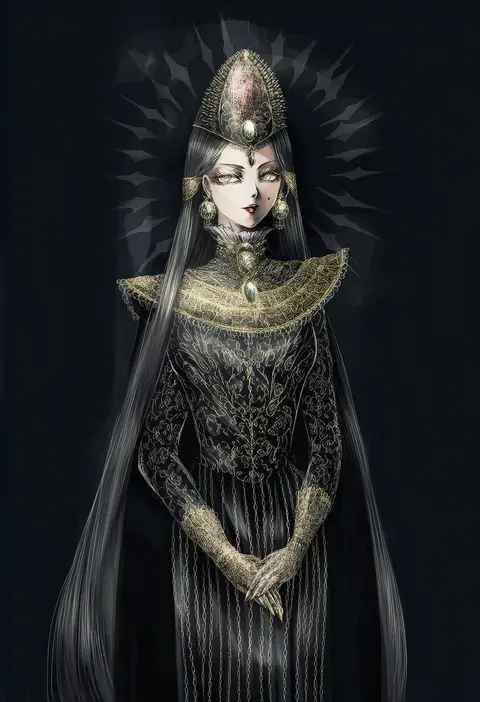
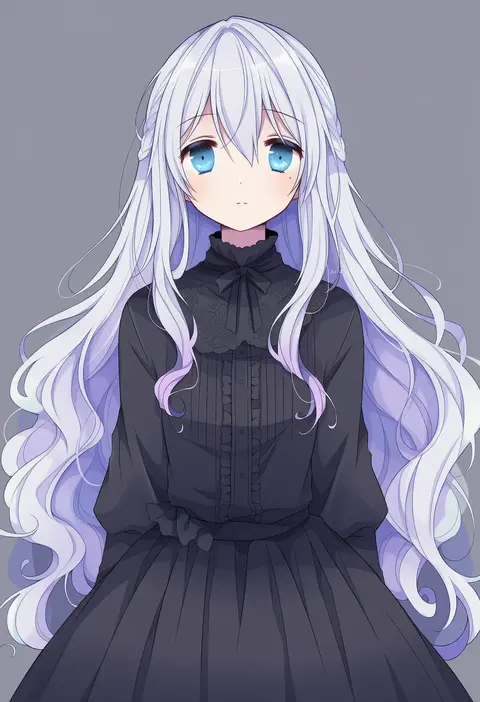
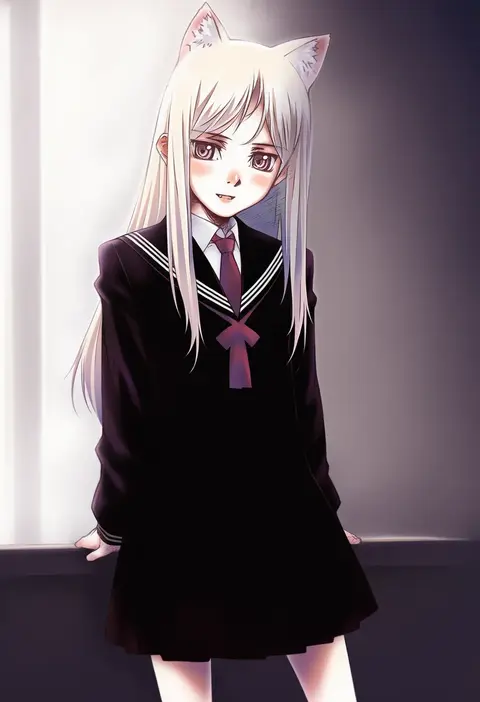
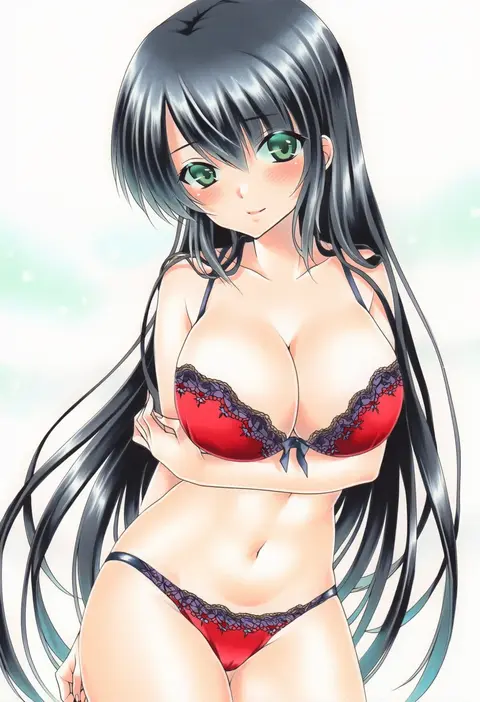
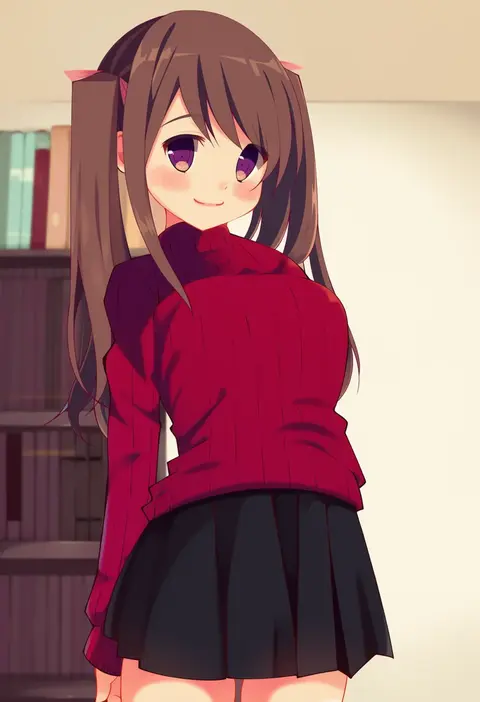
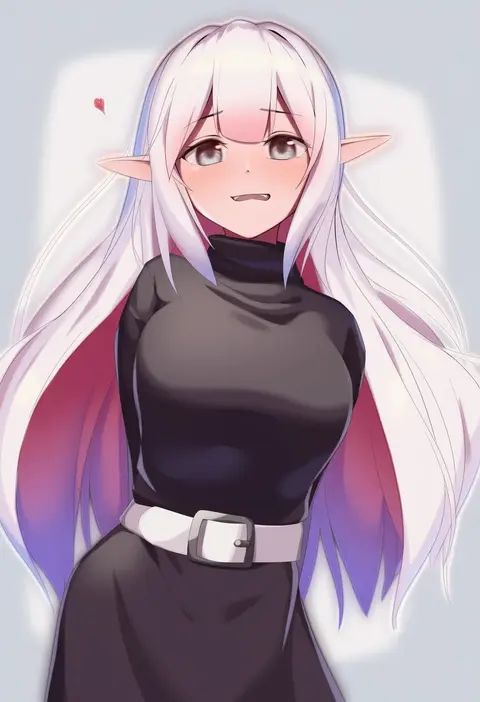
Artist tags tell NovelAI Diffusion to draw in a specific artist's style: line weight, paint texture, face shapes and palette all shift at once. Character and outfit tags decide what is drawn; artist tags decide how. 16,352 tags are listed for V4.5.
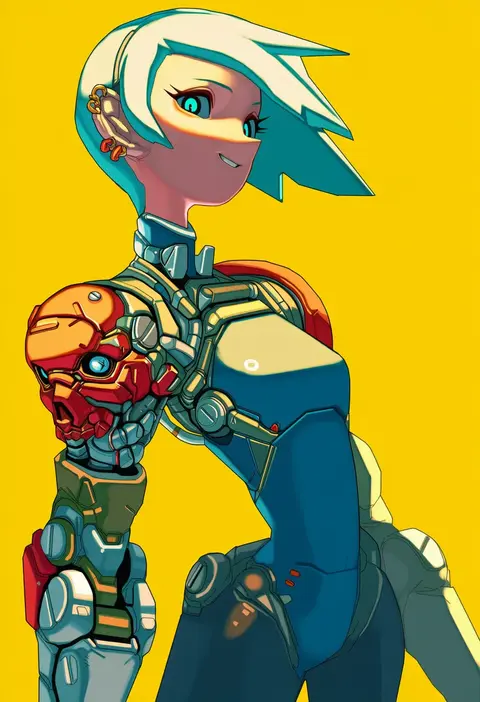
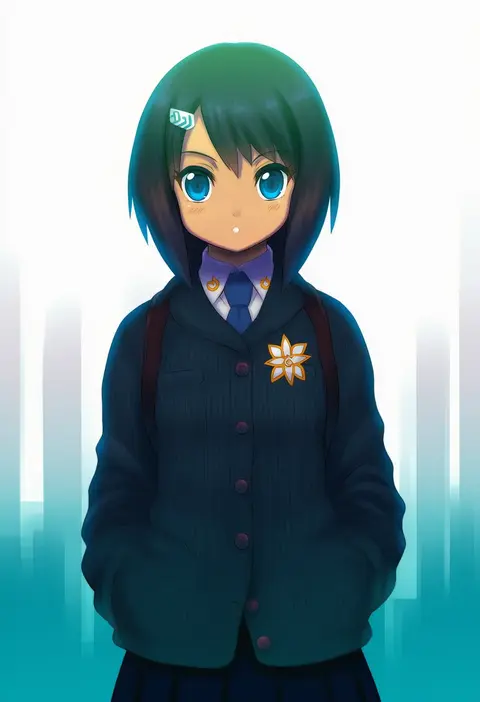
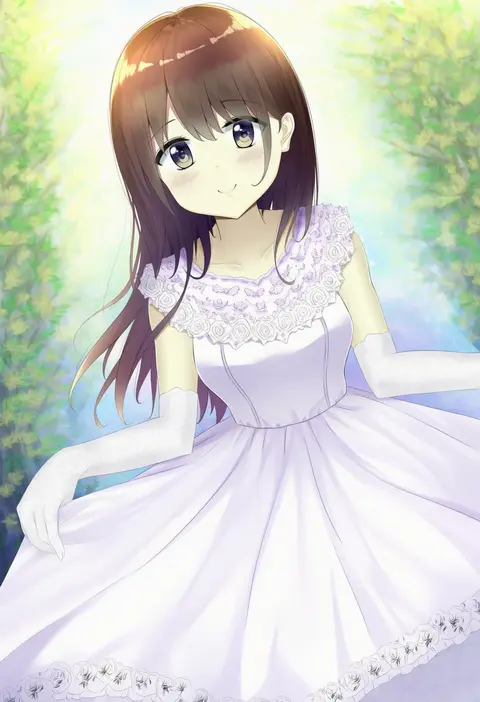
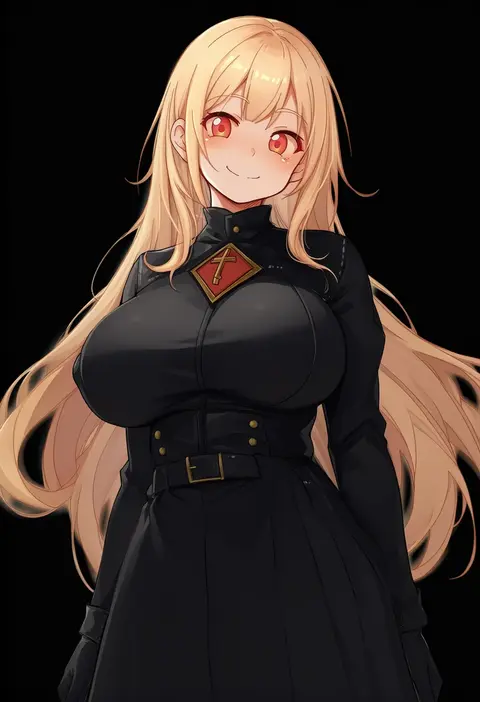
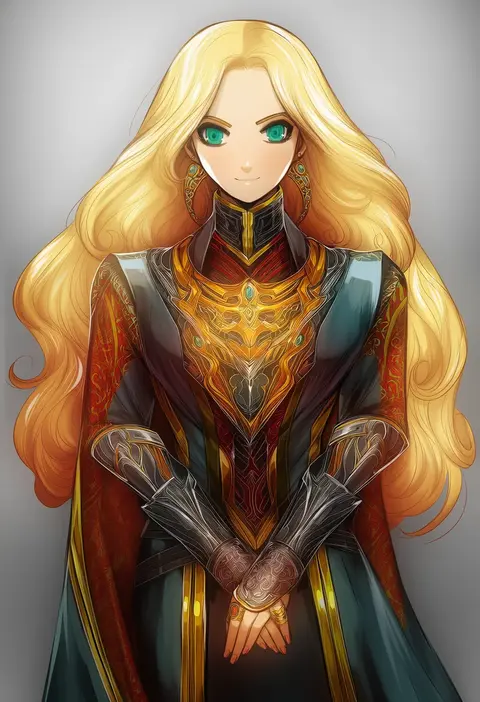
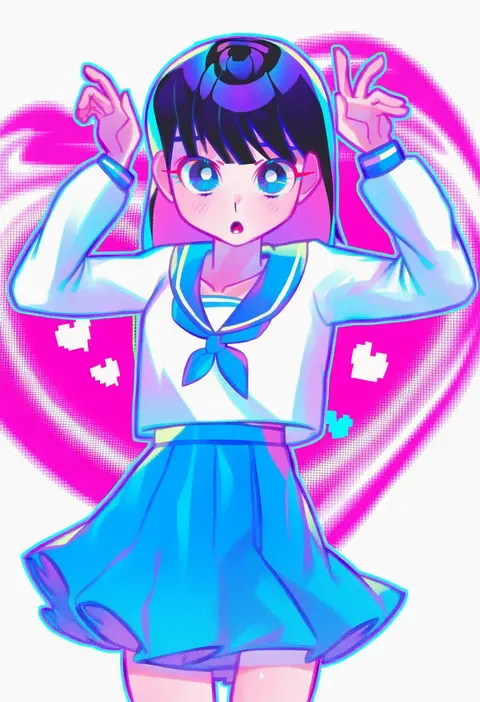
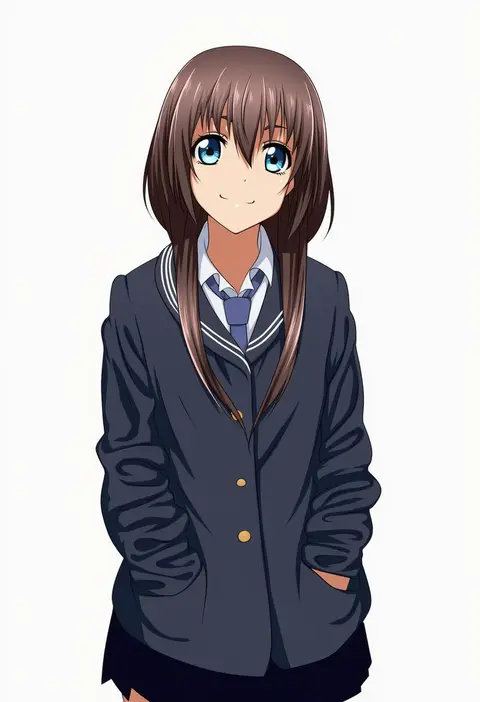
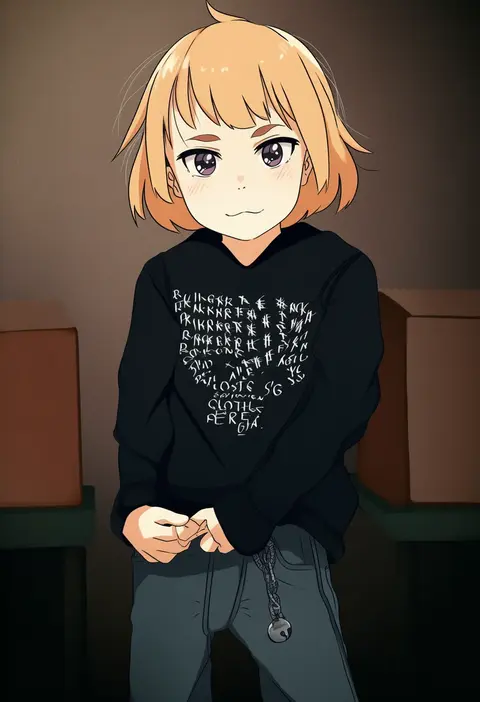
Every tag listed here is verified to react in NovelAI. All images use the same prompt, seed and settings with only the artist tag swapped, so the difference between two images is the style that tag brings in.

How to use them

Put the artist tag near the front of the prompt, e.g. "<artist>, 1girl, solo, best quality, masterpiece, cowboy shot". Two or three artist tags blend styles; lower the weight with "0.8::<artist>::" when the style overpowers the character.

SCORE sorts by Danbooru's top score, POSTS by post count, FAVS by hearts on this site. Open a card to see V5 and V4.5 side by side on the same seed.

V5 vs V4.5

V5 usually lands closer to the artist's real style, and tags that did nothing on V4.5 often react on V5. V4.5 still fits older and doujin-heavy artists better. Try V5 first, fall back to V4.5.

FAQ

Where does the artist tag go?
Near the front of the prompt. Use "0.8::tag::" to adjust its weight.

Can I stack artist tags?
Yes, styles blend. Past two or three the result stops looking like anyone.

Are these the artists' own works?
No. Every image is a NovelAI sample generated from the tag.