V4.5Artists
sort: FAVS▾
▾
>
$

NovelAI Artist Tags List — V4.5

artist --count 16,352[248/273]
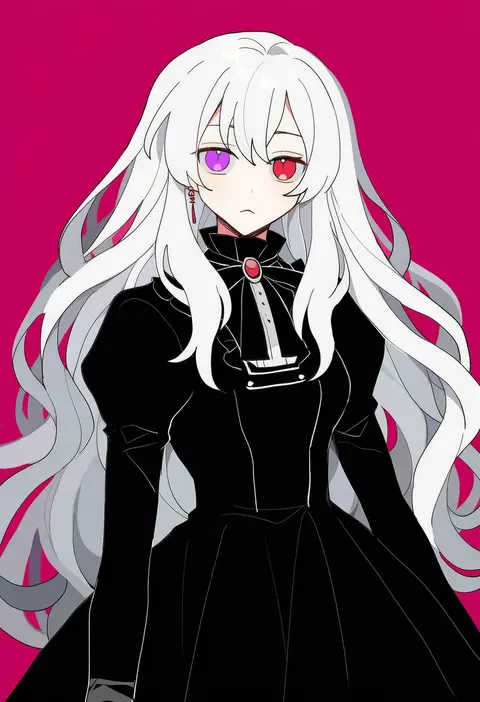
sakuraihum
ARTIST0x39E4
0
shirane koitsu
ARTIST0x39E5
0
hariyama (toubou tengoku)
ARTIST0x39E6
0
inasaki shirau
ARTIST0x39E7
0
bukiko
ARTIST0x39E8
0
hachiya shohei
ARTIST0x39E9
0
hua hua de meme
ARTIST0x39EA
0
nao (naaa 195)
ARTIST0x39EB
0
ouge dz
ARTIST0x39EC
0
kara aren
ARTIST0x39ED
0
pasikon
ARTIST0x39EE
0
sasamaru chimaki
ARTIST0x39EF
0
hachikuji
ARTIST0x39F0
0
take (draghignazzo)
ARTIST0x39F1
0
coco7
ARTIST0x39F2
0
matsu 84
ARTIST0x39F3
0
hare (tetterutei)
ARTIST0x39F4
0
liita (dusk snow)
ARTIST0x39F5
0
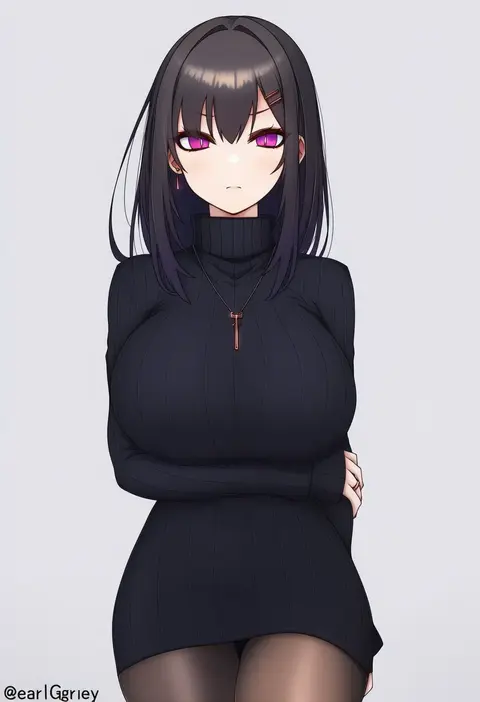
earlgrey
ARTIST0x39F6
0
enkichi totan
ARTIST0x39F7
0
kokoyashi
ARTIST0x39F8
0
shihou haru
ARTIST0x39F9
0
yuukichi
ARTIST0x39FA
0
cr72
ARTIST0x39FB
0
hiiragi syuu
ARTIST0x39FC
0
mozuno (mozya 7)
ARTIST0x39FD
0
shinryou rei
ARTIST0x39FE
0
bokuya
ARTIST0x39FF
0
leng wa guo
ARTIST0x3A00
0
umeno ryuuji
ARTIST0x3A01
0
denjyou23
ARTIST0x3A02
0
dynamite pussy cat
ARTIST0x3A03
0
binchou maguro
ARTIST0x3A04
0
kekekeke
ARTIST0x3A05
0
nanamura
ARTIST0x3A06
0
sui (petit comet)
ARTIST0x3A07
0
saki pokeoekaki
ARTIST0x3A08
0
yuuhagi (amaretto-no-natsu)
ARTIST0x3A09
0
crow (siranui)
ARTIST0x3A0A
0
moribuden
ARTIST0x3A0B
0
yoekosukii
ARTIST0x3A0C
0
minami saki
ARTIST0x3A0D
0
poipoi purin
ARTIST0x3A0E
0
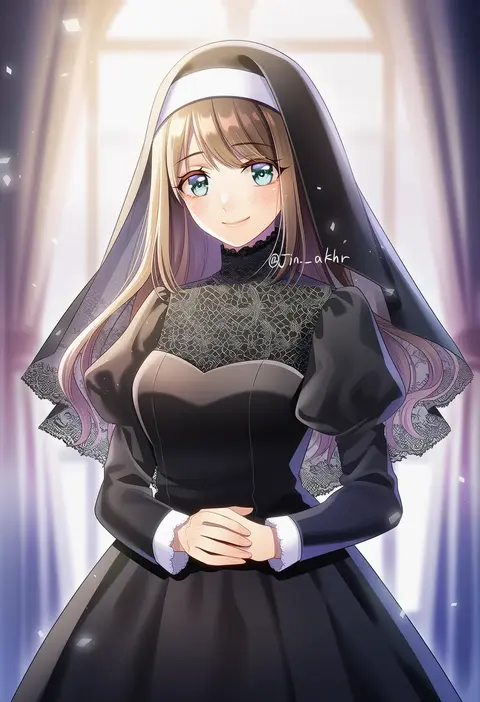
jin akhr
ARTIST0x3A0F
0
qi7pi
ARTIST0x3A10
0
kayon (touzoku)
ARTIST0x3A11
0
hoxutixu
ARTIST0x3A12
0
harumiya
ARTIST0x3A13
0
kurano kisuke
ARTIST0x3A14
0
yukiusagi (gaballscreen&blaze)
ARTIST0x3A15
0
mokeo
ARTIST0x3A16
0
foxvulpine
ARTIST0x3A17
0
taisa (lovemokunae)
ARTIST0x3A18
0
fuussu (21-kazin)
ARTIST0x3A19
0
kubocha
ARTIST0x3A1A
0
itsuki kousuke
ARTIST0x3A1B
0
tosura-ayato
ARTIST0x3A1C
0
akihiyo
ARTIST0x3A1D
0
yoplait
ARTIST0x3A1E
0
miyamoto ryuuichi
ARTIST0x3A1F
0

What these tags change

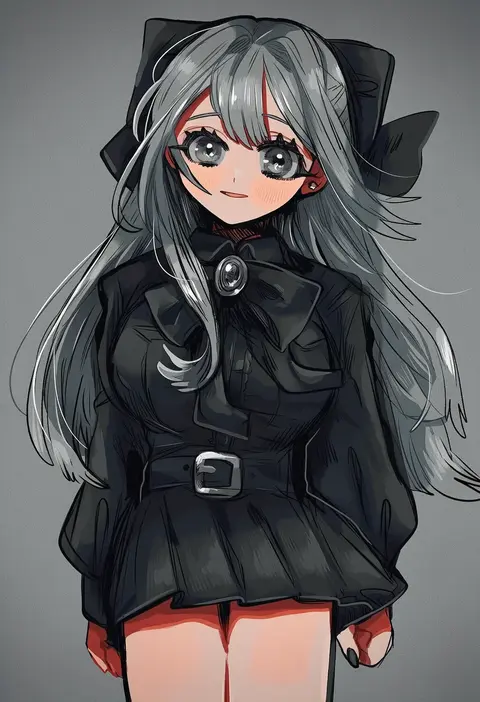
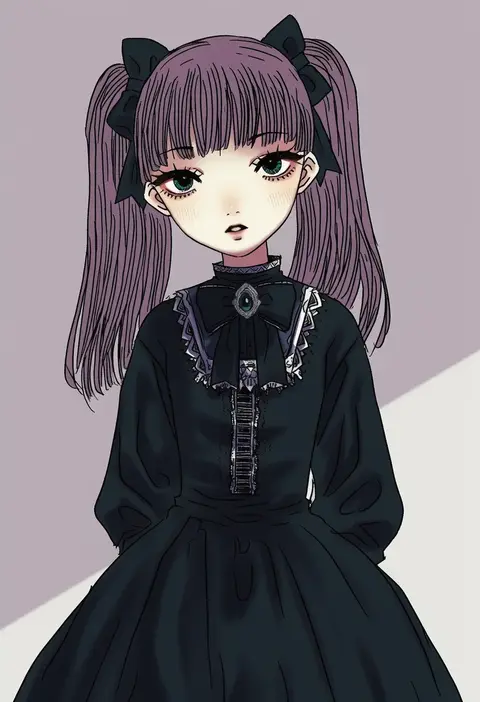
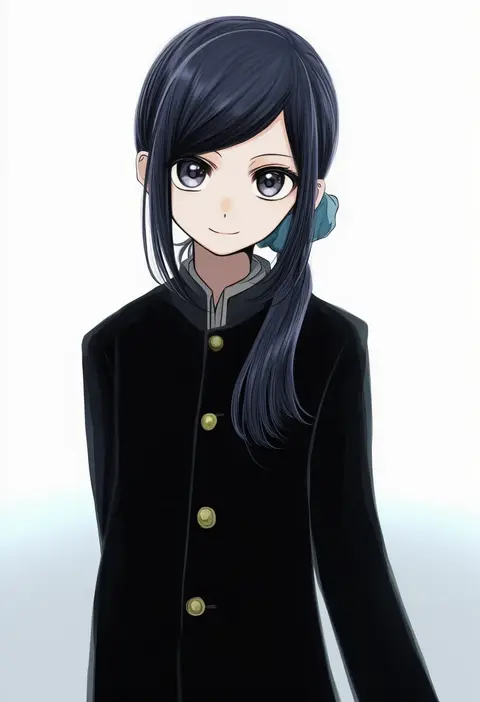
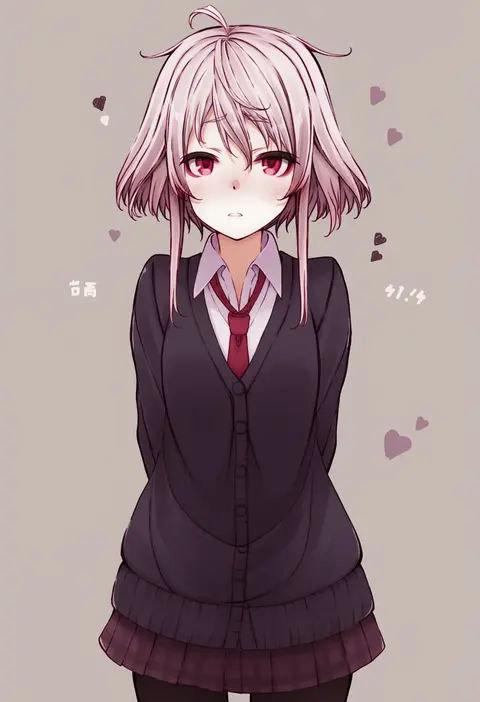
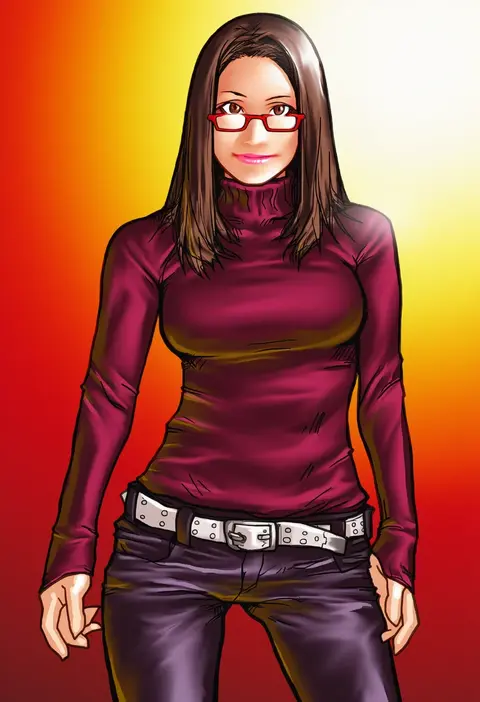
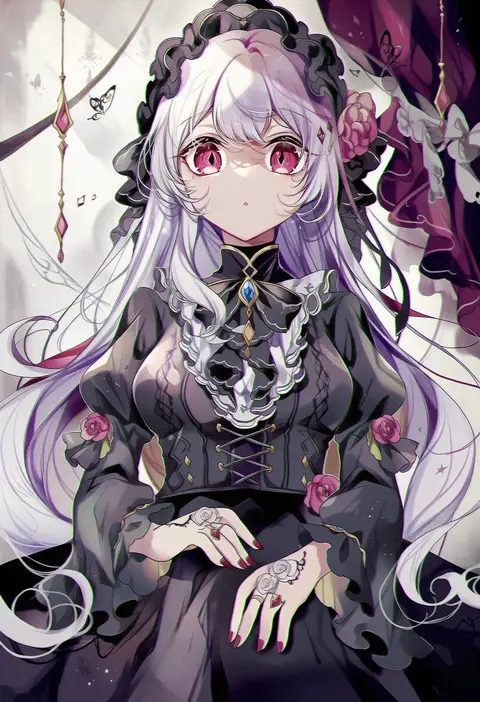
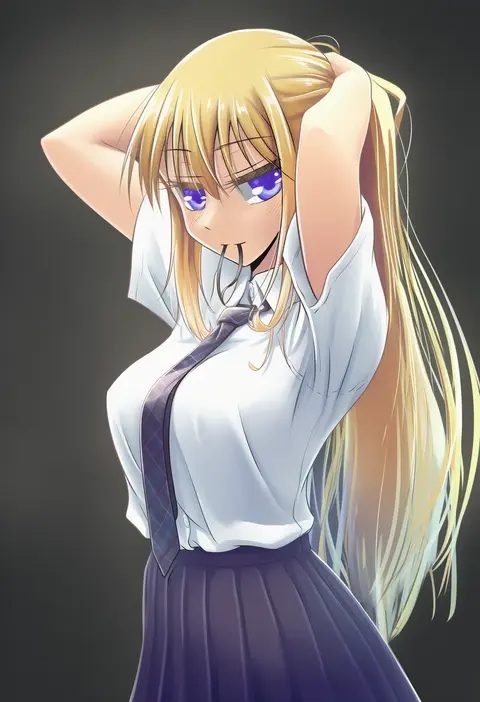
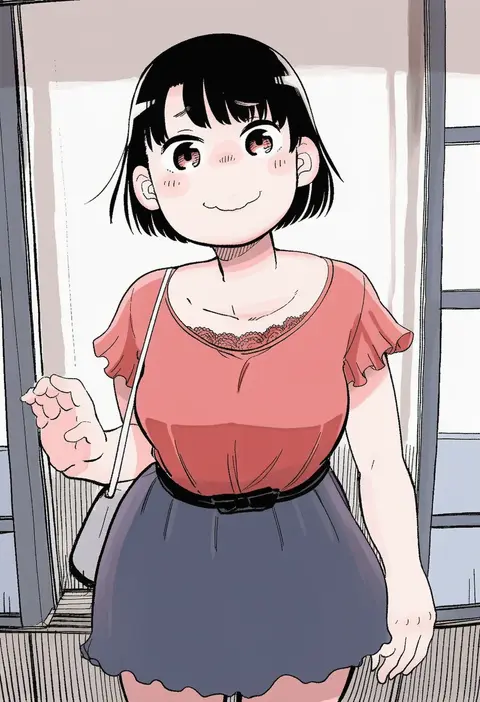
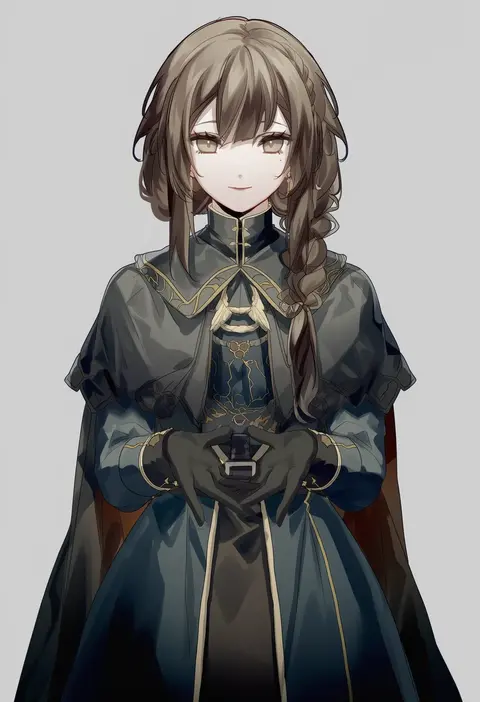
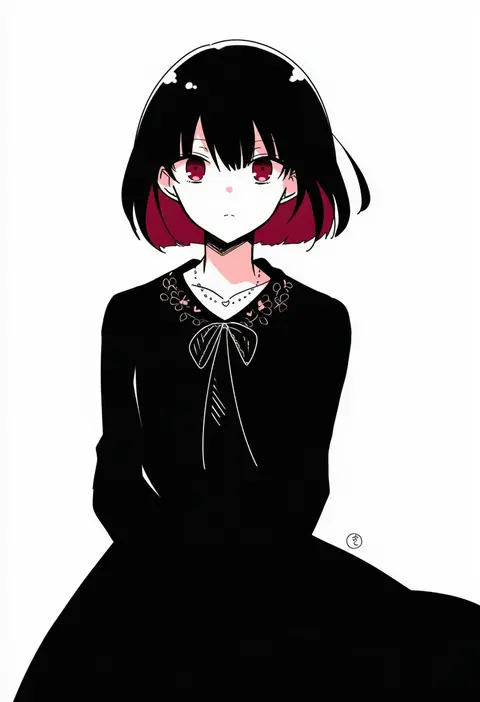
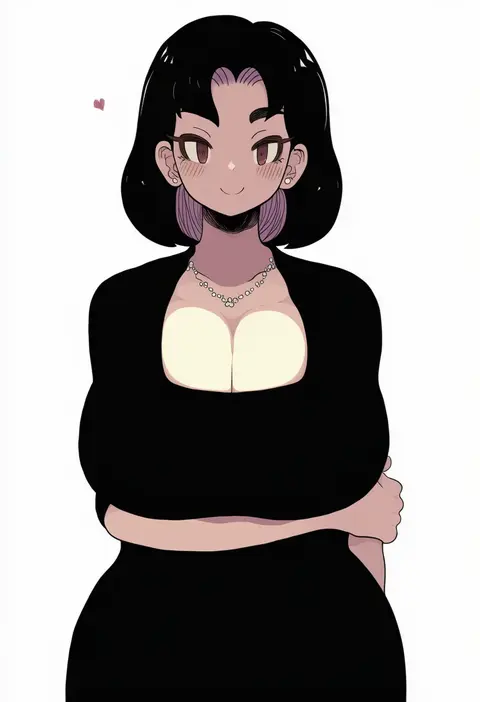
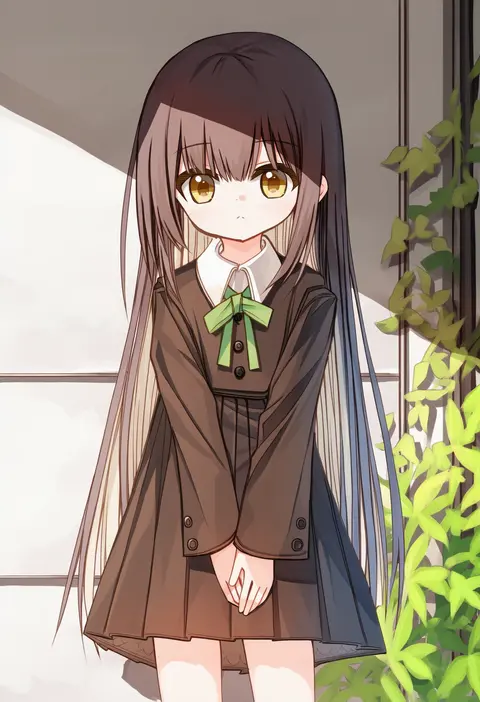
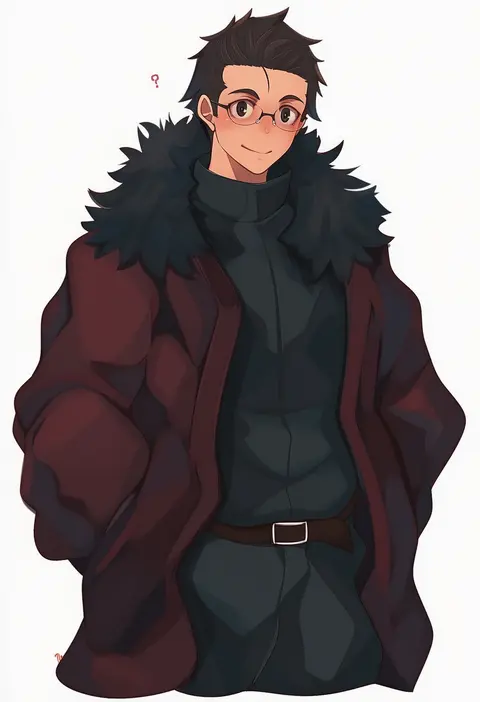
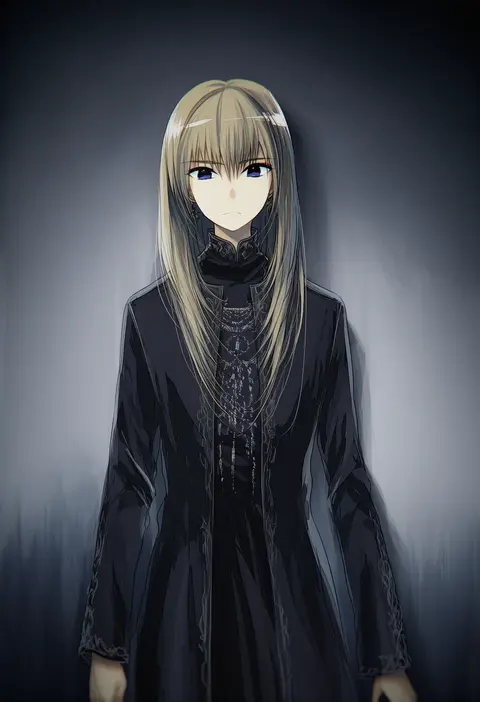
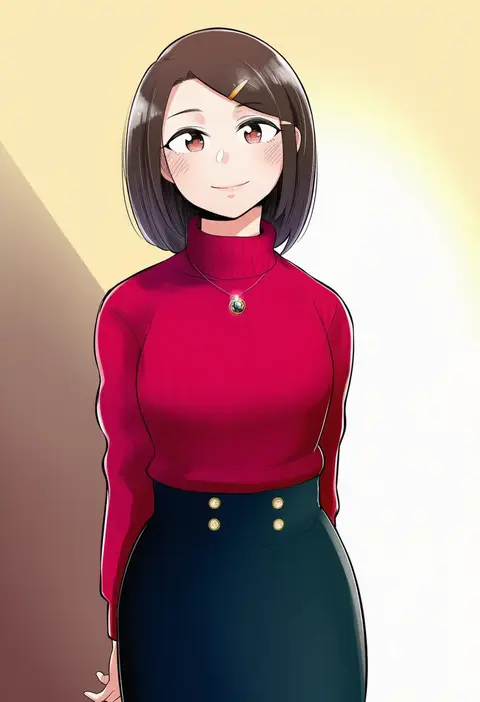
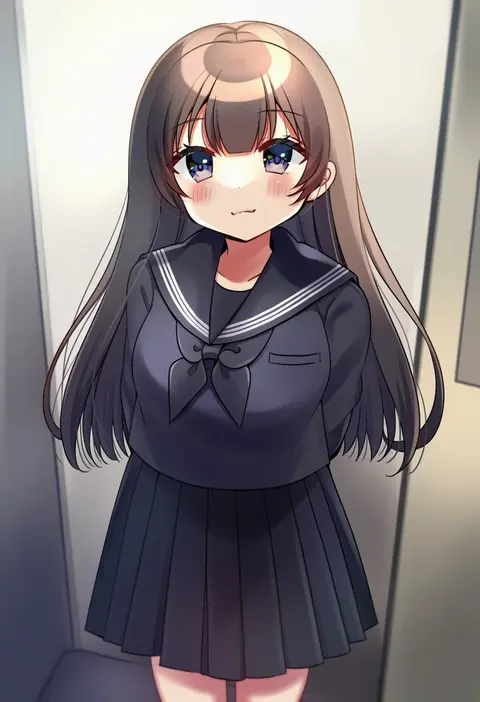
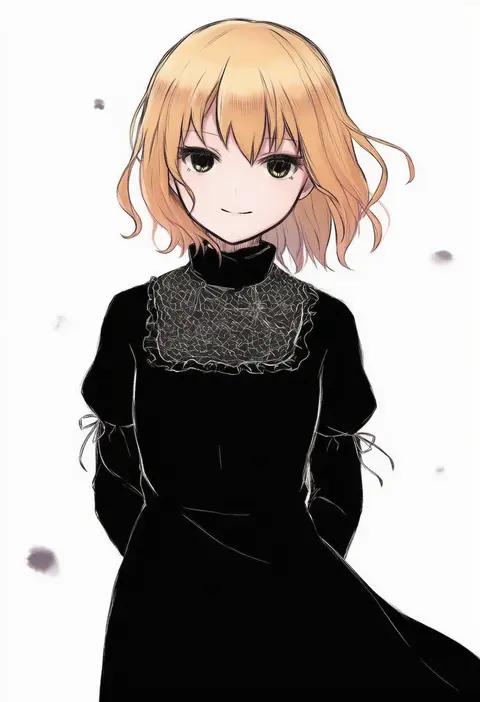
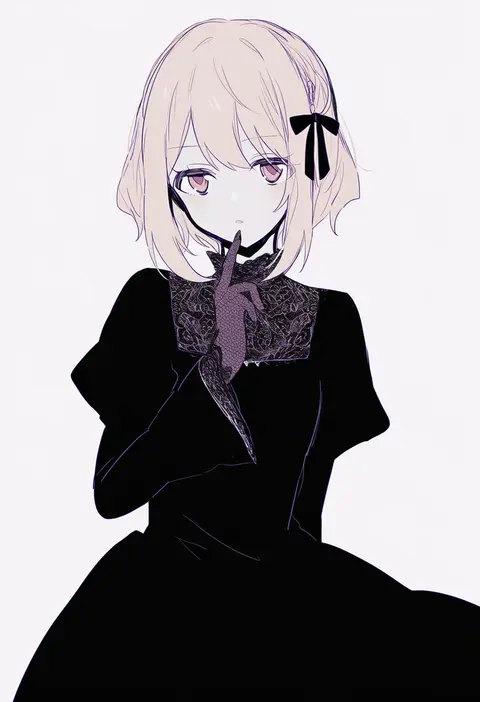
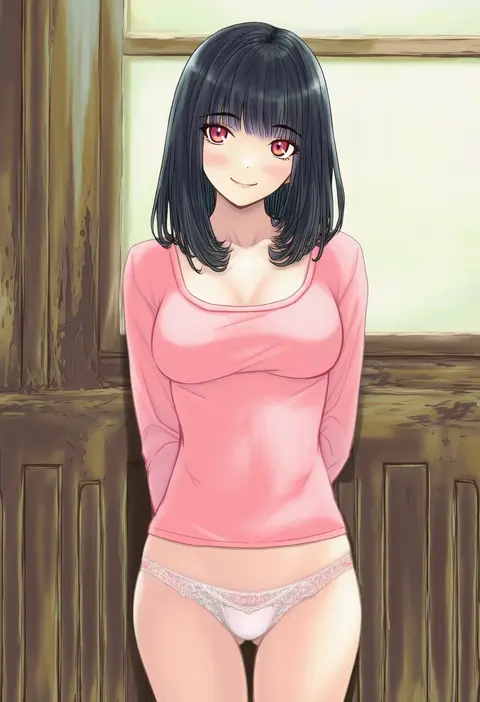
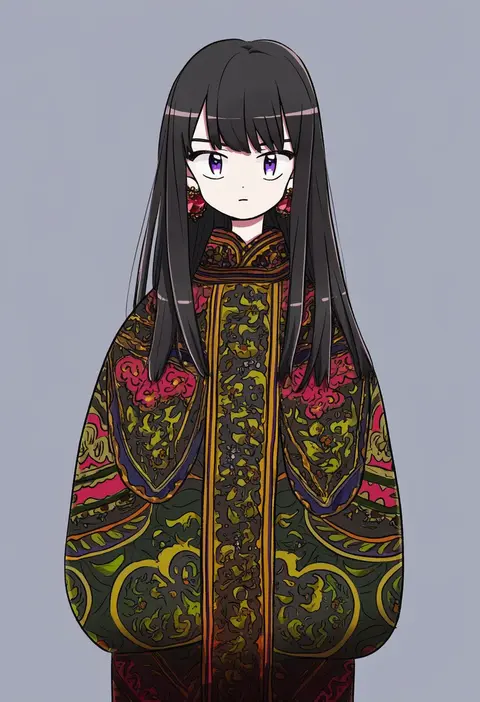
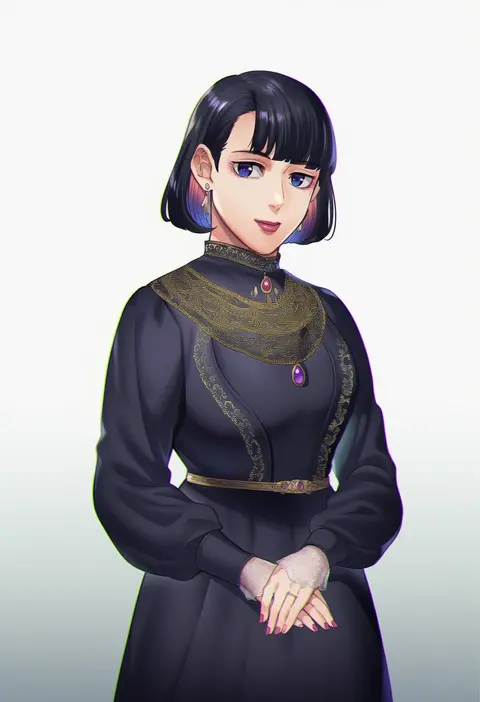
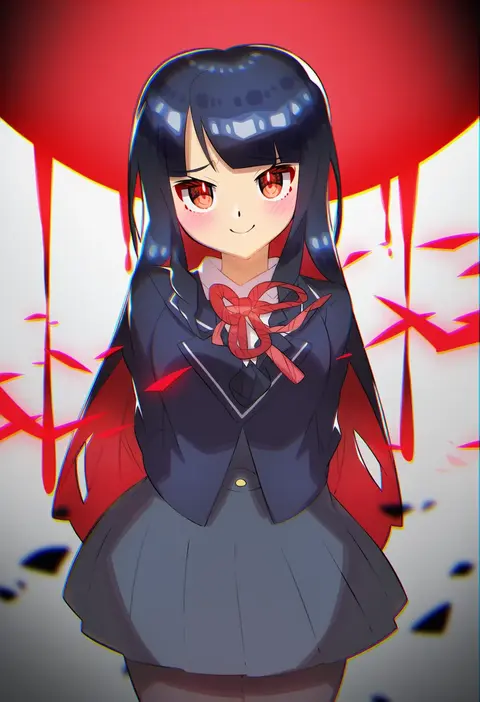
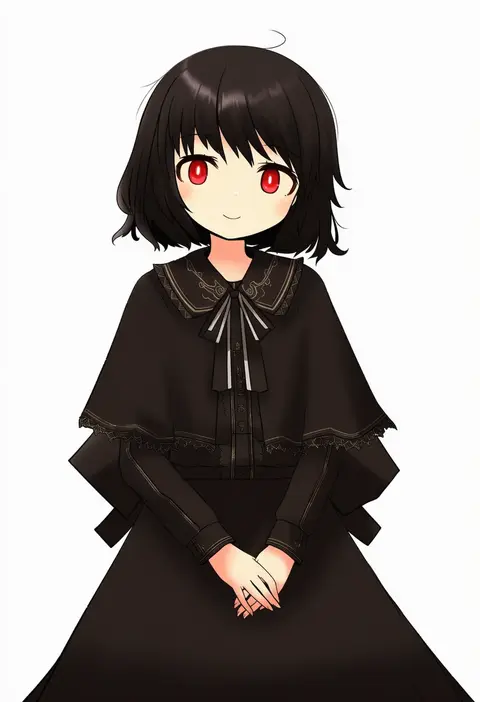
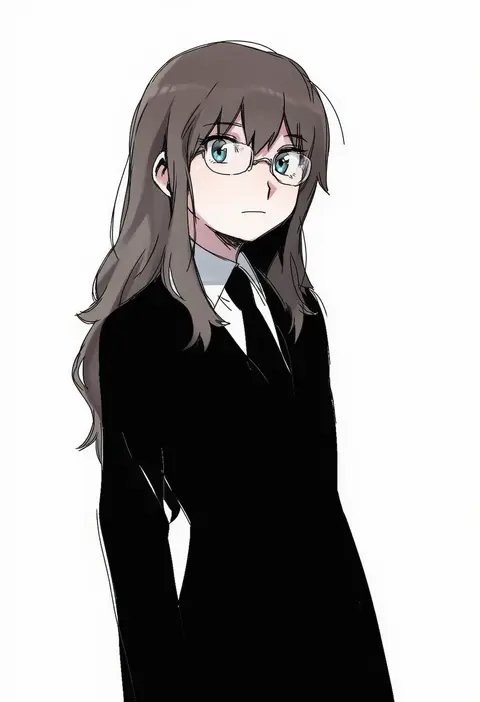
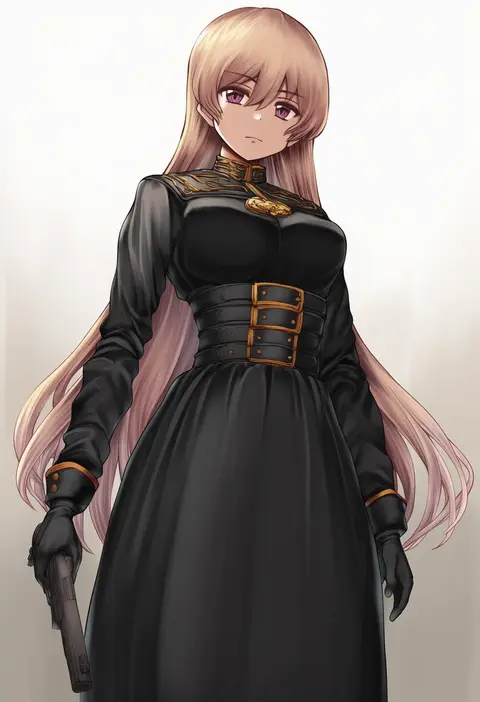
Artist tags tell NovelAI Diffusion to draw in a specific artist's style: line weight, paint texture, face shapes and palette all shift at once. Character and outfit tags decide what is drawn; artist tags decide how. 16,352 tags are listed for V4.5.
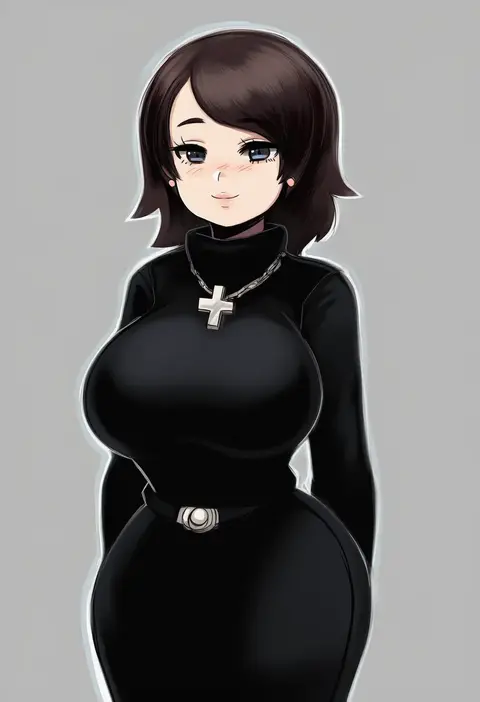
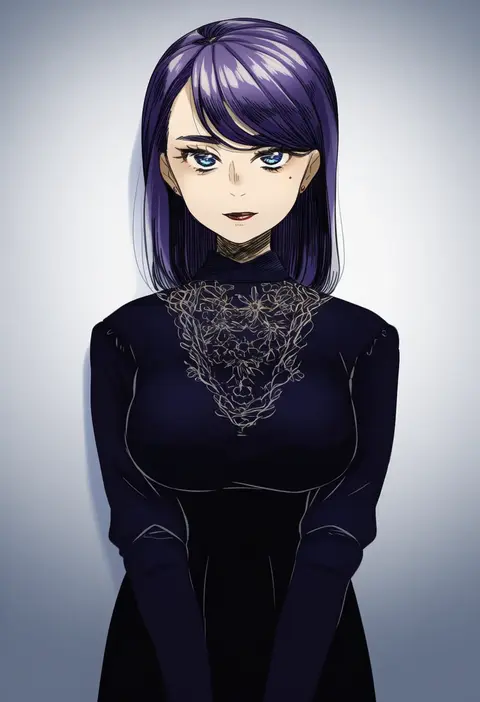
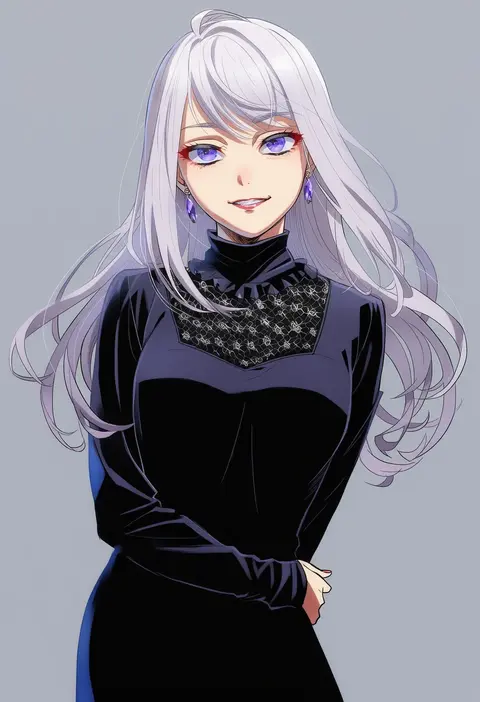
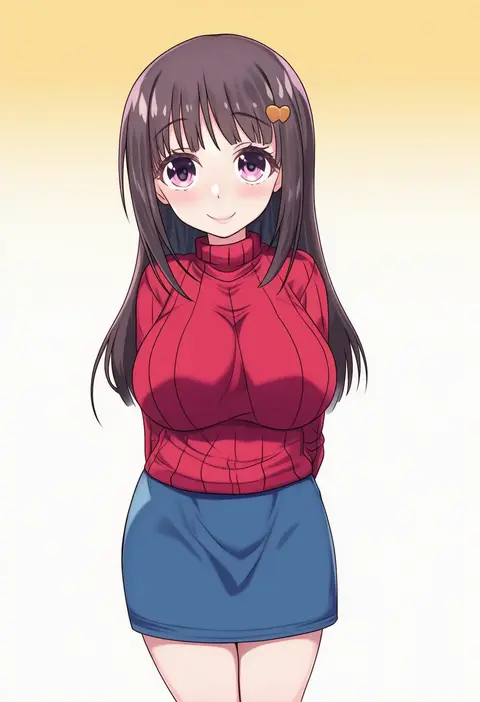
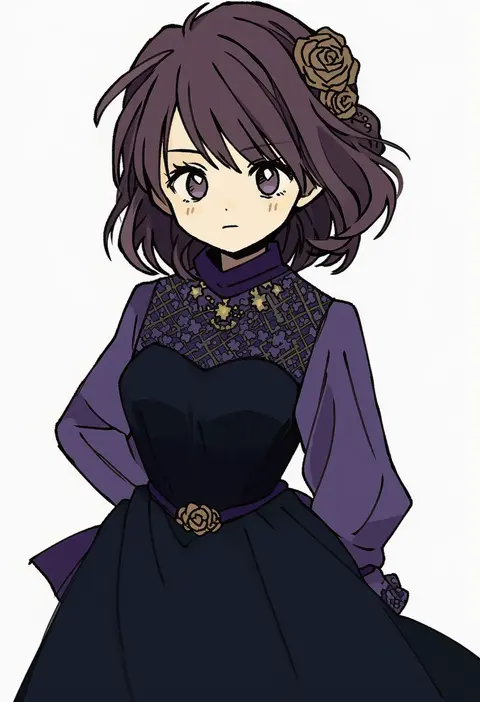
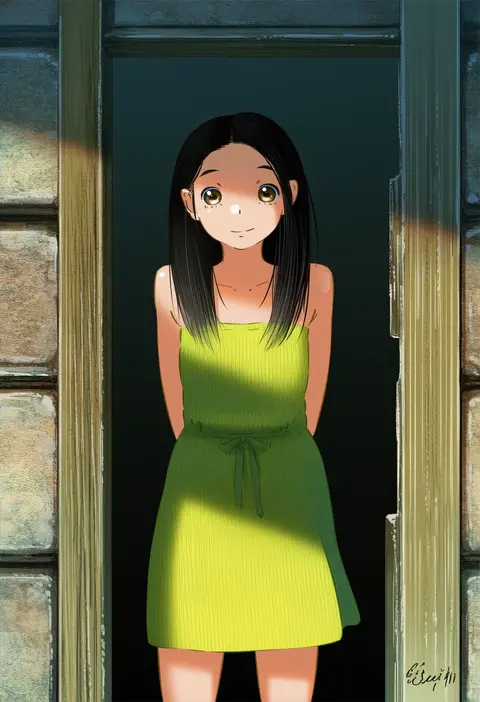
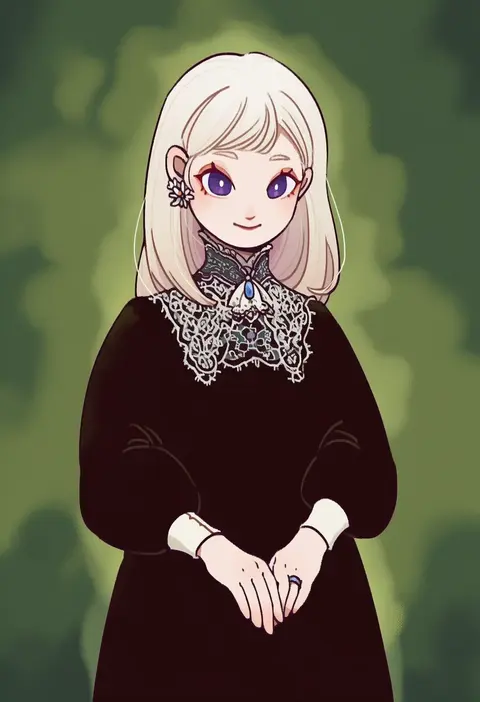
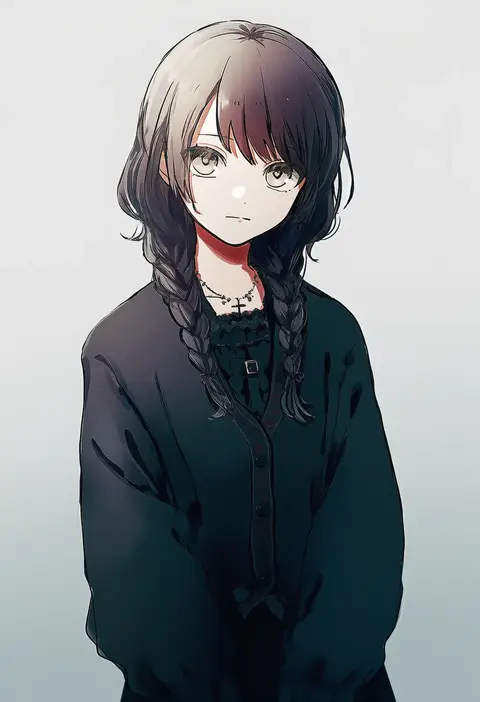
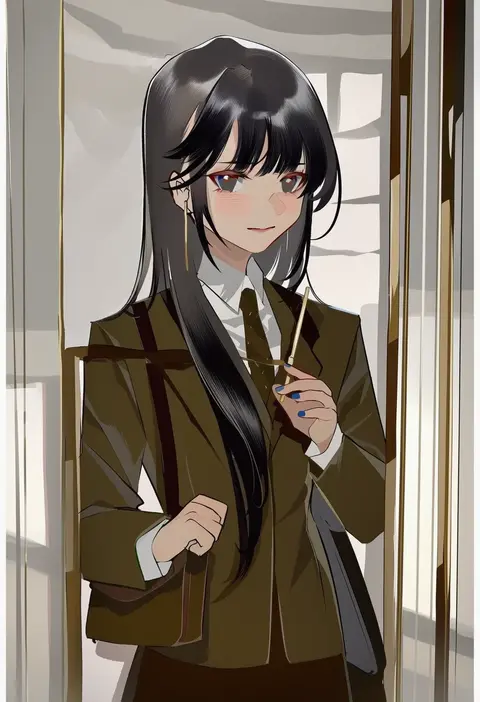
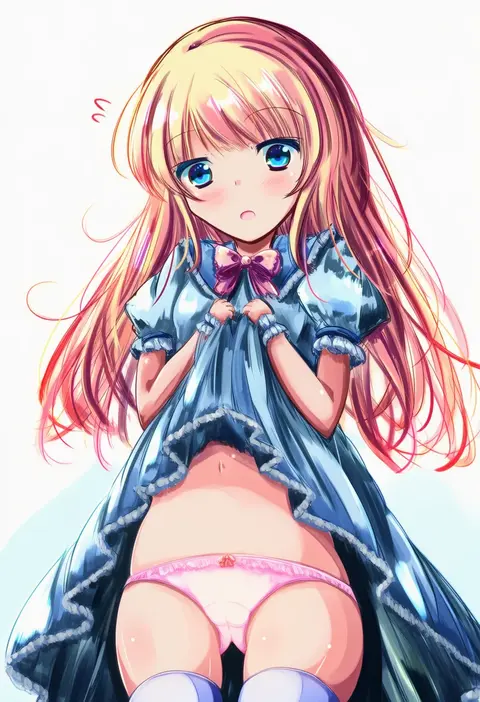
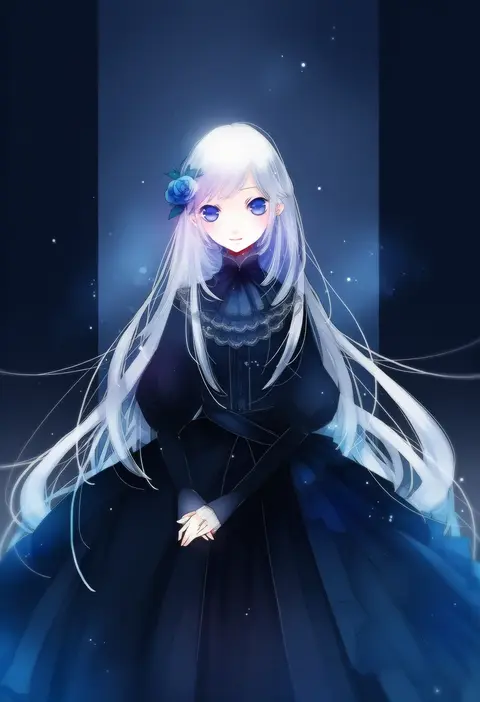
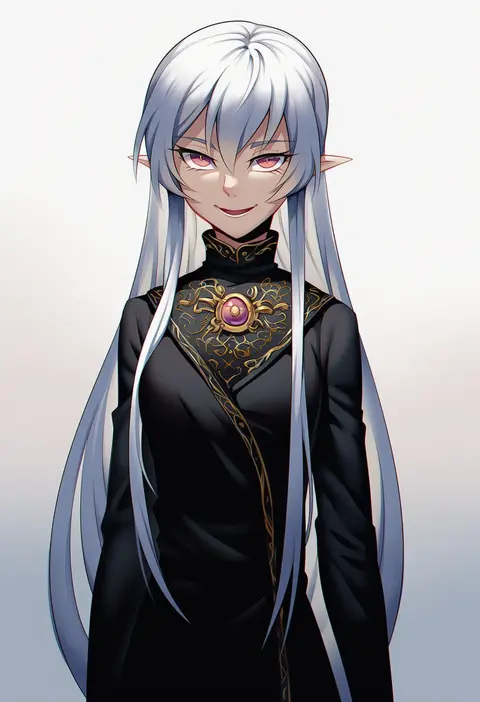
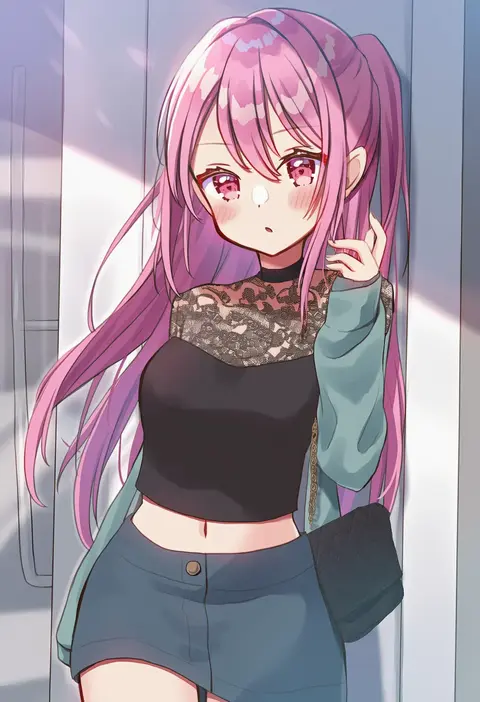
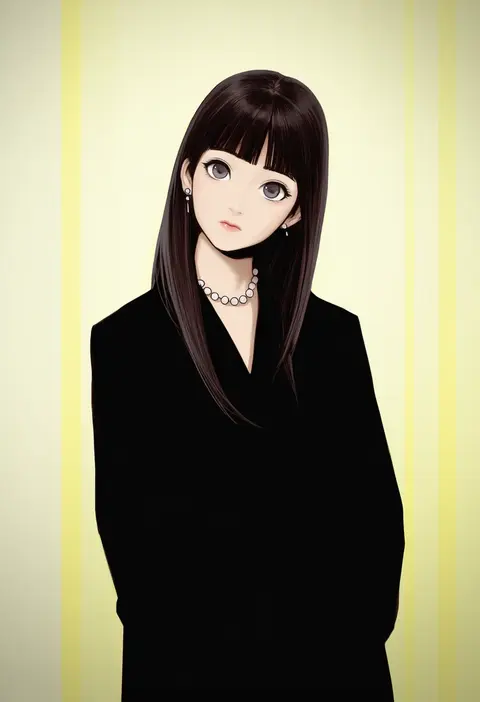
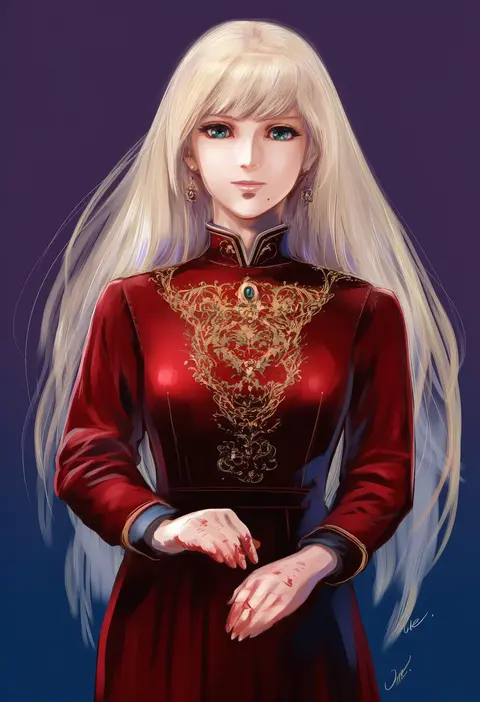
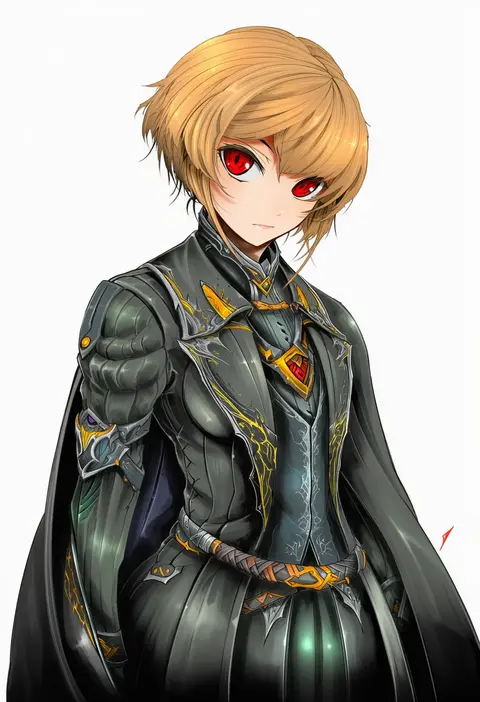
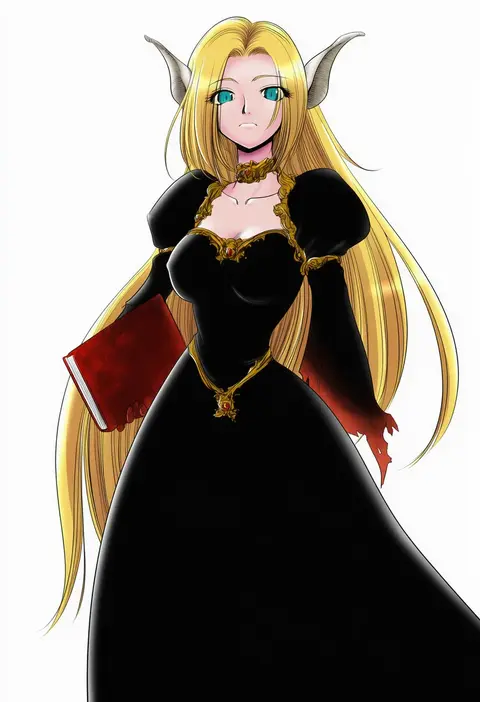
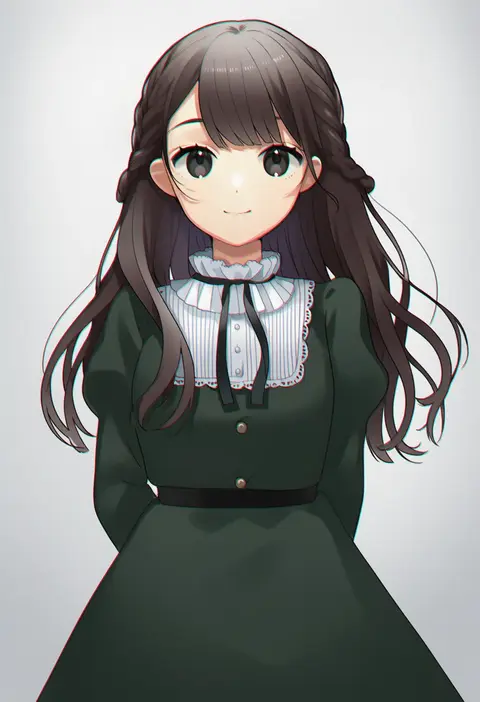
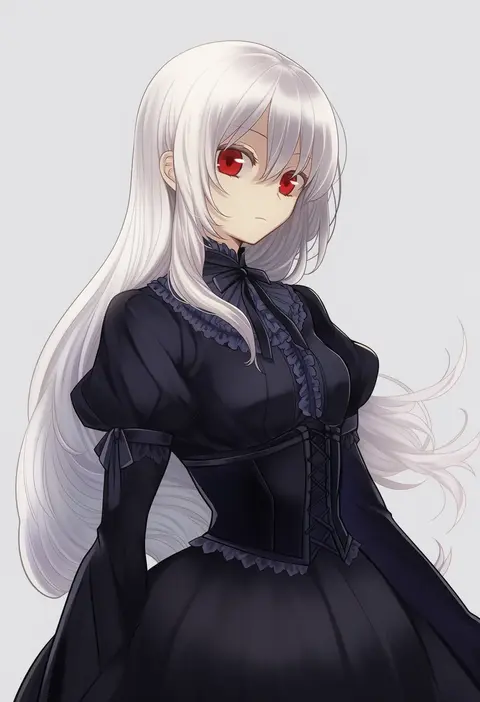
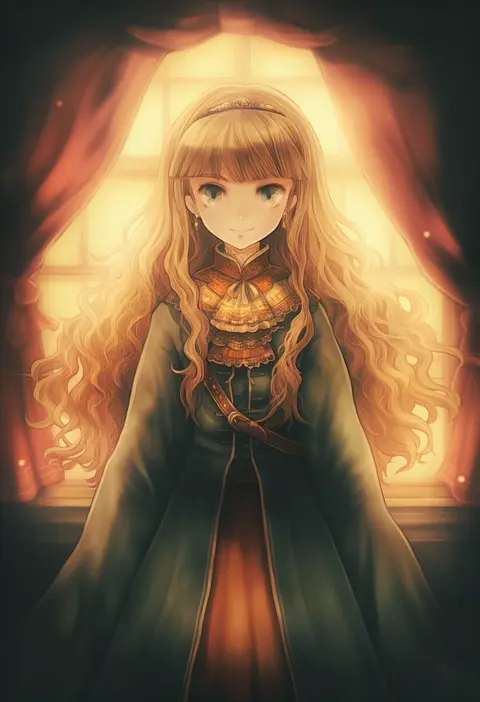
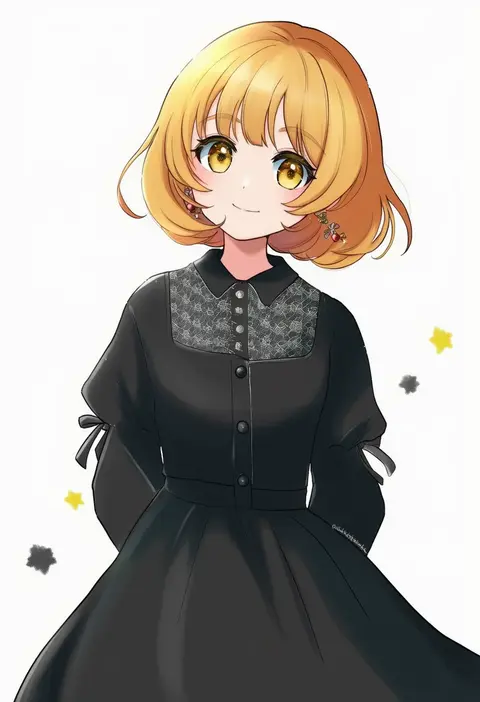
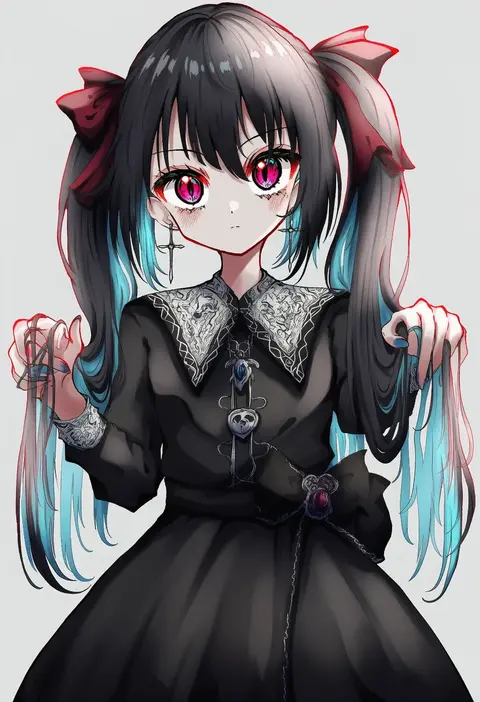
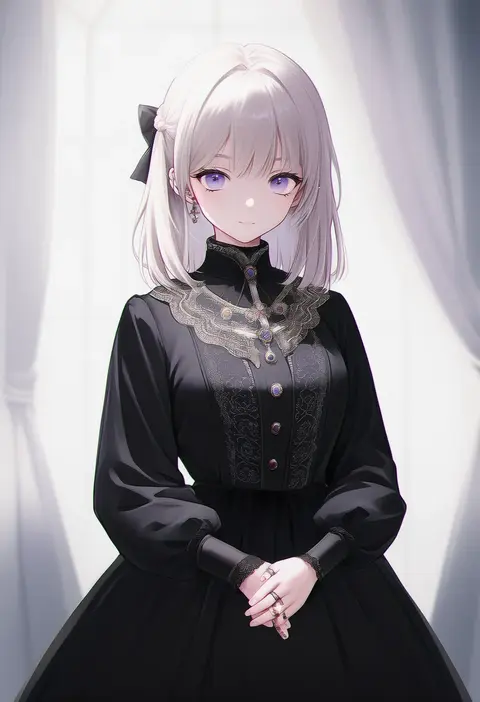
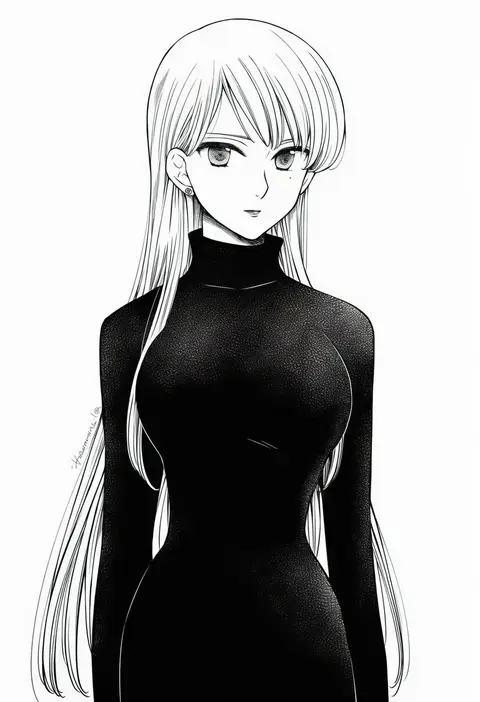
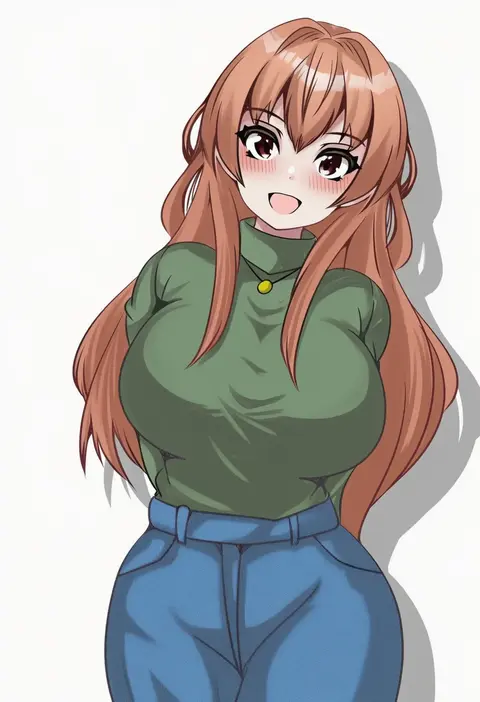
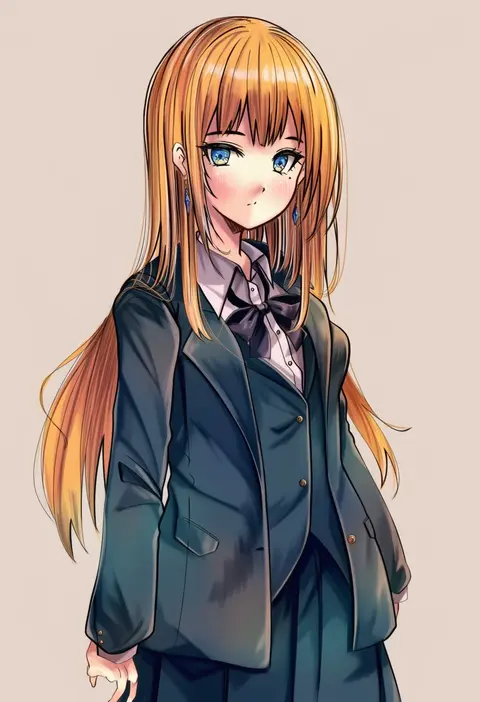
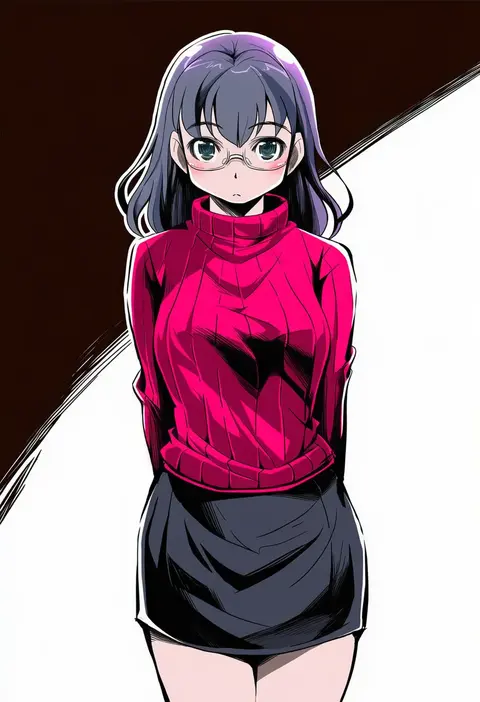
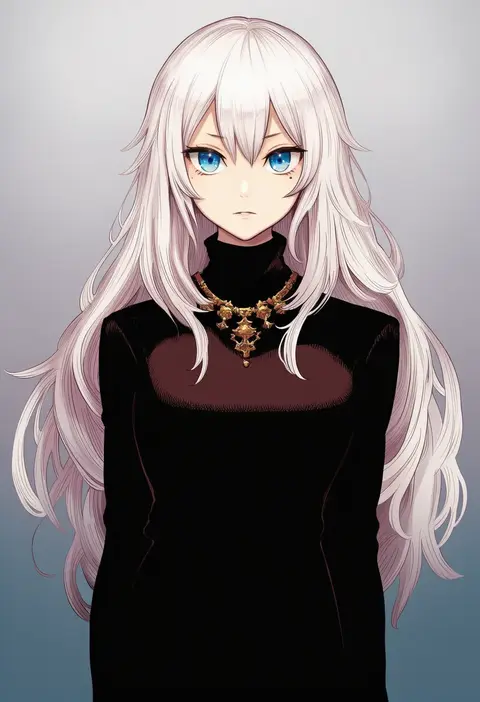
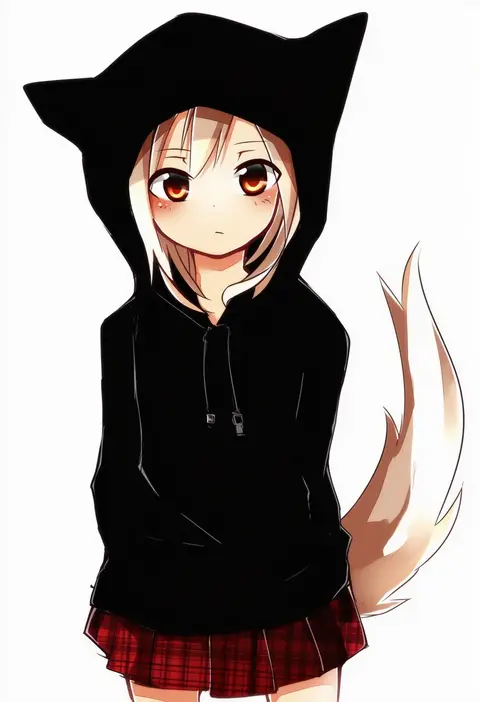
Every tag listed here is verified to react in NovelAI. All images use the same prompt, seed and settings with only the artist tag swapped, so the difference between two images is the style that tag brings in.

How to use them

Put the artist tag near the front of the prompt, e.g. "<artist>, 1girl, solo, best quality, masterpiece, cowboy shot". Two or three artist tags blend styles; lower the weight with "0.8::<artist>::" when the style overpowers the character.

SCORE sorts by Danbooru's top score, POSTS by post count, FAVS by hearts on this site. Open a card to see V5 and V4.5 side by side on the same seed.

V5 vs V4.5

V5 usually lands closer to the artist's real style, and tags that did nothing on V4.5 often react on V5. V4.5 still fits older and doujin-heavy artists better. Try V5 first, fall back to V4.5.

FAQ

Where does the artist tag go?
Near the front of the prompt. Use "0.8::tag::" to adjust its weight.

Can I stack artist tags?
Yes, styles blend. Past two or three the result stops looking like anyone.

Are these the artists' own works?
No. Every image is a NovelAI sample generated from the tag.