V4.5Artists
sort: FAVS▾
▾
>
$

NovelAI Artist Tags List — V4.5

artist --count 16,352[246/273]
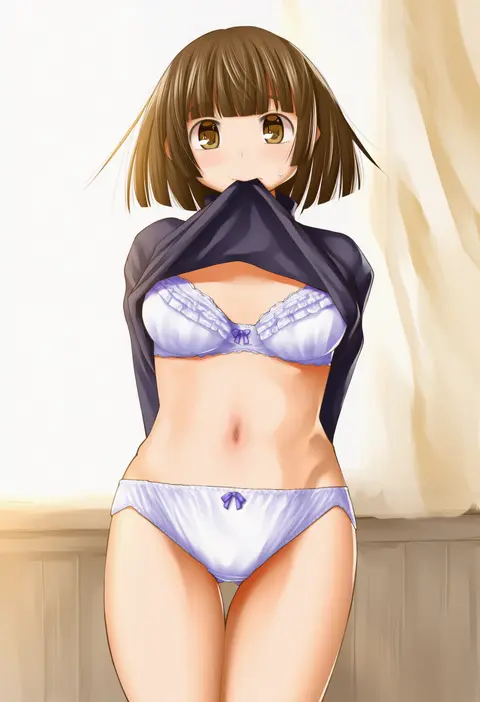
kasuga yukihito
ARTIST0x396C
0
kamikiririp
ARTIST0x396D
0
mayo riyo
ARTIST0x396E
0
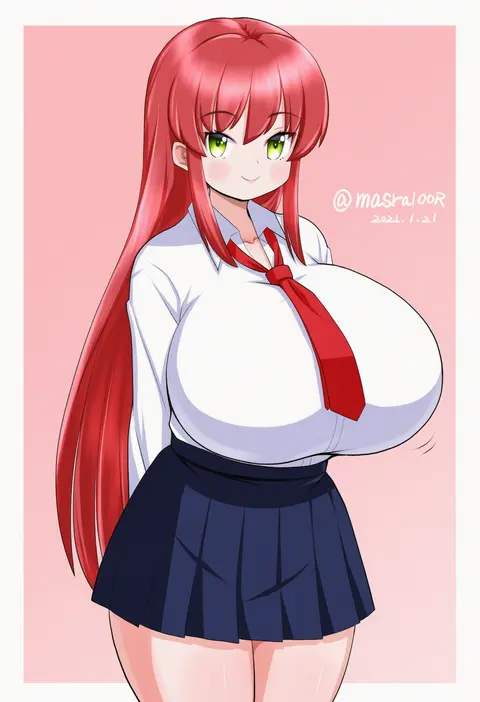
masara (chuujou)
ARTIST0x396F
0
quick waipa
ARTIST0x3970
0
parari (parari000)
ARTIST0x3971
0
tsukigi
ARTIST0x3972
0
kankitsunabe (citrus)
ARTIST0x3973
0
flx
ARTIST0x3974
0
mashayuki
ARTIST0x3975
0
taneda yuuta
ARTIST0x3976
0
ryoutan
ARTIST0x3977
0
kogatarou
ARTIST0x3978
0
maekawa suu
ARTIST0x3979
0
imaikuy0
ARTIST0x397A
0
amano jack
ARTIST0x397B
0
senzzang
ARTIST0x397C
0
rata (norahasu)
ARTIST0x397D
0
rnuyvm
ARTIST0x397E
0
kanan
ARTIST0x397F
0
retorillo
ARTIST0x3980
0
miwasiba
ARTIST0x3981
0
yuuichi (tareme paradise)
ARTIST0x3982
0
kuromori yako
ARTIST0x3983
0
tsukikusa
ARTIST0x3984
0
himitsu (iemaki)
ARTIST0x3985
0
shikimi (yurakuru)
ARTIST0x3986
0
maruino
ARTIST0x3987
0
chachi (azuzu)
ARTIST0x3988
0
kiriman (souldeep)
ARTIST0x3989
0
totte
ARTIST0x398A
0
choco (chocovix112)
ARTIST0x398B
0
suzunosuke (sagula)
ARTIST0x398C
0
moyan
ARTIST0x398D
0
kurosuke (nora)
ARTIST0x398E
0
dead-robot
ARTIST0x398F
0
cha goma
ARTIST0x3990
0
chuckdaidai
ARTIST0x3991
0
ametaro (ixxxzu)
ARTIST0x3992
0
danaka
ARTIST0x3993
0
cheken
ARTIST0x3994
0
renka (sutegoma25)
ARTIST0x3995
0
temu
ARTIST0x3996
0
kenzo 093
ARTIST0x3997
0
nihimaru
ARTIST0x3998
0
yutarou
ARTIST0x3999
0
bccp
ARTIST0x399A
0
hono
ARTIST0x399B
0
rugo
ARTIST0x399C
0
katoryu gotoku
ARTIST0x399D
0
kongari tokei
ARTIST0x399E
0
serike w
ARTIST0x399F
0
sorano eika
ARTIST0x39A0
0
vient
ARTIST0x39A1
0
atsumisu
ARTIST0x39A2
0
bity3155660241
ARTIST0x39A3
0
takeu
ARTIST0x39A4
0
yatsuki yura
ARTIST0x39A5
0
momo hiki
ARTIST0x39A6
0
tk4
ARTIST0x39A7
0

What these tags change

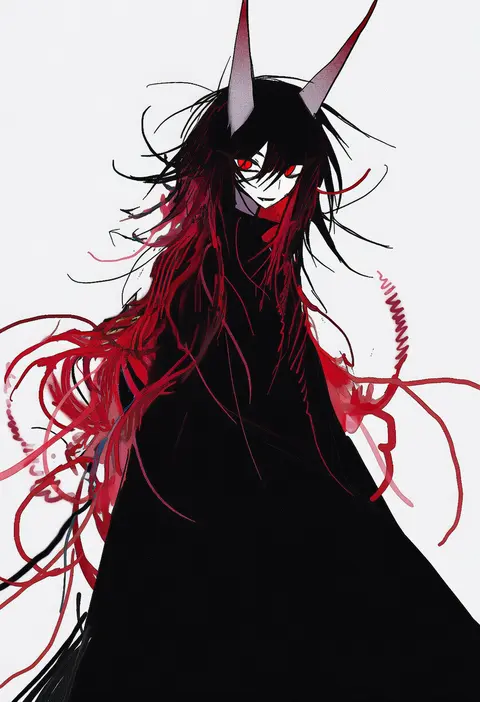
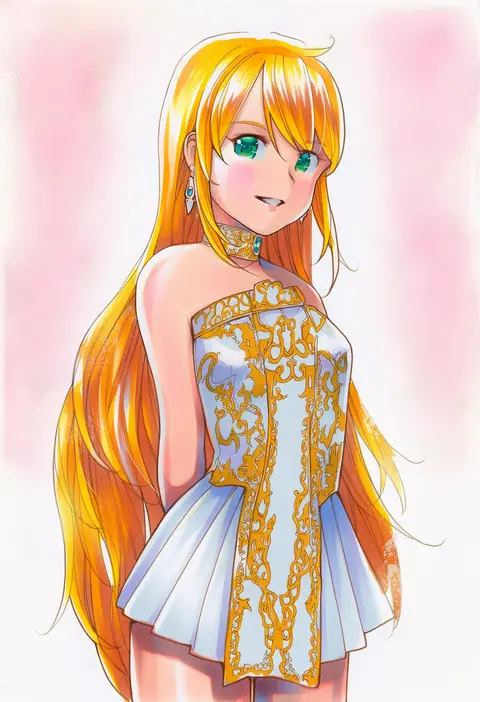
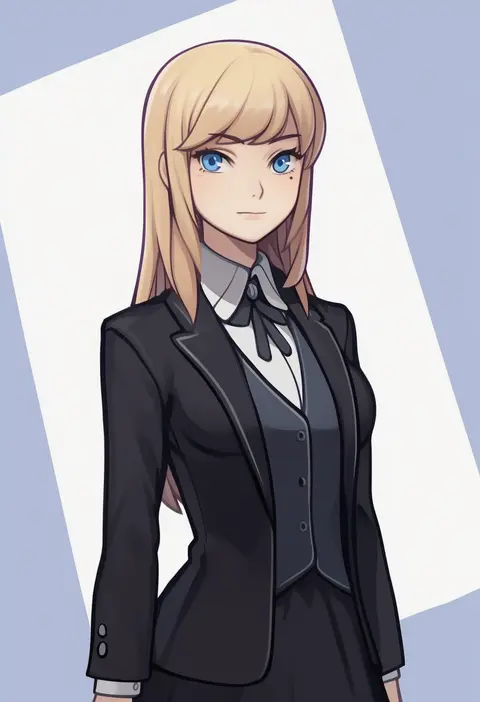
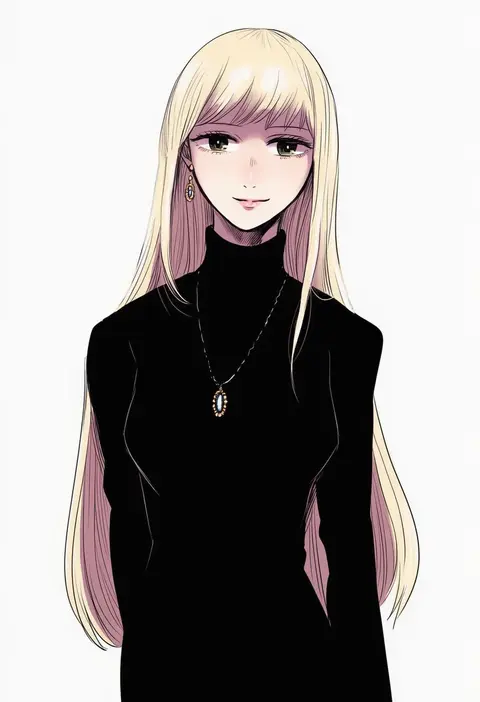
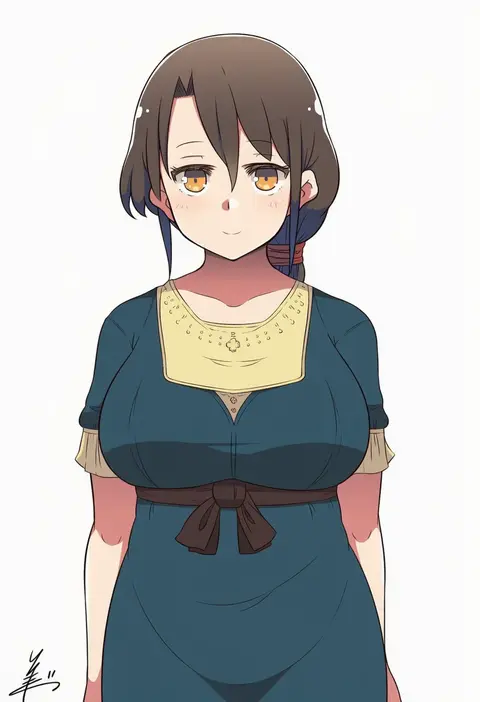
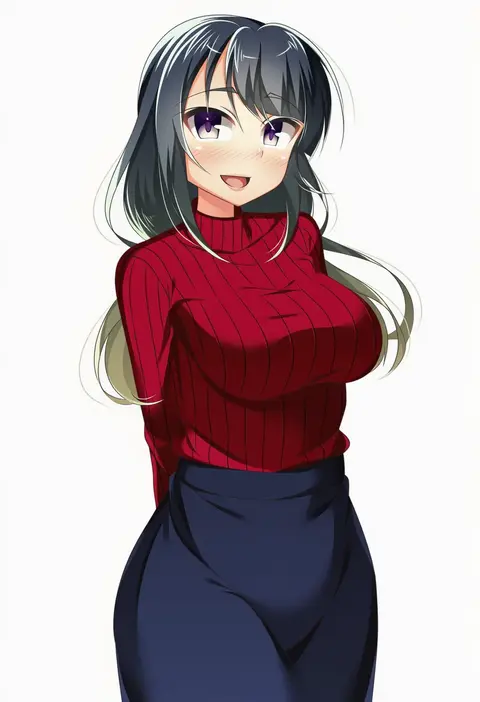
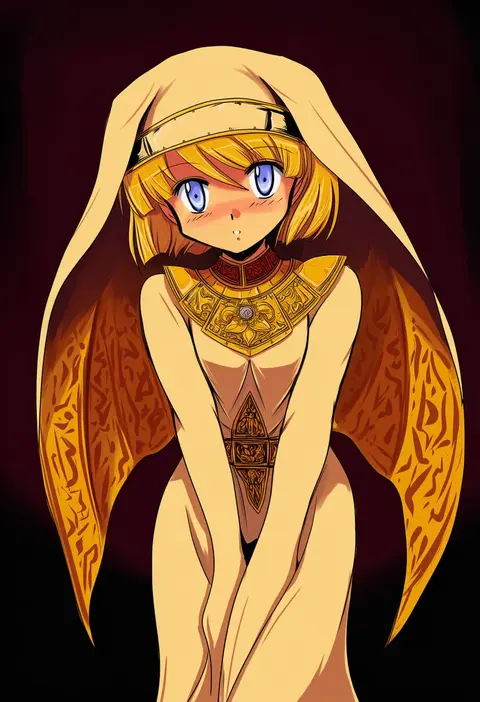
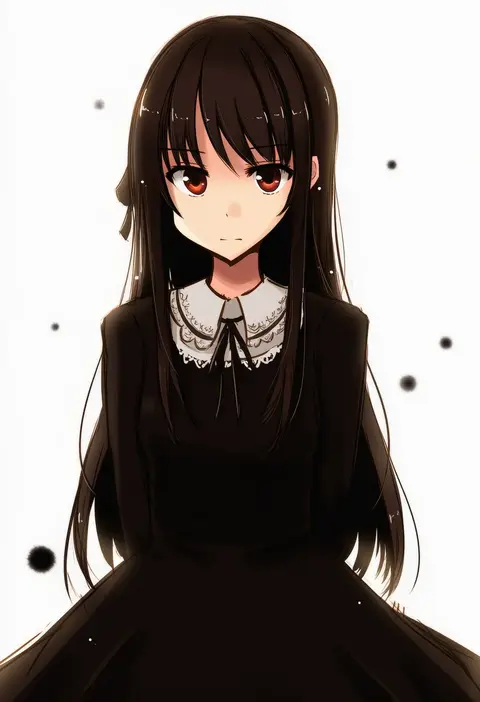
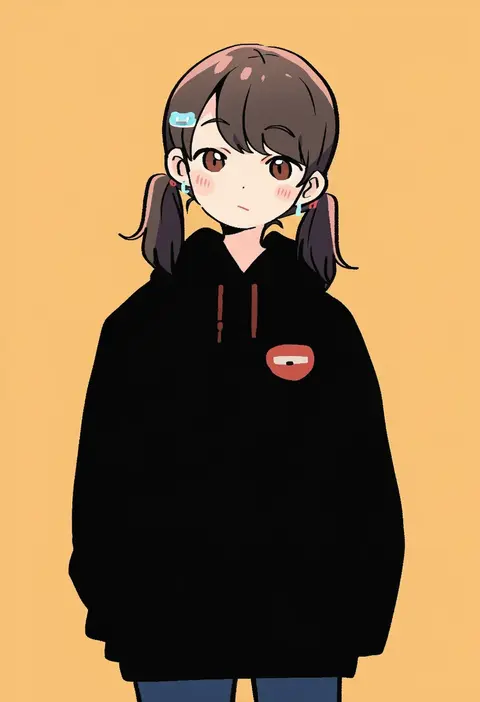
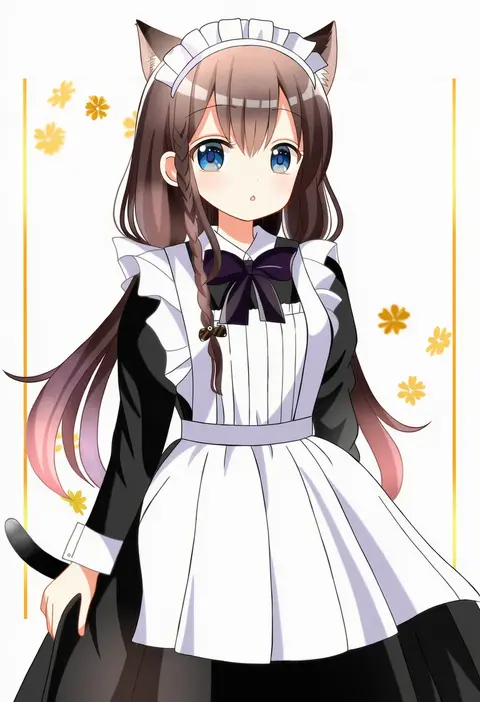
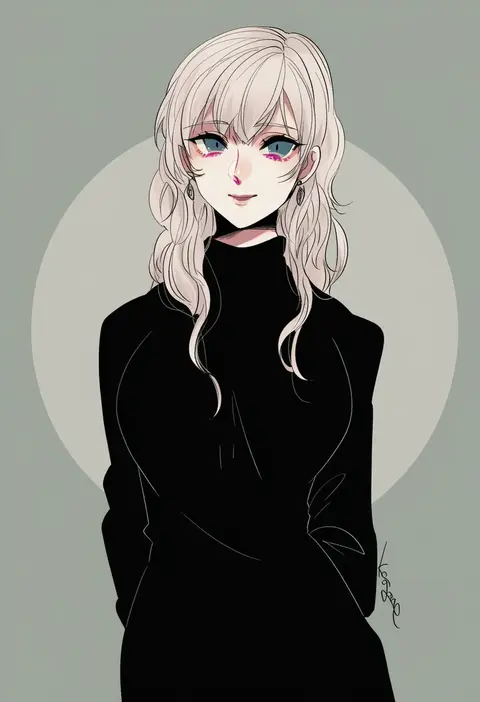
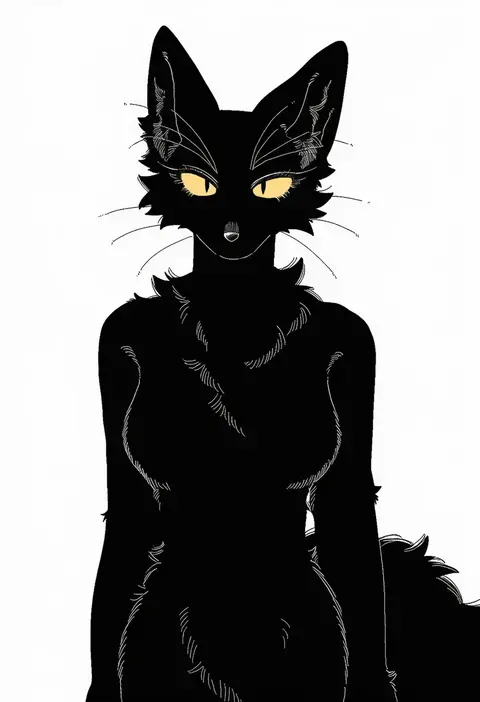
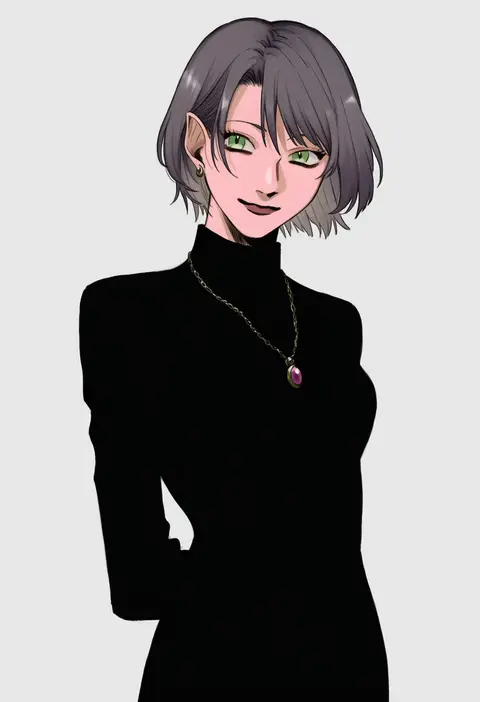
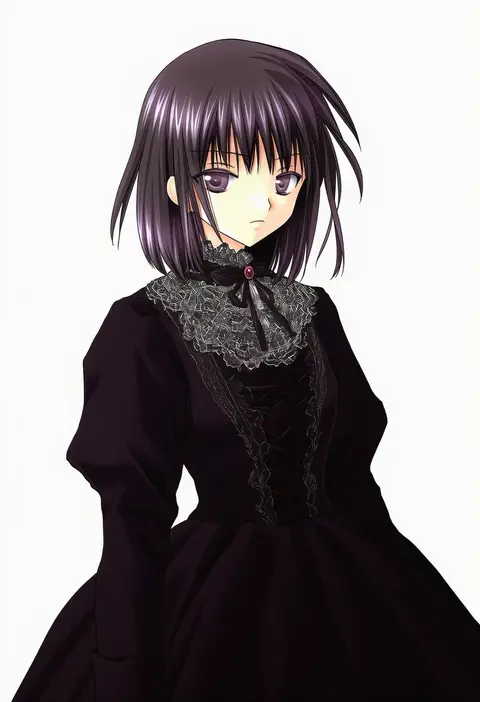
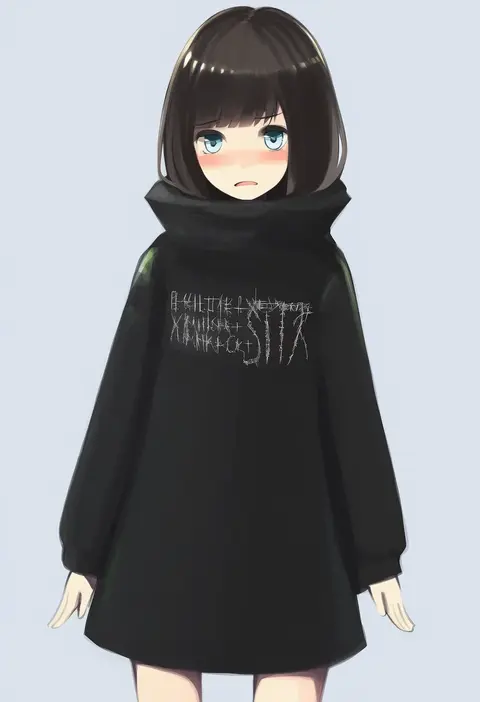
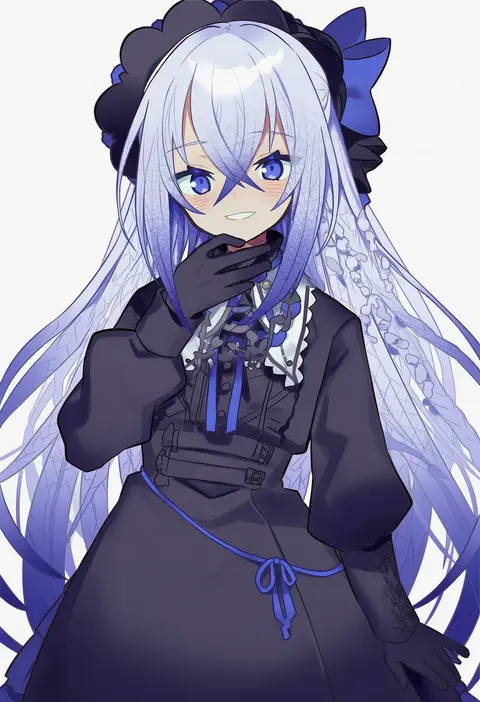
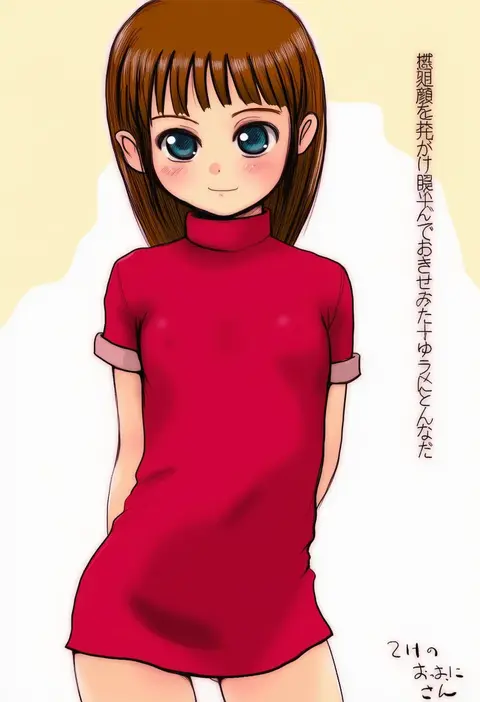
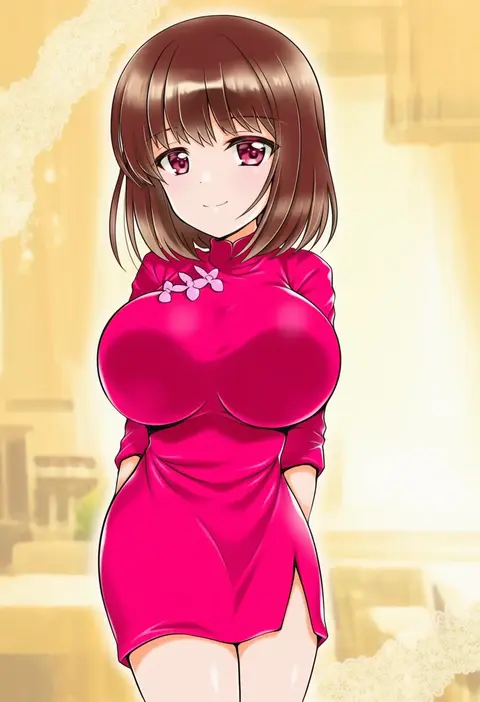
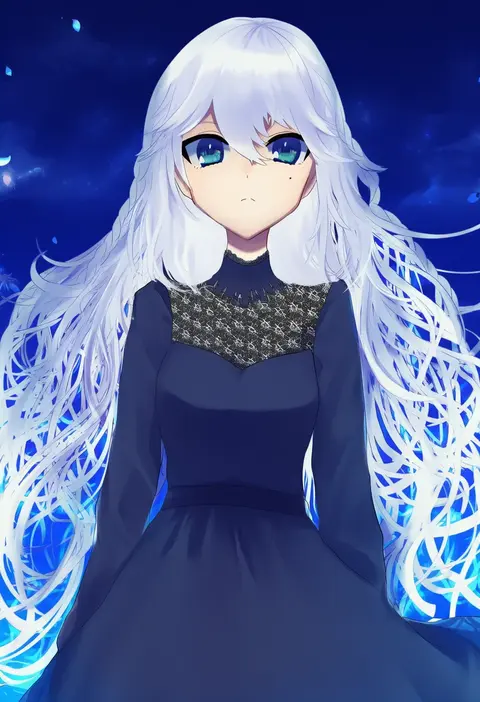
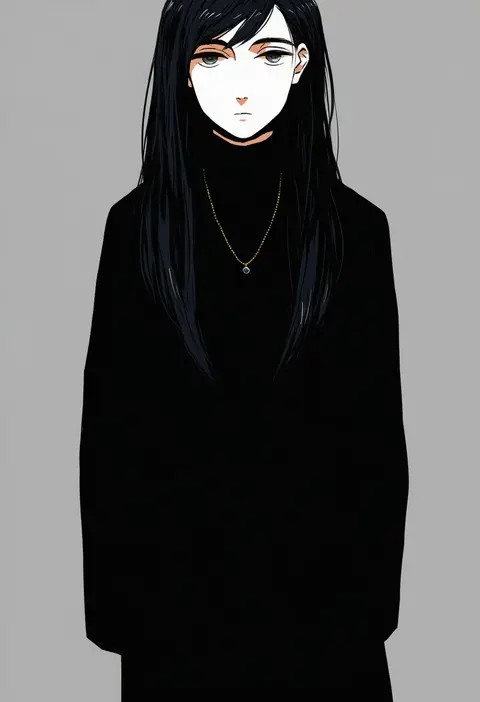
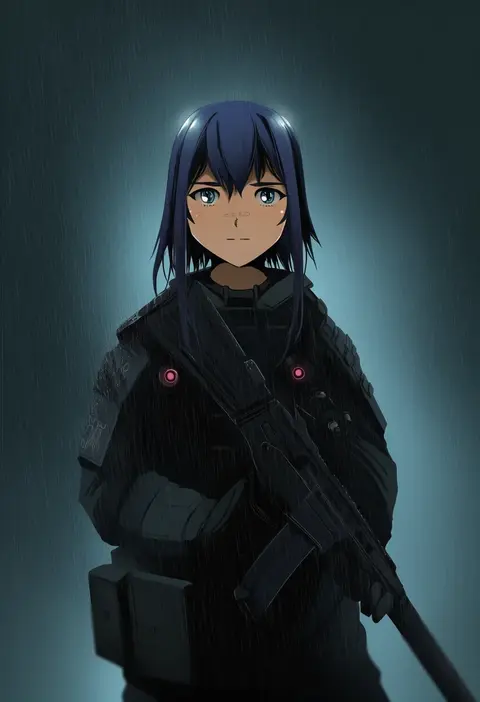
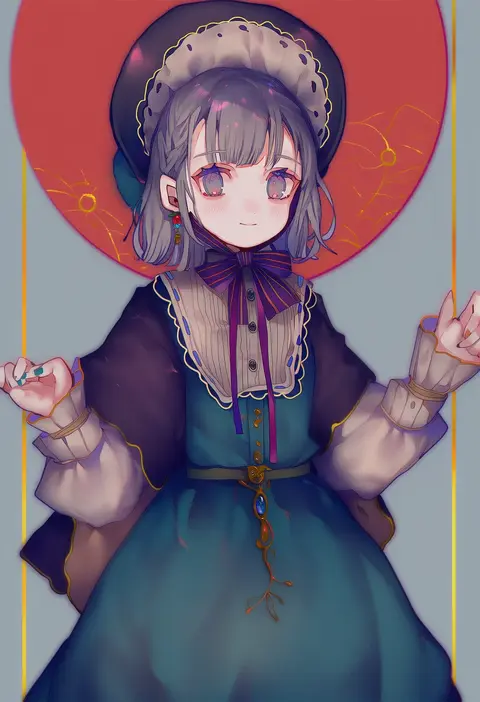
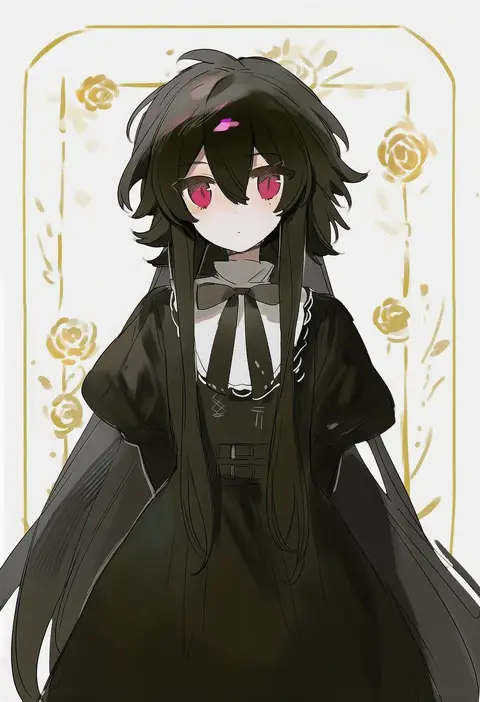
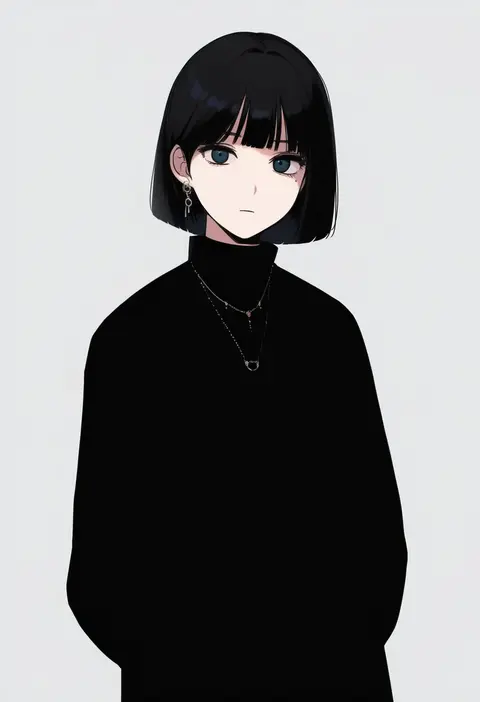
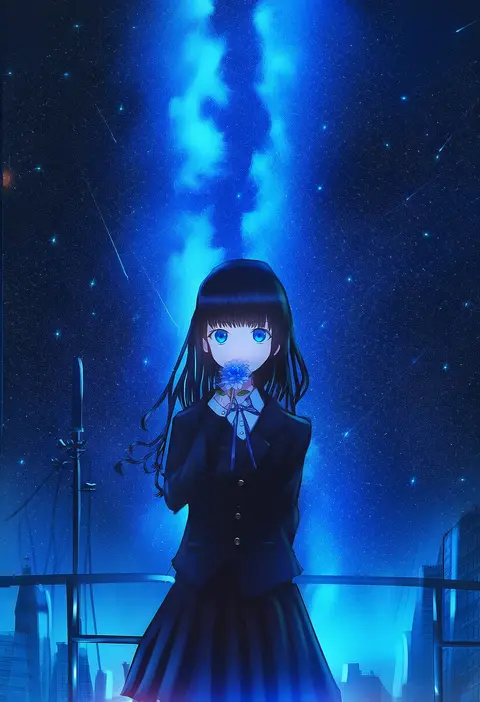
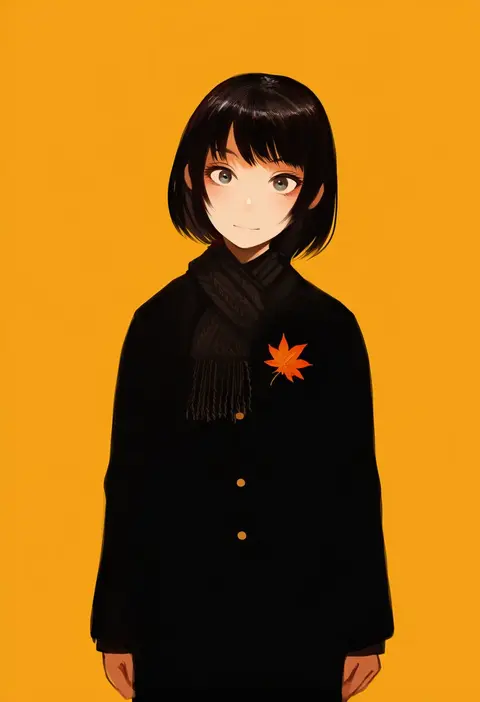
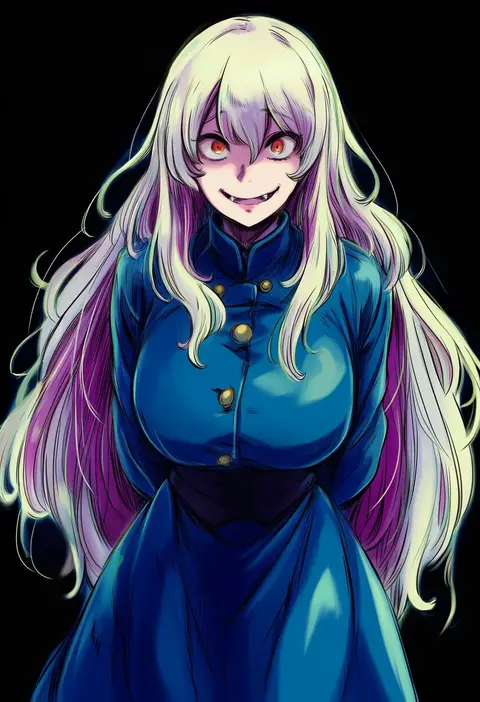
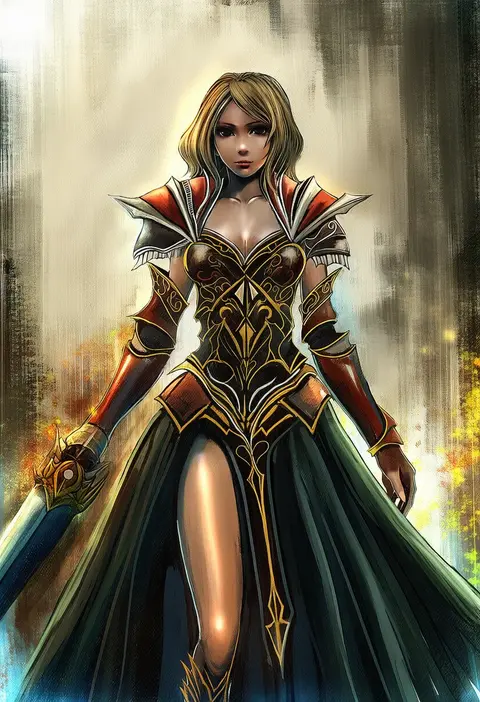
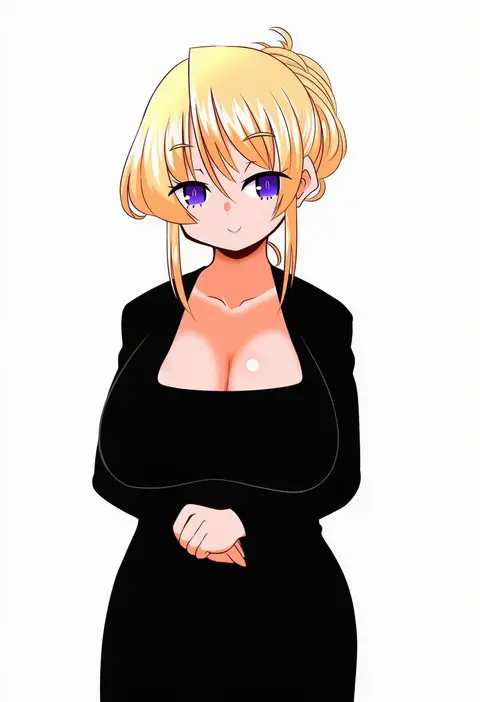
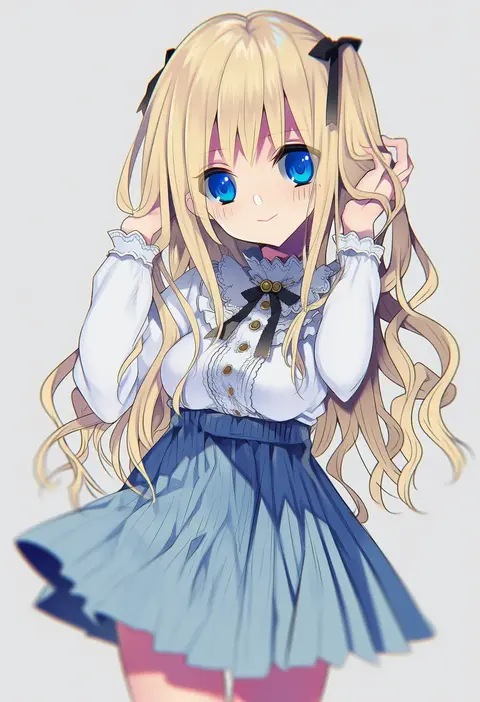
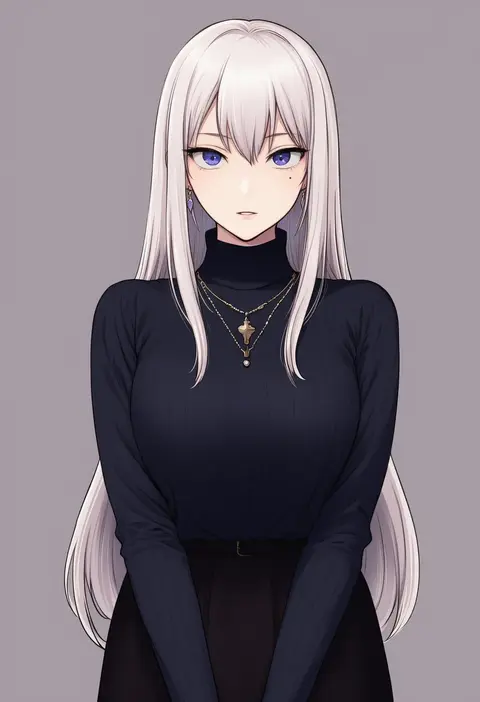
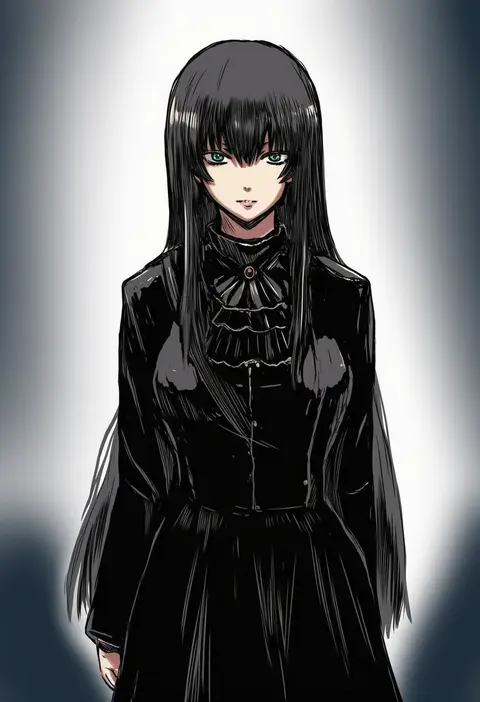
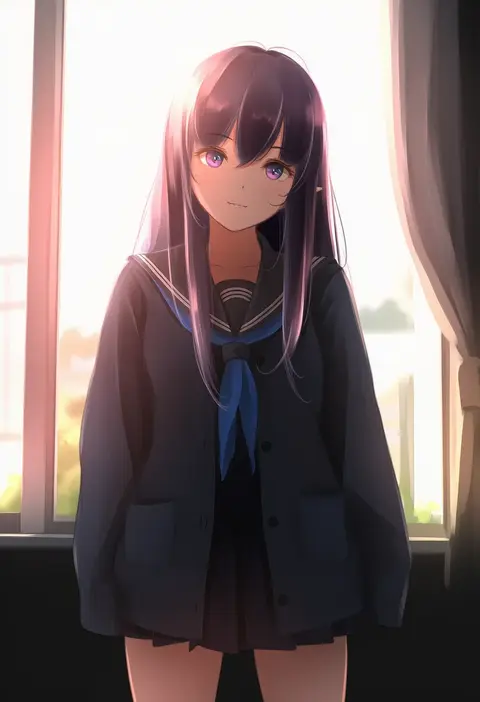
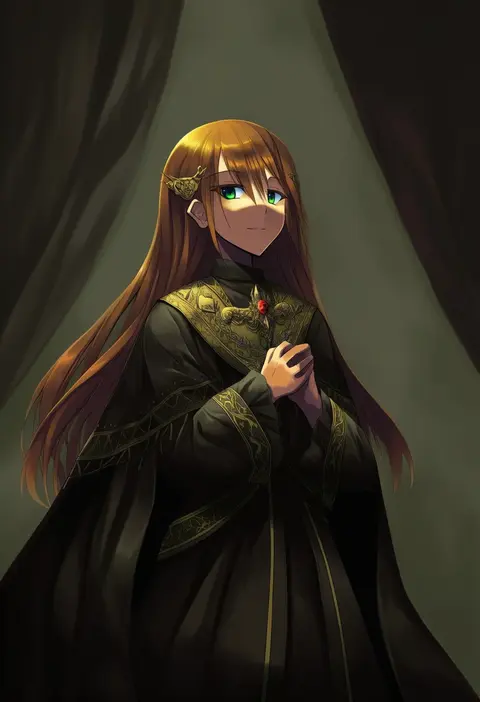
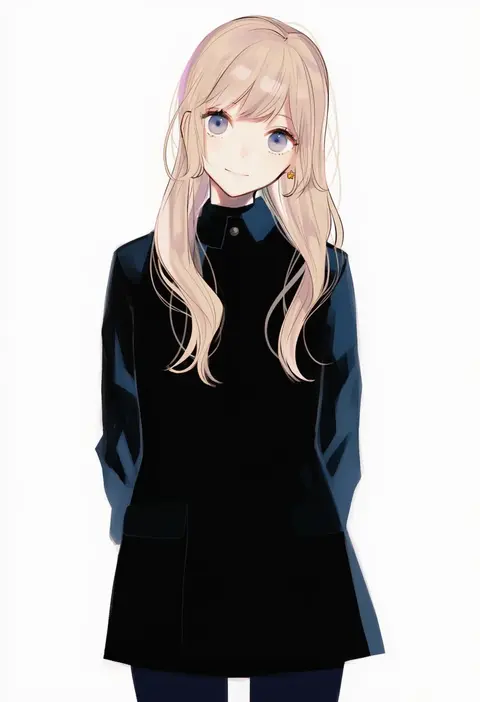
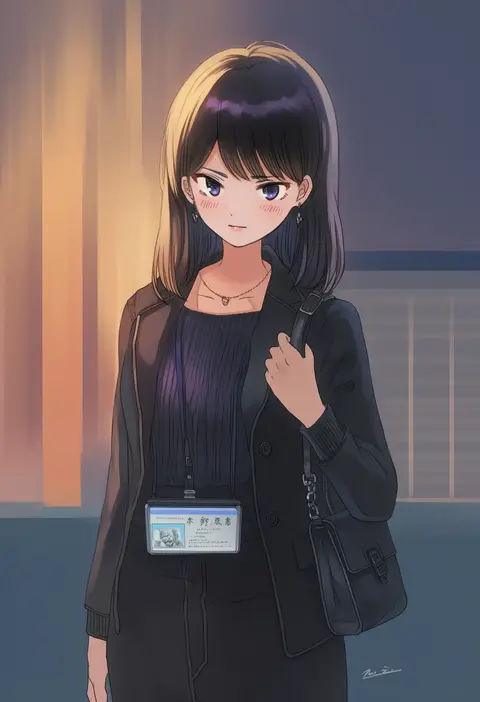
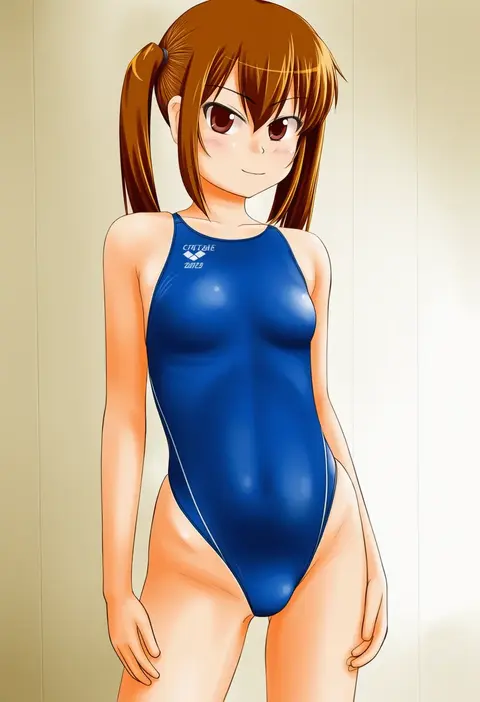
Artist tags tell NovelAI Diffusion to draw in a specific artist's style: line weight, paint texture, face shapes and palette all shift at once. Character and outfit tags decide what is drawn; artist tags decide how. 16,352 tags are listed for V4.5.
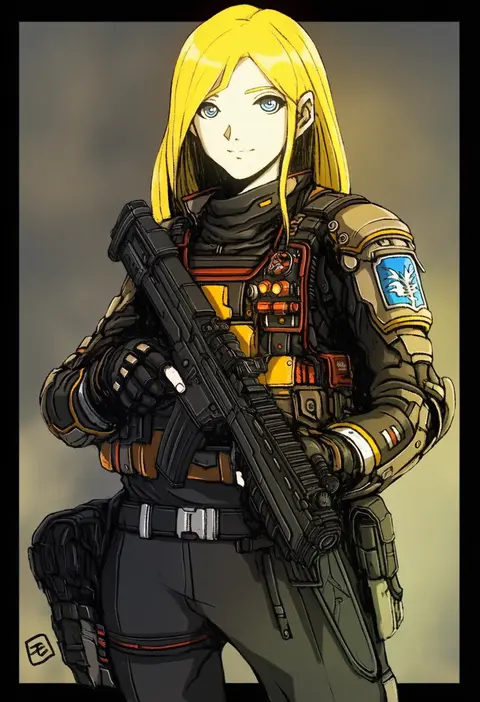
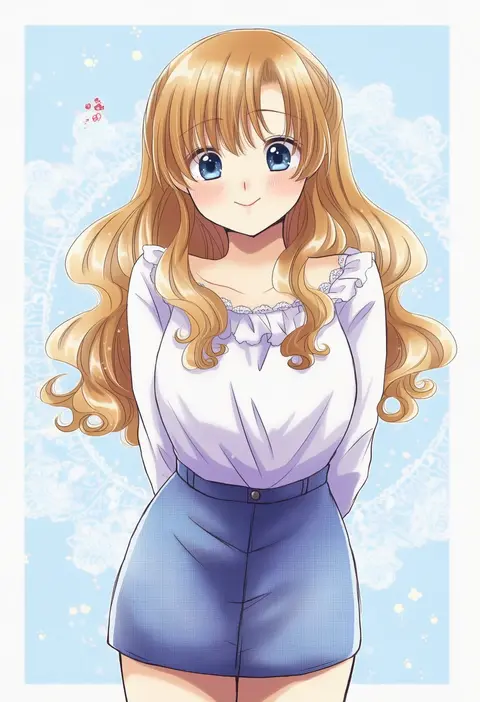
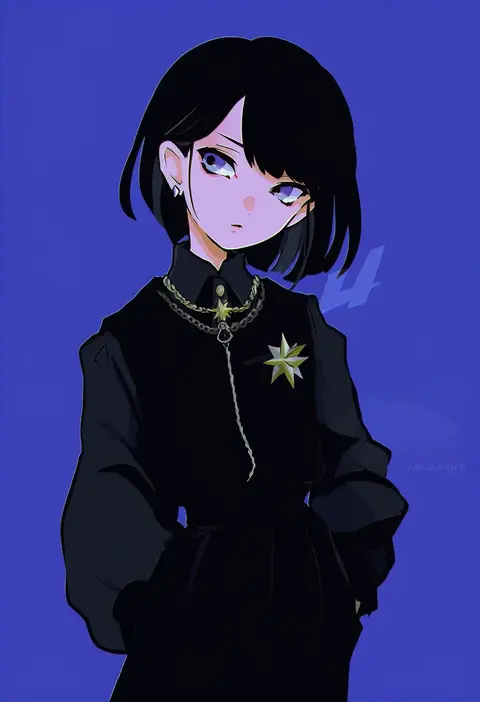
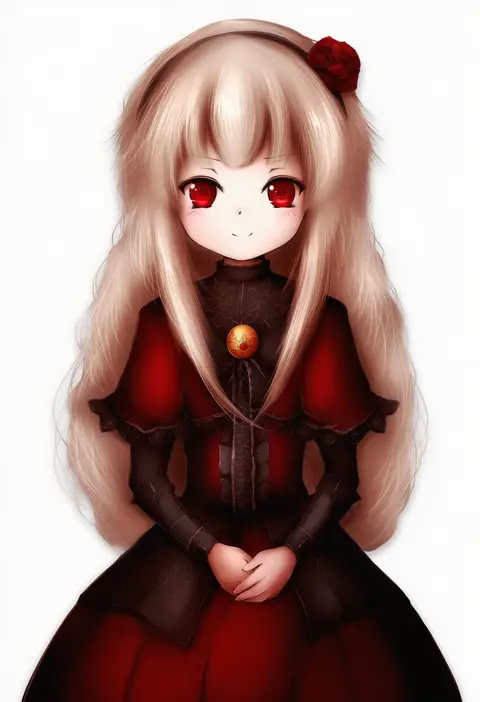
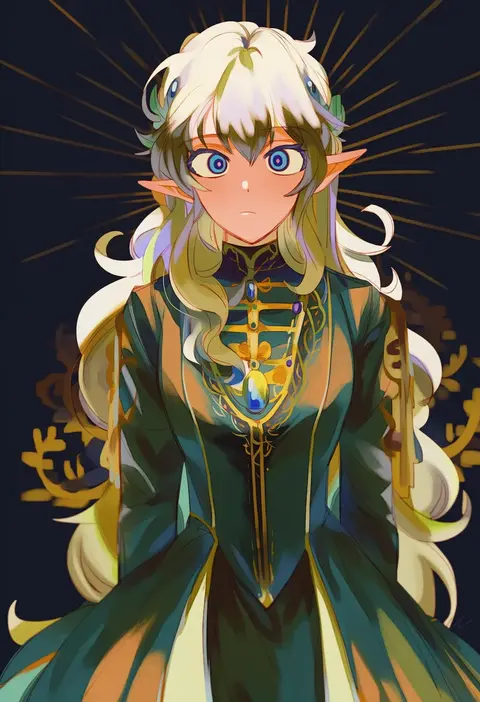
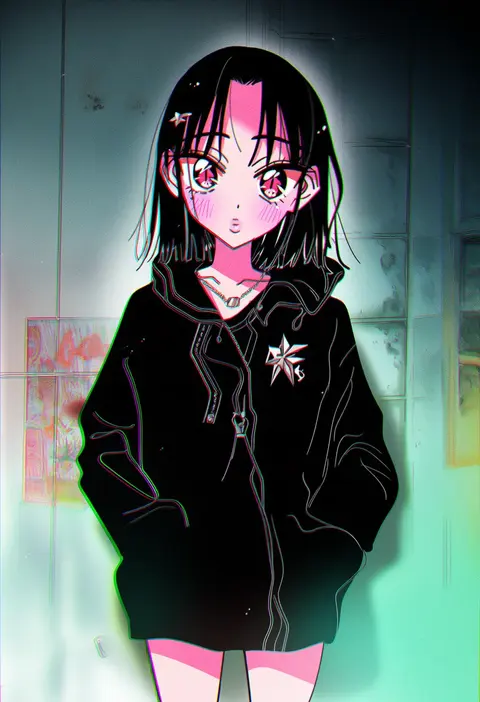
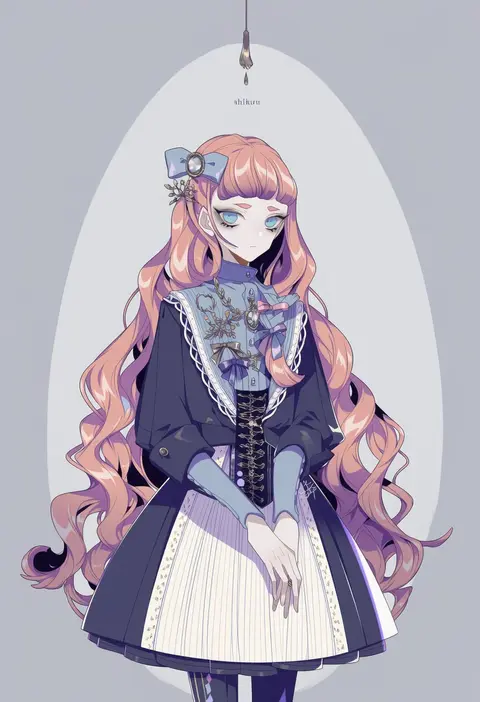
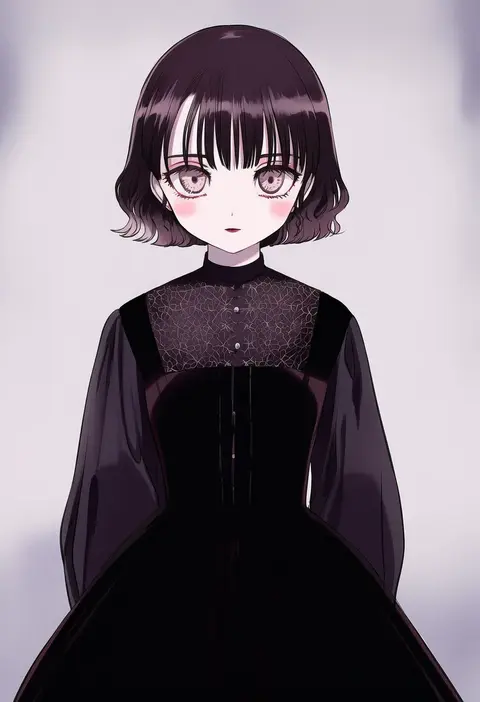
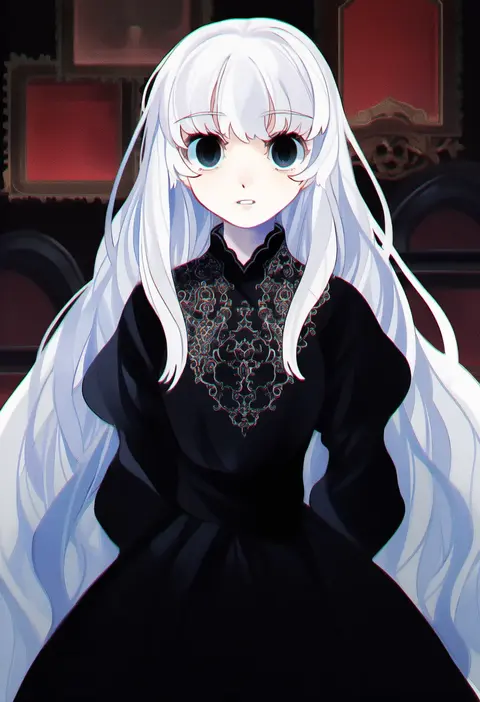
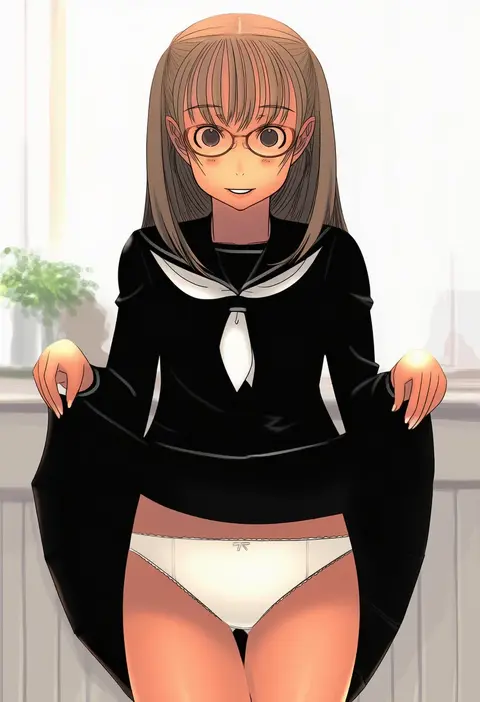
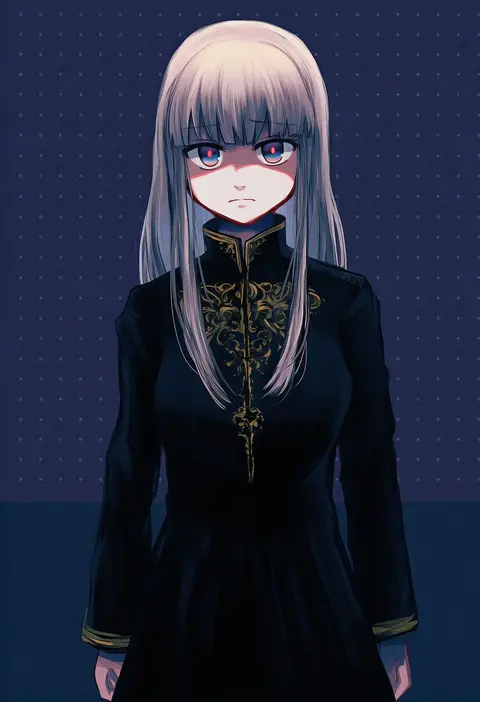
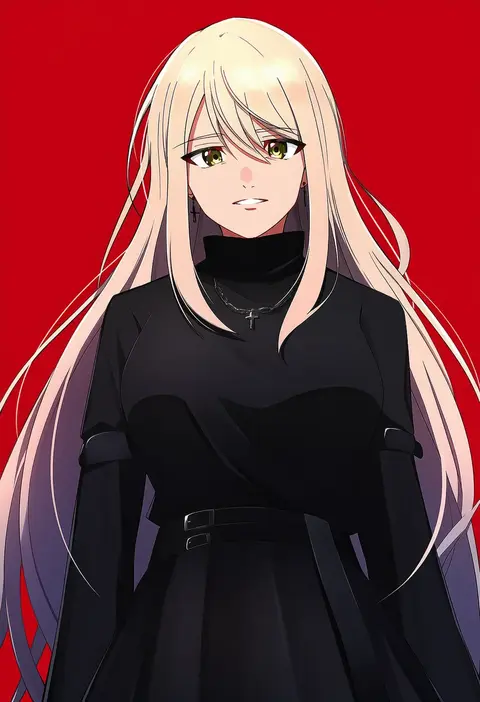
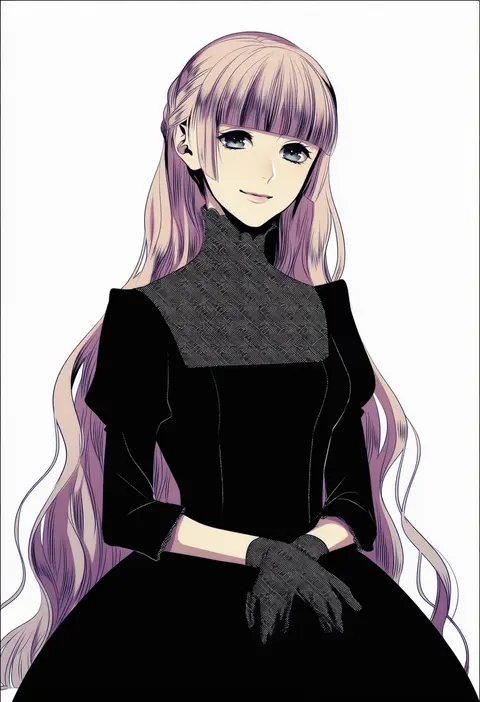
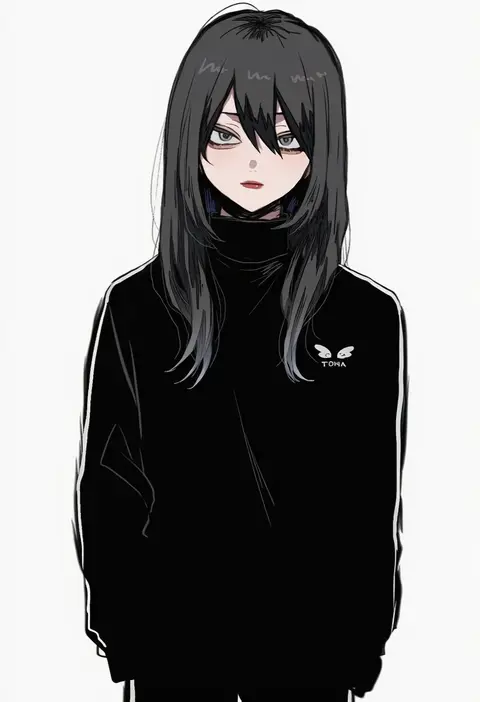
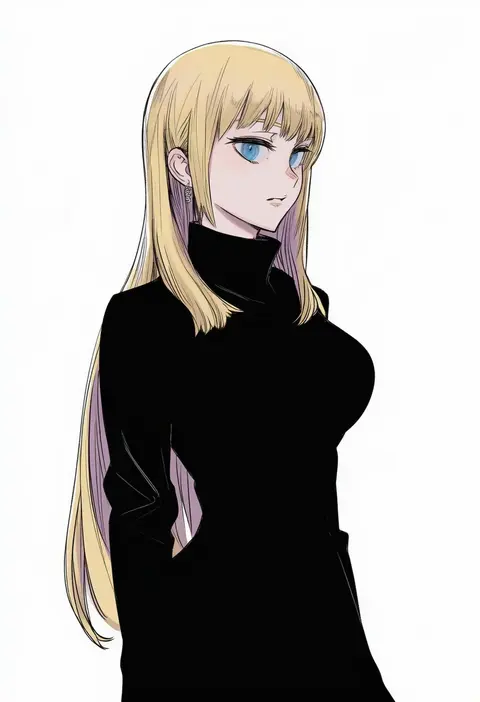
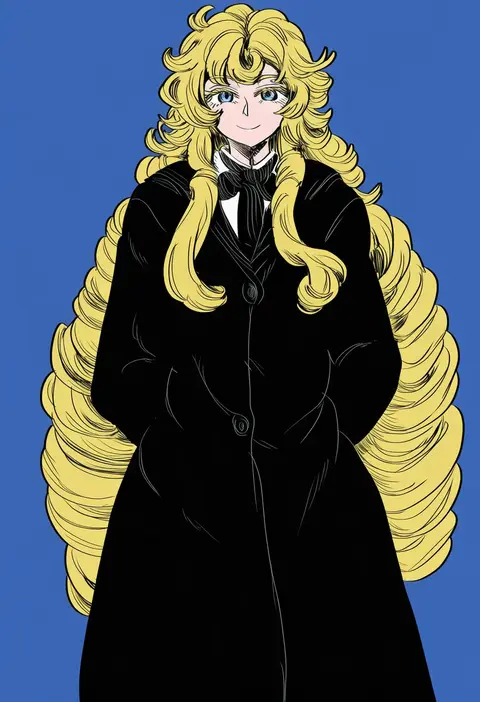
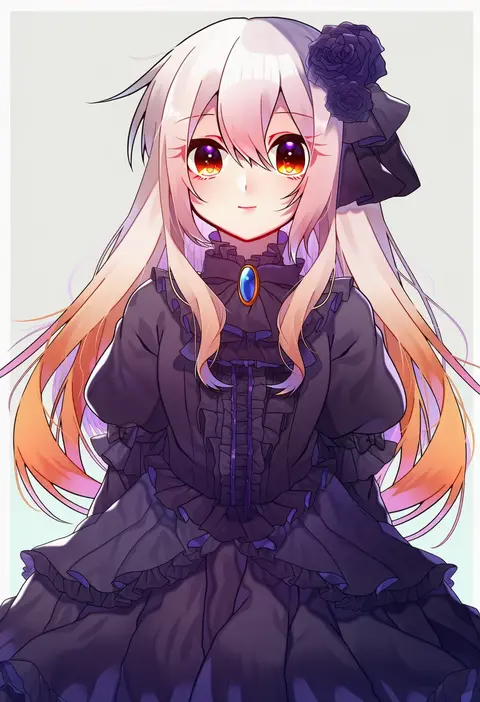
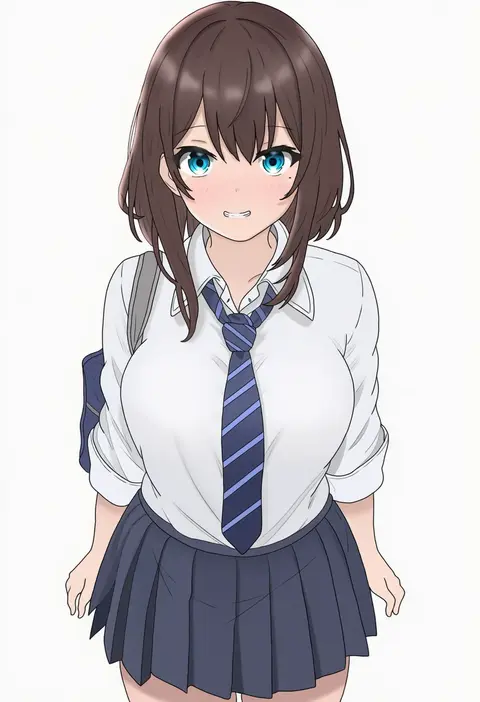
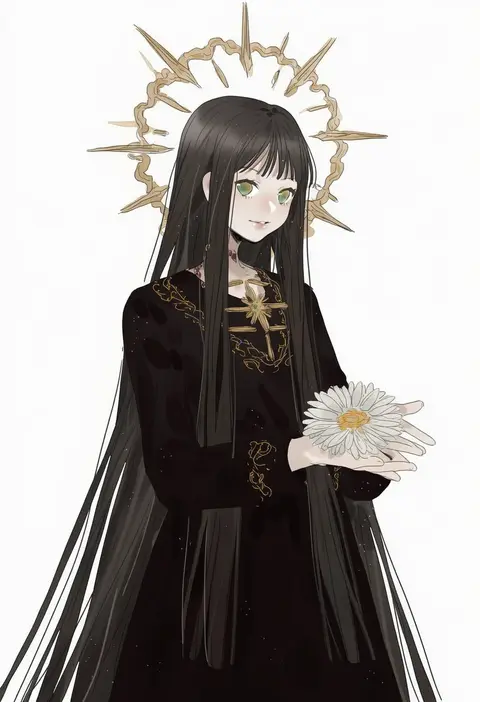
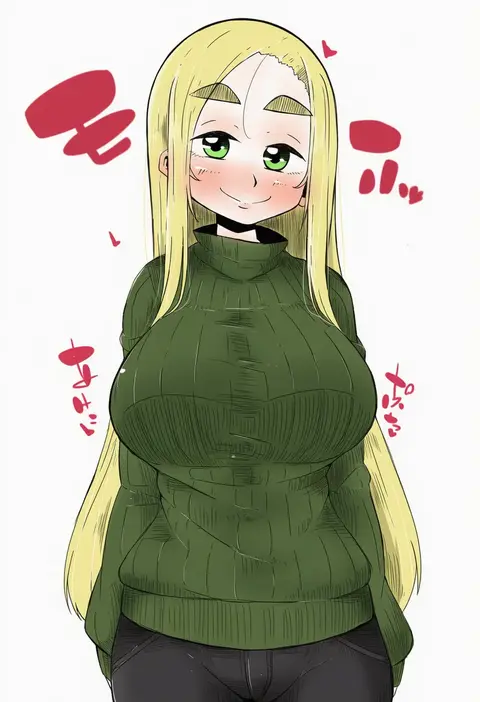
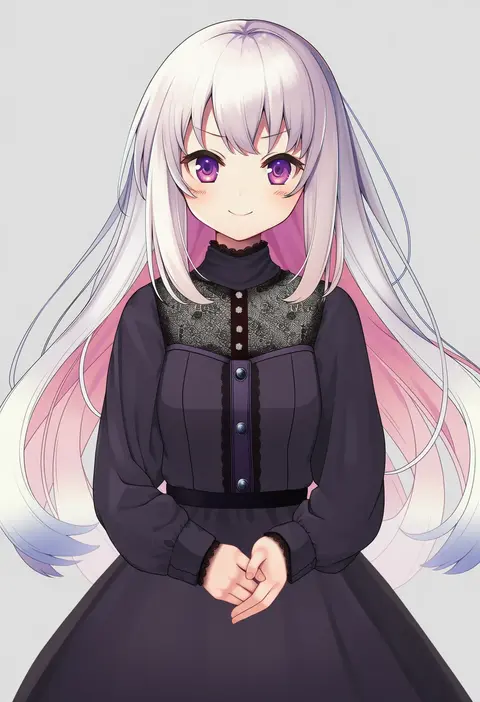
Every tag listed here is verified to react in NovelAI. All images use the same prompt, seed and settings with only the artist tag swapped, so the difference between two images is the style that tag brings in.

How to use them

Put the artist tag near the front of the prompt, e.g. "<artist>, 1girl, solo, best quality, masterpiece, cowboy shot". Two or three artist tags blend styles; lower the weight with "0.8::<artist>::" when the style overpowers the character.

SCORE sorts by Danbooru's top score, POSTS by post count, FAVS by hearts on this site. Open a card to see V5 and V4.5 side by side on the same seed.

V5 vs V4.5

V5 usually lands closer to the artist's real style, and tags that did nothing on V4.5 often react on V5. V4.5 still fits older and doujin-heavy artists better. Try V5 first, fall back to V4.5.

FAQ

Where does the artist tag go?
Near the front of the prompt. Use "0.8::tag::" to adjust its weight.

Can I stack artist tags?
Yes, styles blend. Past two or three the result stops looking like anyone.

Are these the artists' own works?
No. Every image is a NovelAI sample generated from the tag.