V4.5Artists
sort: FAVS▾
▾
>
$

NovelAI Artist Tags List — V4.5

artist --count 16,352[244/273]
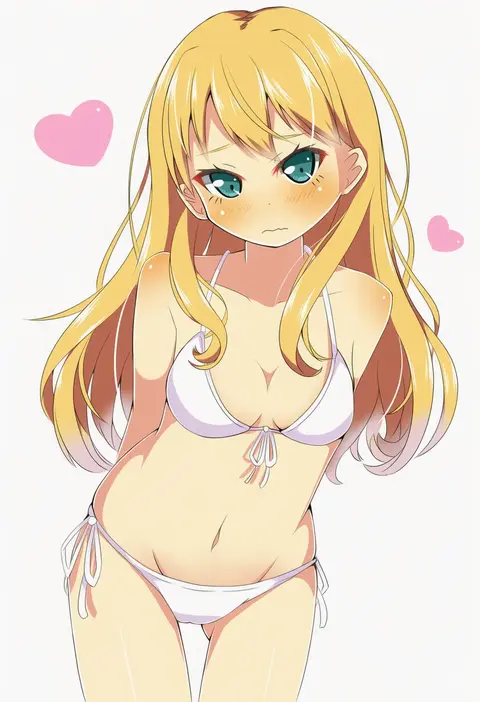
yuimari
ARTIST0x38F4
0
sarashina kau
ARTIST0x38F5
0
menotama
ARTIST0x38F6
0
makoron117117
ARTIST0x38F7
0
ura (05131)
ARTIST0x38F8
0
haizai
ARTIST0x38F9
0
itsuki sayaka
ARTIST0x38FA
0
nao (nao eg)
ARTIST0x38FB
0
pinoko (pnk623)
ARTIST0x38FC
0
creat (kuribeni)
ARTIST0x38FD
0
hyogonosuke
ARTIST0x38FE
0
moketto
ARTIST0x38FF
0
shinonoko
ARTIST0x3900
0
maru usagi
ARTIST0x3901
0
utakata (azaka00)
ARTIST0x3902
0
himaneko.
ARTIST0x3903
0
mugen ouka
ARTIST0x3904
0
taka (taka wo kukuru)
ARTIST0x3905
0
irono (irtyu)
ARTIST0x3906
0
ma-2 (konkon kitakitsune)
ARTIST0x3907
0
yuumin
ARTIST0x3908
0
hanasakichu
ARTIST0x3909
0
catgirl0926
ARTIST0x390A
0
kinoko (hkn)
ARTIST0x390B
0
nayozane (worker7)
ARTIST0x390C
0
hana ni nare
ARTIST0x390D
0
superiordutchsauce
ARTIST0x390E
0
kohaku muro
ARTIST0x390F
0
ikura hato
ARTIST0x3910
0
naguno-0713
ARTIST0x3911
0
bonley
ARTIST0x3912
0
adylaineart
ARTIST0x3913
0
numae kaeru
ARTIST0x3914
0
prophet chu
ARTIST0x3915
0
vani (hisha 04)
ARTIST0x3916
0
ryp
ARTIST0x3917
0
jenny (je2live)
ARTIST0x3918
0
zuho (vega)
ARTIST0x3919
0
mamita
ARTIST0x391A
0
nanakusa suzuna
ARTIST0x391B
0
choufu shimin
ARTIST0x391C
0
no+bi=
ARTIST0x391D
0
shinapuu
ARTIST0x391E
0
yumaru (marumarumaru)
ARTIST0x391F
0
l hakase
ARTIST0x3920
0
c-button
ARTIST0x3921
0
torii sumi
ARTIST0x3922
0
mizutama
ARTIST0x3923
0
saku anna
ARTIST0x3924
0
tachikoma (mousou teikoku)
ARTIST0x3925
0
fumiko (mesushi)
ARTIST0x3926
0
tama (songe)
ARTIST0x3927
0
nyifu
ARTIST0x3928
0
kannari
ARTIST0x3929
0
rito453
ARTIST0x392A
0
nekofish666
ARTIST0x392B
0
ichi (ichi.colors)
ARTIST0x392C
0
normaland
ARTIST0x392D
0
koge donbo
ARTIST0x392E
0
kitsunetsuki itsuki
ARTIST0x392F
0

What these tags change

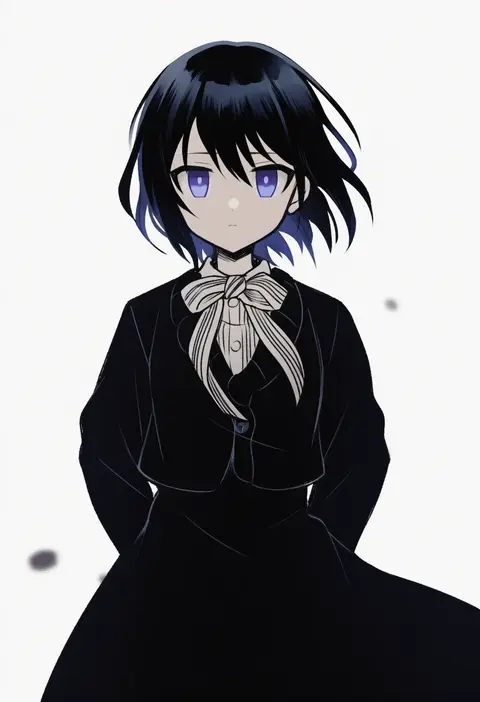
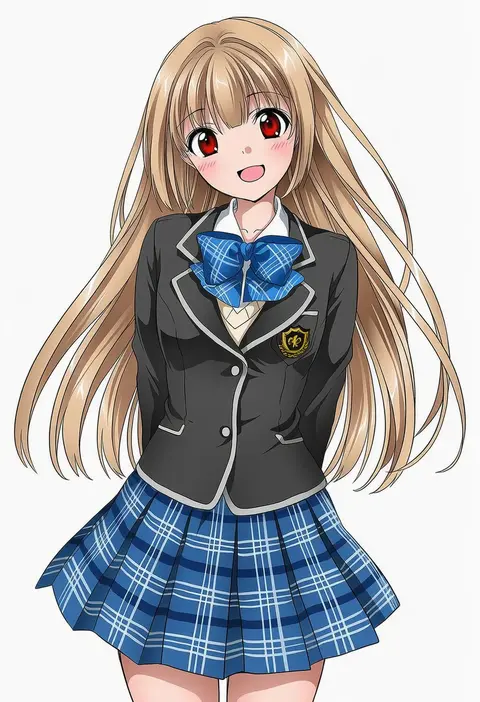
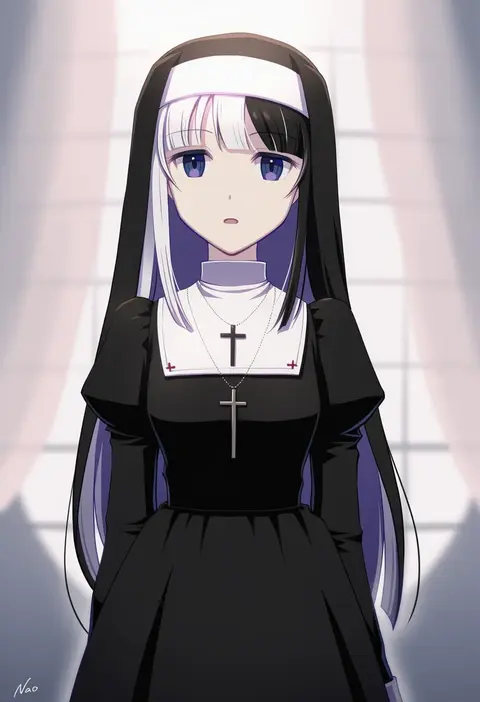
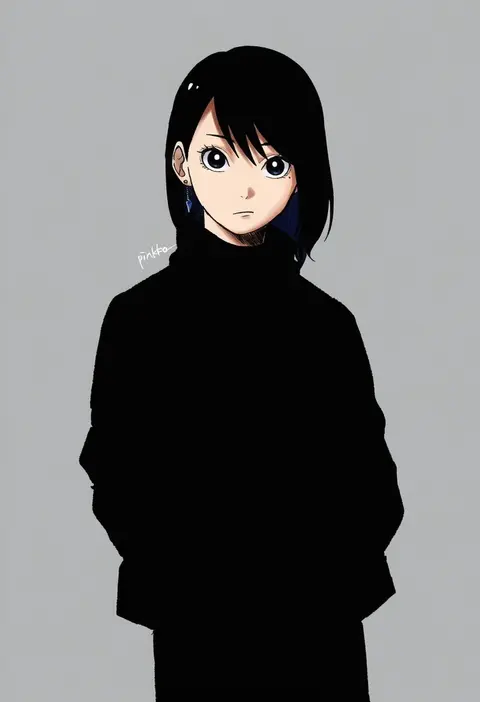
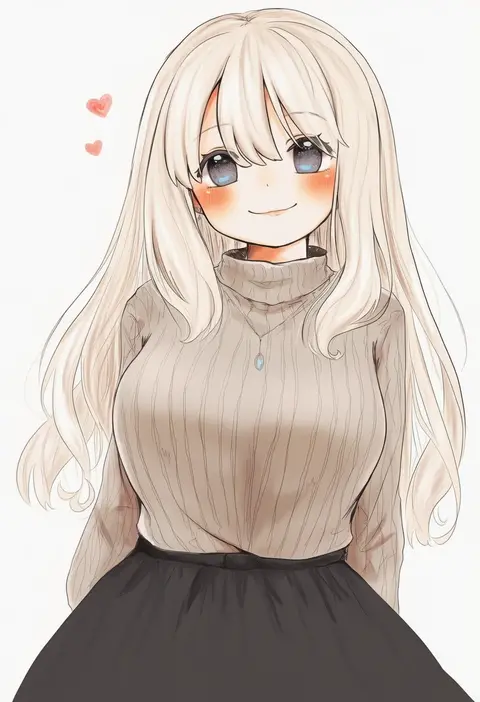
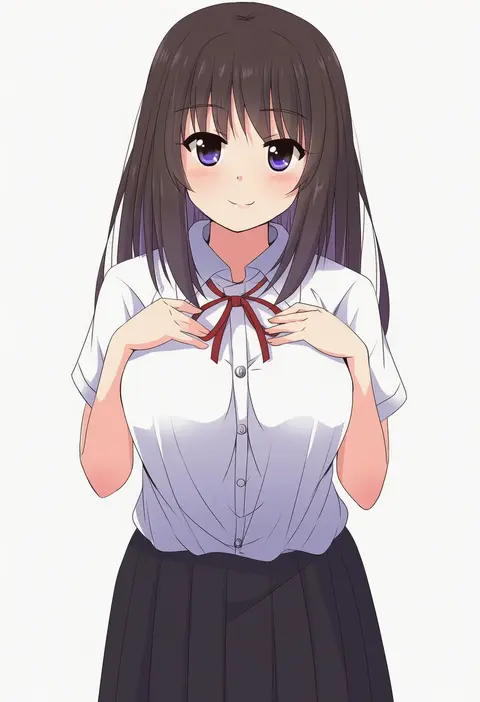
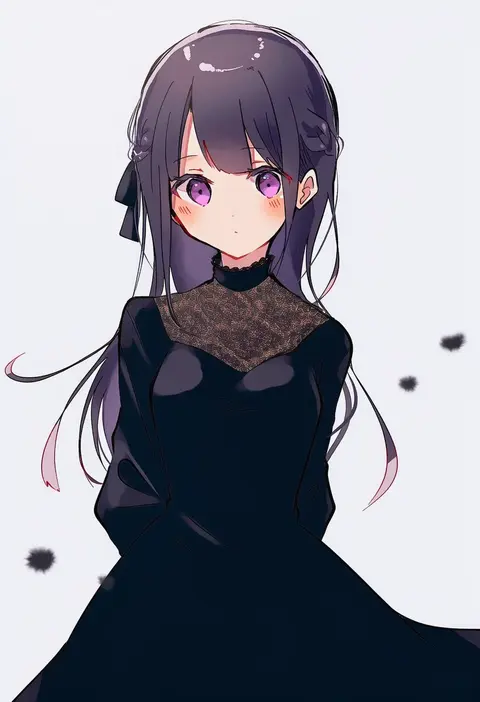
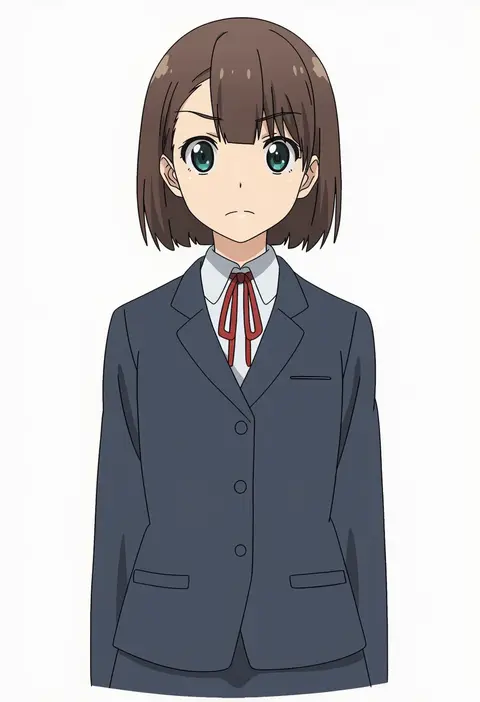
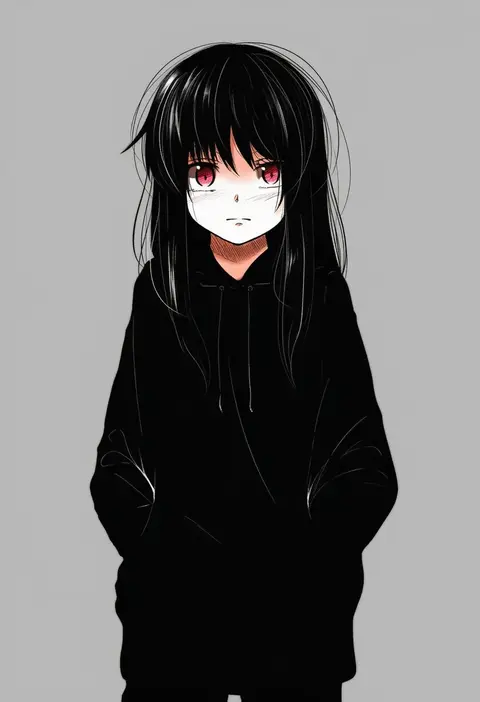
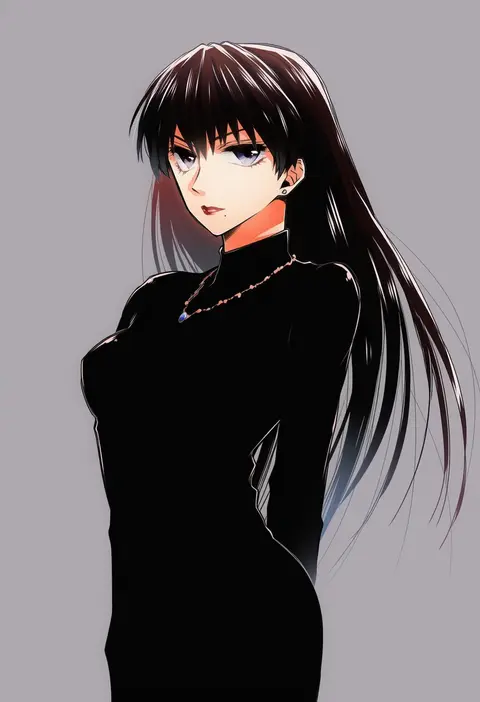
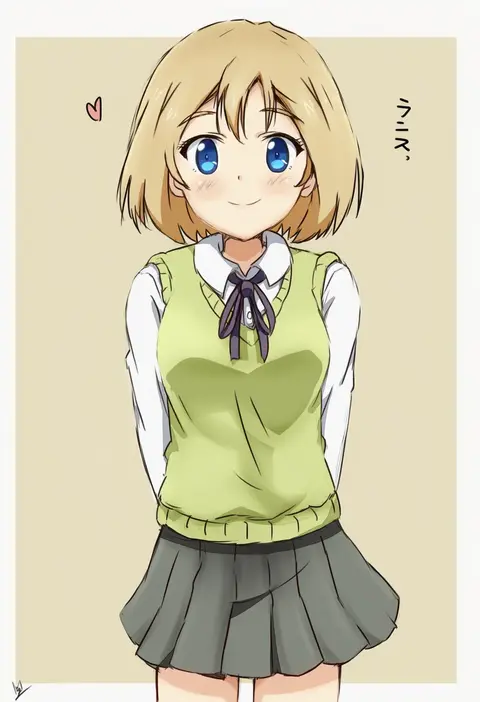
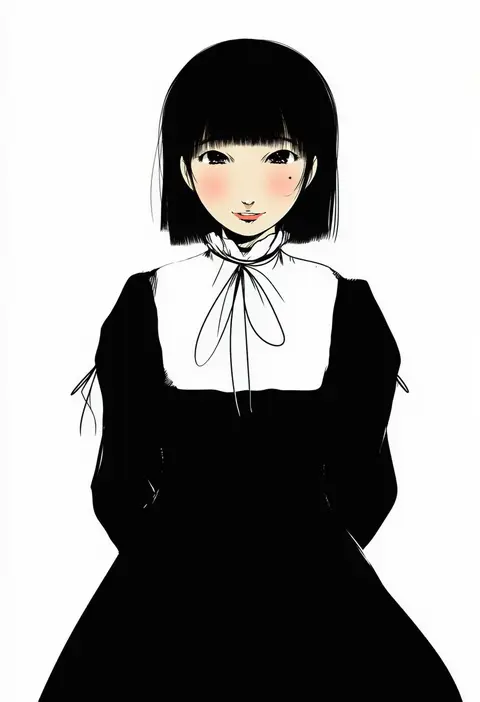
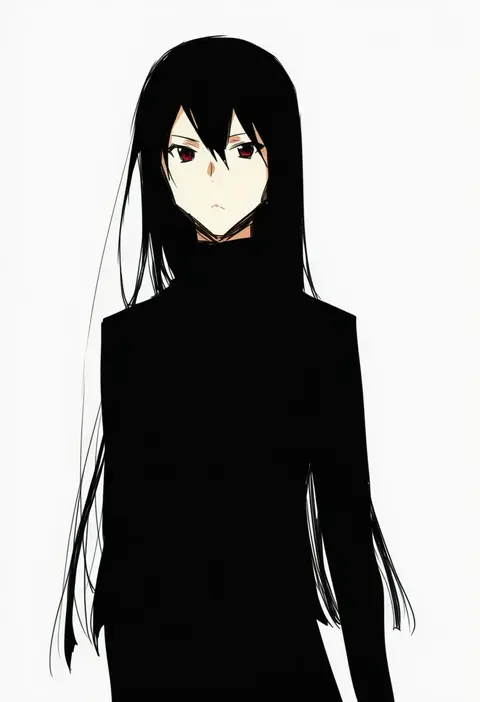
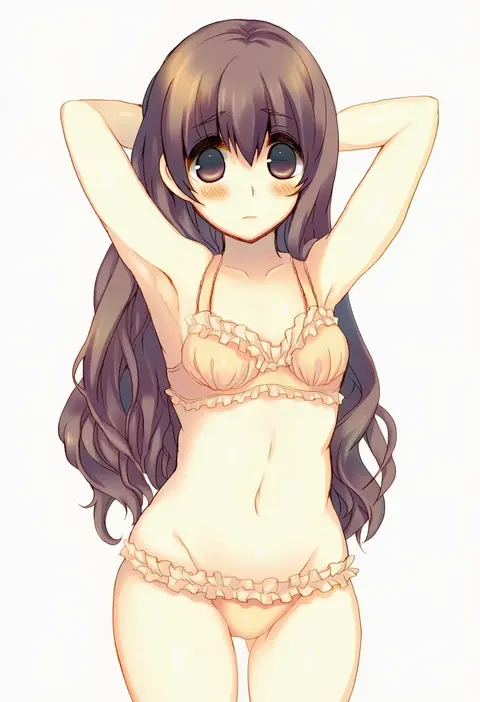
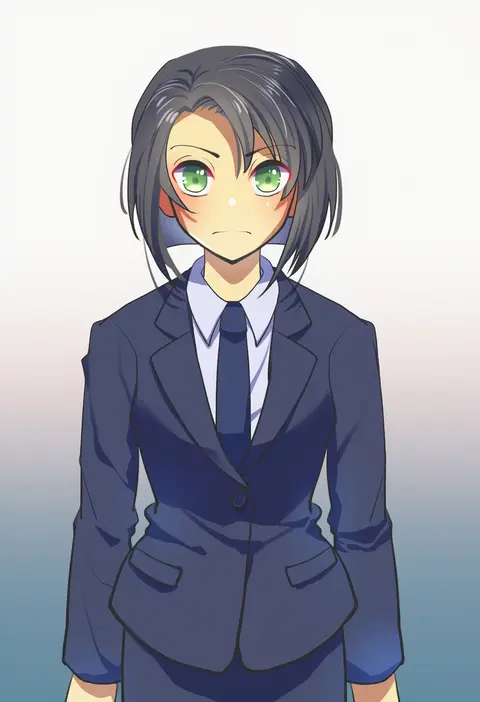
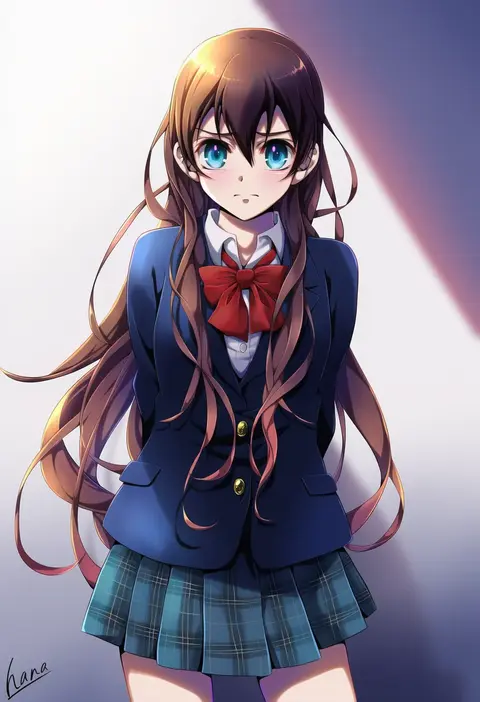
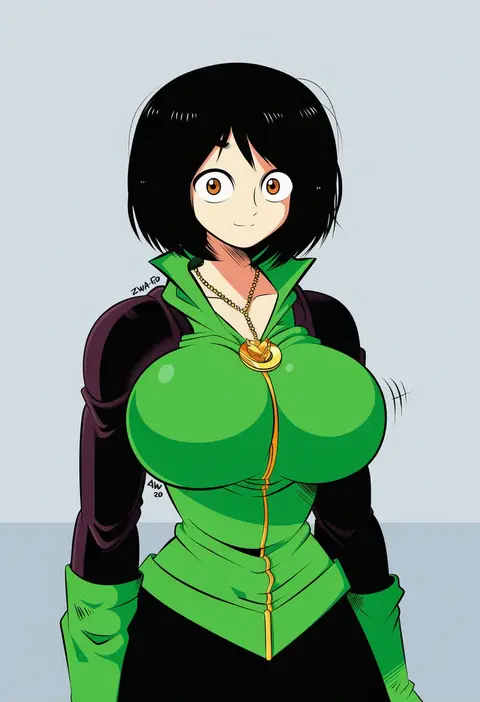
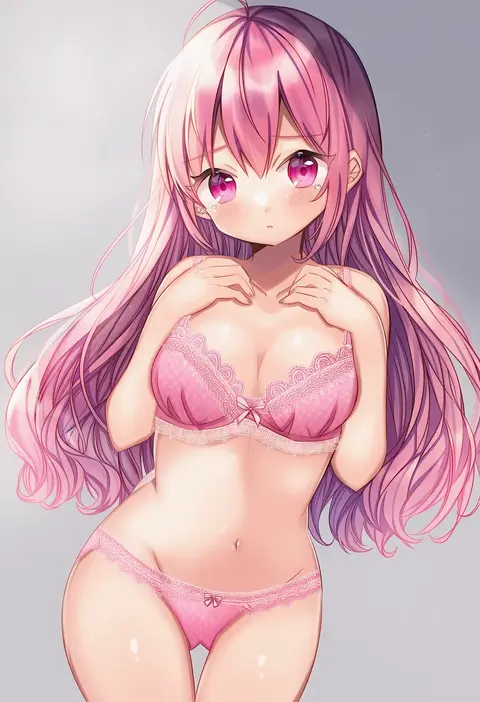
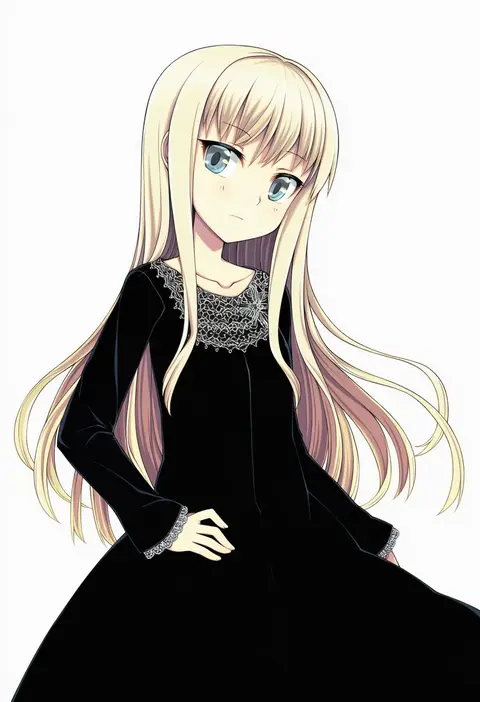
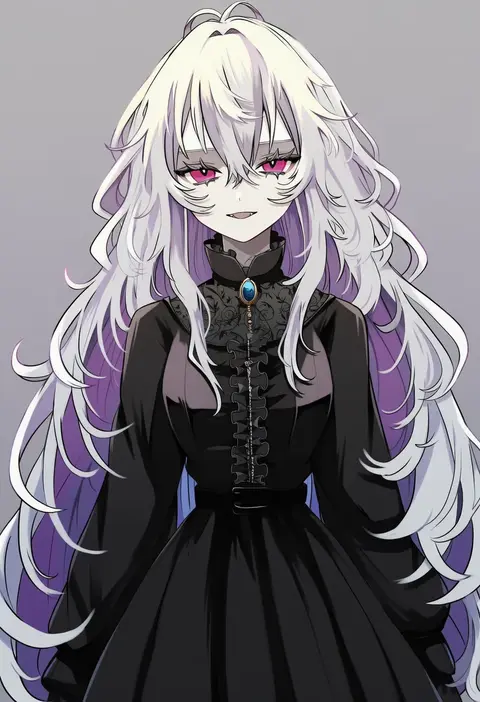
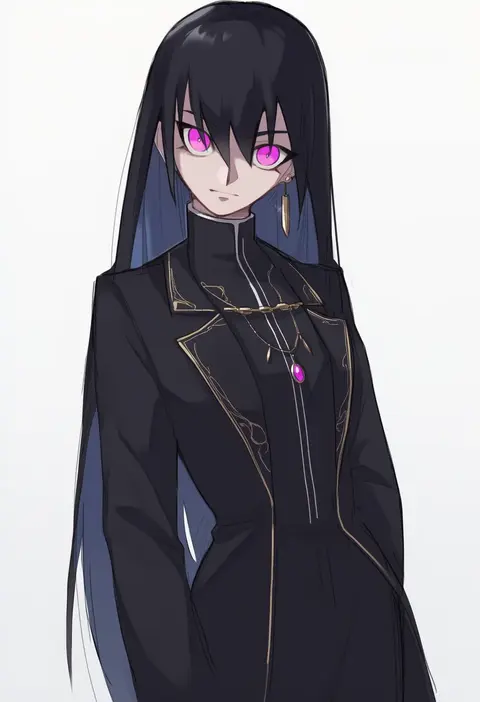
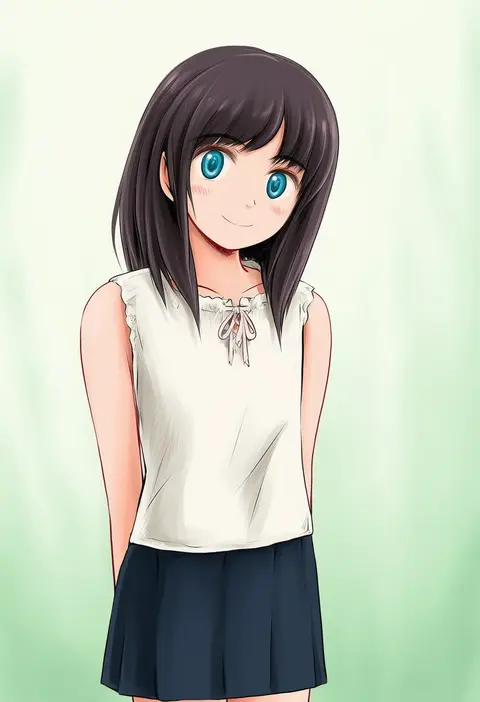
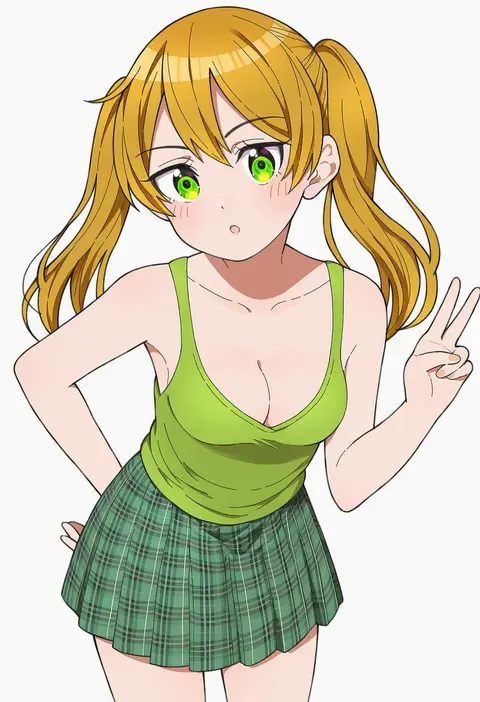
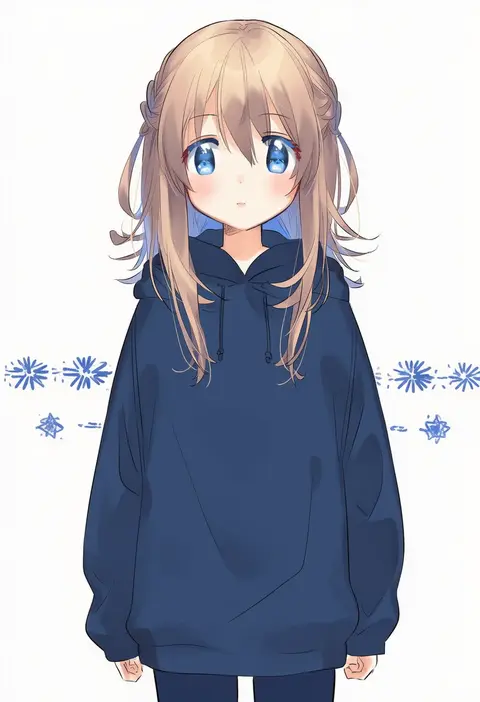
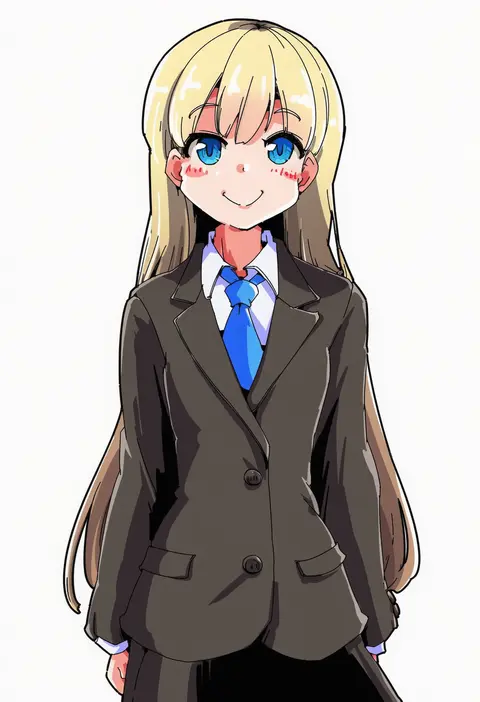
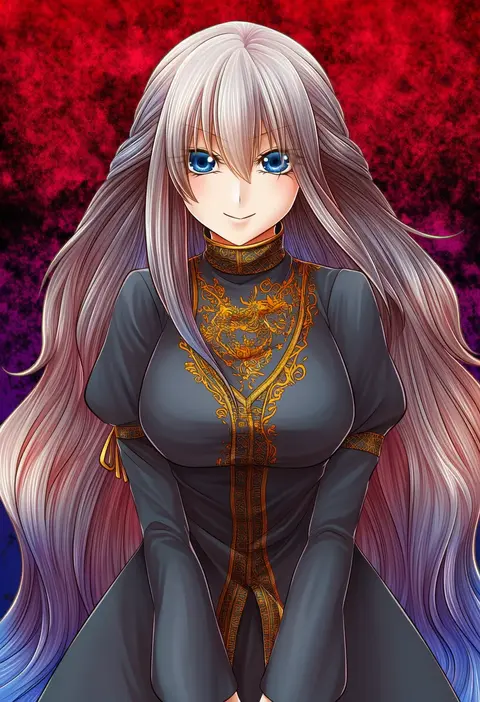
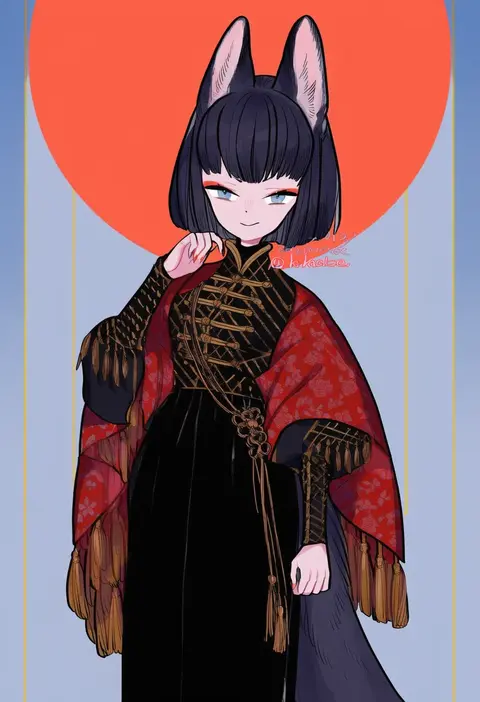
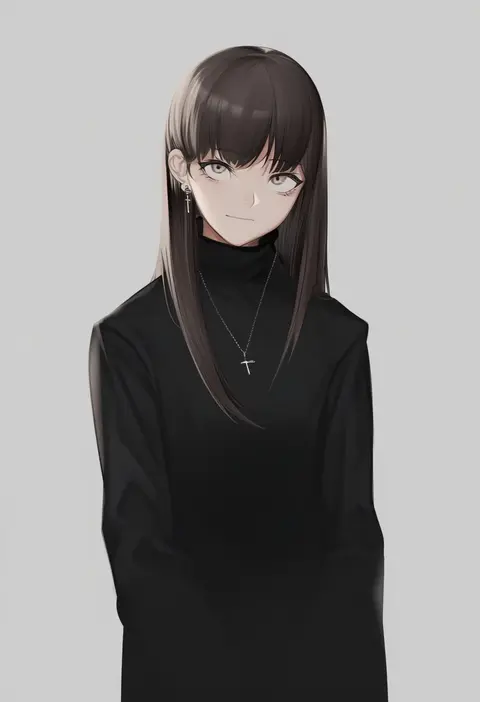
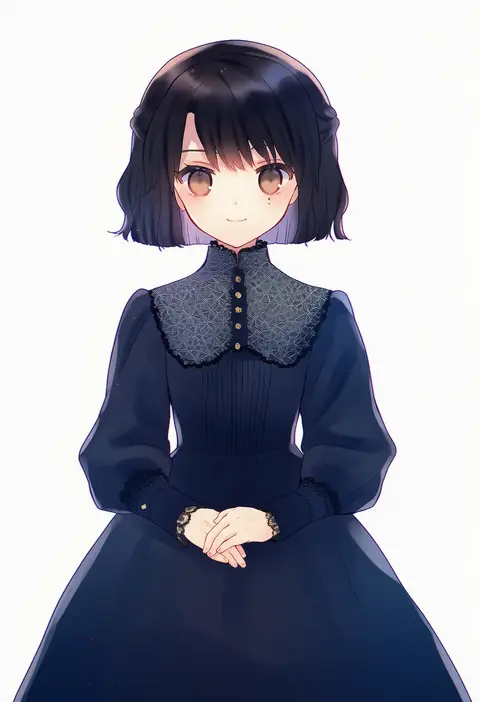
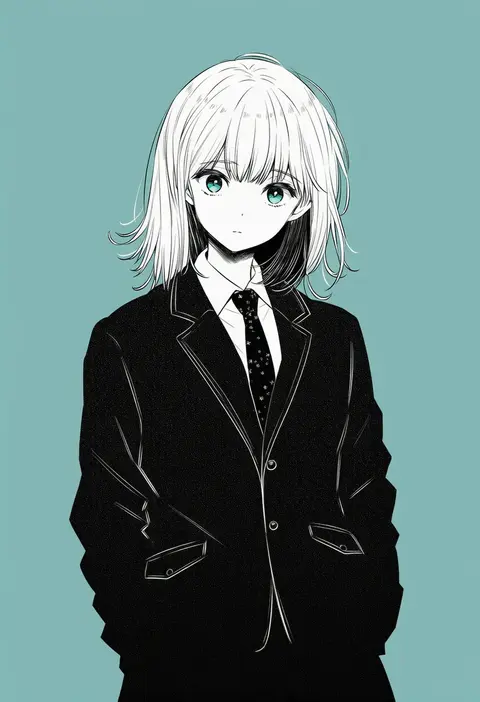
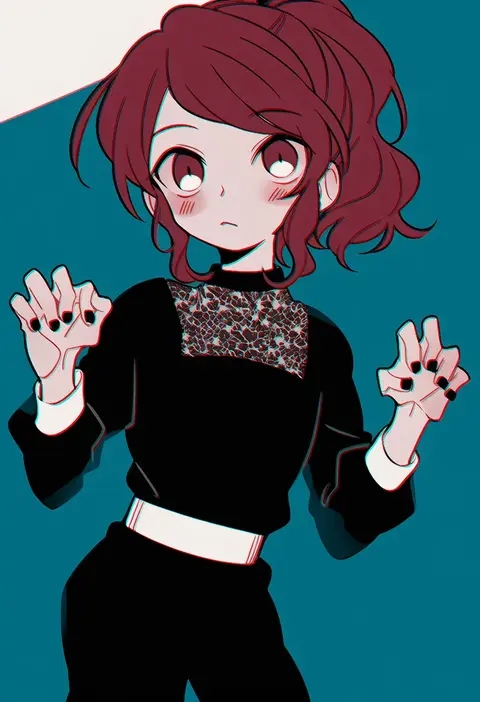
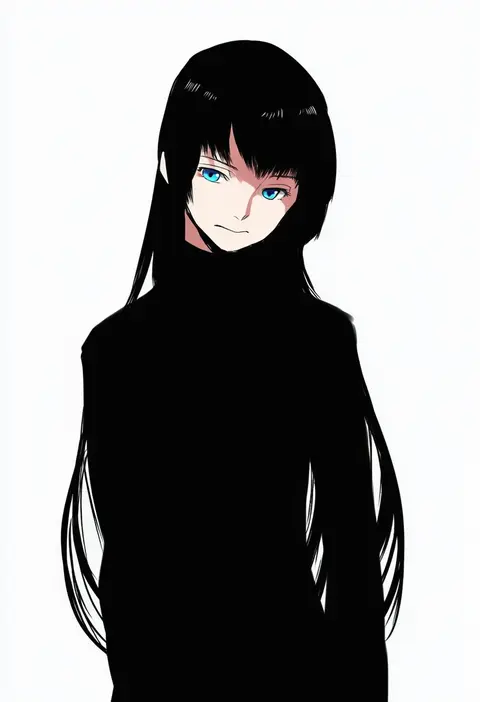
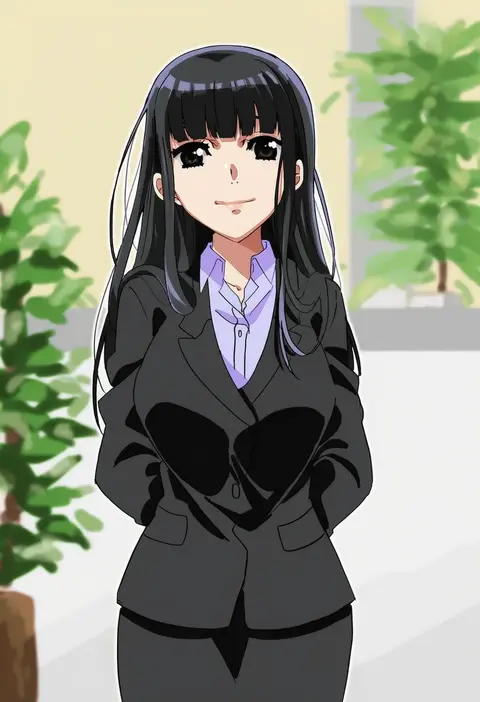
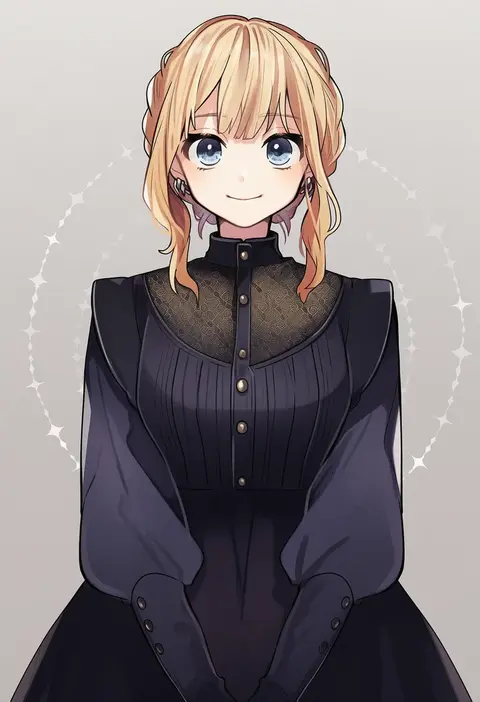
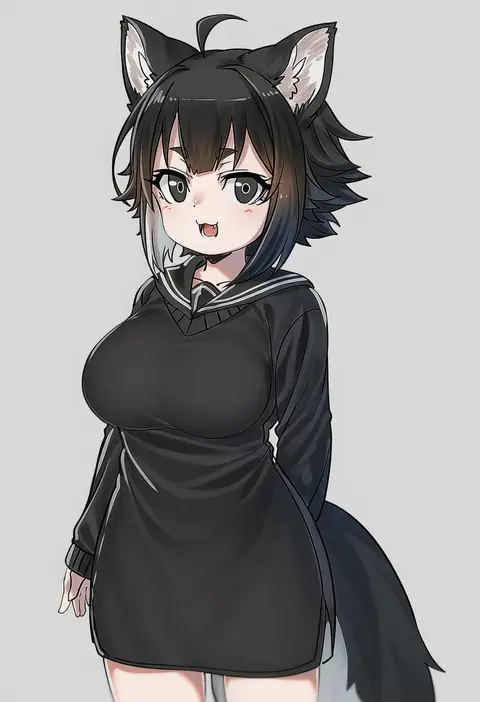
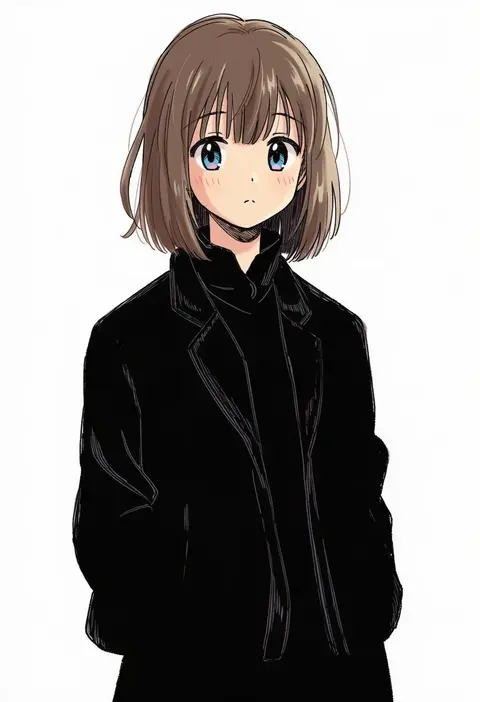
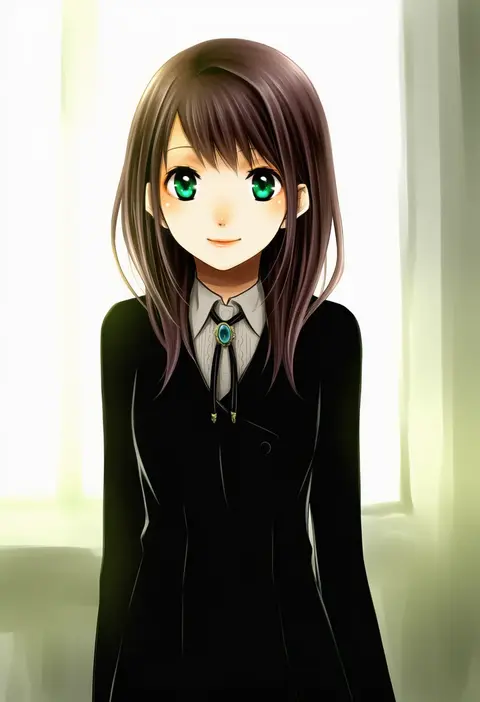
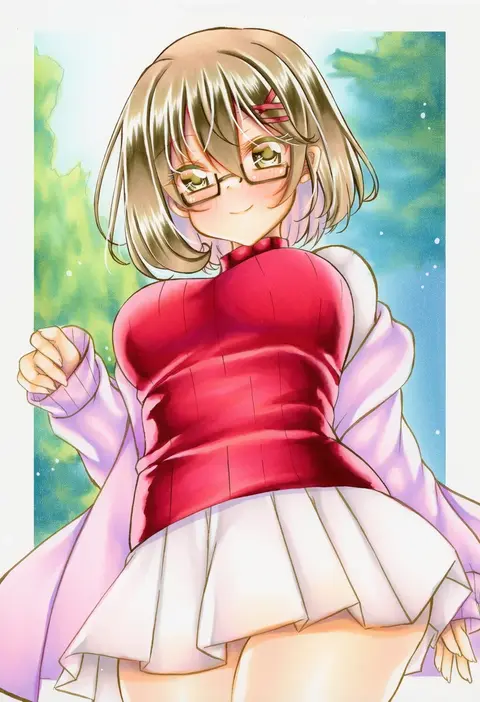
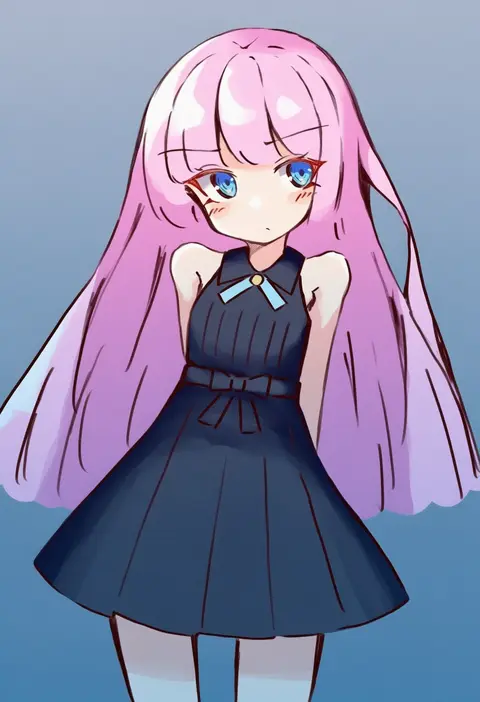
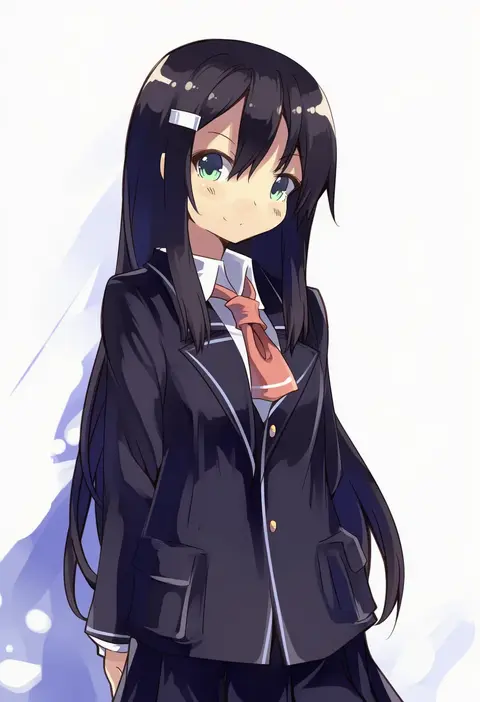
Artist tags tell NovelAI Diffusion to draw in a specific artist's style: line weight, paint texture, face shapes and palette all shift at once. Character and outfit tags decide what is drawn; artist tags decide how. 16,352 tags are listed for V4.5.

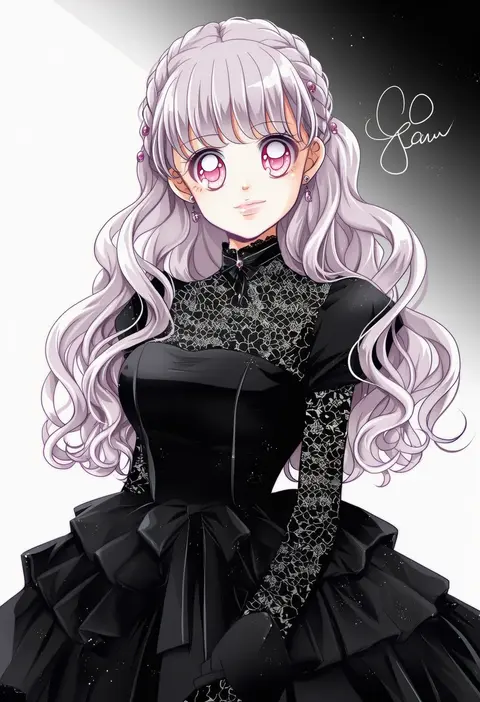
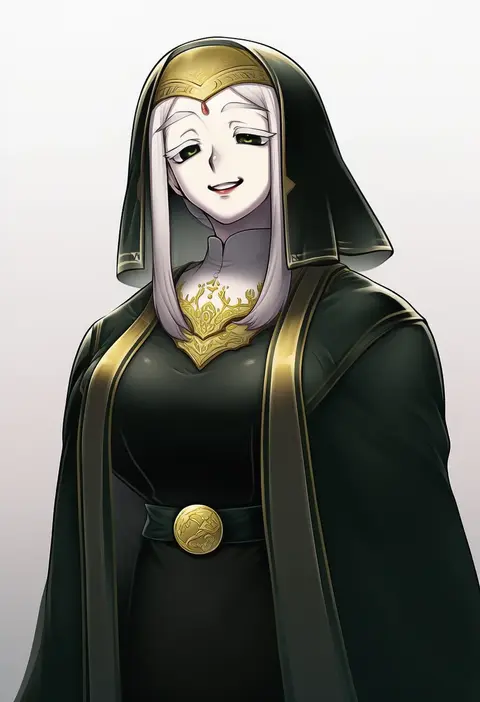
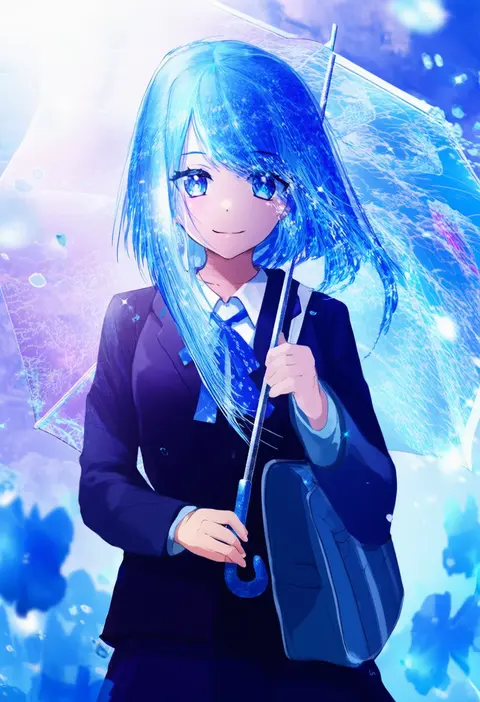
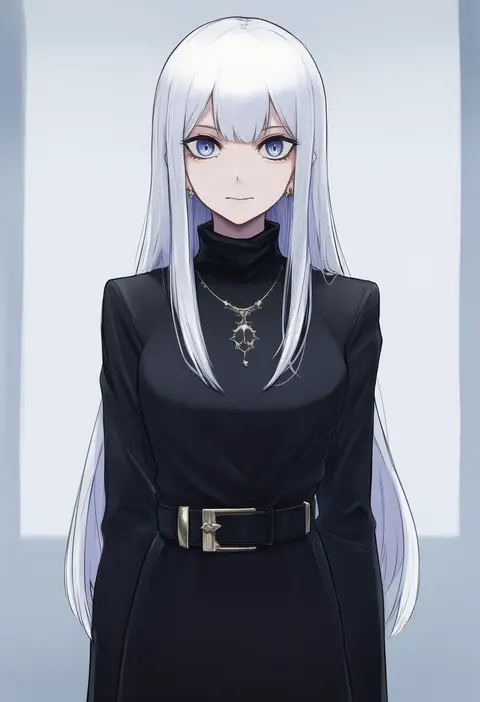
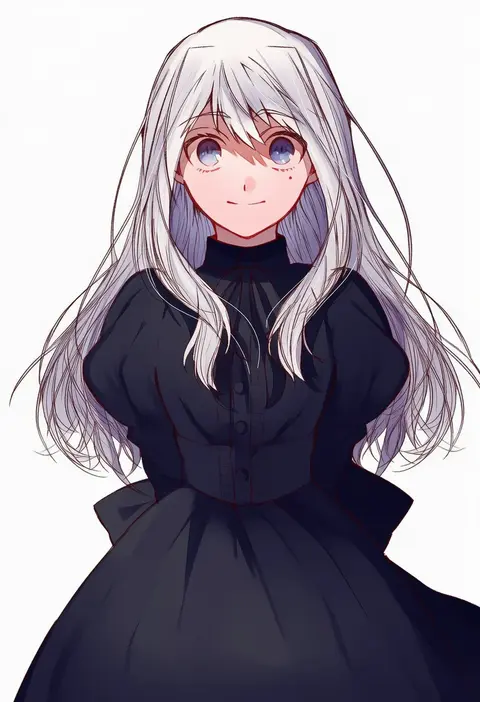
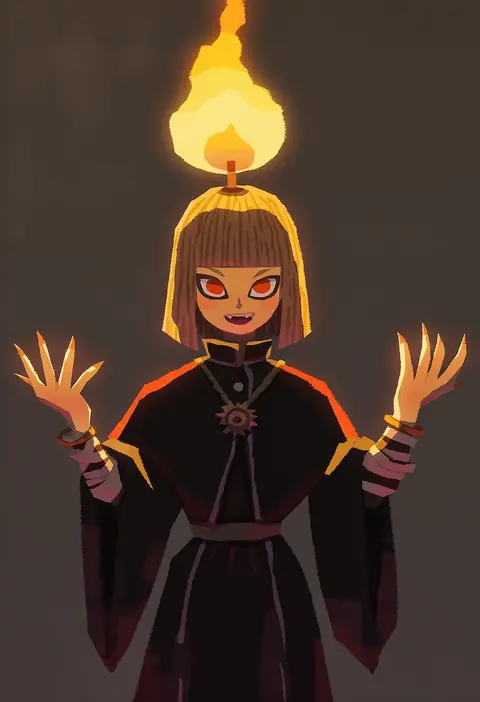
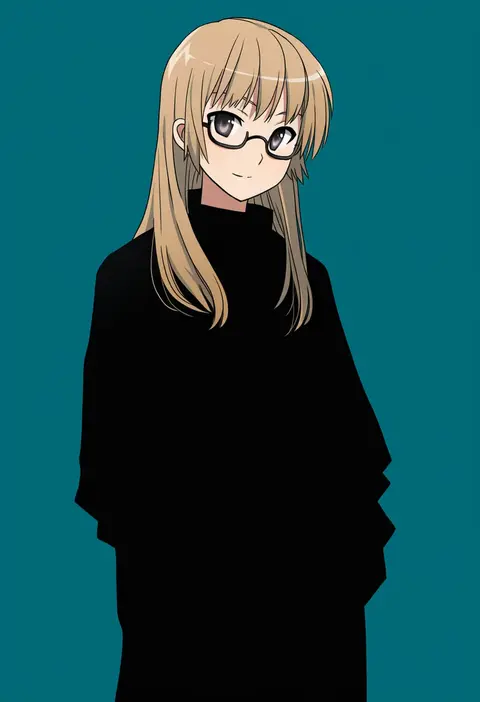
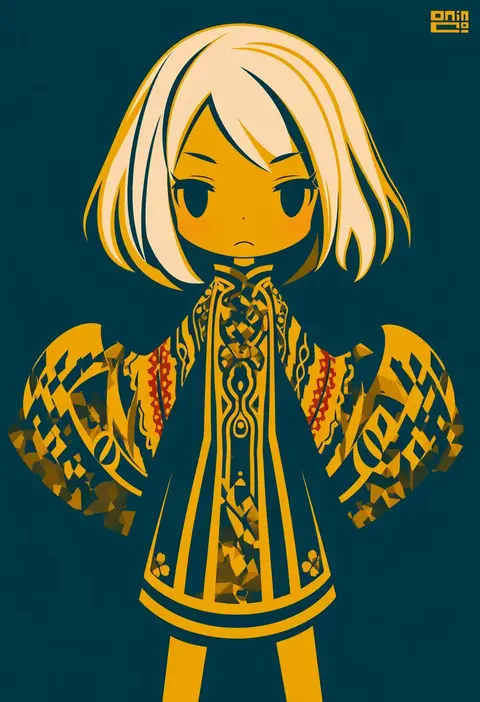
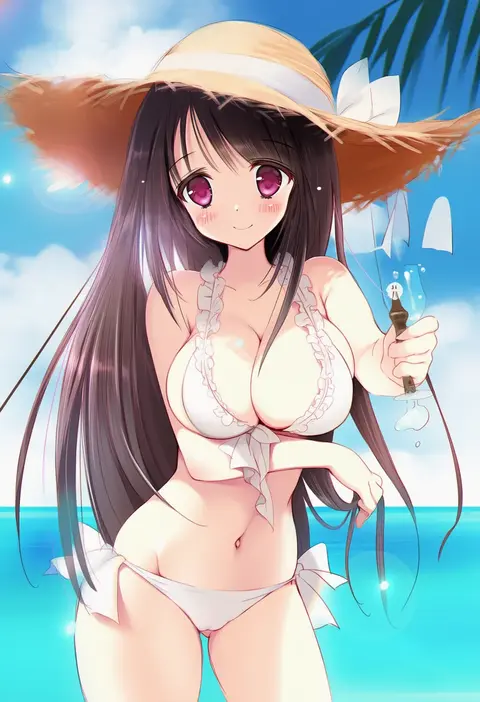
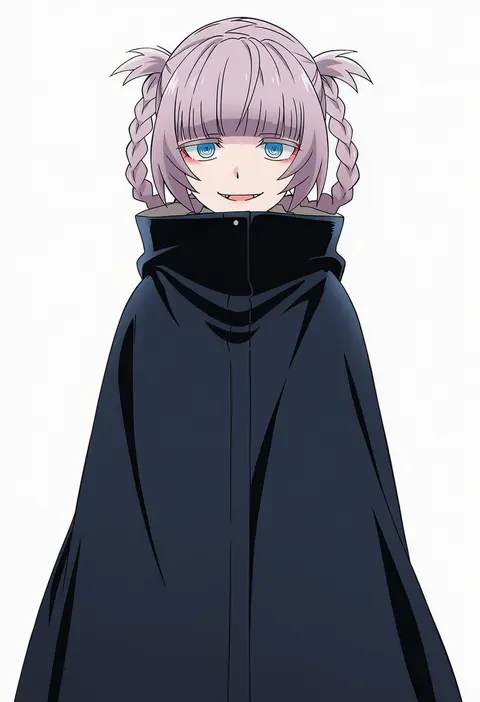
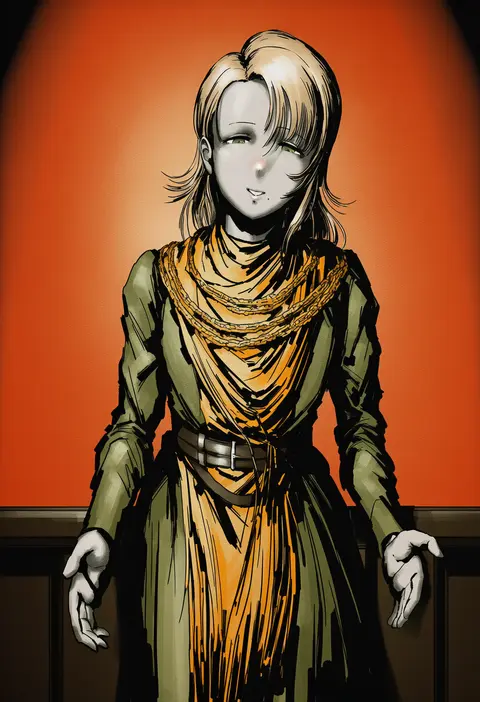
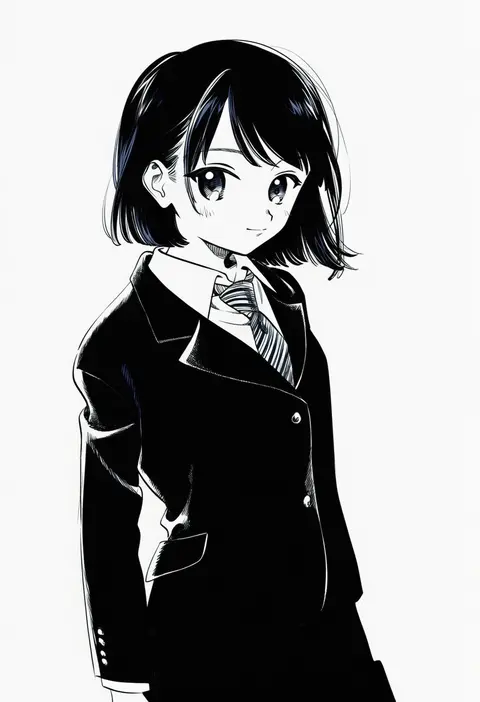
Every tag listed here is verified to react in NovelAI. All images use the same prompt, seed and settings with only the artist tag swapped, so the difference between two images is the style that tag brings in.

How to use them

Put the artist tag near the front of the prompt, e.g. "<artist>, 1girl, solo, best quality, masterpiece, cowboy shot". Two or three artist tags blend styles; lower the weight with "0.8::<artist>::" when the style overpowers the character.

SCORE sorts by Danbooru's top score, POSTS by post count, FAVS by hearts on this site. Open a card to see V5 and V4.5 side by side on the same seed.

V5 vs V4.5

V5 usually lands closer to the artist's real style, and tags that did nothing on V4.5 often react on V5. V4.5 still fits older and doujin-heavy artists better. Try V5 first, fall back to V4.5.

FAQ

Where does the artist tag go?
Near the front of the prompt. Use "0.8::tag::" to adjust its weight.

Can I stack artist tags?
Yes, styles blend. Past two or three the result stops looking like anyone.

Are these the artists' own works?
No. Every image is a NovelAI sample generated from the tag.