V4.5Artists
sort: FAVS▾
▾
>
$

NovelAI Artist Tags List — V4.5

artist --count 16,352[254/273]
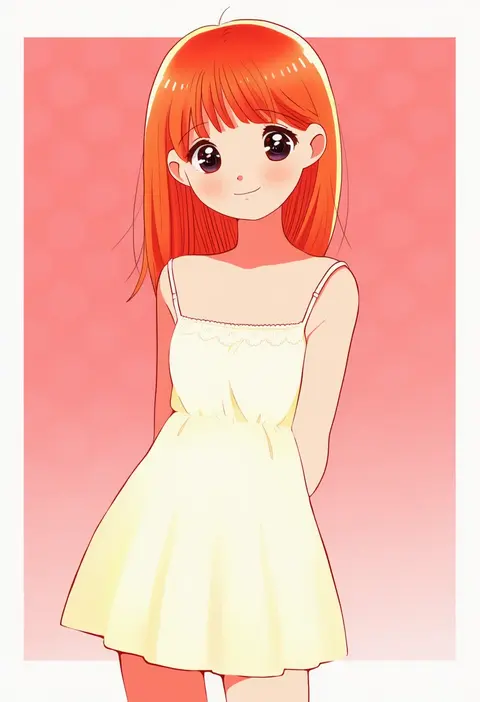
kyanos (b 0000ff)
ARTIST0x3B4C
0
gdn0522
ARTIST0x3B4D
0
f shima
ARTIST0x3B4E
0
k hiro
ARTIST0x3B4F
0
nigari (ngari 0115)
ARTIST0x3B50
0
tamago (yotsumi works)
ARTIST0x3B51
0
kienbiu
ARTIST0x3B52
0
jiroo
ARTIST0x3B53
0
nekominase
ARTIST0x3B54
0
tuteurfars shin
ARTIST0x3B55
0
usagi nui
ARTIST0x3B56
0
narumame
ARTIST0x3B57
0
kosshii (masa2243)
ARTIST0x3B58
0
jaku sono
ARTIST0x3B59
0
kagoya1219
ARTIST0x3B5A
0
ikeda ruriko
ARTIST0x3B5B
0
shiro (reptil)
ARTIST0x3B5C
0
pila-pela
ARTIST0x3B5D
0
futon (kitsune tsuki)
ARTIST0x3B5E
0
pinkgermy
ARTIST0x3B5F
0
darkkanan
ARTIST0x3B60
0
geetsu
ARTIST0x3B61
0
toshifumi
ARTIST0x3B62
0
sanotsuki
ARTIST0x3B63
0
chisumi
ARTIST0x3B64
0
ikaasi
ARTIST0x3B65
0
fuurin (omaemona)
ARTIST0x3B66
0
petagon
ARTIST0x3B67
0
itsumizu
ARTIST0x3B68
0
sumi wo hakuneko
ARTIST0x3B69
0
gomi ichigo
ARTIST0x3B6A
0
nikism
ARTIST0x3B6B
0
kitagawa mikio
ARTIST0x3B6C
0
li04r
ARTIST0x3B6D
0
nogoodlife
ARTIST0x3B6E
0
harukatron
ARTIST0x3B6F
0
kishida-shiki
ARTIST0x3B70
0
east sha2
ARTIST0x3B71
0
hanasaki komugi
ARTIST0x3B72
0
alu.m (alpcmas)
ARTIST0x3B73
0
koze niire
ARTIST0x3B74
0
nobuyoshi-zamurai
ARTIST0x3B75
0
monaka (siromona)
ARTIST0x3B76
0
sabakan (iizuka48)
ARTIST0x3B77
0
etogami kazuya
ARTIST0x3B78
0
marco albiero
ARTIST0x3B79
0
kagenoyuhi
ARTIST0x3B7A
0
mitsubachi koucha
ARTIST0x3B7B
0
redol
ARTIST0x3B7C
0
halorane
ARTIST0x3B7D
0
sakaya313
ARTIST0x3B7E
0
komachi narota
ARTIST0x3B7F
0
sutei (giru)
ARTIST0x3B80
0
tamaki.
ARTIST0x3B81
0
ellipsis (mitei)
ARTIST0x3B82
0
furim
ARTIST0x3B83
0
jinjin
ARTIST0x3B84
0
feiton
ARTIST0x3B85
0
jonasan (bad-t)
ARTIST0x3B86
0
soap (user kghh4755)
ARTIST0x3B87
0

What these tags change

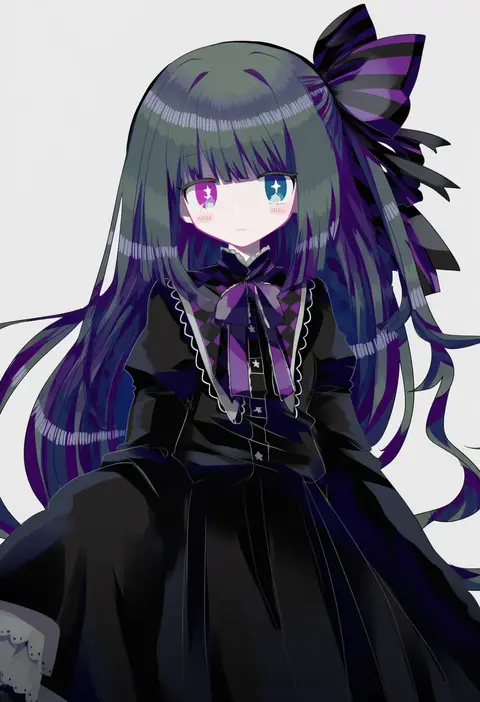
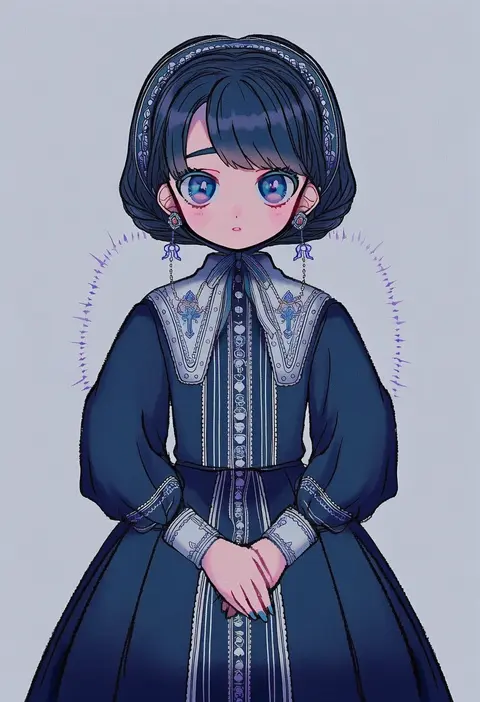
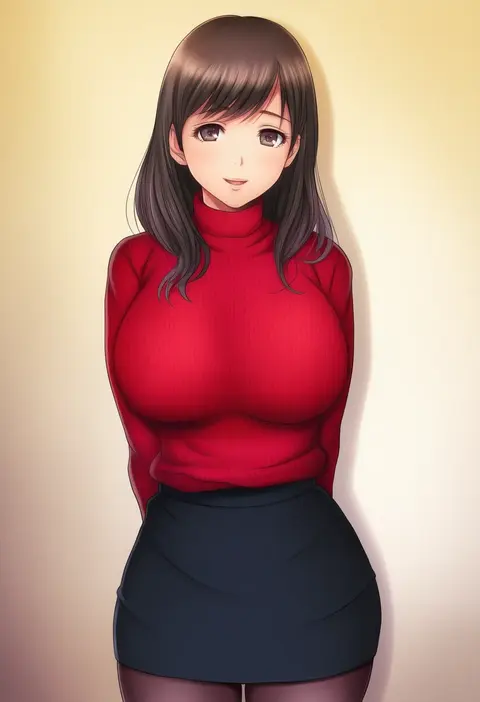
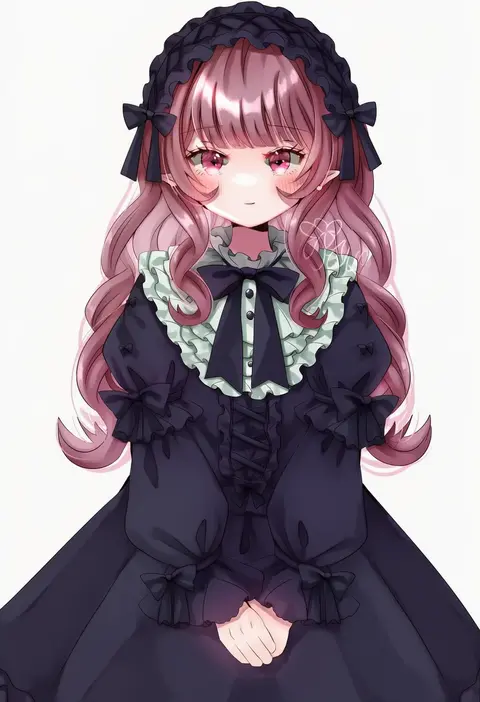
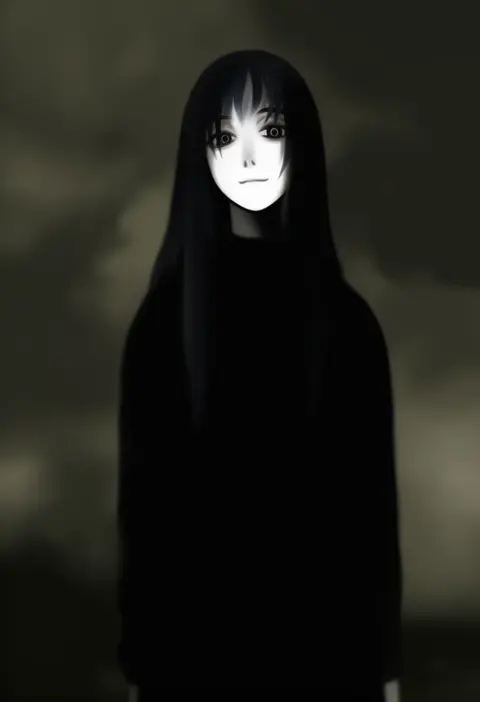
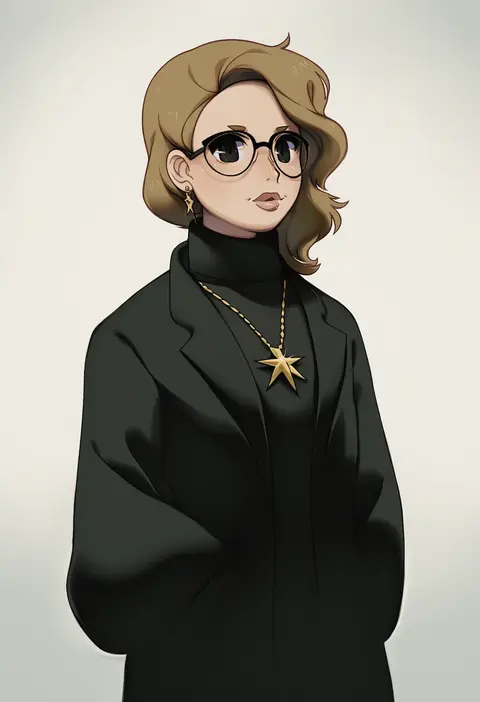
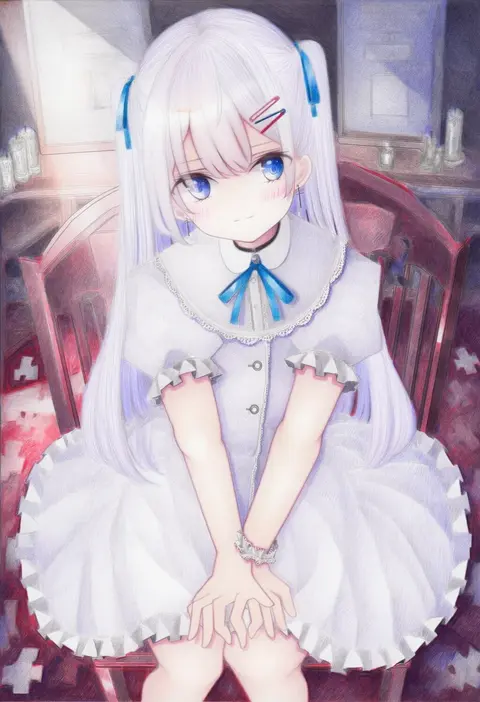
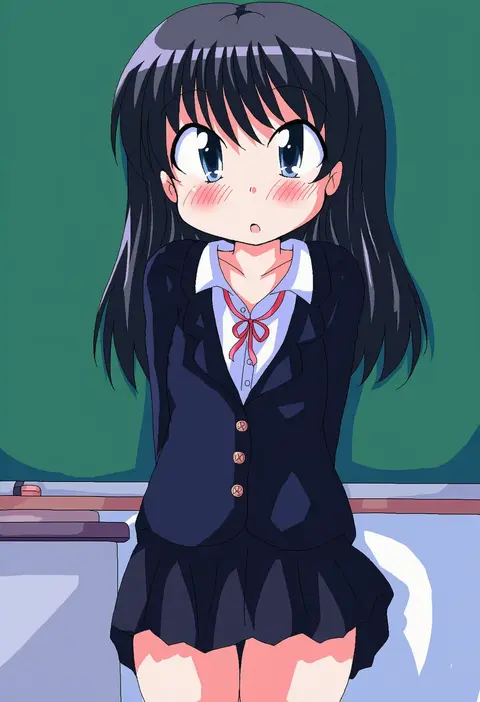
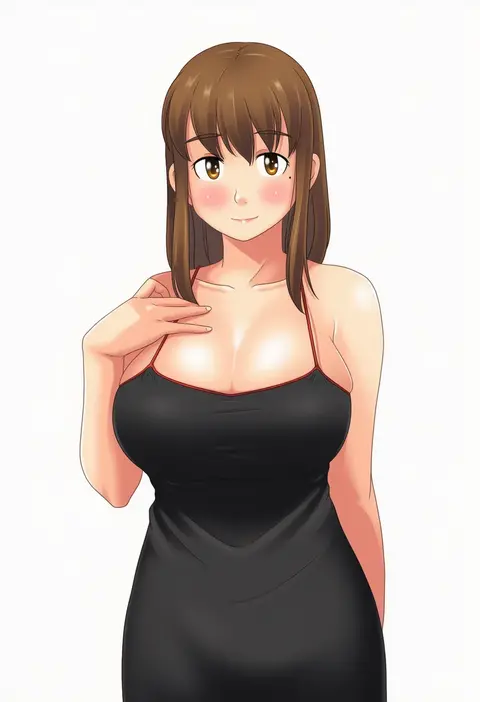
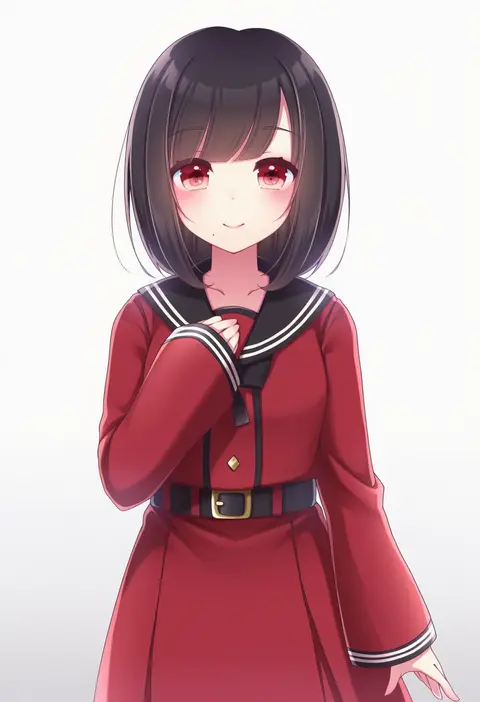
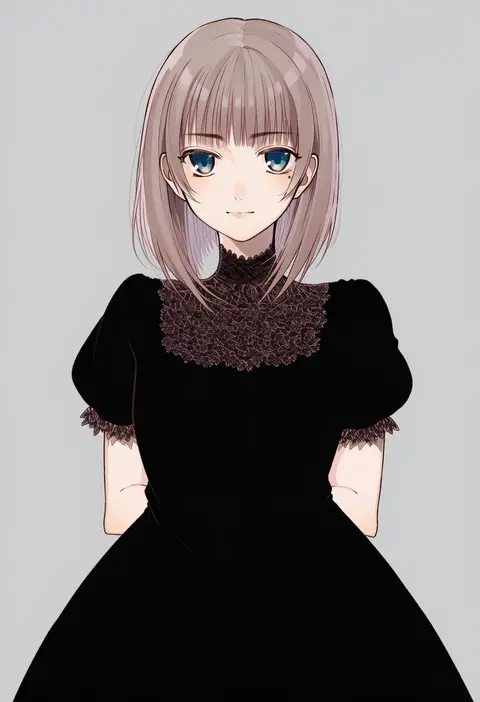
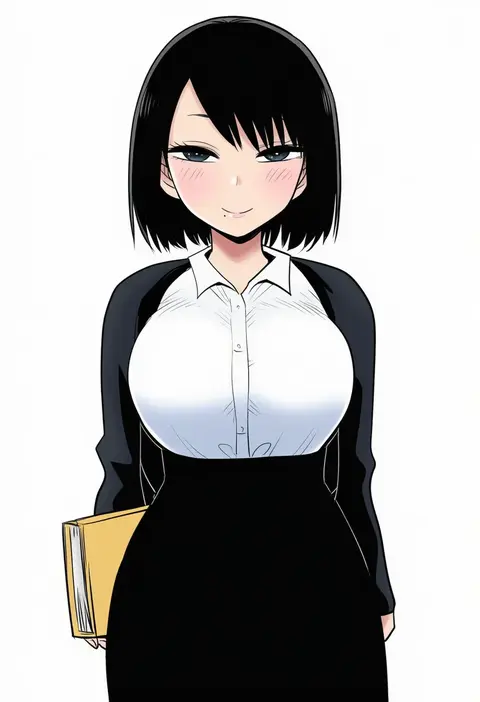
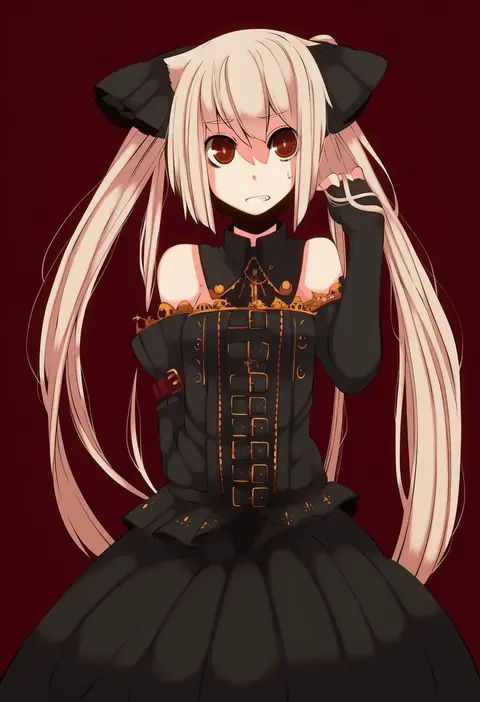
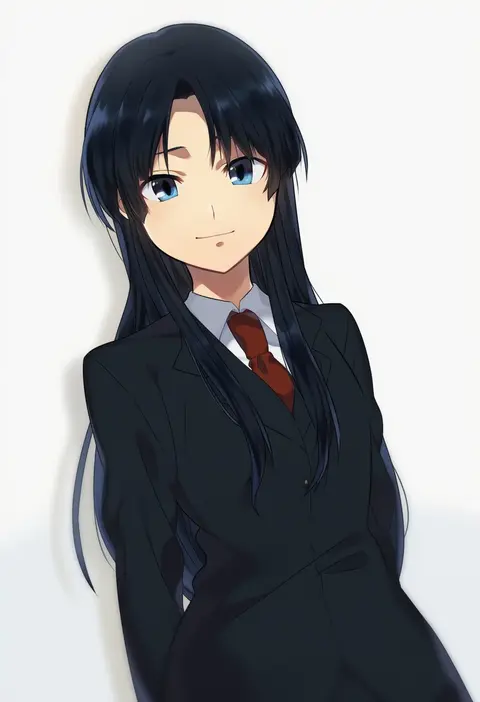
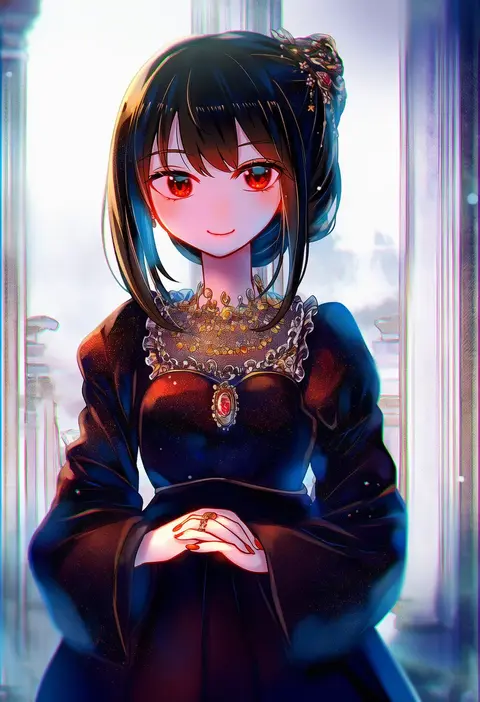
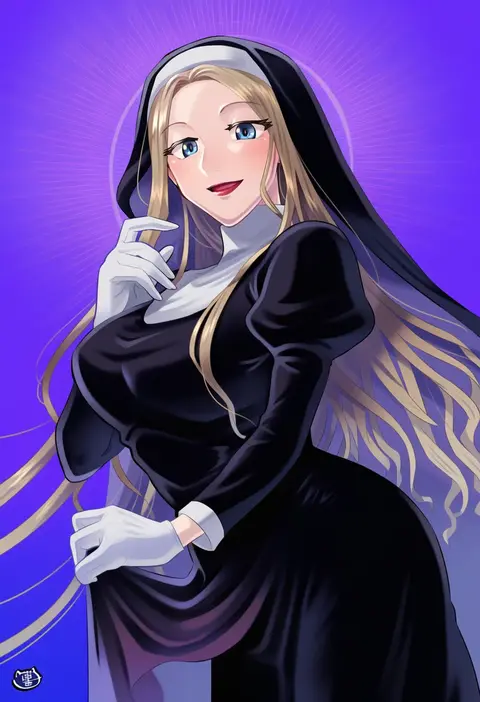
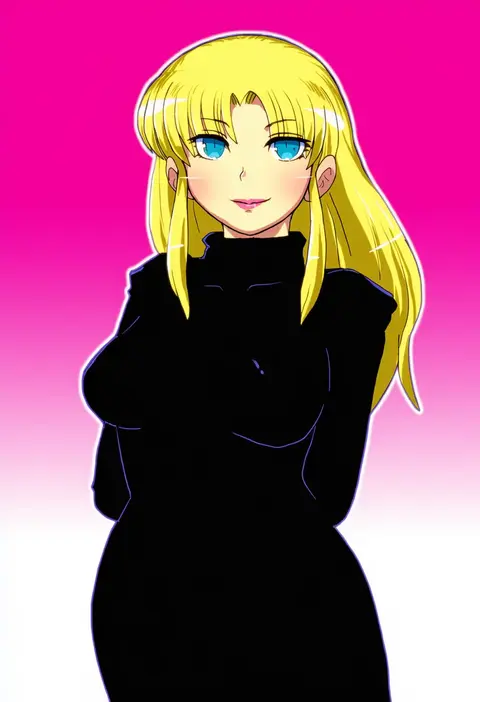
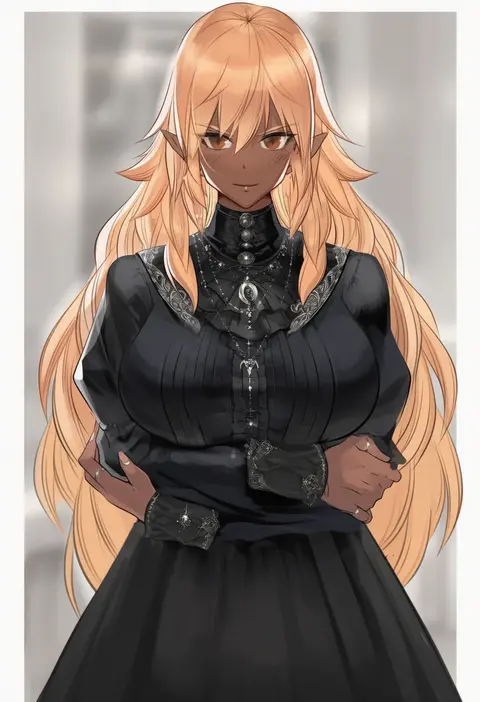
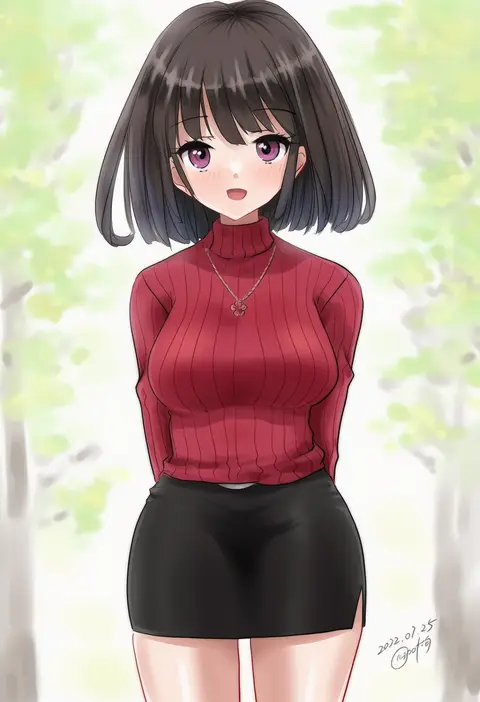
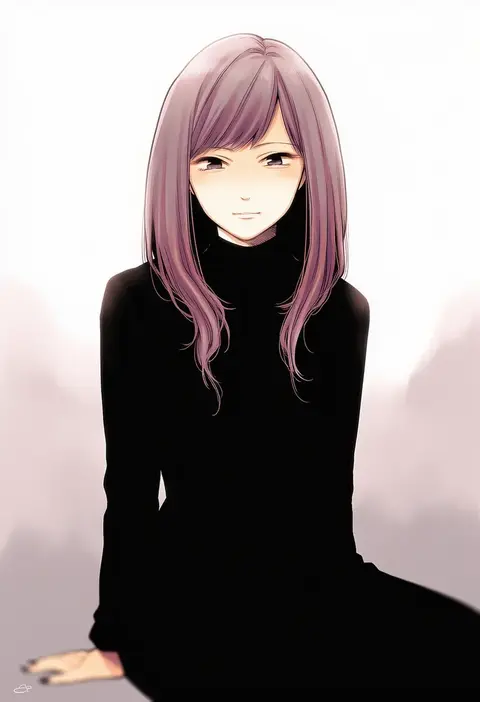
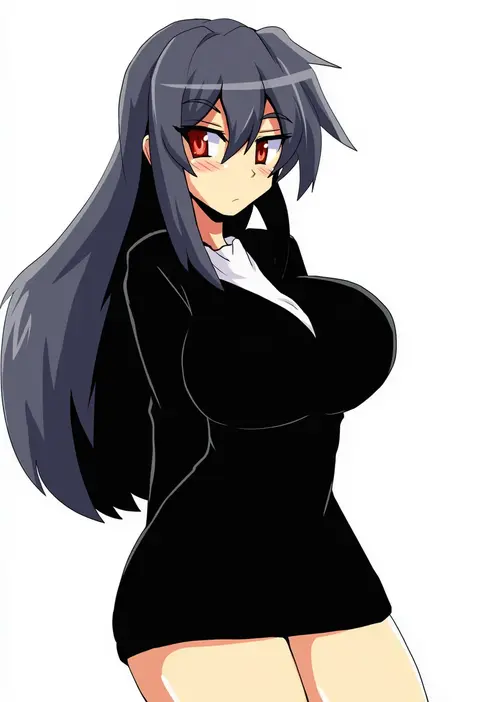
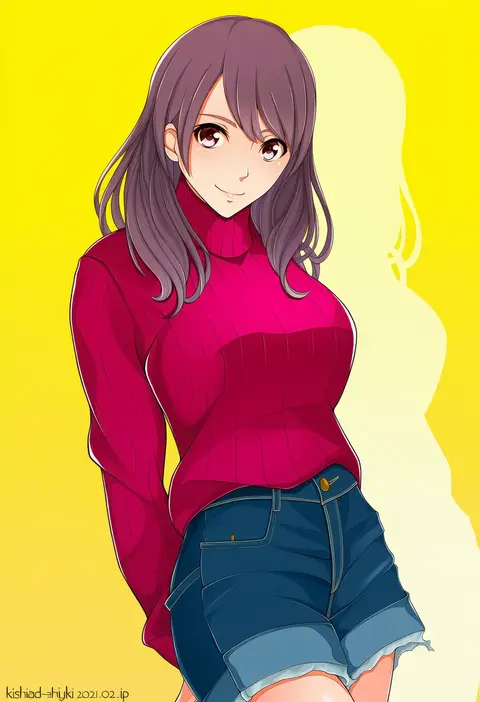
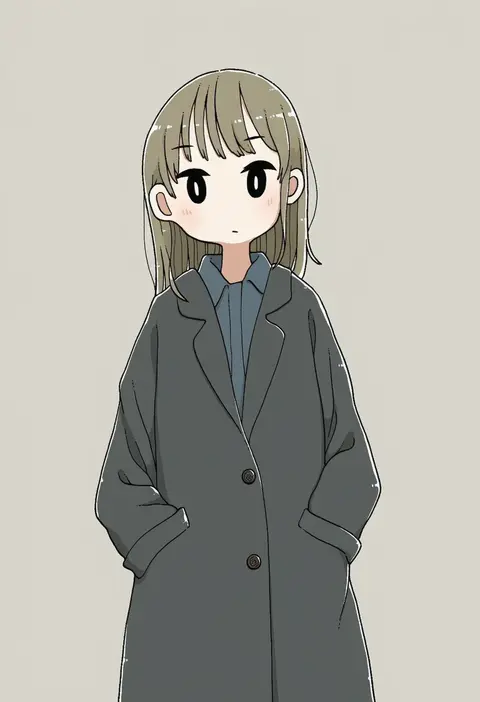
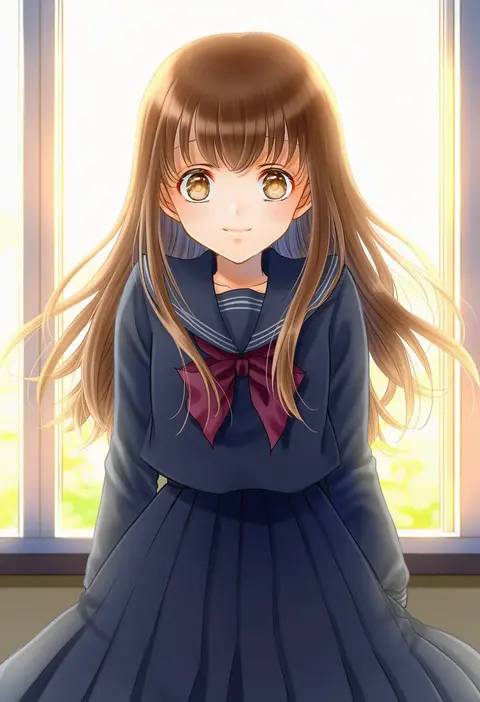
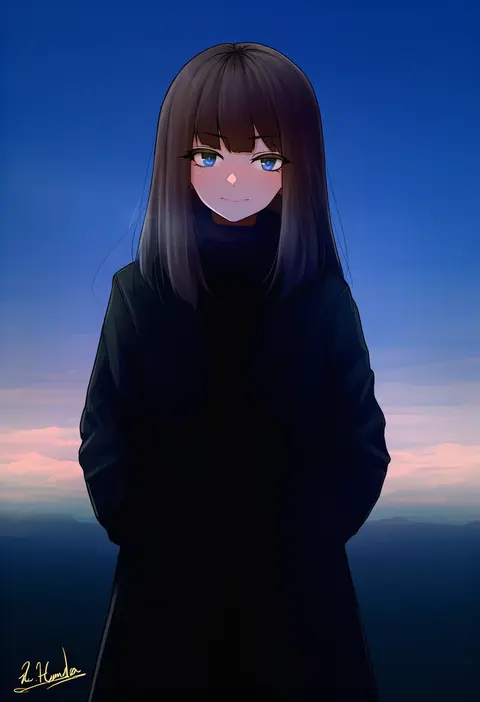
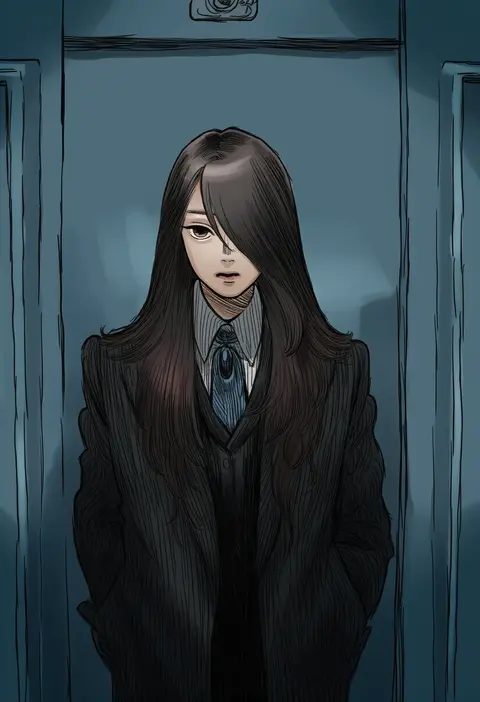
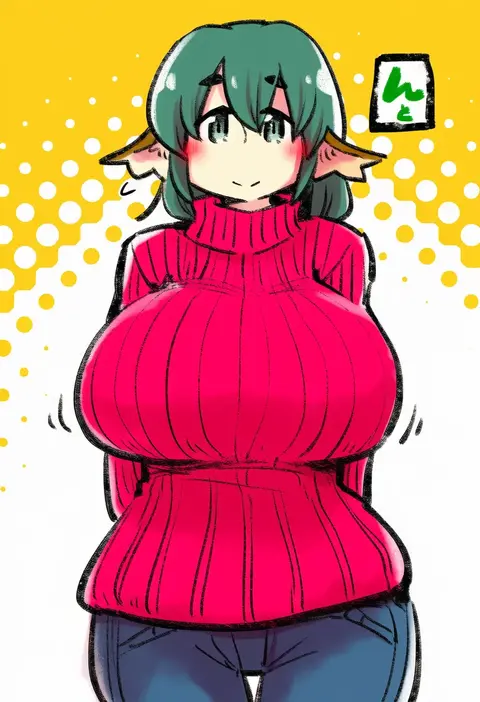
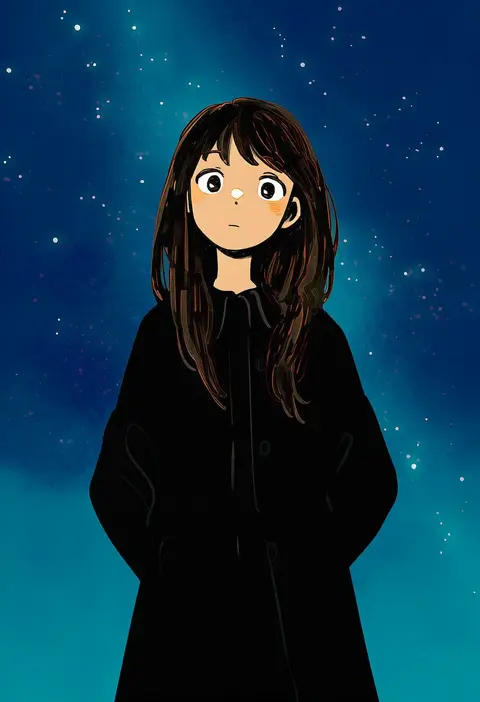
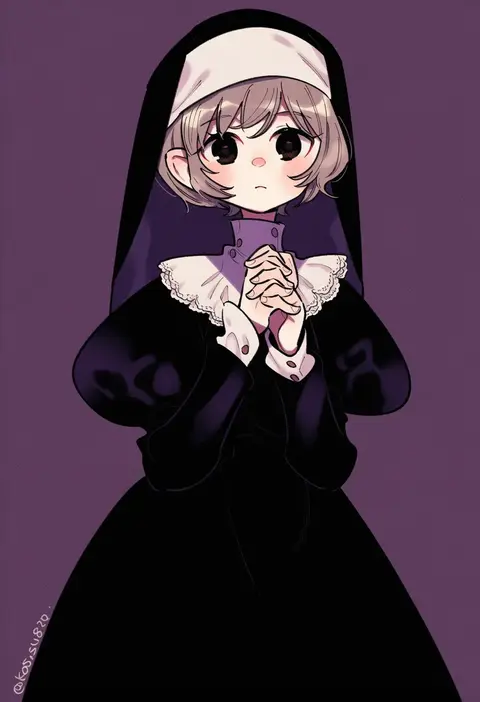
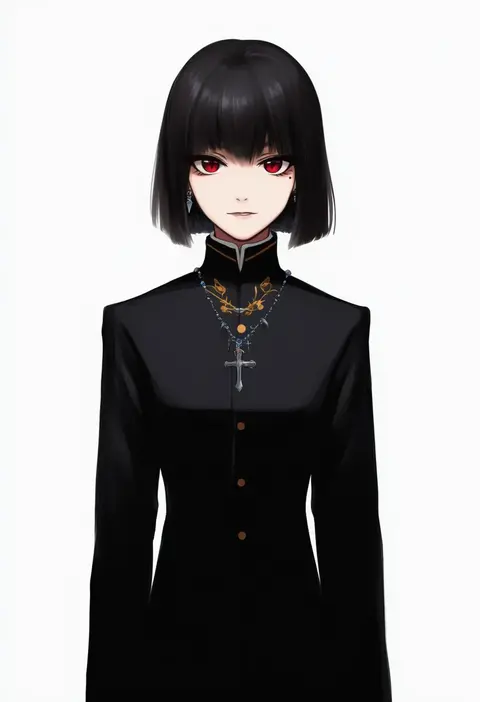
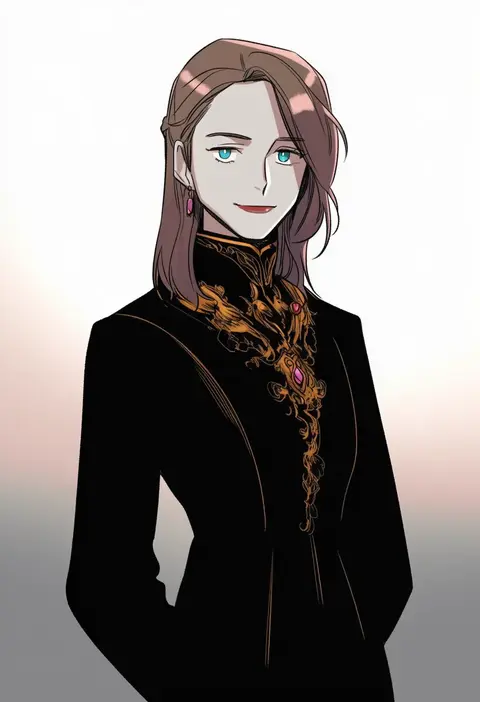
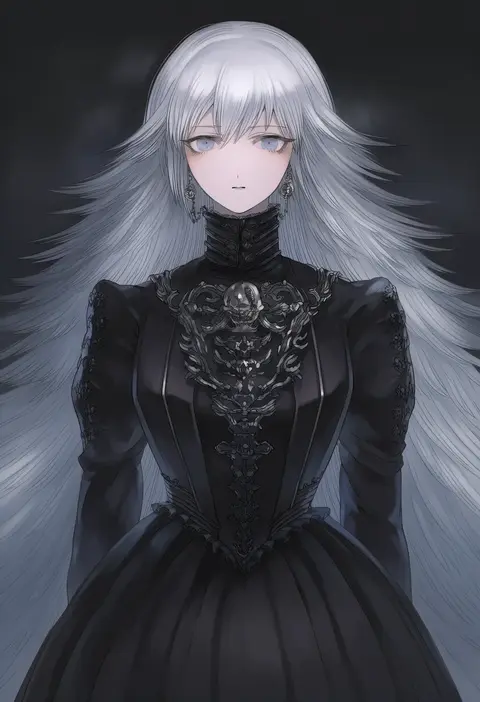
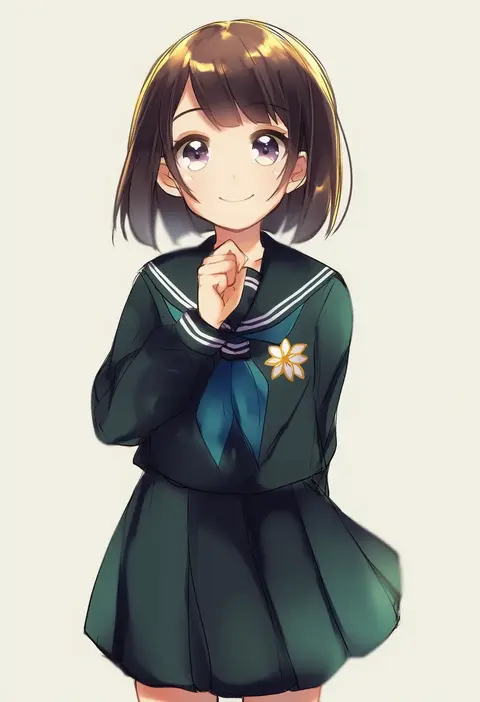
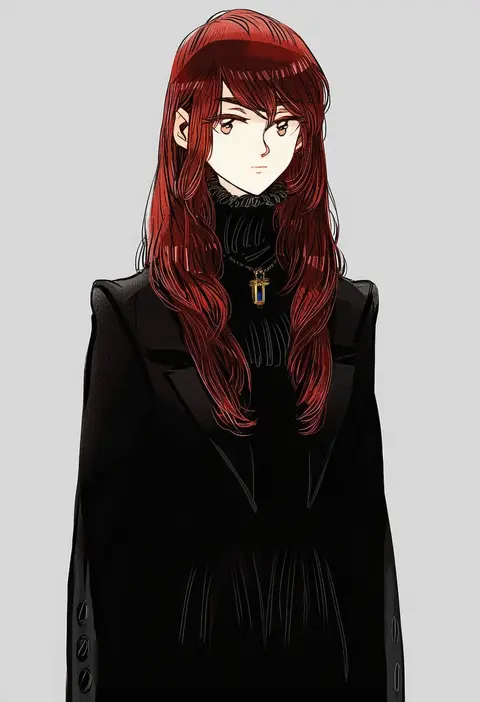
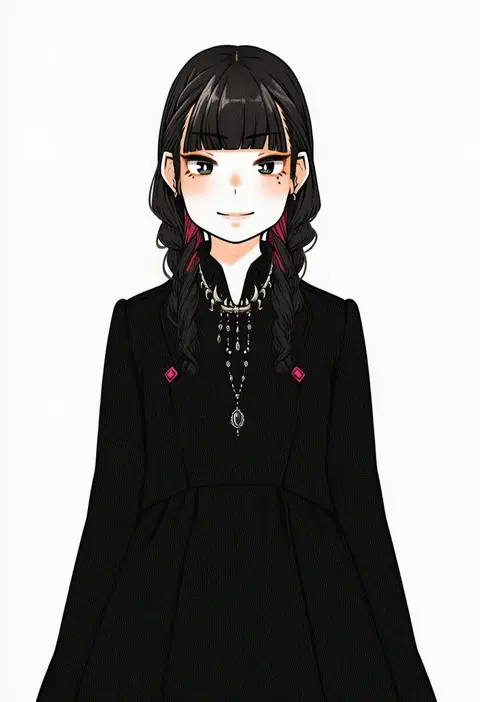
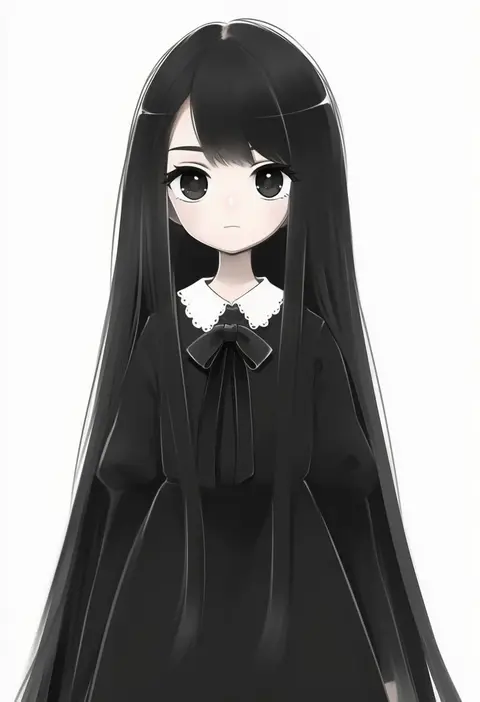
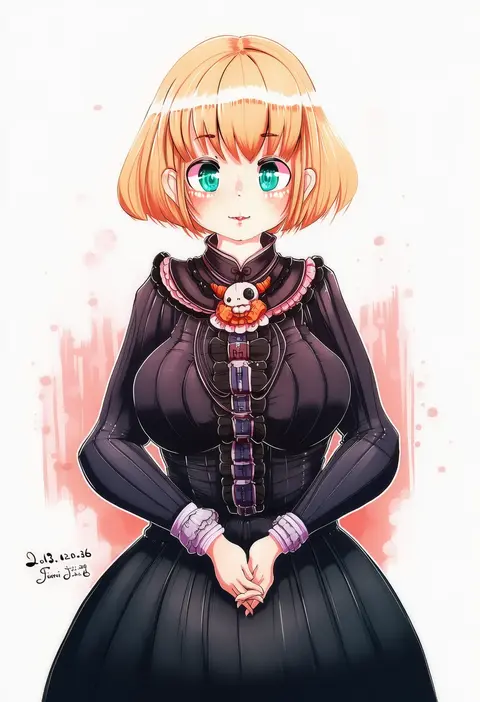
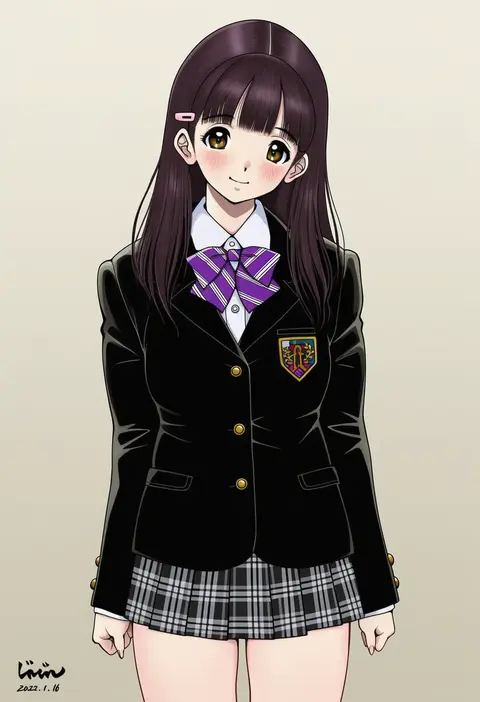
Artist tags tell NovelAI Diffusion to draw in a specific artist's style: line weight, paint texture, face shapes and palette all shift at once. Character and outfit tags decide what is drawn; artist tags decide how. 16,352 tags are listed for V4.5.
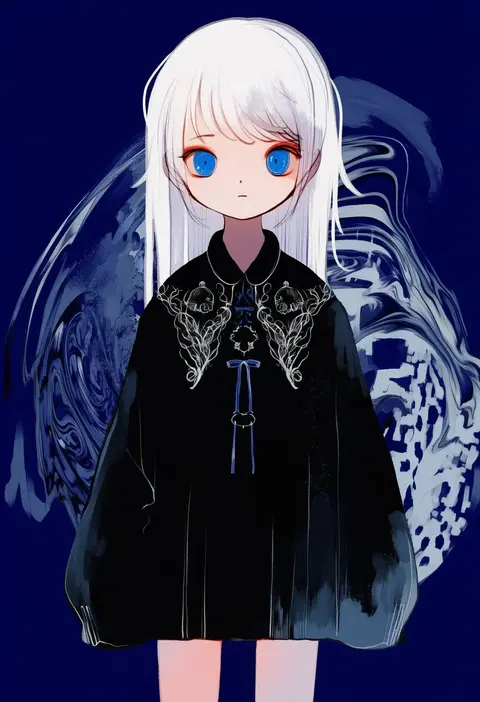
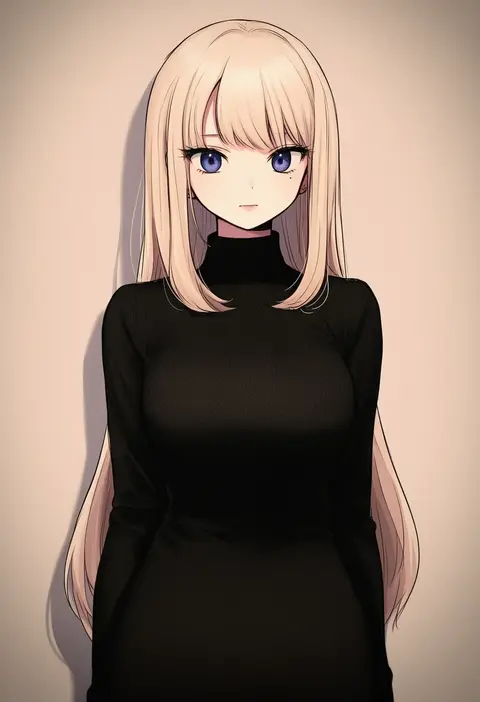
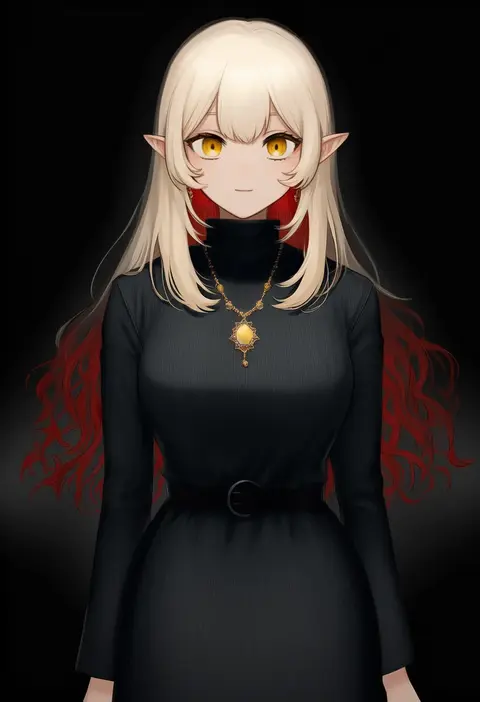
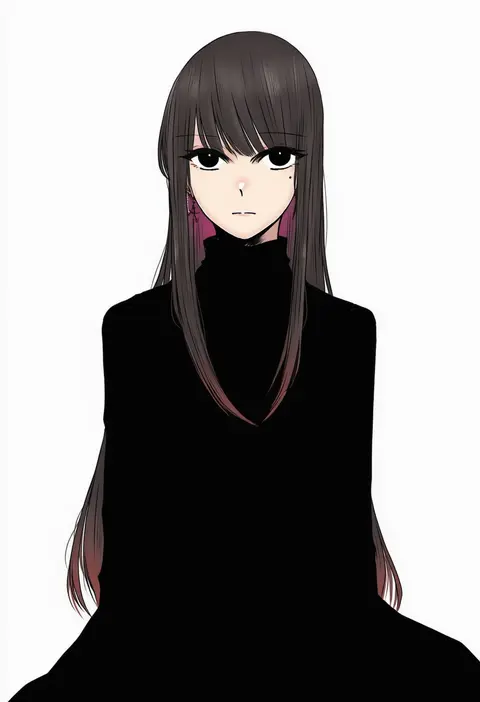
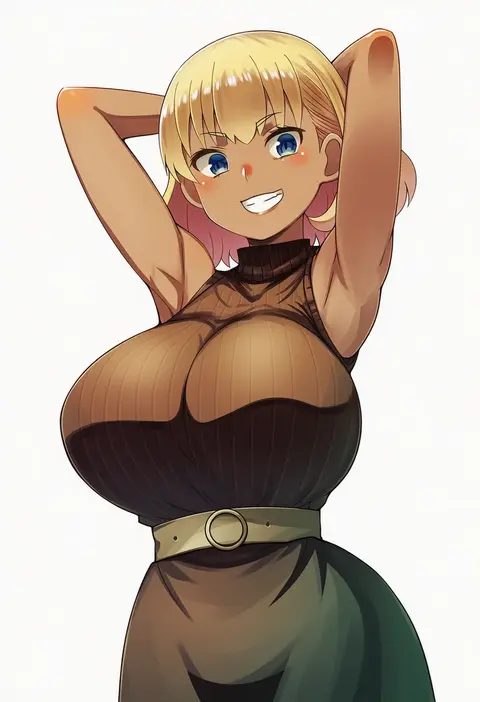
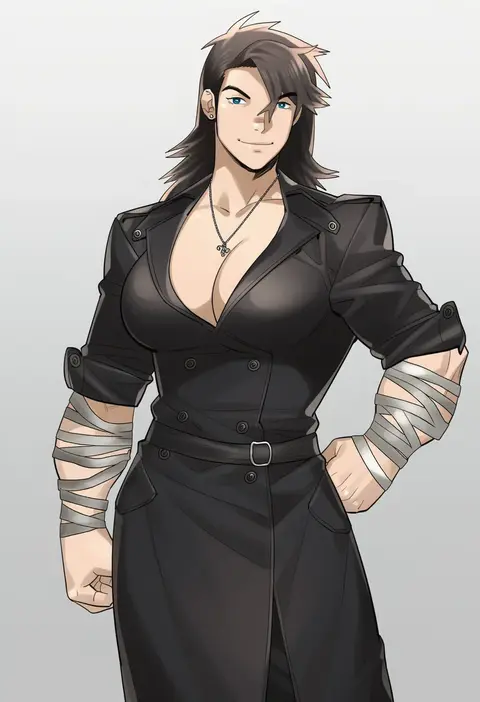
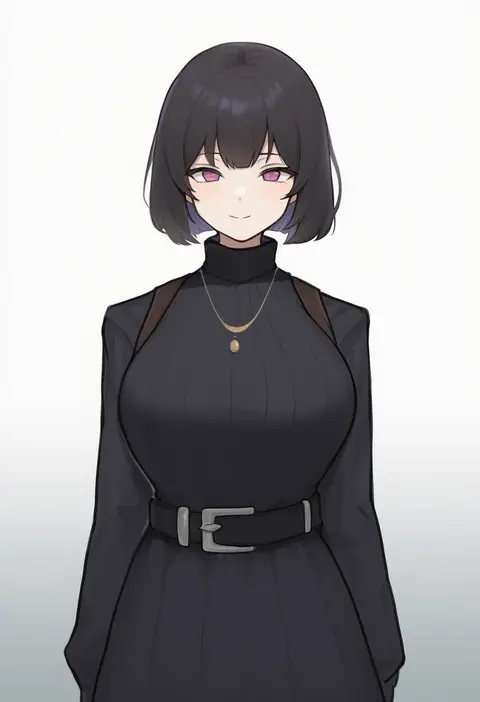
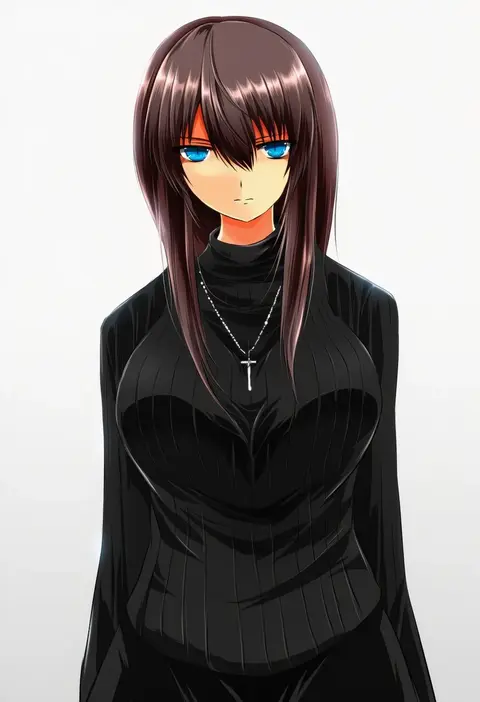
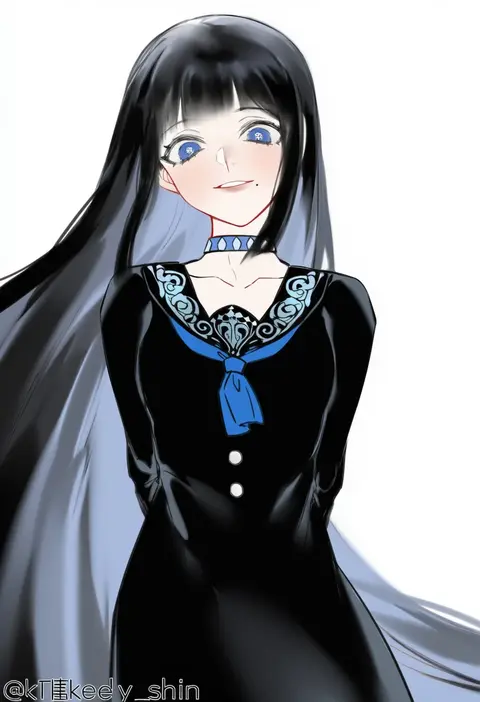
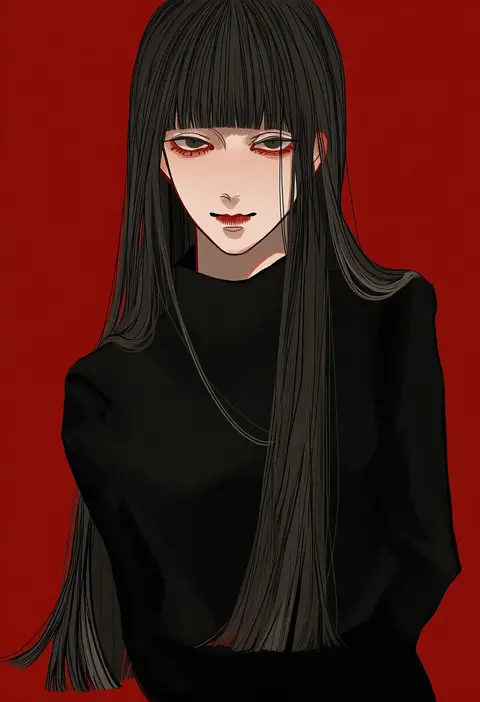
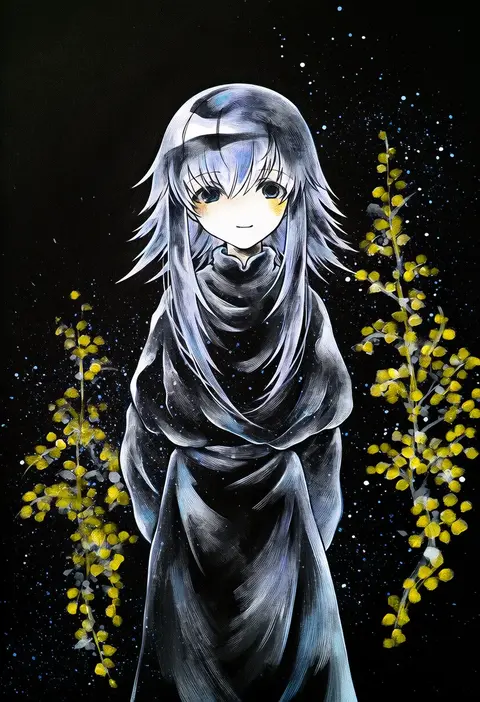
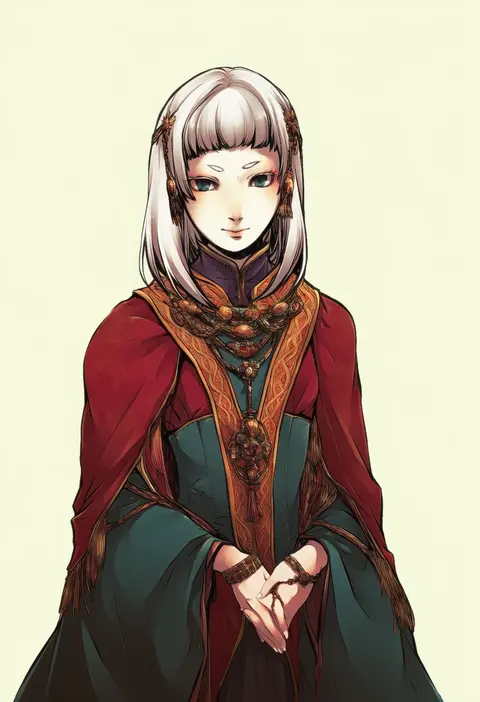
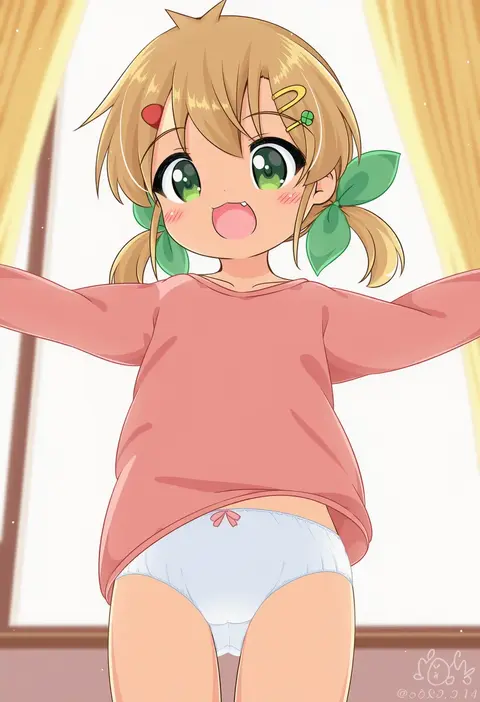
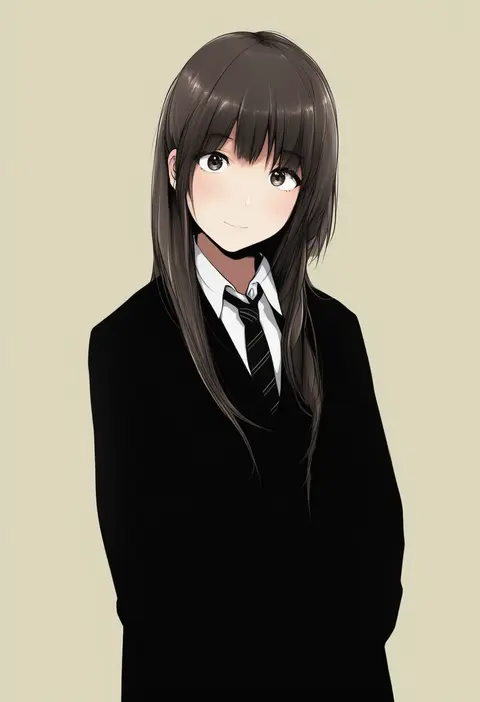
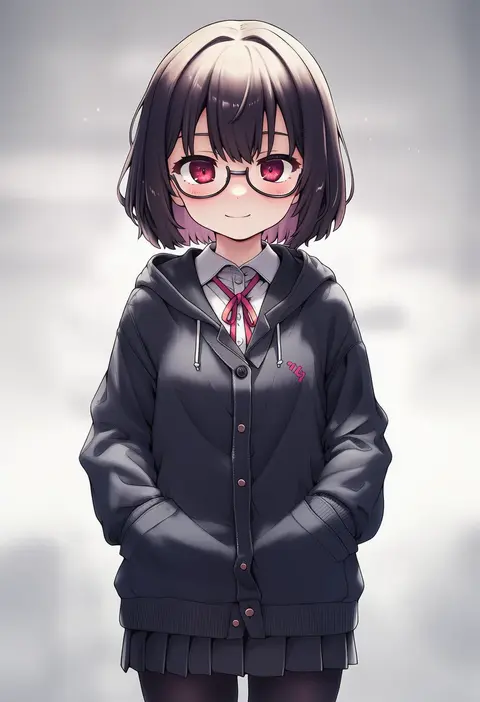
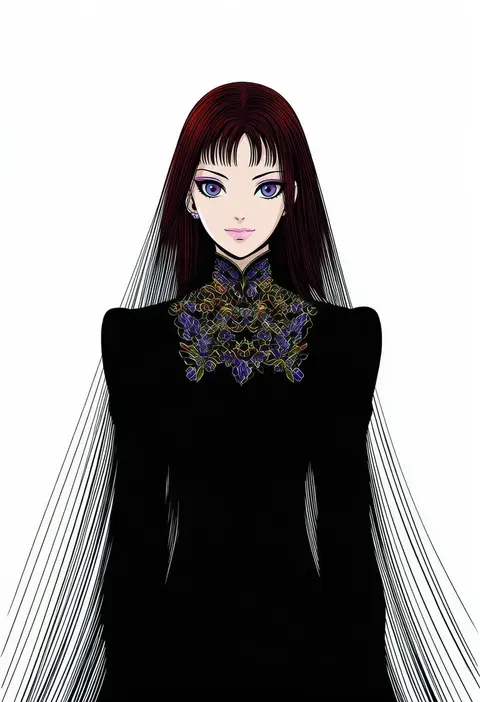
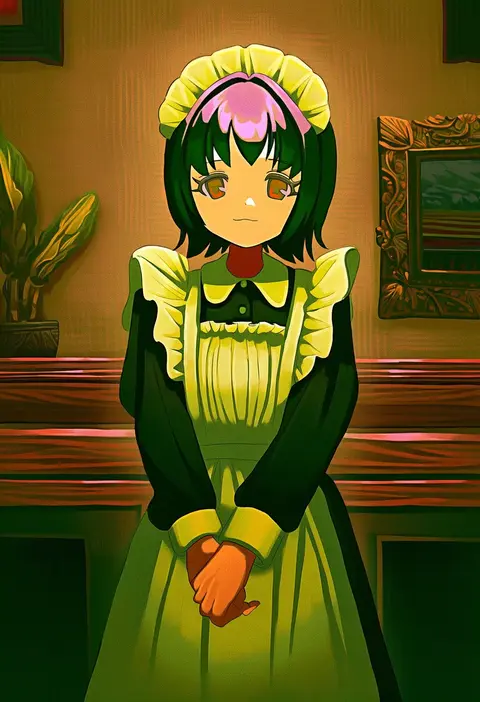
Every tag listed here is verified to react in NovelAI. All images use the same prompt, seed and settings with only the artist tag swapped, so the difference between two images is the style that tag brings in.

How to use them

Put the artist tag near the front of the prompt, e.g. "<artist>, 1girl, solo, best quality, masterpiece, cowboy shot". Two or three artist tags blend styles; lower the weight with "0.8::<artist>::" when the style overpowers the character.

SCORE sorts by Danbooru's top score, POSTS by post count, FAVS by hearts on this site. Open a card to see V5 and V4.5 side by side on the same seed.

V5 vs V4.5

V5 usually lands closer to the artist's real style, and tags that did nothing on V4.5 often react on V5. V4.5 still fits older and doujin-heavy artists better. Try V5 first, fall back to V4.5.

FAQ

Where does the artist tag go?
Near the front of the prompt. Use "0.8::tag::" to adjust its weight.

Can I stack artist tags?
Yes, styles blend. Past two or three the result stops looking like anyone.

Are these the artists' own works?
No. Every image is a NovelAI sample generated from the tag.