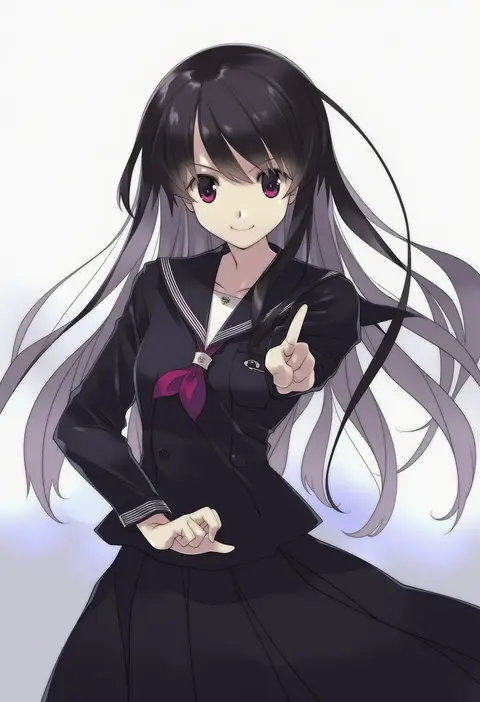
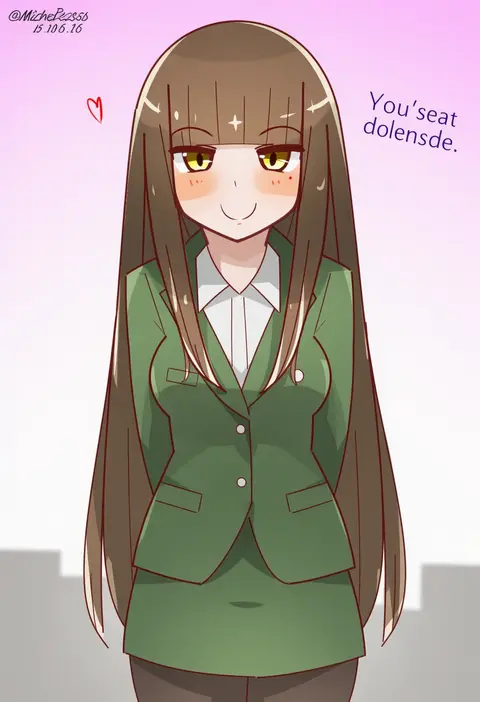
V4.5Artists
sort: FAVS▾
▾
>
$

NovelAI Artist Tags List — V4.5

artist --count 16,352[257/273]
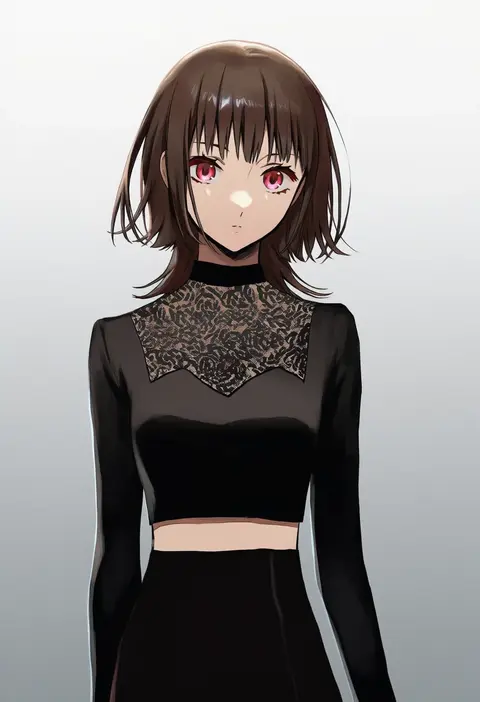
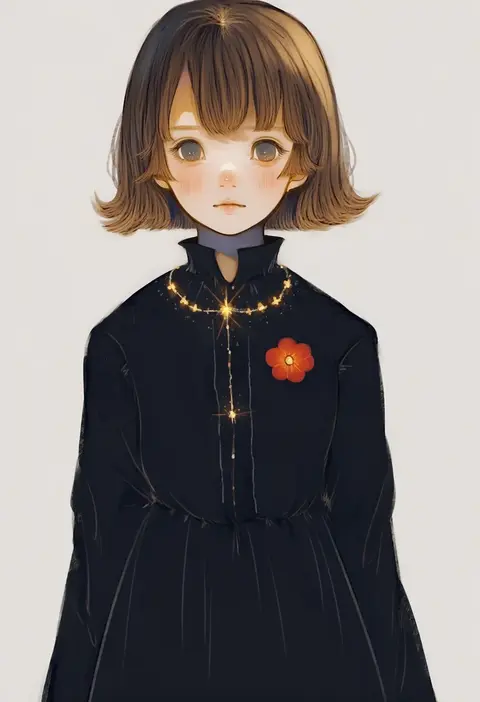
pote-mm
ARTIST0x3C00
0
terujirou (masateruteru)
ARTIST0x3C01
0
kuromari (runia)
ARTIST0x3C02
0
shino (syllable)
ARTIST0x3C03
0
sugo6969
ARTIST0x3C04
0
lrk
ARTIST0x3C05
0
sazanami (ripple1996)
ARTIST0x3C06
0
onimaru gonpei
ARTIST0x3C07
0
goburin second
ARTIST0x3C08
0
hinokumo f
ARTIST0x3C09
0
namiki itsuki
ARTIST0x3C0A
0
kuconoms
ARTIST0x3C0B
0
snoozaga
ARTIST0x3C0C
0
suisa (mizsai)
ARTIST0x3C0D
0
uchimura (rino0525)
ARTIST0x3C0E
0
saibashi
ARTIST0x3C0F
0
yuki hime haruka
ARTIST0x3C10
0
orie h
ARTIST0x3C11
0
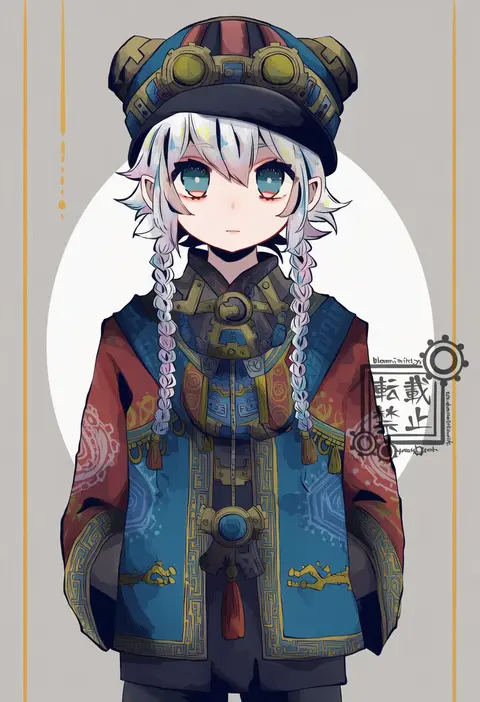
bloomminority
ARTIST0x3C12
0
jazz grace
ARTIST0x3C13
0
kz nagomiya
ARTIST0x3C14
0
ohoho
ARTIST0x3C15
0
jouvru
ARTIST0x3C16
0
madotsuki ren
ARTIST0x3C17
0
yoiti
ARTIST0x3C18
0
yun ling
ARTIST0x3C19
0
asakura hayate
ARTIST0x3C1A
0
takanashi hiyori
ARTIST0x3C1B
0
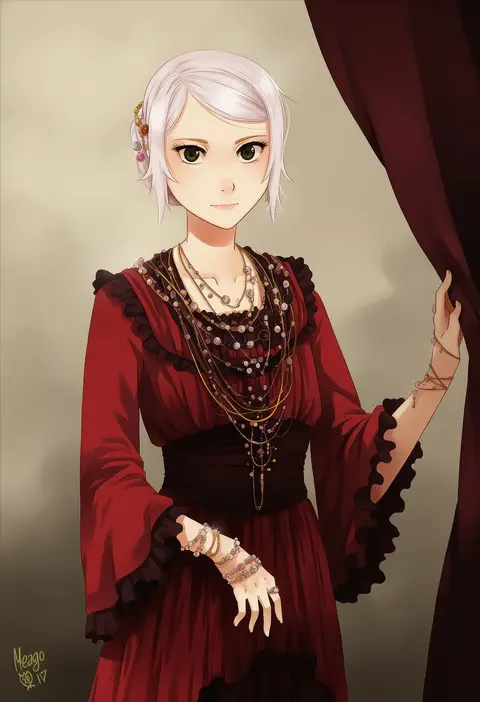
meago
ARTIST0x3C1C
0
sakurasawa yukino
ARTIST0x3C1D
0
hanami haru
ARTIST0x3C1E
0
zb (dawn-blue)
ARTIST0x3C1F
0
asasow
ARTIST0x3C20
0
nimirom
ARTIST0x3C21
0
koujima shikasa
ARTIST0x3C22
0
hinata (echoloveloli)
ARTIST0x3C23
0
tpi ri
ARTIST0x3C24
0
tsukimi (ryouiki ridatsu)
ARTIST0x3C25
0
natsuki coco
ARTIST0x3C26
0
sumii
ARTIST0x3C27
0
ximsol182
ARTIST0x3C28
0
shiroi hakuto
ARTIST0x3C29
0
bowknot huhu
ARTIST0x3C2A
0
kifumi
ARTIST0x3C2B
0
sazanami konami
ARTIST0x3C2C
0
suke (singekijyosei)
ARTIST0x3C2D
0
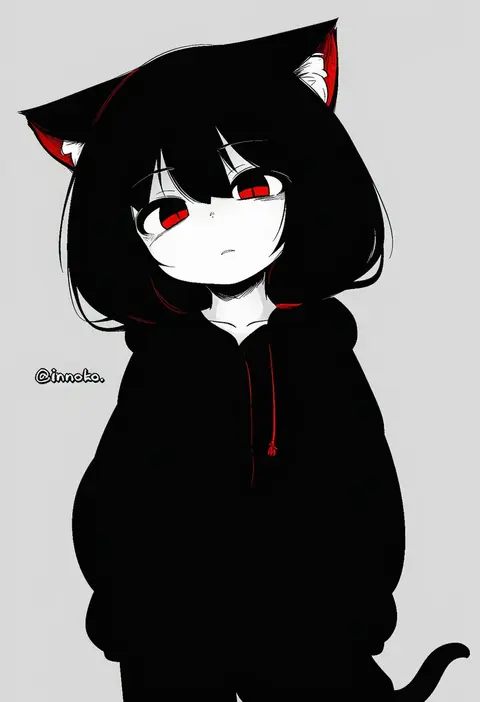
inunoko.
ARTIST0x3C2E
0
yuusuke-kun
ARTIST0x3C2F
0
anzu (o6v6o)
ARTIST0x3C30
0
kutone shirika
ARTIST0x3C31
0
yuyu (00365676)
ARTIST0x3C32
0
non (nuebako)
ARTIST0x3C33
0
kiato
ARTIST0x3C34
0
shirayuki towa
ARTIST0x3C35
0
subaru (yachika)
ARTIST0x3C36
0
nojima minami
ARTIST0x3C37
0
hatake shimeji
ARTIST0x3C38
0
laser-lance
ARTIST0x3C39
0
sasaki mutsumi
ARTIST0x3C3A
0
mitchell (dynxcb25)
ARTIST0x3C3B
0

What these tags change

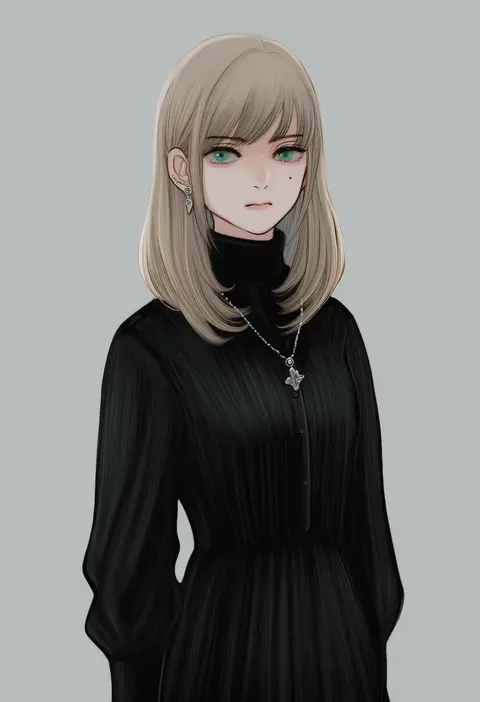
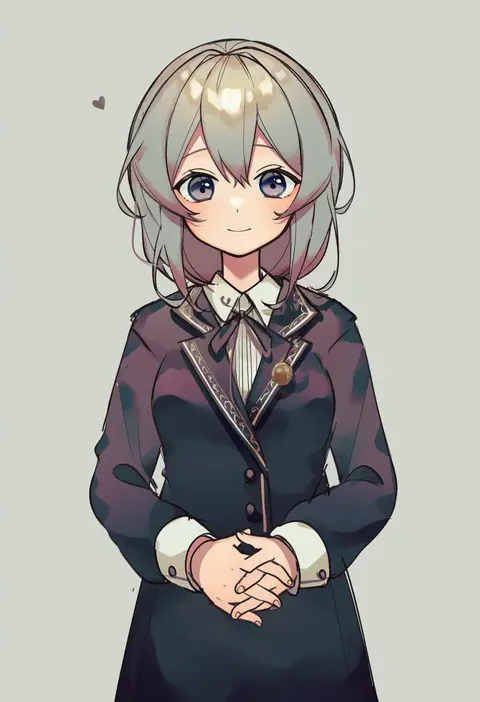
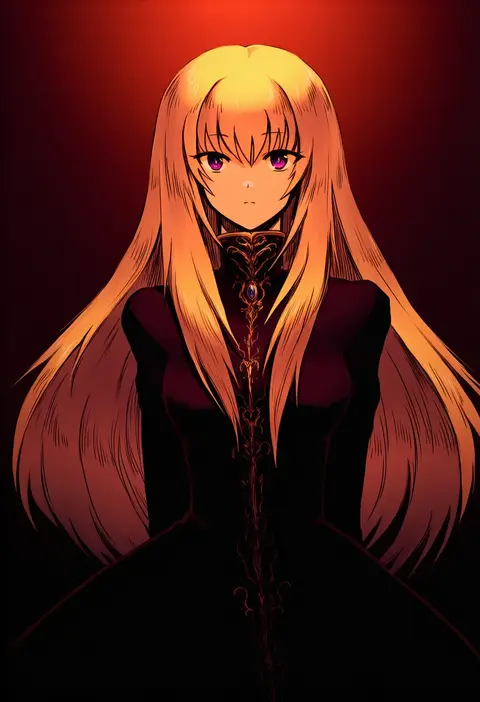
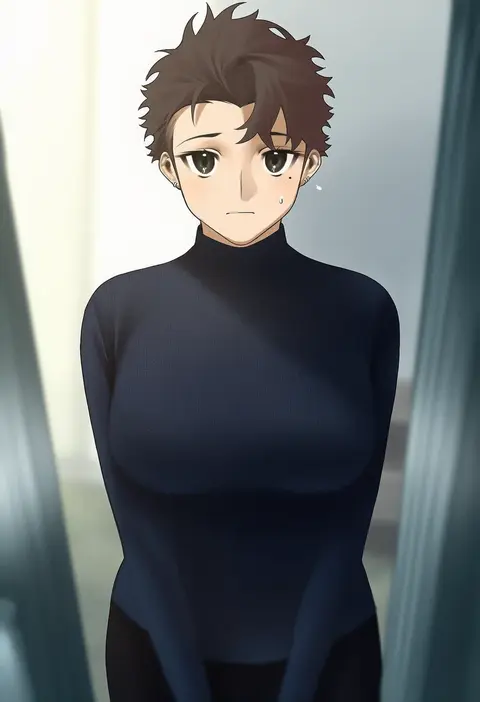
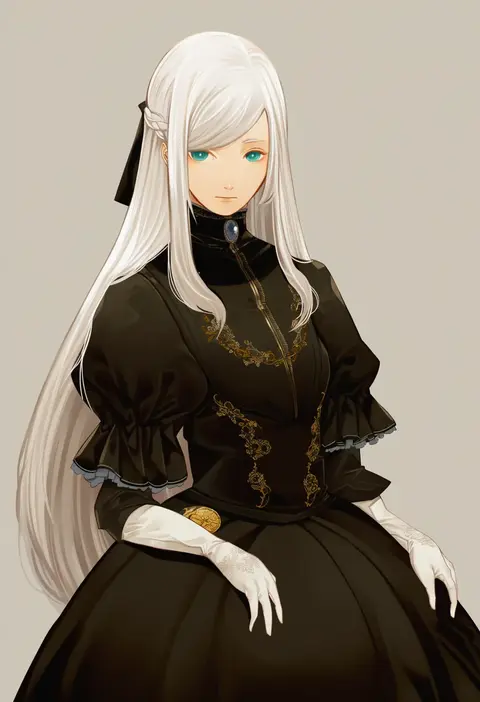
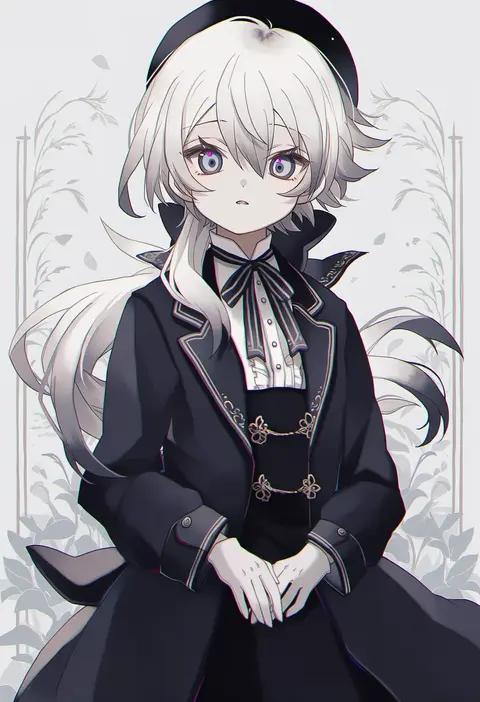
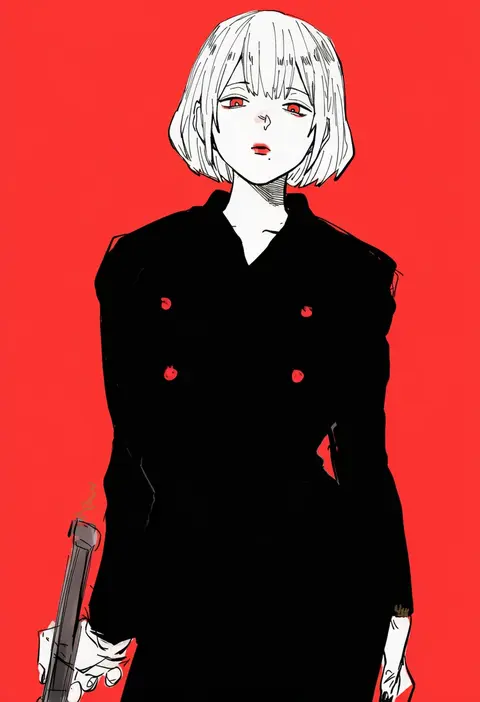
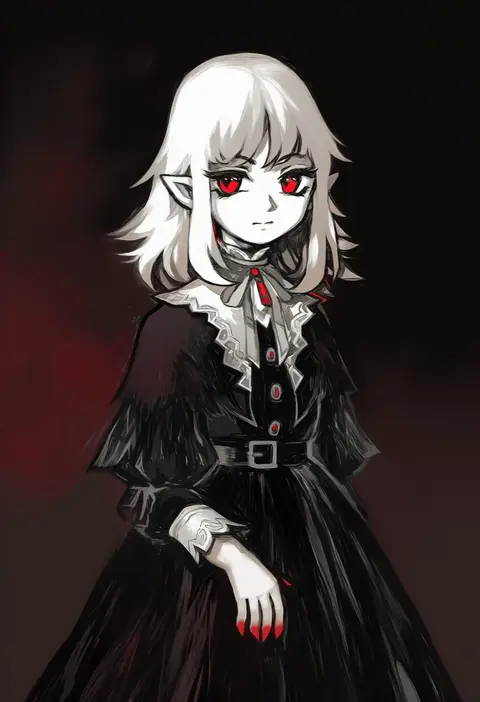
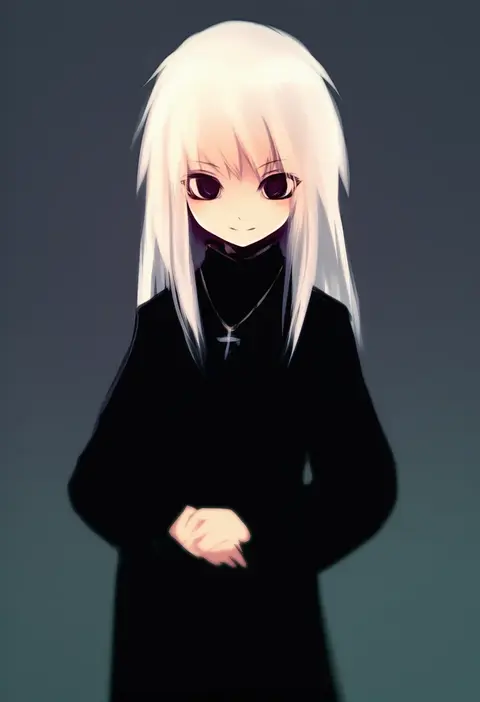
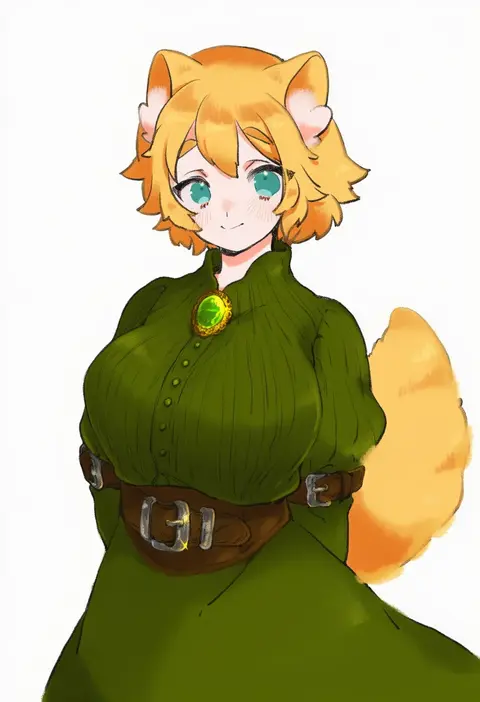
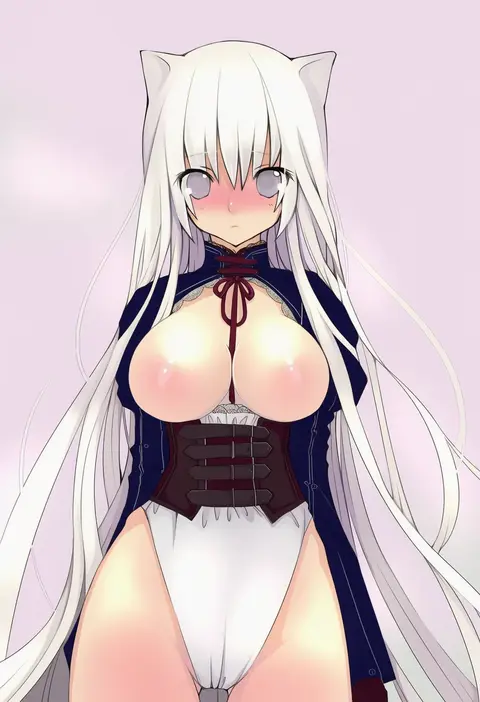
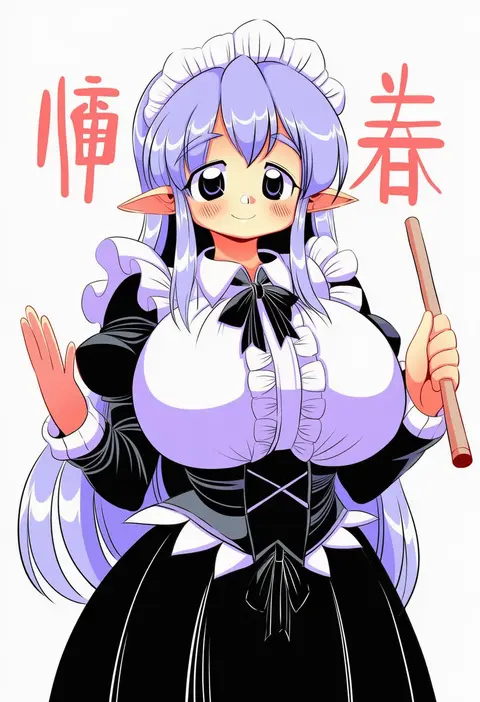
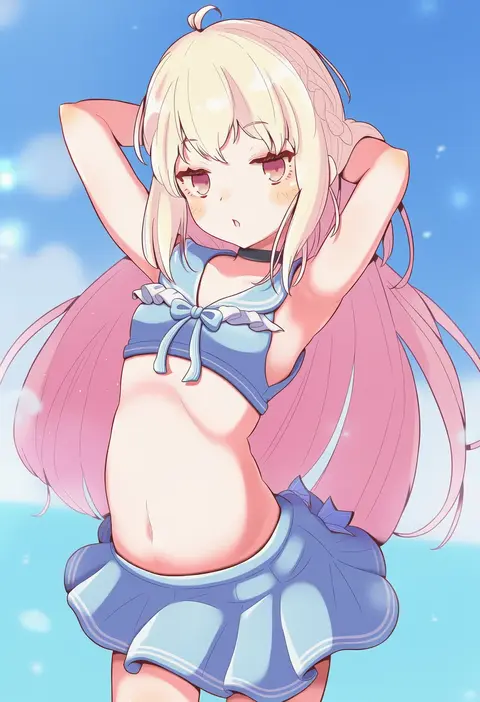
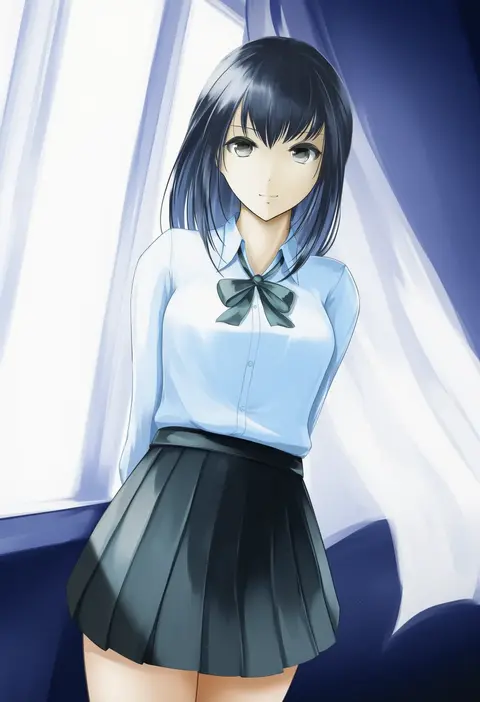
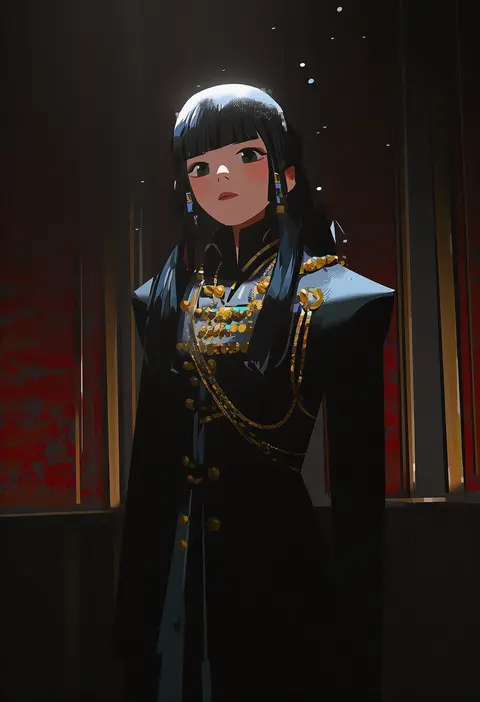
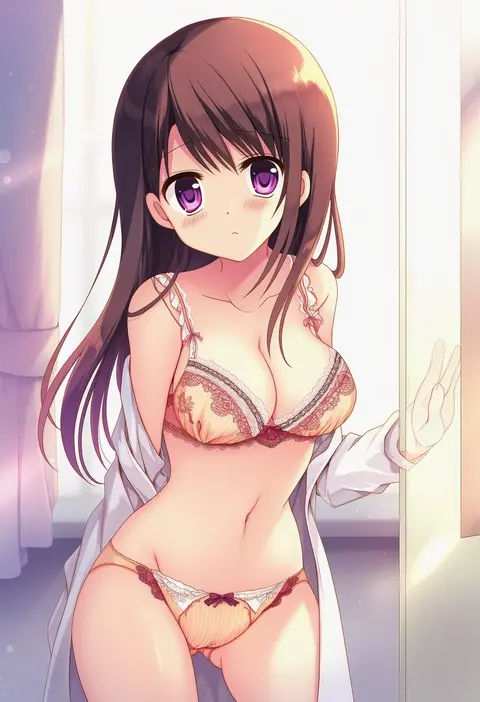
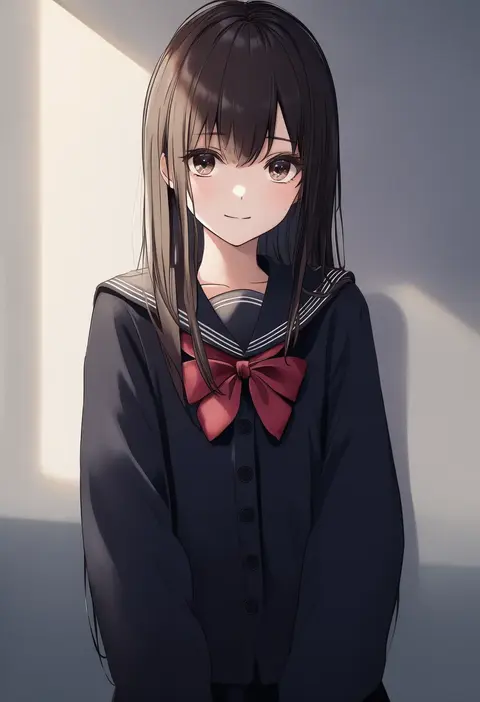
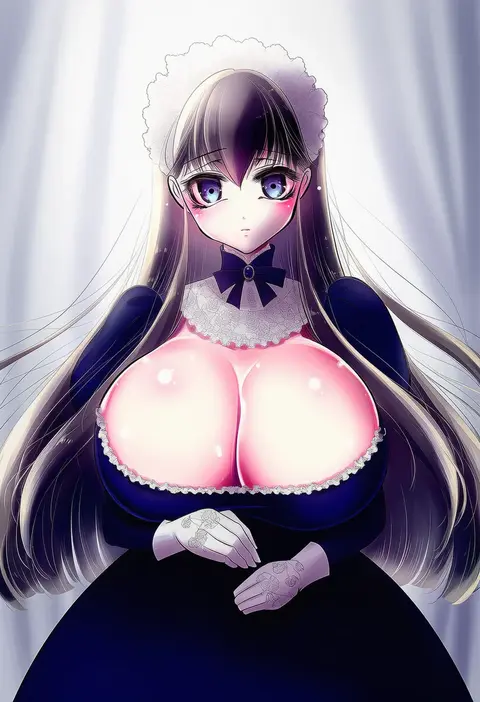
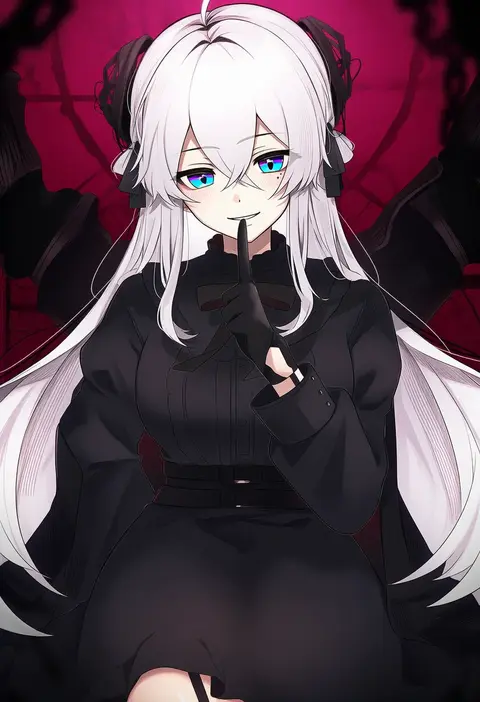
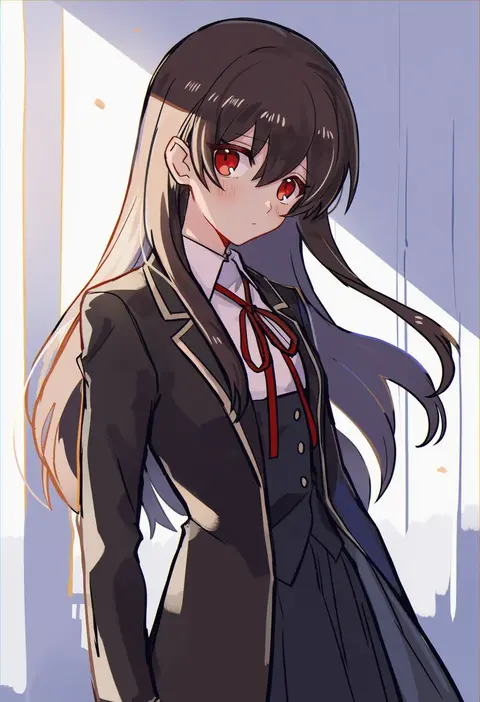
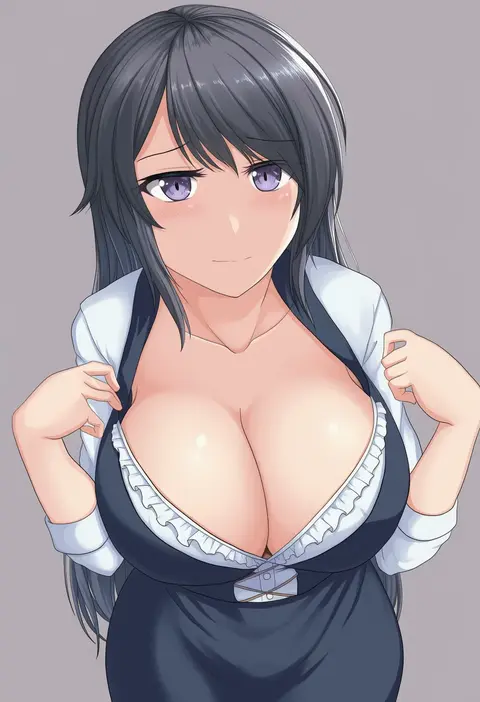
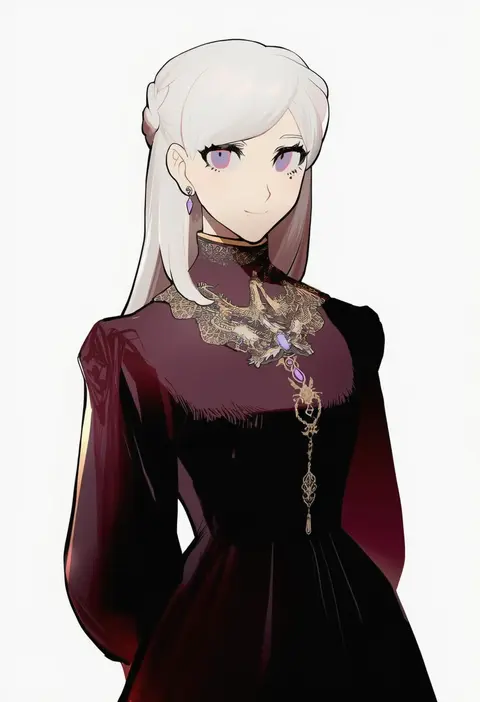
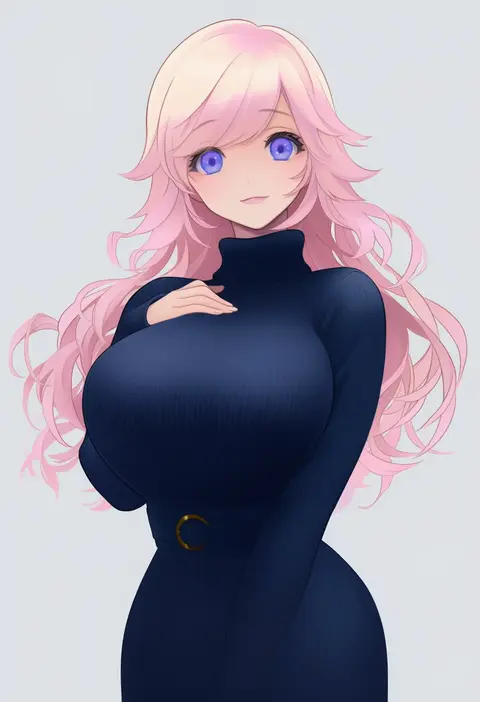
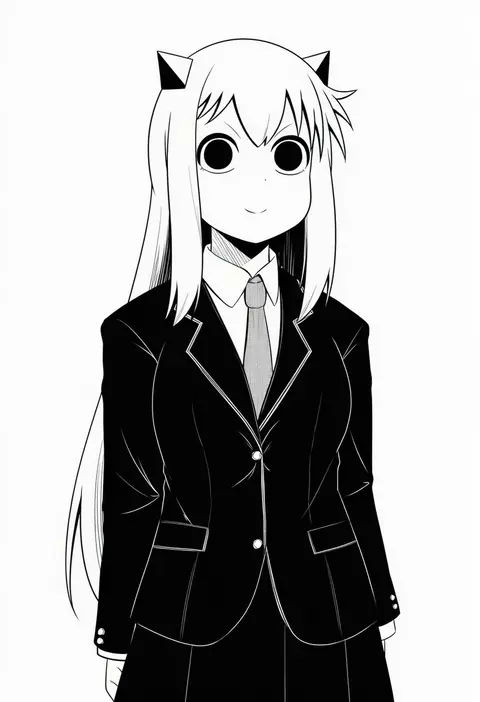
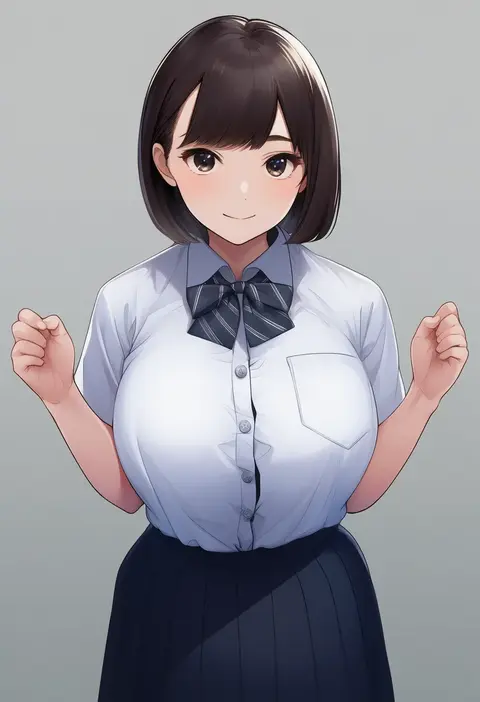
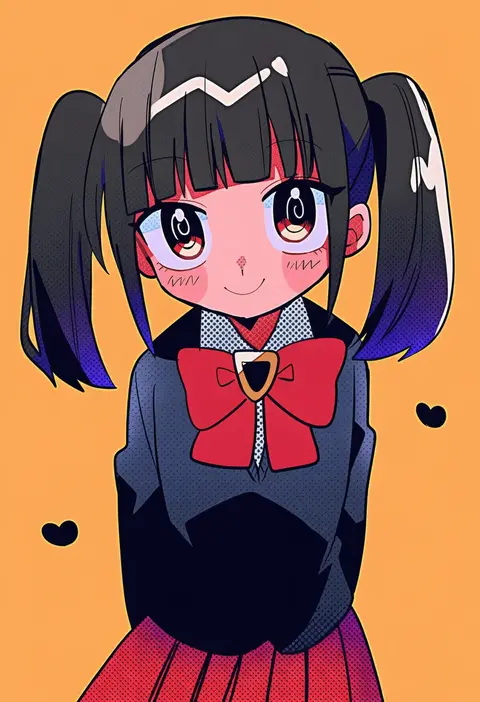
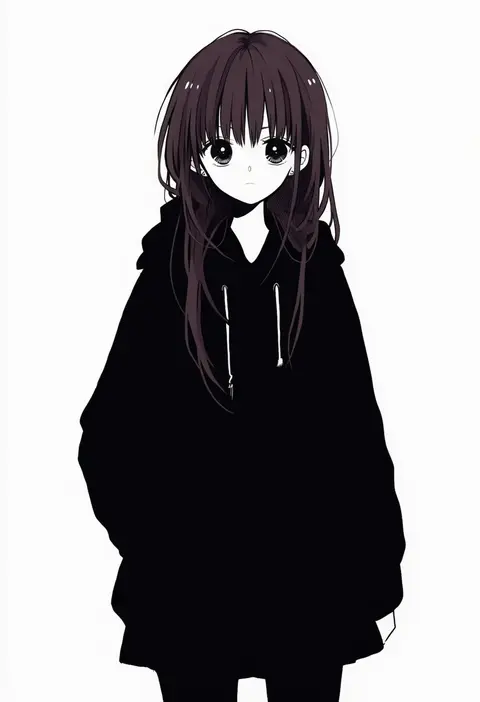
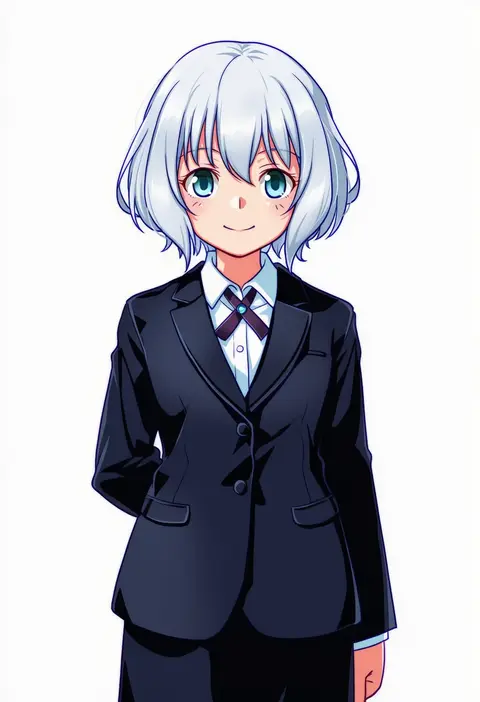
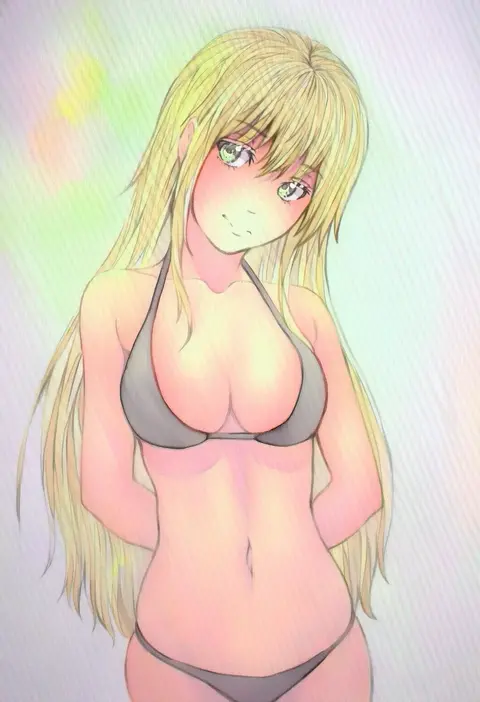
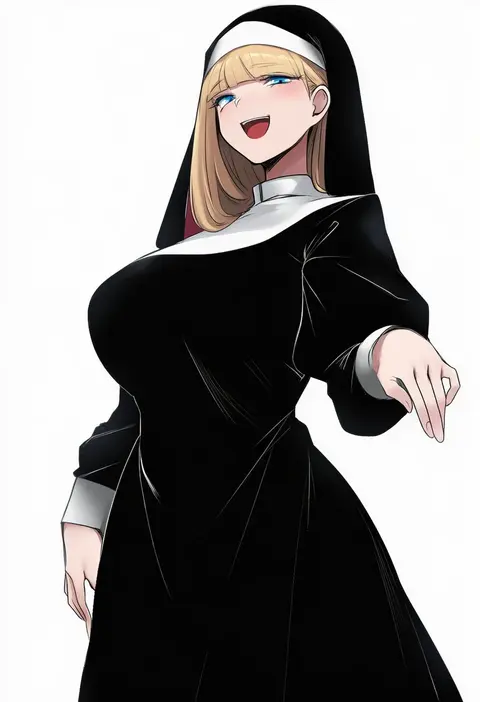
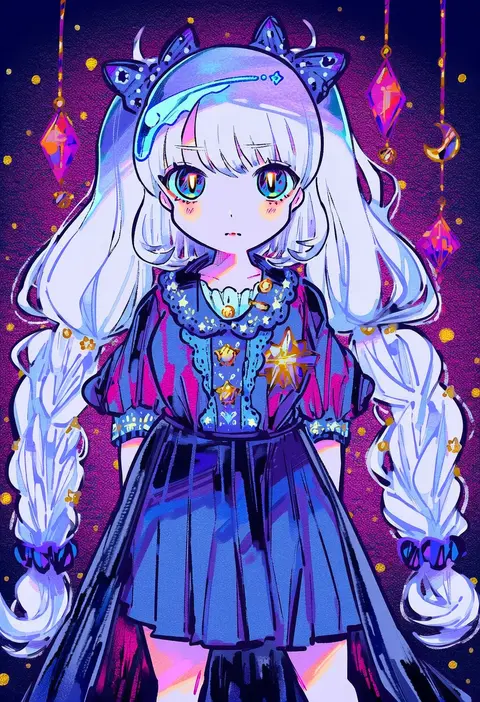
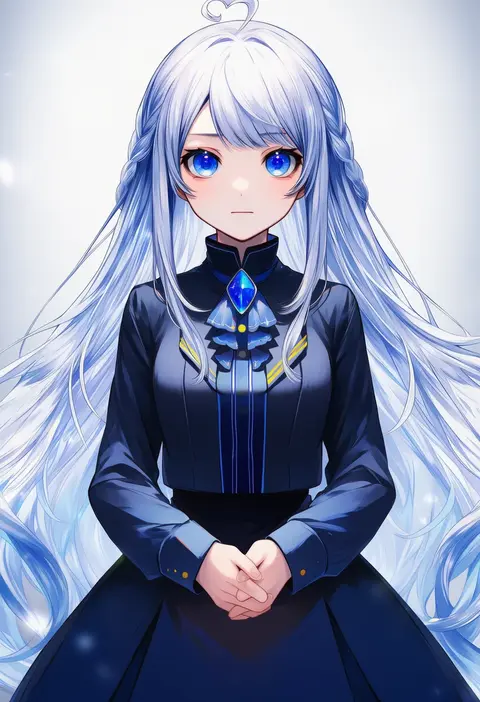
Artist tags tell NovelAI Diffusion to draw in a specific artist's style: line weight, paint texture, face shapes and palette all shift at once. Character and outfit tags decide what is drawn; artist tags decide how. 16,352 tags are listed for V4.5.

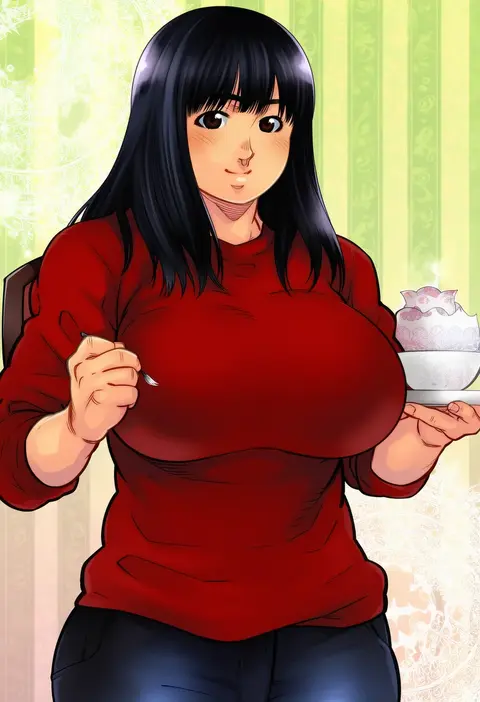
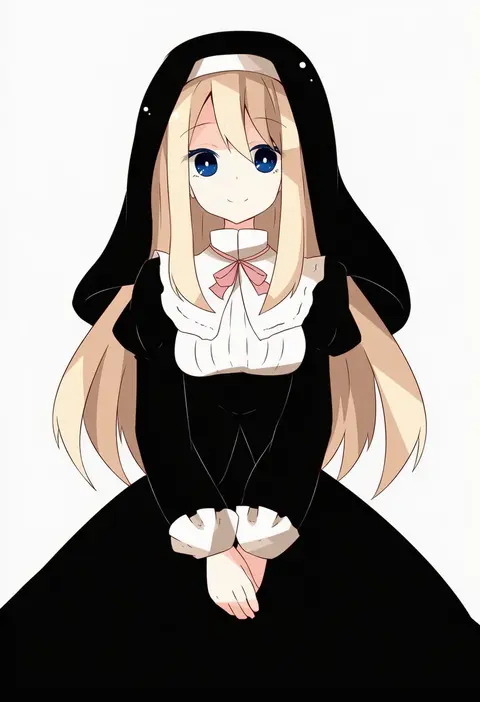
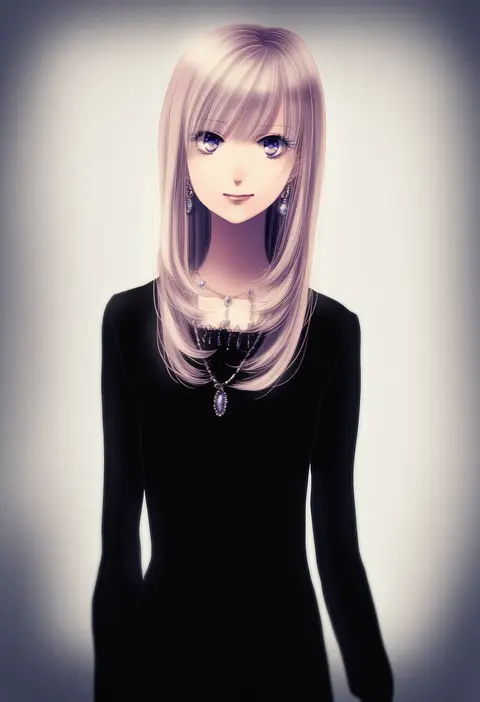
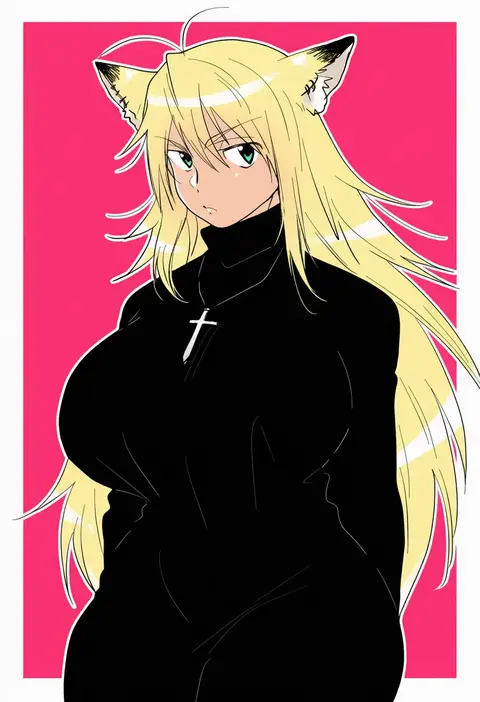
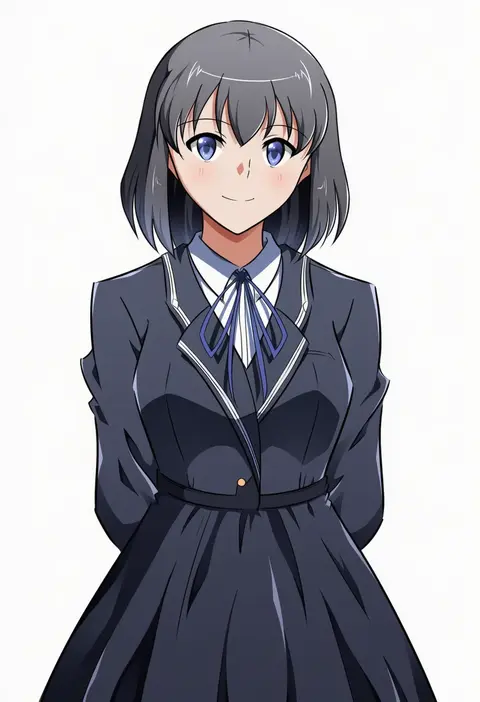
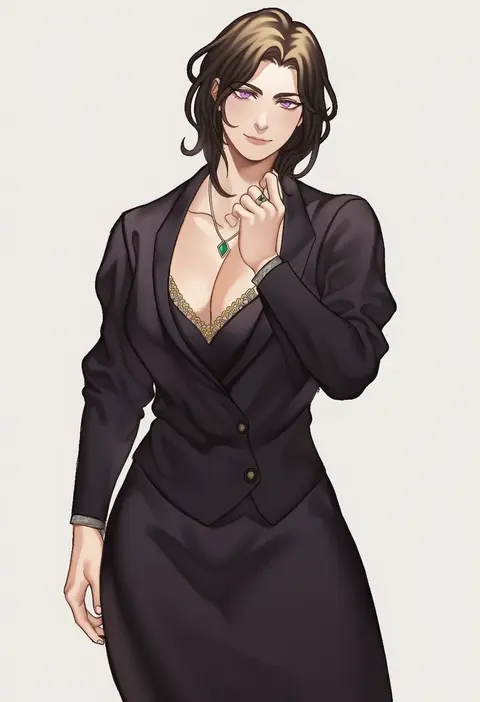
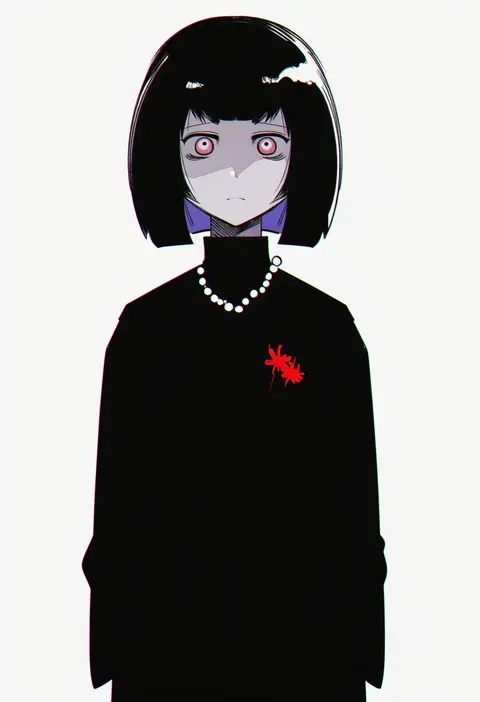
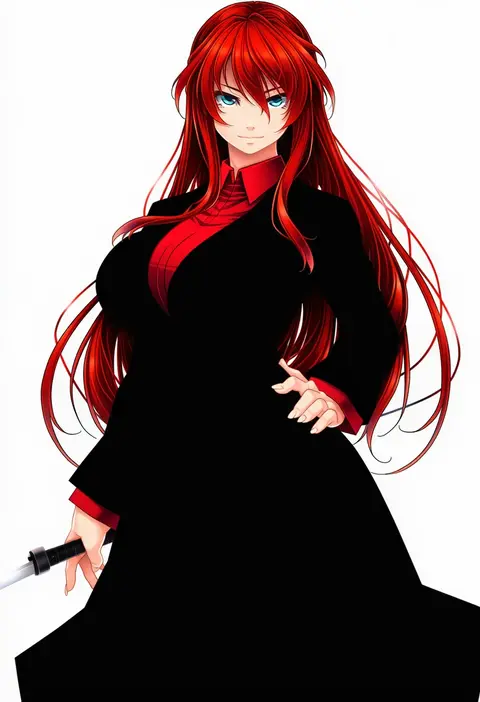
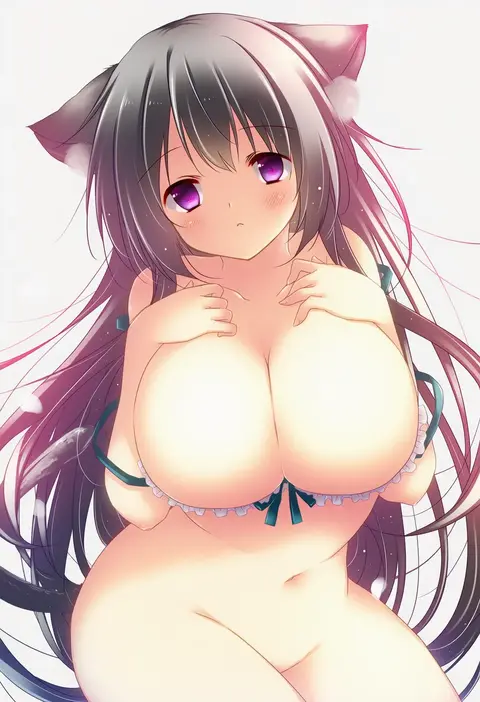
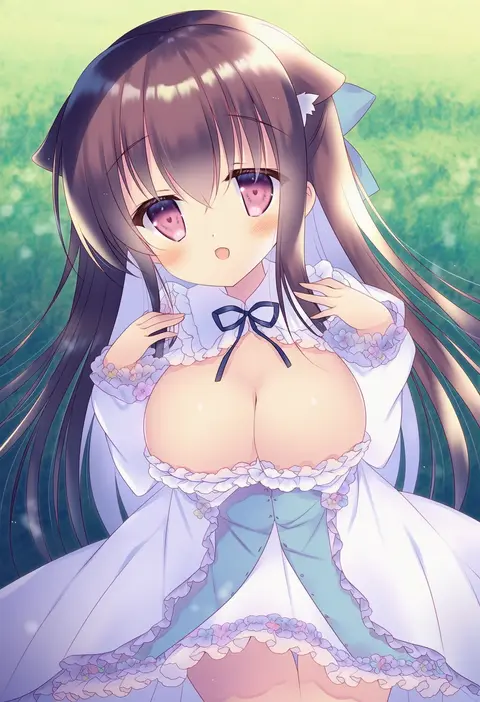
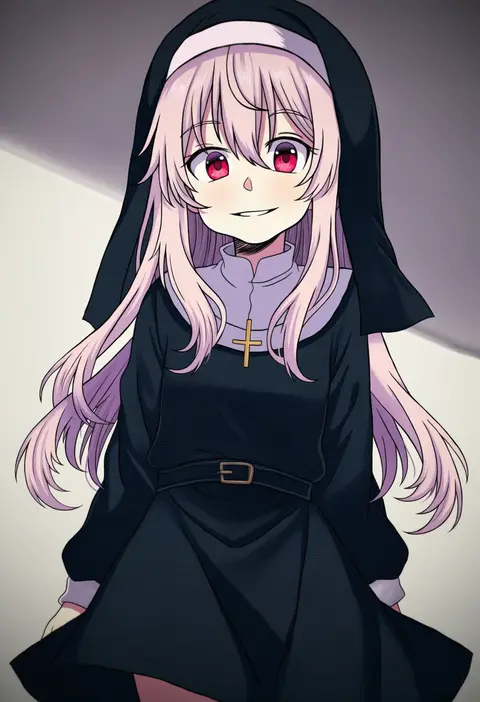
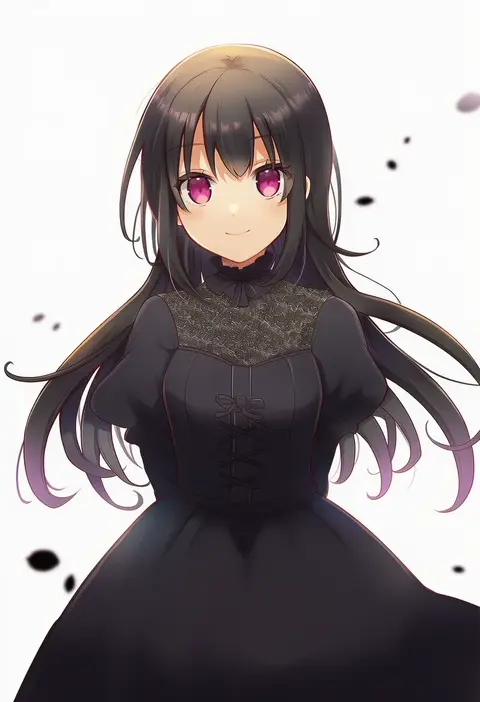
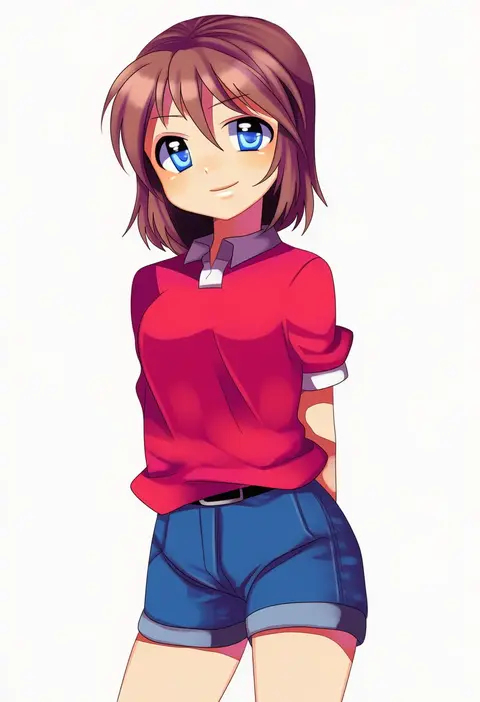
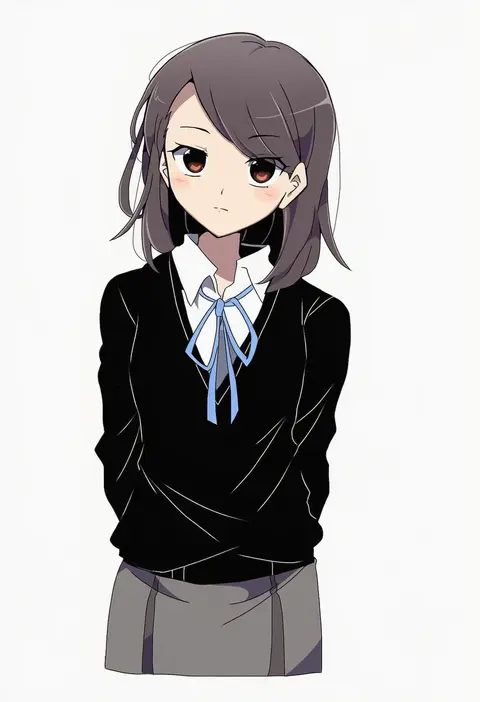
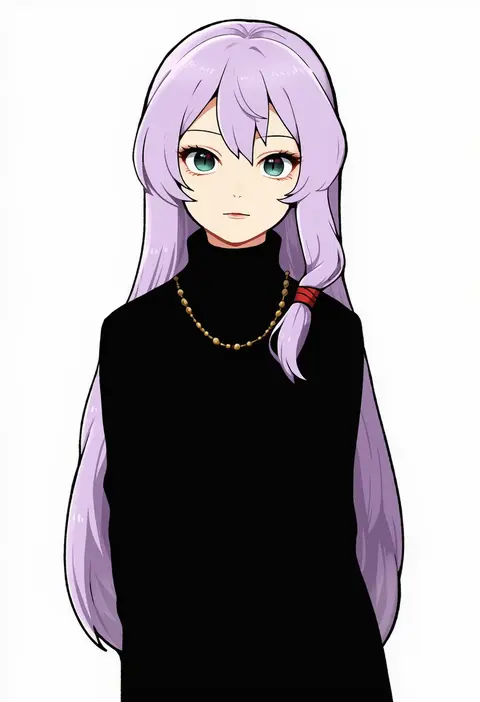
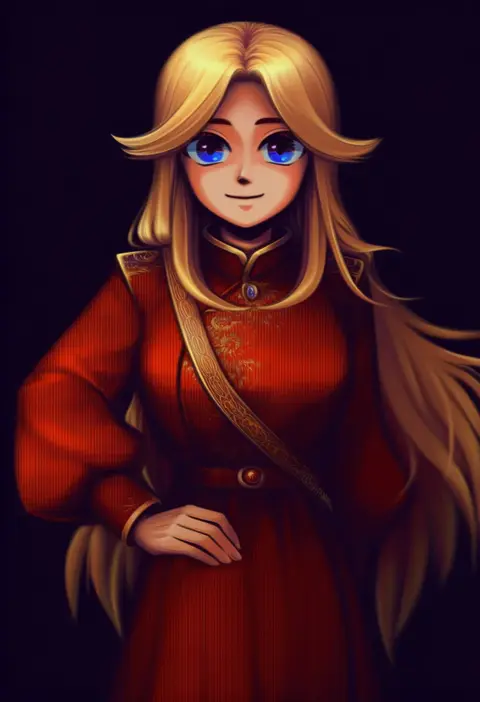
Every tag listed here is verified to react in NovelAI. All images use the same prompt, seed and settings with only the artist tag swapped, so the difference between two images is the style that tag brings in.

How to use them

Put the artist tag near the front of the prompt, e.g. "<artist>, 1girl, solo, best quality, masterpiece, cowboy shot". Two or three artist tags blend styles; lower the weight with "0.8::<artist>::" when the style overpowers the character.

SCORE sorts by Danbooru's top score, POSTS by post count, FAVS by hearts on this site. Open a card to see V5 and V4.5 side by side on the same seed.

V5 vs V4.5

V5 usually lands closer to the artist's real style, and tags that did nothing on V4.5 often react on V5. V4.5 still fits older and doujin-heavy artists better. Try V5 first, fall back to V4.5.

FAQ

Where does the artist tag go?
Near the front of the prompt. Use "0.8::tag::" to adjust its weight.

Can I stack artist tags?
Yes, styles blend. Past two or three the result stops looking like anyone.

Are these the artists' own works?
No. Every image is a NovelAI sample generated from the tag.