V4.5Artists
sort: FAVS▾
▾
>
$

NovelAI Artist Tags List — V4.5

artist --count 16,352[258/273]
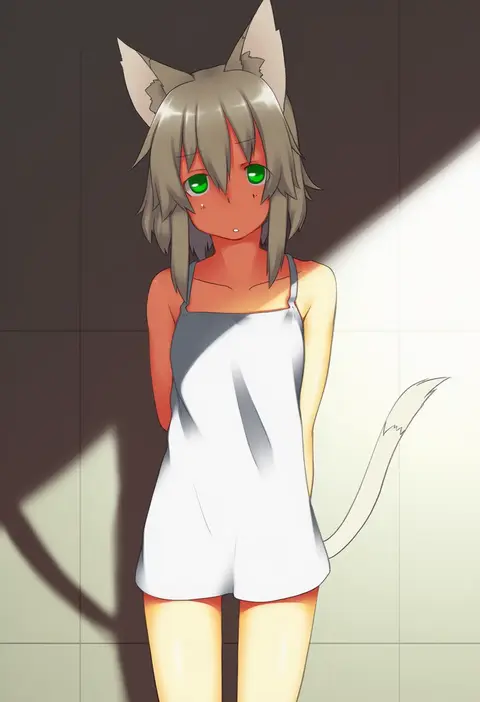
majima yuki
ARTIST0x3C3C
0
masayu
ARTIST0x3C3D
0
macken666
ARTIST0x3C3E
0
awa toka
ARTIST0x3C3F
0
kinagi yuu
ARTIST0x3C40
0
takase kanan
ARTIST0x3C41
0
yurano (upao)
ARTIST0x3C42
0
popoin
ARTIST0x3C43
0
kogame
ARTIST0x3C44
0
esuyuki
ARTIST0x3C45
0
nagimiso
ARTIST0x3C46
0
azumaya hironaru
ARTIST0x3C47
0
a.hebmuller
ARTIST0x3C48
0
da (bobafett)
ARTIST0x3C49
0
shintani tsushiya
ARTIST0x3C4A
0
yamaori (hakkentai pokedan)
ARTIST0x3C4B
0
kagura yuuki
ARTIST0x3C4C
0
dreaming oor
ARTIST0x3C4D
0
fumeshi
ARTIST0x3C4E
0
naginami
ARTIST0x3C4F
0
tsubaki tsubaru
ARTIST0x3C50
0
nekokun
ARTIST0x3C51
0
yadokugaeru
ARTIST0x3C52
0
rensei
ARTIST0x3C53
0
ajiriko
ARTIST0x3C54
0
ginzuki ringo
ARTIST0x3C55
0
ame yamori
ARTIST0x3C56
0
ttn (239 239)
ARTIST0x3C57
0
goli matsumoto
ARTIST0x3C58
0
ru-pe (gstm 0915)
ARTIST0x3C59
0
minahamu
ARTIST0x3C5A
0
matsushita makako
ARTIST0x3C5B
0
murani
ARTIST0x3C5C
0
73suke
ARTIST0x3C5D
0
ryuu (tsukinoyuki)
ARTIST0x3C5E
0
mikurun
ARTIST0x3C5F
0
okoge senbei
ARTIST0x3C60
0
shadeofshinon
ARTIST0x3C61
0
suteinua
ARTIST0x3C62
0
yonerinoko (banberabu)
ARTIST0x3C63
0
oinari (tensaizoku)
ARTIST0x3C64
0
123456dyom
ARTIST0x3C65
0
99akt1031
ARTIST0x3C66
0
osaragi mitama
ARTIST0x3C67
0
coula cat
ARTIST0x3C68
0
kutsuno
ARTIST0x3C69
0
suzuki moeko
ARTIST0x3C6A
0
harukaruha
ARTIST0x3C6B
0
penya
ARTIST0x3C6C
0
shichibee (stm mimi)
ARTIST0x3C6D
0
free butterfree
ARTIST0x3C6E
0
sekimo
ARTIST0x3C6F
0
akitaka mika
ARTIST0x3C70
0
kana (maple926)
ARTIST0x3C71
0
moiko
ARTIST0x3C72
0
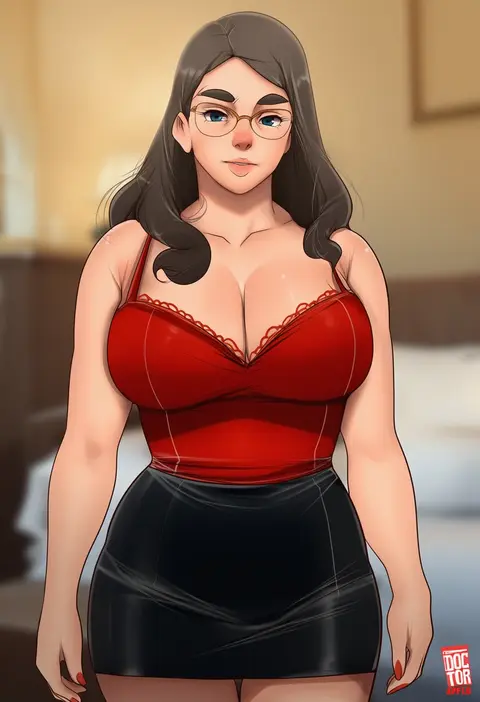
doctor anfelo
ARTIST0x3C73
0
andreas rocha
ARTIST0x3C74
0
matsuda98
ARTIST0x3C75
0
shimazaki mujirushi
ARTIST0x3C76
0
kuro yuzu
ARTIST0x3C77
0

What these tags change

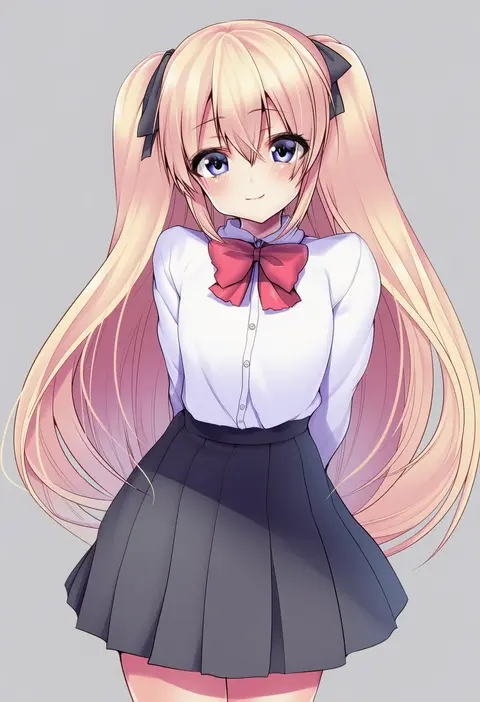
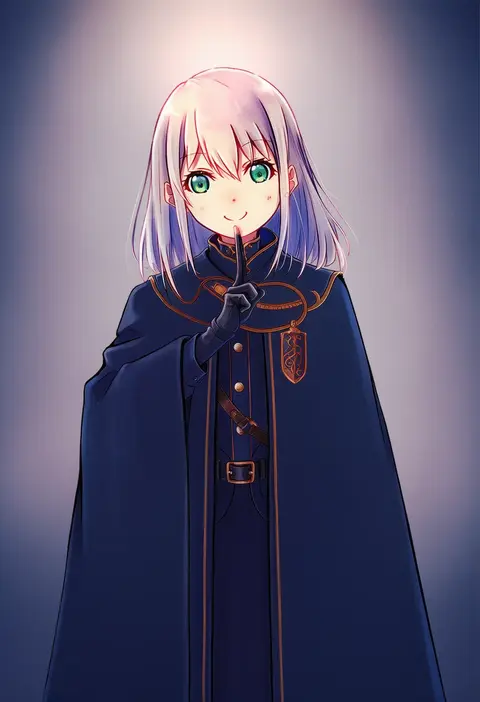
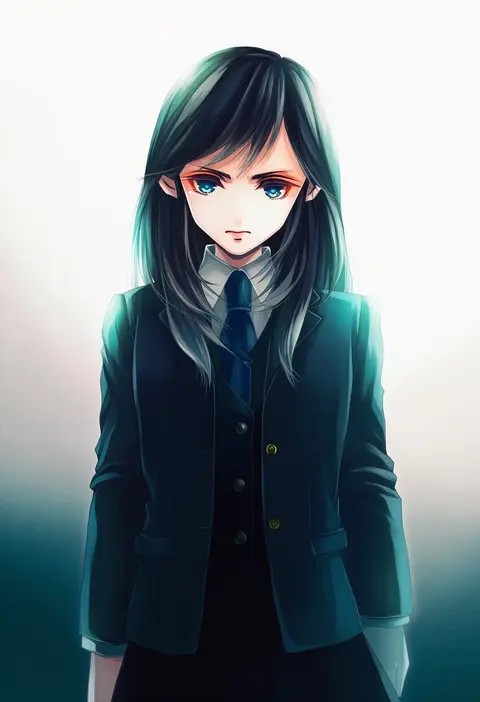
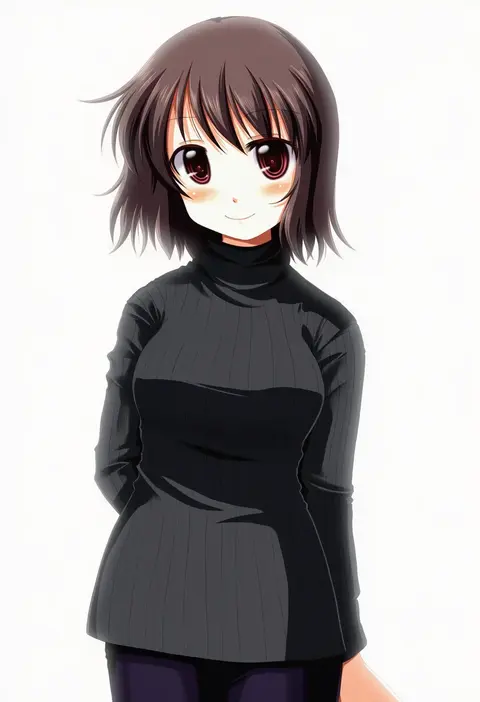
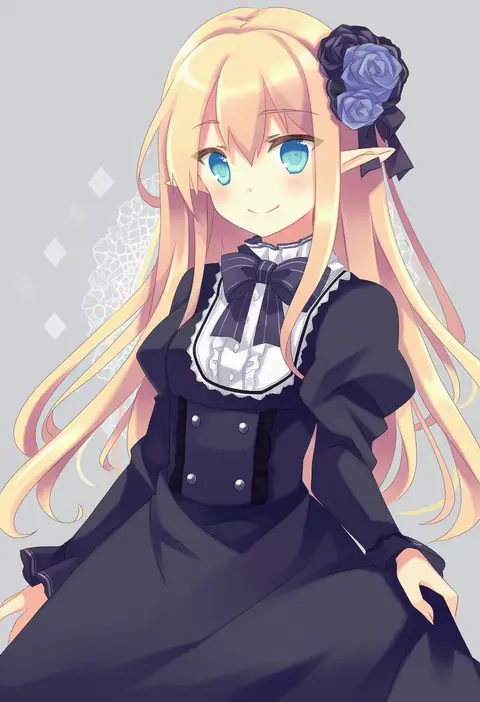
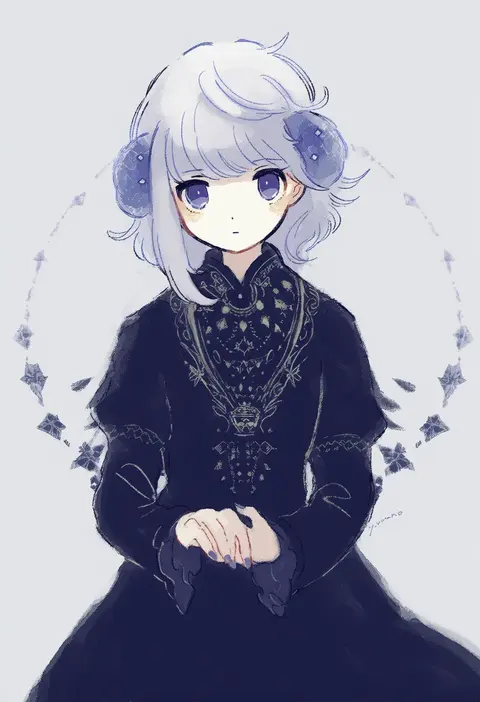
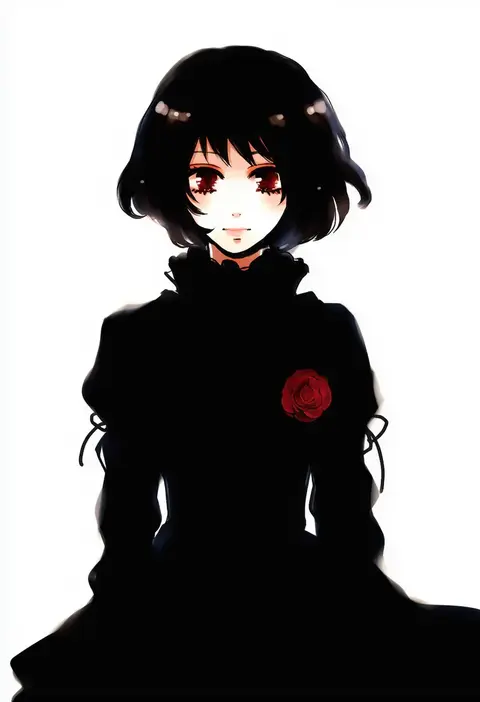
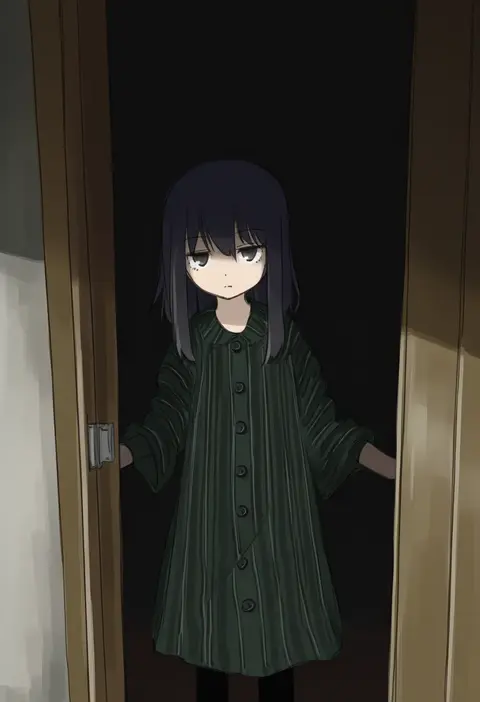
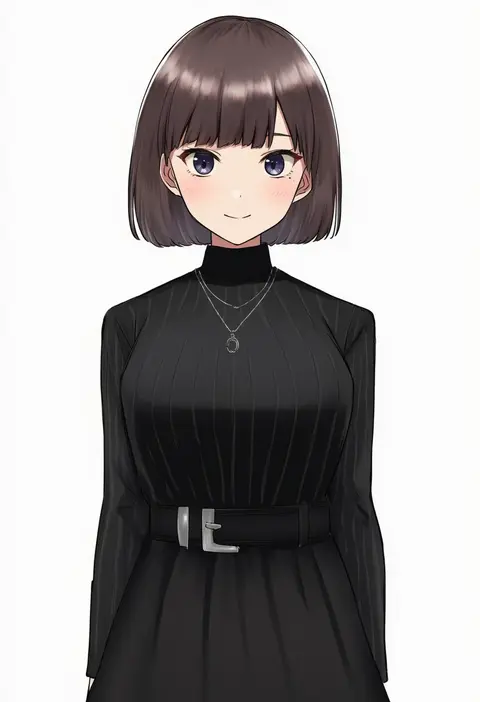
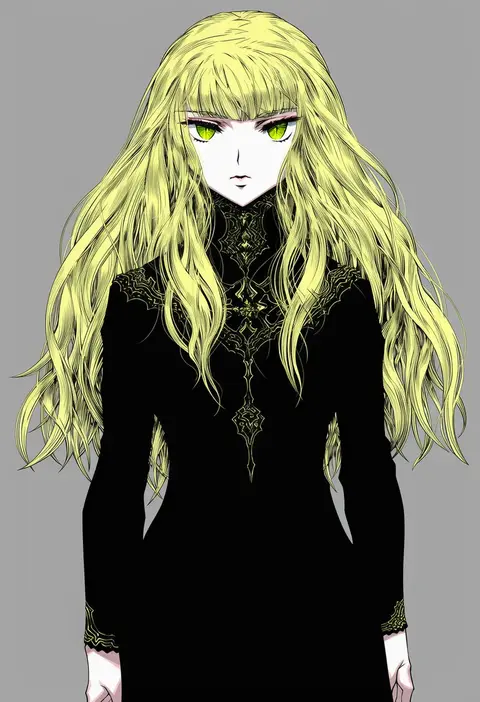
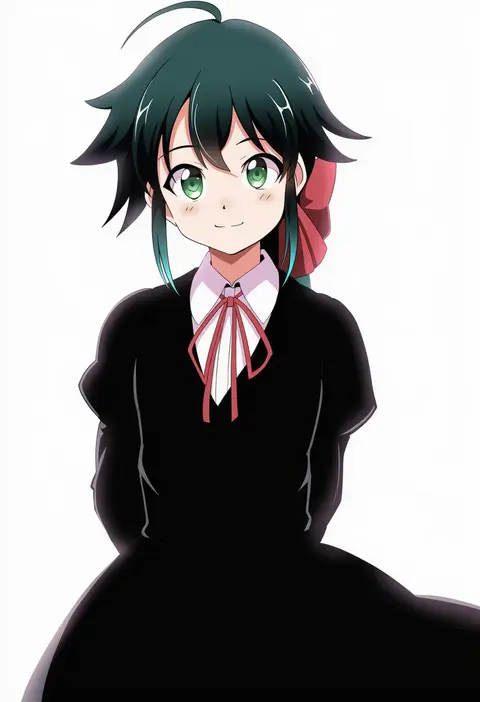
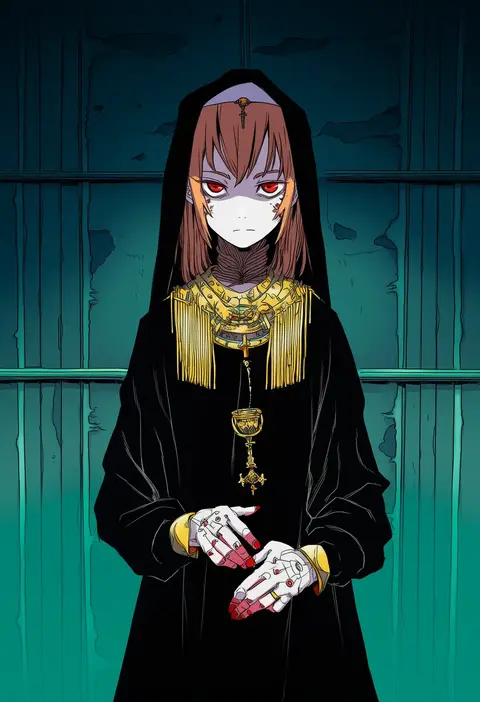
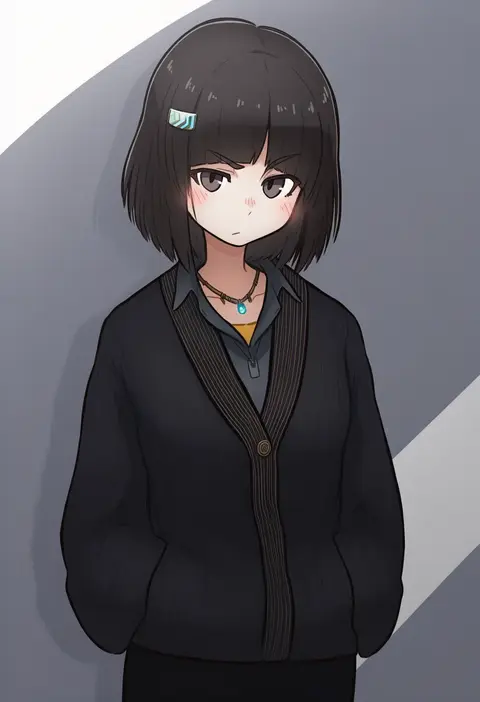
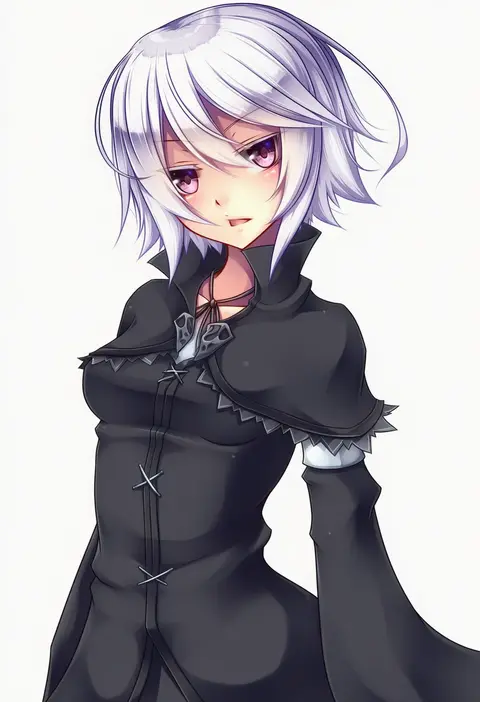
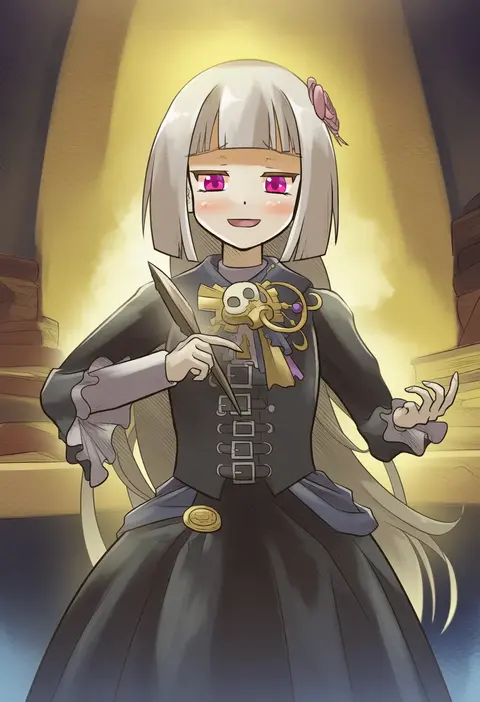
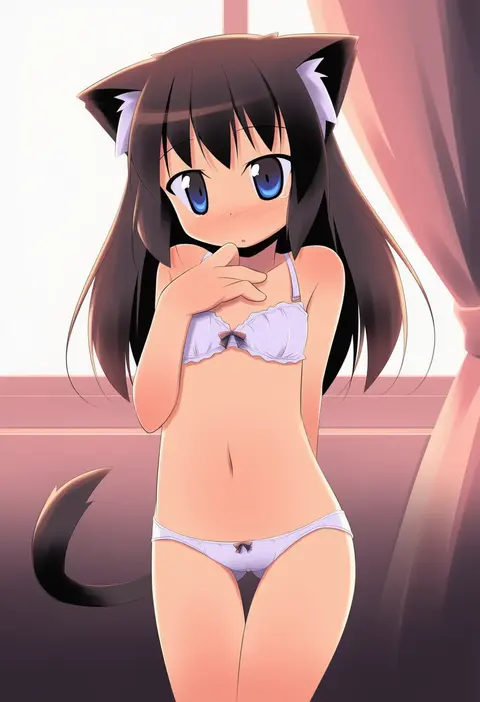
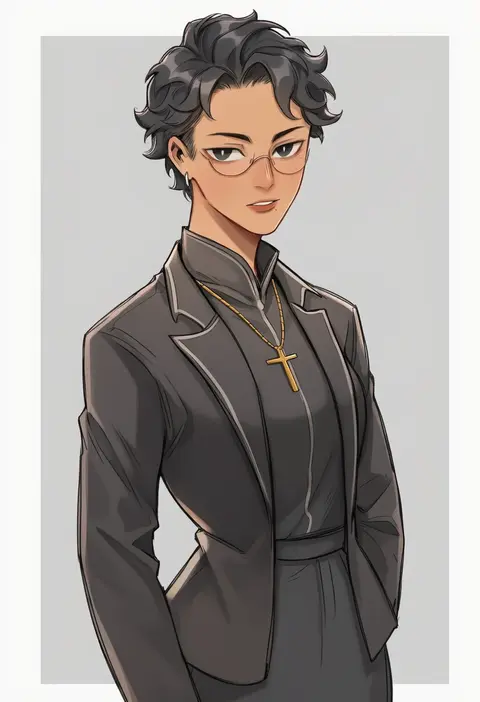
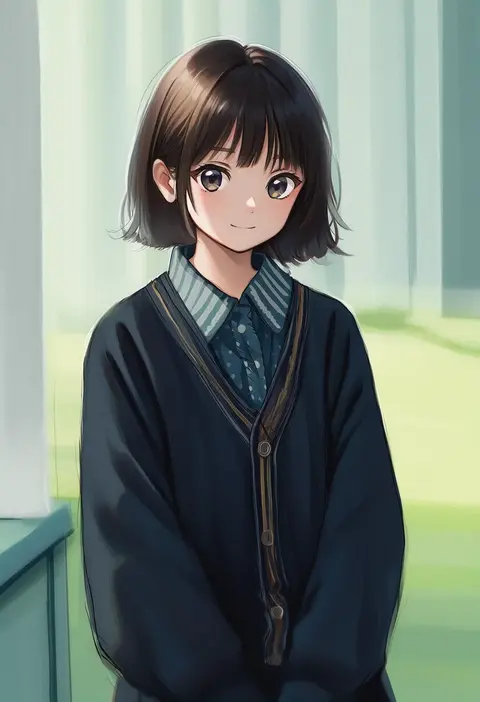
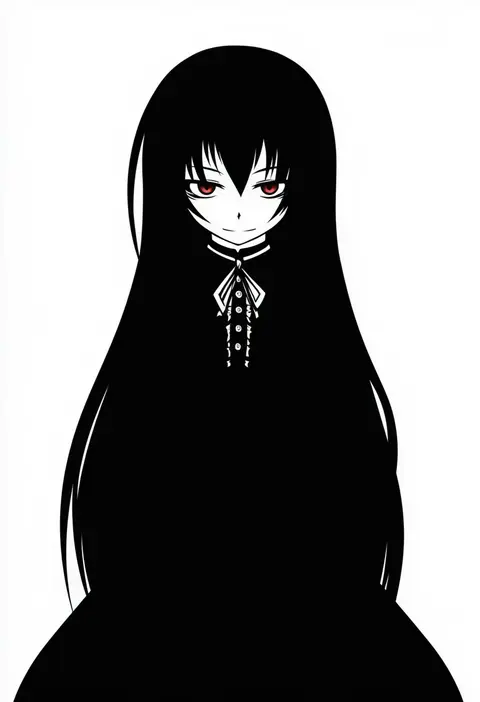
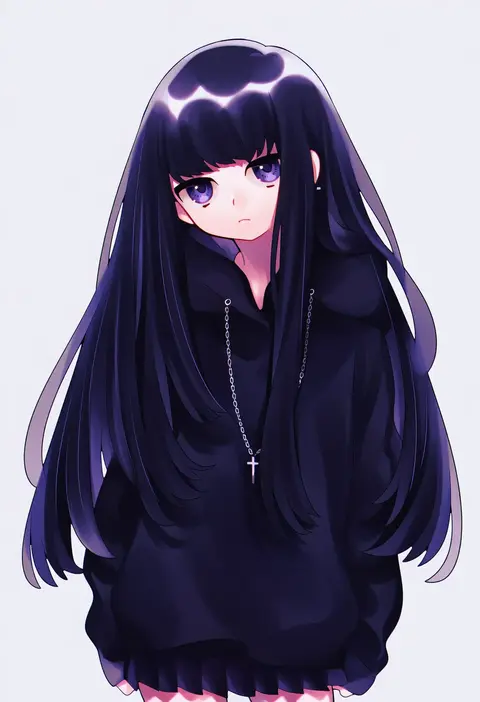
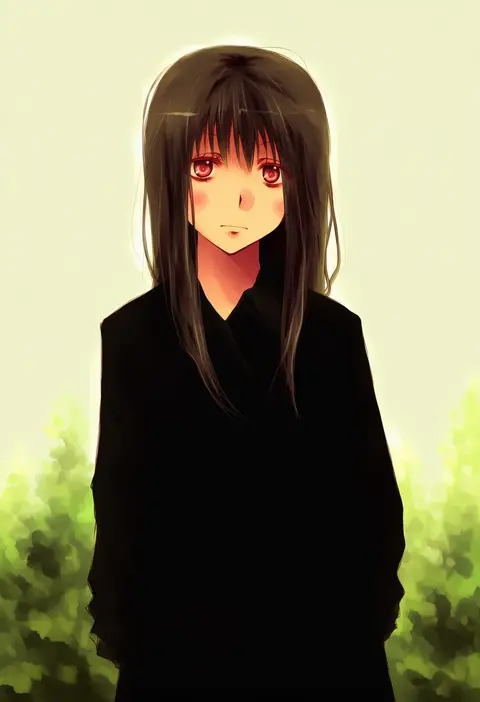
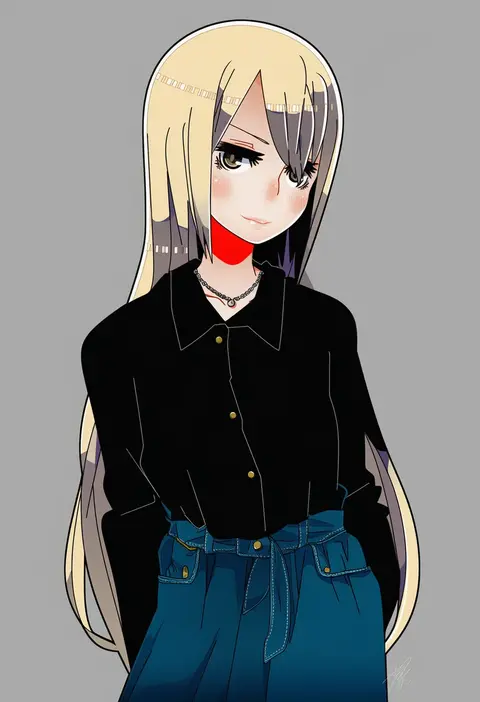
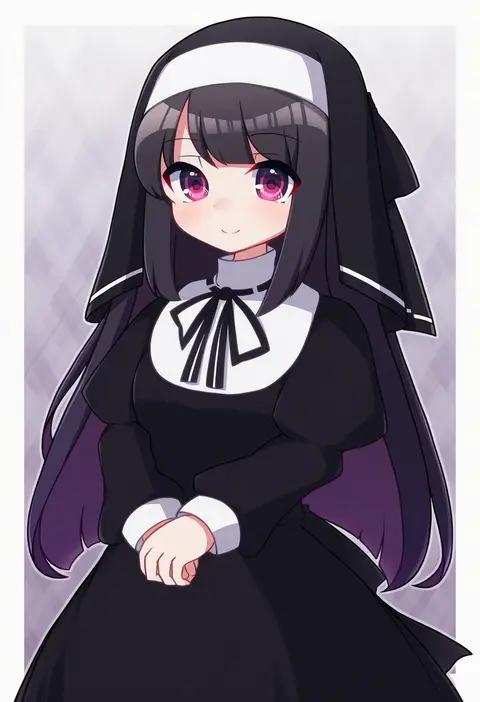
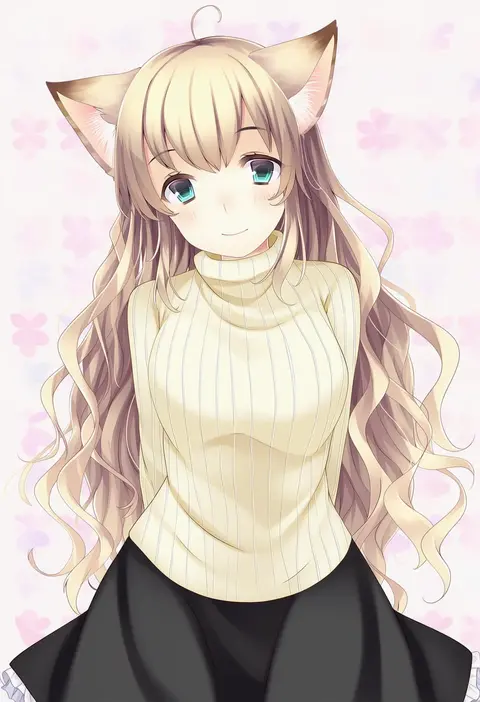
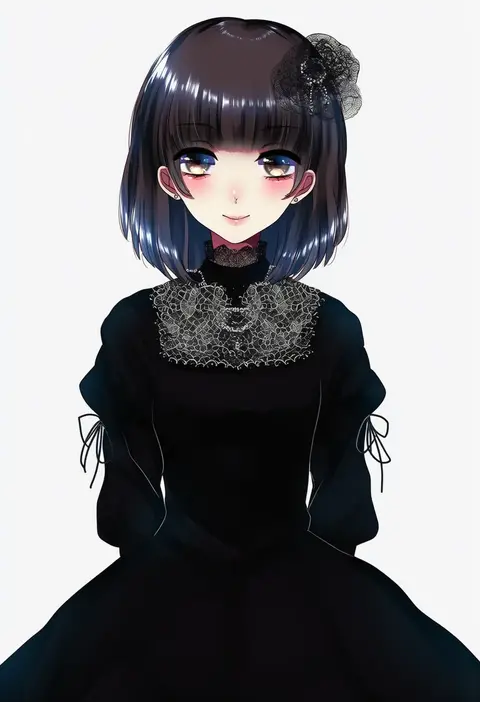
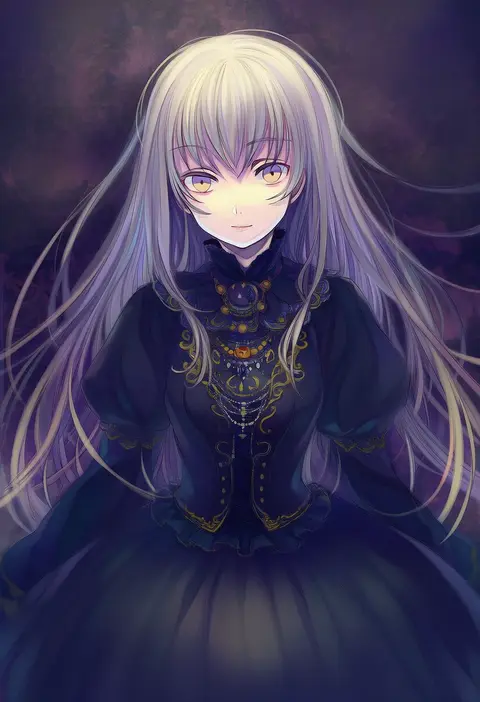
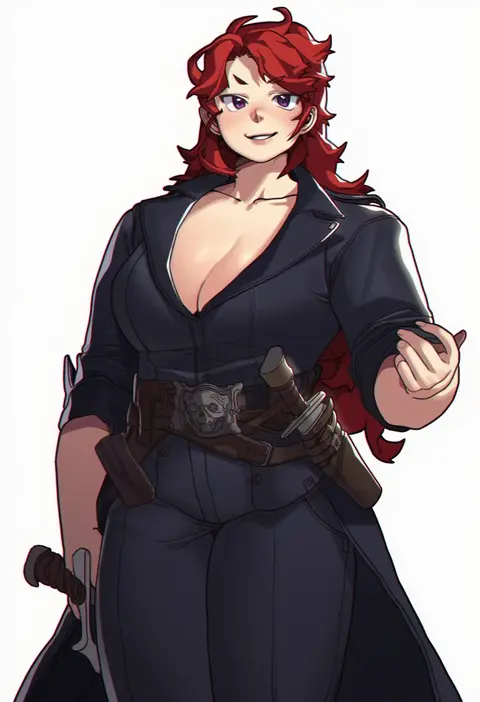
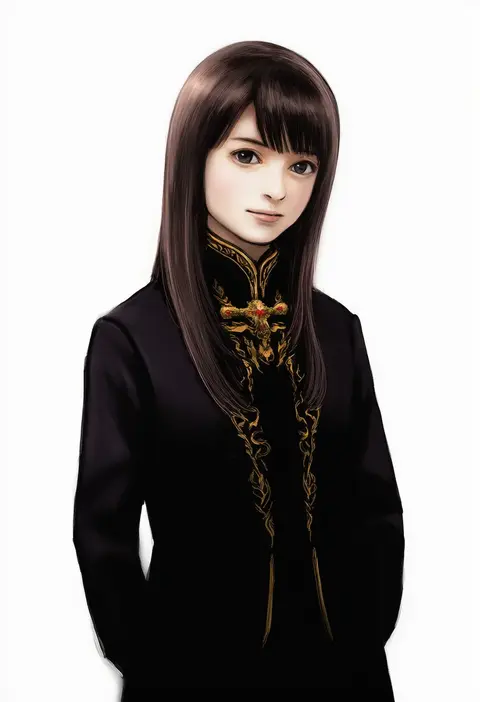
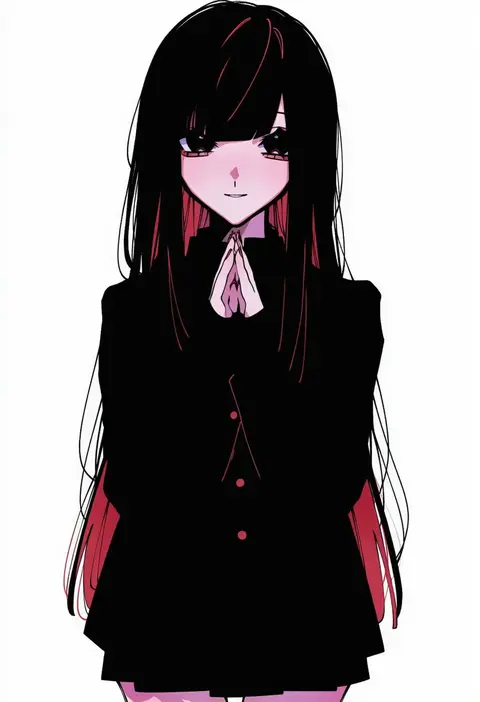
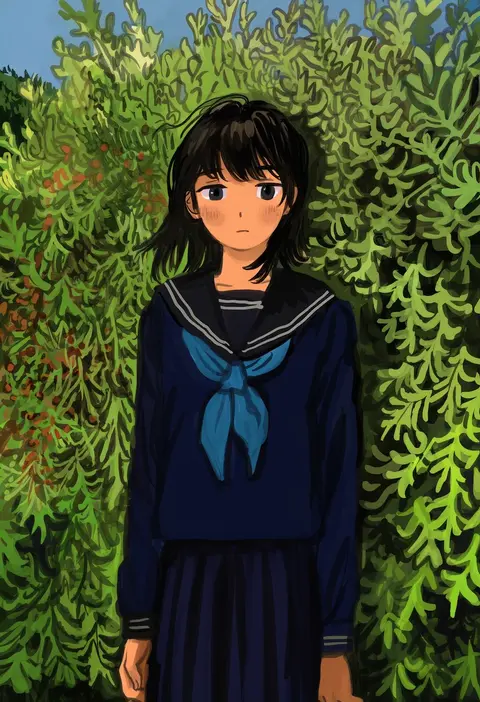
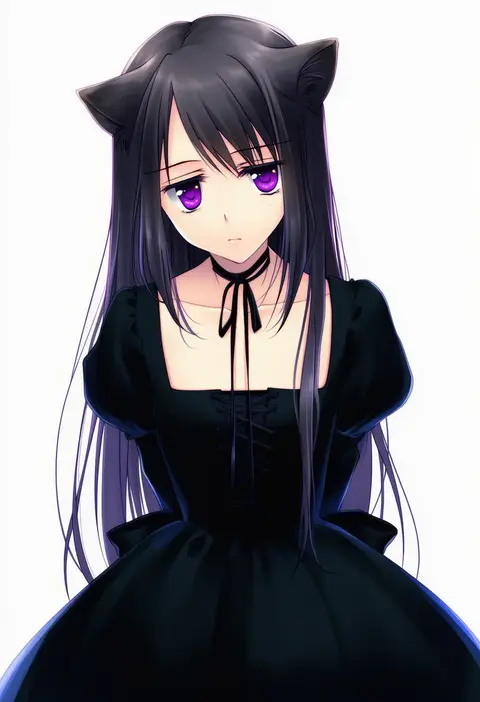
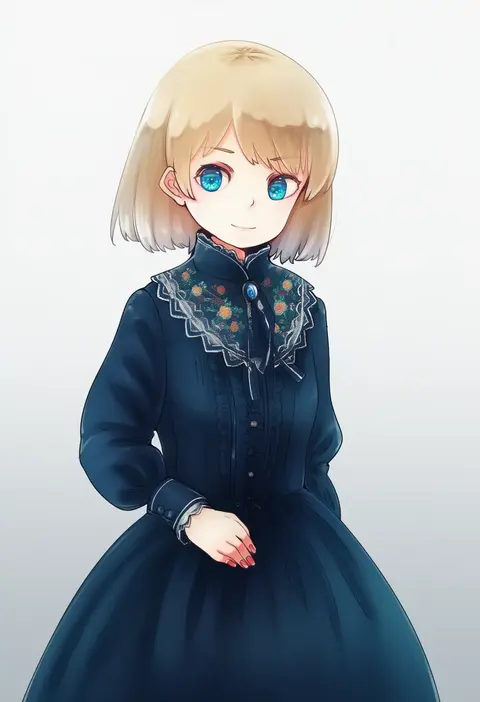
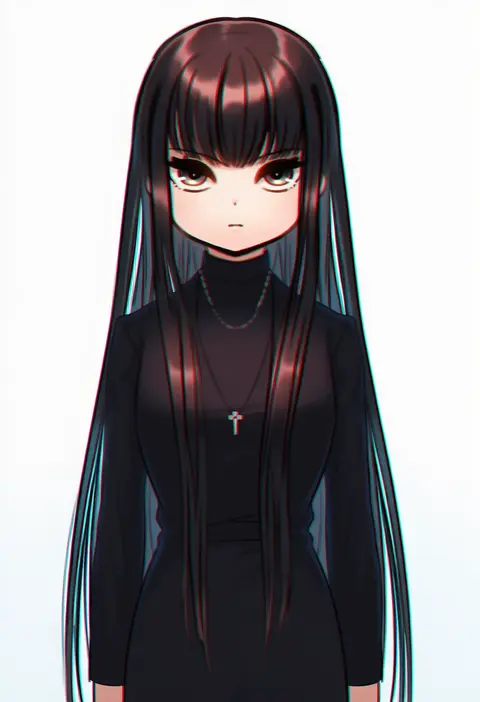
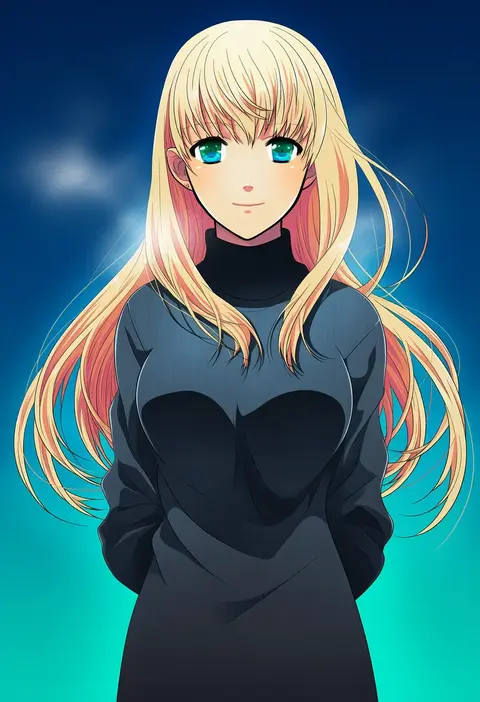
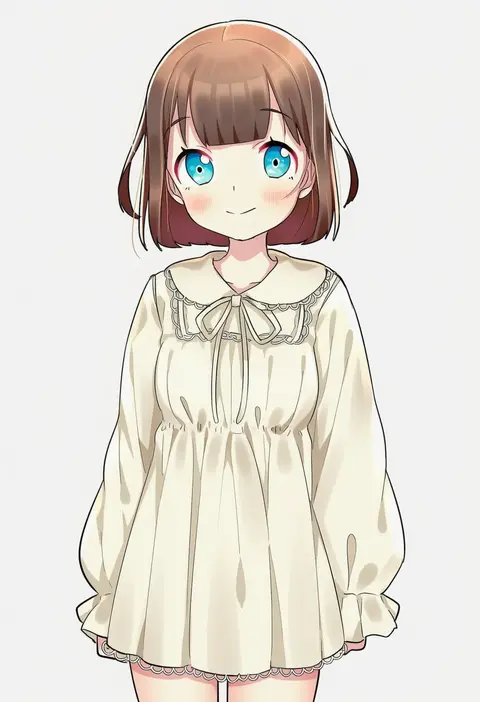
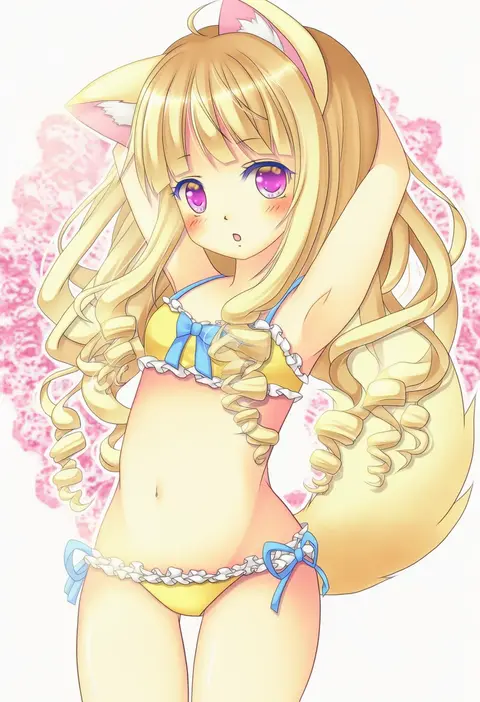
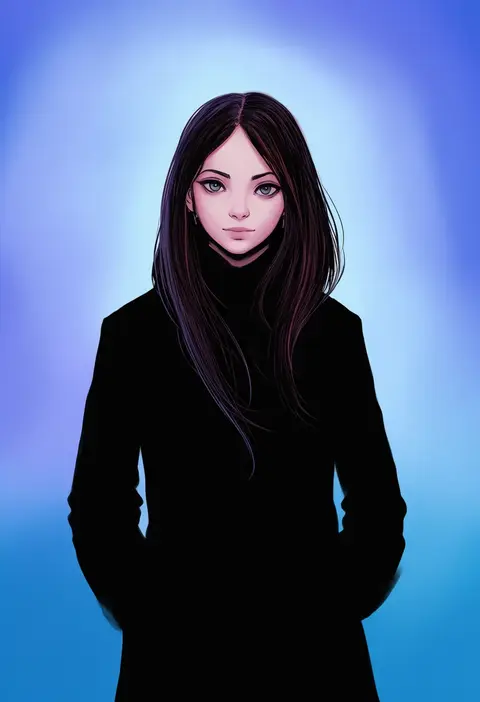
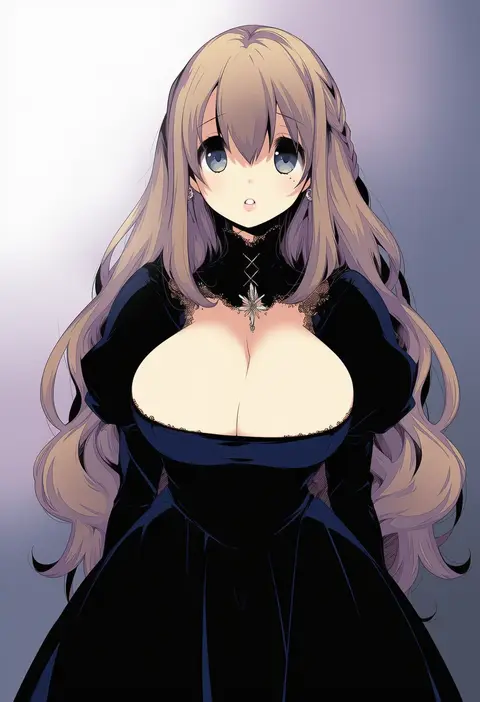
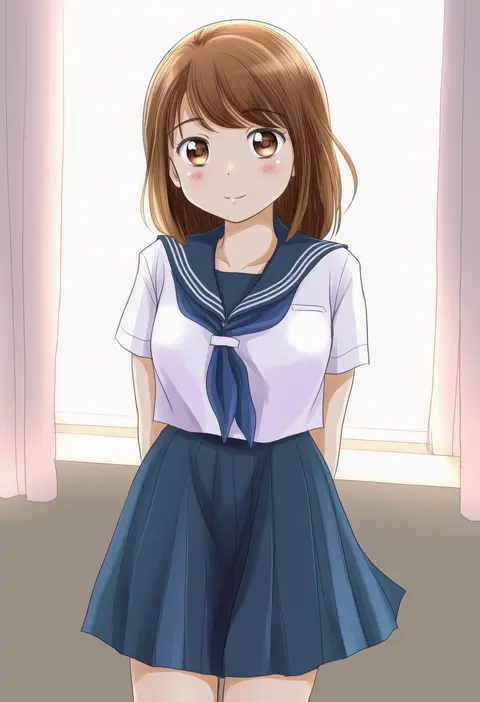
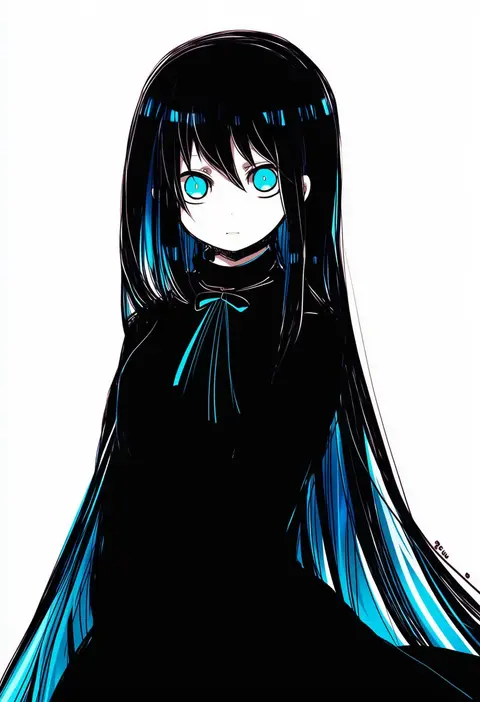
Artist tags tell NovelAI Diffusion to draw in a specific artist's style: line weight, paint texture, face shapes and palette all shift at once. Character and outfit tags decide what is drawn; artist tags decide how. 16,352 tags are listed for V4.5.
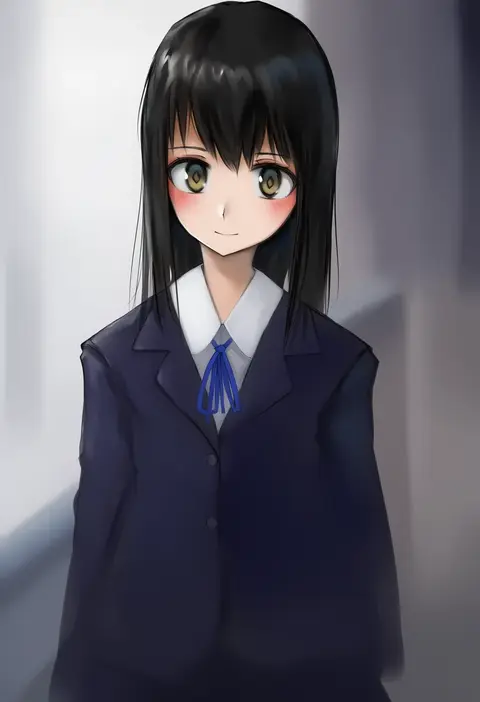
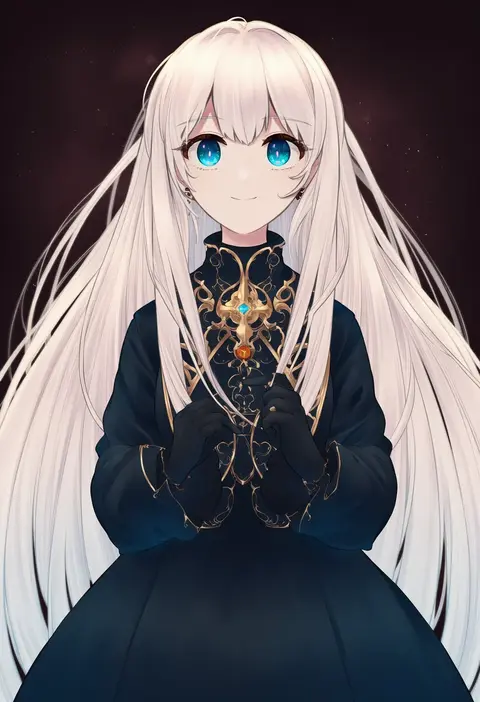
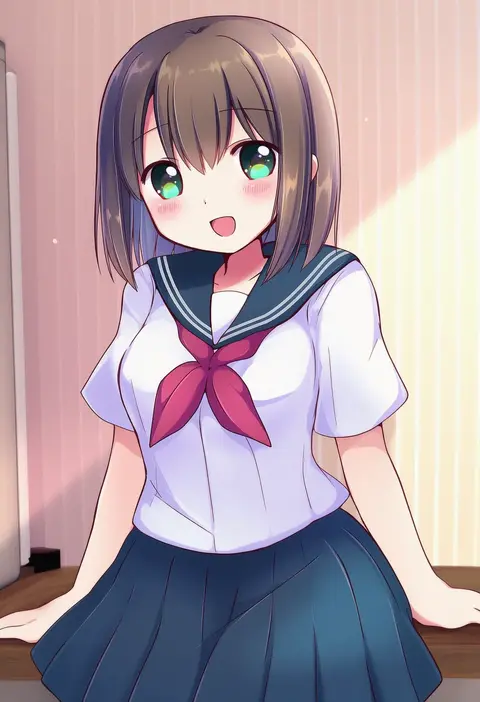
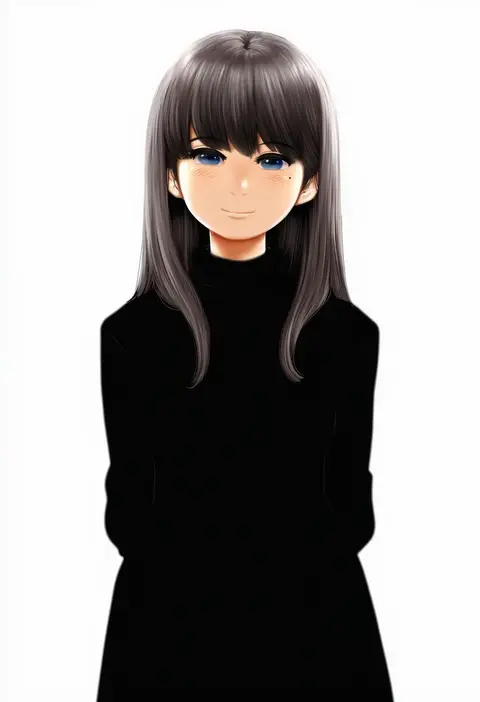
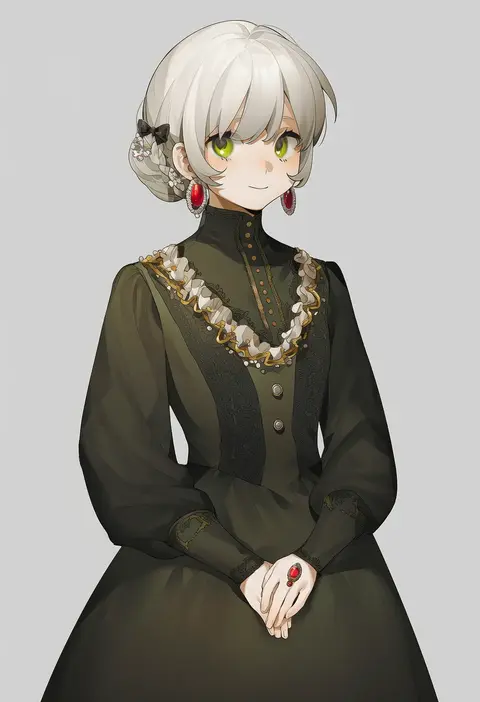
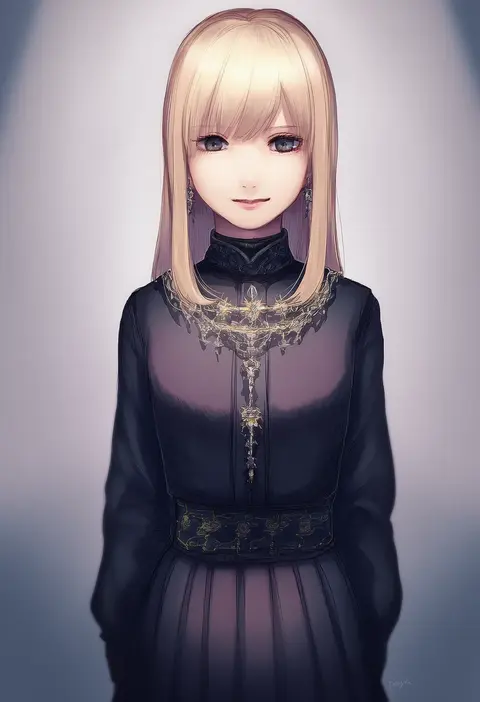
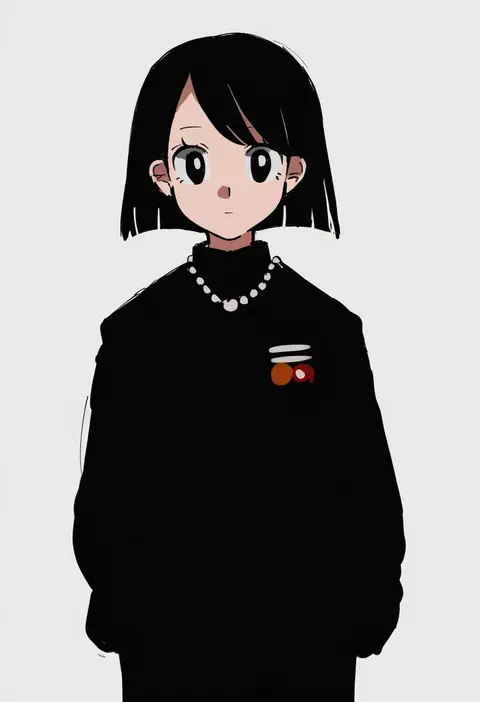
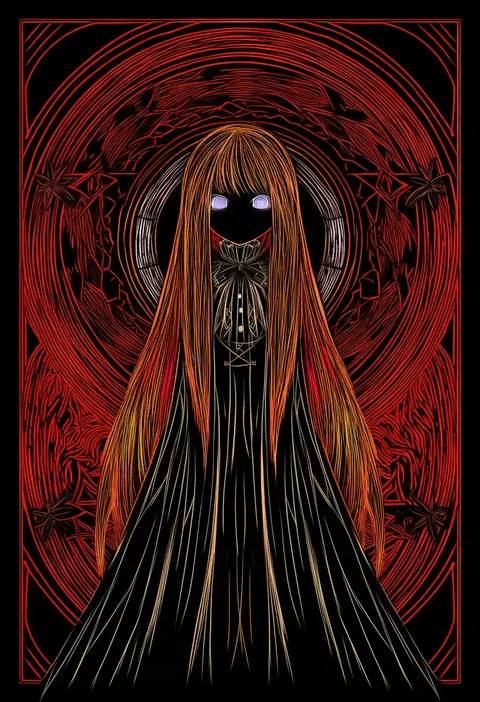
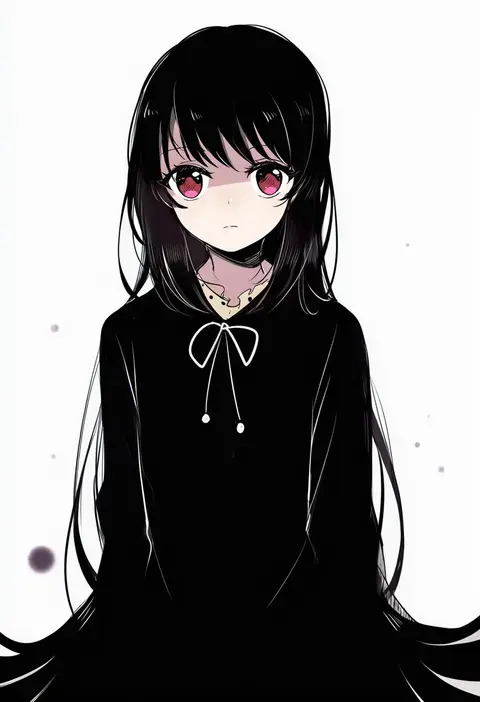
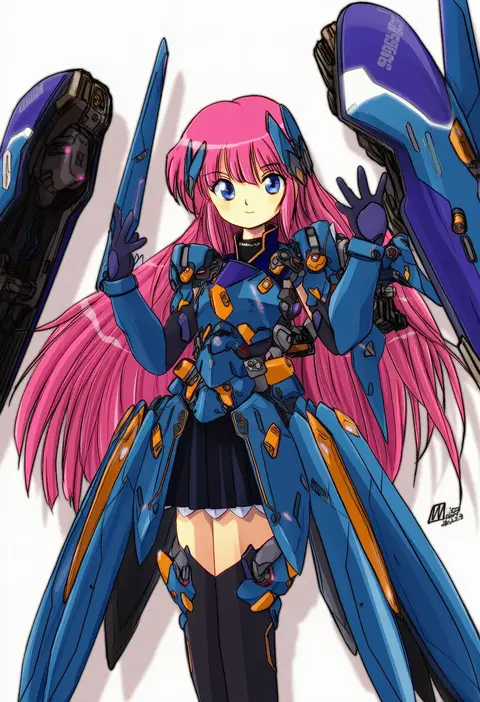
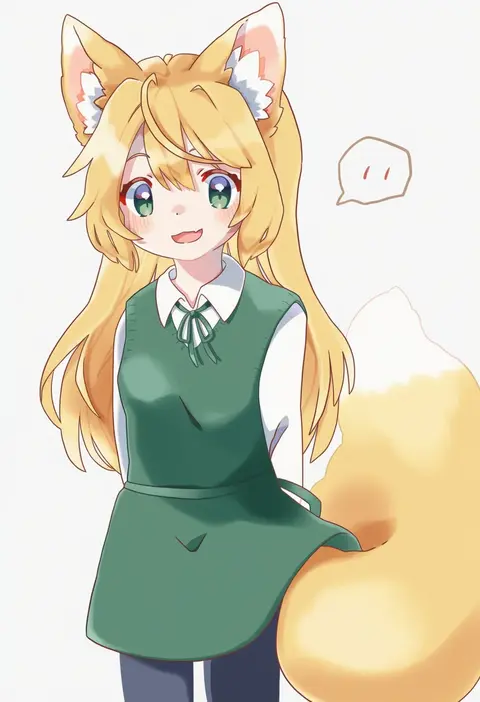
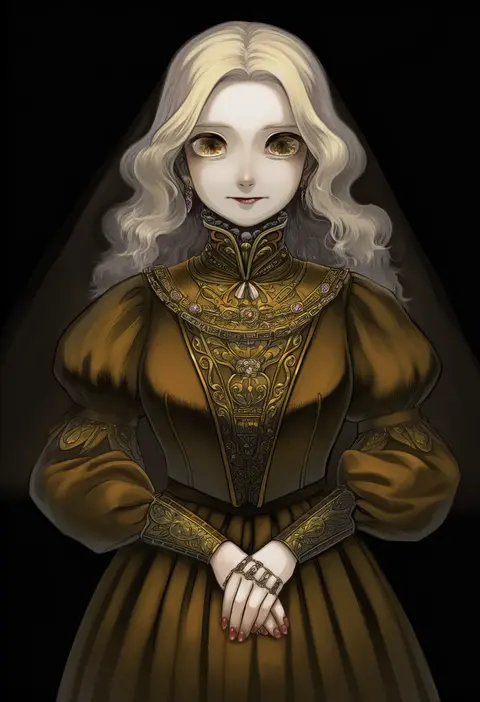
Every tag listed here is verified to react in NovelAI. All images use the same prompt, seed and settings with only the artist tag swapped, so the difference between two images is the style that tag brings in.

How to use them

Put the artist tag near the front of the prompt, e.g. "<artist>, 1girl, solo, best quality, masterpiece, cowboy shot". Two or three artist tags blend styles; lower the weight with "0.8::<artist>::" when the style overpowers the character.

SCORE sorts by Danbooru's top score, POSTS by post count, FAVS by hearts on this site. Open a card to see V5 and V4.5 side by side on the same seed.

V5 vs V4.5

V5 usually lands closer to the artist's real style, and tags that did nothing on V4.5 often react on V5. V4.5 still fits older and doujin-heavy artists better. Try V5 first, fall back to V4.5.

FAQ

Where does the artist tag go?
Near the front of the prompt. Use "0.8::tag::" to adjust its weight.

Can I stack artist tags?
Yes, styles blend. Past two or three the result stops looking like anyone.

Are these the artists' own works?
No. Every image is a NovelAI sample generated from the tag.