V4.5Artists
sort: FAVS▾
▾
>
$

NovelAI Artist Tags List — V4.5

artist --count 16,352[261/273]
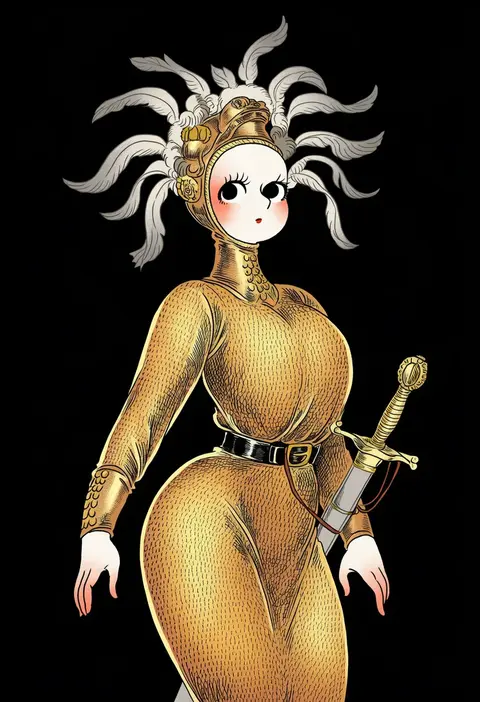
panoramango
ARTIST0x3CF0
0
sumire shisei
ARTIST0x3CF1
0
maitora
ARTIST0x3CF2
0
tamaru tokihiko
ARTIST0x3CF3
0
shirubaburu
ARTIST0x3CF4
0
yuuryuu nagare
ARTIST0x3CF5
0
seto (asils)
ARTIST0x3CF6
0
nona
ARTIST0x3CF7
0
arima keitarou
ARTIST0x3CF8
0
umino mizu
ARTIST0x3CF9
0
nakajima rei
ARTIST0x3CFA
0
maeda mic
ARTIST0x3CFB
0
reiboubyou
ARTIST0x3CFC
0
gomtang
ARTIST0x3CFD
0
zepher (makegumi club)
ARTIST0x3CFE
0
nagineko
ARTIST0x3CFF
0
hiyuu (hiyualice)
ARTIST0x3D00
0
seren (staphy)
ARTIST0x3D01
0
nada namie
ARTIST0x3D02
0
hinata nonoka
ARTIST0x3D03
0
chameleon man (three)
ARTIST0x3D04
0
shira (sirairo116)
ARTIST0x3D05
0
hebitsukai
ARTIST0x3D06
0
nyonyonba tarou
ARTIST0x3D07
0
gozu farm
ARTIST0x3D08
0
kagami chihiro
ARTIST0x3D09
0
tabi (tabisumika)
ARTIST0x3D0A
0
unya (unya-unya)
ARTIST0x3D0B
0
bottoms1237
ARTIST0x3D0C
0
kagura chitose
ARTIST0x3D0D
0
u u (mooooooou)
ARTIST0x3D0E
0
katari (ropiropi)
ARTIST0x3D0F
0
fleebites
ARTIST0x3D10
0
piikeisandaa
ARTIST0x3D11
0
yuzuyomogi
ARTIST0x3D12
0
kinoshita sakura
ARTIST0x3D13
0
higa-tsubasa
ARTIST0x3D14
0
ame usako
ARTIST0x3D15
0
nu (qjqmfqjqmf02)
ARTIST0x3D16
0
taka (tsmix)
ARTIST0x3D17
0
susagane
ARTIST0x3D18
0
st.kuma
ARTIST0x3D19
0
suruga dbh
ARTIST0x3D1A
0
haru (kyou)
ARTIST0x3D1B
0
salanchu
ARTIST0x3D1C
0
urara (sumairuclover)
ARTIST0x3D1D
0
hunterkay
ARTIST0x3D1E
0
yappa muri
ARTIST0x3D1F
0
akasaka (qv92612)
ARTIST0x3D20
0
bellsaltr
ARTIST0x3D21
0
yukifuri tsuyu
ARTIST0x3D22
0
kao ru05
ARTIST0x3D23
0
esaka
ARTIST0x3D24
0
leona (pixiv)
ARTIST0x3D25
0
n-mix
ARTIST0x3D26
0
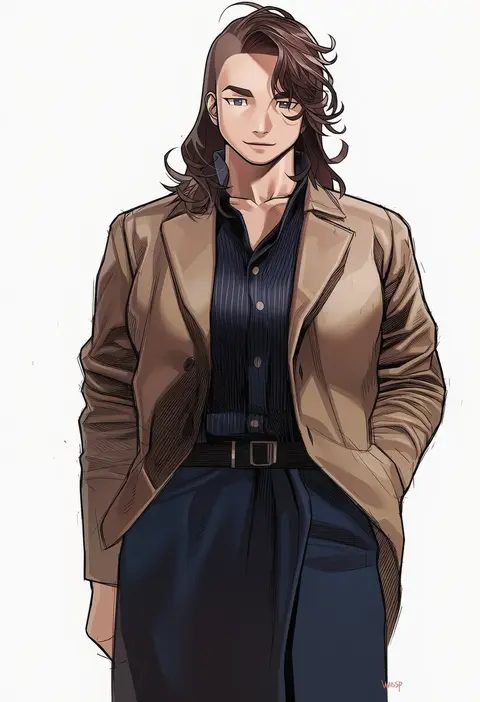
wasp (anthyutena)
ARTIST0x3D27
0
takamoto akisa
ARTIST0x3D28
0
yuzuki (hmr813k)
ARTIST0x3D29
0
hoshiibara mato
ARTIST0x3D2A
0
tsuti
ARTIST0x3D2B
0

What these tags change

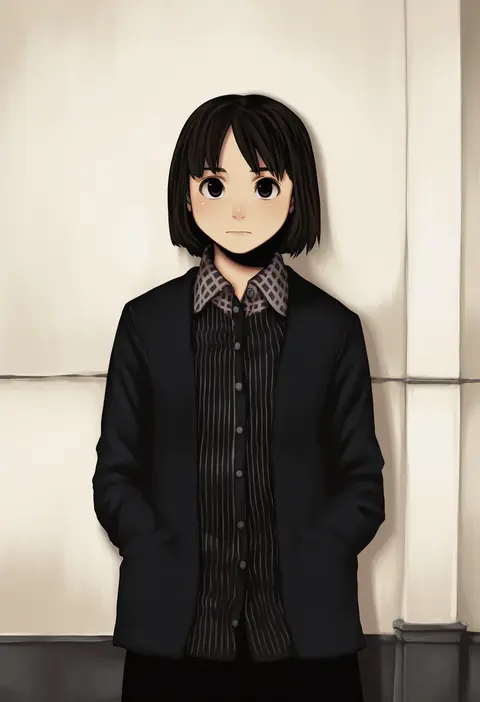
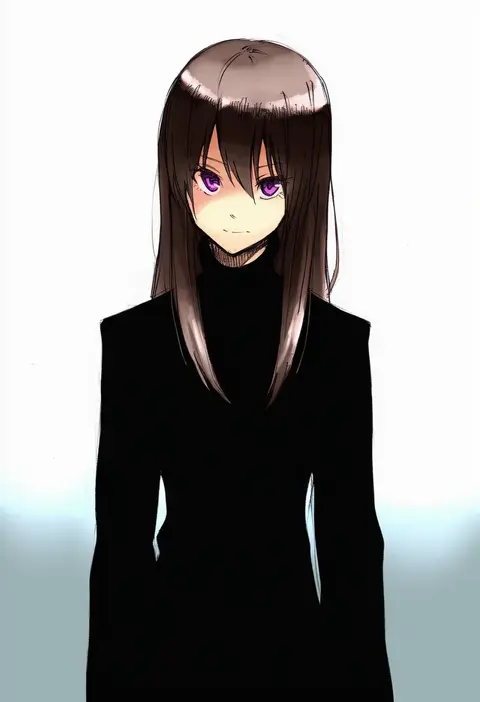
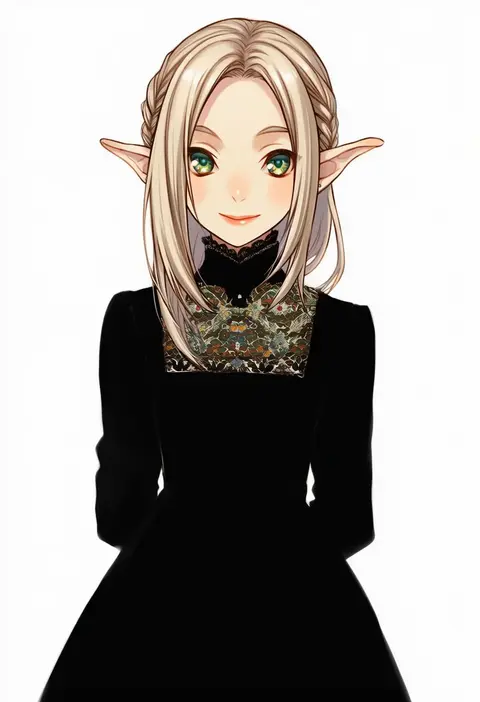
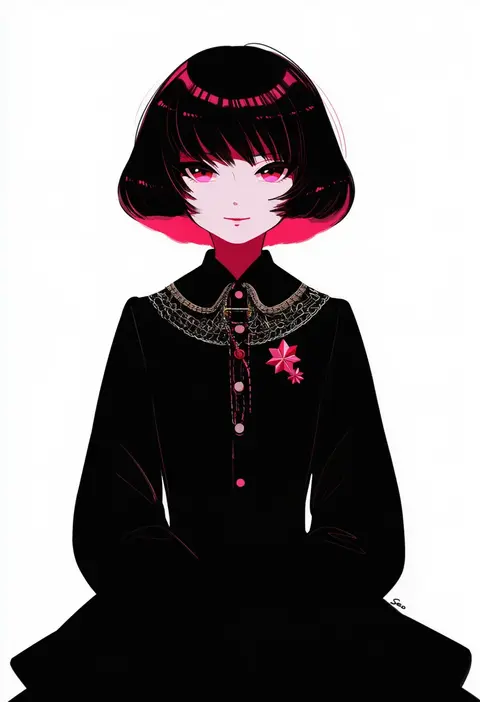
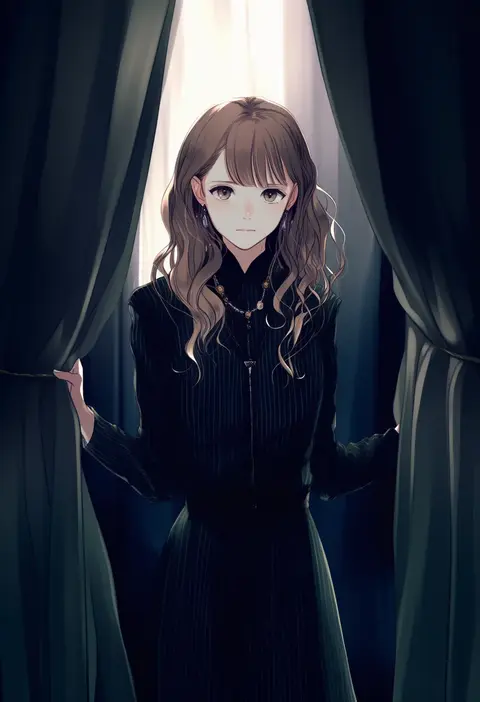
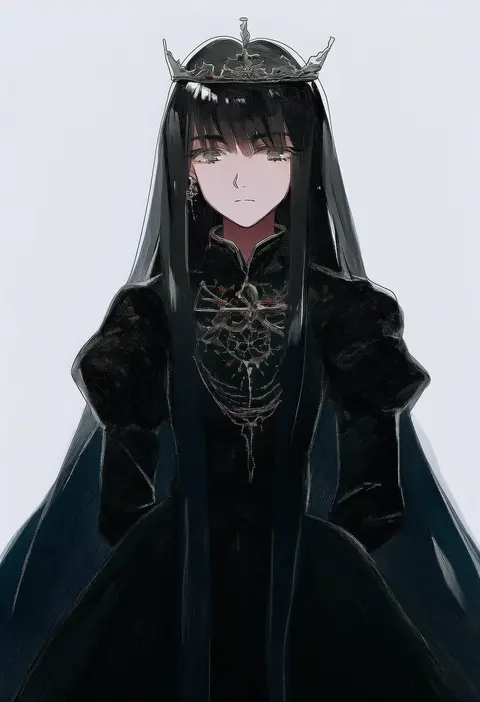
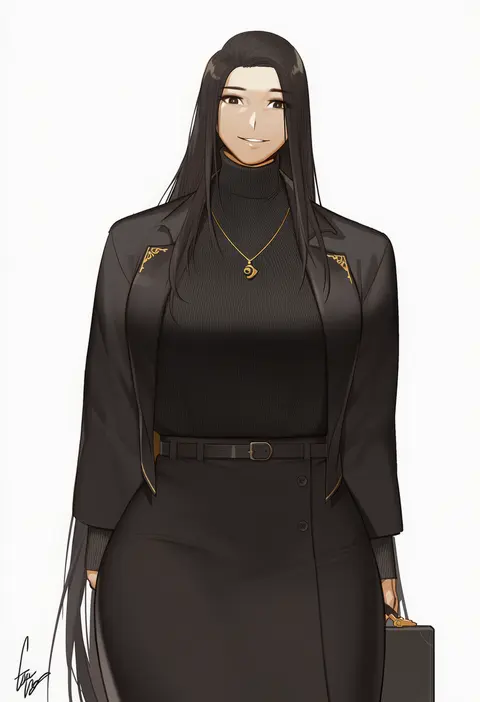
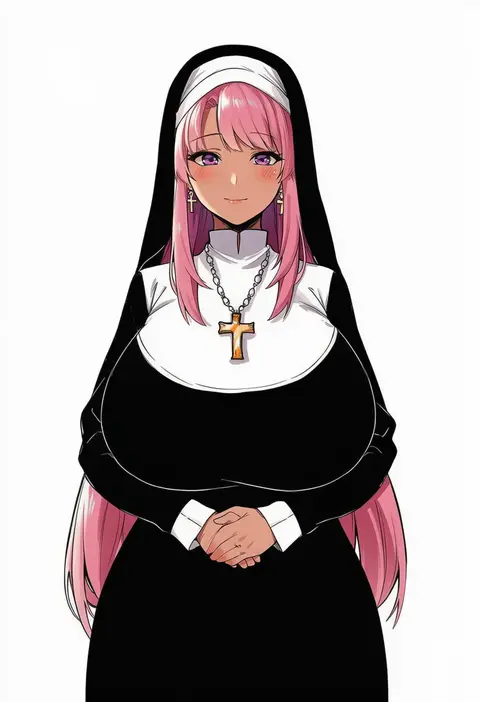
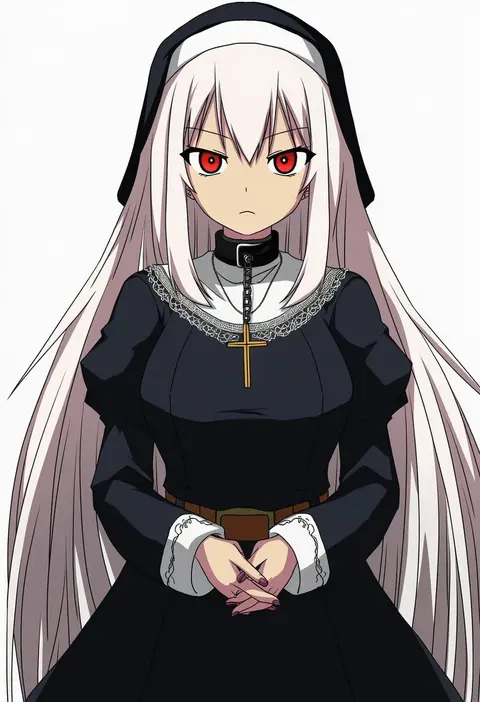
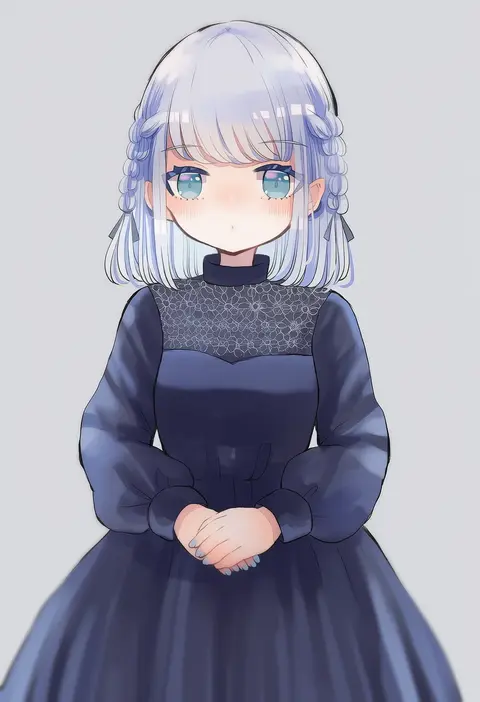
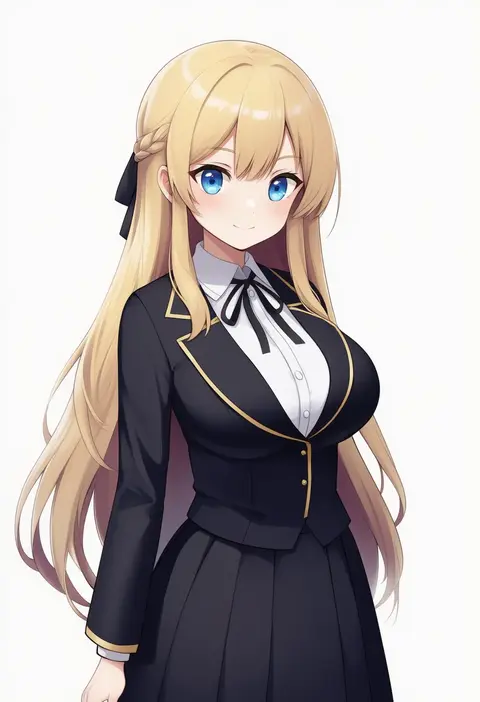
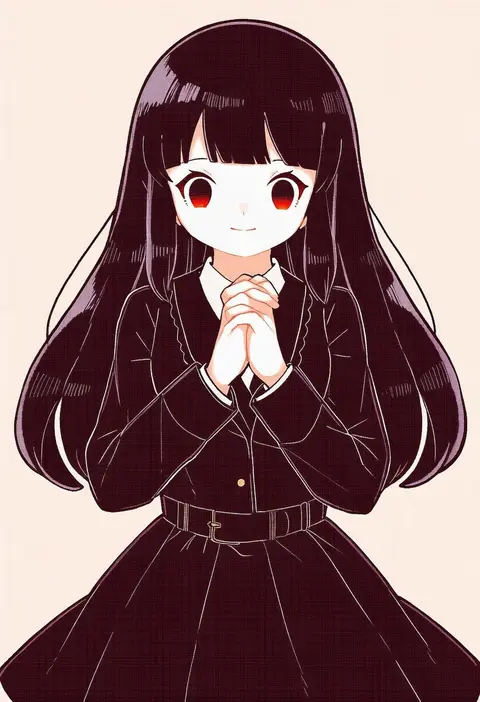
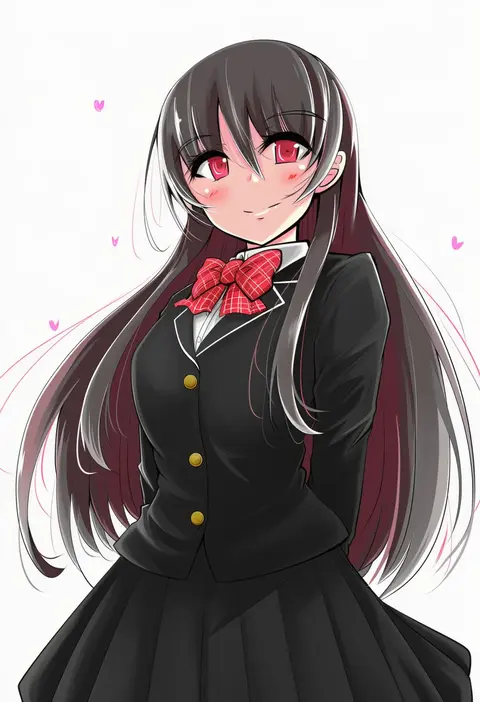
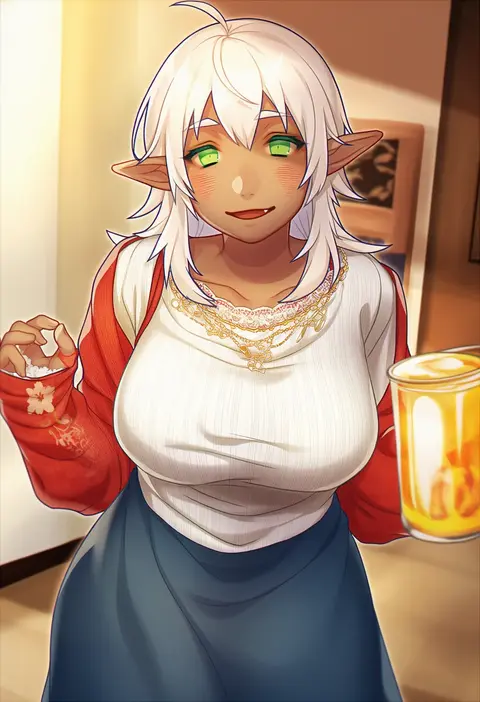
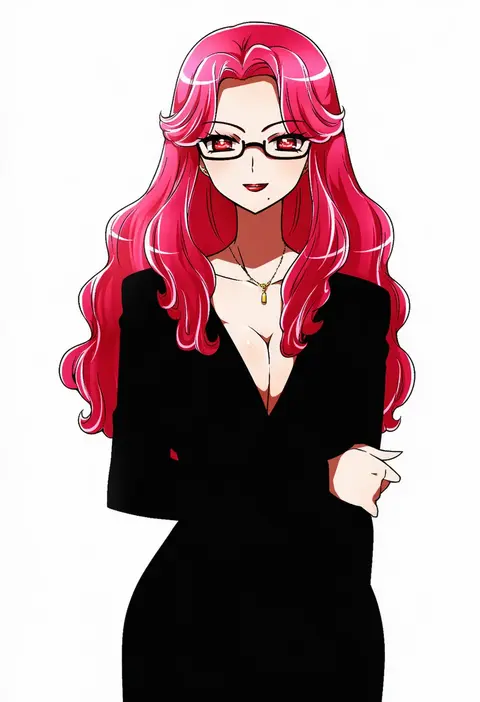
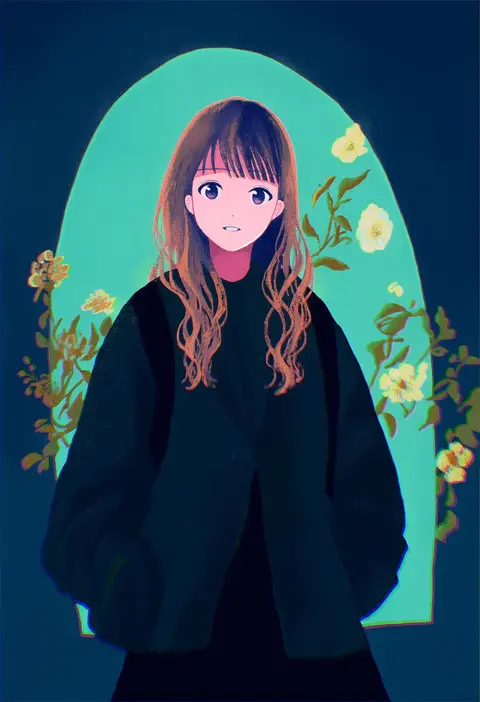
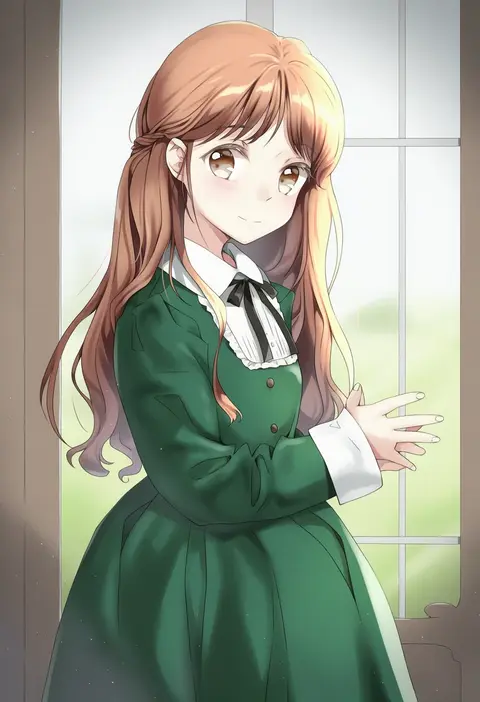
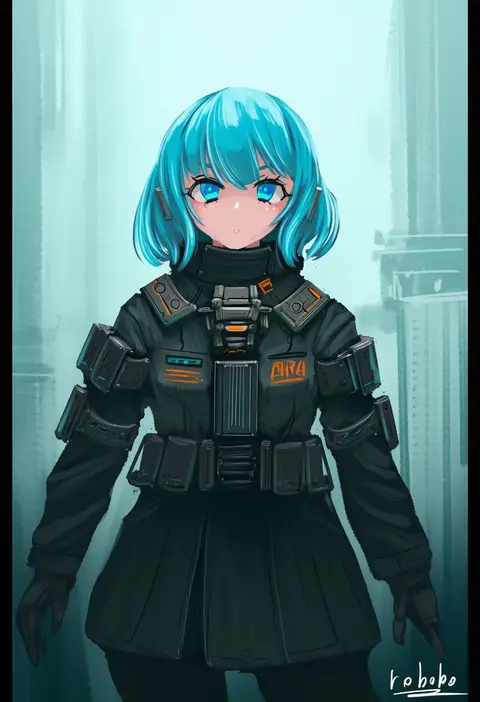
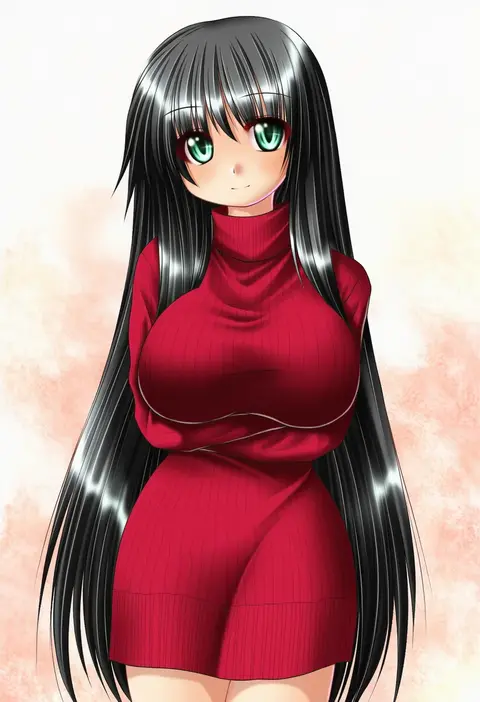
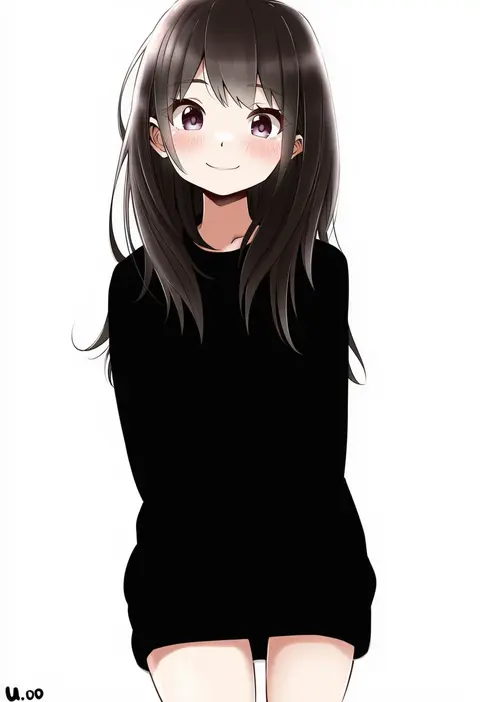
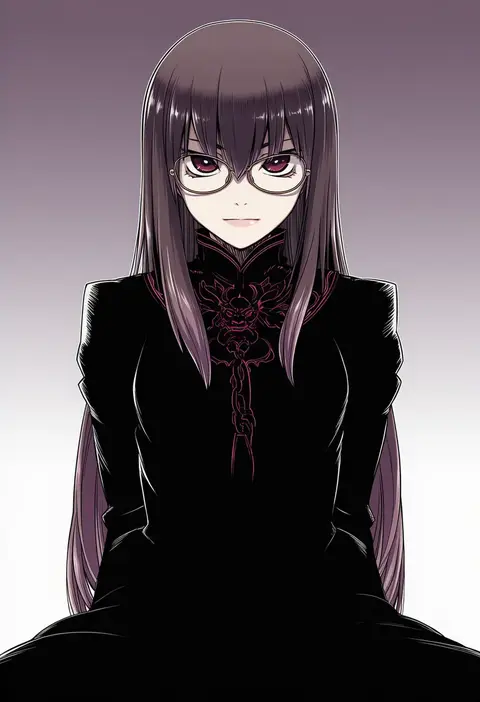
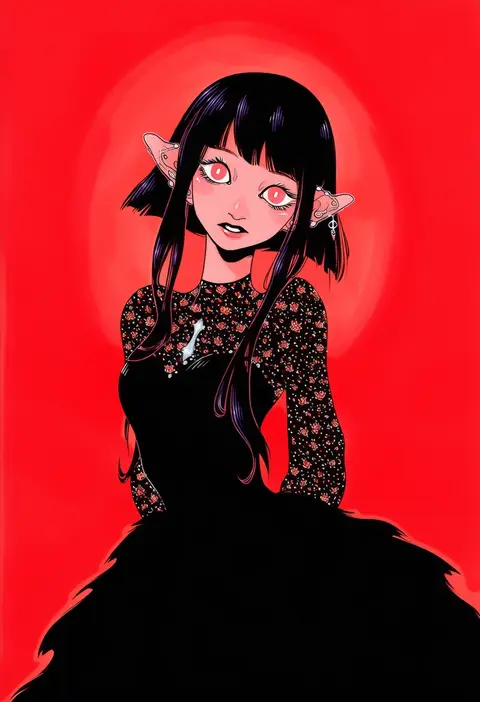
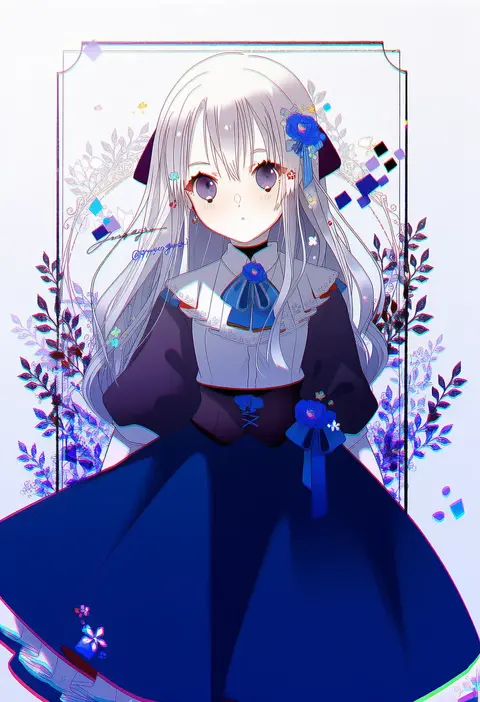
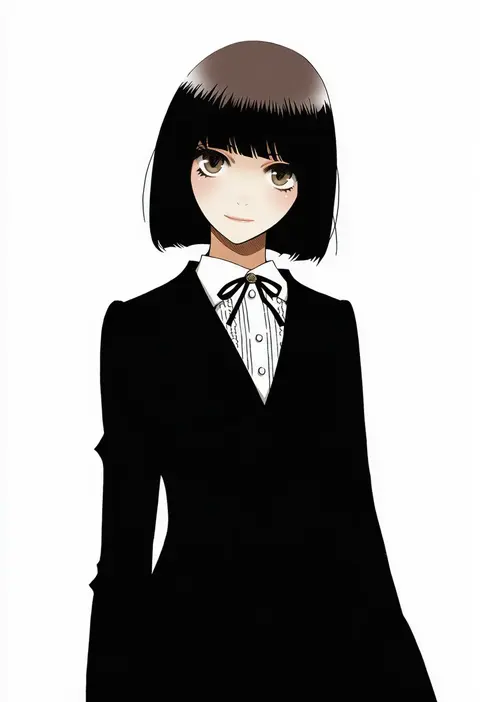
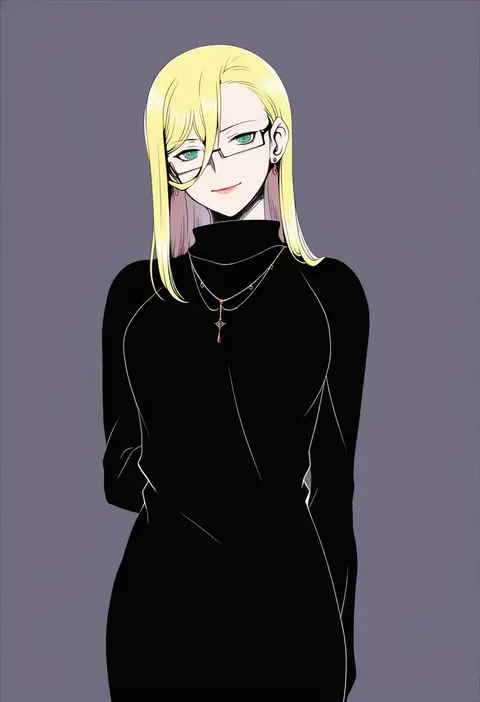
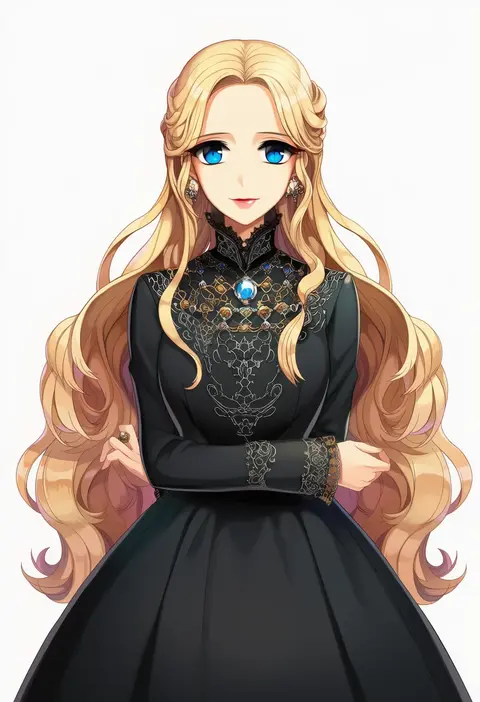
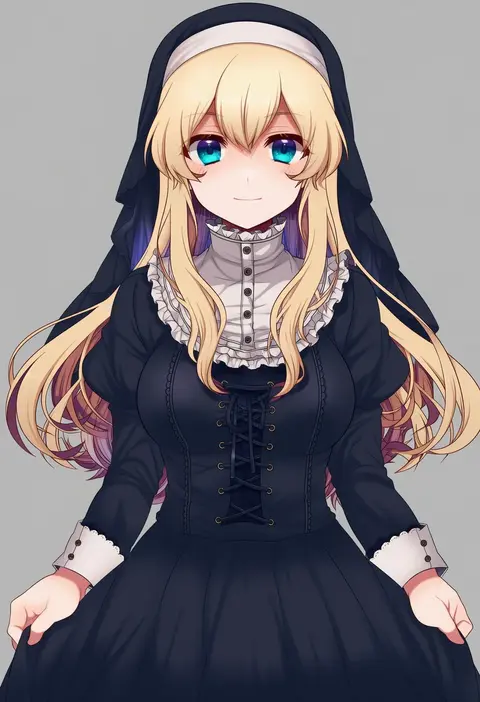
Artist tags tell NovelAI Diffusion to draw in a specific artist's style: line weight, paint texture, face shapes and palette all shift at once. Character and outfit tags decide what is drawn; artist tags decide how. 16,352 tags are listed for V4.5.
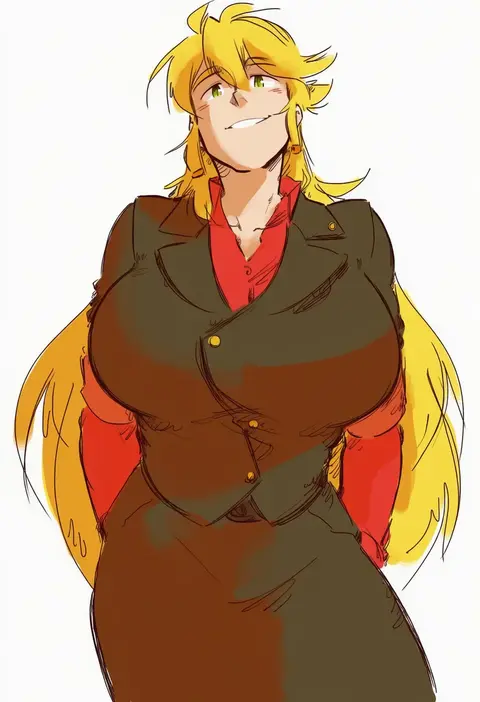
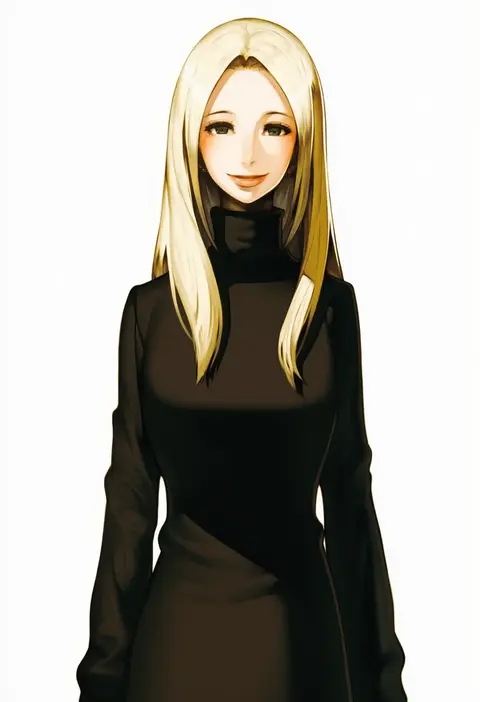
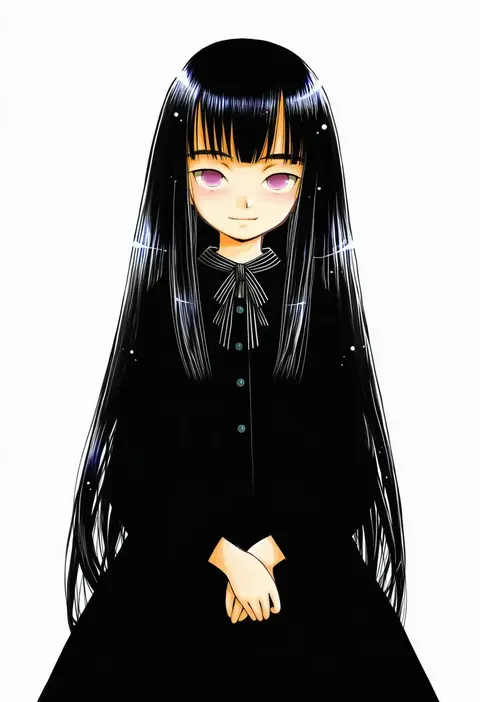
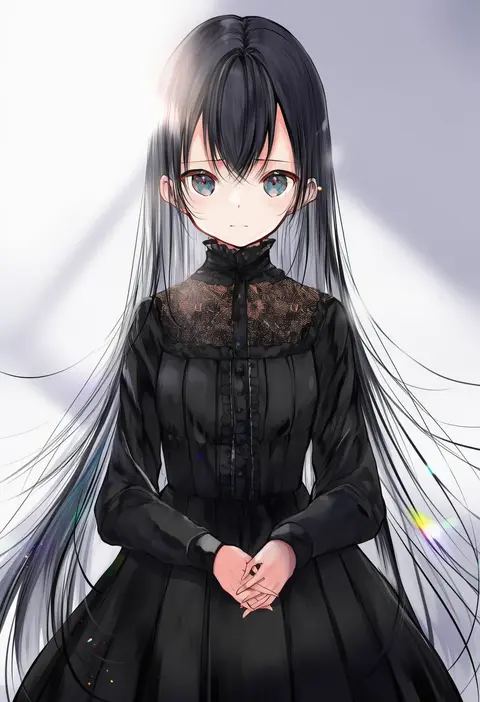
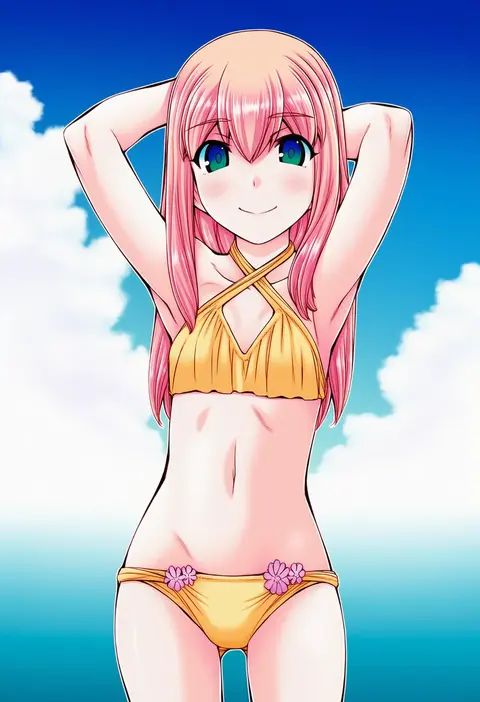
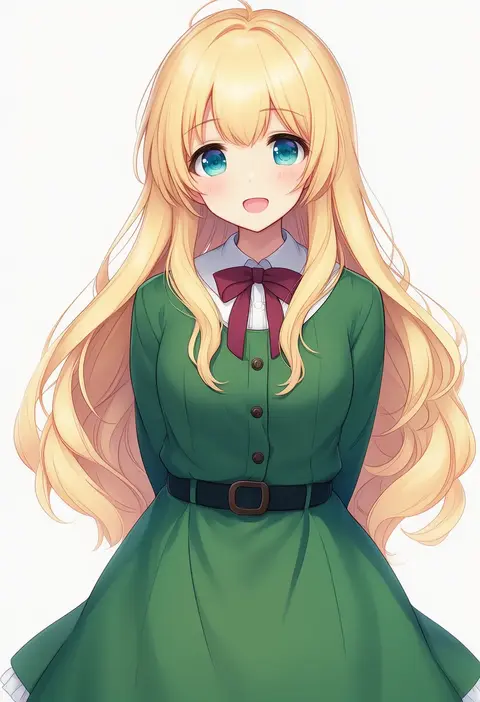
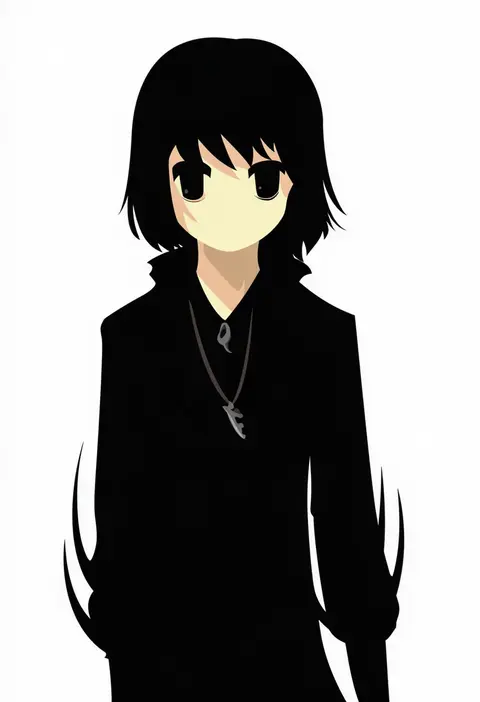
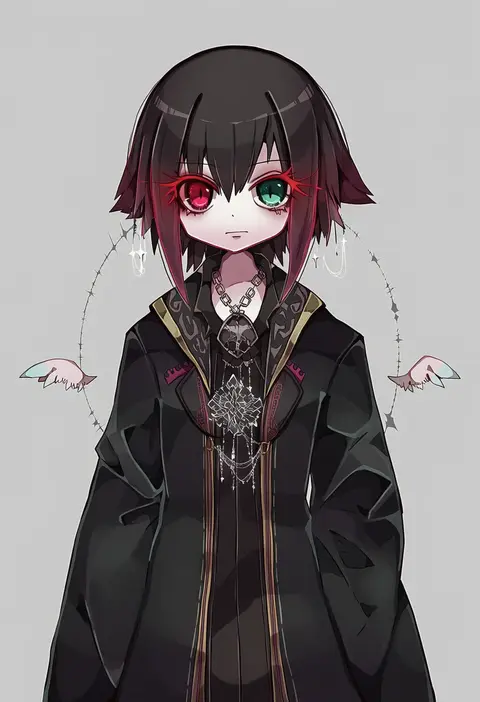
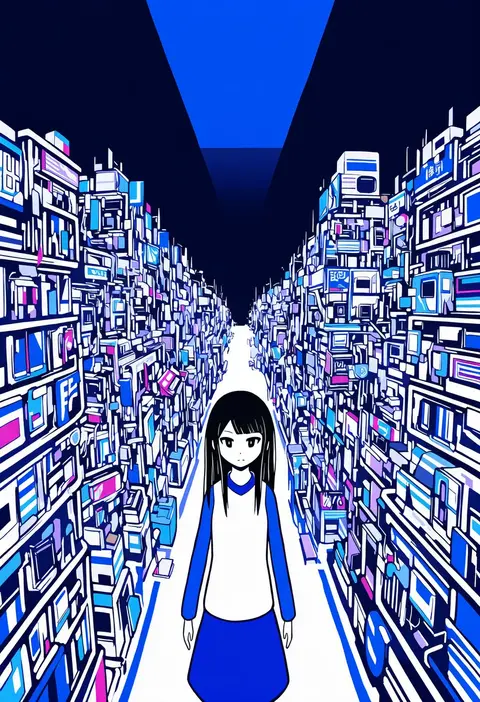
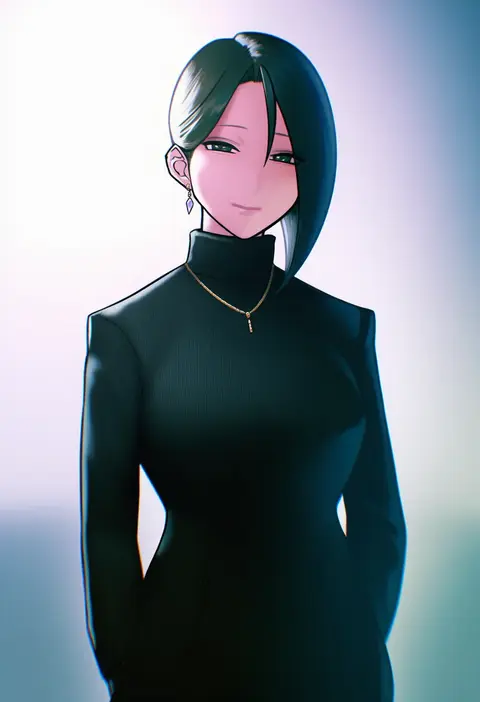
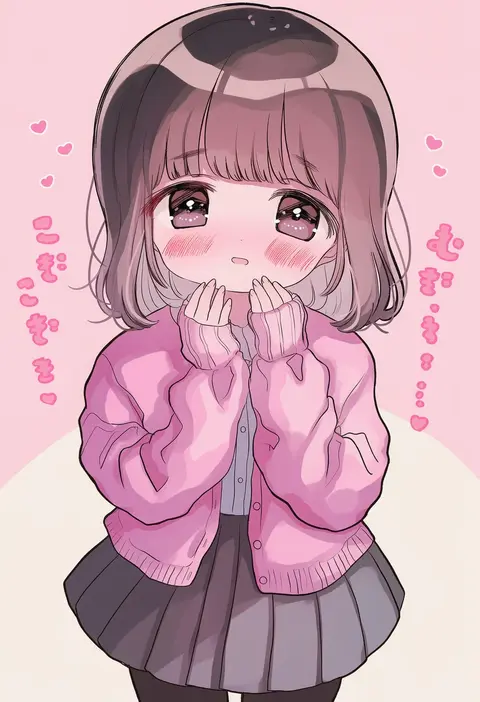
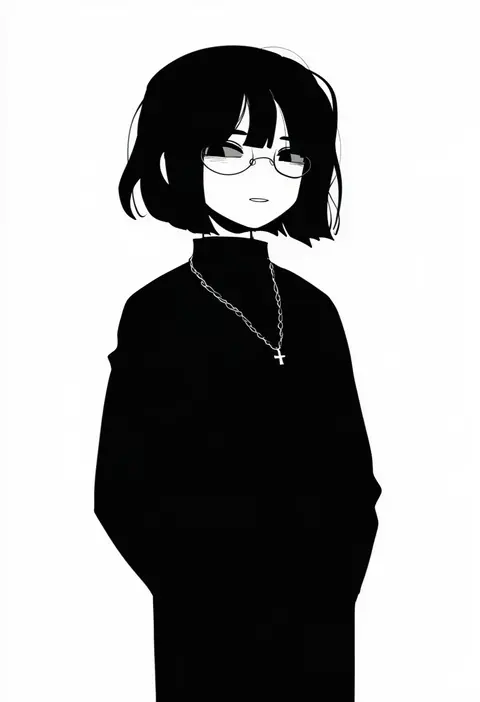
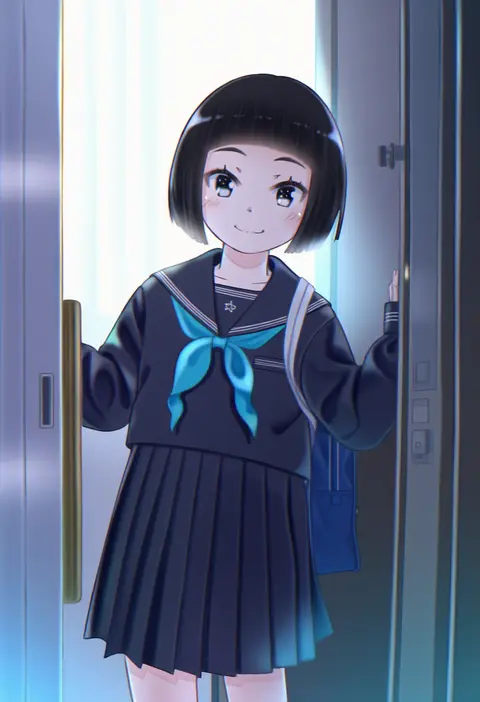
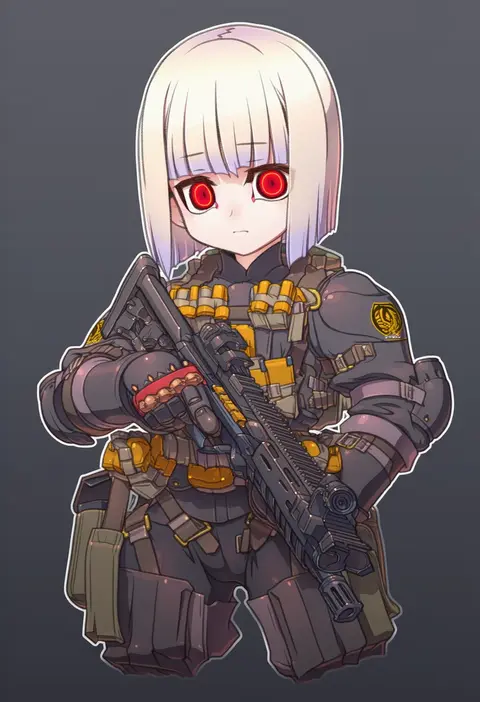
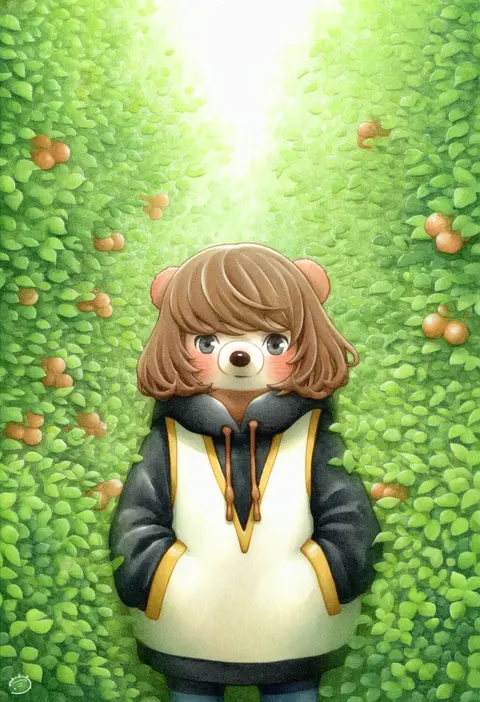
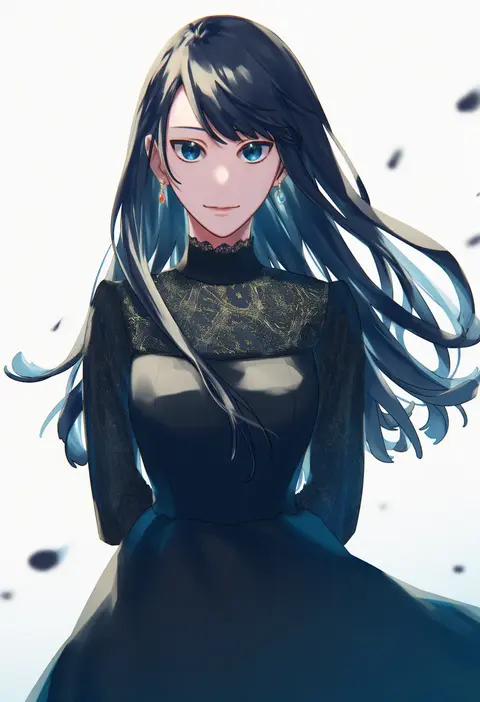
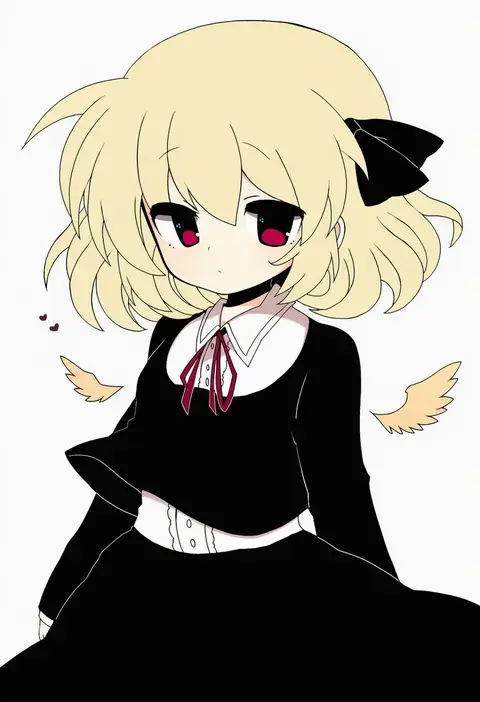
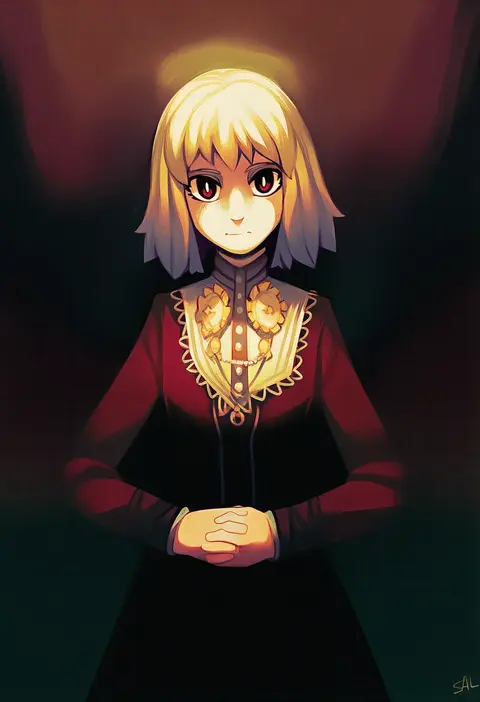
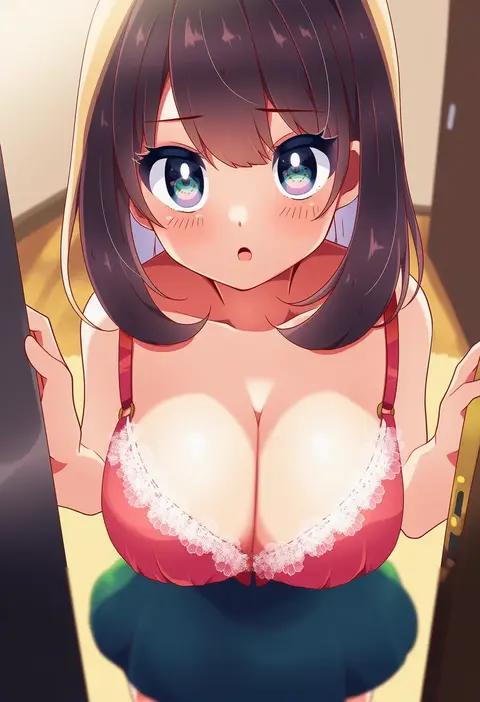
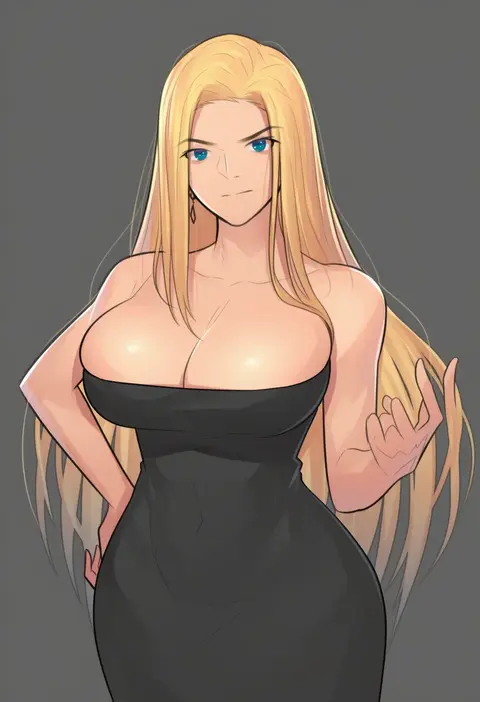
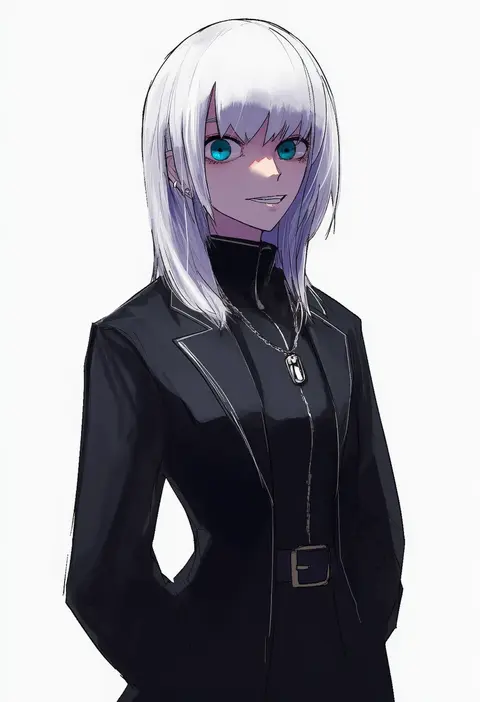
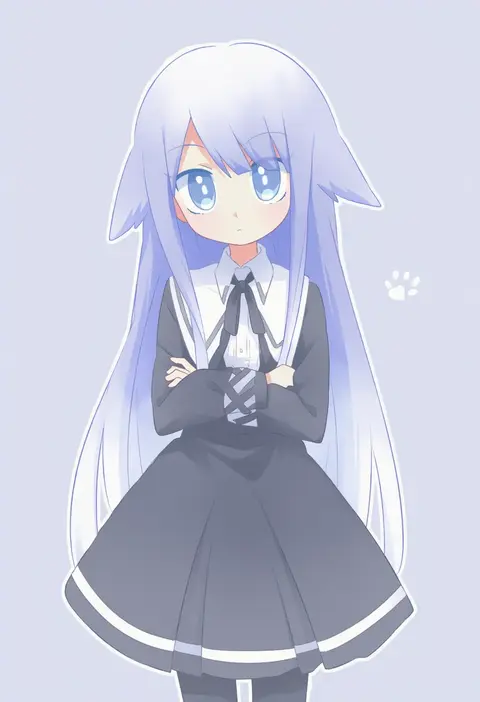
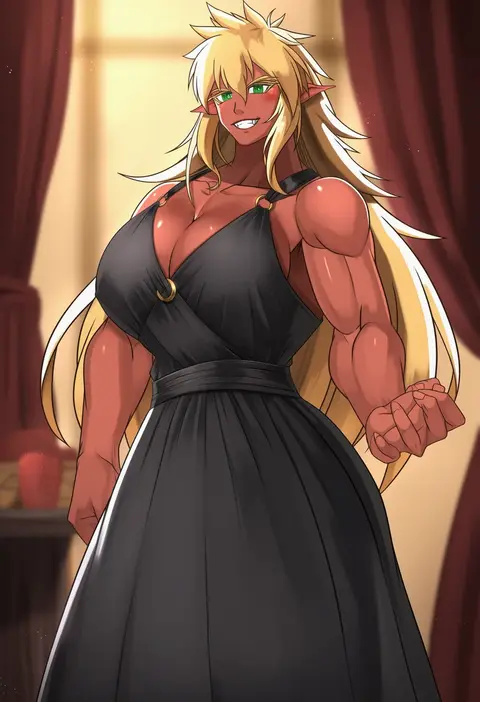
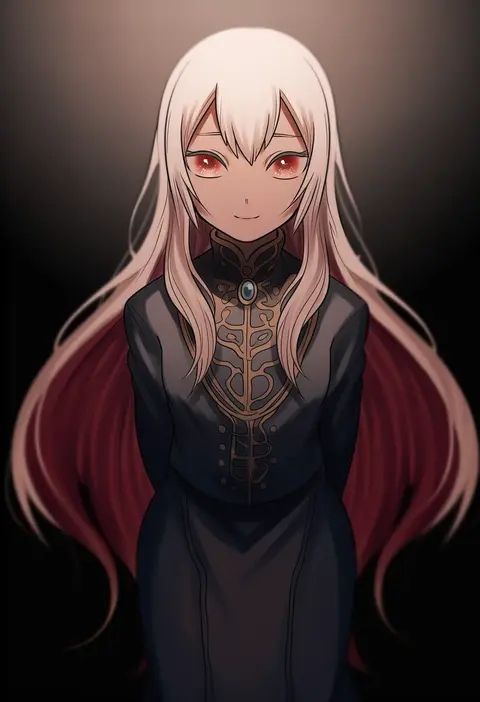
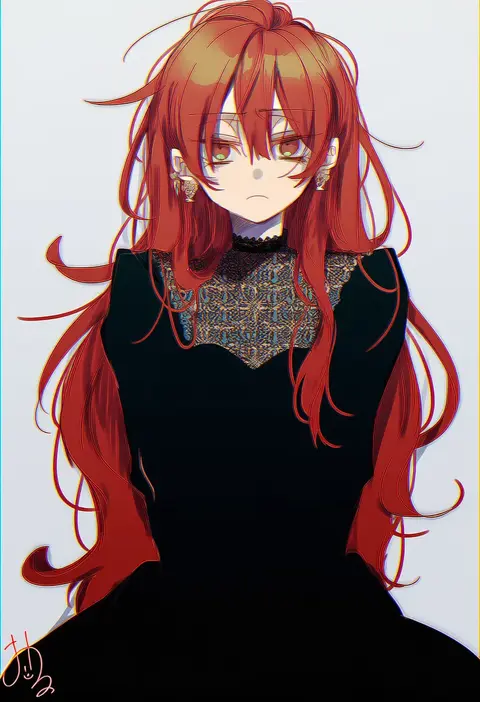
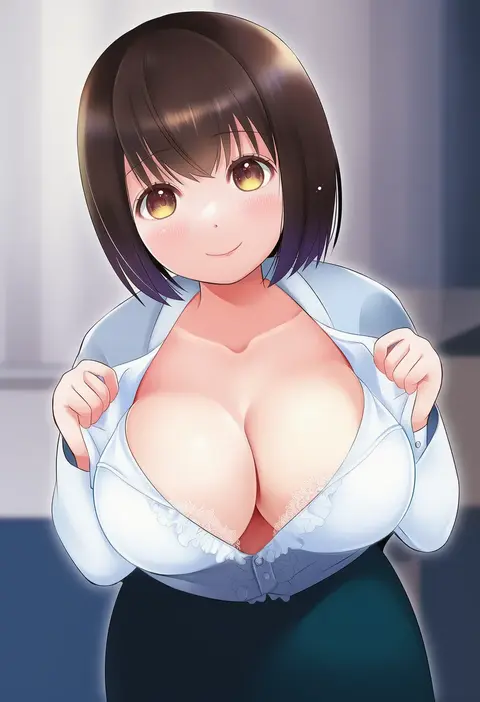
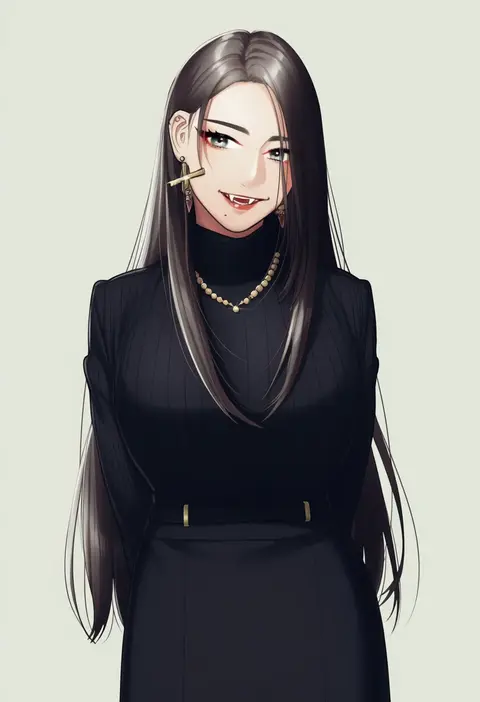
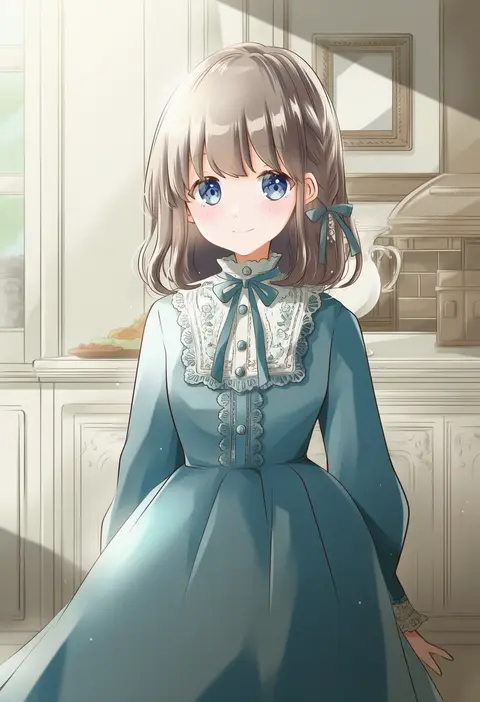
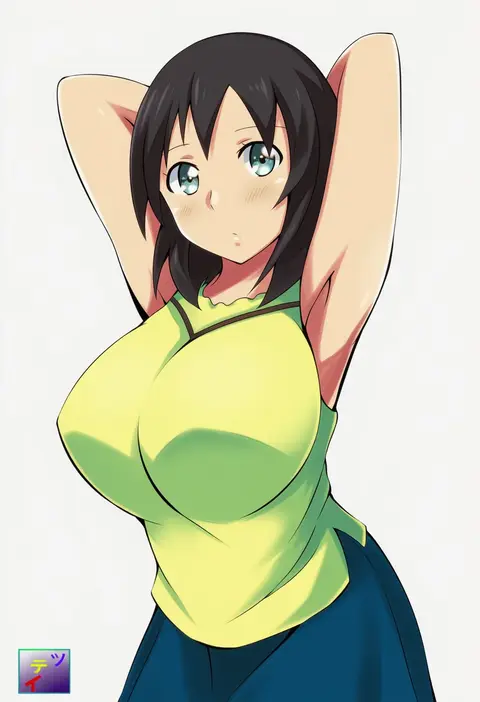
Every tag listed here is verified to react in NovelAI. All images use the same prompt, seed and settings with only the artist tag swapped, so the difference between two images is the style that tag brings in.

How to use them

Put the artist tag near the front of the prompt, e.g. "<artist>, 1girl, solo, best quality, masterpiece, cowboy shot". Two or three artist tags blend styles; lower the weight with "0.8::<artist>::" when the style overpowers the character.

SCORE sorts by Danbooru's top score, POSTS by post count, FAVS by hearts on this site. Open a card to see V5 and V4.5 side by side on the same seed.

V5 vs V4.5

V5 usually lands closer to the artist's real style, and tags that did nothing on V4.5 often react on V5. V4.5 still fits older and doujin-heavy artists better. Try V5 first, fall back to V4.5.

FAQ

Where does the artist tag go?
Near the front of the prompt. Use "0.8::tag::" to adjust its weight.

Can I stack artist tags?
Yes, styles blend. Past two or three the result stops looking like anyone.

Are these the artists' own works?
No. Every image is a NovelAI sample generated from the tag.