V4.5Artists
sort: FAVS▾
▾
>
$

NovelAI Artist Tags List — V4.5

artist --count 16,352[262/273]
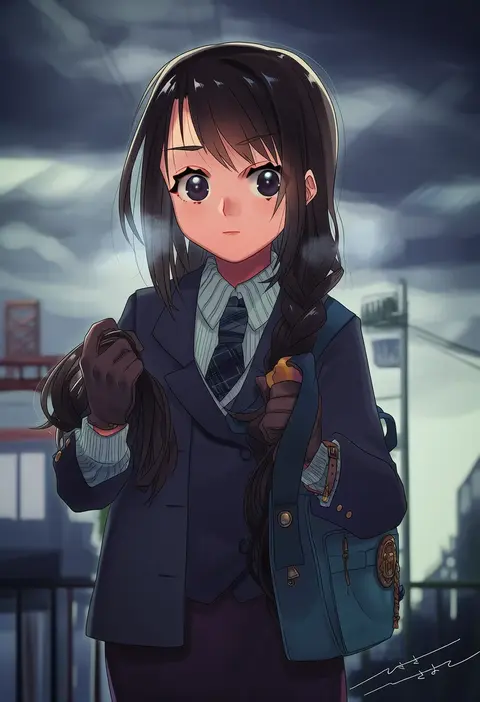
hisayoshi (hisa)
ARTIST0x3D2C
0
sasuke (sasuke no sato)
ARTIST0x3D2D
0
sui (tsuruhibiki)
ARTIST0x3D2E
0
yuutousei
ARTIST0x3D2F
0
tokunaga aoi
ARTIST0x3D30
0
kurappii
ARTIST0x3D31
0
shingetsu takehito
ARTIST0x3D32
0
potechi norisio
ARTIST0x3D33
0
taragraphika
ARTIST0x3D34
0
yogurt200
ARTIST0x3D35
0
shiitake (gensoudou)
ARTIST0x3D36
0
suemi jun
ARTIST0x3D37
0
wakabayashi toshiya
ARTIST0x3D38
0
hotathino
ARTIST0x3D39
0
seiran (mousouchiku)
ARTIST0x3D3A
0
yuzuno nana
ARTIST0x3D3B
0
doradorakingyo
ARTIST0x3D3C
0
rakurakutei ramen
ARTIST0x3D3D
0
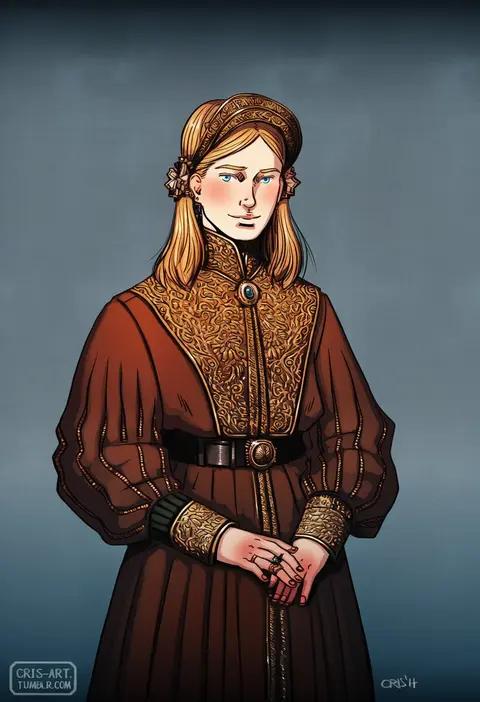
cris art
ARTIST0x3D3E
0
woodonly
ARTIST0x3D3F
0
morio (poke orio)
ARTIST0x3D40
0
zippo (3756c)
ARTIST0x3D41
0
kuzumosu
ARTIST0x3D42
0
uni souchou
ARTIST0x3D43
0
nocopyrightgirl
ARTIST0x3D44
0
kusabi (aighe)
ARTIST0x3D45
0
kusaremix
ARTIST0x3D46
0
mei miya
ARTIST0x3D47
0
suv (suv032)
ARTIST0x3D48
0
tamanegiinyo
ARTIST0x3D49
0
aoba (akibajun)
ARTIST0x3D4A
0
hoshi-pan
ARTIST0x3D4B
0
elina (e2n04n)
ARTIST0x3D4C
0
po fu
ARTIST0x3D4D
0
hekicha
ARTIST0x3D4E
0
anmita (rarutos)
ARTIST0x3D4F
0
kagesaki yuna
ARTIST0x3D50
0
g-row
ARTIST0x3D51
0
ribi
ARTIST0x3D52
0
tomoruka mr
ARTIST0x3D53
0
project.c.k.
ARTIST0x3D54
0
buchi maru
ARTIST0x3D55
0
hamano yui
ARTIST0x3D56
0
ameko53133
ARTIST0x3D57
0
rituyama1
ARTIST0x3D58
0
ooba wakako
ARTIST0x3D59
0
himanemuitoma
ARTIST0x3D5A
0
baimeme
ARTIST0x3D5B
0
nyazui
ARTIST0x3D5C
0
potaaju
ARTIST0x3D5D
0
fuju
ARTIST0x3D5E
0
ezaki papiko
ARTIST0x3D5F
0
mago (gengennikoniko)
ARTIST0x3D60
0
yakumo nanahara
ARTIST0x3D61
0
uiroutsuji yumihiko
ARTIST0x3D62
0
kansuke (kansuke 717)
ARTIST0x3D63
0
kochoko
ARTIST0x3D64
0
muro
ARTIST0x3D65
0
uka (color noise)
ARTIST0x3D66
0
shiron (shiro n)
ARTIST0x3D67
0

What these tags change

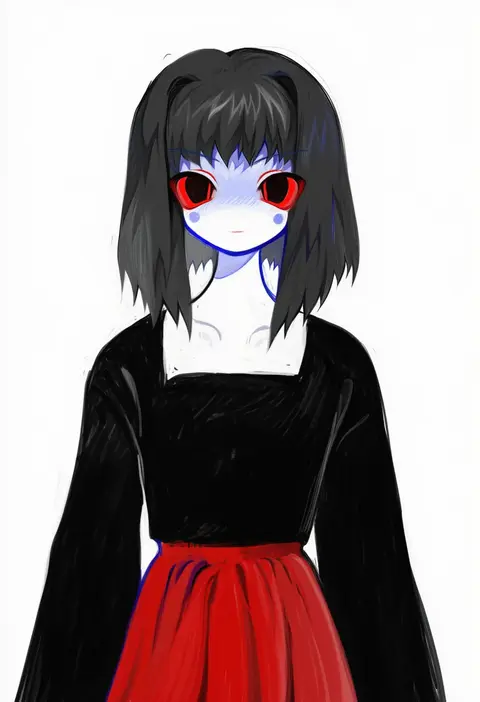
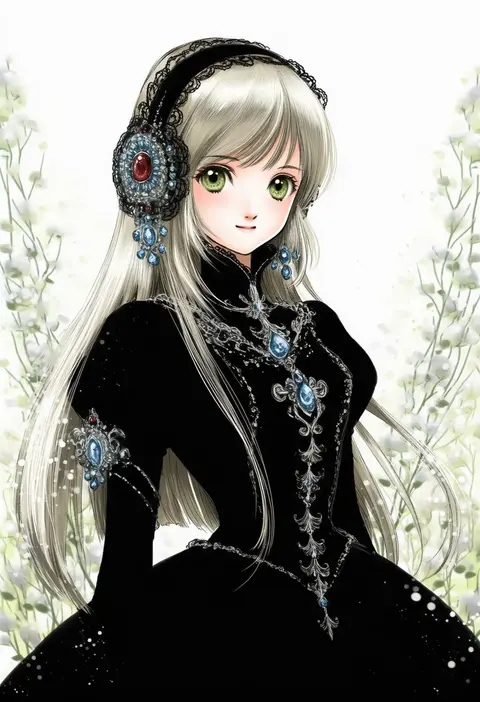
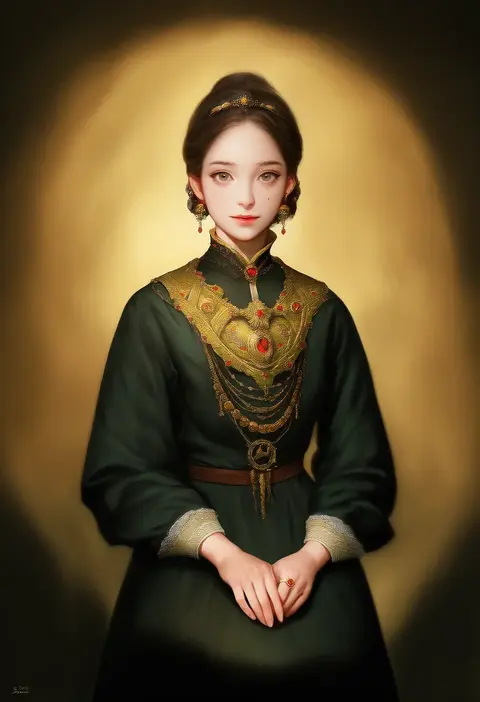
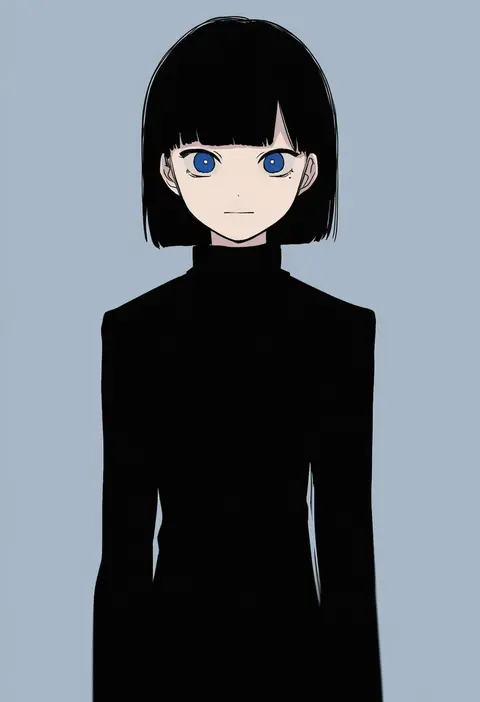
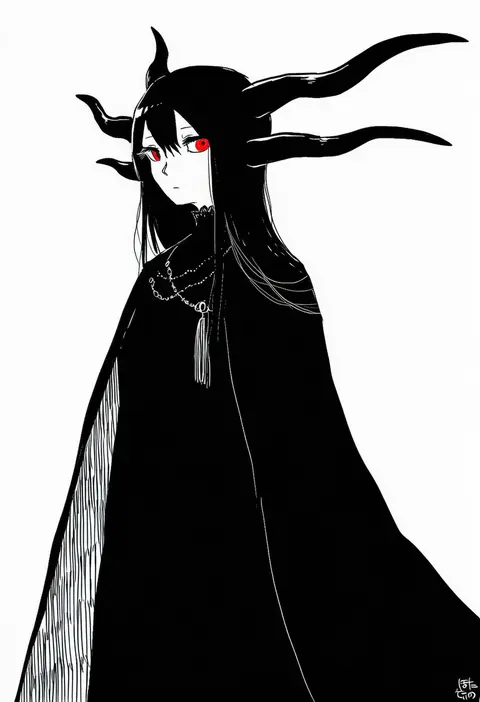
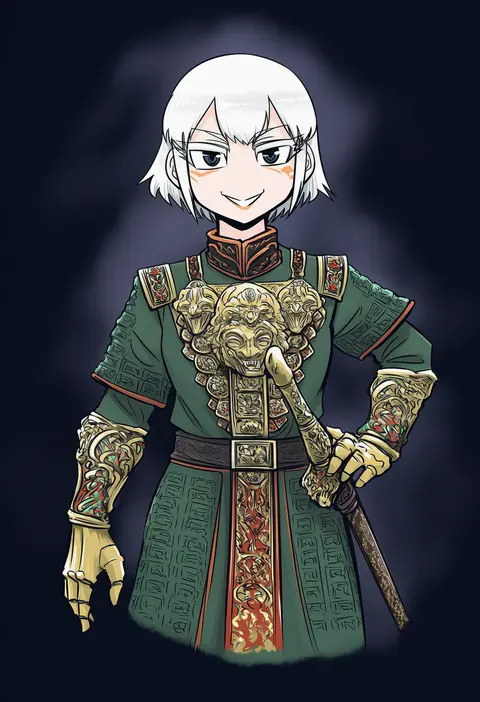
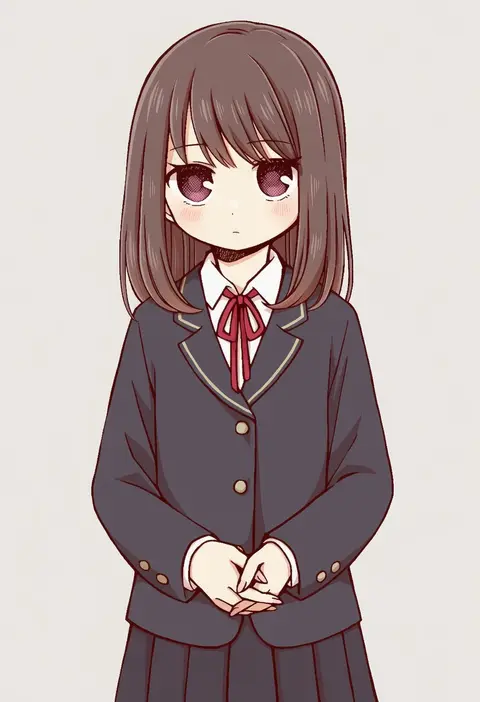
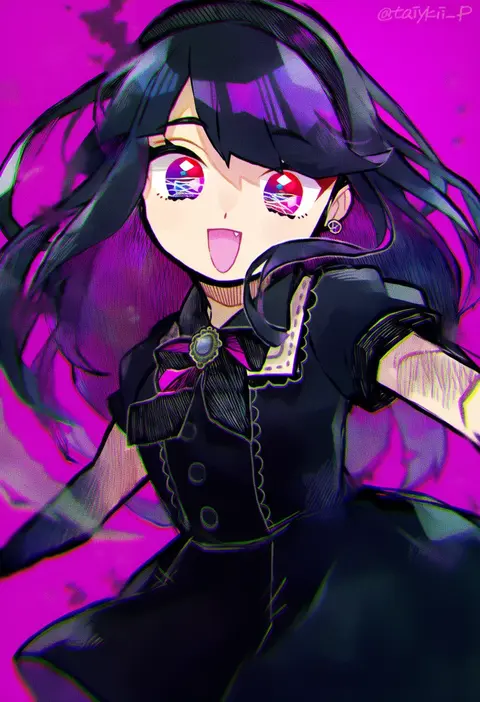
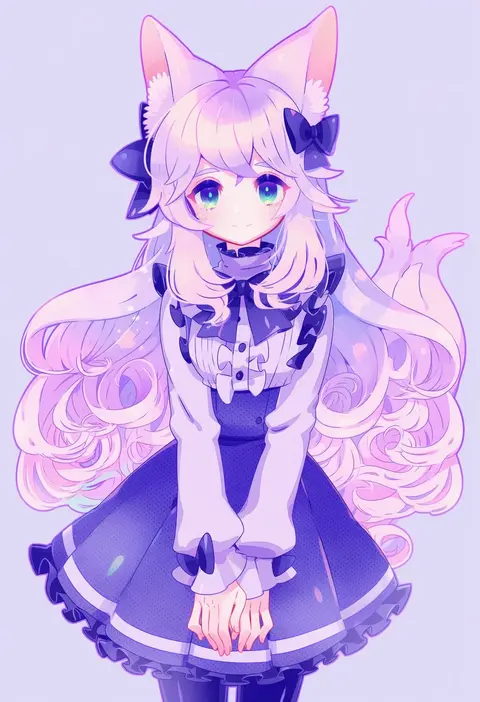
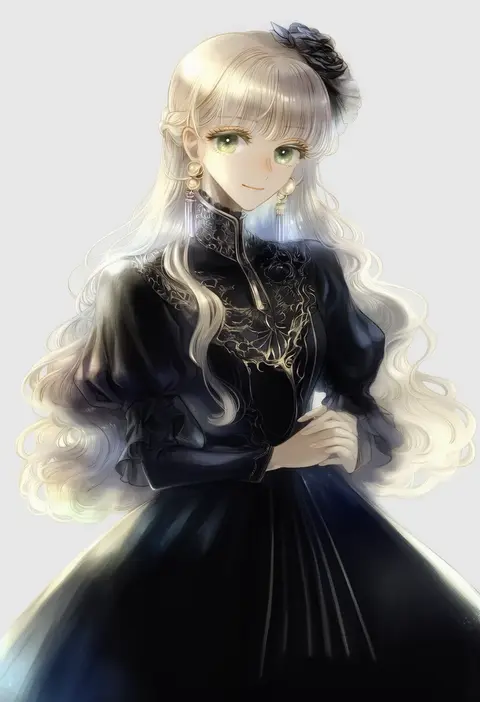
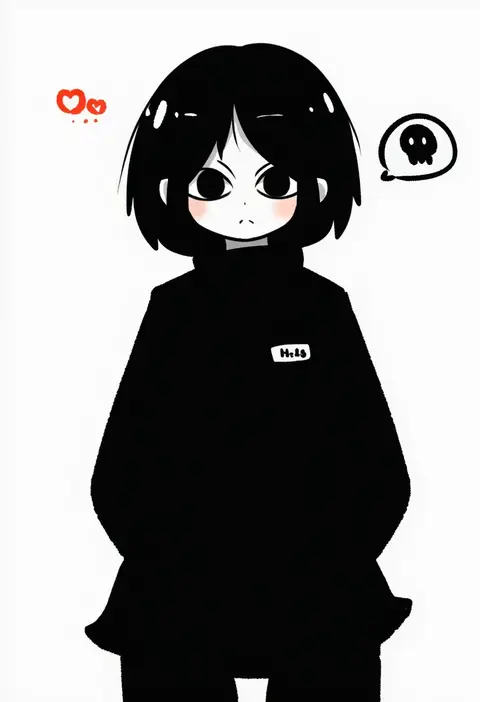
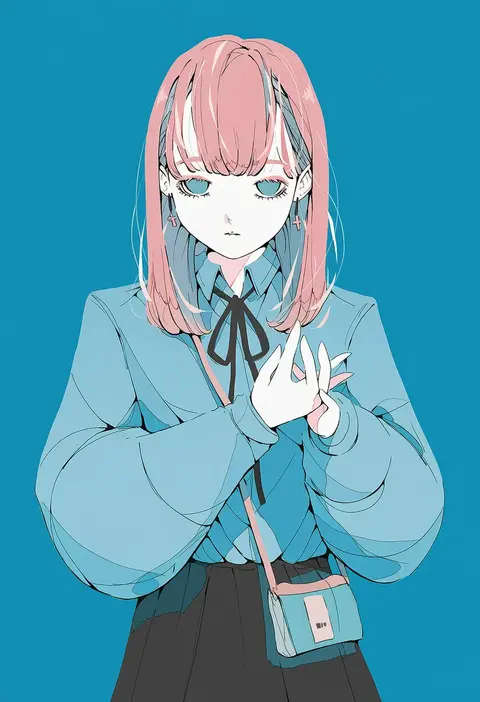
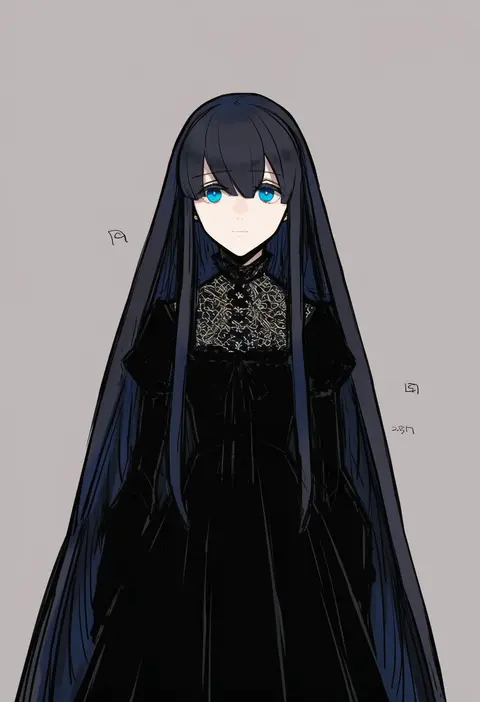
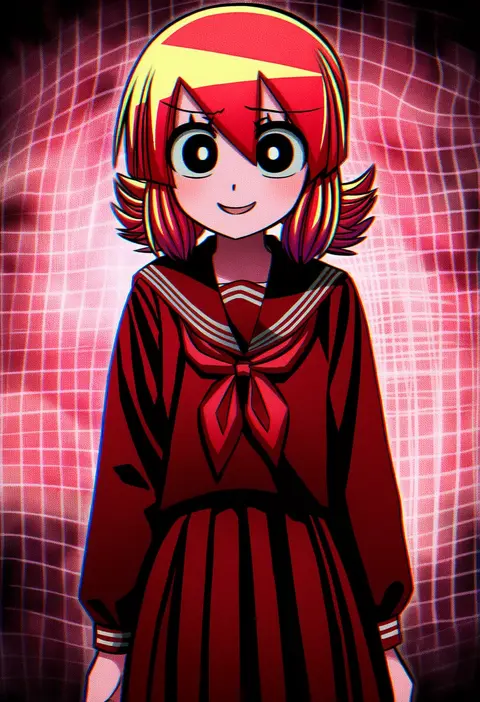
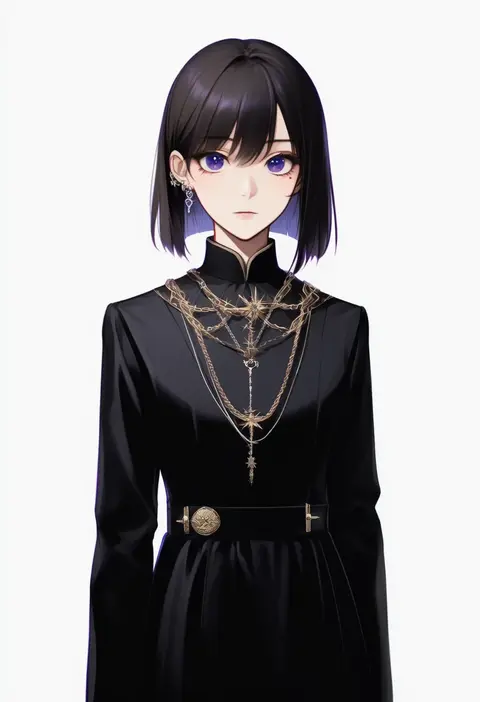
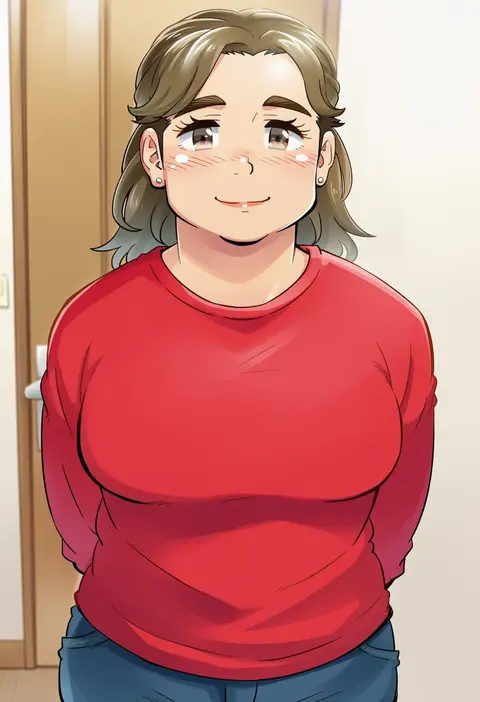
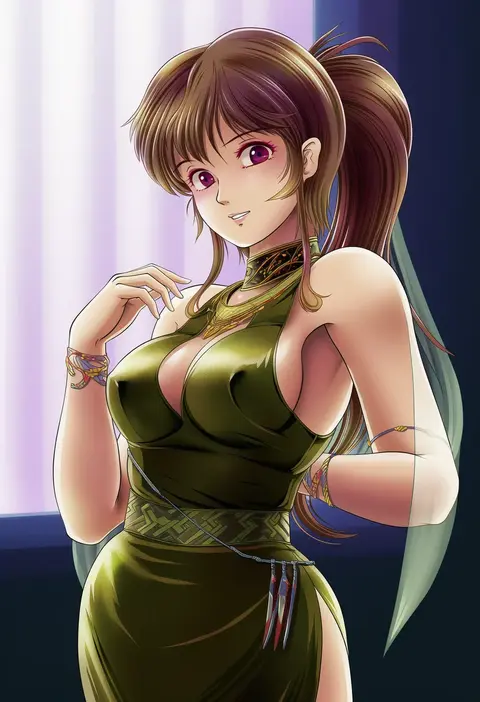
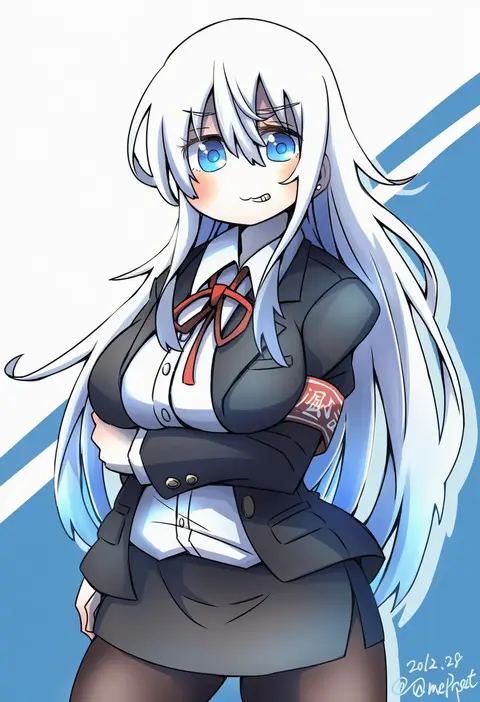
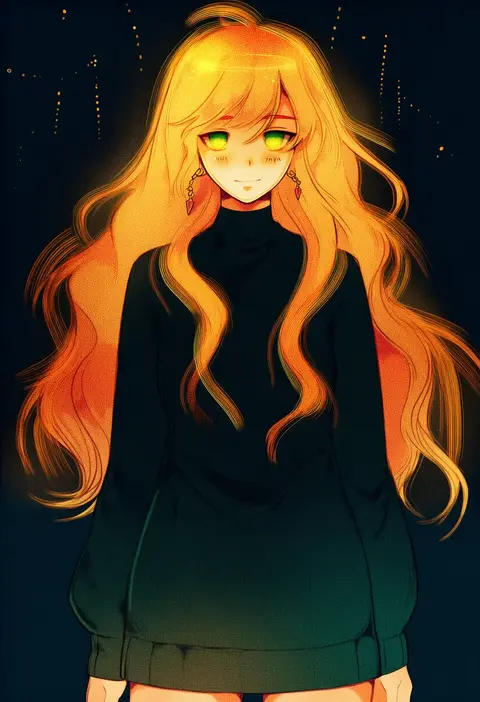
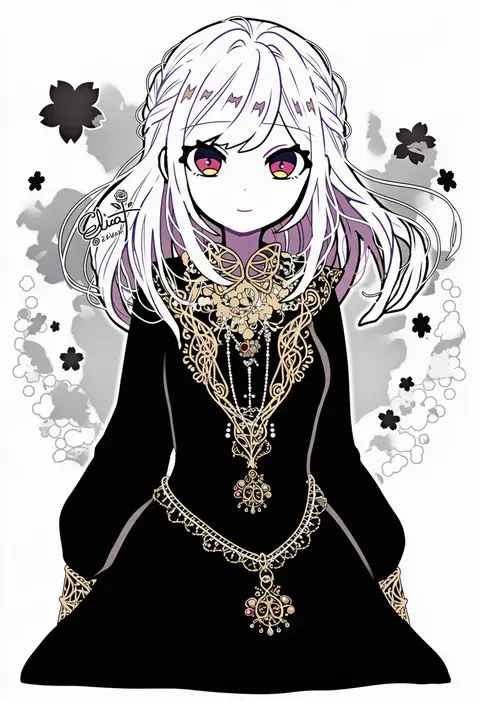
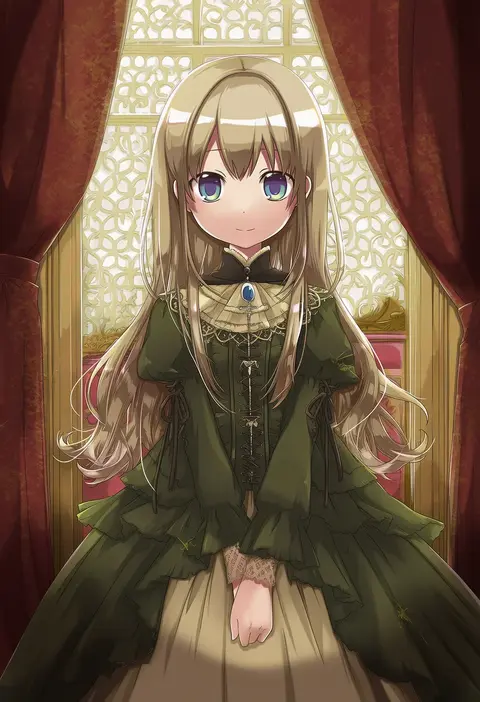
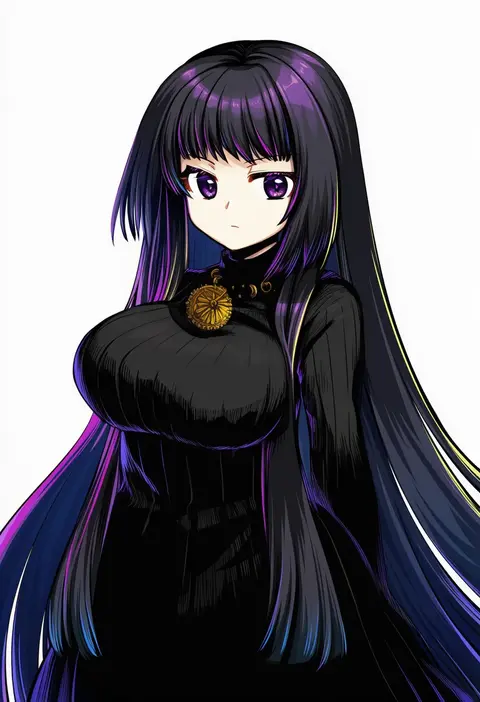
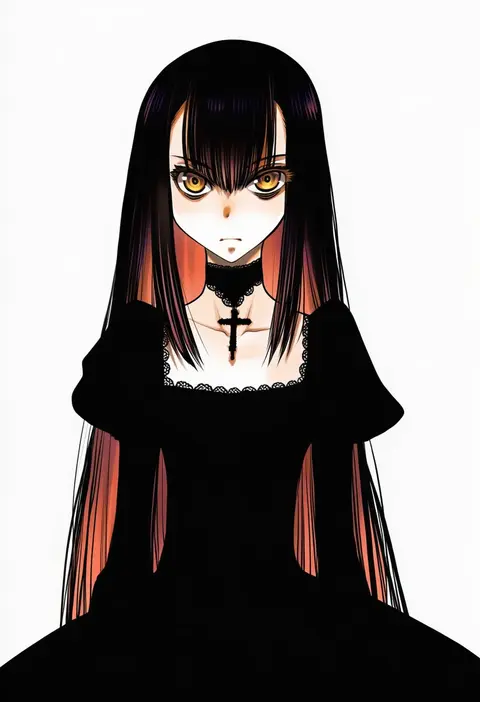
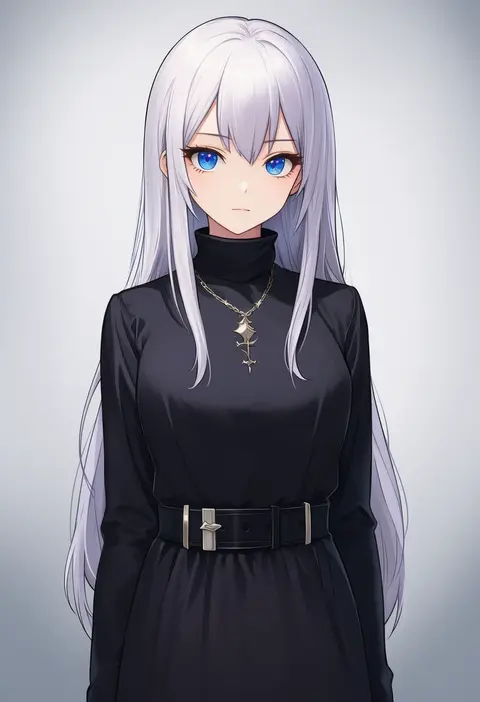
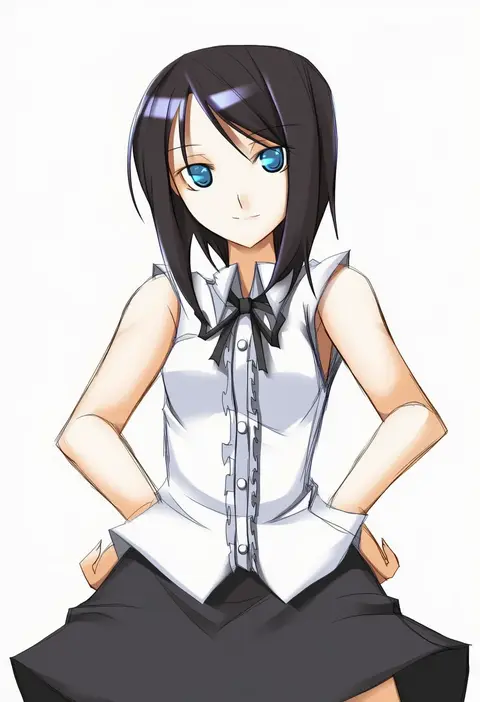
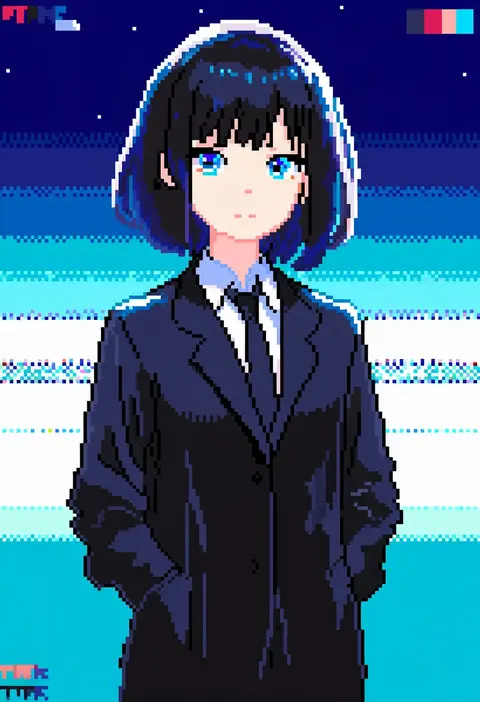
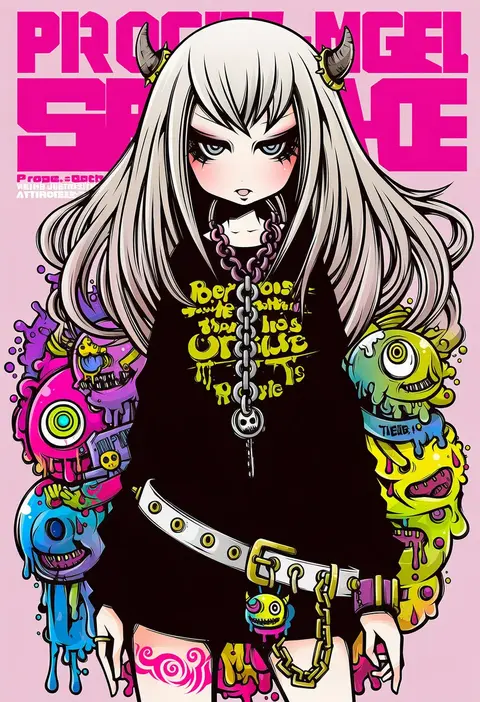
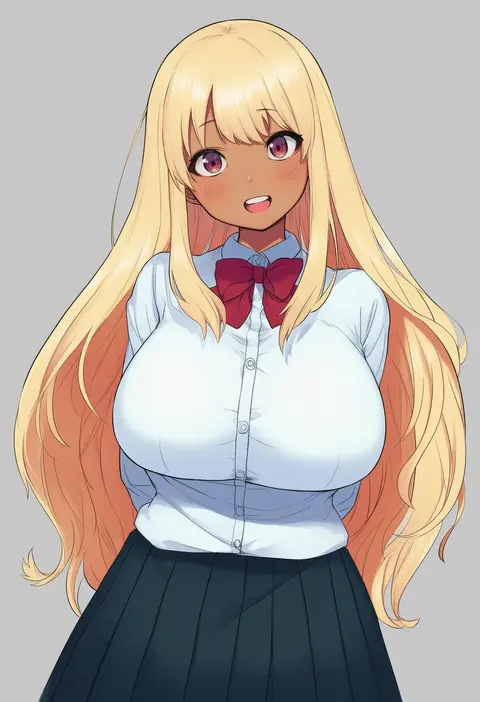
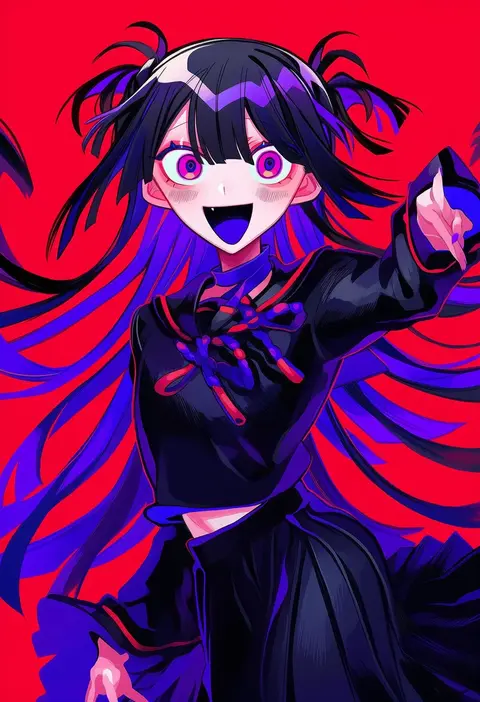
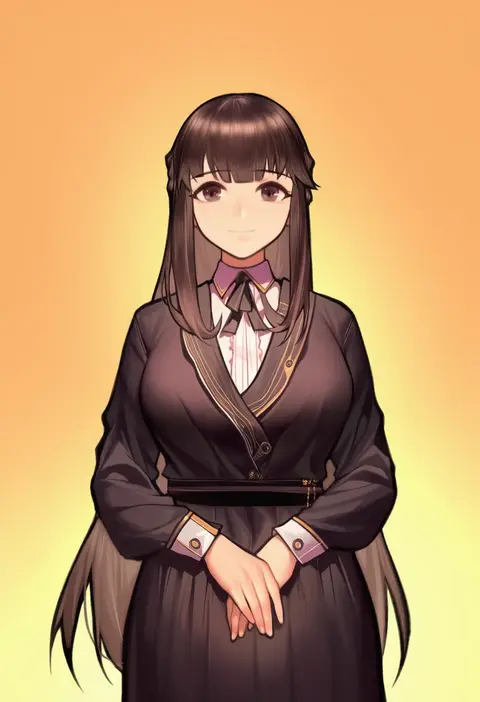
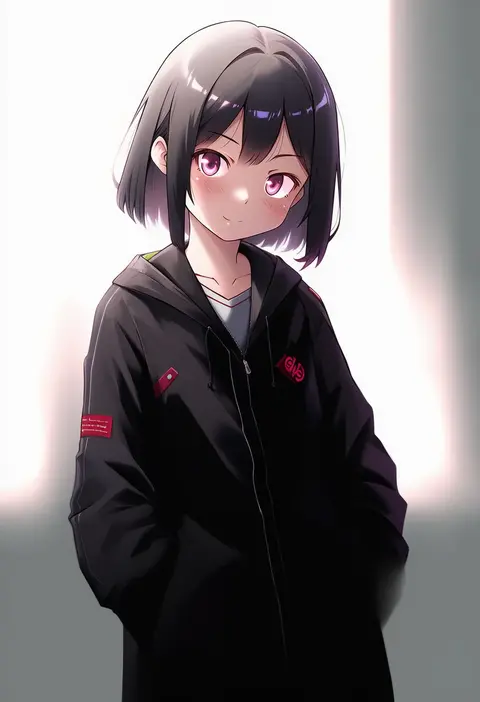
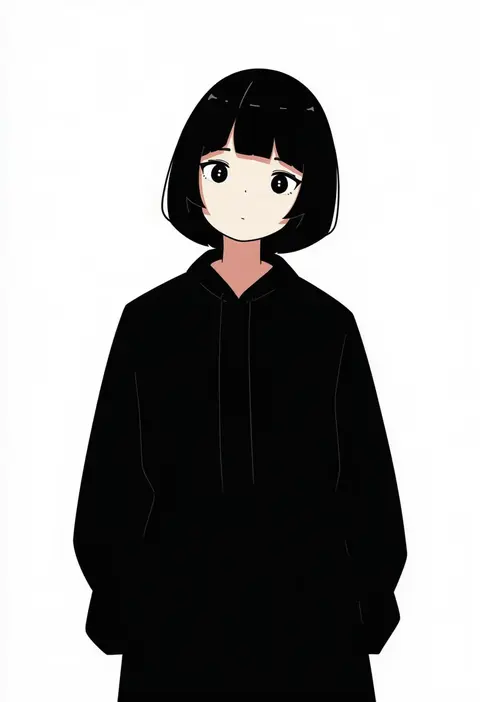
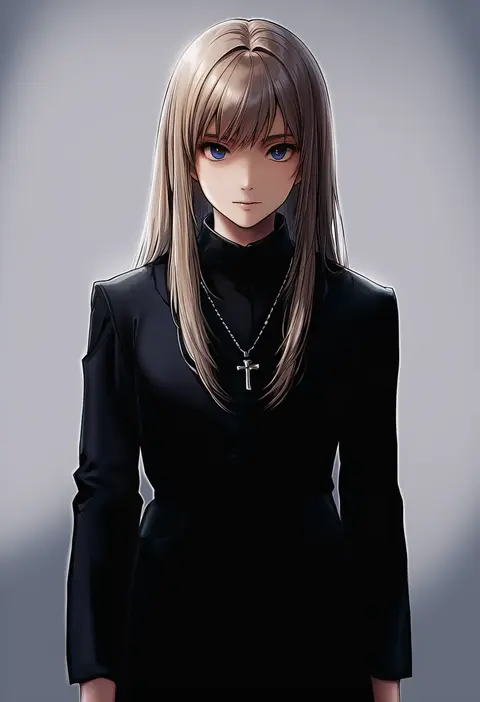
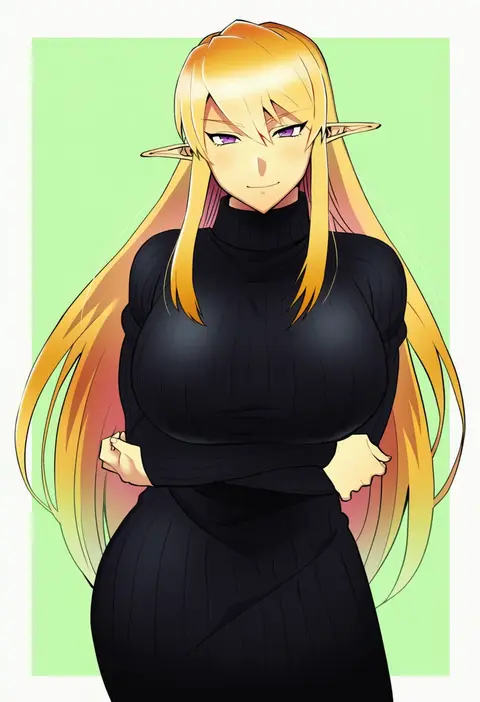
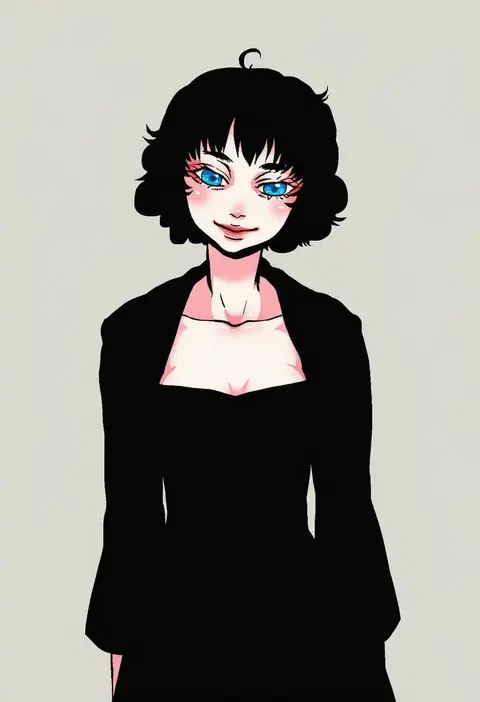
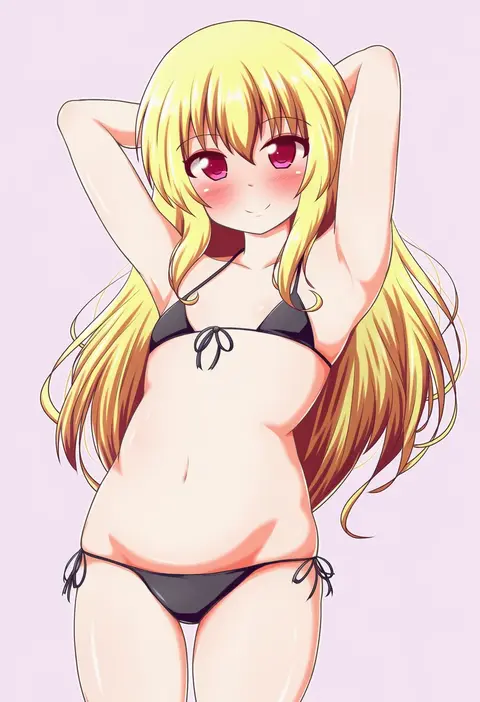
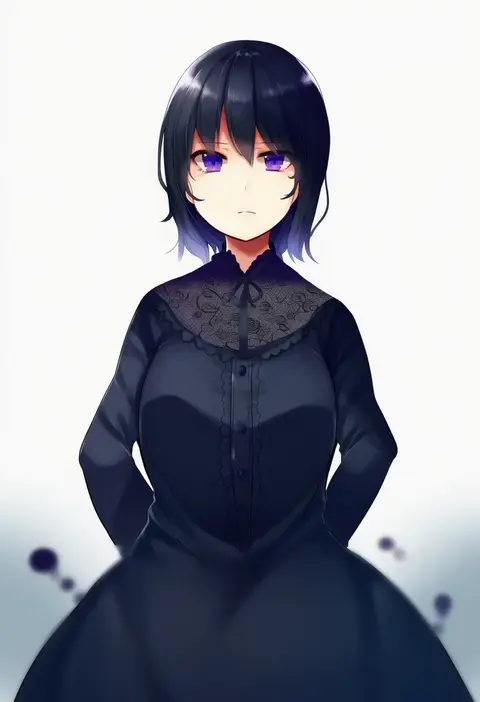
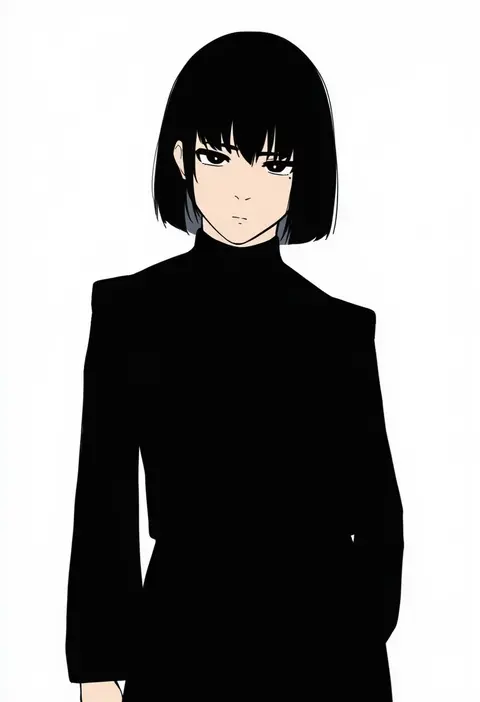
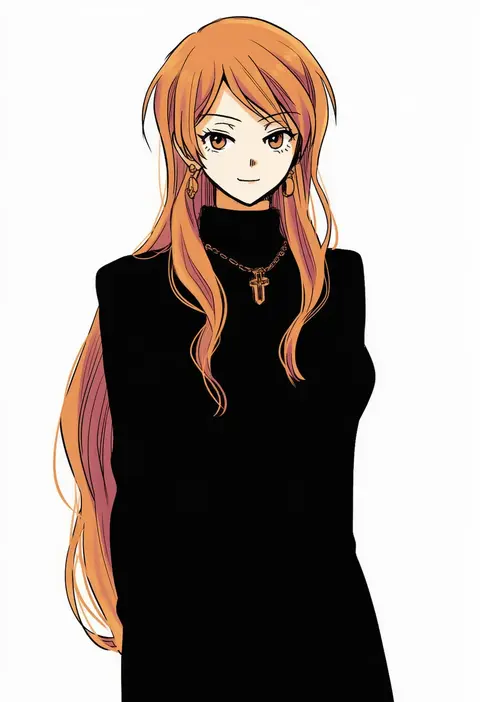
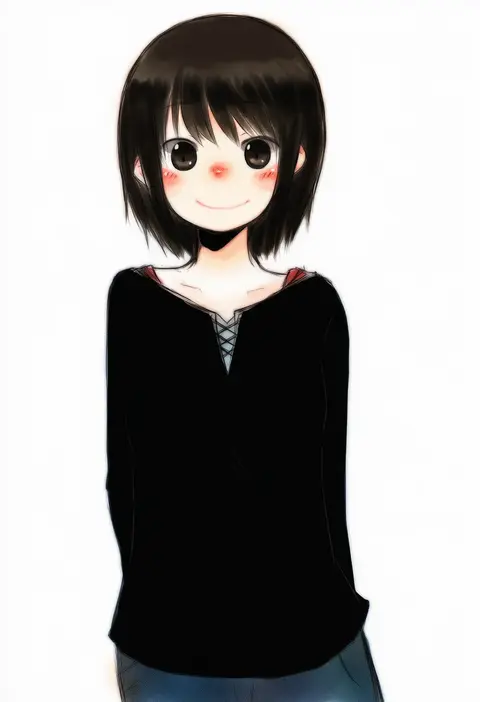
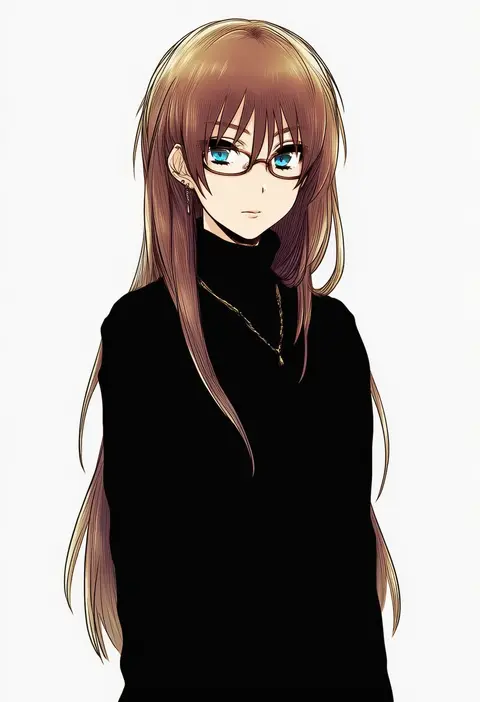
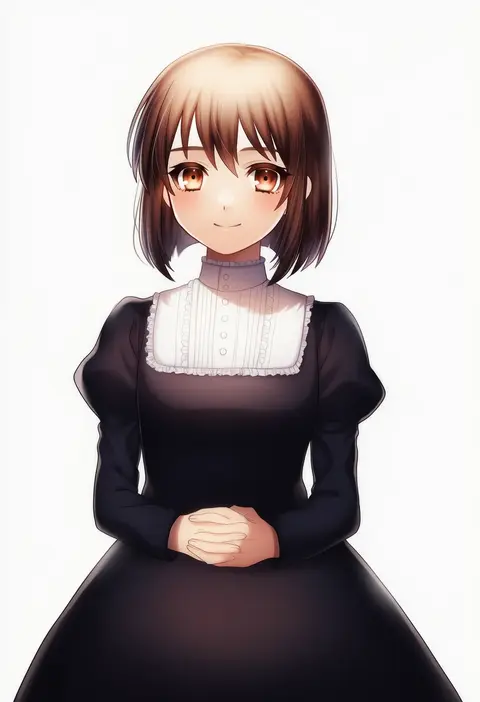
Artist tags tell NovelAI Diffusion to draw in a specific artist's style: line weight, paint texture, face shapes and palette all shift at once. Character and outfit tags decide what is drawn; artist tags decide how. 16,352 tags are listed for V4.5.
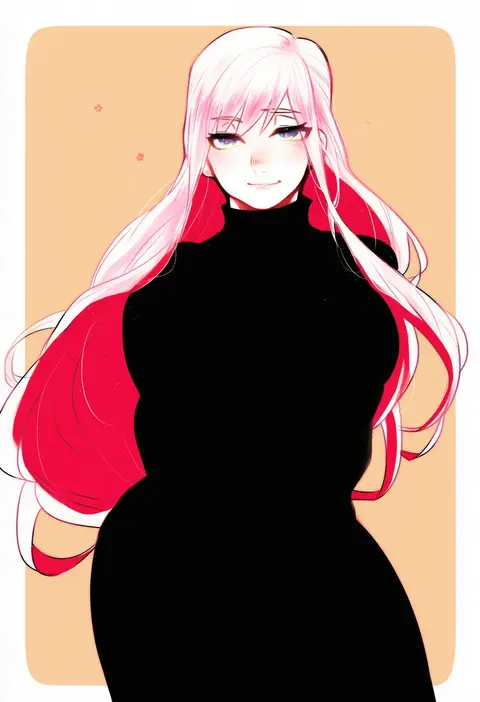
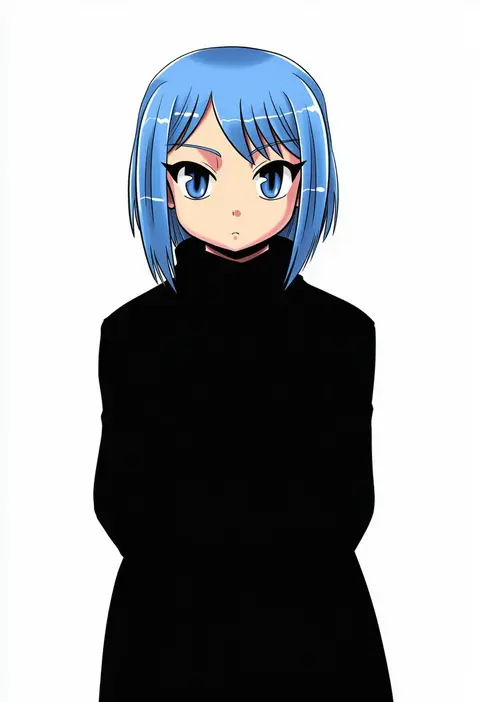
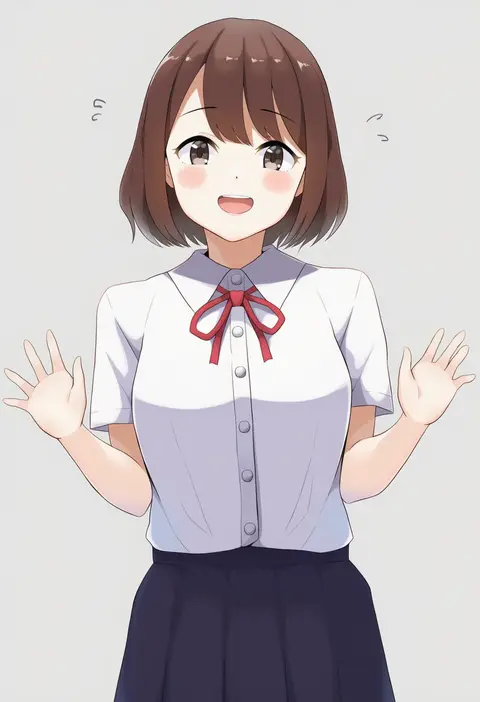
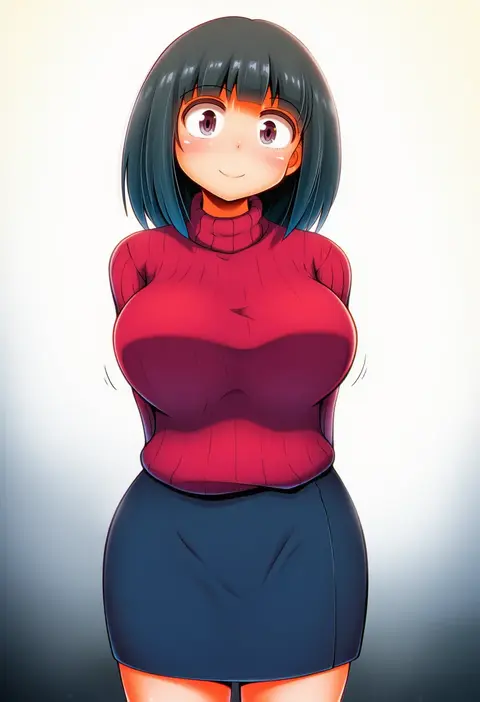
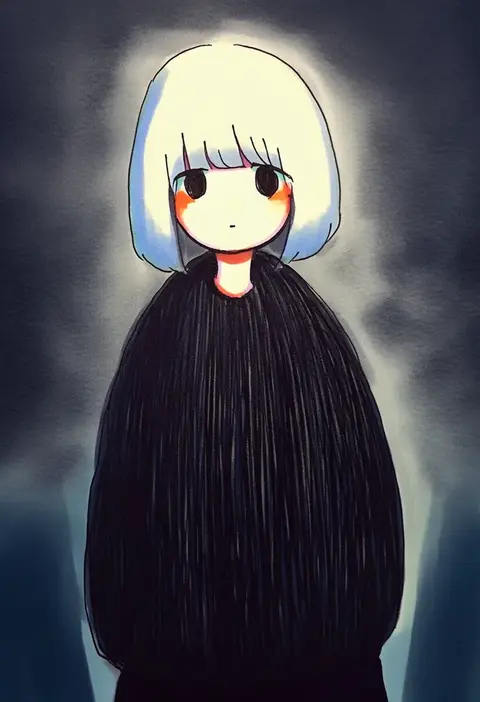
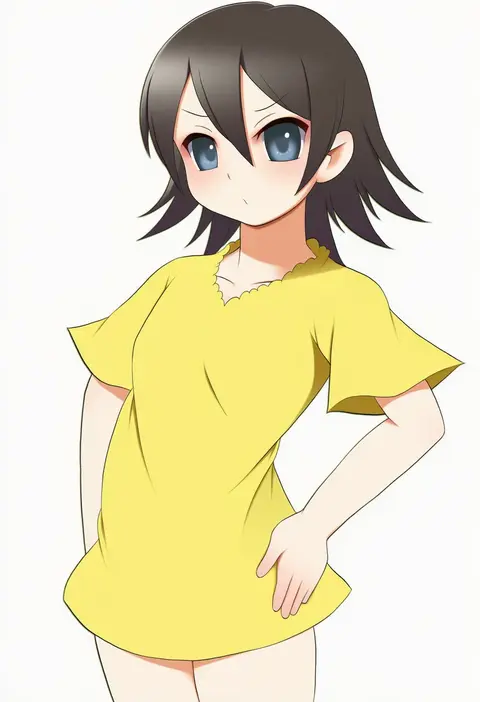
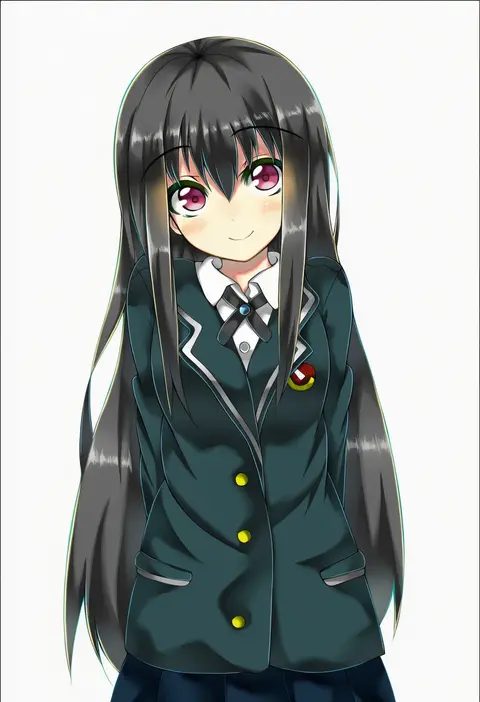
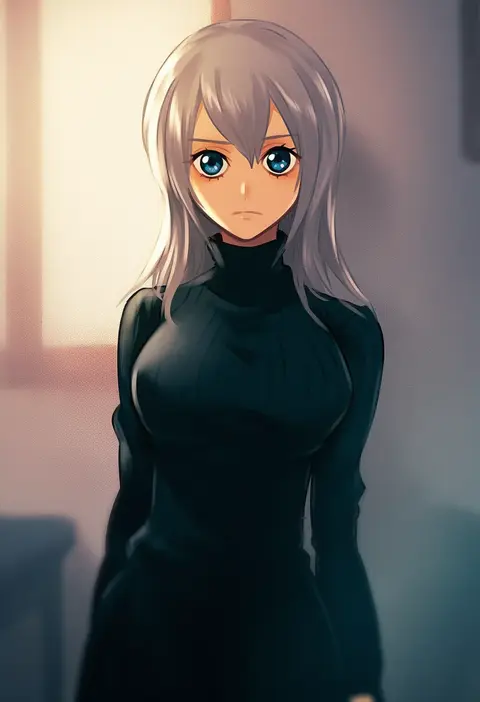
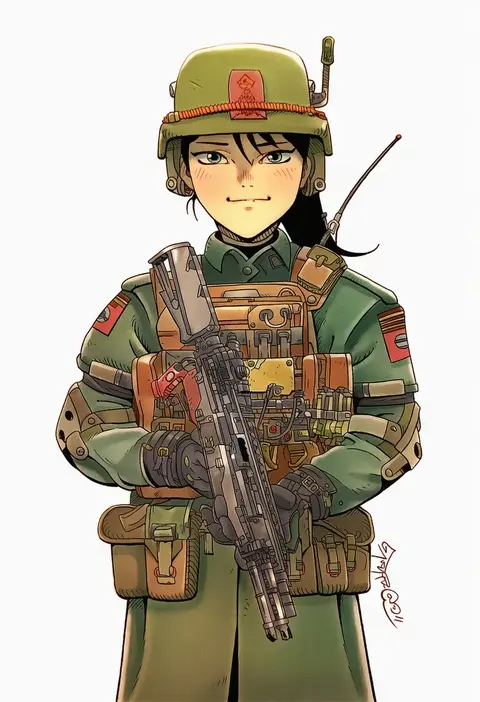
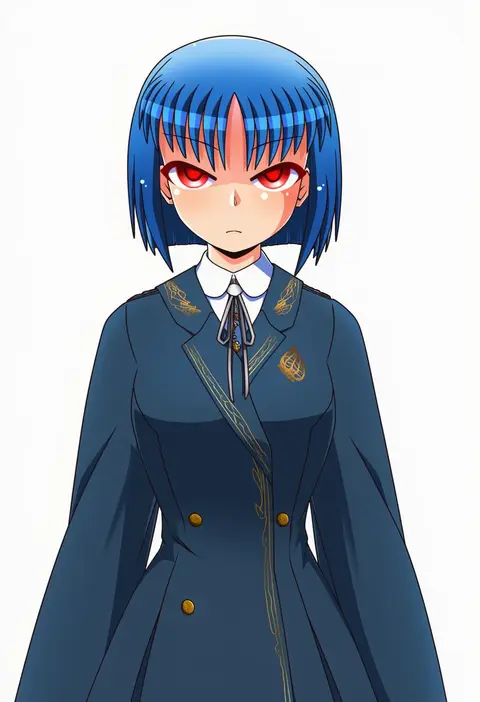
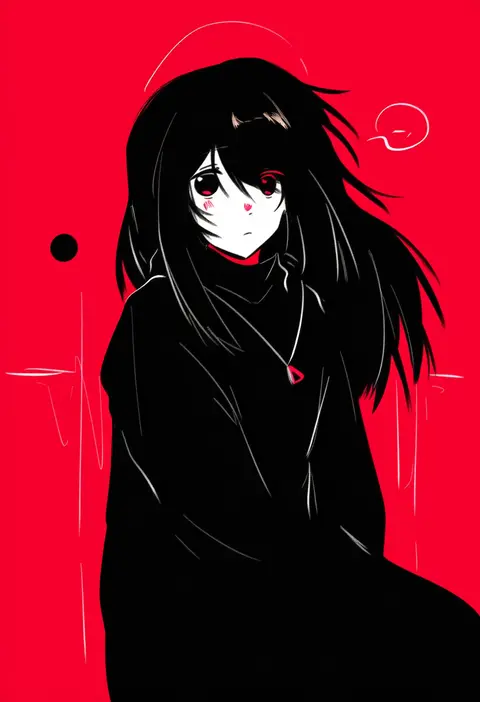
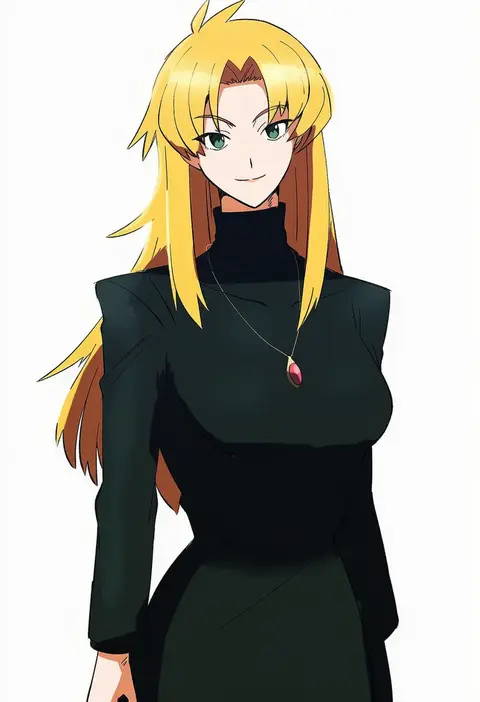
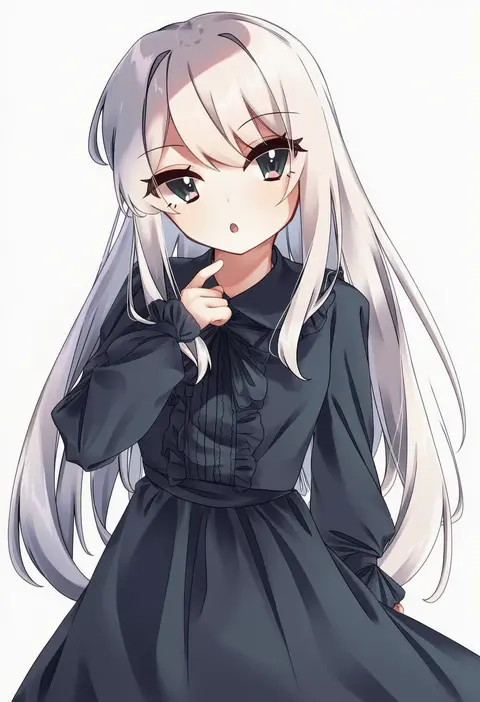
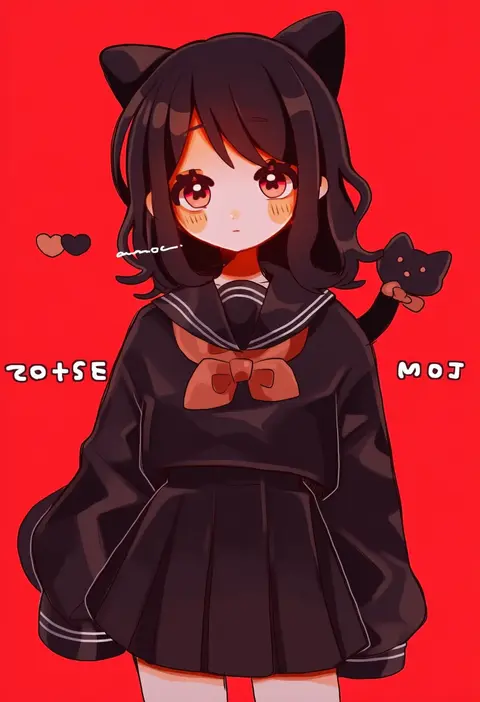
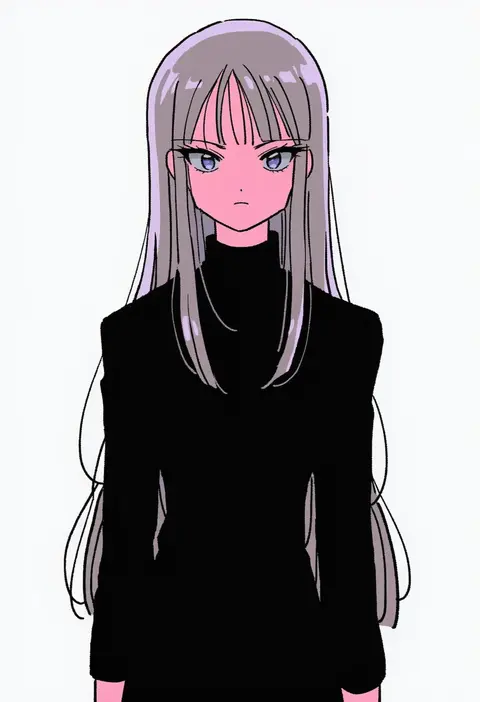
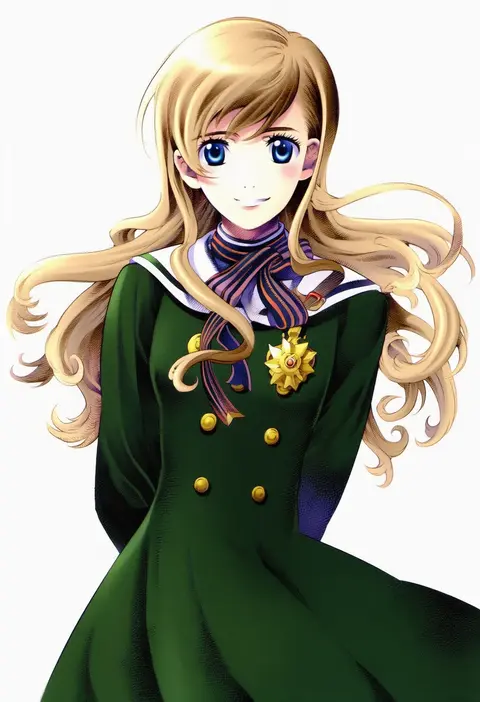
Every tag listed here is verified to react in NovelAI. All images use the same prompt, seed and settings with only the artist tag swapped, so the difference between two images is the style that tag brings in.

How to use them

Put the artist tag near the front of the prompt, e.g. "<artist>, 1girl, solo, best quality, masterpiece, cowboy shot". Two or three artist tags blend styles; lower the weight with "0.8::<artist>::" when the style overpowers the character.

SCORE sorts by Danbooru's top score, POSTS by post count, FAVS by hearts on this site. Open a card to see V5 and V4.5 side by side on the same seed.

V5 vs V4.5

V5 usually lands closer to the artist's real style, and tags that did nothing on V4.5 often react on V5. V4.5 still fits older and doujin-heavy artists better. Try V5 first, fall back to V4.5.

FAQ

Where does the artist tag go?
Near the front of the prompt. Use "0.8::tag::" to adjust its weight.

Can I stack artist tags?
Yes, styles blend. Past two or three the result stops looking like anyone.

Are these the artists' own works?
No. Every image is a NovelAI sample generated from the tag.