V4.5Artists
sort: FAVS▾
▾
>
$

NovelAI Artist Tags List — V4.5

artist --count 16,352[264/273]
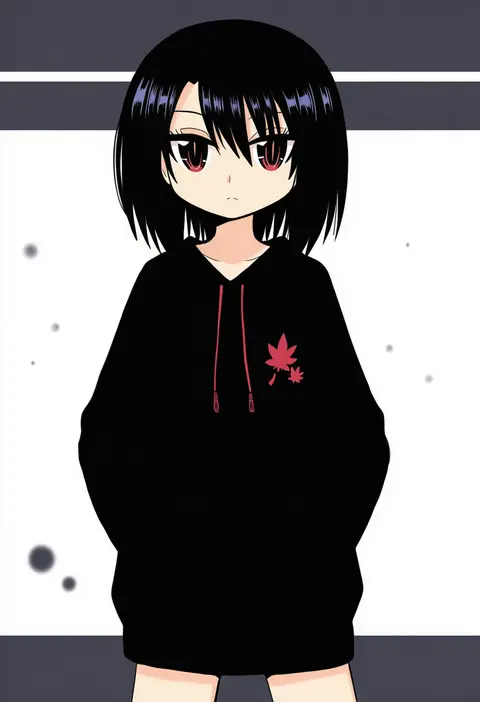
reverse (bluefencer)
ARTIST0x3DA4
0
gaiko kujin
ARTIST0x3DA5
0
muguet
ARTIST0x3DA6
0
mamei mema
ARTIST0x3DA7
0
yuri (fl0werspace)
ARTIST0x3DA8
0
tanaka kaori
ARTIST0x3DA9
0
momentcorefly
ARTIST0x3DAA
0
neverland+
ARTIST0x3DAB
0
mozuwaka
ARTIST0x3DAC
0
na insoo
ARTIST0x3DAD
0
ruo (tariki hongan)
ARTIST0x3DAE
0
bencao gangmu
ARTIST0x3DAF
0
zangemiya
ARTIST0x3DB0
0
yuran (kuen-hien)
ARTIST0x3DB1
0
kannon ouji
ARTIST0x3DB2
0
natsuki (silent selena)
ARTIST0x3DB3
0
sasi mozzi1
ARTIST0x3DB4
0
danby merong
ARTIST0x3DB5
0
kirikuchi riku
ARTIST0x3DB6
0
kc-rk sl
ARTIST0x3DB7
0
sunfight0201
ARTIST0x3DB8
0
link (aa30)
ARTIST0x3DB9
0
kiduta cielo
ARTIST0x3DBA
0
mei (meiday mise)
ARTIST0x3DBB
0
iv 4t
ARTIST0x3DBC
0
ngayope
ARTIST0x3DBD
0
nills
ARTIST0x3DBE
0
jiao mao
ARTIST0x3DBF
0
bangqiao yan
ARTIST0x3DC0
0
mel6969
ARTIST0x3DC1
0
tere douga
ARTIST0x3DC2
0
pokopi
ARTIST0x3DC3
0
yuria (kittyluv)
ARTIST0x3DC4
0
fatalbug896
ARTIST0x3DC5
0
amesawa mokke
ARTIST0x3DC6
0
soeda ippei
ARTIST0x3DC7
0
sn (sn utu00)
ARTIST0x3DC8
0
epiphone (flet06)
ARTIST0x3DC9
0
zozozoshion
ARTIST0x3DCA
0
tsuchibayashi makoto
ARTIST0x3DCB
0
yamato junji
ARTIST0x3DCC
0
enoo
ARTIST0x3DCD
0
tomidoron
ARTIST0x3DCE
0
nicoq (koikoihaihai)
ARTIST0x3DCF
0
matsuki (mikipingpong)
ARTIST0x3DD0
0
mizuki sei
ARTIST0x3DD1
0
kaosu (kaosu0905)
ARTIST0x3DD2
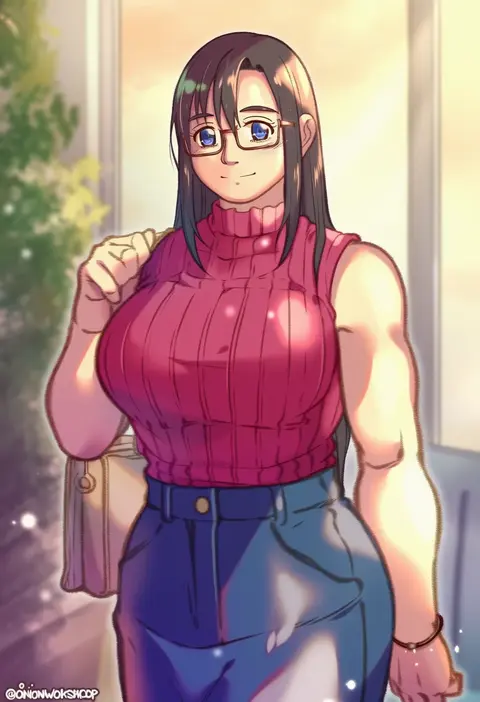
0
onionworkshop
ARTIST0x3DD3
0
emma (kumaema)
ARTIST0x3DD4
0
hijirino yuuta
ARTIST0x3DD5
0
zoza
ARTIST0x3DD6
0
noeru (noellemonade)
ARTIST0x3DD7
0
uzu (uzusio55)
ARTIST0x3DD8
0
minahoshi taichi
ARTIST0x3DD9
0
hiya gohan
ARTIST0x3DDA
0
yanutorie
ARTIST0x3DDB
0
david revoy
ARTIST0x3DDC
0
aizen (syoshiyuki)
ARTIST0x3DDD
0
myung-jin lee
ARTIST0x3DDE
0
kuromitsu (9633 kmfr)
ARTIST0x3DDF
0

What these tags change

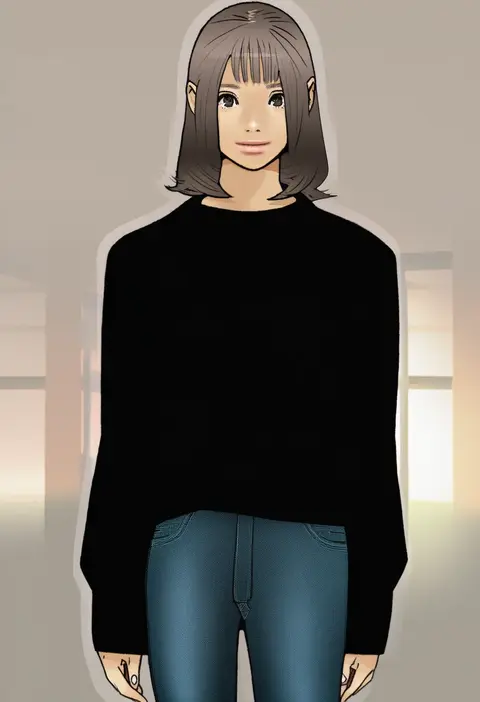
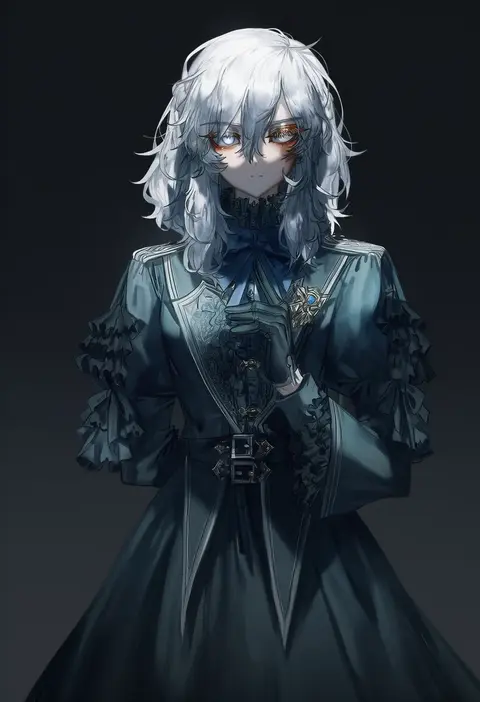
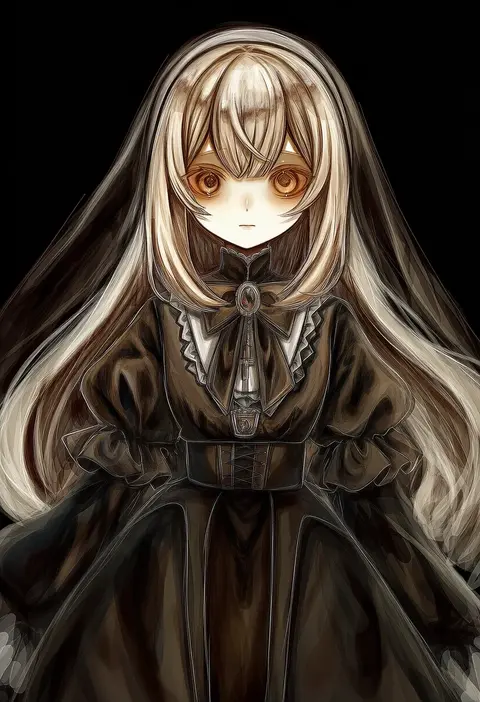
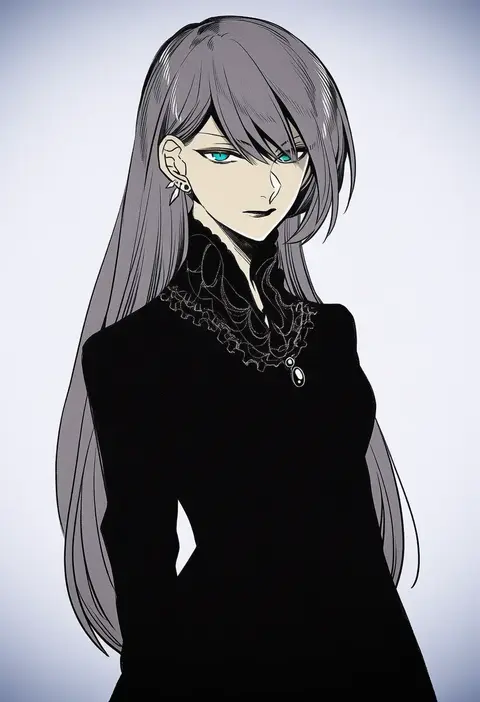
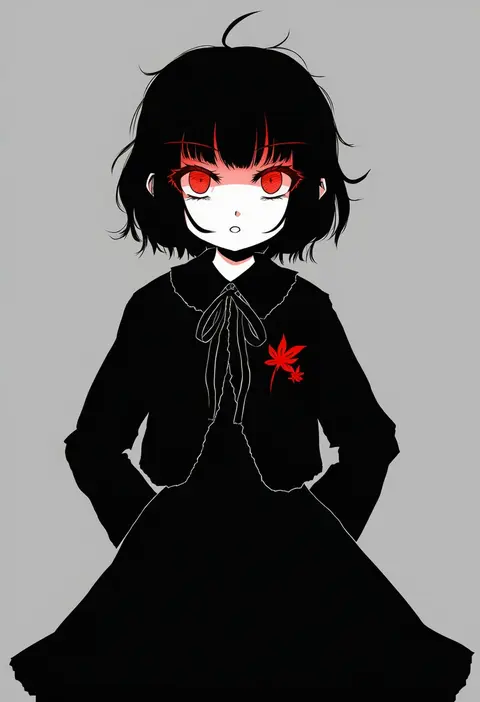
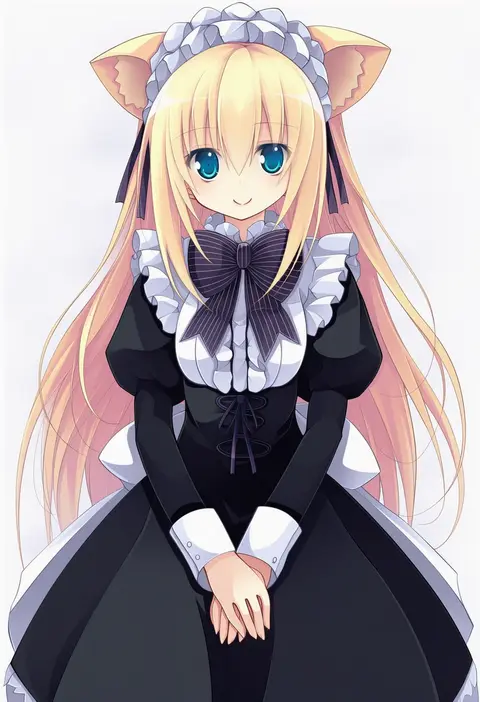
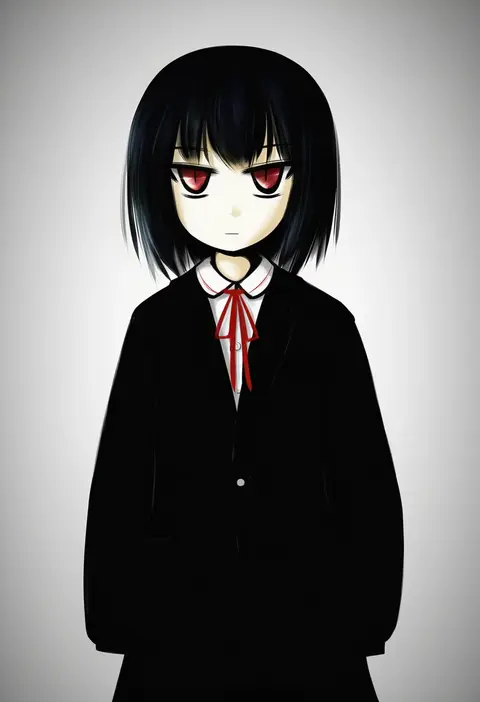
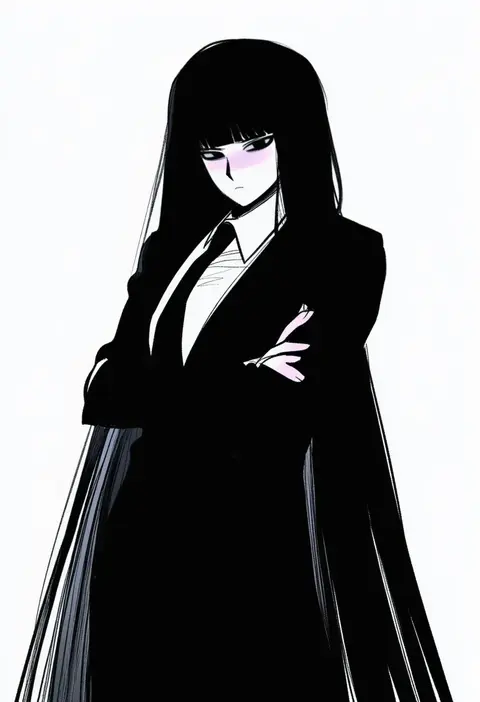
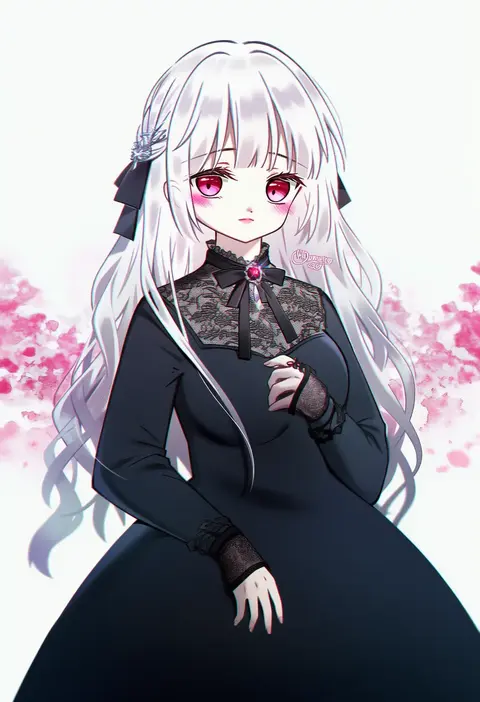
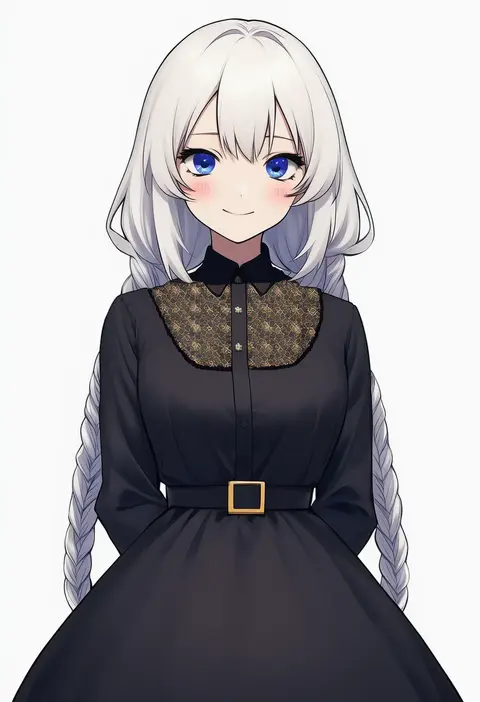
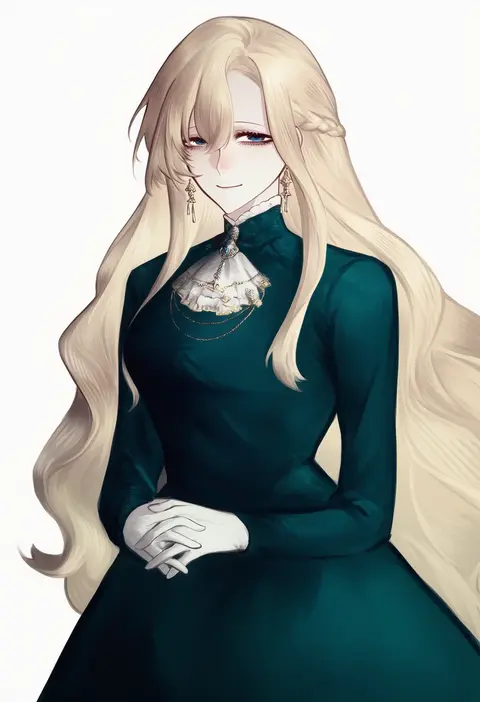
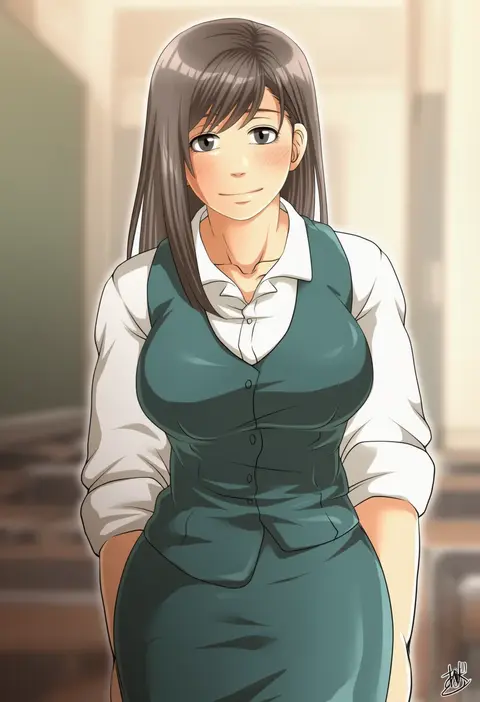
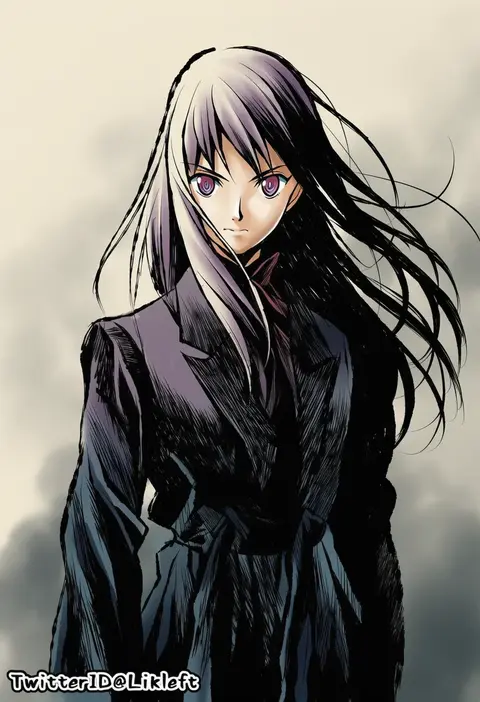
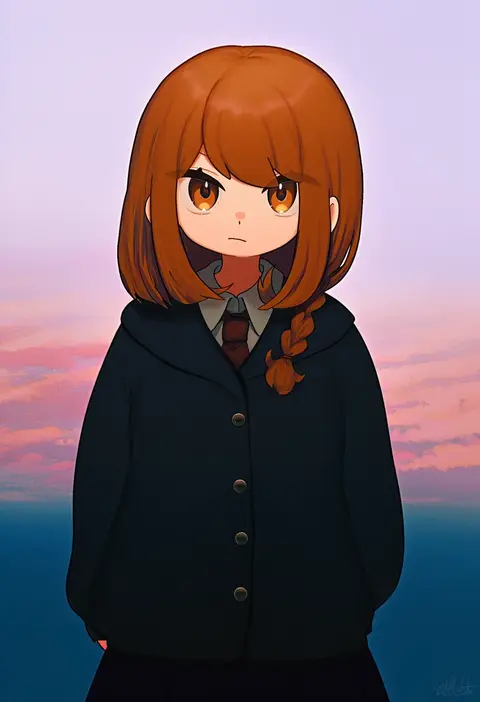
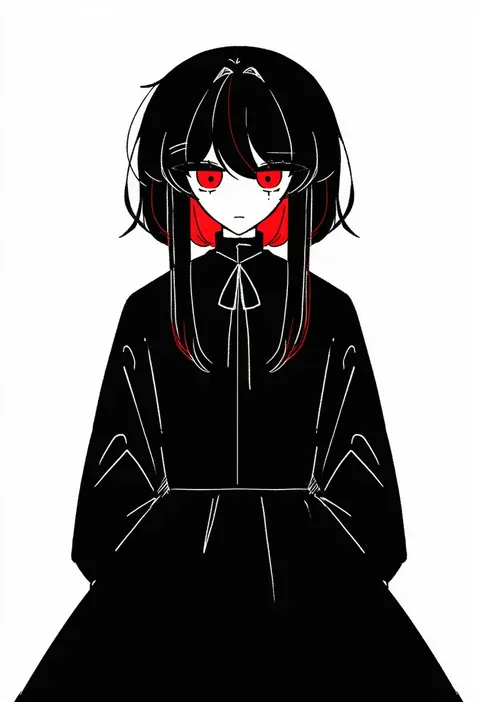
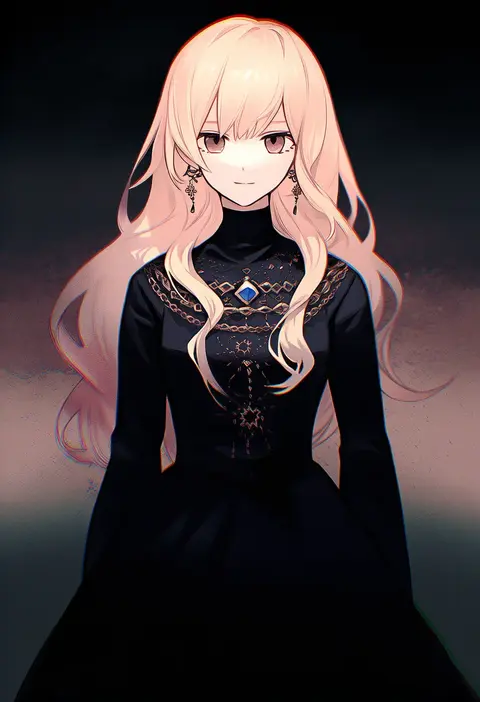
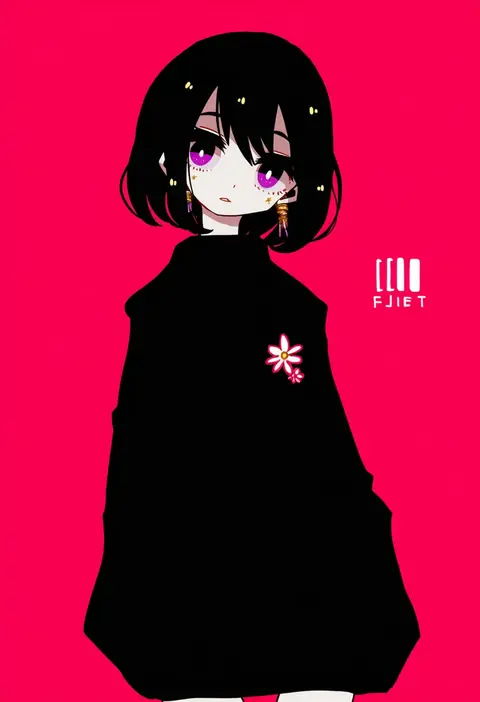
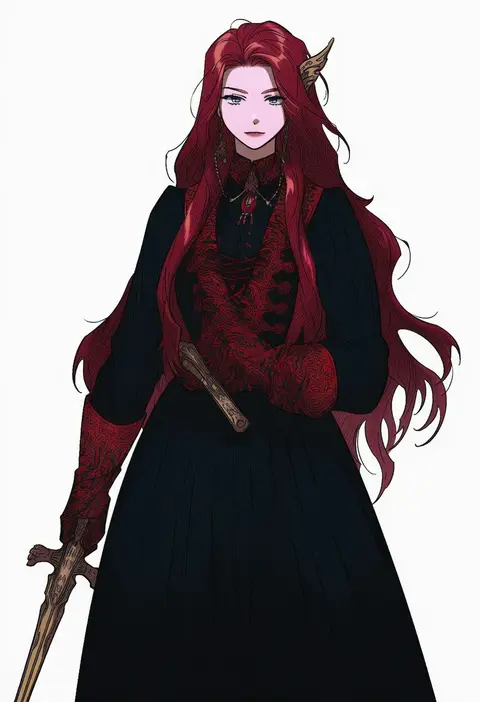
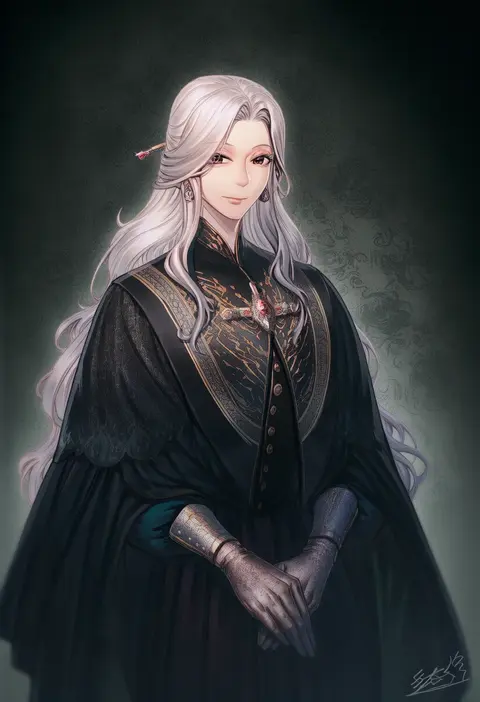
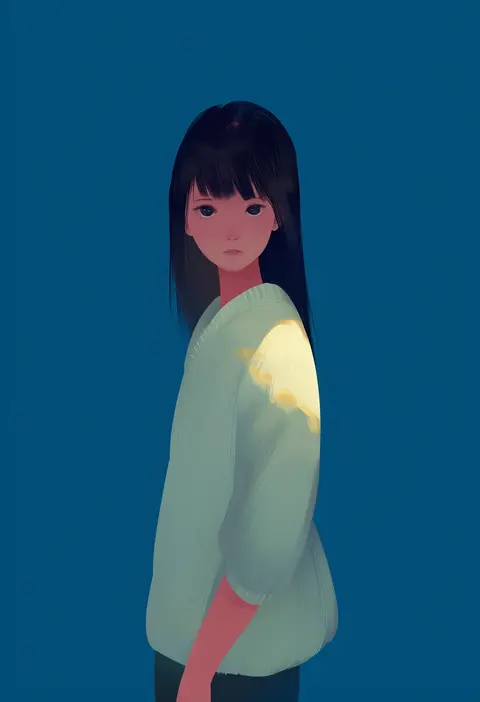
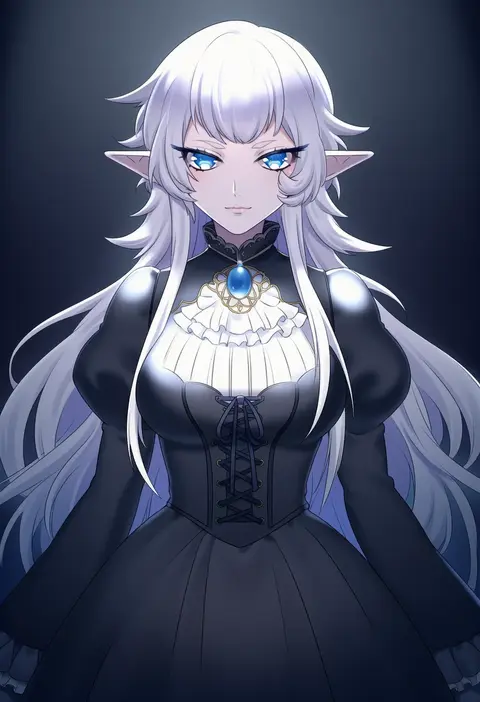
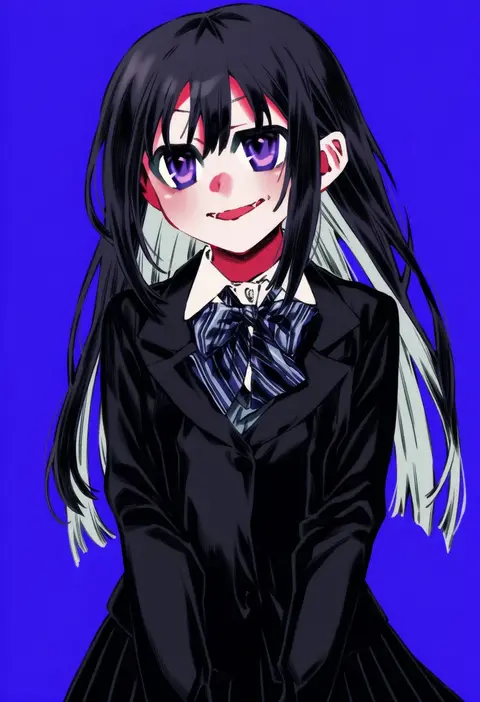
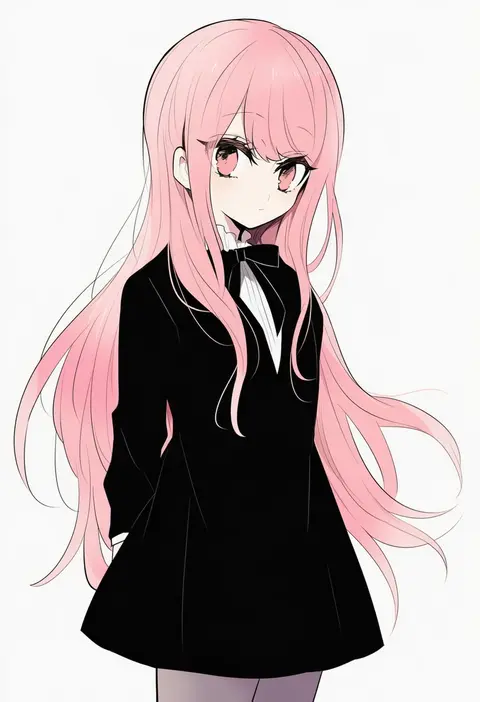
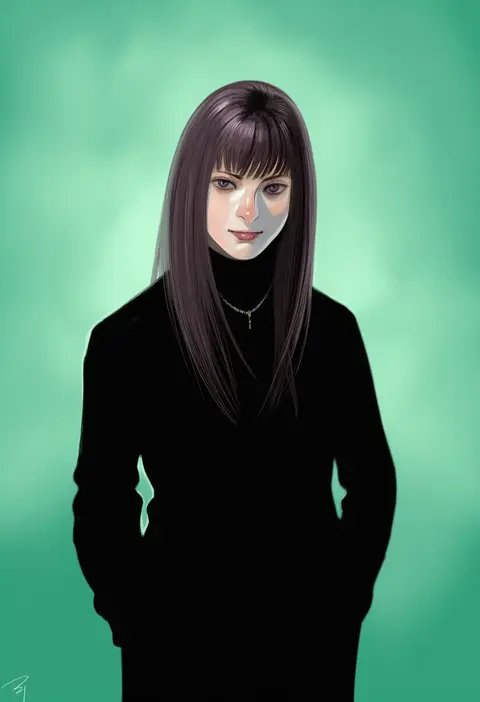
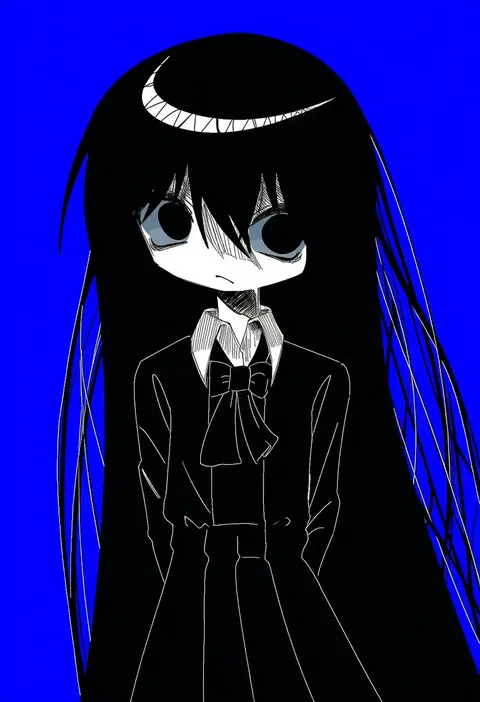
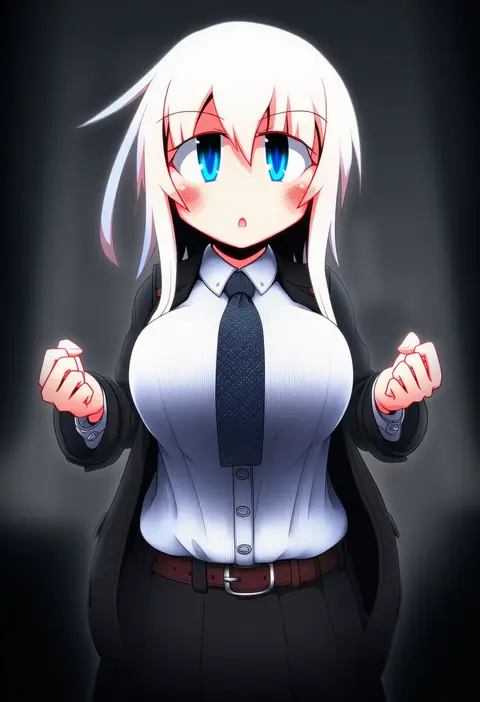
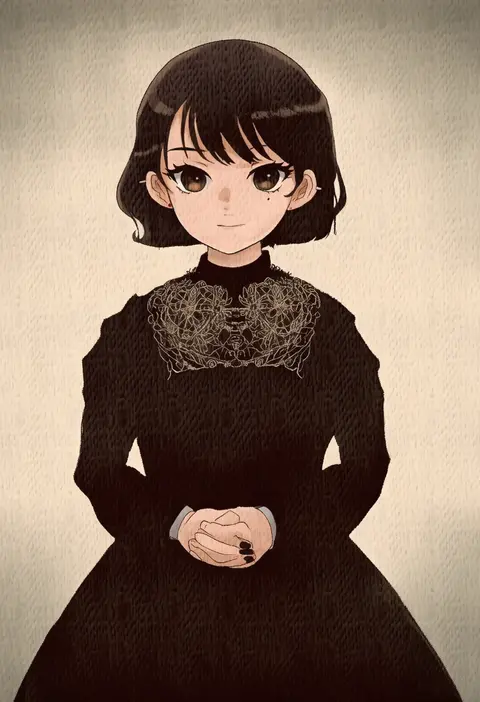
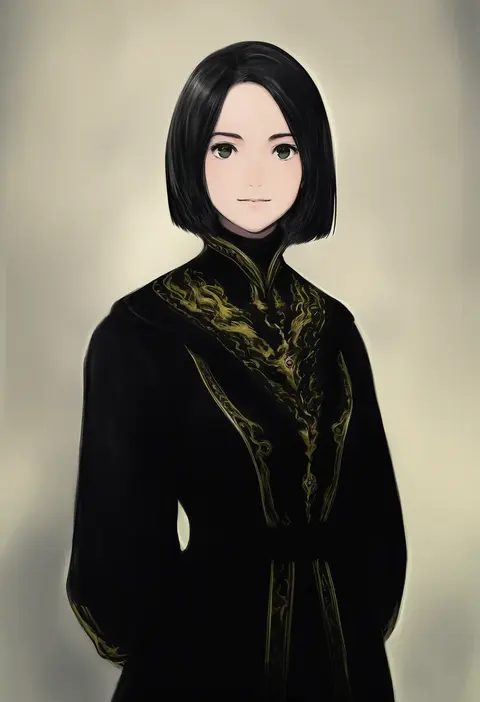
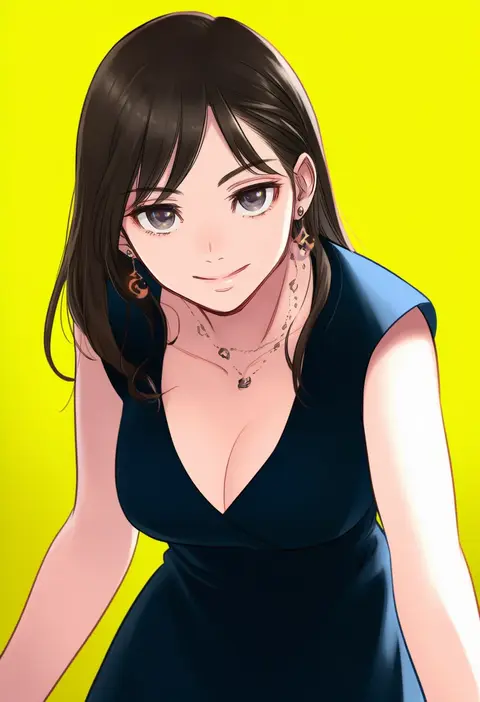
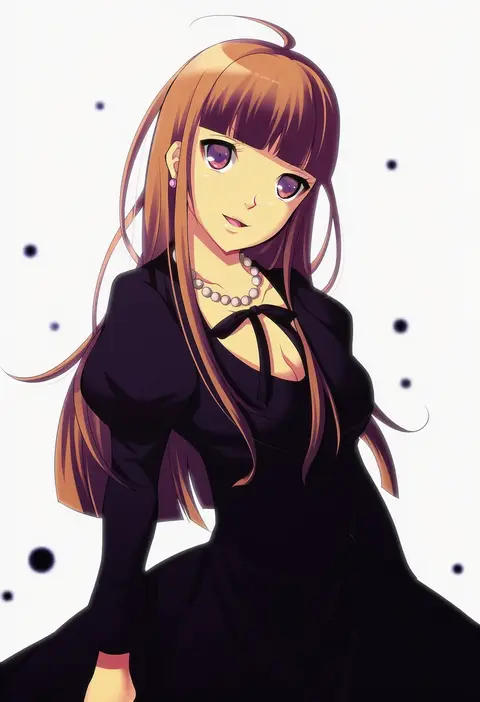
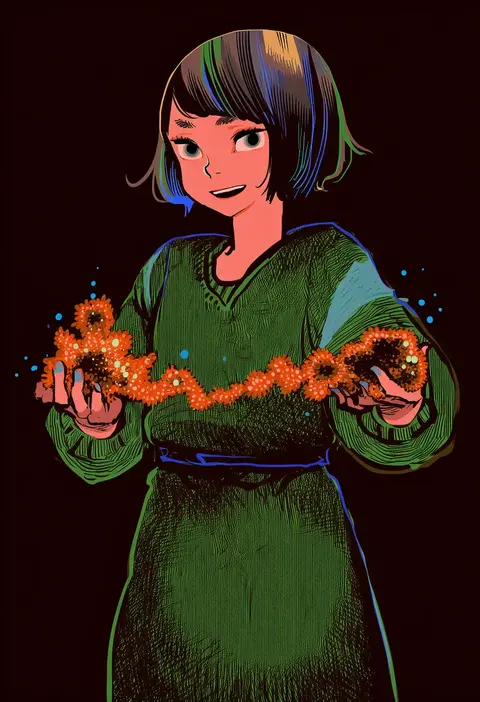
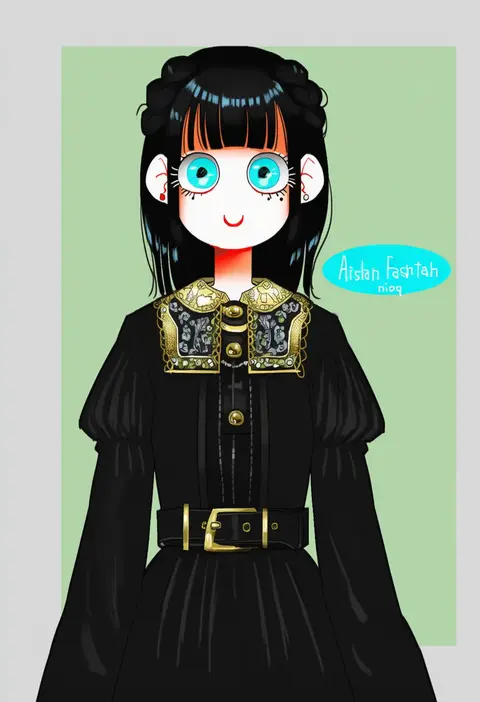
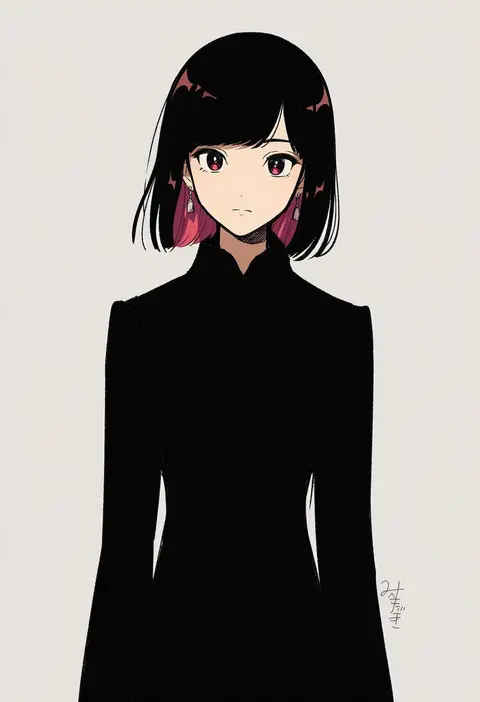
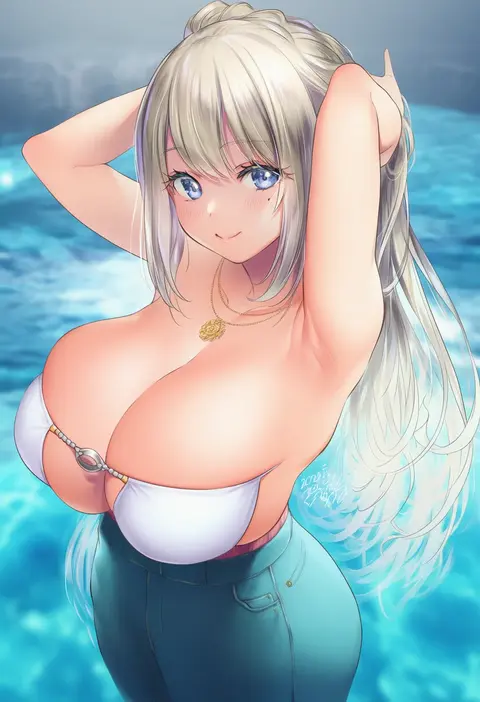
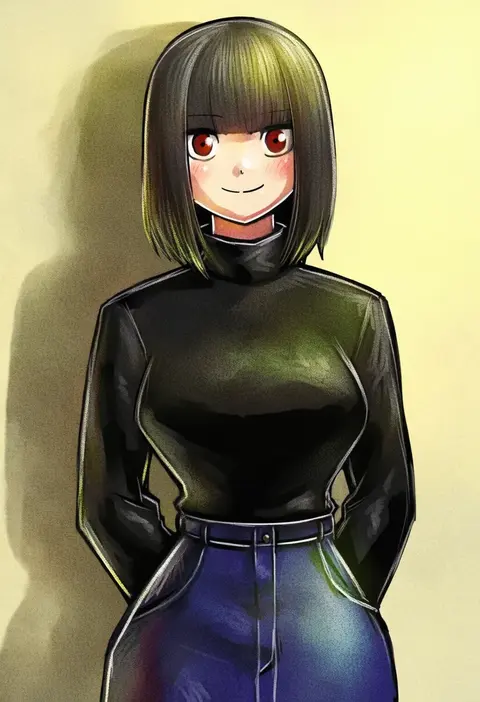
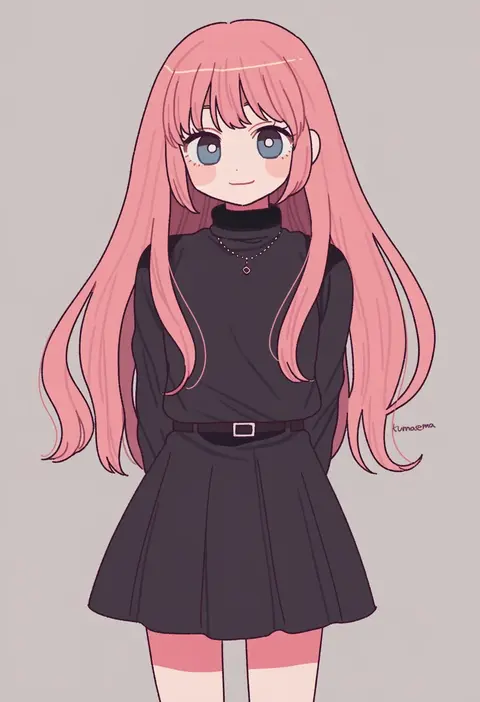
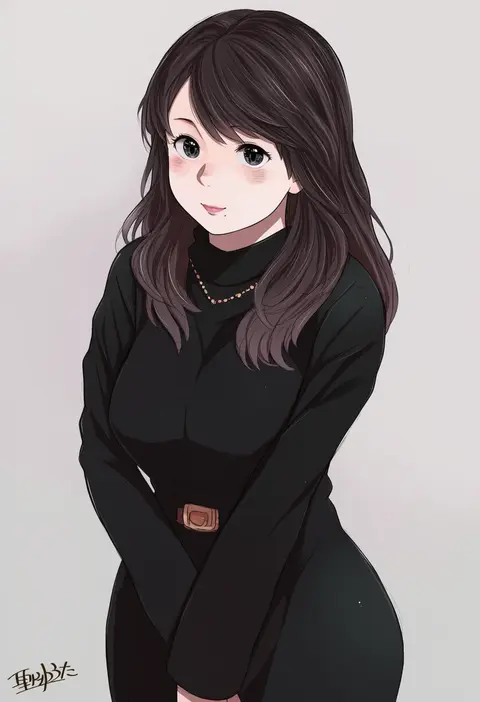
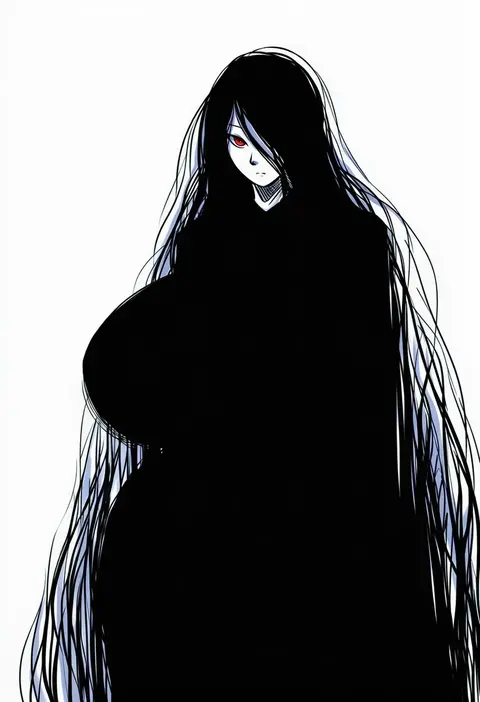
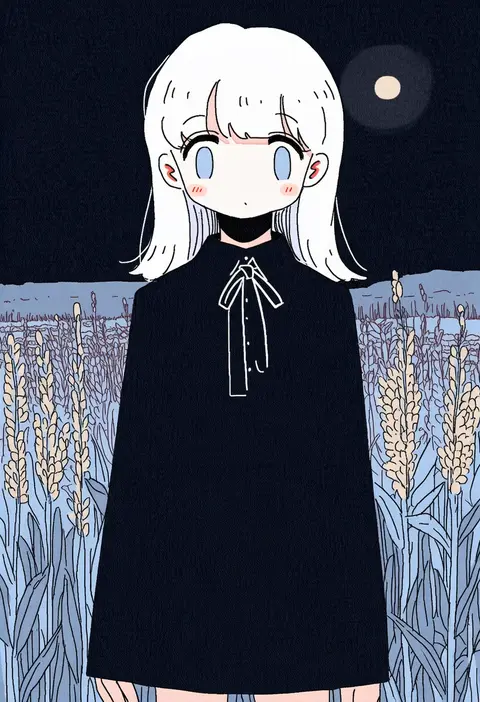
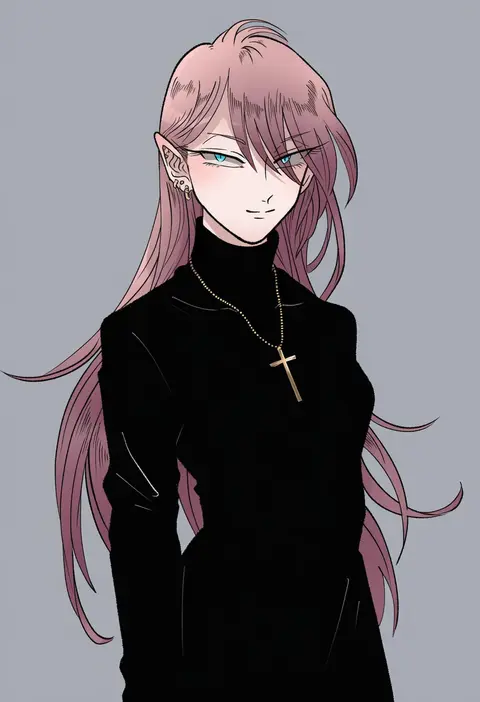
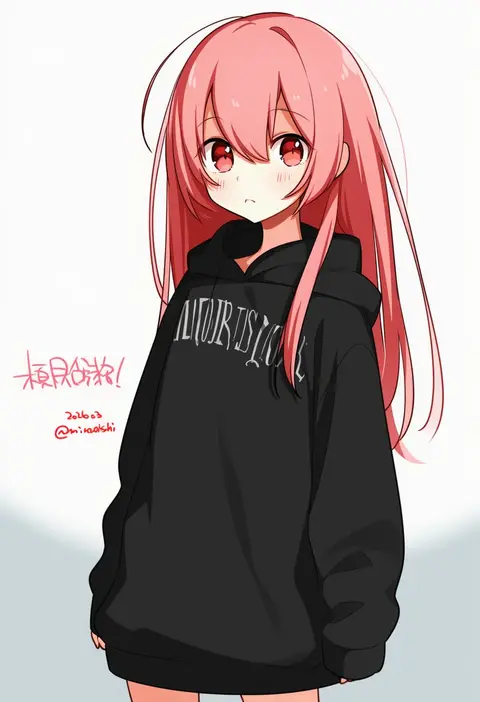
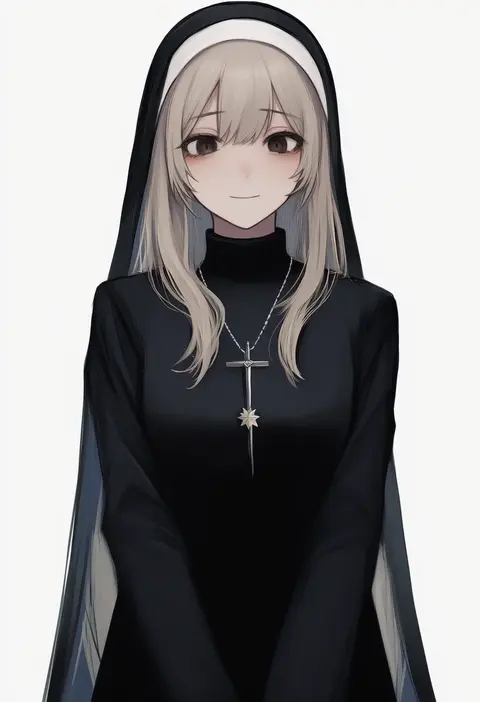
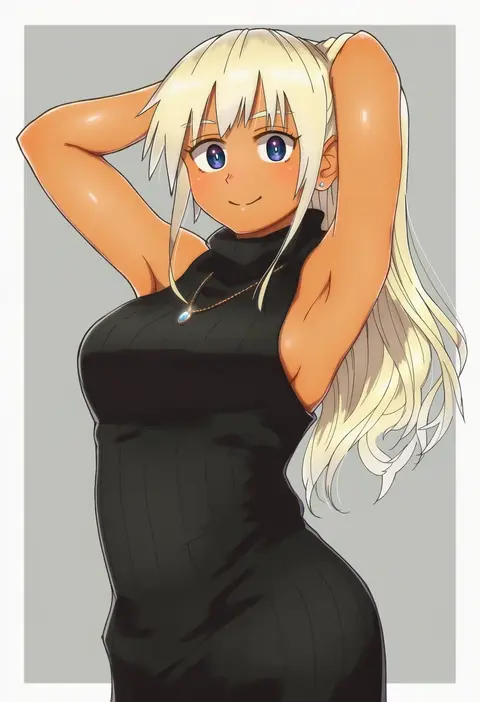
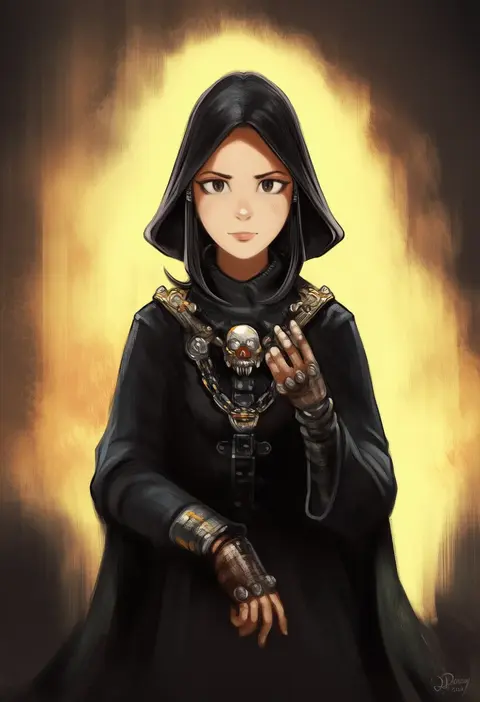
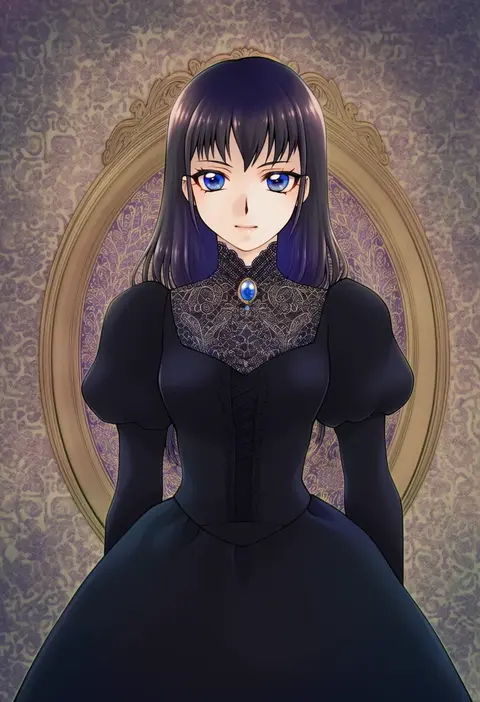
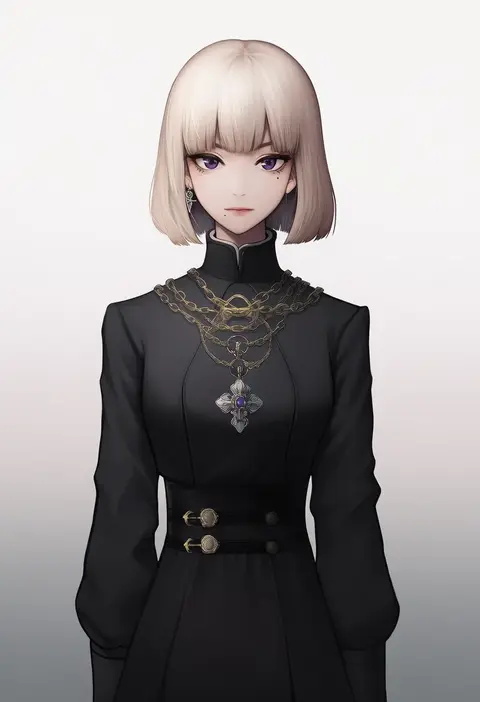
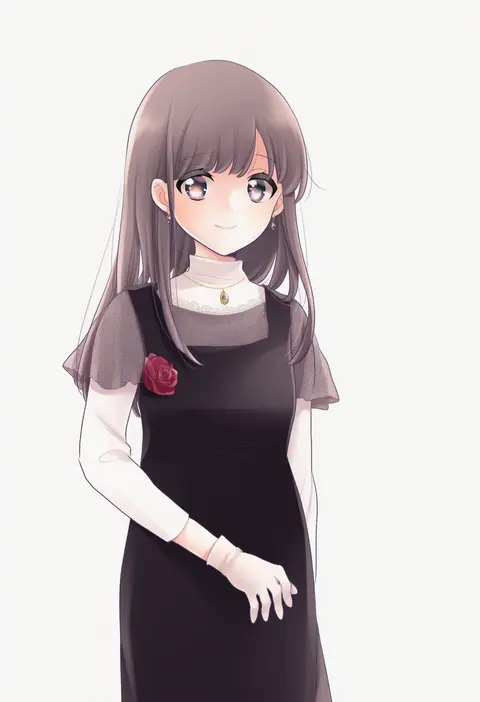
Artist tags tell NovelAI Diffusion to draw in a specific artist's style: line weight, paint texture, face shapes and palette all shift at once. Character and outfit tags decide what is drawn; artist tags decide how. 16,352 tags are listed for V4.5.

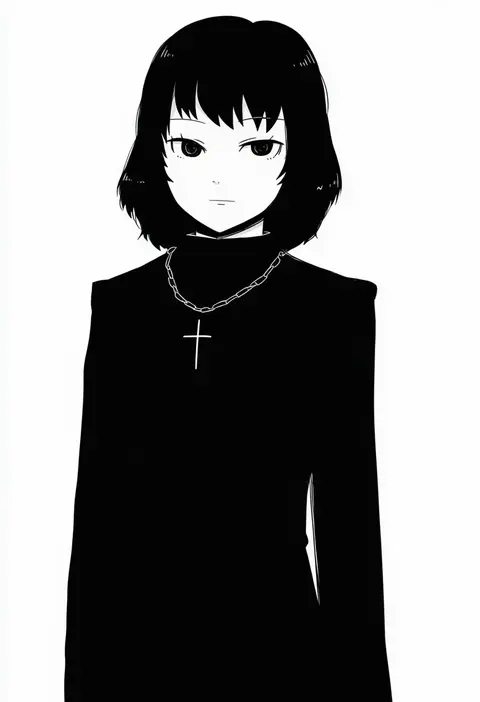
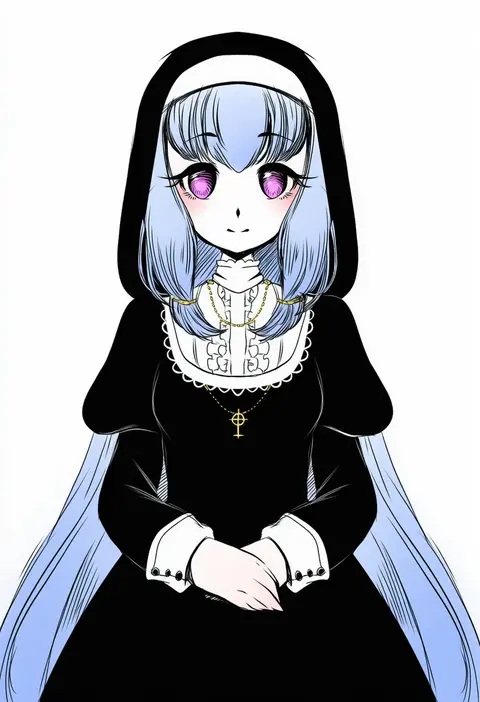
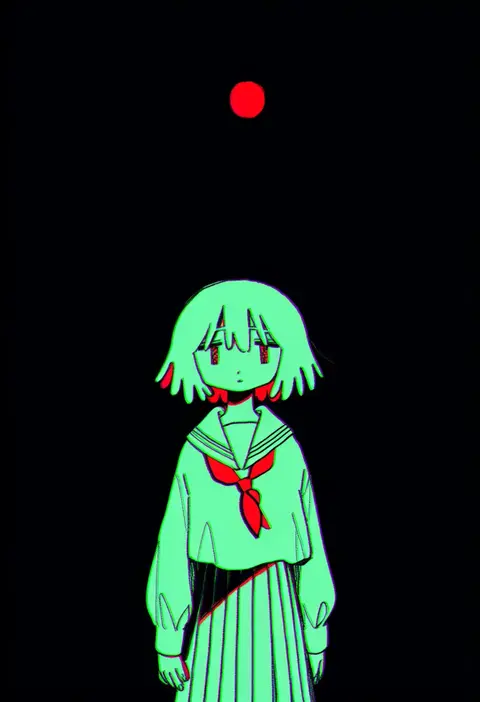
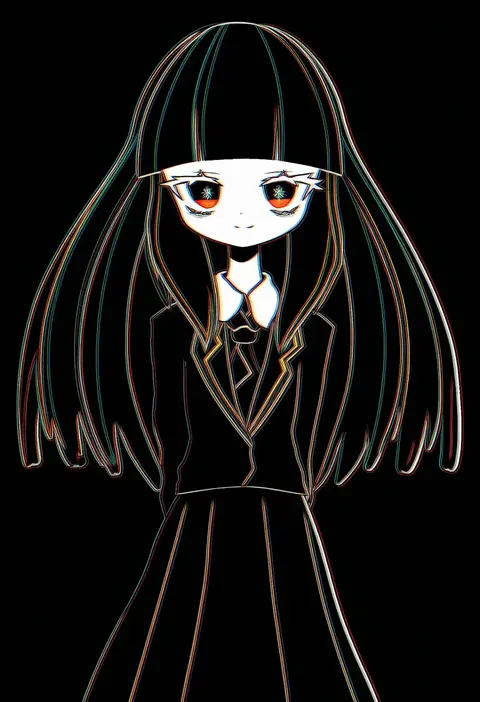
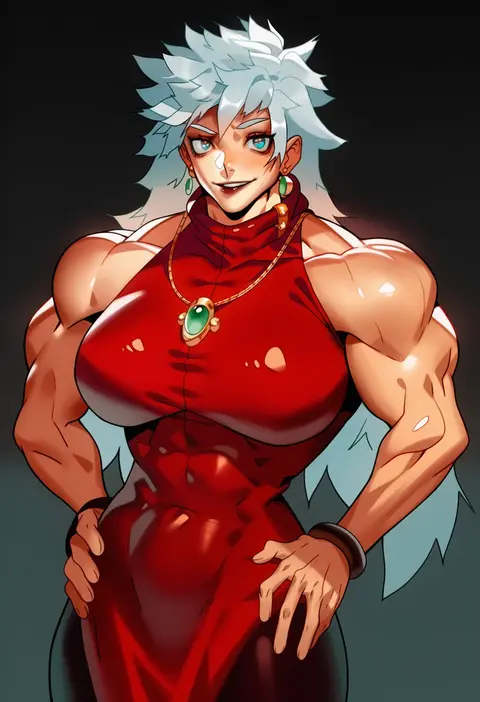
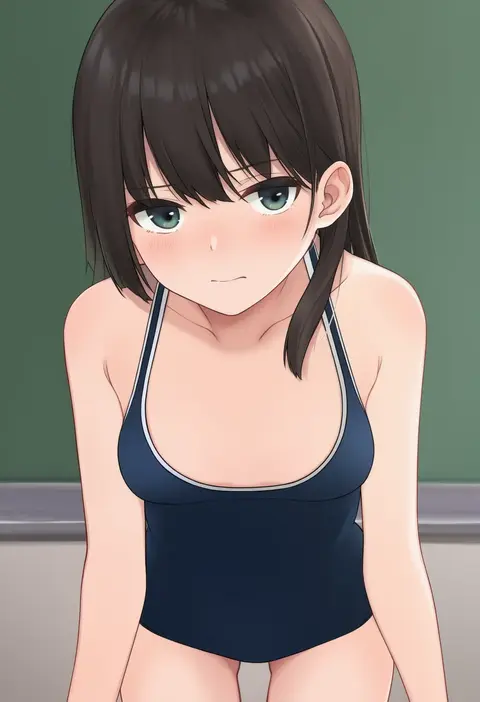
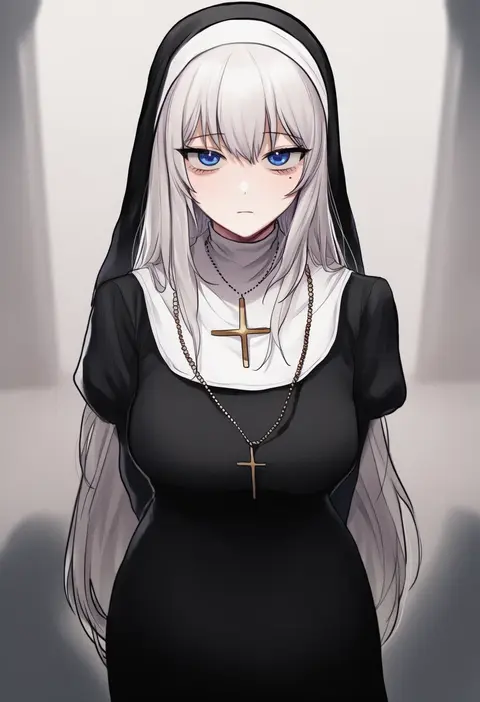
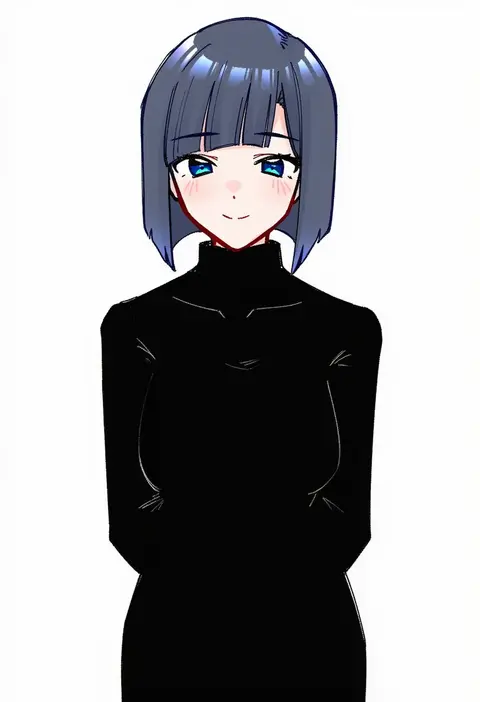
Every tag listed here is verified to react in NovelAI. All images use the same prompt, seed and settings with only the artist tag swapped, so the difference between two images is the style that tag brings in.

How to use them

Put the artist tag near the front of the prompt, e.g. "<artist>, 1girl, solo, best quality, masterpiece, cowboy shot". Two or three artist tags blend styles; lower the weight with "0.8::<artist>::" when the style overpowers the character.

SCORE sorts by Danbooru's top score, POSTS by post count, FAVS by hearts on this site. Open a card to see V5 and V4.5 side by side on the same seed.

V5 vs V4.5

V5 usually lands closer to the artist's real style, and tags that did nothing on V4.5 often react on V5. V4.5 still fits older and doujin-heavy artists better. Try V5 first, fall back to V4.5.

FAQ

Where does the artist tag go?
Near the front of the prompt. Use "0.8::tag::" to adjust its weight.

Can I stack artist tags?
Yes, styles blend. Past two or three the result stops looking like anyone.

Are these the artists' own works?
No. Every image is a NovelAI sample generated from the tag.