V4.5Artists
sort: FAVS▾
▾
>
$

NovelAI Artist Tags List — V4.5

artist --count 16,352[267/273]
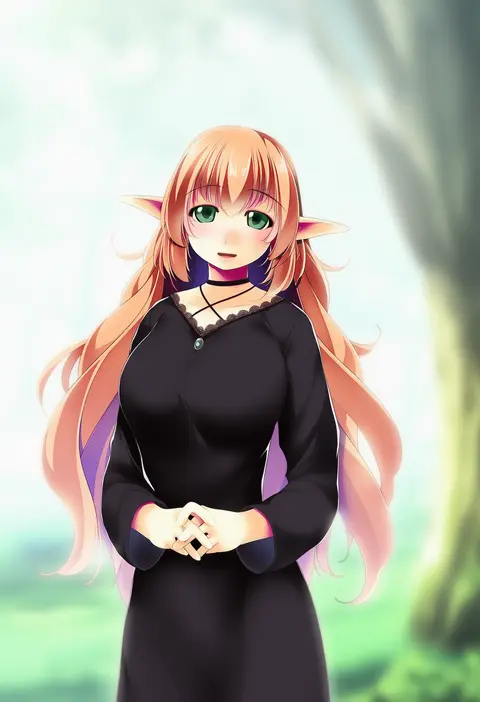
atelier-moo
ARTIST0x3E58
0
maruti bitamin
ARTIST0x3E59
0
bentouoic
ARTIST0x3E5A
0
nano (nanosize)
ARTIST0x3E5B
0
nana (raiupika)
ARTIST0x3E5C
0
kizami nori to yamaimo
ARTIST0x3E5D
0
suntail
ARTIST0x3E5E
0
@est@
ARTIST0x3E5F
0
fle0423
ARTIST0x3E60
0
comeco
ARTIST0x3E61
0
yzpyn
ARTIST0x3E62
0
mettaflix
ARTIST0x3E63
0
otsukimi
ARTIST0x3E64
0
sca jam
ARTIST0x3E65
0
toaruocha
ARTIST0x3E66
0
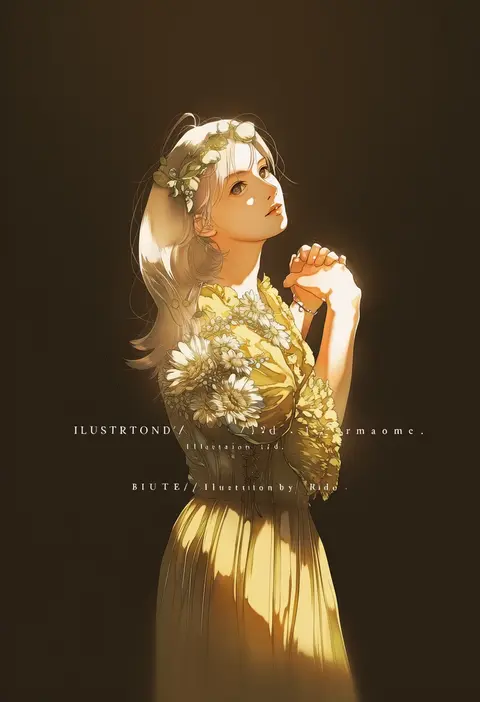
rido (ridograph)
ARTIST0x3E67
0
gentaro (g teall)
ARTIST0x3E68
0
inaco
ARTIST0x3E69
0
hanako (akatsuki)
ARTIST0x3E6A
0
iroha tooko
ARTIST0x3E6B
0
fu yukari
ARTIST0x3E6C
0
fireblast
ARTIST0x3E6D
0
hiyopuko
ARTIST0x3E6E
0
omarumaru
ARTIST0x3E6F
0
yoshioka mitsuko
ARTIST0x3E70
0
kabayaki (kabayaki eel)
ARTIST0x3E71
0
shiitake nabe tsukami
ARTIST0x3E72
0
kurenai karasu
ARTIST0x3E73
0
ango (f ango)
ARTIST0x3E74
0
shuri (syurigame)
ARTIST0x3E75
0
flowery peko
ARTIST0x3E76
0
yuki maru (yukimaru 1)
ARTIST0x3E77
0
mkt (buizu-miki)
ARTIST0x3E78
0
morinomiya ruri
ARTIST0x3E79
0
rodong8
ARTIST0x3E7A
0
takigawa geenito
ARTIST0x3E7B
0
boogbogex
ARTIST0x3E7C
0
take tonbo
ARTIST0x3E7D
0
poco24
ARTIST0x3E7E
0
bd ayknn
ARTIST0x3E7F
0
mouen tw
ARTIST0x3E80
0
utano
ARTIST0x3E81
0
inudori
ARTIST0x3E82
0
tokiomi tsubasa
ARTIST0x3E83
0
kyoko (akakikyoko)
ARTIST0x3E84
0
azumi inori
ARTIST0x3E85
0
wafu (youzora samo18)
ARTIST0x3E86
0
goth risuto
ARTIST0x3E87
0
ohagi1010
ARTIST0x3E88
0
kuroneko (kuroneko works)
ARTIST0x3E89
0
yasoji (16321578)
ARTIST0x3E8A
0
ei (marutendon)
ARTIST0x3E8B
0
arthurlogansdps
ARTIST0x3E8C
0
iida kento
ARTIST0x3E8D
0
sakura szm
ARTIST0x3E8E
0
mimoth
ARTIST0x3E8F
0
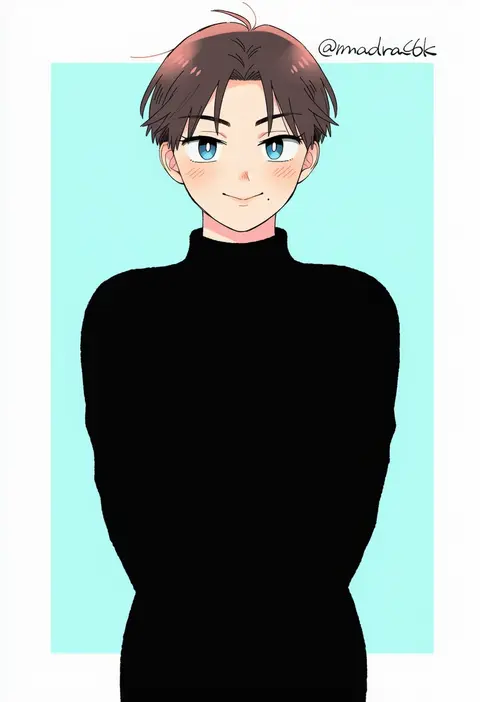
madara6k
ARTIST0x3E90
0
kojima rarako
ARTIST0x3E91
0
temu (temp mumu)
ARTIST0x3E92
0
waffuum
ARTIST0x3E93
0

What these tags change

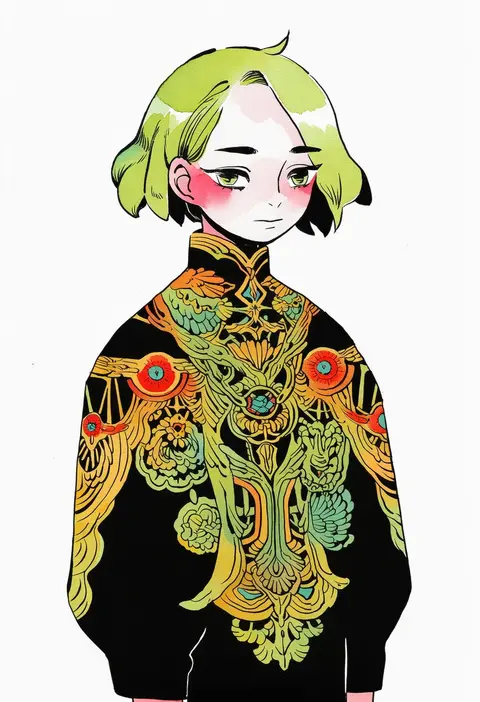
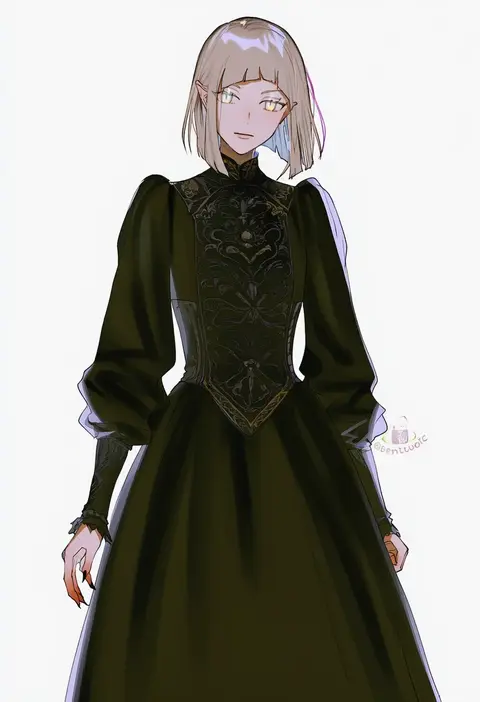
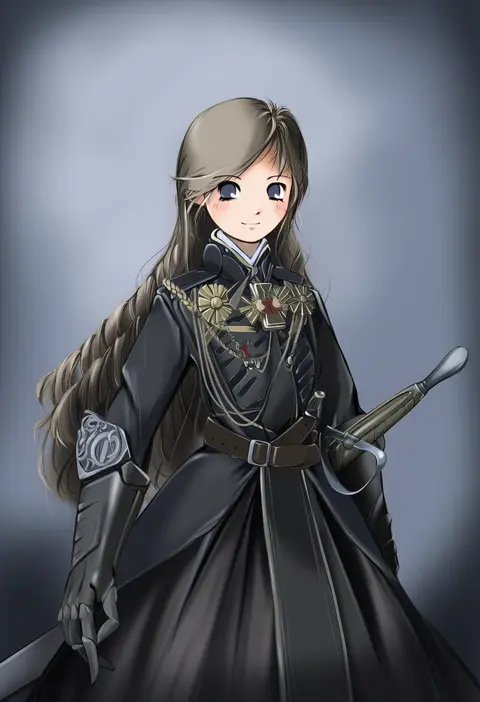
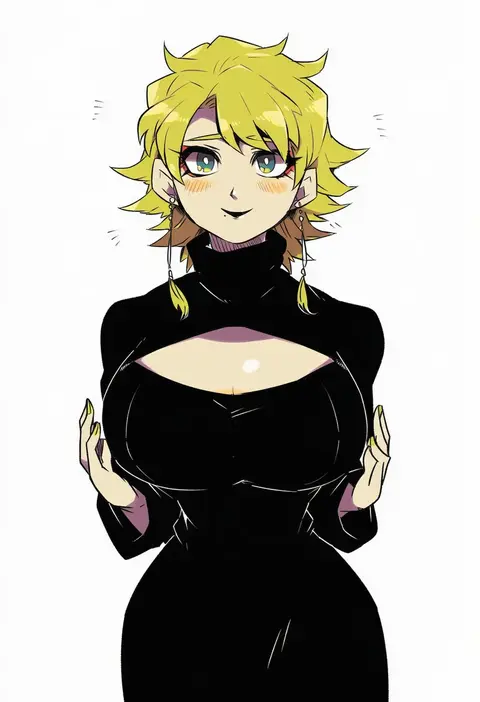
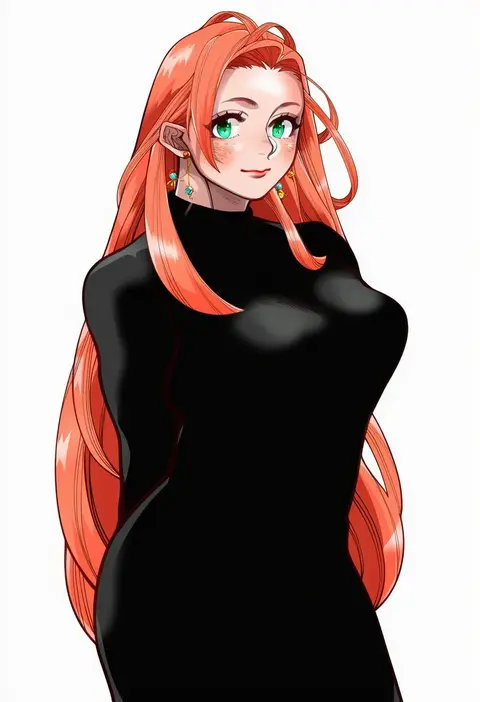
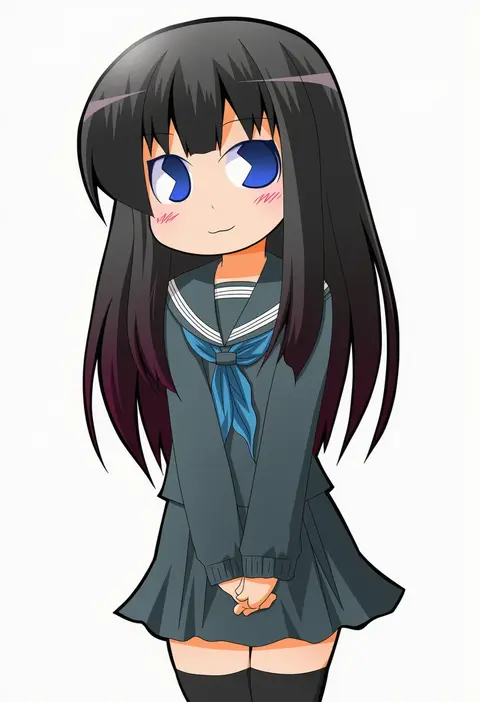
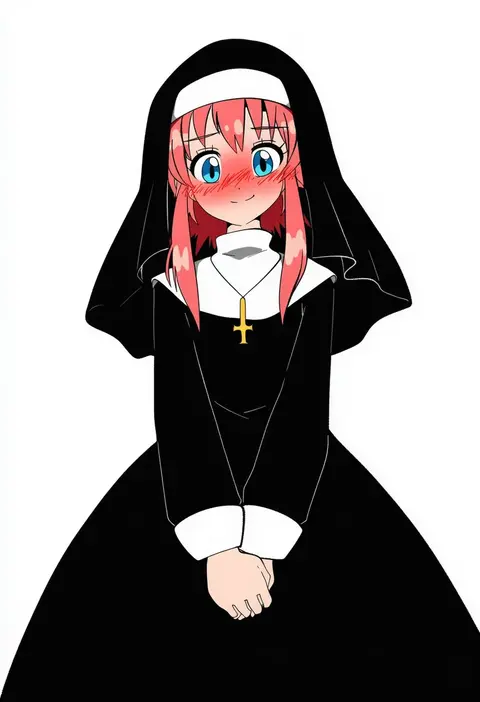
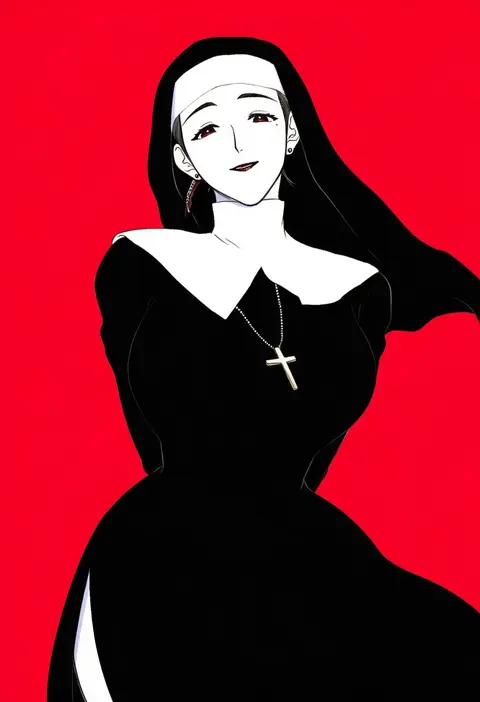
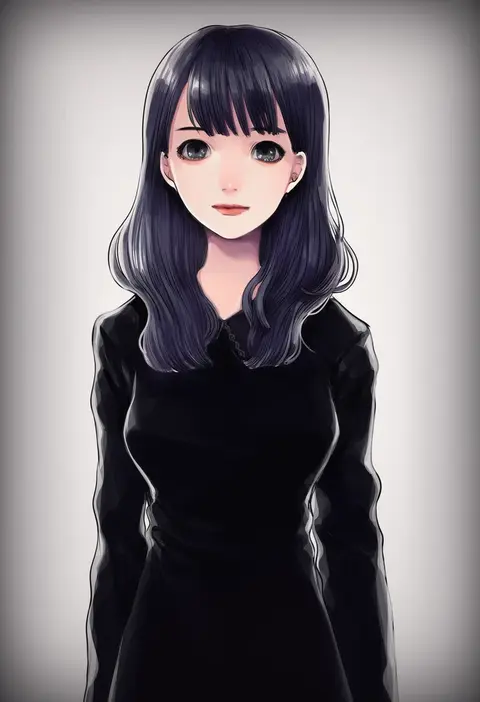
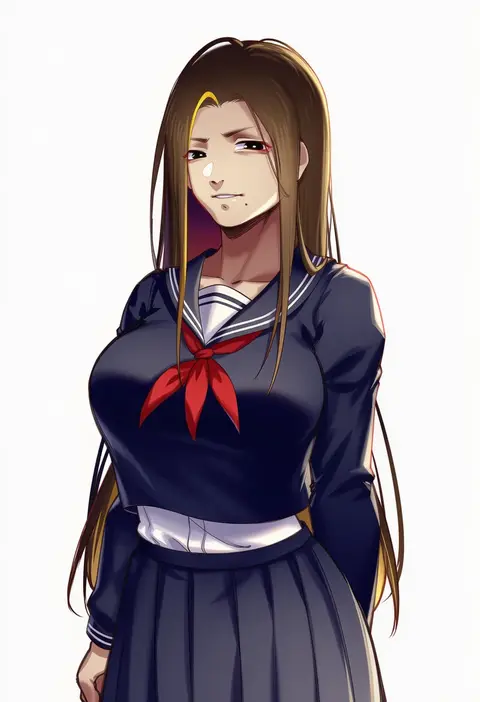
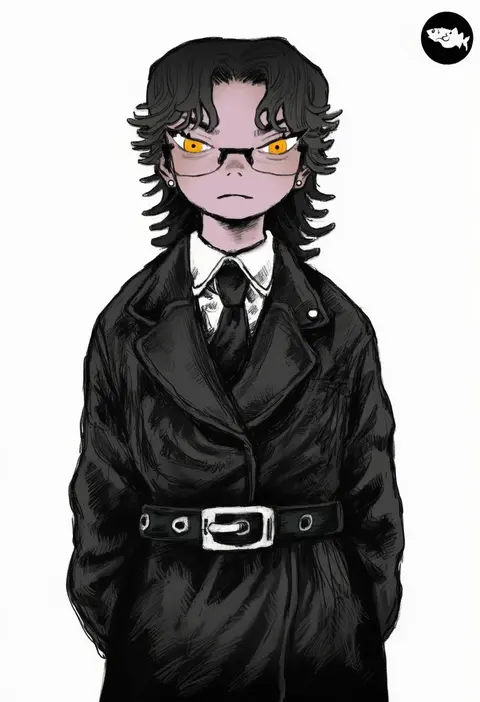
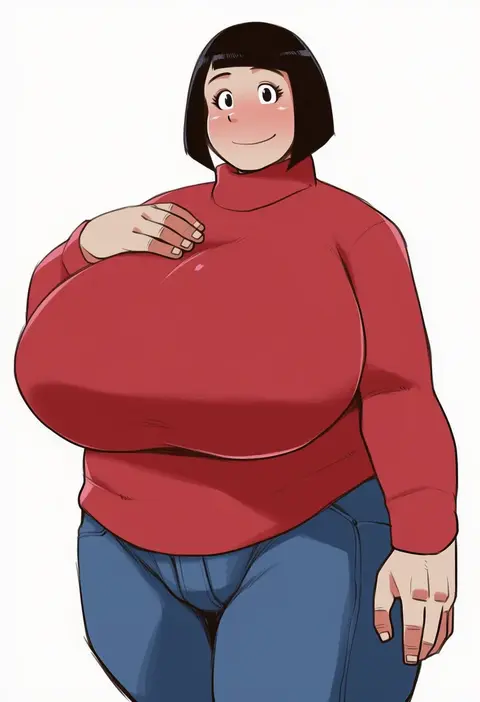
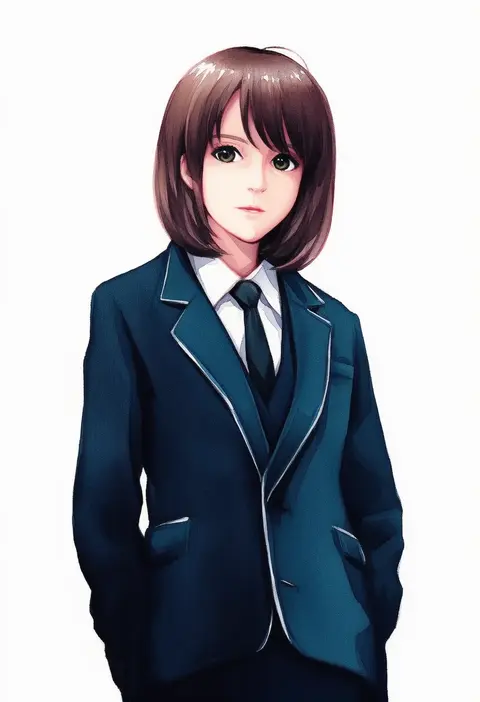
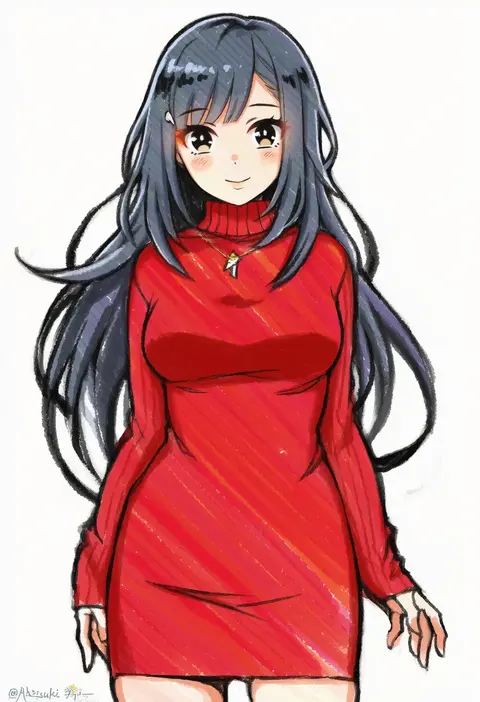
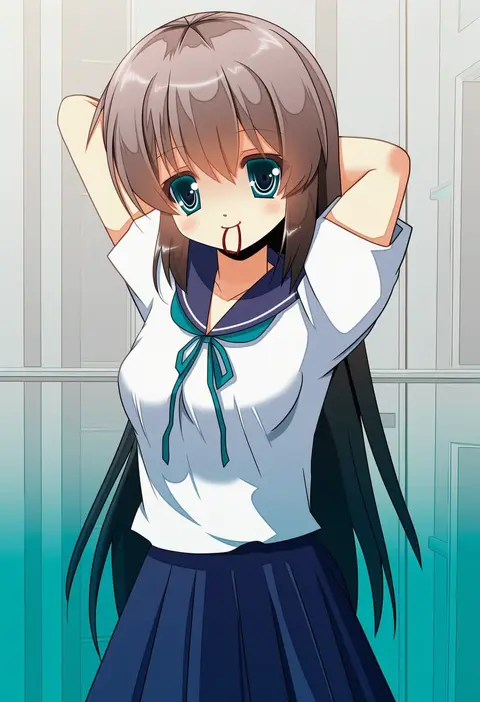
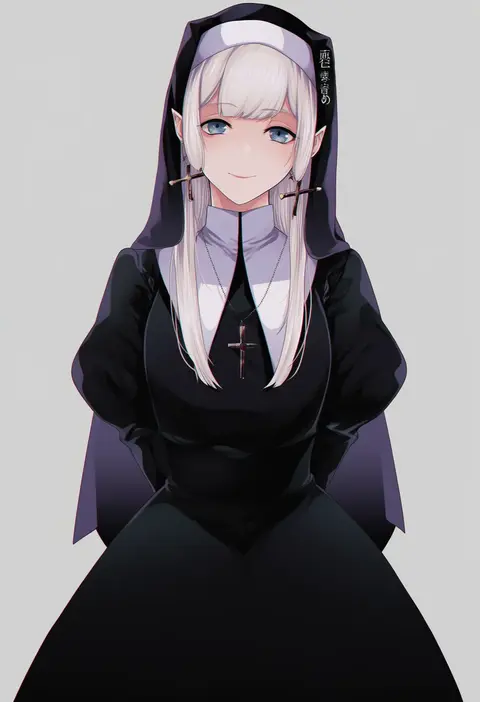
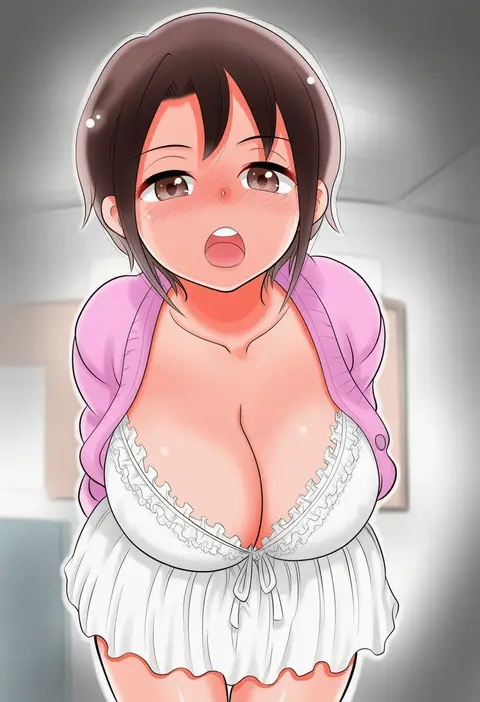
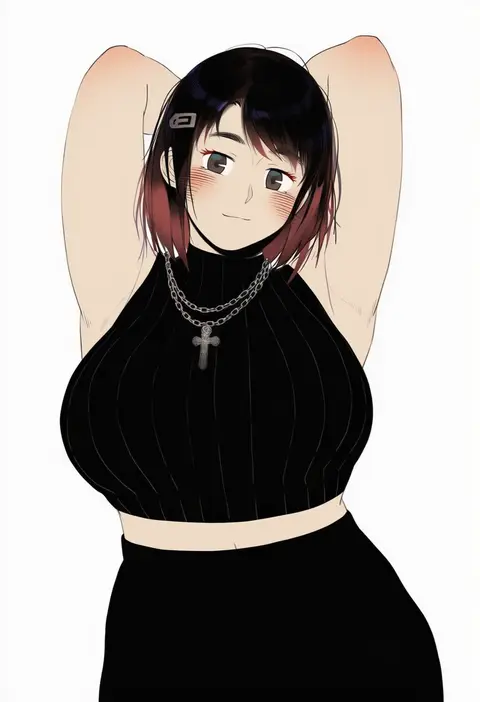
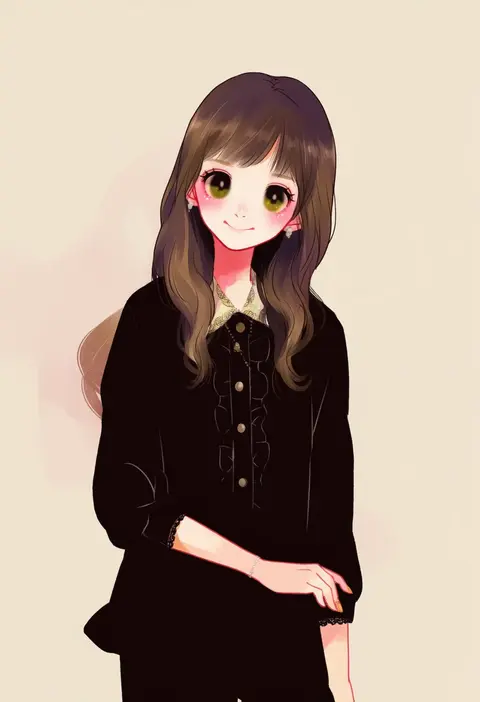
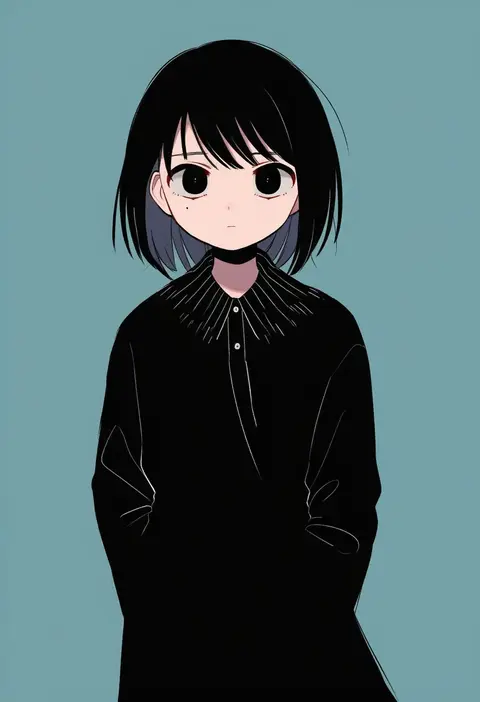
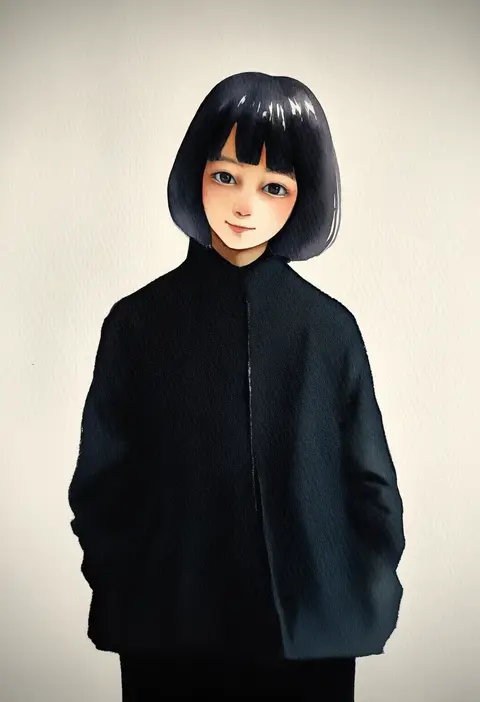
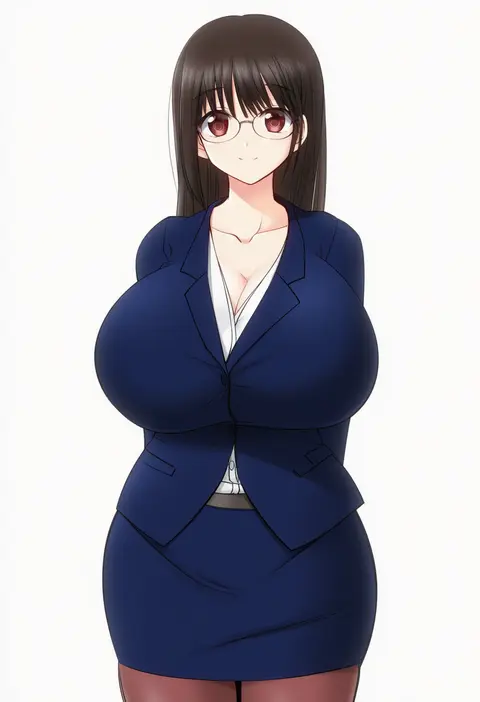
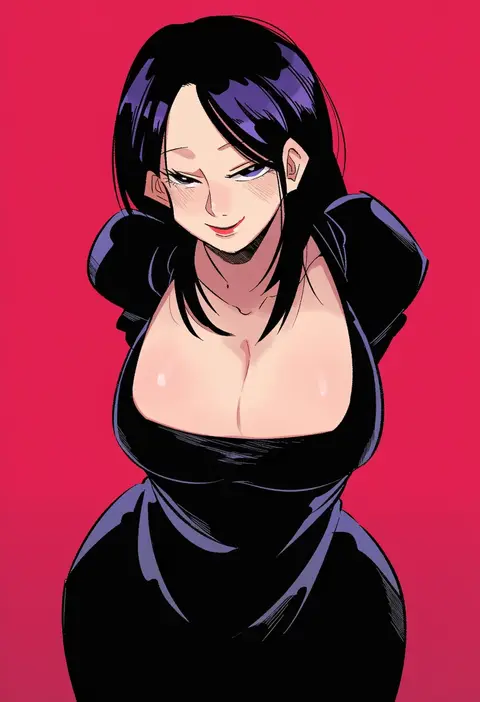
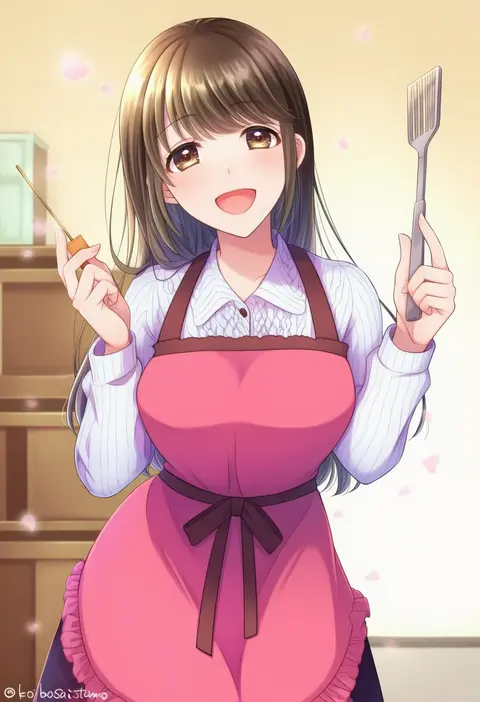
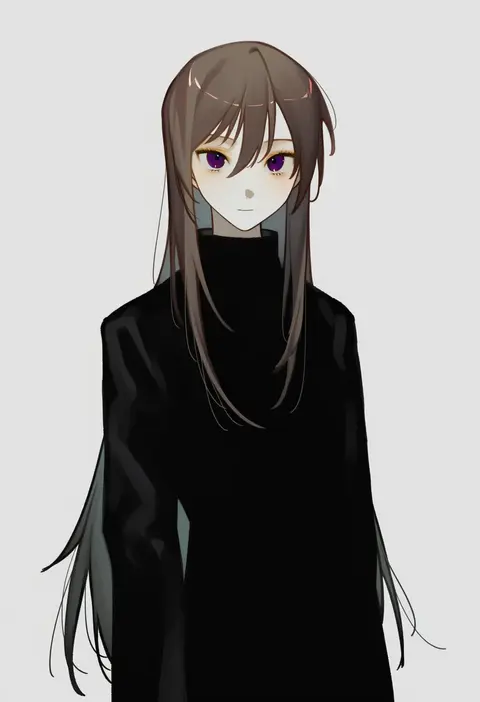
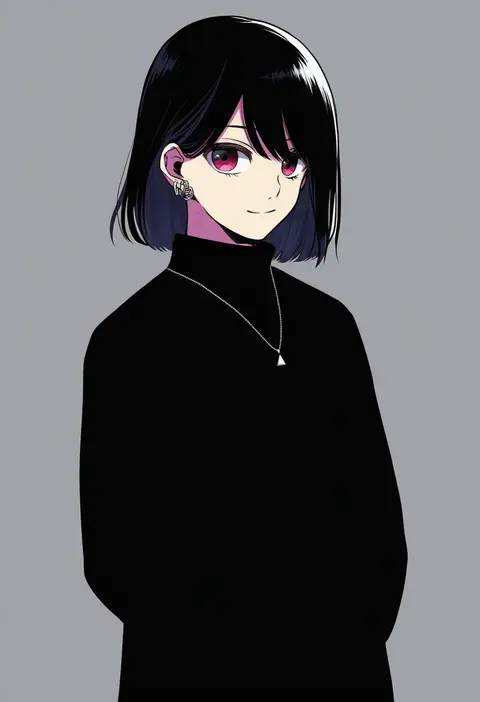
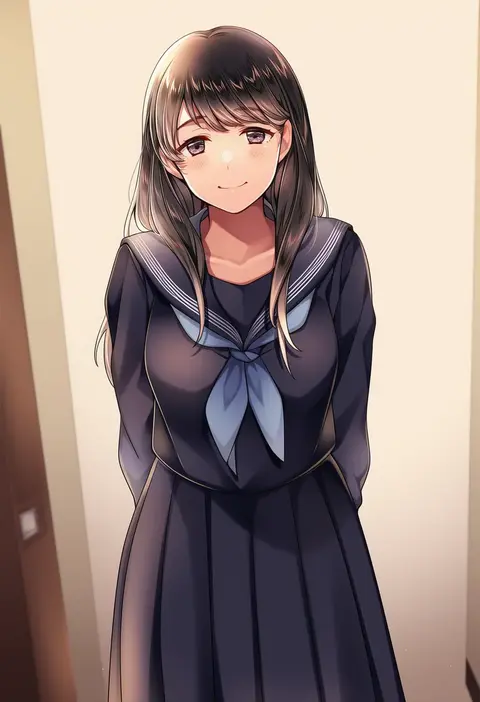
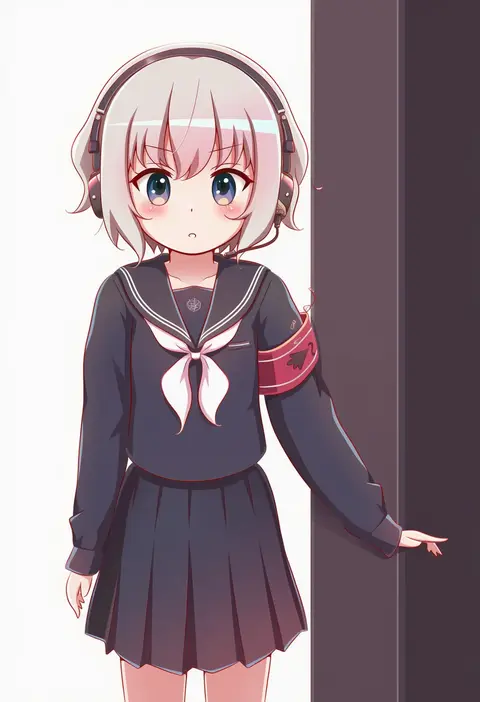
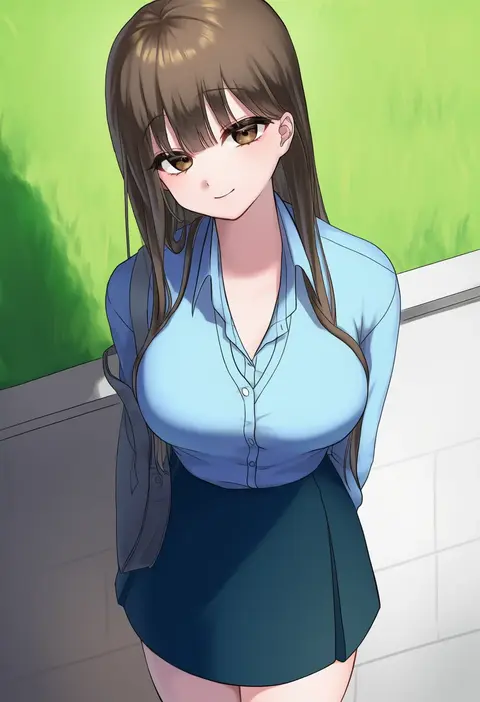
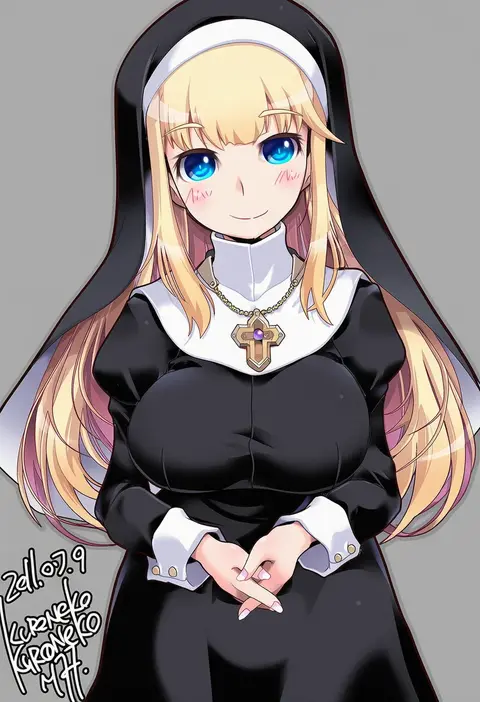
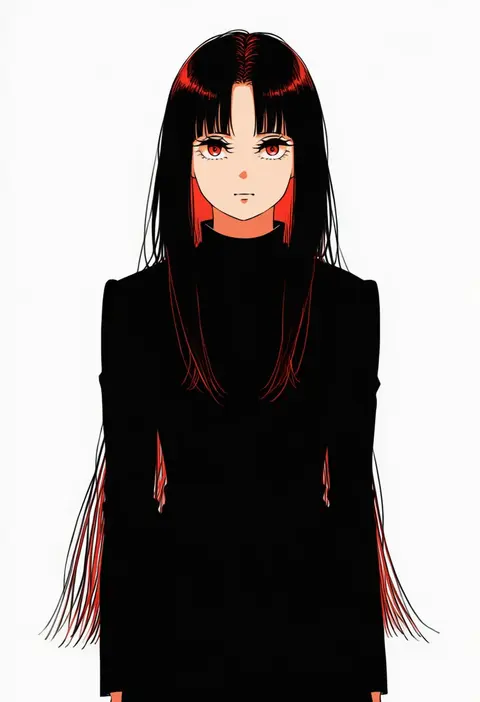
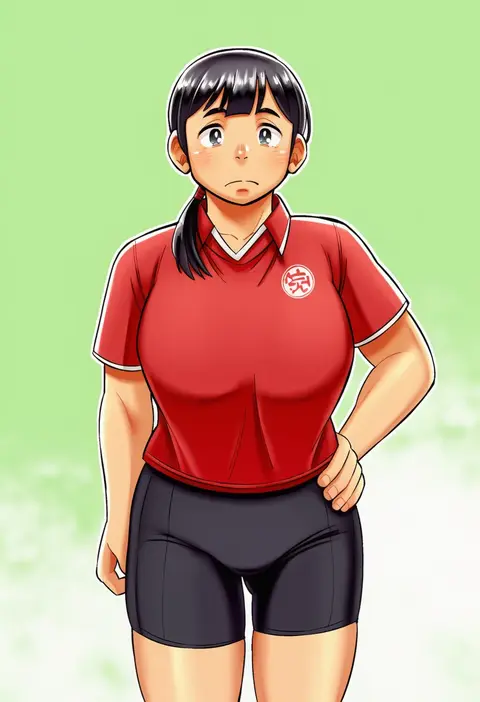
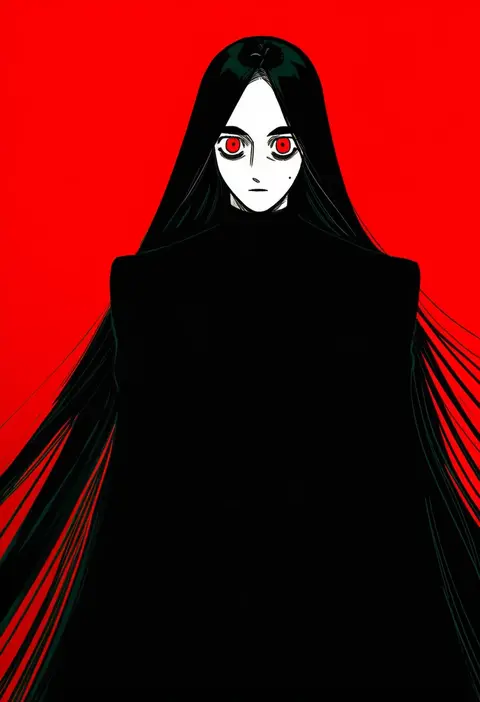
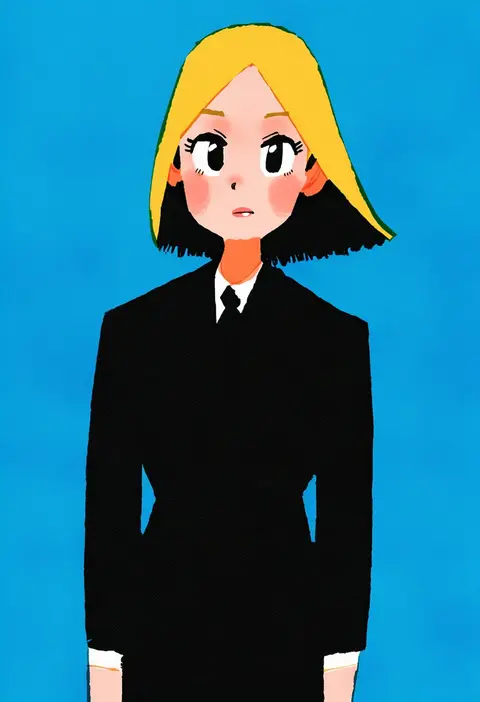
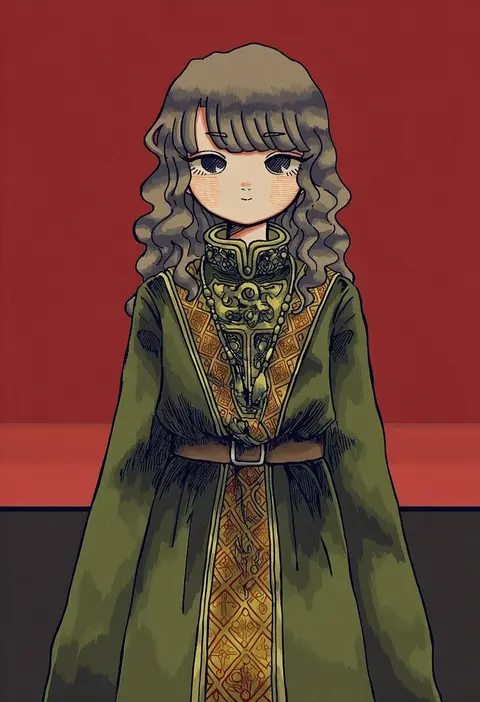
Artist tags tell NovelAI Diffusion to draw in a specific artist's style: line weight, paint texture, face shapes and palette all shift at once. Character and outfit tags decide what is drawn; artist tags decide how. 16,352 tags are listed for V4.5.
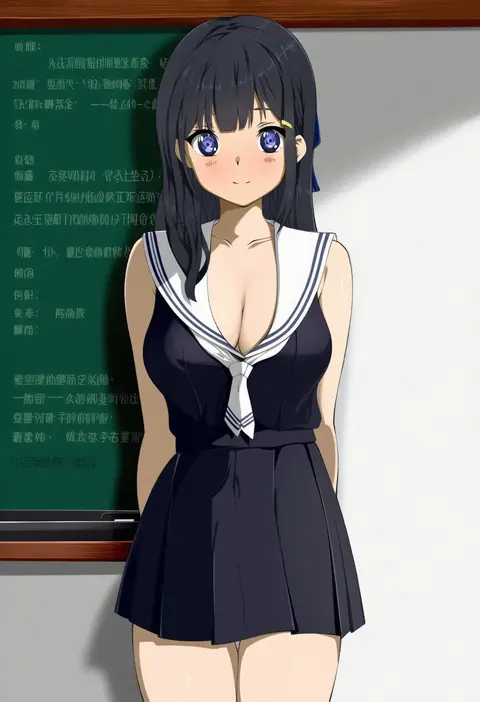
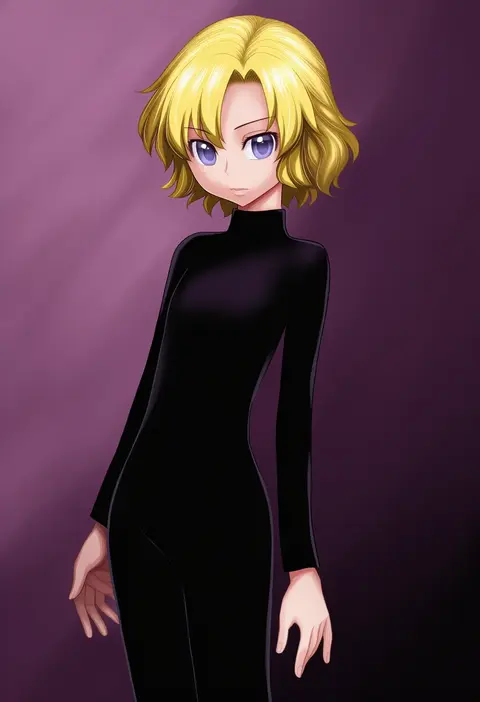
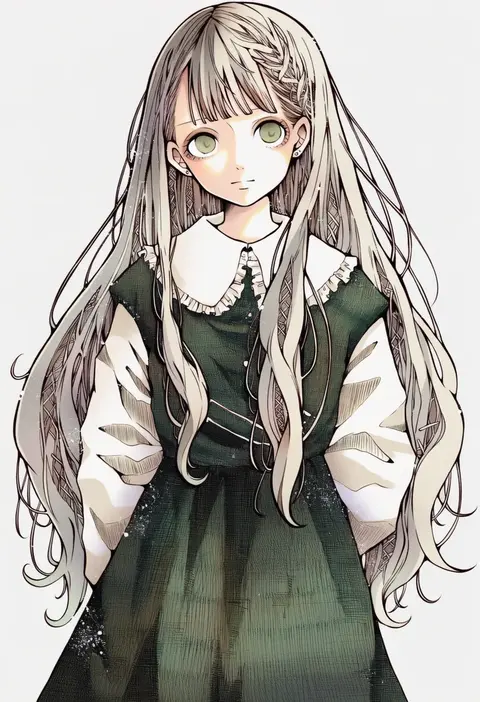
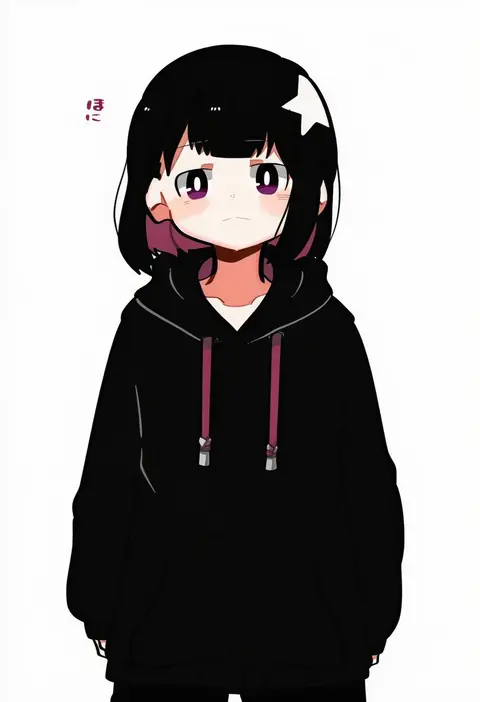
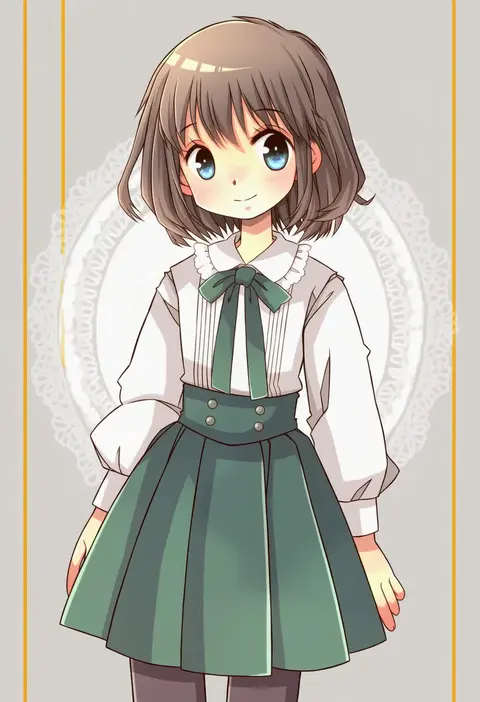
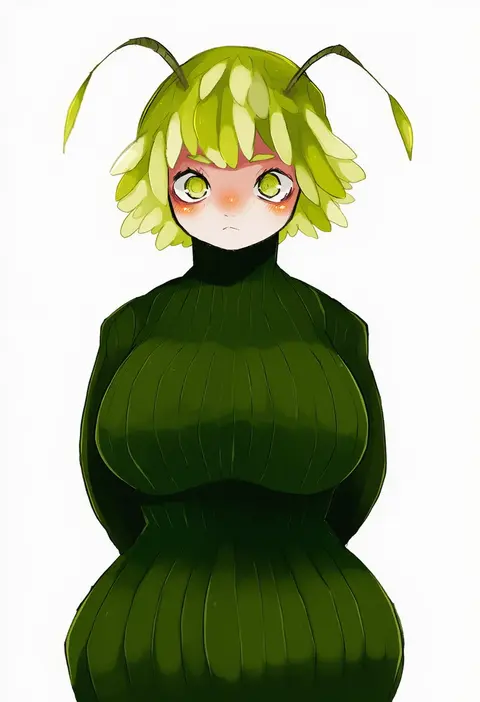
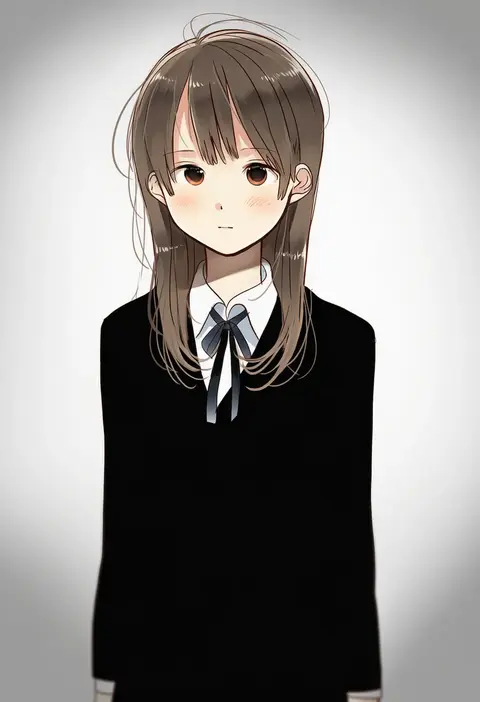
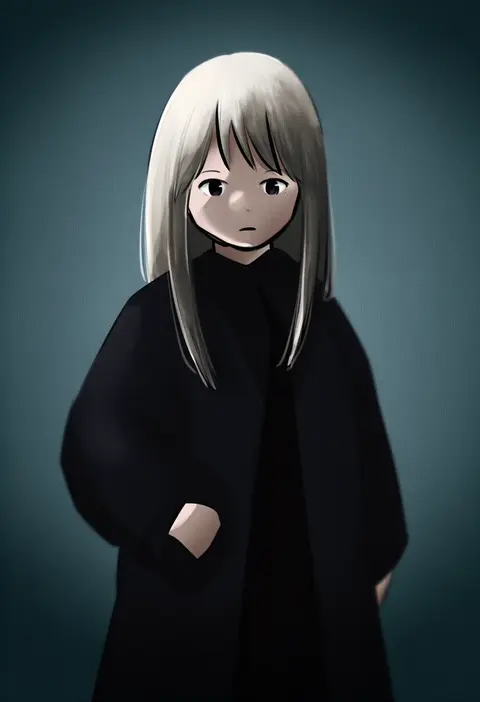
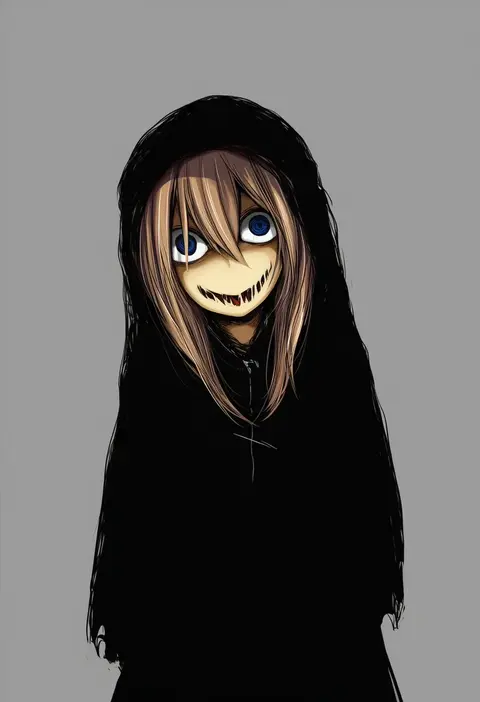
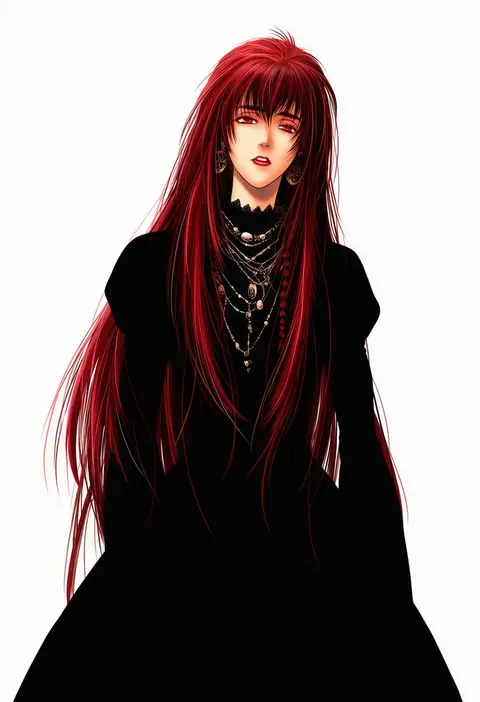
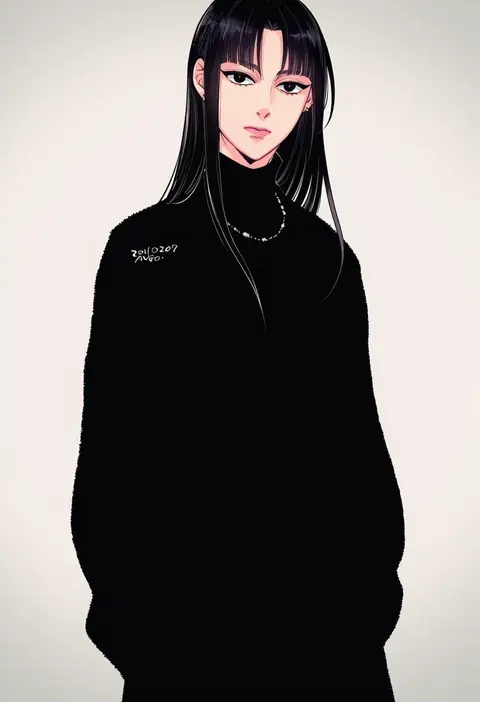
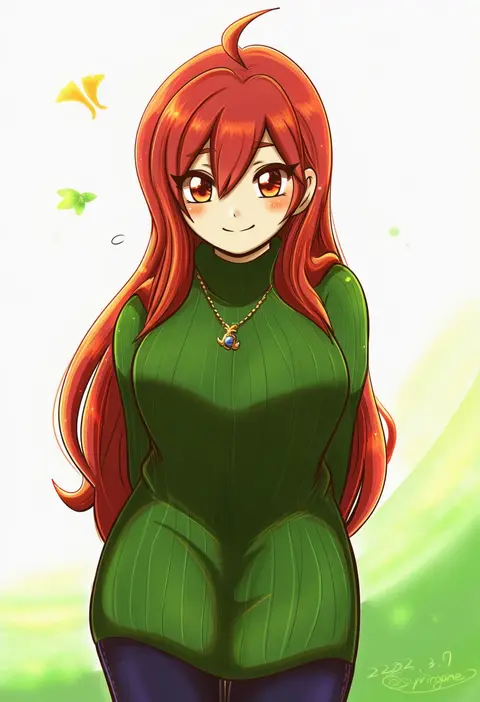
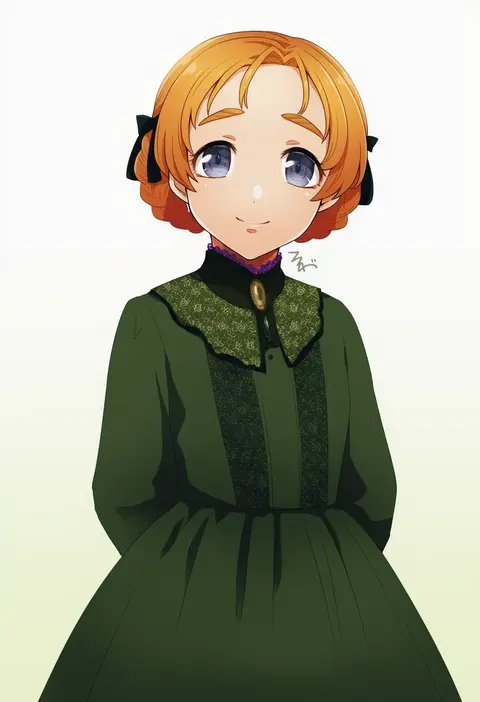
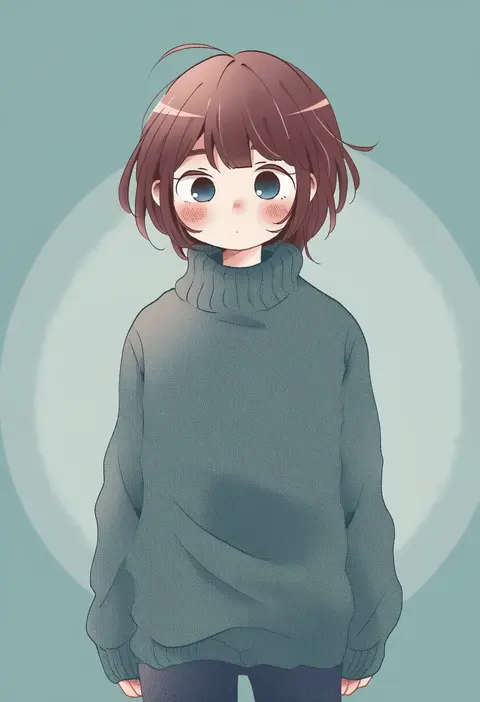
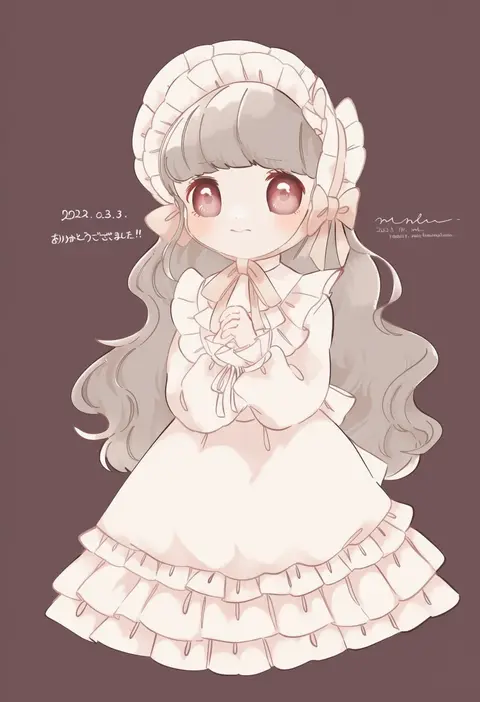
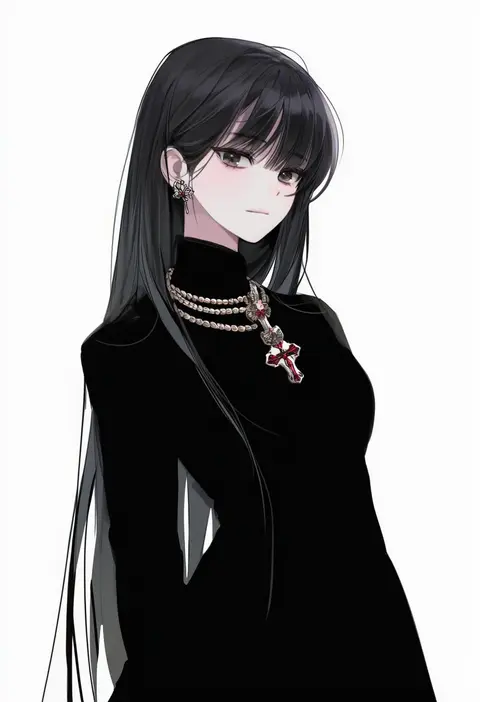
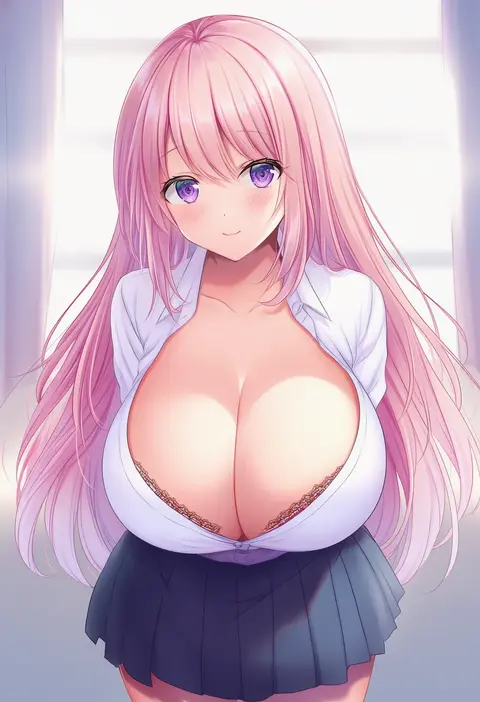
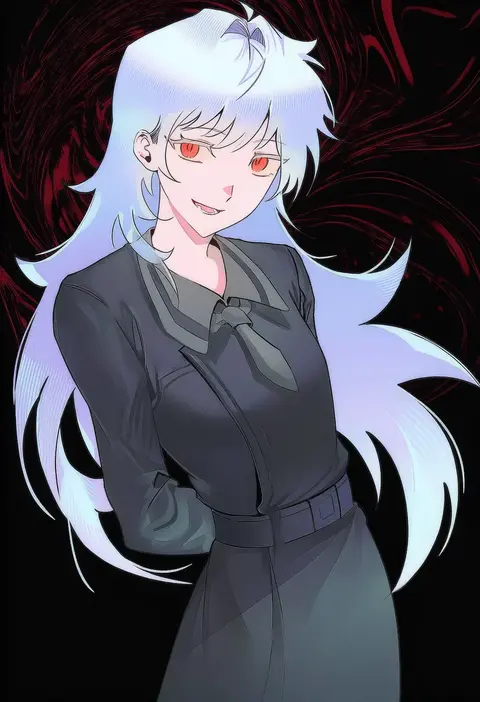
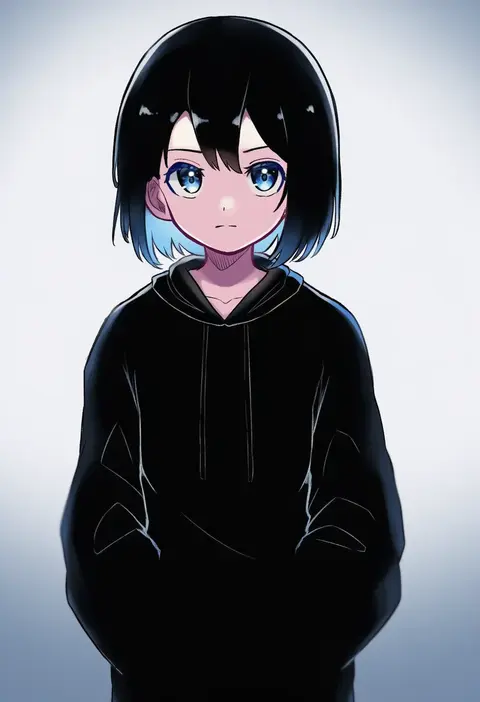
Every tag listed here is verified to react in NovelAI. All images use the same prompt, seed and settings with only the artist tag swapped, so the difference between two images is the style that tag brings in.

How to use them

Put the artist tag near the front of the prompt, e.g. "<artist>, 1girl, solo, best quality, masterpiece, cowboy shot". Two or three artist tags blend styles; lower the weight with "0.8::<artist>::" when the style overpowers the character.

SCORE sorts by Danbooru's top score, POSTS by post count, FAVS by hearts on this site. Open a card to see V5 and V4.5 side by side on the same seed.

V5 vs V4.5

V5 usually lands closer to the artist's real style, and tags that did nothing on V4.5 often react on V5. V4.5 still fits older and doujin-heavy artists better. Try V5 first, fall back to V4.5.

FAQ

Where does the artist tag go?
Near the front of the prompt. Use "0.8::tag::" to adjust its weight.

Can I stack artist tags?
Yes, styles blend. Past two or three the result stops looking like anyone.

Are these the artists' own works?
No. Every image is a NovelAI sample generated from the tag.