V4.5Artists
sort: FAVS▾
▾
>
$

NovelAI Artist Tags List — V4.5

artist --count 16,352[269/273]
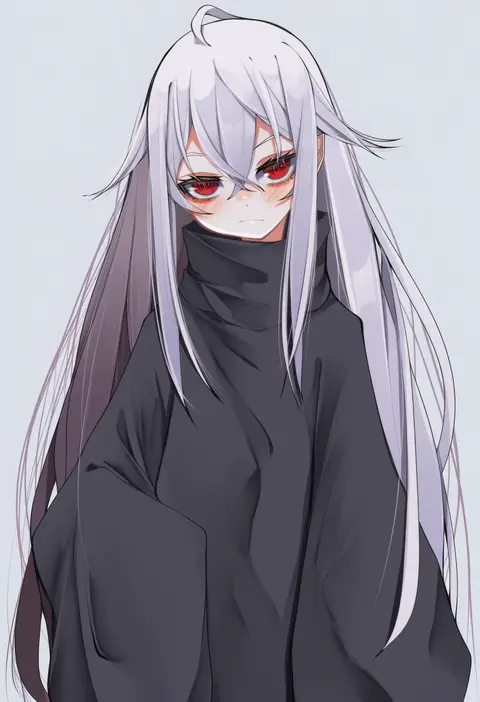
tsune (tune)
ARTIST0x3ED0
0
paru rari
ARTIST0x3ED1
0
okota mikan
ARTIST0x3ED2
0
hanato (seonoaiko)
ARTIST0x3ED3
0
rei (tonbo0430)
ARTIST0x3ED4
0
mumu (mumunyan)
ARTIST0x3ED5
0
yqgkg
ARTIST0x3ED6
0
collagen
ARTIST0x3ED7
0
shunichi
ARTIST0x3ED8
0
z-epto (chat-noir86)
ARTIST0x3ED9
0
o (rakkasei)
ARTIST0x3EDA
0
ka (marukogedago)
ARTIST0x3EDB
0
kirai y
ARTIST0x3EDC
0
yasuda akira
ARTIST0x3EDD
0
volkor
ARTIST0x3EDE
0
gomulgong
ARTIST0x3EDF
0
nopetroto
ARTIST0x3EE0
0
n9at
ARTIST0x3EE1
0
wanimaru
ARTIST0x3EE2
0
aak
ARTIST0x3EE3
0
koshika rina
ARTIST0x3EE4
0
ha-ru
ARTIST0x3EE5
0
betabeet
ARTIST0x3EE6
0
batrobin k
ARTIST0x3EE7
0
namako daibakuhatsu
ARTIST0x3EE8
0
ojo aa
ARTIST0x3EE9
0
takashia (akimototakashia)
ARTIST0x3EEA
0
kanta077
ARTIST0x3EEB
0
rkrk12
ARTIST0x3EEC
0
utopia
ARTIST0x3EED
0
camui1104
ARTIST0x3EEE
0
fangxiang cuoluan
ARTIST0x3EEF
0
hinata (user rjkt4745)
ARTIST0x3EF0
0
diives
ARTIST0x3EF1
0
yamauchi (conan-comy)
ARTIST0x3EF2
0
akahi242
ARTIST0x3EF3
0
sekiguchi miiru
ARTIST0x3EF4
0
mapar
ARTIST0x3EF5
0
igni tion
ARTIST0x3EF6
0
nodachi (artist)
ARTIST0x3EF7
0
taro (tontaro)
ARTIST0x3EF8
0
gins
ARTIST0x3EF9
0
jikuno
ARTIST0x3EFA
0
seseren
ARTIST0x3EFB
0
iwasi 29
ARTIST0x3EFC
0
mijikayo
ARTIST0x3EFD
0
mokyutan
ARTIST0x3EFE
0
sokura (mochichitose)
ARTIST0x3EFF
0
ikarin
ARTIST0x3F00
0
otintin
ARTIST0x3F01
0
koohee
ARTIST0x3F02
0
karaage bou
ARTIST0x3F03
0
koizumi arata
ARTIST0x3F04
0
rla13753
ARTIST0x3F05
0
mirufui
ARTIST0x3F06
0
matsu-sensei
ARTIST0x3F07
0
neet co.
ARTIST0x3F08
0
kasuga haruhi
ARTIST0x3F09
0
kasumi saika
ARTIST0x3F0A
0
plan (planhaplalan)
ARTIST0x3F0B
0

What these tags change

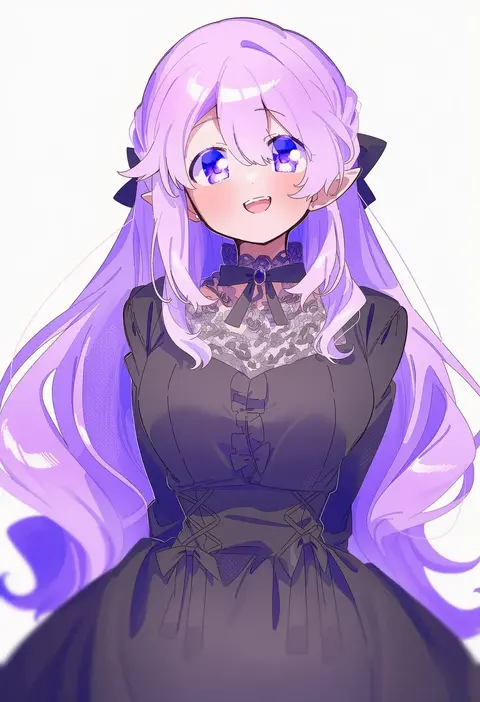
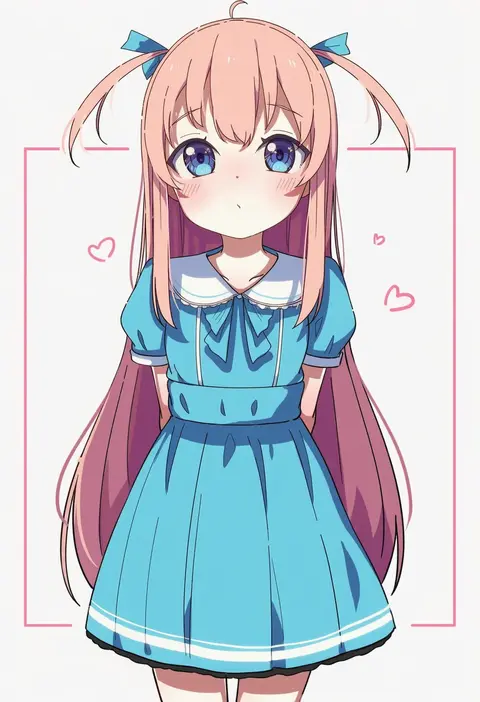
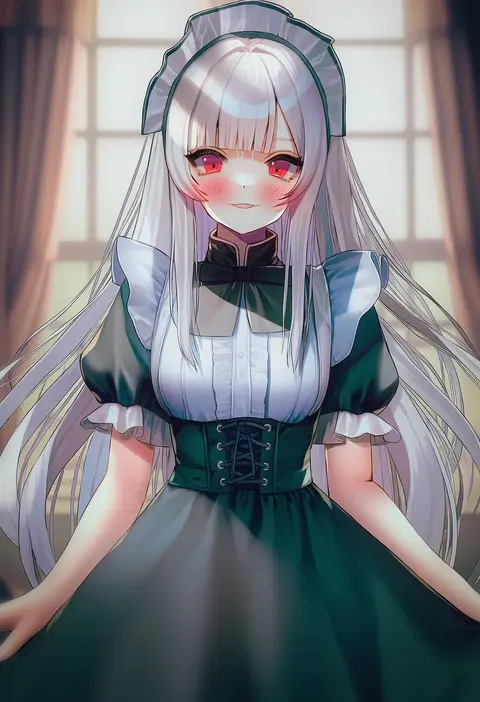
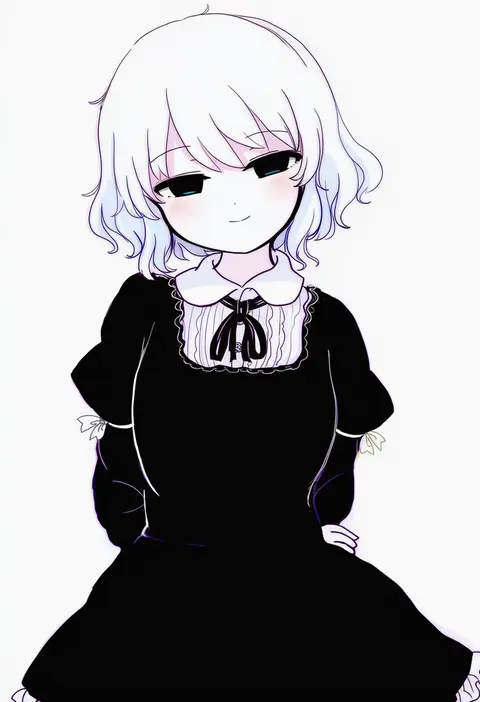
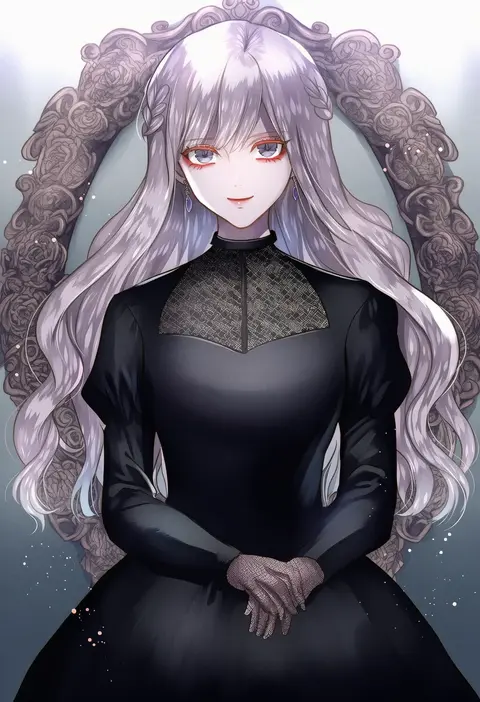
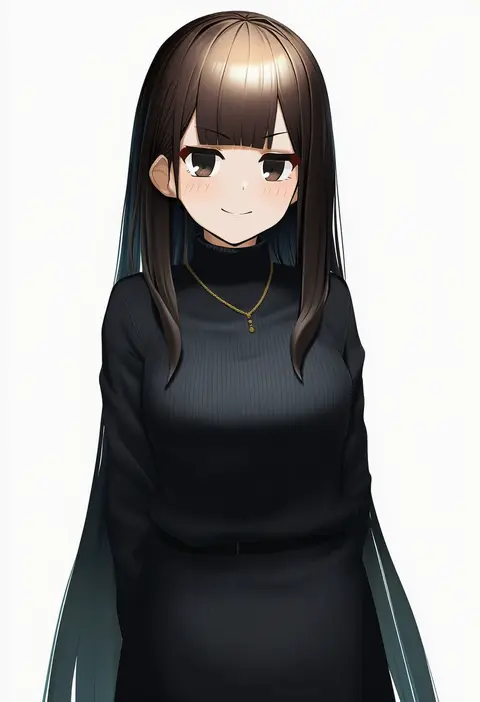
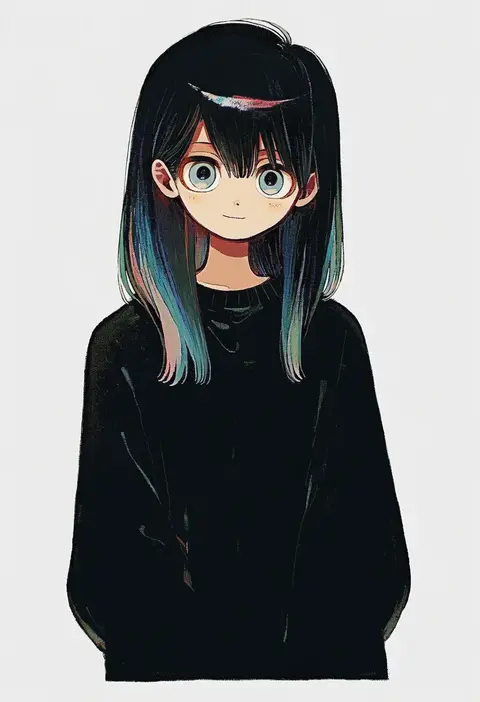
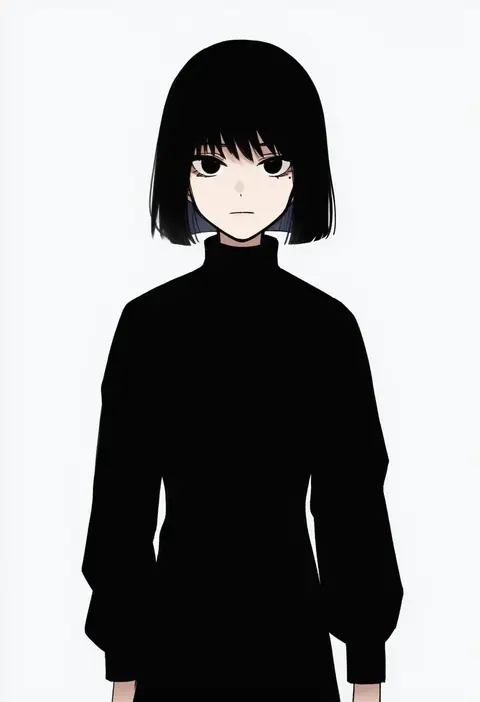
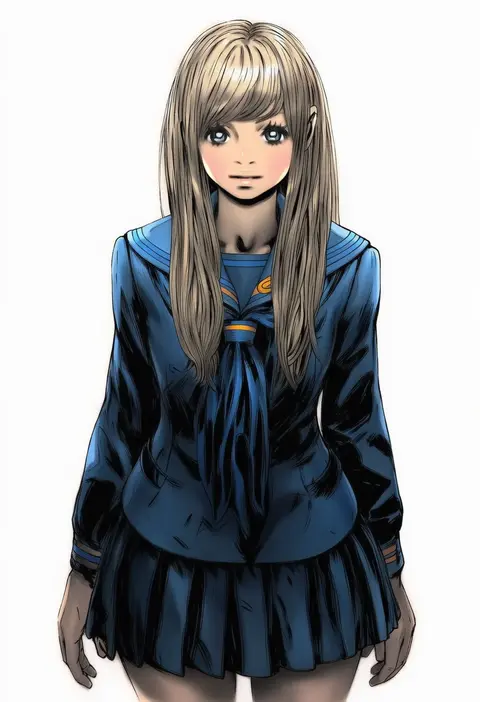
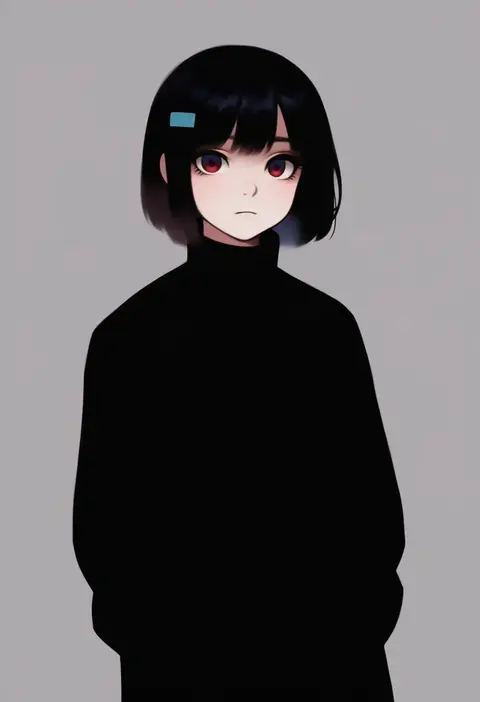
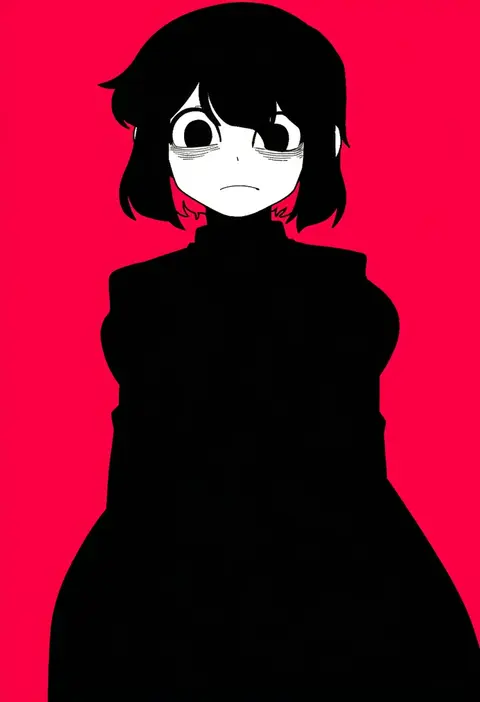
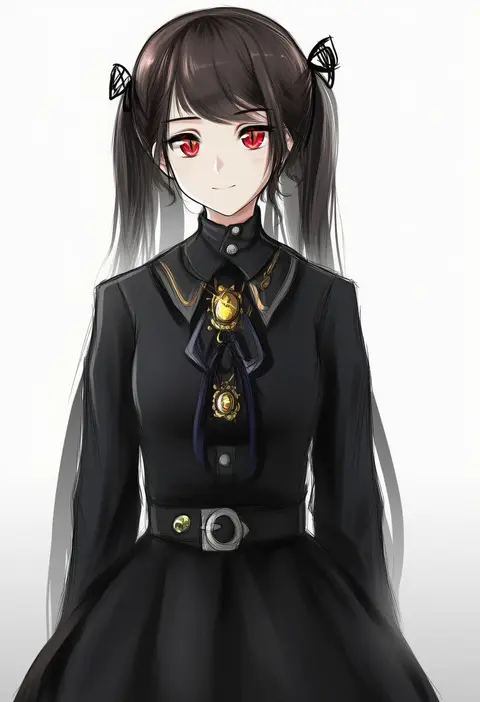
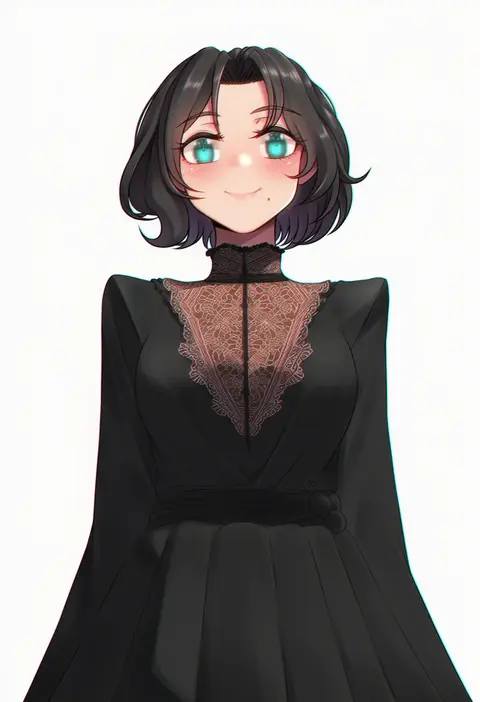
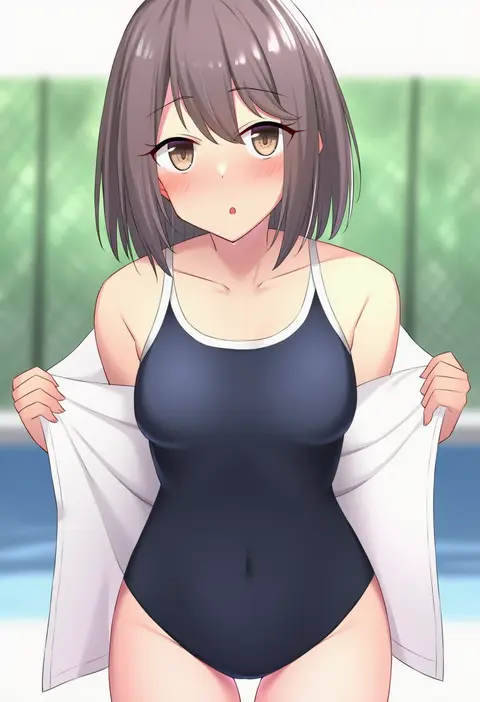
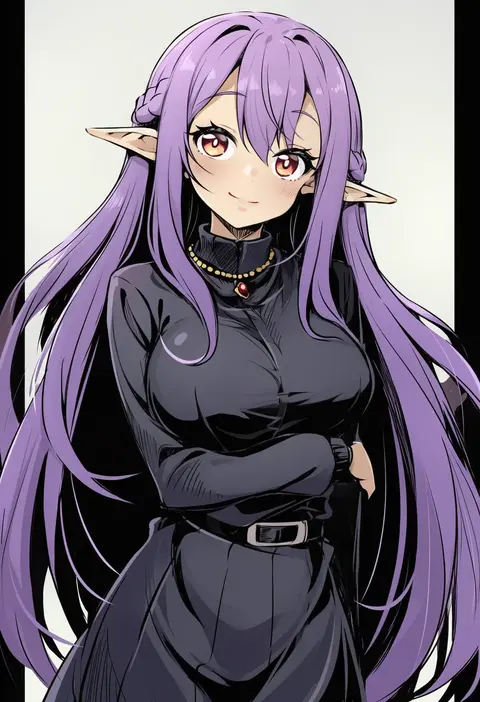
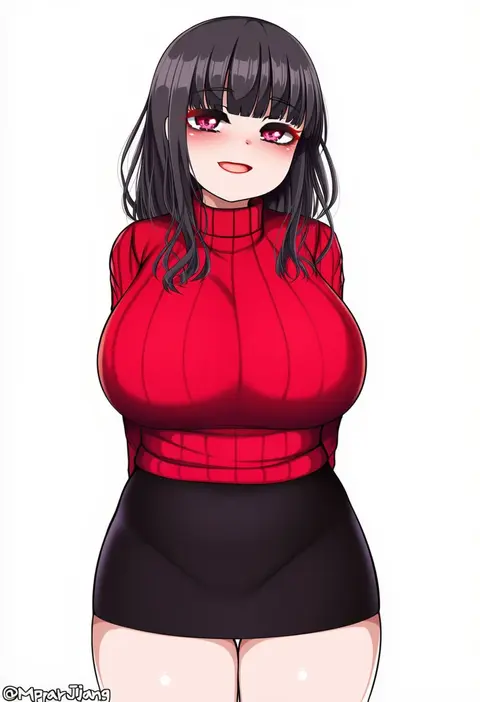
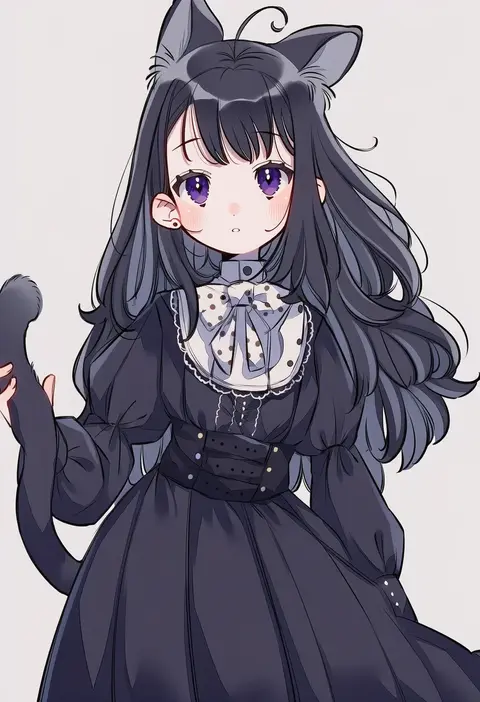
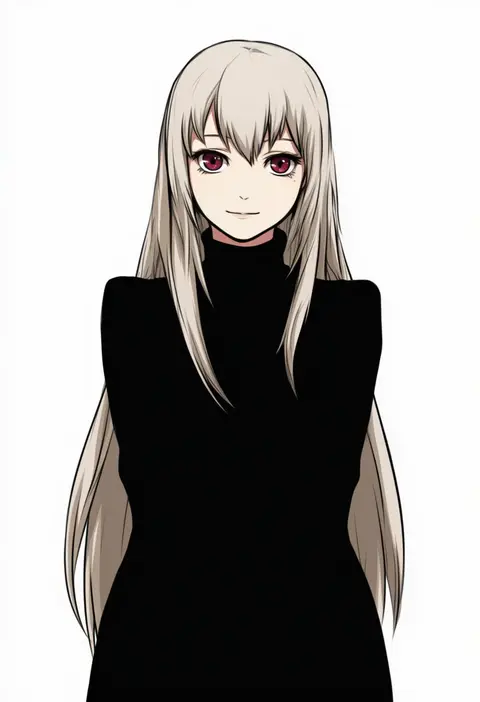
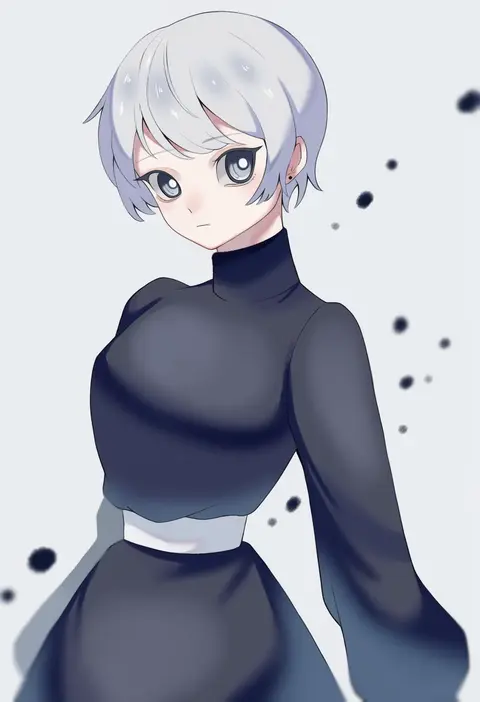
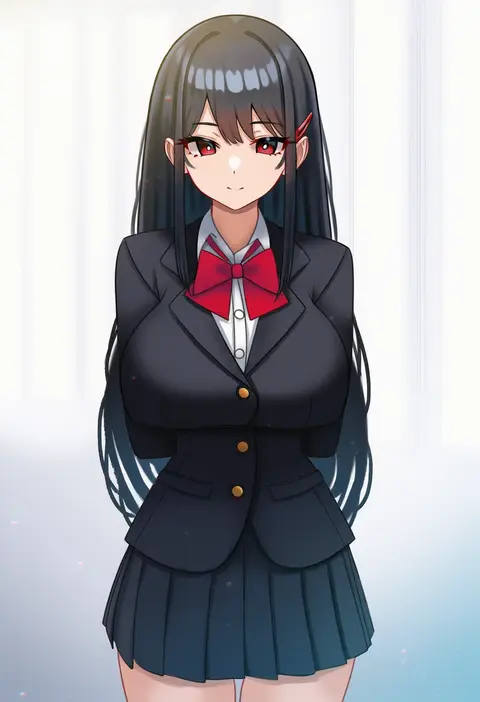
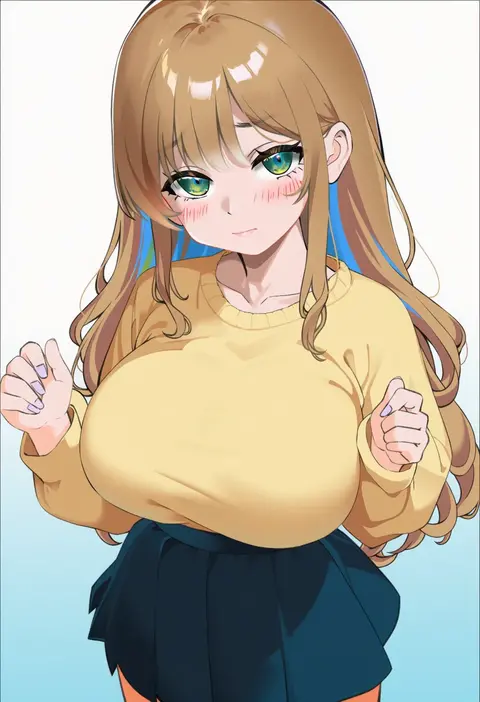
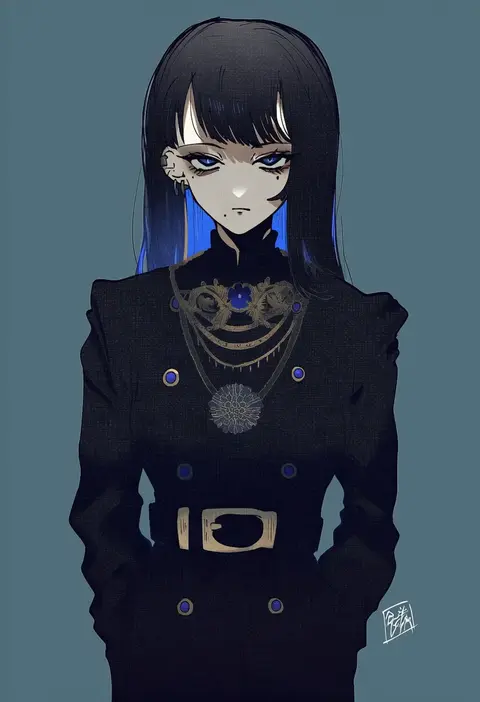
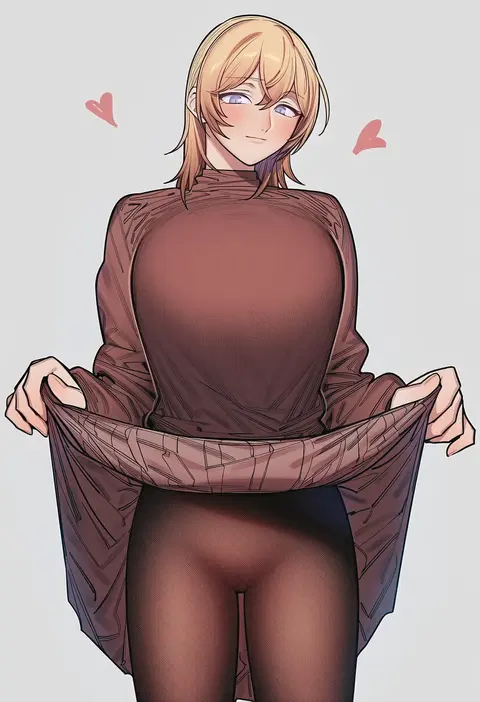
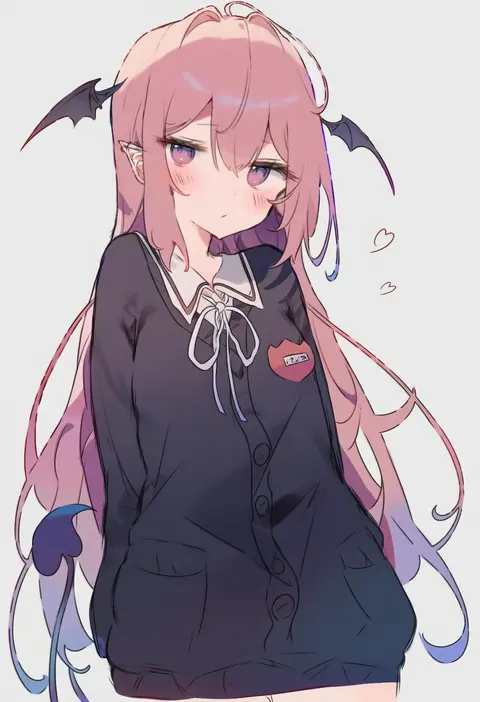
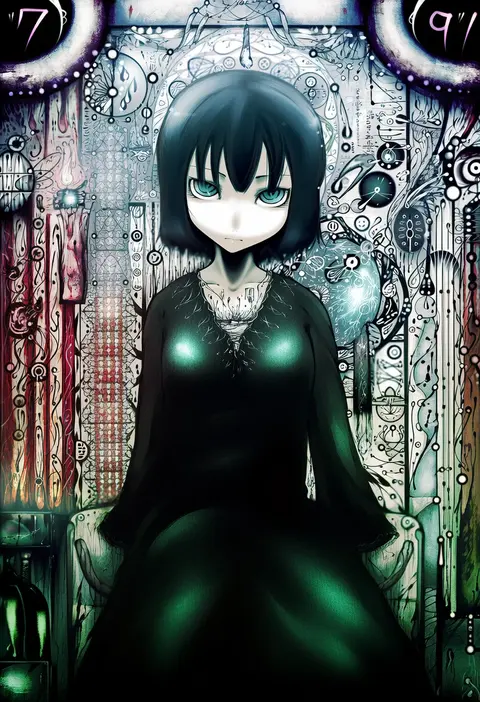
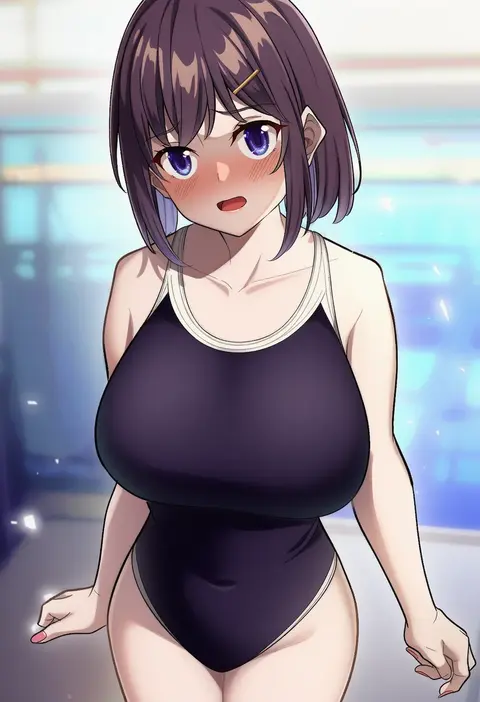
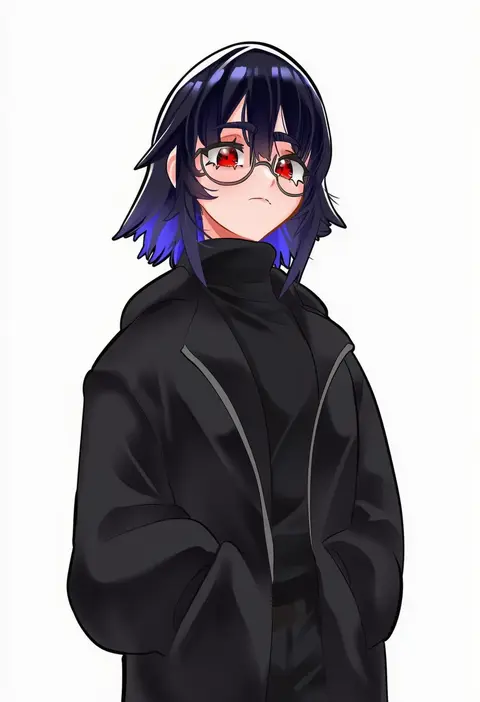
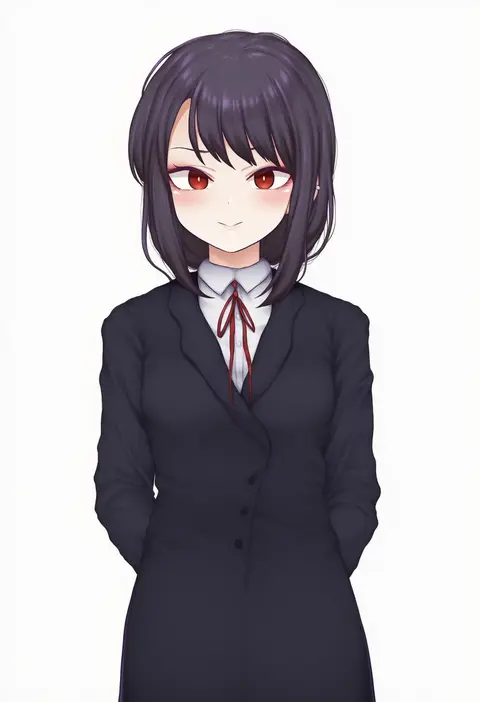
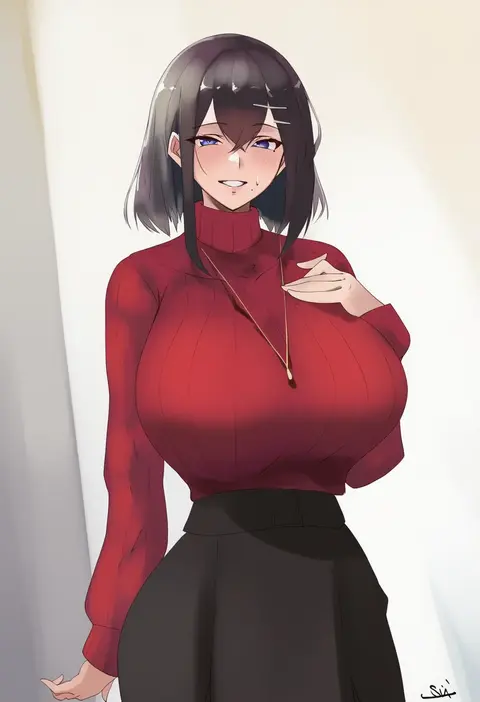
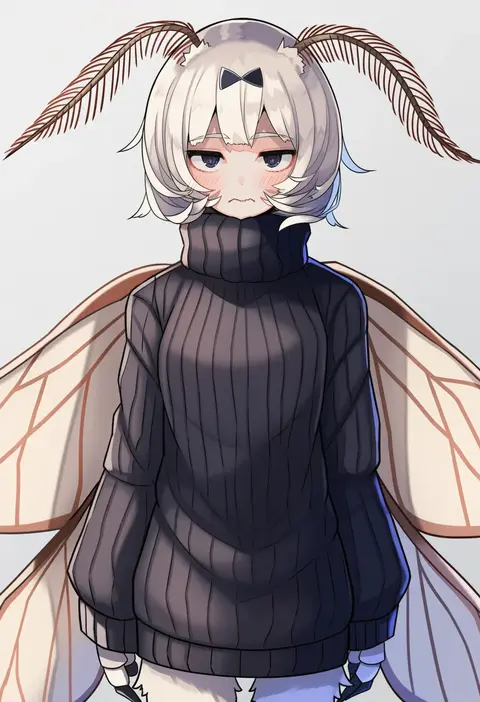
Artist tags tell NovelAI Diffusion to draw in a specific artist's style: line weight, paint texture, face shapes and palette all shift at once. Character and outfit tags decide what is drawn; artist tags decide how. 16,352 tags are listed for V4.5.
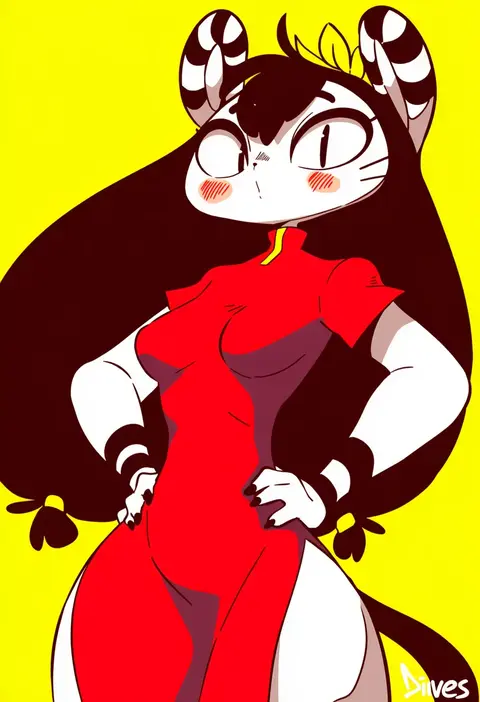
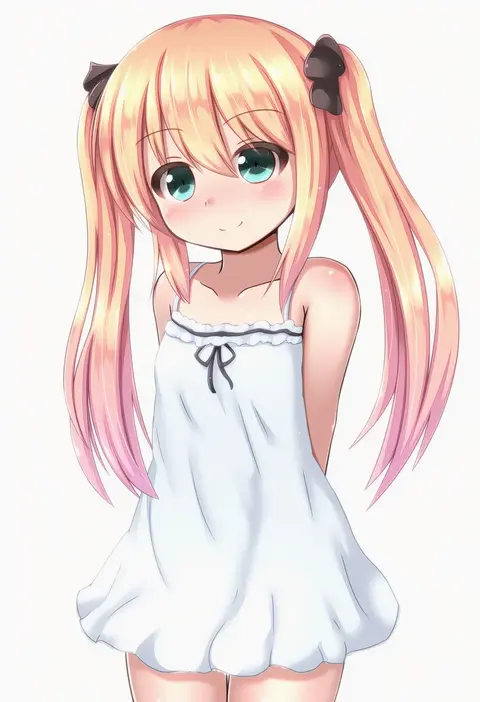
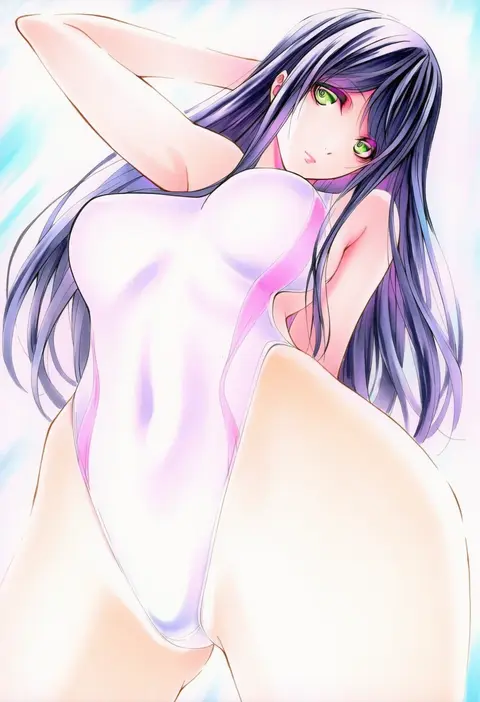
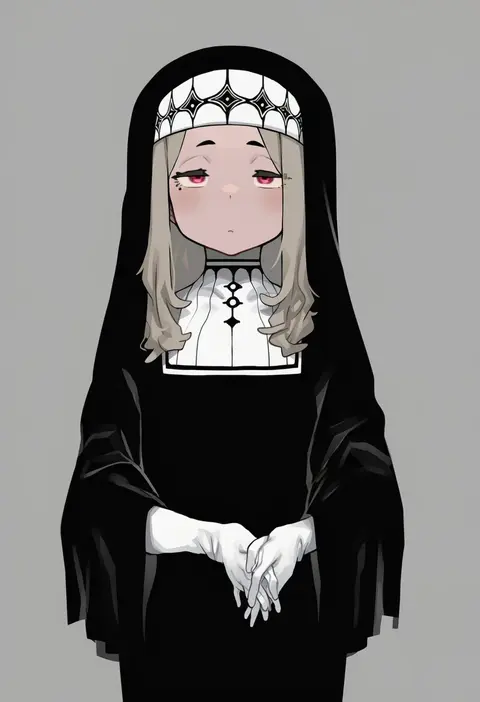
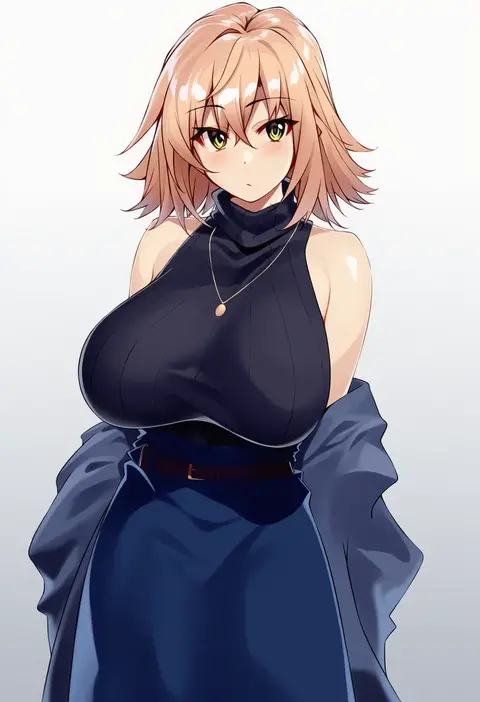
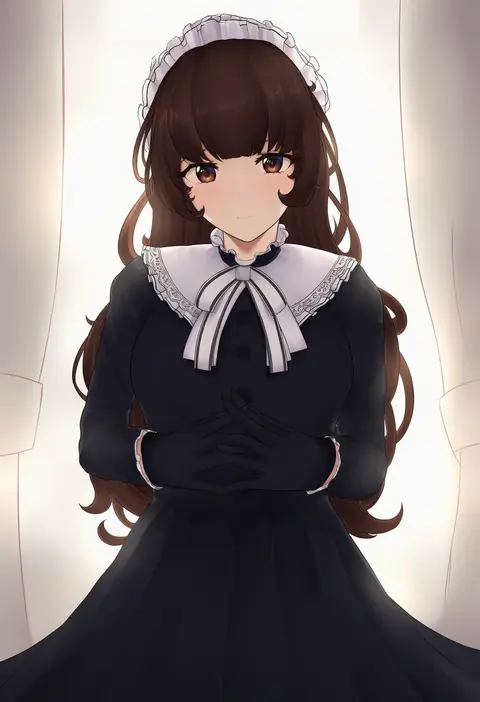
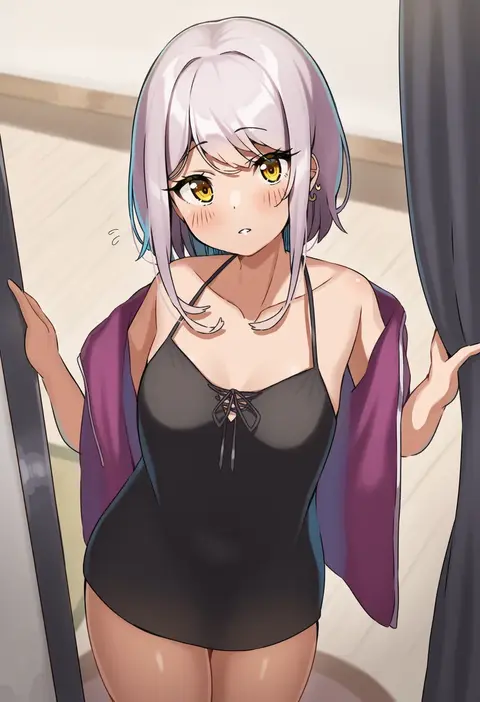
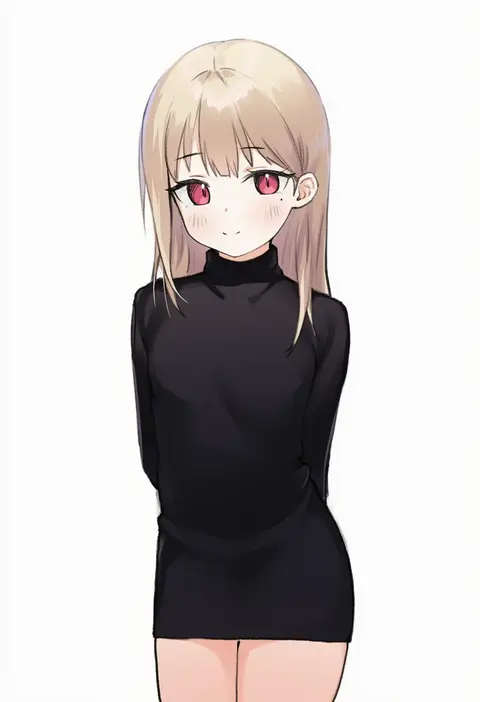
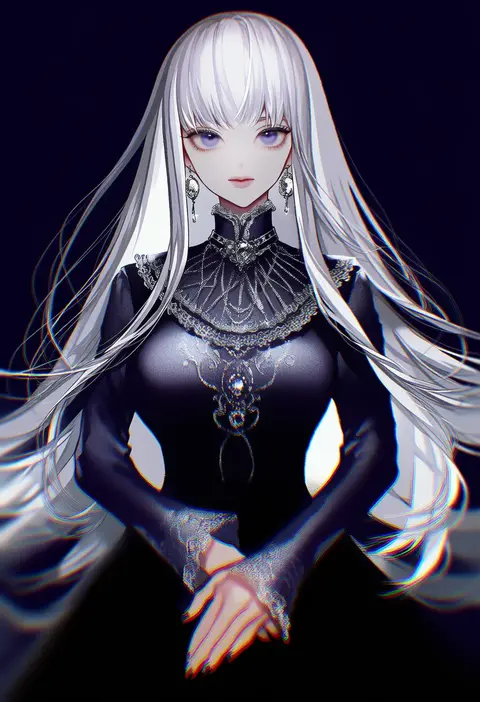
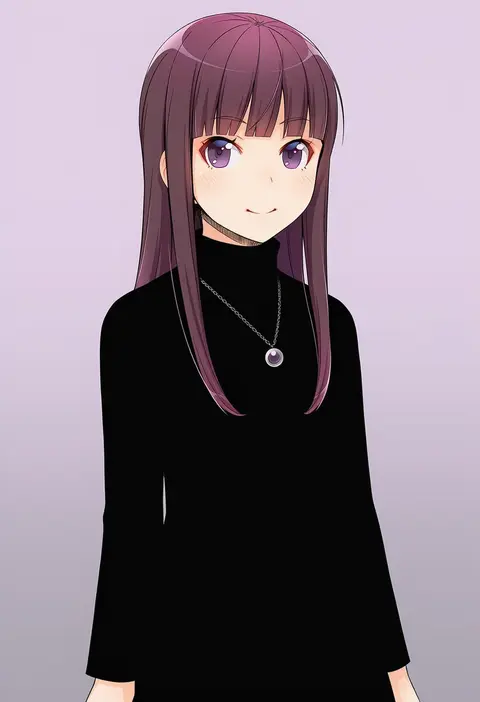
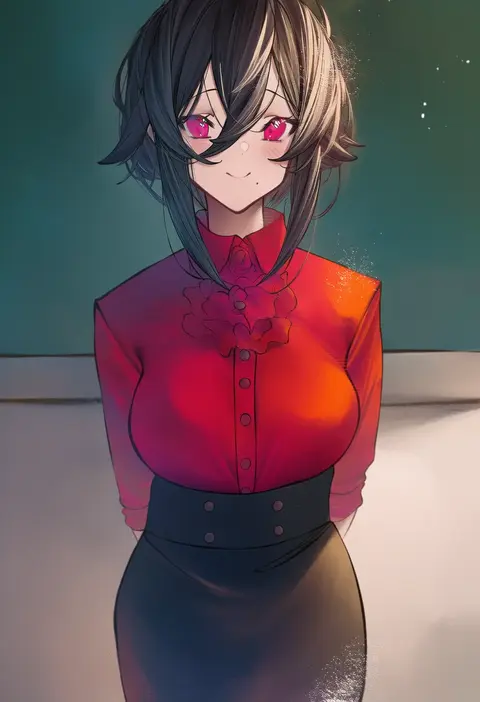
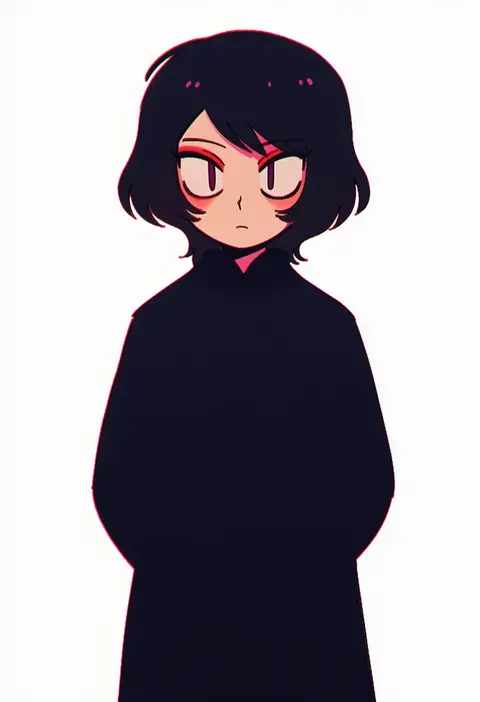
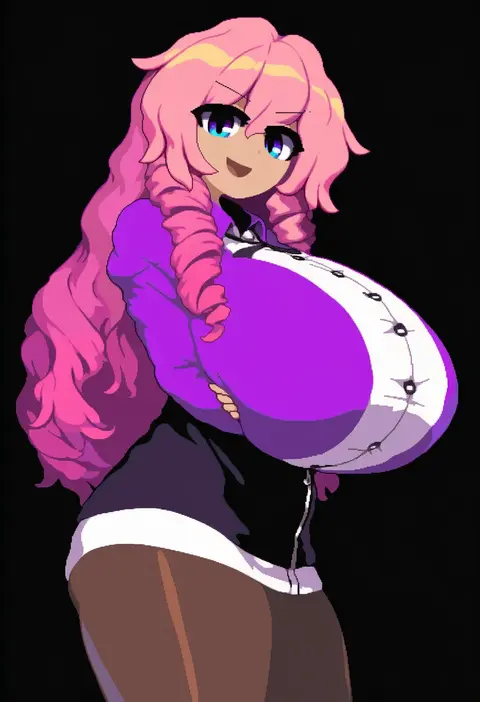
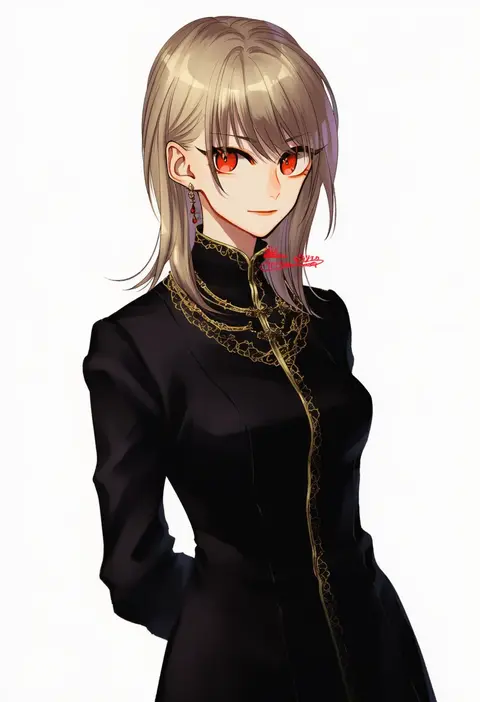
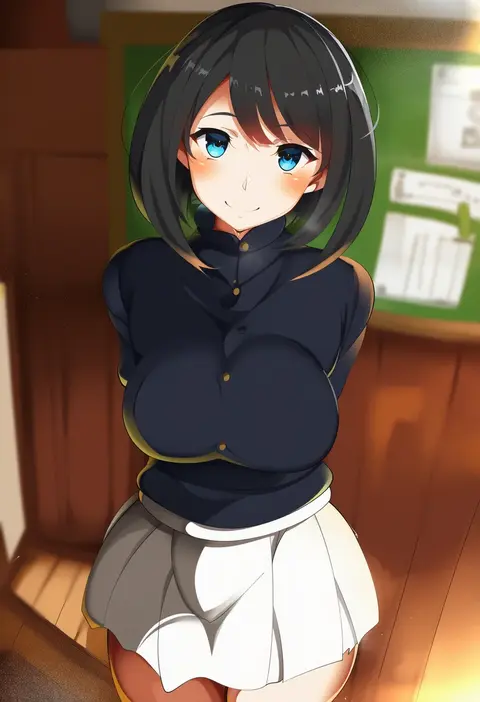
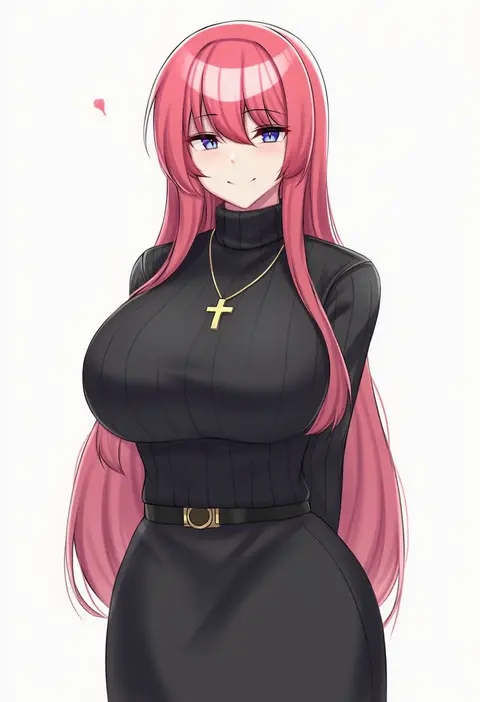
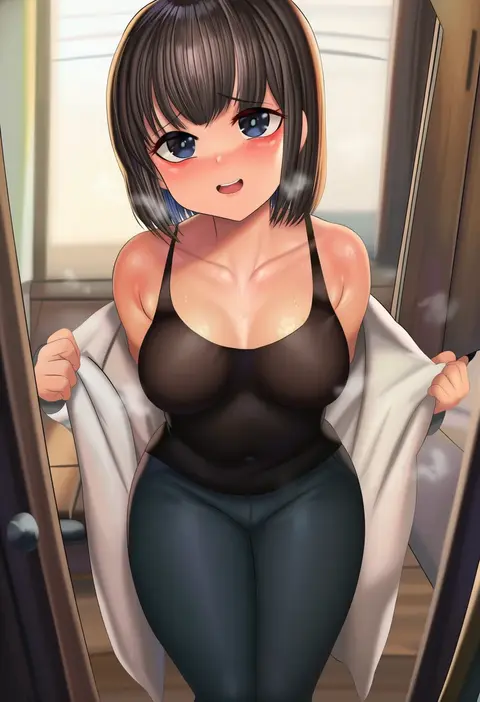
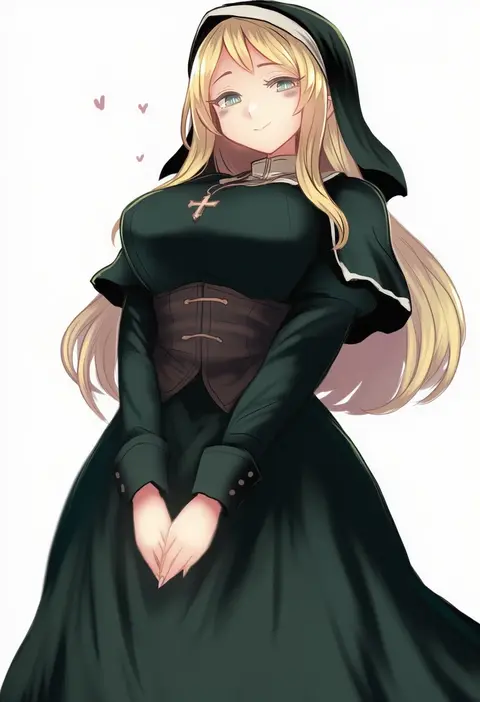
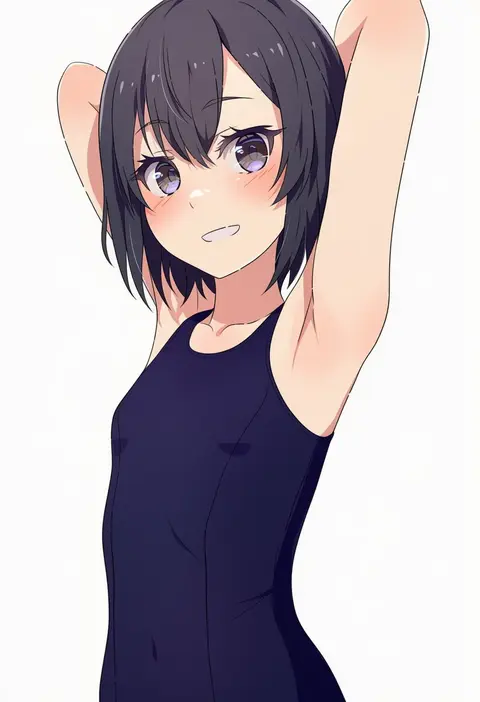
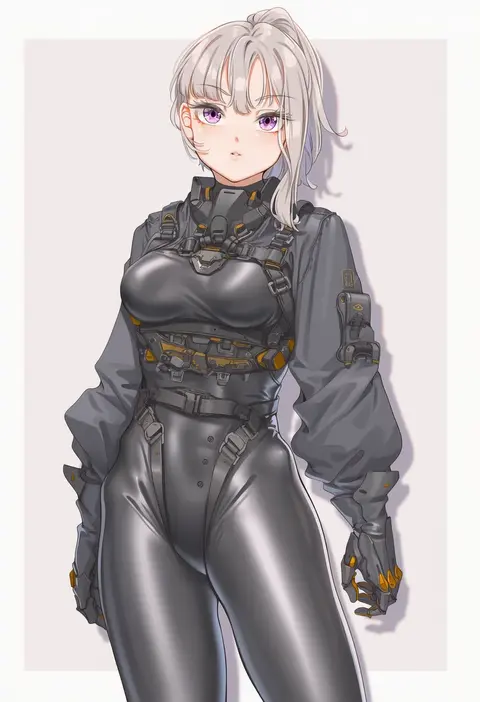
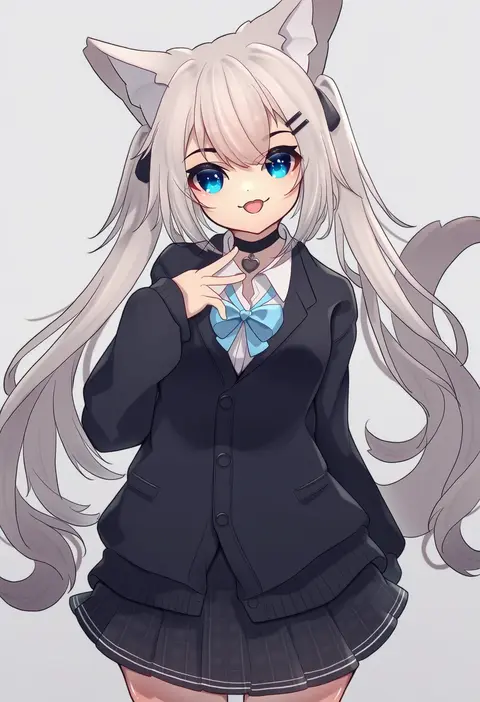
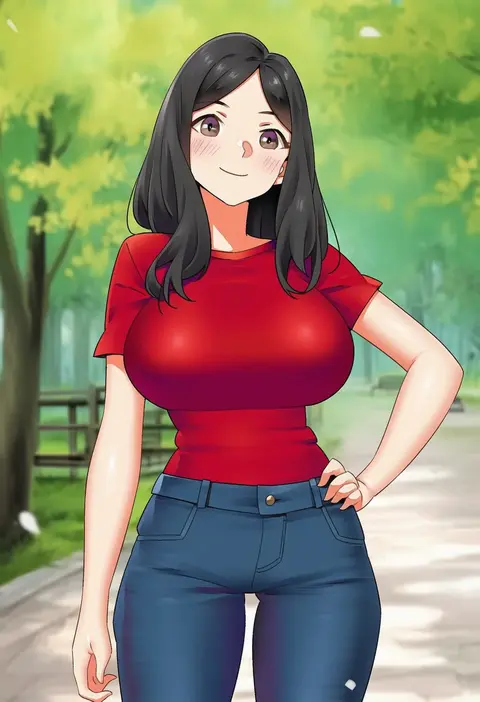
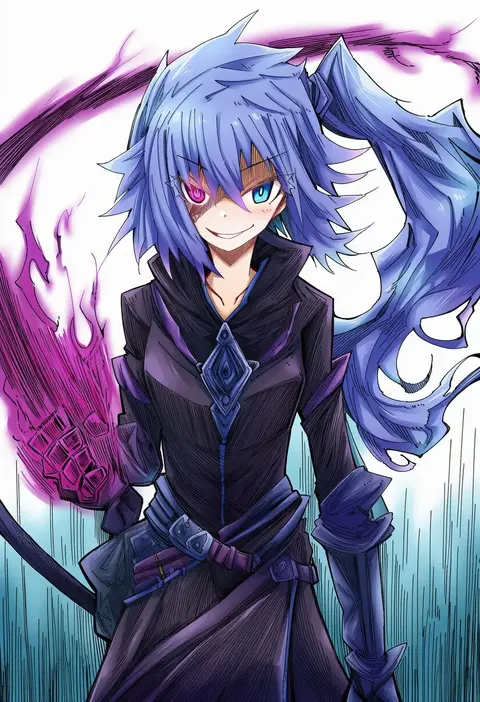
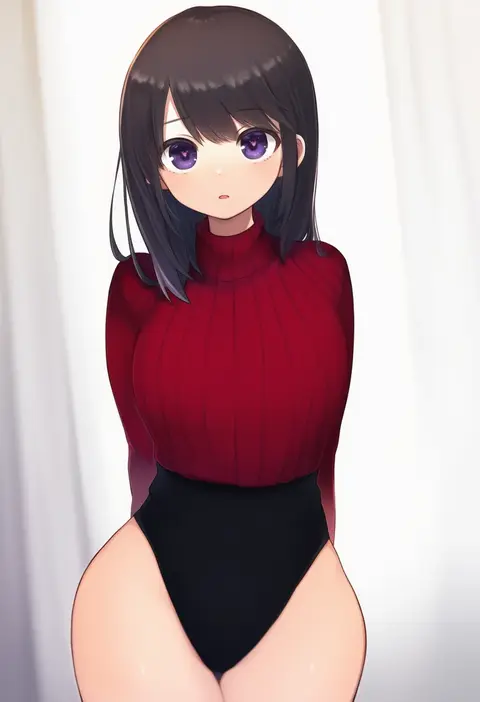
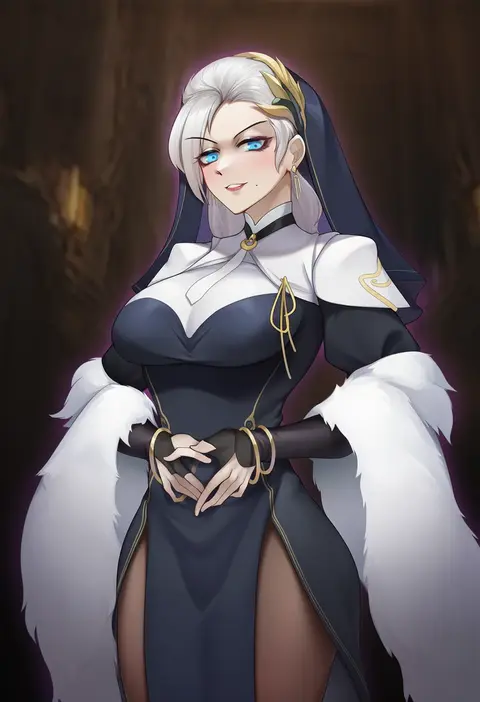
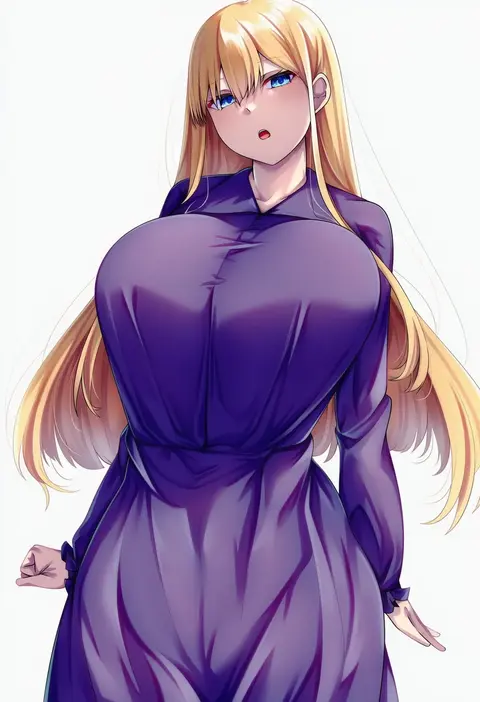
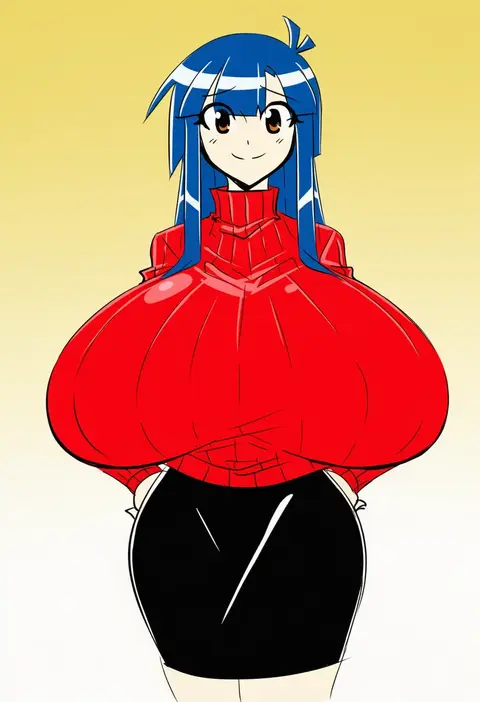
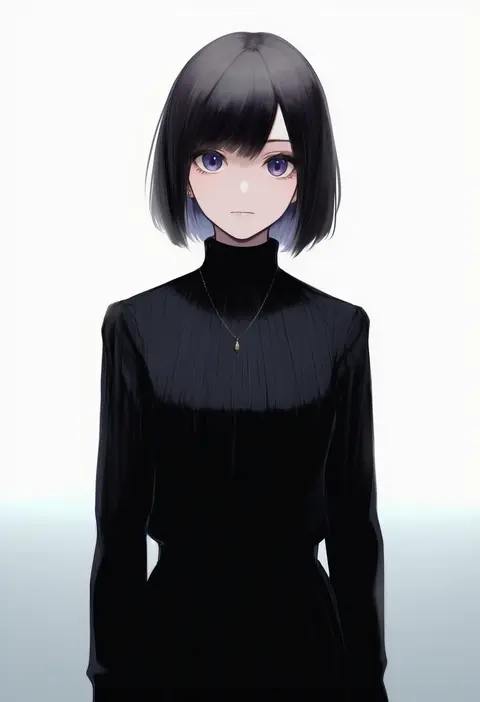
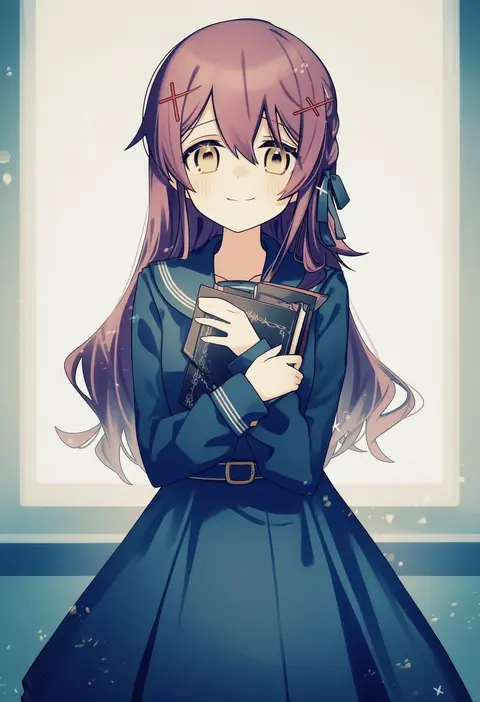
Every tag listed here is verified to react in NovelAI. All images use the same prompt, seed and settings with only the artist tag swapped, so the difference between two images is the style that tag brings in.

How to use them

Put the artist tag near the front of the prompt, e.g. "<artist>, 1girl, solo, best quality, masterpiece, cowboy shot". Two or three artist tags blend styles; lower the weight with "0.8::<artist>::" when the style overpowers the character.

SCORE sorts by Danbooru's top score, POSTS by post count, FAVS by hearts on this site. Open a card to see V5 and V4.5 side by side on the same seed.

V5 vs V4.5

V5 usually lands closer to the artist's real style, and tags that did nothing on V4.5 often react on V5. V4.5 still fits older and doujin-heavy artists better. Try V5 first, fall back to V4.5.

FAQ

Where does the artist tag go?
Near the front of the prompt. Use "0.8::tag::" to adjust its weight.

Can I stack artist tags?
Yes, styles blend. Past two or three the result stops looking like anyone.

Are these the artists' own works?
No. Every image is a NovelAI sample generated from the tag.