V4.5Artists
sort: FAVS▾
▾
>
$

NovelAI Artist Tags List — V4.5

artist --count 16,352[271/273]
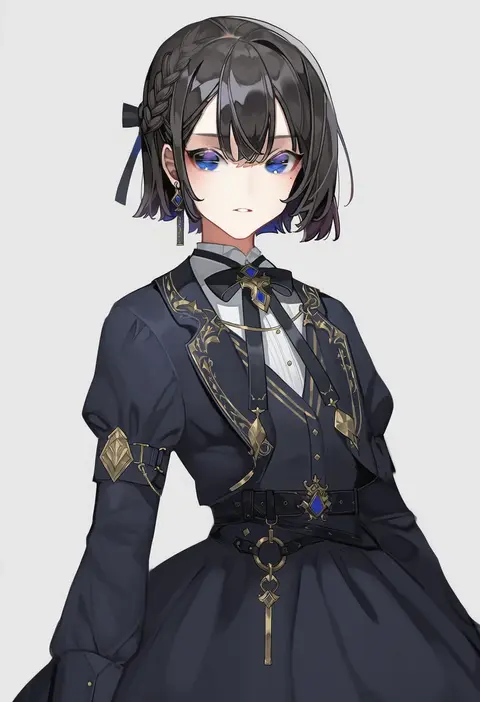
chyoel
ARTIST0x3F48
0
toriseru (rare stone)
ARTIST0x3F49
0
joko jmc
ARTIST0x3F4A
0
profitshame
ARTIST0x3F4B
0
lk (lk00)
ARTIST0x3F4C
0
dresstrip
ARTIST0x3F4D
0
komainu (yamaha1997)
ARTIST0x3F4E
0
awai880
ARTIST0x3F4F
0
mamimumemo
ARTIST0x3F50
0
sakutaishi
ARTIST0x3F51
0
grimgrim
ARTIST0x3F52
0
sunset skyline
ARTIST0x3F53
0
mugicha (zoro1132)
ARTIST0x3F54
0
yoriteruru
ARTIST0x3F55
0
maenchu
ARTIST0x3F56
0
sunahara wataru
ARTIST0x3F57
0
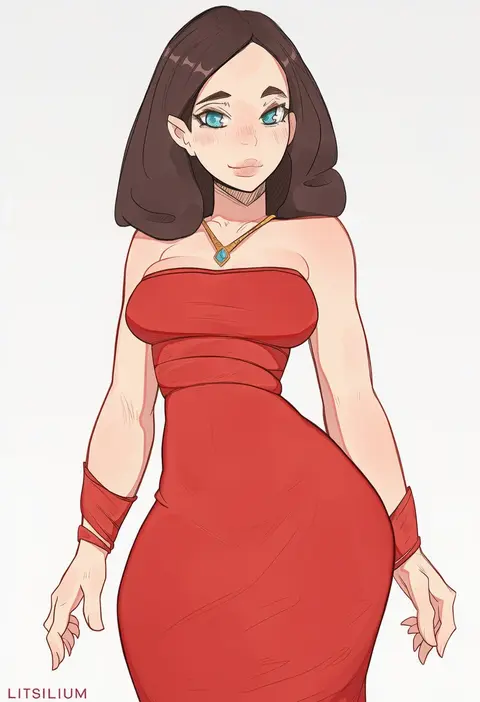
lit silium
ARTIST0x3F58
0
shimomoto
ARTIST0x3F59
0
kirima (user danf8787)
ARTIST0x3F5A
0
act (xadachit)
ARTIST0x3F5B
0
hakkasame
ARTIST0x3F5C
0
keke (kokorokeke)
ARTIST0x3F5D
0
ketsu juuji killer (kejuki)
ARTIST0x3F5E
0
bbaltong
ARTIST0x3F5F
0
kamuo
ARTIST0x3F60
0
otsukemono
ARTIST0x3F61
0
xiumu bianzhou
ARTIST0x3F62
0
ritsu (roboroboro)
ARTIST0x3F63
0
kawaty
ARTIST0x3F64
0
yoshida nobuyoshi
ARTIST0x3F65
0
fizrotart
ARTIST0x3F66
0
flowers-imh
ARTIST0x3F67
0
kobuushi
ARTIST0x3F68
0
theobrobine
ARTIST0x3F69
0
dynamitenatalia
ARTIST0x3F6A
0
midori (user nsaz3272)
ARTIST0x3F6B
0
neko ni chikyuu
ARTIST0x3F6C
0
shogo (4274732)
ARTIST0x3F6D
0
timmyyen
ARTIST0x3F6E
0
ebata risa
ARTIST0x3F6F
0
ishibori eregomos
ARTIST0x3F70
0
jq
ARTIST0x3F71
0
mengxin huazha
ARTIST0x3F72
0
blanc (whit blanc)
ARTIST0x3F73
0
po0000000000
ARTIST0x3F74
0
amane sou
ARTIST0x3F75
0
izumikuma
ARTIST0x3F76
0
yellow quokka
ARTIST0x3F77
0
akizuki (17769498)
ARTIST0x3F78
0
tlandolt69
ARTIST0x3F79
0
twistedgrim
ARTIST0x3F7A
0
ukitaryu
ARTIST0x3F7B
0
hiryuu (kana h)
ARTIST0x3F7C
0
kawasemi27
ARTIST0x3F7D
0
hentaudio
ARTIST0x3F7E
0
bag (chrko bag)
ARTIST0x3F7F
0
yoru0409
ARTIST0x3F80
0
sb (coco1)
ARTIST0x3F81
0
wanpaku pixels
ARTIST0x3F82
0
lerico213
ARTIST0x3F83
0

What these tags change

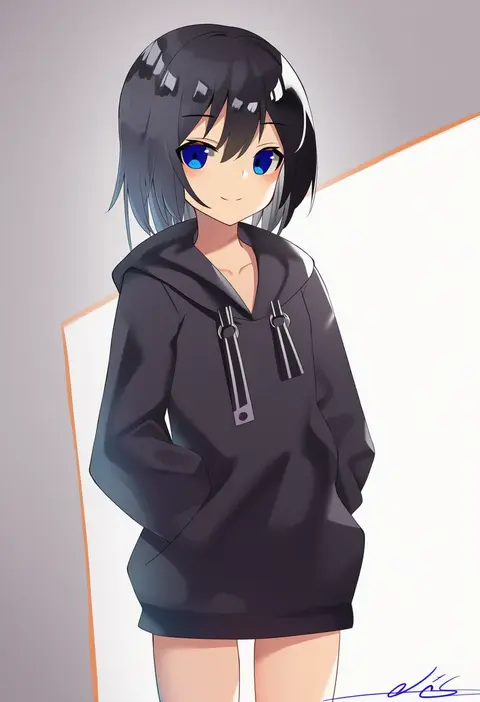
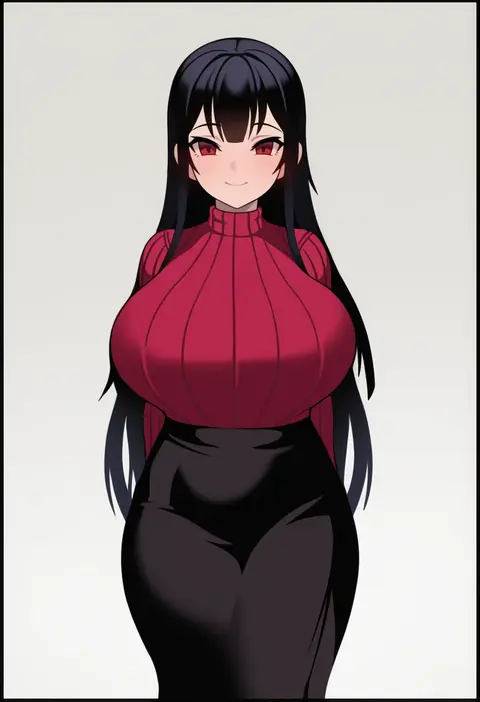
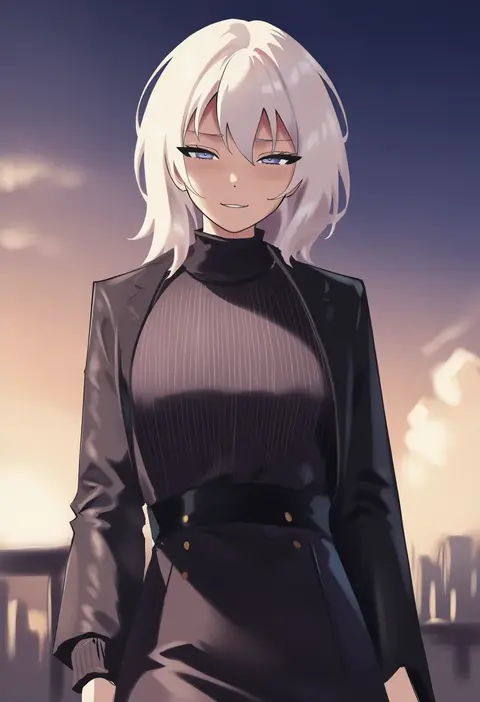
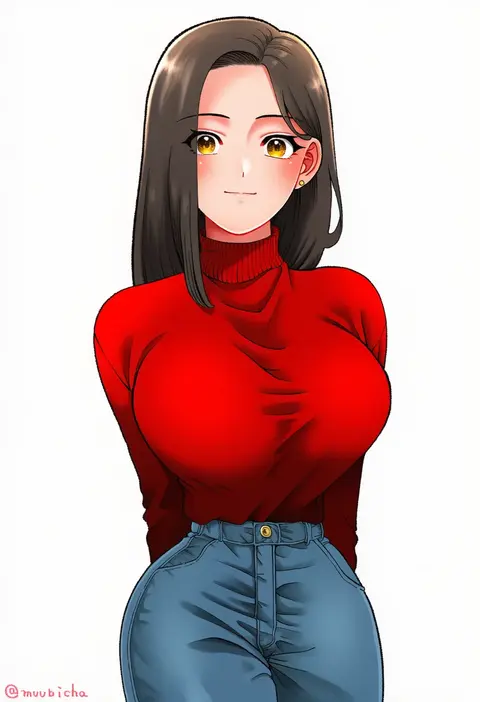
Artist tags tell NovelAI Diffusion to draw in a specific artist's style: line weight, paint texture, face shapes and palette all shift at once. Character and outfit tags decide what is drawn; artist tags decide how. 16,352 tags are listed for V4.5.
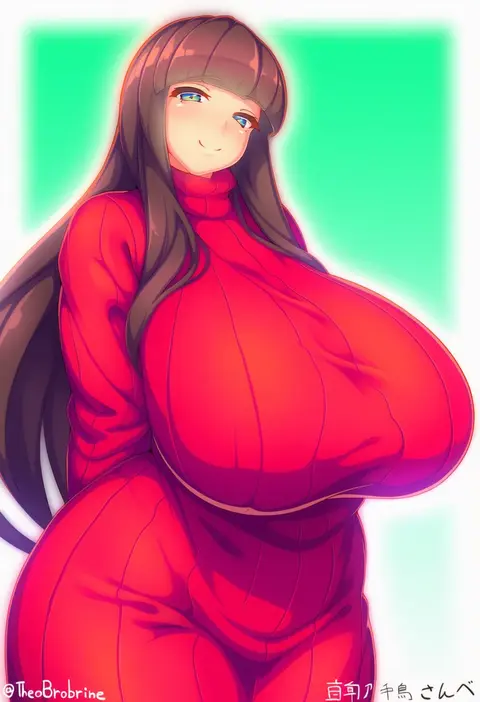
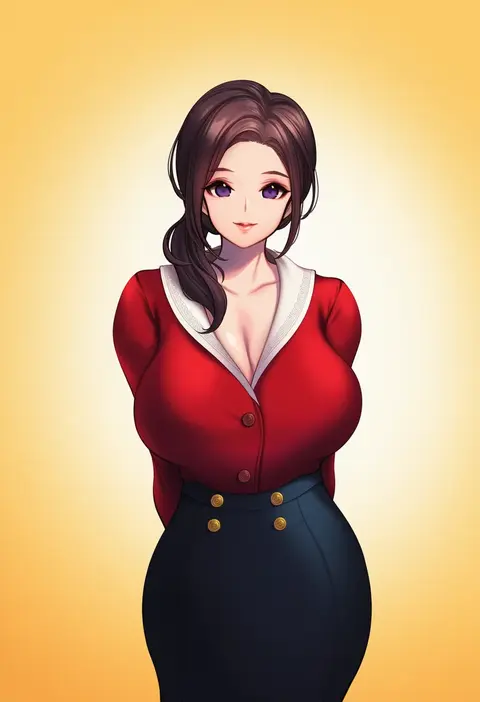
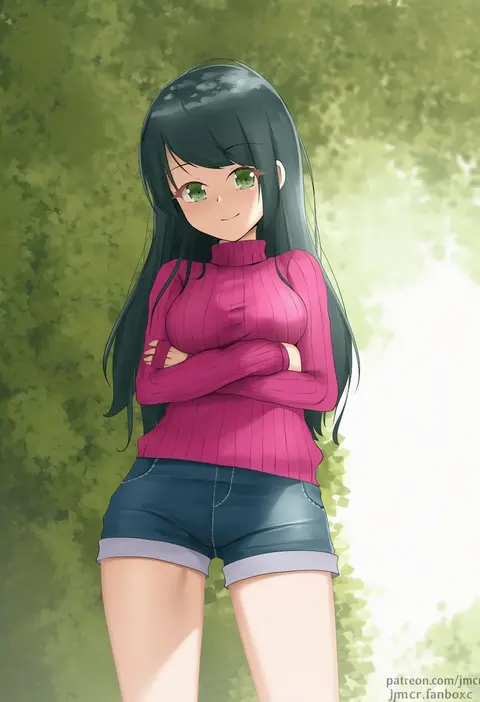
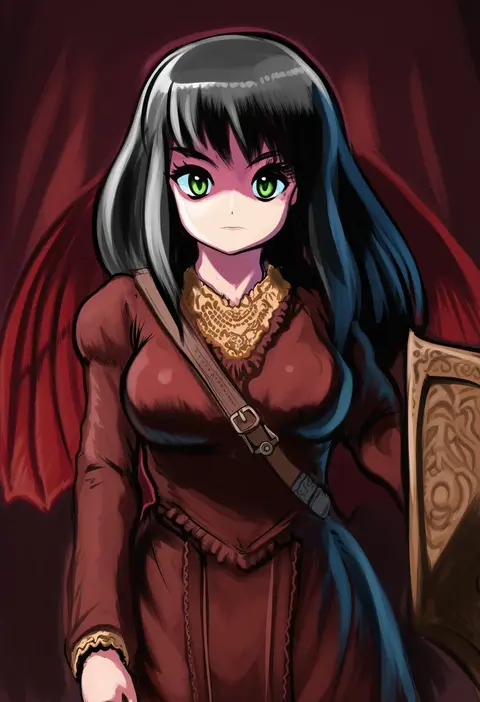
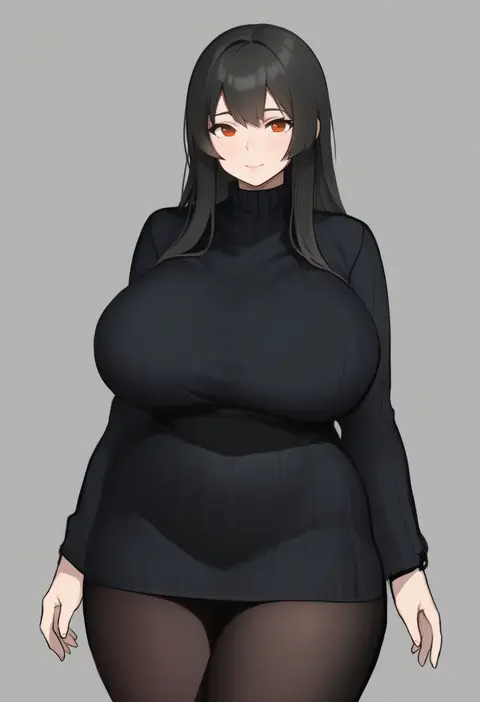
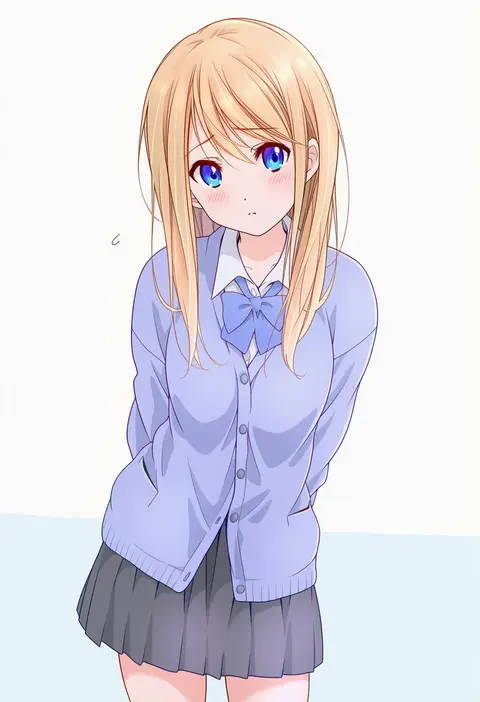
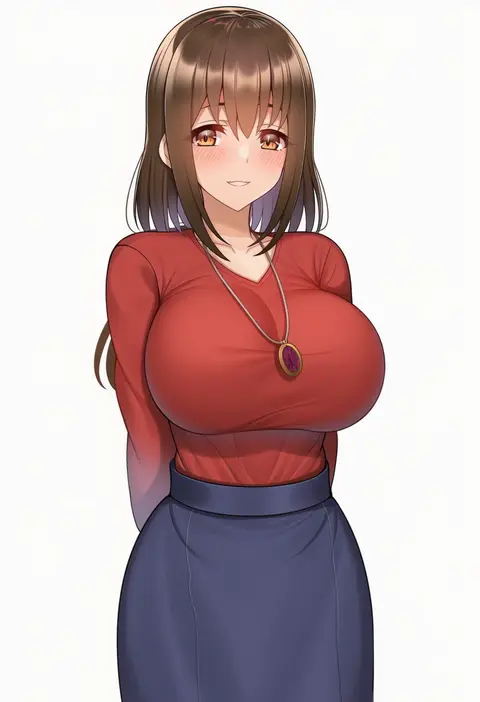
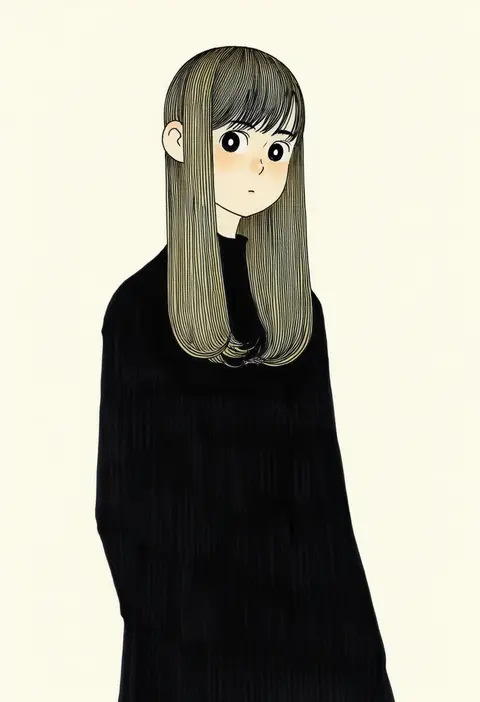
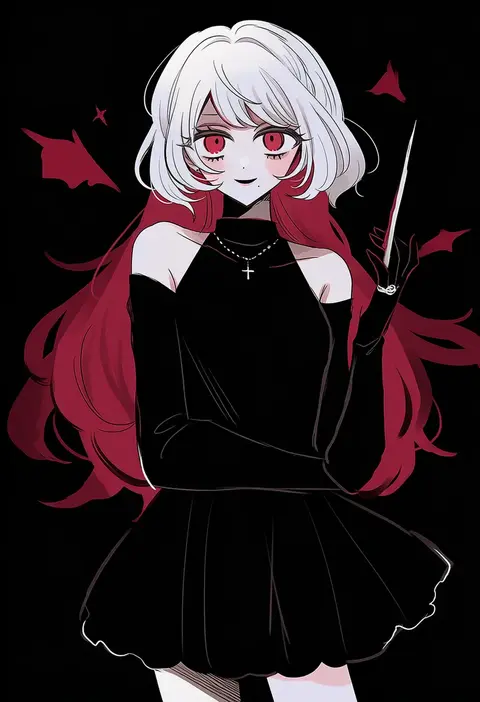
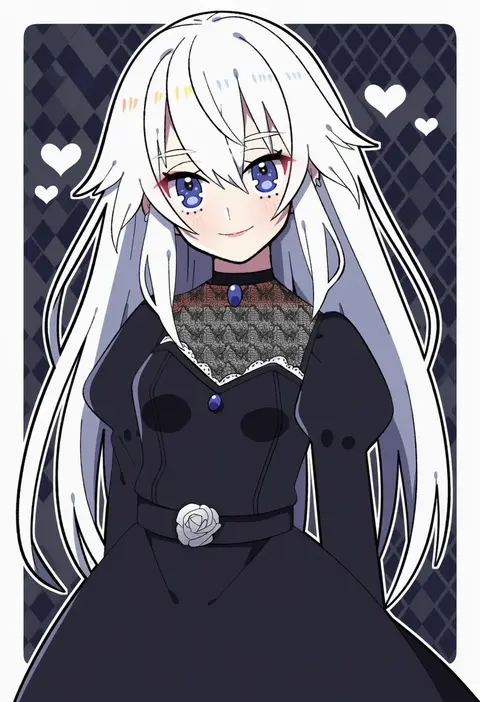
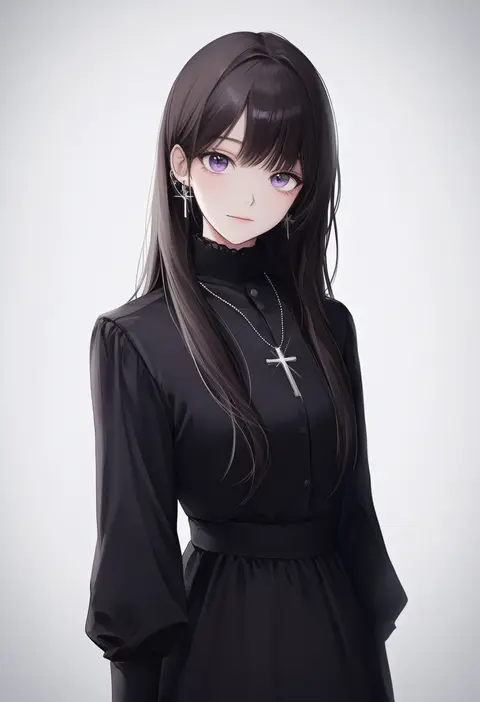
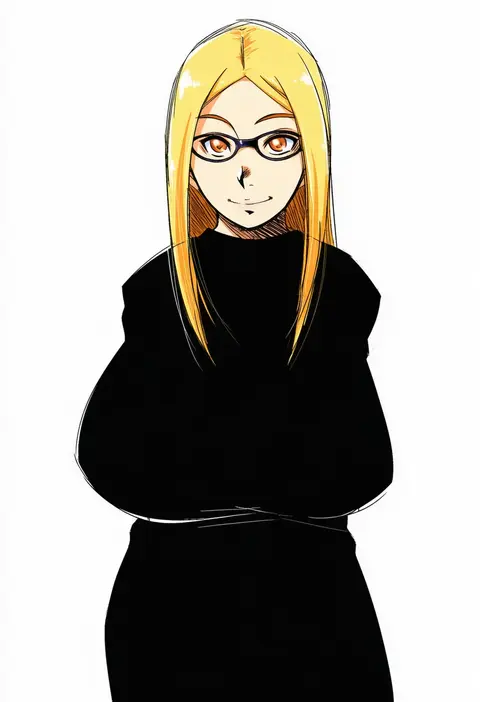
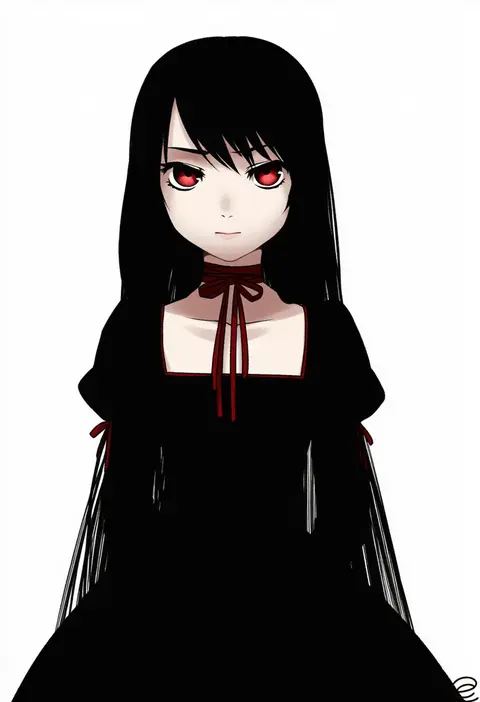
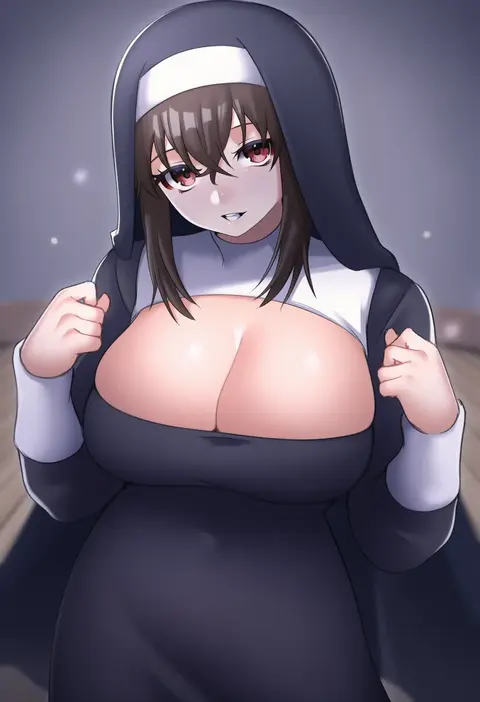
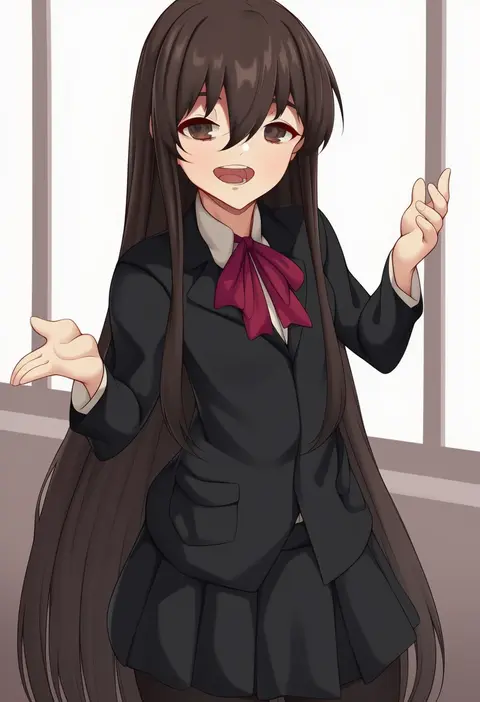
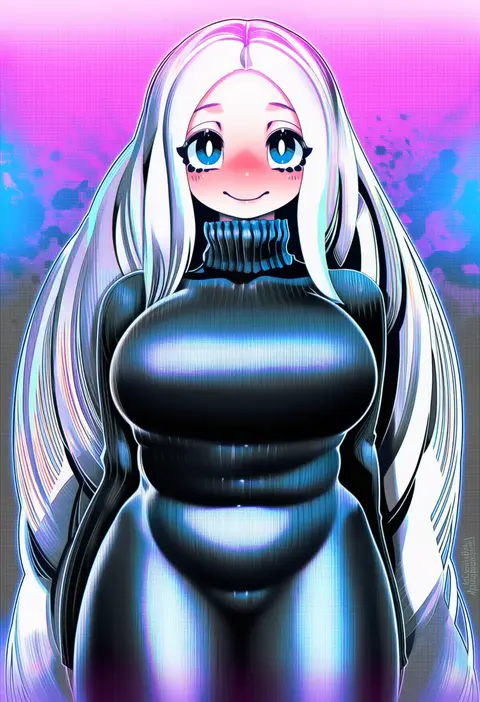
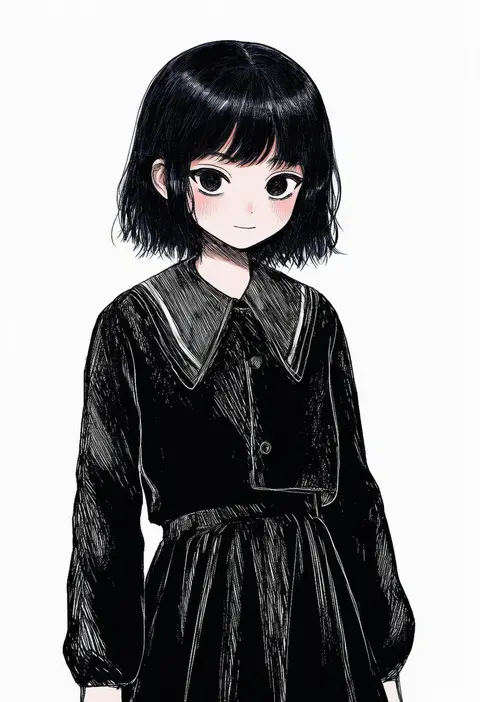
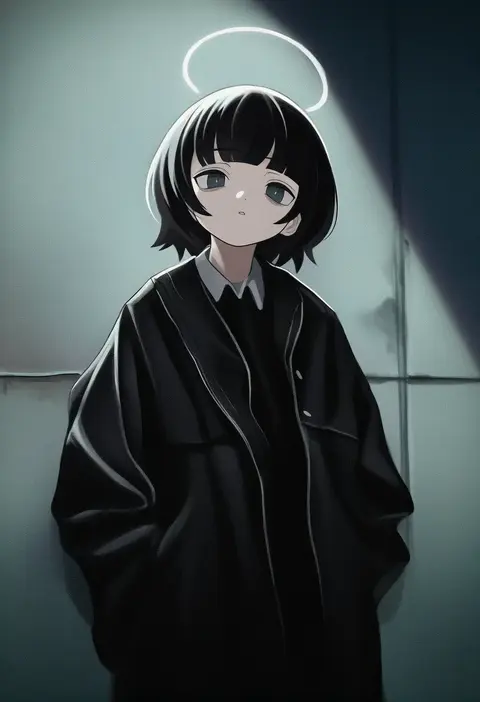
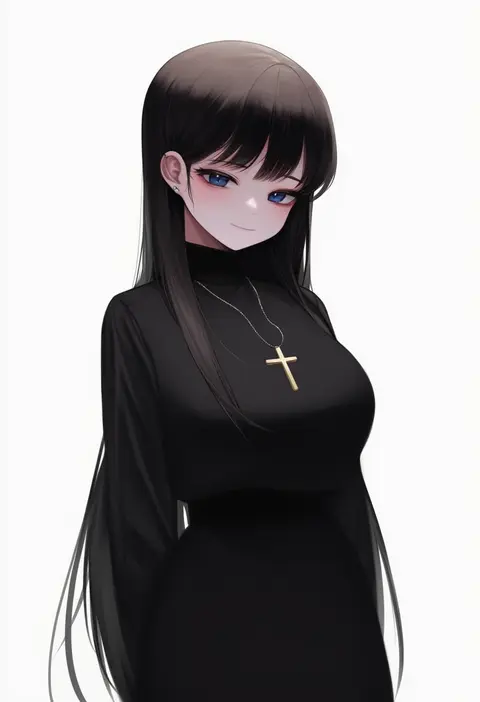
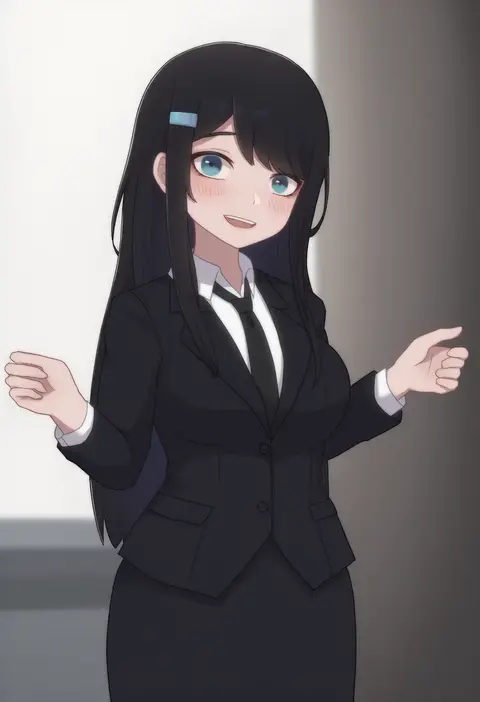
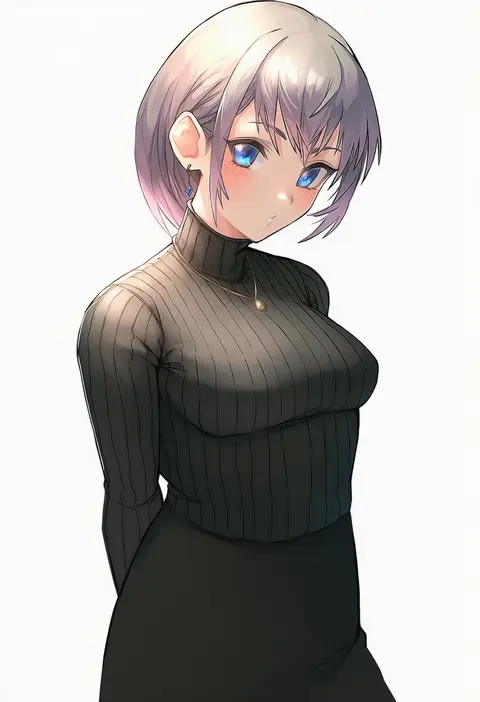
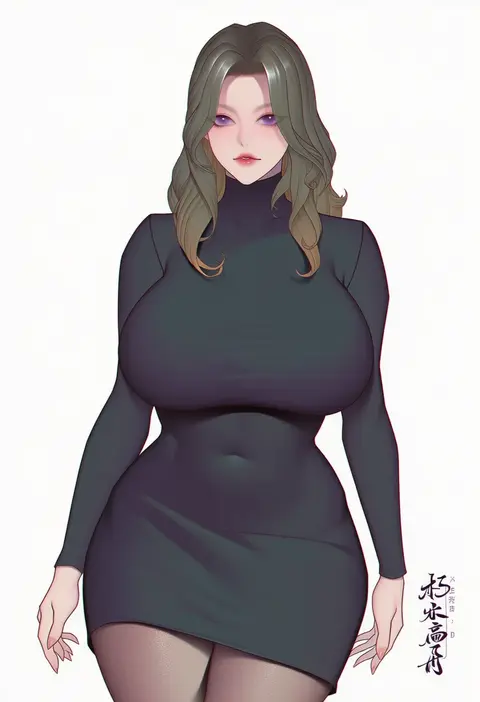
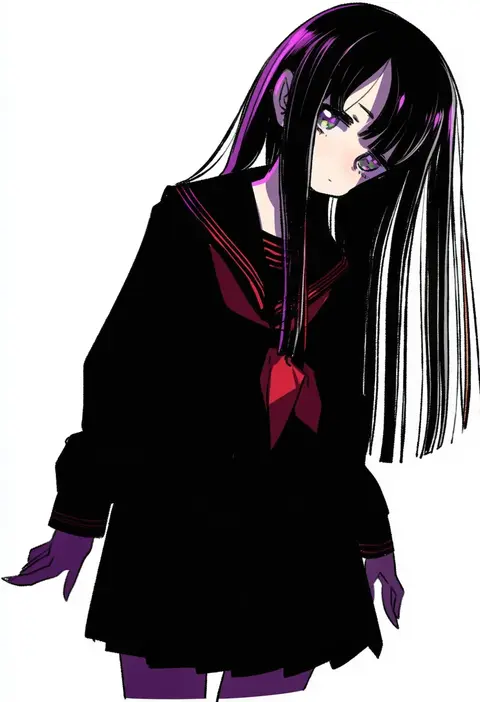
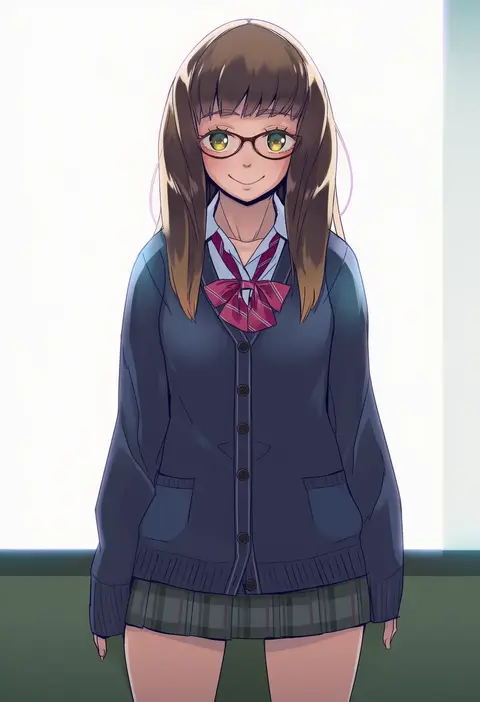
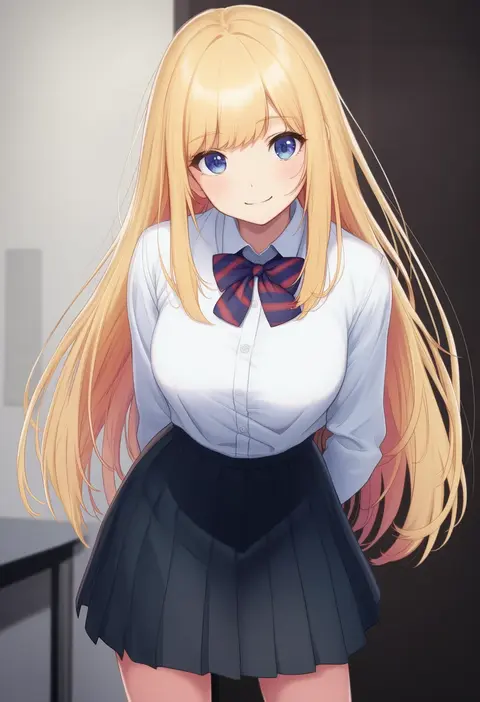
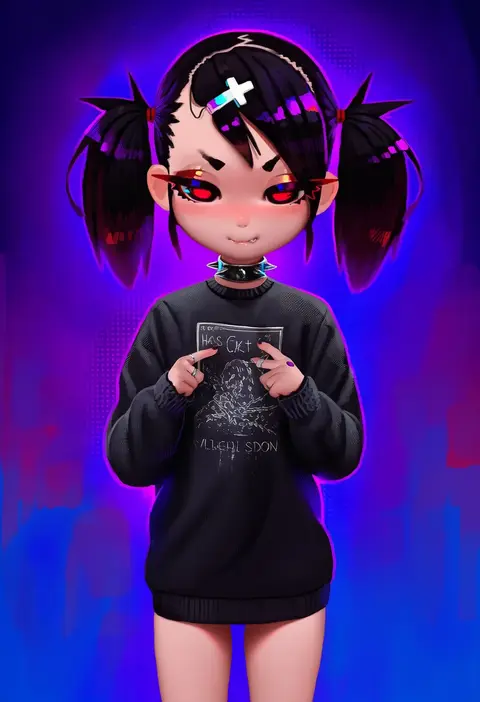
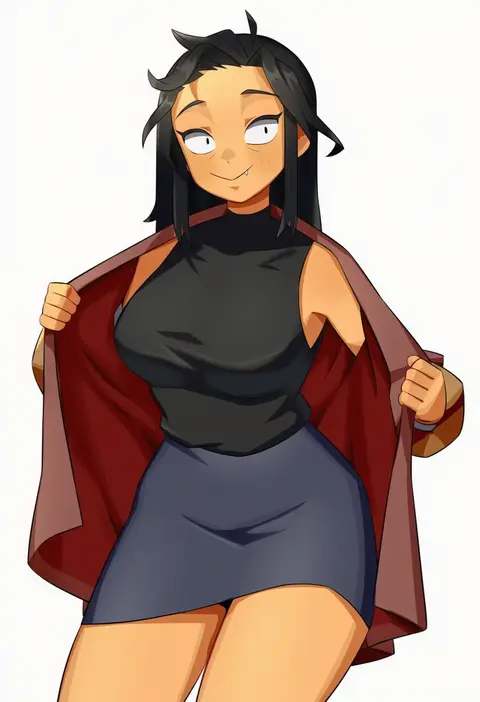
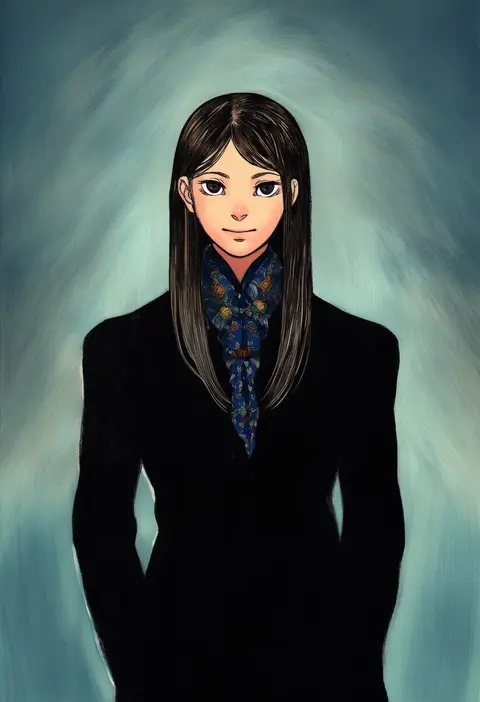
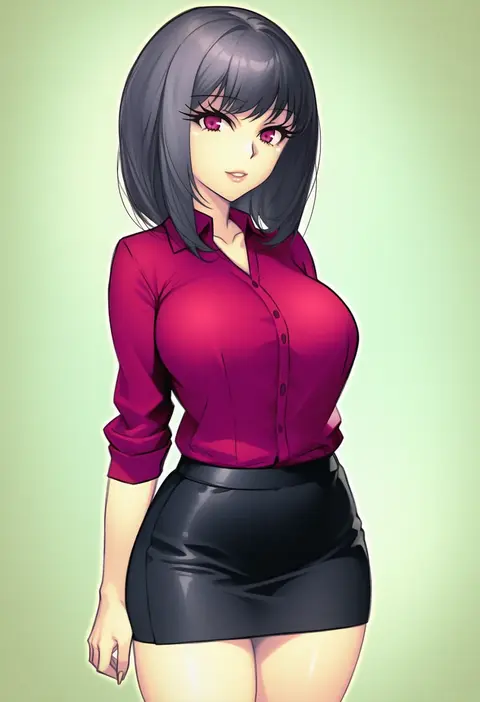
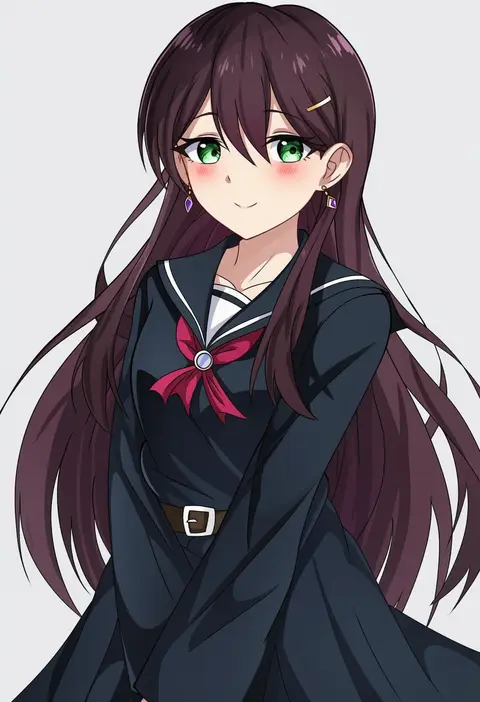
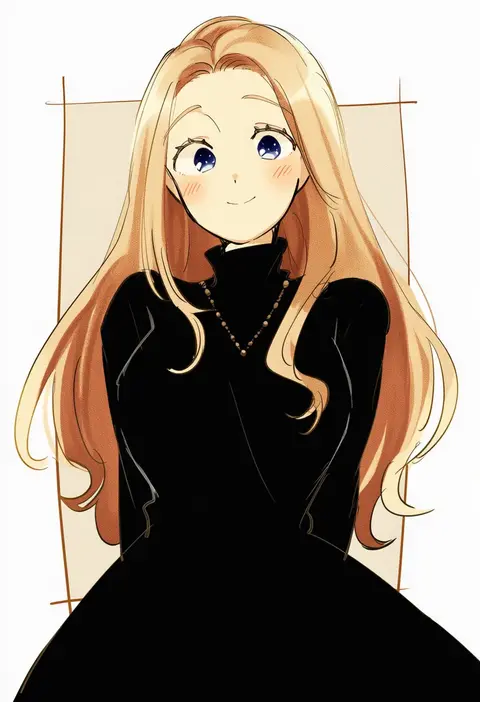
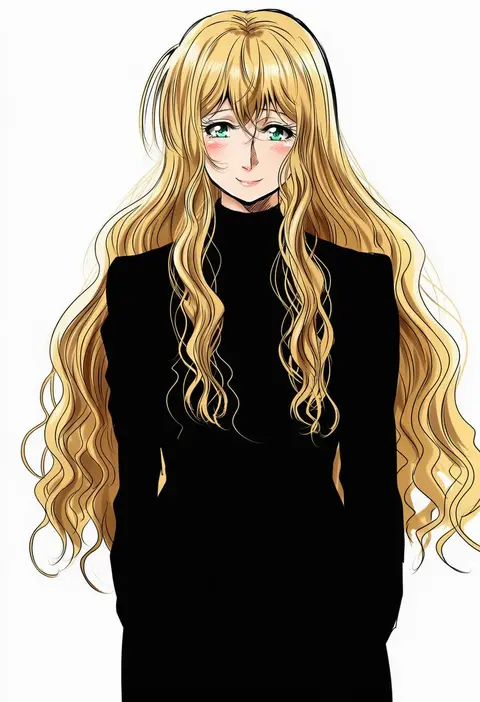
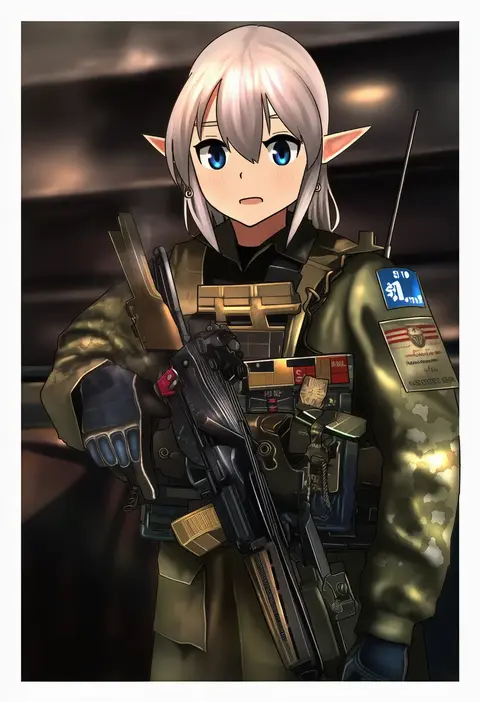
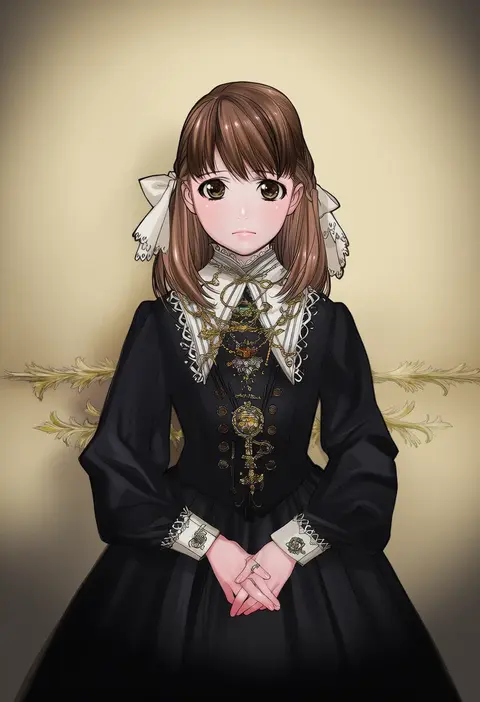
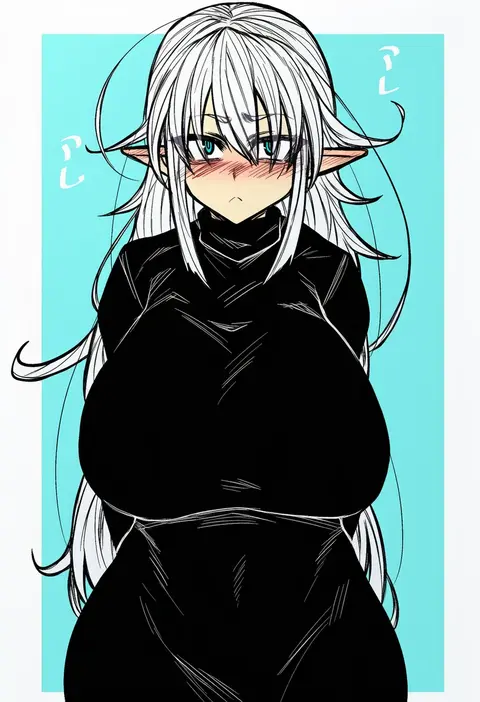
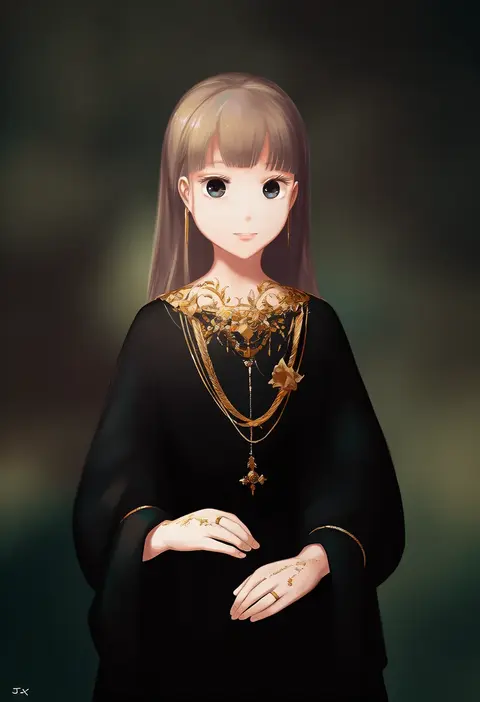
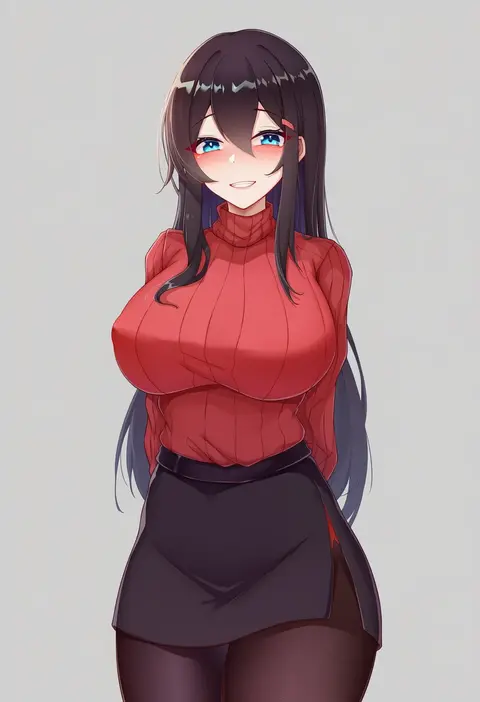
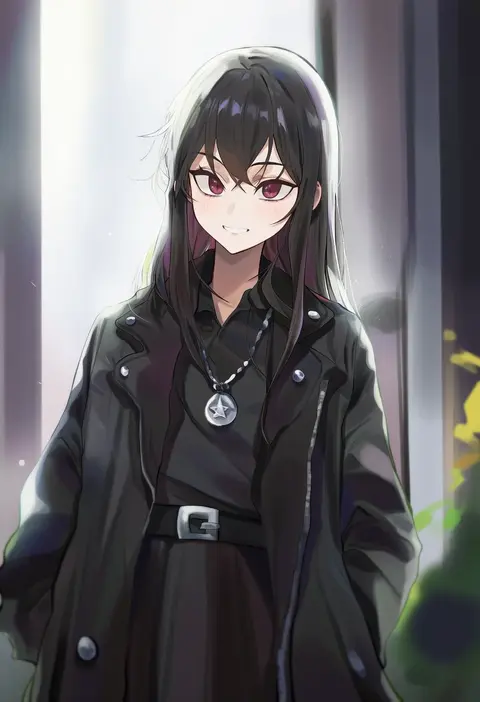
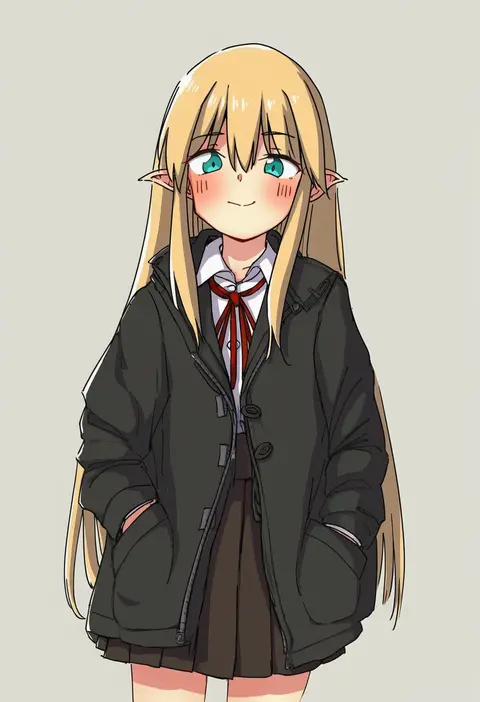
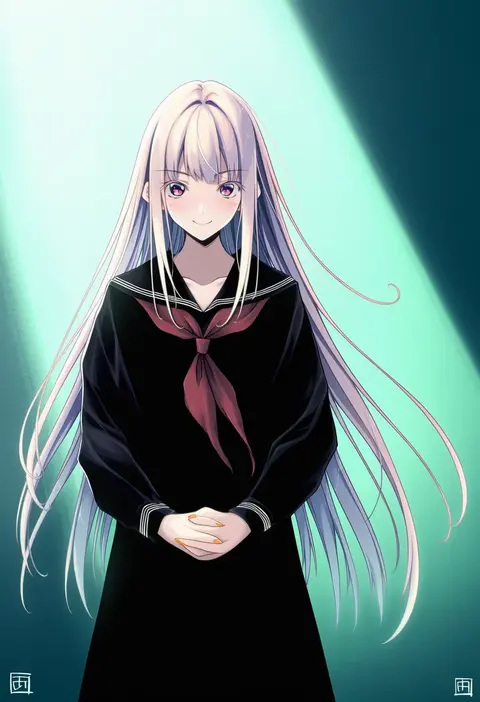
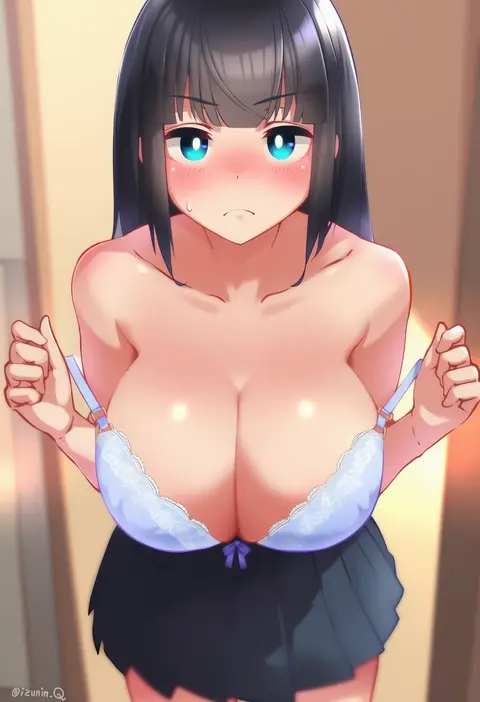
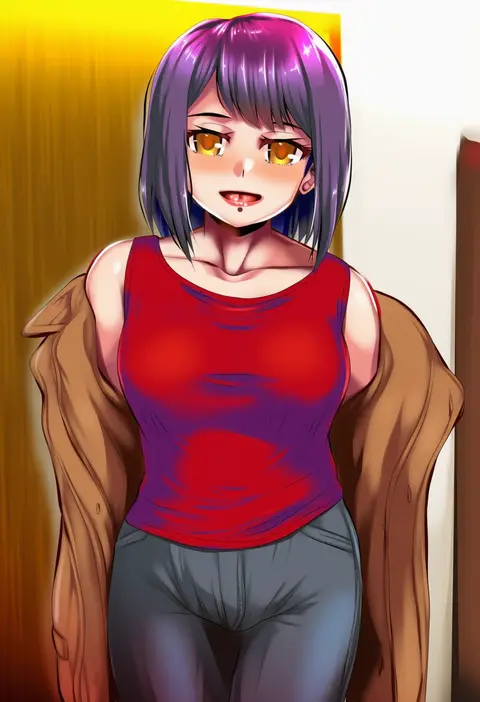
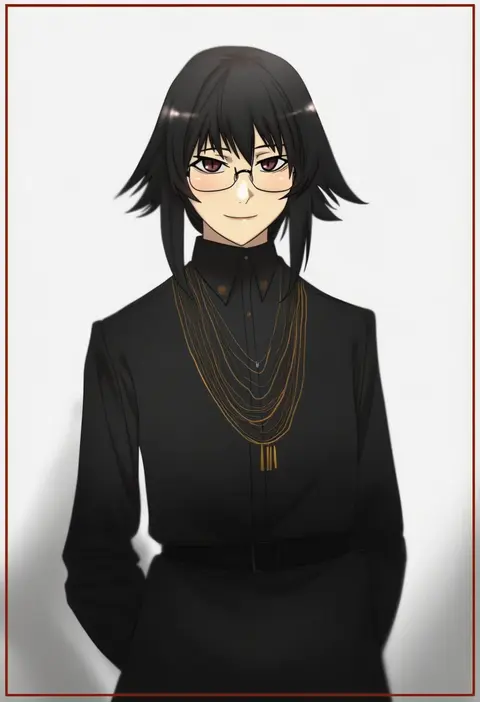
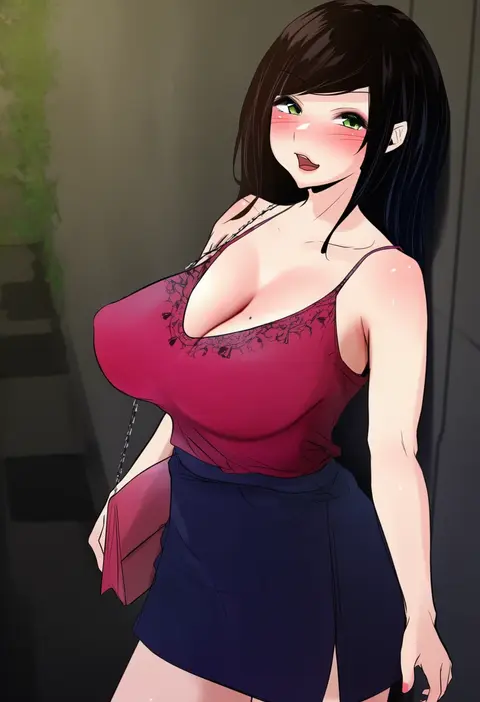
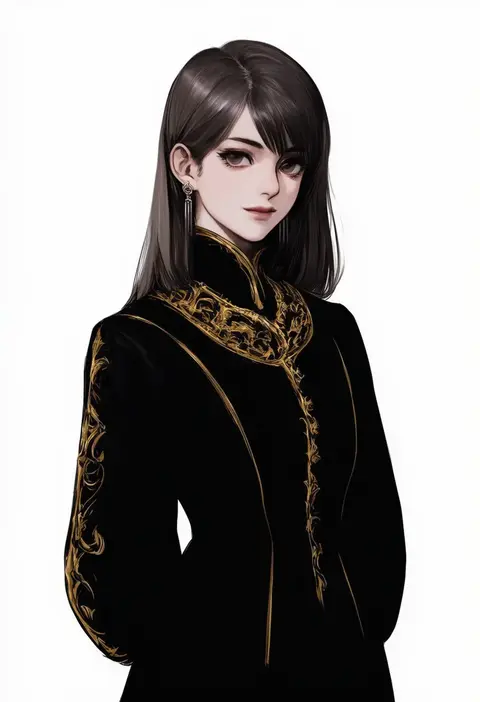
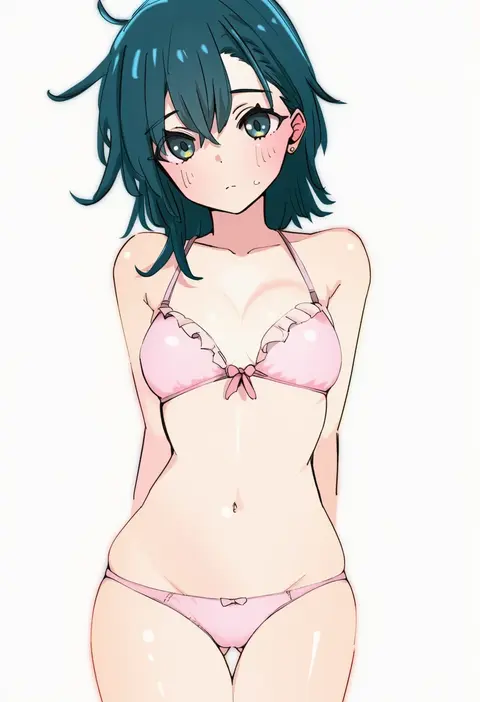
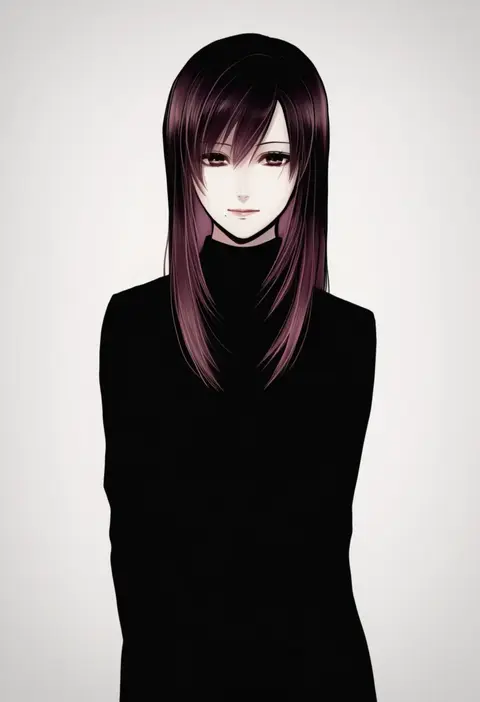
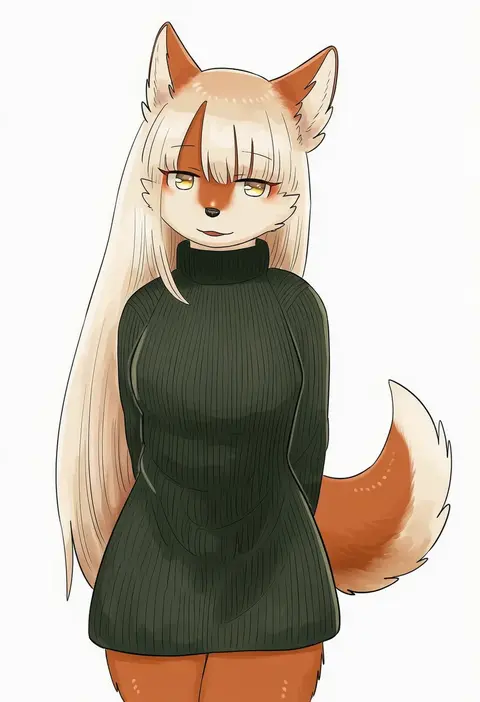
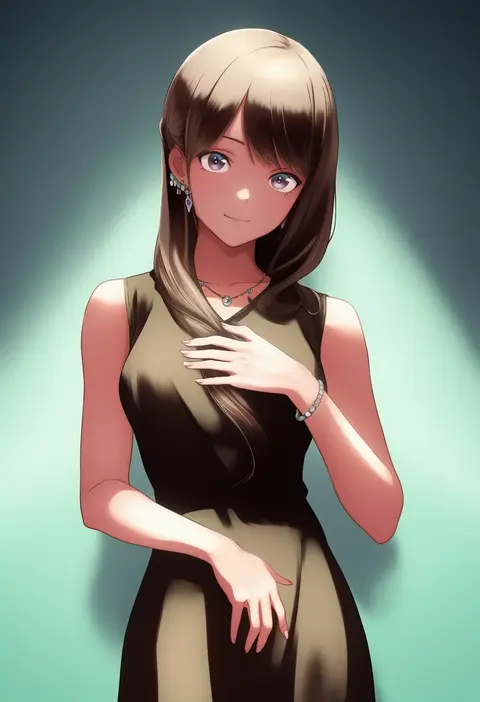
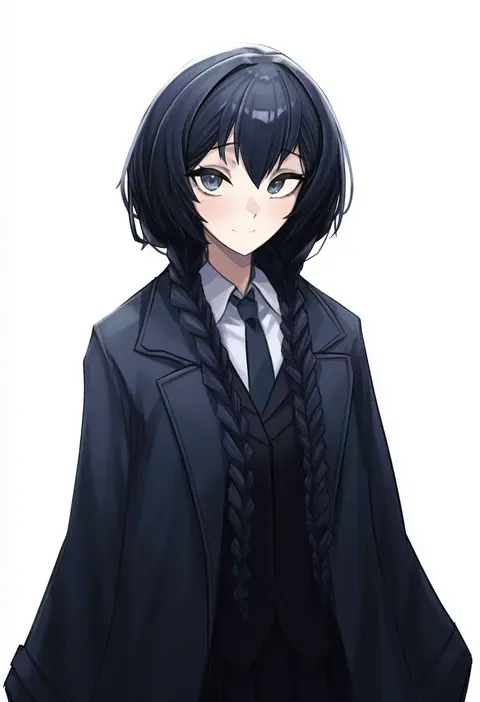
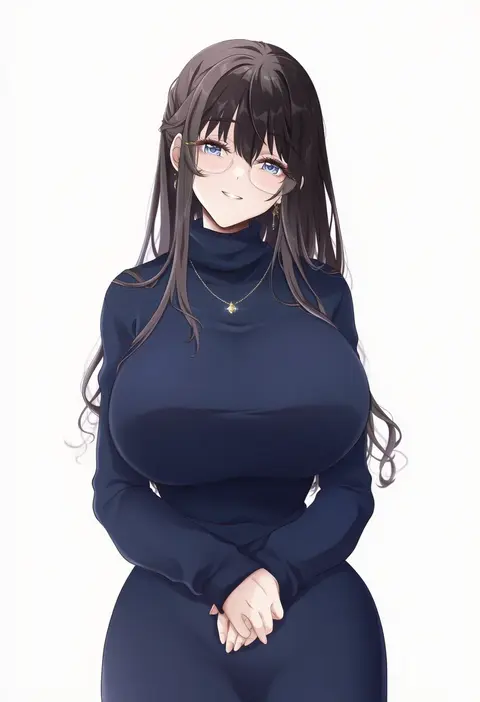
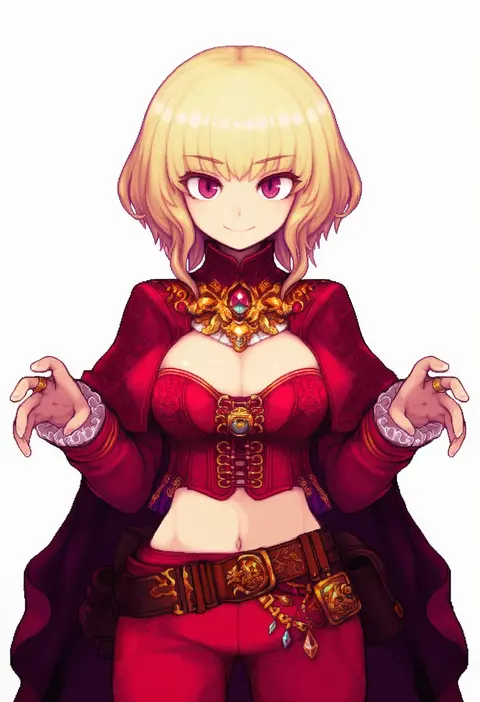
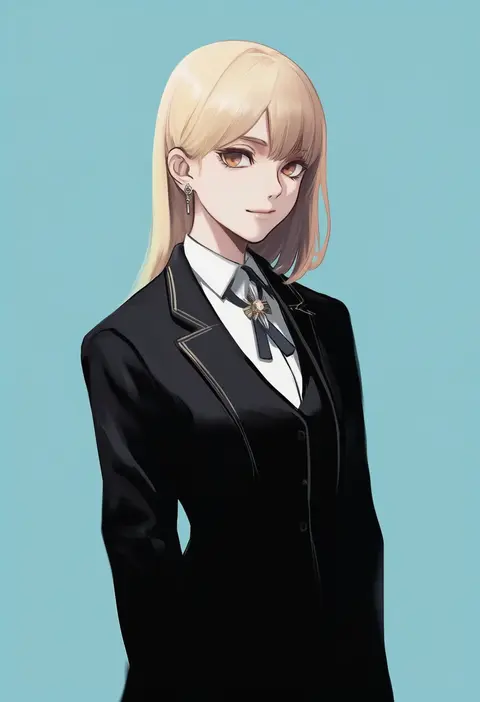
Every tag listed here is verified to react in NovelAI. All images use the same prompt, seed and settings with only the artist tag swapped, so the difference between two images is the style that tag brings in.

How to use them

Put the artist tag near the front of the prompt, e.g. "<artist>, 1girl, solo, best quality, masterpiece, cowboy shot". Two or three artist tags blend styles; lower the weight with "0.8::<artist>::" when the style overpowers the character.

SCORE sorts by Danbooru's top score, POSTS by post count, FAVS by hearts on this site. Open a card to see V5 and V4.5 side by side on the same seed.

V5 vs V4.5

V5 usually lands closer to the artist's real style, and tags that did nothing on V4.5 often react on V5. V4.5 still fits older and doujin-heavy artists better. Try V5 first, fall back to V4.5.

FAQ

Where does the artist tag go?
Near the front of the prompt. Use "0.8::tag::" to adjust its weight.

Can I stack artist tags?
Yes, styles blend. Past two or three the result stops looking like anyone.

Are these the artists' own works?
No. Every image is a NovelAI sample generated from the tag.