V4.5Artists
sort: FAVS▾
▾
>
$

NovelAI Artist Tags List — V4.5

artist --count 16,352[259/273]
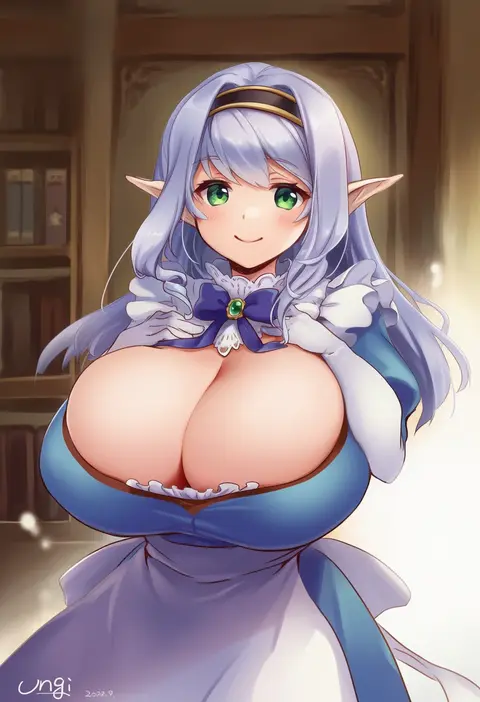
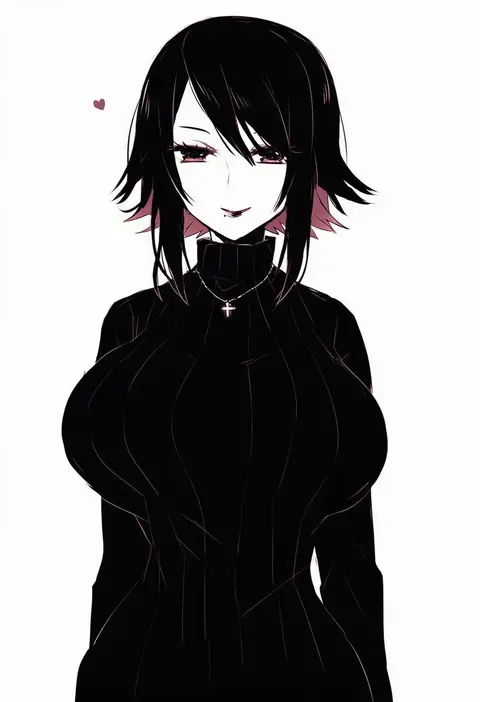
unagi (kobucha blaster)
ARTIST0x3C78
0
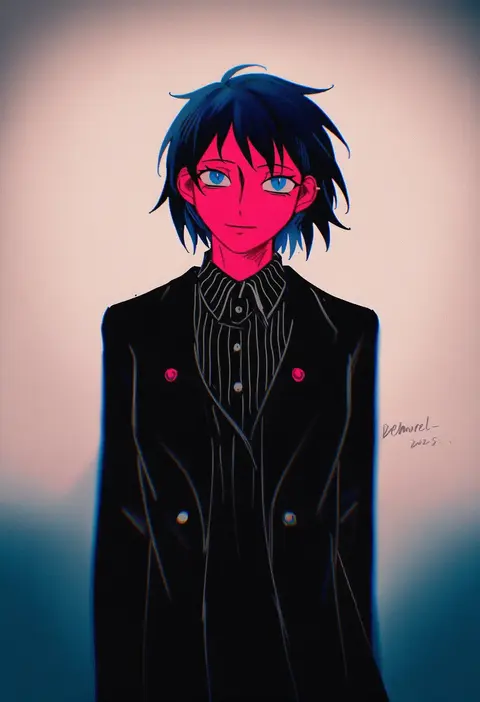
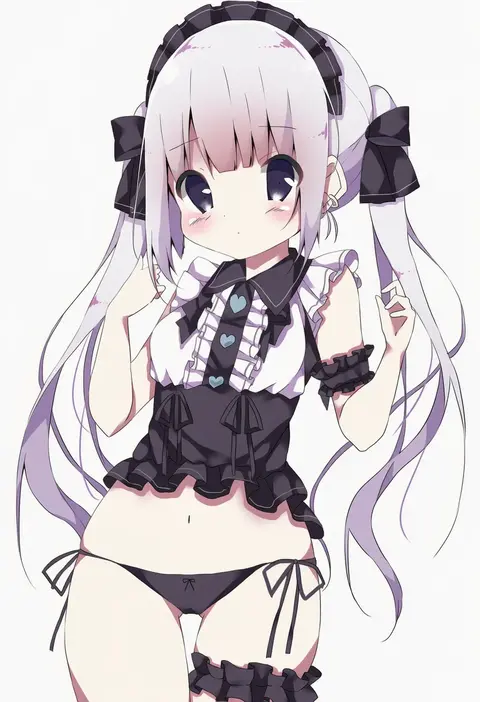
demorzel
ARTIST0x3C79
0
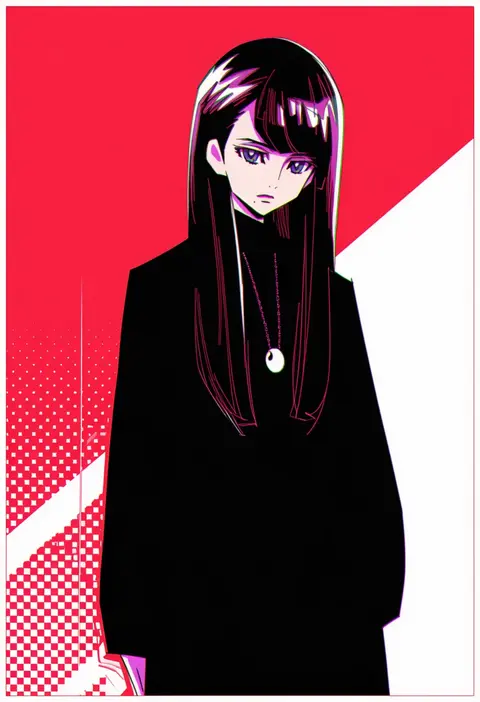
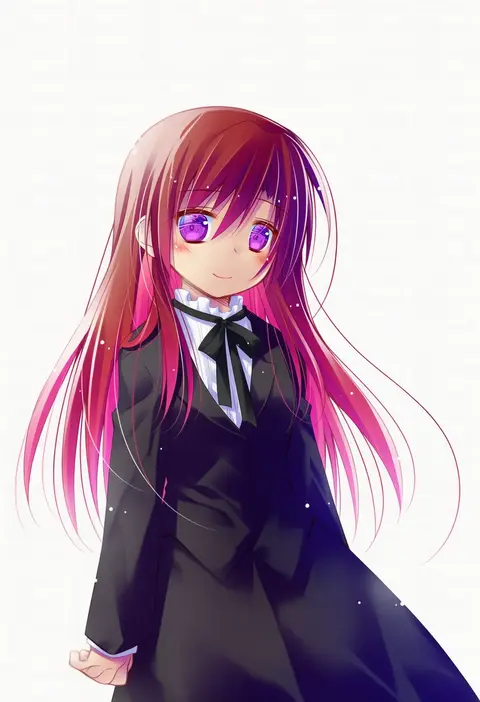
kamikita futago
ARTIST0x3C7A
0
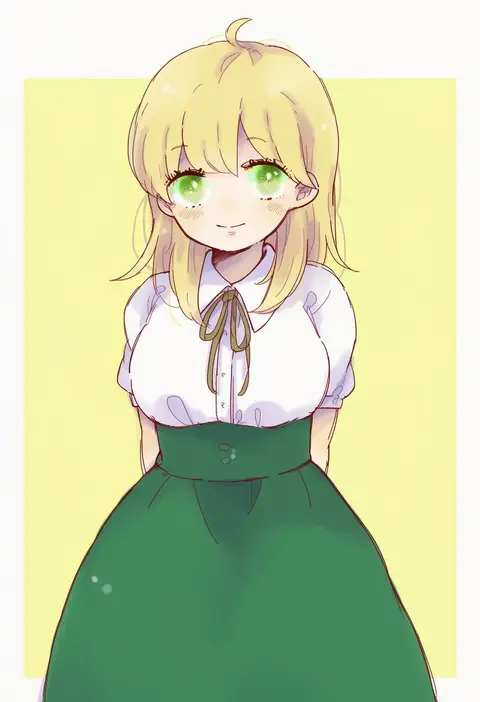
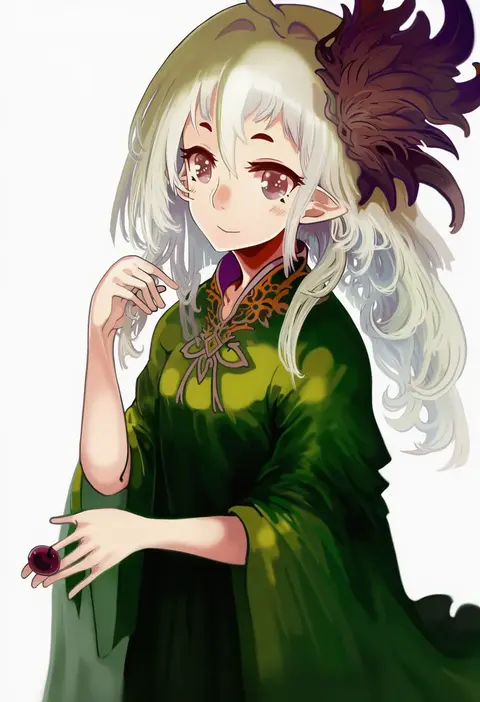
katiko
ARTIST0x3C7B
0
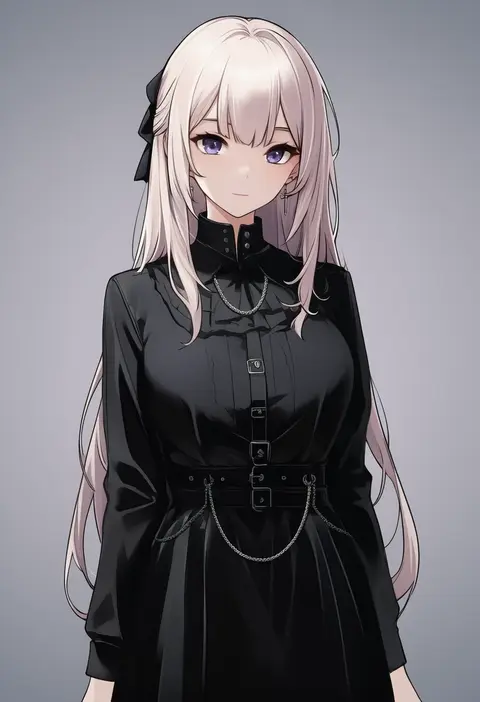
ichiei
ARTIST0x3C7C
0
shiroimaru
ARTIST0x3C7D
0
suna (sunaipu)
ARTIST0x3C7E
0
shirataki kaiseki
ARTIST0x3C7F
0
saiku (zvlku)
ARTIST0x3C80
0
yaco (nuitnotte)
ARTIST0x3C81
0
hirosato
ARTIST0x3C82
0
awara kayu
ARTIST0x3C83
0
kumu zaisheng
ARTIST0x3C84
0
tugumi0w0
ARTIST0x3C85
0
tepen (tptptpn)
ARTIST0x3C86
0
l (matador)
ARTIST0x3C87
0
sanwari (aruji yume)
ARTIST0x3C88
0
seuga
ARTIST0x3C89
0
ayuayu (chisuke ayu)
ARTIST0x3C8A
0
tadashi
ARTIST0x3C8B
0
michibata 65
ARTIST0x3C8C
0
littlebluemuffin
ARTIST0x3C8D
0
maruno
ARTIST0x3C8E
0
kanno izuka
ARTIST0x3C8F
0
minillustration
ARTIST0x3C90
0
katsuragi niya
ARTIST0x3C91
0
lask
ARTIST0x3C92
0
kido (choushouya)
ARTIST0x3C93
0
walhee221
ARTIST0x3C94
0
heco (mama)
ARTIST0x3C95
0
warabi mochi (ehimedaisuki)
ARTIST0x3C96
0
chiyoko (oman1229)
ARTIST0x3C97
0
kishi takuya
ARTIST0x3C98
0
hifumi (3b x)
ARTIST0x3C99
0
rapa (heisei strawberry)
ARTIST0x3C9A
0
kashiwagi kano
ARTIST0x3C9B
0
goto (sep)
ARTIST0x3C9C
0
tenmiyakiyo
ARTIST0x3C9D
0
hizukiryou
ARTIST0x3C9E
0
oyasuminjyutsu
ARTIST0x3C9F
0
tiankong yiji
ARTIST0x3CA0
0
yuuki sonisuke
ARTIST0x3CA1
0
yamako (state of children)
ARTIST0x3CA2
0
nako (nonrain)
ARTIST0x3CA3
0
driftwoodwolf
ARTIST0x3CA4
0
kaeru (kaerism)
ARTIST0x3CA5
0
yuya (oshidori)
ARTIST0x3CA6
0
hamada pengin
ARTIST0x3CA7
0
sasaki fumi
ARTIST0x3CA8
0
sasurai susuki
ARTIST0x3CA9
0
nyaasechan
ARTIST0x3CAA
0
paopa ship
ARTIST0x3CAB
0
guttia
ARTIST0x3CAC
0
nobuchi
ARTIST0x3CAD
0
fujimoto akio
ARTIST0x3CAE
0
konohoshi
ARTIST0x3CAF
0
shimakoma
ARTIST0x3CB0
0
funuyu
ARTIST0x3CB1
0
kakao (noise-111)
ARTIST0x3CB2
0
aragon honnin
ARTIST0x3CB3
0

What these tags change

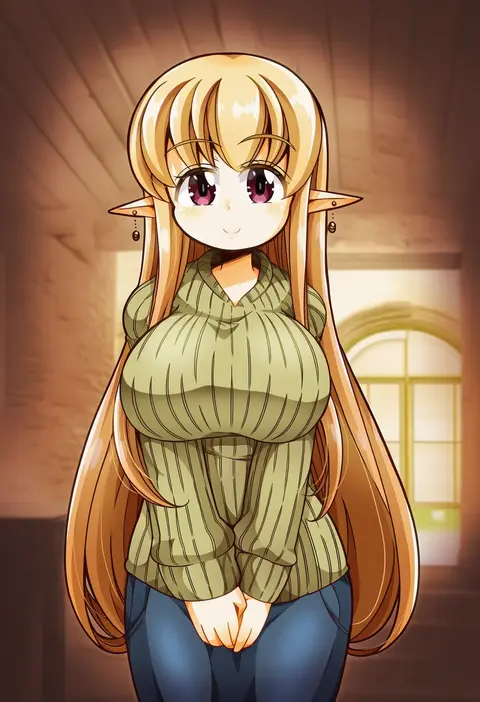
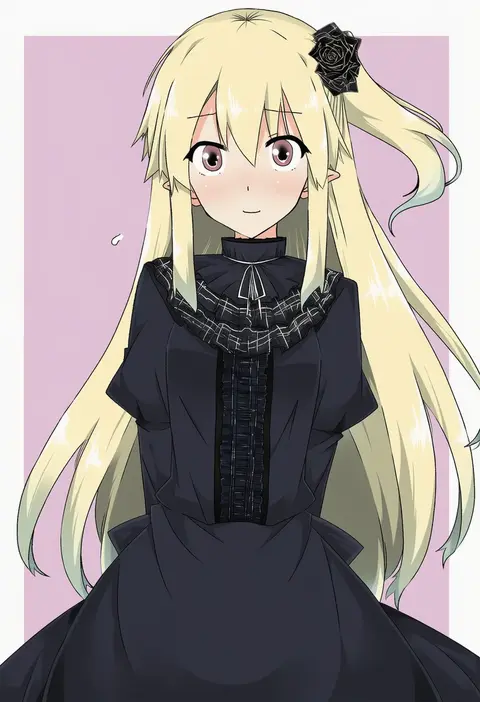
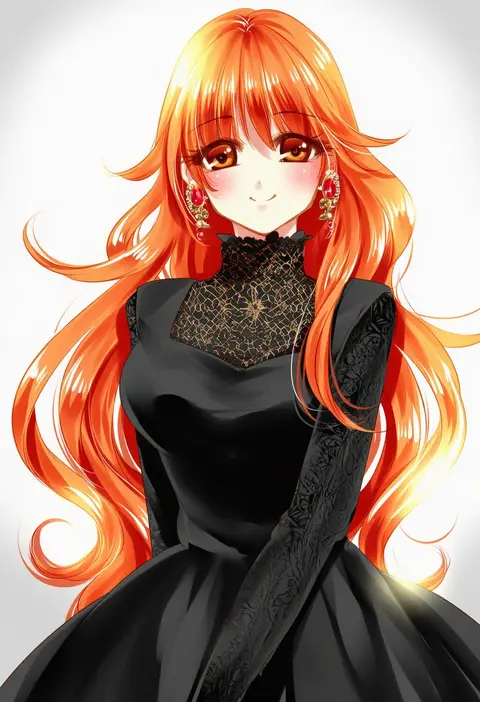
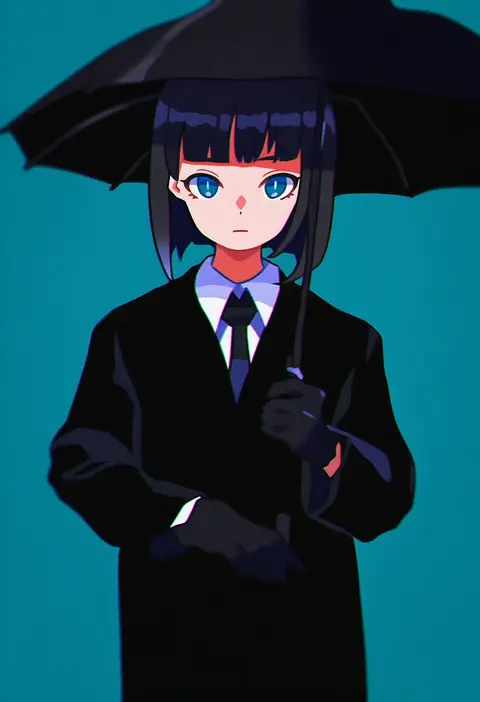
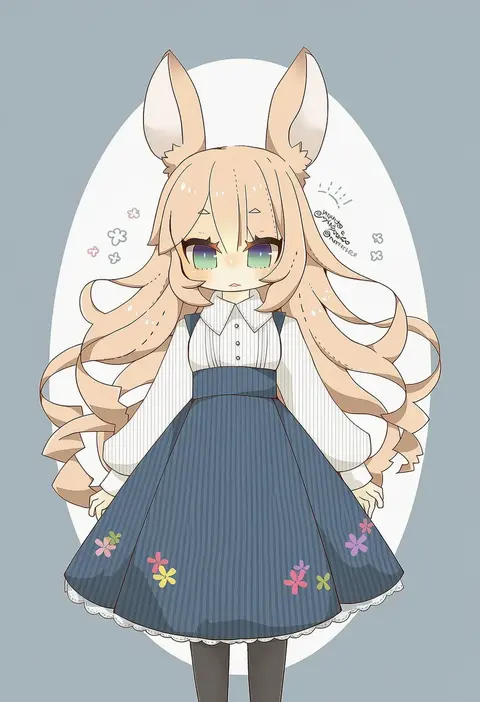
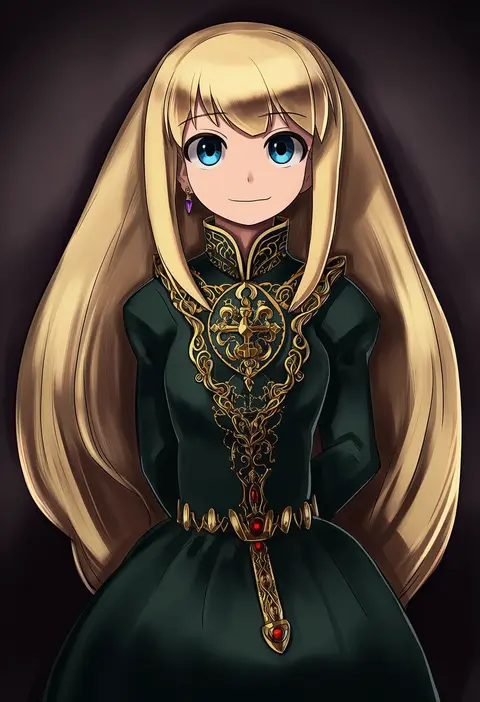
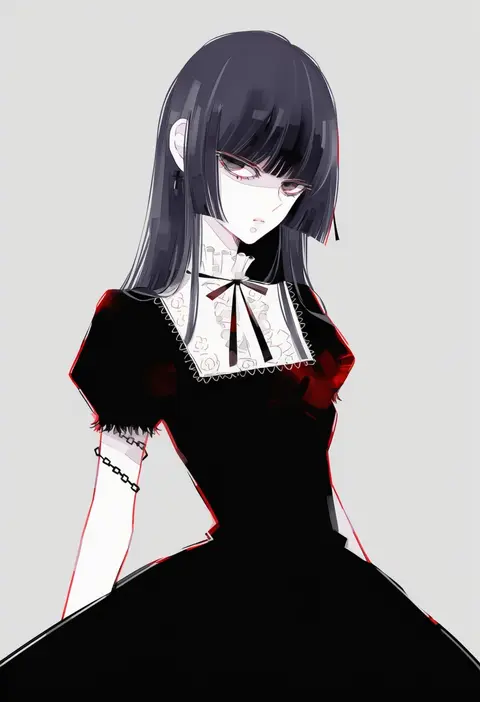
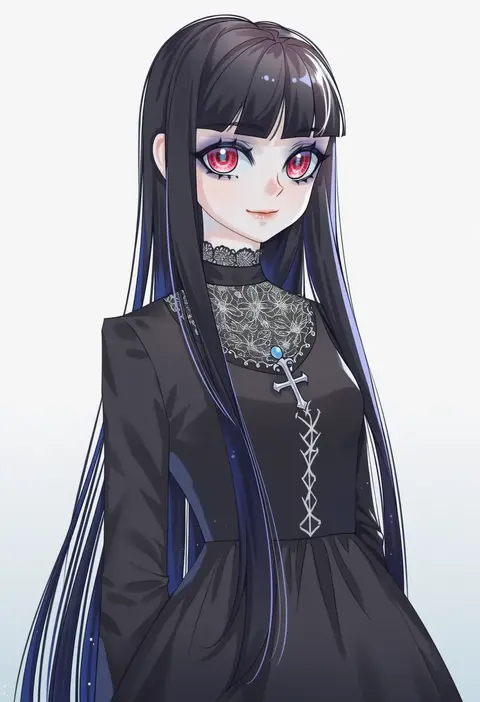
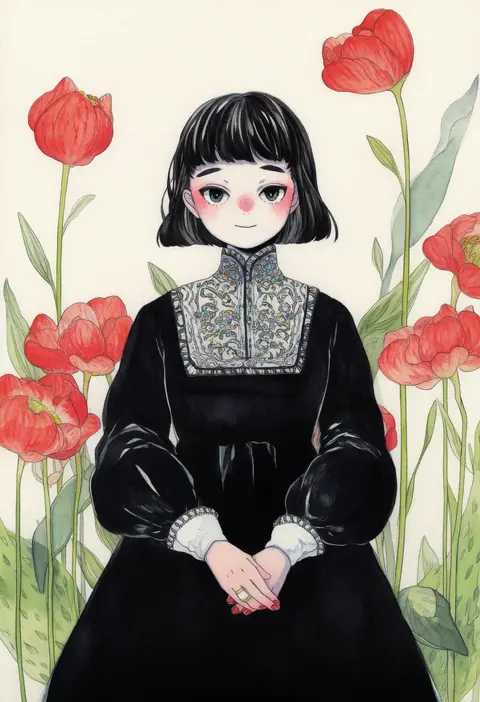
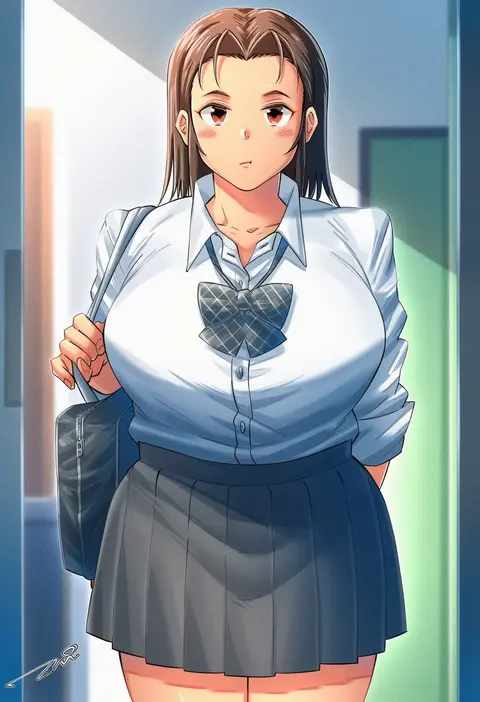
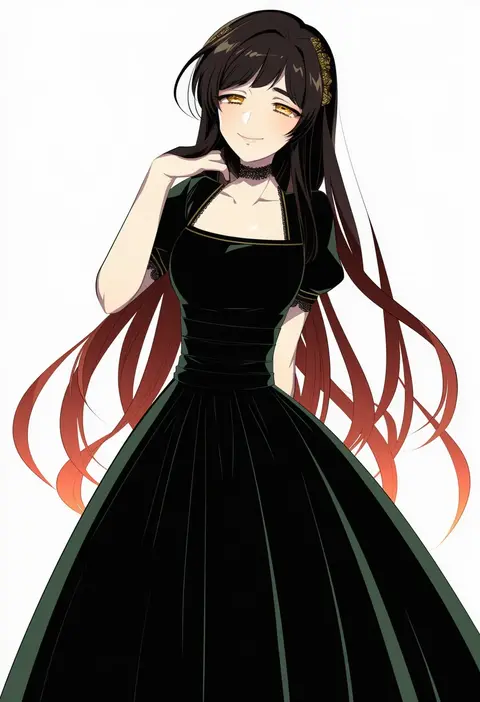
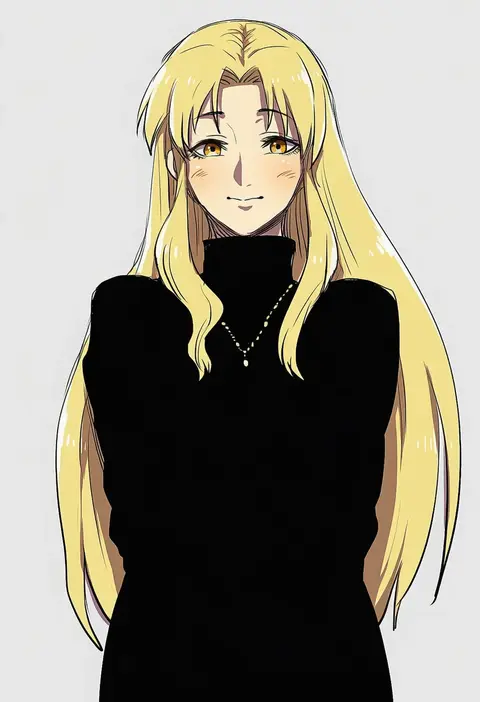
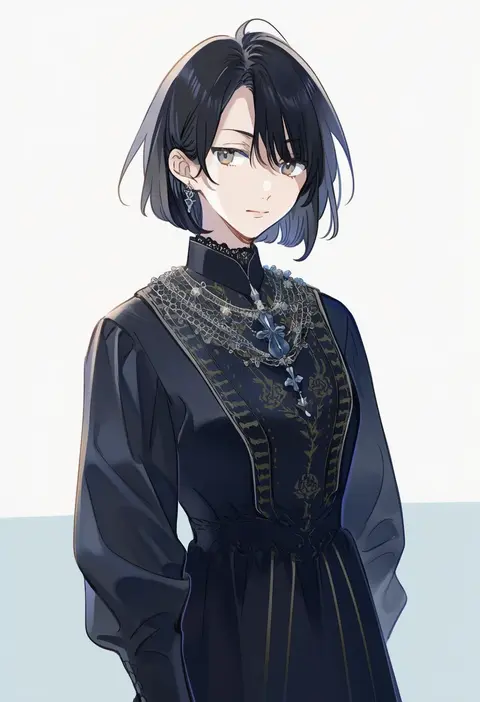
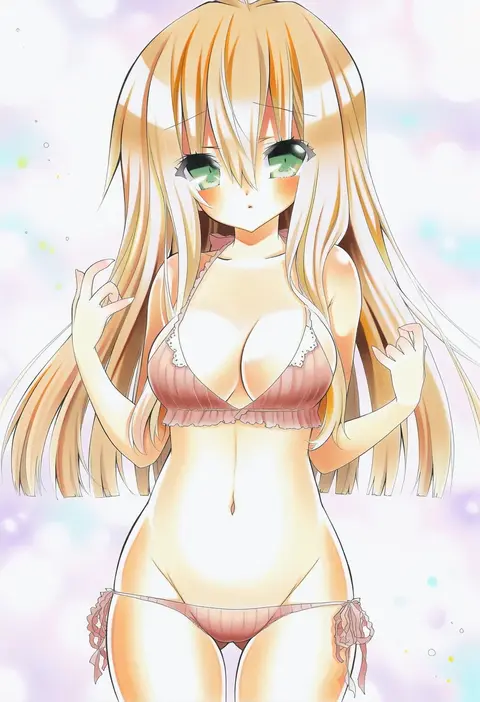
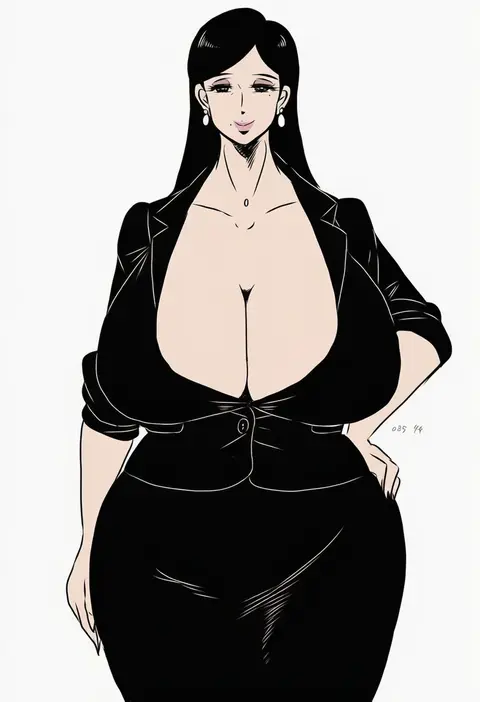
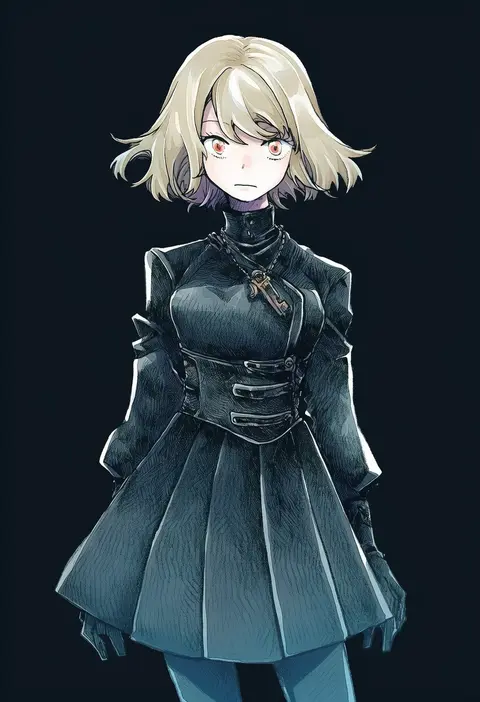
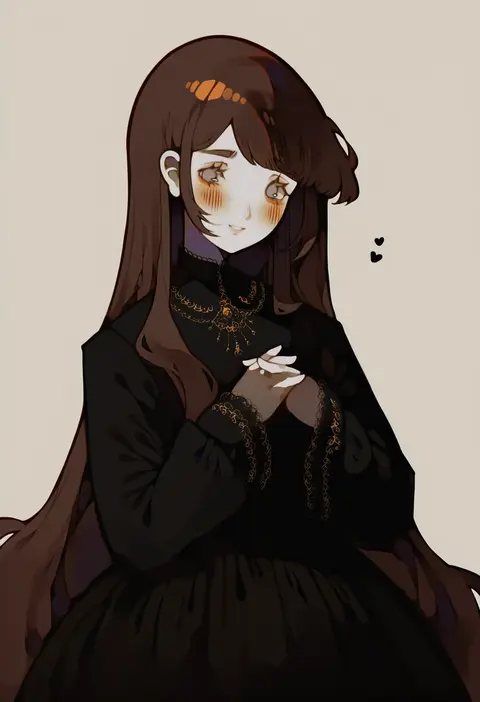
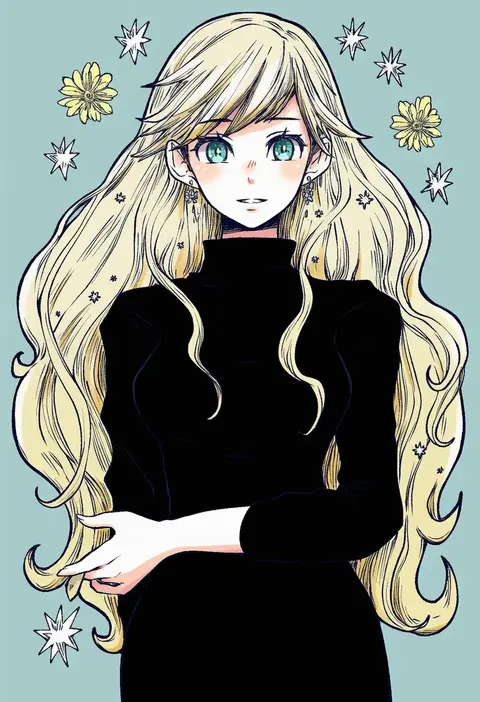
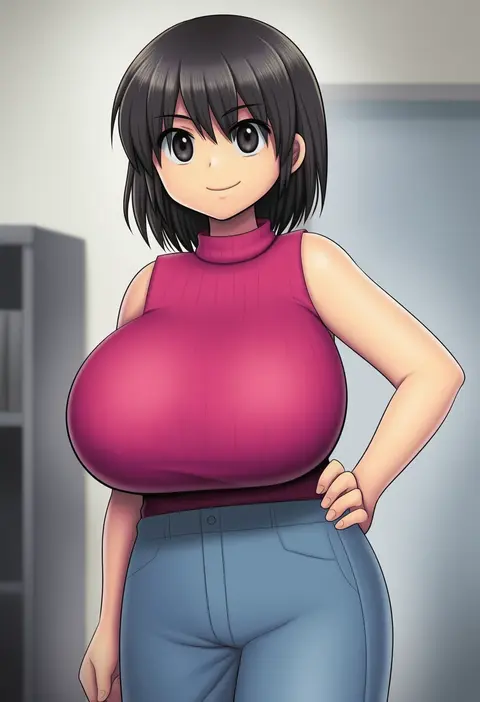
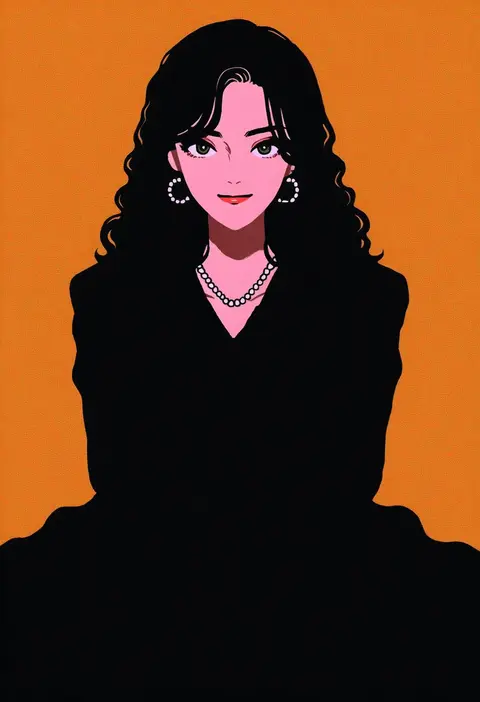
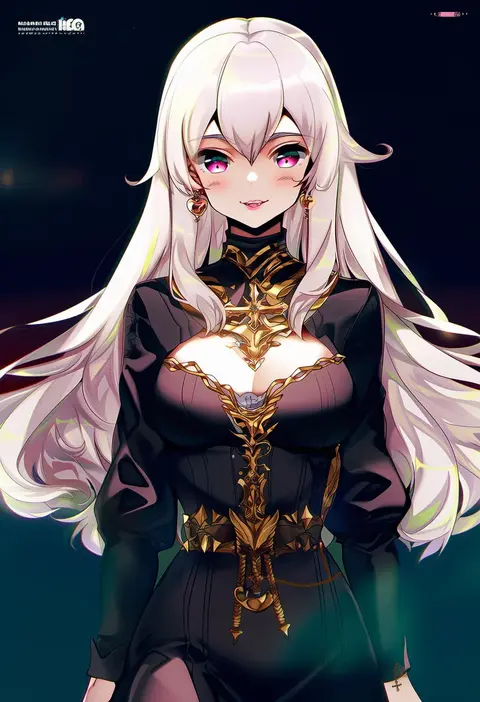
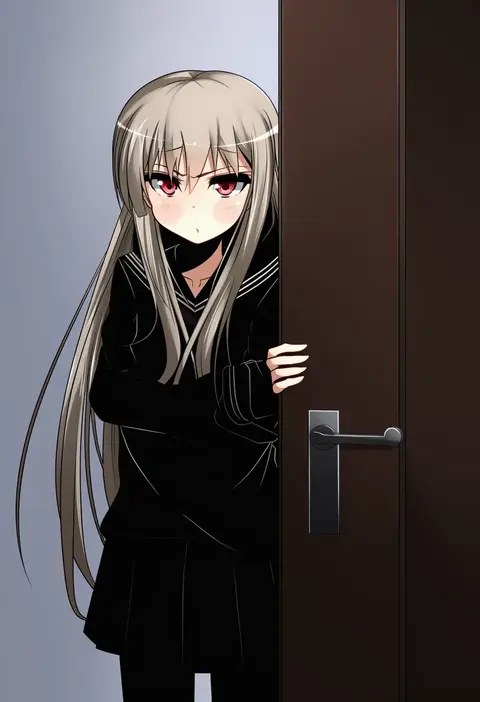
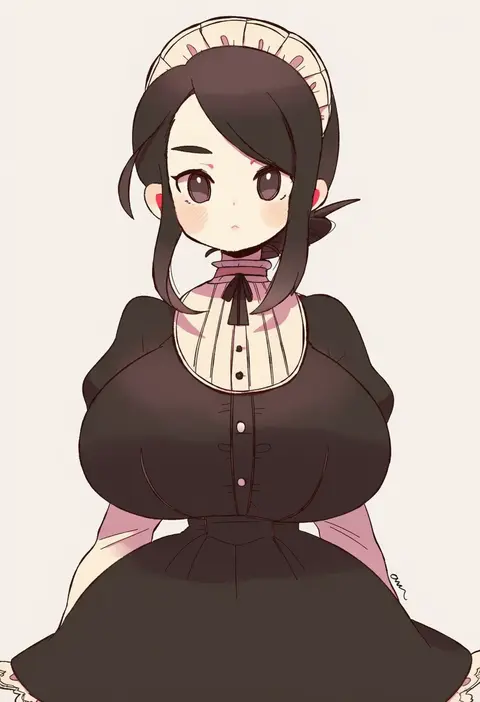
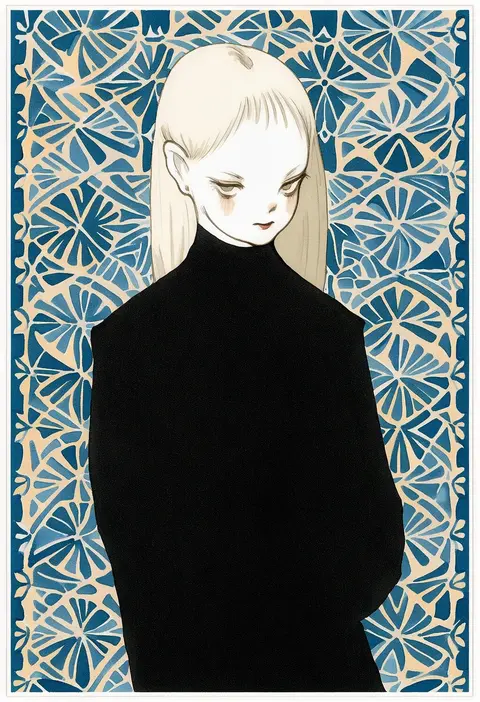
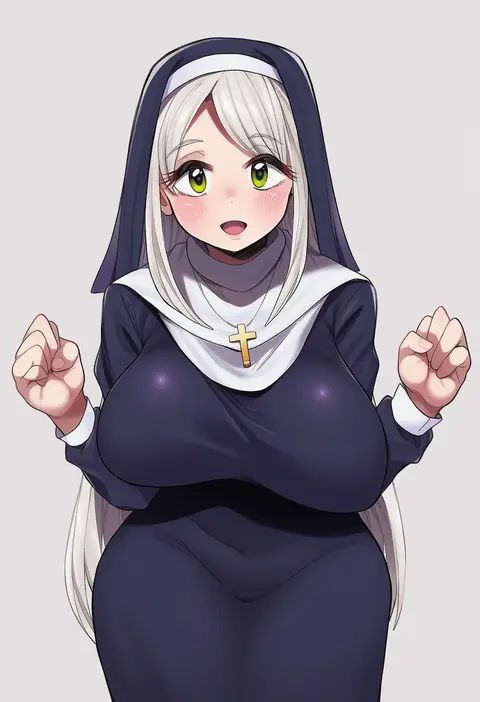
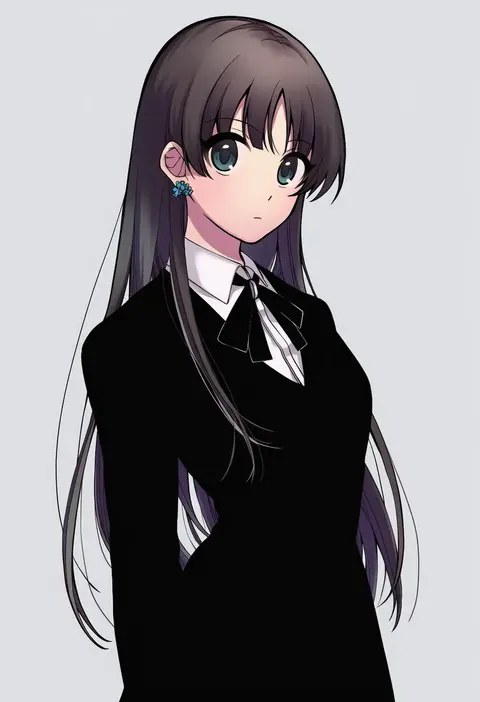
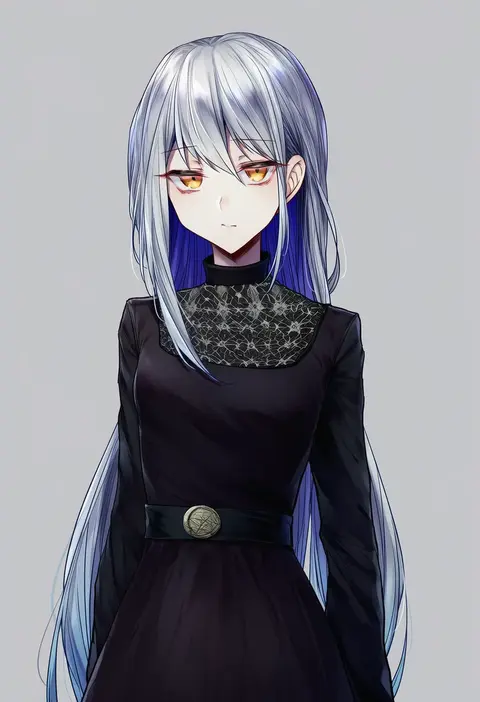
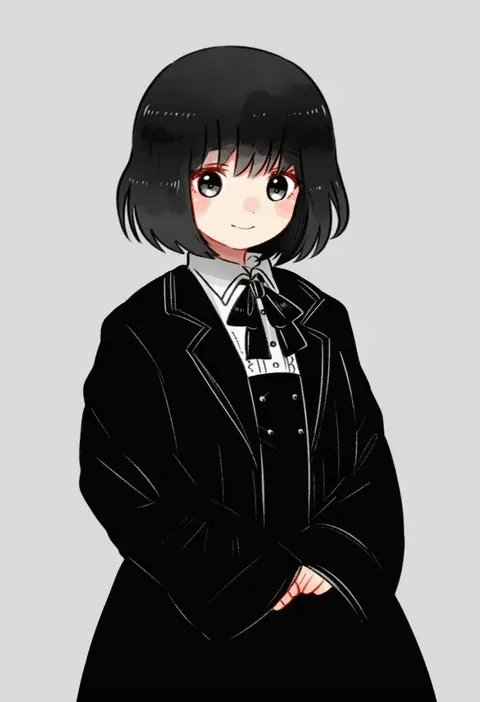
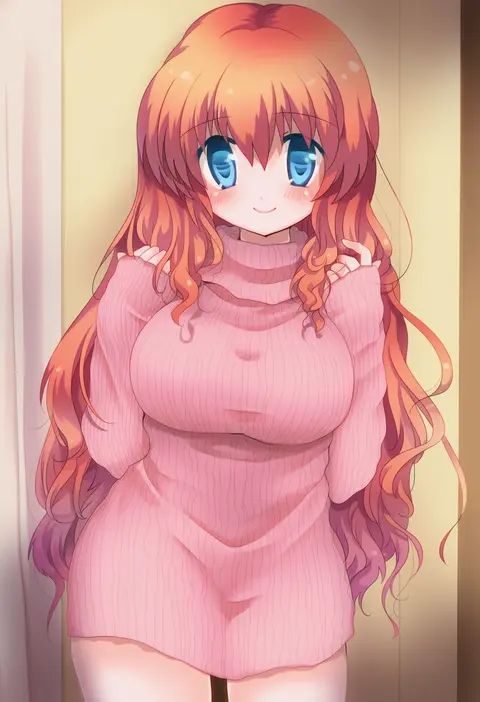
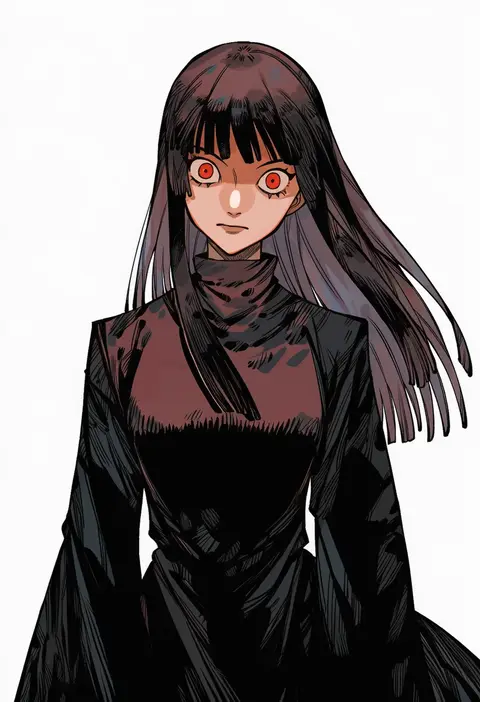
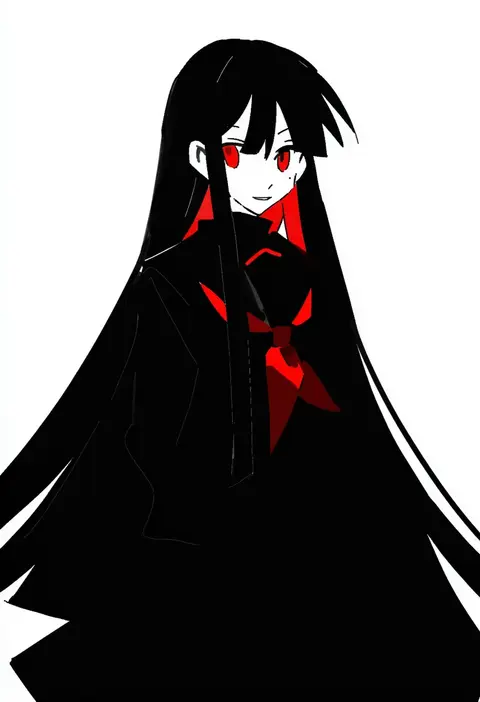
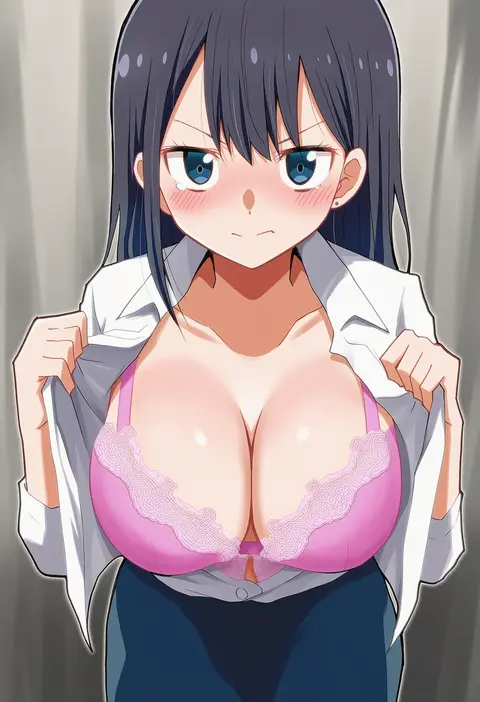
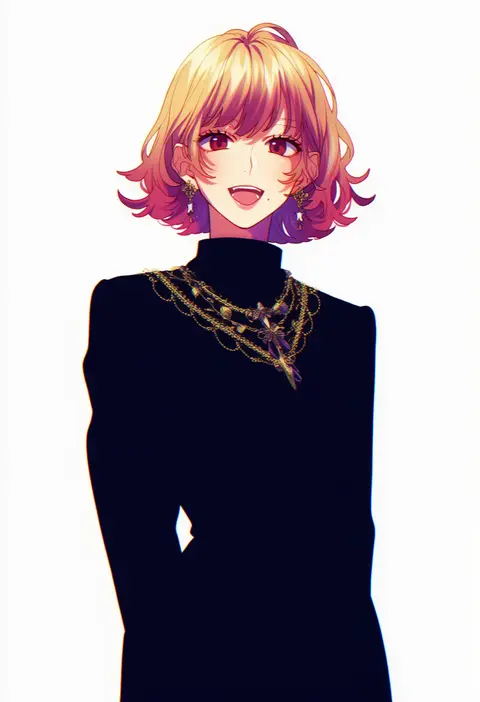
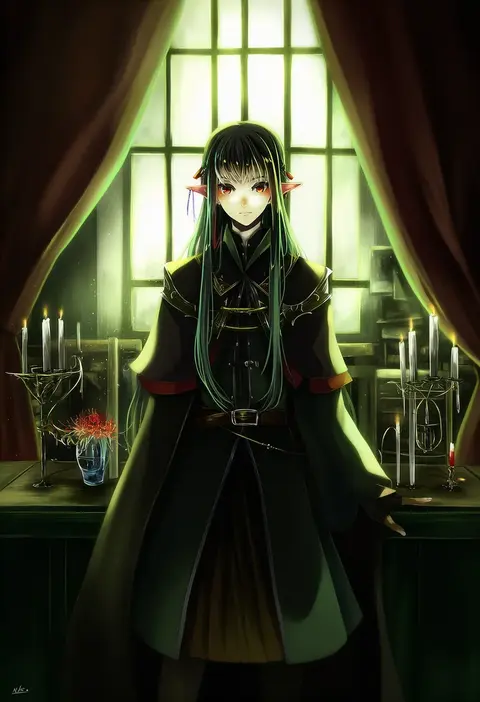
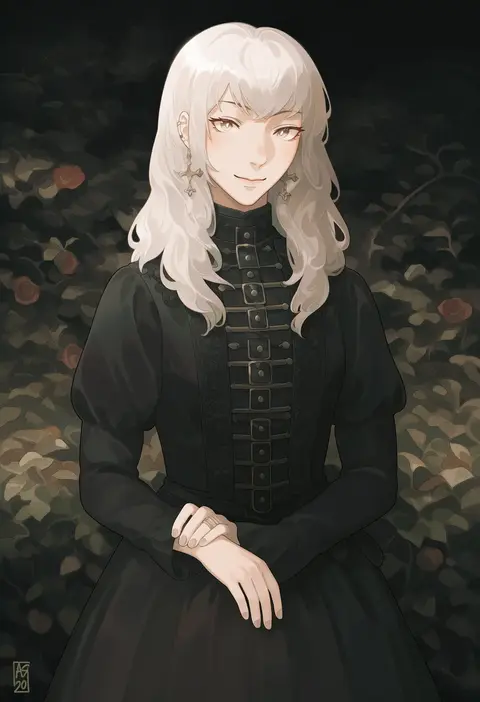
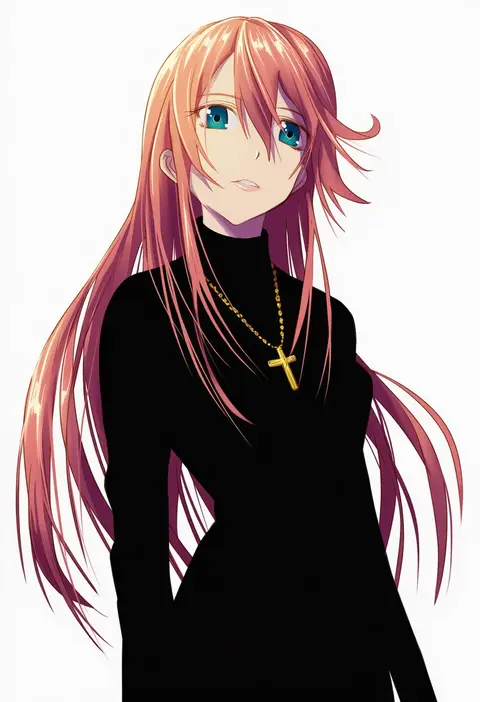
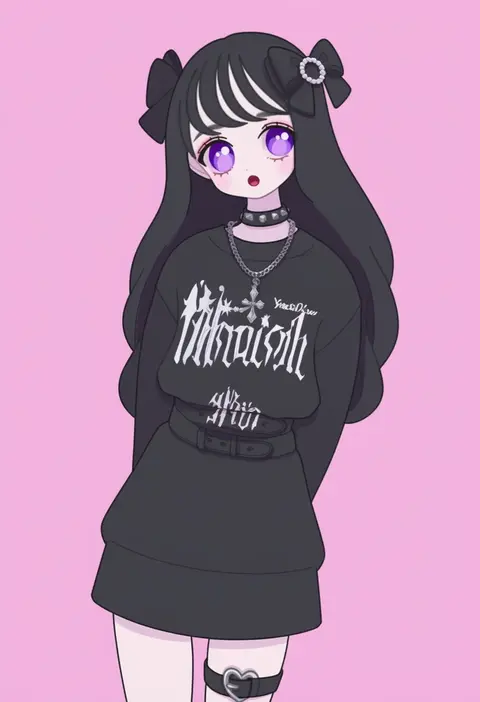
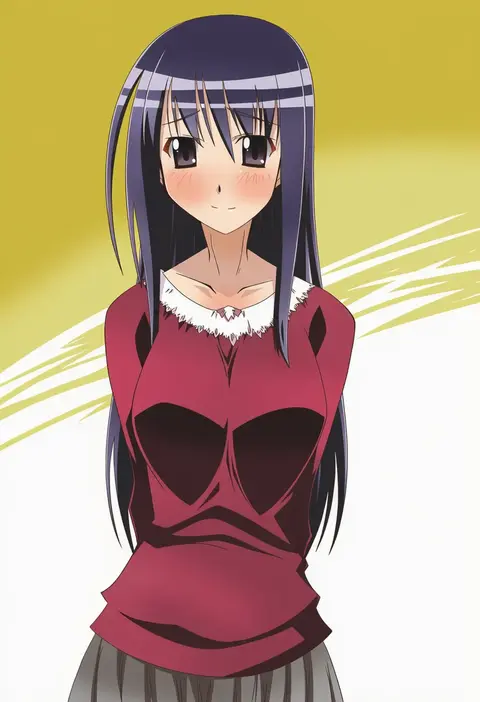
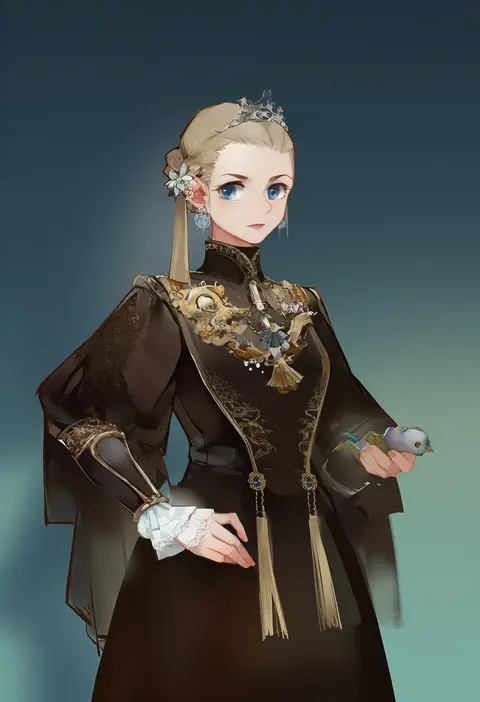
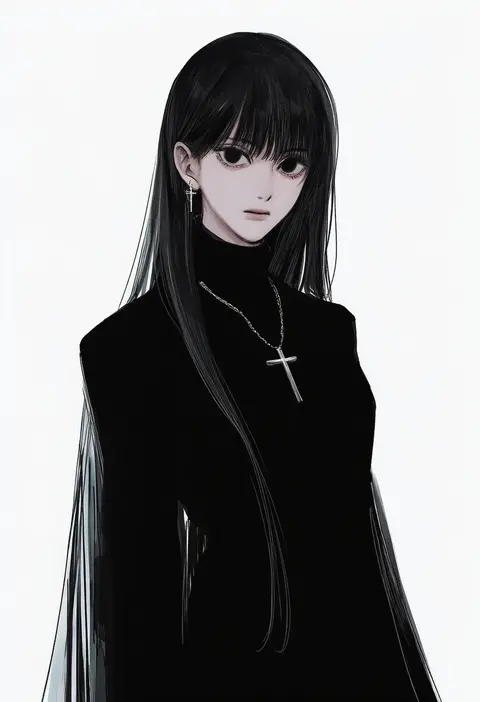
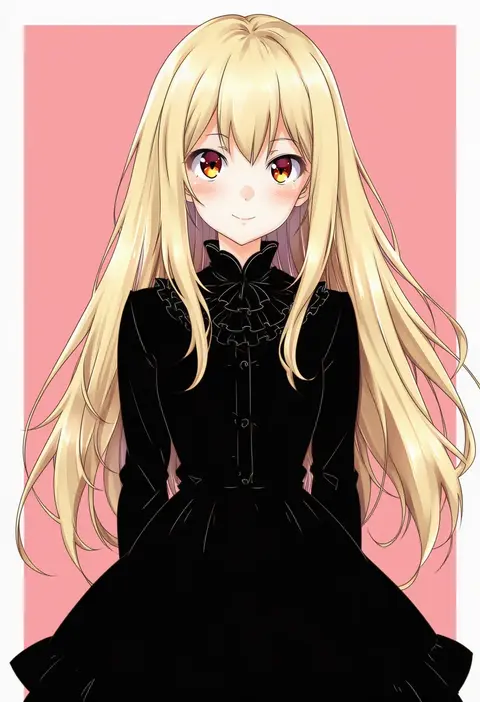
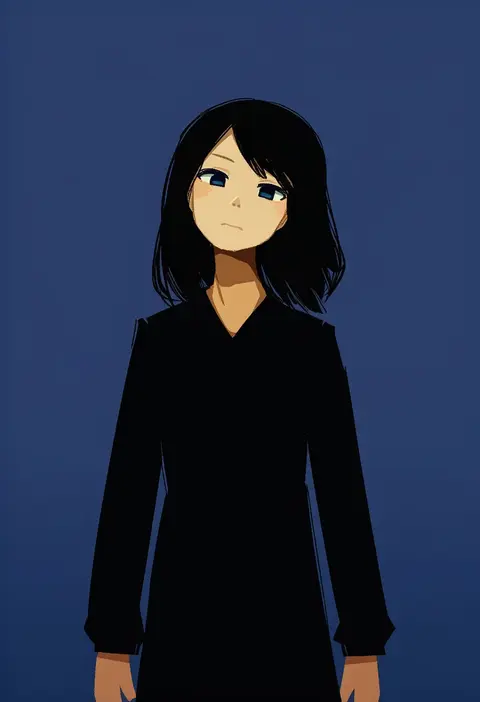
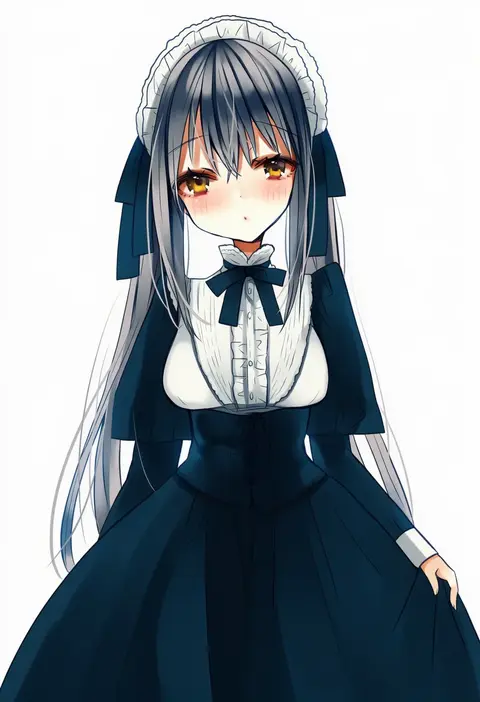
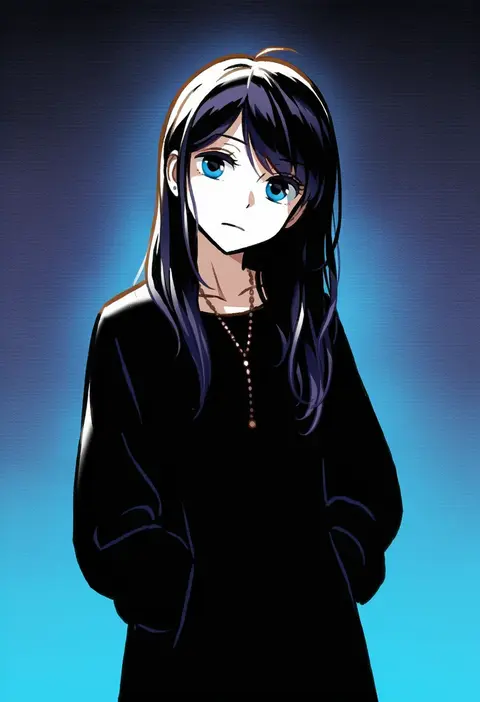
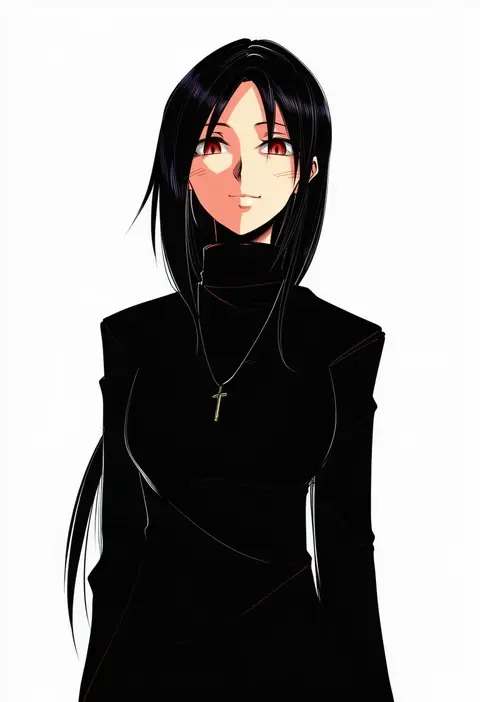
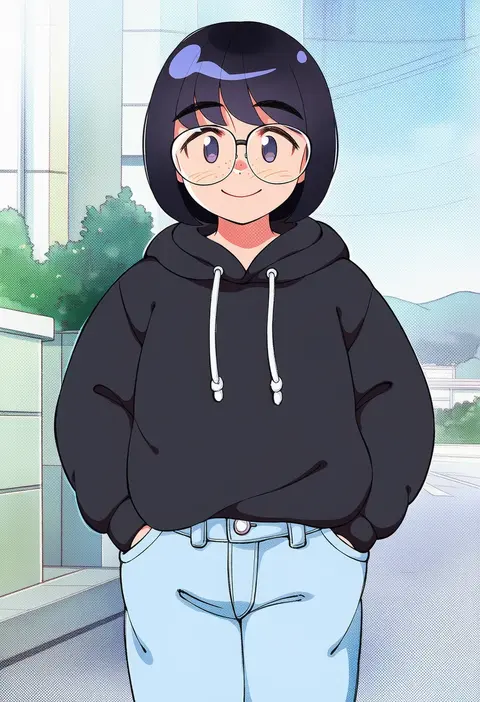
Artist tags tell NovelAI Diffusion to draw in a specific artist's style: line weight, paint texture, face shapes and palette all shift at once. Character and outfit tags decide what is drawn; artist tags decide how. 16,352 tags are listed for V4.5.
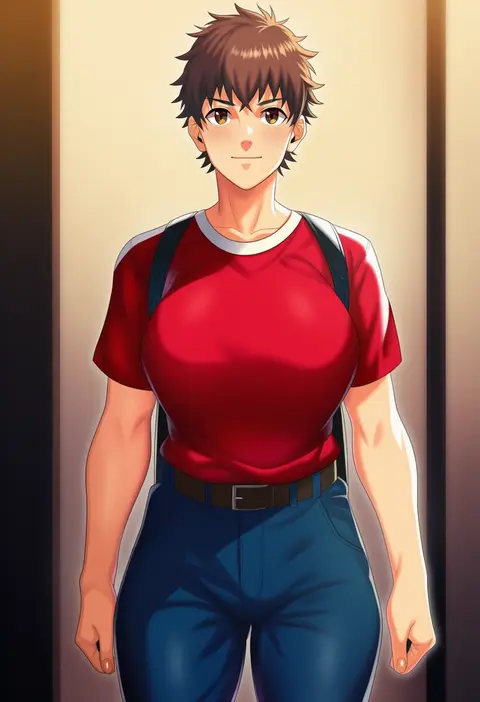
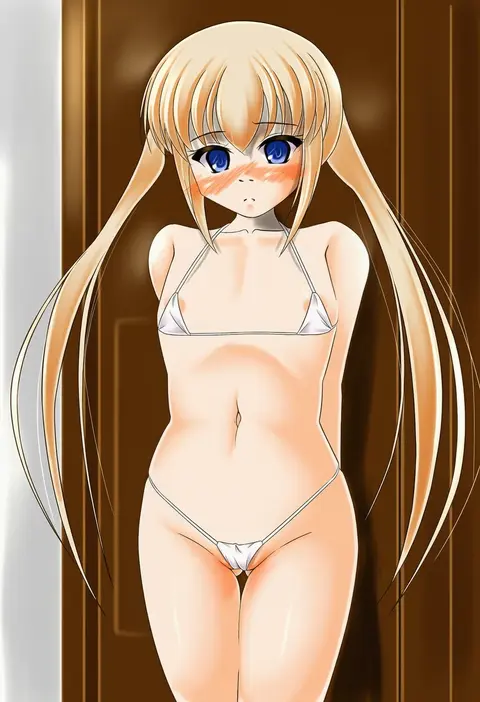
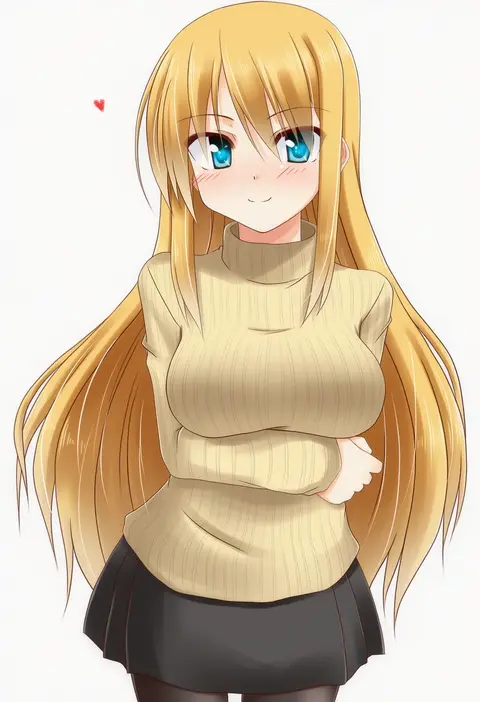
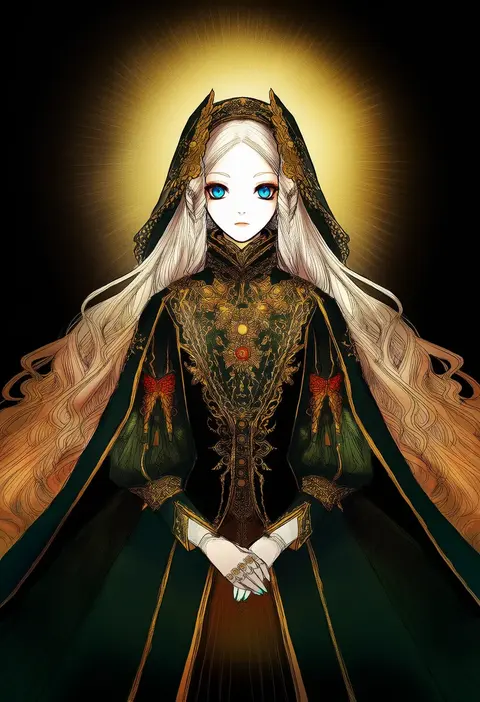
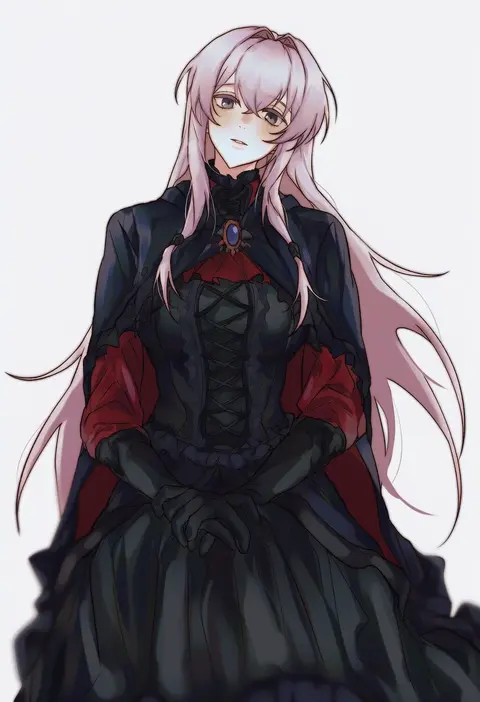
Every tag listed here is verified to react in NovelAI. All images use the same prompt, seed and settings with only the artist tag swapped, so the difference between two images is the style that tag brings in.

How to use them

Put the artist tag near the front of the prompt, e.g. "<artist>, 1girl, solo, best quality, masterpiece, cowboy shot". Two or three artist tags blend styles; lower the weight with "0.8::<artist>::" when the style overpowers the character.

SCORE sorts by Danbooru's top score, POSTS by post count, FAVS by hearts on this site. Open a card to see V5 and V4.5 side by side on the same seed.

V5 vs V4.5

V5 usually lands closer to the artist's real style, and tags that did nothing on V4.5 often react on V5. V4.5 still fits older and doujin-heavy artists better. Try V5 first, fall back to V4.5.

FAQ

Where does the artist tag go?
Near the front of the prompt. Use "0.8::tag::" to adjust its weight.

Can I stack artist tags?
Yes, styles blend. Past two or three the result stops looking like anyone.

Are these the artists' own works?
No. Every image is a NovelAI sample generated from the tag.