V4.5Artists
sort: FAVS▾
▾
>
$

NovelAI Artist Tags List — V4.5

artist --count 16,352[36/273]
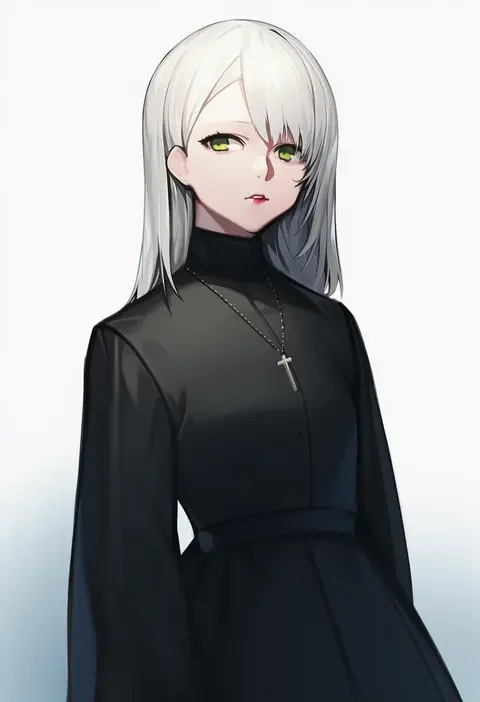
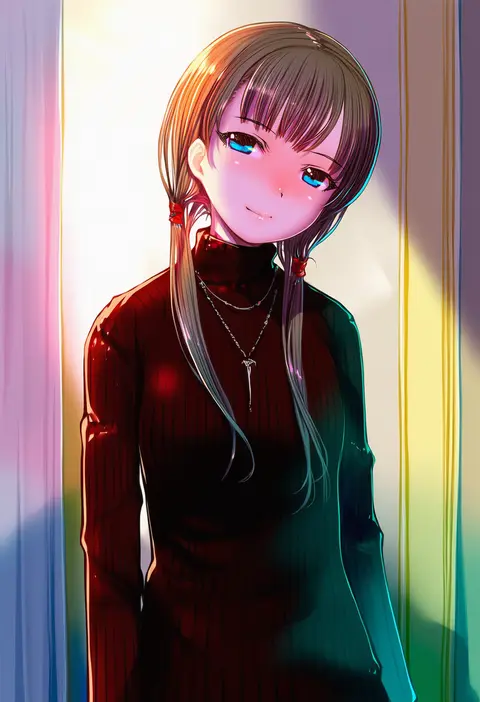
jam (nandade)
ARTIST0x0834
0
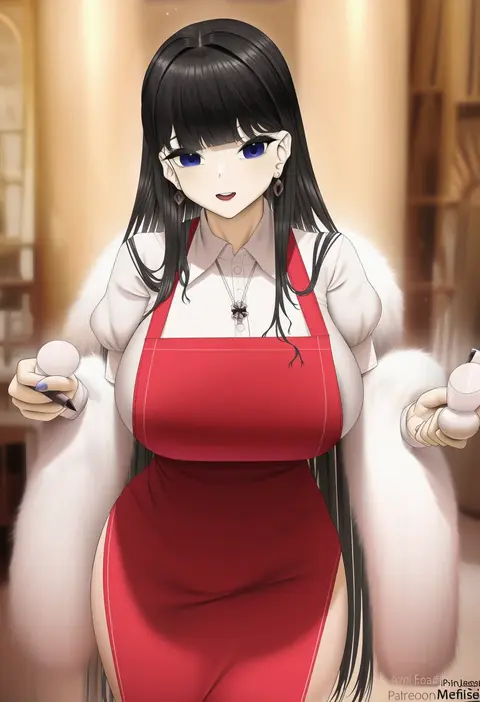
ttptt
ARTIST0x0835
0
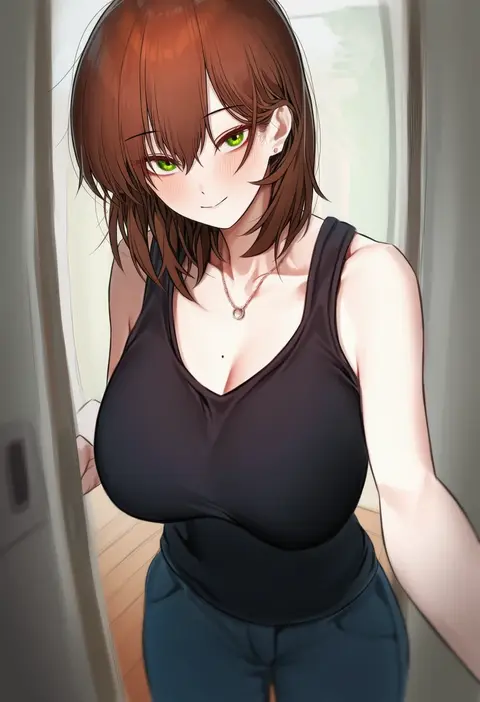
karadborg
ARTIST0x0836
0
kaki z3
ARTIST0x0837
0
yan jhia
ARTIST0x0838
0
sakura no tomoru hi e
ARTIST0x0839
0
lainart
ARTIST0x083A
0
tony guisado
ARTIST0x083B
0
wingedwasabi
ARTIST0x083C
0
minamoto (mutton)
ARTIST0x083D
0
mirei
ARTIST0x083E
0
toi1et paper
ARTIST0x083F
0
tem10
ARTIST0x0840
0
ayomo ro
ARTIST0x0841
0
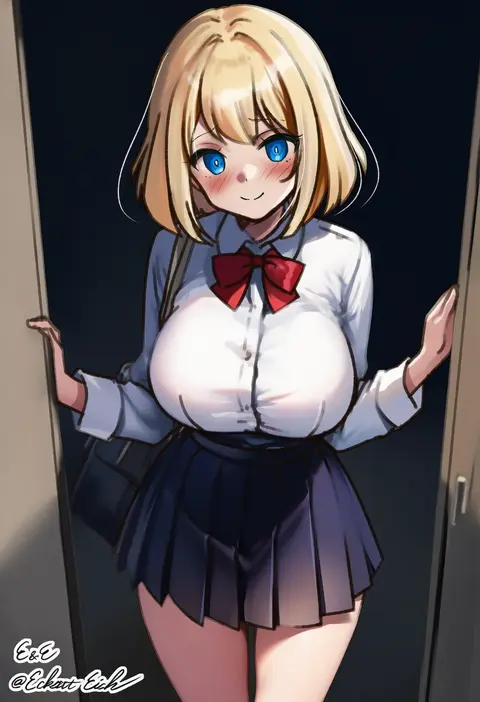
eckert&eich
ARTIST0x0842
0
shaggy susu
ARTIST0x0843
0
note2000
ARTIST0x0844
0
shinori
ARTIST0x0845
0
pinki o64
ARTIST0x0846
0
m r b
ARTIST0x0847
0
namespace
ARTIST0x0848
0
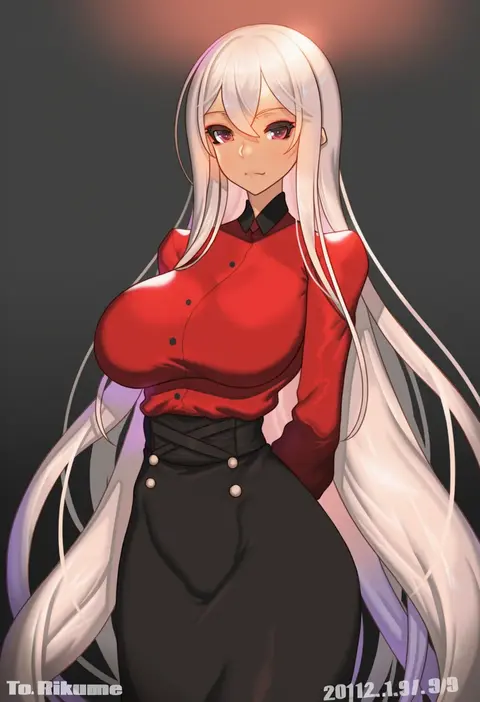
rikume
ARTIST0x0849
0
ruschuto
ARTIST0x084A
0
karmiel
ARTIST0x084B
0
suinose
ARTIST0x084C
0
cromwellb
ARTIST0x084D
0
ginhaha
ARTIST0x084E
0
kimoshi
ARTIST0x084F
0
sohn woohyoung
ARTIST0x0850
0
kunikune
ARTIST0x0851
0
reowocchi
ARTIST0x0852
0
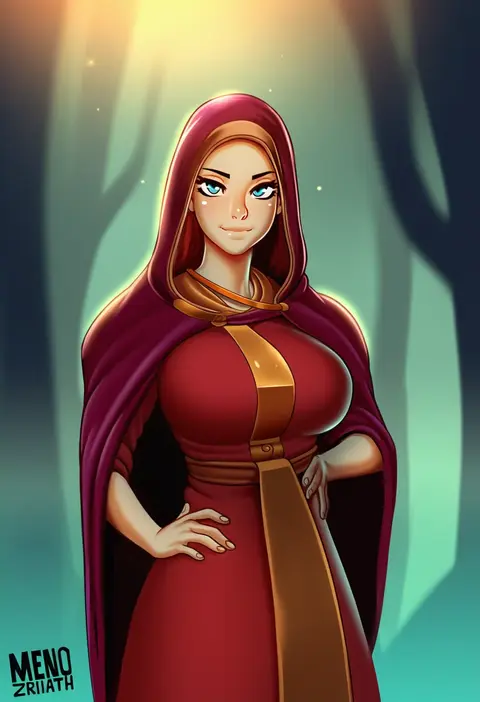
menoziriath
ARTIST0x0853
0
motto notto
ARTIST0x0854
0
preview (preview0)
ARTIST0x0855
0
mikazuki akira!
ARTIST0x0856
0
fouriasensei
ARTIST0x0857
0
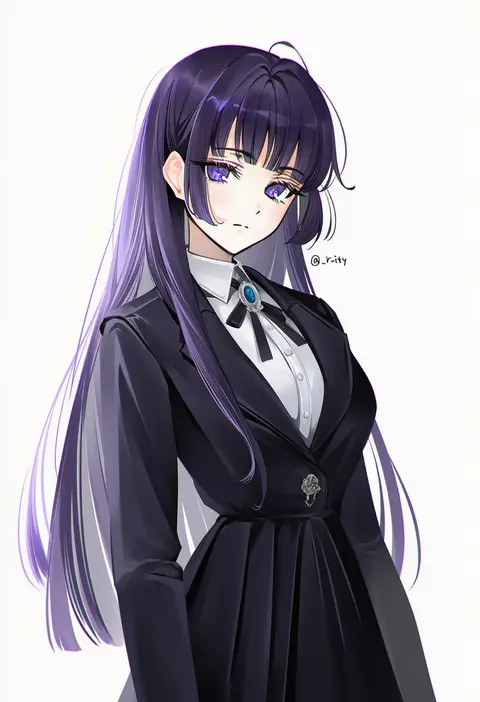
rity
ARTIST0x0858
0
marse (rokudaime)
ARTIST0x0859
0
huhi (huhi 1211)
ARTIST0x085A
0
manglifer
ARTIST0x085B
0
kanden sky
ARTIST0x085C
0
mana (remana)
ARTIST0x085D
0
umonebi
ARTIST0x085E
0
meekohopanes
ARTIST0x085F
0
riyo (lyomsnpmp)
ARTIST0x0860
0
tangerine (dudu)
ARTIST0x0861
0
nironiro
ARTIST0x0862
0
metal owl (aden12)
ARTIST0x0863
0
eudetenis
ARTIST0x0864
0
pinta (ayashii bochi)
ARTIST0x0865
0
toshizou (0714)
ARTIST0x0866
0
enma (enmanuelart)
ARTIST0x0867
0
tsuaii
ARTIST0x0868
0
naha78
ARTIST0x0869
0
fantongjun
ARTIST0x086A
0
anima (togashi)
ARTIST0x086B
0
nuda
ARTIST0x086C
0
tatsuya (trypaint)
ARTIST0x086D
0
kawa683
ARTIST0x086E
0
unstableboiler
ARTIST0x086F
0

What these tags change

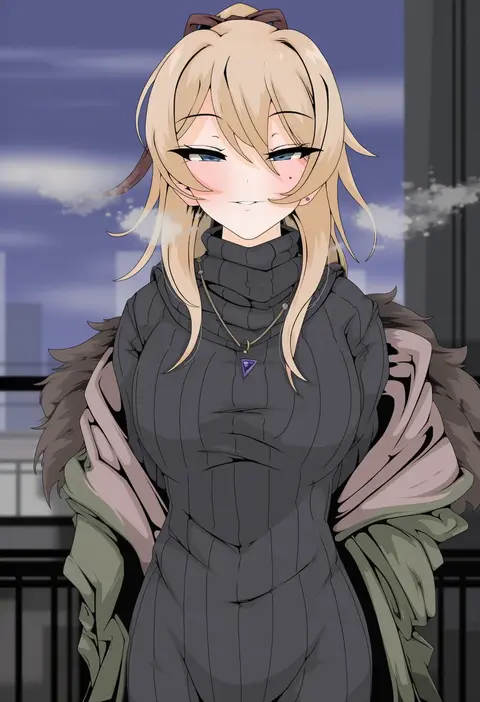
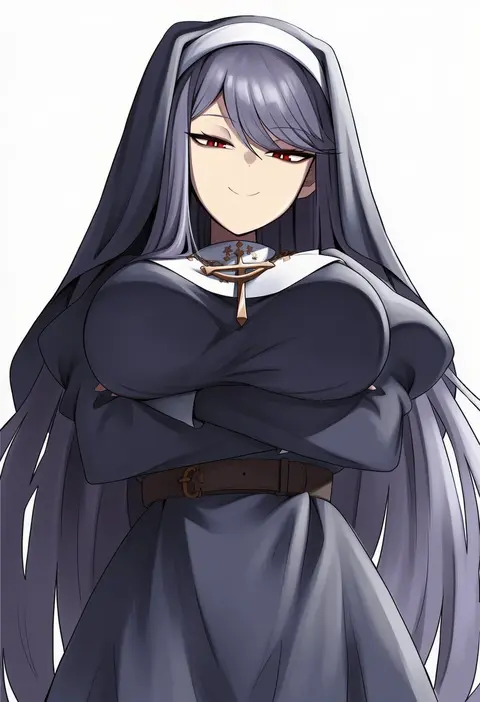
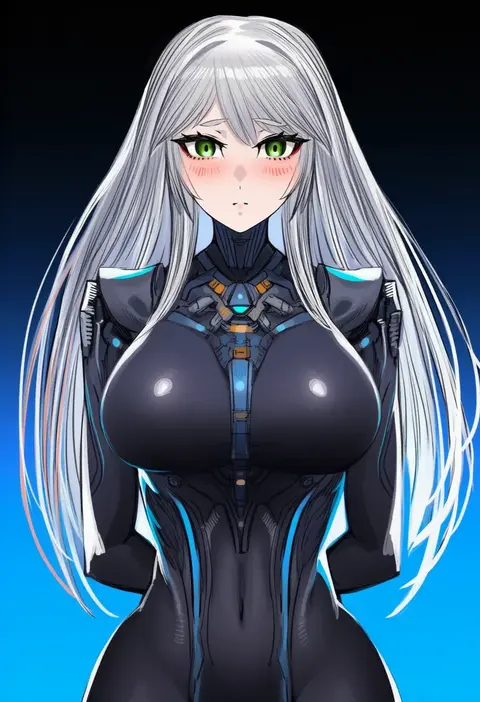
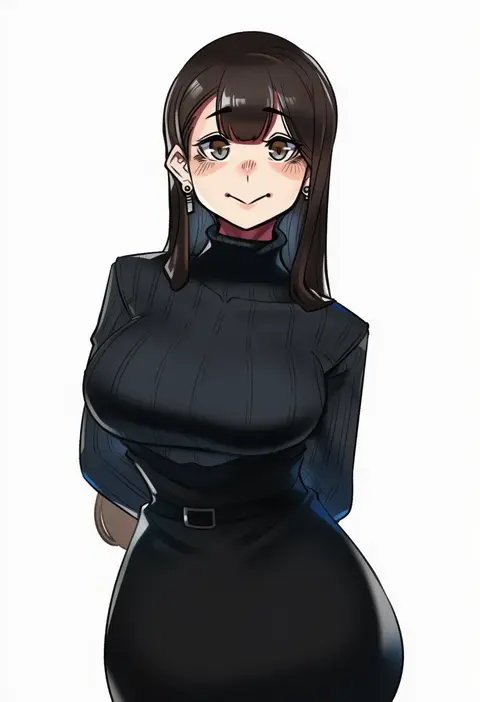
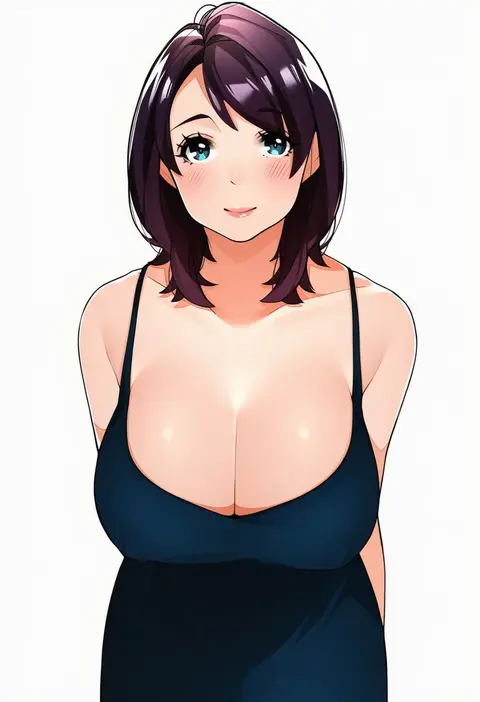
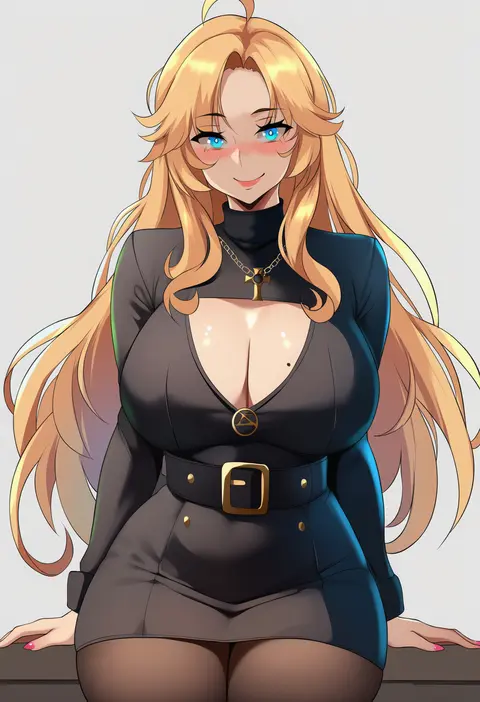
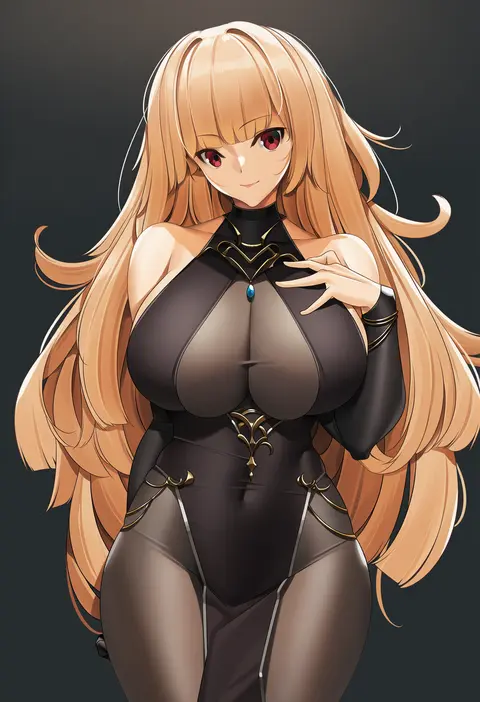
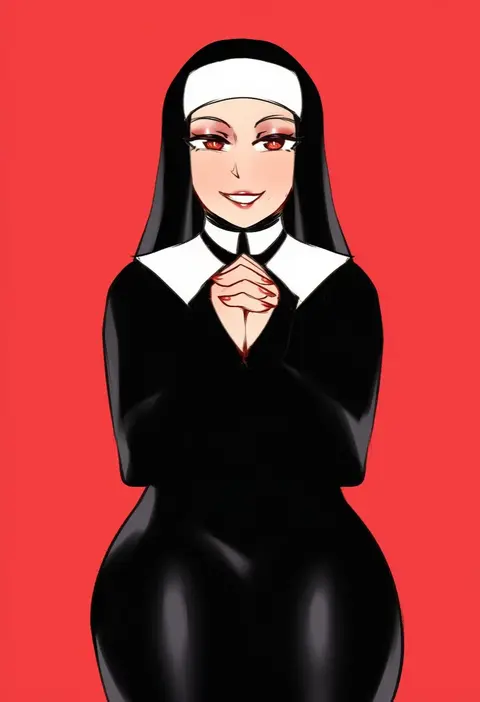
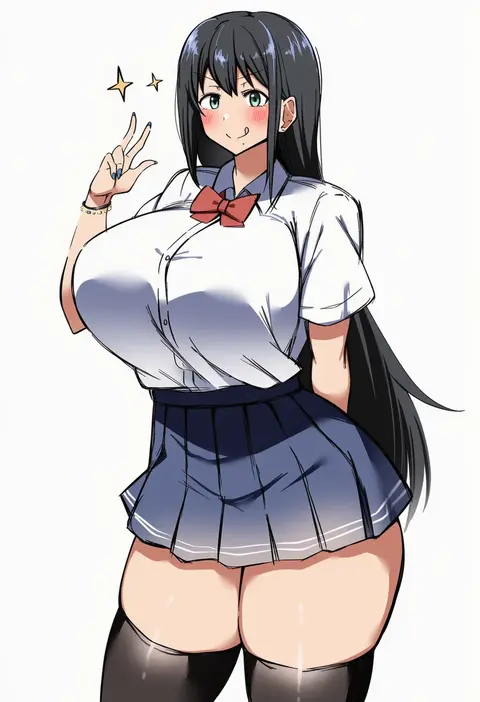
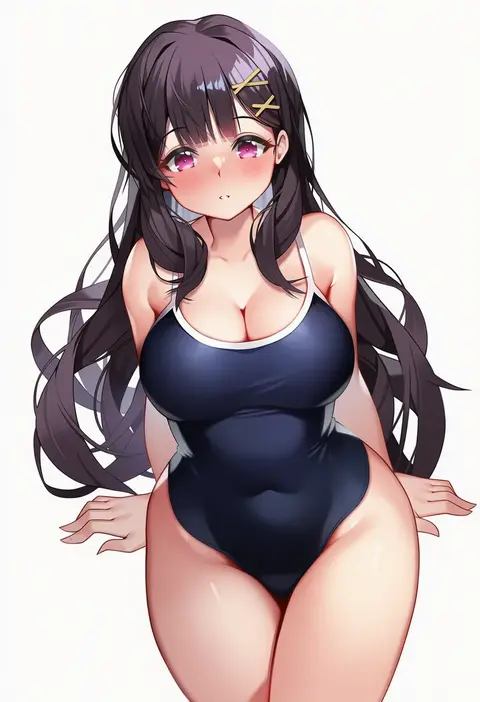
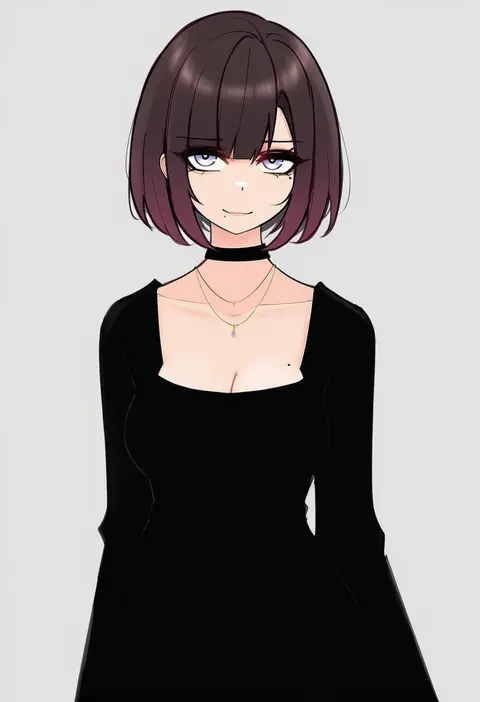
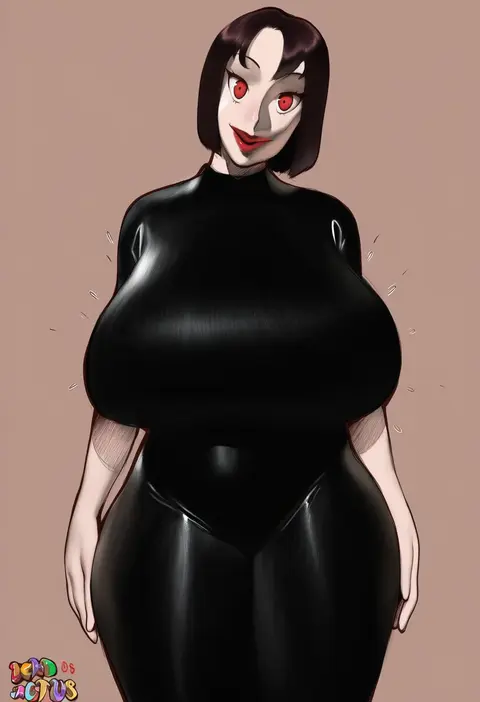
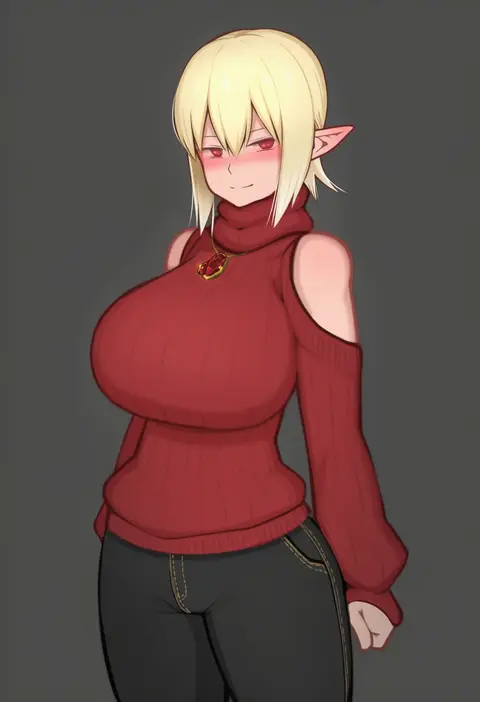
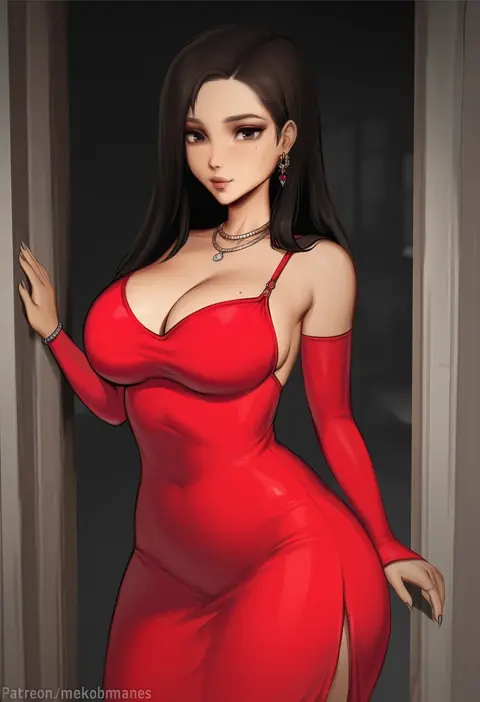
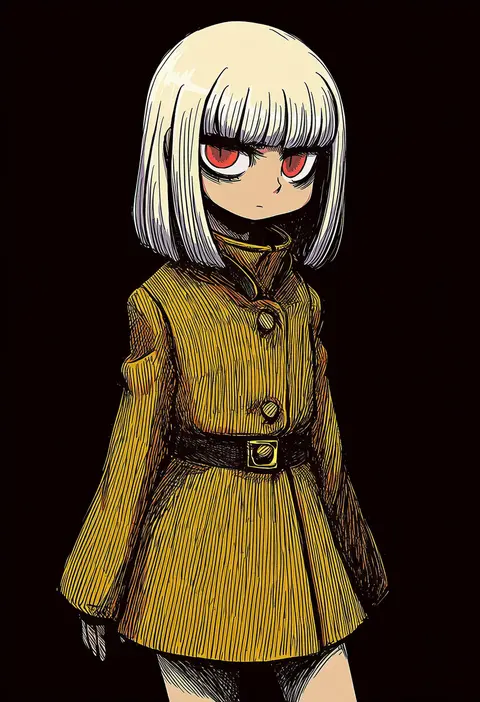
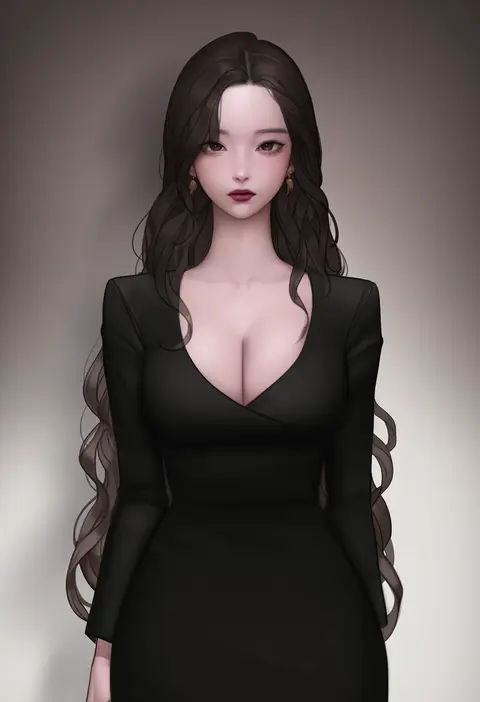
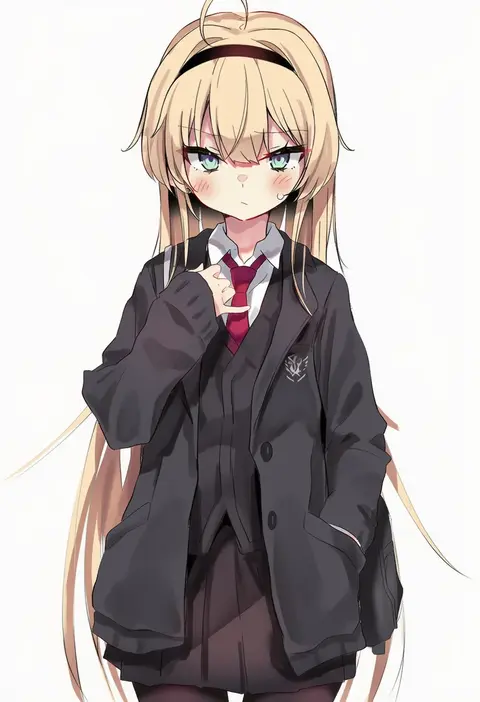
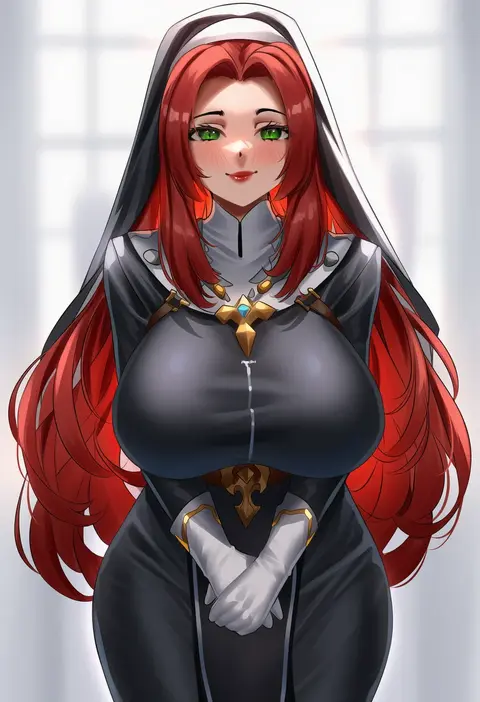
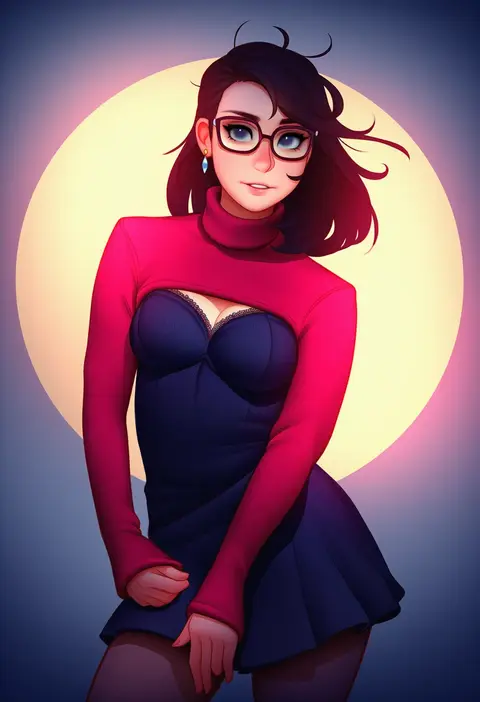
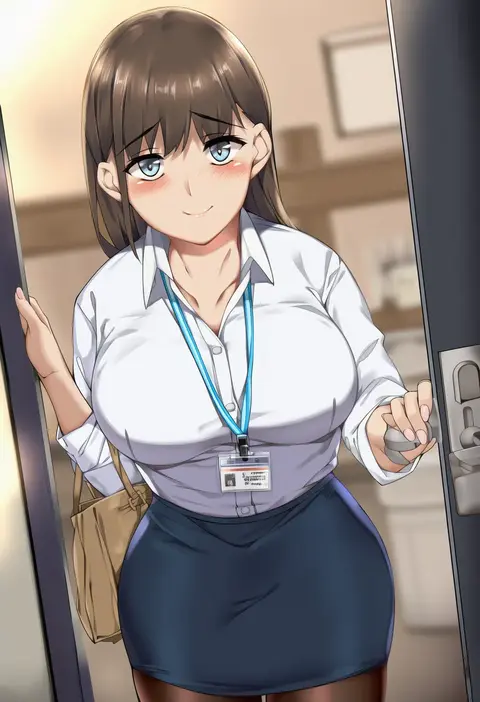
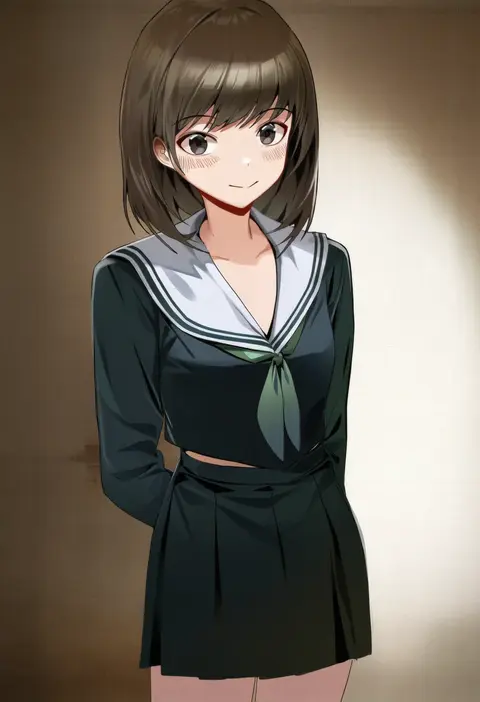
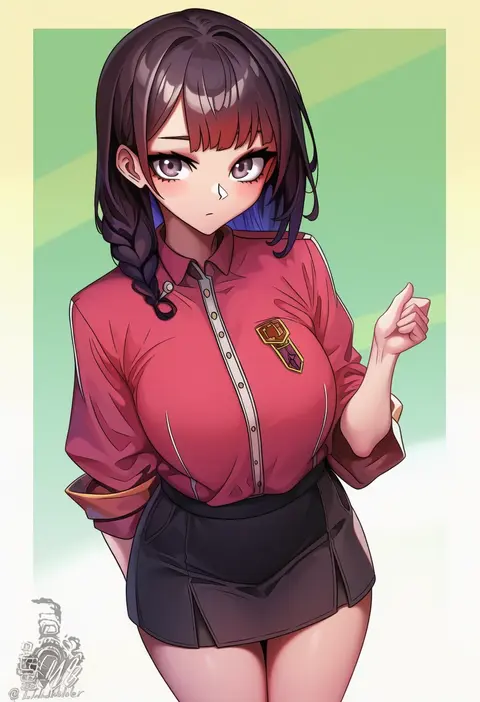
Artist tags tell NovelAI Diffusion to draw in a specific artist's style: line weight, paint texture, face shapes and palette all shift at once. Character and outfit tags decide what is drawn; artist tags decide how. 16,352 tags are listed for V4.5.
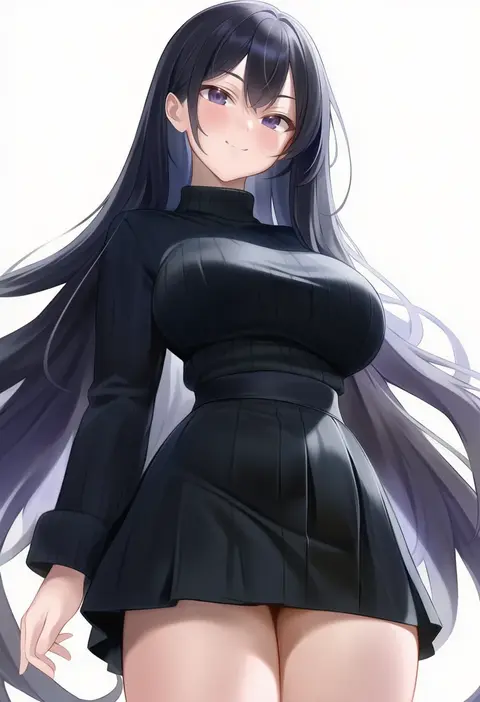
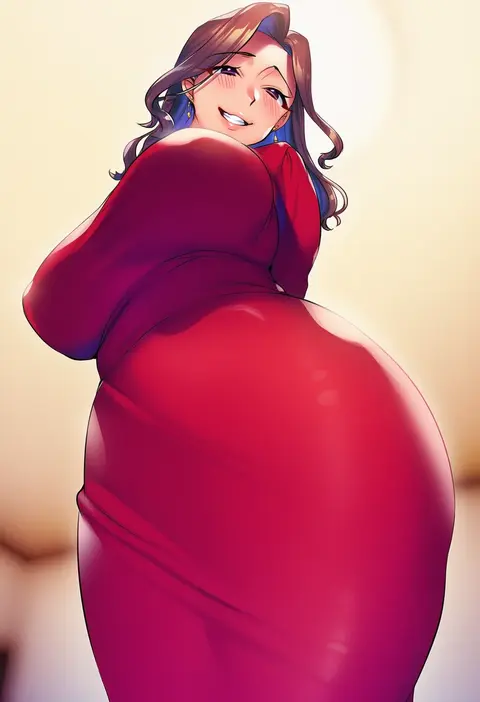
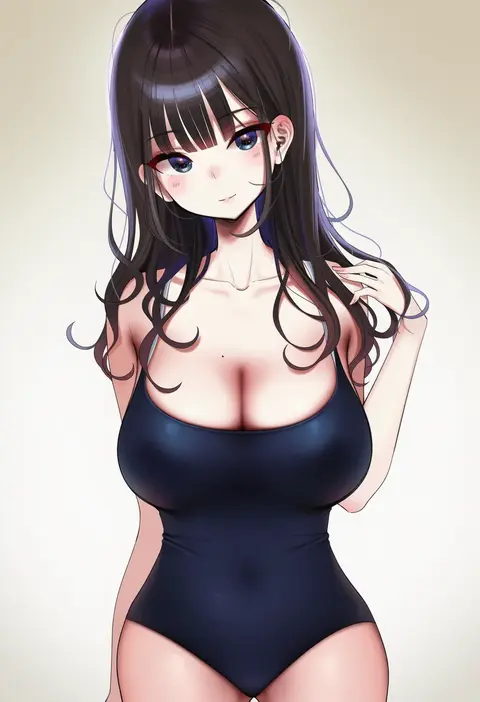
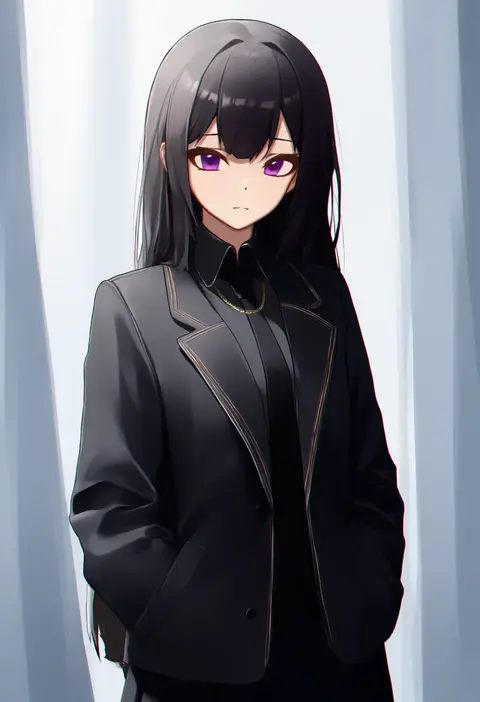
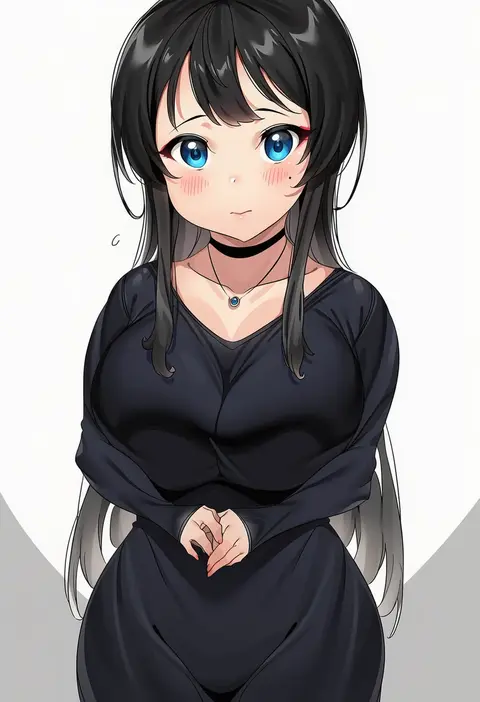
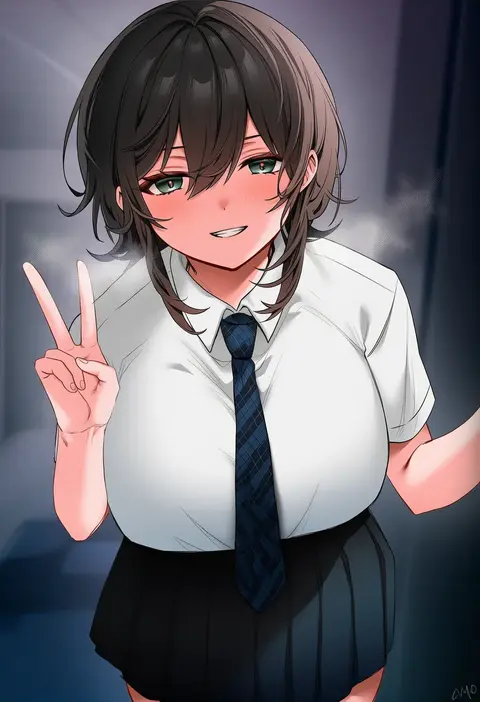
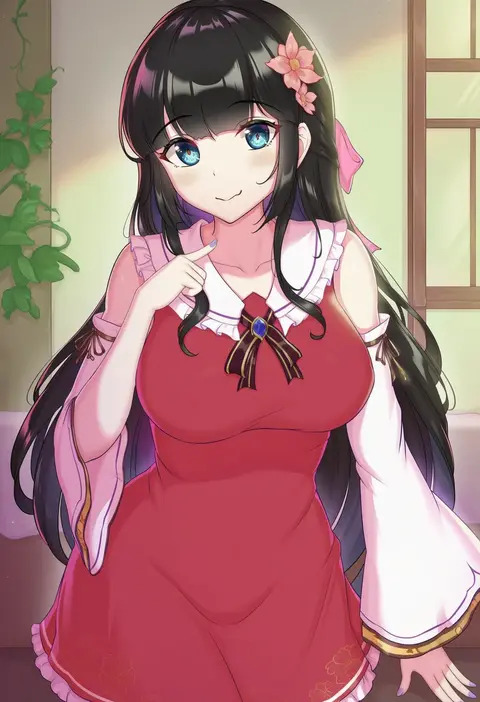
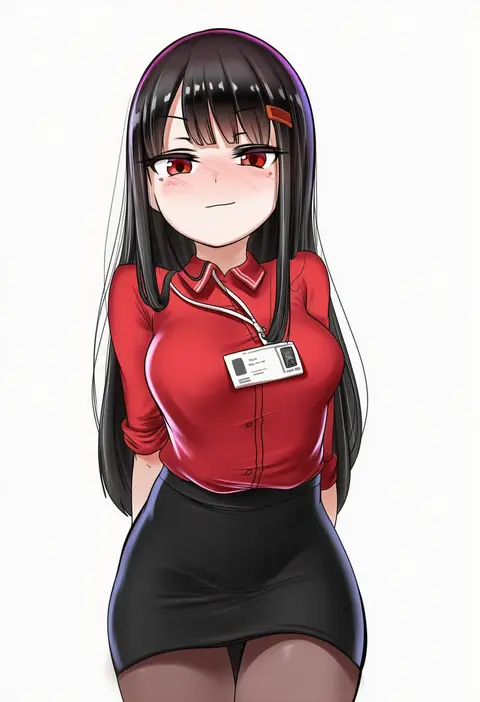
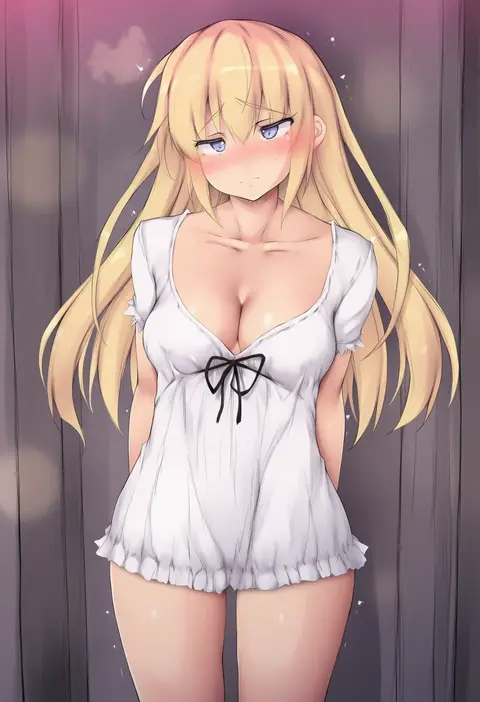
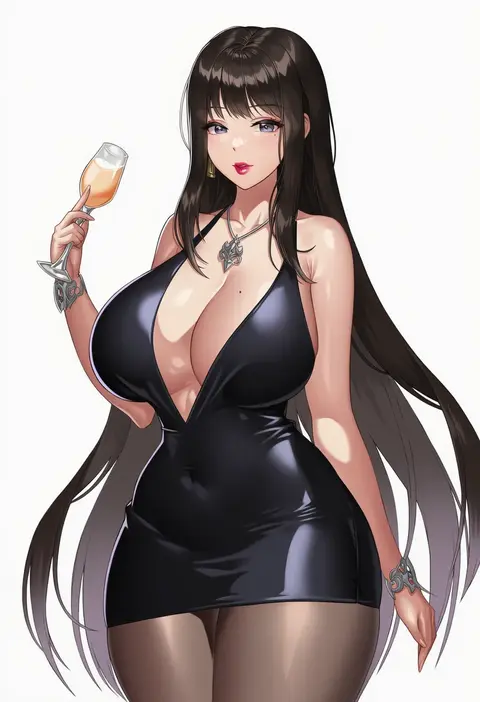
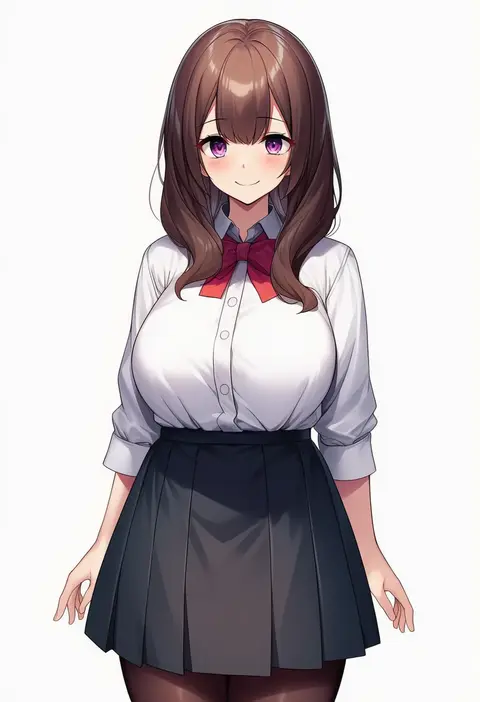
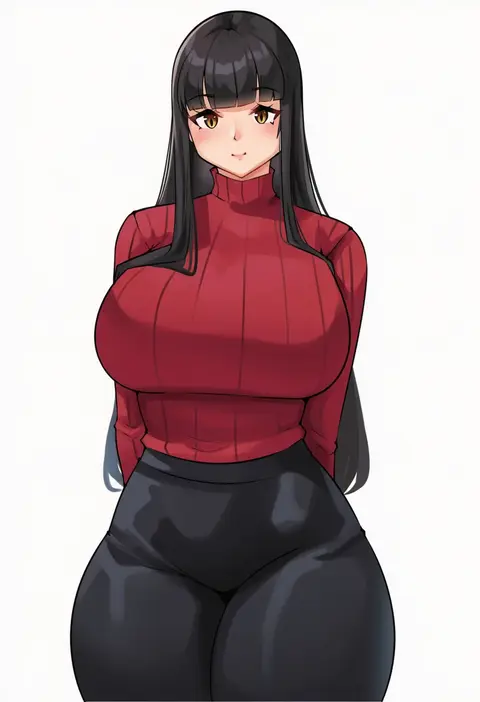
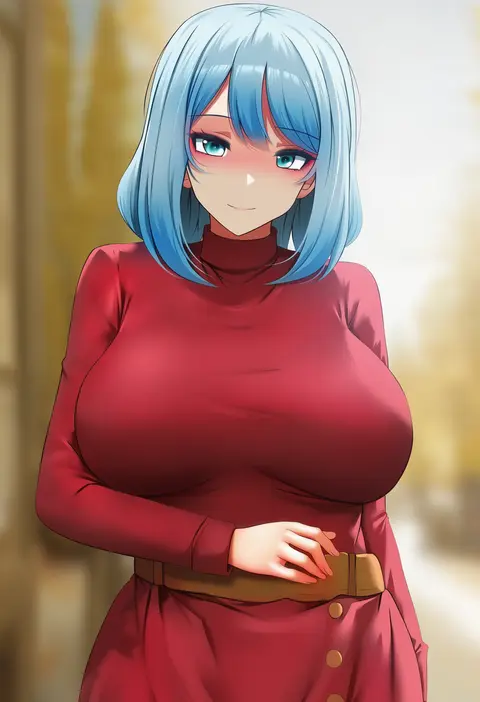
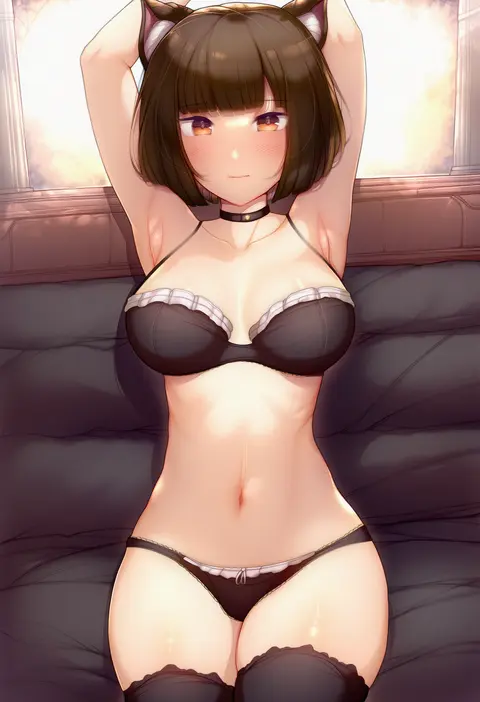
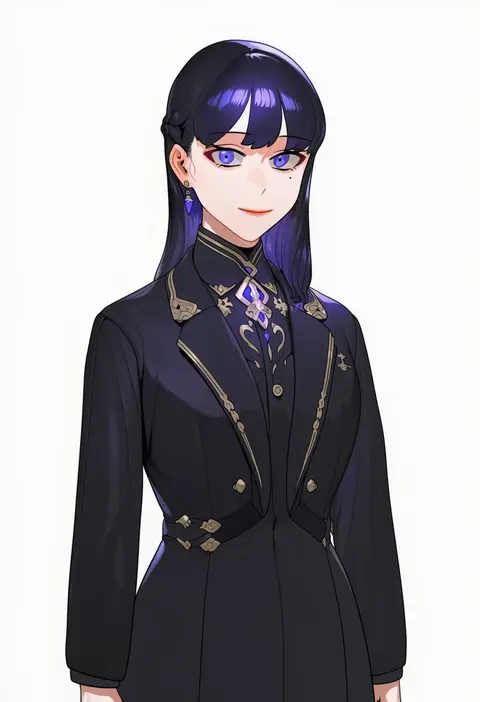
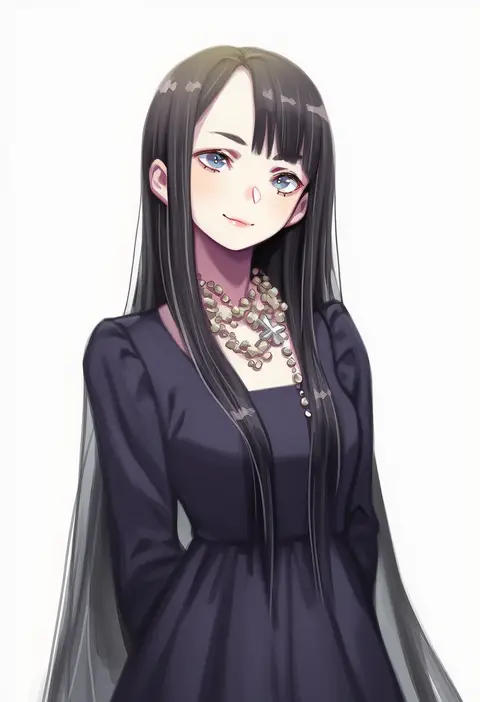
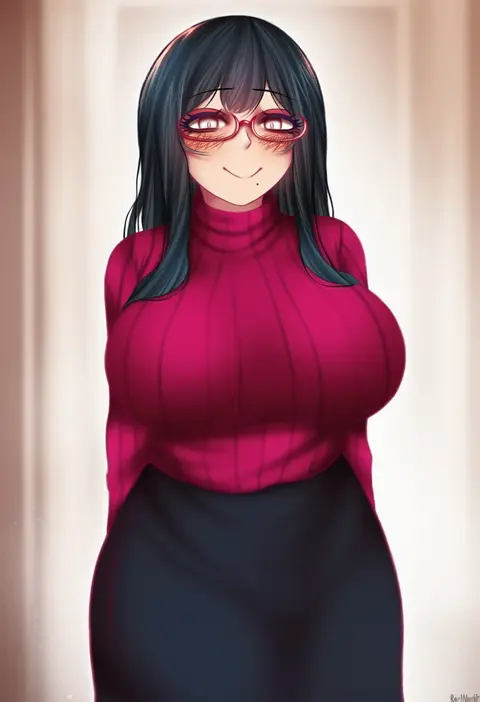
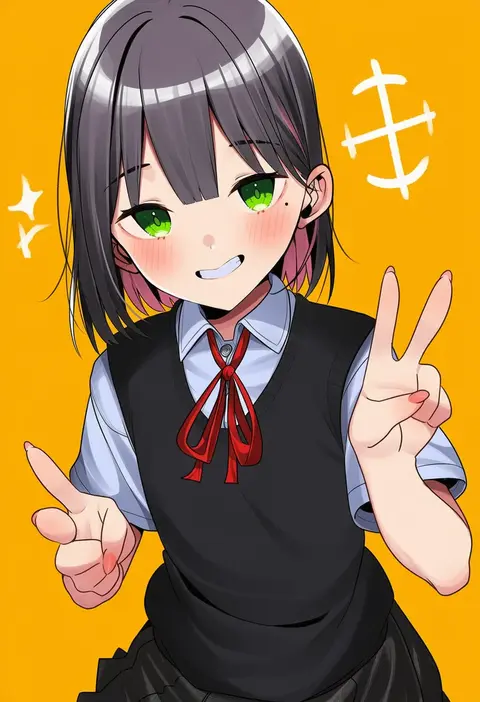
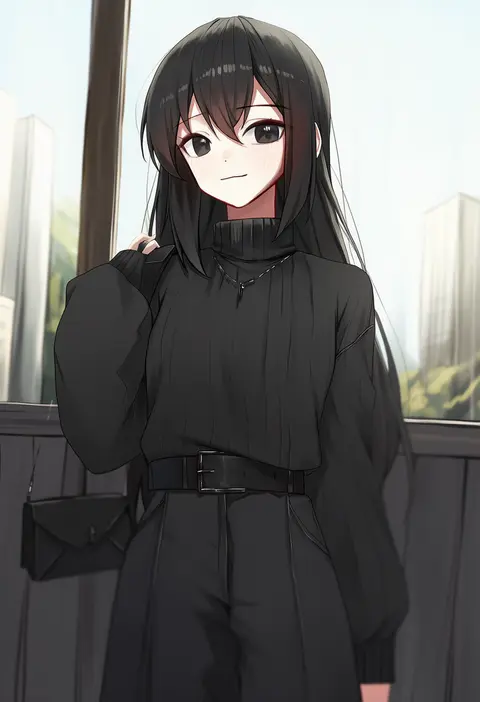
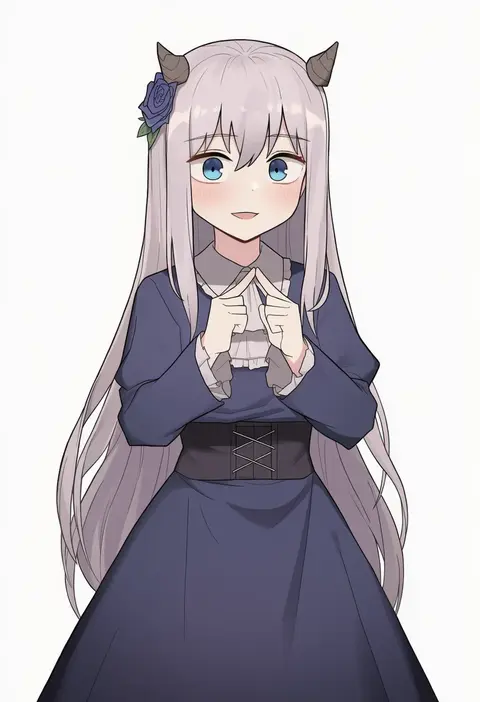
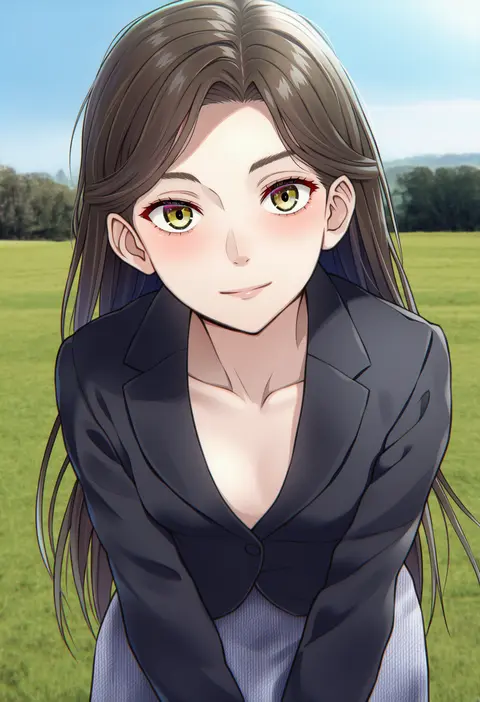
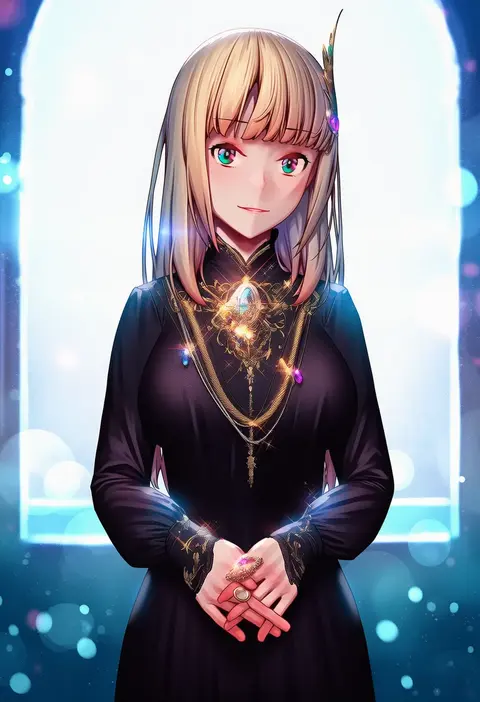
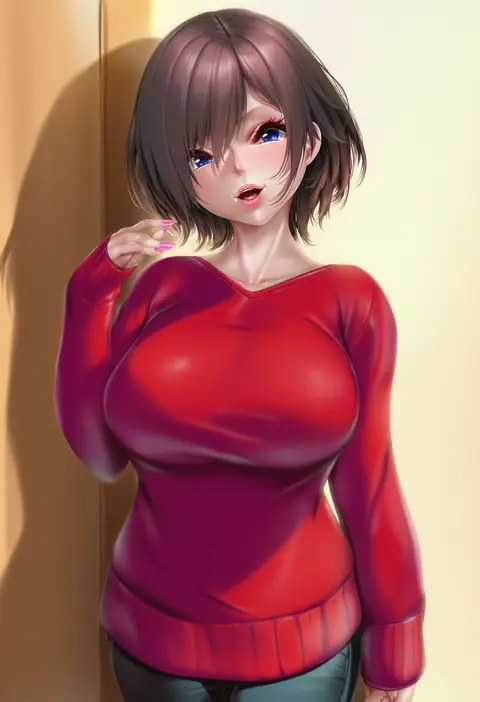
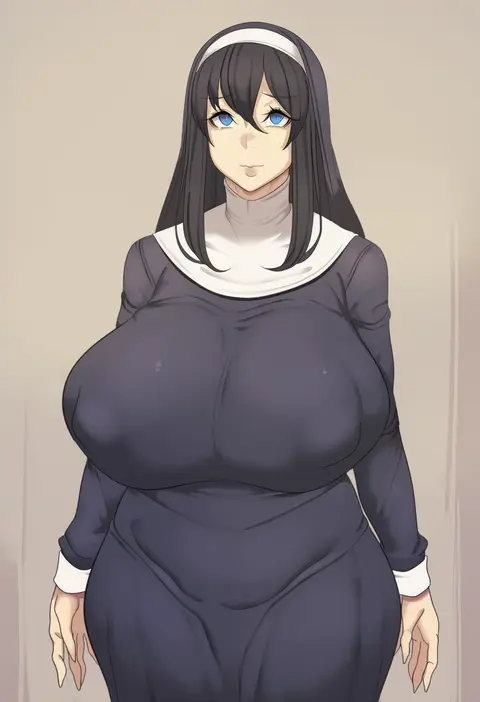
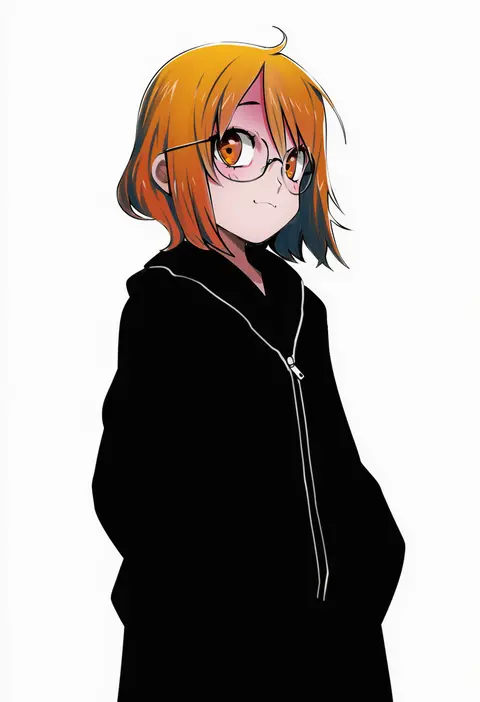
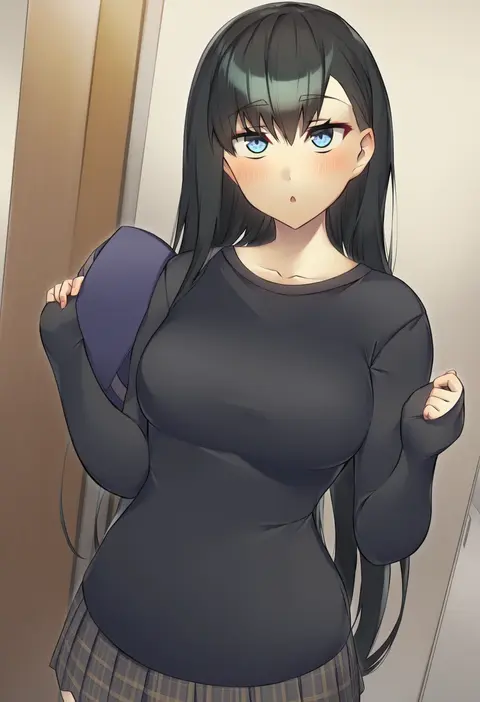
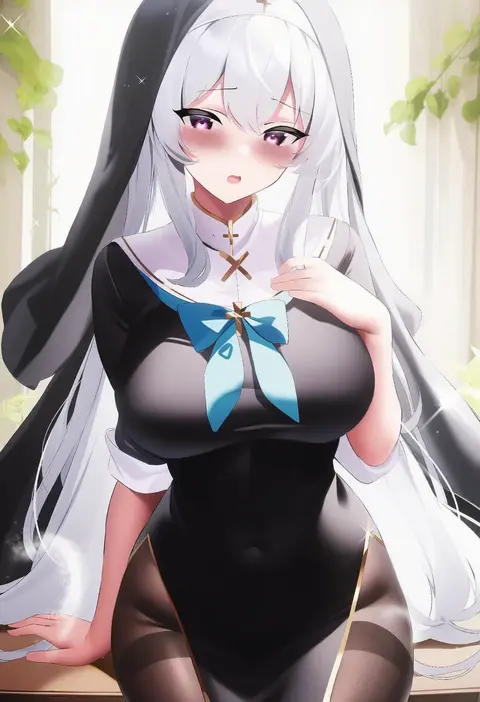
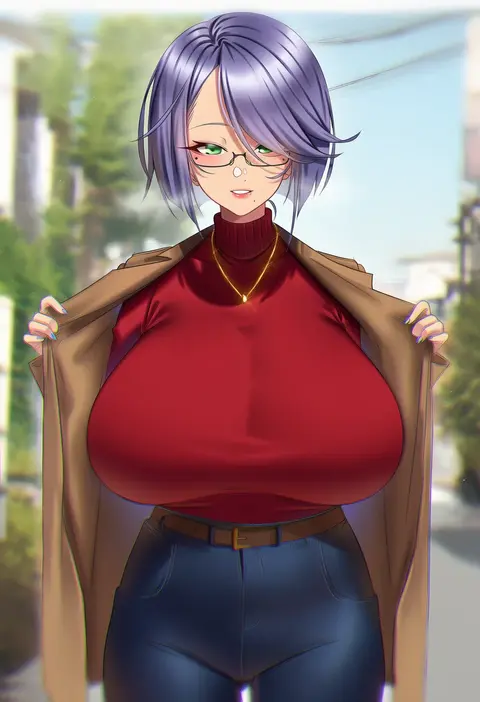
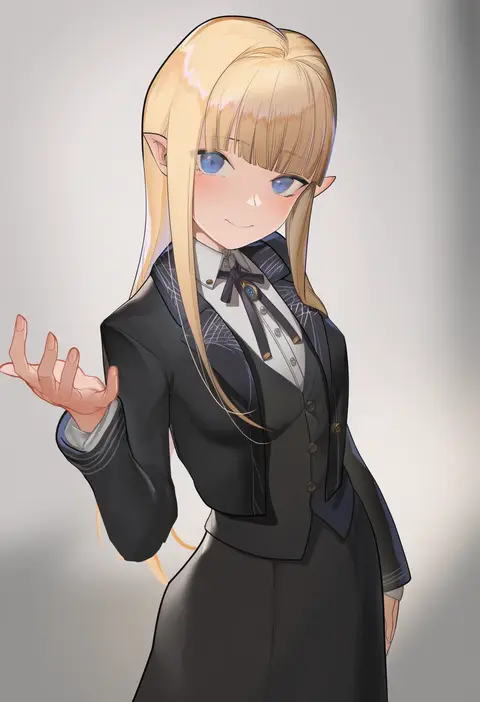
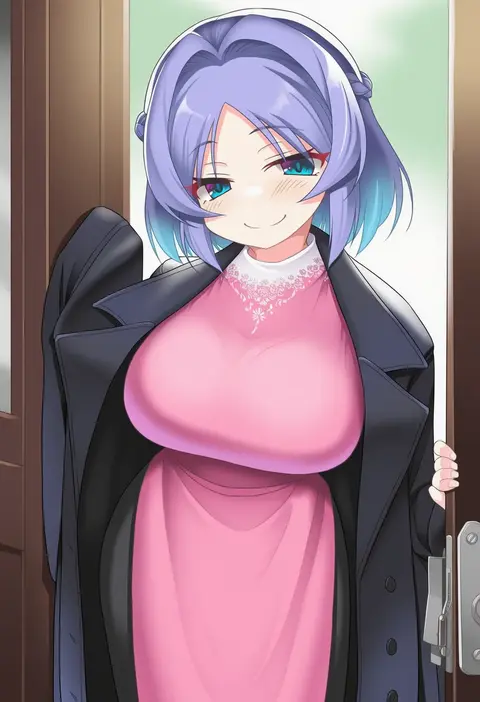
Every tag listed here is verified to react in NovelAI. All images use the same prompt, seed and settings with only the artist tag swapped, so the difference between two images is the style that tag brings in.

How to use them

Put the artist tag near the front of the prompt, e.g. "<artist>, 1girl, solo, best quality, masterpiece, cowboy shot". Two or three artist tags blend styles; lower the weight with "0.8::<artist>::" when the style overpowers the character.

SCORE sorts by Danbooru's top score, POSTS by post count, FAVS by hearts on this site. Open a card to see V5 and V4.5 side by side on the same seed.

V5 vs V4.5

V5 usually lands closer to the artist's real style, and tags that did nothing on V4.5 often react on V5. V4.5 still fits older and doujin-heavy artists better. Try V5 first, fall back to V4.5.

FAQ

Where does the artist tag go?
Near the front of the prompt. Use "0.8::tag::" to adjust its weight.

Can I stack artist tags?
Yes, styles blend. Past two or three the result stops looking like anyone.

Are these the artists' own works?
No. Every image is a NovelAI sample generated from the tag.