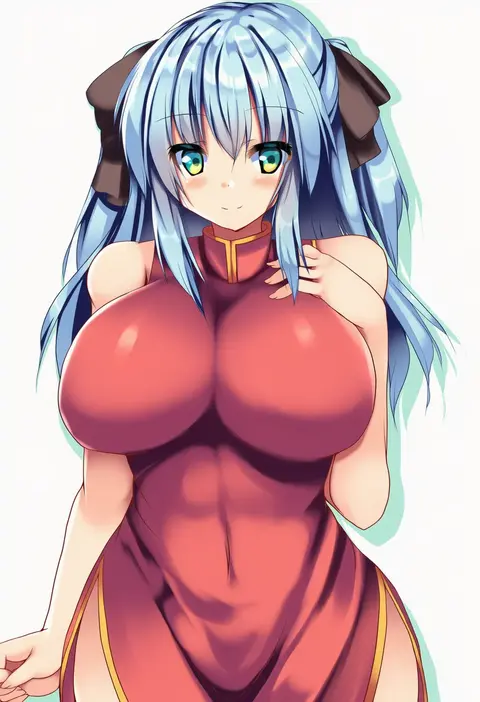
V4.5Artists
sort: FAVS▾
▾
>
$

NovelAI Artist Tags List — V4.5

artist --count 16,352[38/273]
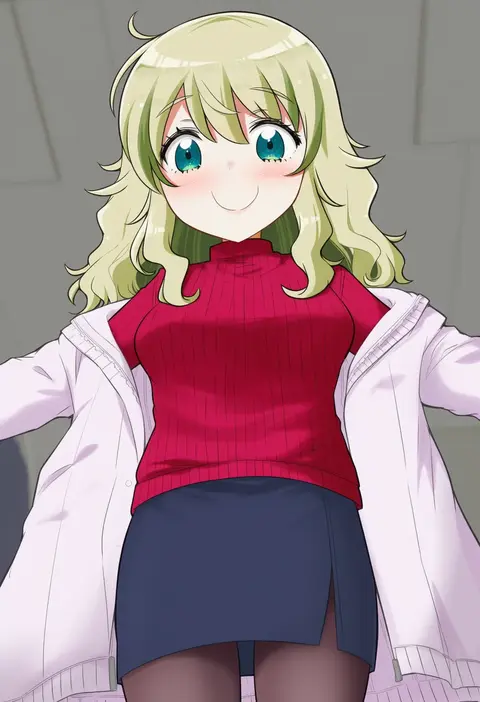
harunatsu akito
ARTIST0x08AC
0
kokka han
ARTIST0x08AD
0
yamaguchi yuu
ARTIST0x08AE
0
tonbi
ARTIST0x08AF
0
hamushima
ARTIST0x08B0
0
kito (sorahate)
ARTIST0x08B1
0
ume (noraneko)
ARTIST0x08B2
0
shimo (depthbomb)
ARTIST0x08B3
0
itolife
ARTIST0x08B4
0
matsushita yuu
ARTIST0x08B5
0
yoye (pastel white)
ARTIST0x08B6
0
soba (saz)
ARTIST0x08B7
0
konayama kata
ARTIST0x08B8
0
nejikirio
ARTIST0x08B9
0
iwamoto zerogo
ARTIST0x08BA
0
mochiya marosuke
ARTIST0x08BB
0
circussion
ARTIST0x08BC
0
kirisaki byakko
ARTIST0x08BD
0
hati105
ARTIST0x08BE
0
tsuyadashi shuuji
ARTIST0x08BF
0
abua
ARTIST0x08C0
0
natsumi akira
ARTIST0x08C1
0
mogiki hayami
ARTIST0x08C2
0
roarke (lavenderincubus)
ARTIST0x08C3
0
matsutani
ARTIST0x08C4
0
ryuji (ikeriu)
ARTIST0x08C5
0
mochi.f
ARTIST0x08C6
0
machiko (beard)
ARTIST0x08C7
0
mokku
ARTIST0x08C8
0
mikazuki sara
ARTIST0x08C9
0
kirise mitsuru
ARTIST0x08CA
0
nokishita
ARTIST0x08CB
0
kyokutou hentai samurai
ARTIST0x08CC
0
yuuki eishi
ARTIST0x08CD
0
oniku (shimofuri-ke)
ARTIST0x08CE
0
ogihara mach
ARTIST0x08CF
0
tao (kadoya)
ARTIST0x08D0
0
ariyoshi gen
ARTIST0x08D1
0
nagana sayui
ARTIST0x08D2
0
gorota
ARTIST0x08D3
0
pine (pine-box)
ARTIST0x08D4
0
alexi (tits!)
ARTIST0x08D5
0
hinasaki you
ARTIST0x08D6
0
kazune (baumkuchen)
ARTIST0x08D7
0
kisaragi miyu
ARTIST0x08D8
0
shinjitsu
ARTIST0x08D9
0
morioka itari
ARTIST0x08DA
0
pasutel
ARTIST0x08DB
0
wabi (wbsk)
ARTIST0x08DC
0
yamaguchi shinnosuke
ARTIST0x08DD
0
kazami ruku
ARTIST0x08DE
0
kuroneko no toorimichi
ARTIST0x08DF
0
mukunoki nanatsu
ARTIST0x08E0
0
tetsuo (tashirosu)
ARTIST0x08E1
0
hisakawa chin
ARTIST0x08E2
0
r0g0b0
ARTIST0x08E3
0
kusaba (kusabashiki)
ARTIST0x08E4
0
oka (bananashoe)
ARTIST0x08E5
0
scarlet (studioscr)
ARTIST0x08E6
0
ryokushiki (midori-ya)
ARTIST0x08E7
0

What these tags change

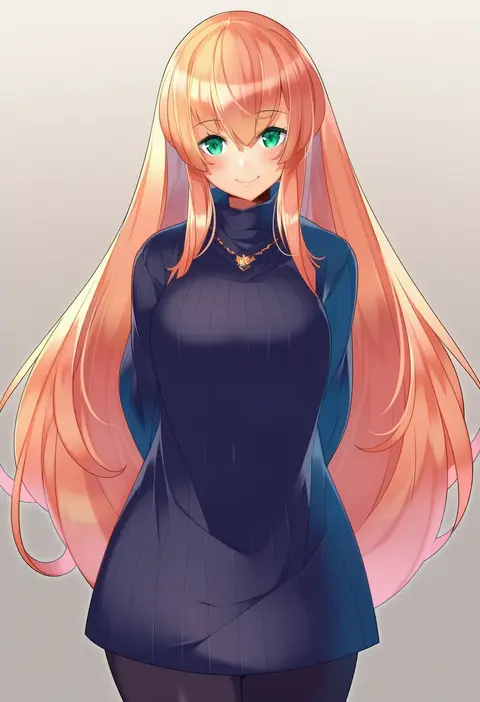
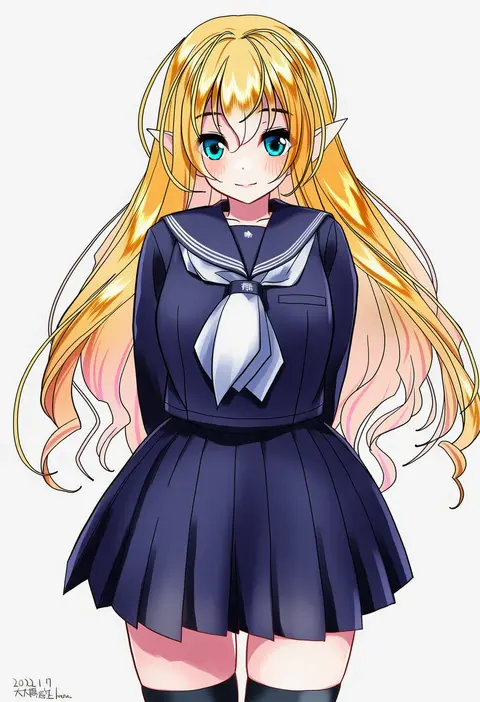
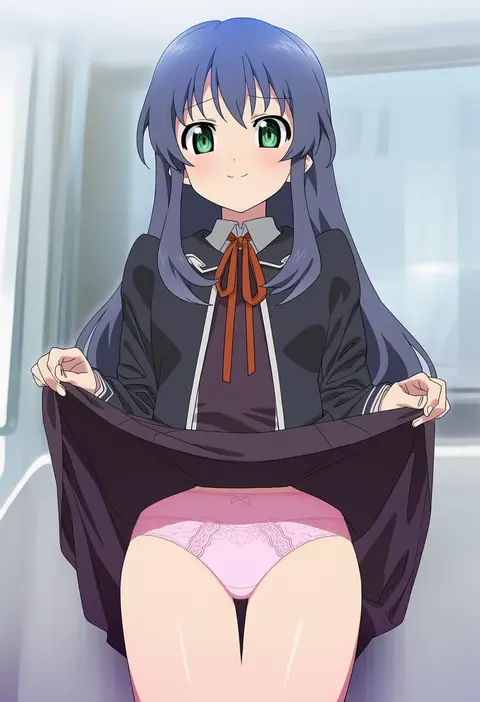
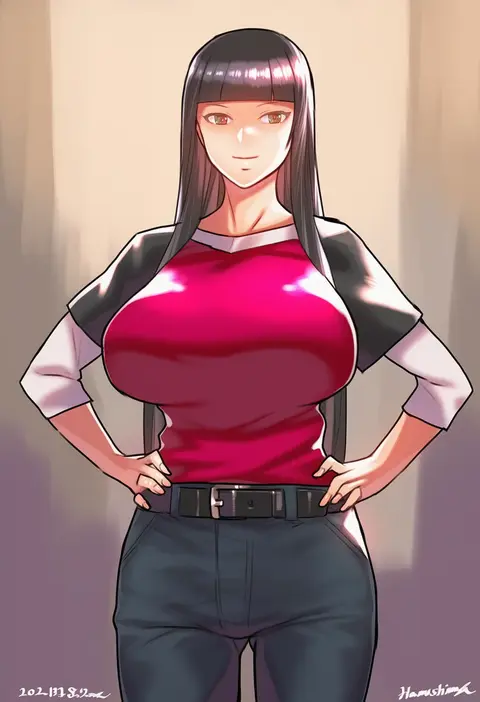
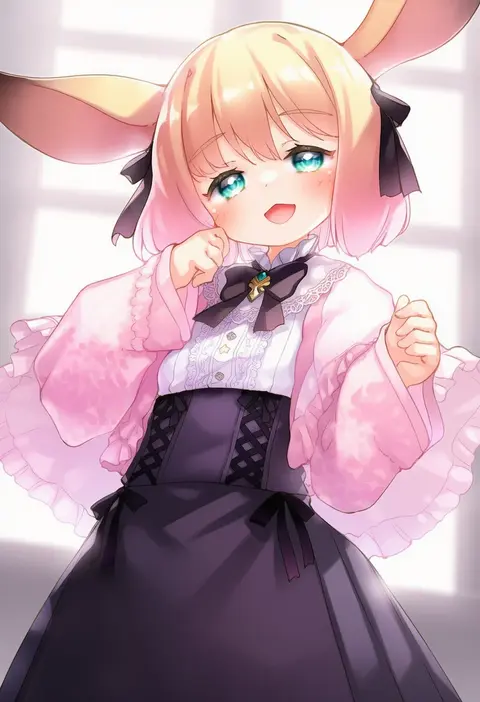
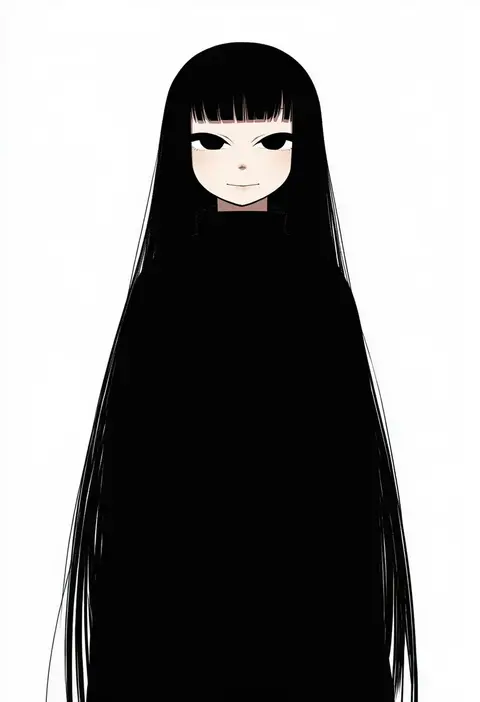
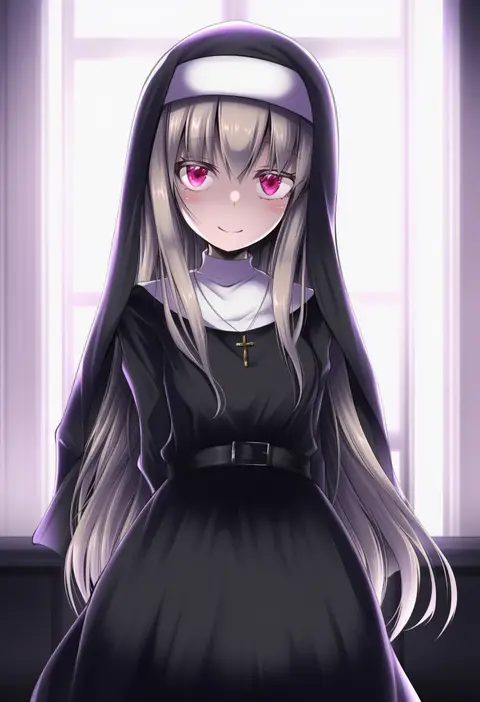
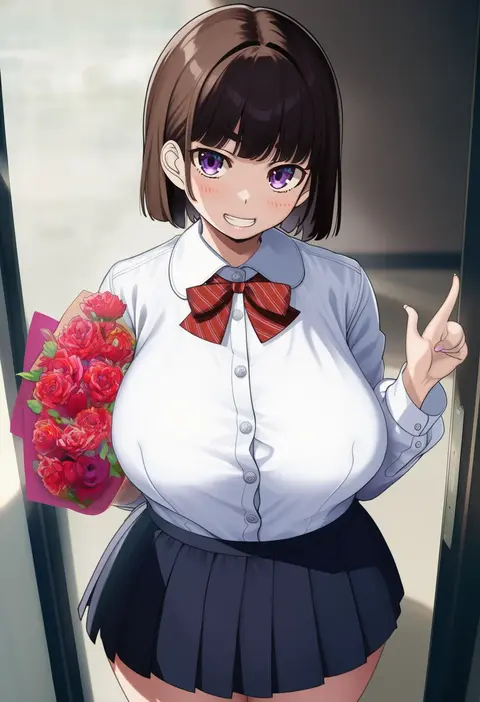
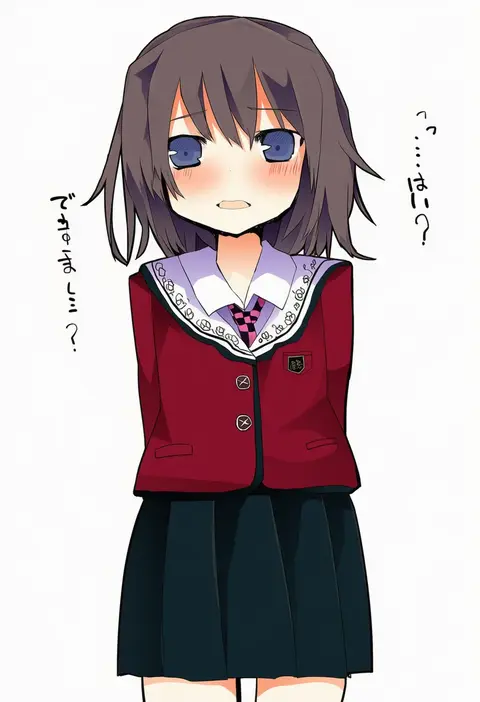
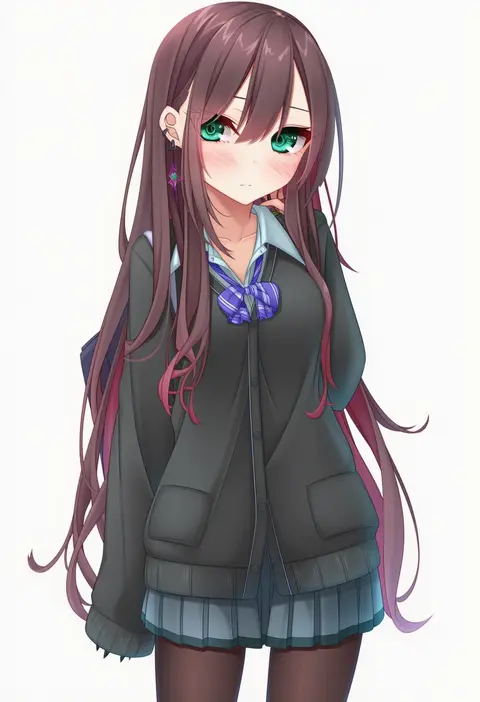
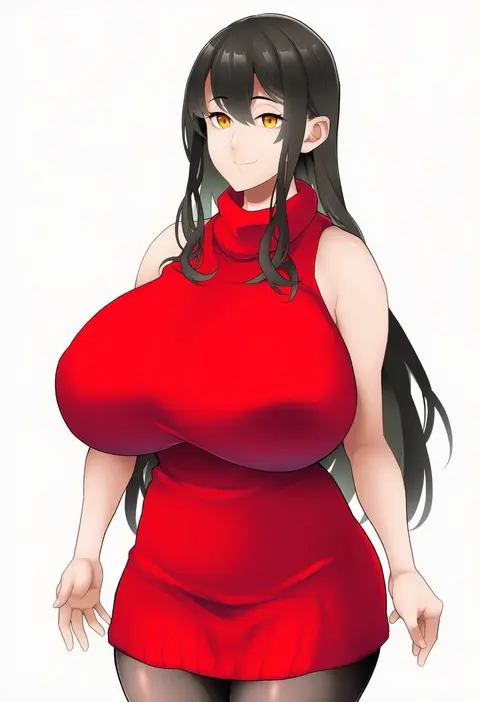
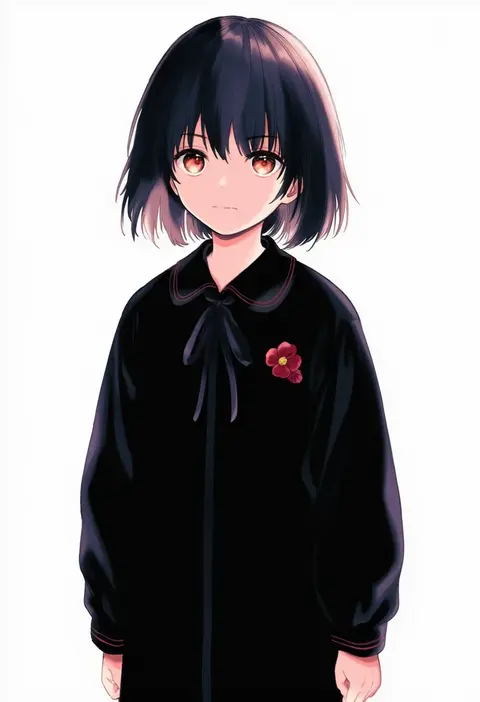
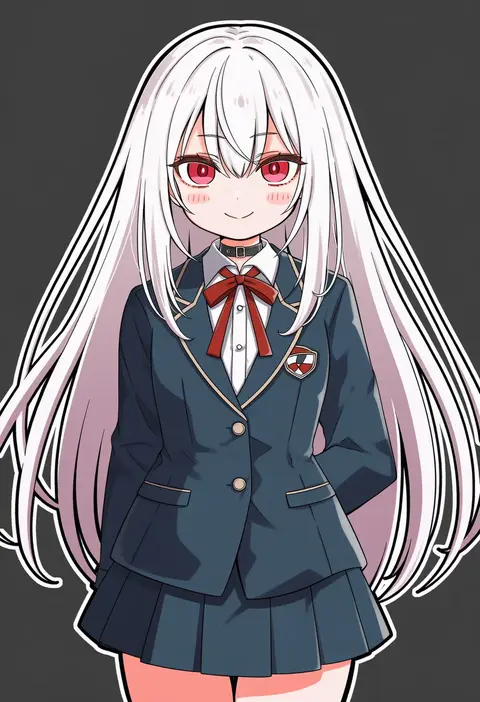
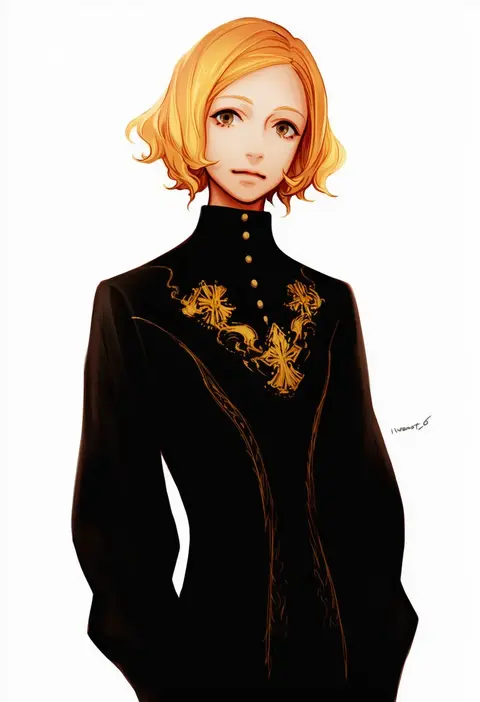
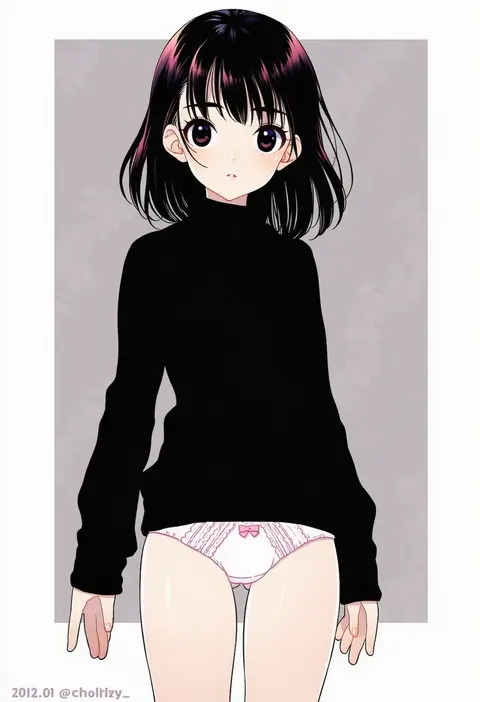
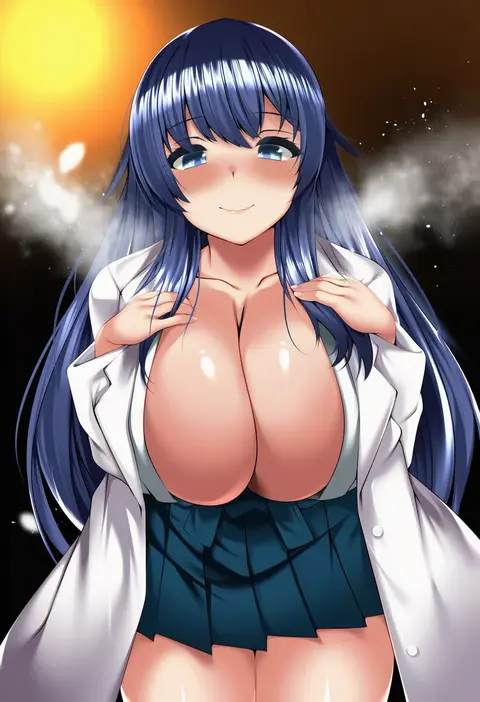
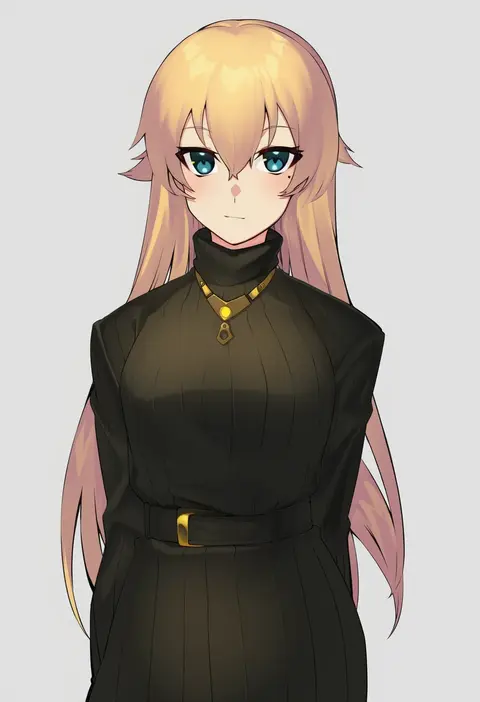
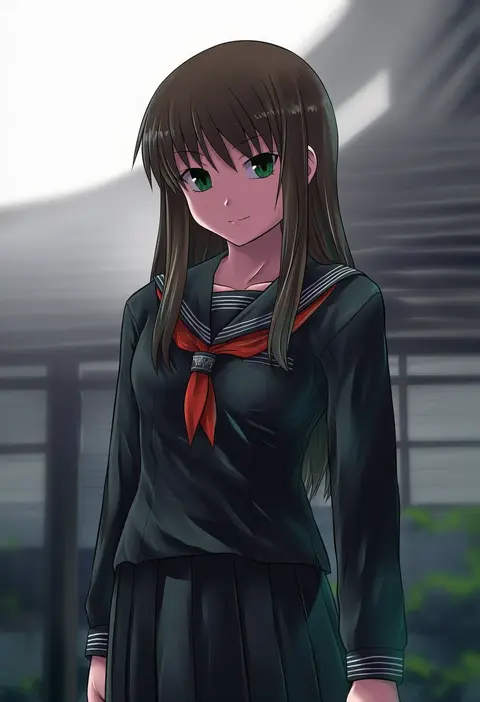
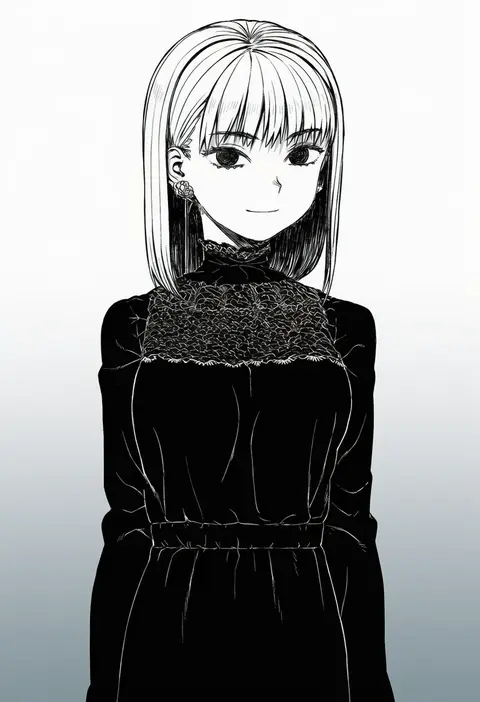
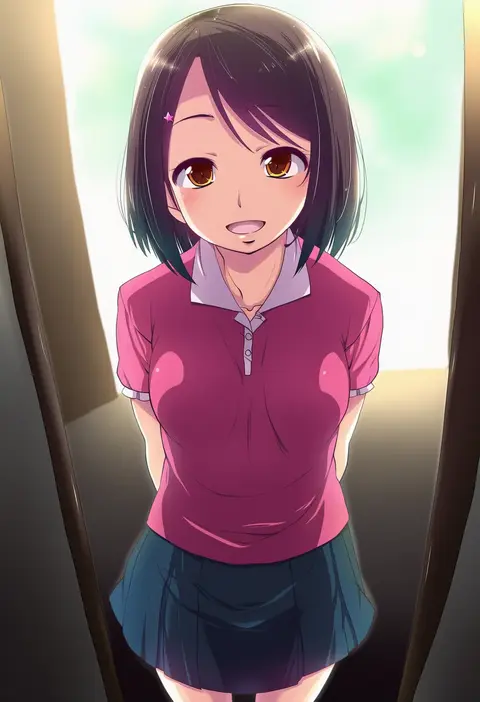
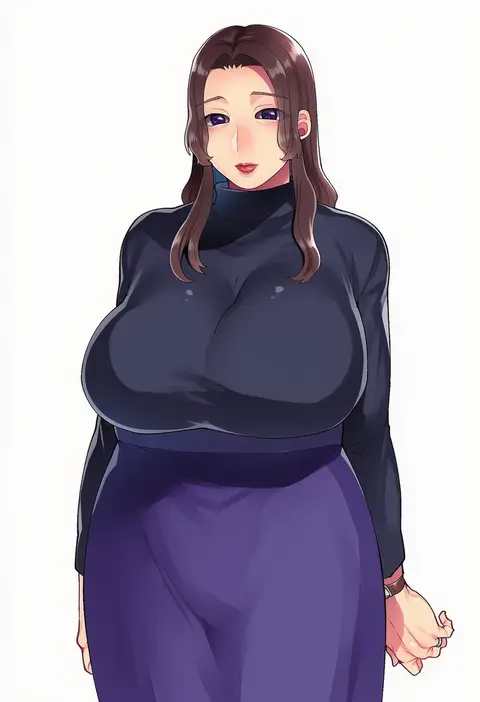
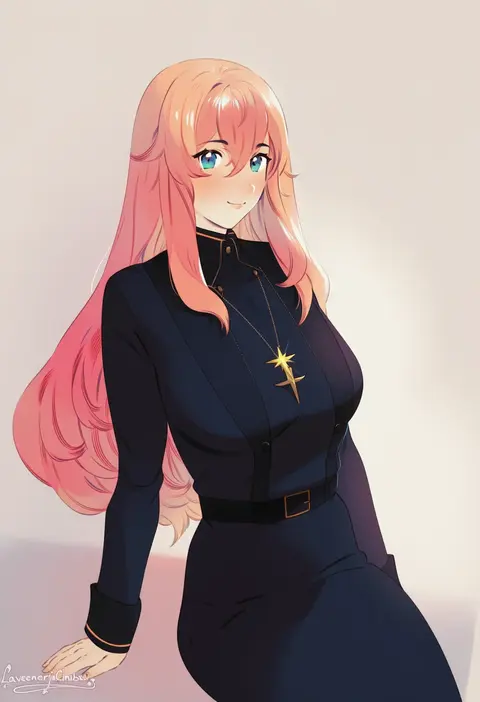
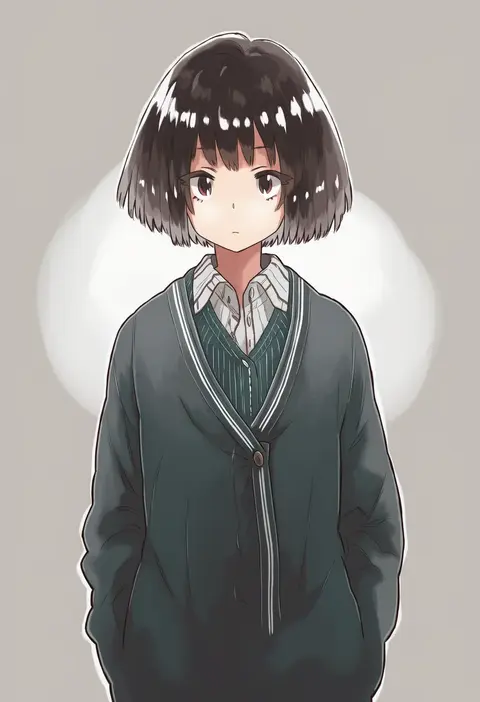
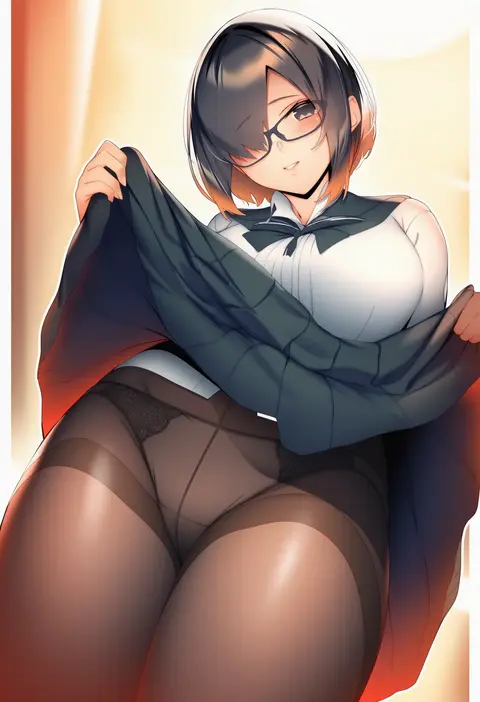
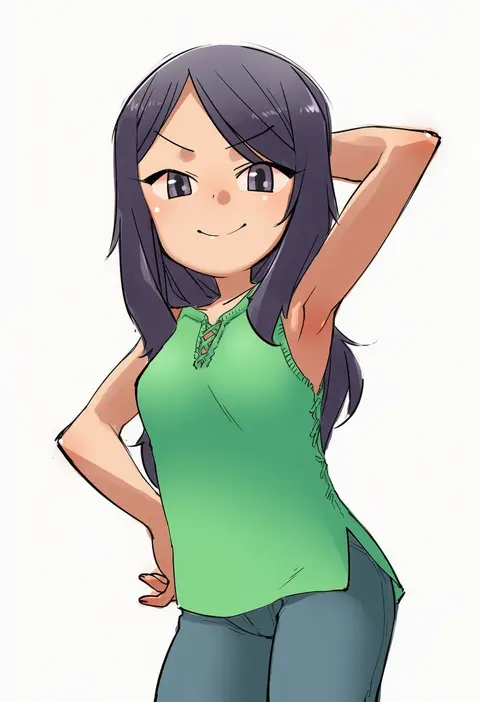
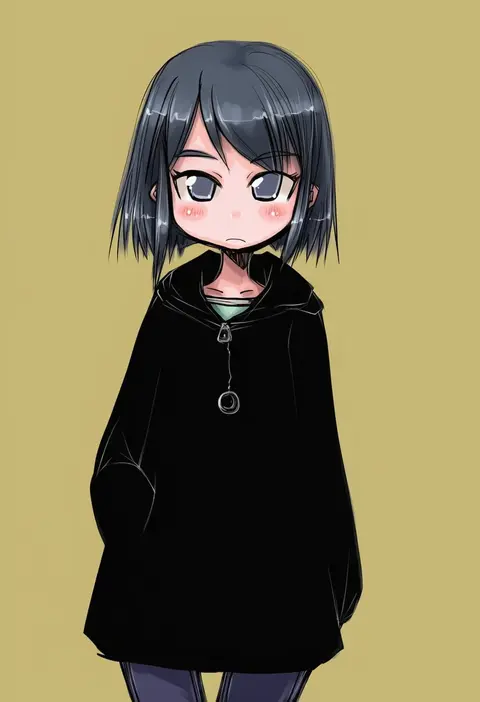
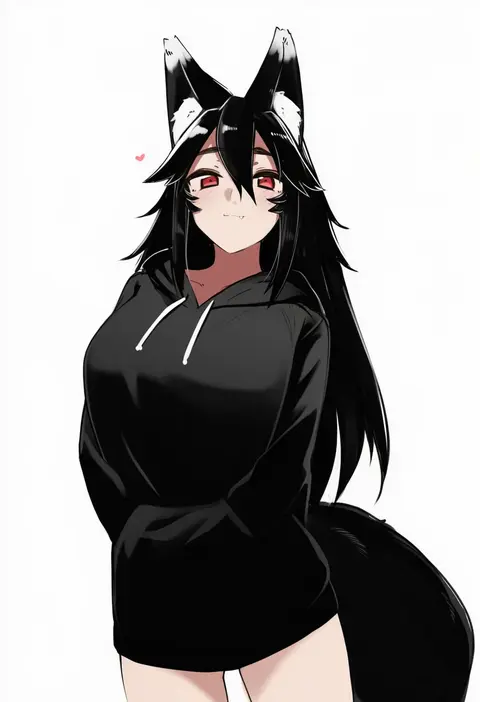
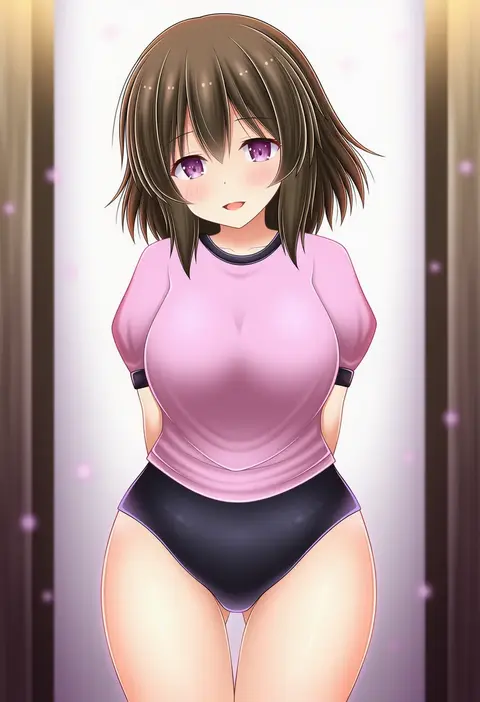
Artist tags tell NovelAI Diffusion to draw in a specific artist's style: line weight, paint texture, face shapes and palette all shift at once. Character and outfit tags decide what is drawn; artist tags decide how. 16,352 tags are listed for V4.5.
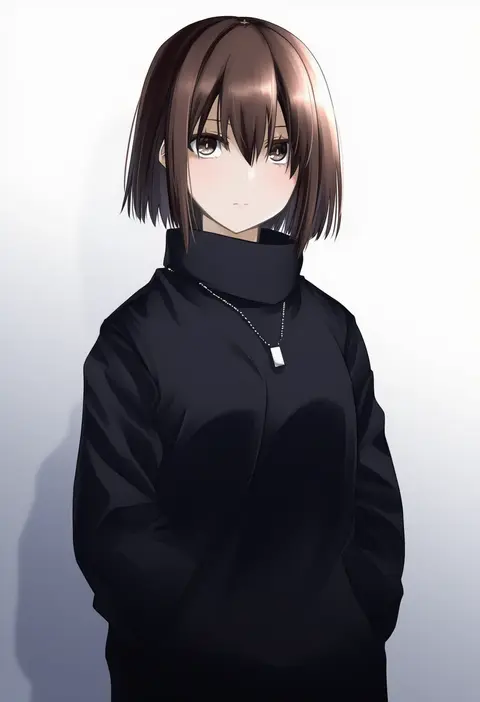
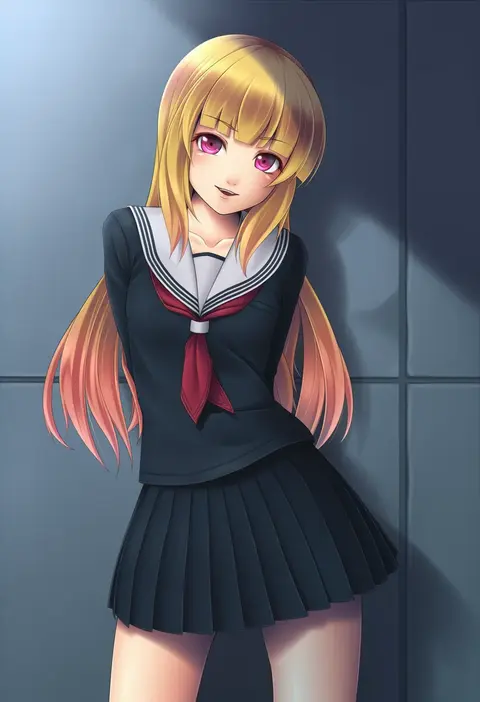
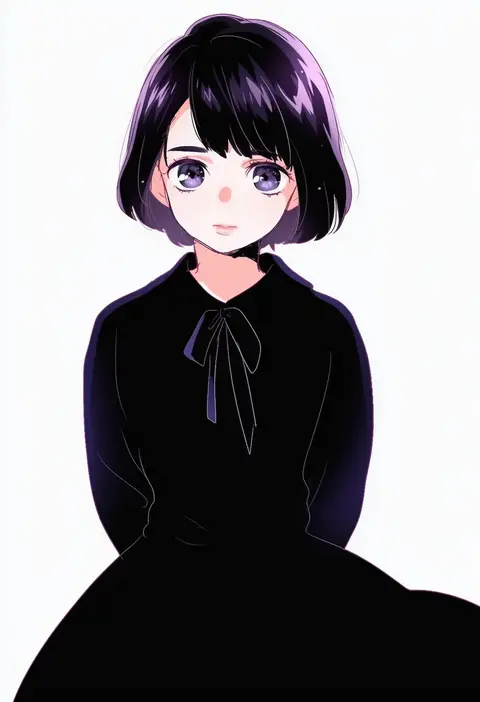
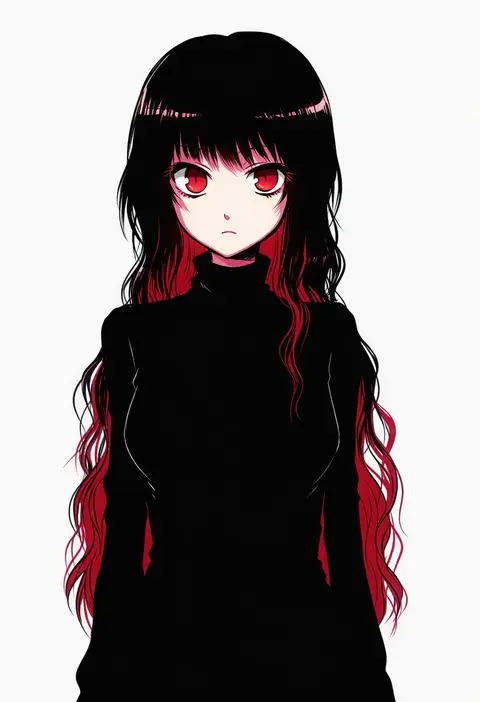
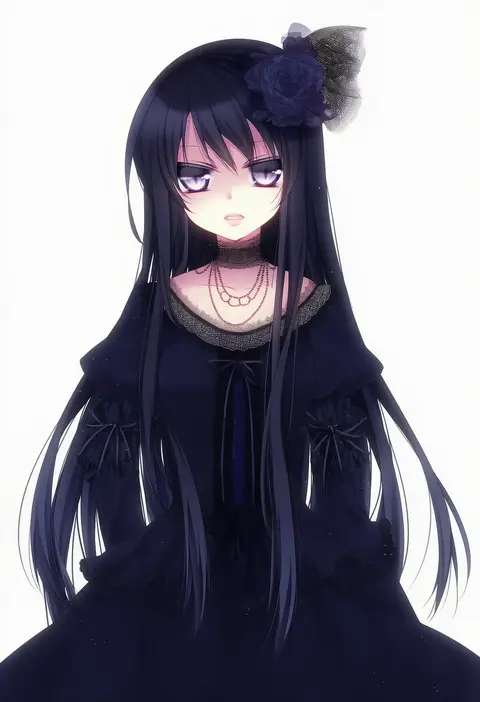
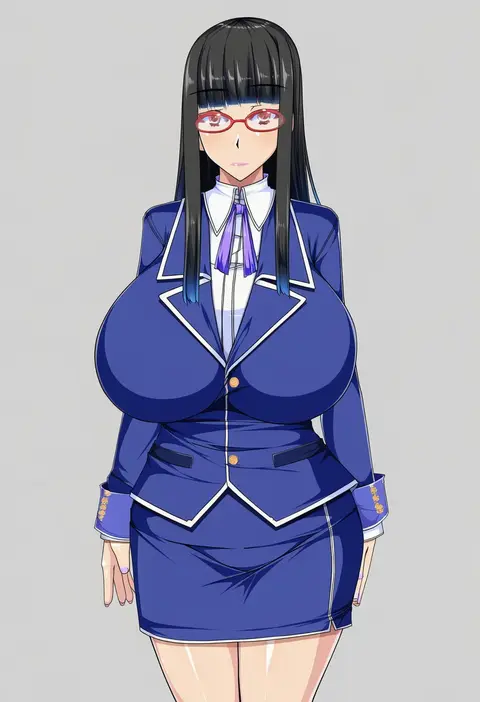
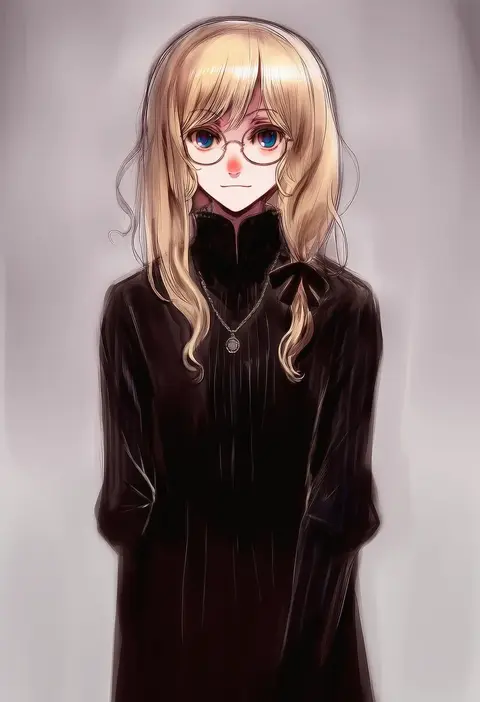
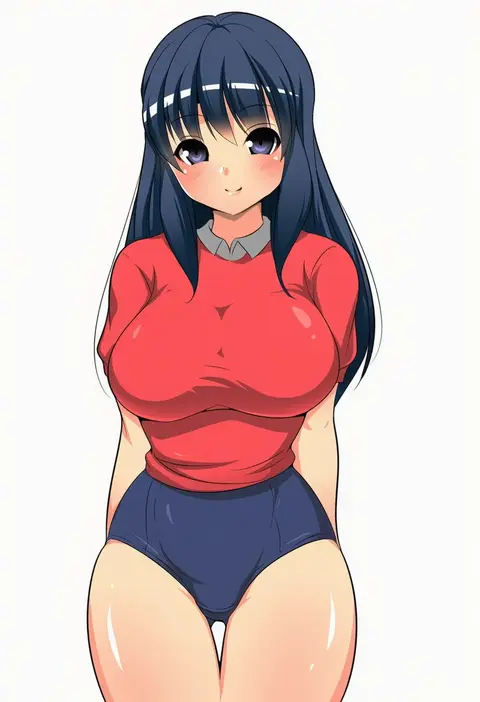
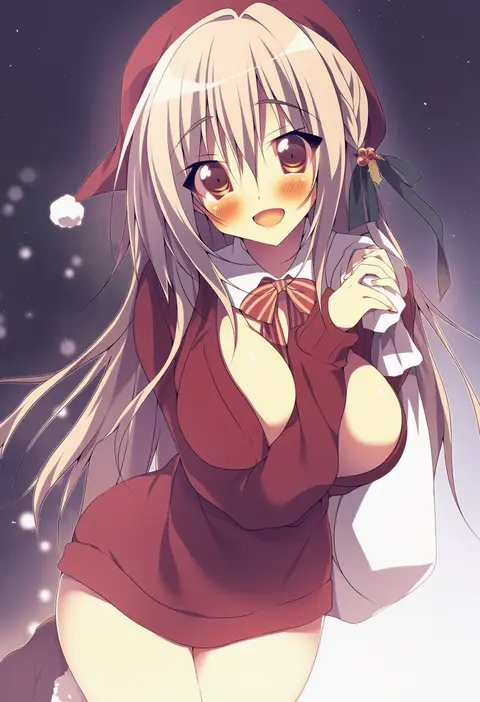
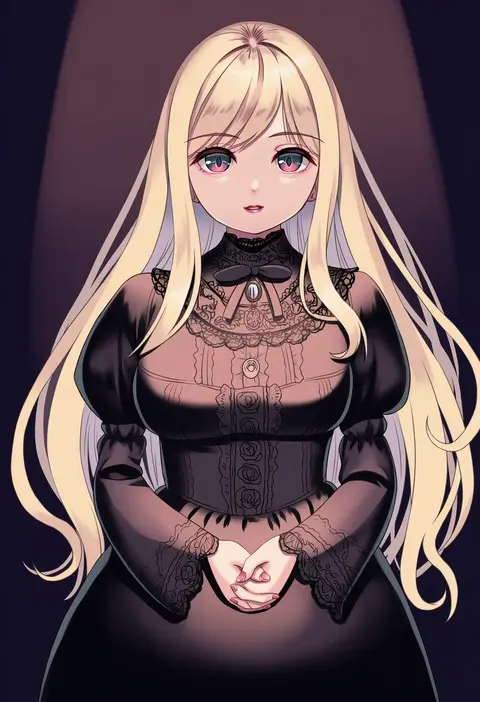
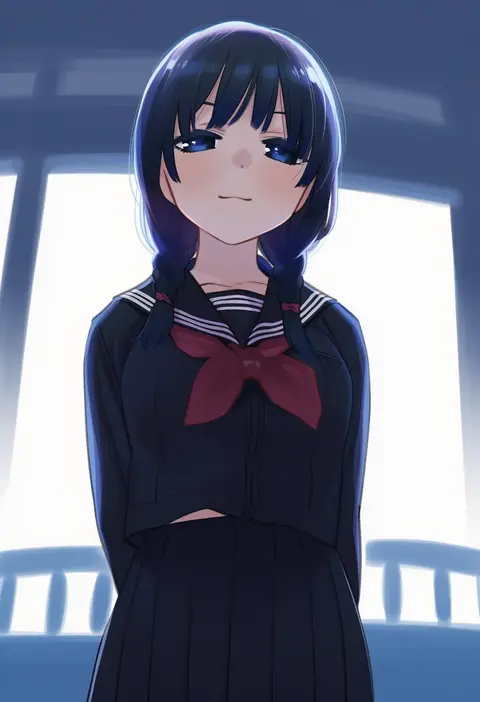
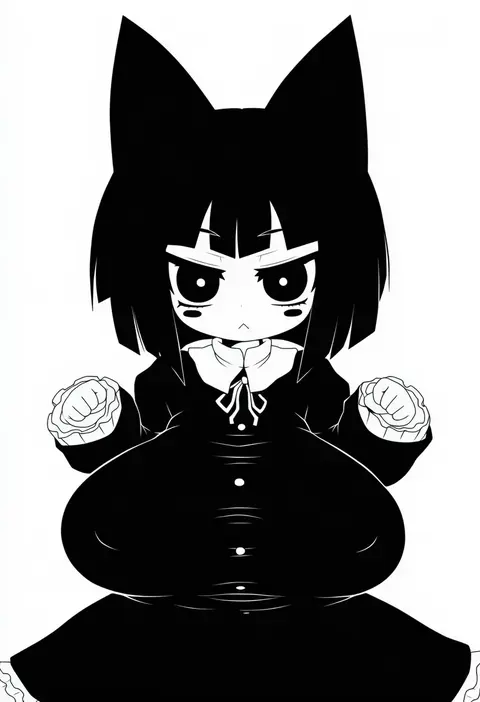
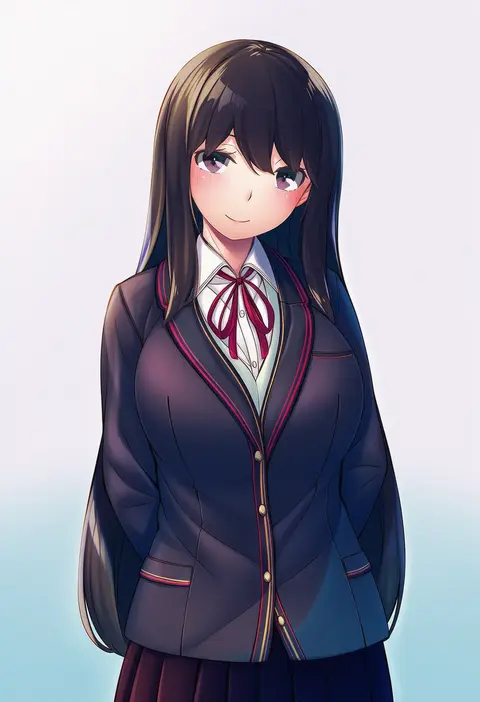
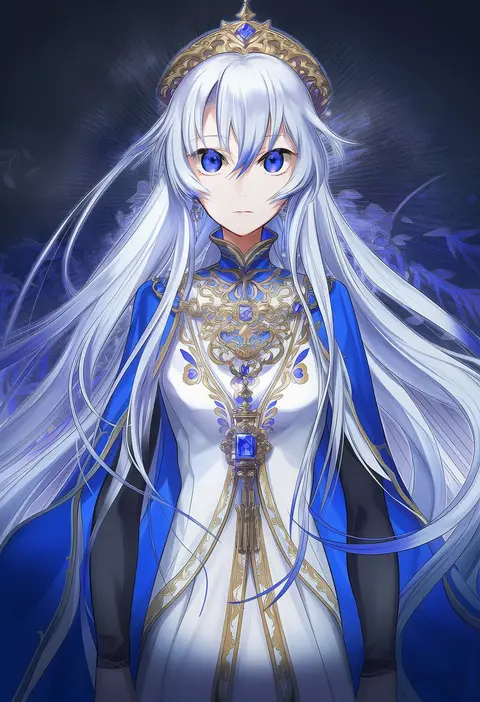
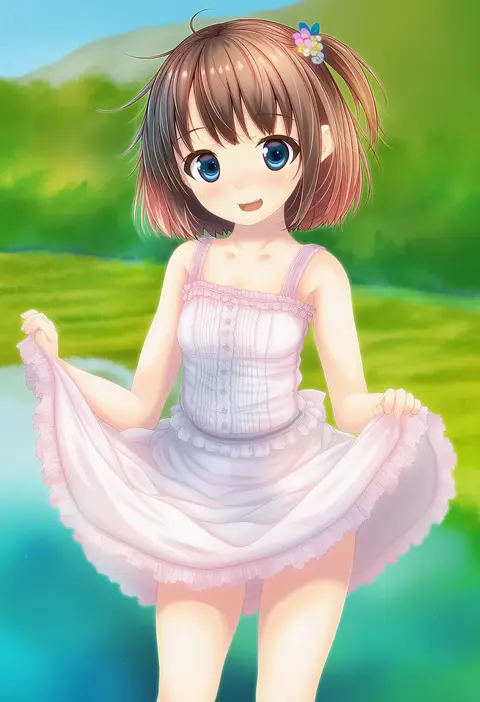
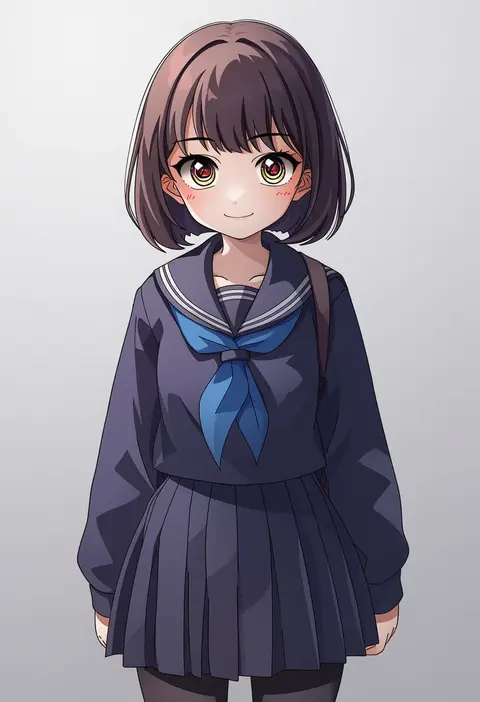
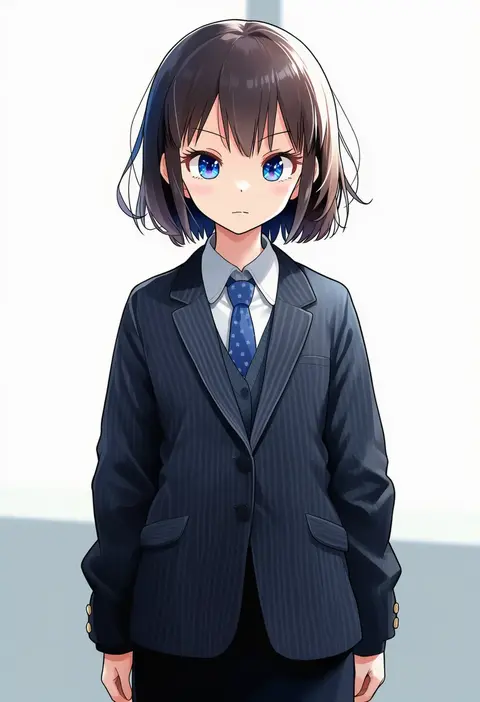
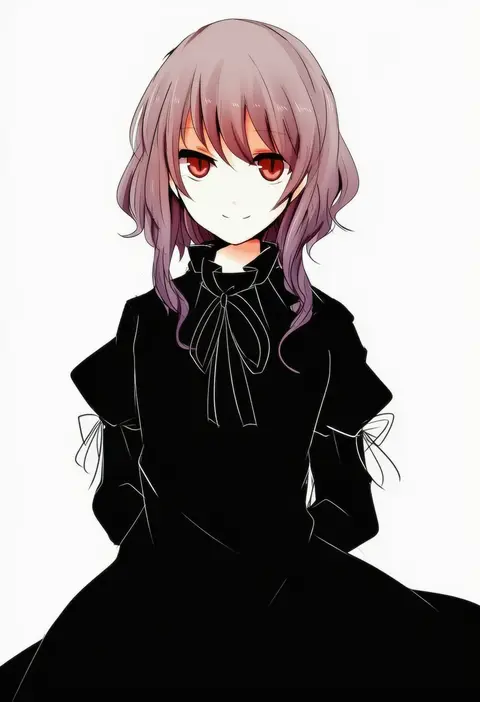
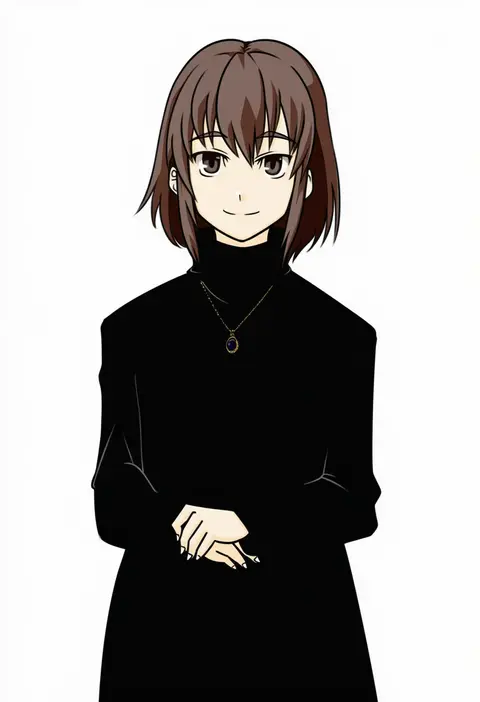
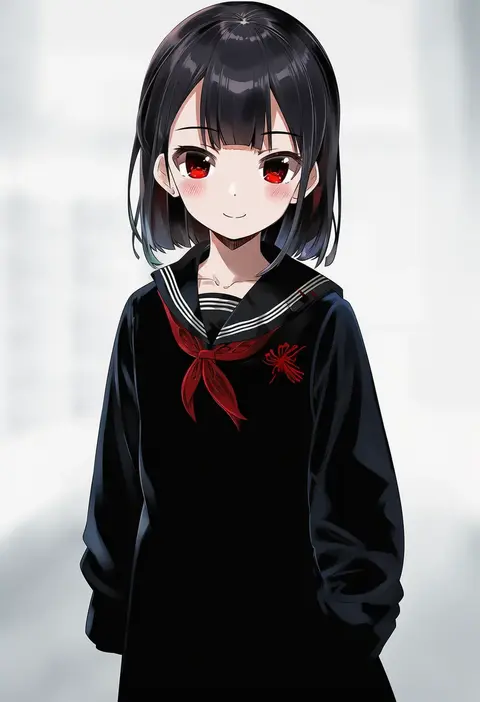
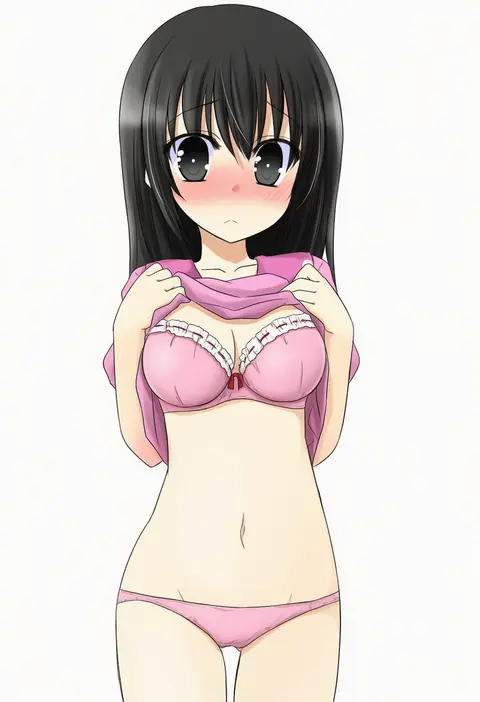
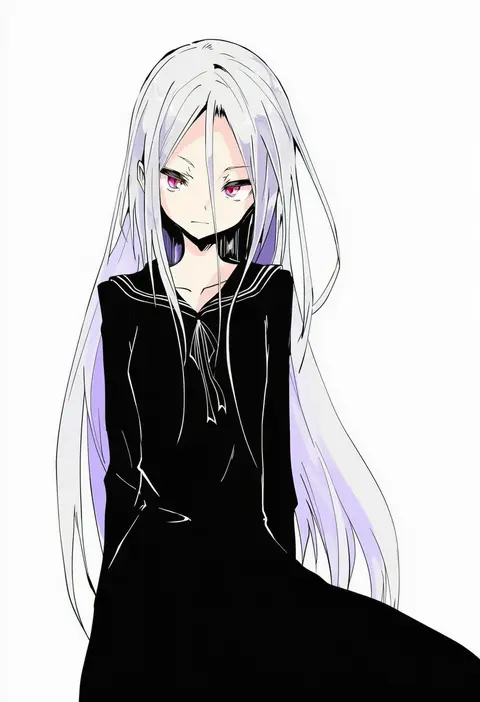
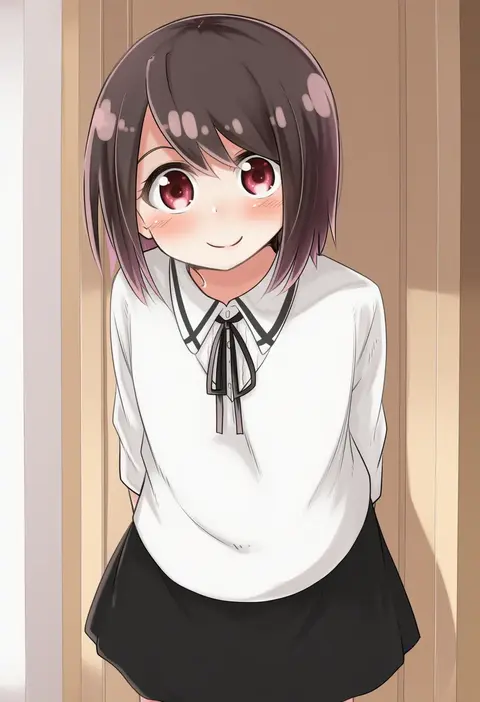
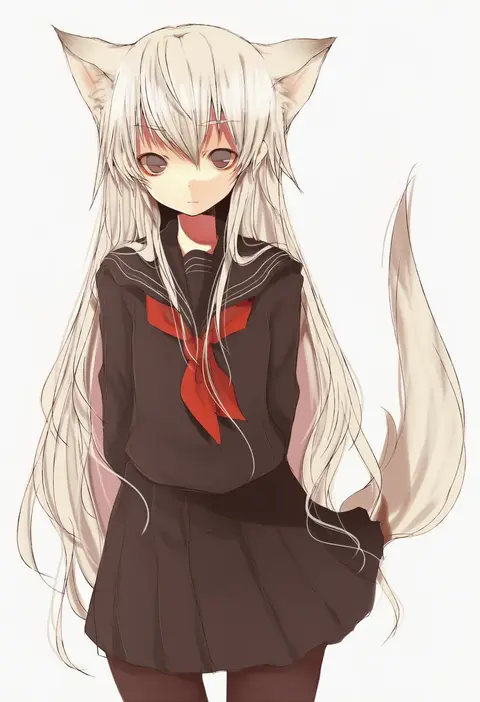
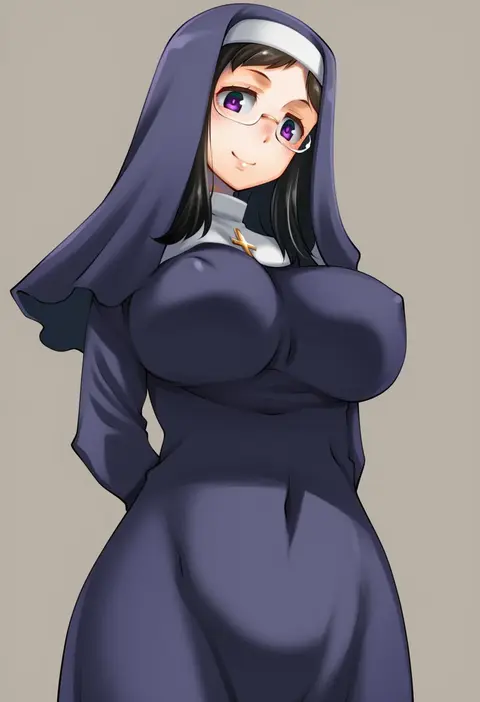
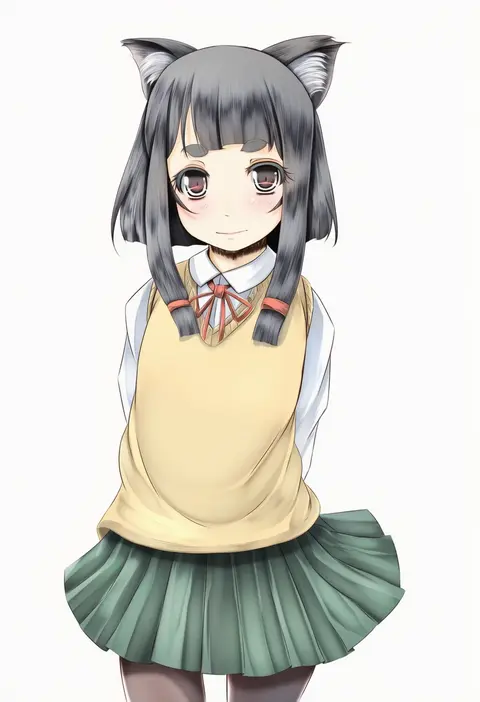
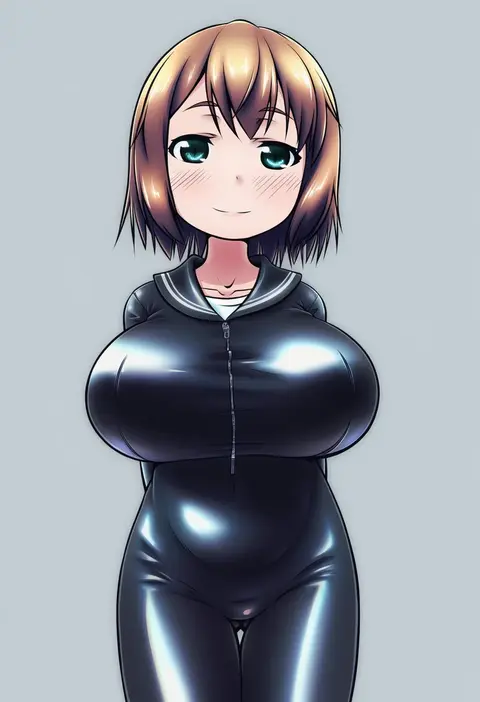
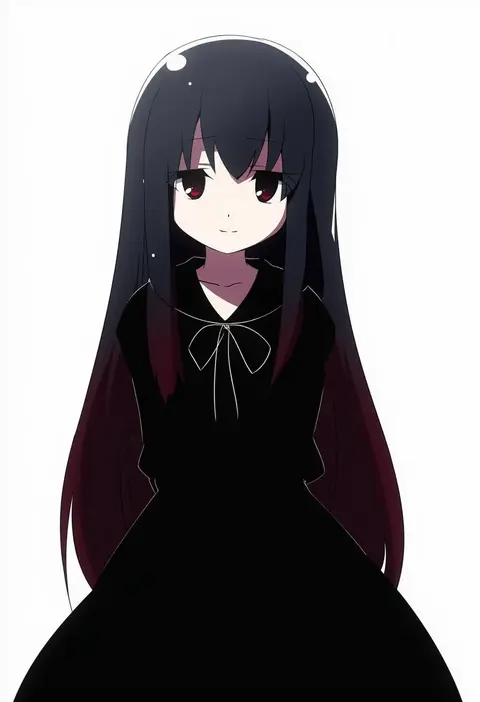
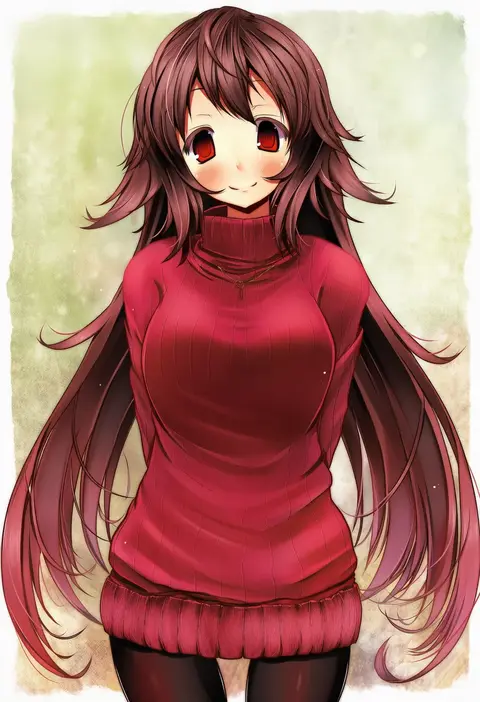
Every tag listed here is verified to react in NovelAI. All images use the same prompt, seed and settings with only the artist tag swapped, so the difference between two images is the style that tag brings in.

How to use them

Put the artist tag near the front of the prompt, e.g. "<artist>, 1girl, solo, best quality, masterpiece, cowboy shot". Two or three artist tags blend styles; lower the weight with "0.8::<artist>::" when the style overpowers the character.

SCORE sorts by Danbooru's top score, POSTS by post count, FAVS by hearts on this site. Open a card to see V5 and V4.5 side by side on the same seed.

V5 vs V4.5

V5 usually lands closer to the artist's real style, and tags that did nothing on V4.5 often react on V5. V4.5 still fits older and doujin-heavy artists better. Try V5 first, fall back to V4.5.

FAQ

Where does the artist tag go?
Near the front of the prompt. Use "0.8::tag::" to adjust its weight.

Can I stack artist tags?
Yes, styles blend. Past two or three the result stops looking like anyone.

Are these the artists' own works?
No. Every image is a NovelAI sample generated from the tag.