V4.5Artists
sort: FAVS▾
▾
>
$

NovelAI Artist Tags List — V4.5

artist --count 16,352[42/273]
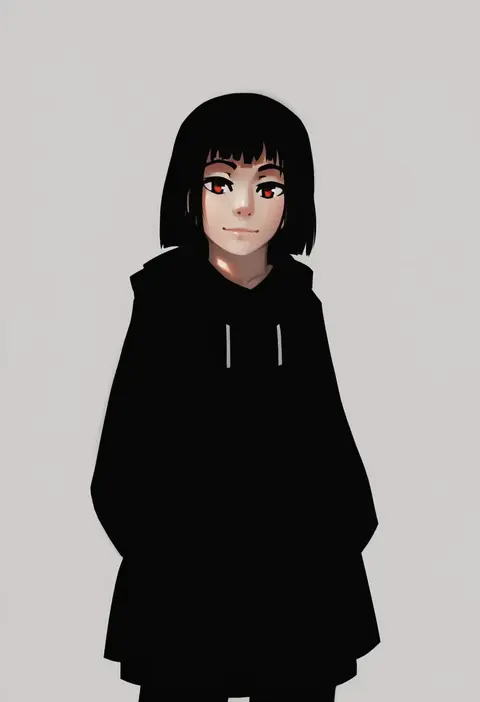
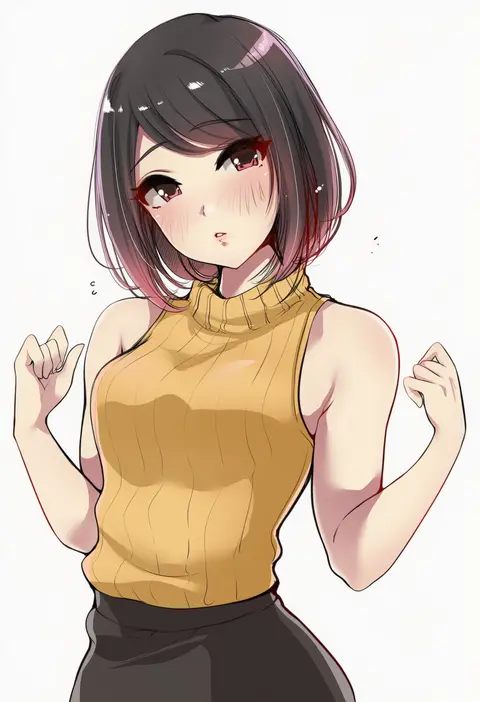
paintrfiend
ARTIST0x099C
0
togo (korlsj1235)
ARTIST0x099D
0
rebutsu
ARTIST0x099E
0
yizhirenben
ARTIST0x099F
0
andro juniarto
ARTIST0x09A0
0
murabito c
ARTIST0x09A1
0
vibrantrida
ARTIST0x09A2
0
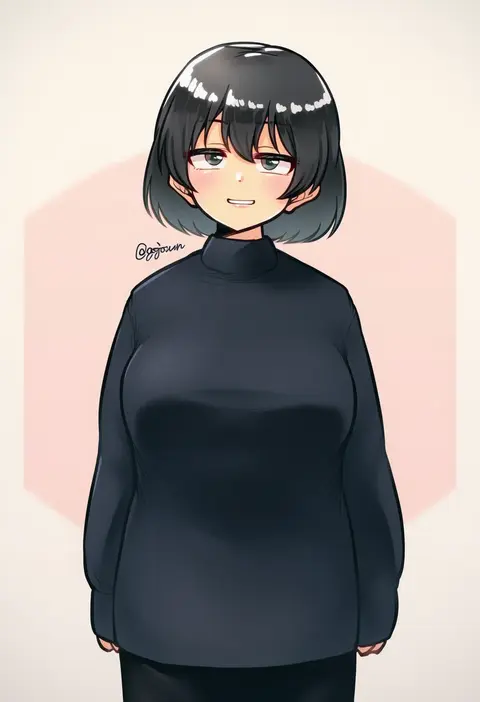
gojarun
ARTIST0x09A3
0
maku ro
ARTIST0x09A4
0
hiruno
ARTIST0x09A5
0
kouya toufu
ARTIST0x09A6
0
dirty ero
ARTIST0x09A7
0
rome romedo
ARTIST0x09A8
0
fungi542
ARTIST0x09A9
0
luminous
ARTIST0x09AA
0
iceringer
ARTIST0x09AB
0
kion-kun
ARTIST0x09AC
0
tengu (tetuo kun)
ARTIST0x09AD
0
tinnies
ARTIST0x09AE
0
zeon (zzeeonn)
ARTIST0x09AF
0
fluffyebi01
ARTIST0x09B0
0
blue borscht
ARTIST0x09B1
0
bae.c
ARTIST0x09B2
0
k0ng
ARTIST0x09B3
0
akino komichi
ARTIST0x09B4
0
ataruman
ARTIST0x09B5
0
kabu usagi
ARTIST0x09B6
0
banana oekaki
ARTIST0x09B7
0
torimaru
ARTIST0x09B8
0
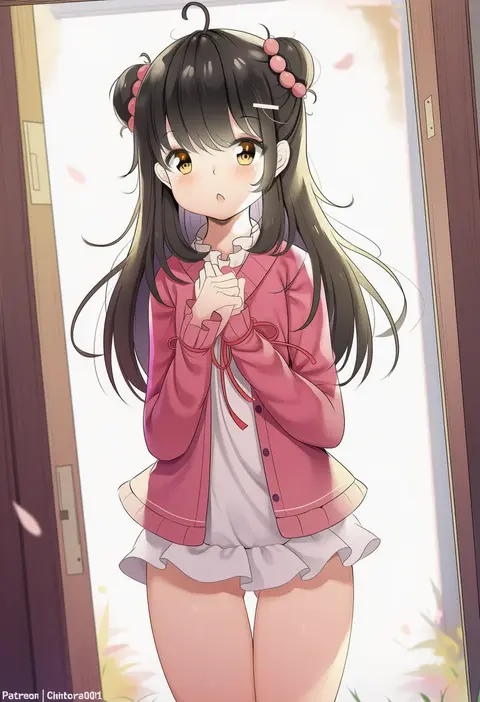
chintora0201
ARTIST0x09B9
0
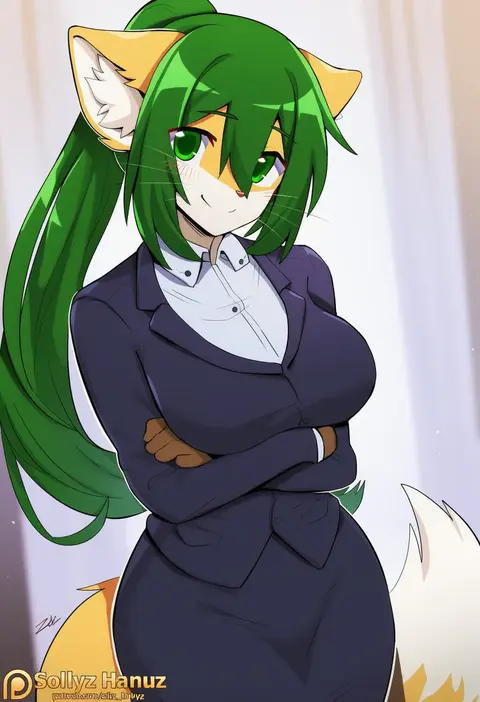
sollyz
ARTIST0x09BA
0
aoi riko
ARTIST0x09BB
0
sirachi
ARTIST0x09BC
0
kitou sakeru
ARTIST0x09BD
0
azasuke
ARTIST0x09BE
0
endou hiroto
ARTIST0x09BF
0
scathegrapes
ARTIST0x09C0
0
zhiyou ruozhe
ARTIST0x09C1
0
smlltb
ARTIST0x09C2
0
hanpenmaru
ARTIST0x09C3
0
luxu
ARTIST0x09C4
0
rikuguma
ARTIST0x09C5
0
jagoo
ARTIST0x09C6
0
shirotategosha
ARTIST0x09C7
0
houmatu awa
ARTIST0x09C8
0
jcm2
ARTIST0x09C9
0
muka tsuku
ARTIST0x09CA
0
michairu
ARTIST0x09CB
0
take (trude1945oneetyan)
ARTIST0x09CC
0
463 jun
ARTIST0x09CD
0
alios arvin
ARTIST0x09CE
0
feguimel
ARTIST0x09CF
0
akino sora
ARTIST0x09D0
0
gofa
ARTIST0x09D1
0
eden (shiroki yuutsu)
ARTIST0x09D2
0
roresu
ARTIST0x09D3
0
micchan (micchanmeido)
ARTIST0x09D4
0
an-telin
ARTIST0x09D5
0
sana!rpg
ARTIST0x09D6
0
monkey jon
ARTIST0x09D7
0

What these tags change

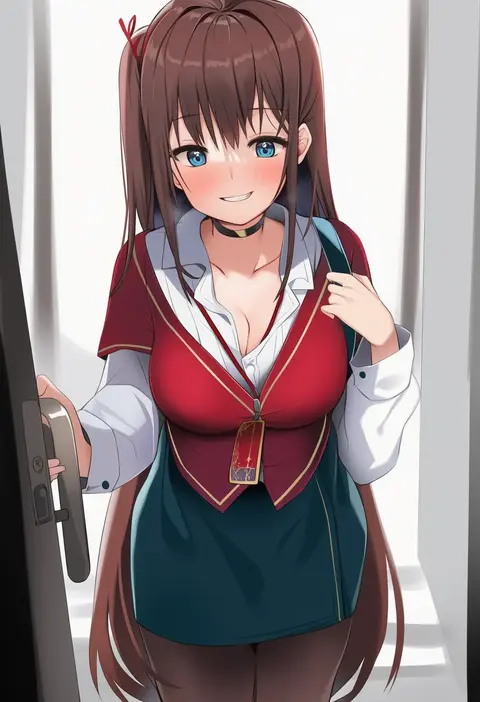
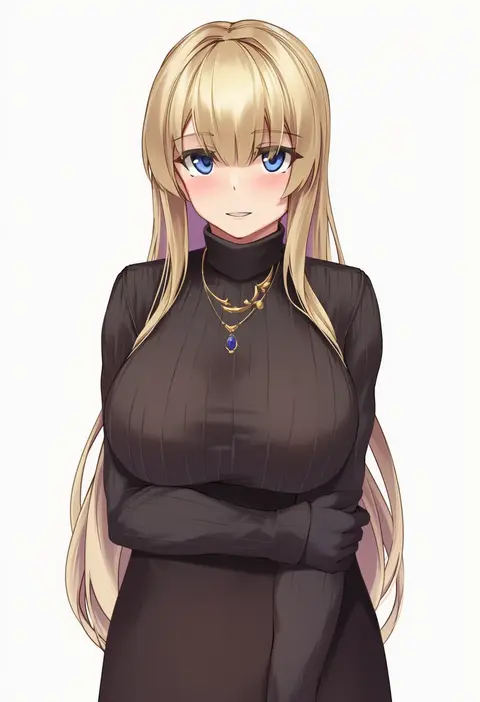
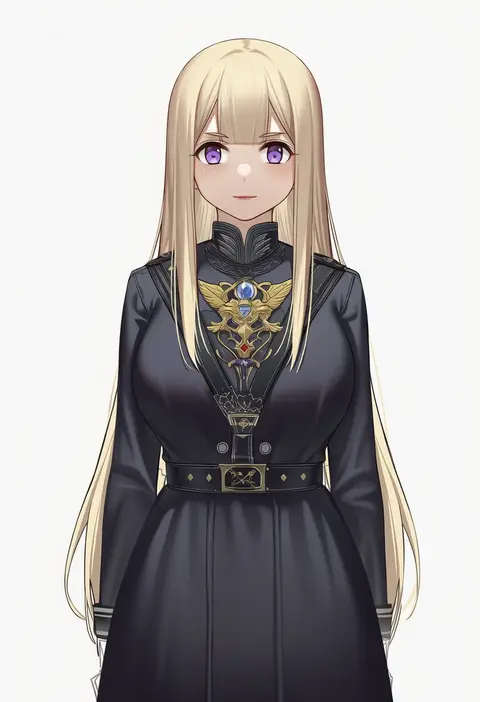
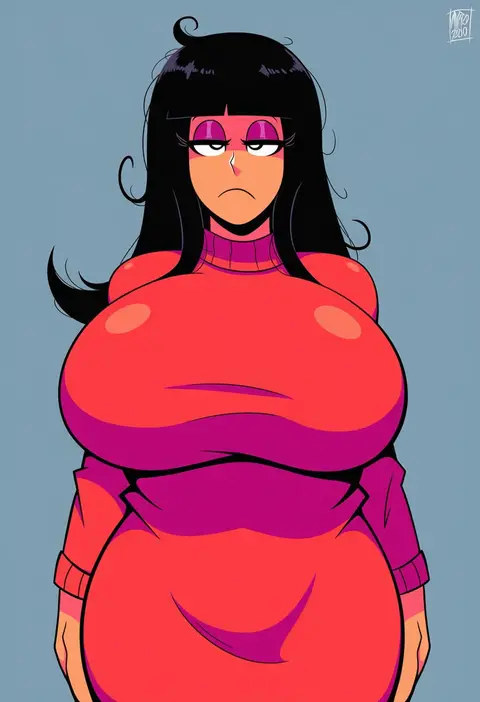
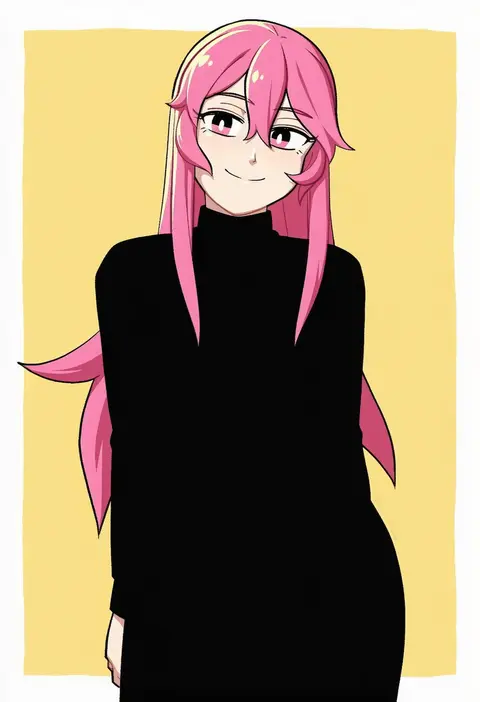
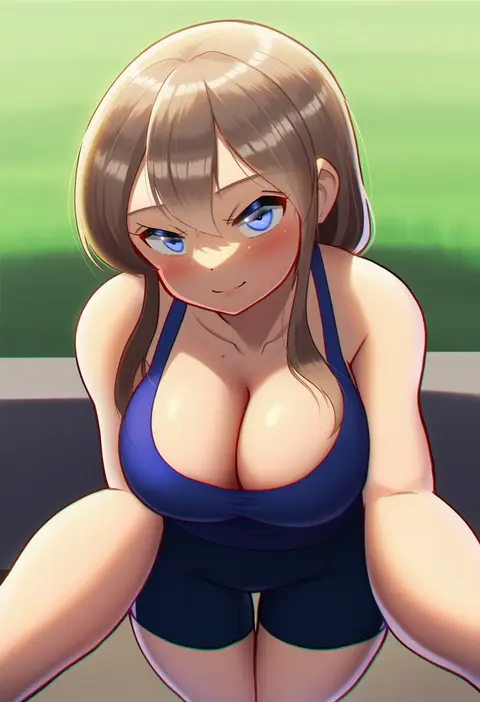
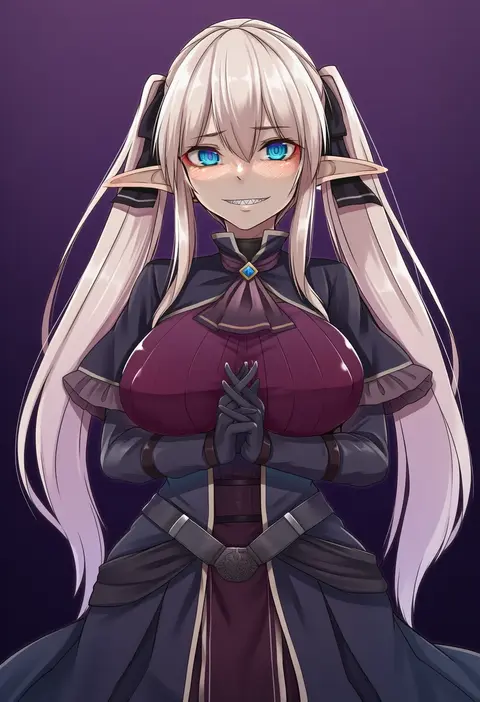
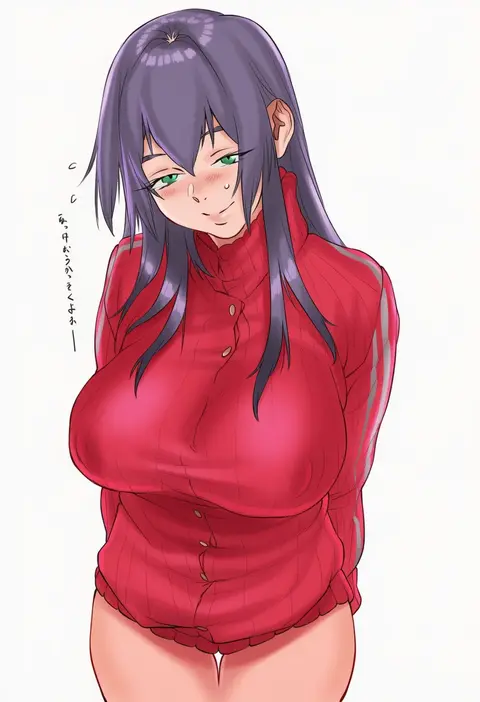
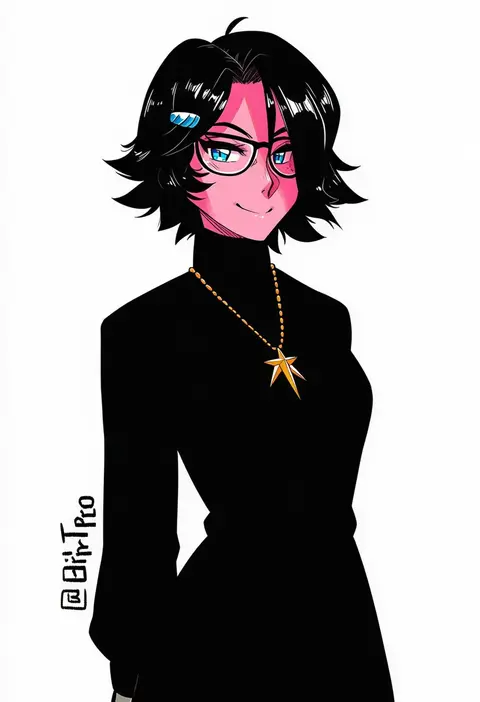
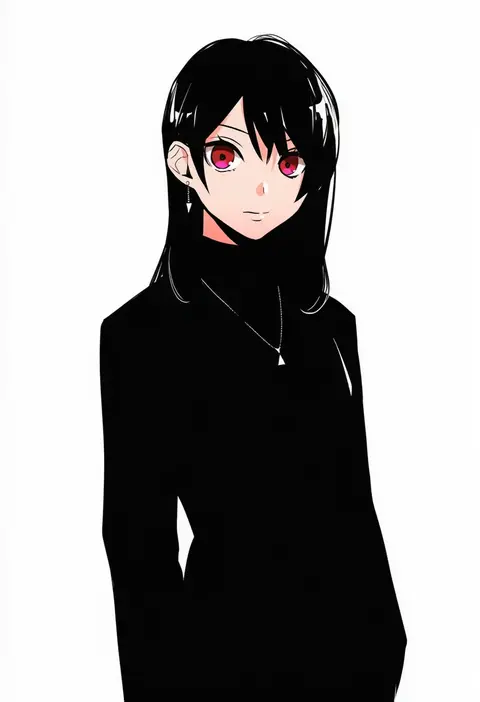
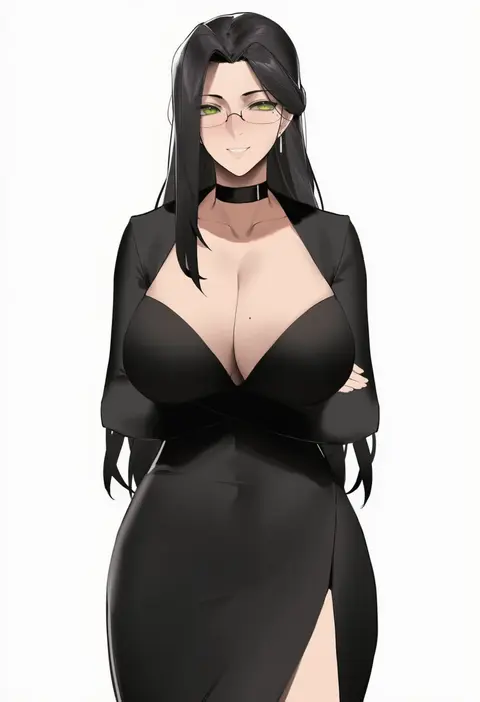
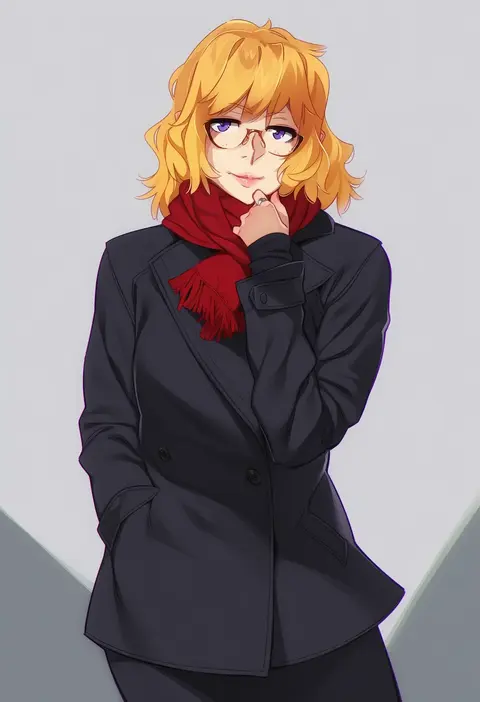
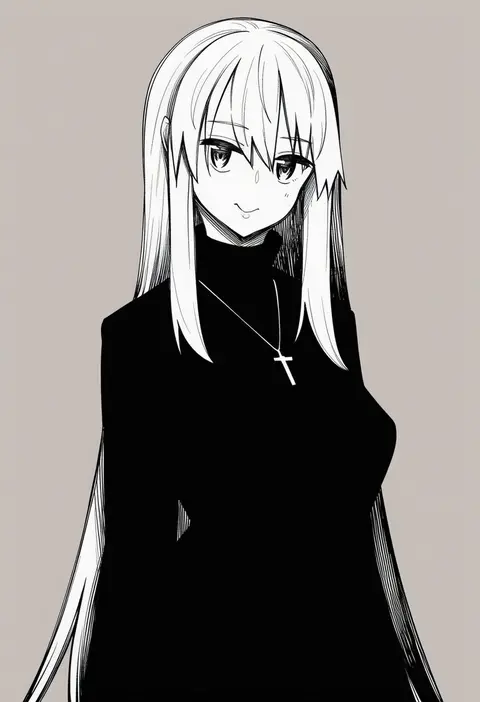
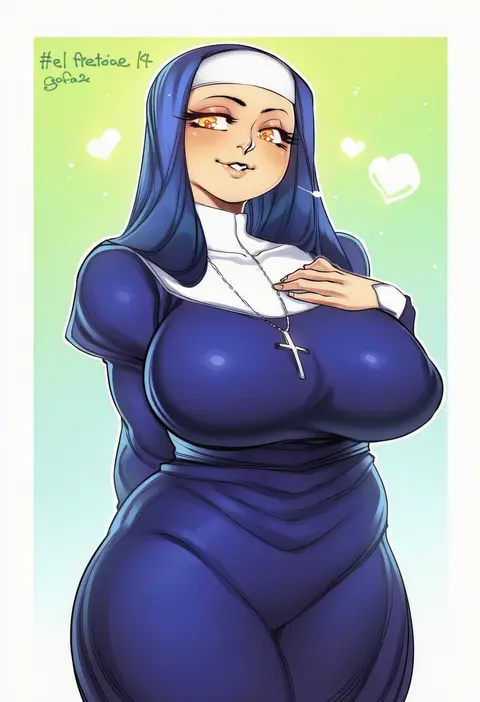
Artist tags tell NovelAI Diffusion to draw in a specific artist's style: line weight, paint texture, face shapes and palette all shift at once. Character and outfit tags decide what is drawn; artist tags decide how. 16,352 tags are listed for V4.5.
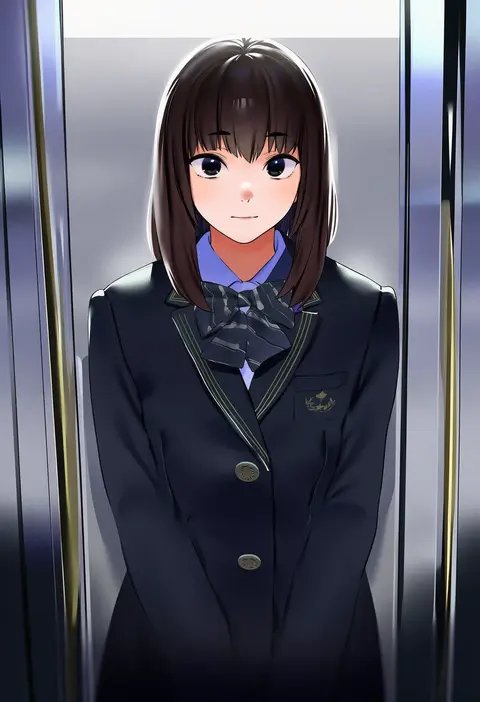
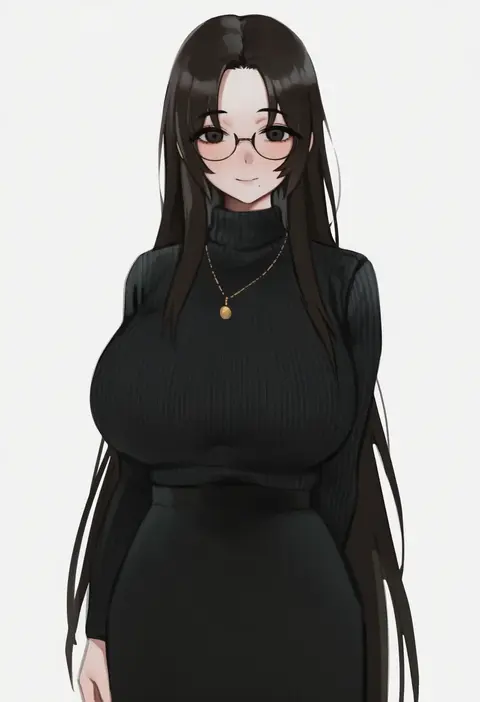
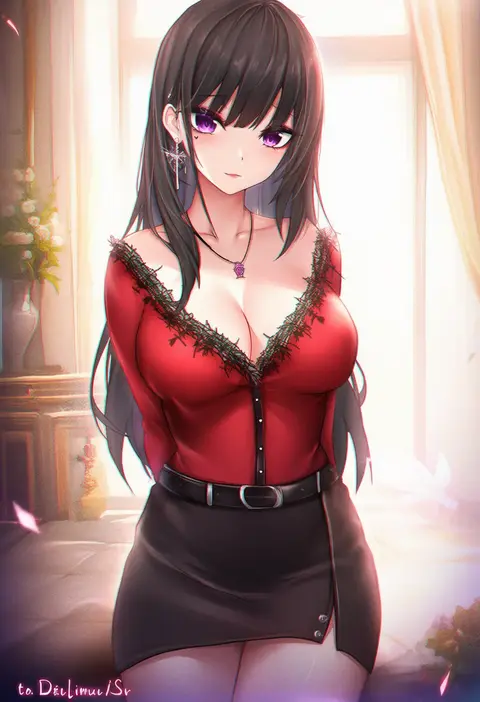
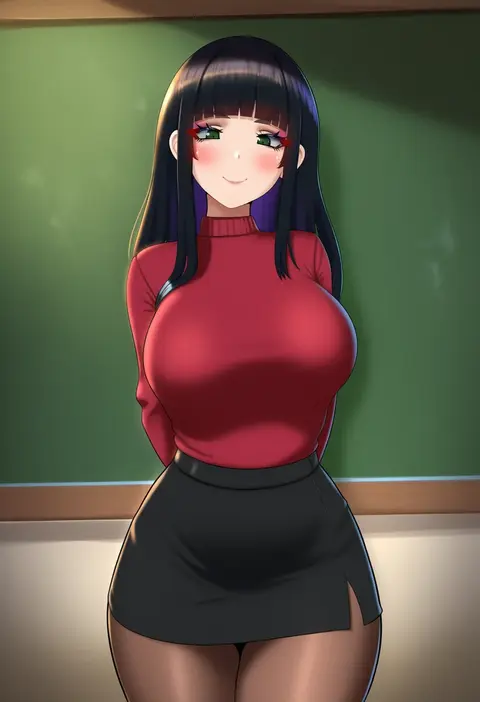
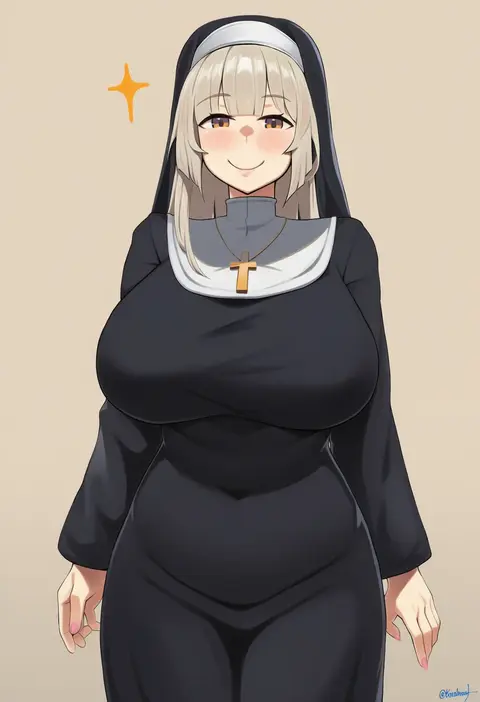
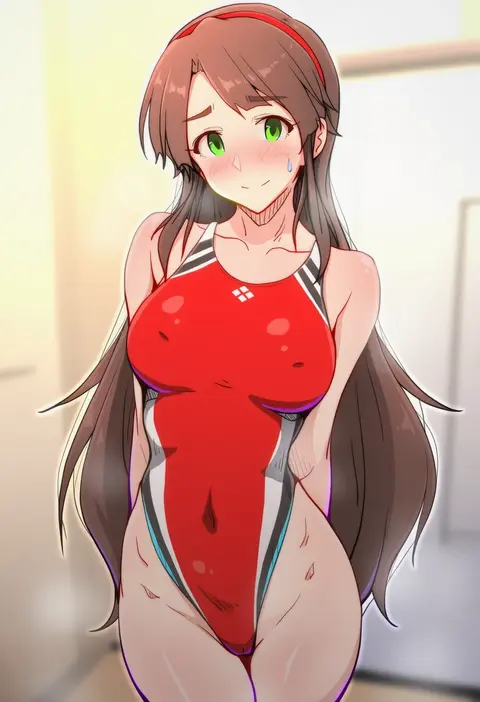
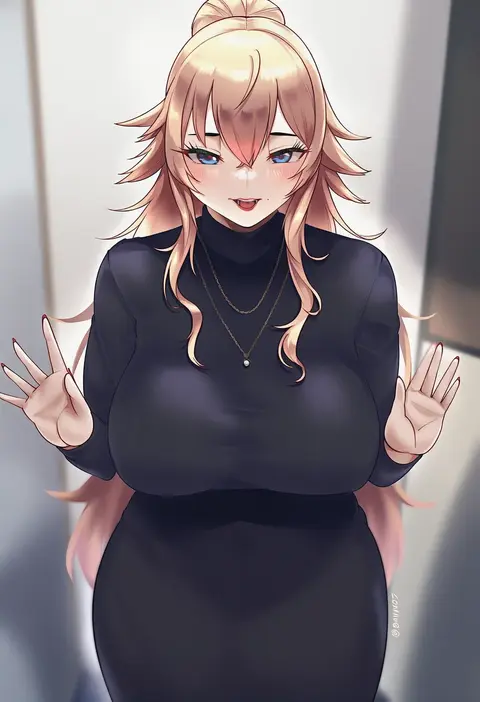
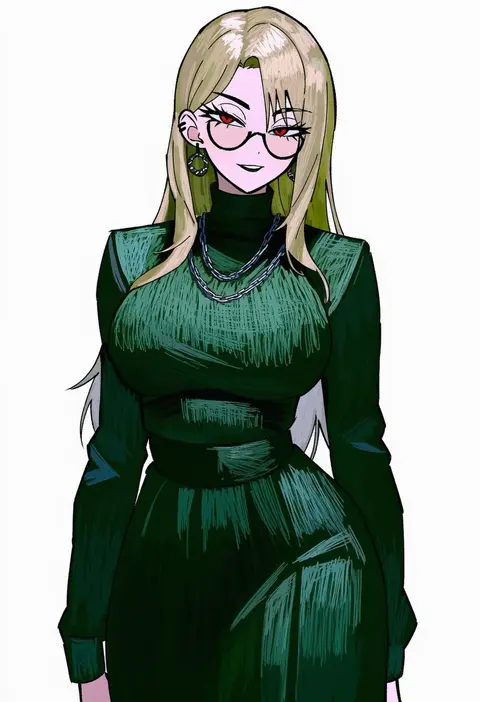
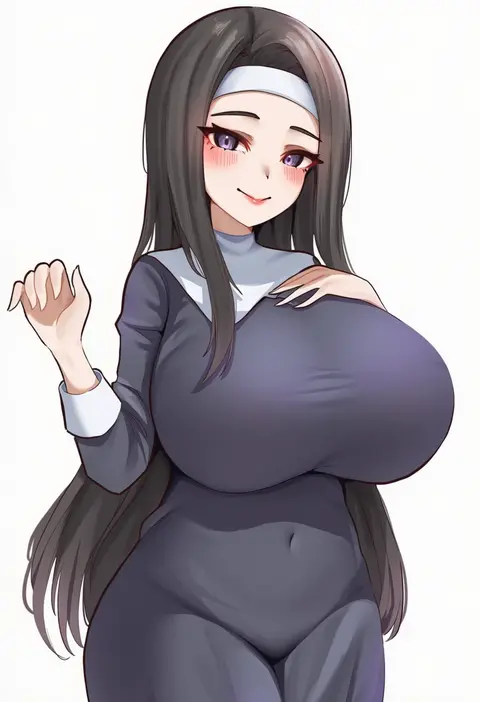
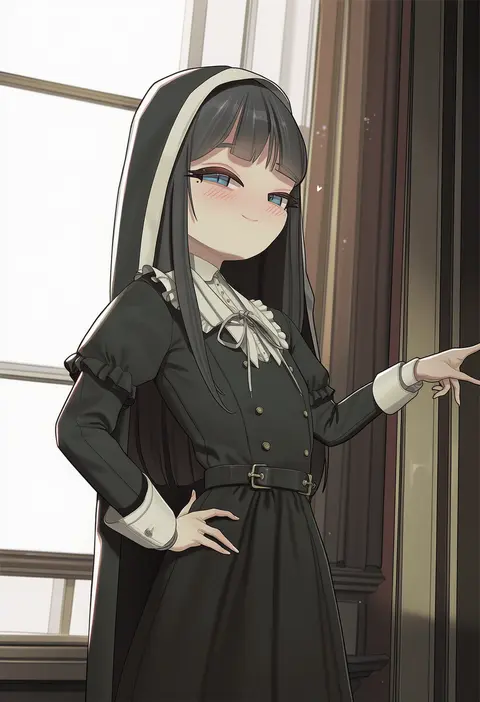
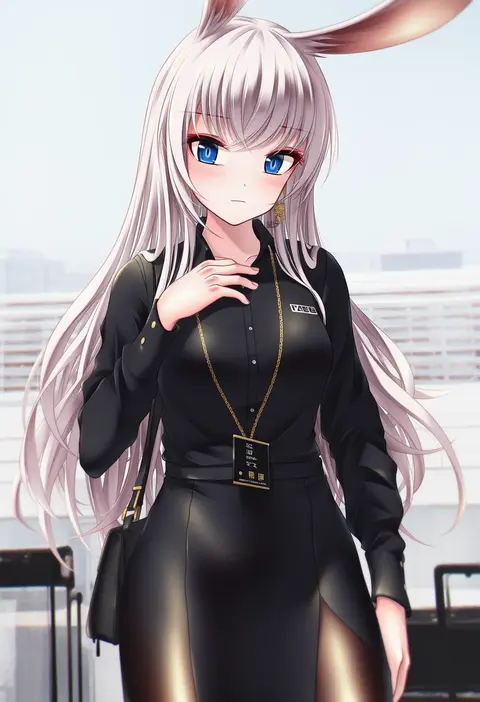
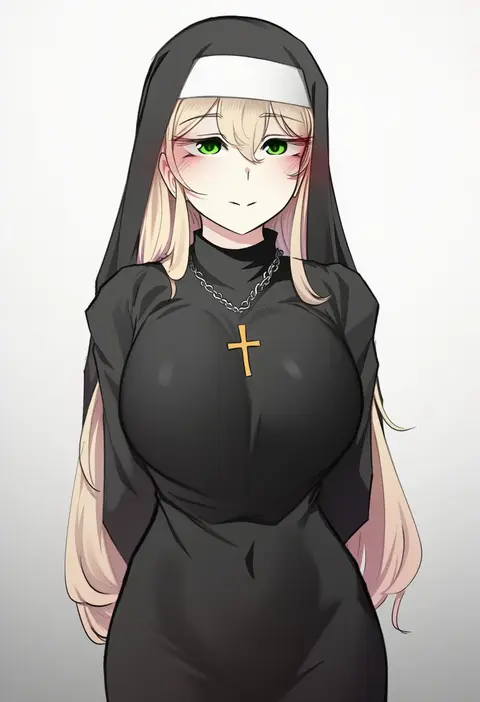
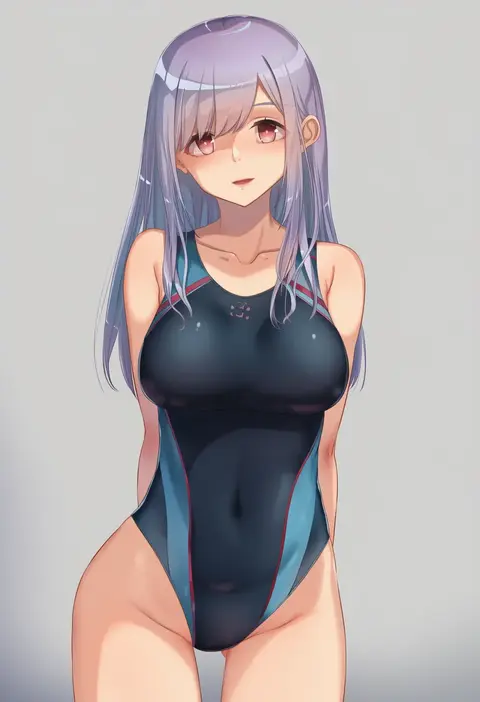
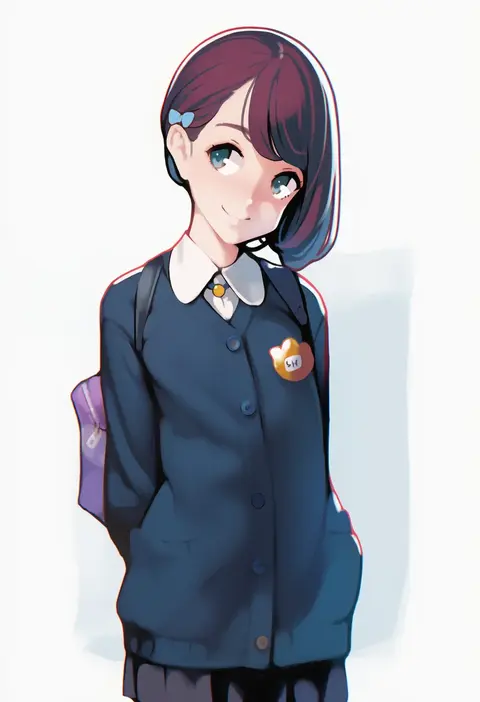
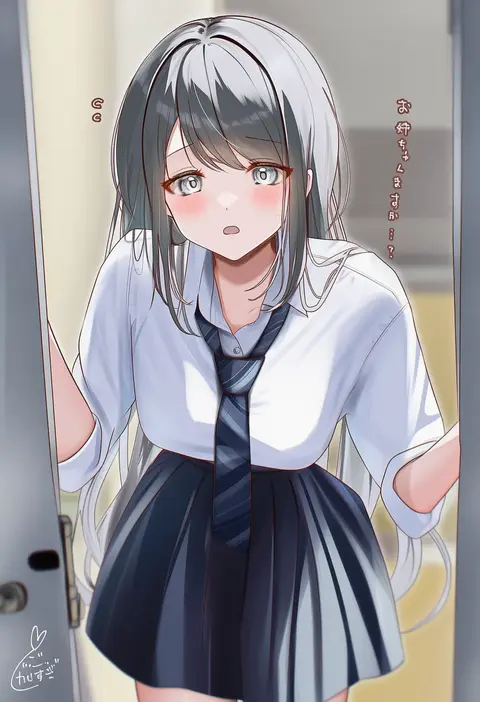
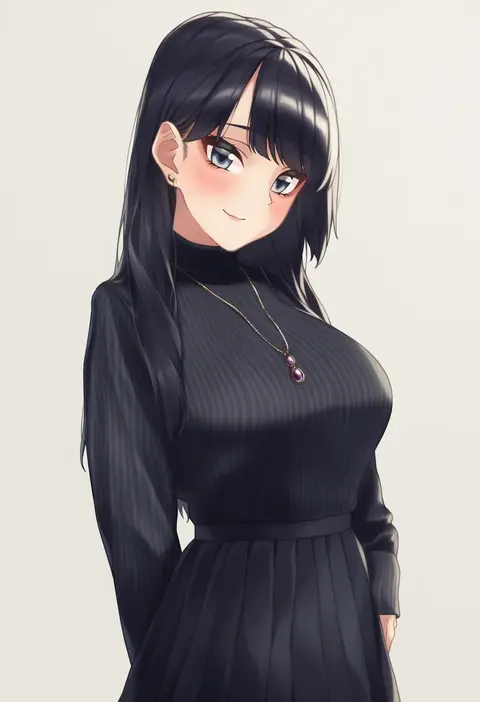
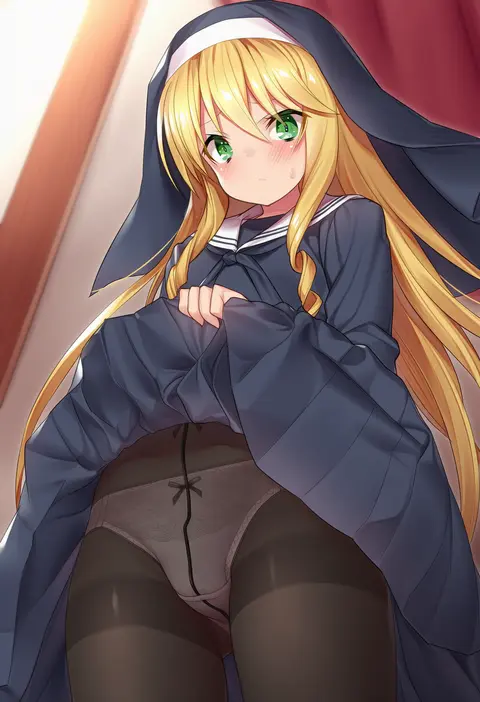
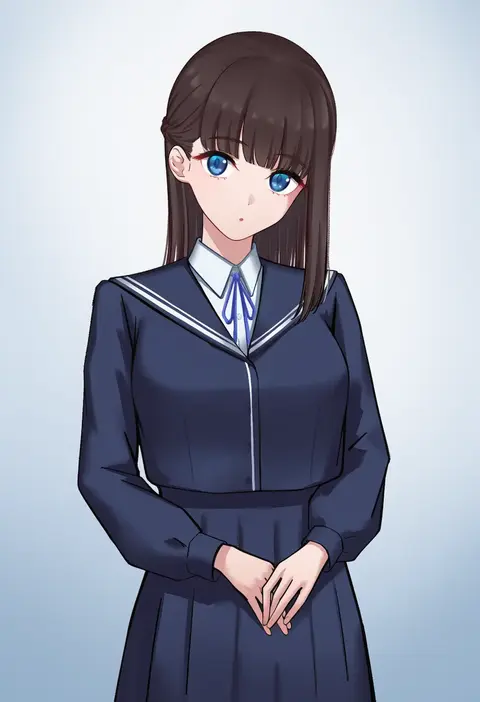
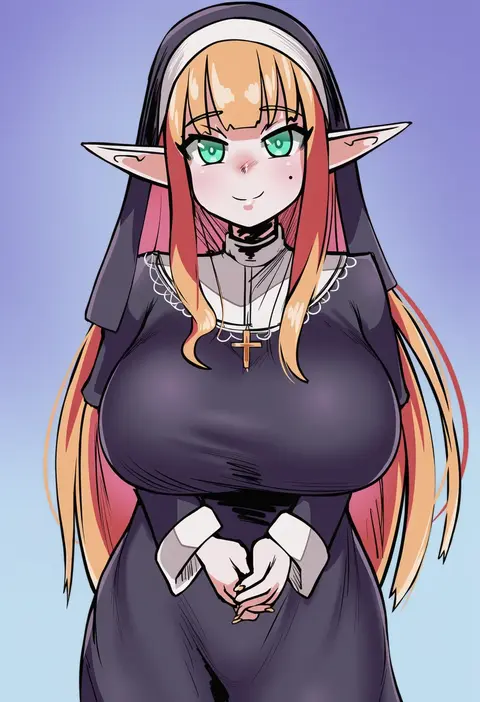
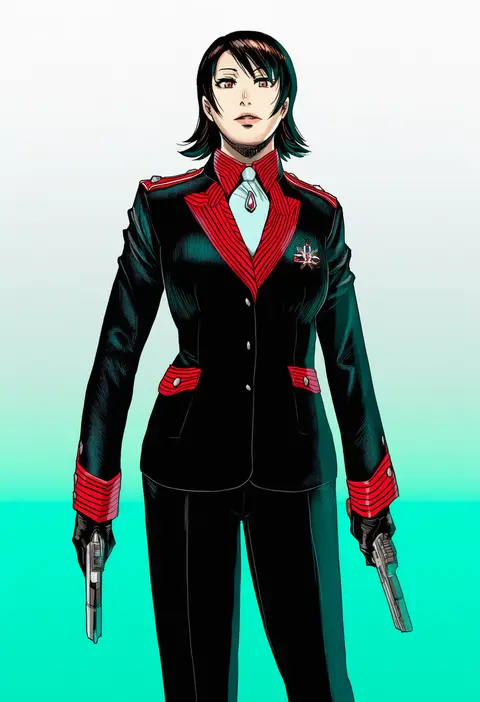
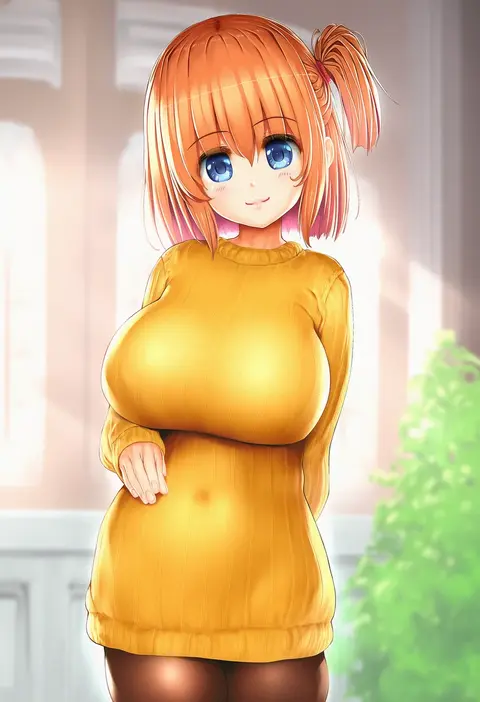
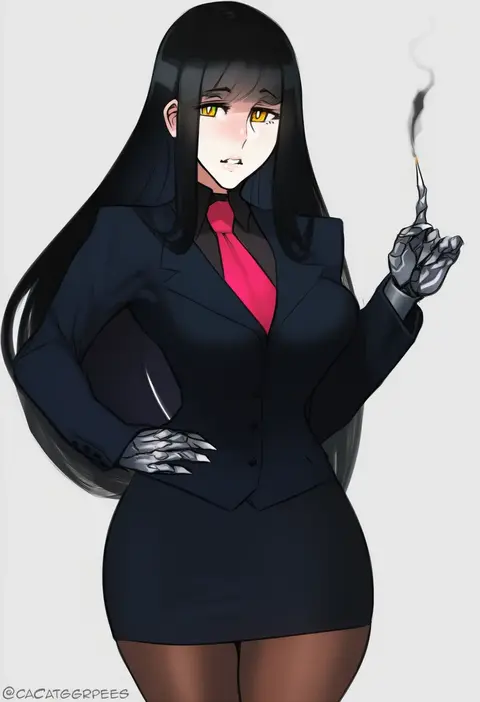
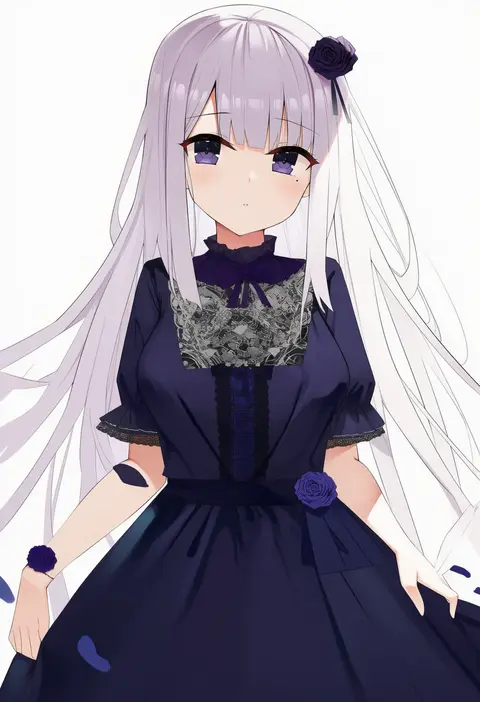
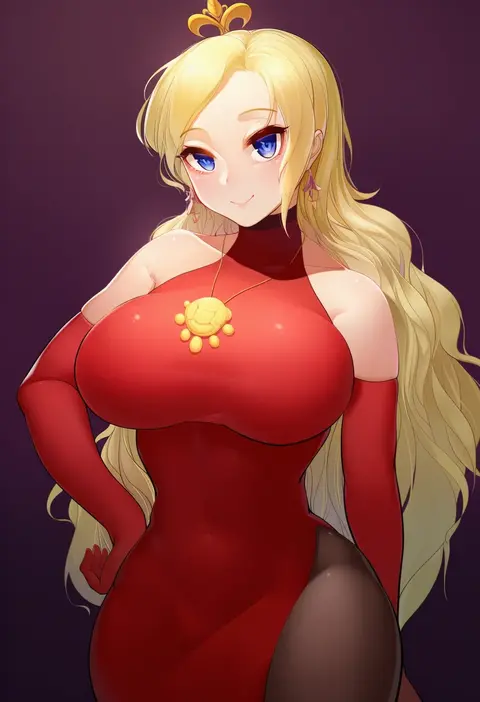
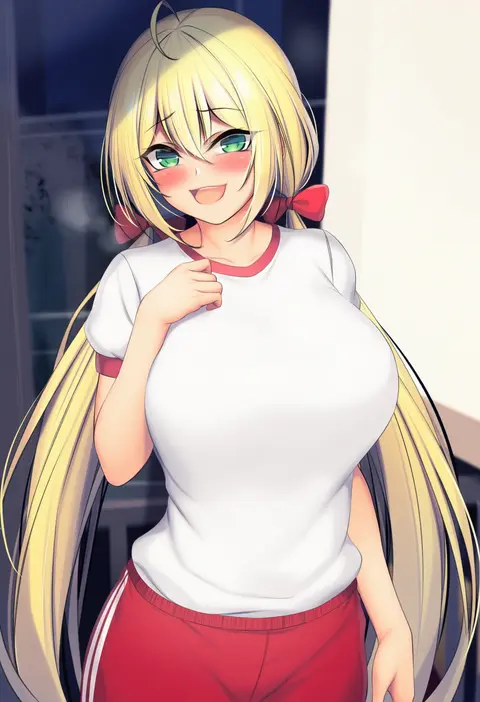
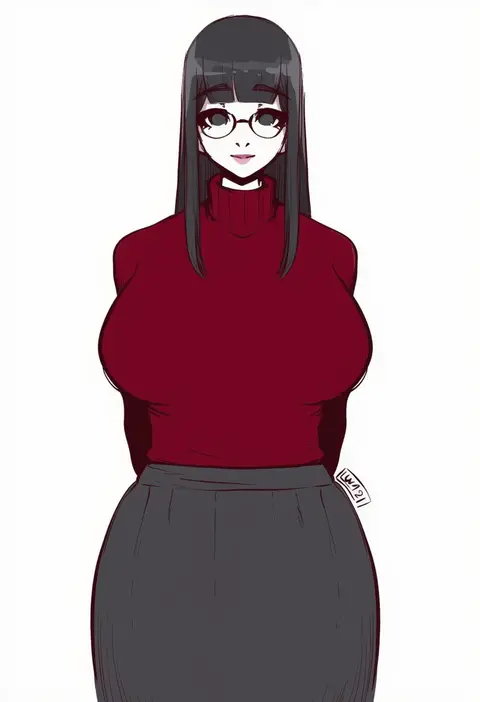
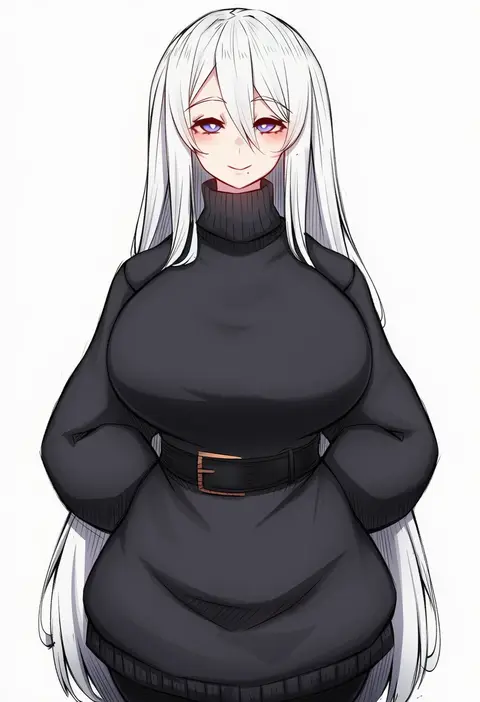
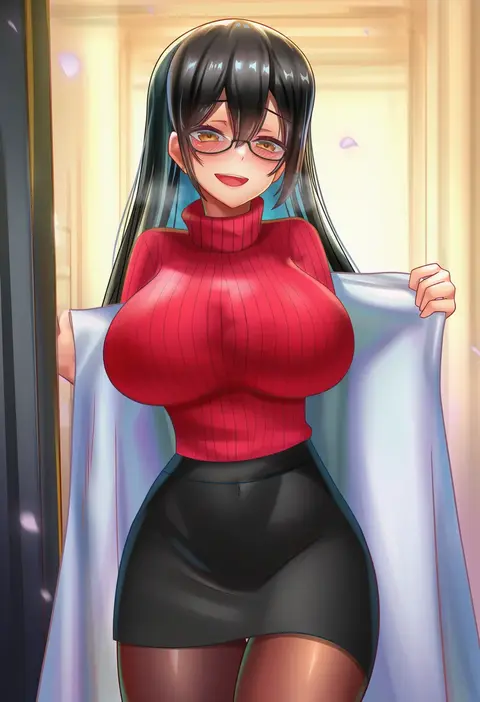
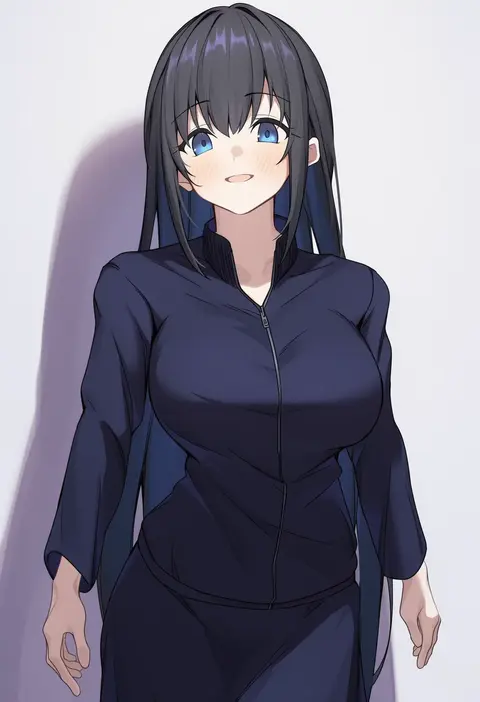
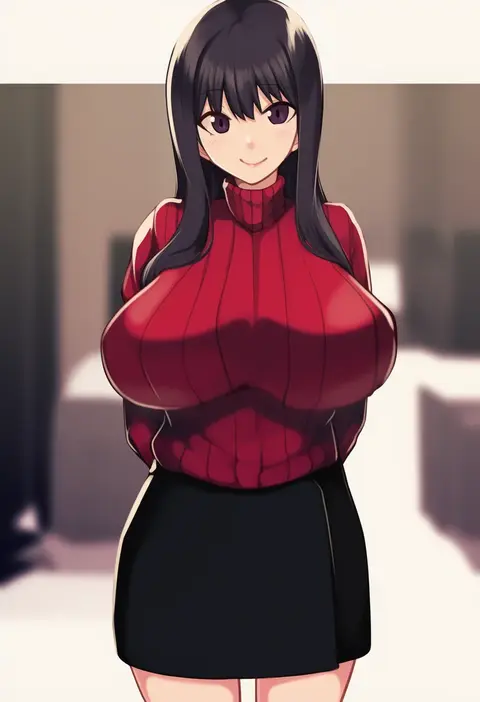
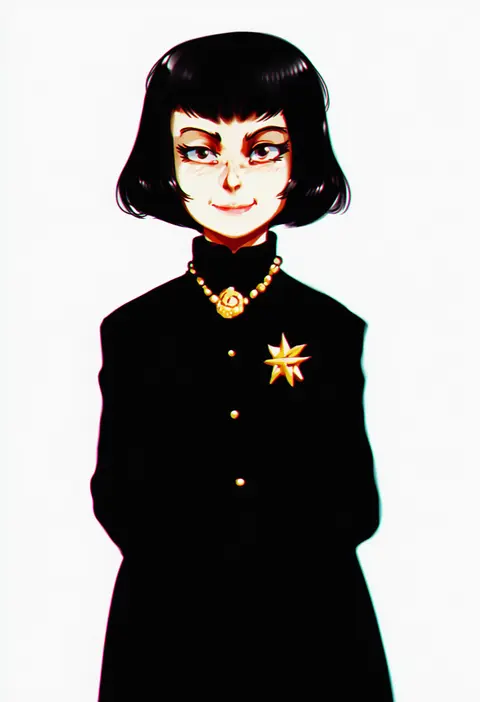
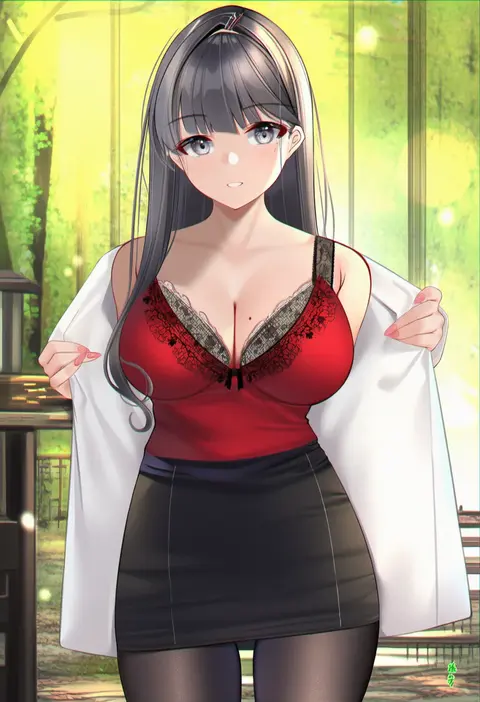
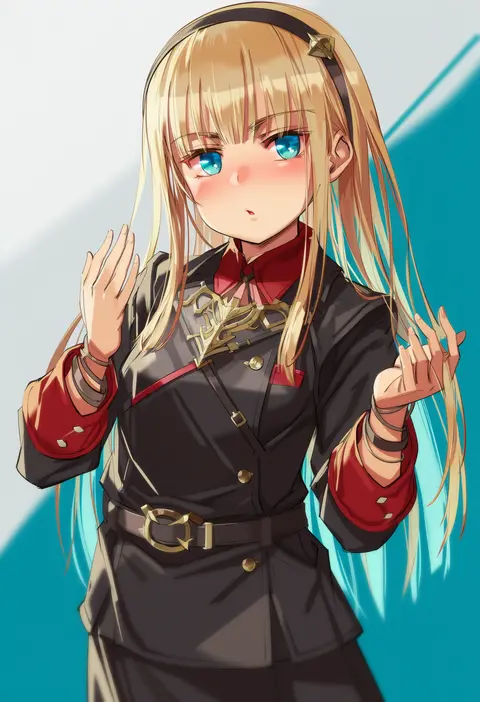
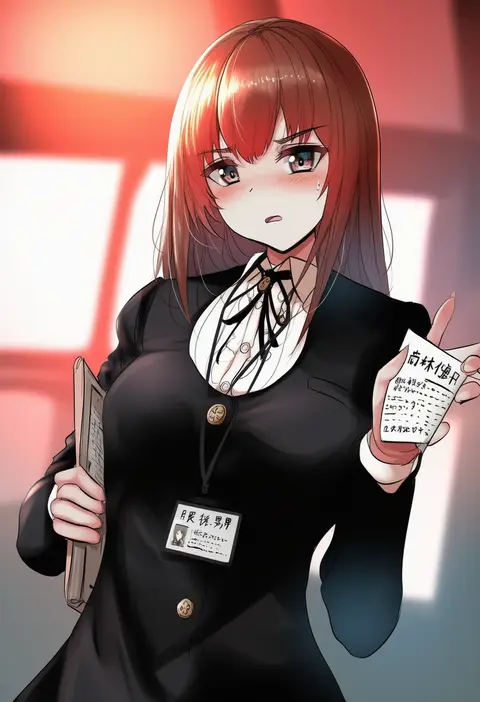
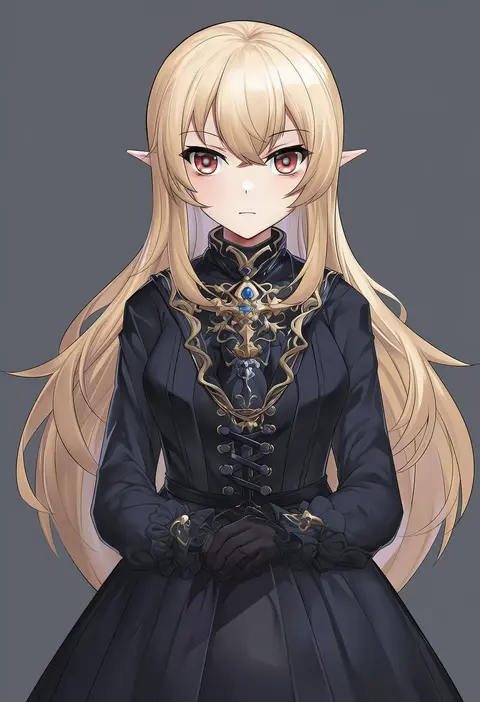
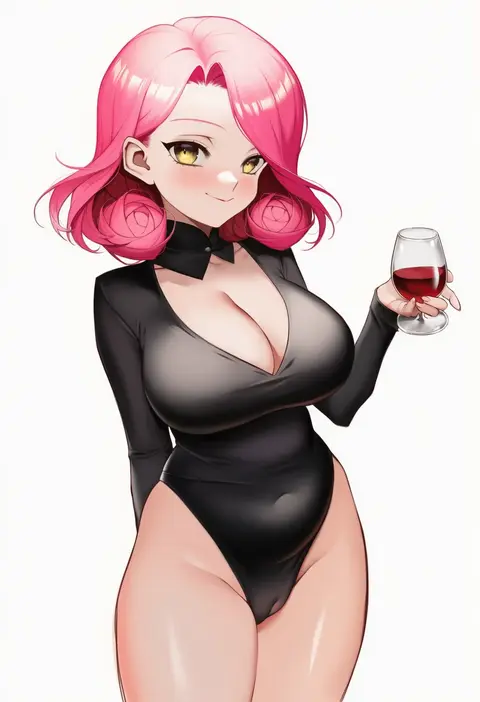
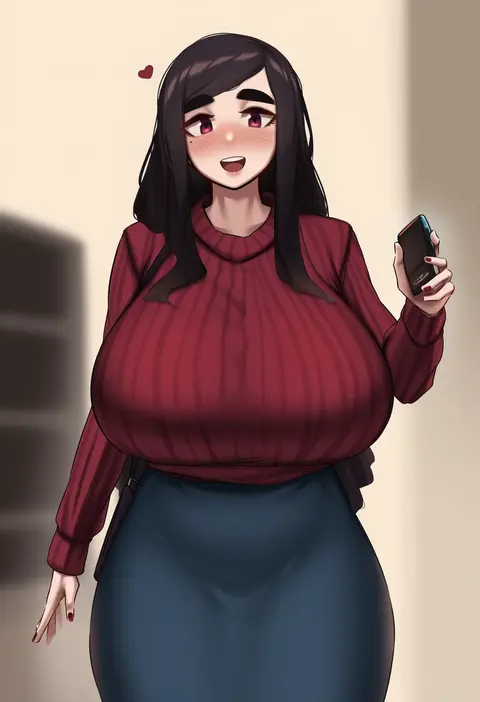
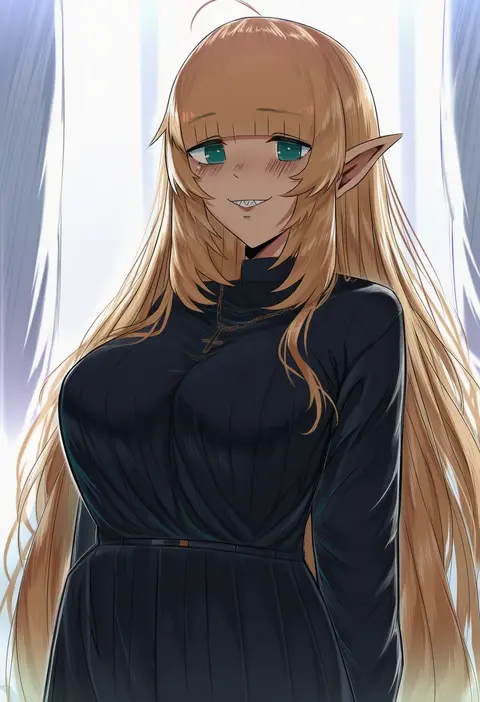
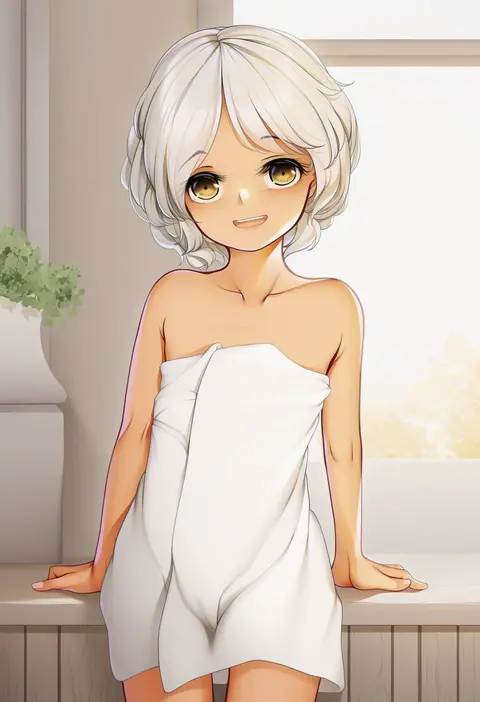
Every tag listed here is verified to react in NovelAI. All images use the same prompt, seed and settings with only the artist tag swapped, so the difference between two images is the style that tag brings in.

How to use them

Put the artist tag near the front of the prompt, e.g. "<artist>, 1girl, solo, best quality, masterpiece, cowboy shot". Two or three artist tags blend styles; lower the weight with "0.8::<artist>::" when the style overpowers the character.

SCORE sorts by Danbooru's top score, POSTS by post count, FAVS by hearts on this site. Open a card to see V5 and V4.5 side by side on the same seed.

V5 vs V4.5

V5 usually lands closer to the artist's real style, and tags that did nothing on V4.5 often react on V5. V4.5 still fits older and doujin-heavy artists better. Try V5 first, fall back to V4.5.

FAQ

Where does the artist tag go?
Near the front of the prompt. Use "0.8::tag::" to adjust its weight.

Can I stack artist tags?
Yes, styles blend. Past two or three the result stops looking like anyone.

Are these the artists' own works?
No. Every image is a NovelAI sample generated from the tag.