V4.5Artists
sort: FAVS▾
▾
>
$

NovelAI Artist Tags List — V4.5

artist --count 16,352[44/273]
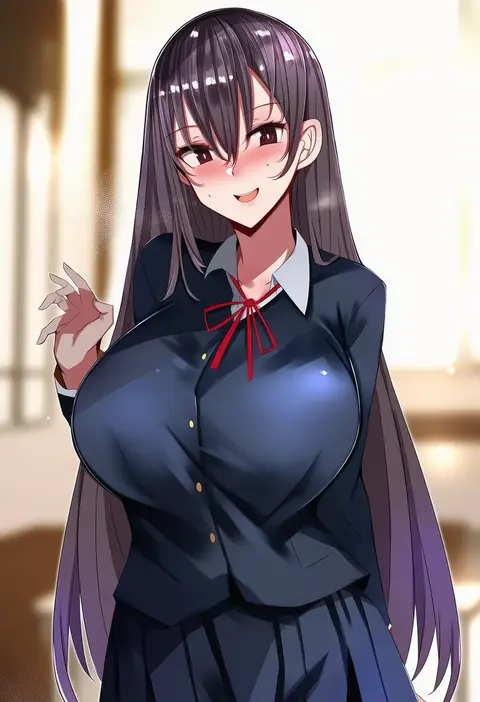
muoto
ARTIST0x0A14
0
flasso
ARTIST0x0A15
0
eguegu
ARTIST0x0A16
0
ni tamago sando
ARTIST0x0A17
0
ayamy
ARTIST0x0A18
0
yewang19
ARTIST0x0A19
0
yaosera
ARTIST0x0A1A
0
tyrone
ARTIST0x0A1B
0
blueorca
ARTIST0x0A1C
0
uno makoto
ARTIST0x0A1D
0
aurahack
ARTIST0x0A1E
0
kuutamo
ARTIST0x0A1F
0
ichi-jirushi
ARTIST0x0A20
0
saltyxodium
ARTIST0x0A21
0
kairos+
ARTIST0x0A22
0
hear (kpmf4732)
ARTIST0x0A23
0
cuboon
ARTIST0x0A24
0
lun7732
ARTIST0x0A25
0
arou (arrow x666)
ARTIST0x0A26
0
shenqi xiao hong zai nali
ARTIST0x0A27
0
chomikuplus
ARTIST0x0A28
0
raki kr
ARTIST0x0A29
0
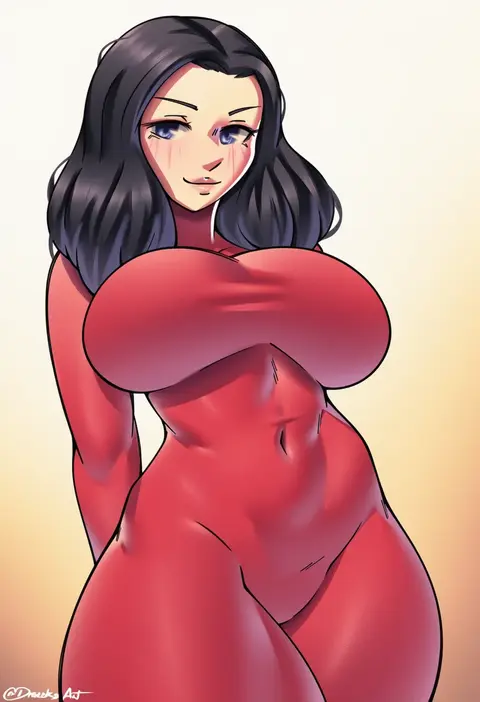
dracksart
ARTIST0x0A2A
0
nanoda002 (saber427)
ARTIST0x0A2B
0
rob ishi
ARTIST0x0A2C
0
nemu (nebusokugimi)
ARTIST0x0A2D
0
docozi
ARTIST0x0A2E
0
kopianget
ARTIST0x0A2F
0
c.cu
ARTIST0x0A30
0
efreezerarts
ARTIST0x0A31
0
nitro (mugityaoisii)
ARTIST0x0A32
0
uechin ewokaku
ARTIST0x0A33
0
fieryonion
ARTIST0x0A34
0
kangbus
ARTIST0x0A35
0
atte nanakusa
ARTIST0x0A36
0
hatori mia
ARTIST0x0A37
0
spider apple
ARTIST0x0A38
0
letdie1414
ARTIST0x0A39
0
mockingeu
ARTIST0x0A3A
0
hong bai
ARTIST0x0A3B
0
yukiaka
ARTIST0x0A3C
0
ayul (ayulneri 92)
ARTIST0x0A3D
0
olchas
ARTIST0x0A3E
0
lsls
ARTIST0x0A3F
0
rhasta
ARTIST0x0A40
0
foifoi (marfoyfoyfoy)
ARTIST0x0A41
0
akizone
ARTIST0x0A42
0
yabai gorilla
ARTIST0x0A43
0
pellas (panix2383)
ARTIST0x0A44
0
chowbie
ARTIST0x0A45
0
keigi
ARTIST0x0A46
0
chicke iii
ARTIST0x0A47
0
ramuda (guilty931)
ARTIST0x0A48
0
speh
ARTIST0x0A49
0
gohei (aoi yuugure)
ARTIST0x0A4A
0
kusaka souji
ARTIST0x0A4B
0
kajimakoto
ARTIST0x0A4C
0
dotthebot
ARTIST0x0A4D
0
dismassd
ARTIST0x0A4E
0
mikoma sanagi
ARTIST0x0A4F
0

What these tags change

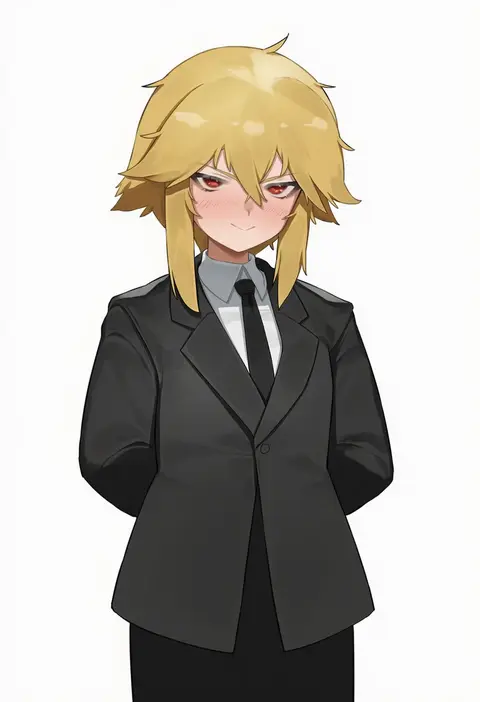
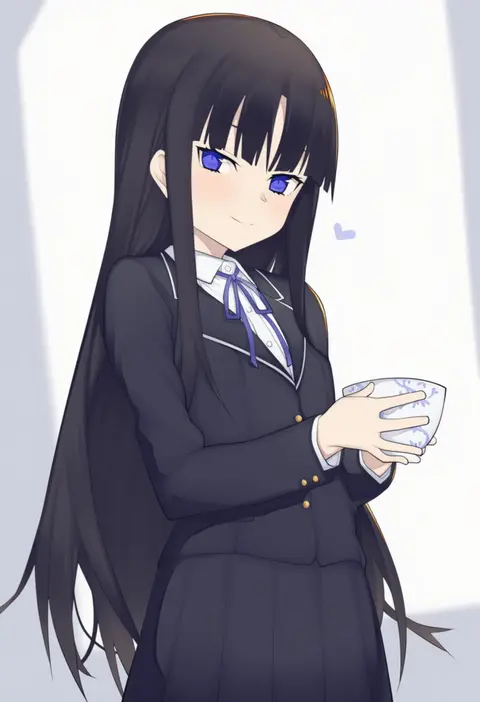
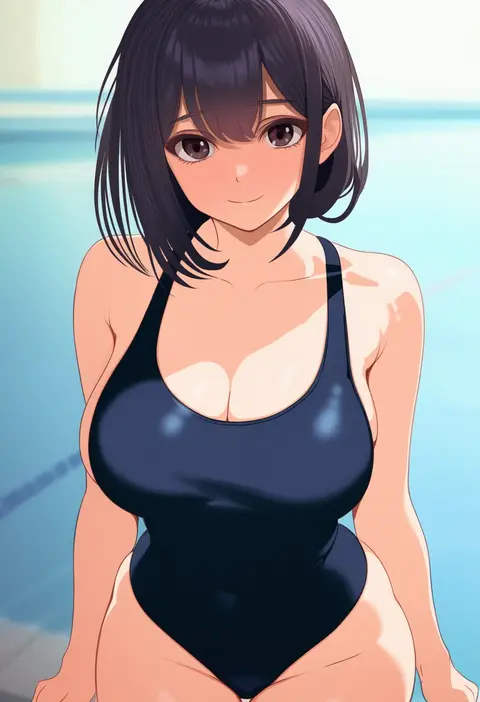
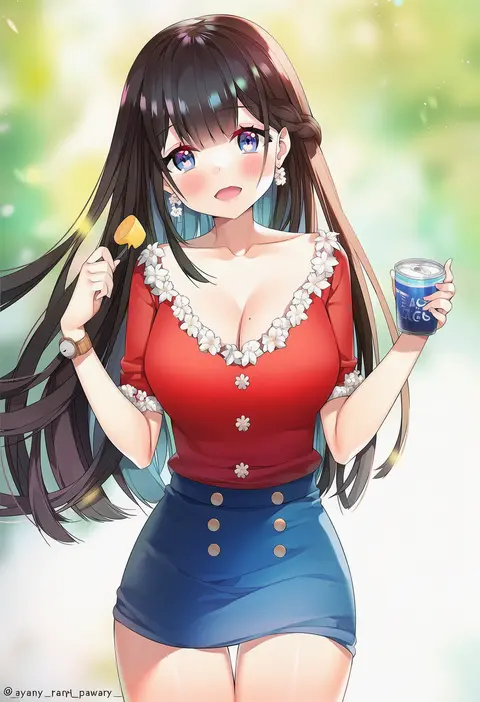
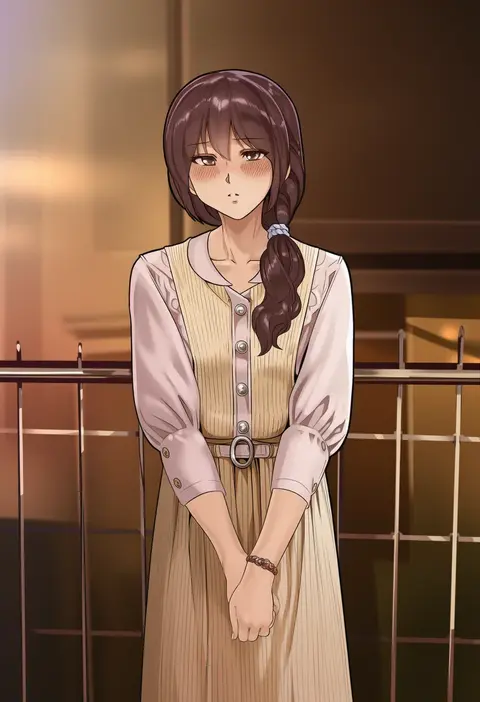
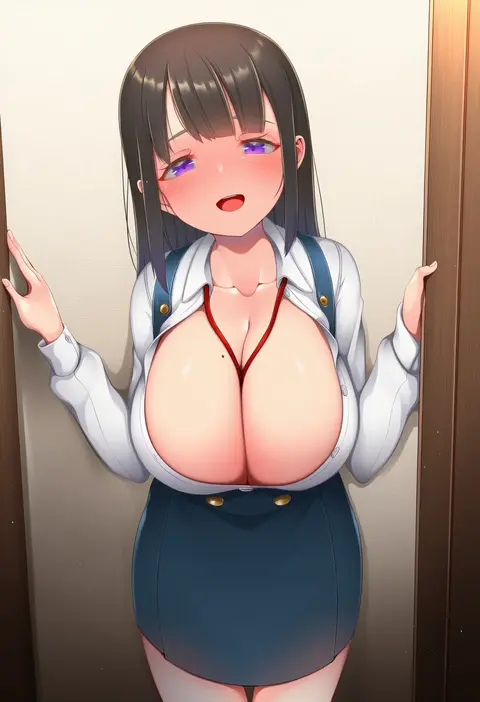
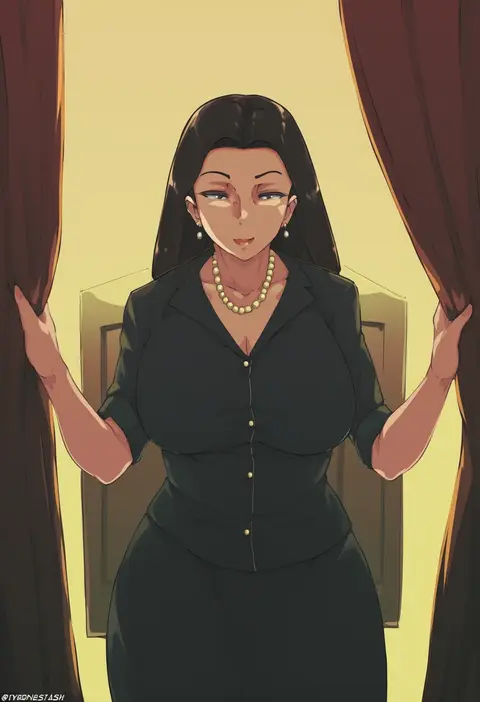
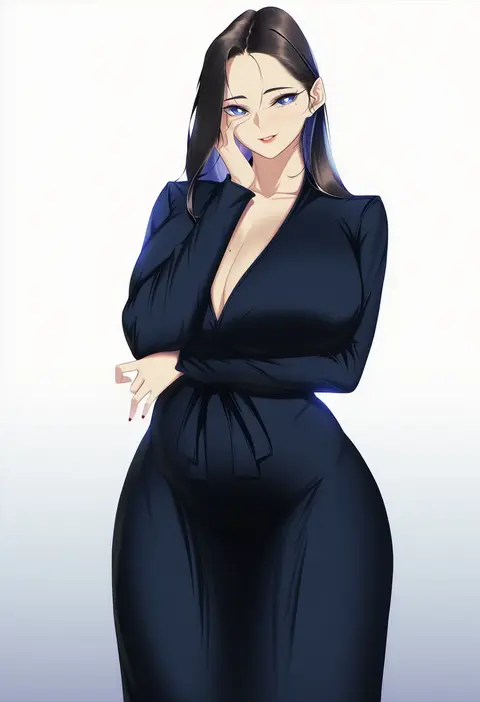
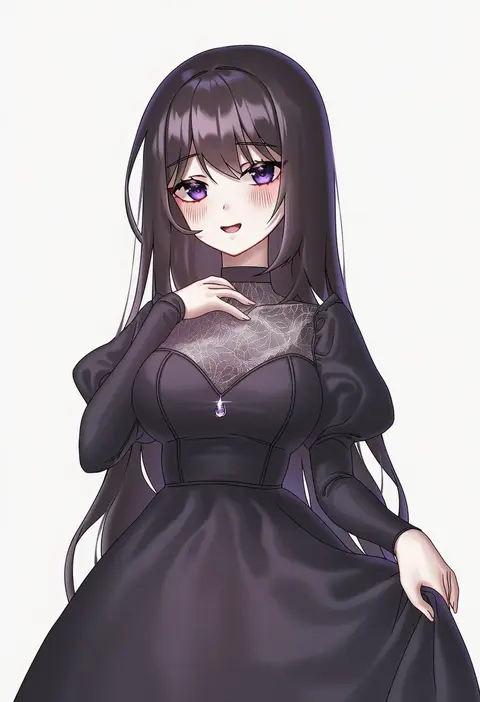
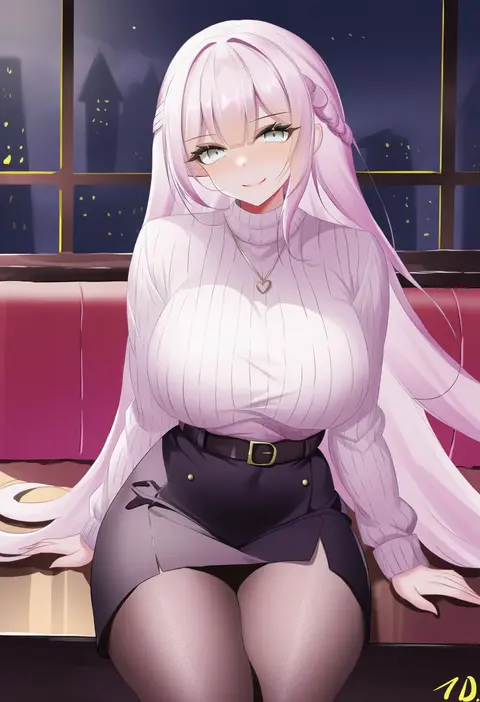
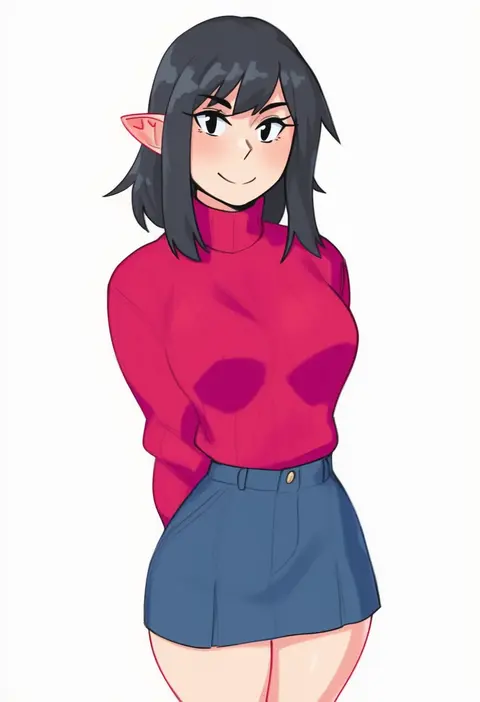
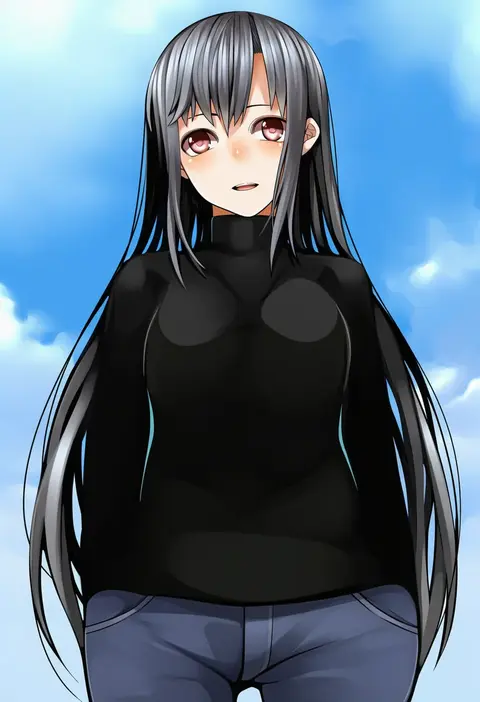
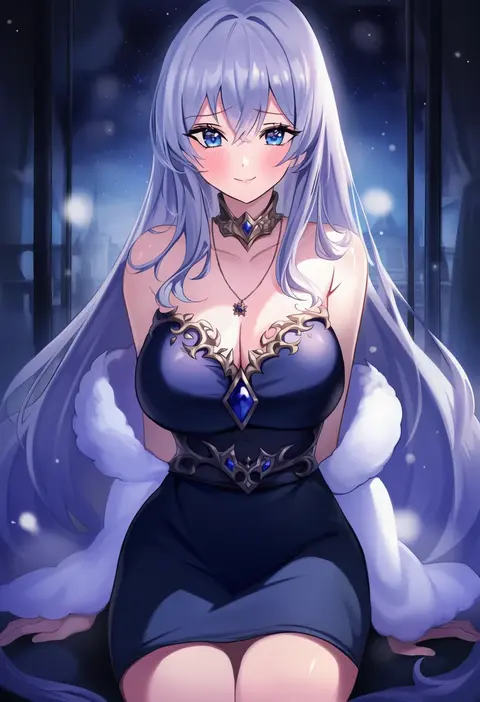
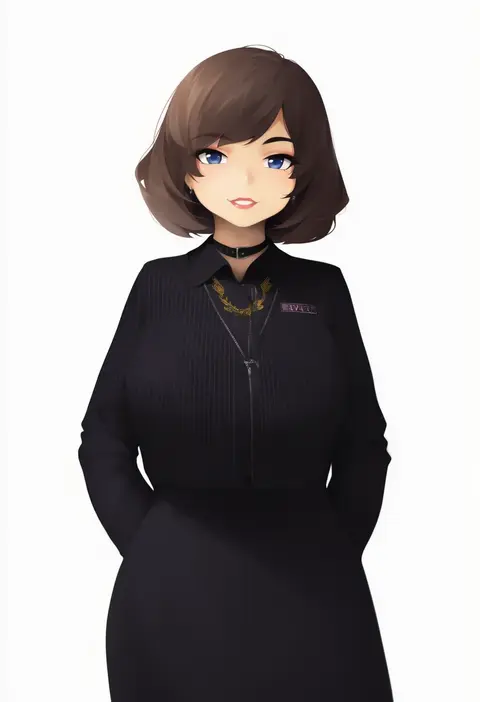
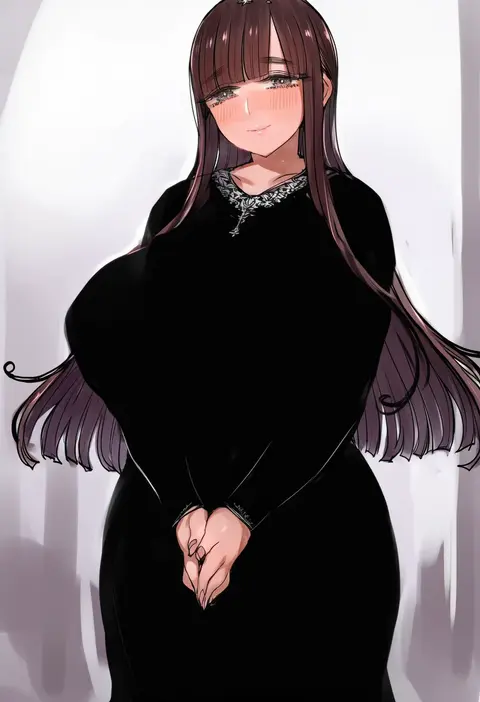
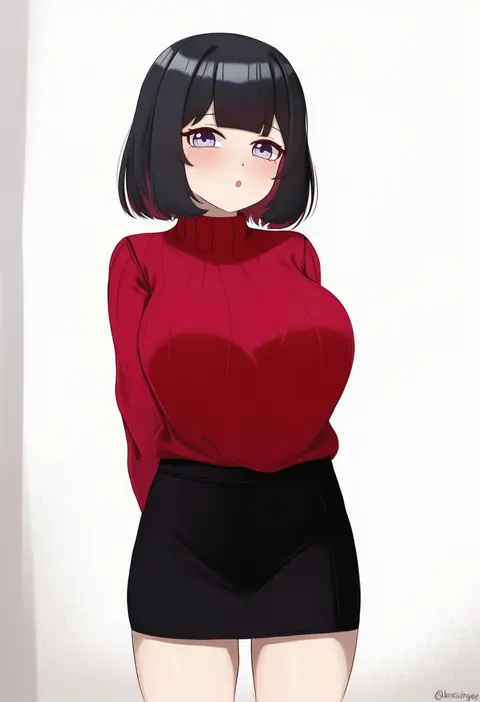
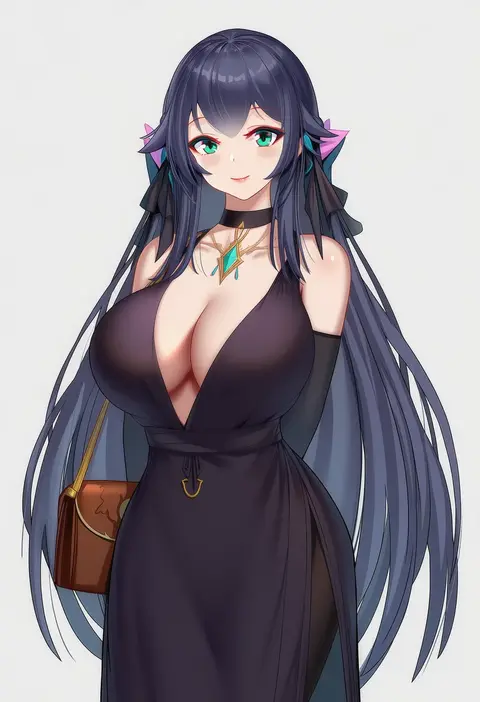
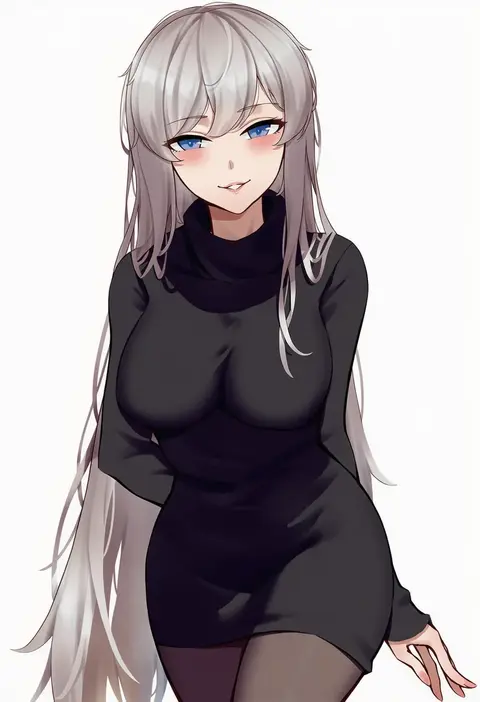
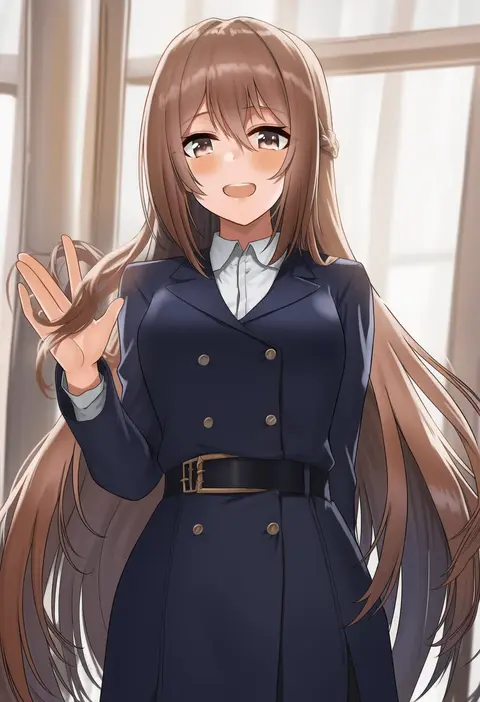
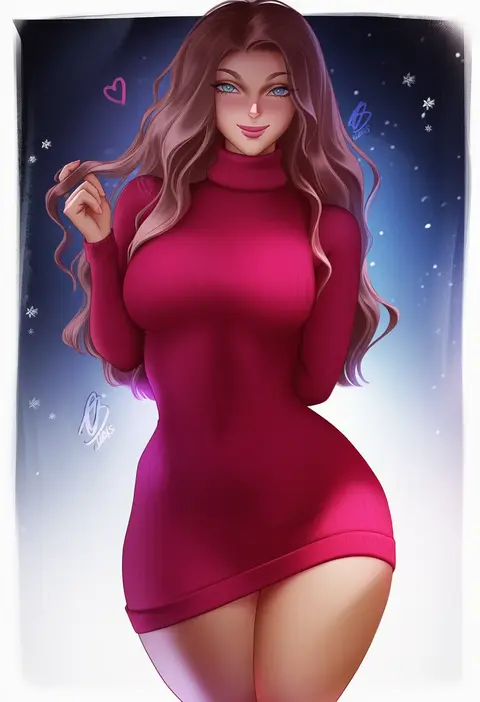
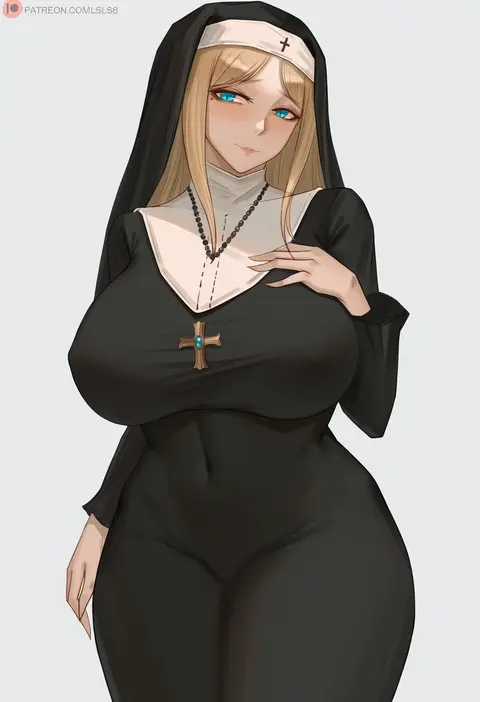
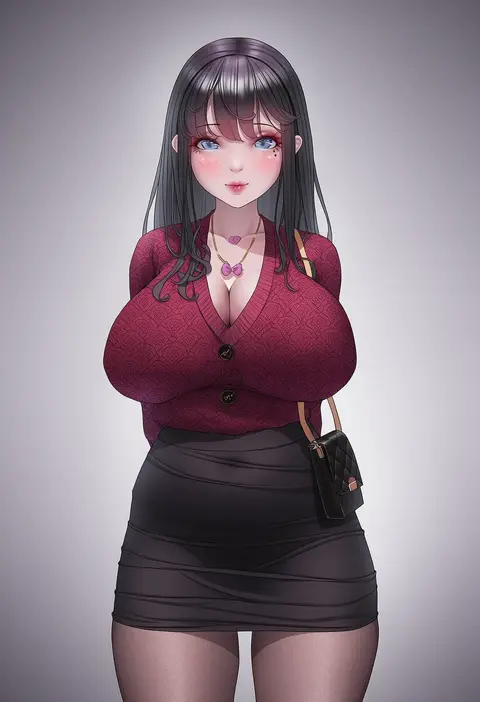
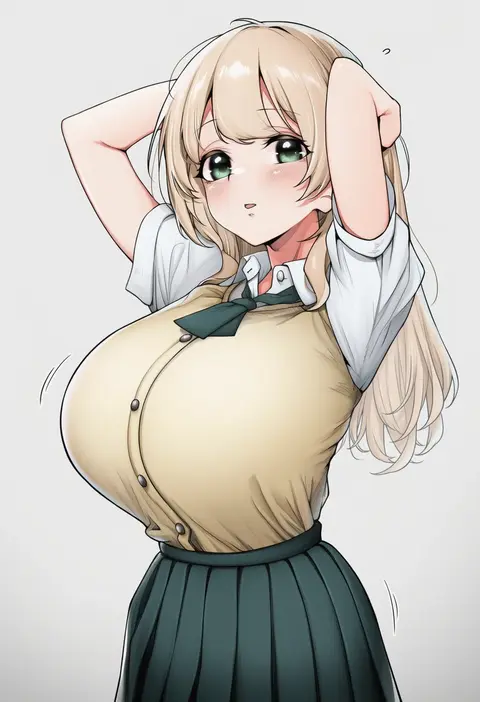
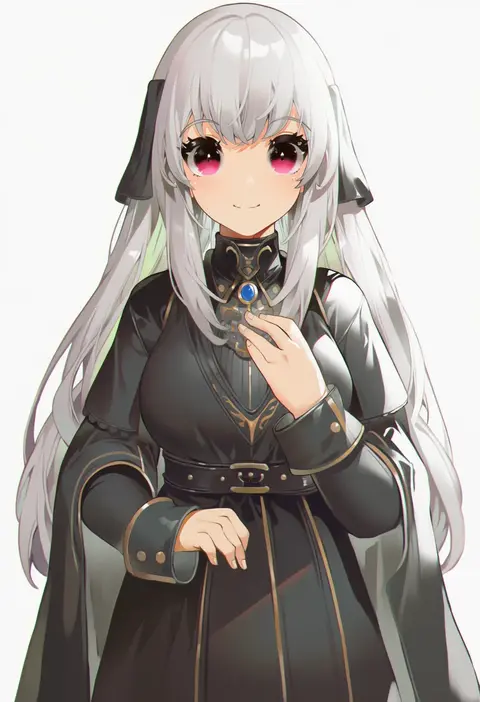
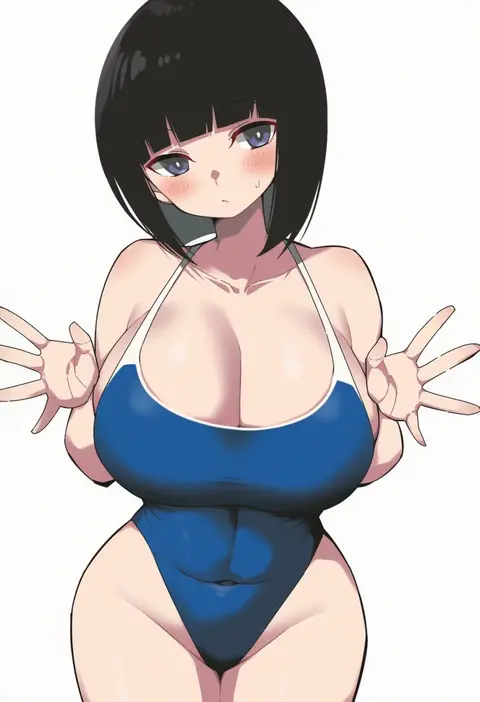
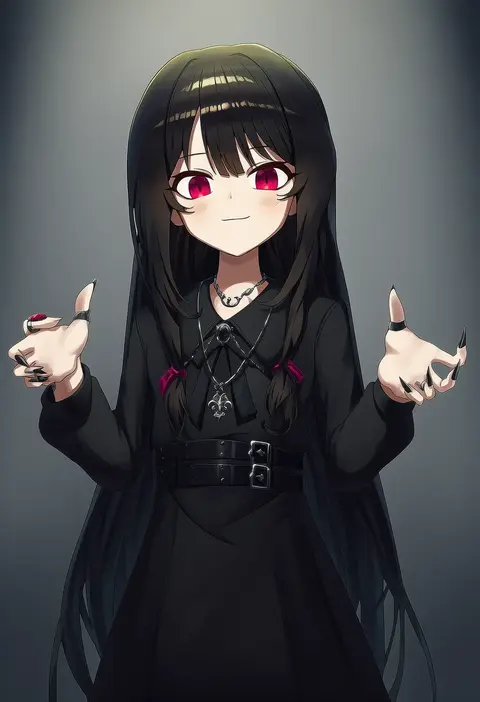
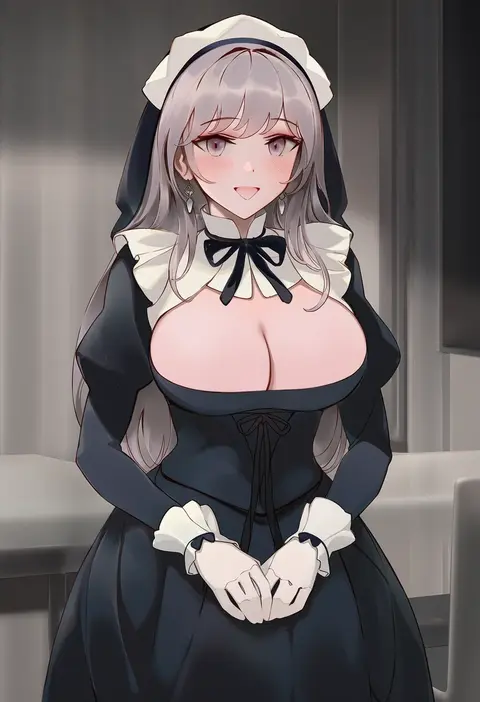
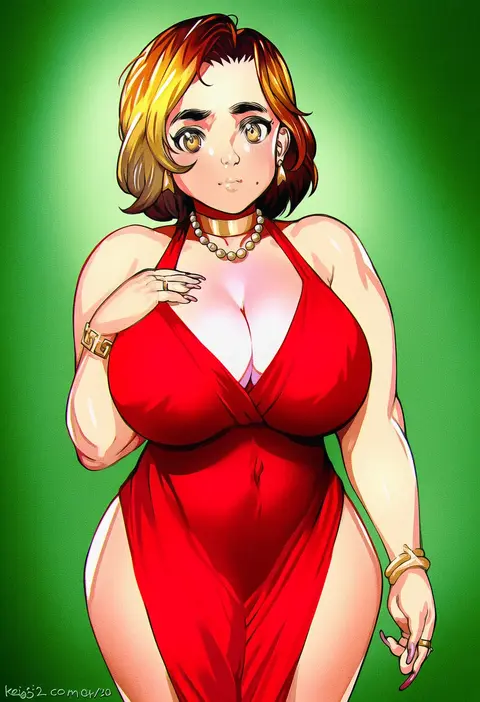
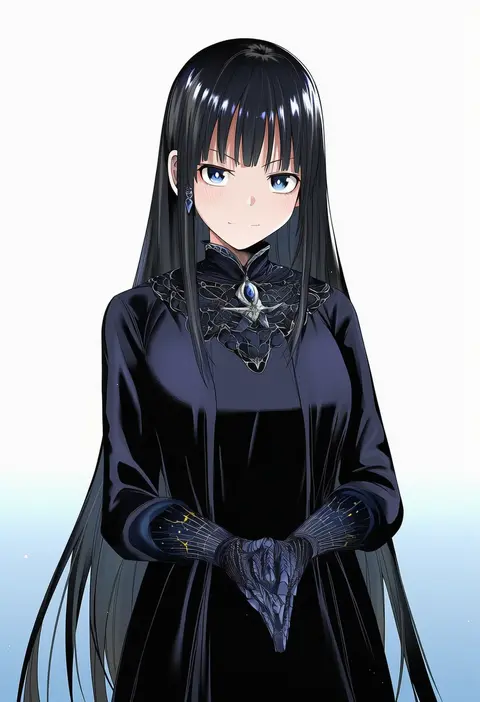
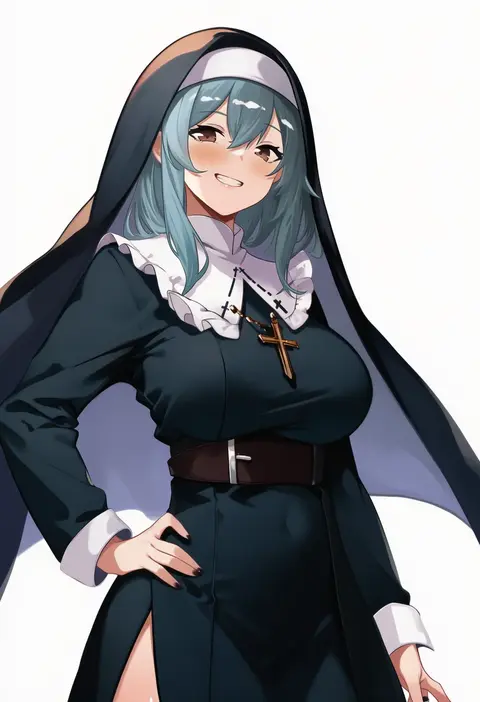
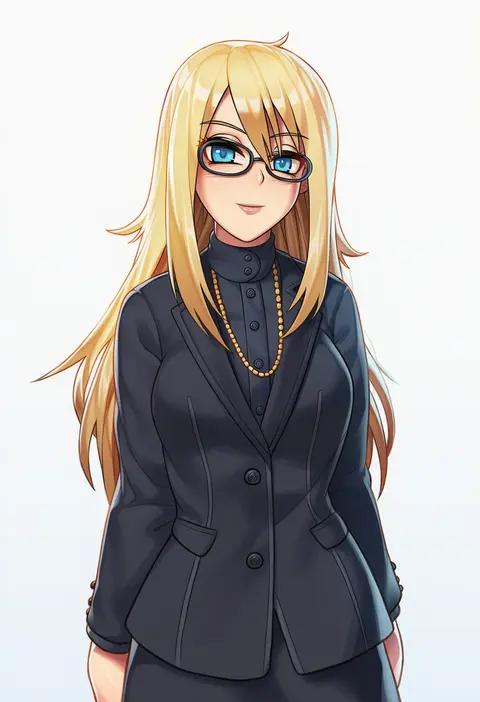
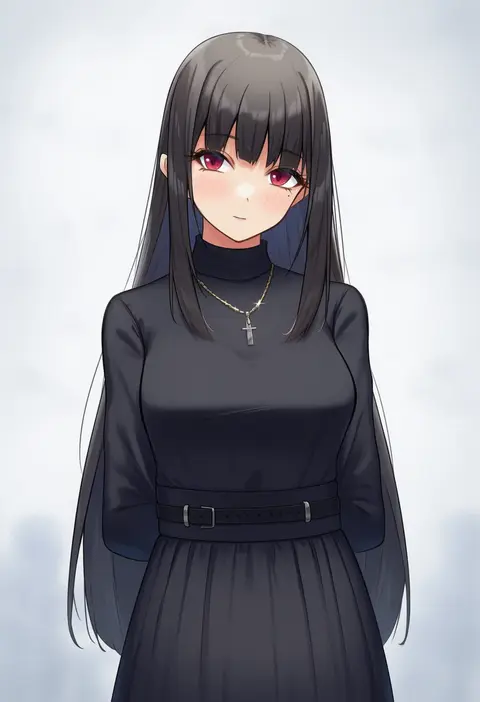
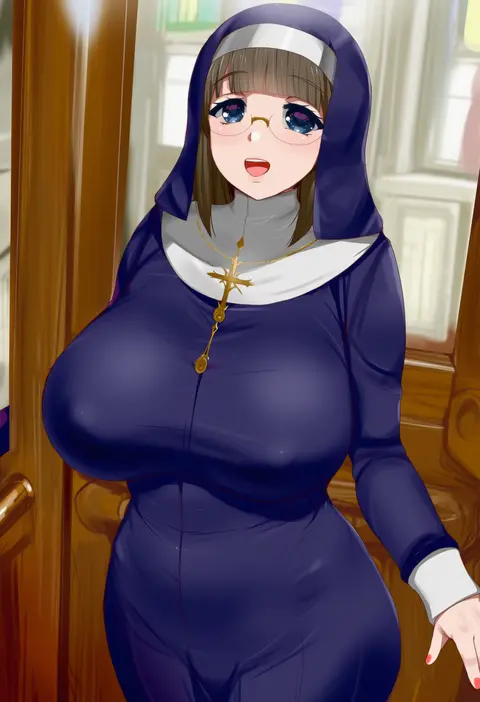
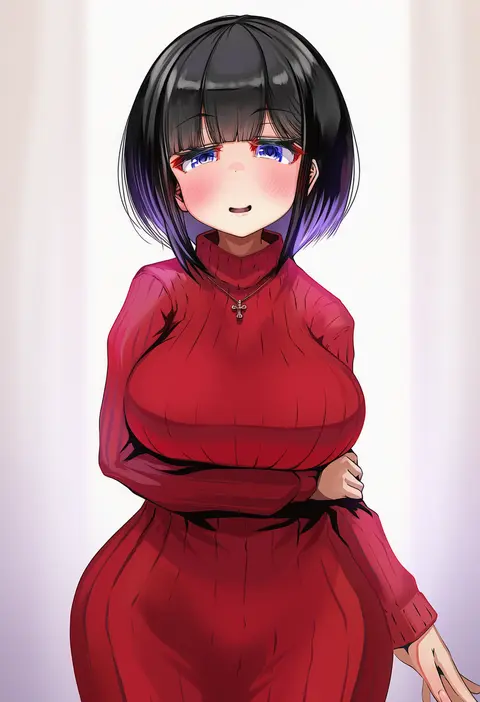
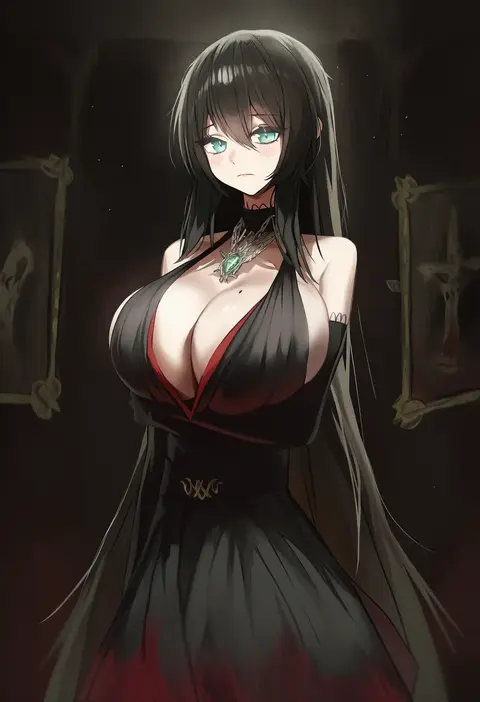
Artist tags tell NovelAI Diffusion to draw in a specific artist's style: line weight, paint texture, face shapes and palette all shift at once. Character and outfit tags decide what is drawn; artist tags decide how. 16,352 tags are listed for V4.5.
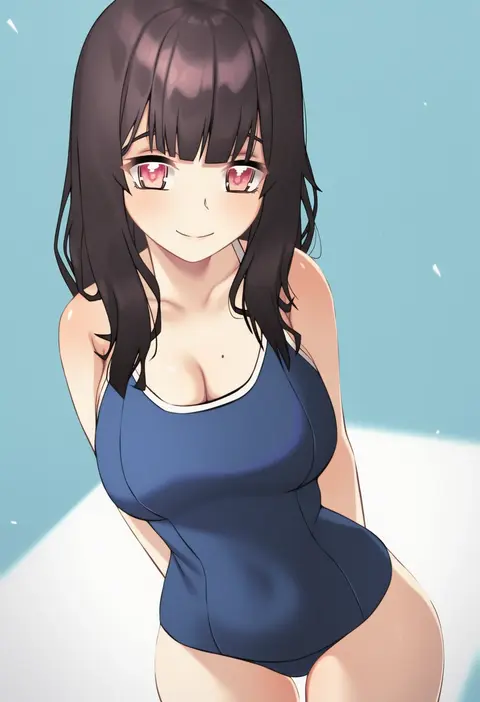
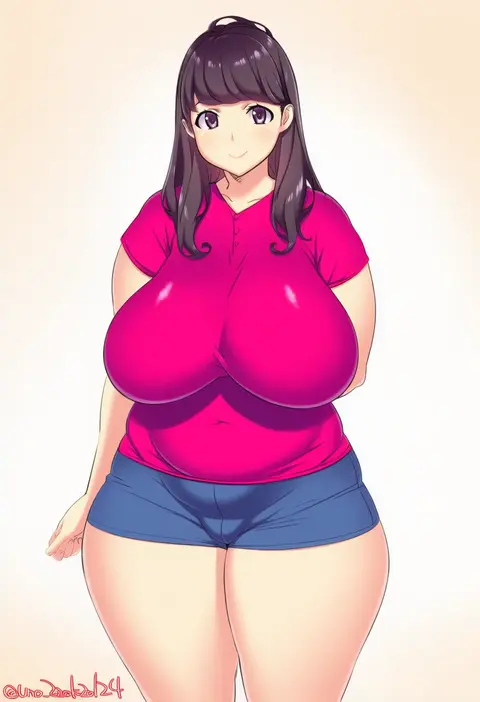
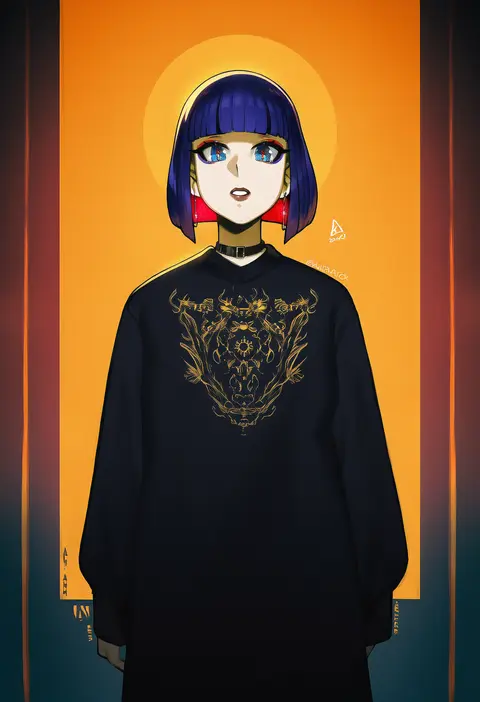
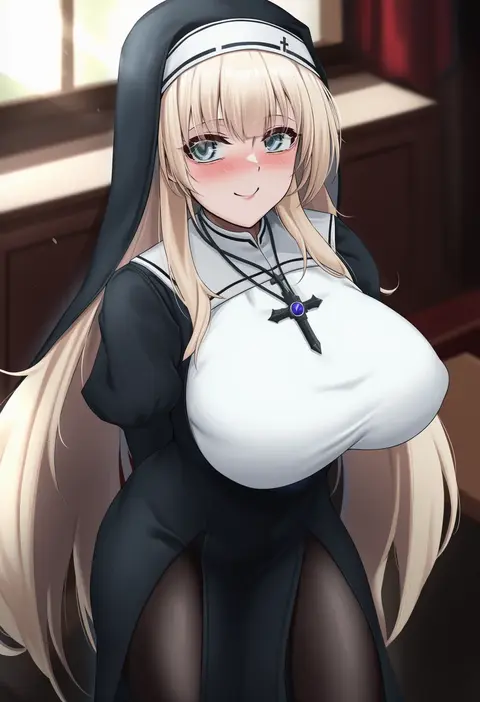
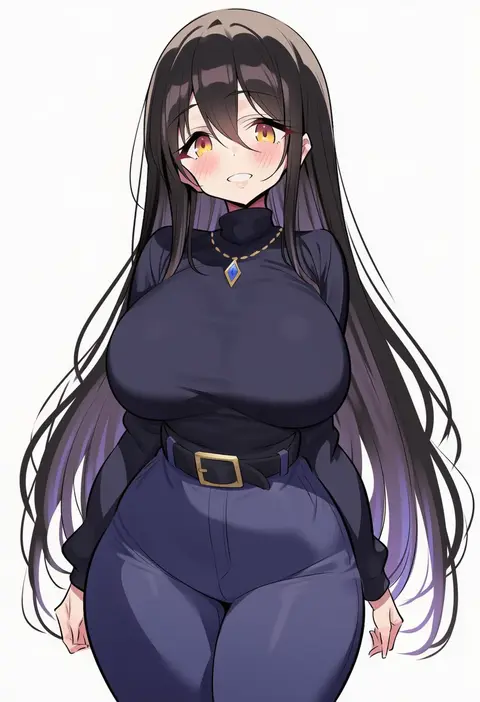
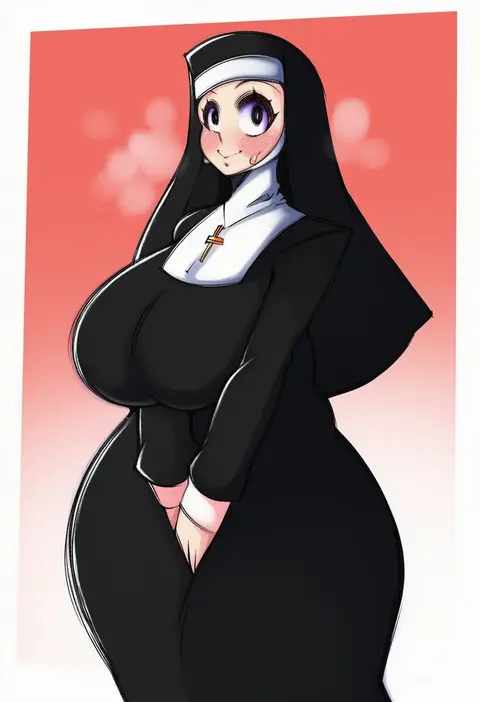
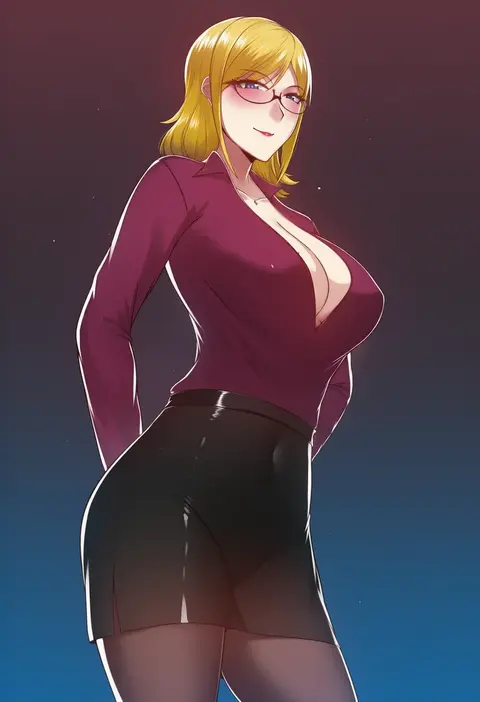
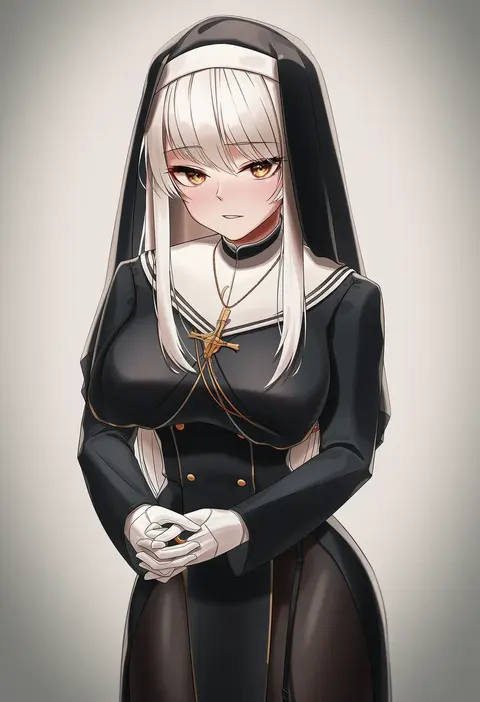
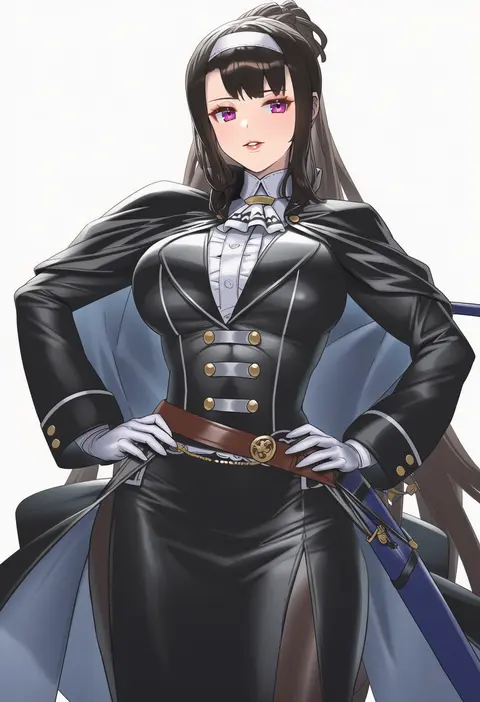
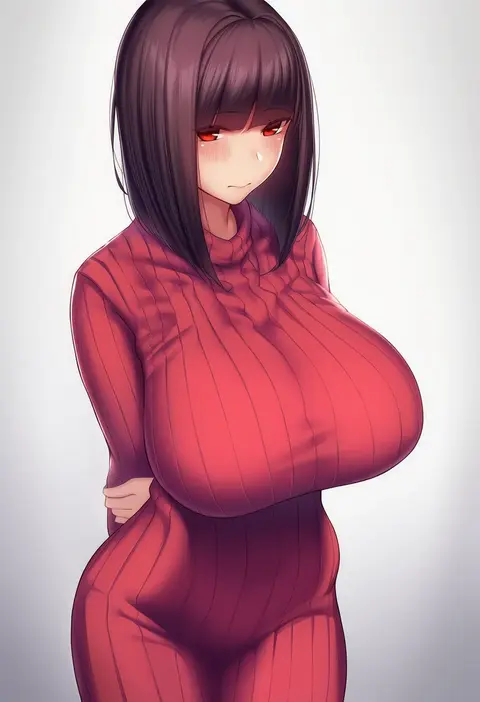
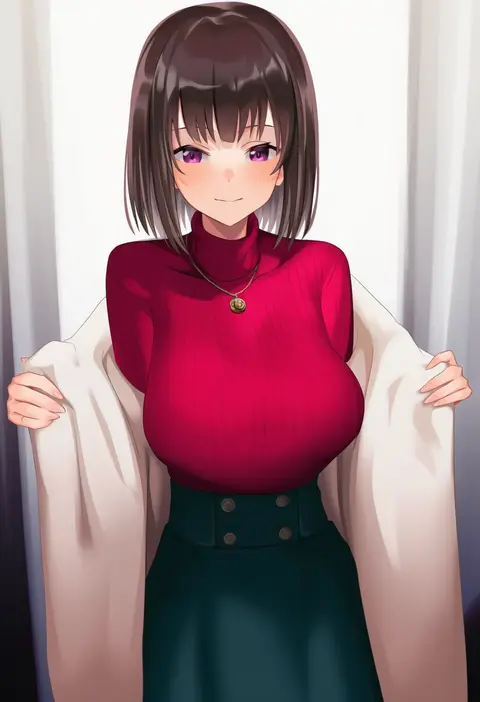
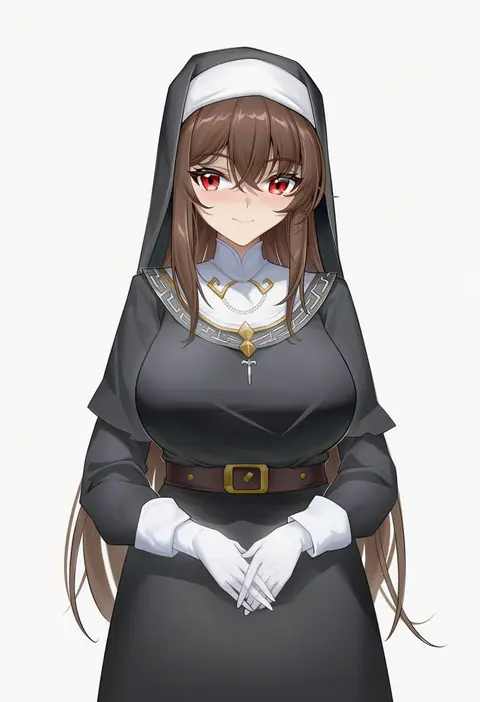
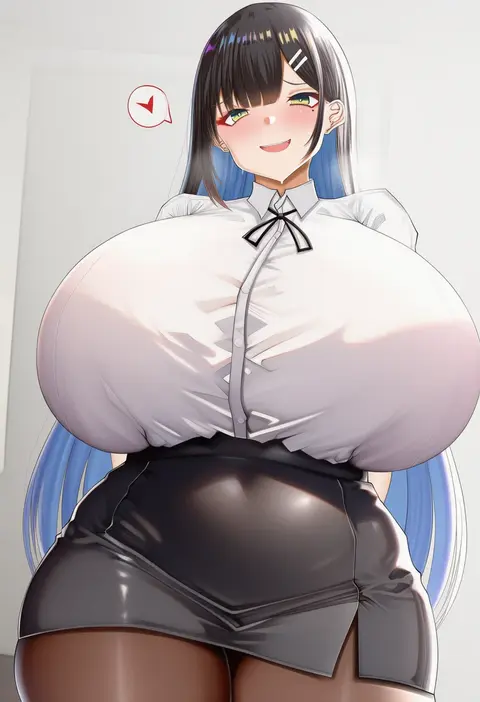
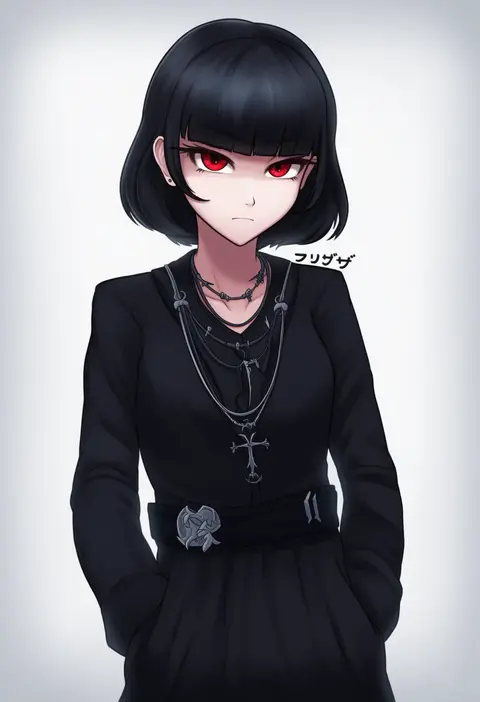
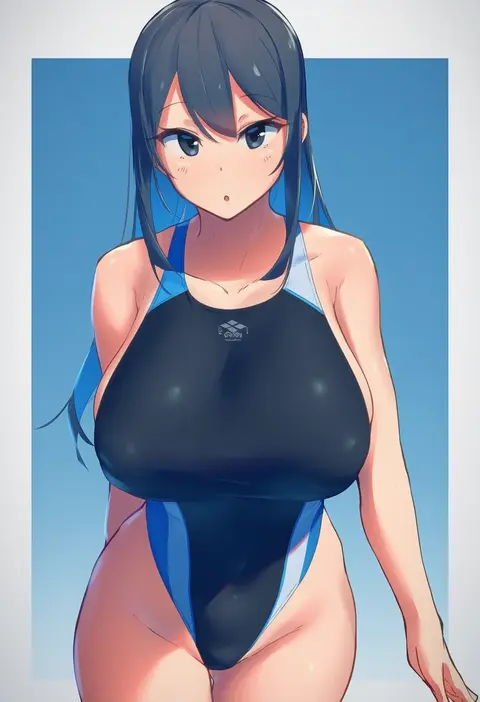
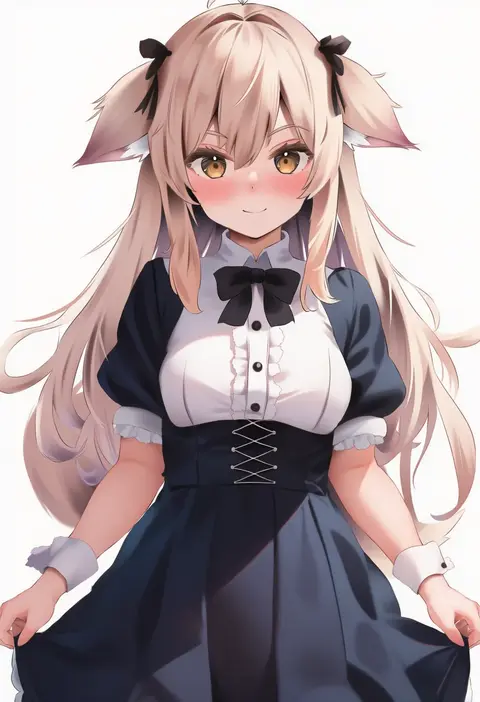
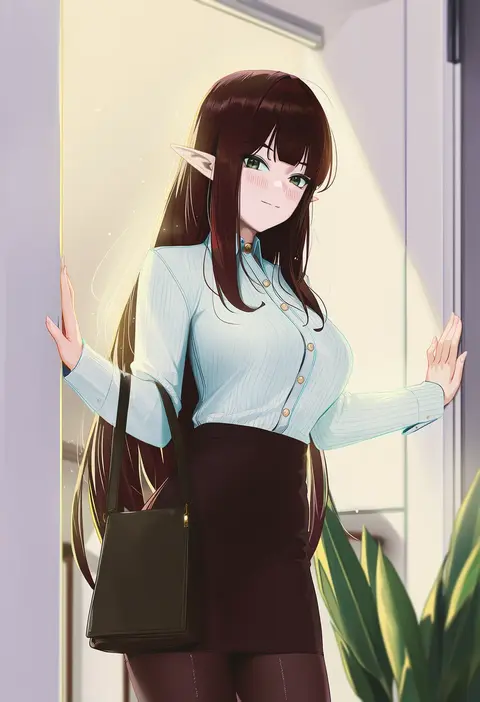
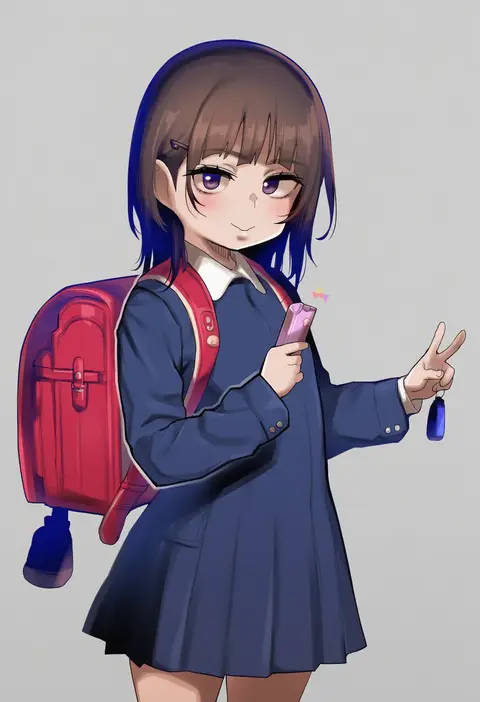
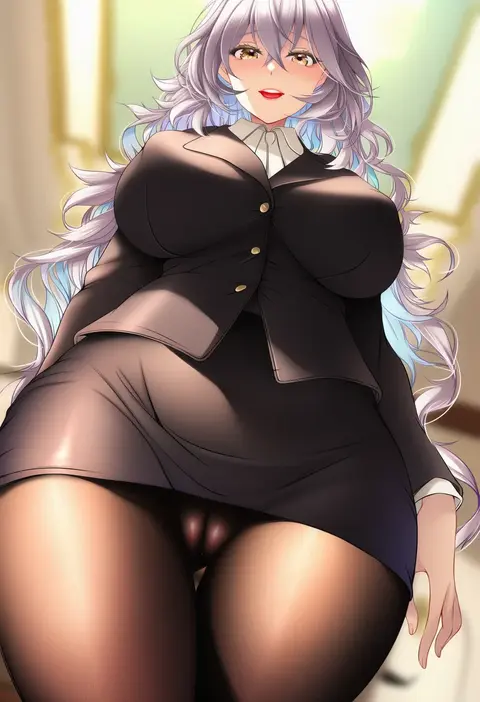
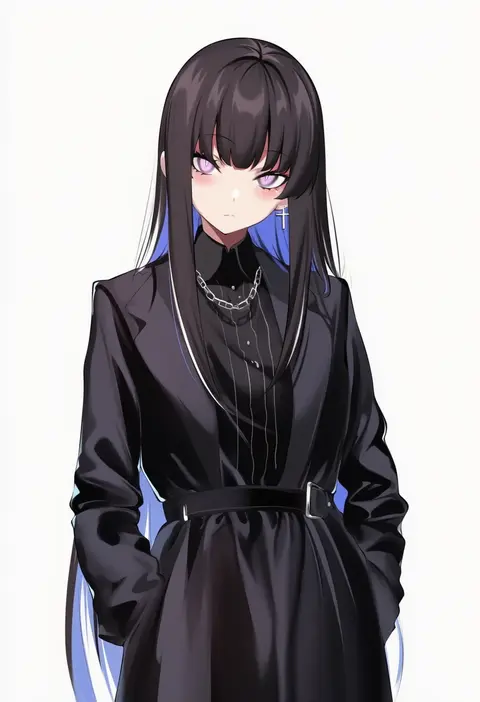
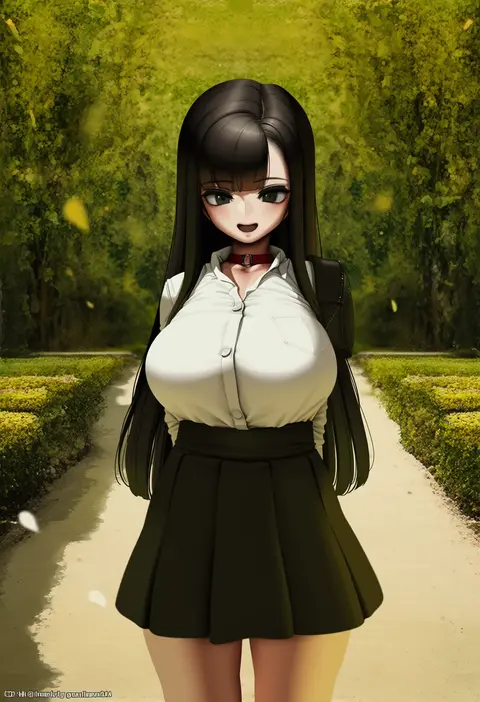
Every tag listed here is verified to react in NovelAI. All images use the same prompt, seed and settings with only the artist tag swapped, so the difference between two images is the style that tag brings in.

How to use them

Put the artist tag near the front of the prompt, e.g. "<artist>, 1girl, solo, best quality, masterpiece, cowboy shot". Two or three artist tags blend styles; lower the weight with "0.8::<artist>::" when the style overpowers the character.

SCORE sorts by Danbooru's top score, POSTS by post count, FAVS by hearts on this site. Open a card to see V5 and V4.5 side by side on the same seed.

V5 vs V4.5

V5 usually lands closer to the artist's real style, and tags that did nothing on V4.5 often react on V5. V4.5 still fits older and doujin-heavy artists better. Try V5 first, fall back to V4.5.

FAQ

Where does the artist tag go?
Near the front of the prompt. Use "0.8::tag::" to adjust its weight.

Can I stack artist tags?
Yes, styles blend. Past two or three the result stops looking like anyone.

Are these the artists' own works?
No. Every image is a NovelAI sample generated from the tag.