V4.5Artists
sort: FAVS▾
▾
>
$

NovelAI Artist Tags List — V4.5

artist --count 16,352[51/273]
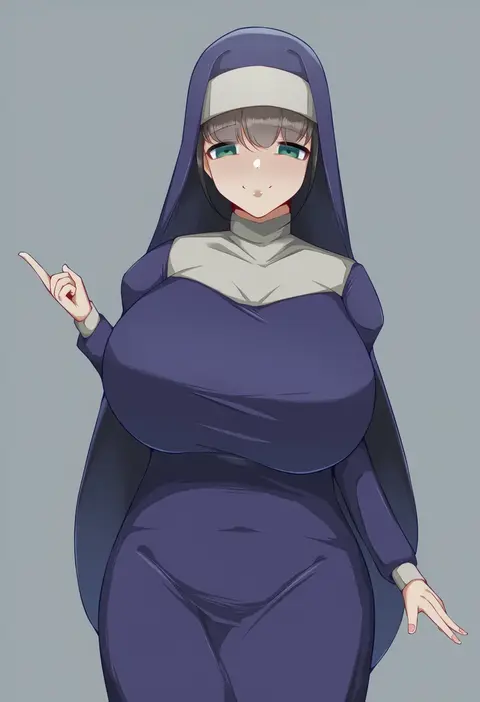
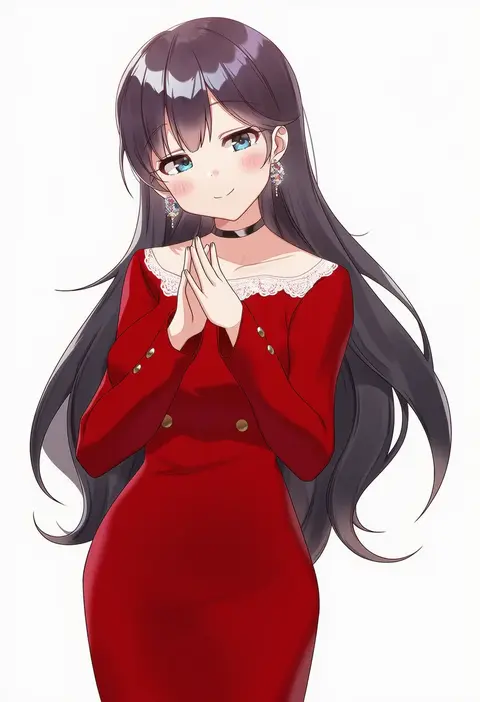
chapa kari
ARTIST0x0BB8
0
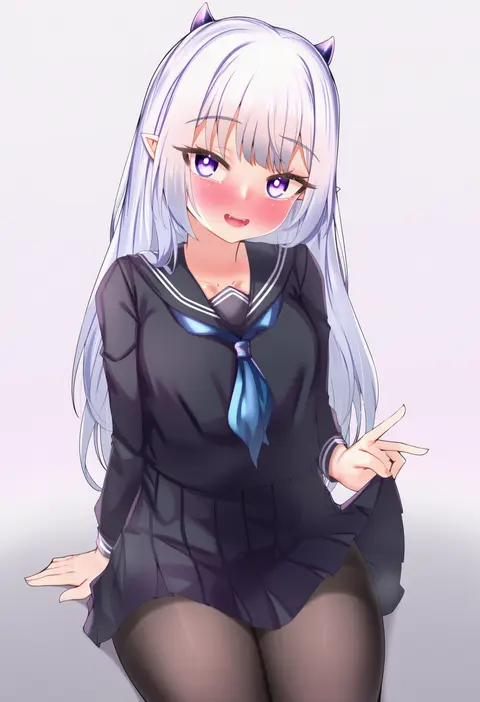
sinensian
ARTIST0x0BB9
0
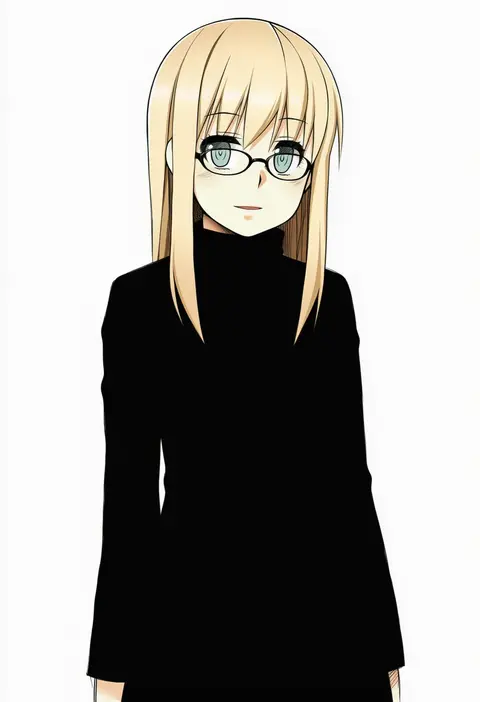
karochii
ARTIST0x0BBA
0
kaidou j1
ARTIST0x0BBB
0
ikr (artist)
ARTIST0x0BBC
0
numaguro (tomokun0808)
ARTIST0x0BBD
0
nonohachi
ARTIST0x0BBE
0
machulanko
ARTIST0x0BBF
0
picter
ARTIST0x0BC0
0
maggea22
ARTIST0x0BC1
0
2equal8
ARTIST0x0BC2
0
weyowang
ARTIST0x0BC3
0
arikindows10
ARTIST0x0BC4
0
pn (wnsl216)
ARTIST0x0BC5
0
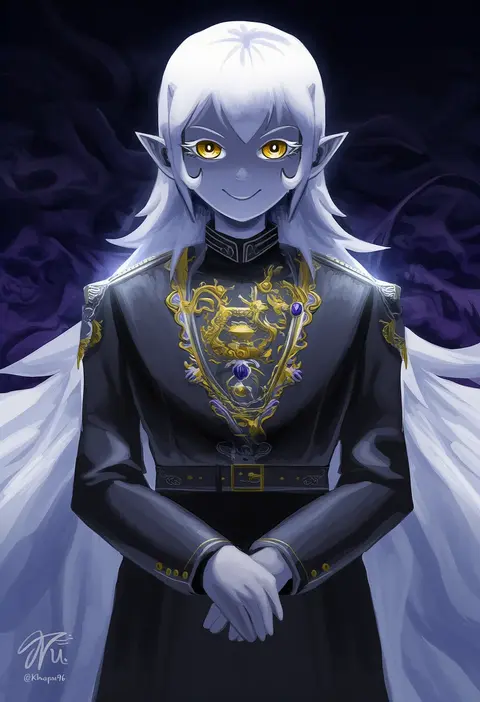
khoaphan96
ARTIST0x0BC6
0
gmkj
ARTIST0x0BC7
0
kamata yuuya
ARTIST0x0BC8
0
cyobiro
ARTIST0x0BC9
0
period (anony 83)
ARTIST0x0BCA
0
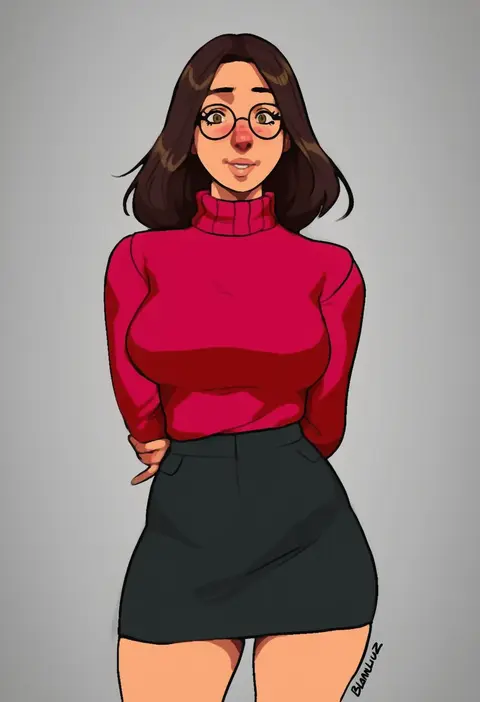
blanclauz
ARTIST0x0BCB
0
yyy (zelda10010)
ARTIST0x0BCC
0
bingchuan xian yu huang
ARTIST0x0BCD
0
jakko
ARTIST0x0BCE
0
kazukoto
ARTIST0x0BCF
0
contllenge
ARTIST0x0BD0
0
metal man10
ARTIST0x0BD1
0
myabit
ARTIST0x0BD2
0
mimyo
ARTIST0x0BD3
0
alber
ARTIST0x0BD4
0
xkirara39x
ARTIST0x0BD5
0
disuto
ARTIST0x0BD6
0
lrh0123
ARTIST0x0BD7
0
hikichi sakuya
ARTIST0x0BD8
0
hyouta (yoneya)
ARTIST0x0BD9
0
yuushiba
ARTIST0x0BDA
0
tsubasaki
ARTIST0x0BDB
0
jc shikikan
ARTIST0x0BDC
0
rururaroru
ARTIST0x0BDD
0
haishiki
ARTIST0x0BDE
0
jiffic
ARTIST0x0BDF
0
cotta (heleif)
ARTIST0x0BE0
0
jfjf
ARTIST0x0BE1
0
gogoco
ARTIST0x0BE2
0
liren44
ARTIST0x0BE3
0
gaitoou
ARTIST0x0BE4
0
suzushi moruto
ARTIST0x0BE5
0
yao (pixiv9482697)
ARTIST0x0BE6
0
cluseller
ARTIST0x0BE7
0
kobamiso (kobalt)
ARTIST0x0BE8
0
tsuki tokage
ARTIST0x0BE9
0
karan
ARTIST0x0BEA
0
himeliofon
ARTIST0x0BEB
0
k-y
ARTIST0x0BEC
0
shinomu (cinomoon)
ARTIST0x0BED
0
ikura nagisa
ARTIST0x0BEE
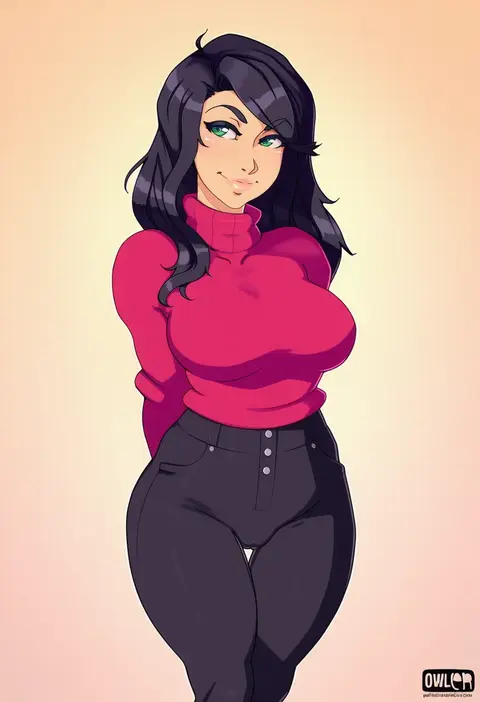
0
owler
ARTIST0x0BEF
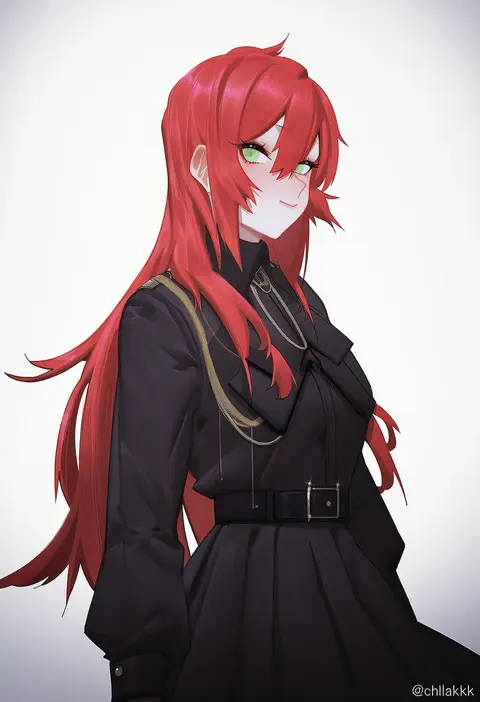
0
chilakkk
ARTIST0x0BF0
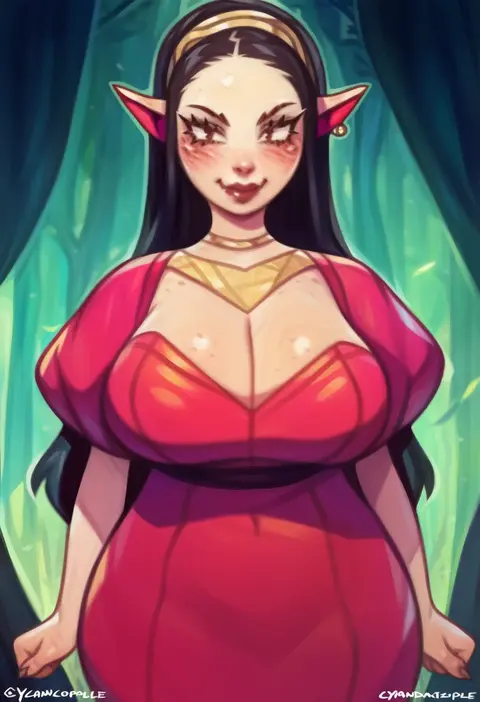
0
cyancapsule
ARTIST0x0BF1
0
kazawa (tonzura-d)
ARTIST0x0BF2
0
yunagi amane
ARTIST0x0BF3
0

What these tags change

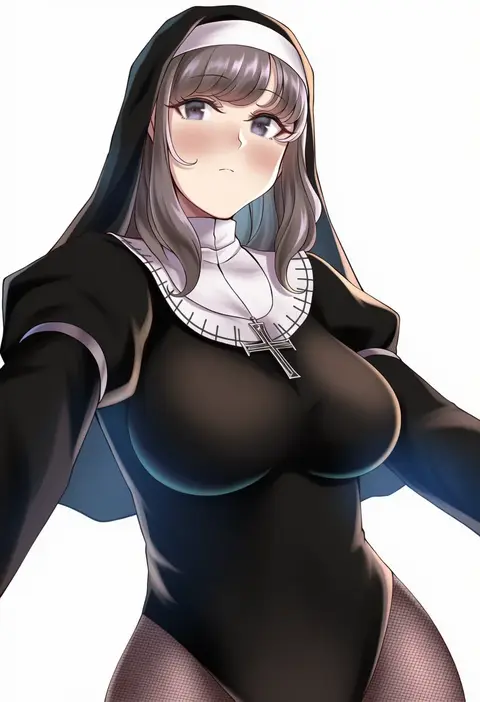
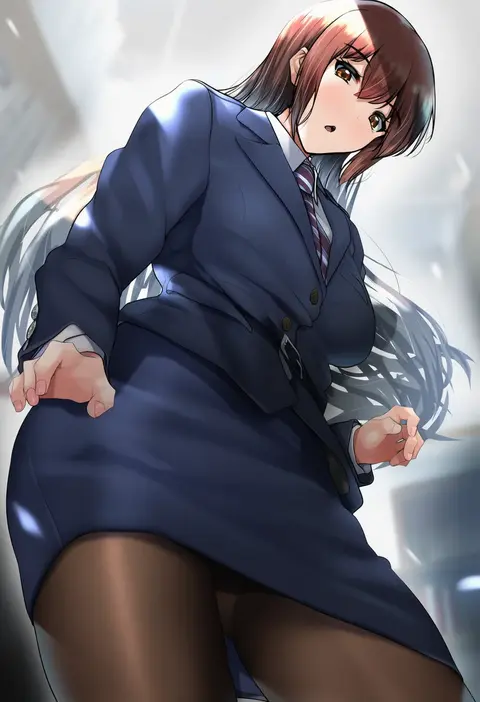
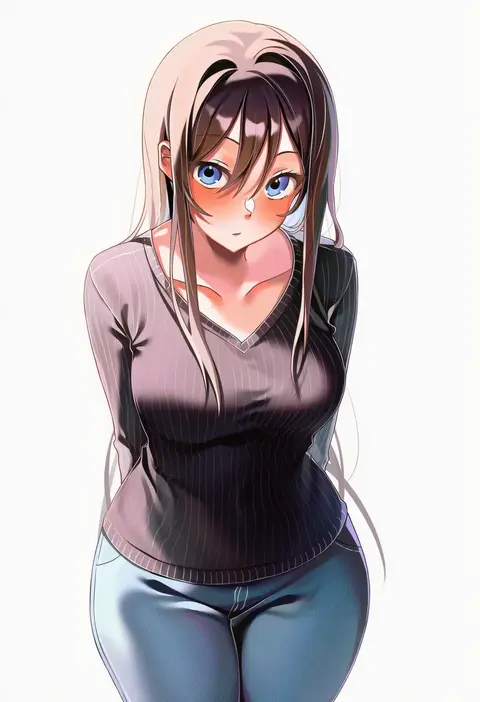
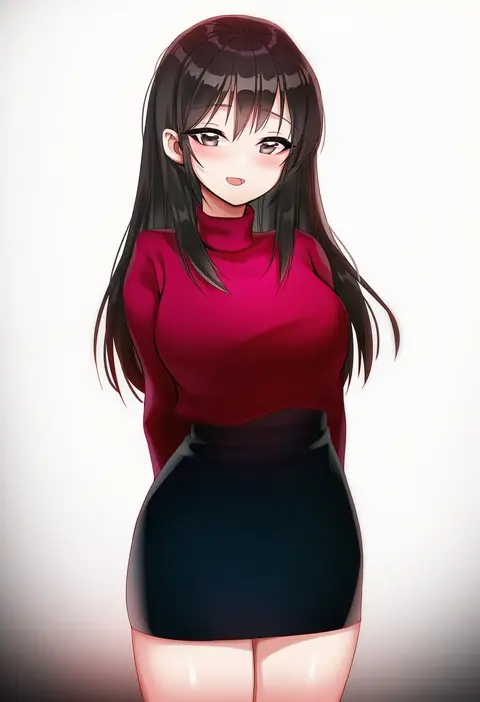
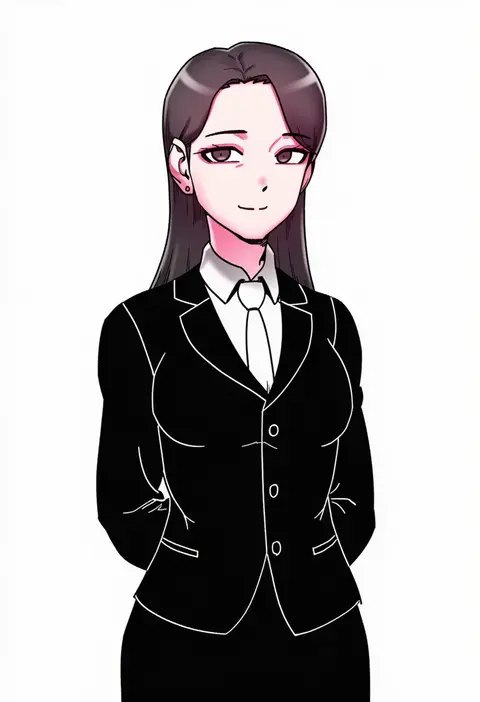
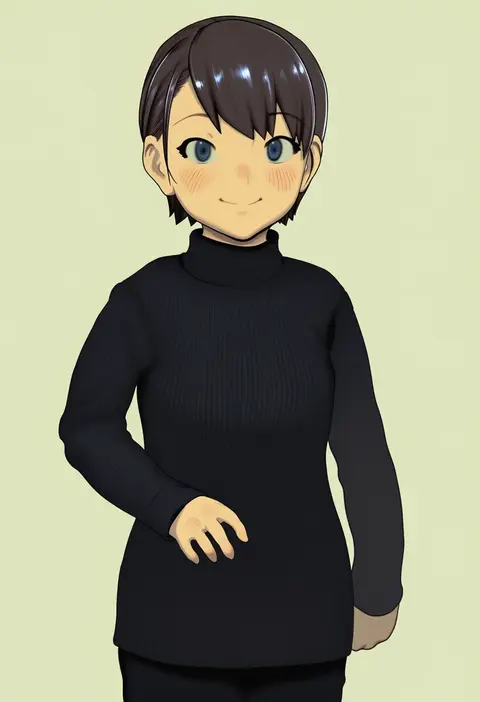
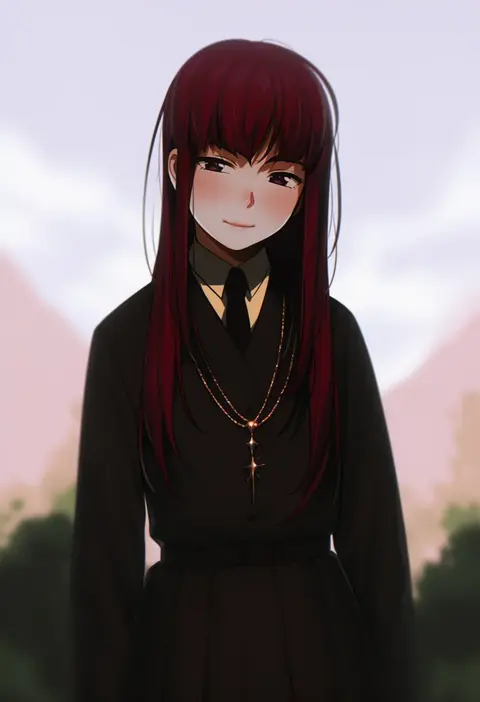
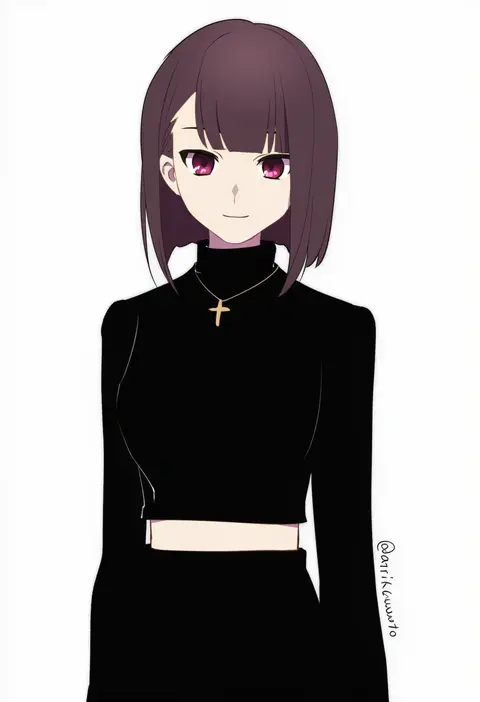
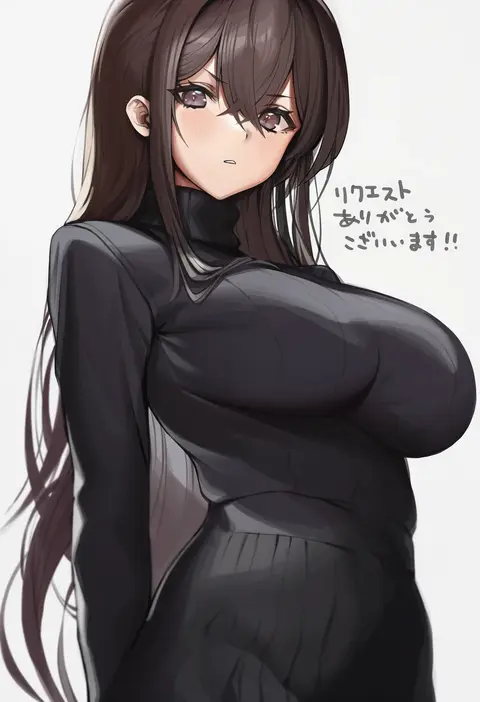
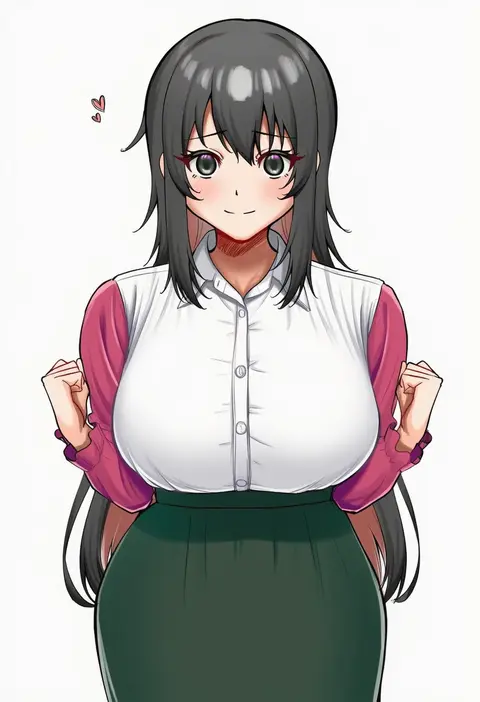
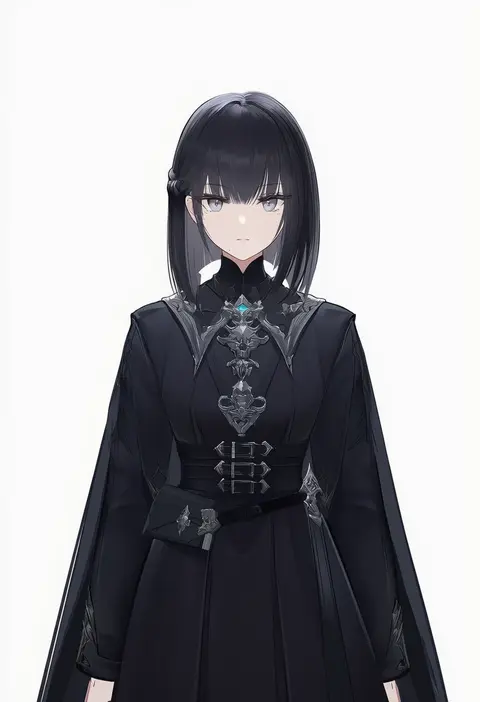
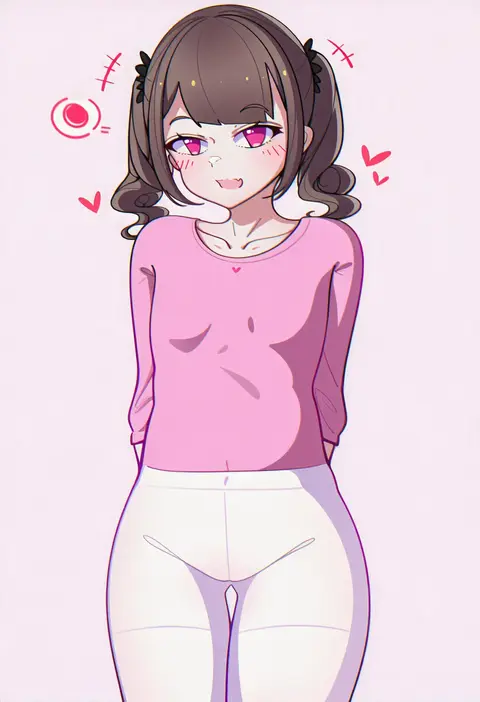
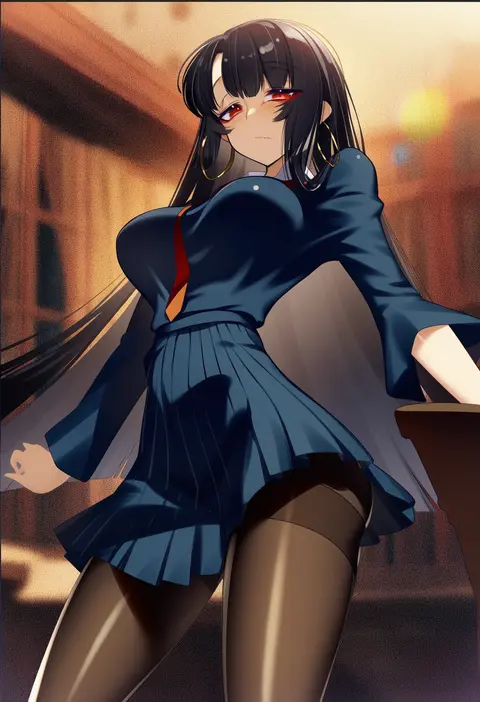
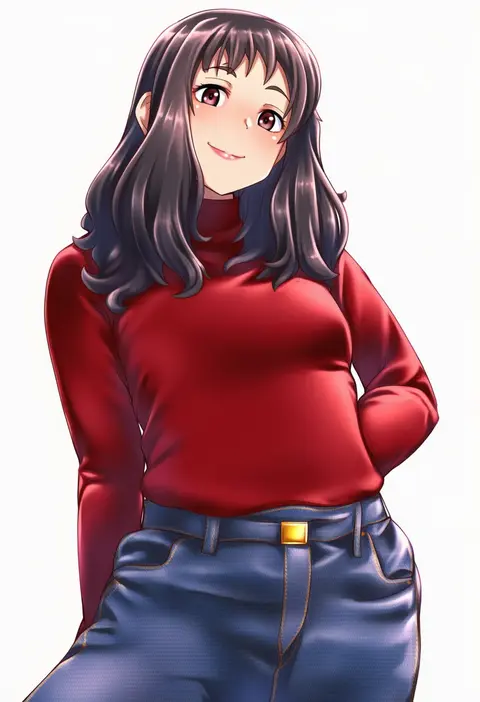
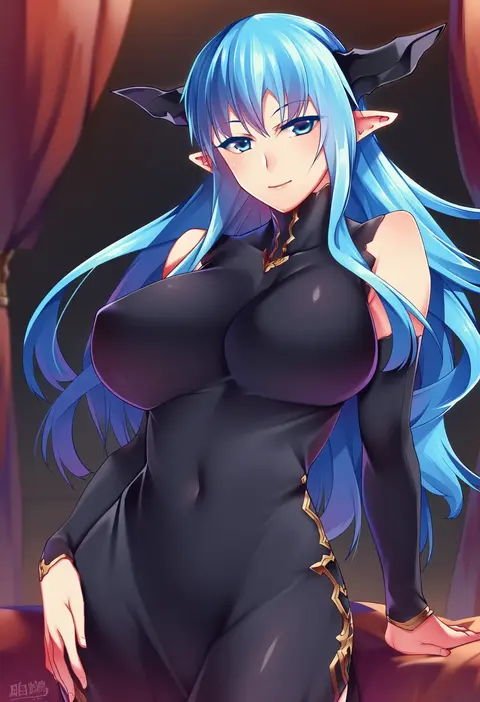
Artist tags tell NovelAI Diffusion to draw in a specific artist's style: line weight, paint texture, face shapes and palette all shift at once. Character and outfit tags decide what is drawn; artist tags decide how. 16,352 tags are listed for V4.5.
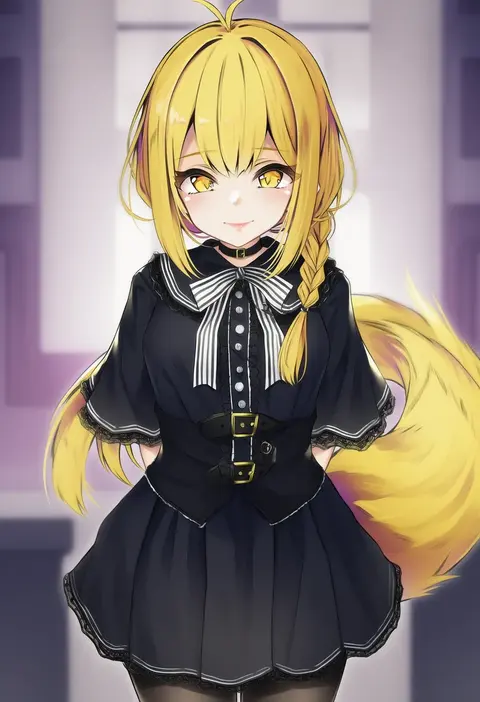
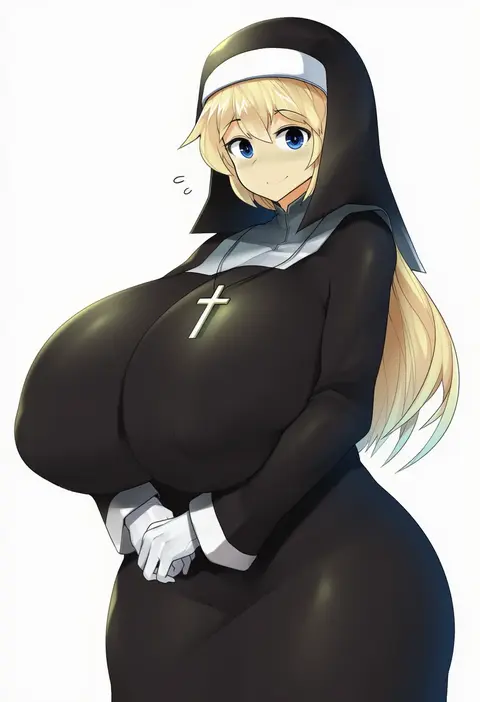
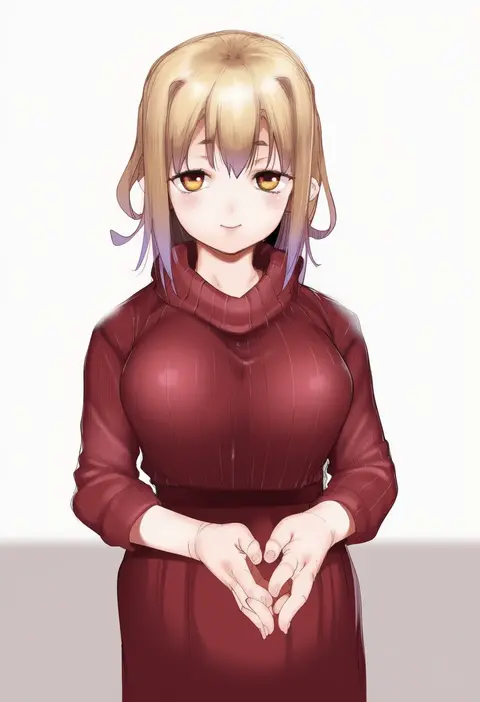
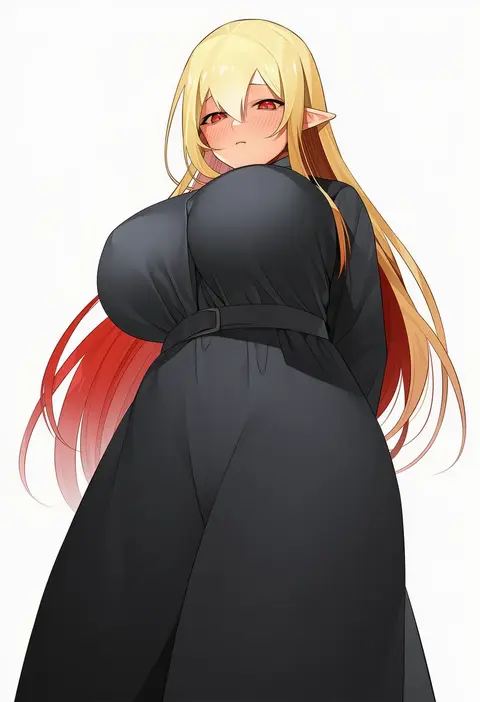
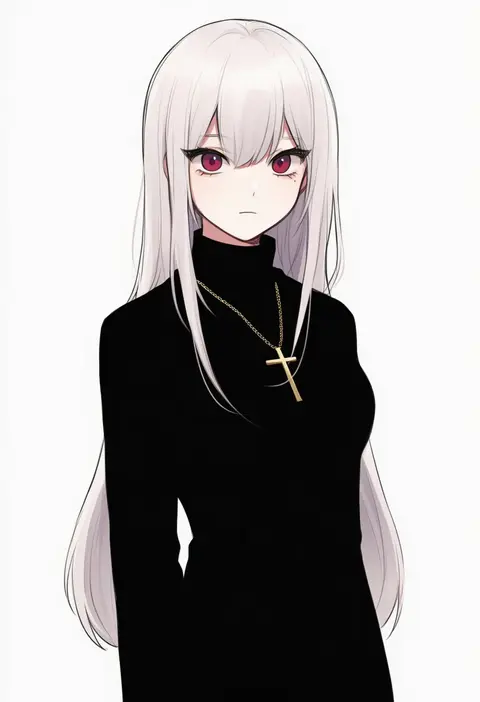
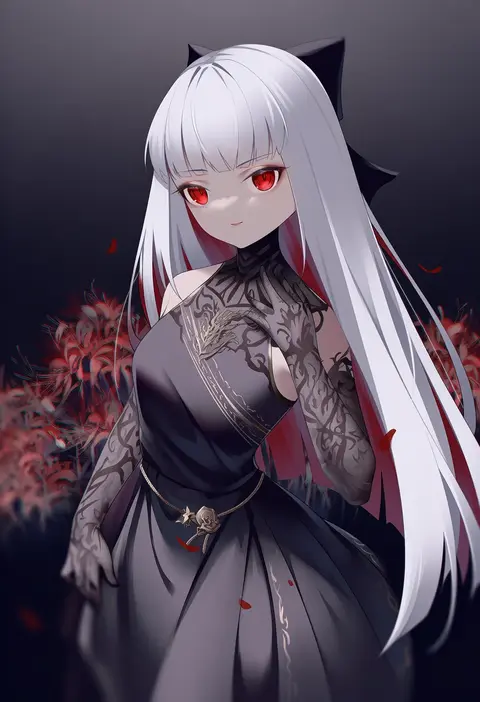
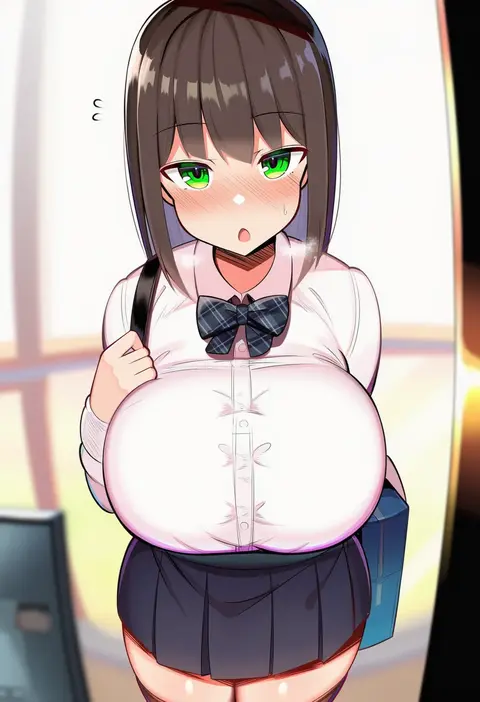
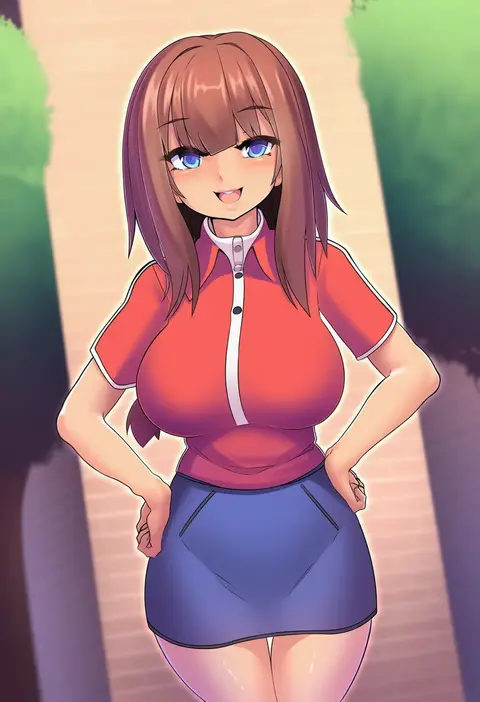
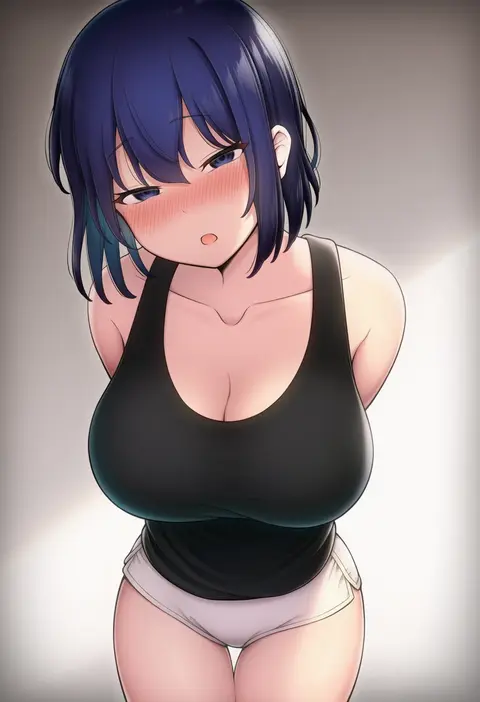
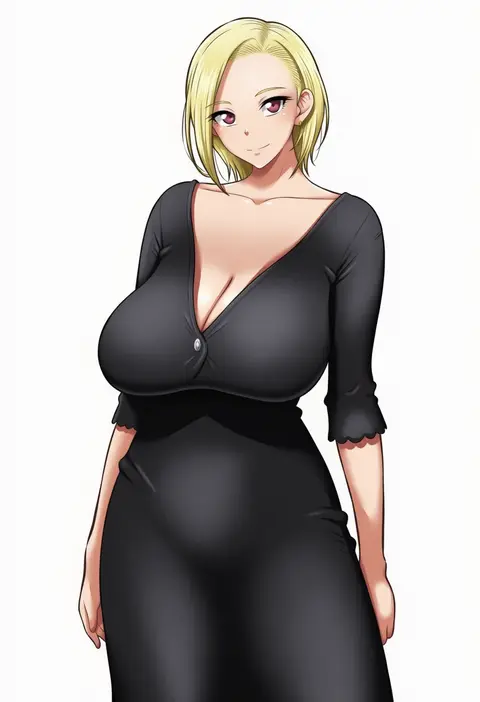
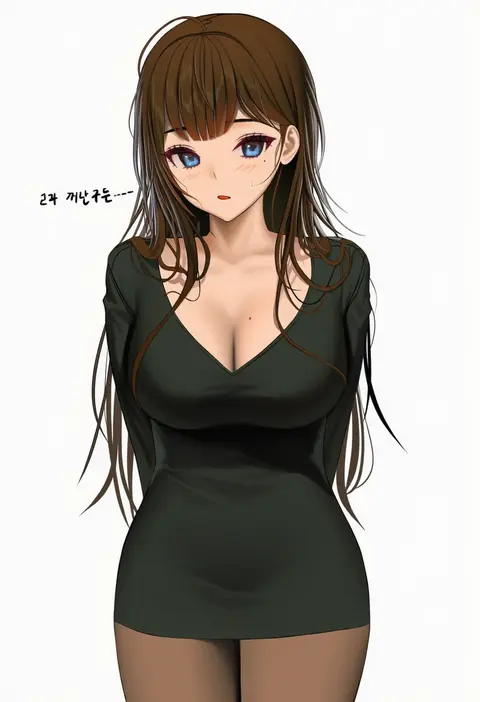
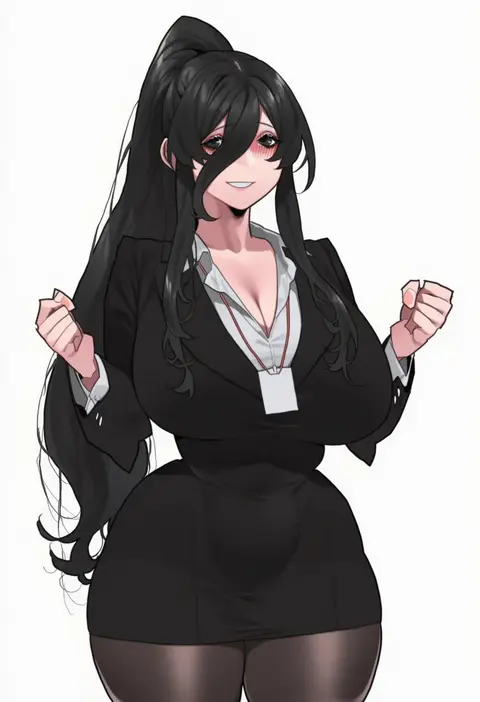
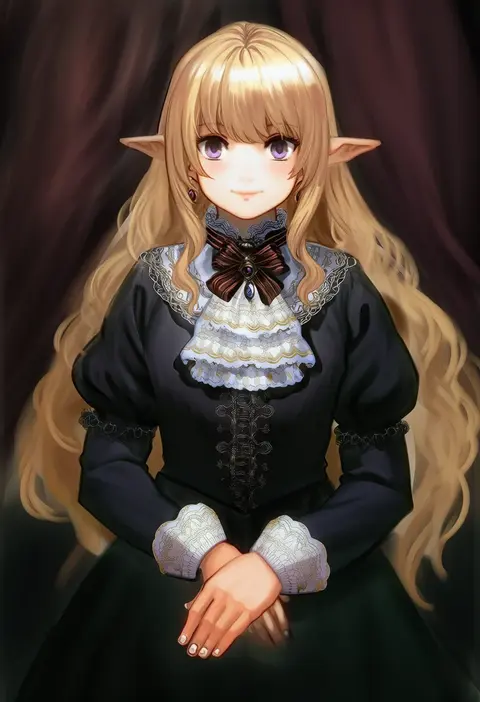
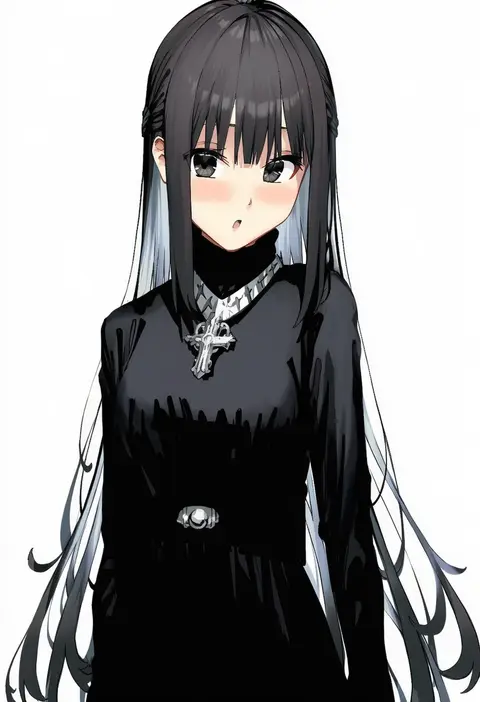
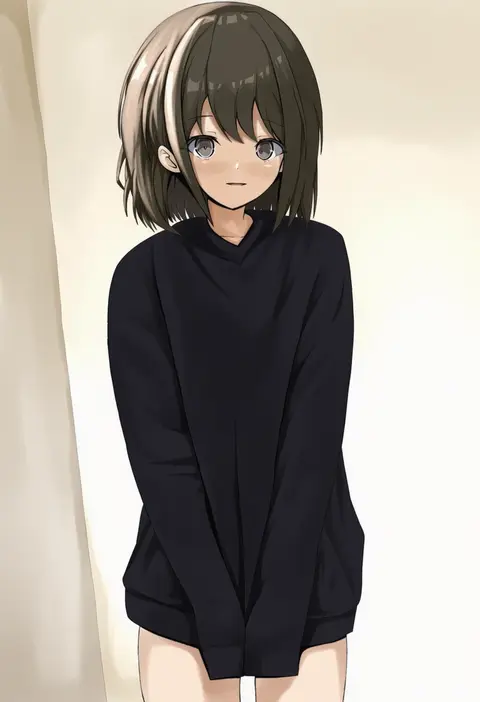
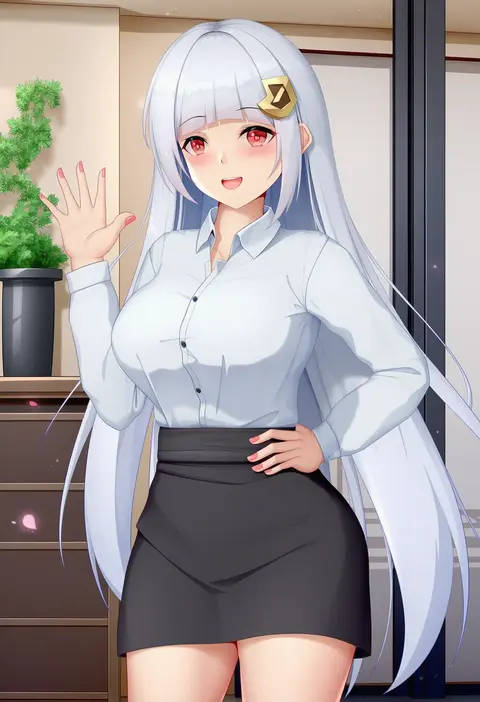
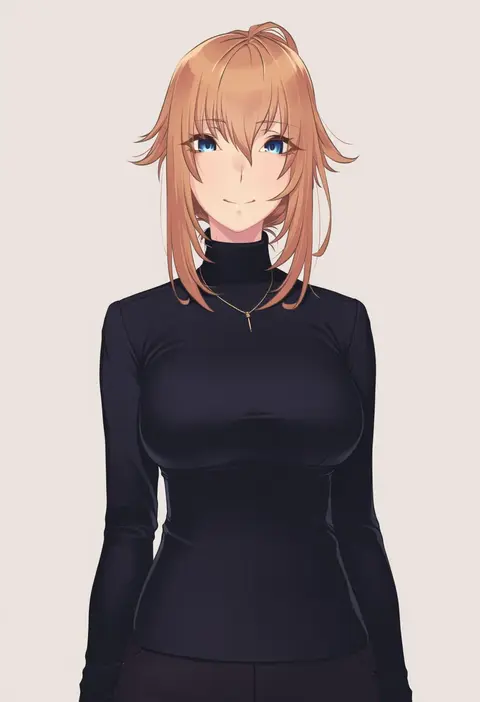
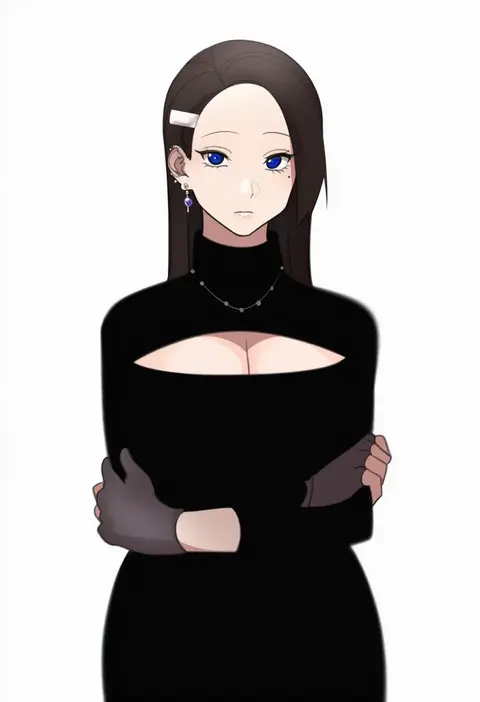
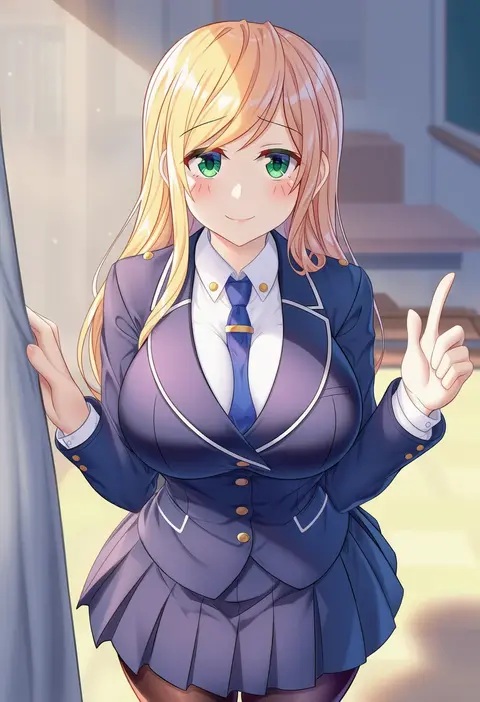
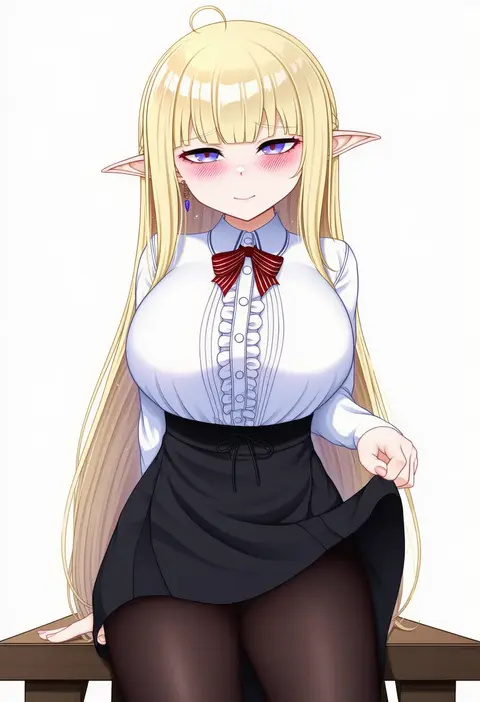
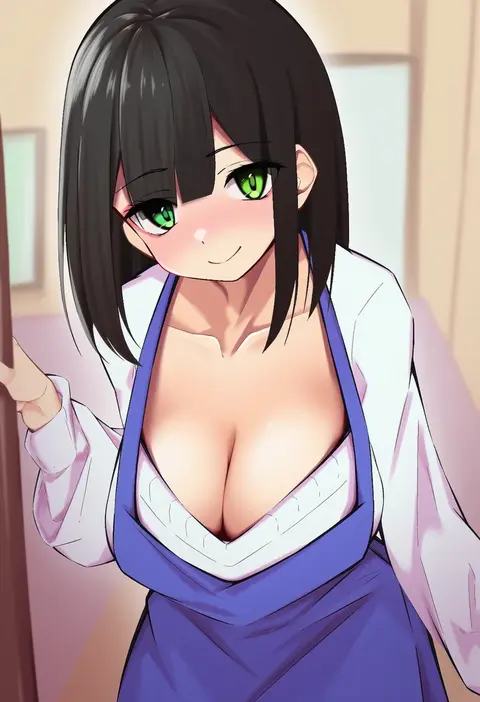
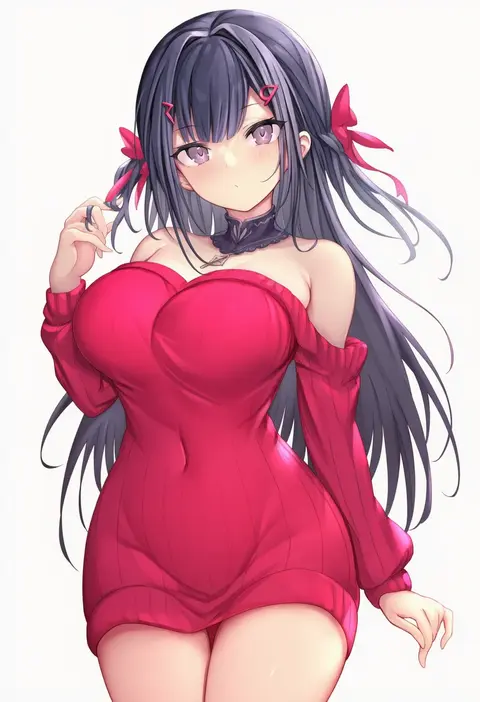
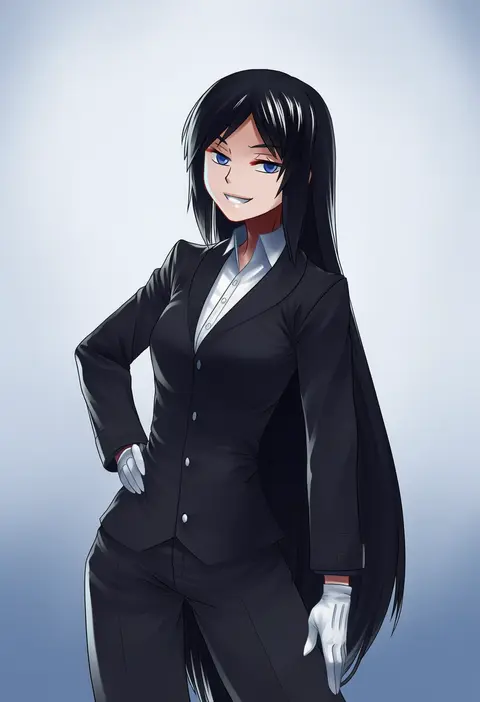
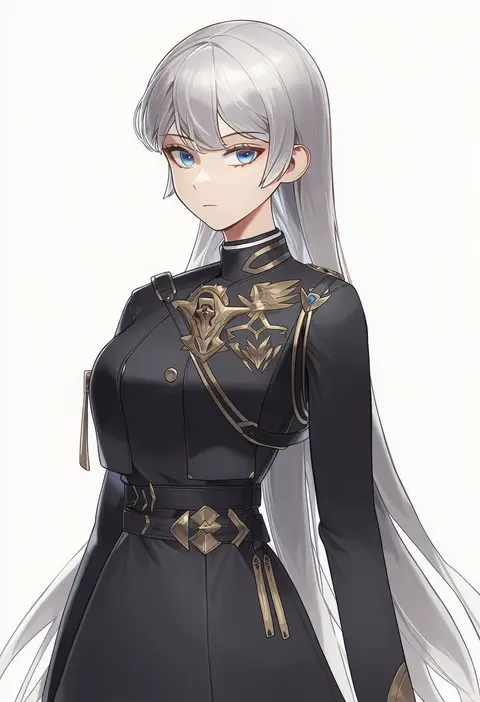
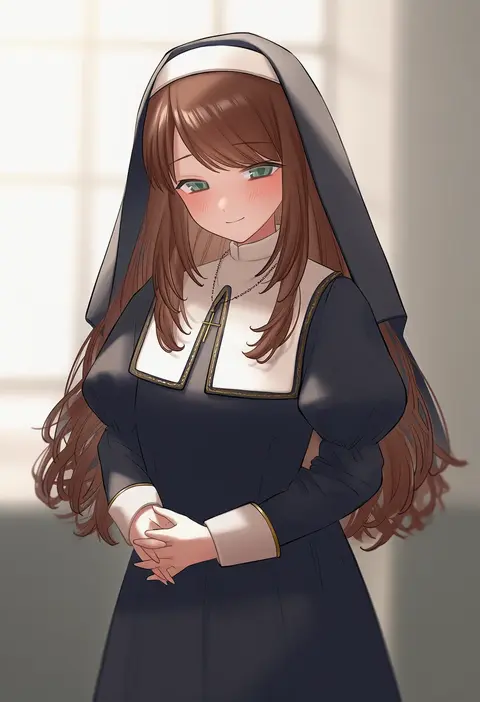
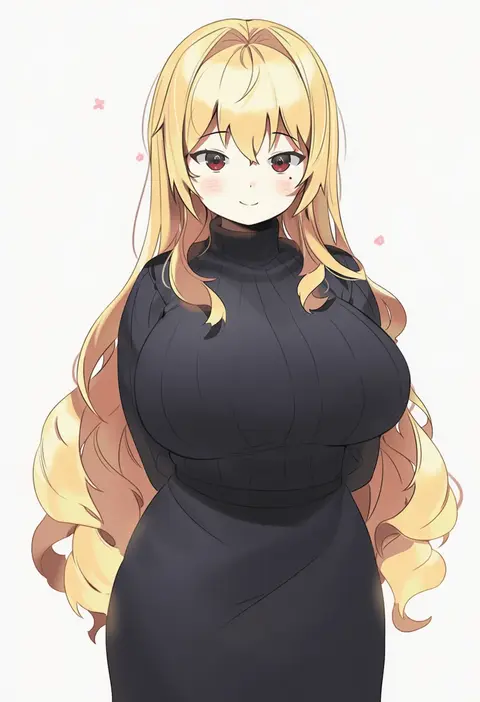
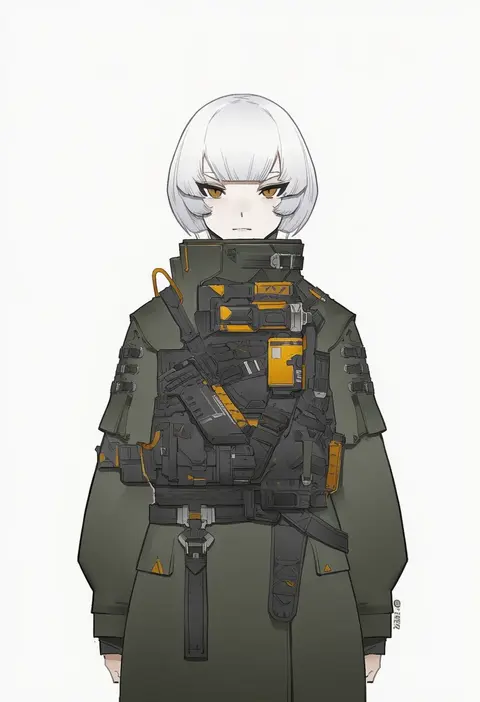
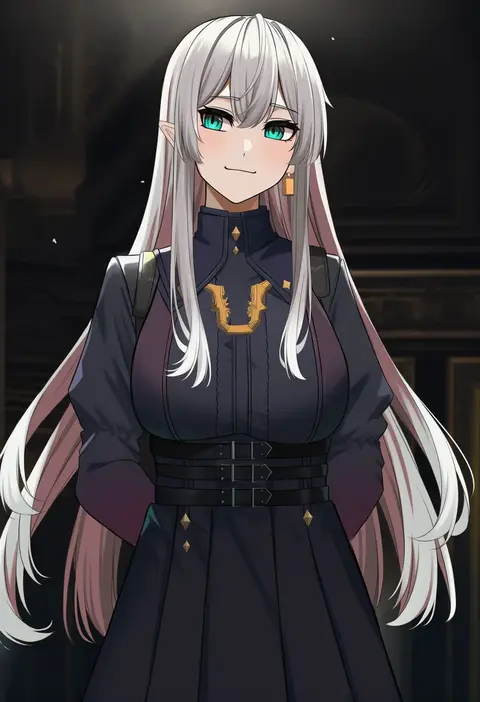
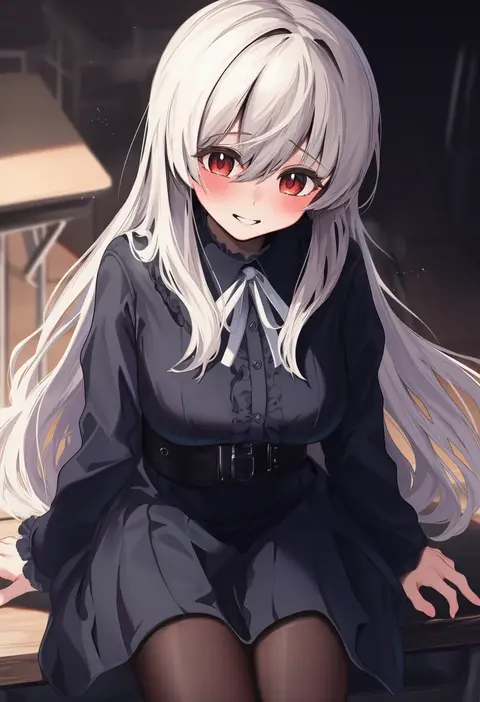
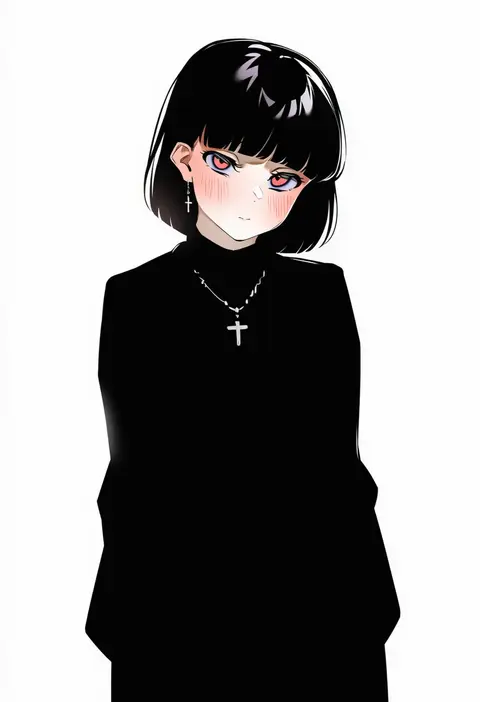
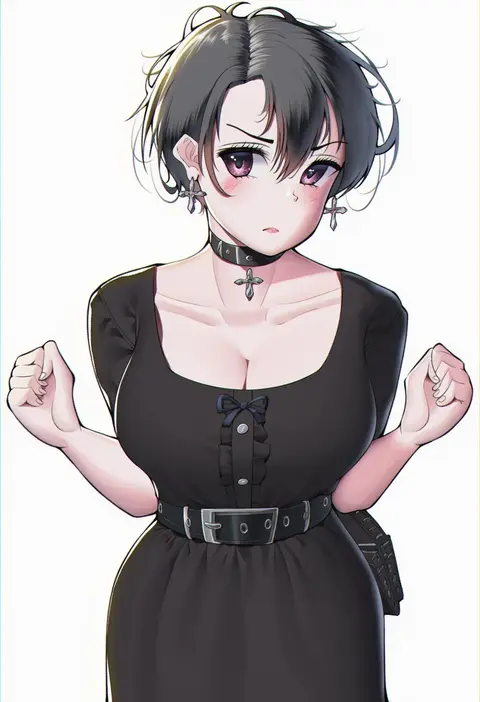
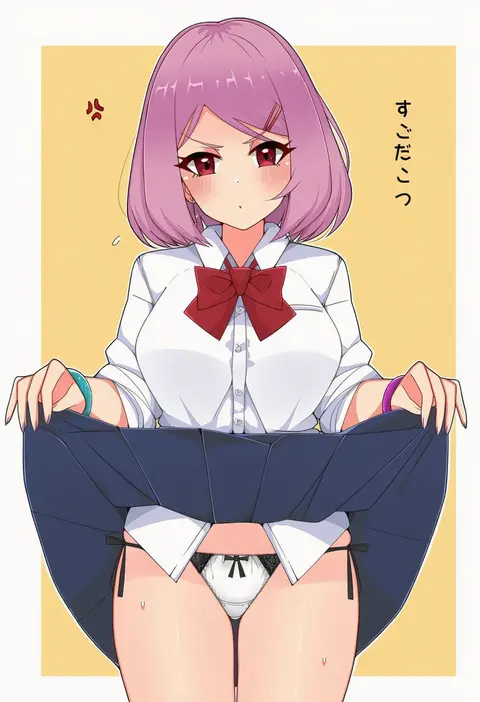
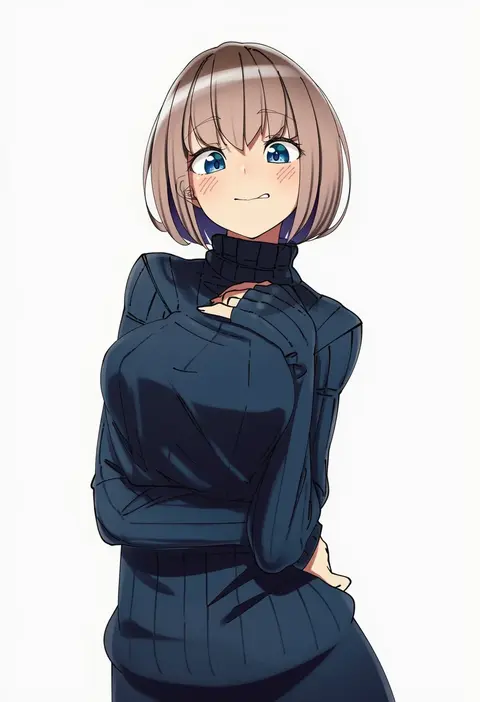
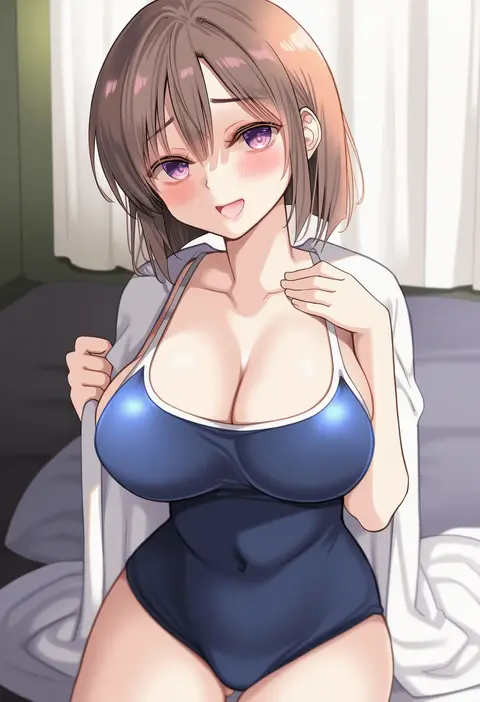
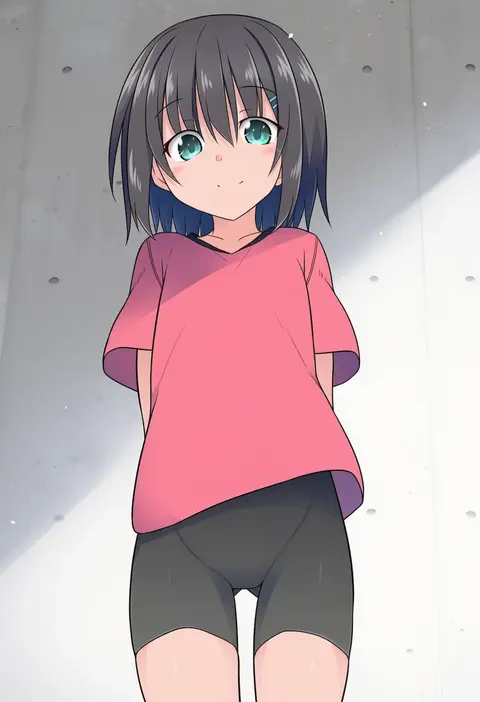
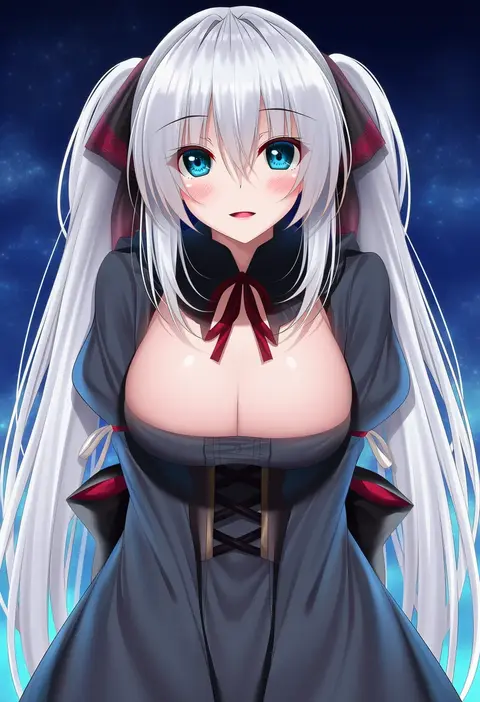
Every tag listed here is verified to react in NovelAI. All images use the same prompt, seed and settings with only the artist tag swapped, so the difference between two images is the style that tag brings in.

How to use them

Put the artist tag near the front of the prompt, e.g. "<artist>, 1girl, solo, best quality, masterpiece, cowboy shot". Two or three artist tags blend styles; lower the weight with "0.8::<artist>::" when the style overpowers the character.

SCORE sorts by Danbooru's top score, POSTS by post count, FAVS by hearts on this site. Open a card to see V5 and V4.5 side by side on the same seed.

V5 vs V4.5

V5 usually lands closer to the artist's real style, and tags that did nothing on V4.5 often react on V5. V4.5 still fits older and doujin-heavy artists better. Try V5 first, fall back to V4.5.

FAQ

Where does the artist tag go?
Near the front of the prompt. Use "0.8::tag::" to adjust its weight.

Can I stack artist tags?
Yes, styles blend. Past two or three the result stops looking like anyone.

Are these the artists' own works?
No. Every image is a NovelAI sample generated from the tag.