V4.5Artists
sort: FAVS▾
▾
>
$

NovelAI Artist Tags List — V4.5

artist --count 16,352[53/273]
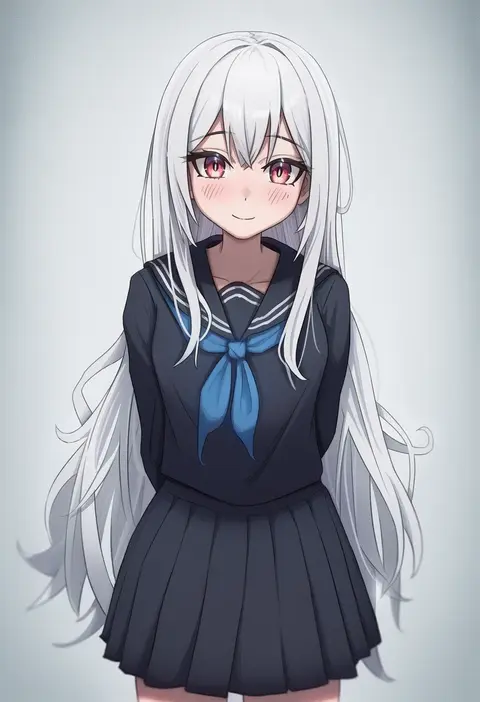
icetea art
ARTIST0x0C30
0
yobi (ybpac18)
ARTIST0x0C31
0
koruse
ARTIST0x0C32
0
vivivoovoo
ARTIST0x0C33
0
hyocorou
ARTIST0x0C34
0
emoto shikeko
ARTIST0x0C35
0
jinmeii
ARTIST0x0C36
0
ichihachiyon
ARTIST0x0C37
0
aga marino
ARTIST0x0C38
0
yue (show-ei)
ARTIST0x0C39
0
fte (fifteen 199)
ARTIST0x0C3A
0
nanotaro
ARTIST0x0C3B
0
urokong
ARTIST0x0C3C
0
kokemomo (makesound)
ARTIST0x0C3D
0
yu pian
ARTIST0x0C3E
0
a1 (initial-g)
ARTIST0x0C3F
0
meow (nekodenki)
ARTIST0x0C40
0
tina fate
ARTIST0x0C41
0
harukigenia
ARTIST0x0C42
0
oniilus
ARTIST0x0C43
0
gujianshaonu
ARTIST0x0C44
0
takada kazuhiro
ARTIST0x0C45
0
ange (angeban93)
ARTIST0x0C46
0
getto
ARTIST0x0C47
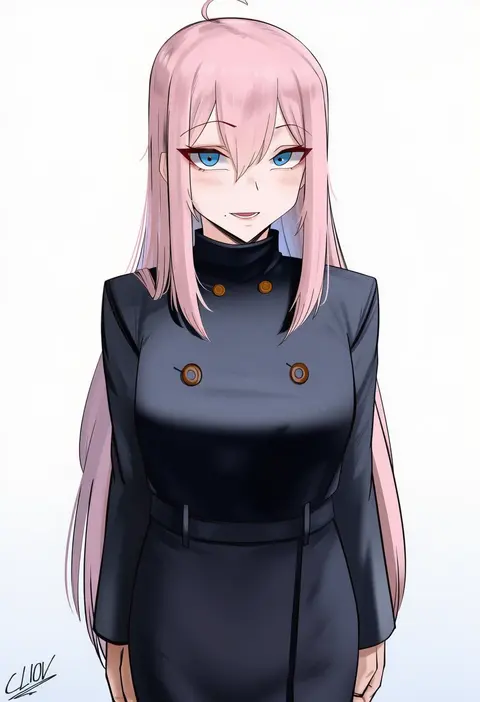
0
cliov
ARTIST0x0C48
0
jack rockhardt
ARTIST0x0C49
0
kumiko shiba
ARTIST0x0C4A
0
fuyumi kazuki
ARTIST0x0C4B
0
micosiva
ARTIST0x0C4C
0
niku (hamuchang)
ARTIST0x0C4D
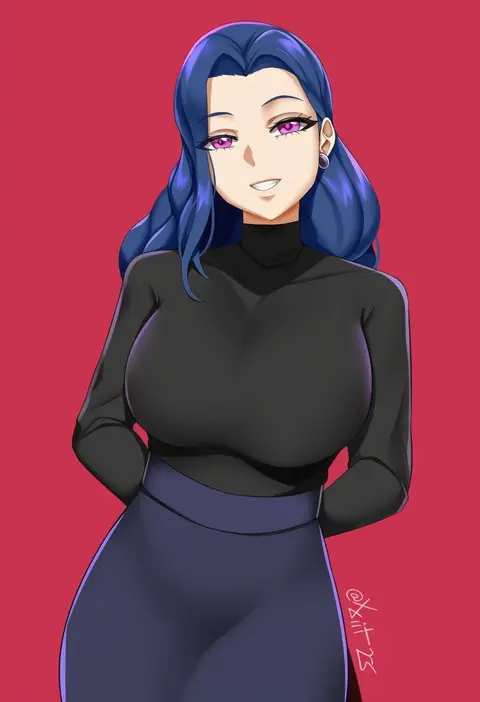
0
xkit
ARTIST0x0C4E
0
seneto
ARTIST0x0C4F
0
nikuatsu magician shinbo
ARTIST0x0C50
0
carbon12th
ARTIST0x0C51
0
galbany (tsgororin)
ARTIST0x0C52
0
aircell
ARTIST0x0C53
0
snow is
ARTIST0x0C54
0
uosaasou
ARTIST0x0C55
0
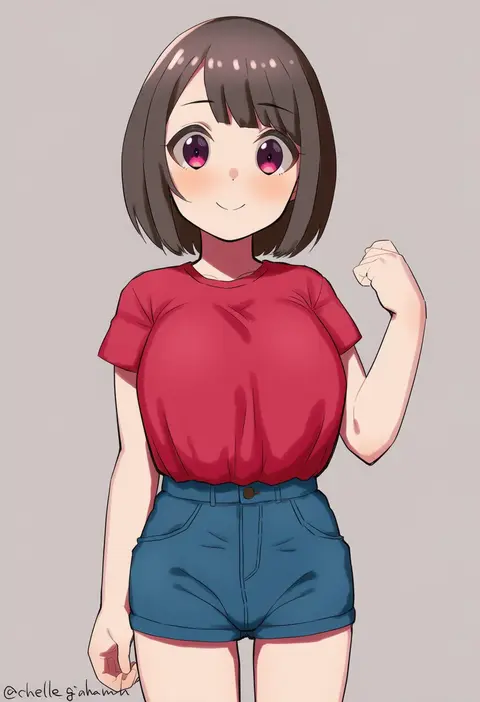
chelle ingham
ARTIST0x0C56
0
wasabi (wasalongt)
ARTIST0x0C57
0
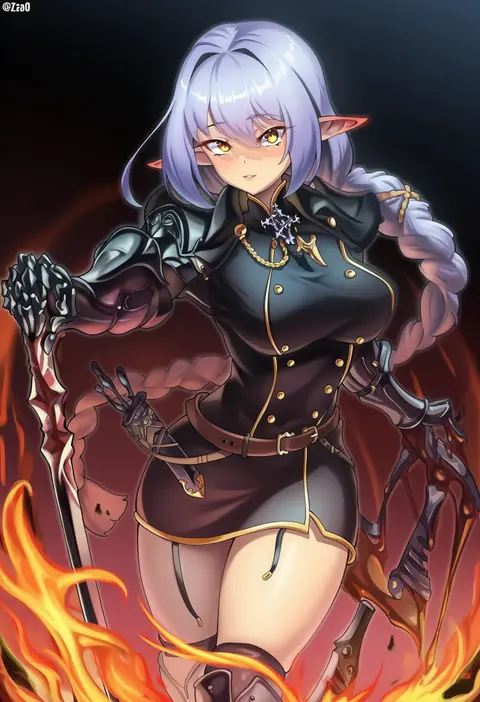
zzo0
ARTIST0x0C58
0
hamedoragon
ARTIST0x0C59
0
eric (tianqijiang)
ARTIST0x0C5A
0
san (harutuki 3)
ARTIST0x0C5B
0
furukawa itsuse
ARTIST0x0C5C
0
xubai
ARTIST0x0C5D
0
kashiwamochi yomogi
ARTIST0x0C5E
0
itou yuuji
ARTIST0x0C5F
0
miura-n315
ARTIST0x0C60
0
castell
ARTIST0x0C61
0
kji (rozo)
ARTIST0x0C62
0
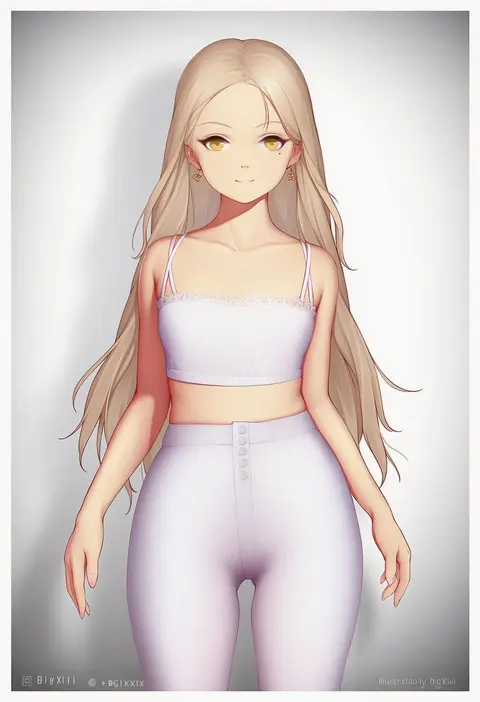
bigxixi
ARTIST0x0C63
0
ggz (gguzal 95)
ARTIST0x0C64
0
neko neko koneko
ARTIST0x0C65
0
yashemao qishi
ARTIST0x0C66
0
hitokuirou
ARTIST0x0C67
0
yonoki
ARTIST0x0C68
0
junpaku karen
ARTIST0x0C69
0
doyoon 7
ARTIST0x0C6A
0
kkry99
ARTIST0x0C6B
0

What these tags change

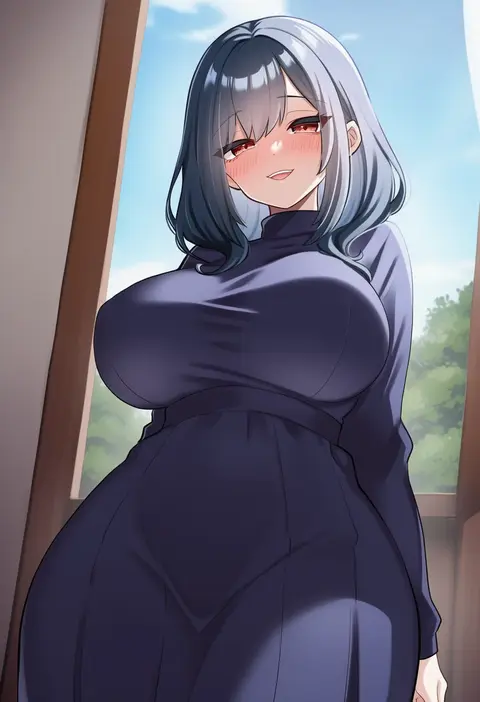
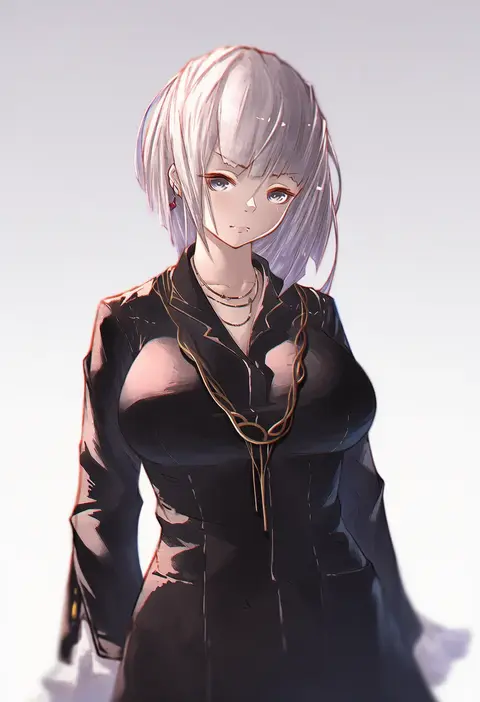
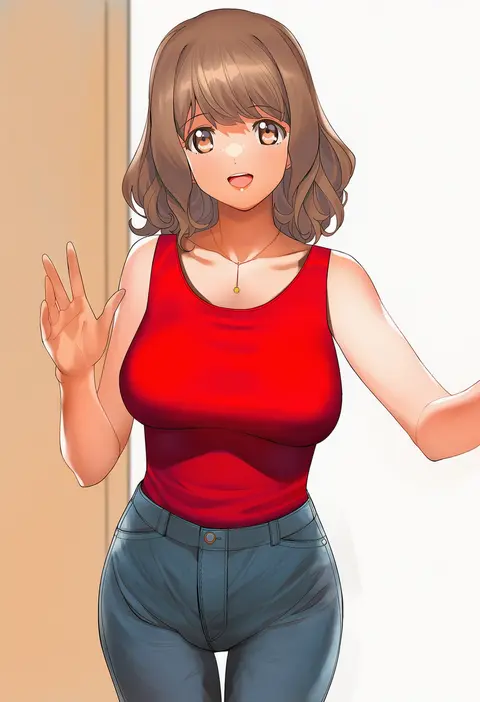
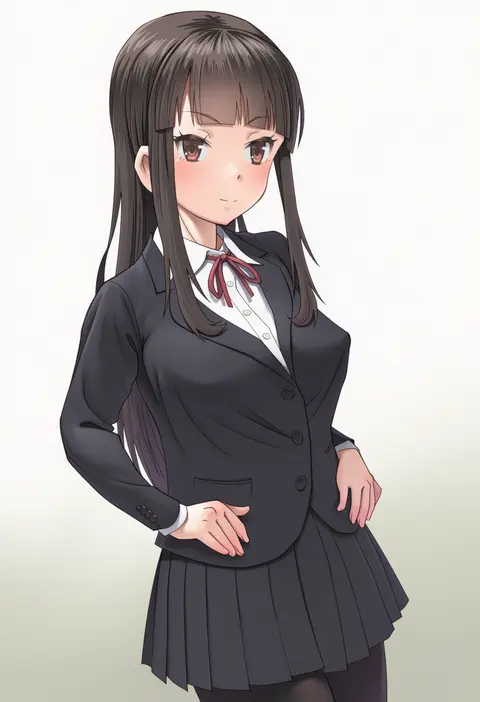
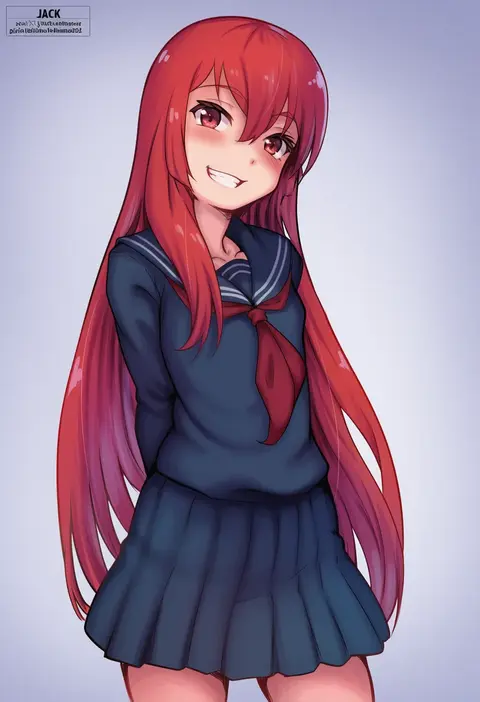
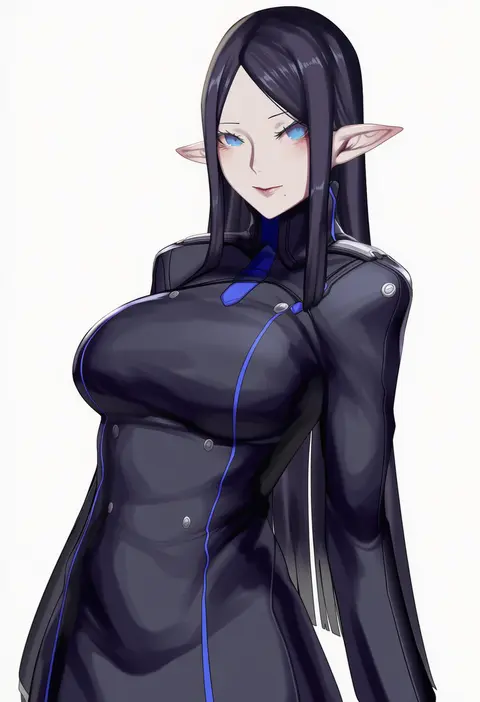
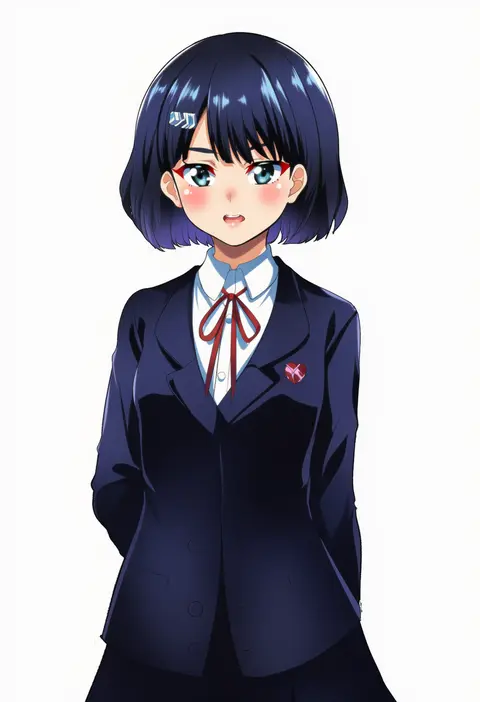
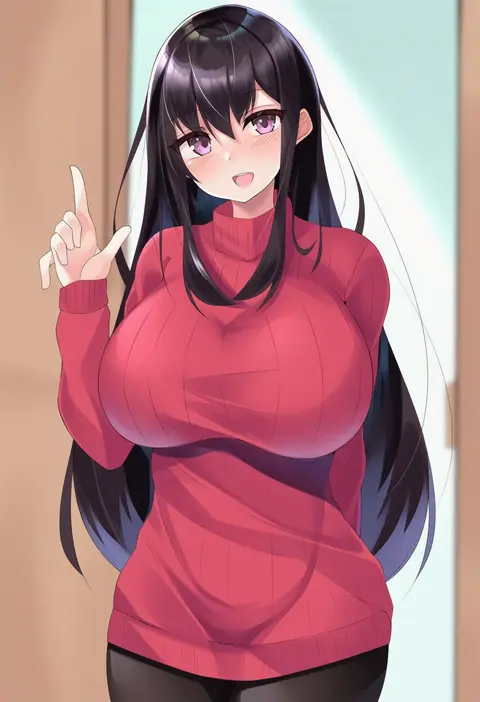
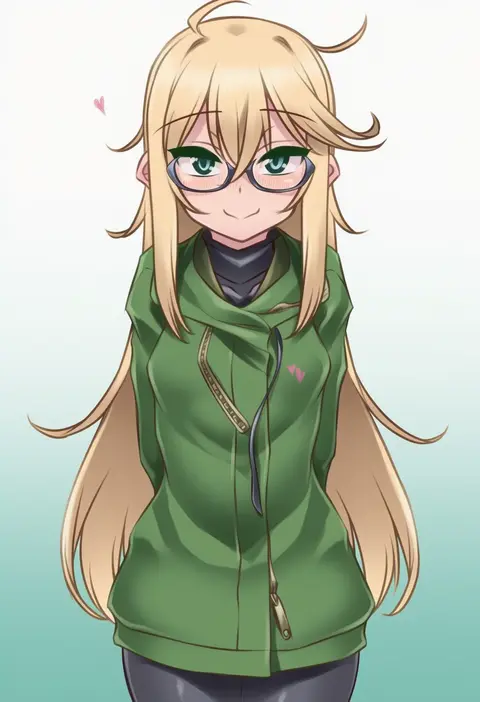
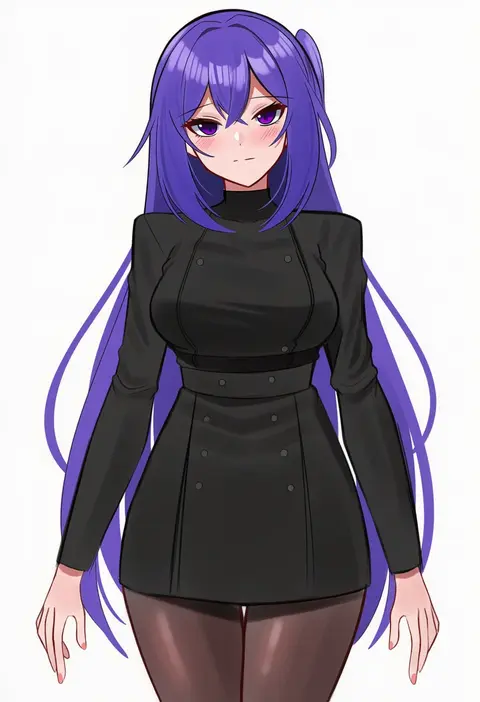
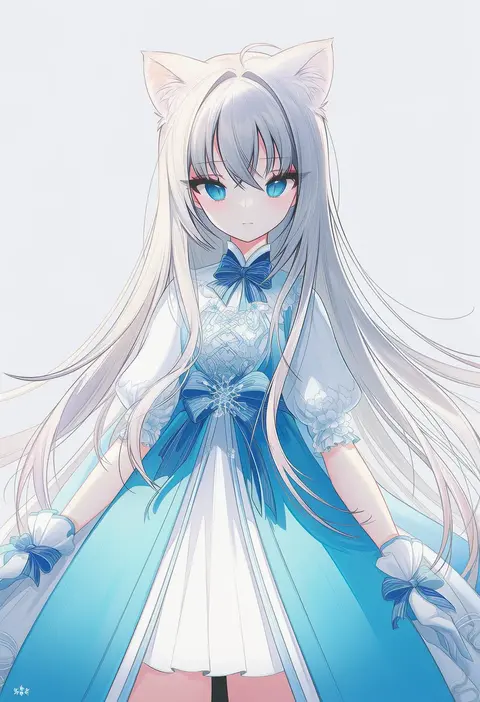
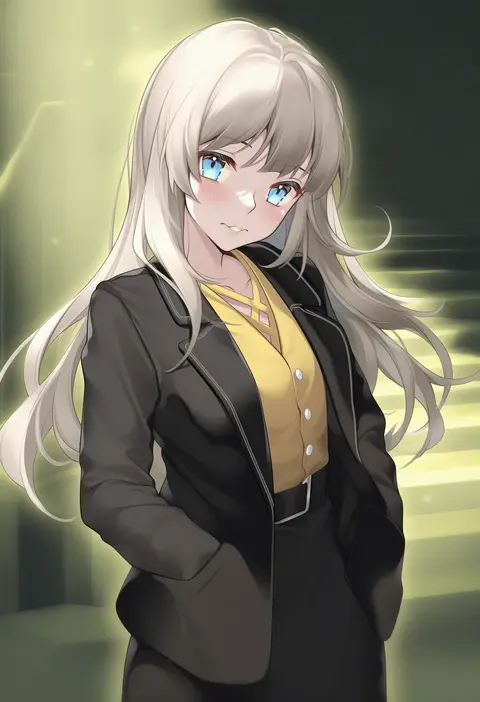
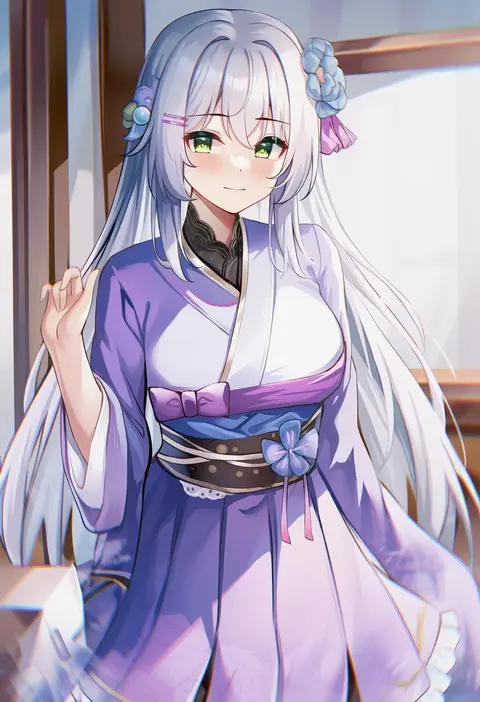
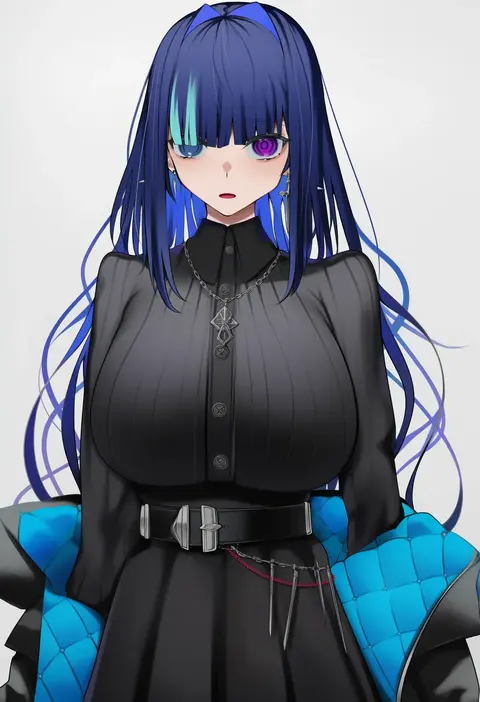
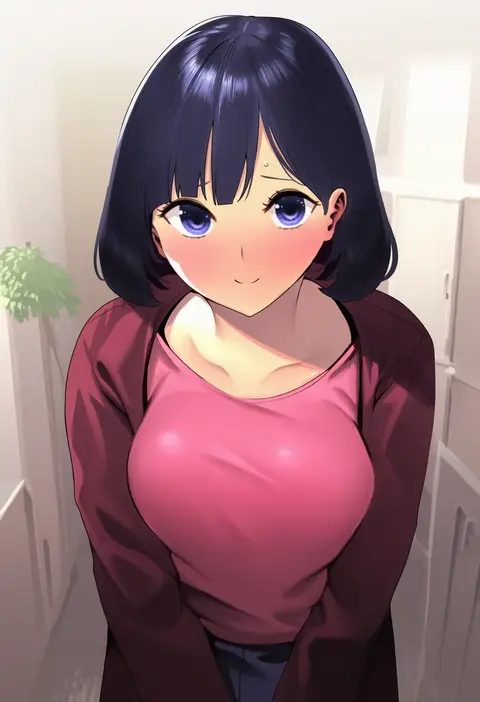
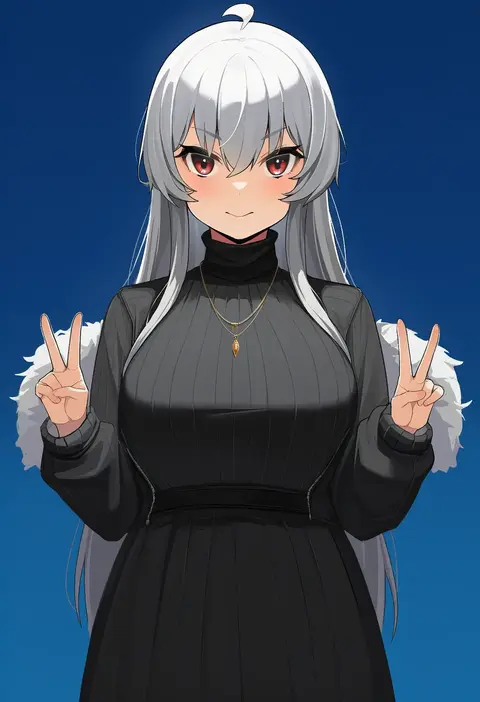
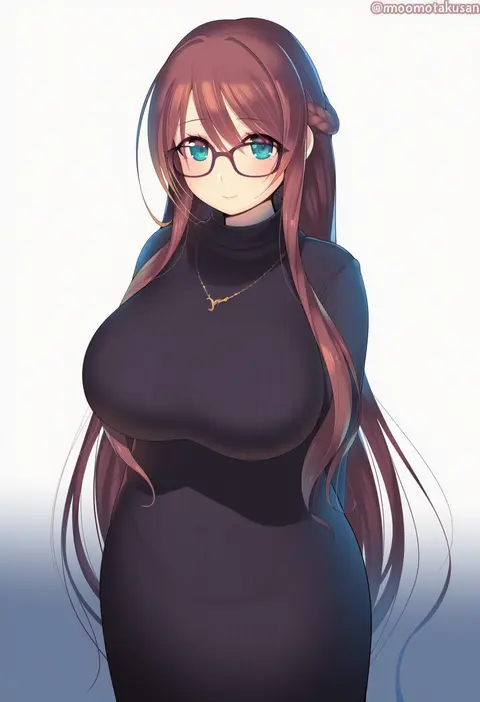
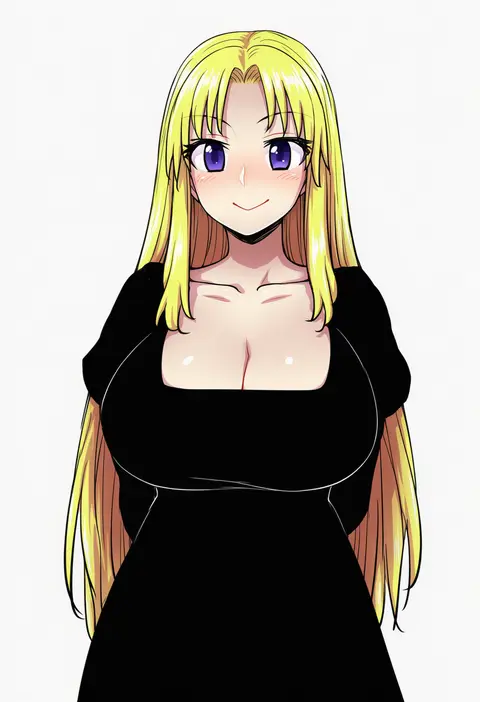
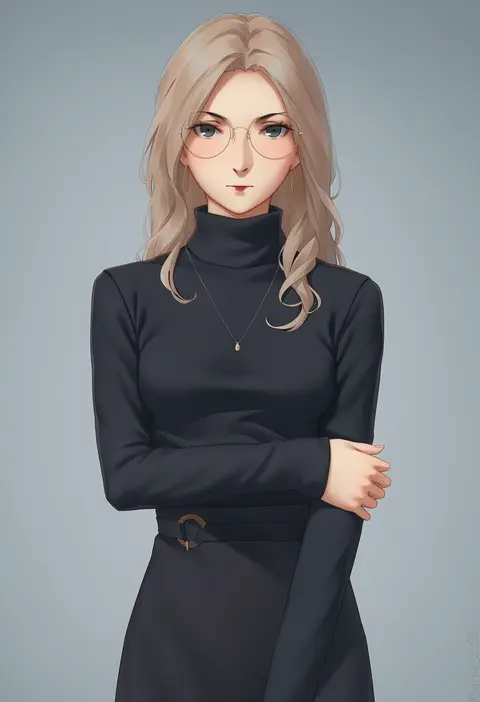
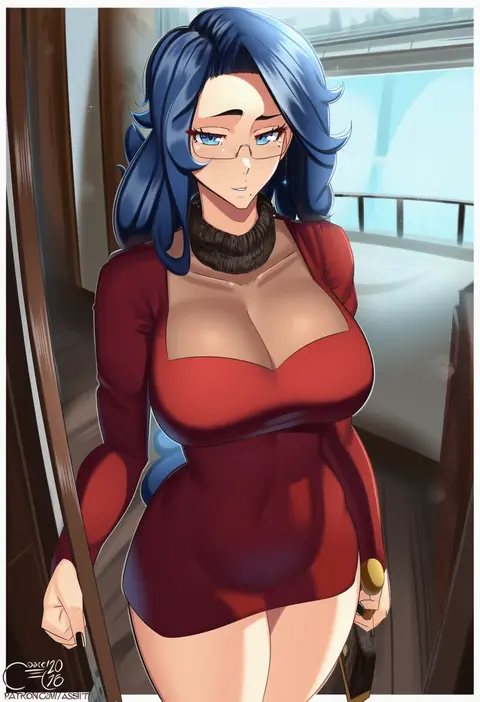
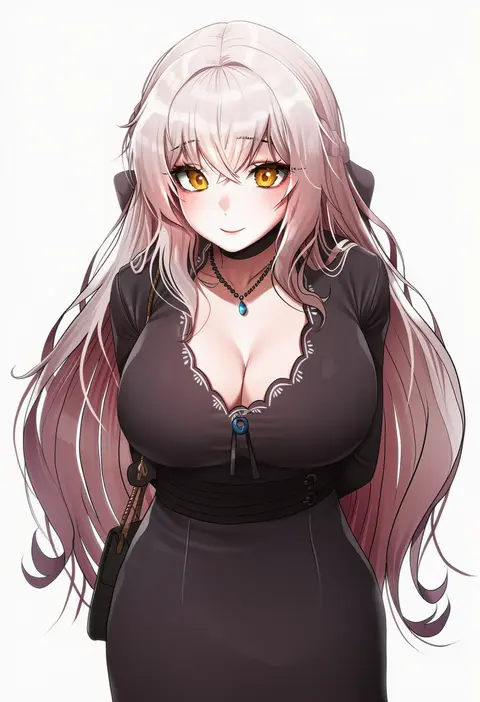
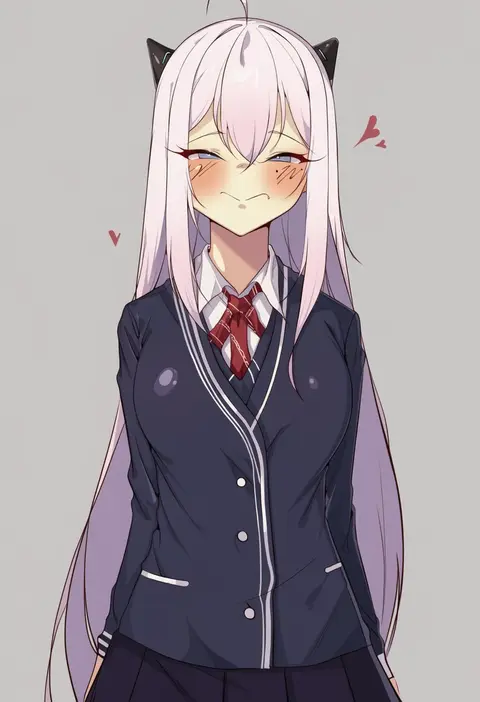
Artist tags tell NovelAI Diffusion to draw in a specific artist's style: line weight, paint texture, face shapes and palette all shift at once. Character and outfit tags decide what is drawn; artist tags decide how. 16,352 tags are listed for V4.5.
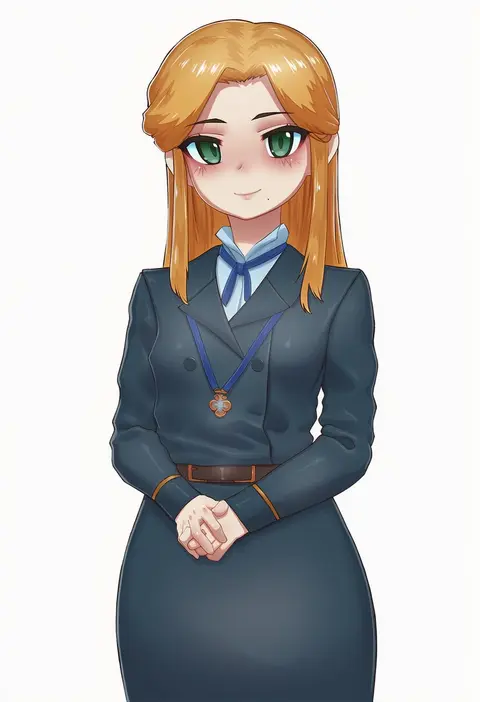
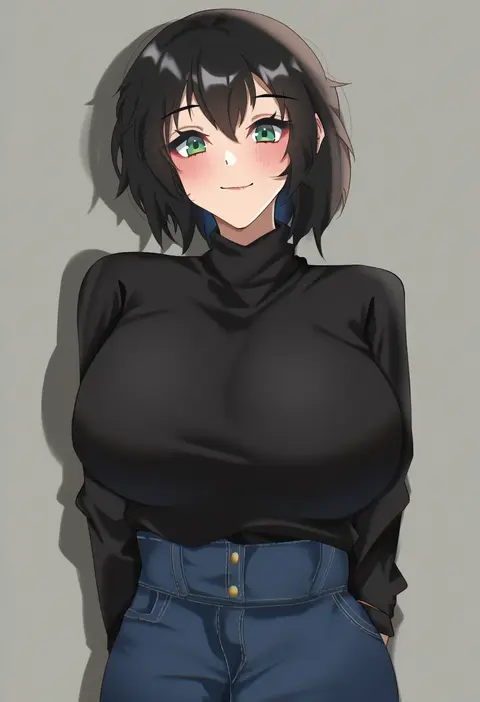
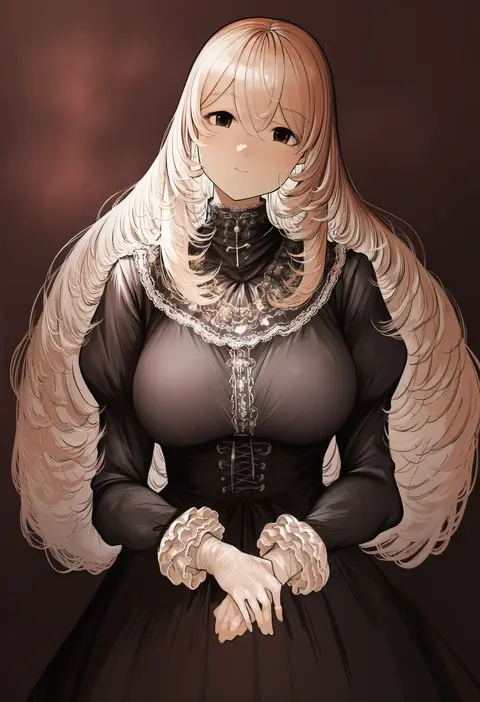
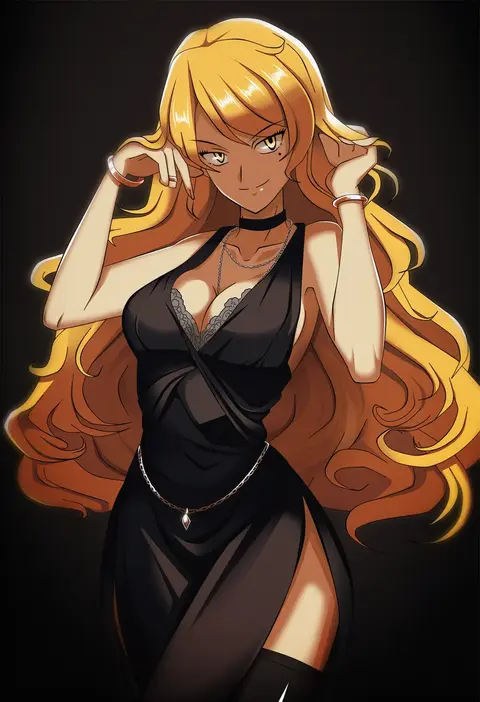
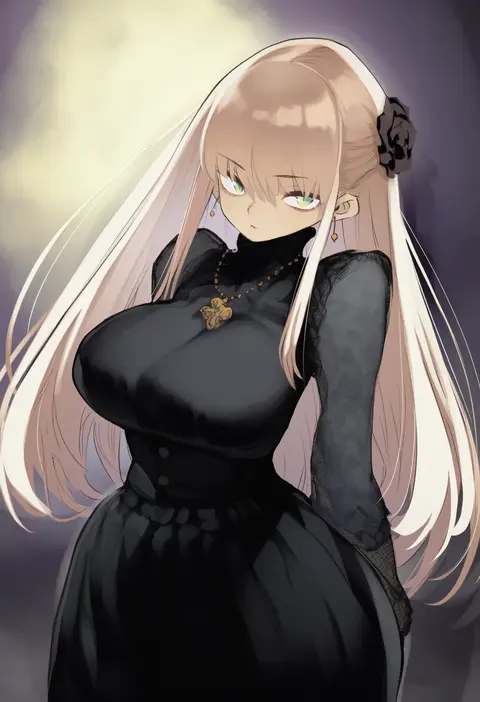
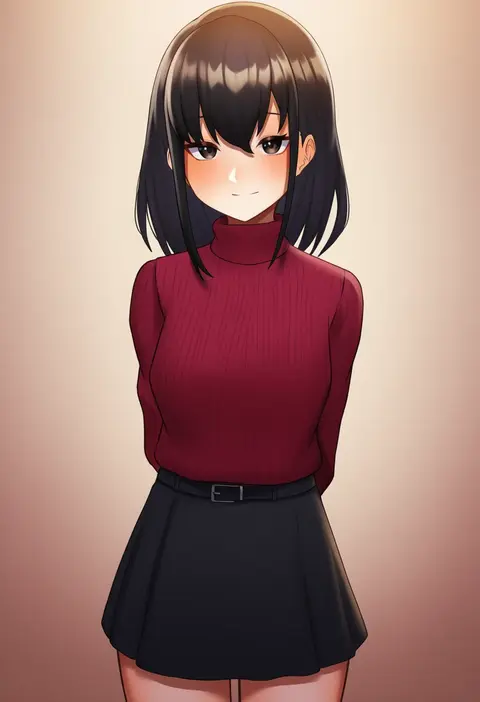
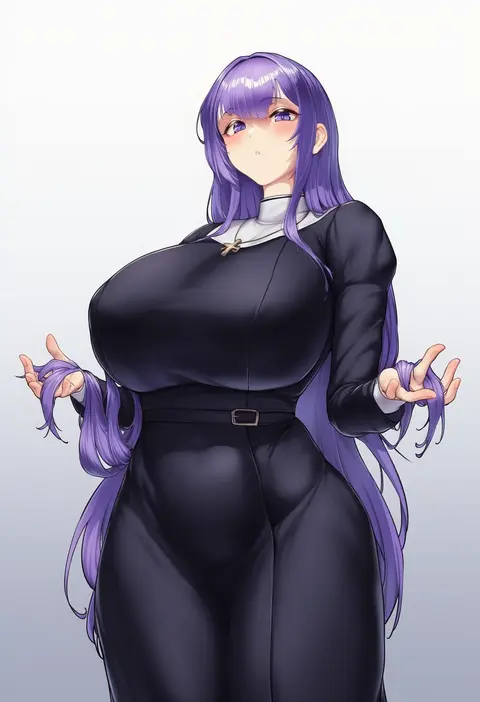
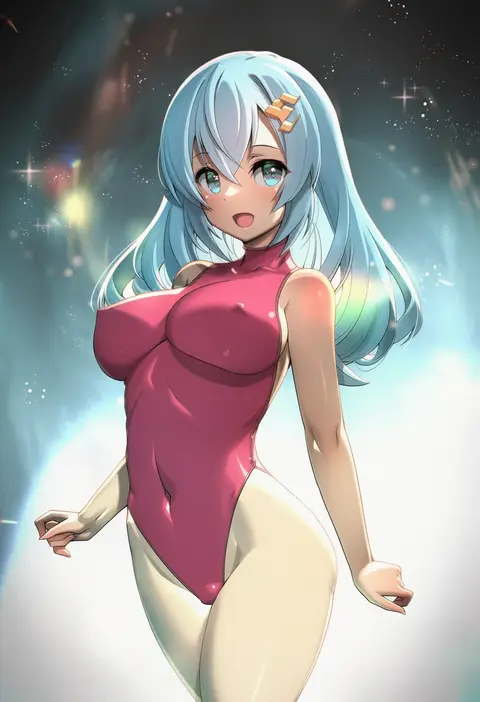
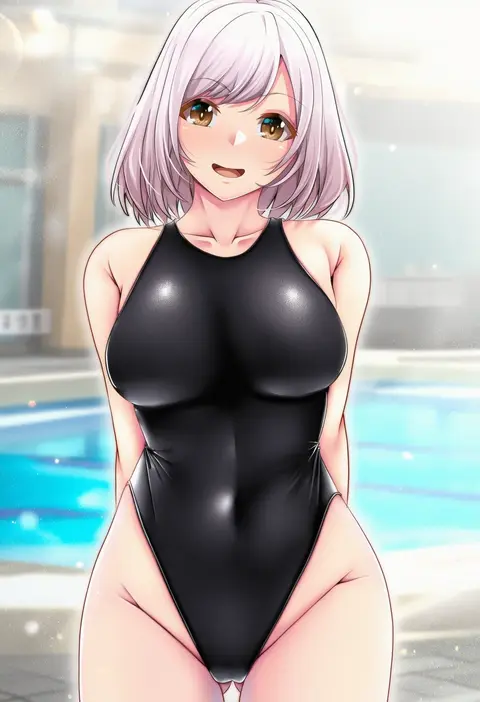
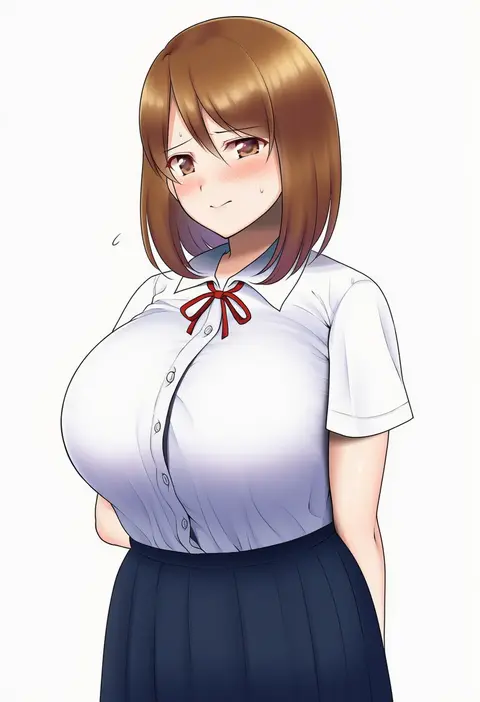
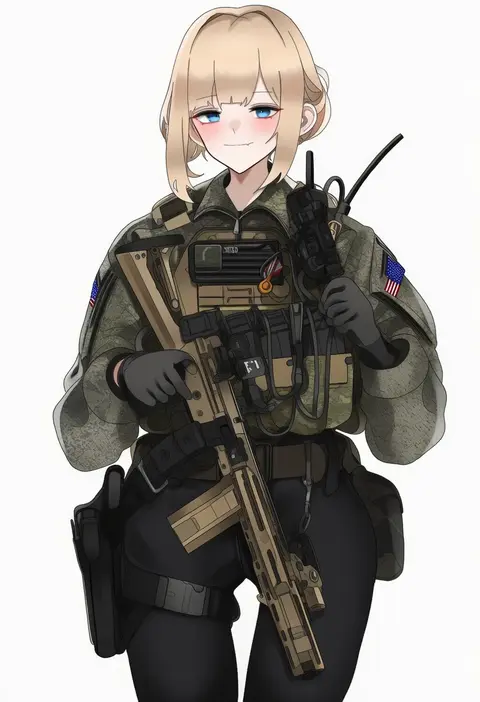
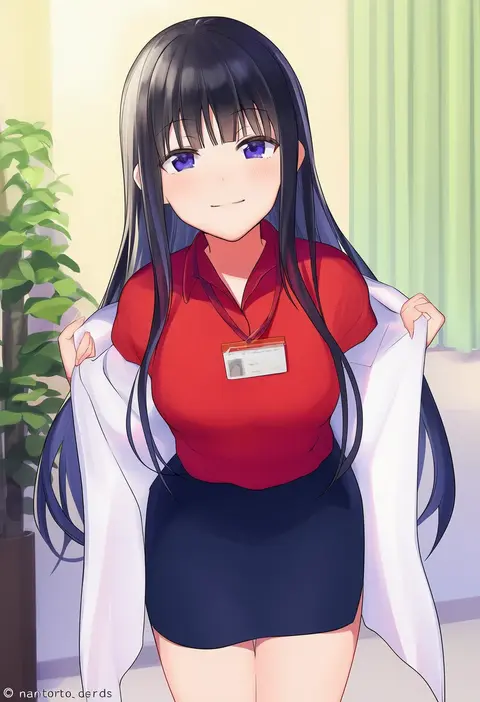
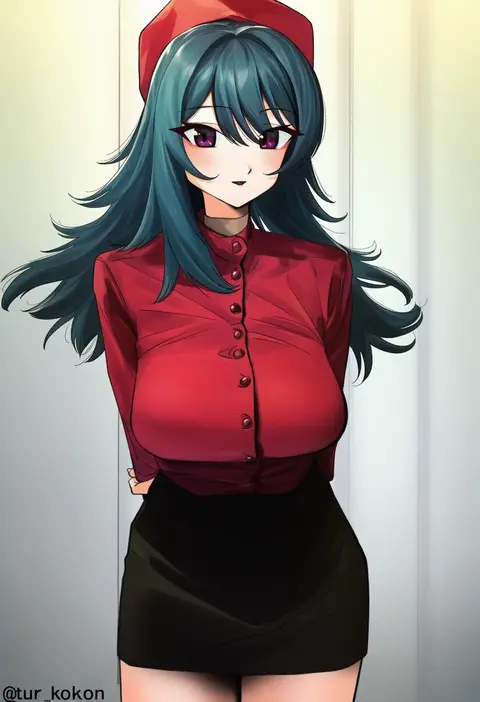
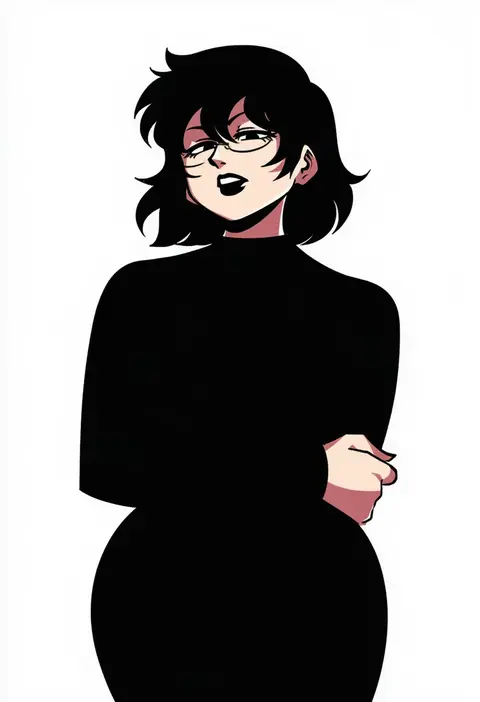
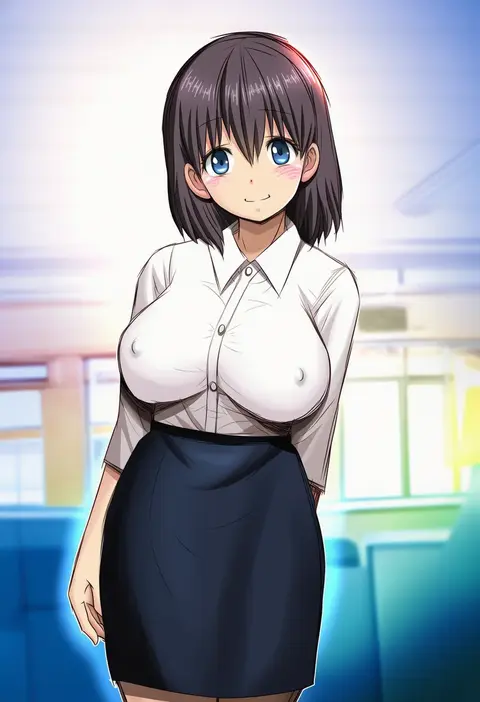
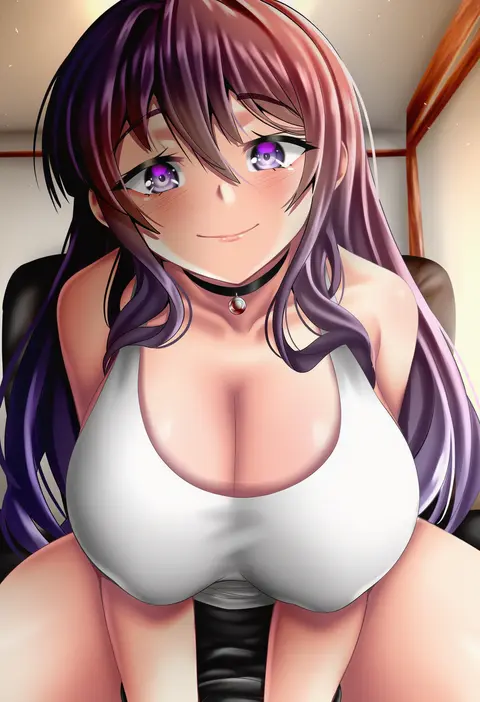
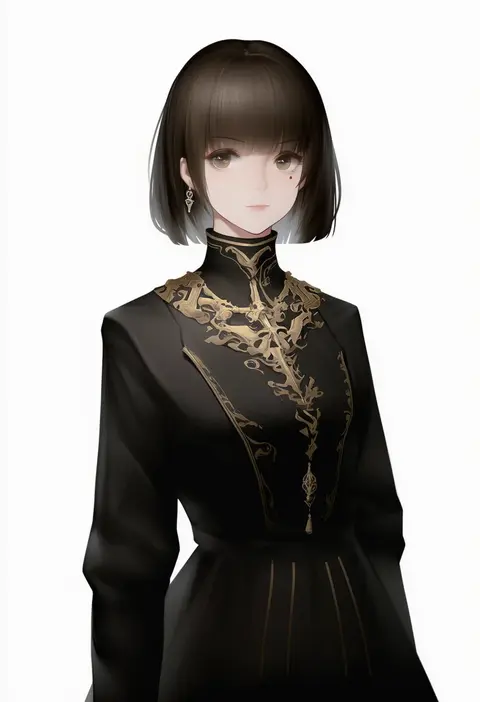
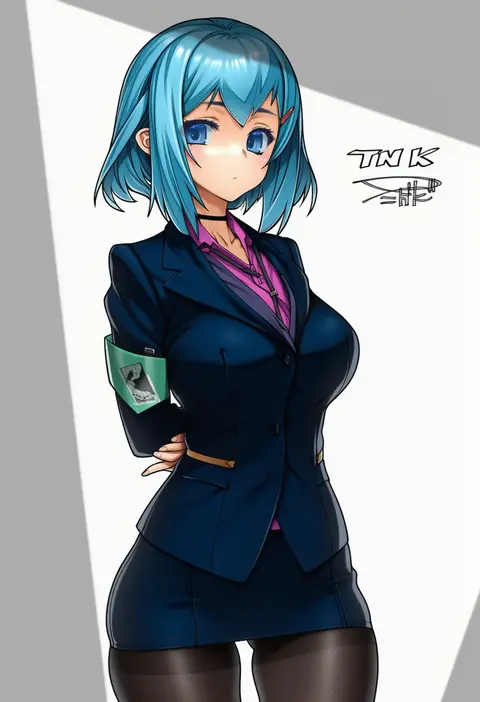
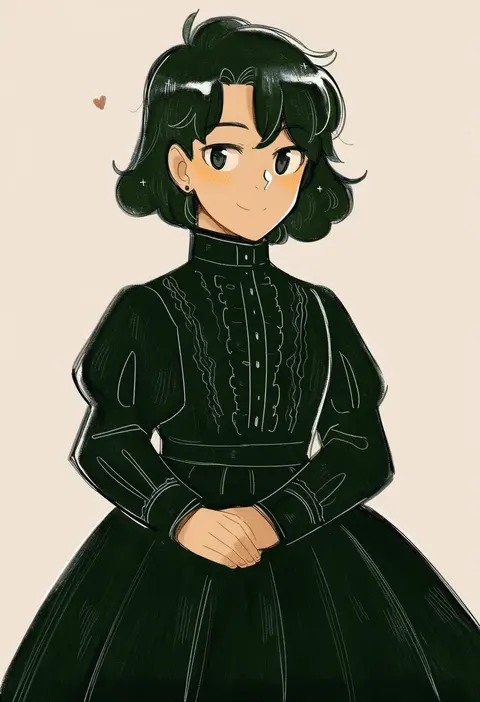
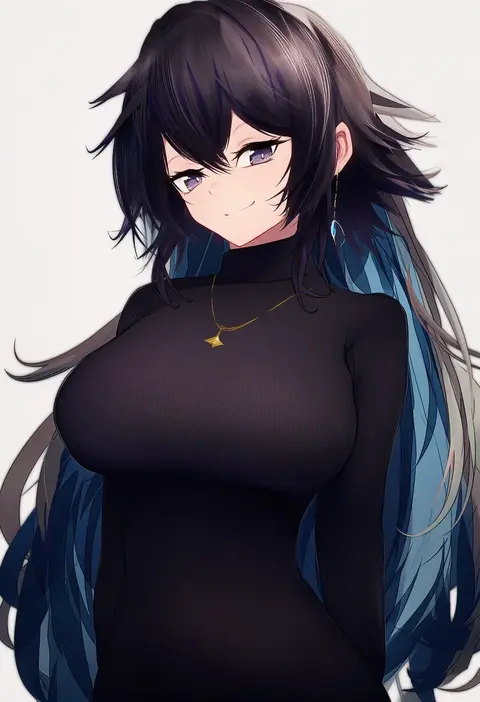
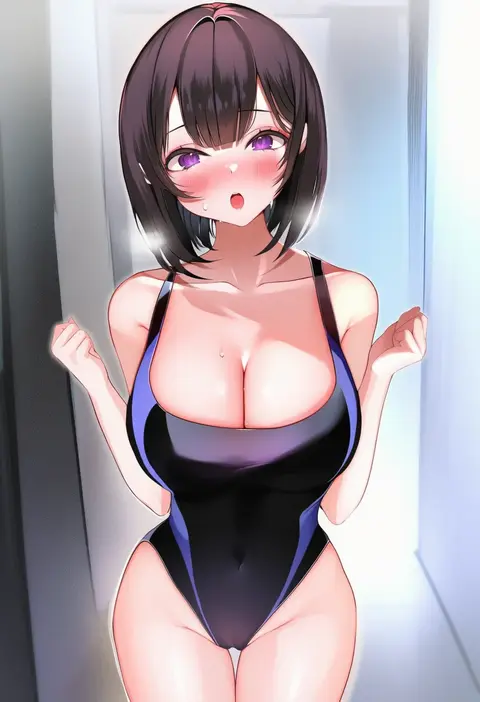
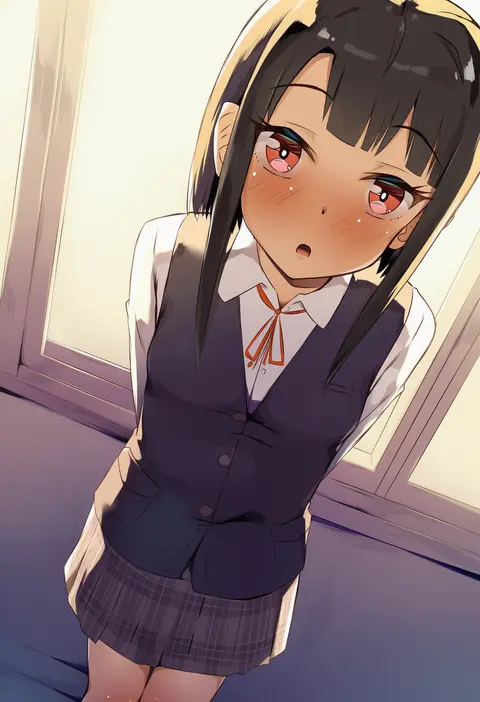
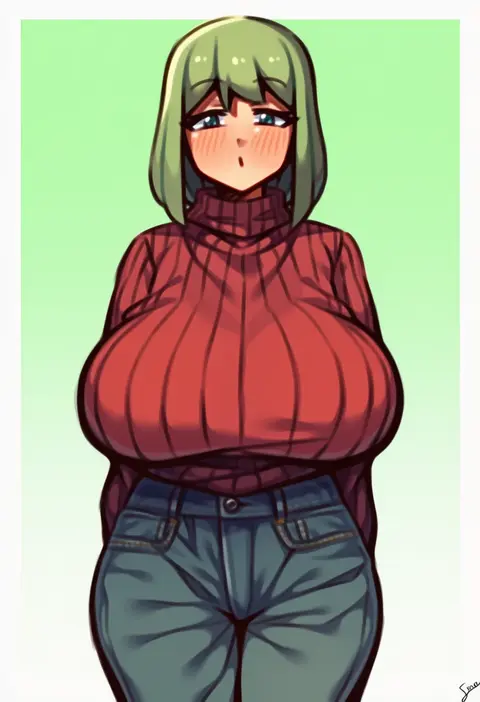
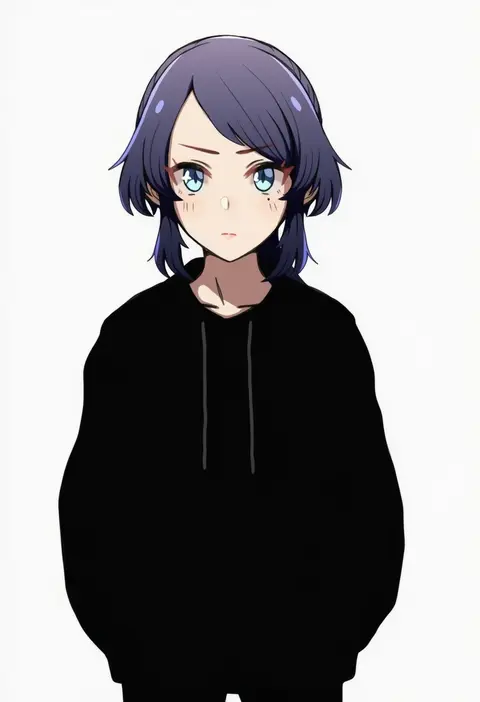
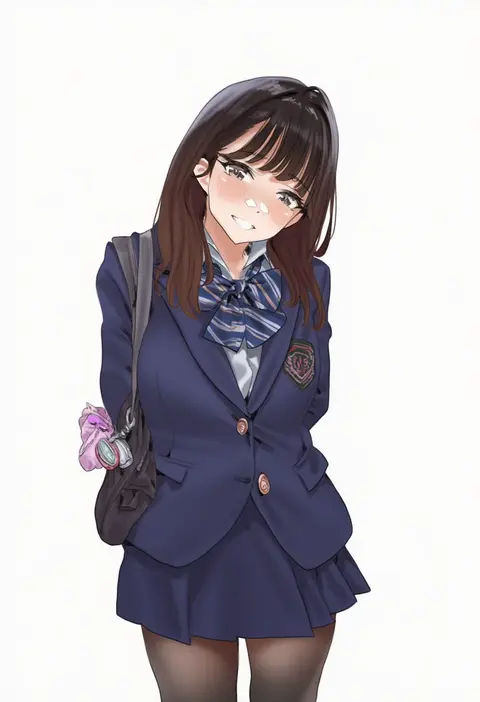
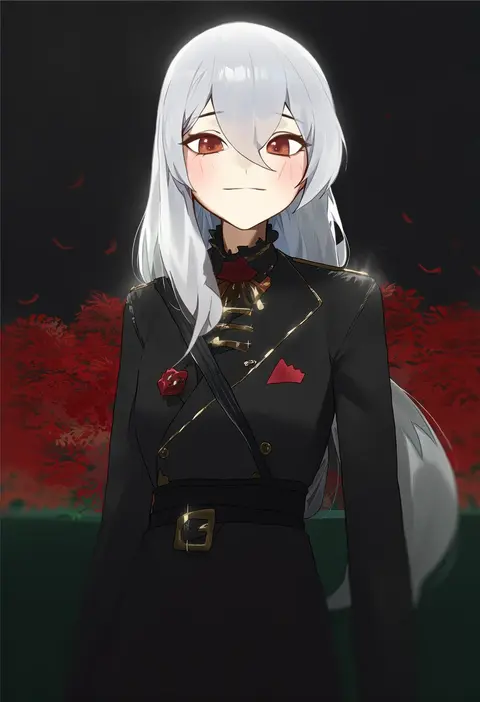
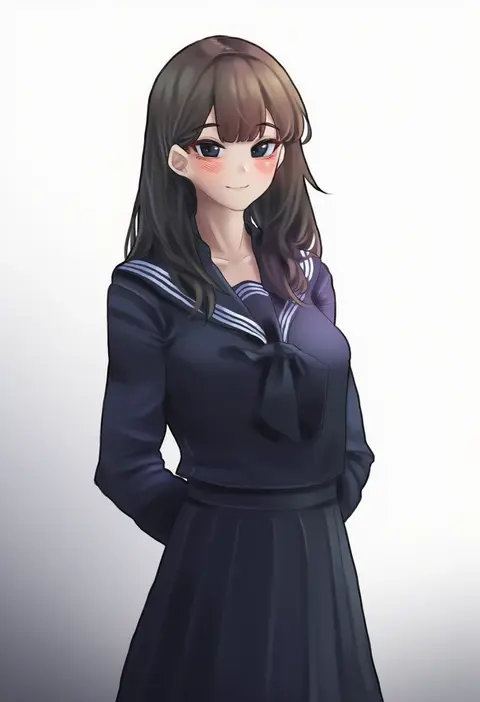
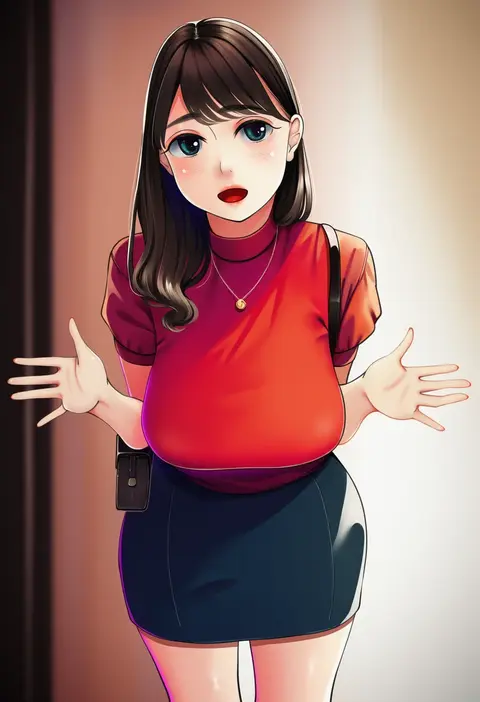
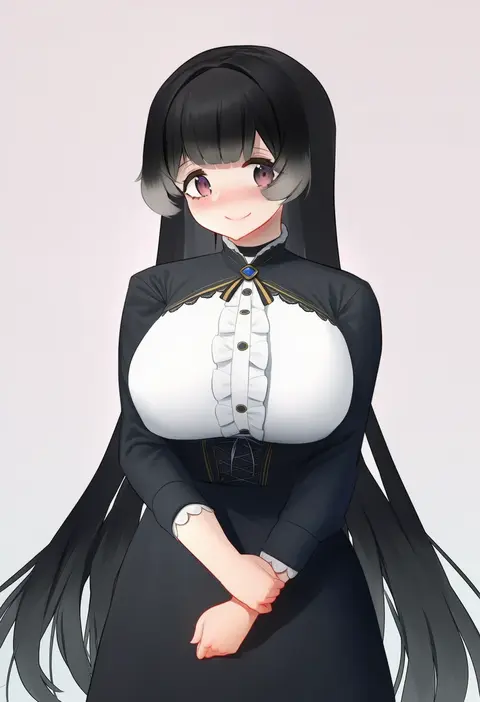
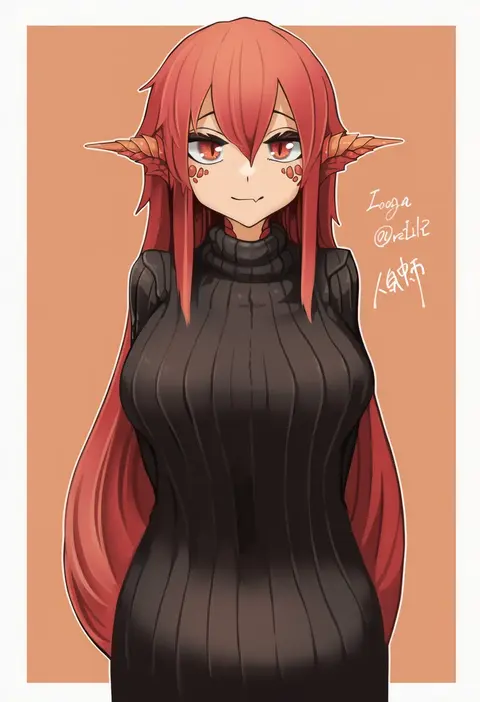
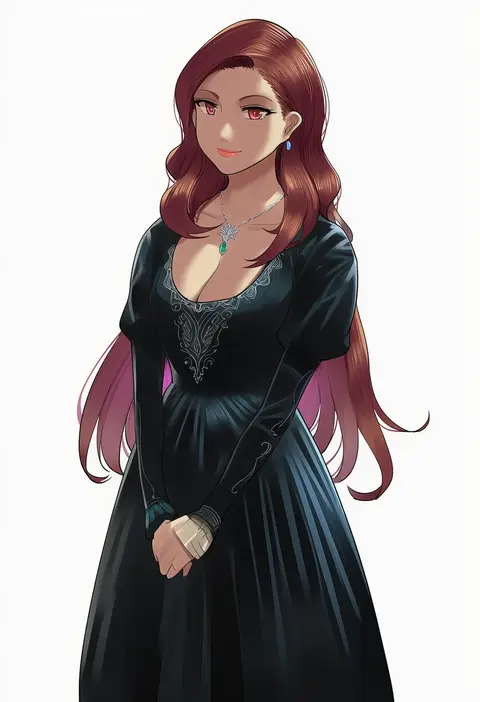
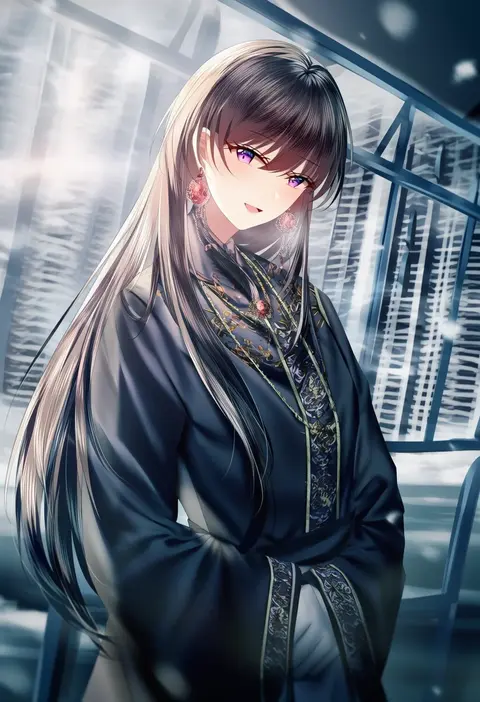
Every tag listed here is verified to react in NovelAI. All images use the same prompt, seed and settings with only the artist tag swapped, so the difference between two images is the style that tag brings in.

How to use them

Put the artist tag near the front of the prompt, e.g. "<artist>, 1girl, solo, best quality, masterpiece, cowboy shot". Two or three artist tags blend styles; lower the weight with "0.8::<artist>::" when the style overpowers the character.

SCORE sorts by Danbooru's top score, POSTS by post count, FAVS by hearts on this site. Open a card to see V5 and V4.5 side by side on the same seed.

V5 vs V4.5

V5 usually lands closer to the artist's real style, and tags that did nothing on V4.5 often react on V5. V4.5 still fits older and doujin-heavy artists better. Try V5 first, fall back to V4.5.

FAQ

Where does the artist tag go?
Near the front of the prompt. Use "0.8::tag::" to adjust its weight.

Can I stack artist tags?
Yes, styles blend. Past two or three the result stops looking like anyone.

Are these the artists' own works?
No. Every image is a NovelAI sample generated from the tag.