V4.5Artists
sort: FAVS▾
▾
>
$

NovelAI Artist Tags List — V4.5

artist --count 16,352[55/273]
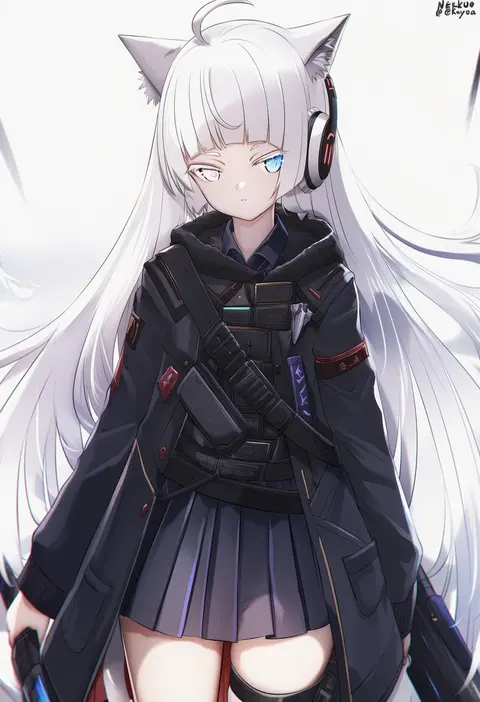
nekoya (liu)
ARTIST0x0CA8
0
ruton-niki
ARTIST0x0CA9
0
kobaji
ARTIST0x0CAA
0
t-hou
ARTIST0x0CAB
0
akasaai
ARTIST0x0CAC
0
puru (ex-150)
ARTIST0x0CAD
0
asane ken
ARTIST0x0CAE
0
kiyu rei
ARTIST0x0CAF
0
roi (liu tian)
ARTIST0x0CB0
0
tsurui
ARTIST0x0CB1
0
difman
ARTIST0x0CB2
0
sekiya asami
ARTIST0x0CB3
0
tarou (komekueyo)
ARTIST0x0CB4
0
yuxian youka
ARTIST0x0CB5
0
dokimaru
ARTIST0x0CB6
0
em (totsuzen no hakike)
ARTIST0x0CB7
0
thomasz
ARTIST0x0CB8
0
memekko
ARTIST0x0CB9
0
buta tsuzumi
ARTIST0x0CBA
0
ardenlolo
ARTIST0x0CBB
0
honashi
ARTIST0x0CBC
0
ye jji
ARTIST0x0CBD
0
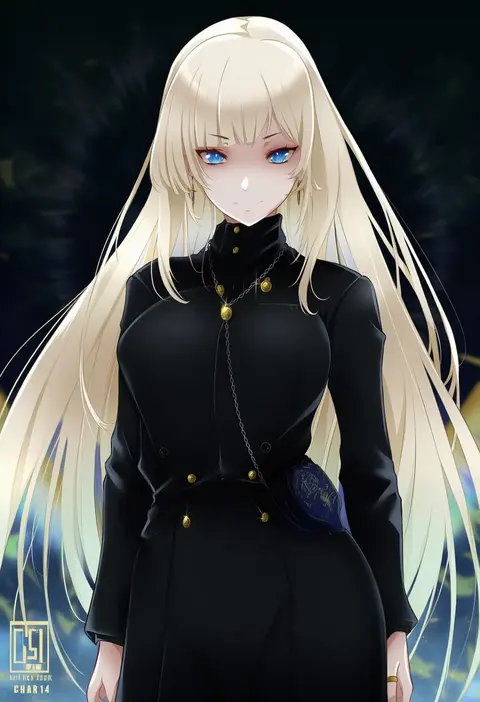
chark14
ARTIST0x0CBE
0
sonsoso
ARTIST0x0CBF
0
ashina merou
ARTIST0x0CC0
0
arepko
ARTIST0x0CC1
0
sunao (souis)
ARTIST0x0CC2
0
krokobyaka
ARTIST0x0CC3
0
nephlite
ARTIST0x0CC4
0
haijin
ARTIST0x0CC5
0
partner (kprtnr)
ARTIST0x0CC6
0
dokshuri
ARTIST0x0CC7
0
neshia (tsaqif0309)
ARTIST0x0CC8
0
love makira
ARTIST0x0CC9
0
kasumi (skchkko)
ARTIST0x0CCA
0
spicy bardo
ARTIST0x0CCB
0
giuniu
ARTIST0x0CCC
0
kuon bb
ARTIST0x0CCD
0
syandega
ARTIST0x0CCE
0
rai (sakuranbo sugar)
ARTIST0x0CCF
0
elvandec
ARTIST0x0CD0
0
neoartcore
ARTIST0x0CD1
0
pukara
ARTIST0x0CD2
0
tobimura
ARTIST0x0CD3
0
neneneji
ARTIST0x0CD4
0
tina (tinafya)
ARTIST0x0CD5
0
alexi oekaki
ARTIST0x0CD6
0
milephunter
ARTIST0x0CD7
0
kiikii (kitsukedokoro)
ARTIST0x0CD8
0
toruneko
ARTIST0x0CD9
0
futomomomoe
ARTIST0x0CDA
0
kagi f
ARTIST0x0CDB
0
movik
ARTIST0x0CDC
0
takami masahiro
ARTIST0x0CDD
0
fffukuzawa
ARTIST0x0CDE
0
lucknight
ARTIST0x0CDF
0
qingmingtongzi
ARTIST0x0CE0
0
osanpo02
ARTIST0x0CE1
0
roadi3
ARTIST0x0CE2
0
naru 0
ARTIST0x0CE3
0

What these tags change

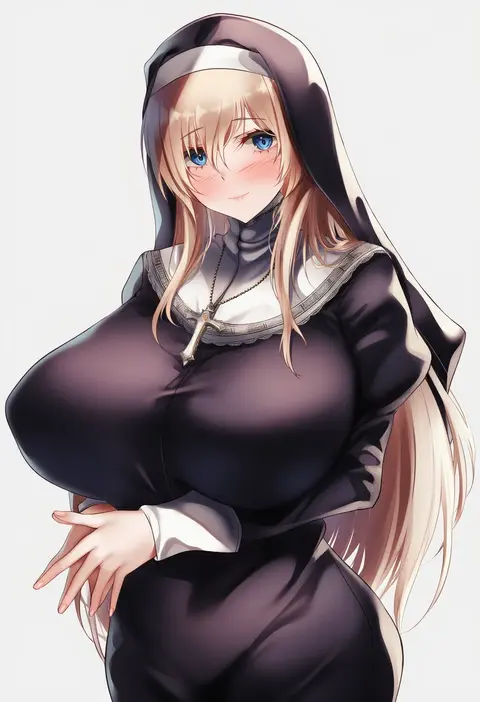
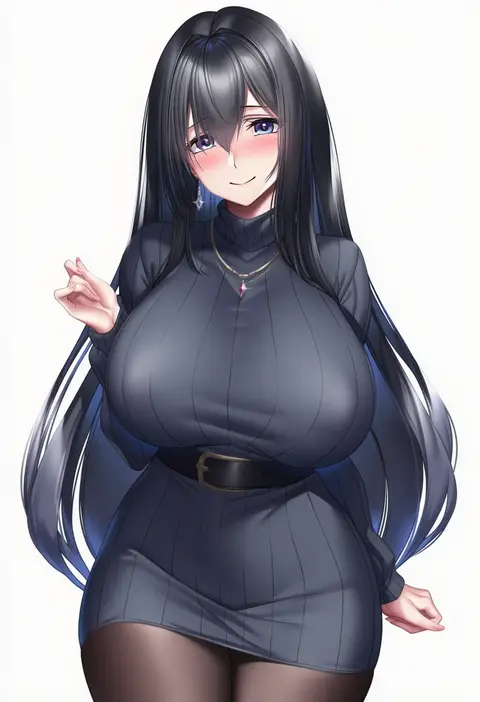
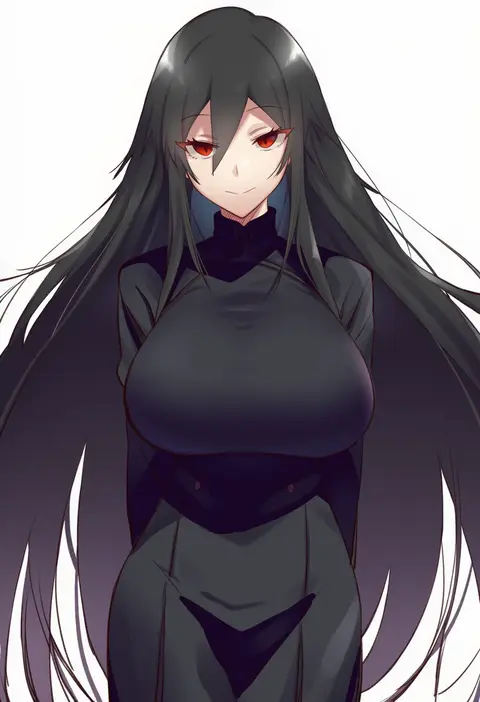
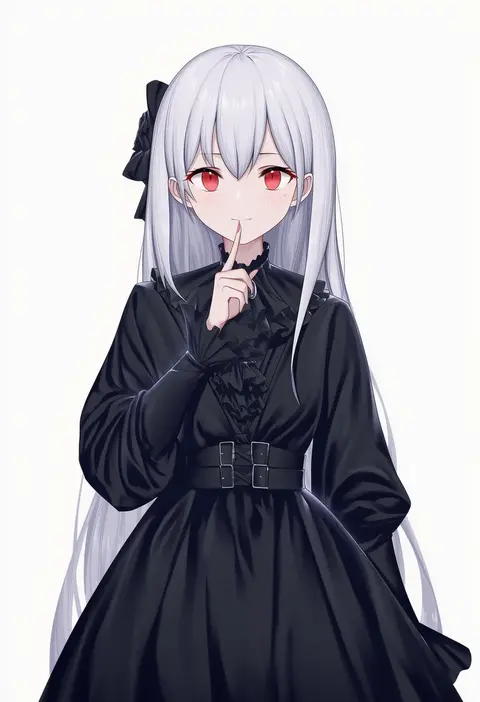
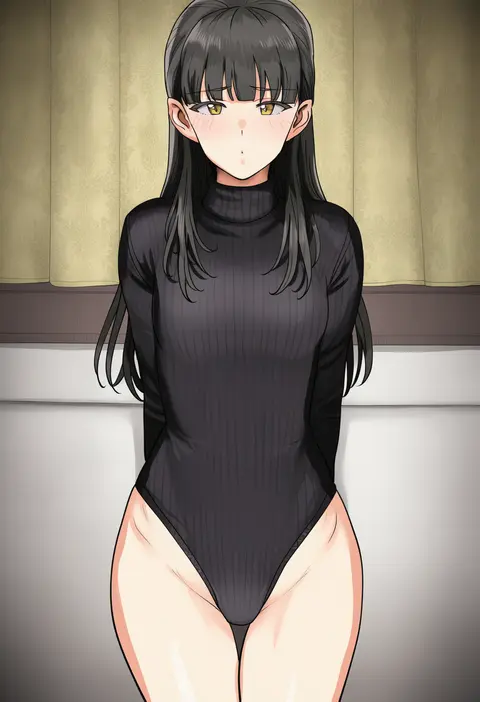
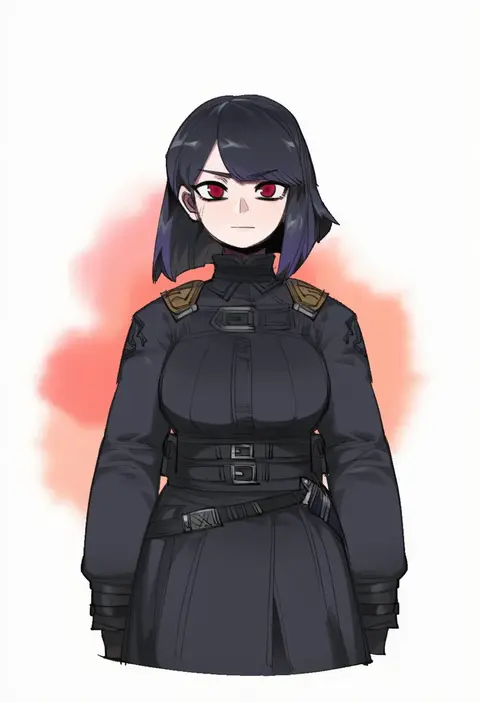
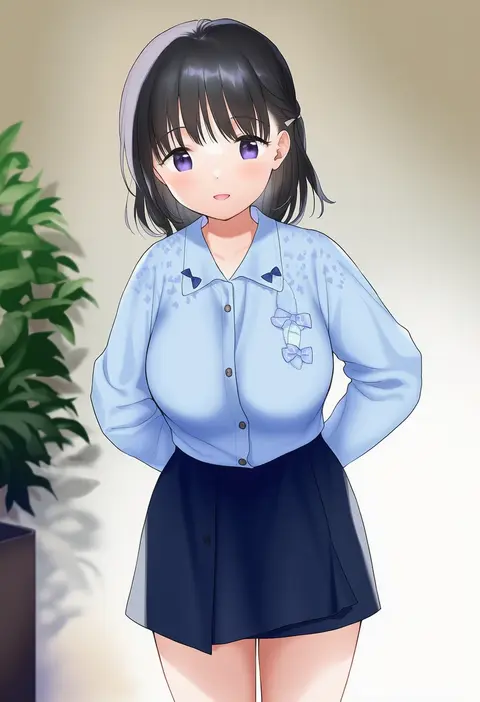
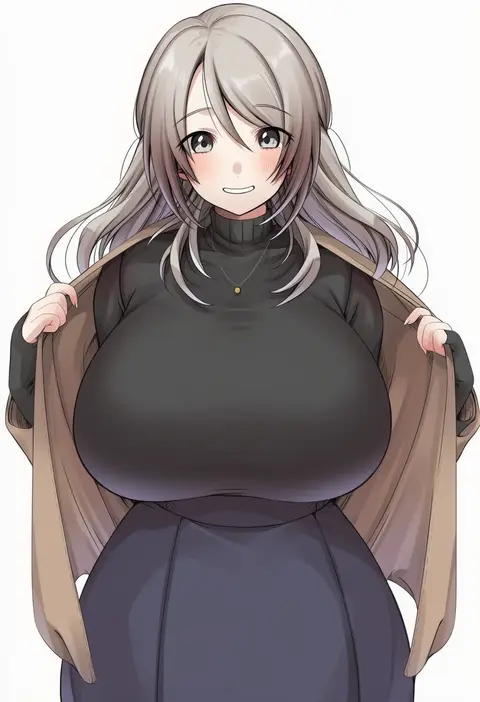
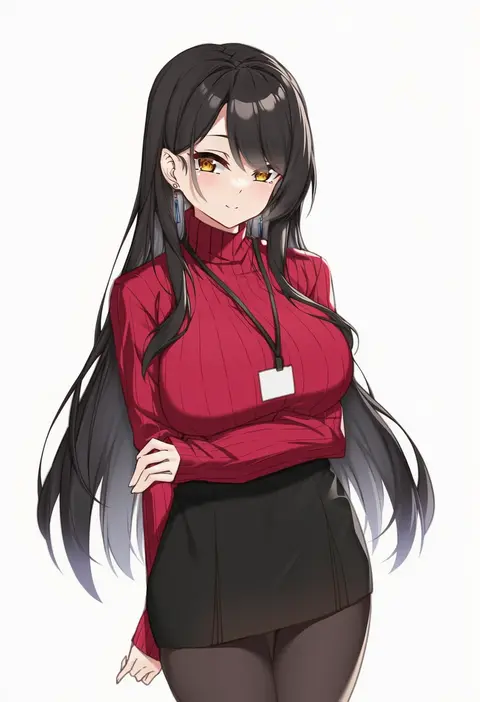
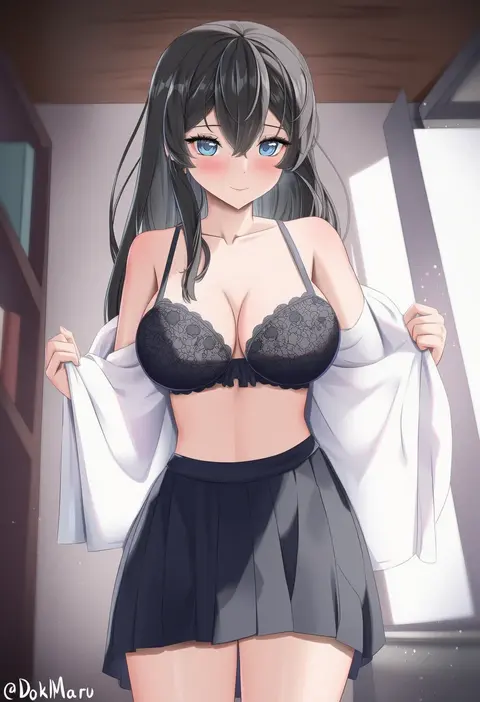
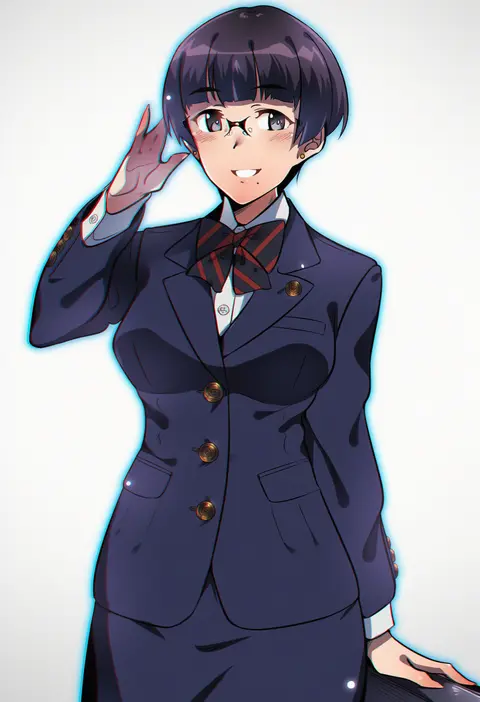
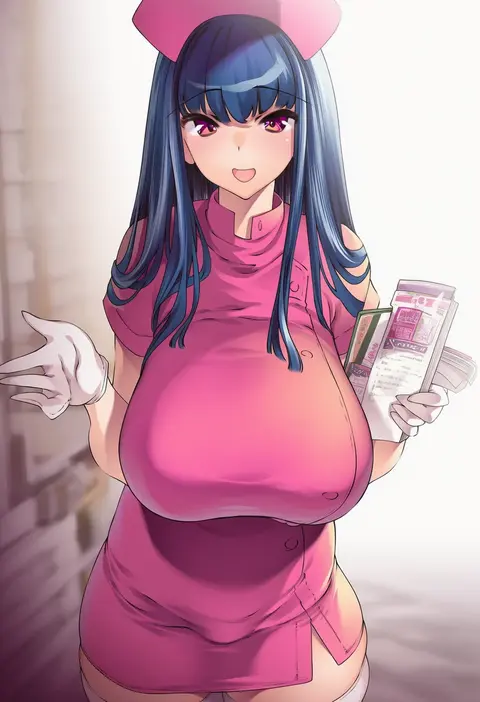
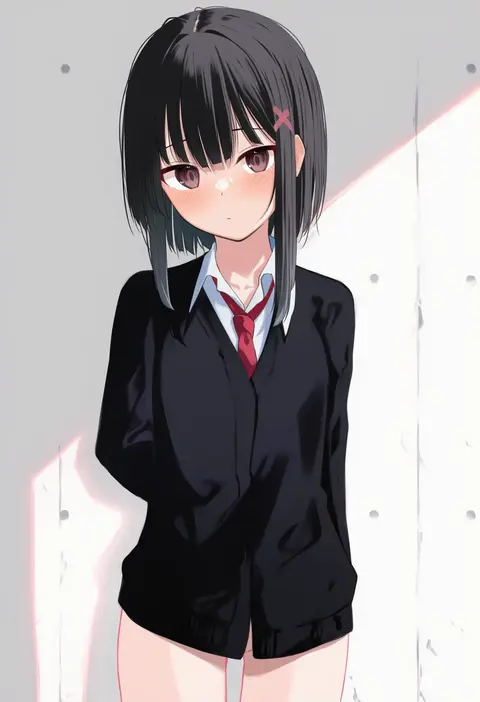
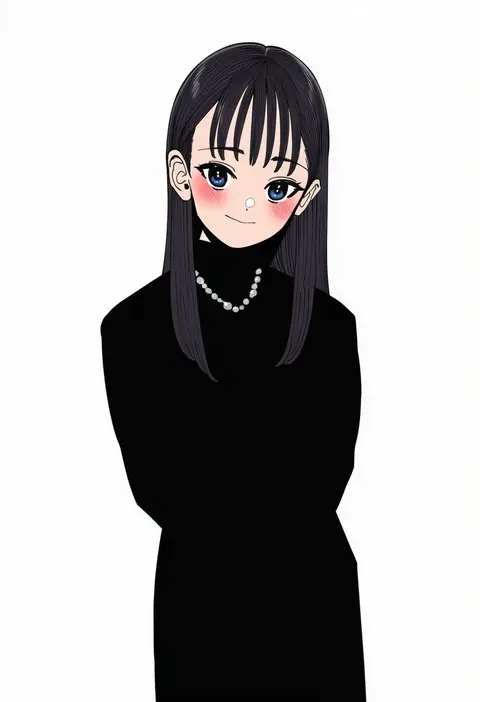
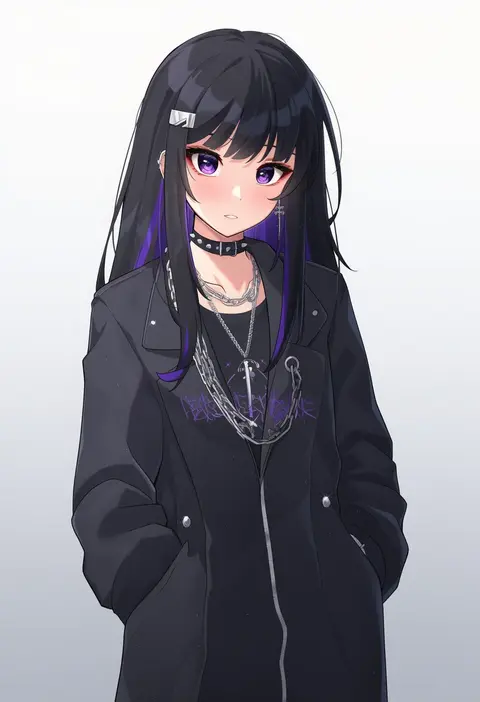
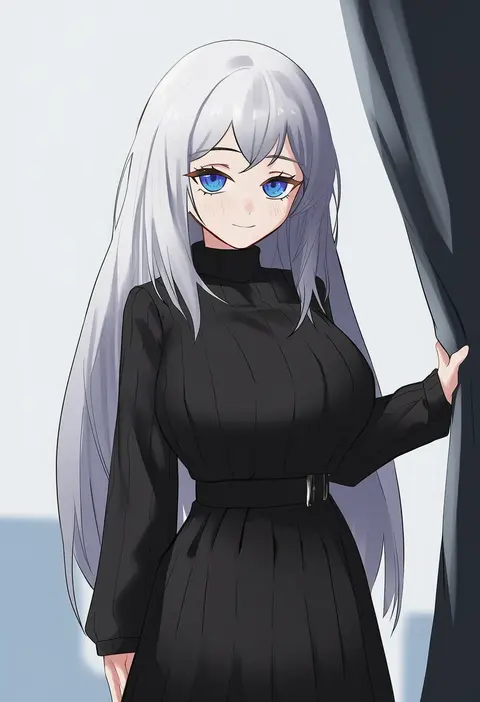
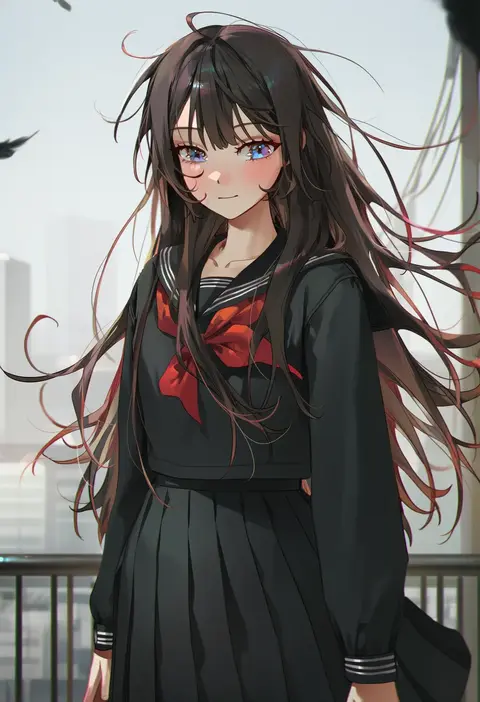
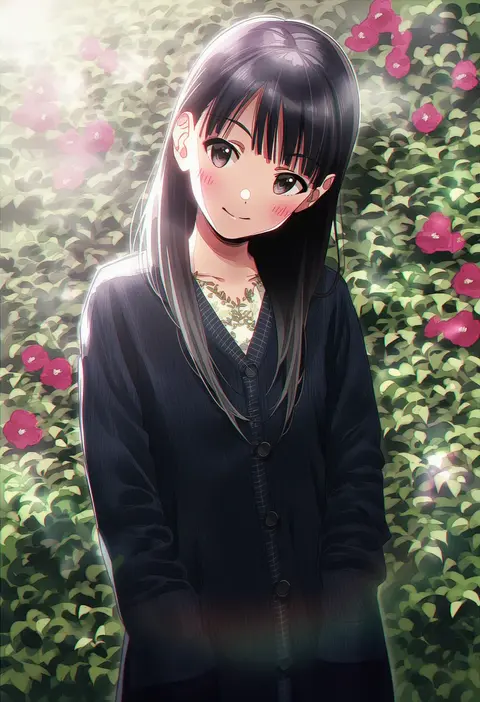
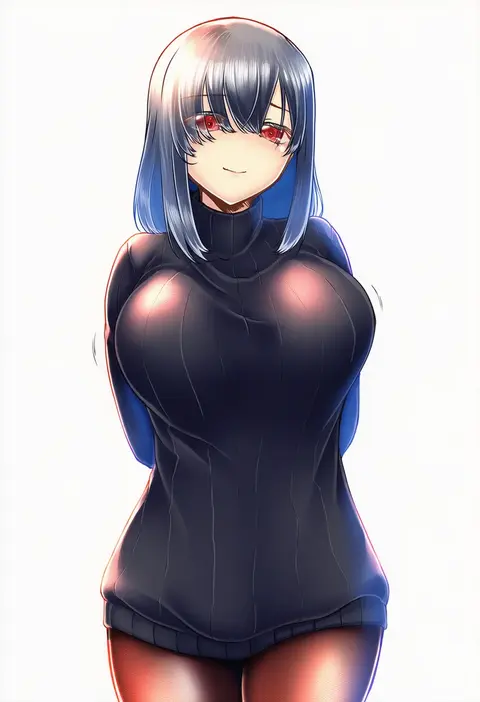
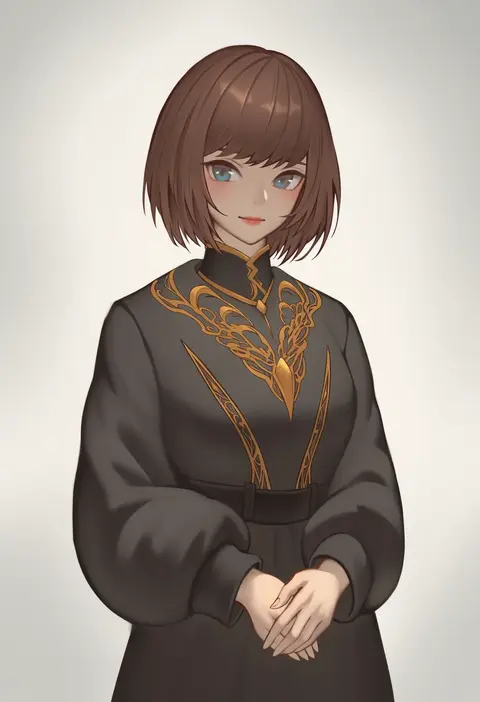
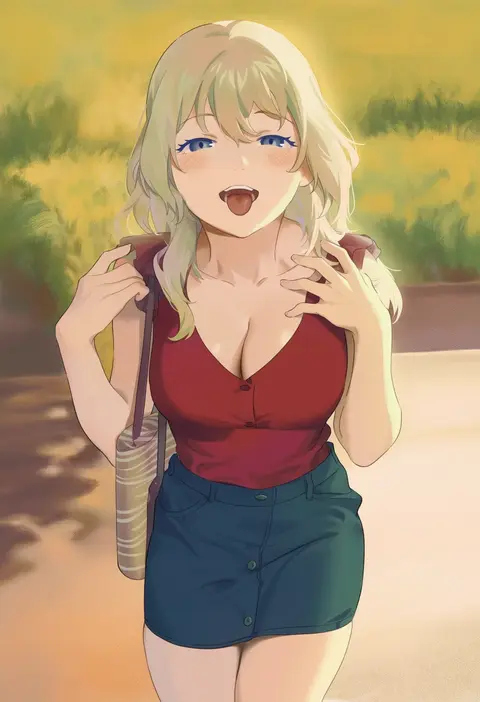
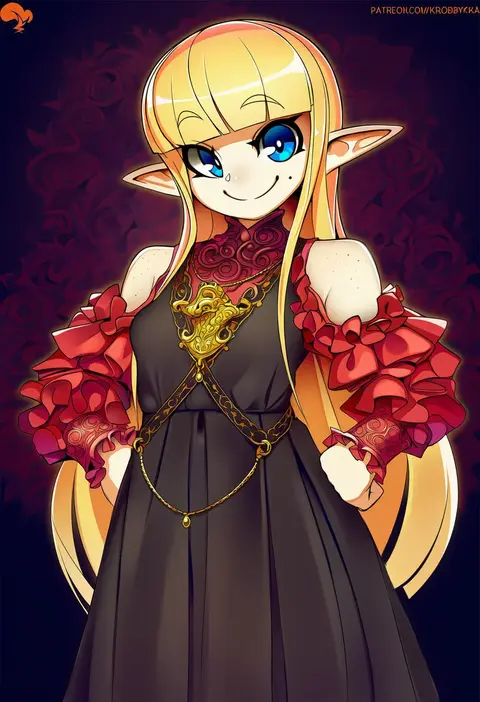
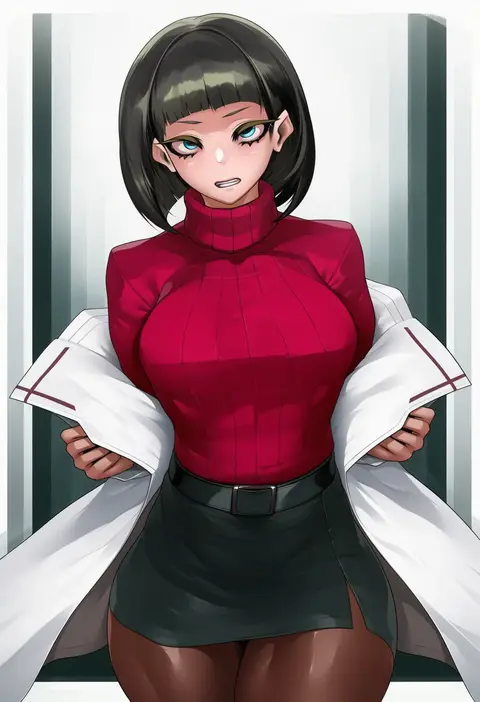
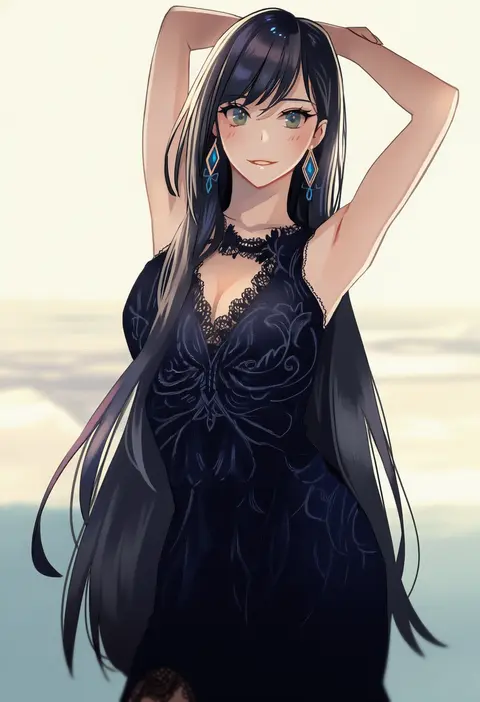
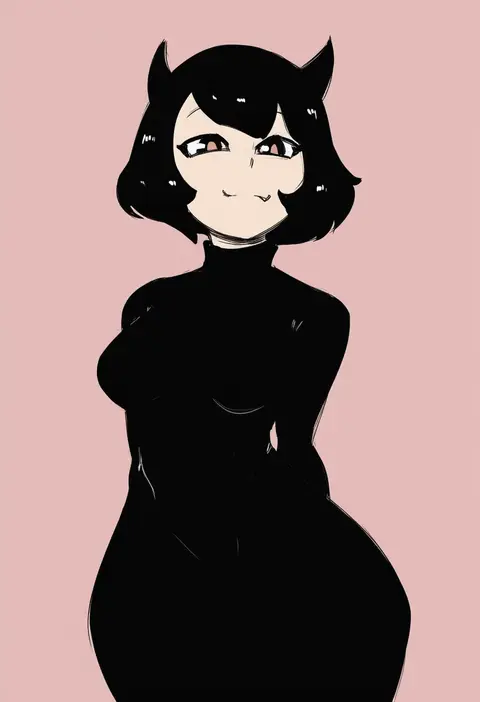
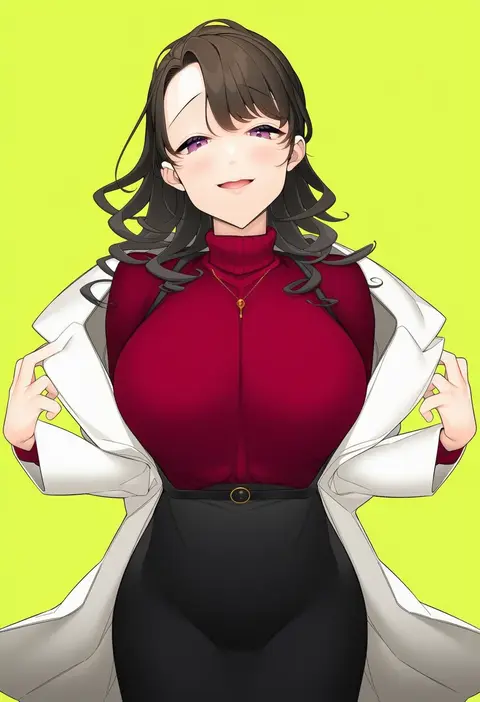
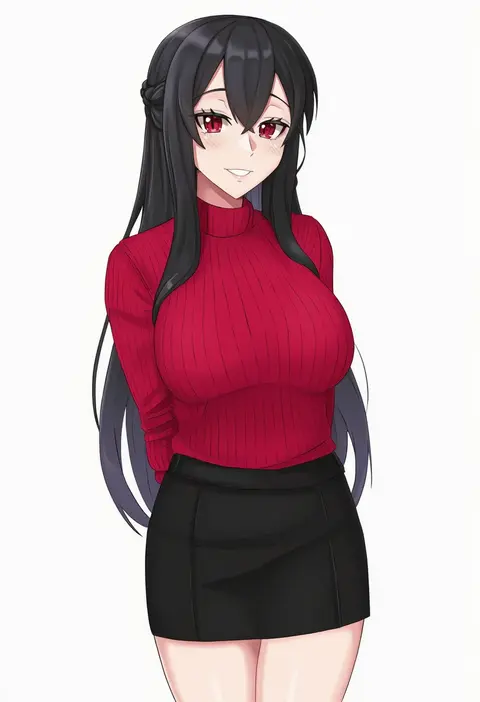
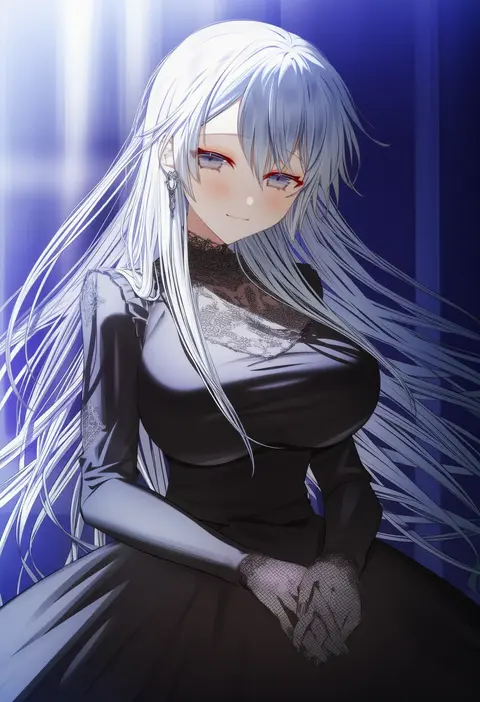
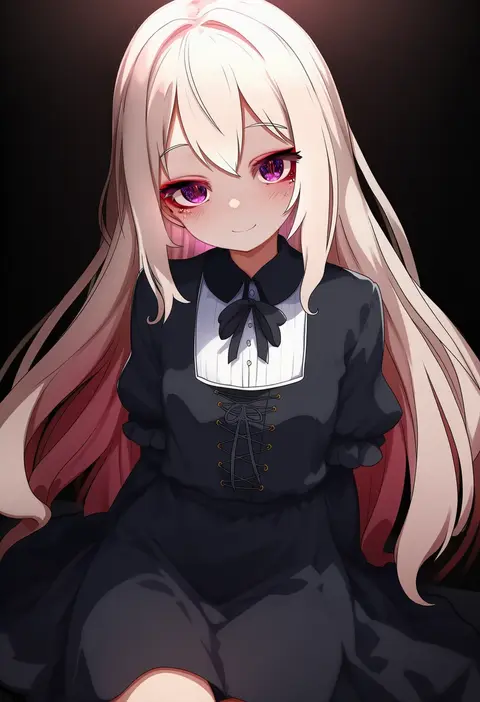
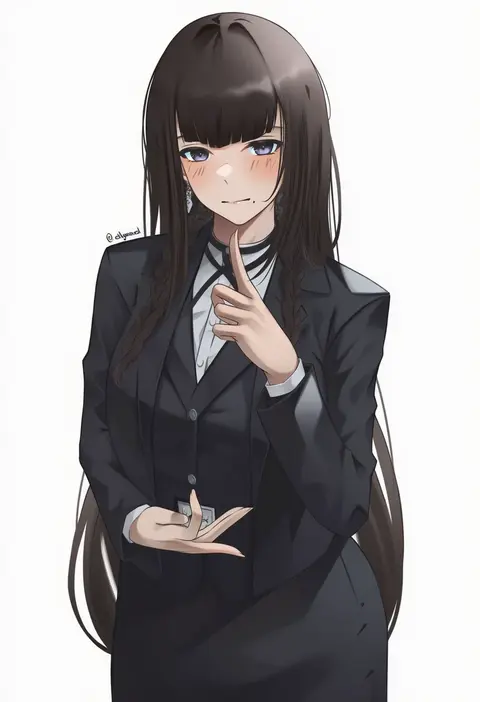
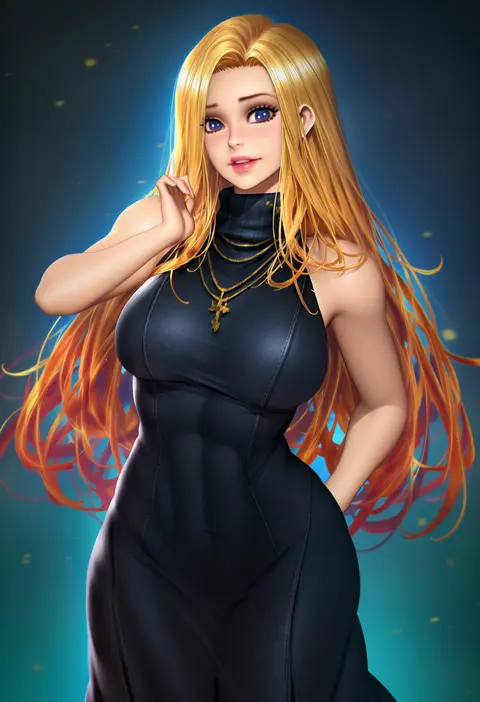
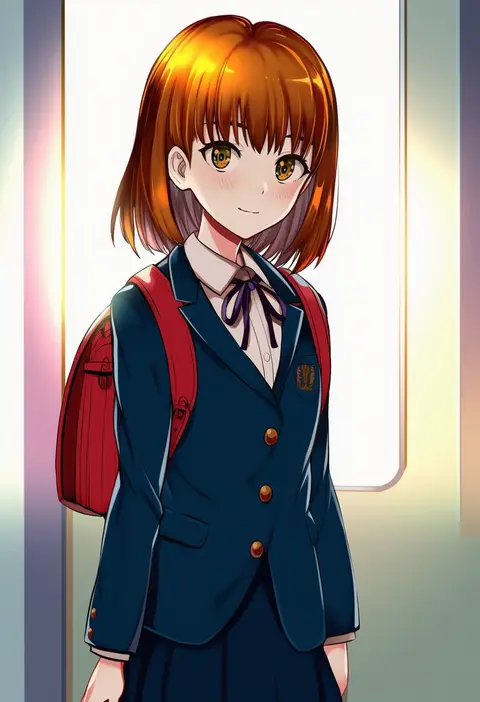
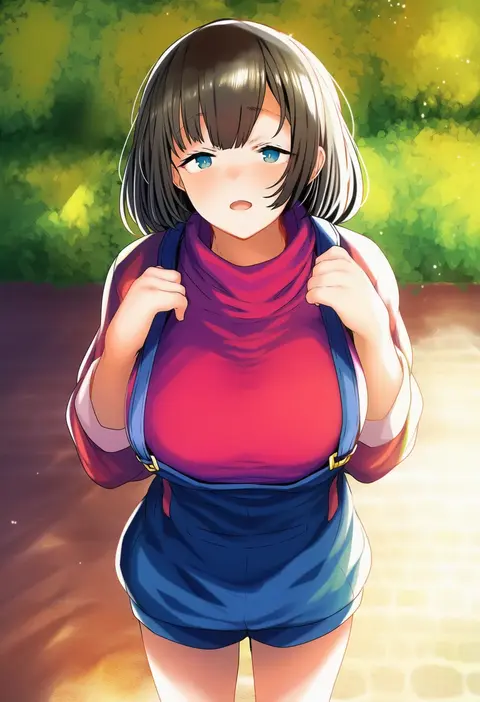
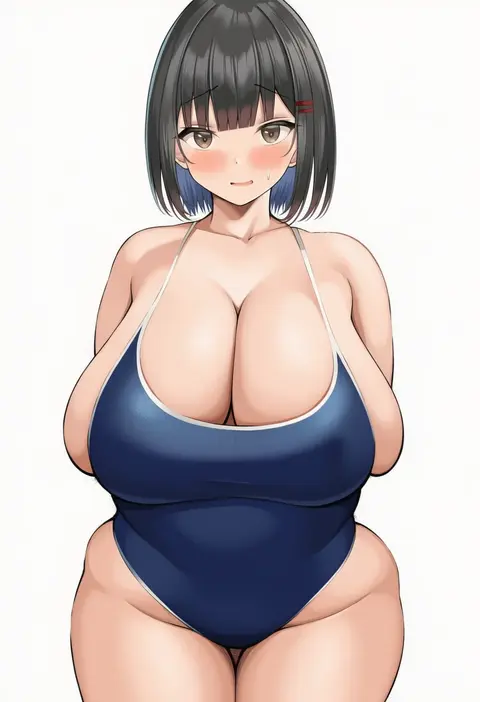
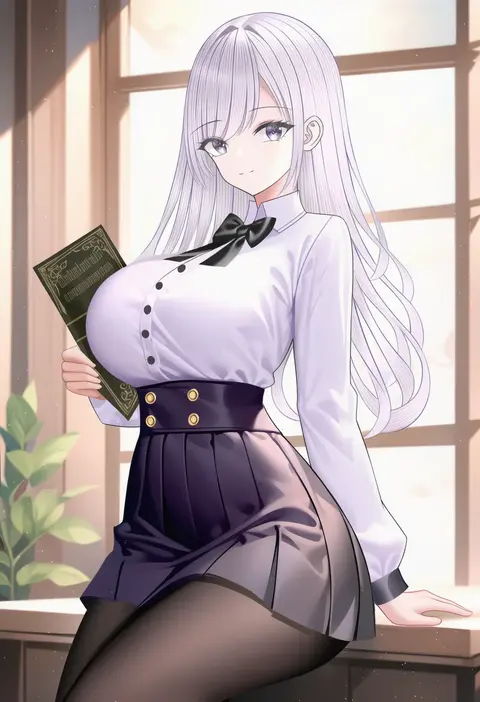
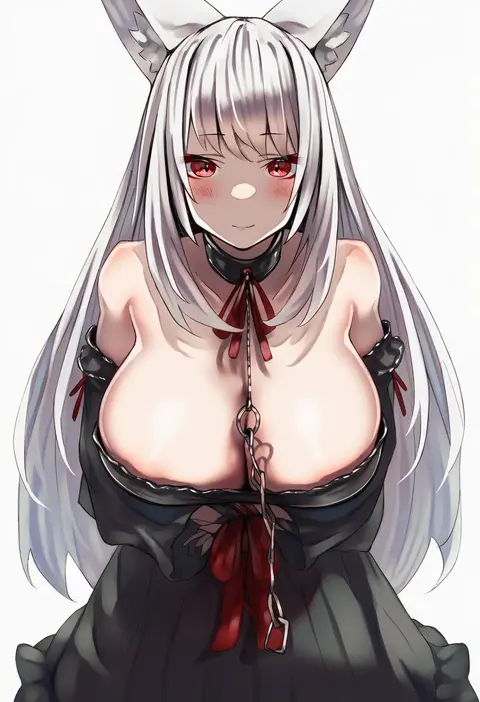
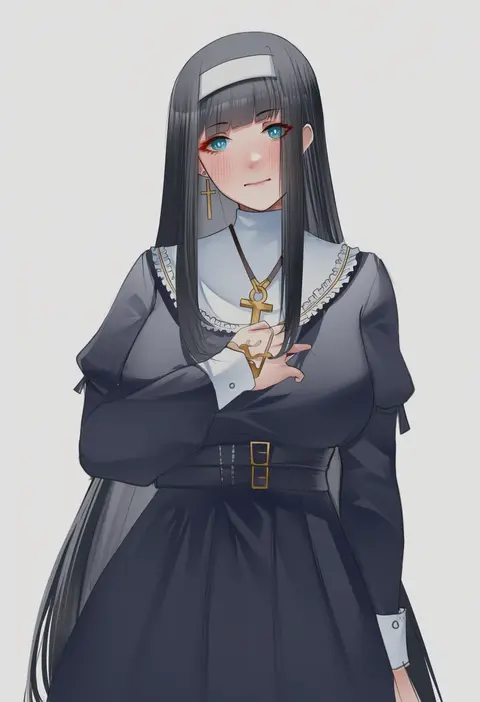
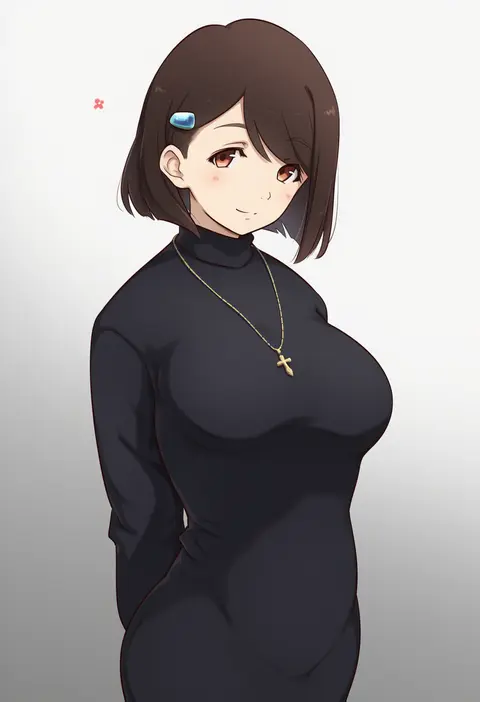
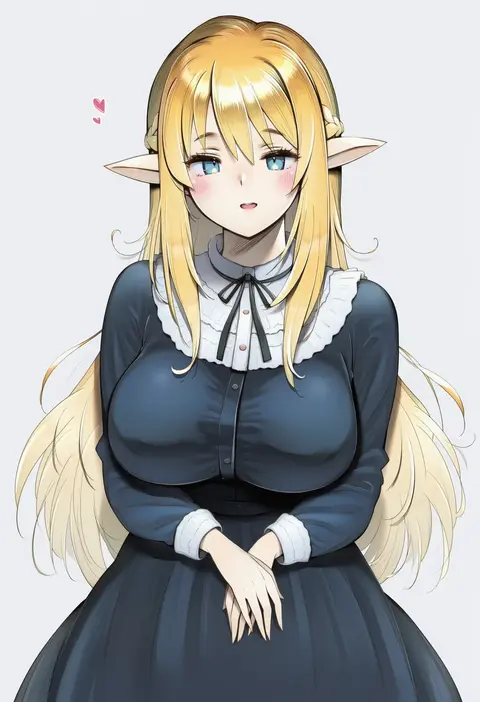
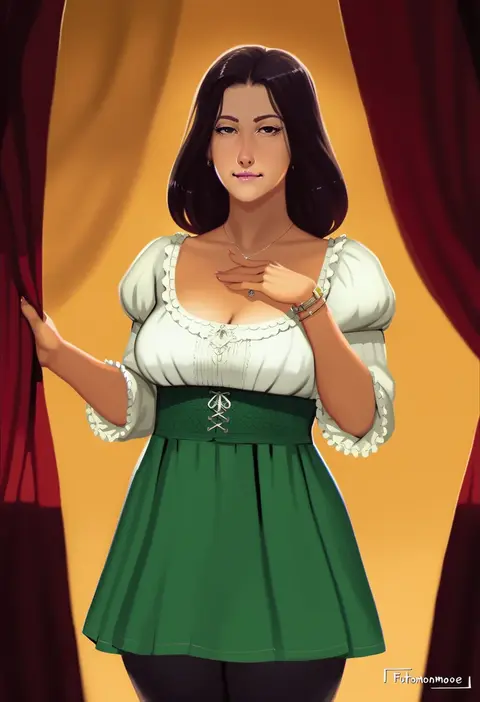
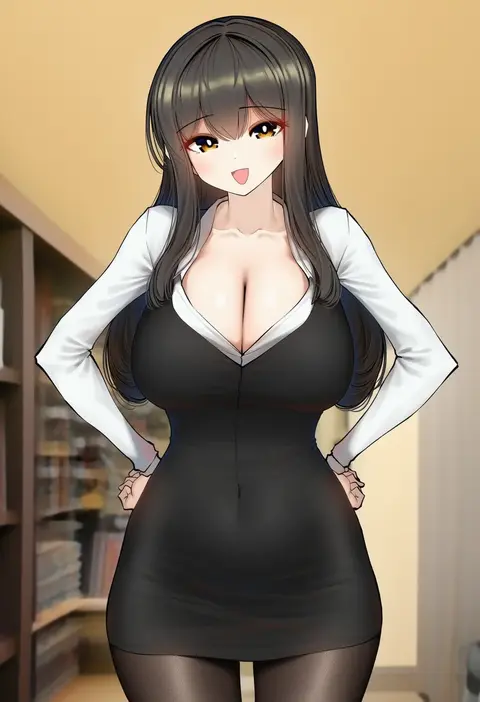
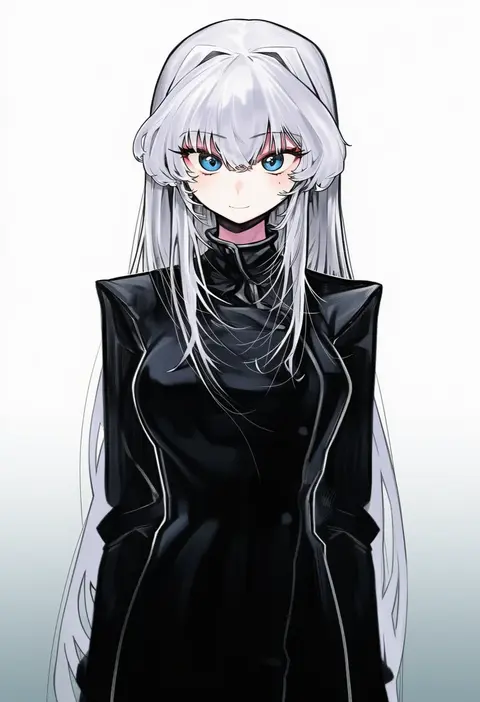
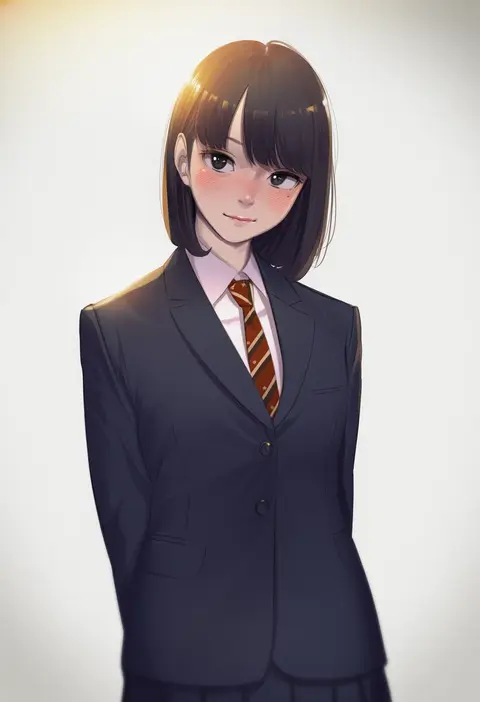
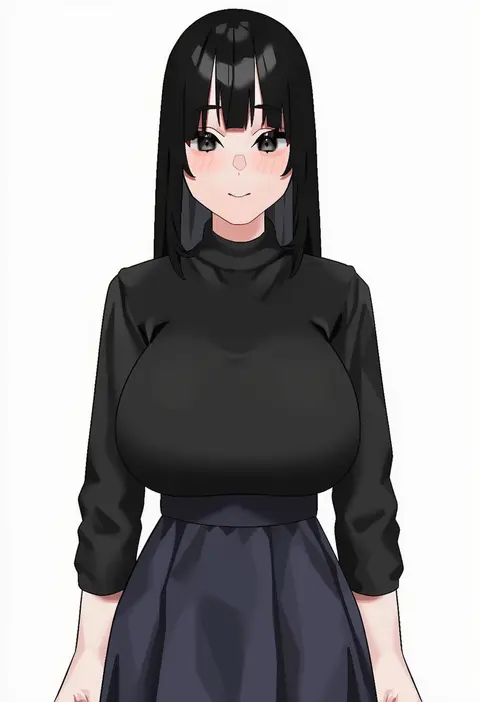
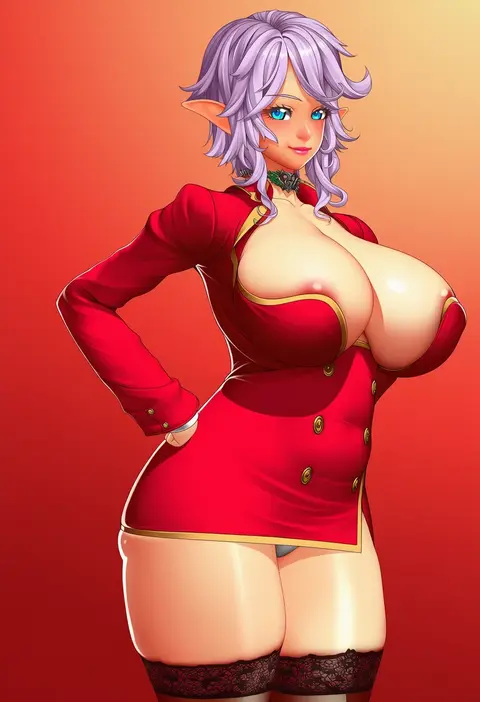
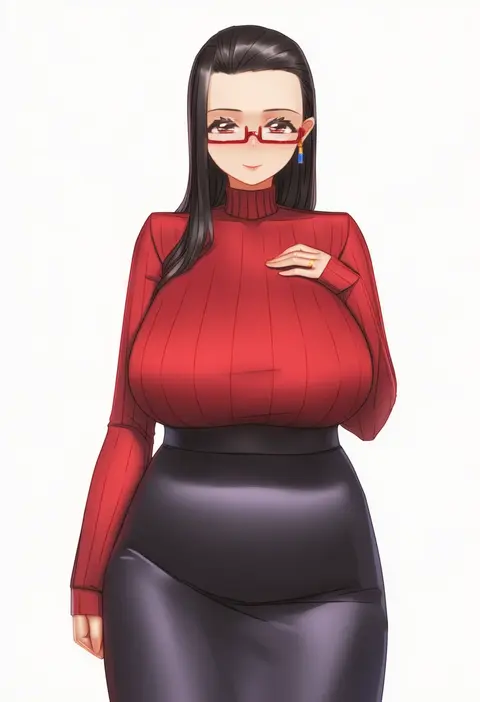
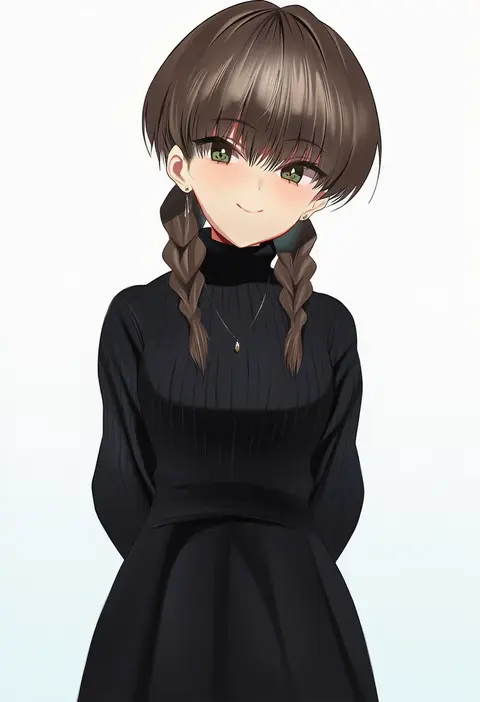
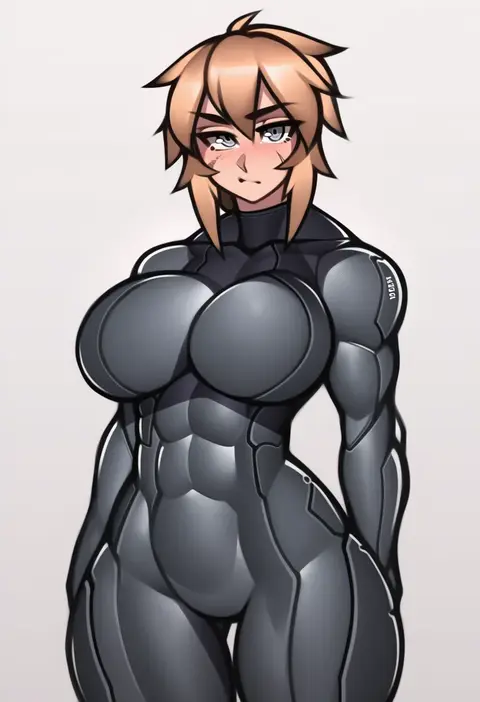
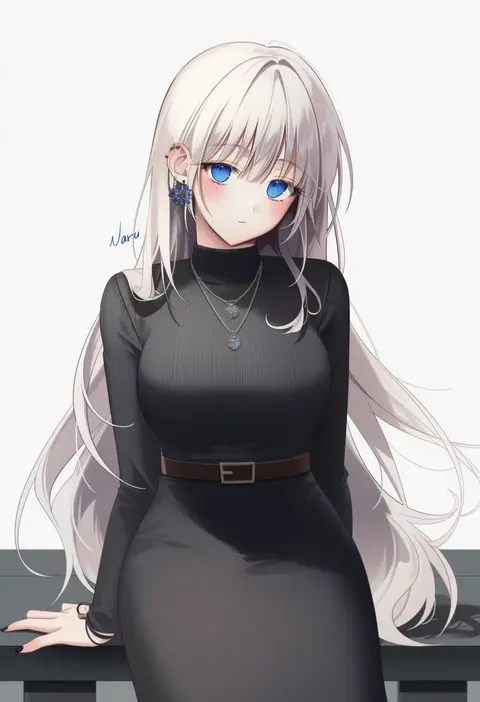
Artist tags tell NovelAI Diffusion to draw in a specific artist's style: line weight, paint texture, face shapes and palette all shift at once. Character and outfit tags decide what is drawn; artist tags decide how. 16,352 tags are listed for V4.5.
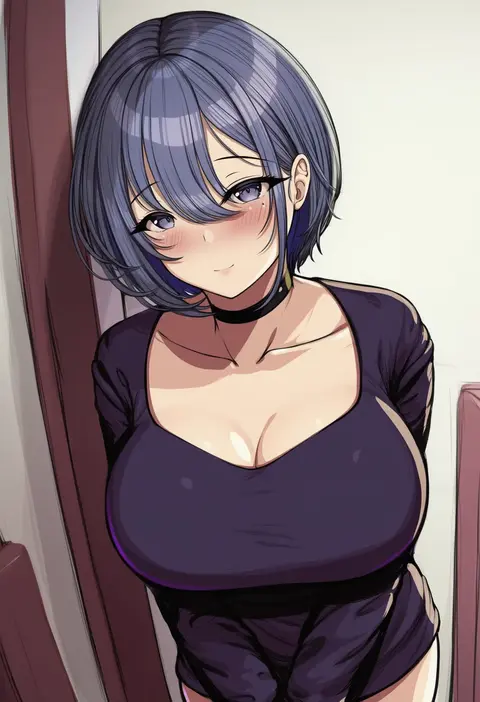
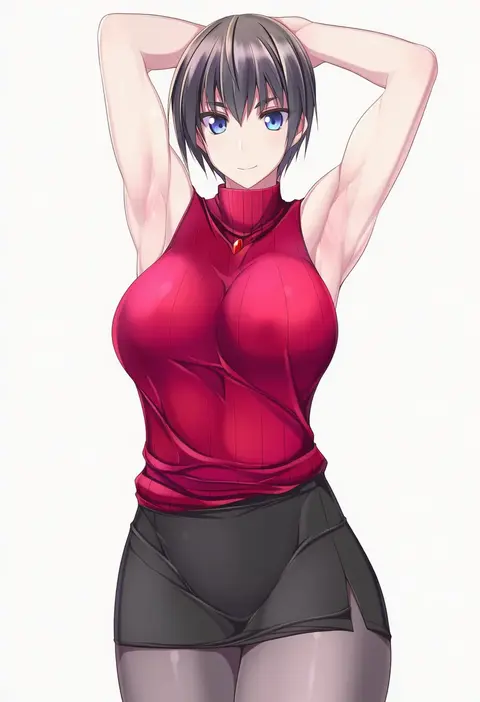
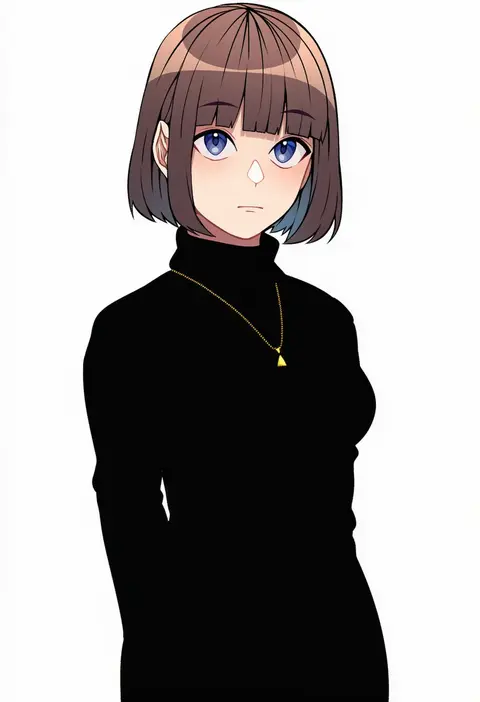
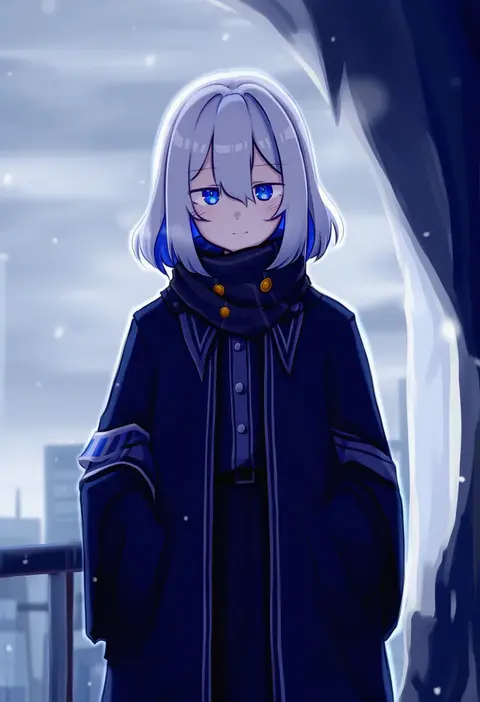
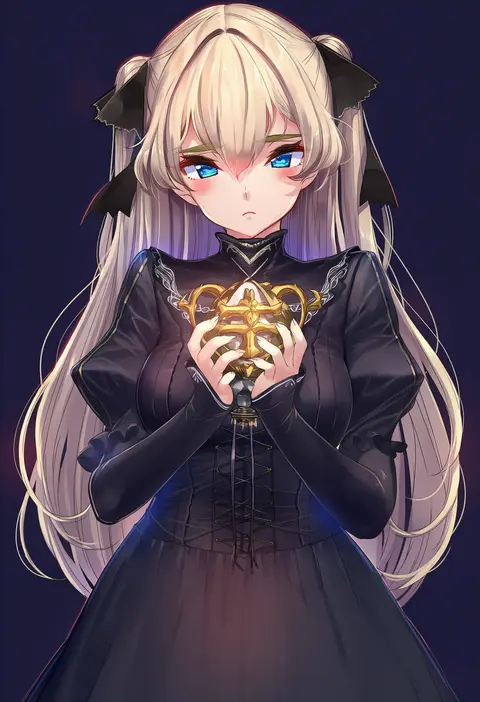
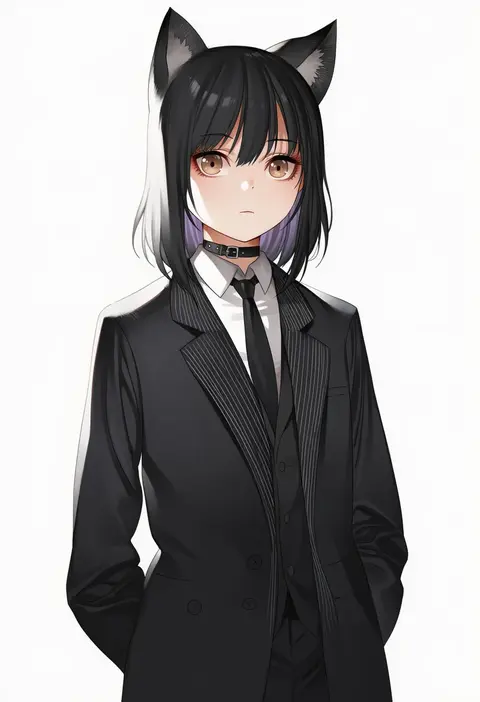
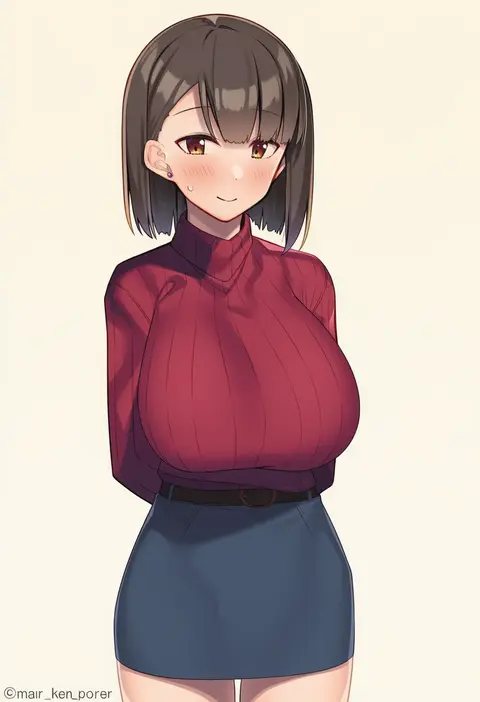
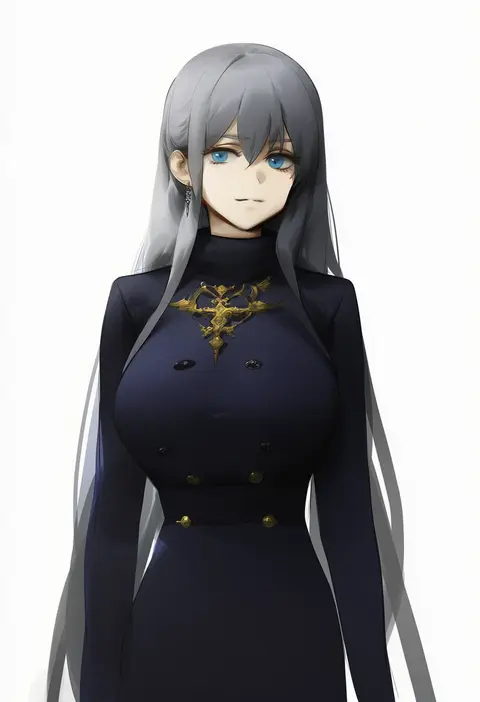
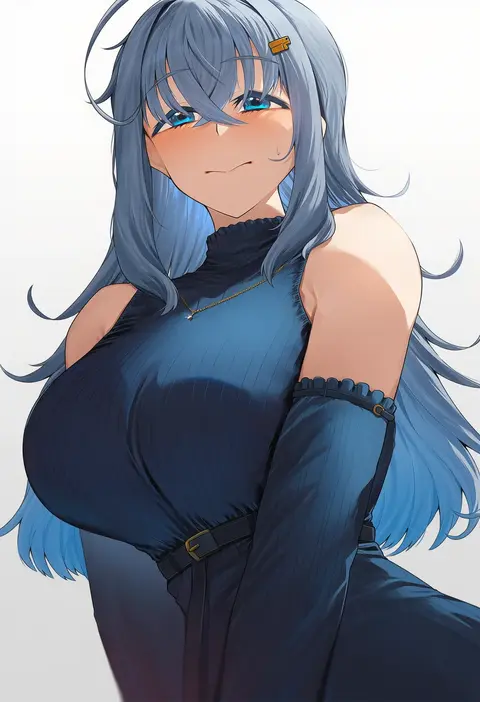
Every tag listed here is verified to react in NovelAI. All images use the same prompt, seed and settings with only the artist tag swapped, so the difference between two images is the style that tag brings in.

How to use them

Put the artist tag near the front of the prompt, e.g. "<artist>, 1girl, solo, best quality, masterpiece, cowboy shot". Two or three artist tags blend styles; lower the weight with "0.8::<artist>::" when the style overpowers the character.

SCORE sorts by Danbooru's top score, POSTS by post count, FAVS by hearts on this site. Open a card to see V5 and V4.5 side by side on the same seed.

V5 vs V4.5

V5 usually lands closer to the artist's real style, and tags that did nothing on V4.5 often react on V5. V4.5 still fits older and doujin-heavy artists better. Try V5 first, fall back to V4.5.

FAQ

Where does the artist tag go?
Near the front of the prompt. Use "0.8::tag::" to adjust its weight.

Can I stack artist tags?
Yes, styles blend. Past two or three the result stops looking like anyone.

Are these the artists' own works?
No. Every image is a NovelAI sample generated from the tag.