V4.5Artists
sort: FAVS▾
▾
>
$

NovelAI Artist Tags List — V4.5

artist --count 16,352[58/273]
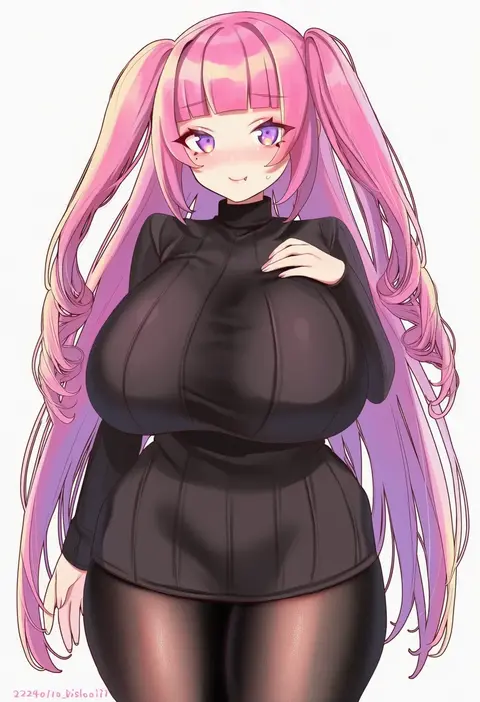
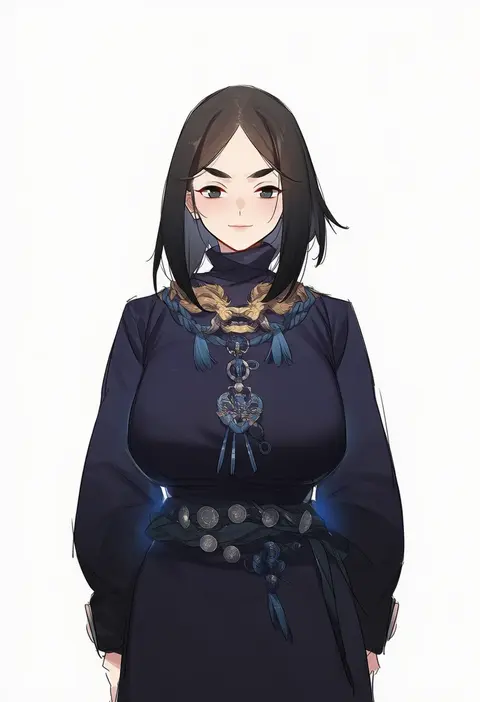
bishooji
ARTIST0x0D5C
0
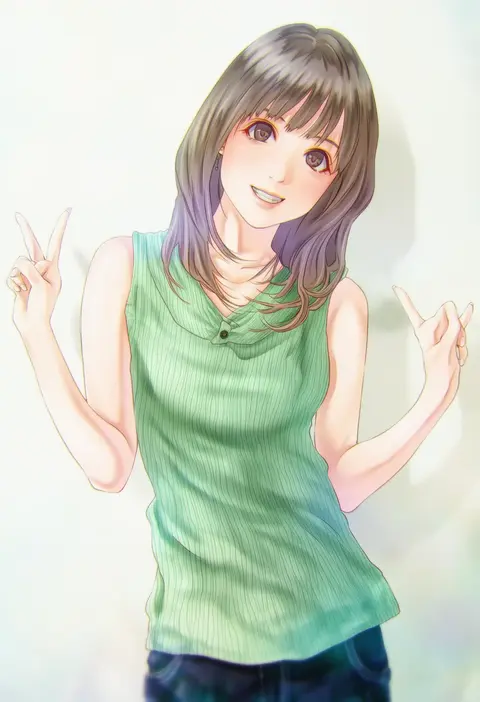
gebijiade 89
ARTIST0x0D5D
0
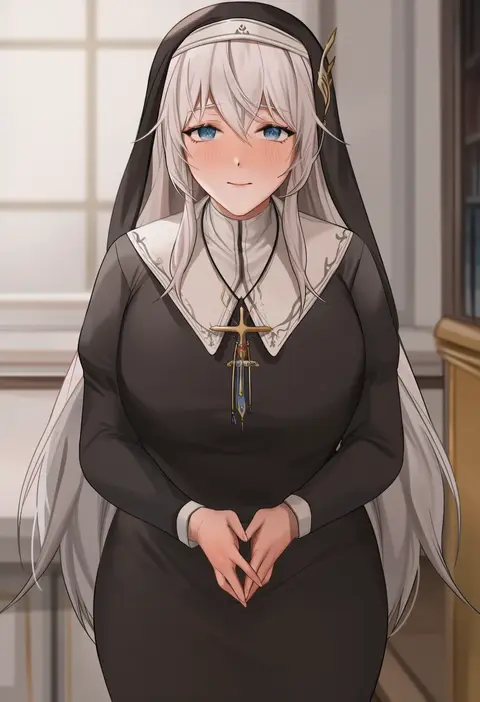
kinoebi
ARTIST0x0D5E
0
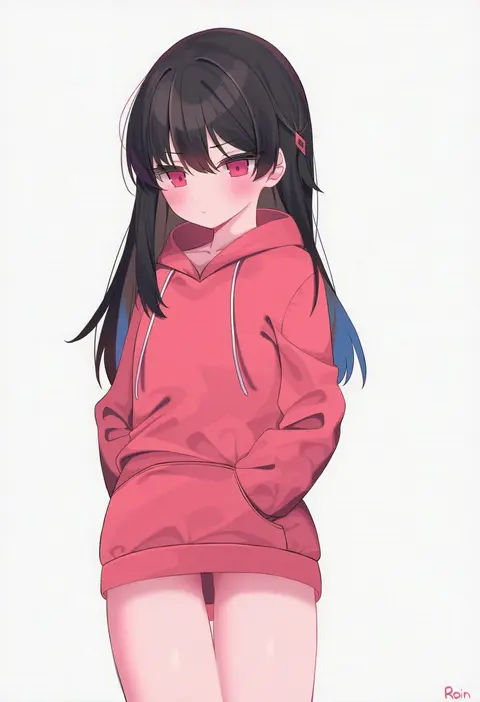
muunai
ARTIST0x0D5F
0
roin
ARTIST0x0D60
0
coldcat.
ARTIST0x0D61
0
goribote
ARTIST0x0D62
0
kuen (kuennn12)
ARTIST0x0D63
0
shibuya (kurokamishain)
ARTIST0x0D64
0
hukahito
ARTIST0x0D65
0
band (skymole01)
ARTIST0x0D66
0
akizora momiji
ARTIST0x0D67
0
fluegel (gumi710)
ARTIST0x0D68
0
kimtoxic
ARTIST0x0D69
0
mebae
ARTIST0x0D6A
0
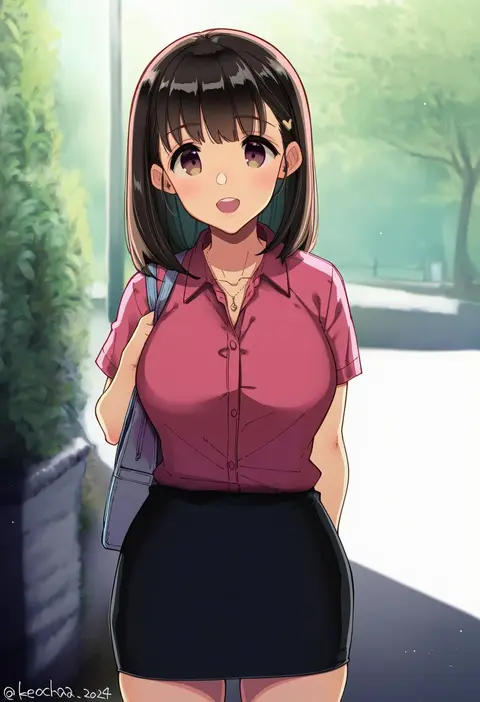
kekocha
ARTIST0x0D6B
0
kamue
ARTIST0x0D6C
0
kaita (mokamilkcup)
ARTIST0x0D6D
0
eo masaka
ARTIST0x0D6E
0
kitaku (nakamachi machi)
ARTIST0x0D6F
0
maho moco
ARTIST0x0D70
0
mama (mama hiro)
ARTIST0x0D71
0
inari (inariya)
ARTIST0x0D72
0
endou masatoshi
ARTIST0x0D73
0
hiragana oufu
ARTIST0x0D74
0
infi
ARTIST0x0D75
0
slash-ex
ARTIST0x0D76
0
otsumami (02mami)
ARTIST0x0D77
0
shirow (mha03133)
ARTIST0x0D78
0
leveen
ARTIST0x0D79
0
sheryama
ARTIST0x0D7A
0
emyo
ARTIST0x0D7B
0
rekaerb maerd
ARTIST0x0D7C
0
kyou 039
ARTIST0x0D7D
0
roxxxan
ARTIST0x0D7E
0
tabayashi
ARTIST0x0D7F
0
m.q (mqkyrie)
ARTIST0x0D80
0
warubo
ARTIST0x0D81
0
rahime
ARTIST0x0D82
0
jingb dx
ARTIST0x0D83
0
kagto (alterna)
ARTIST0x0D84
0
elfenlied22
ARTIST0x0D85
0
jagaimo (kkamja)
ARTIST0x0D86
0
rukitsura
ARTIST0x0D87
0
hirasawa seiji
ARTIST0x0D88
0
tenkuu nozora
ARTIST0x0D89
0
kauru00
ARTIST0x0D8A
0
facominn
ARTIST0x0D8B
0
sk jynx
ARTIST0x0D8C
0
putcher
ARTIST0x0D8D
0
tomoo (tomo)
ARTIST0x0D8E
0
omutatsu
ARTIST0x0D8F
0
usagi poi
ARTIST0x0D90
0
bbolalus
ARTIST0x0D91
0
ankkoyom
ARTIST0x0D92
0
pinepin
ARTIST0x0D93
0
jehyun
ARTIST0x0D94
0
souji hougu
ARTIST0x0D95
0
milktea (gggrrr2000)
ARTIST0x0D96
0
kuase
ARTIST0x0D97
0

What these tags change

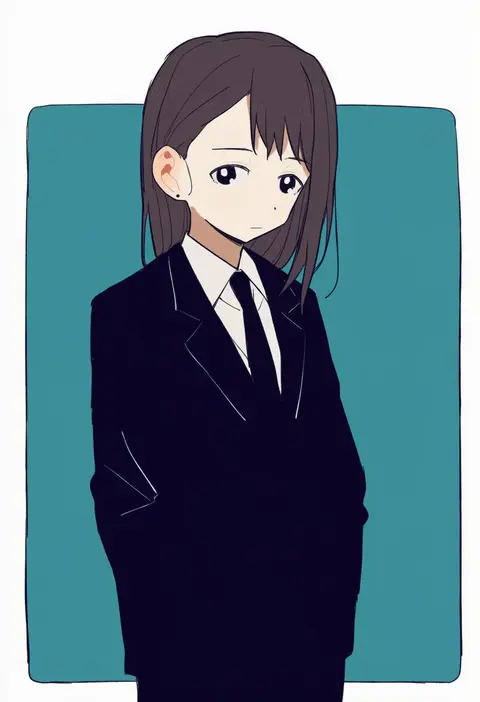
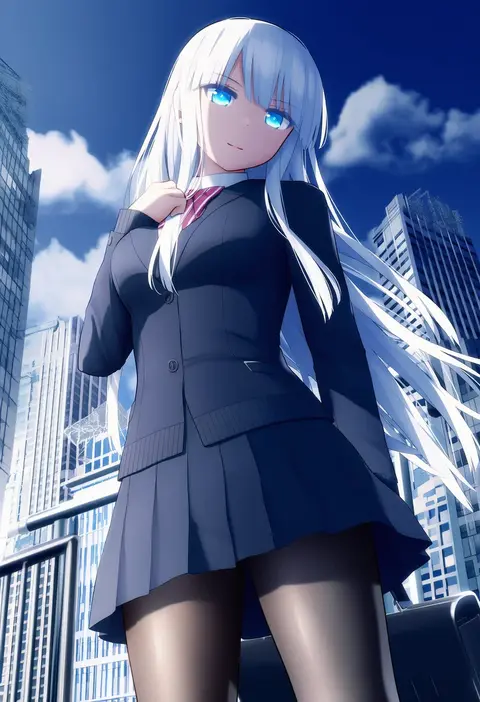
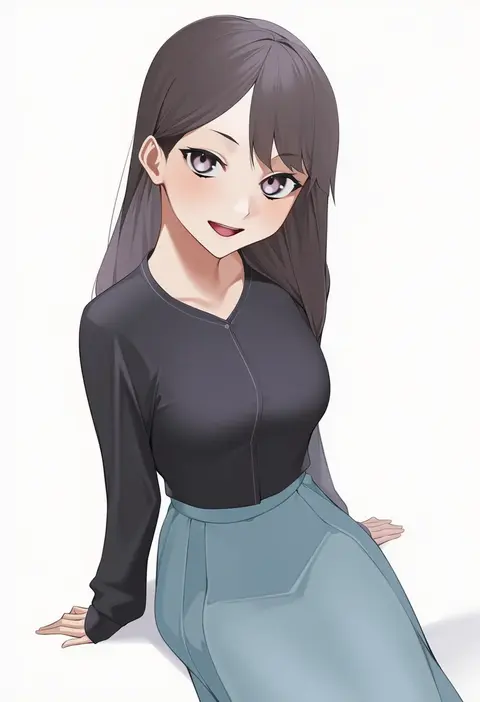
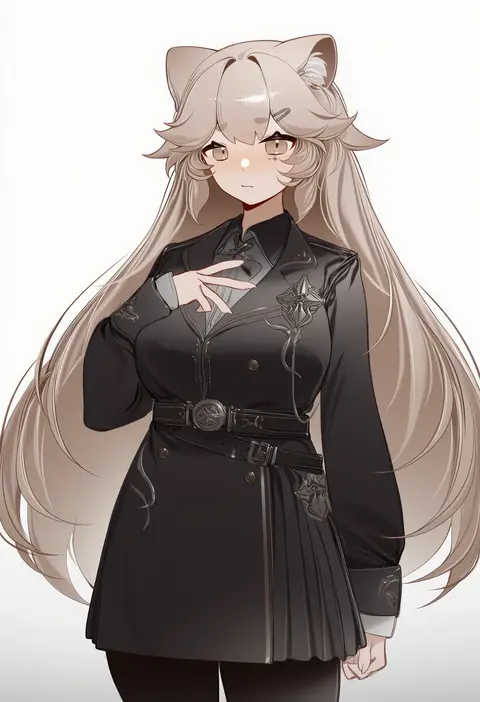
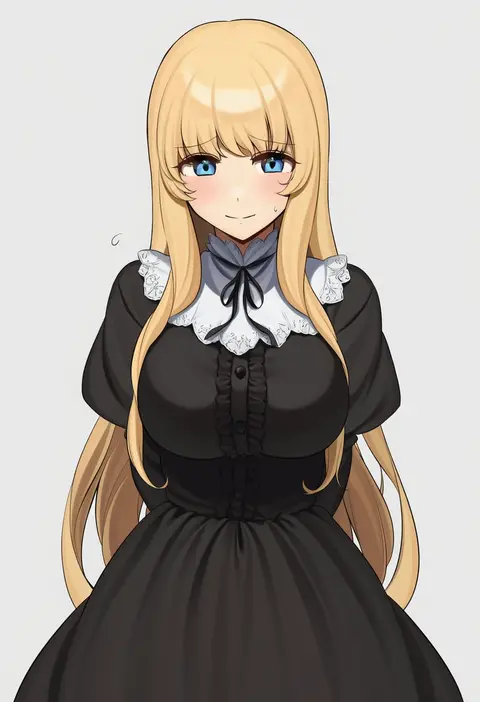
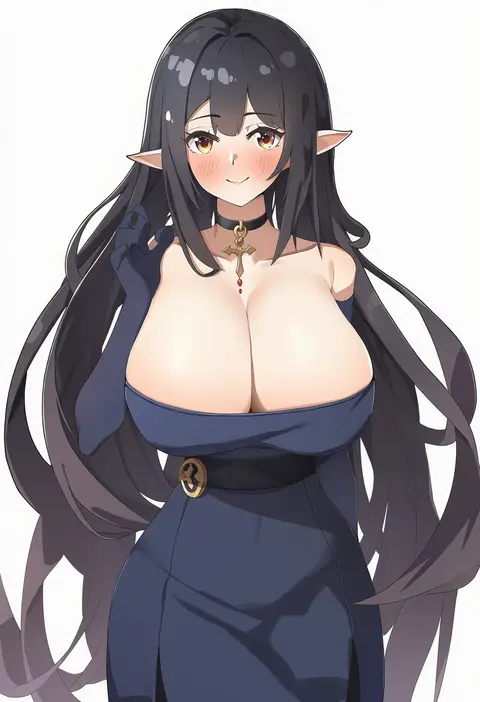
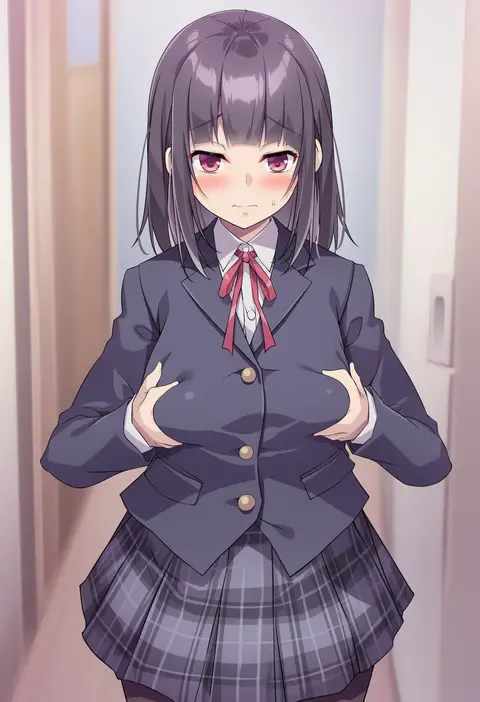
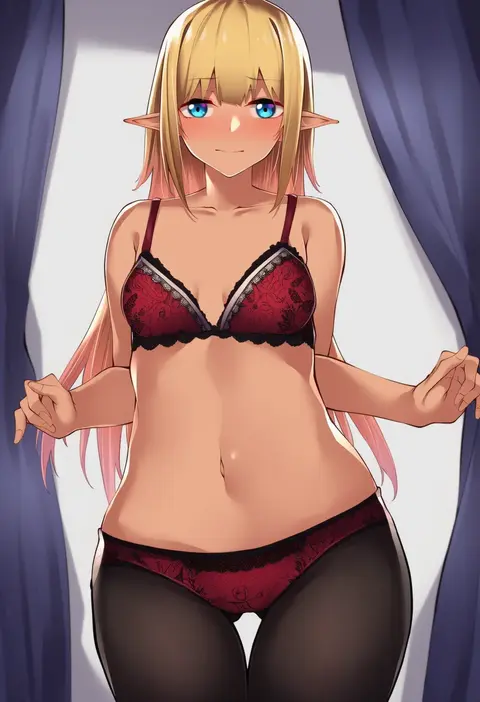
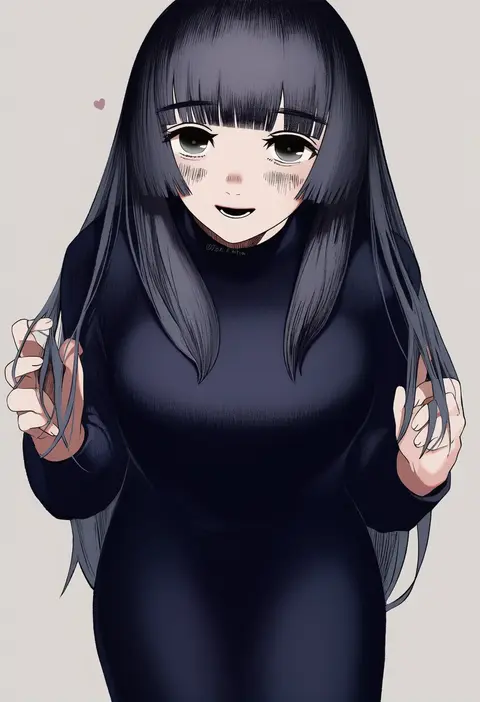
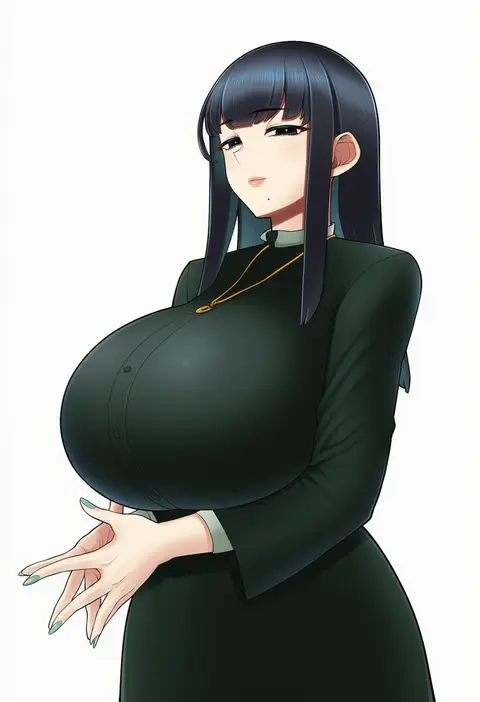
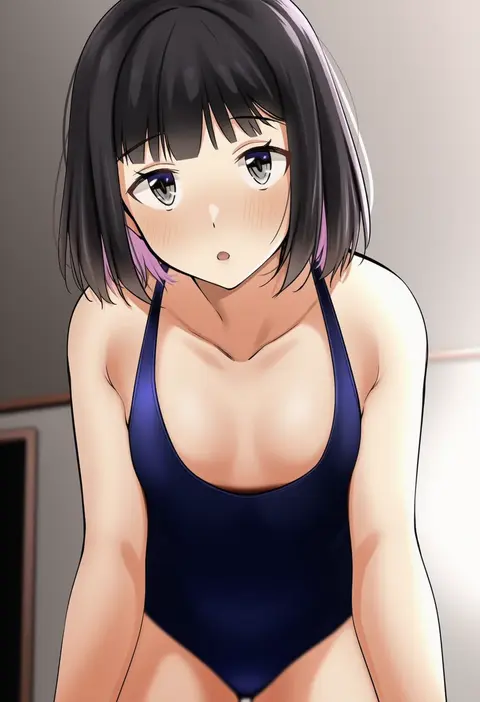
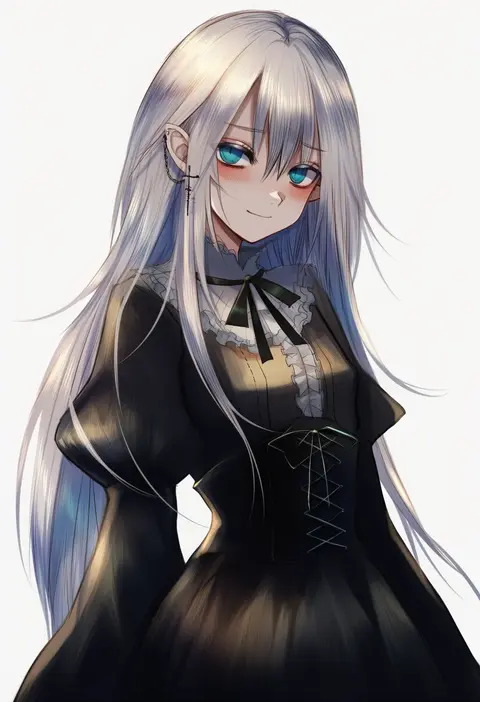
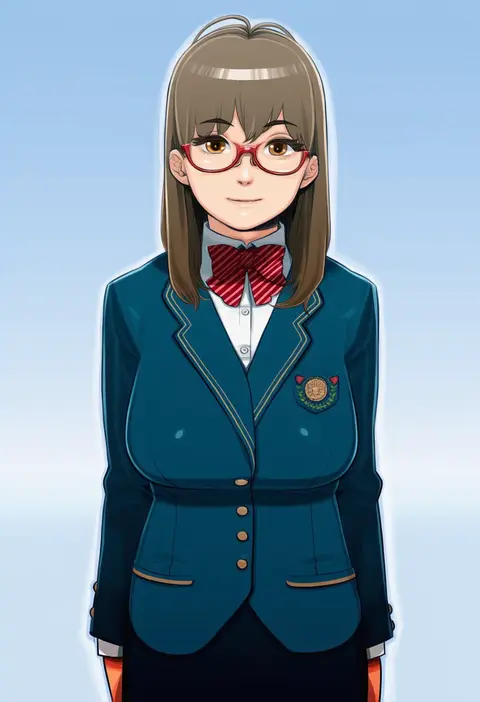
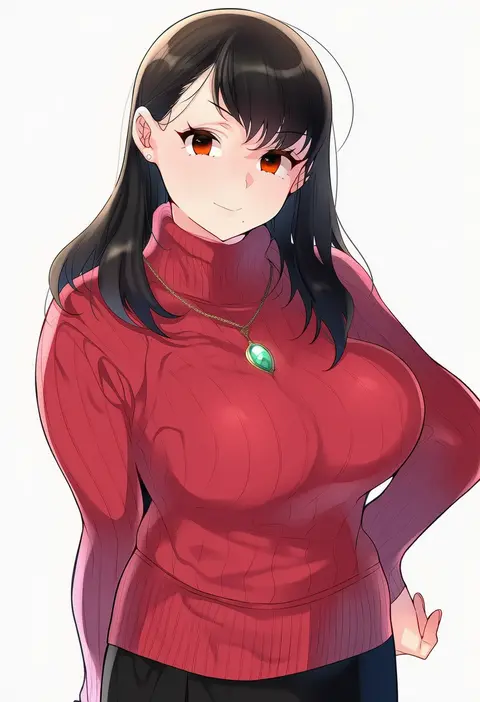
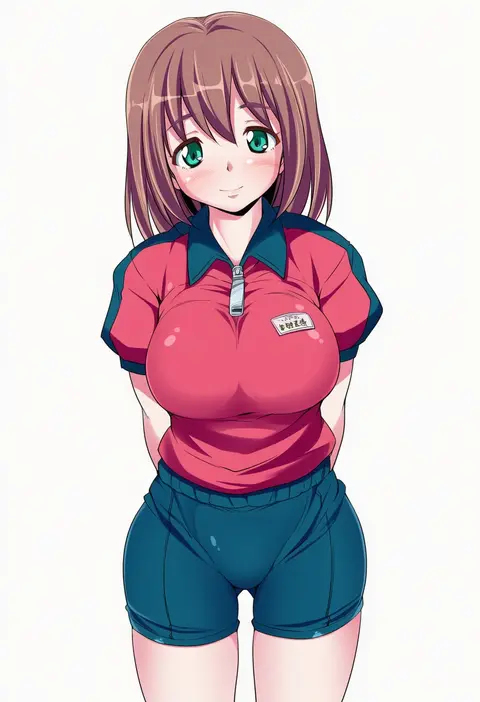
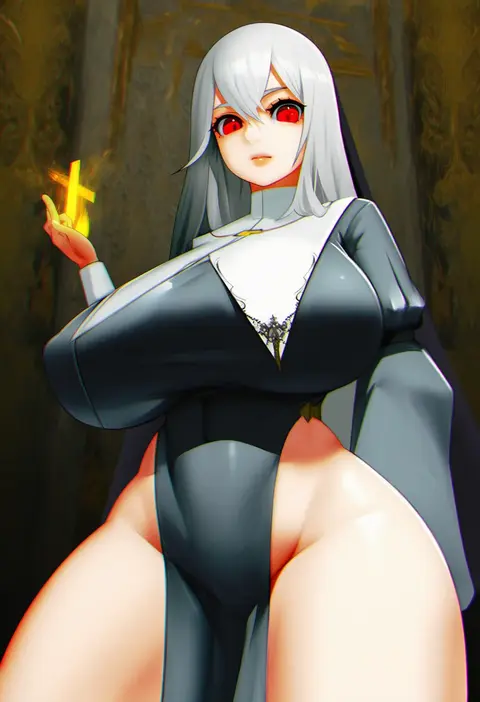
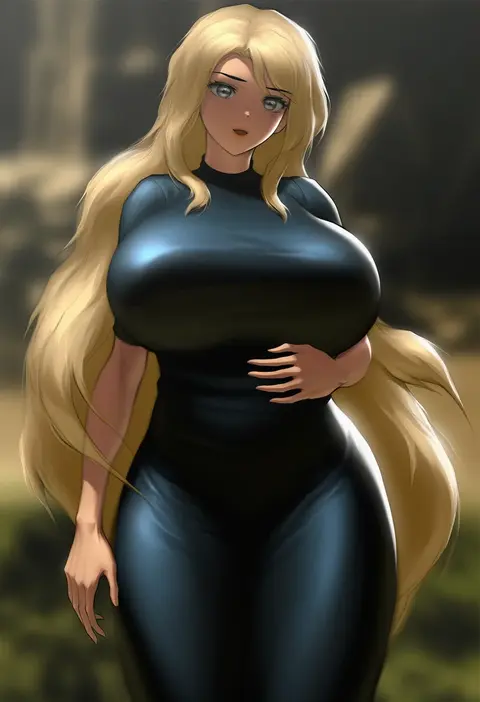
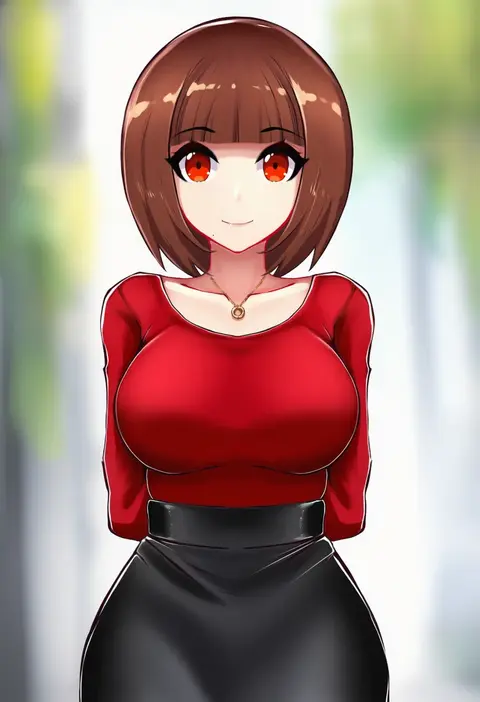
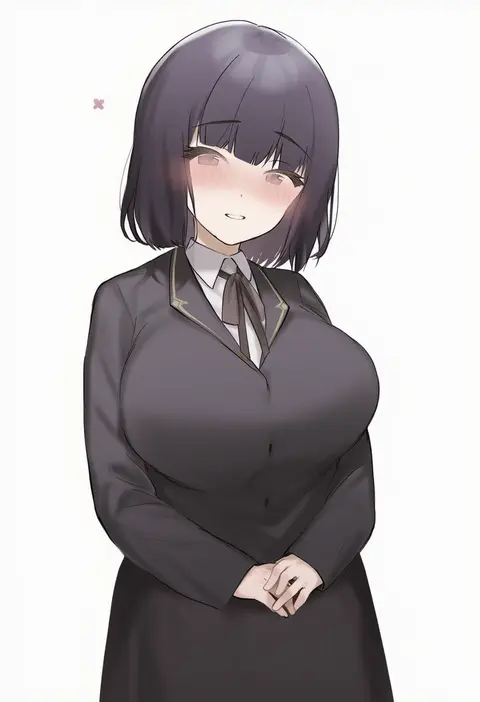
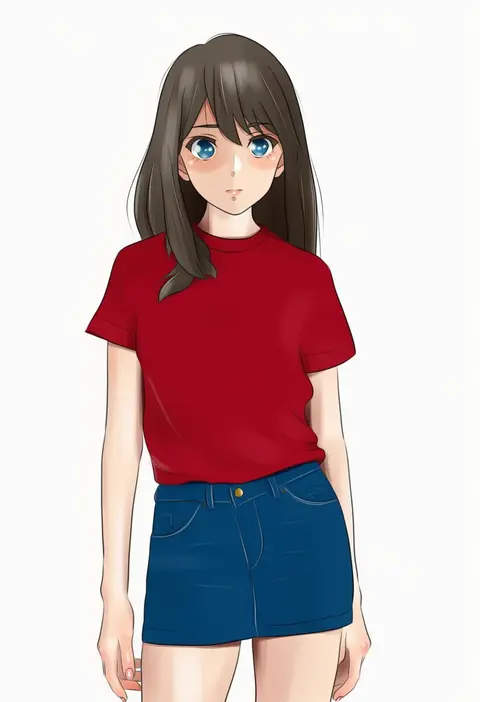
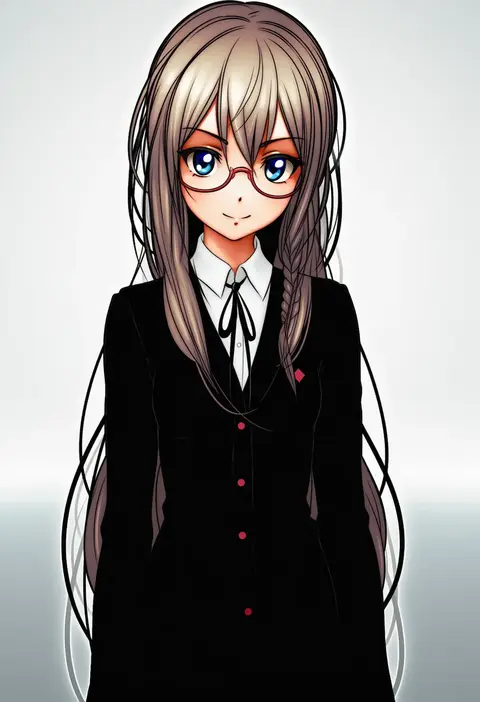
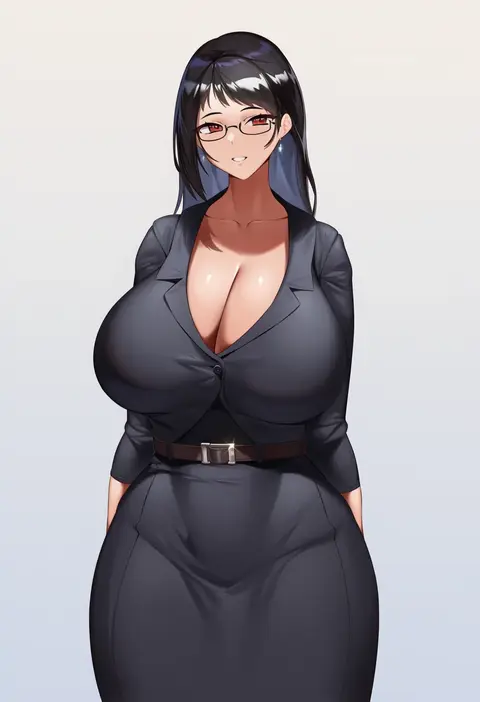
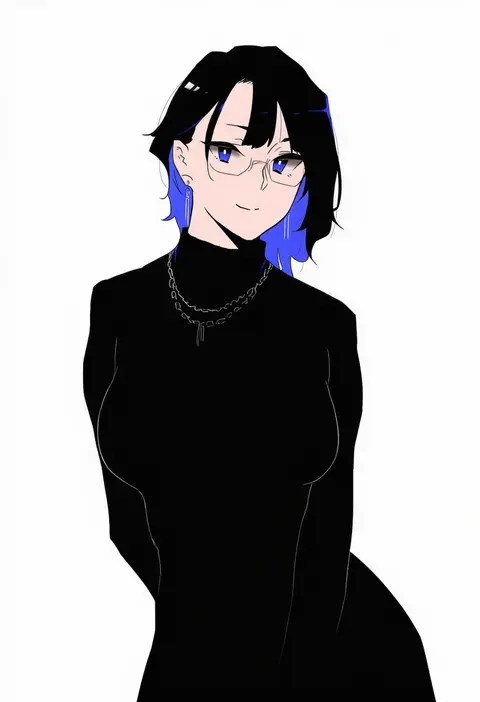
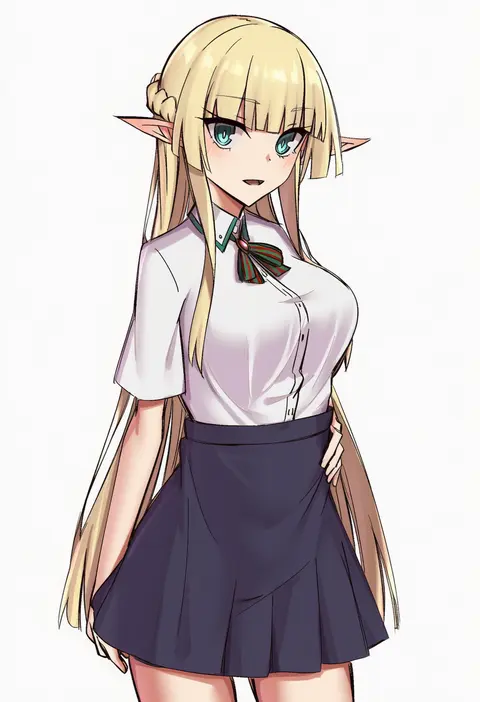
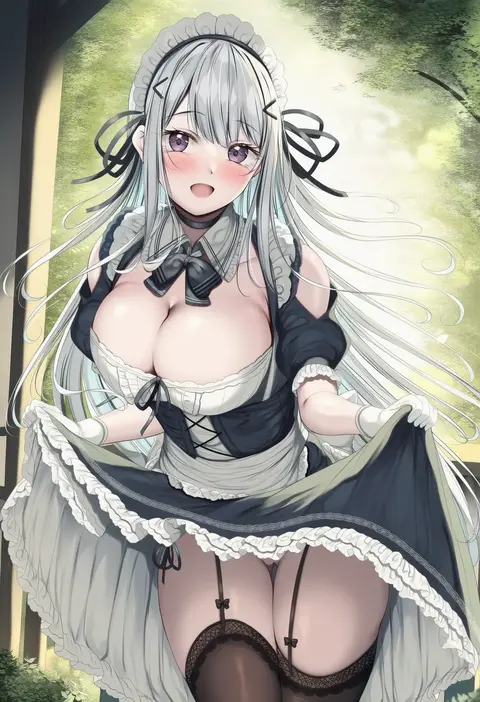
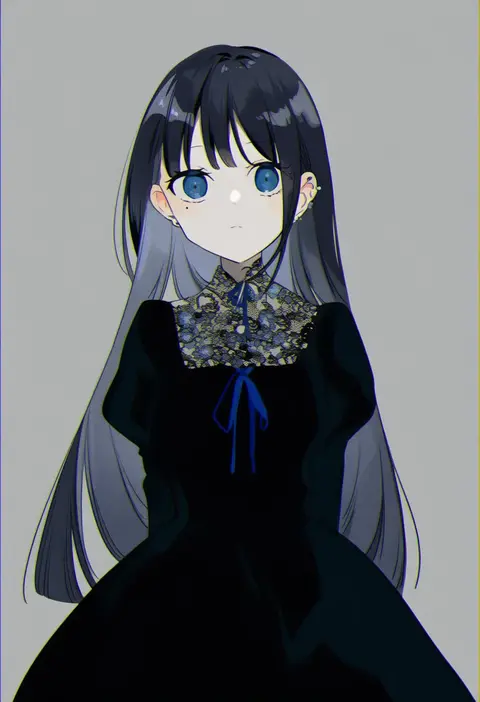
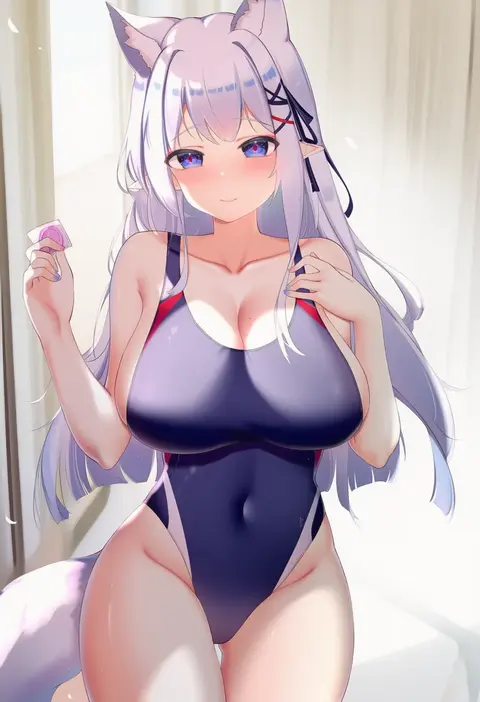
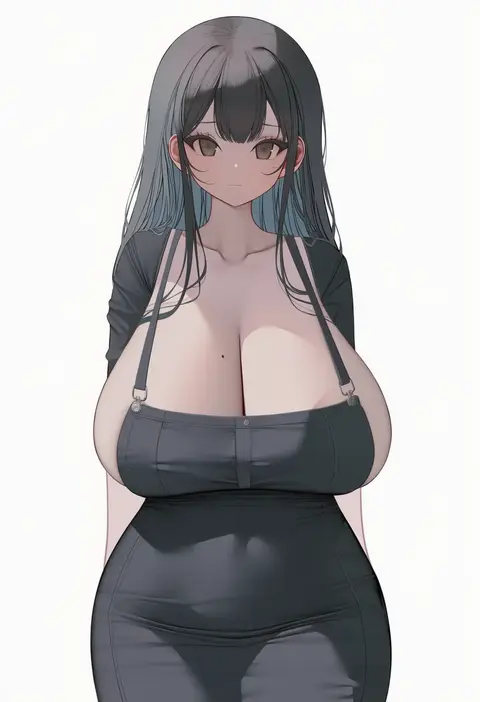
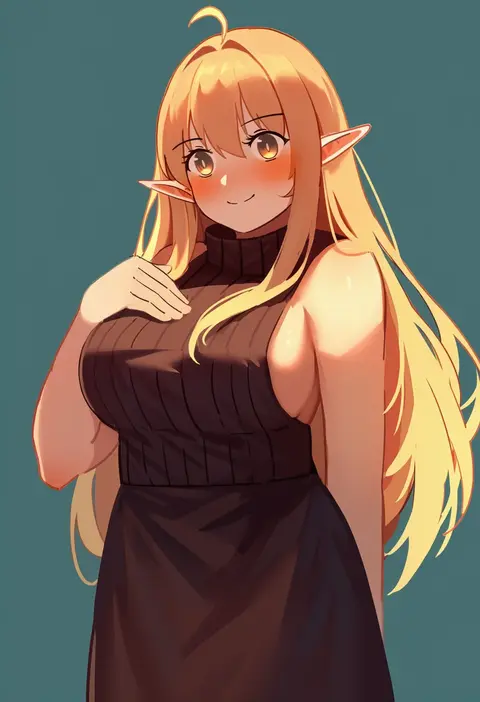
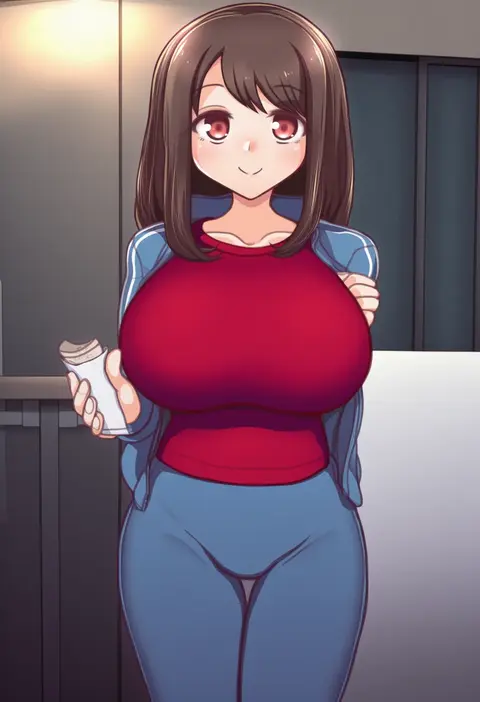
Artist tags tell NovelAI Diffusion to draw in a specific artist's style: line weight, paint texture, face shapes and palette all shift at once. Character and outfit tags decide what is drawn; artist tags decide how. 16,352 tags are listed for V4.5.
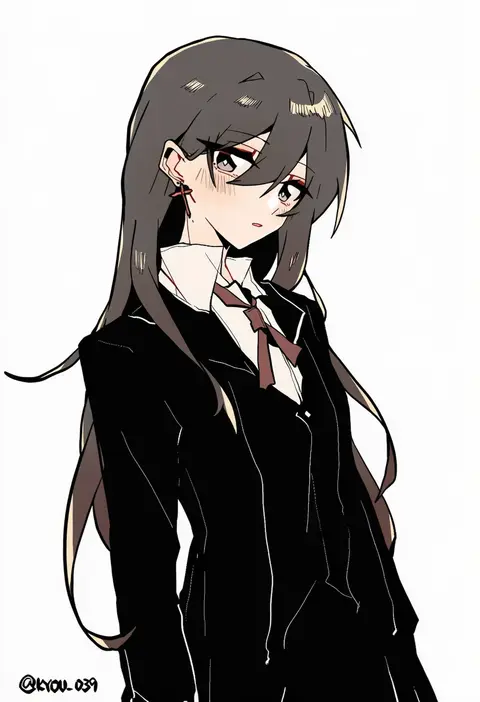
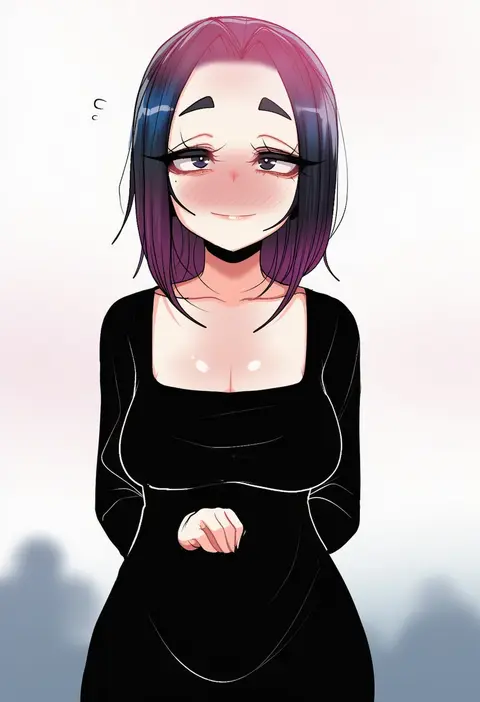
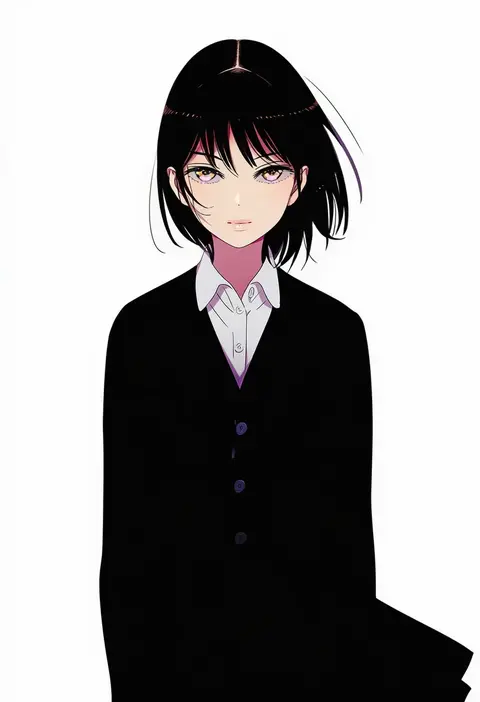
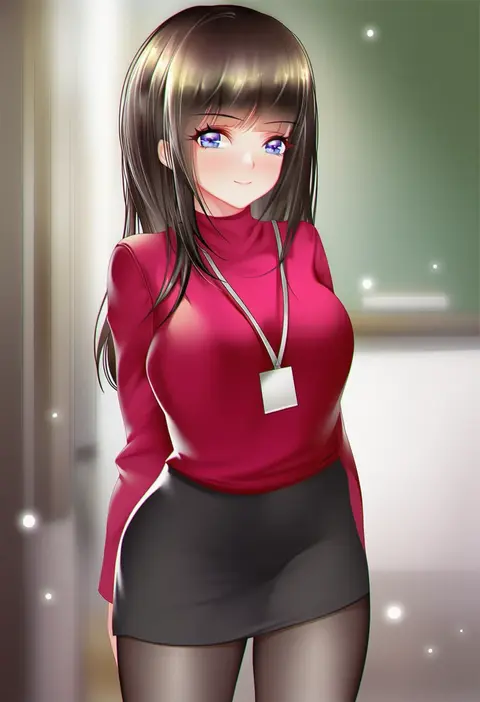
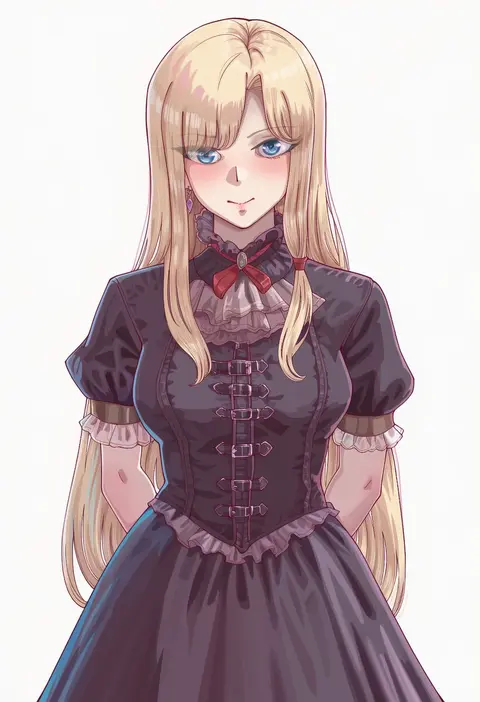
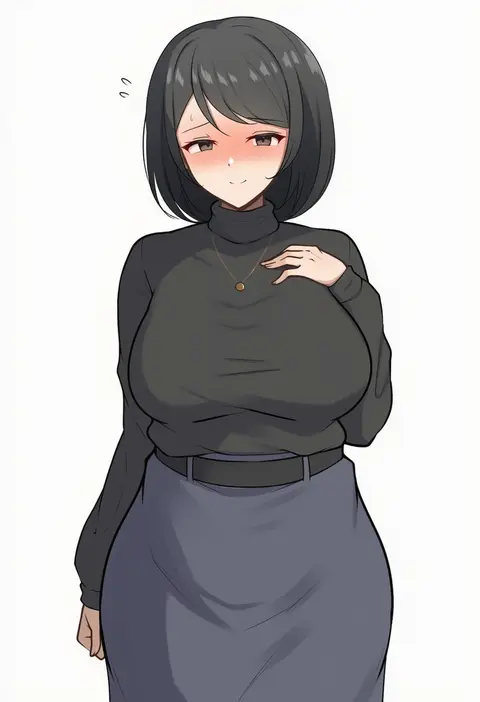
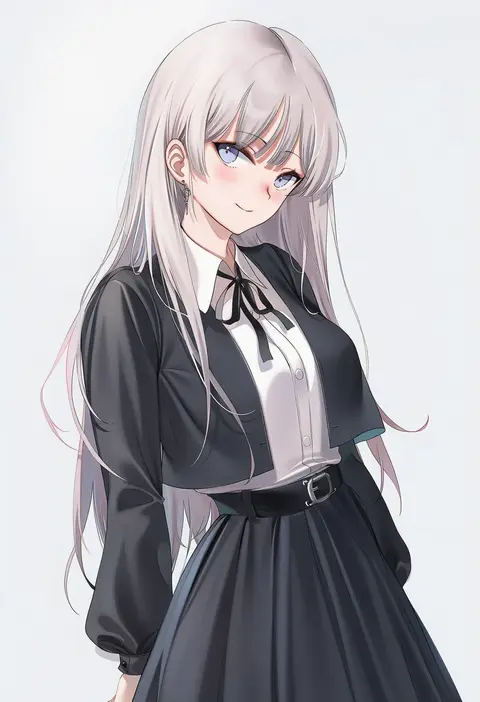
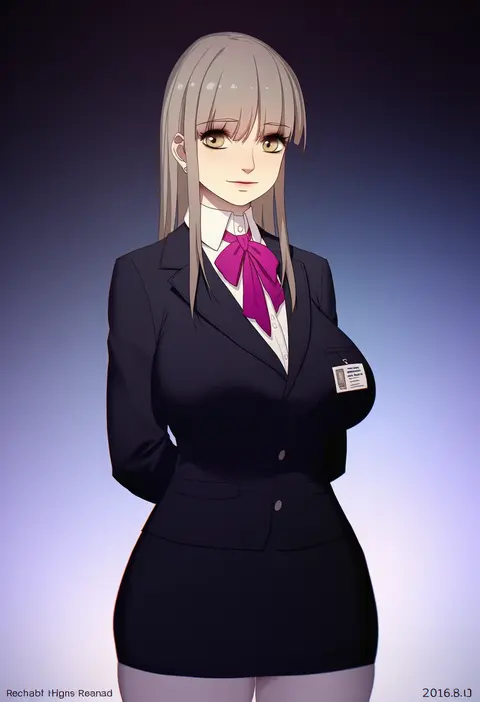
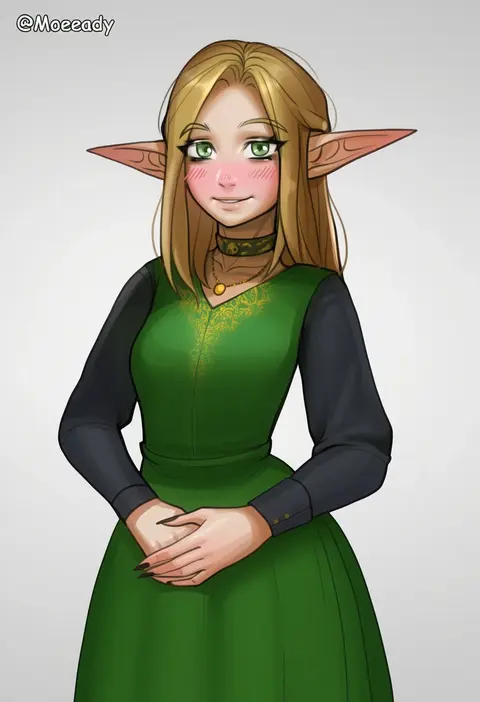
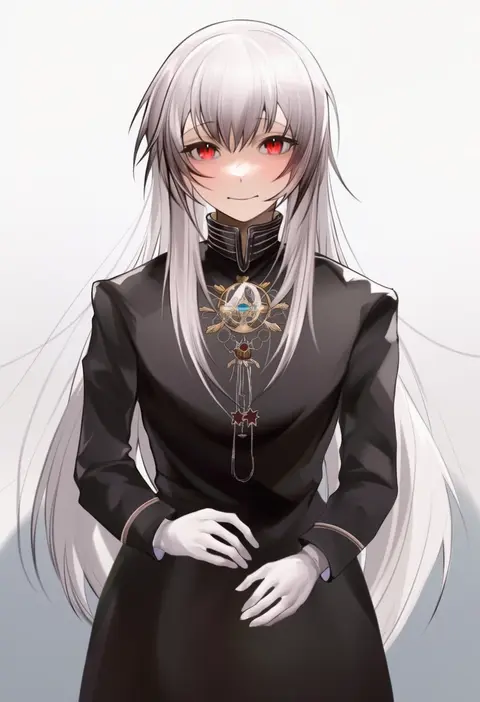
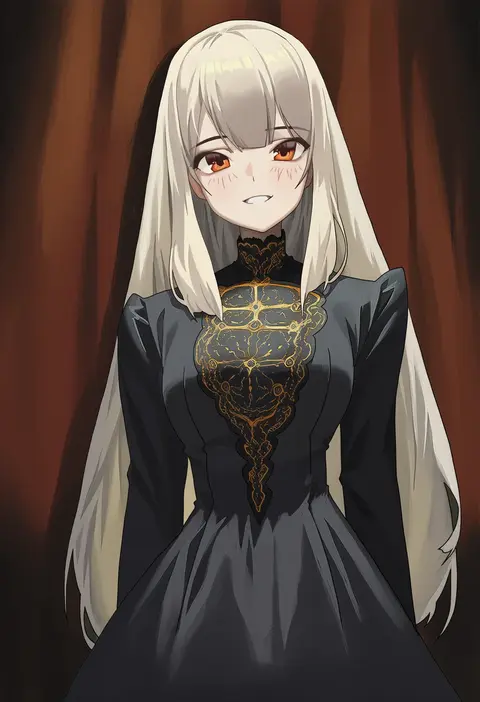
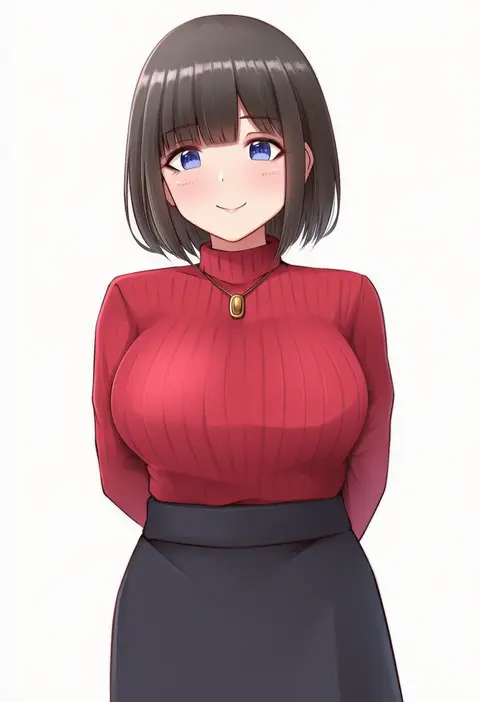
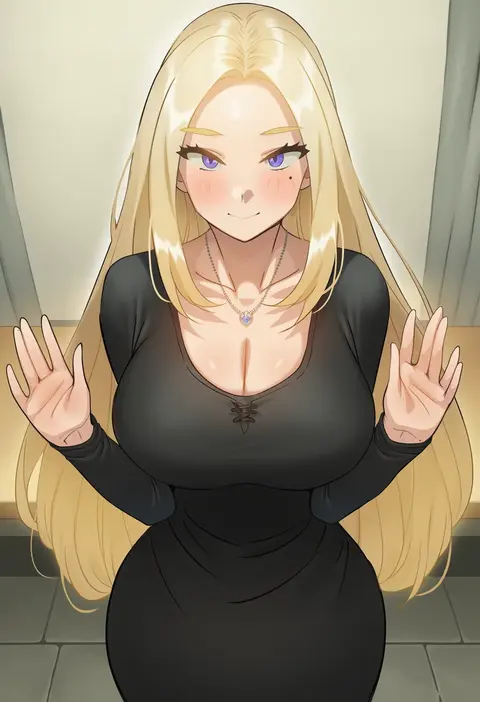
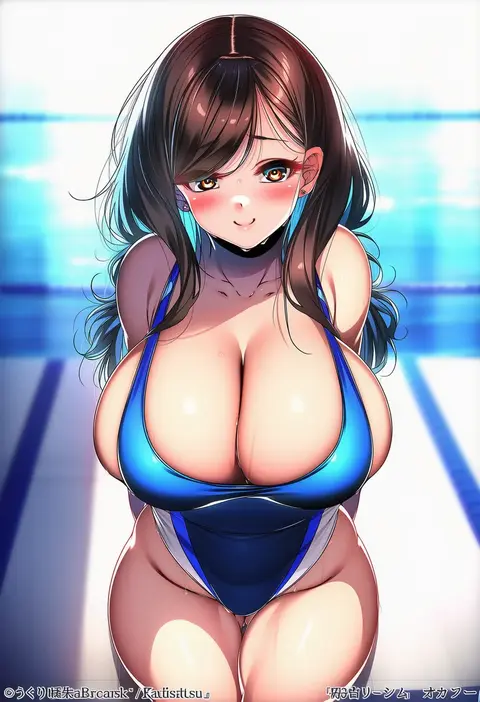
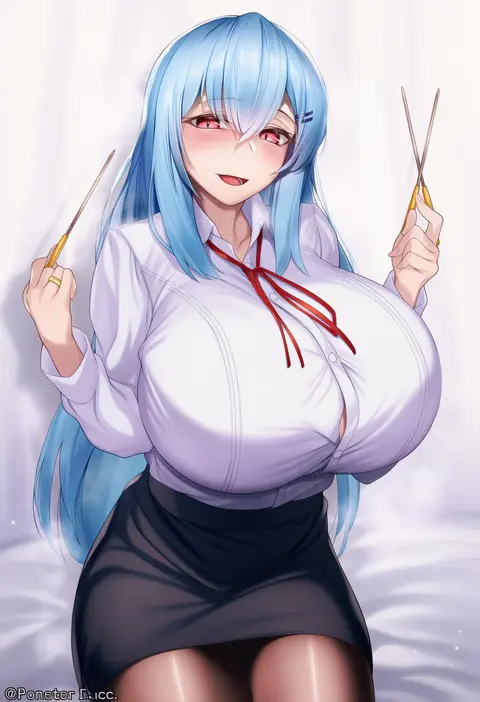
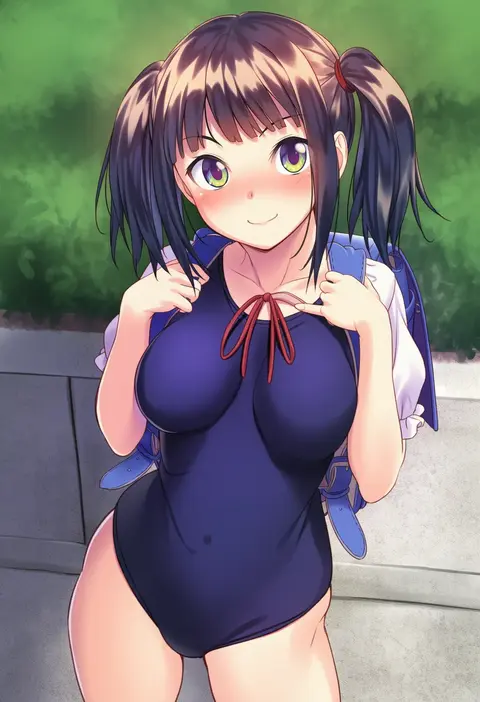
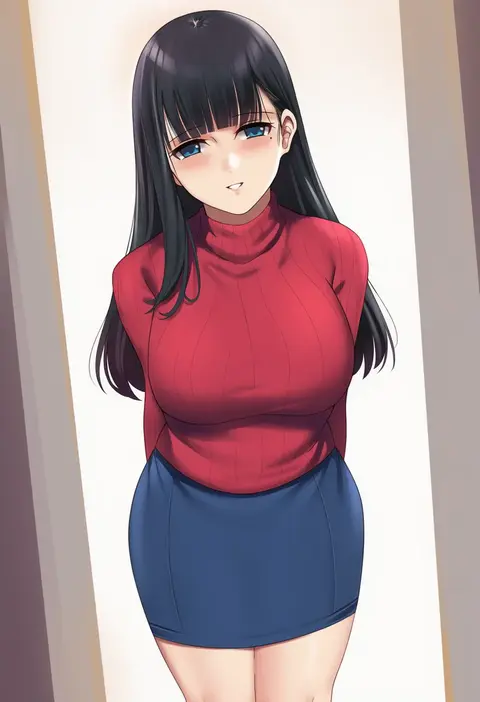
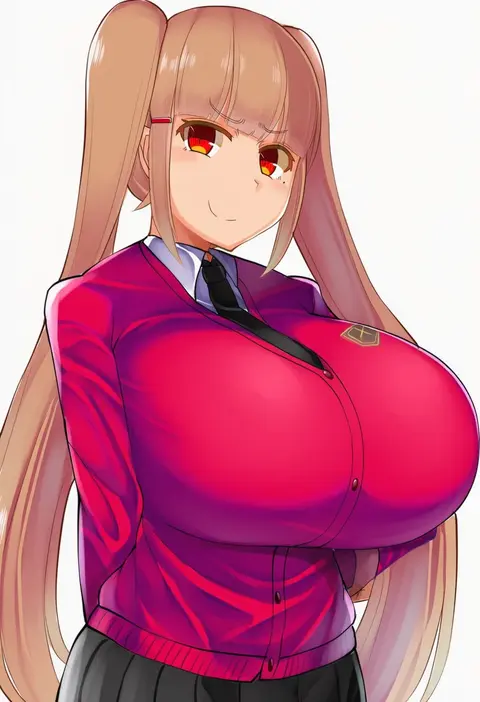
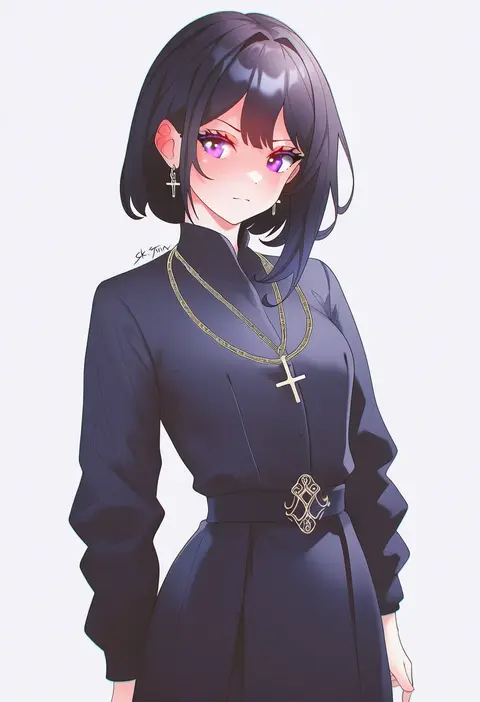
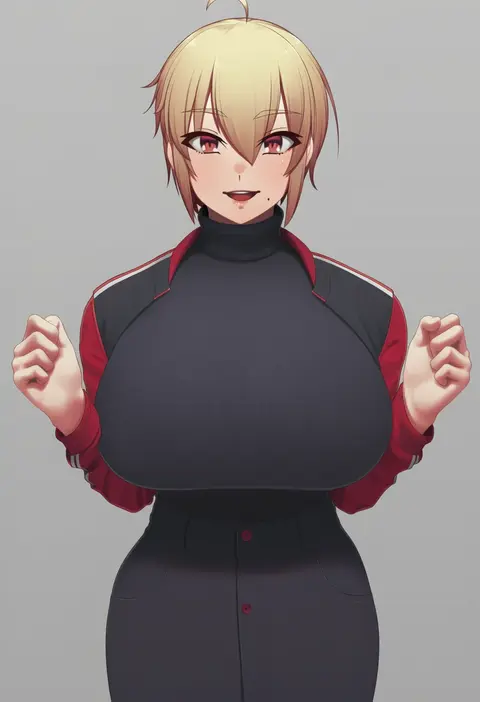
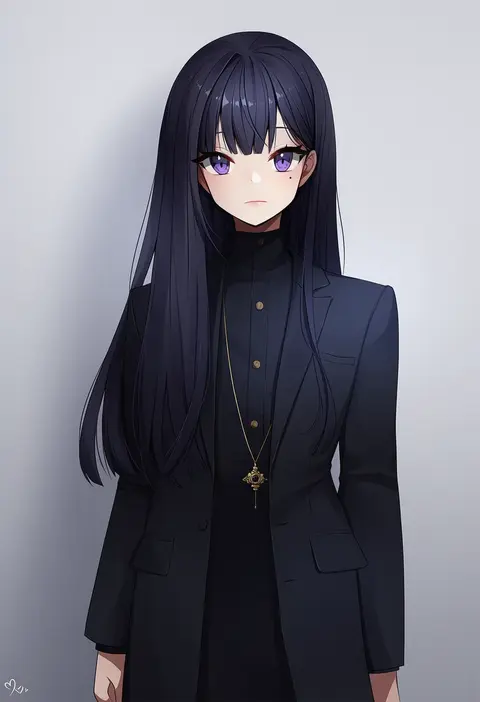
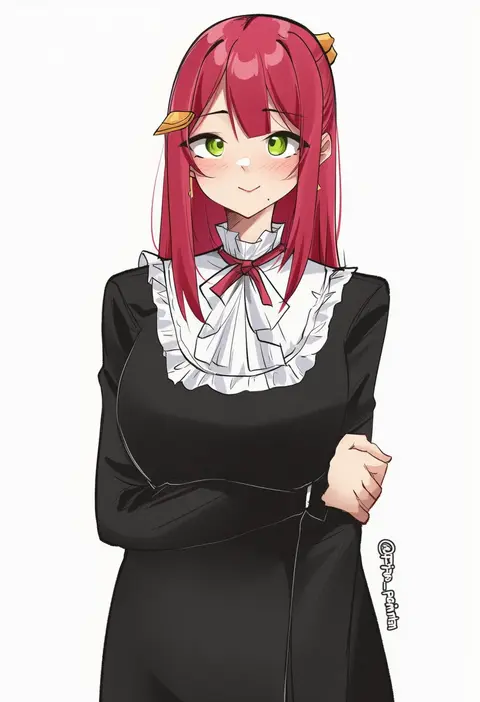
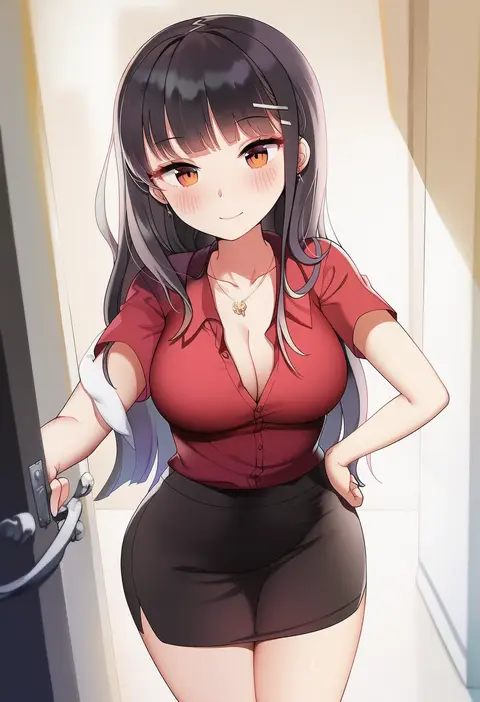
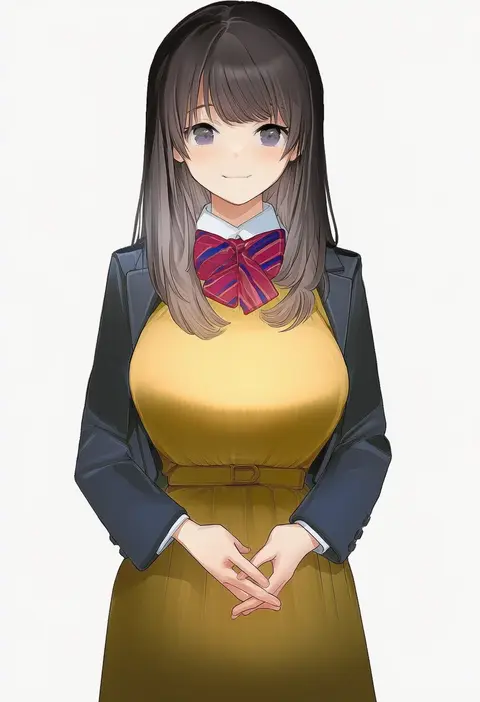
Every tag listed here is verified to react in NovelAI. All images use the same prompt, seed and settings with only the artist tag swapped, so the difference between two images is the style that tag brings in.

How to use them

Put the artist tag near the front of the prompt, e.g. "<artist>, 1girl, solo, best quality, masterpiece, cowboy shot". Two or three artist tags blend styles; lower the weight with "0.8::<artist>::" when the style overpowers the character.

SCORE sorts by Danbooru's top score, POSTS by post count, FAVS by hearts on this site. Open a card to see V5 and V4.5 side by side on the same seed.

V5 vs V4.5

V5 usually lands closer to the artist's real style, and tags that did nothing on V4.5 often react on V5. V4.5 still fits older and doujin-heavy artists better. Try V5 first, fall back to V4.5.

FAQ

Where does the artist tag go?
Near the front of the prompt. Use "0.8::tag::" to adjust its weight.

Can I stack artist tags?
Yes, styles blend. Past two or three the result stops looking like anyone.

Are these the artists' own works?
No. Every image is a NovelAI sample generated from the tag.