V4.5Artists
sort: FAVS▾
▾
>
$

NovelAI Artist Tags List — V4.5

artist --count 16,352[59/273]
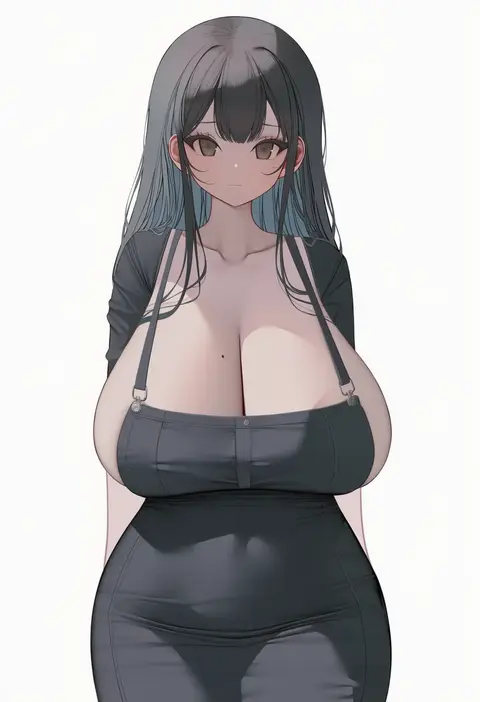
bbolalus
ARTIST0x0D98
0
ankkoyom
ARTIST0x0D99
0
pinepin
ARTIST0x0D9A
0
jehyun
ARTIST0x0D9B
0
souji hougu
ARTIST0x0D9C
0
milktea (gggrrr2000)
ARTIST0x0D9D
0
kuase
ARTIST0x0D9E
0
irohakaede
ARTIST0x0D9F
0
gloss (hotglossed)
ARTIST0x0DA0
0
udaruyo
ARTIST0x0DA1
0
berg-yb
ARTIST0x0DA2
0
revtilian
ARTIST0x0DA3
0
rong yi tan
ARTIST0x0DA4
0
greenmarine
ARTIST0x0DA5
0
observerz
ARTIST0x0DA6
0
siino
ARTIST0x0DA7
0
jelly shrimp
ARTIST0x0DA8
0
unizou
ARTIST0x0DA9
0
shenqi (toid310)
ARTIST0x0DAA
0
ocha (popopogg)
ARTIST0x0DAB
0
konboi-eg
ARTIST0x0DAC
0
templus
ARTIST0x0DAD
0
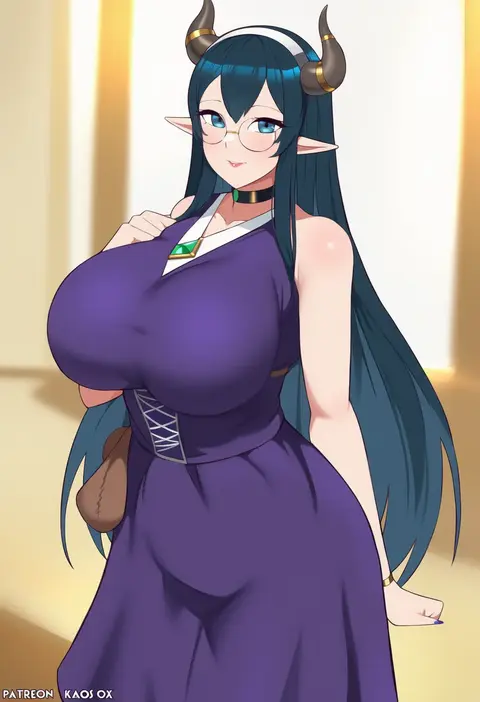
kaos art
ARTIST0x0DAE
0
sylvia (huajiuhuajiu)
ARTIST0x0DAF
0
duto
ARTIST0x0DB0
0
metallican
ARTIST0x0DB1
0
negom
ARTIST0x0DB2
0
at2.
ARTIST0x0DB3
0
doxy
ARTIST0x0DB4
0
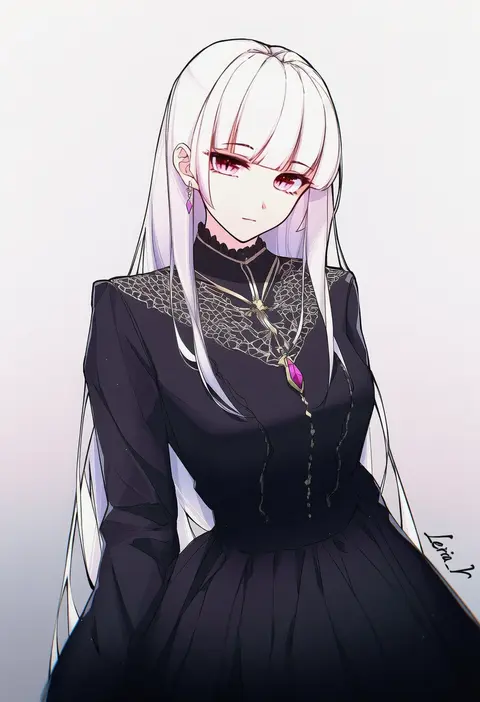
leria v
ARTIST0x0DB5
0
nekotewi
ARTIST0x0DB6
0
ayamo kaoru
ARTIST0x0DB7
0
kuno (runkunochan)
ARTIST0x0DB8
0
leebo (leeboxxx)
ARTIST0x0DB9
0
shibasaki shouji
ARTIST0x0DBA
0
soranamae
ARTIST0x0DBB
0
kannatsuki noboru
ARTIST0x0DBC
0
nori chazuke
ARTIST0x0DBD
0
846-gou
ARTIST0x0DBE
0
joman
ARTIST0x0DBF
0
songjikyo
ARTIST0x0DC0
0
morisawa haruyuki
ARTIST0x0DC1
0
sea nami
ARTIST0x0DC2
0
unique (pixiv12704744)
ARTIST0x0DC3
0
wing228
ARTIST0x0DC4
0
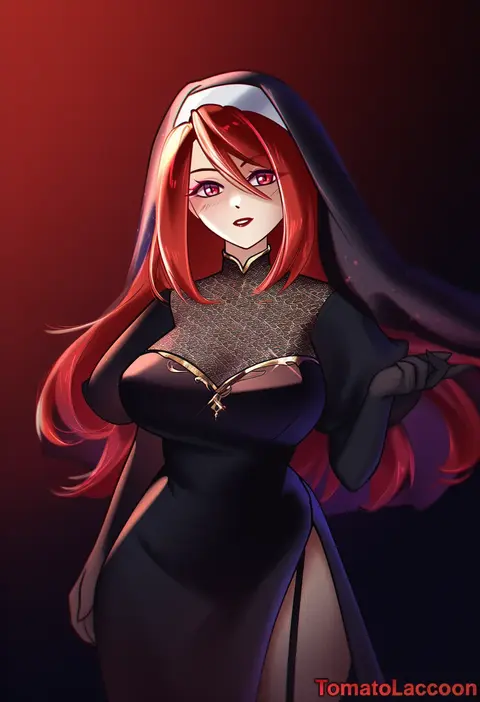
tomatolaccoon
ARTIST0x0DC5
0
es (eisis)
ARTIST0x0DC6
0
caee penguin
ARTIST0x0DC7
0
kumamiya
ARTIST0x0DC8
0
hanpetos
ARTIST0x0DC9
0
qing wu
ARTIST0x0DCA
0
sasakura
ARTIST0x0DCB
0
tft (tft7822)
ARTIST0x0DCC
0
amane sora
ARTIST0x0DCD
0
suiroh (shideoukami)
ARTIST0x0DCE
0
ikezawa shin
ARTIST0x0DCF
0
takio (kani sama)
ARTIST0x0DD0
0
terry (pixiv3274443)
ARTIST0x0DD1
0
mitsugu
ARTIST0x0DD2
0
lds (dstwins97)
ARTIST0x0DD3
0

What these tags change

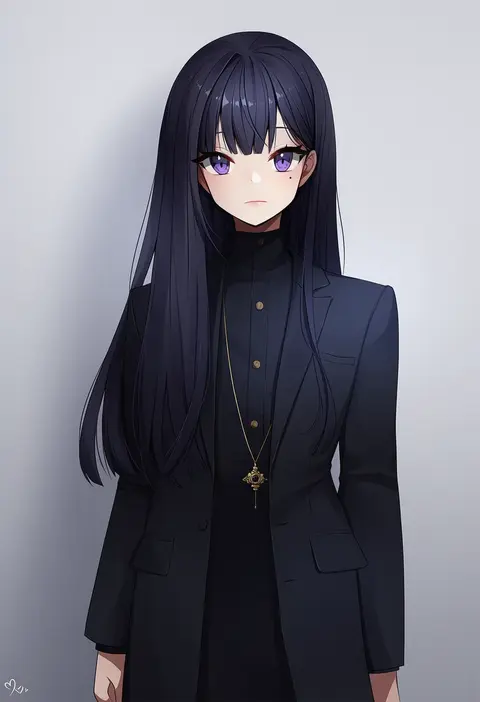
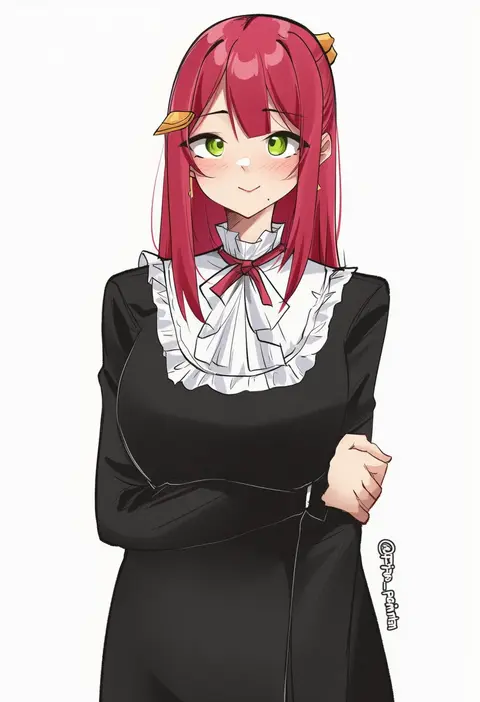
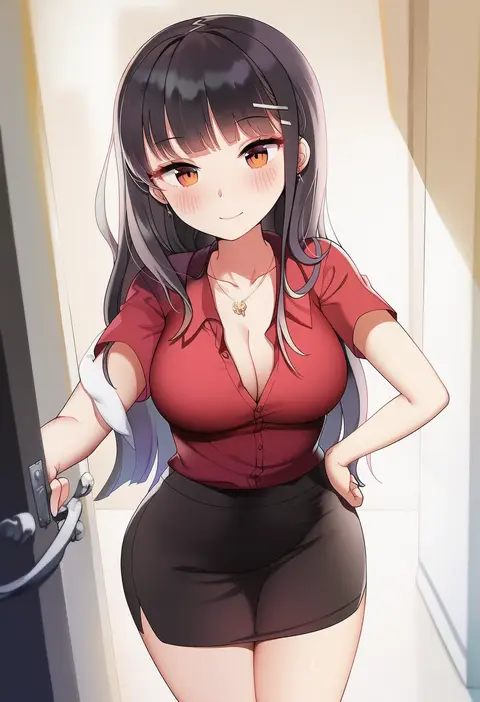
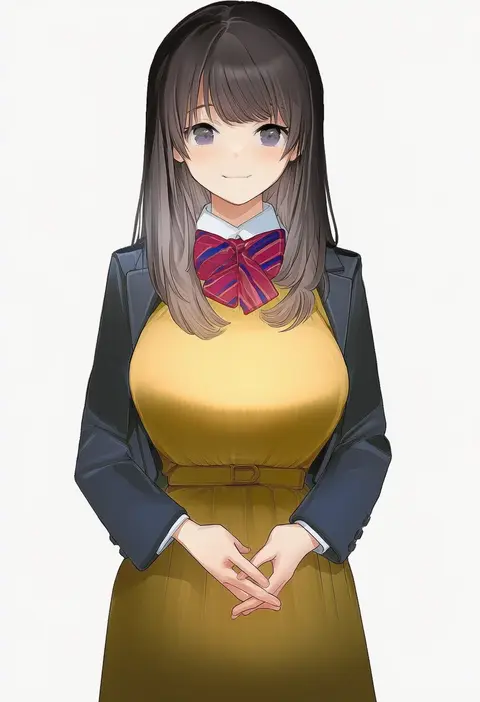
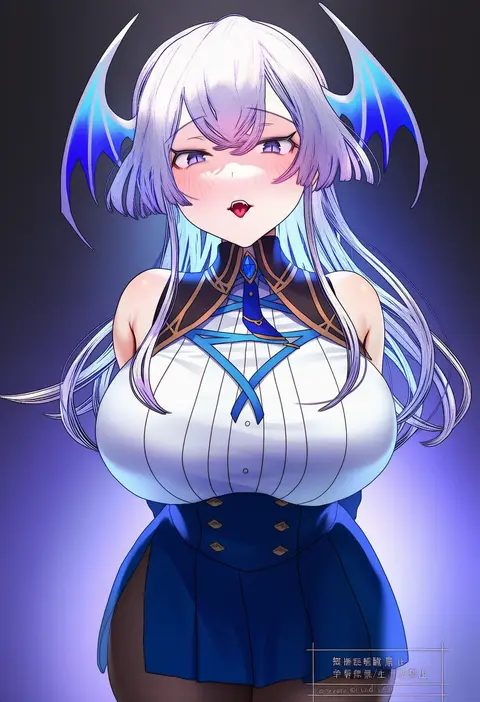
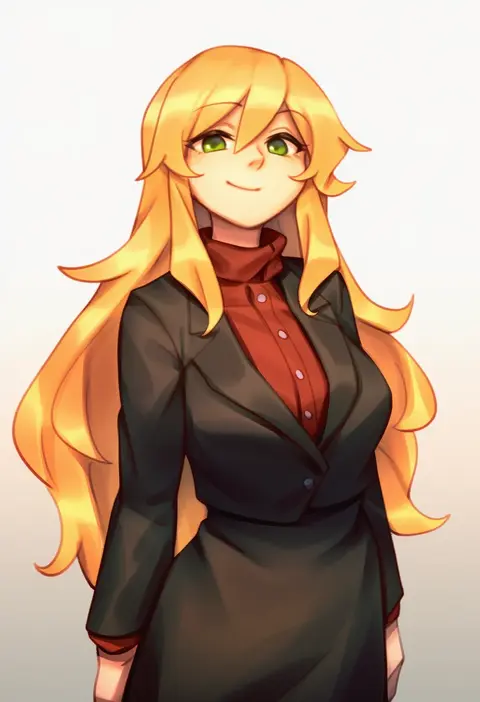
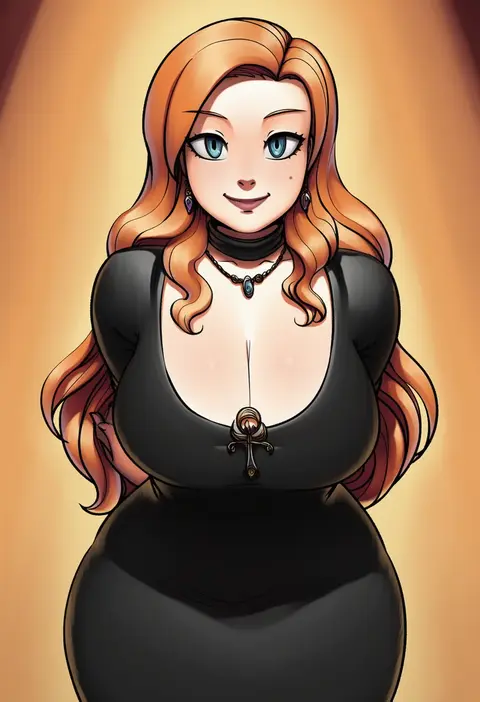
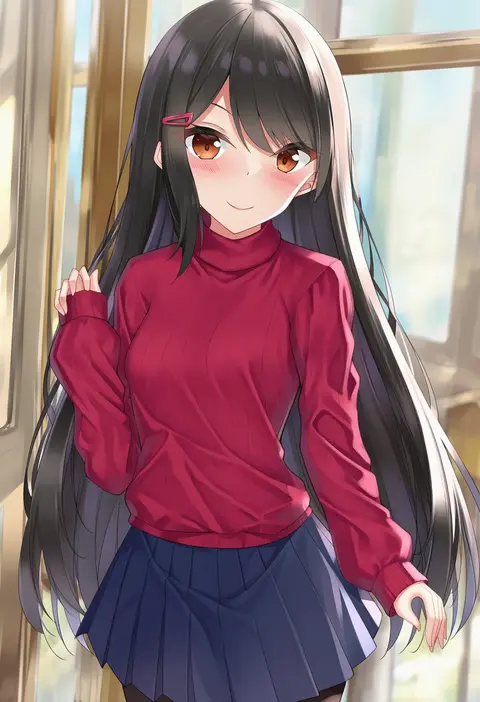
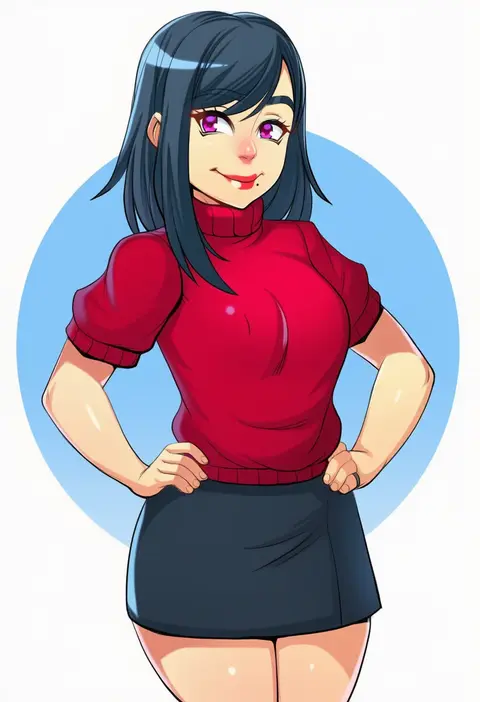
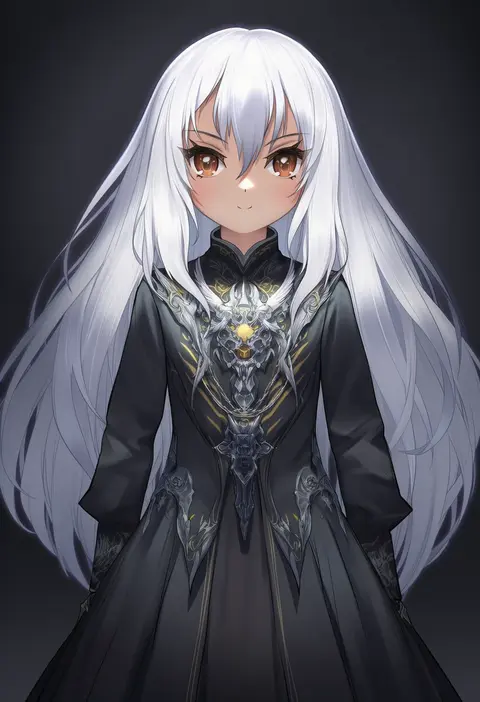
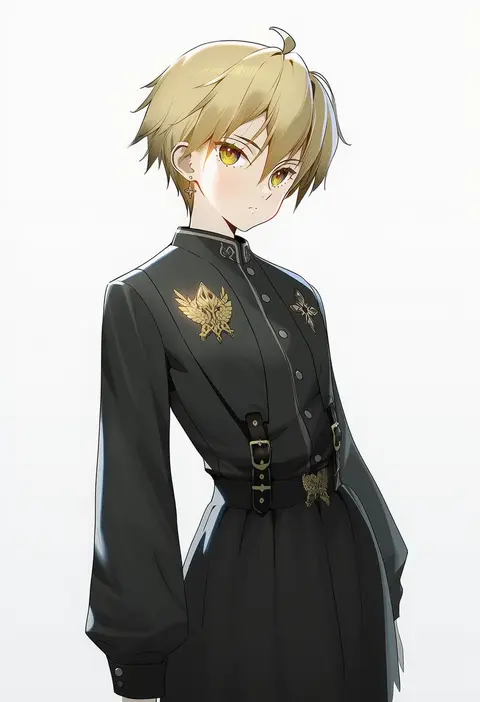
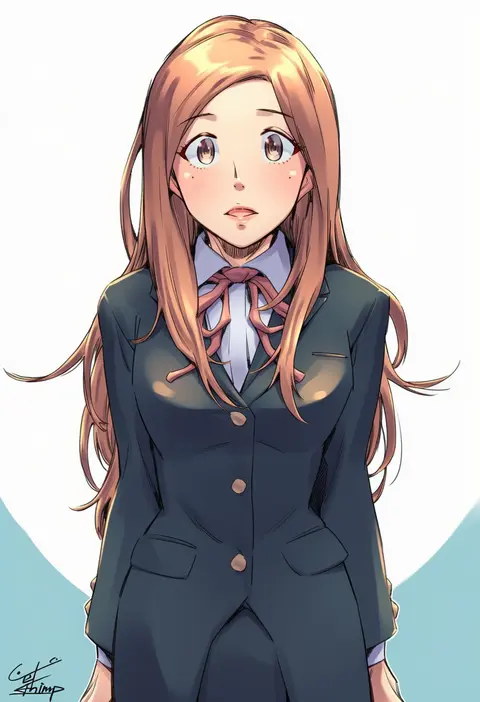
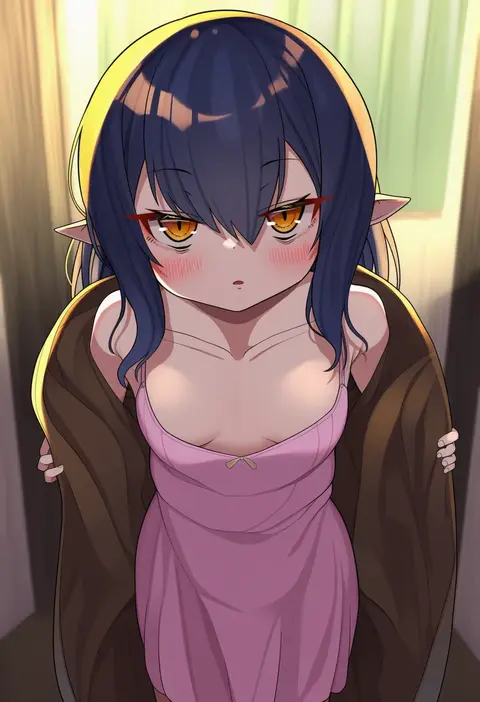
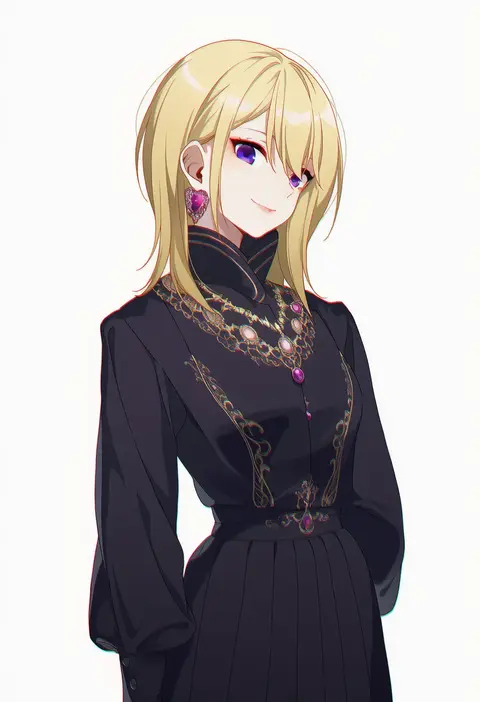
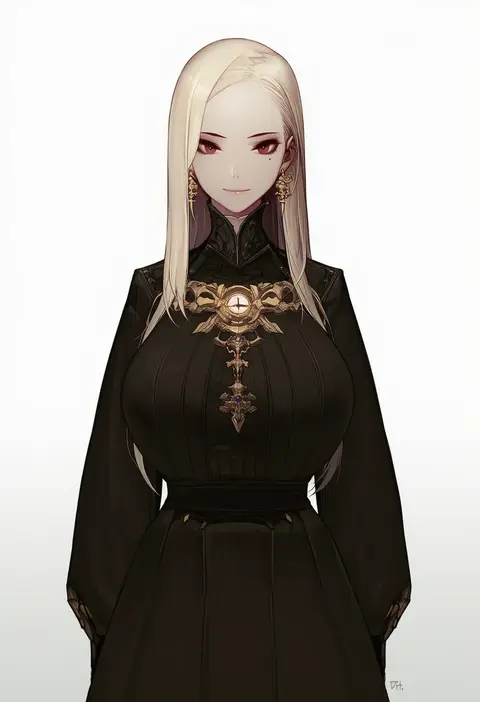
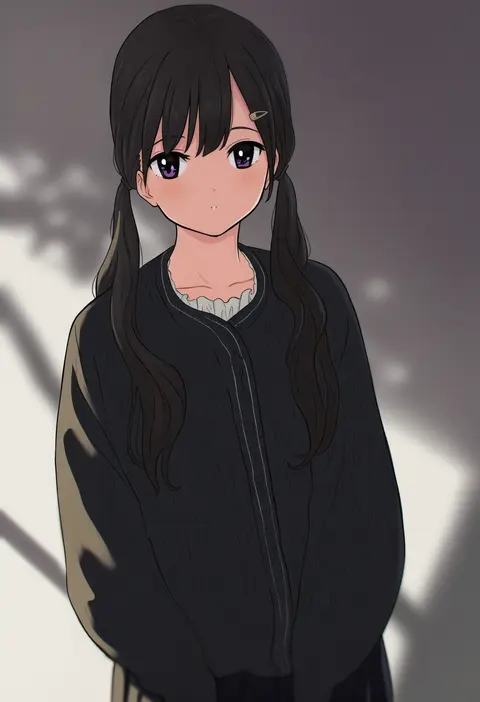
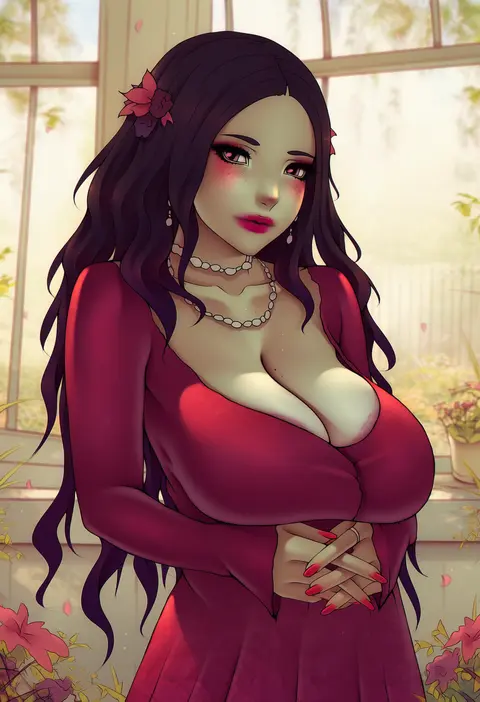
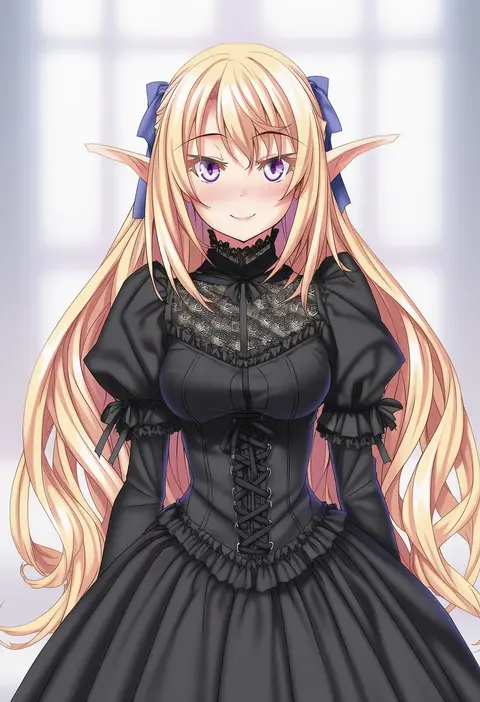
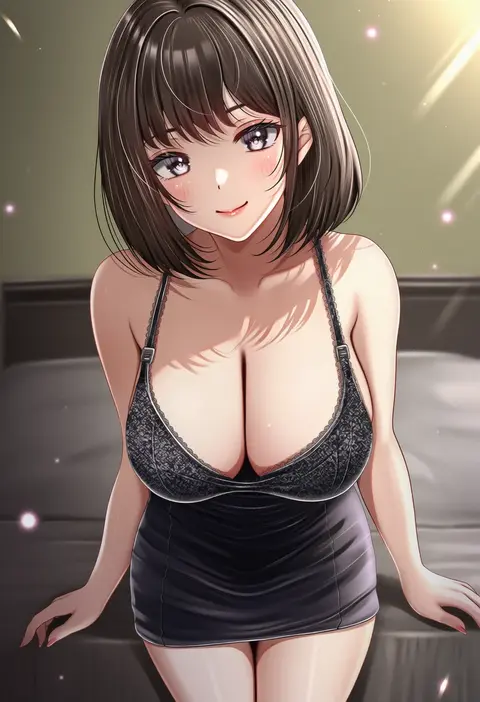
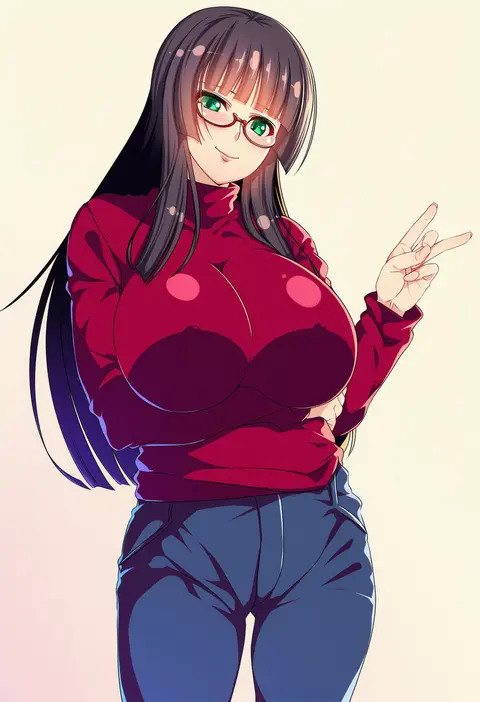
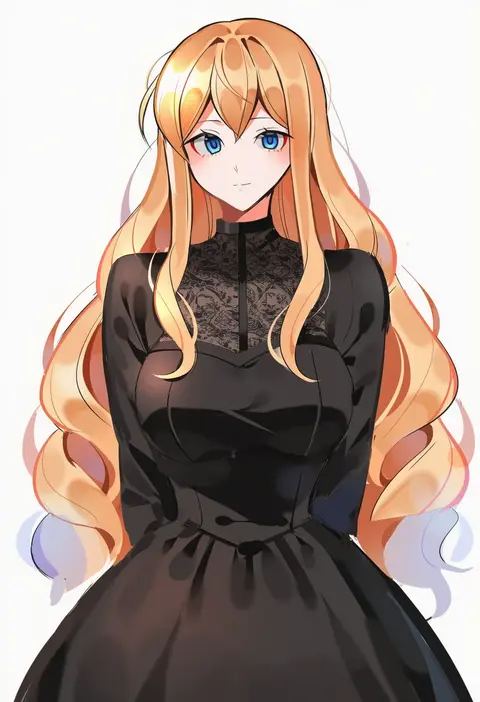
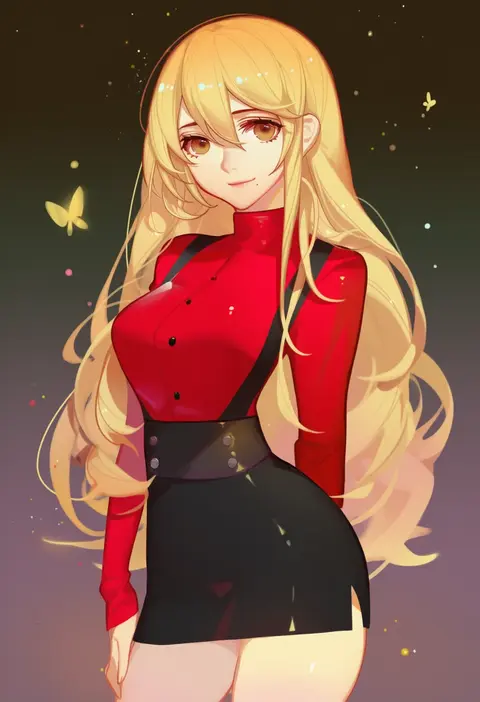
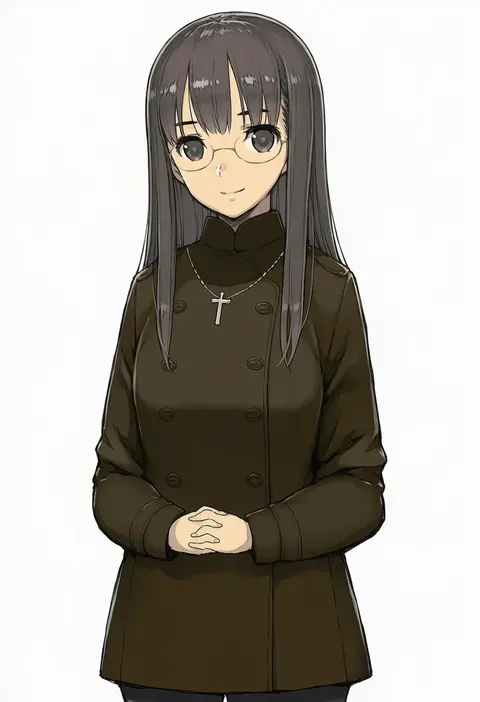
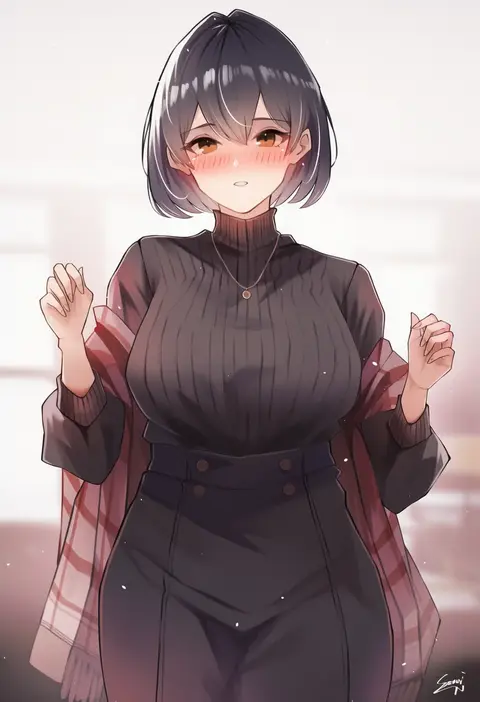
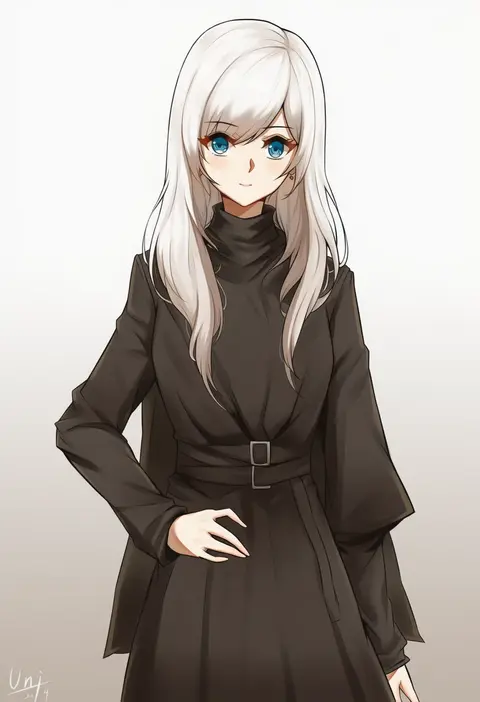
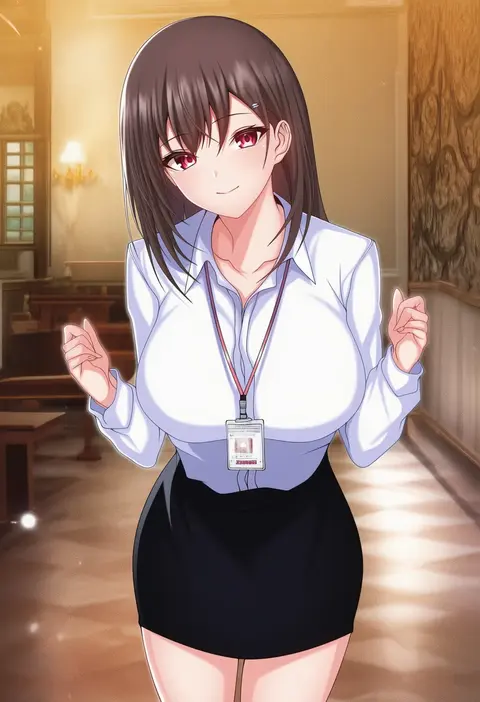
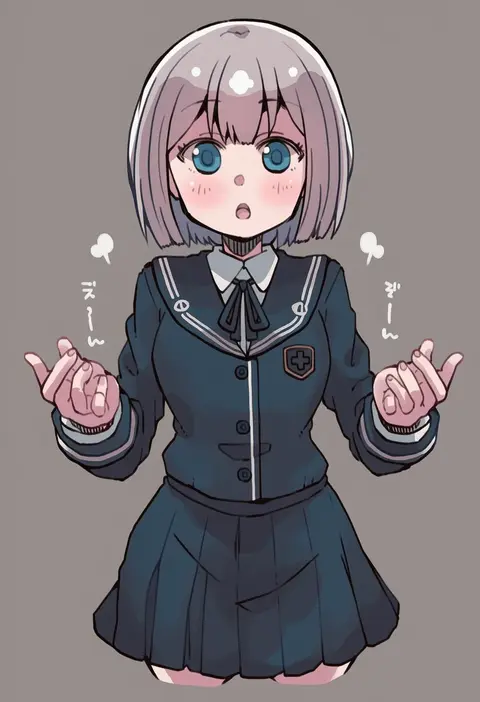
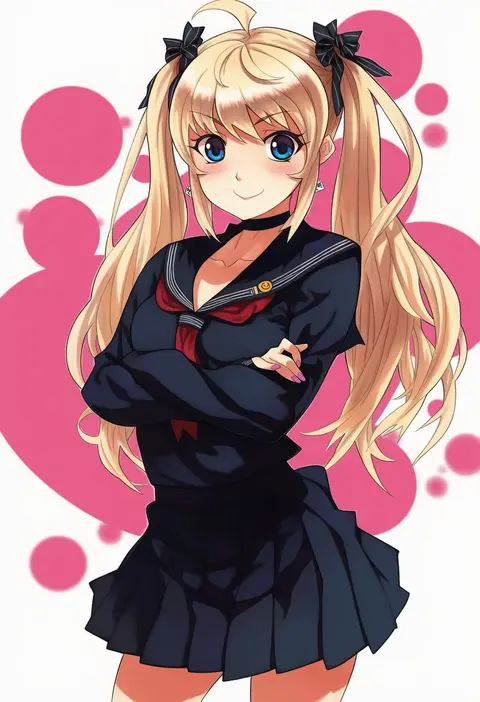
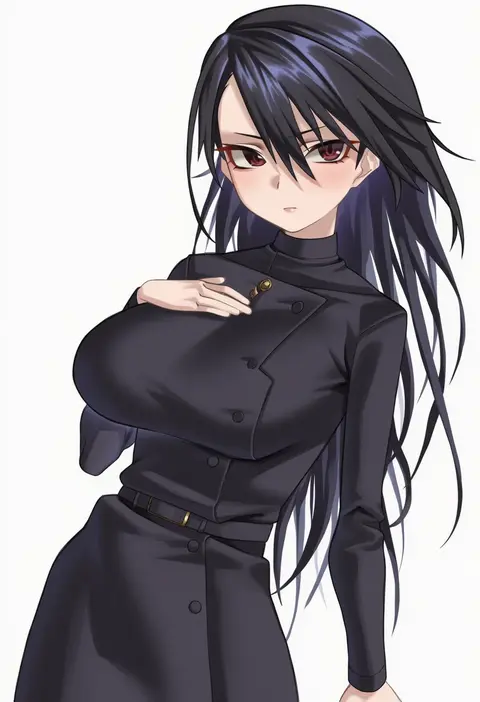
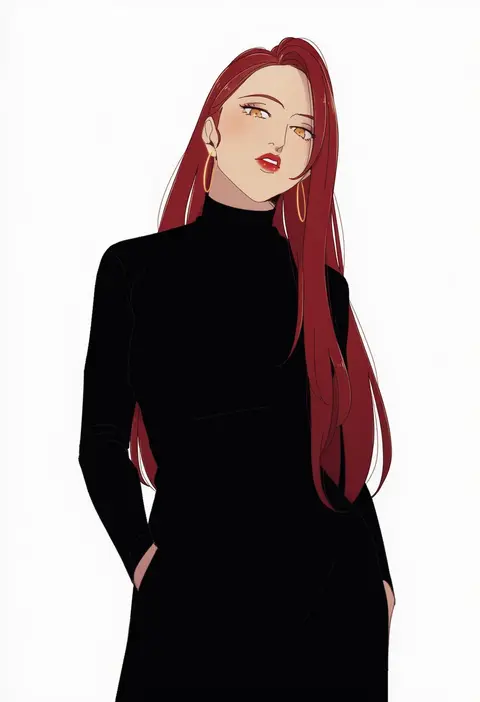
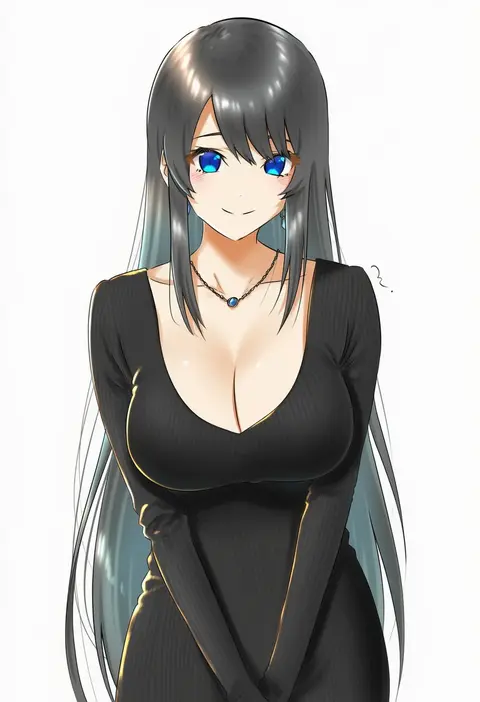
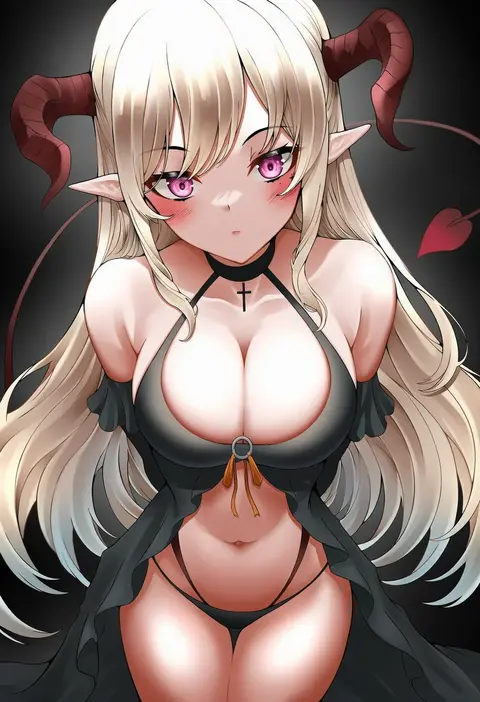
Artist tags tell NovelAI Diffusion to draw in a specific artist's style: line weight, paint texture, face shapes and palette all shift at once. Character and outfit tags decide what is drawn; artist tags decide how. 16,352 tags are listed for V4.5.
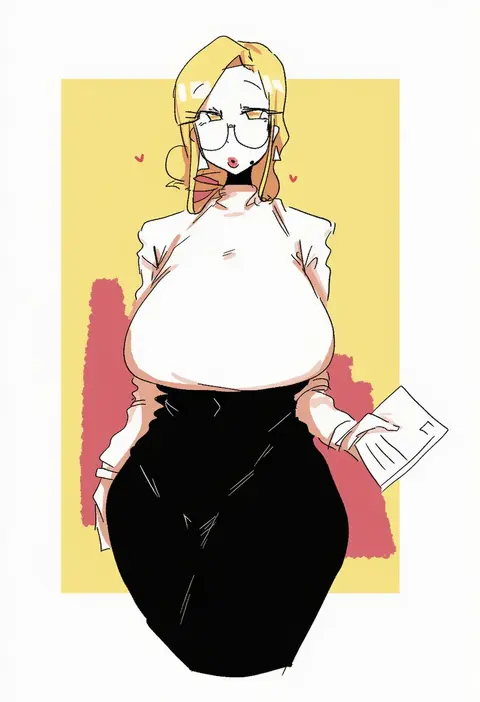
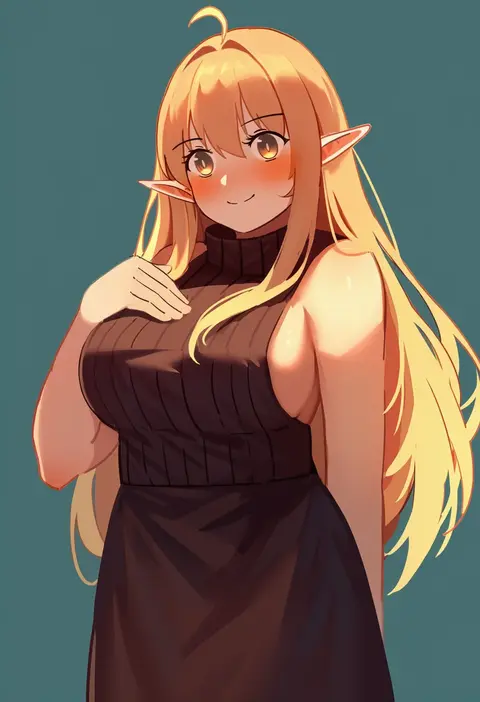
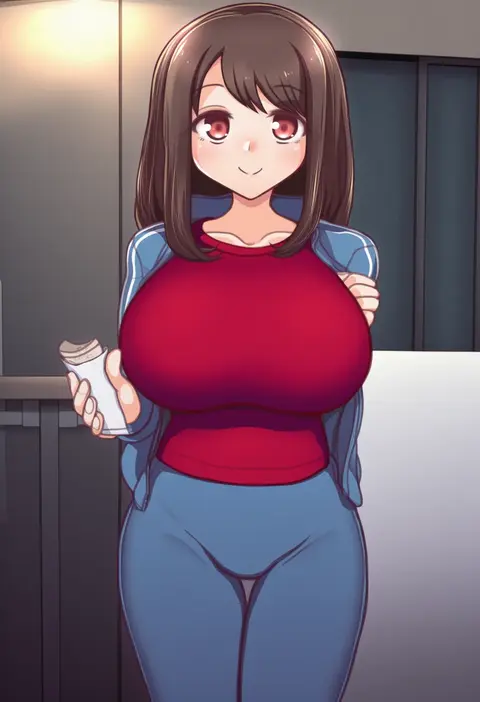
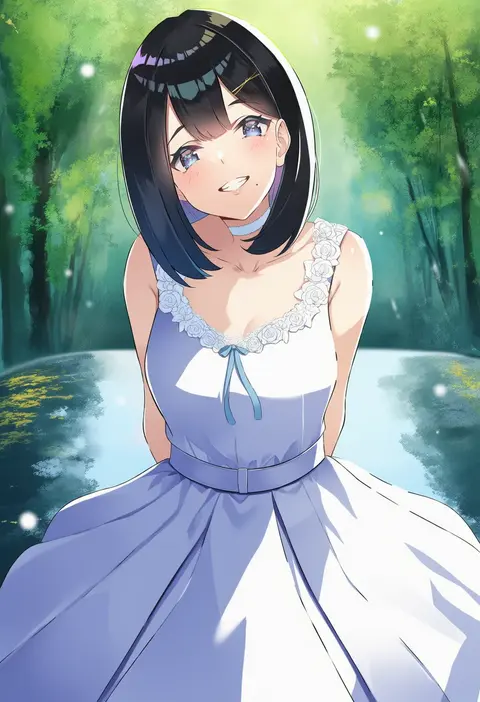
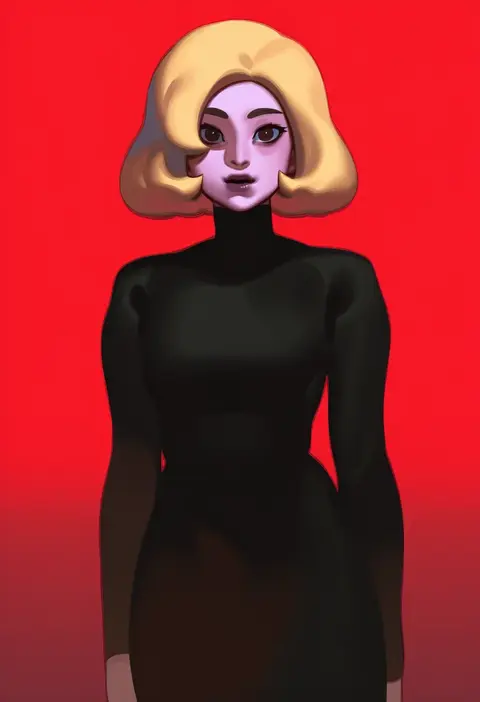
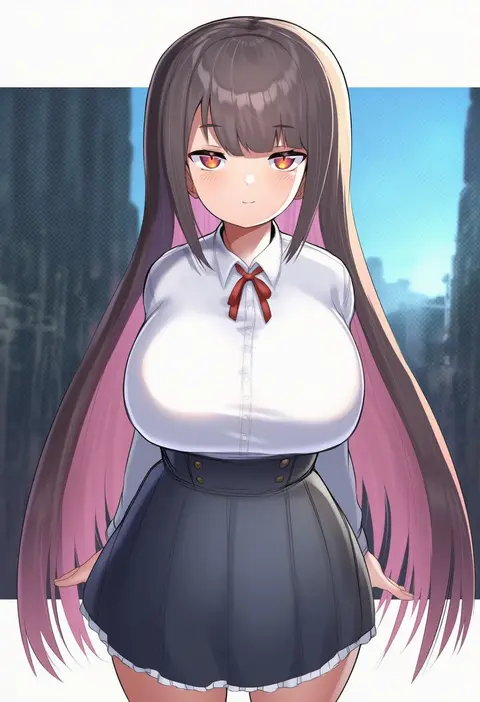
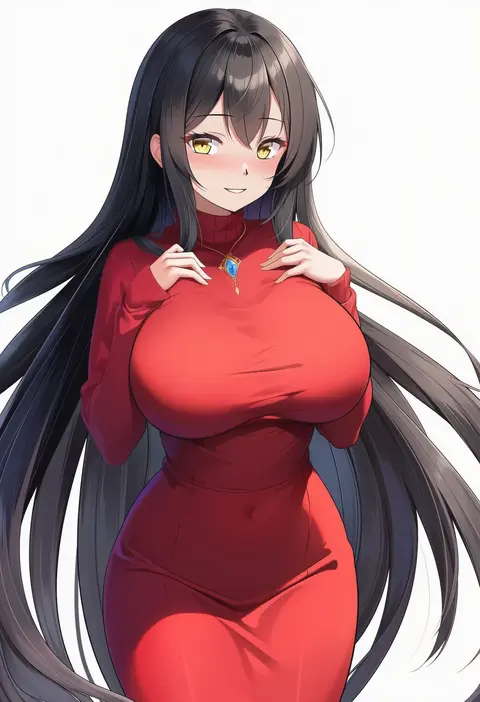
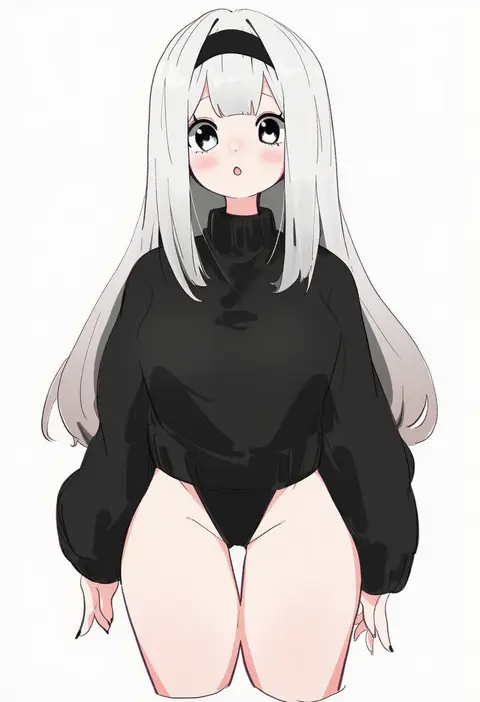
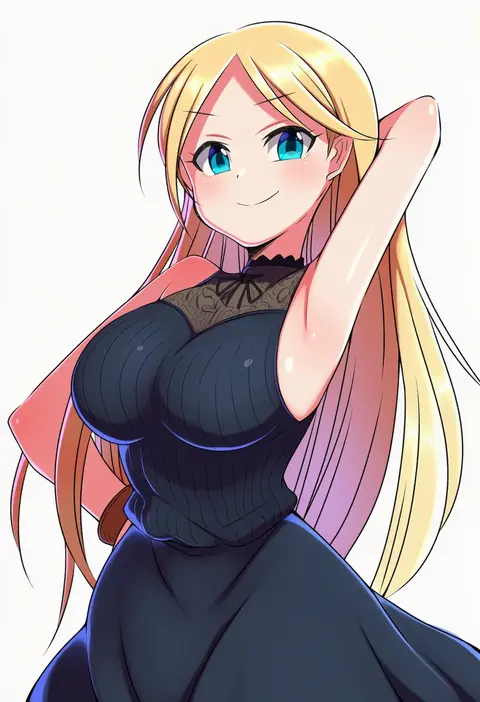
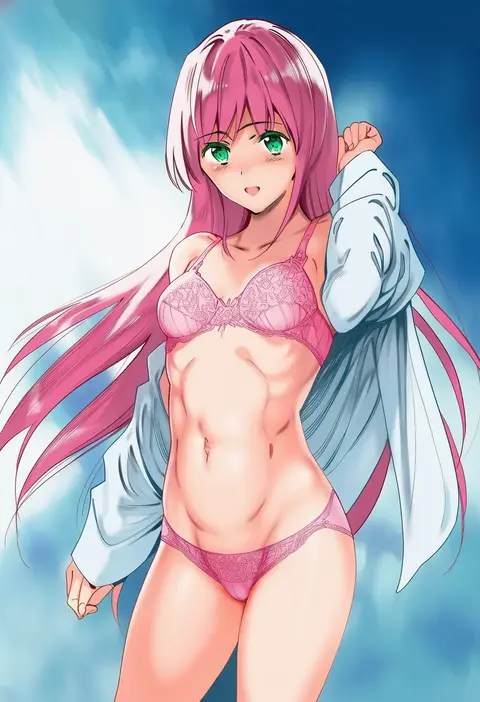
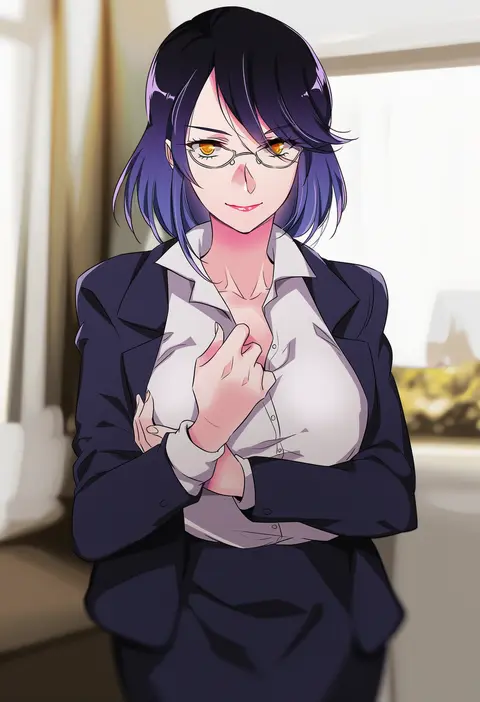
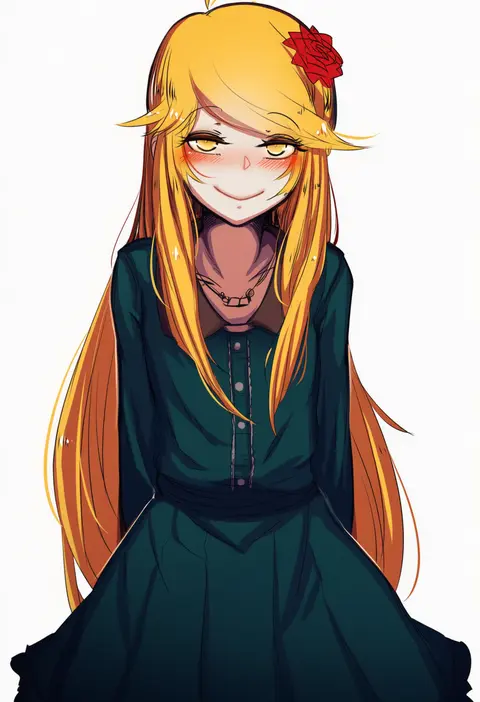
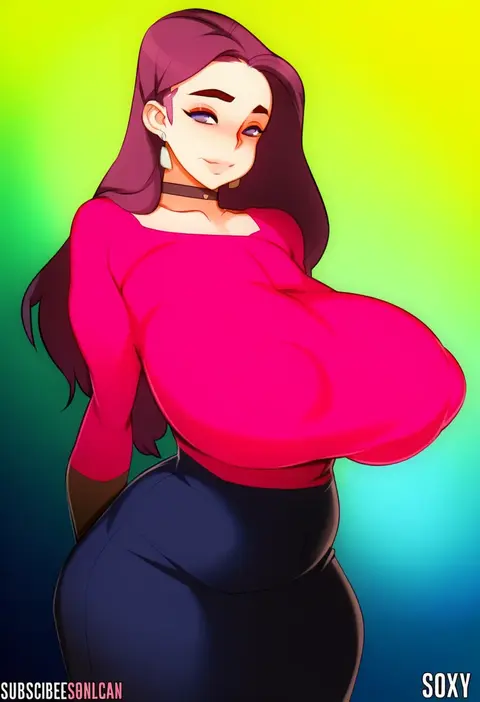
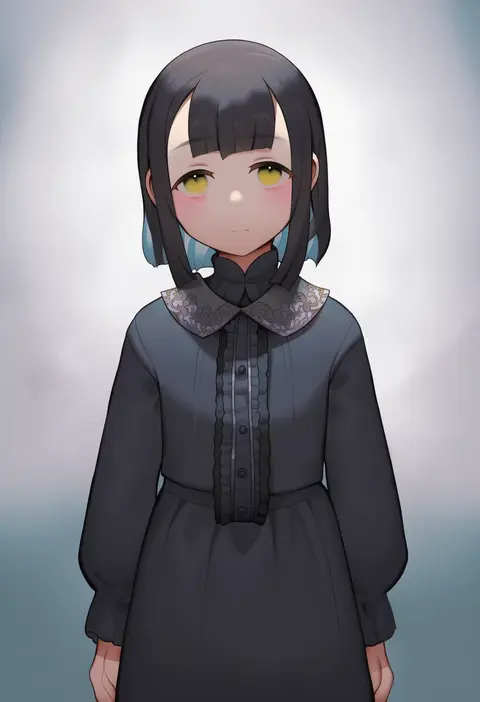
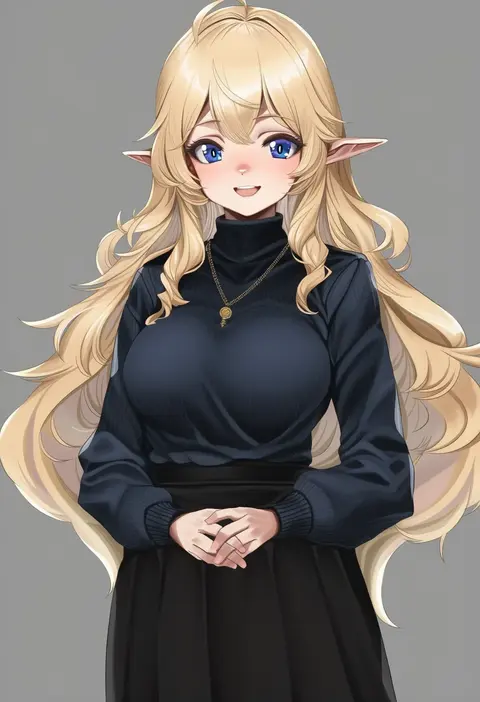
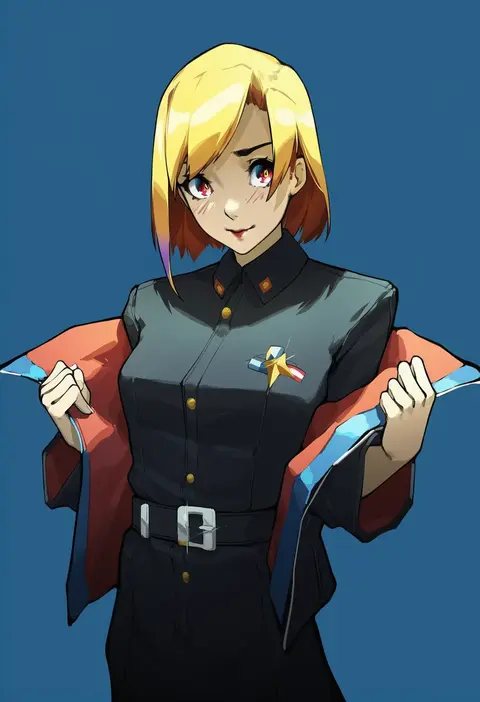
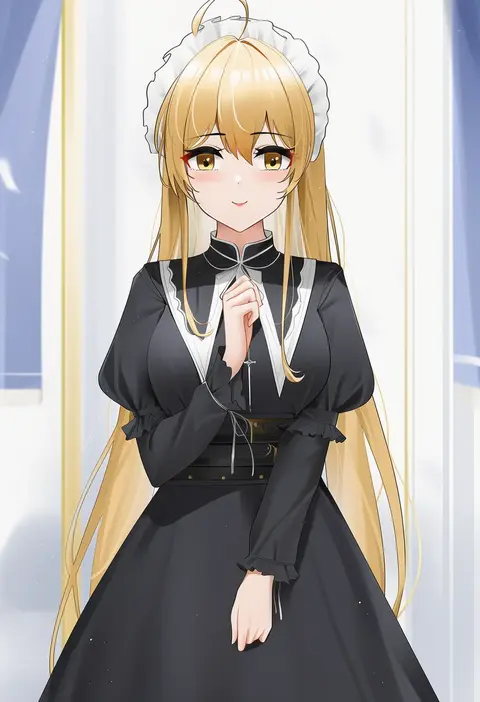
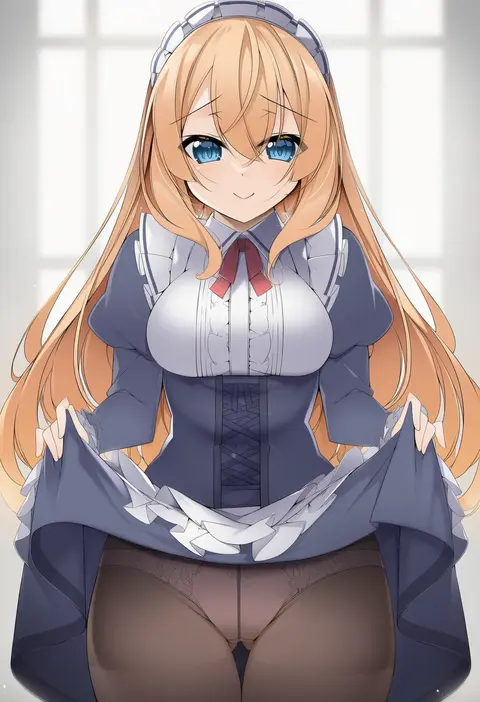
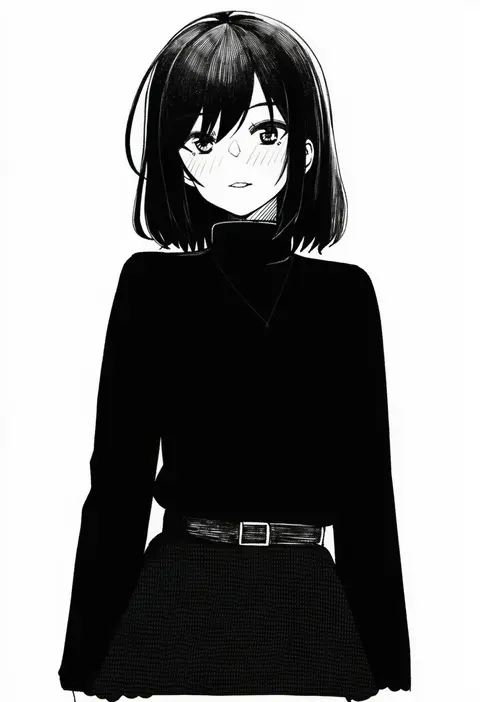
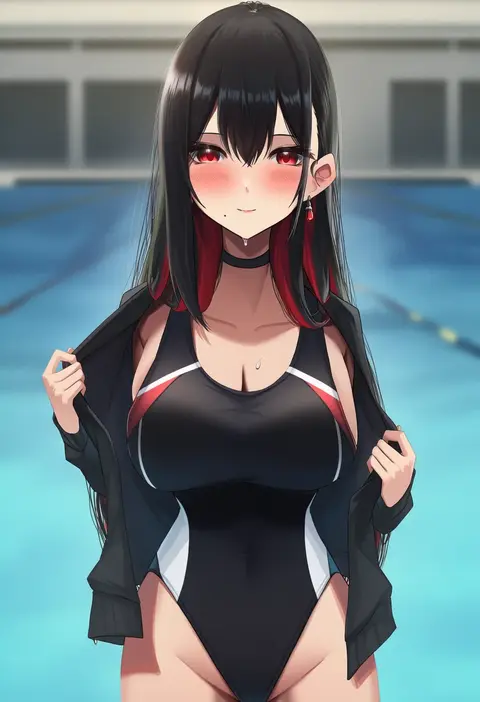
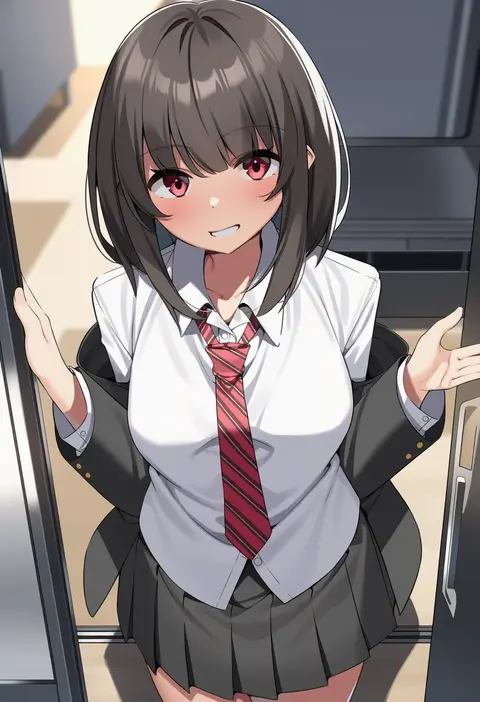
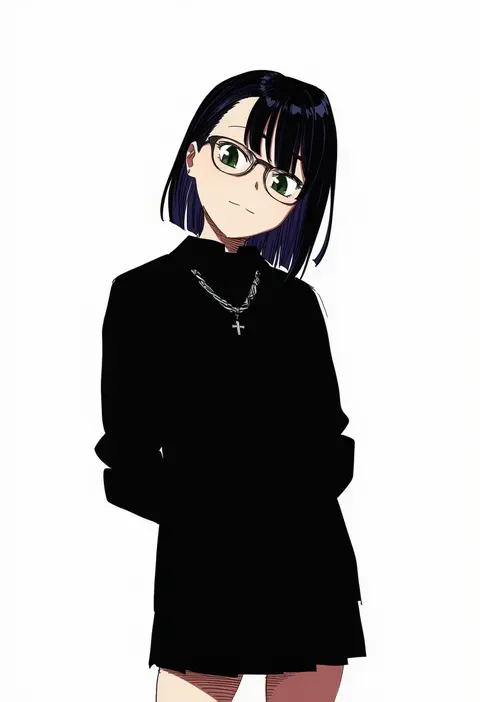
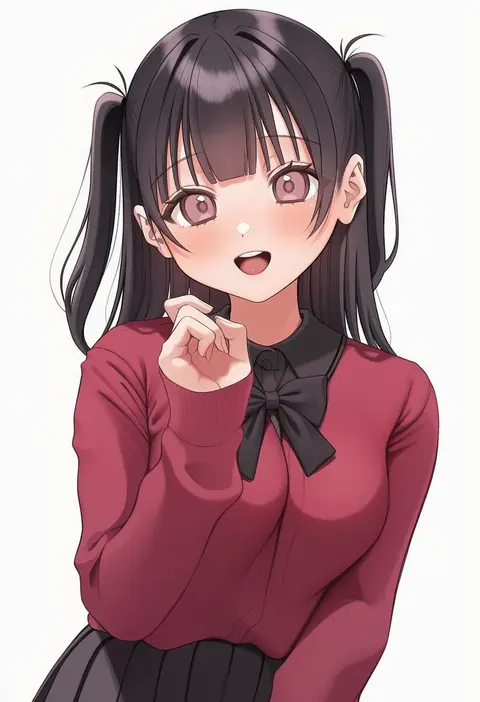
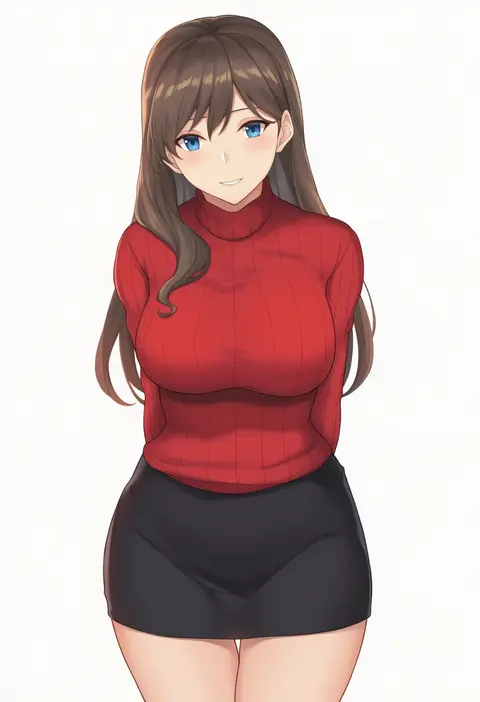
Every tag listed here is verified to react in NovelAI. All images use the same prompt, seed and settings with only the artist tag swapped, so the difference between two images is the style that tag brings in.

How to use them

Put the artist tag near the front of the prompt, e.g. "<artist>, 1girl, solo, best quality, masterpiece, cowboy shot". Two or three artist tags blend styles; lower the weight with "0.8::<artist>::" when the style overpowers the character.

SCORE sorts by Danbooru's top score, POSTS by post count, FAVS by hearts on this site. Open a card to see V5 and V4.5 side by side on the same seed.

V5 vs V4.5

V5 usually lands closer to the artist's real style, and tags that did nothing on V4.5 often react on V5. V4.5 still fits older and doujin-heavy artists better. Try V5 first, fall back to V4.5.

FAQ

Where does the artist tag go?
Near the front of the prompt. Use "0.8::tag::" to adjust its weight.

Can I stack artist tags?
Yes, styles blend. Past two or three the result stops looking like anyone.

Are these the artists' own works?
No. Every image is a NovelAI sample generated from the tag.