V4.5Artists
sort: FAVS▾
▾
>
$

NovelAI Artist Tags List — V4.5

artist --count 16,352[64/273]
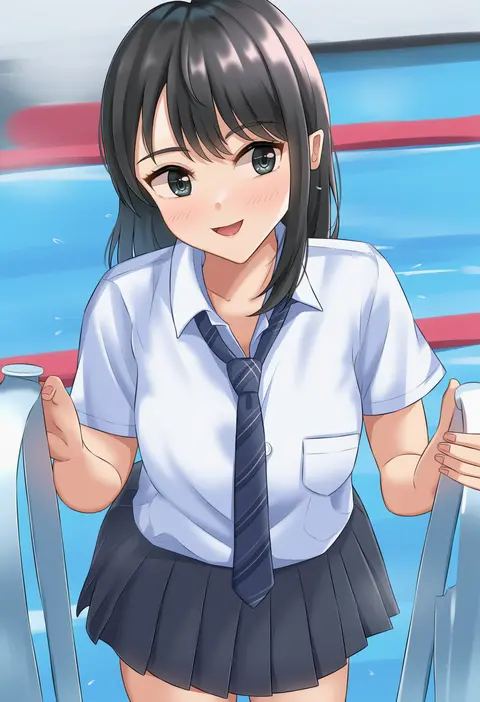
tsuruyama (tenten)
ARTIST0x0EC4
0
suzume inui
ARTIST0x0EC5
0
nagano rira
ARTIST0x0EC6
0
noise tanker
ARTIST0x0EC7
0
dishui tangni
ARTIST0x0EC8
0
irkawaza
ARTIST0x0EC9
0
kimblee
ARTIST0x0ECA
0
mery (yangmalgage)
ARTIST0x0ECB
0
pas (paxiti)
ARTIST0x0ECC
0
bobobo1345
ARTIST0x0ECD
0
dbmaster
ARTIST0x0ECE
0
yajiro masaru
ARTIST0x0ECF
0
wonnikon
ARTIST0x0ED0
0
john zerowb
ARTIST0x0ED1
0
koumei (twinameless)
ARTIST0x0ED2
0
hinata masaki
ARTIST0x0ED3
0
momoiro lettuce
ARTIST0x0ED4
0
sanagi torajirou
ARTIST0x0ED5
0
twogie
ARTIST0x0ED6
0
usa b
ARTIST0x0ED7
0
kunaboto
ARTIST0x0ED8
0
tianliang duohe fangdongye
ARTIST0x0ED9
0
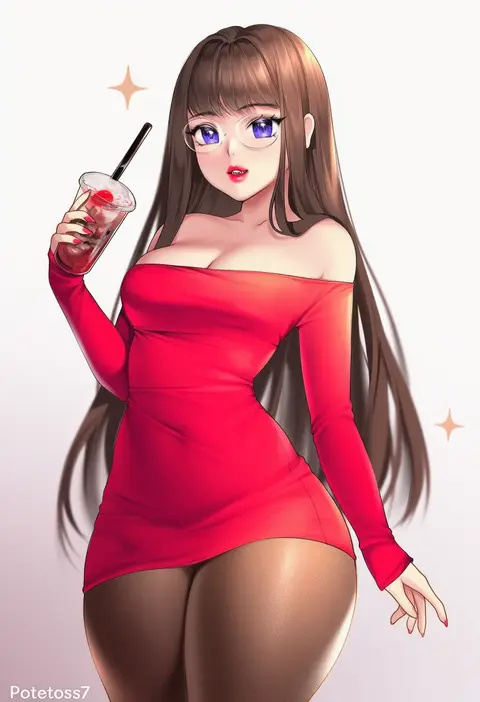
potetos7
ARTIST0x0EDA
0
takena-c
ARTIST0x0EDB
0
kokechan
ARTIST0x0EDC
0
liu liaoliao
ARTIST0x0EDD
0
harunoibuki
ARTIST0x0EDE
0
cesar art456
ARTIST0x0EDF
0
dalcom
ARTIST0x0EE0
0
isshi pyuma
ARTIST0x0EE1
0
mitsudoue
ARTIST0x0EE2
0
kamaboko (ossann0125)
ARTIST0x0EE3
0
tahita1874
ARTIST0x0EE4
0
novady
ARTIST0x0EE5
0
oshiruko (oshiruco 212048)
ARTIST0x0EE6
0
wk (low-f)
ARTIST0x0EE7
0
suisogenshi
ARTIST0x0EE8
0
kiriyama taichi
ARTIST0x0EE9
0
my700
ARTIST0x0EEA
0
yuniiho
ARTIST0x0EEB
0
mahou kyuuri
ARTIST0x0EEC
0
bababababan
ARTIST0x0EED
0
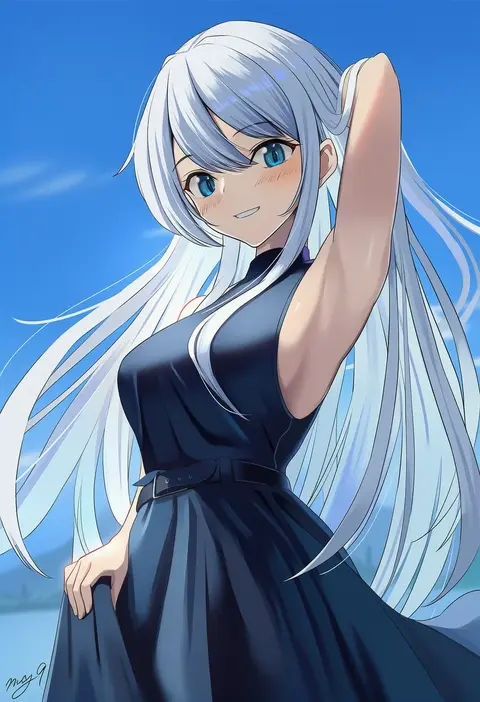
may9
ARTIST0x0EEE
0
rose neru
ARTIST0x0EEF
0
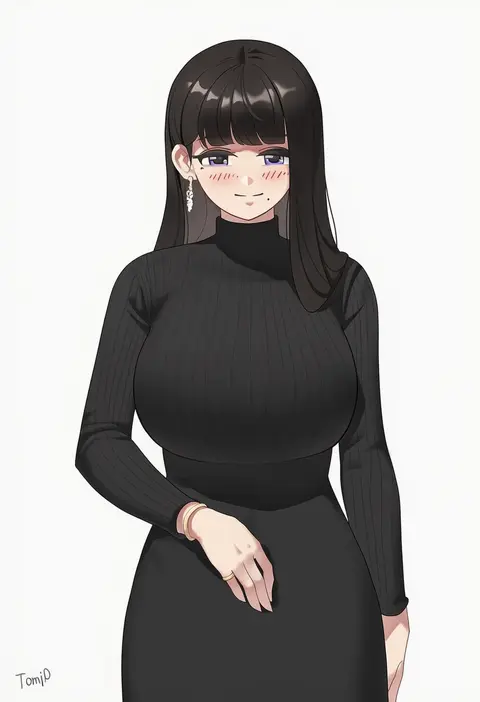
tomid
ARTIST0x0EF0
0
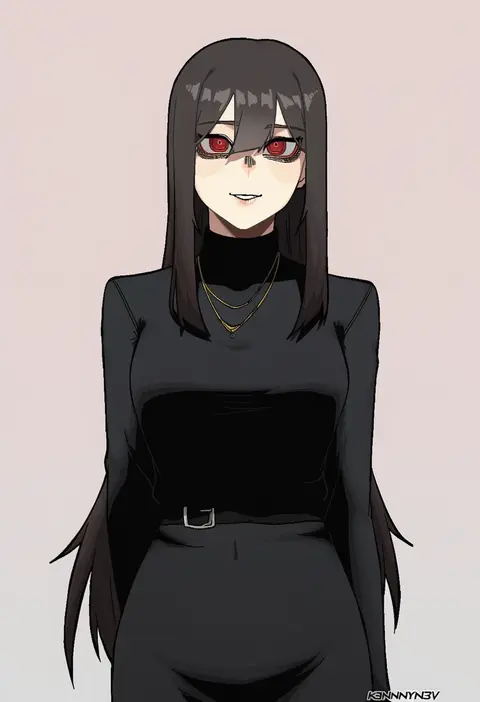
k3nnyn3v
ARTIST0x0EF1
0
aaaa (quad-a)
ARTIST0x0EF2
0
tsurusaki takahiro
ARTIST0x0EF3
0
teranekosu
ARTIST0x0EF4
0
radioneet
ARTIST0x0EF5
0
piratescat01
ARTIST0x0EF6
0
w (1999 kyu)
ARTIST0x0EF7
0
kekel
ARTIST0x0EF8
0
sano br
ARTIST0x0EF9
0
urrrt
ARTIST0x0EFA
0
aiu404l
ARTIST0x0EFB
0
yaguo
ARTIST0x0EFC
0
nakano sora
ARTIST0x0EFD
0
nekobell
ARTIST0x0EFE
0
j.c.14
ARTIST0x0EFF
0

What these tags change

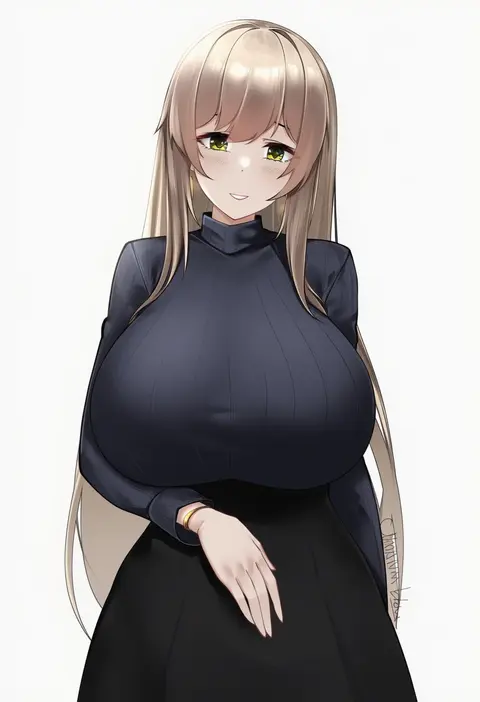
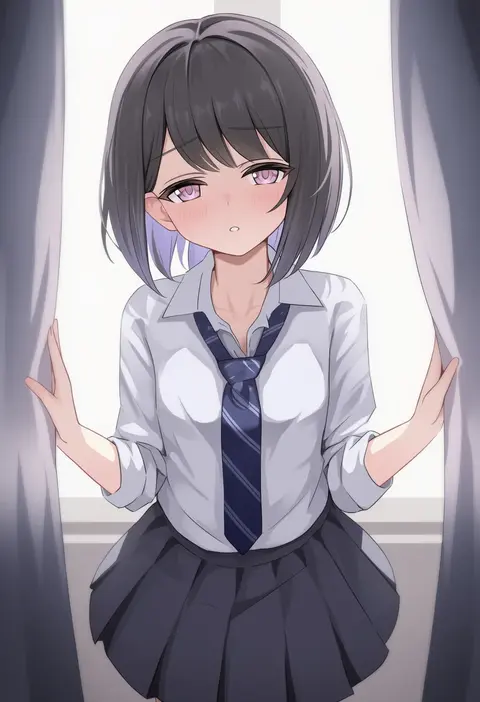
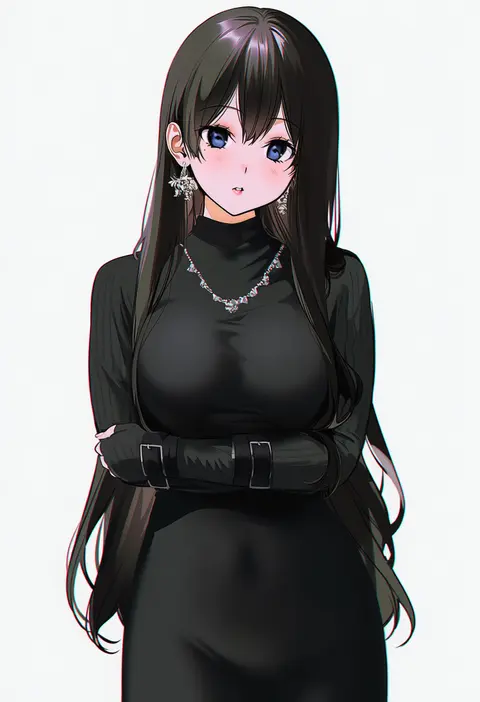
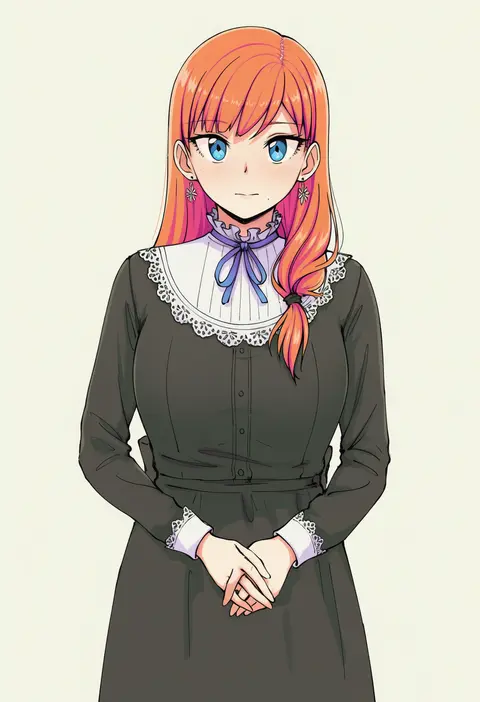
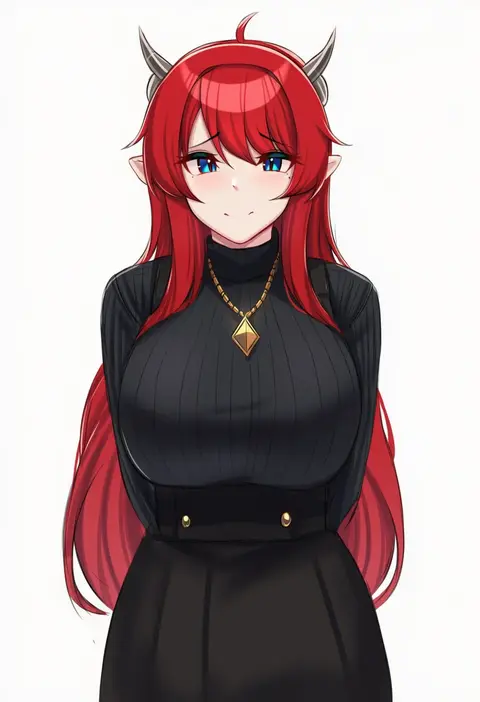
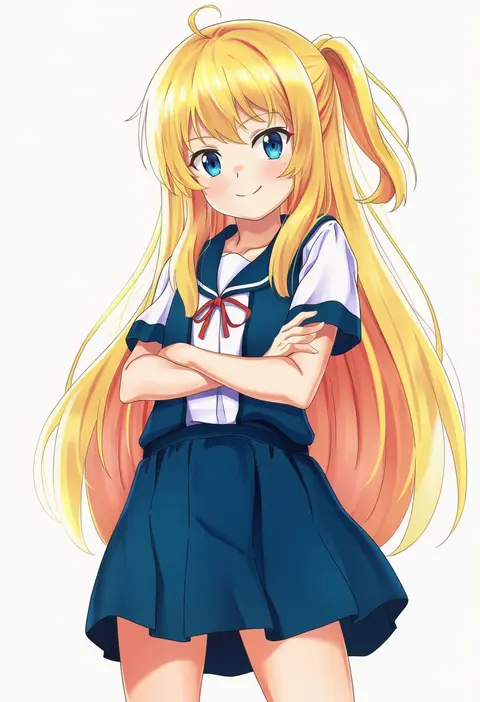
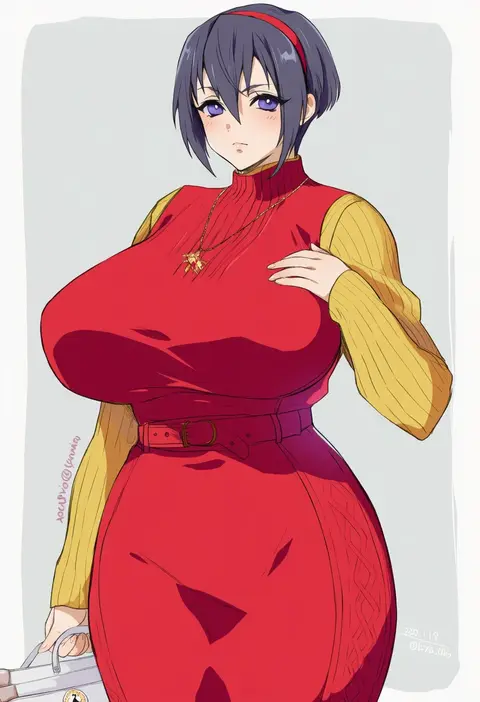
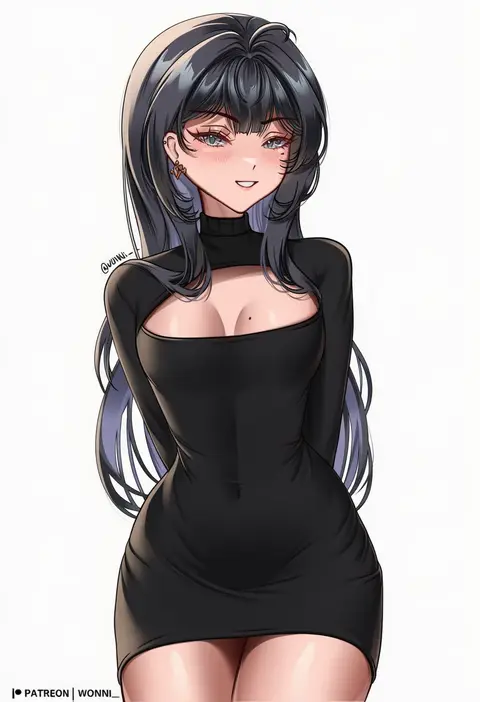
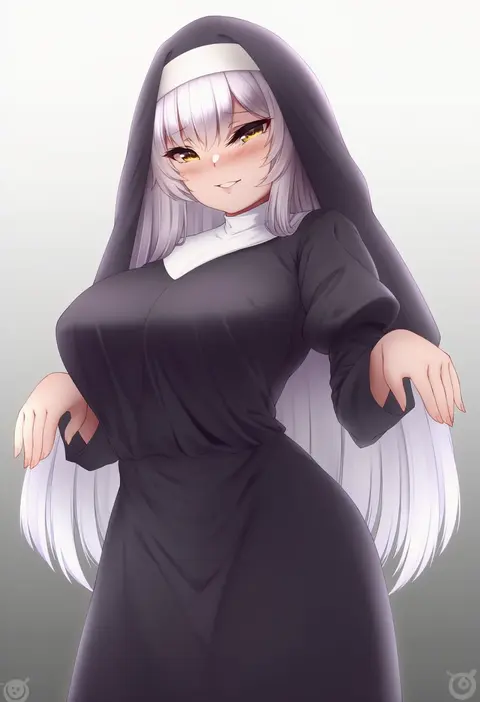
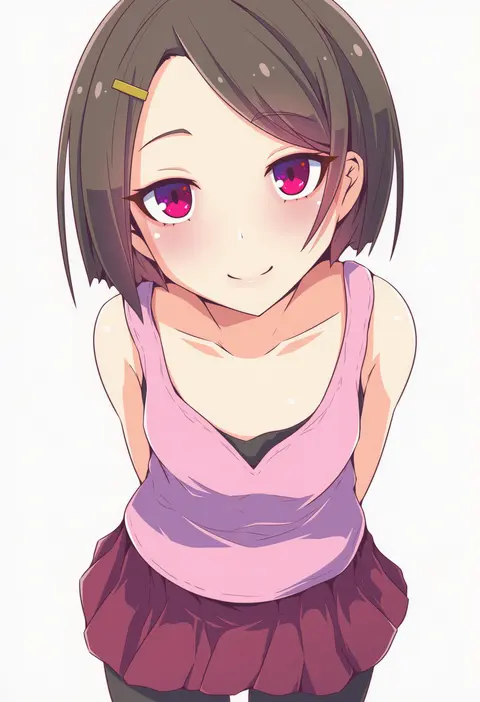
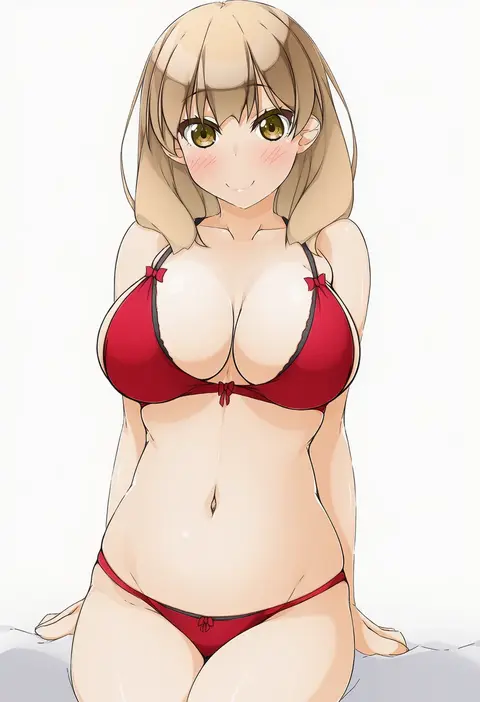
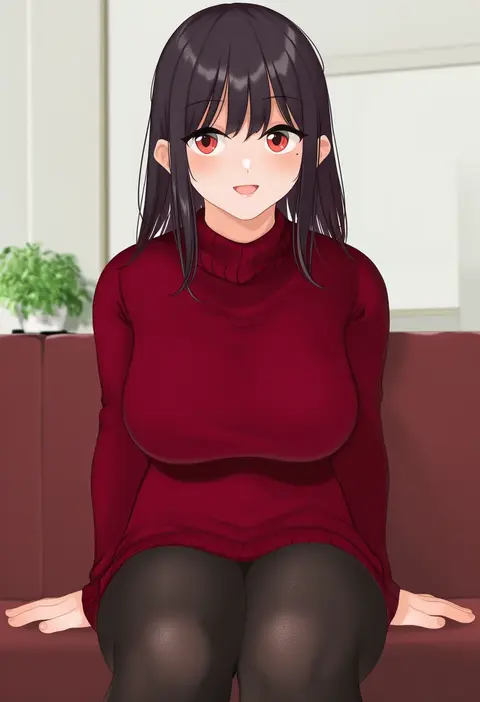
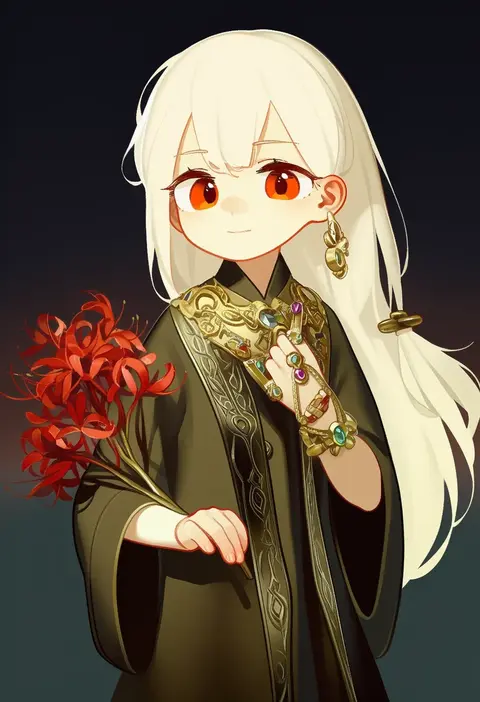
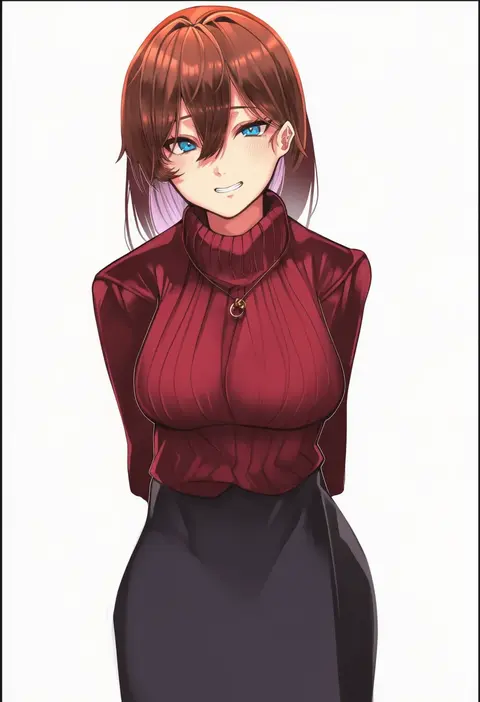
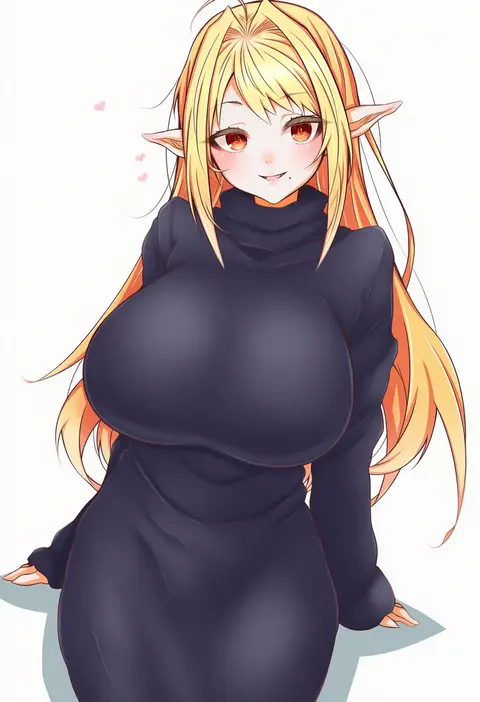
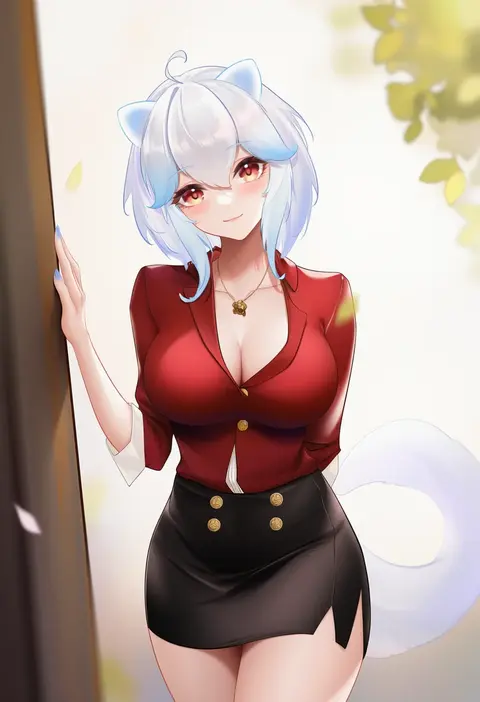
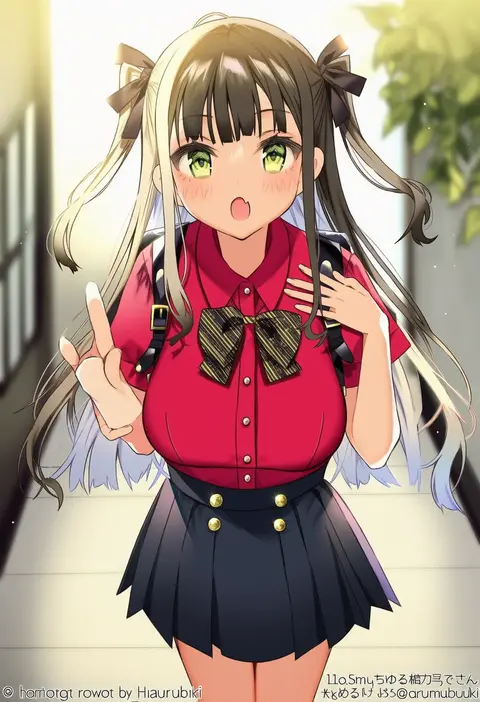
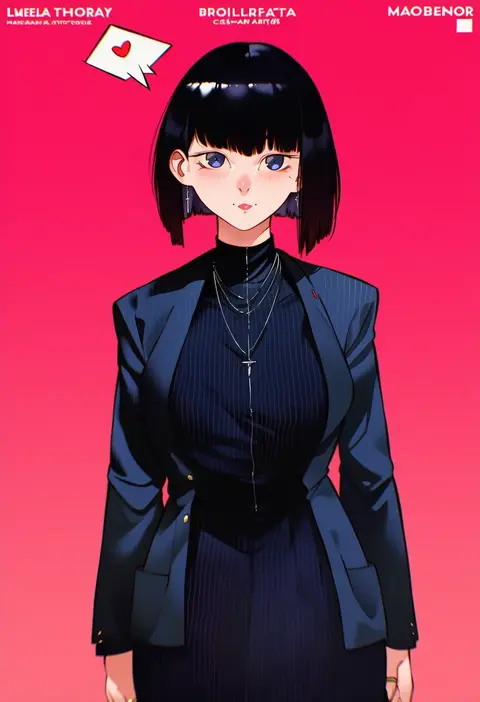
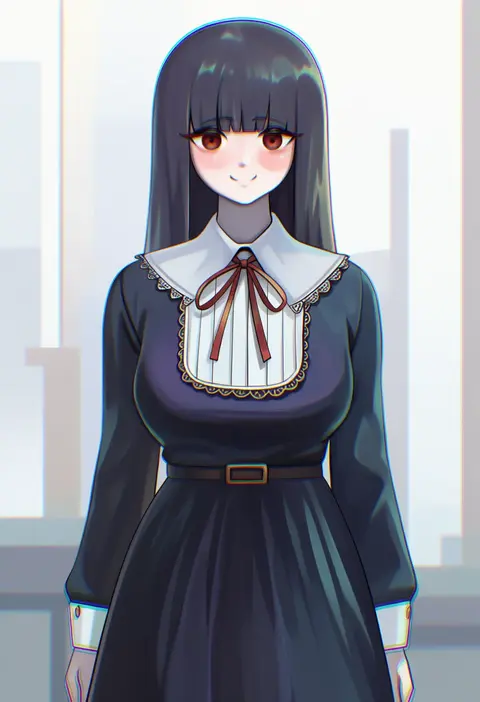
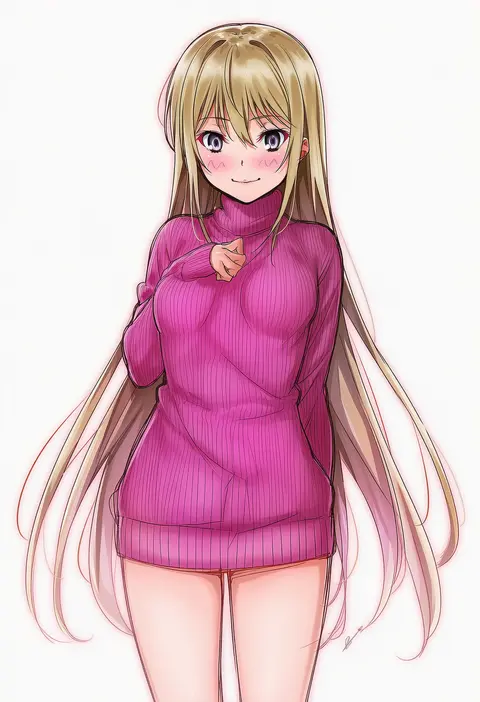
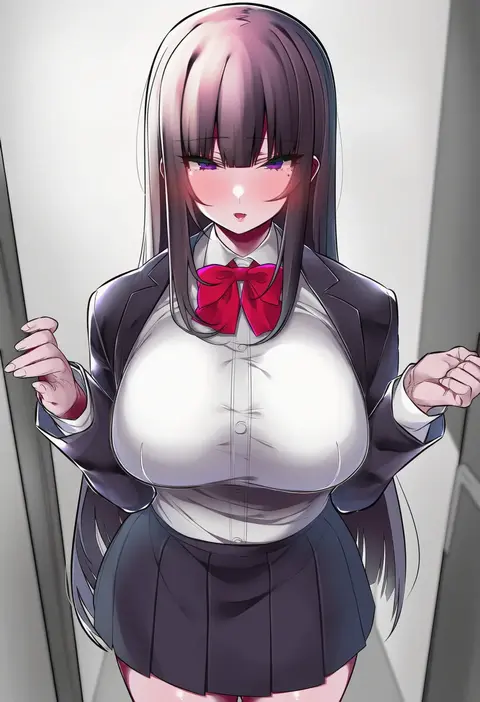
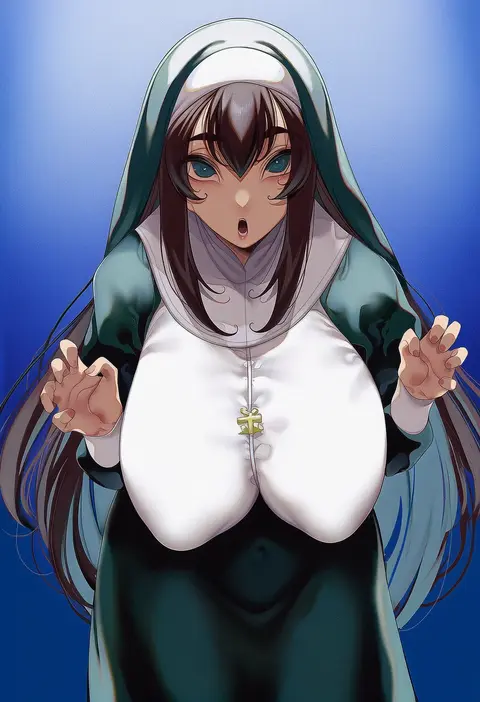
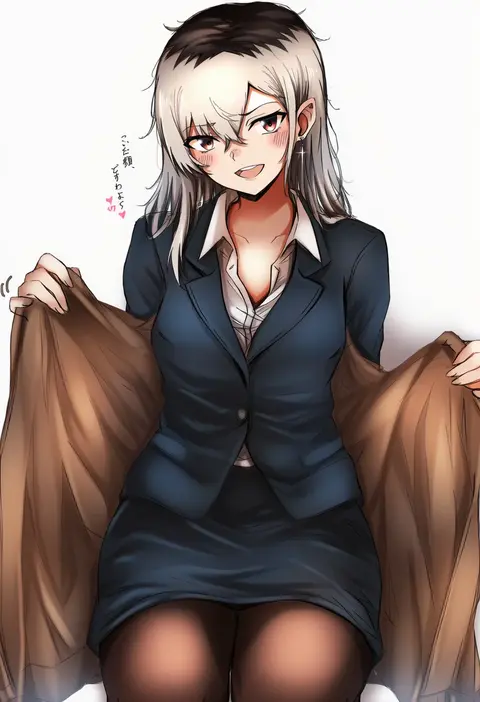
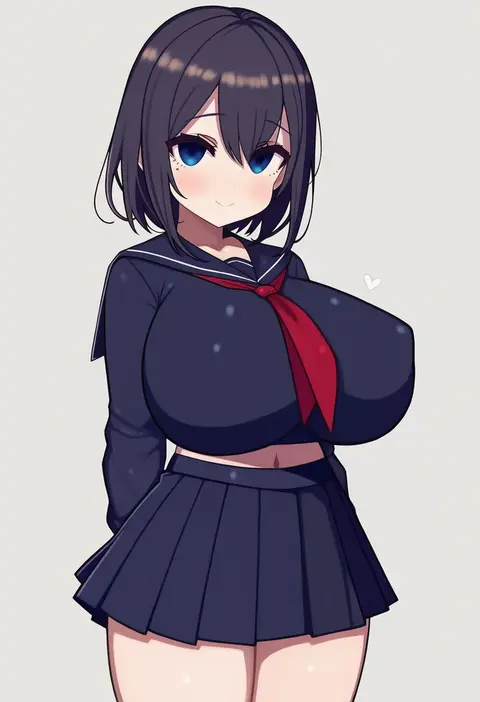
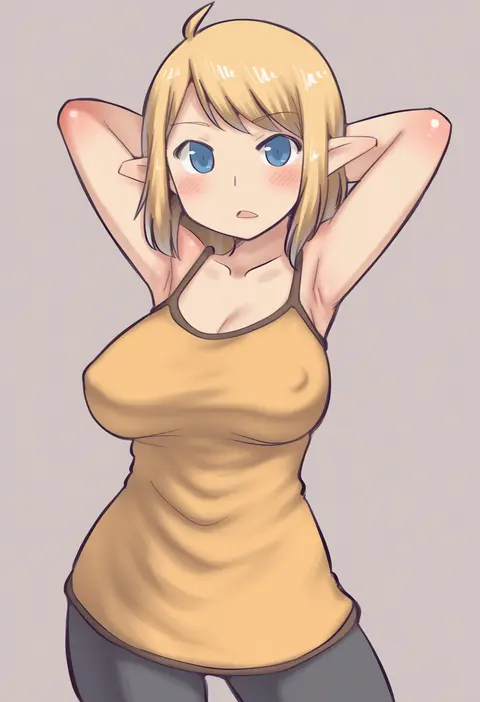
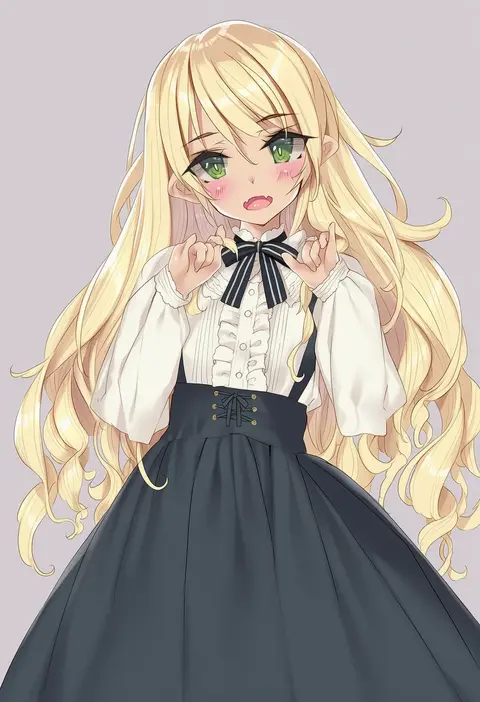
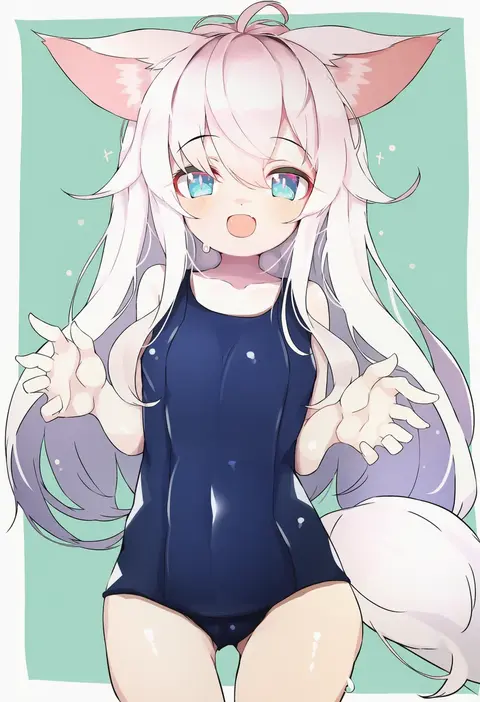
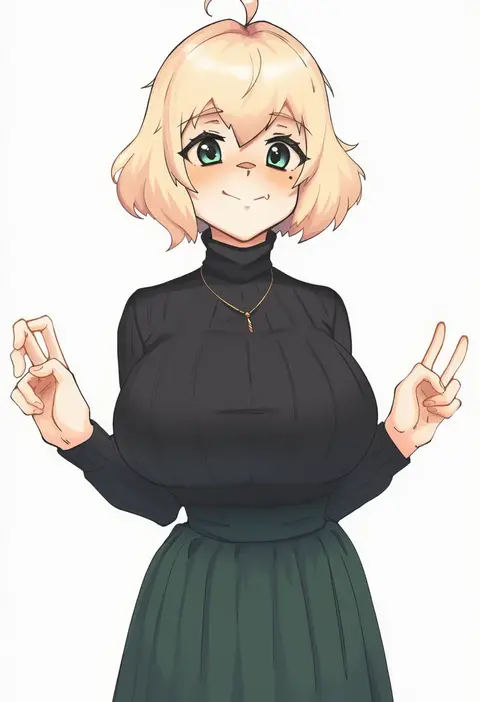
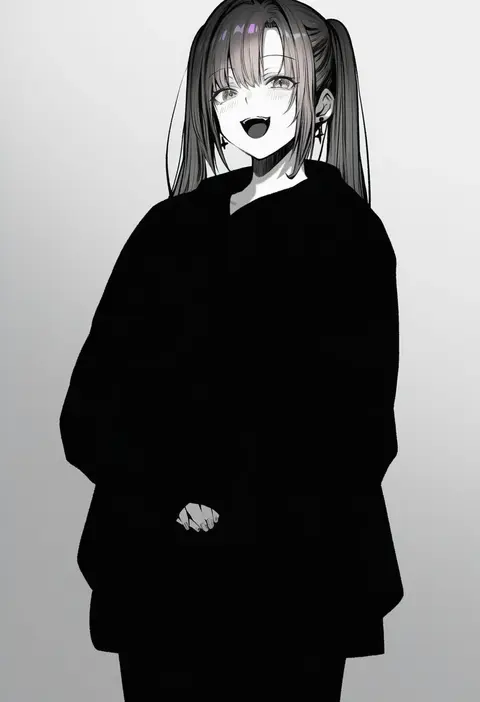
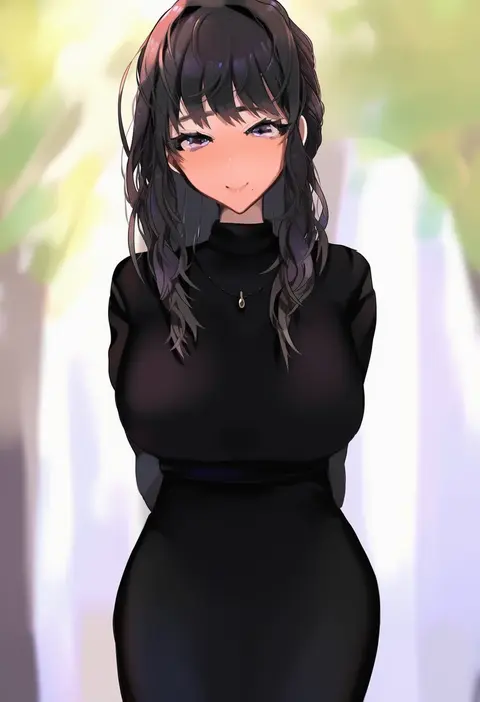
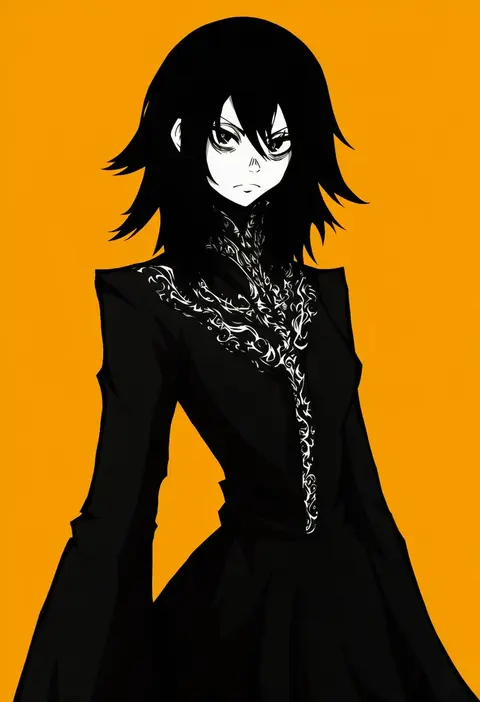
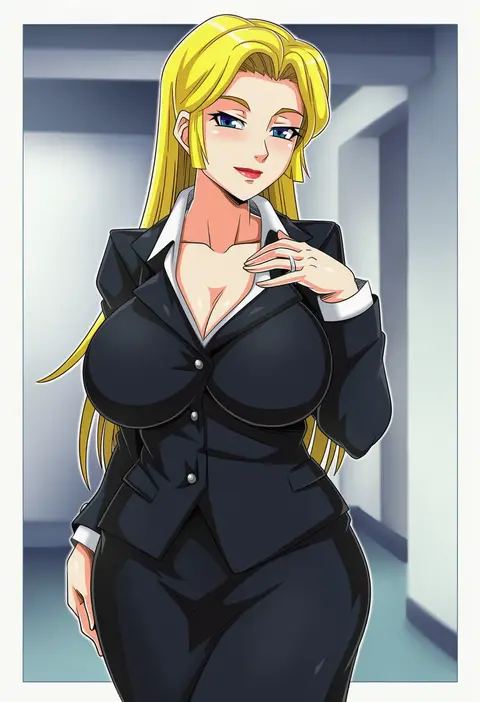
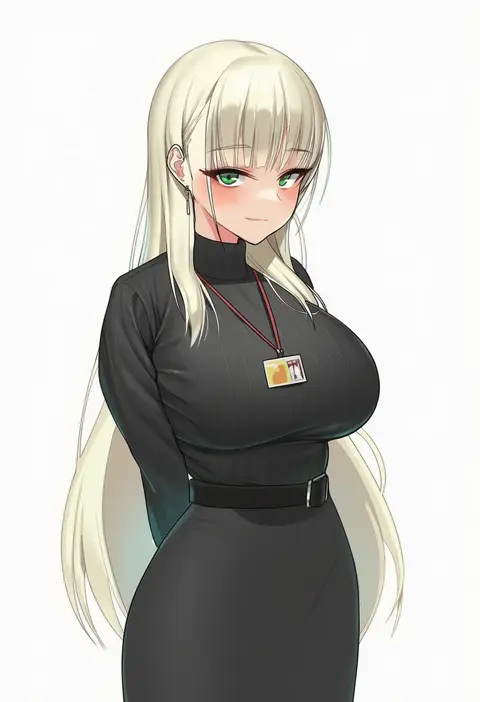
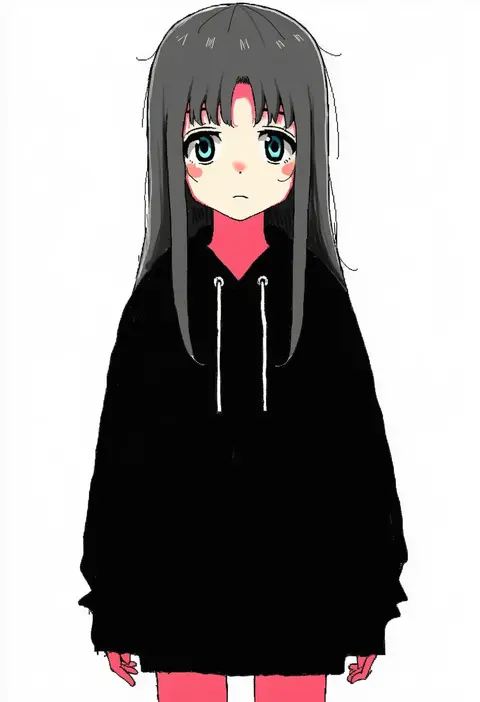
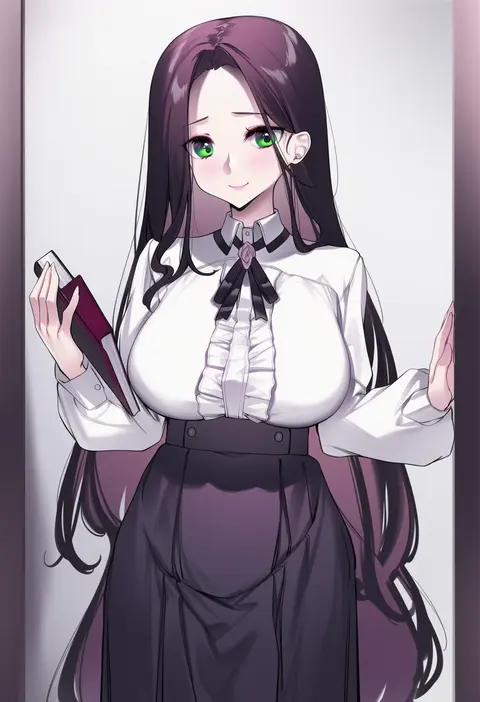
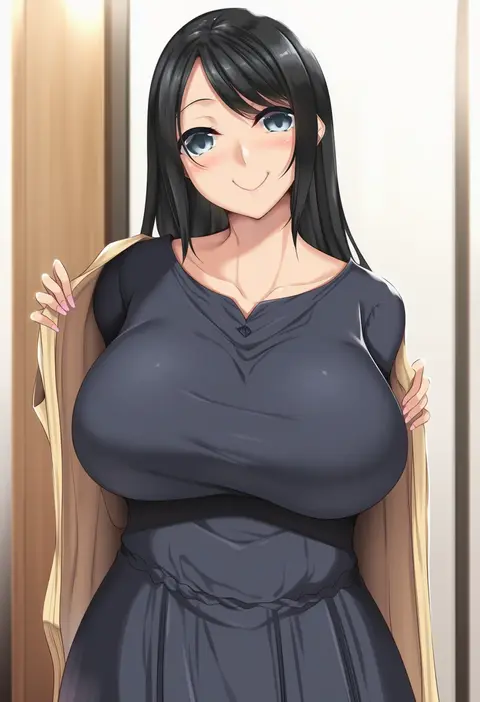
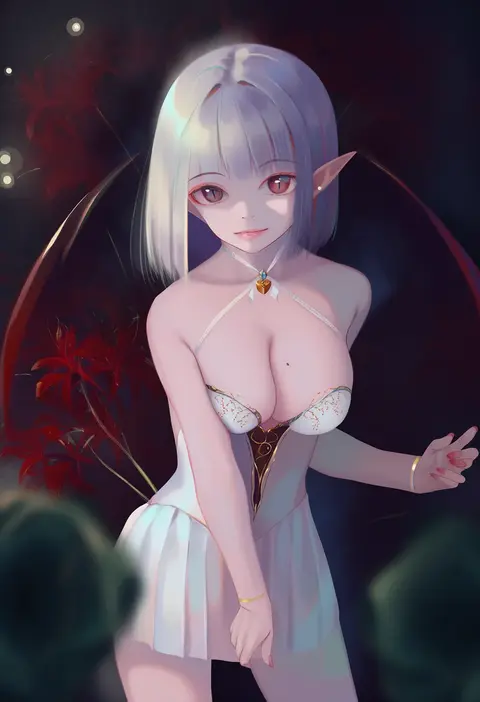
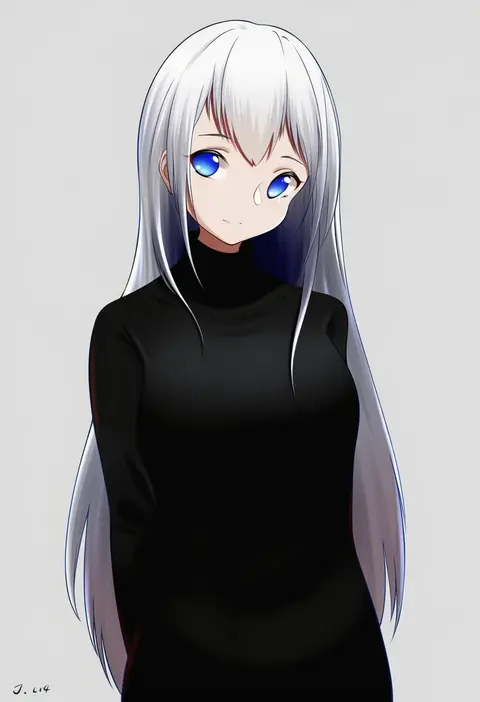
Artist tags tell NovelAI Diffusion to draw in a specific artist's style: line weight, paint texture, face shapes and palette all shift at once. Character and outfit tags decide what is drawn; artist tags decide how. 16,352 tags are listed for V4.5.
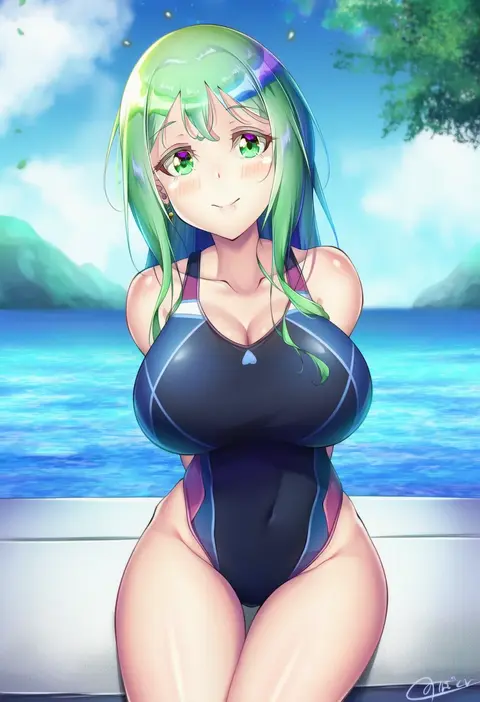
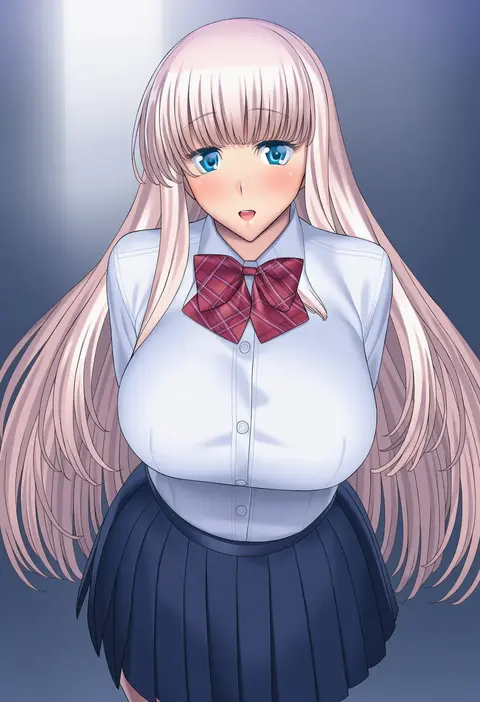
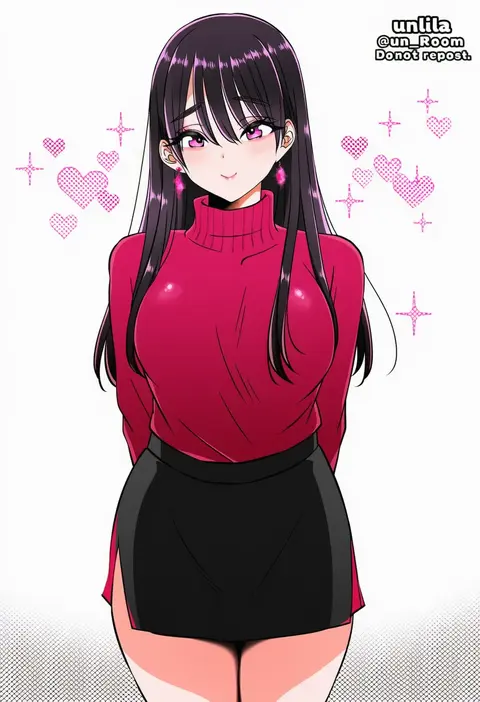
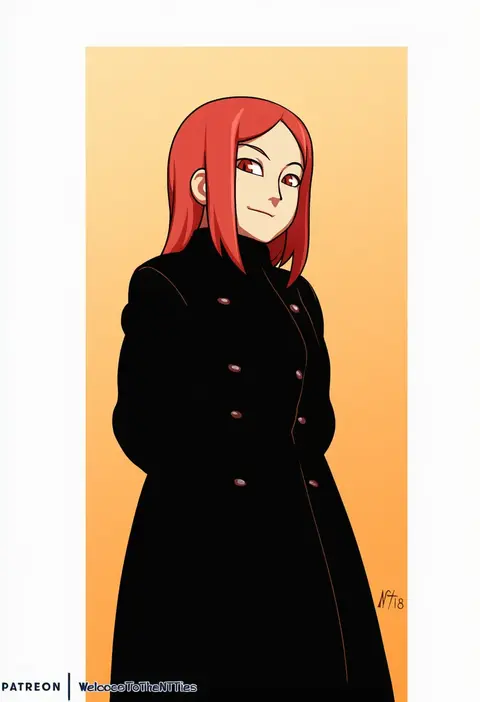
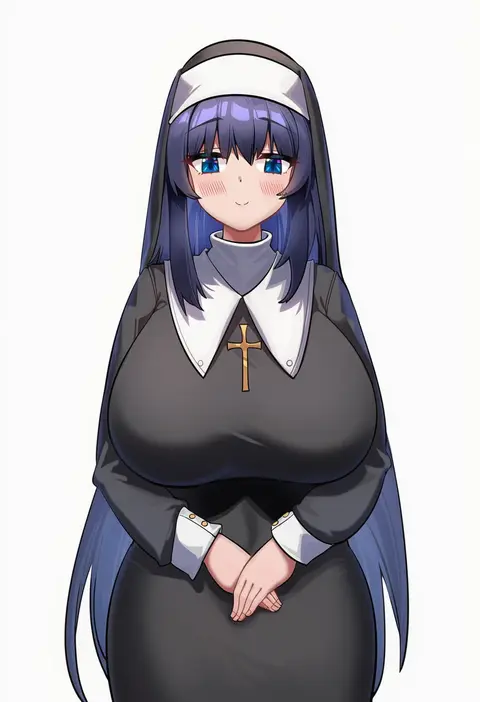
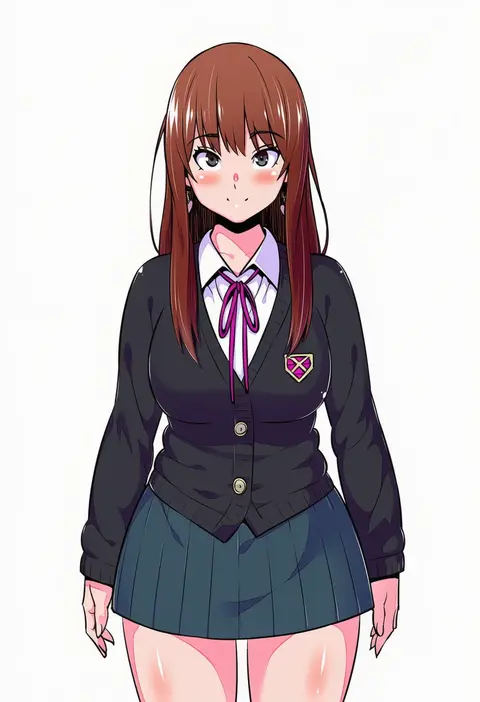
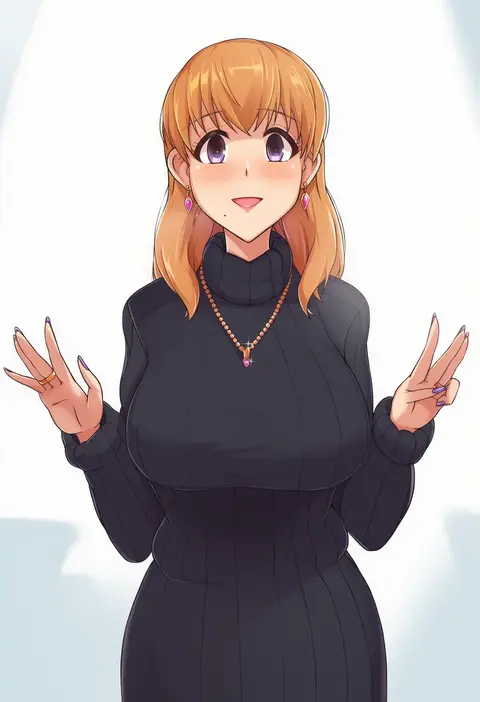
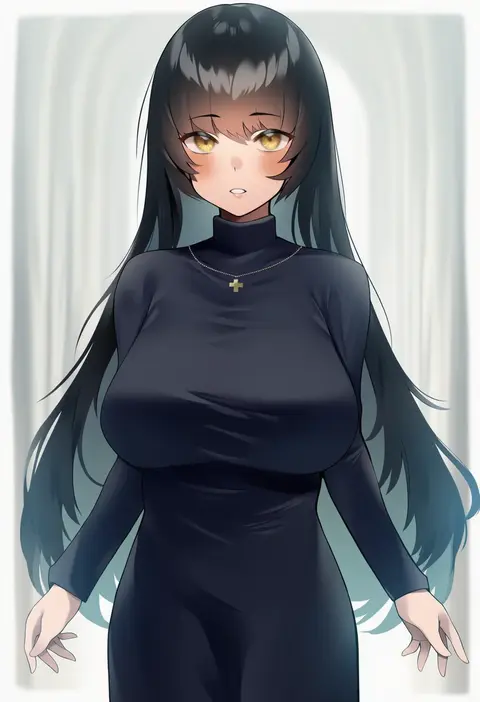
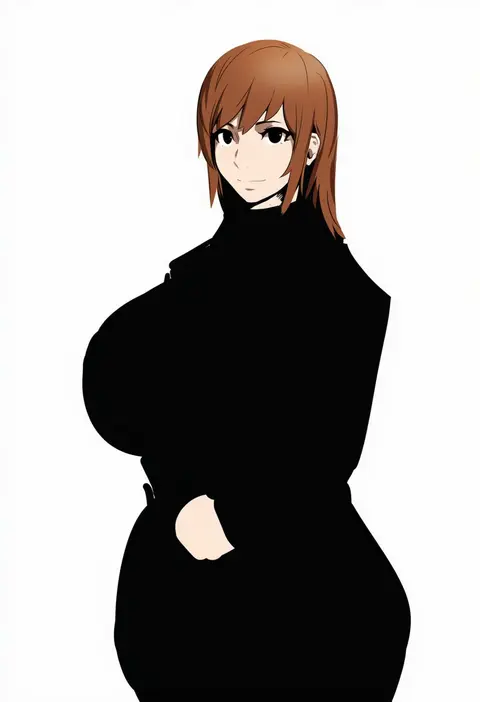
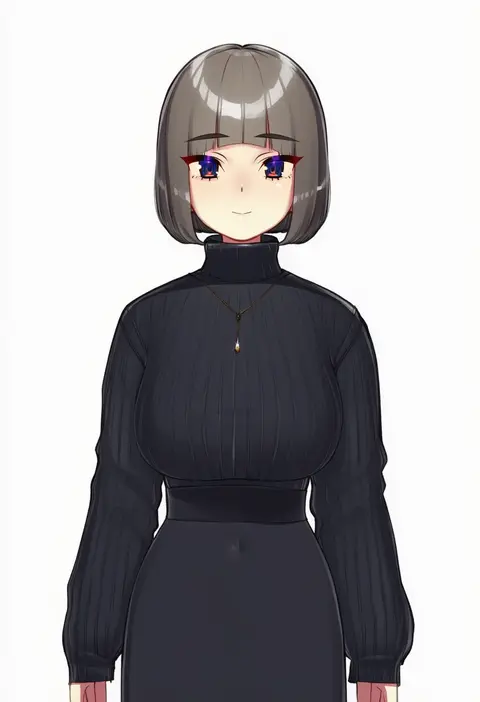
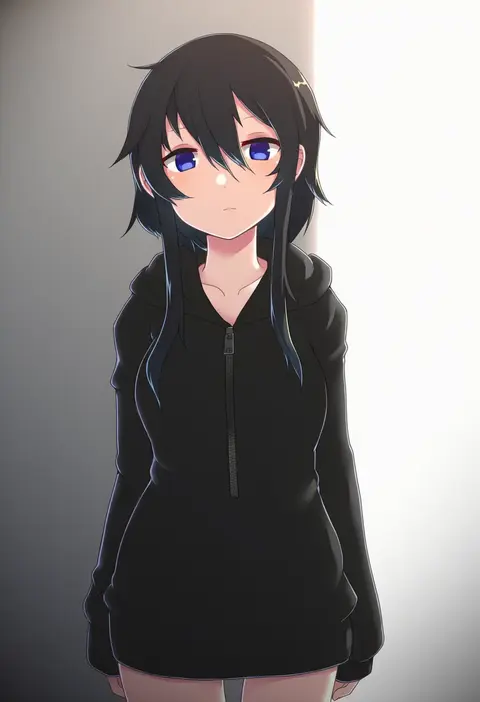
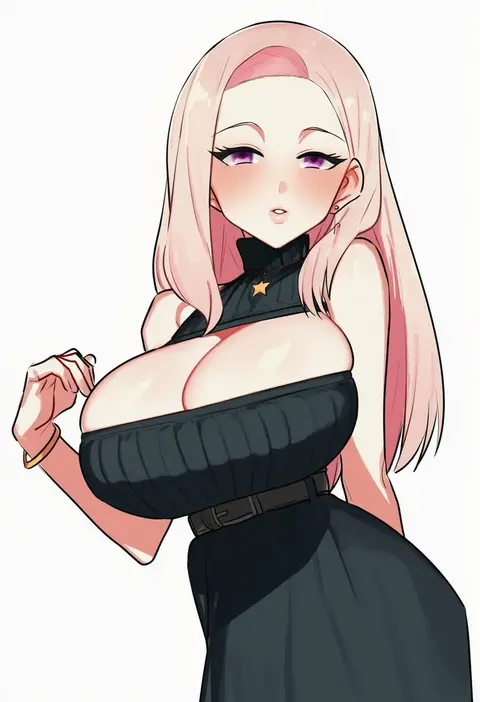
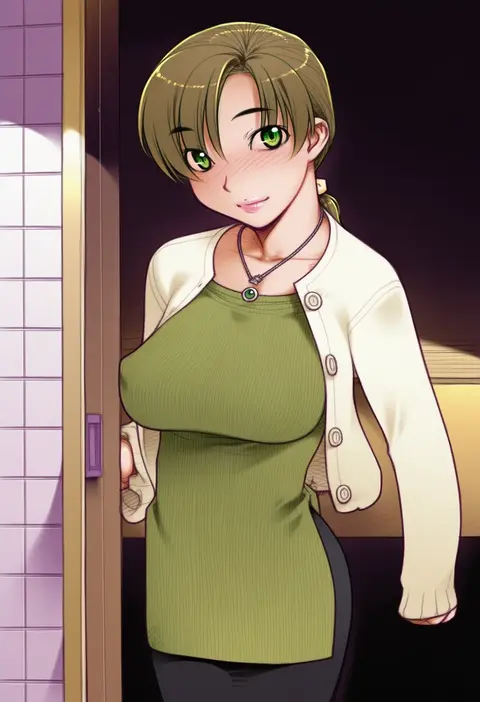
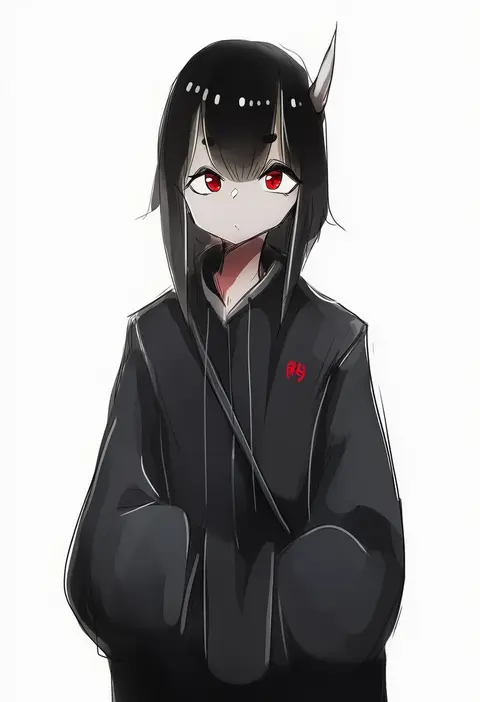
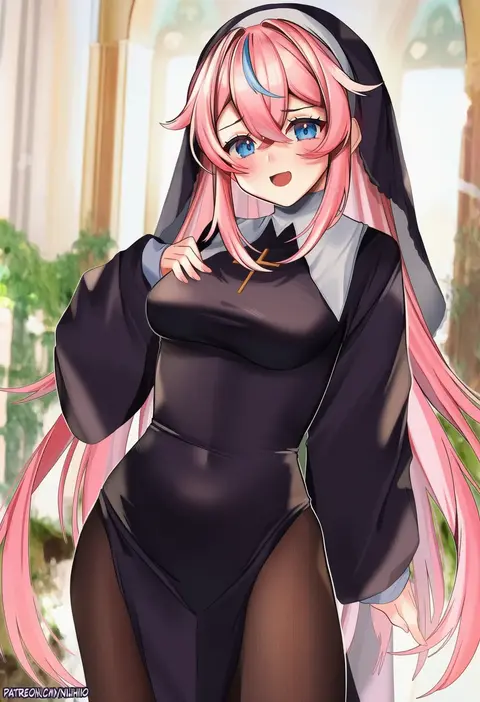
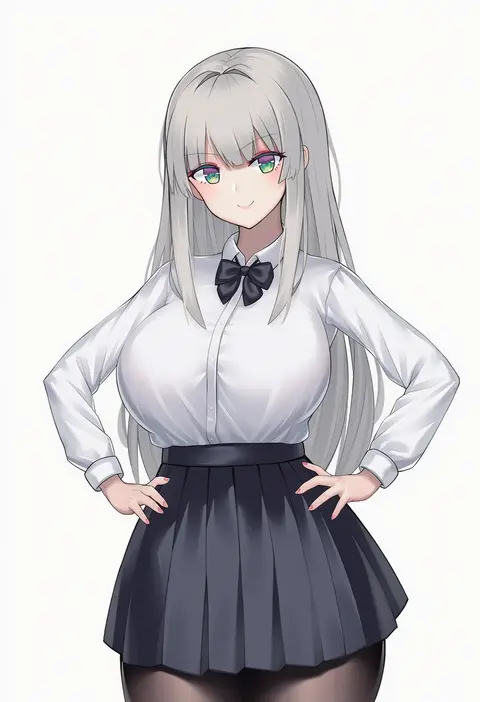
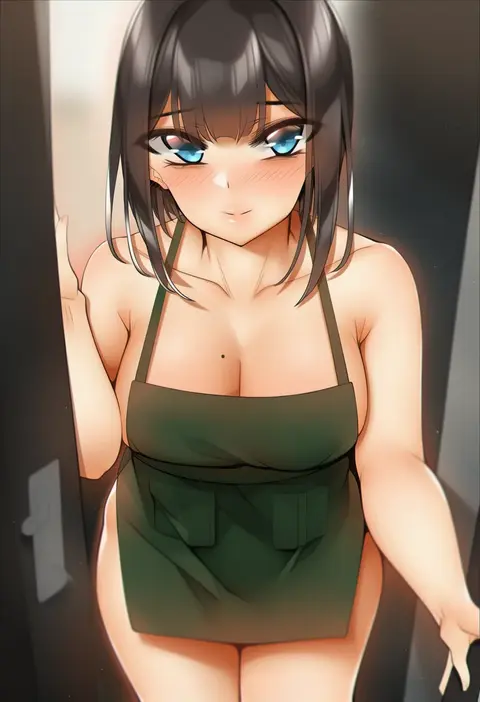
Every tag listed here is verified to react in NovelAI. All images use the same prompt, seed and settings with only the artist tag swapped, so the difference between two images is the style that tag brings in.

How to use them

Put the artist tag near the front of the prompt, e.g. "<artist>, 1girl, solo, best quality, masterpiece, cowboy shot". Two or three artist tags blend styles; lower the weight with "0.8::<artist>::" when the style overpowers the character.

SCORE sorts by Danbooru's top score, POSTS by post count, FAVS by hearts on this site. Open a card to see V5 and V4.5 side by side on the same seed.

V5 vs V4.5

V5 usually lands closer to the artist's real style, and tags that did nothing on V4.5 often react on V5. V4.5 still fits older and doujin-heavy artists better. Try V5 first, fall back to V4.5.

FAQ

Where does the artist tag go?
Near the front of the prompt. Use "0.8::tag::" to adjust its weight.

Can I stack artist tags?
Yes, styles blend. Past two or three the result stops looking like anyone.

Are these the artists' own works?
No. Every image is a NovelAI sample generated from the tag.