V4.5Artists
sort: FAVS▾
▾
>
$

NovelAI Artist Tags List — V4.5

artist --count 16,352[66/273]
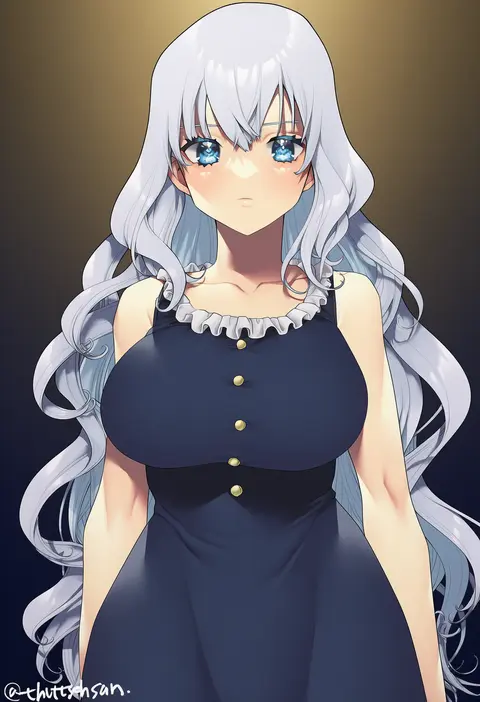
murata tefu
ARTIST0x0F3C
0
disco brando
ARTIST0x0F3D
0
nucomas
ARTIST0x0F3E
0
neonbeat
ARTIST0x0F3F
0
tsukino wagamo
ARTIST0x0F40
0
raitho
ARTIST0x0F41
0
succuboos
ARTIST0x0F42
0
lao meng
ARTIST0x0F43
0
tian kazuki
ARTIST0x0F44
0
bagelbomb
ARTIST0x0F45
0
shinki (shinki59)
ARTIST0x0F46
0
juaag acgy
ARTIST0x0F47
0
oggu (neoguloliko)
ARTIST0x0F48
0
unacchi (nyusankin)
ARTIST0x0F49
0
kaorihero
ARTIST0x0F4A
0
fue (rhomphair)
ARTIST0x0F4B
0
shiming liangjing
ARTIST0x0F4C
0
wakaba (945599620)
ARTIST0x0F4D
0
fang qiao
ARTIST0x0F4E
0
hamu (plot sy)
ARTIST0x0F4F
0
fujinomiya rio
ARTIST0x0F50
0
rantia
ARTIST0x0F51
0
ginko (silver fox)
ARTIST0x0F52
0
chiyo (pk19981234)
ARTIST0x0F53
0
cocozasa
ARTIST0x0F54
0
casul
ARTIST0x0F55
0
sho bu 1116
ARTIST0x0F56
0
gunnjou yosio
ARTIST0x0F57
0
kamu (kamuuei)
ARTIST0x0F58
0
zunta
ARTIST0x0F59
0
kiirokuma
ARTIST0x0F5A
0
hongcasso
ARTIST0x0F5B
0
cruzvu
ARTIST0x0F5C
0
hikage eiji
ARTIST0x0F5D
0
bomber grape
ARTIST0x0F5E
0
endou okito
ARTIST0x0F5F
0
quuni
ARTIST0x0F60
0
kimagure blue
ARTIST0x0F61
0
wowoguni
ARTIST0x0F62
0
bluecup
ARTIST0x0F63
0
yukiyoshi mamizu
ARTIST0x0F64
0
shionootsu
ARTIST0x0F65
0
mokottsu
ARTIST0x0F66
0
ms. tsu
ARTIST0x0F67
0
kon-kit
ARTIST0x0F68
0
kita (kitairoha)
ARTIST0x0F69
0
kkix25
ARTIST0x0F6A
0
hakusyokuto
ARTIST0x0F6B
0
baisi shaonian
ARTIST0x0F6C
0
pasdar
ARTIST0x0F6D
0
blastbeat
ARTIST0x0F6E
0
hasaya
ARTIST0x0F6F
0
xiaoshou xiansheng
ARTIST0x0F70
0
neg (101neg)
ARTIST0x0F71
0
yoshiron
ARTIST0x0F72
0
danfer3
ARTIST0x0F73
0
keyfanjun
ARTIST0x0F74
0
kujya
ARTIST0x0F75
0
ikisugi shokudou
ARTIST0x0F76
0
aumann
ARTIST0x0F77
0

What these tags change

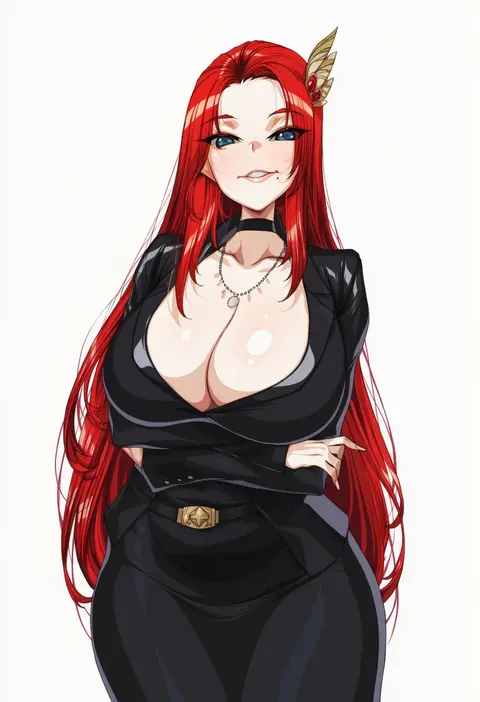
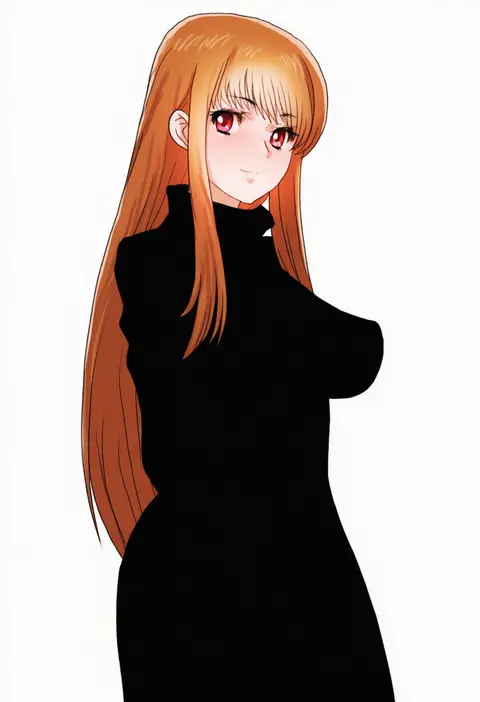
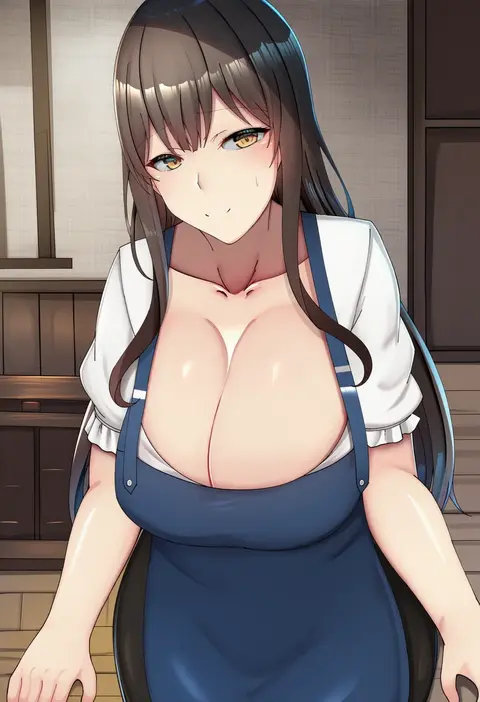
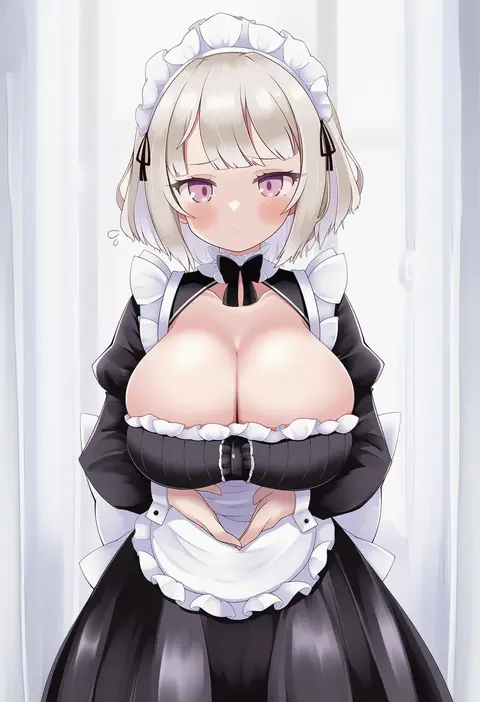
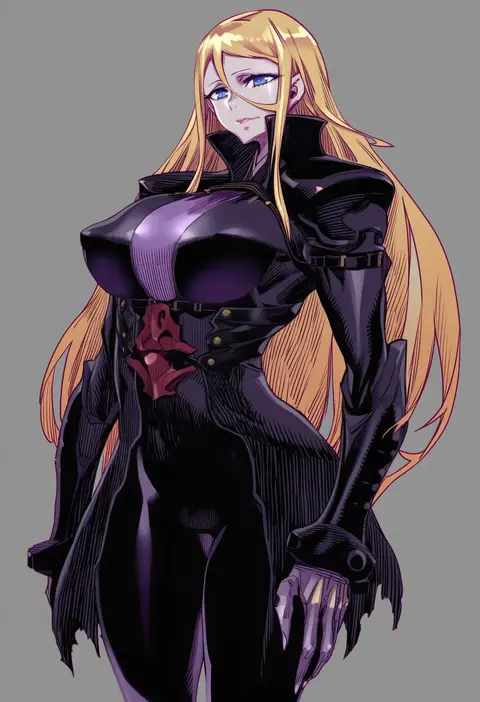
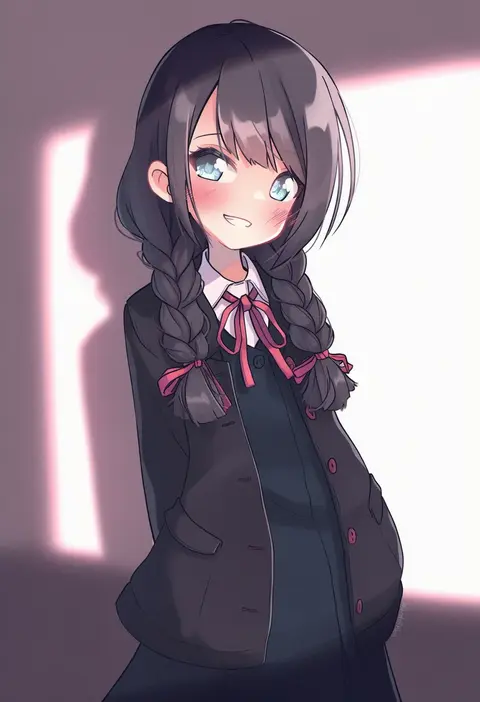
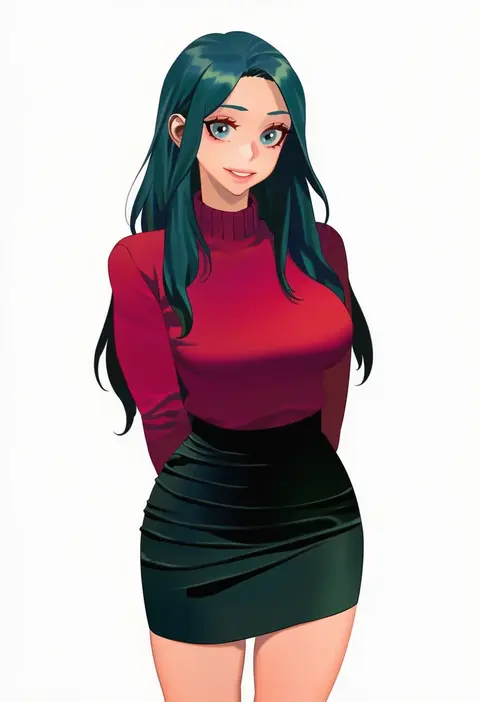
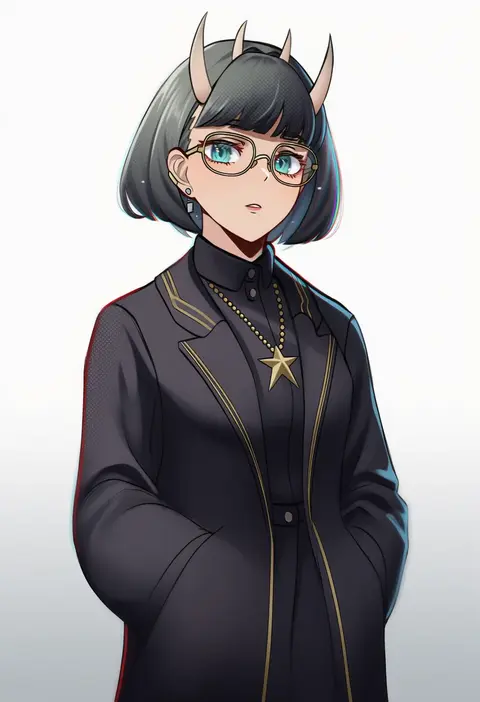
Artist tags tell NovelAI Diffusion to draw in a specific artist's style: line weight, paint texture, face shapes and palette all shift at once. Character and outfit tags decide what is drawn; artist tags decide how. 16,352 tags are listed for V4.5.
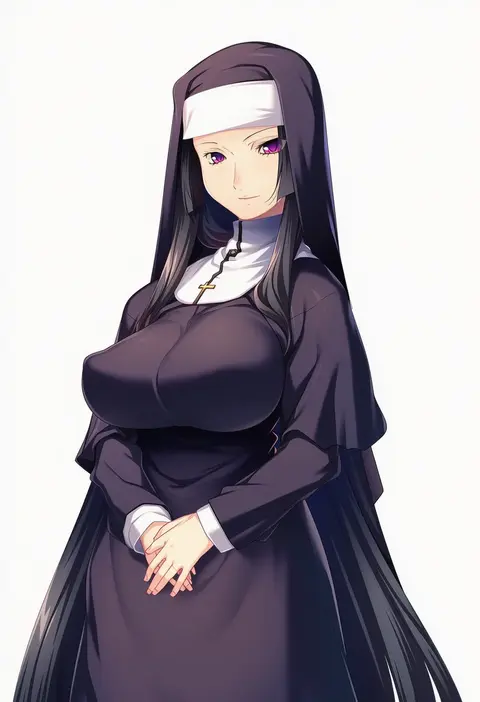
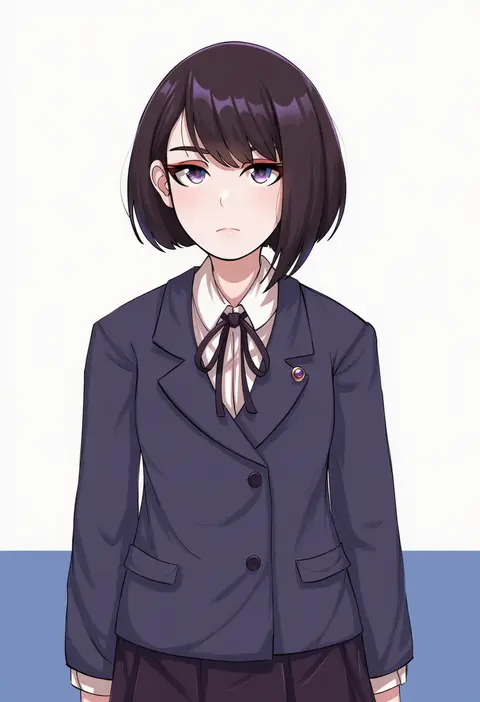
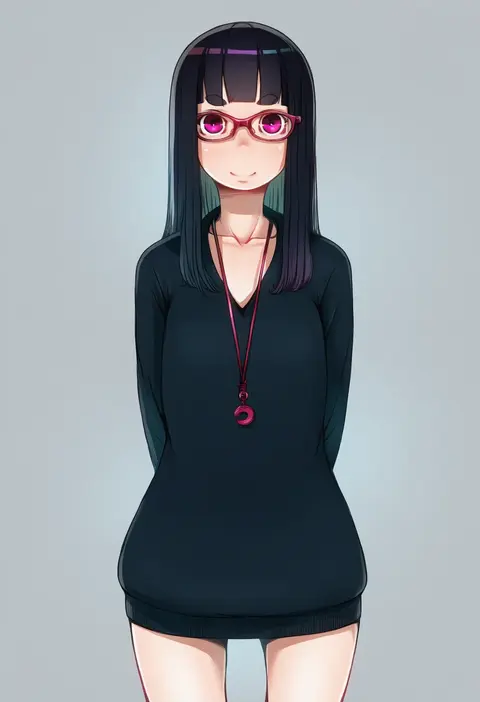
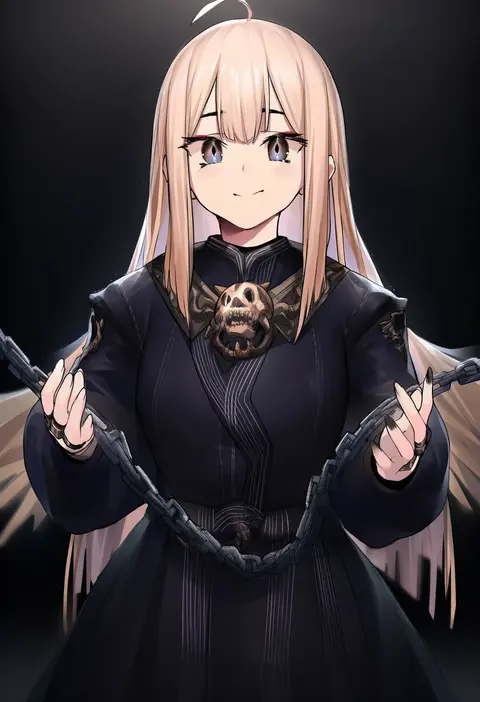
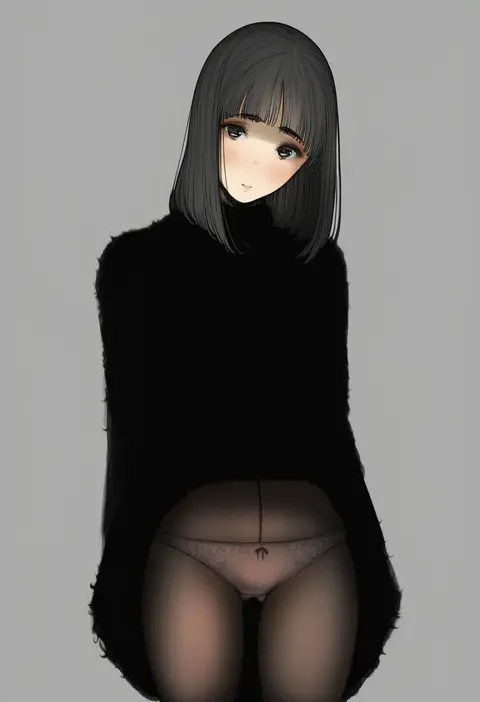
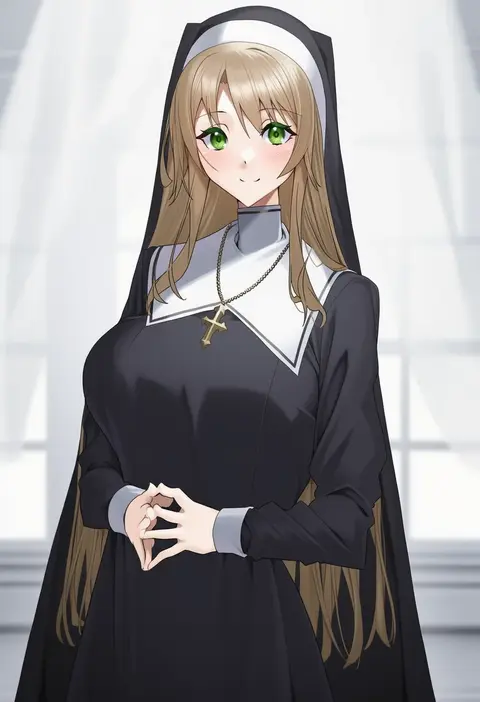
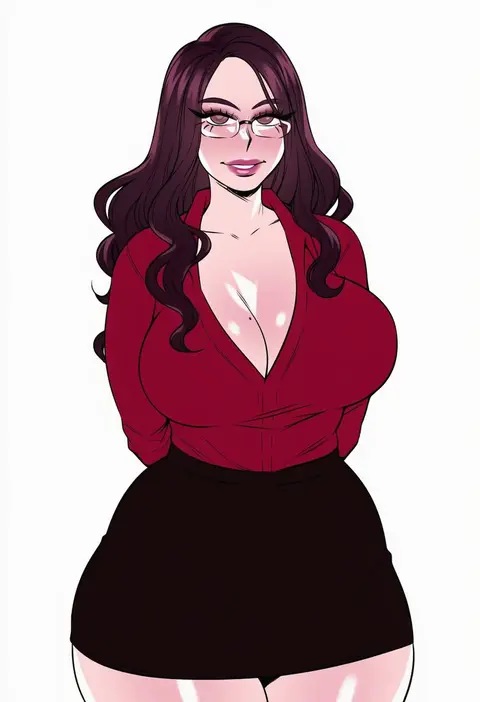
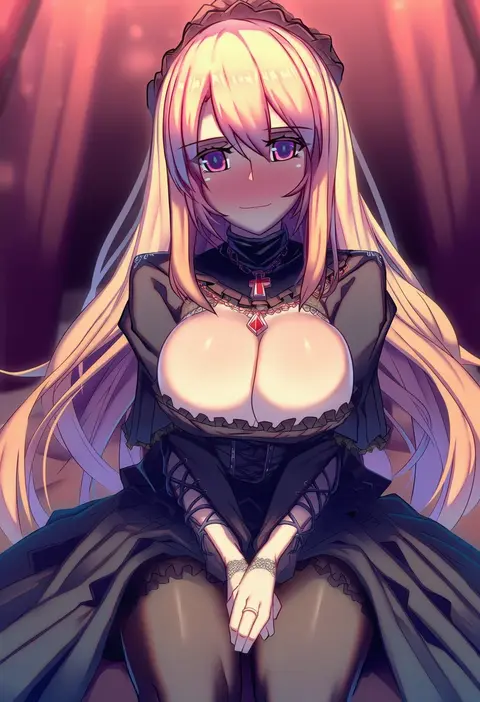
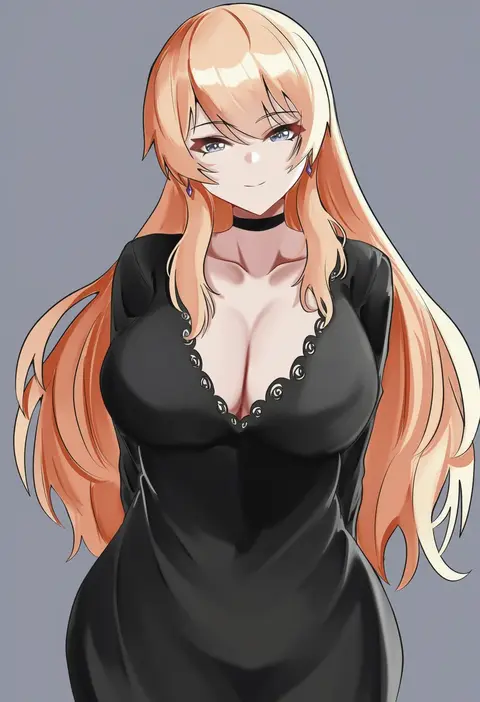
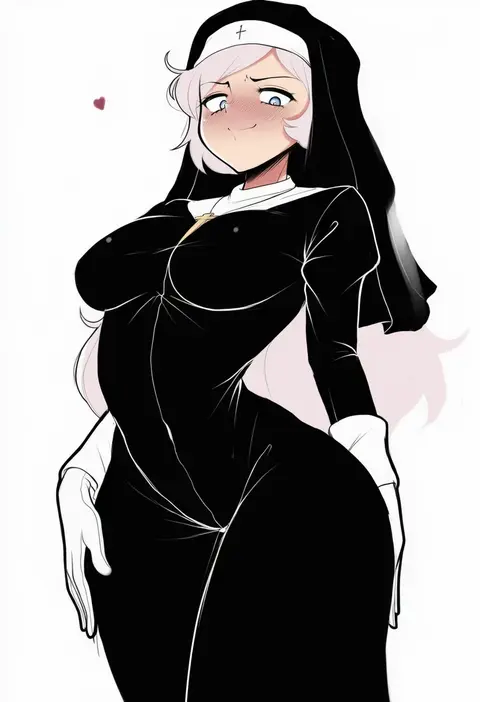
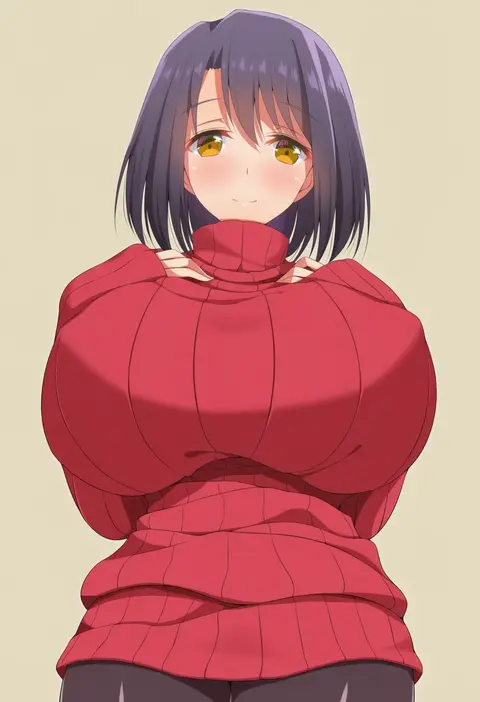
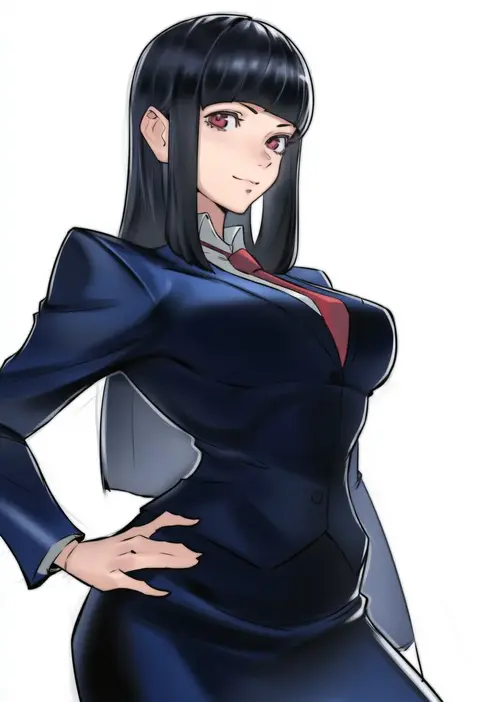
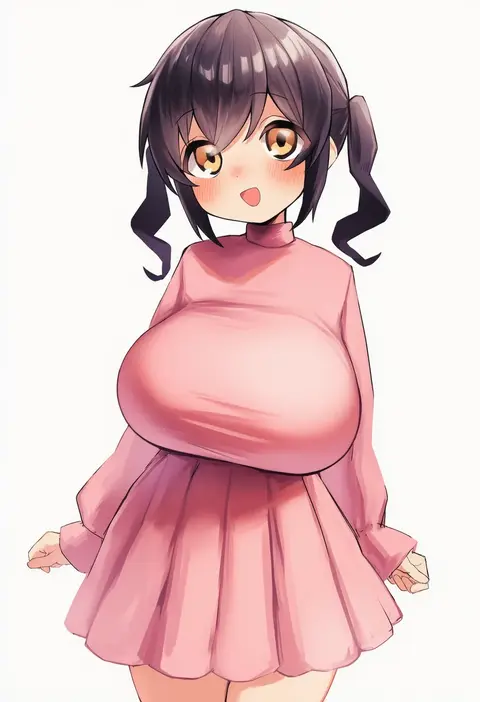
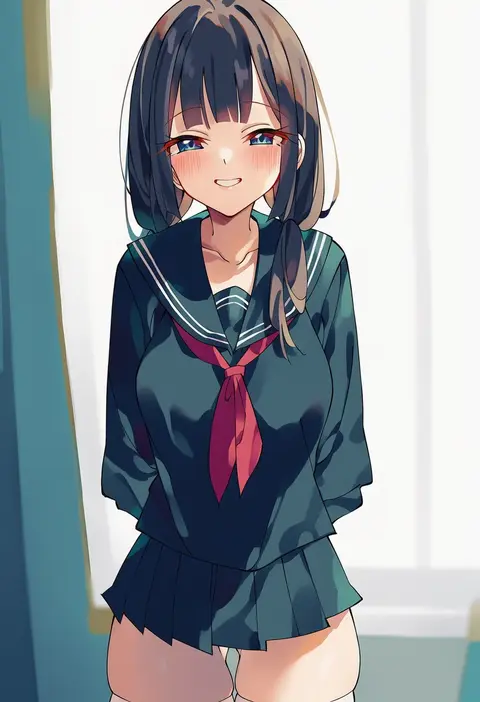
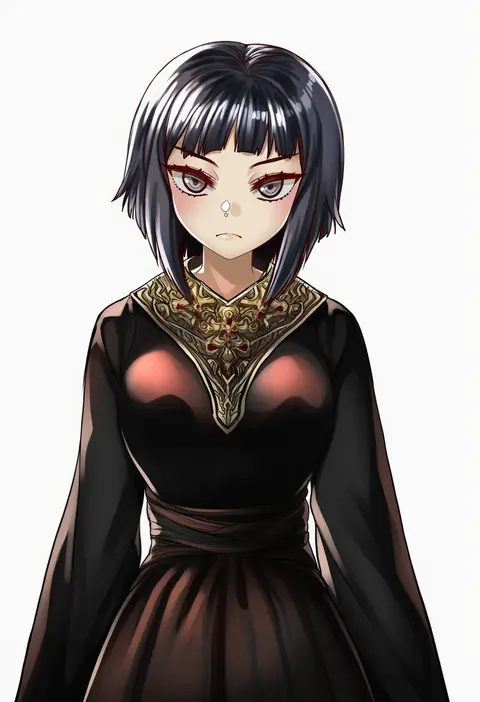
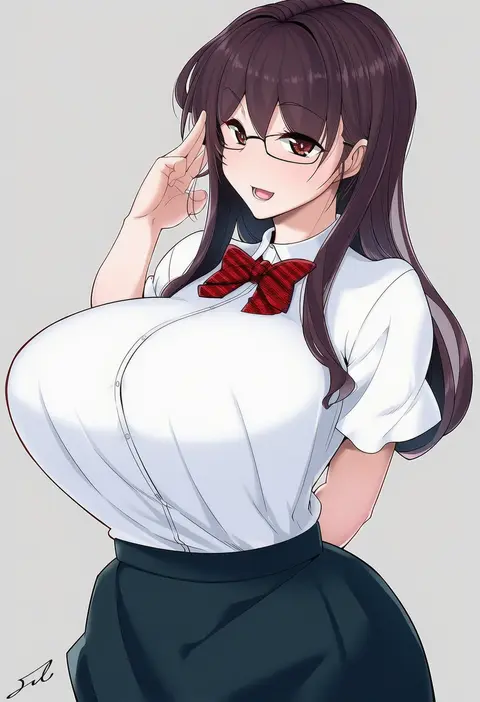
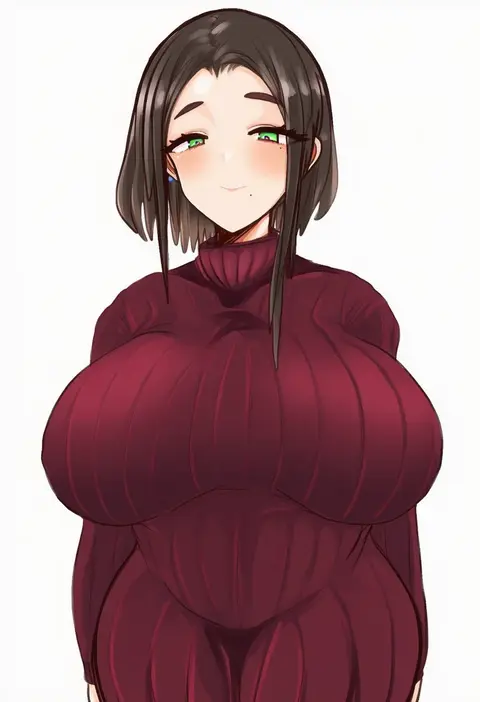
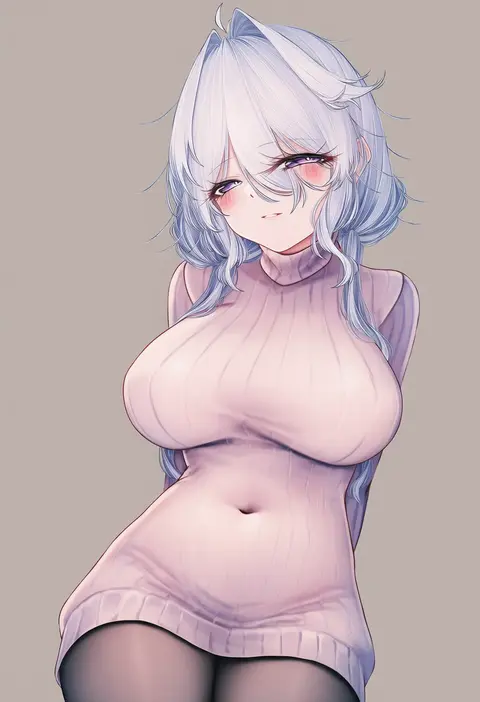
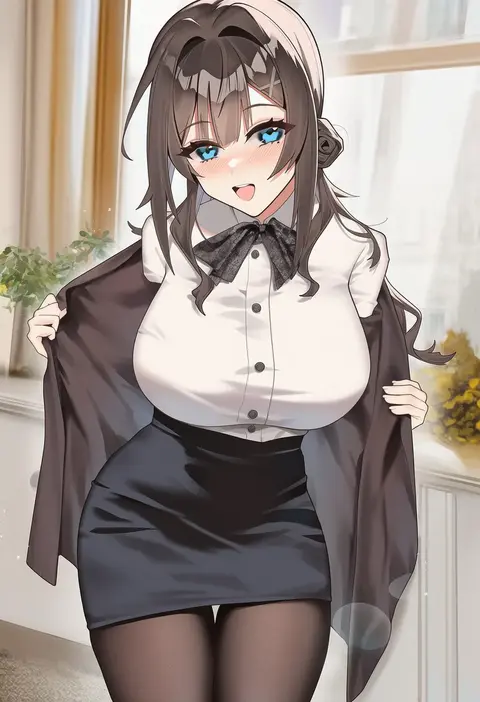
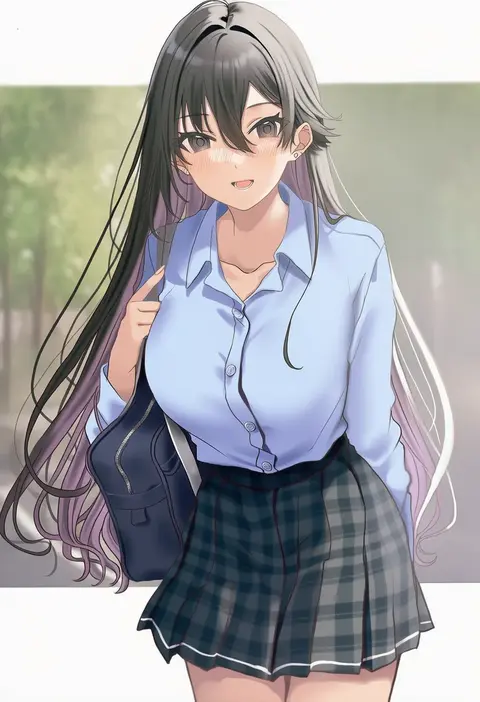
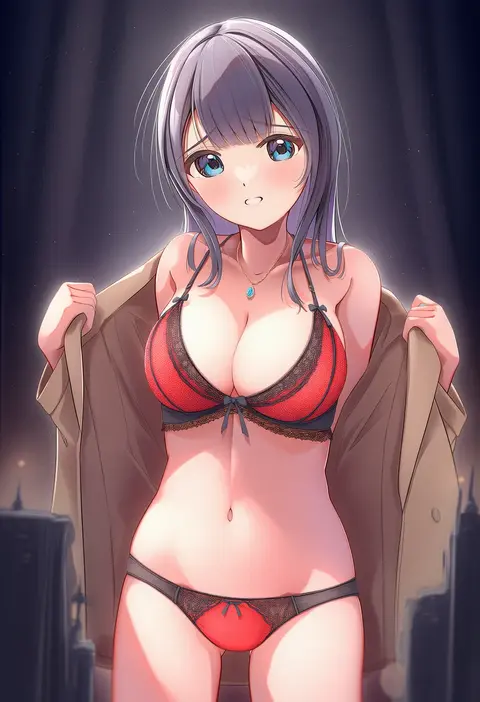
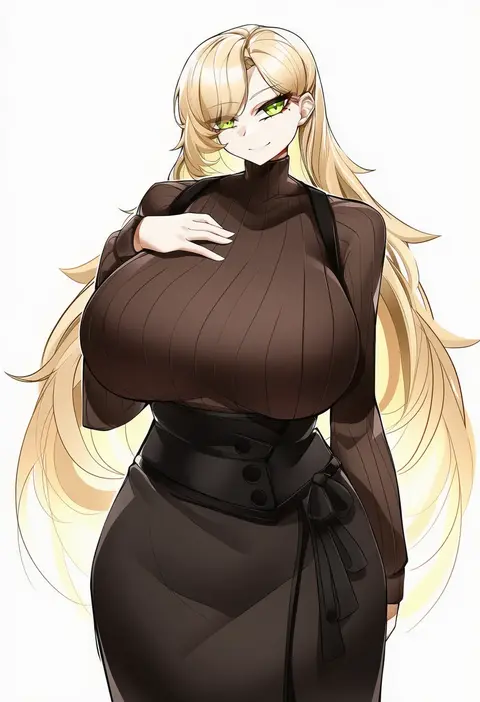
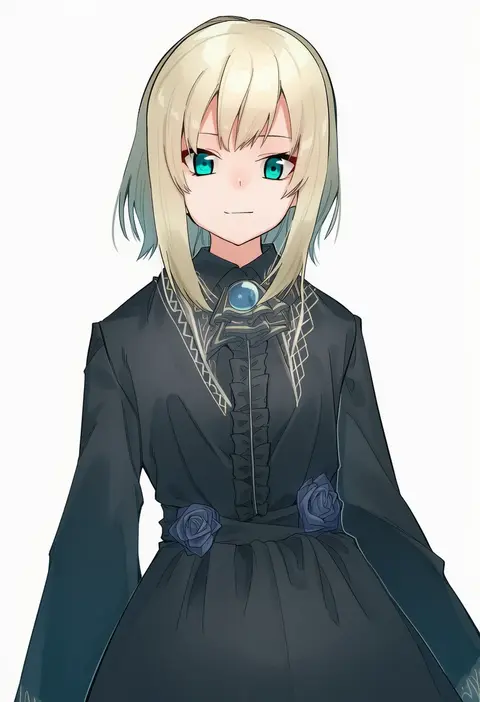
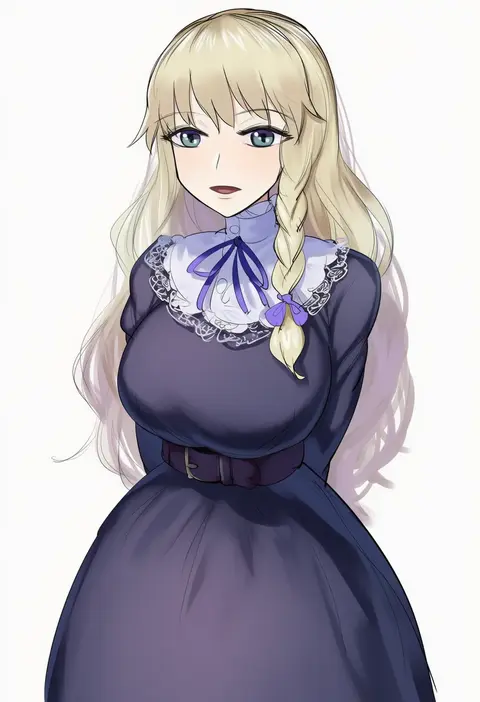
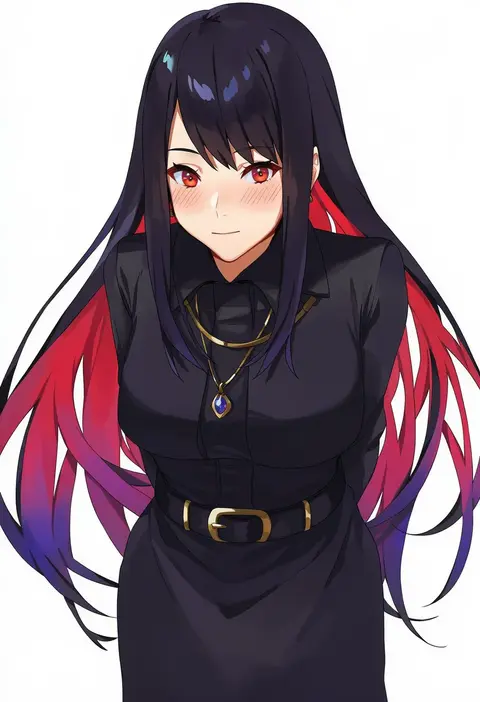
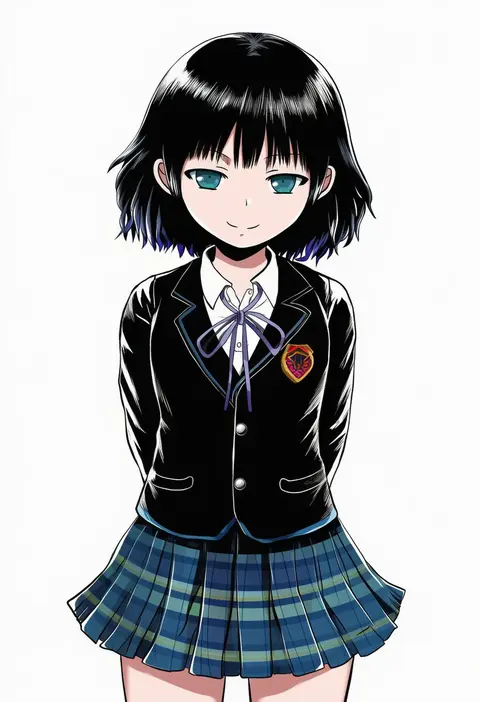
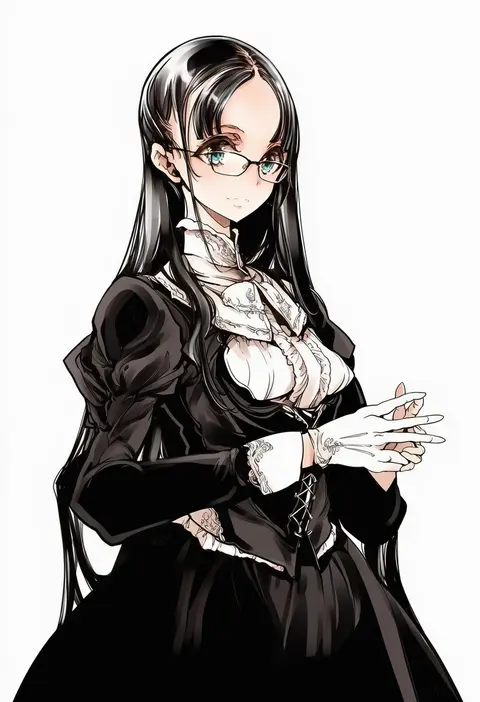
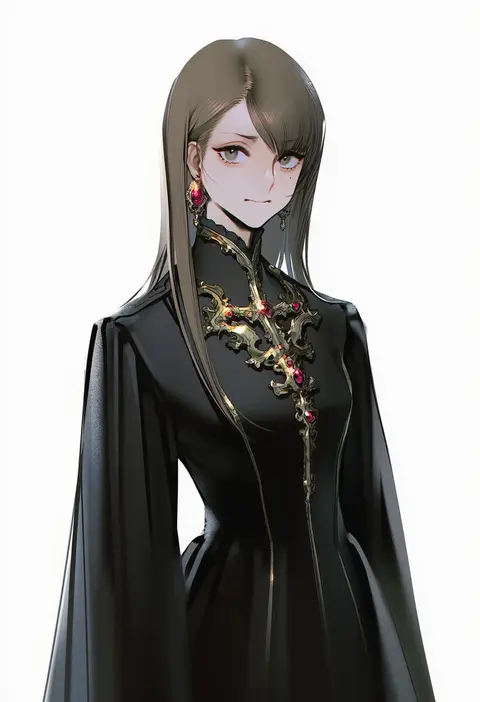
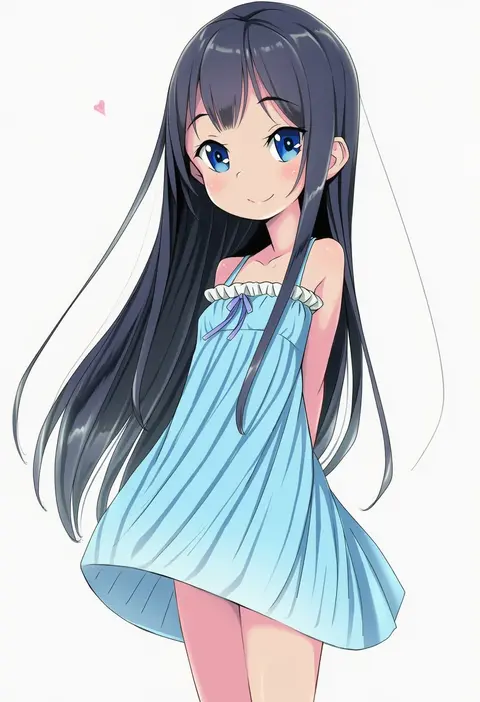
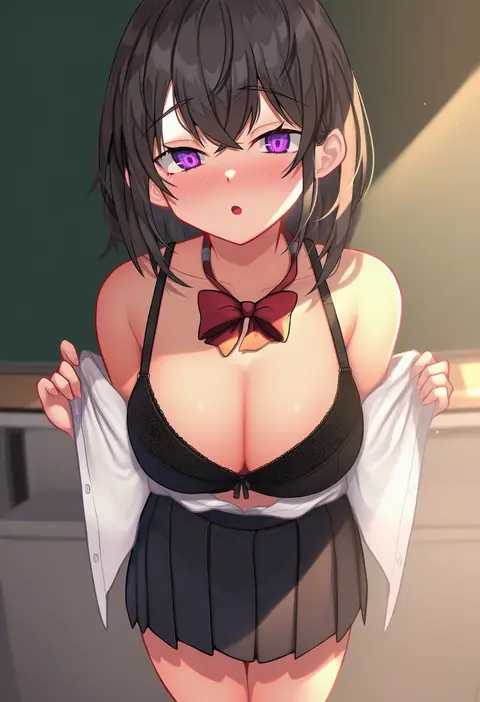
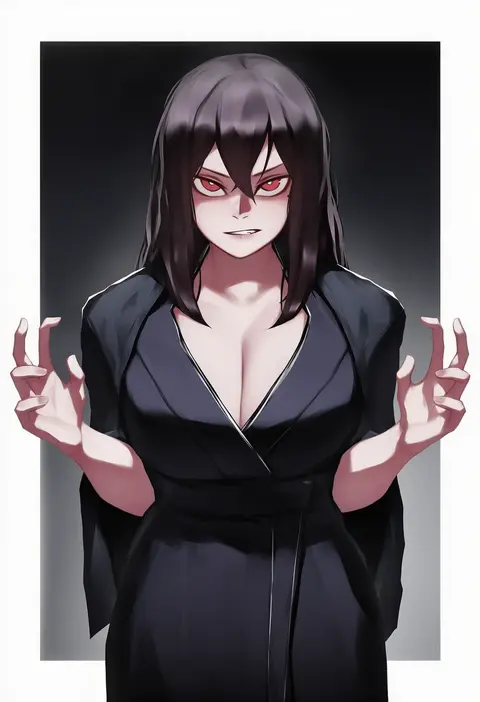
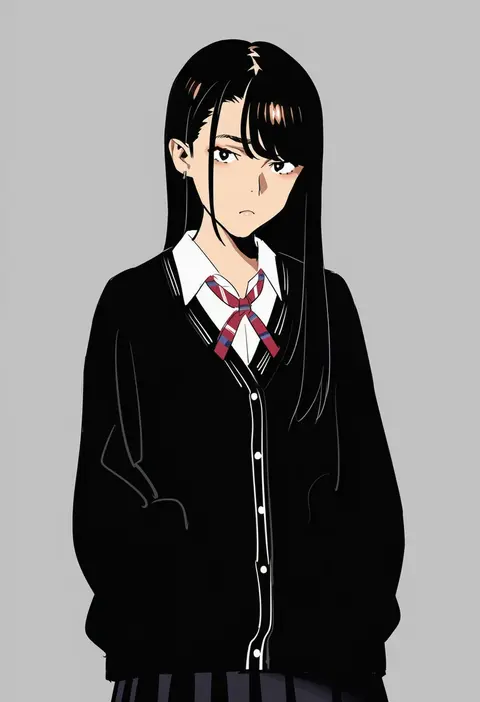
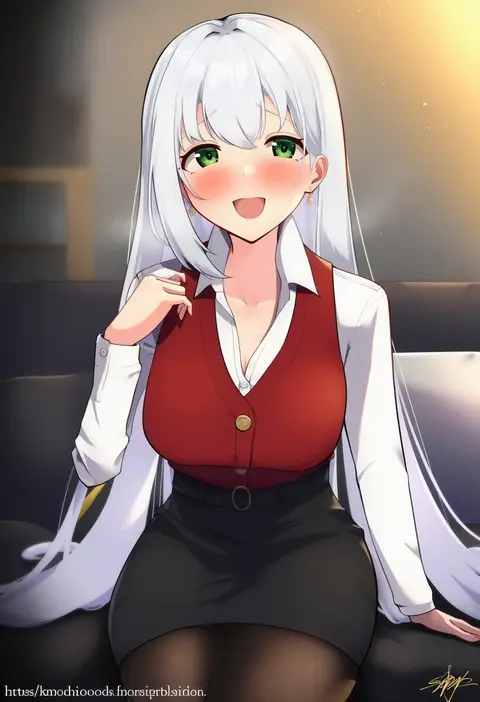
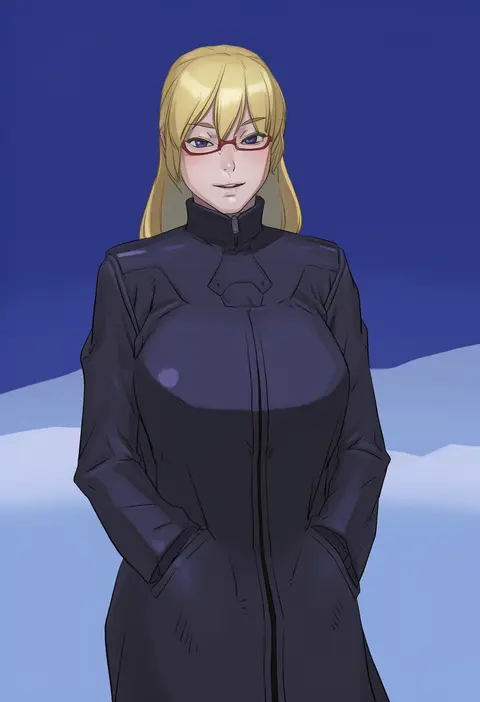
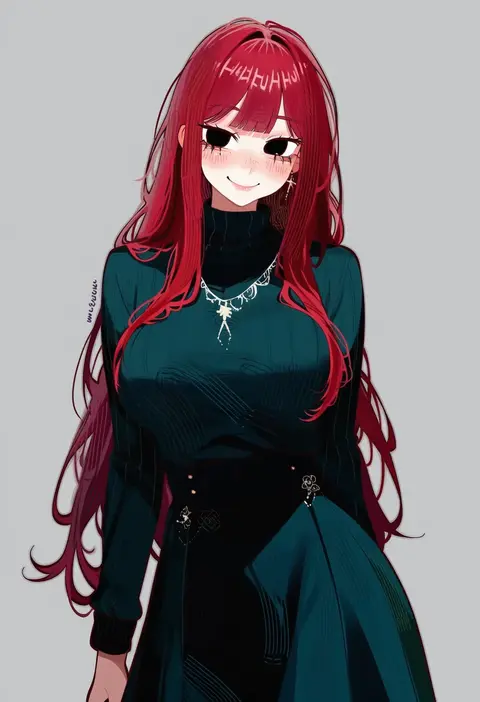
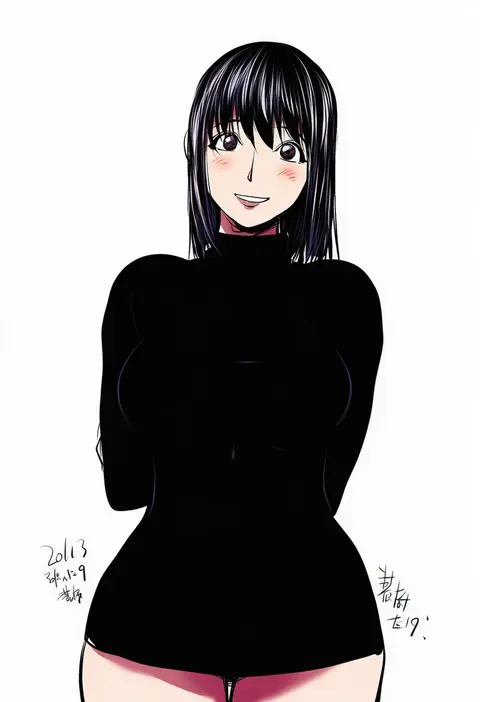
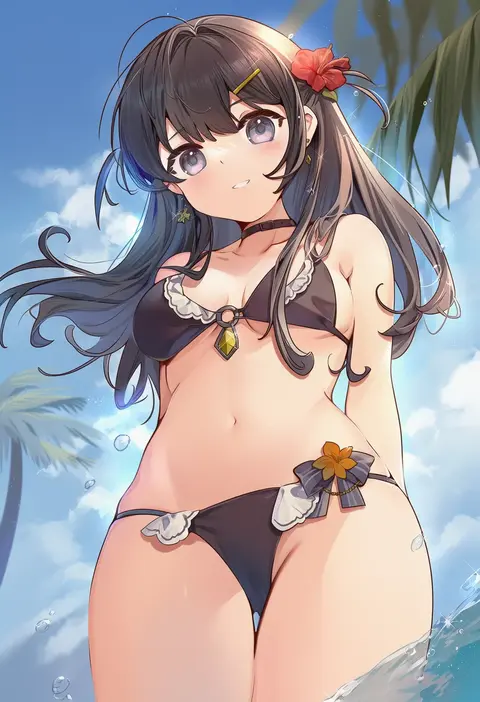
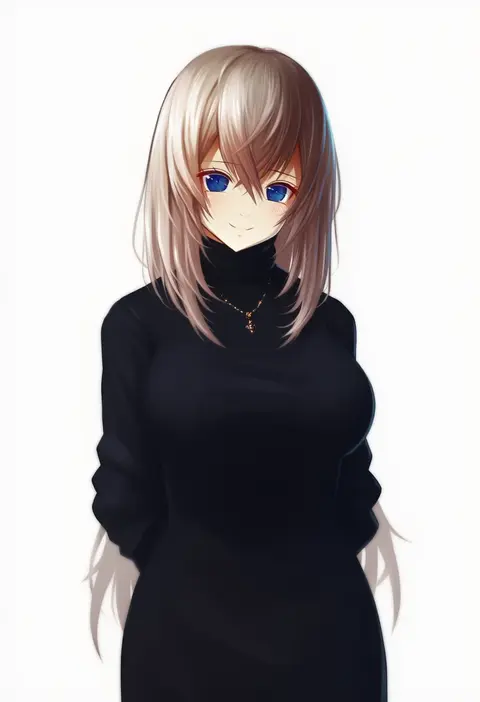
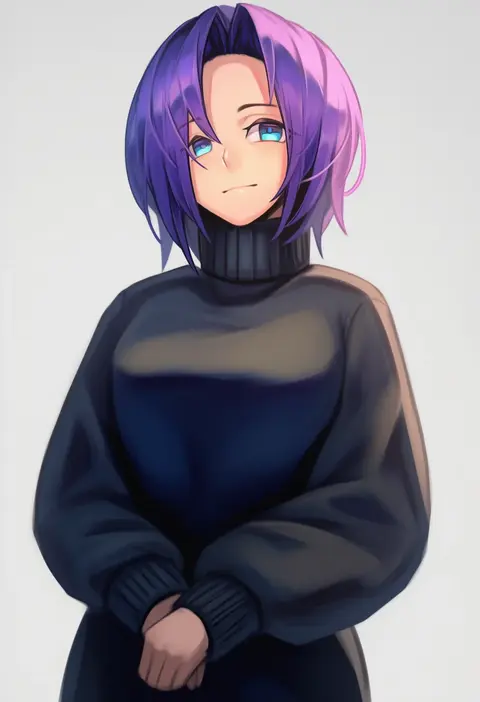
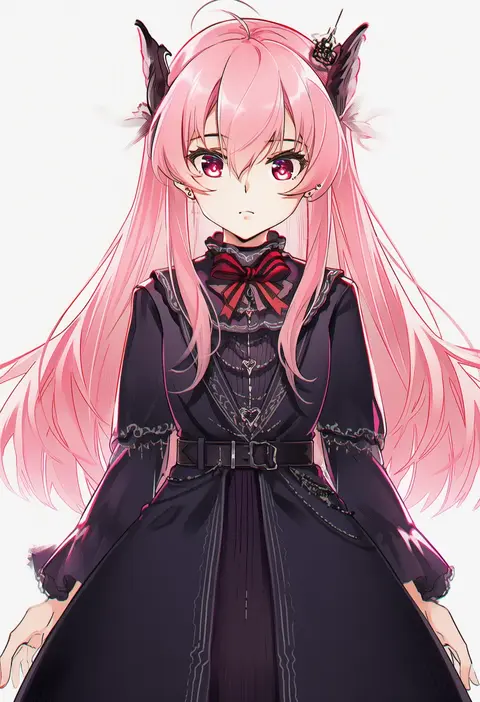
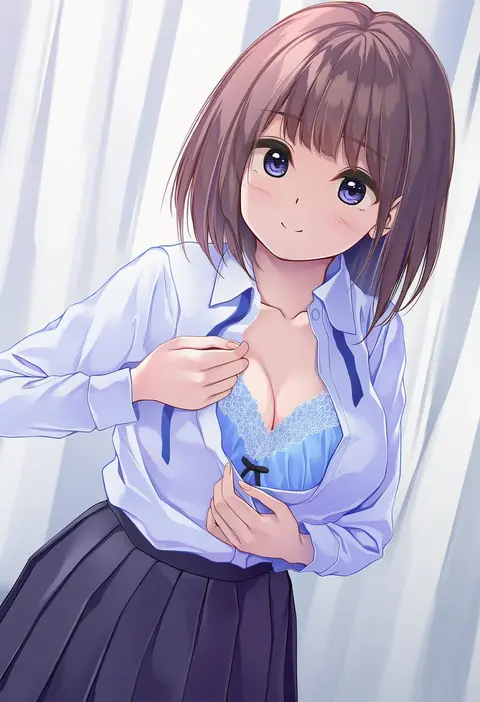
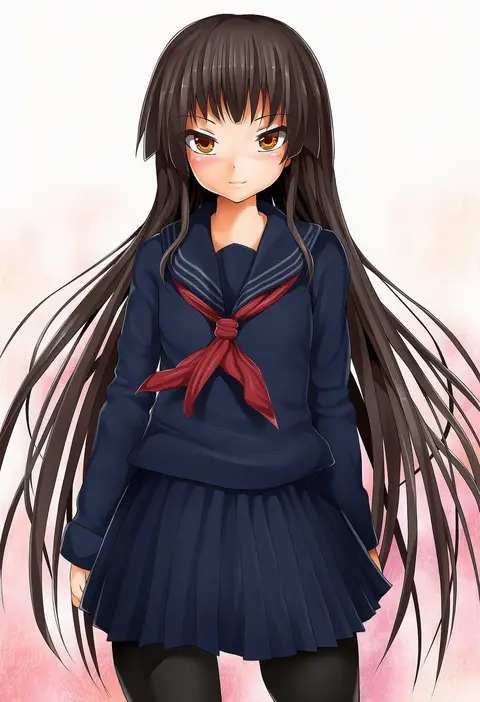
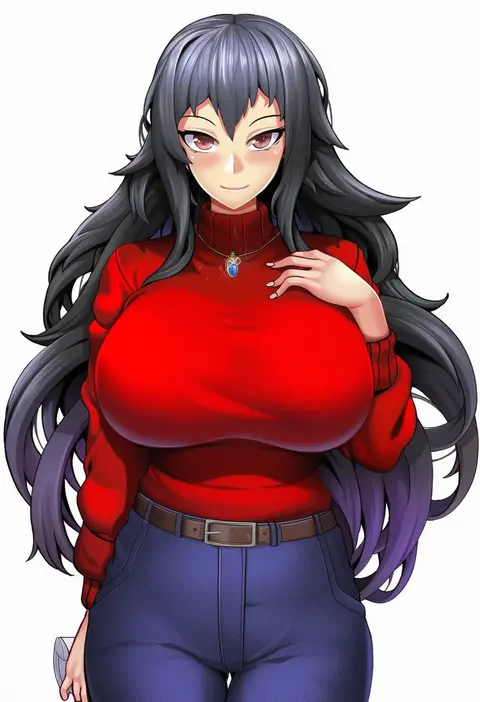
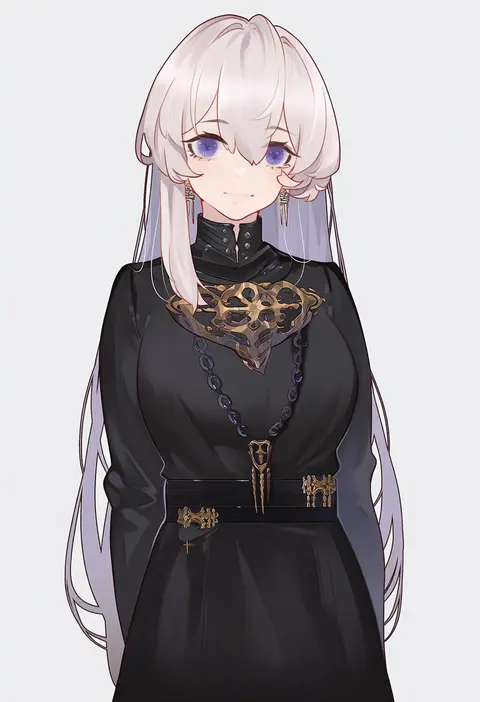
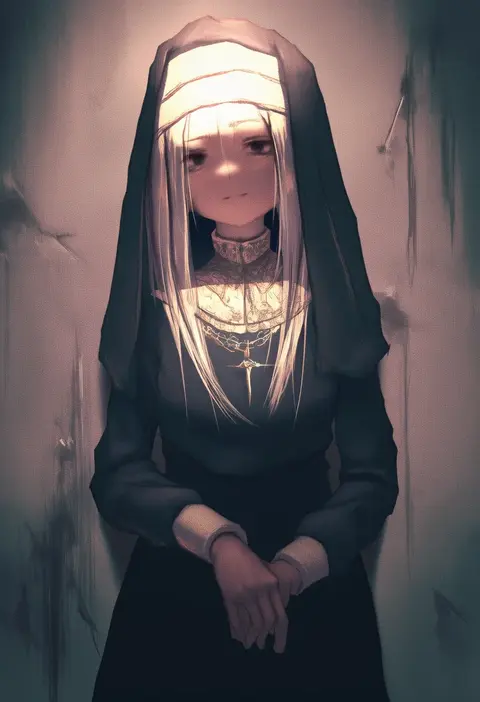
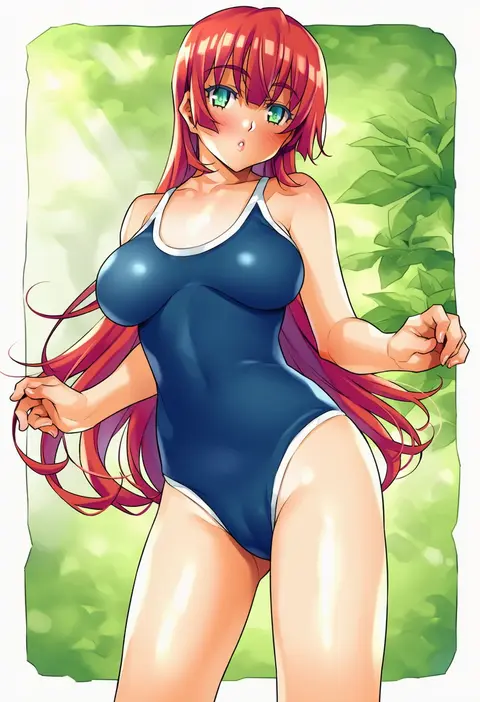
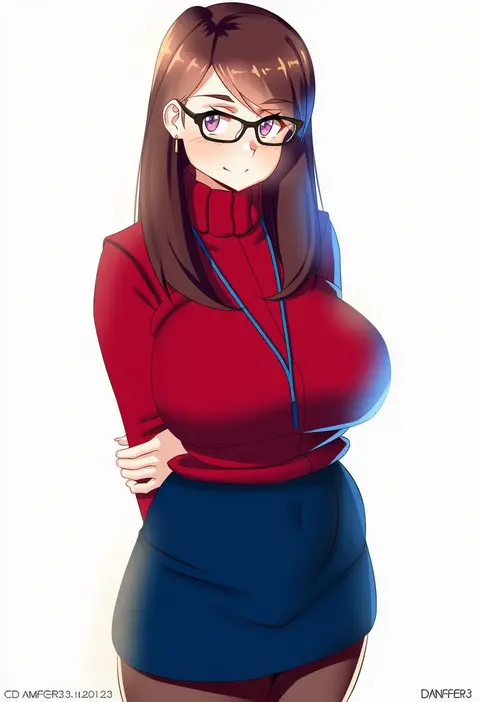
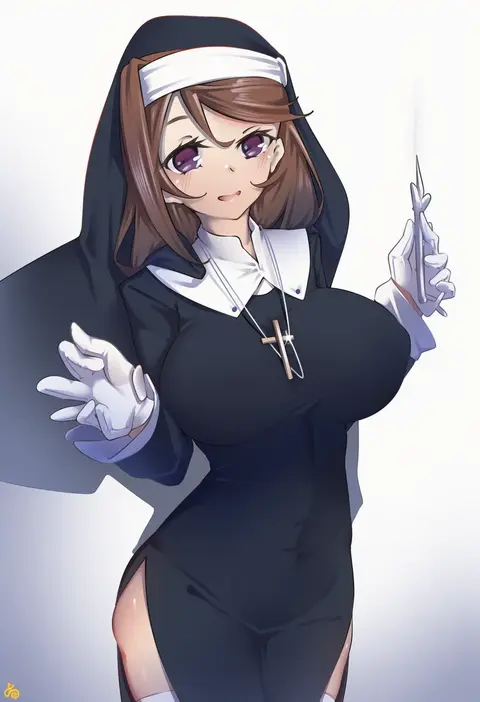
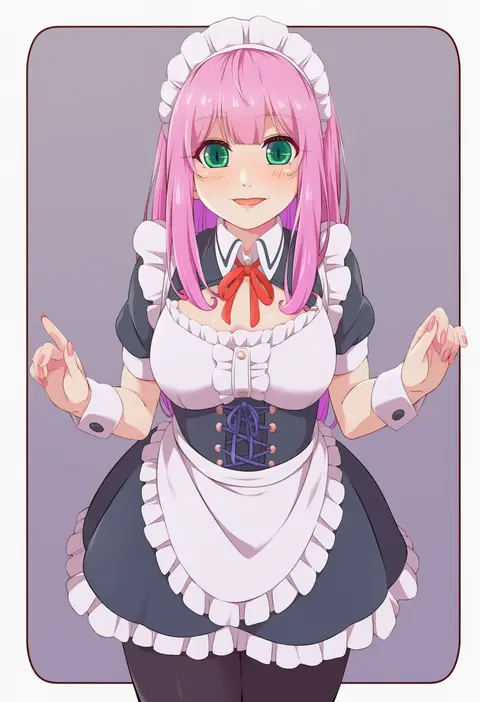
Every tag listed here is verified to react in NovelAI. All images use the same prompt, seed and settings with only the artist tag swapped, so the difference between two images is the style that tag brings in.

How to use them

Put the artist tag near the front of the prompt, e.g. "<artist>, 1girl, solo, best quality, masterpiece, cowboy shot". Two or three artist tags blend styles; lower the weight with "0.8::<artist>::" when the style overpowers the character.

SCORE sorts by Danbooru's top score, POSTS by post count, FAVS by hearts on this site. Open a card to see V5 and V4.5 side by side on the same seed.

V5 vs V4.5

V5 usually lands closer to the artist's real style, and tags that did nothing on V4.5 often react on V5. V4.5 still fits older and doujin-heavy artists better. Try V5 first, fall back to V4.5.

FAQ

Where does the artist tag go?
Near the front of the prompt. Use "0.8::tag::" to adjust its weight.

Can I stack artist tags?
Yes, styles blend. Past two or three the result stops looking like anyone.

Are these the artists' own works?
No. Every image is a NovelAI sample generated from the tag.