V4.5Artists
sort: FAVS▾
▾
>
$

NovelAI Artist Tags List — V4.5

artist --count 16,352[69/273]
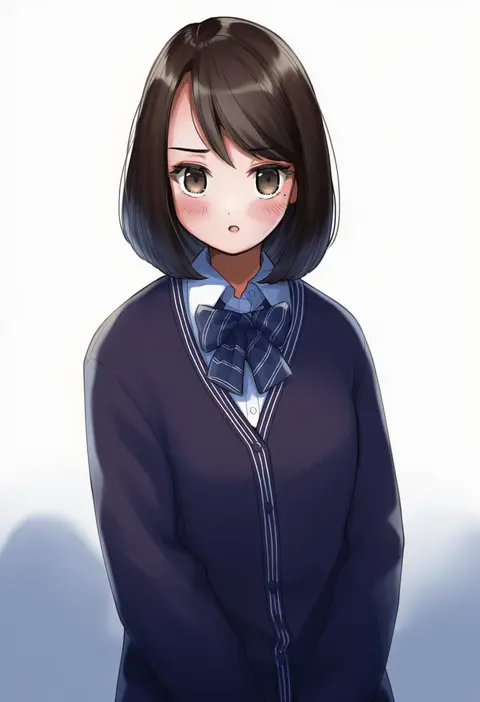
sahara1127
ARTIST0x0FF0
0
dango remi
ARTIST0x0FF1
0
peanut (shokan)
ARTIST0x0FF2
0
etsunami kumita
ARTIST0x0FF3
0
kuroshiro00
ARTIST0x0FF4
0
kabayaki namazu
ARTIST0x0FF5
0
shun (b.c)
ARTIST0x0FF6
0
fridaynightcat
ARTIST0x0FF7
0
fred04142
ARTIST0x0FF8
0
katade
ARTIST0x0FF9
0
kakimoto nao
ARTIST0x0FFA
0
aosora2823
ARTIST0x0FFB
0
kim hyung tae
ARTIST0x0FFC
0
deogho (liujinzy9854)
ARTIST0x0FFD
0
mou tama maru
ARTIST0x0FFE
0
yokaze japan
ARTIST0x0FFF
0
moyoron
ARTIST0x1000
0
hm (hmongt)
ARTIST0x1001
0
barbarian tk
ARTIST0x1002
0
tan (tangent)
ARTIST0x1003
0
hondaranya
ARTIST0x1004
0
toyosaki shu
ARTIST0x1005
0
taka-michi
ARTIST0x1006
0
harurukan
ARTIST0x1007
0
soleil (soleilmtfbwy03)
ARTIST0x1008
0
enru
ARTIST0x1009
0
freed turing
ARTIST0x100A
0
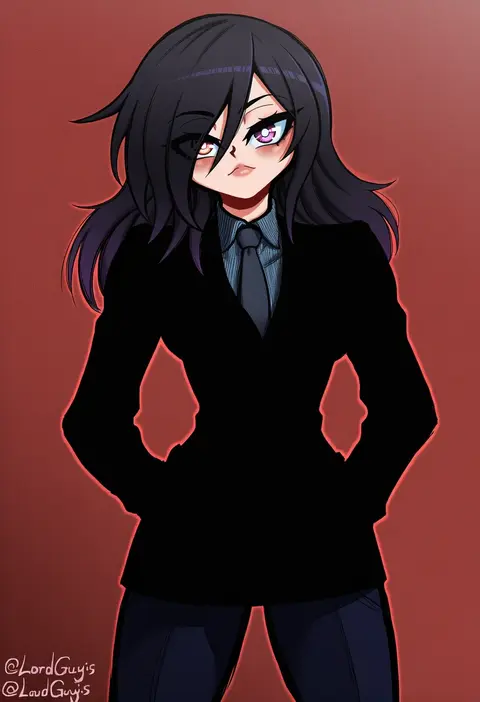
lord guyis
ARTIST0x100B
0
ao banana
ARTIST0x100C
0
momendoufu
ARTIST0x100D
0
tkhs
ARTIST0x100E
0
yoshiwa tomo
ARTIST0x100F
0
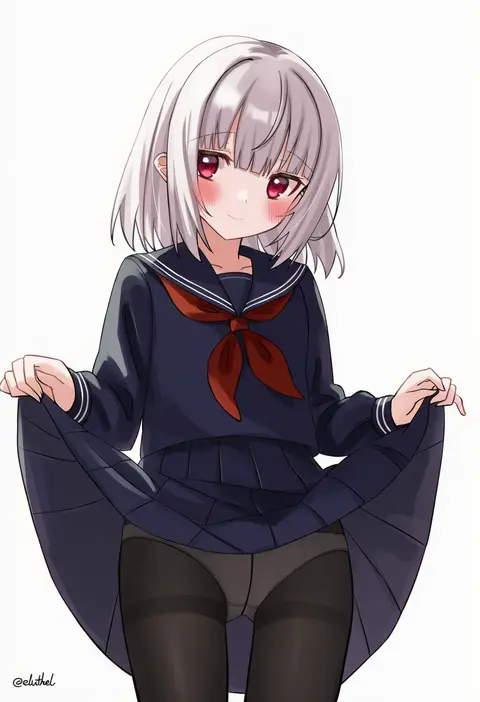
eluthel
ARTIST0x1010
0
vickie (cryingrobot)
ARTIST0x1011
0
mitsu (tendou itsuki)
ARTIST0x1012
0
shibanme tekikumo
ARTIST0x1013
0
po ppe
ARTIST0x1014
0
tia (4017342)
ARTIST0x1015
0
kanpa (campagne 9)
ARTIST0x1016
0
piripun
ARTIST0x1017
0
puuakachan
ARTIST0x1018
0
hinomoto madoka
ARTIST0x1019
0
vinhnyu
ARTIST0x101A
0
cslucaris
ARTIST0x101B
0
shoukaki (earthean)
ARTIST0x101C
0
zol
ARTIST0x101D
0
borushichi
ARTIST0x101E
0
kainown
ARTIST0x101F
0
miyazakisoul
ARTIST0x1020
0
nikishiko
ARTIST0x1021
0
jin sumire
ARTIST0x1022
0
makino momiji (artist)
ARTIST0x1023
0
mihato senba
ARTIST0x1024
0
nanakusa
ARTIST0x1025
0
yukikuma (yukikuma 018)
ARTIST0x1026
0
tomoyuki kotani
ARTIST0x1027
0
maruyaa (malya1006)
ARTIST0x1028
0
katsudansou
ARTIST0x1029
0
hayashi (l8poushou)
ARTIST0x102A
0
meguro fukuzou
ARTIST0x102B
0

What these tags change

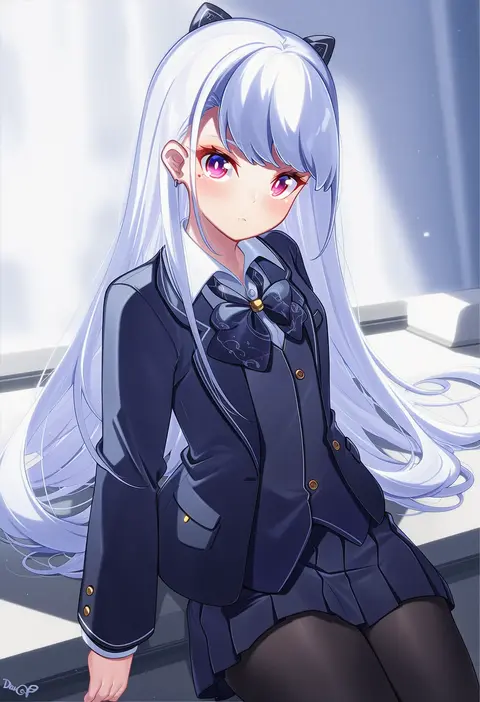
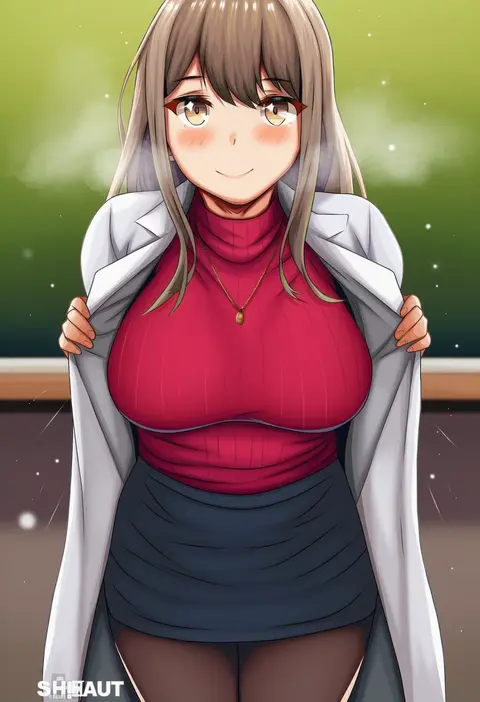
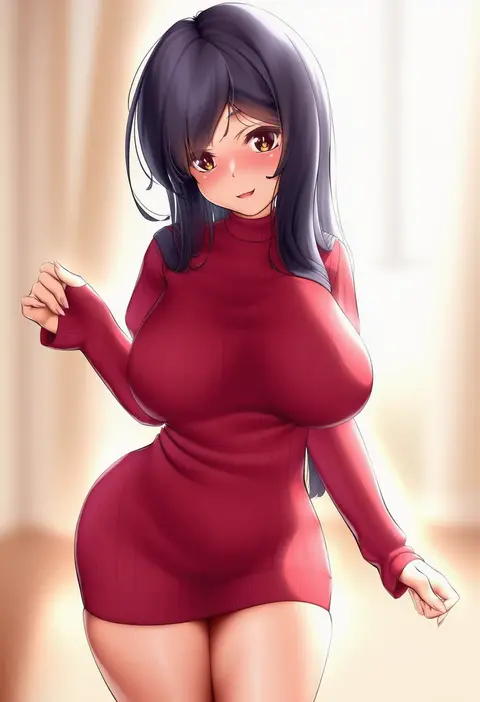
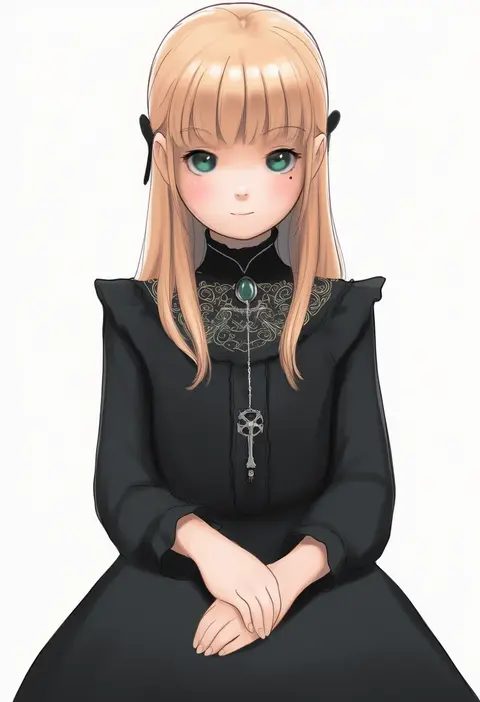
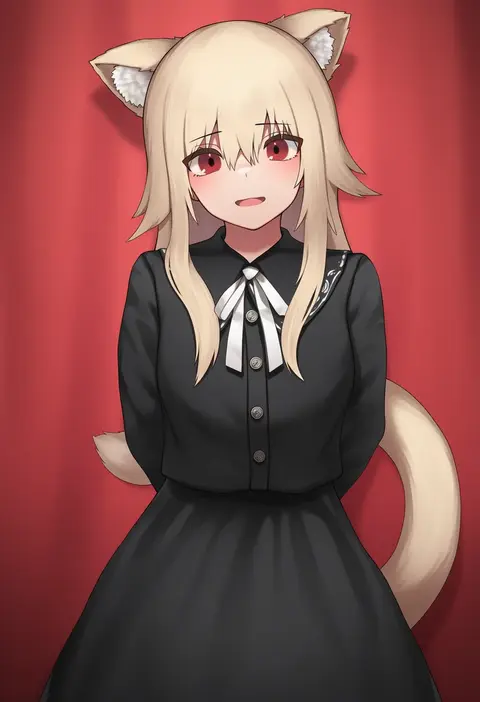
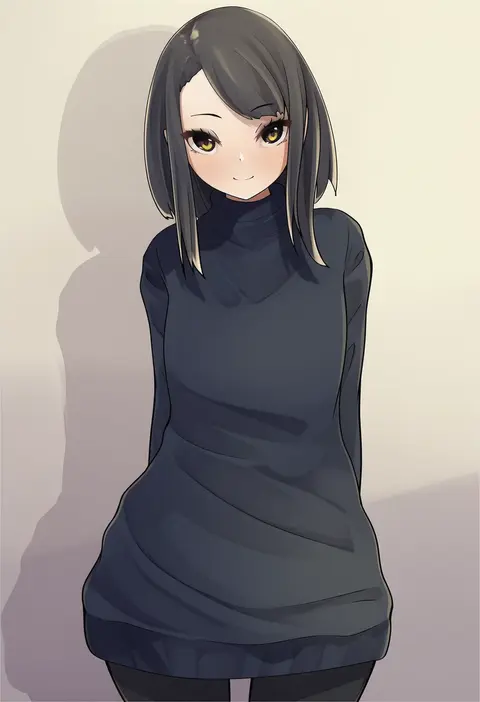
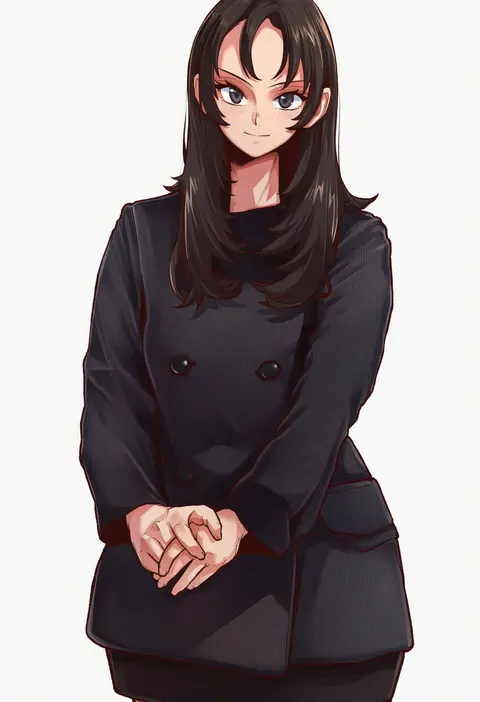
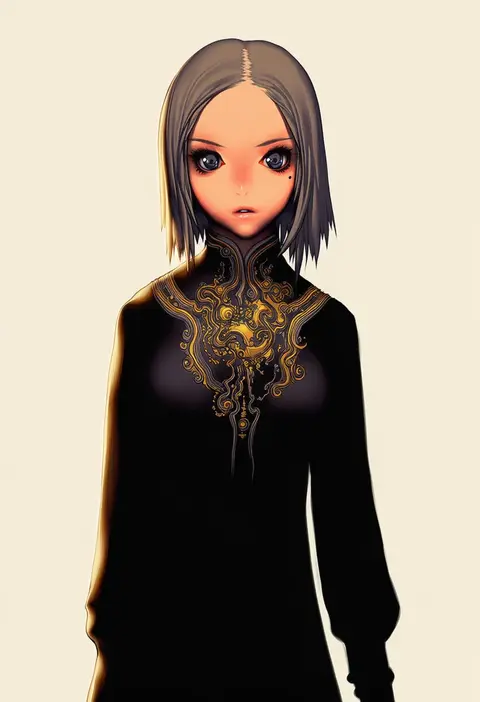
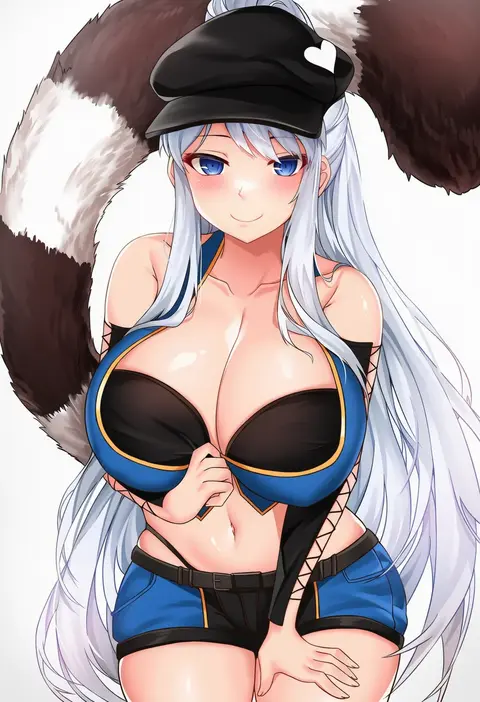
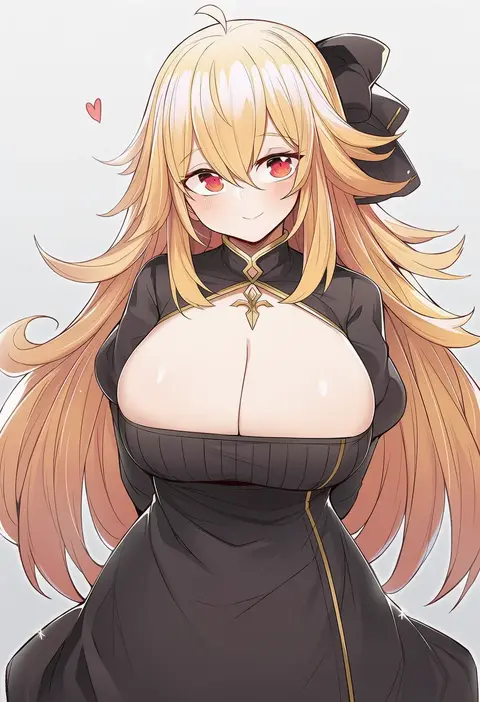
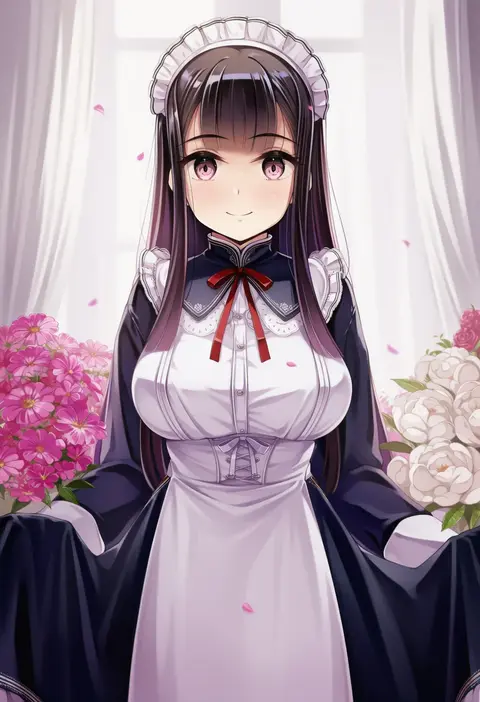
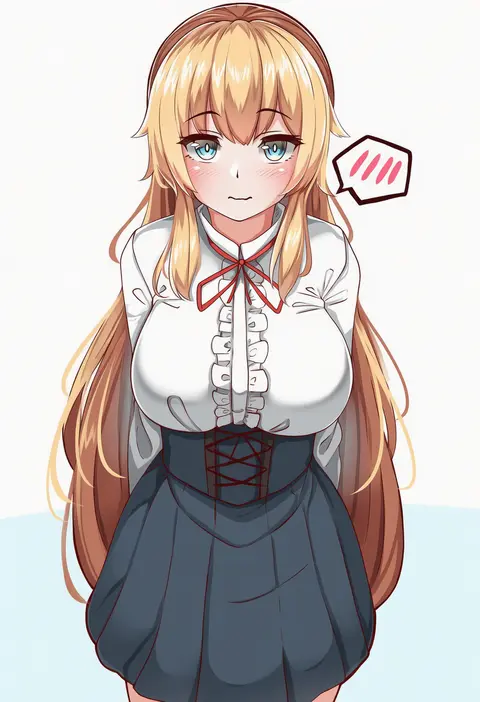
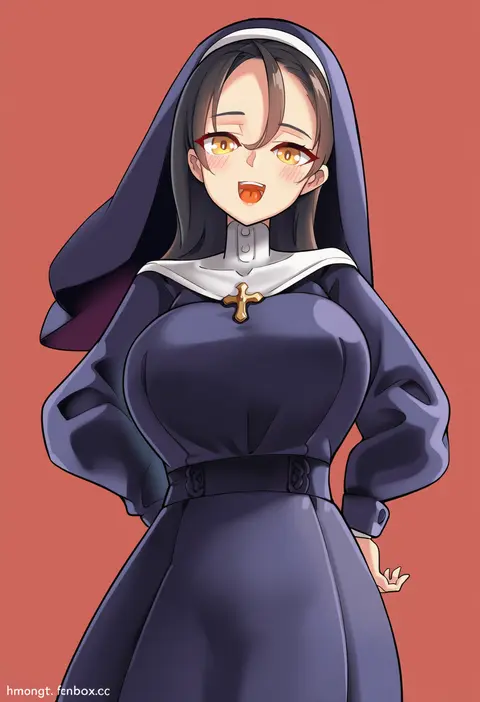
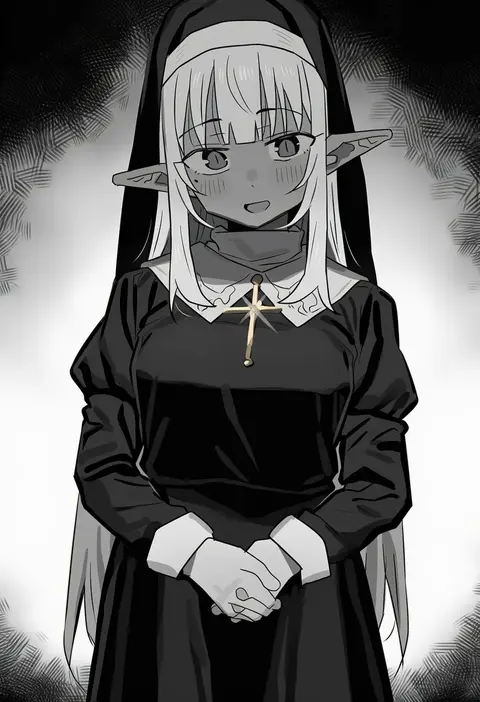
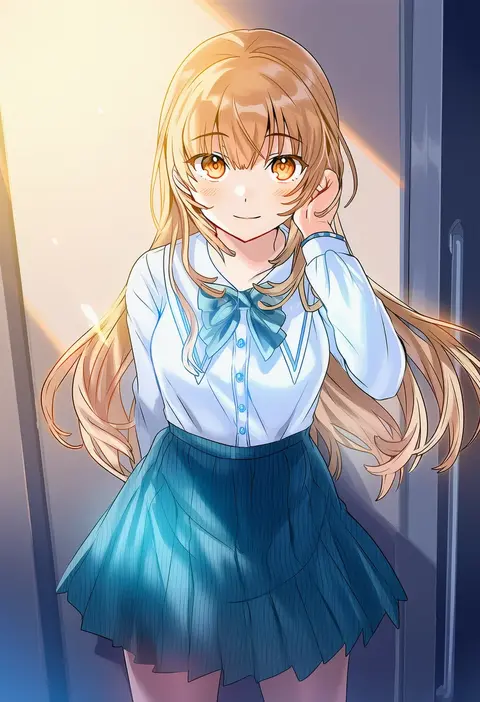
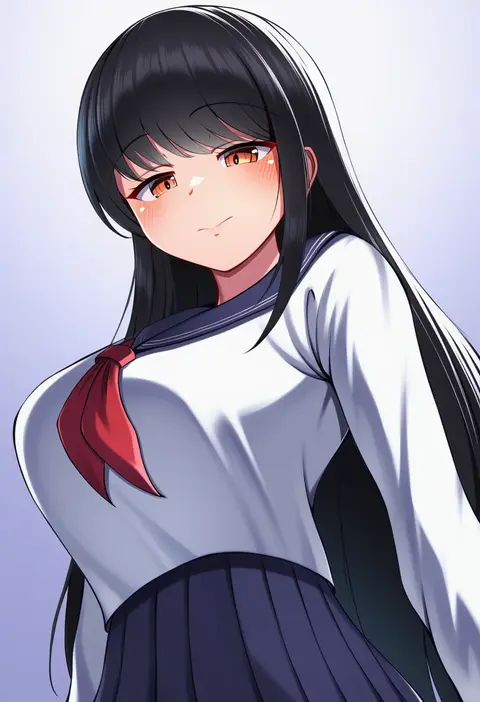
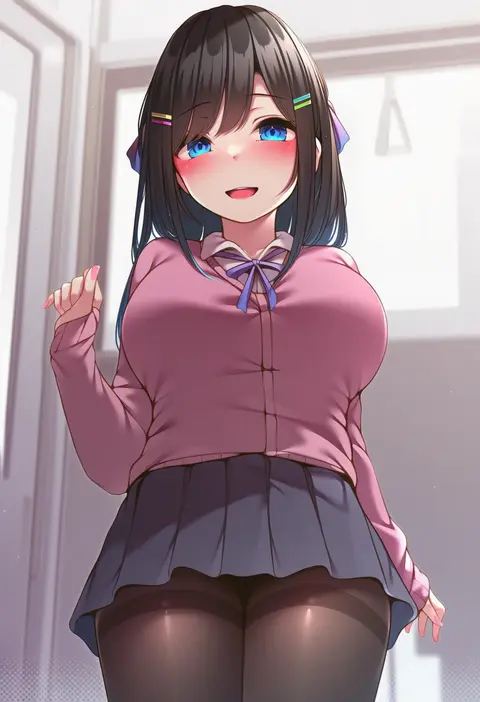
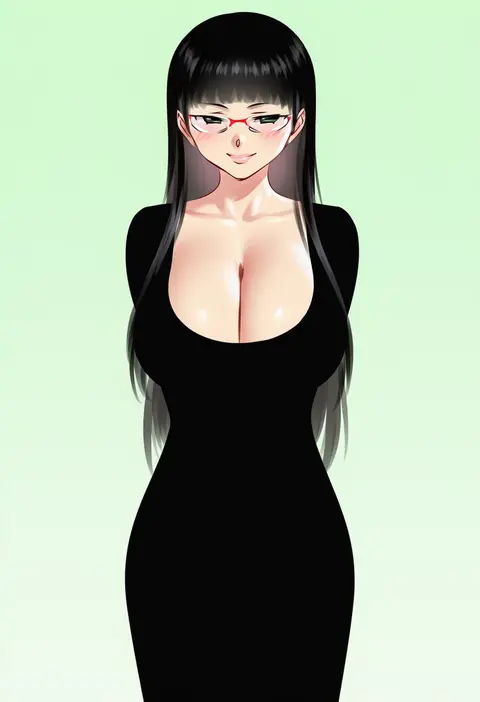
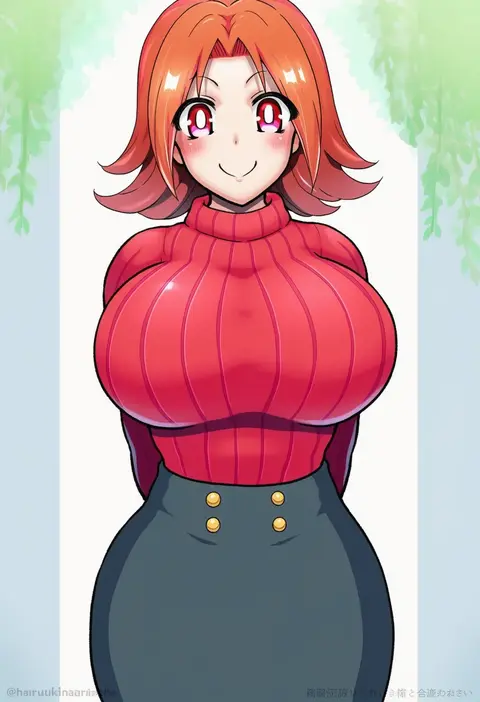
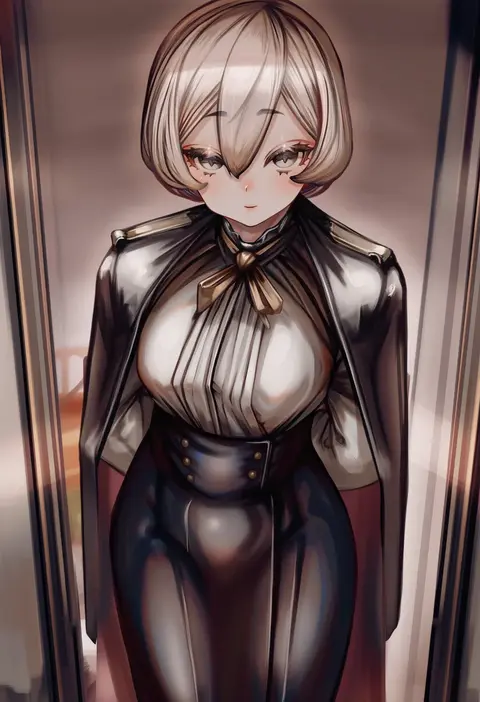
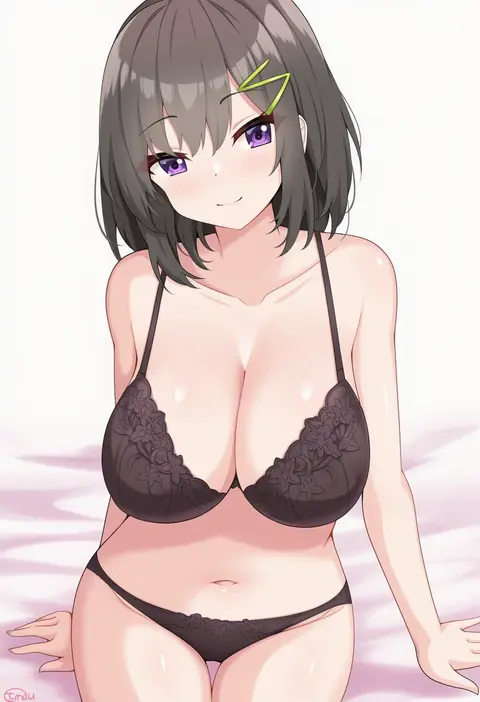
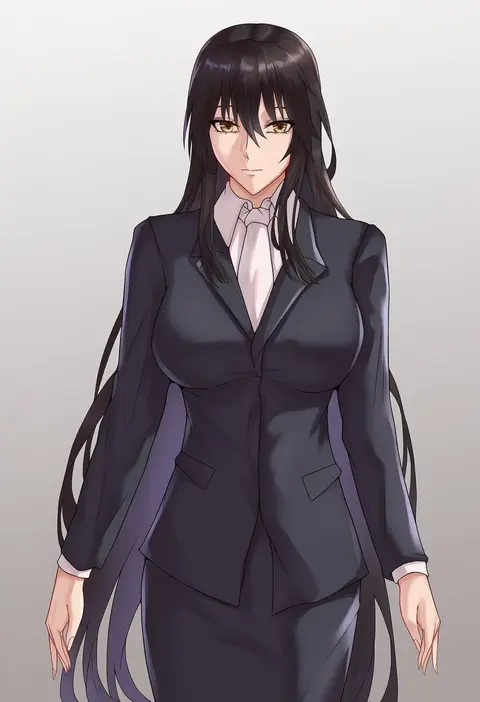
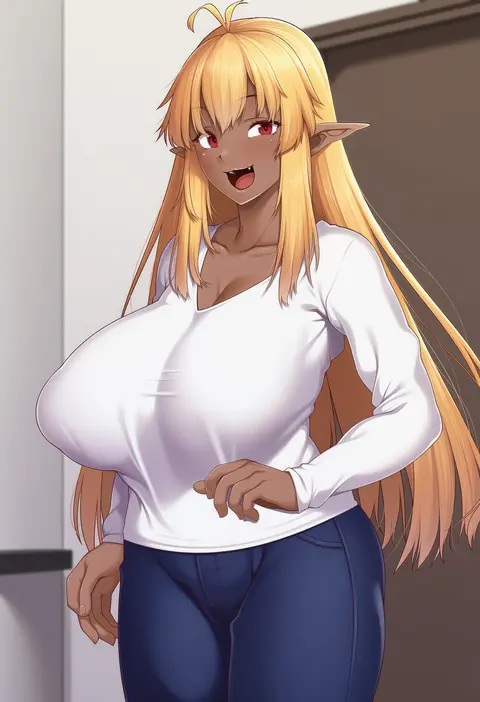
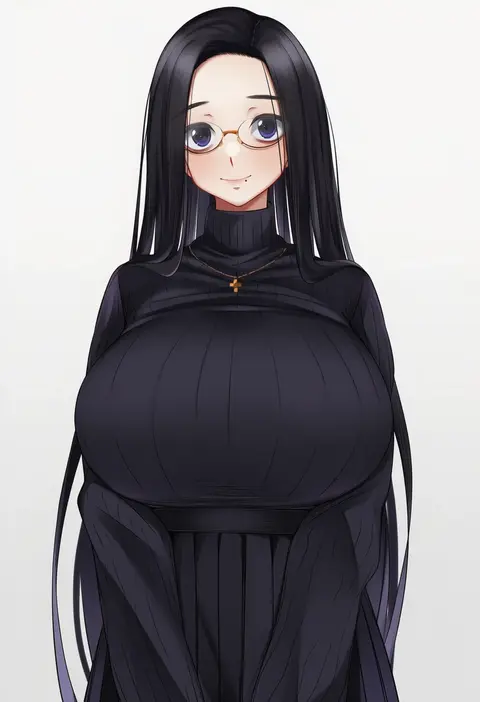
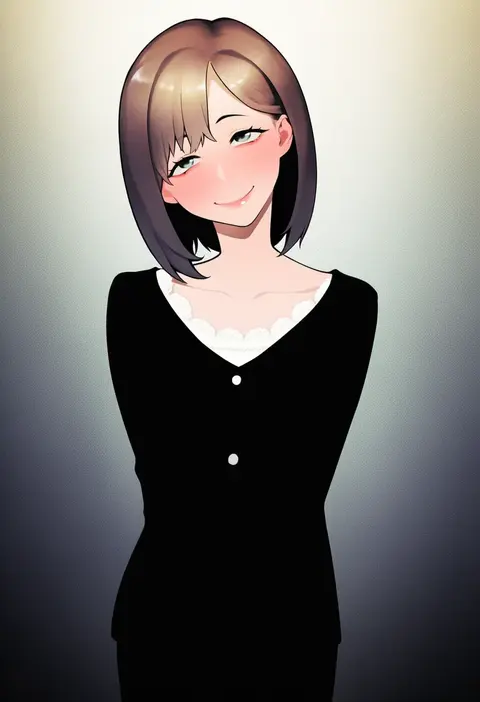
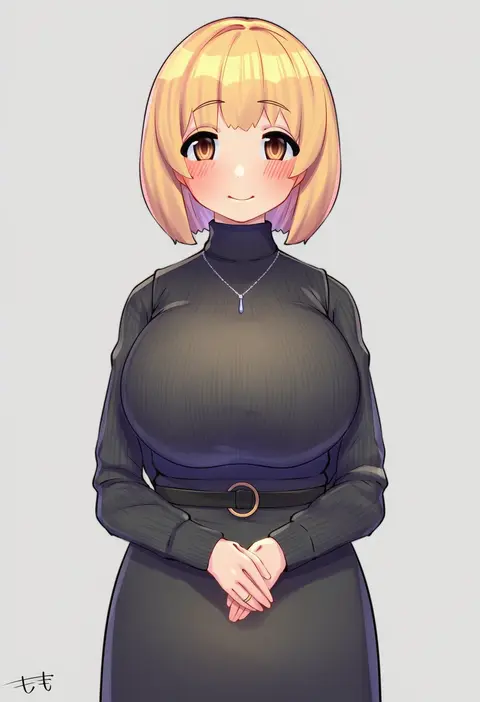
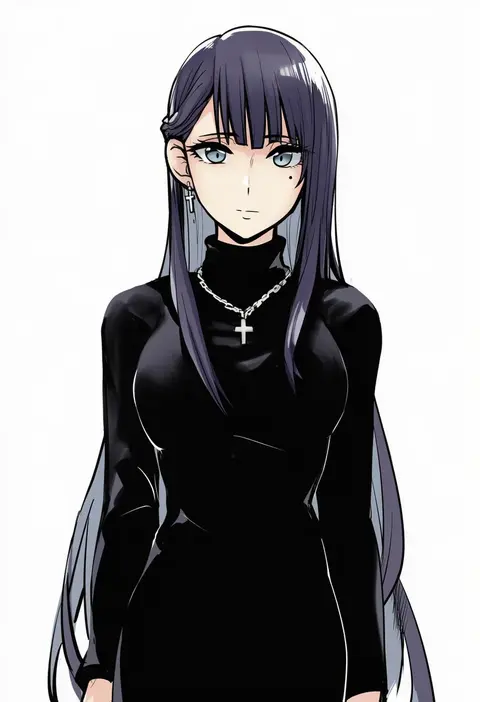
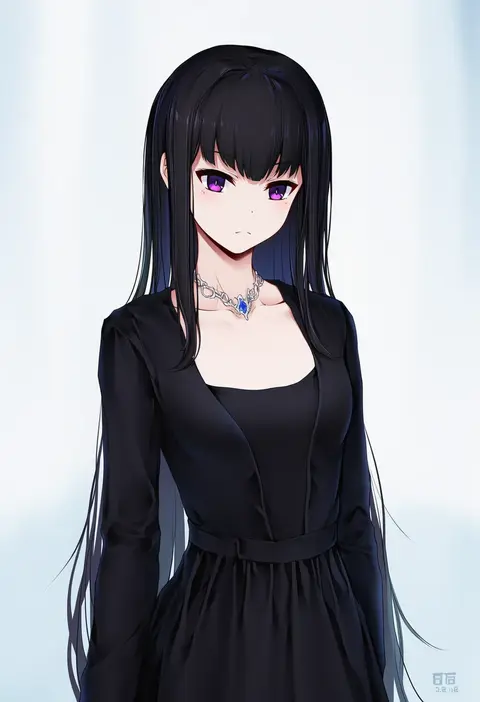
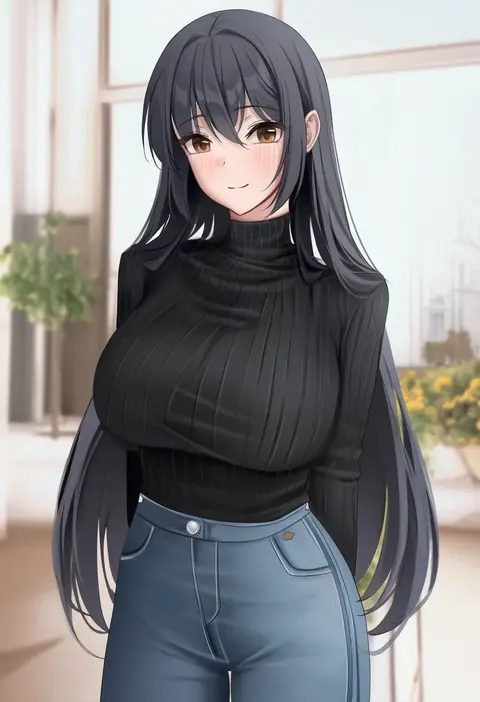
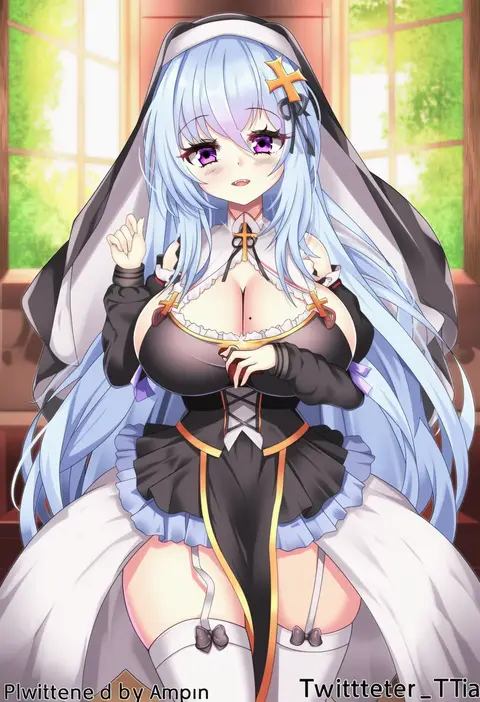
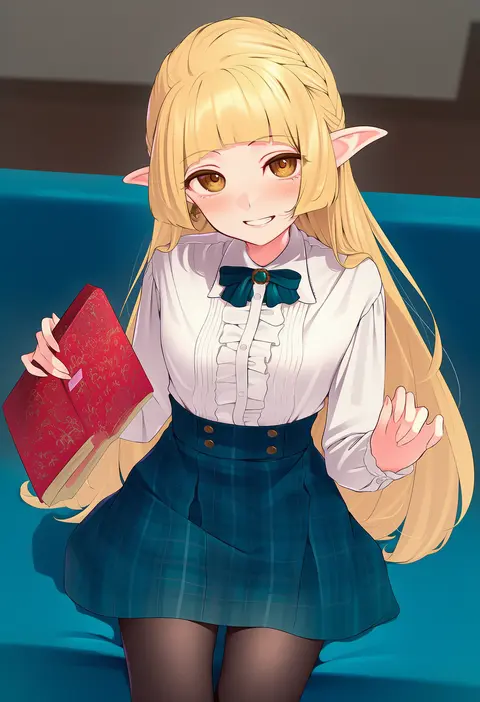
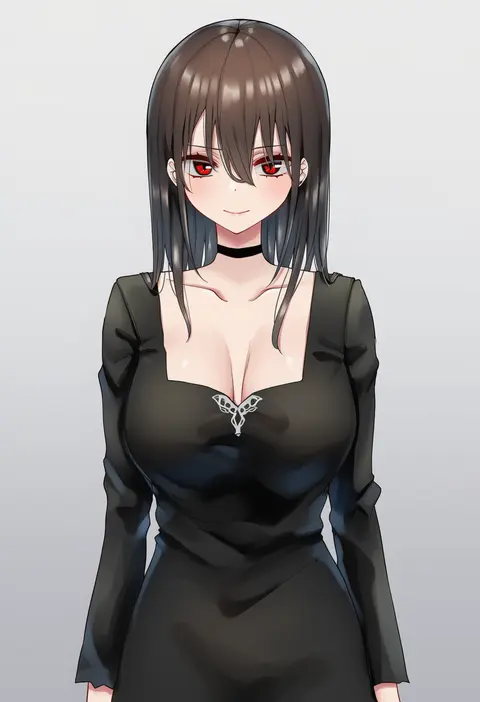
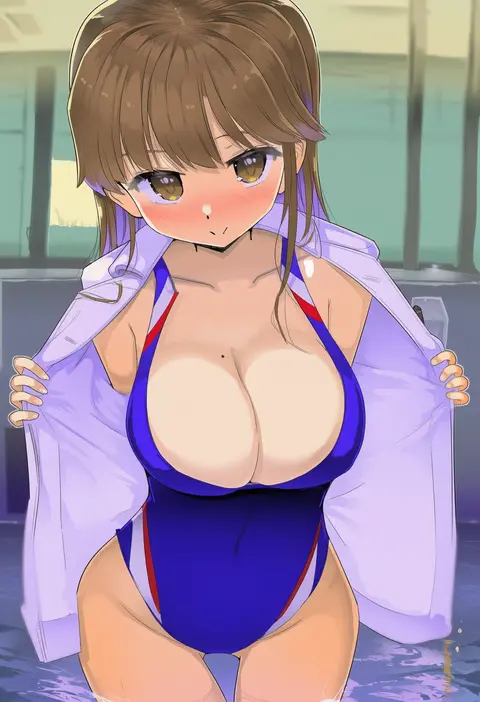
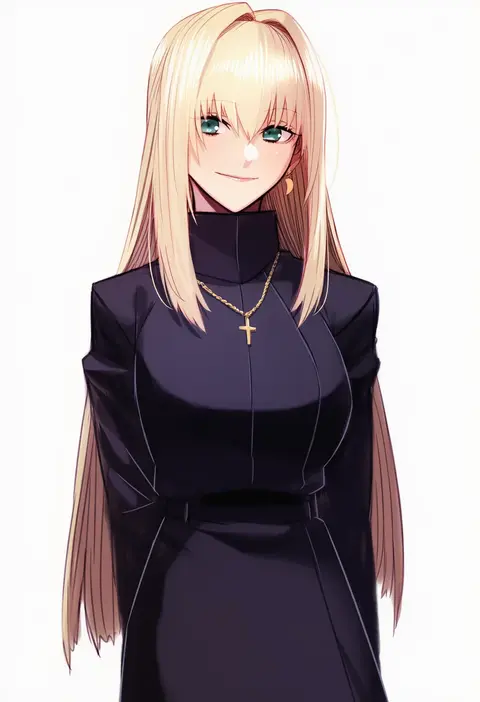
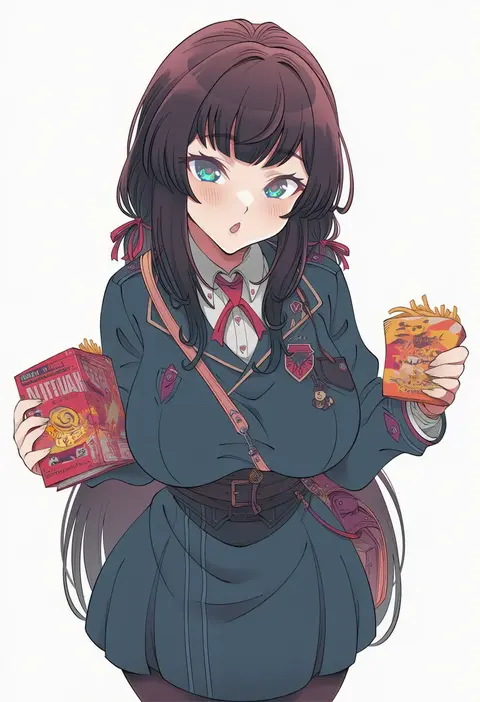
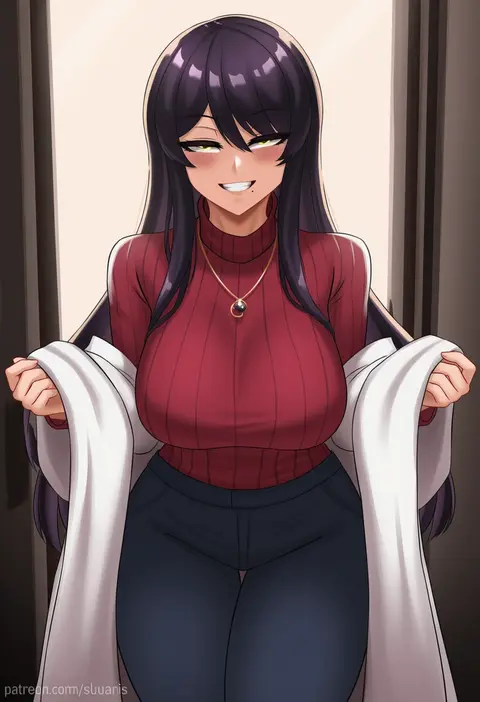
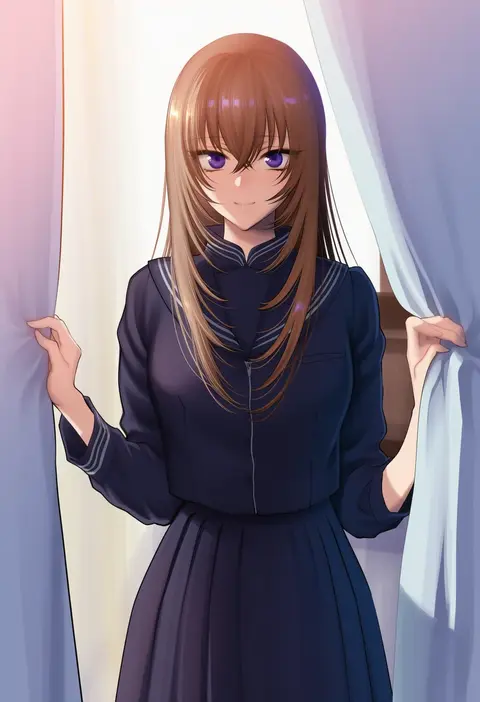
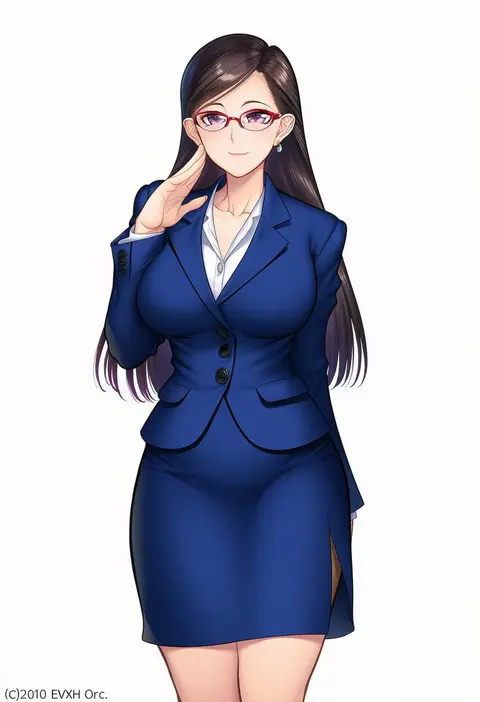
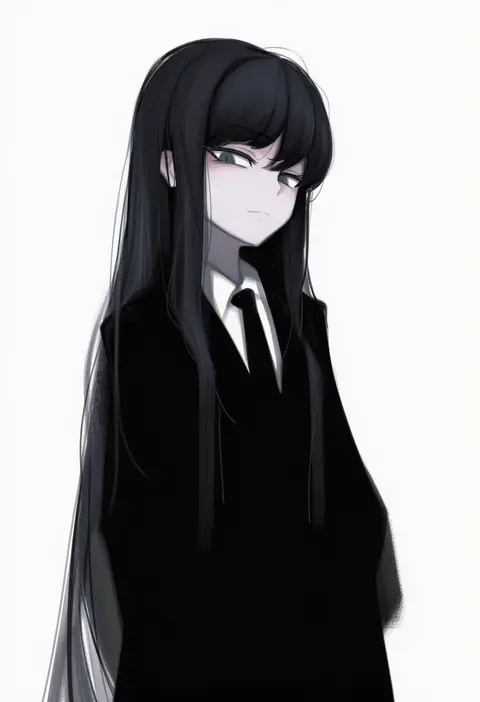
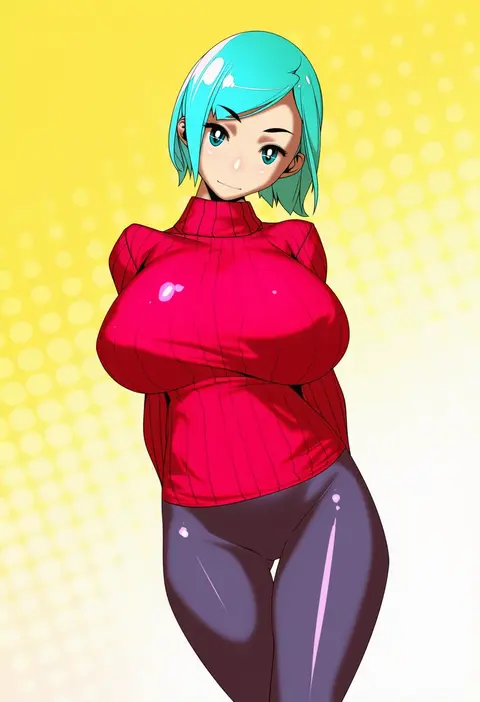
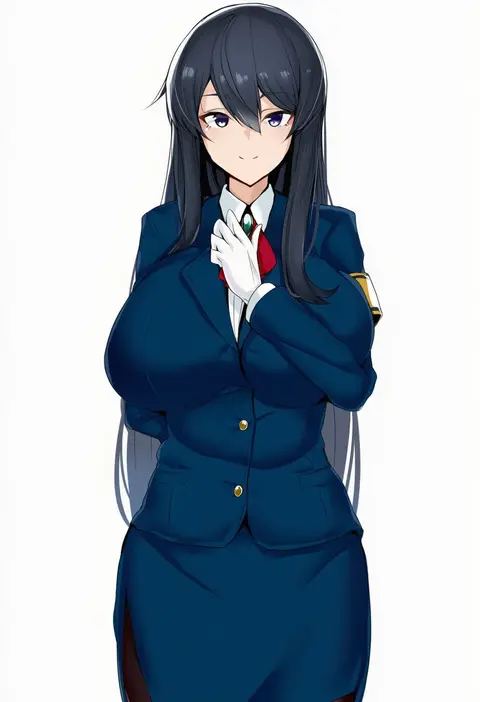
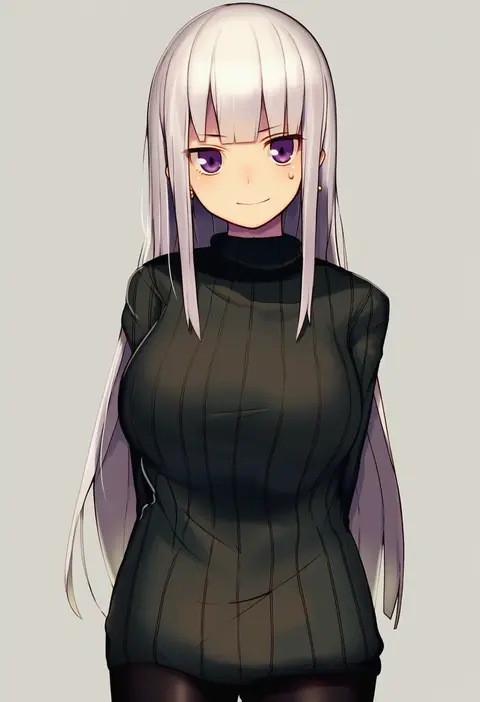
Artist tags tell NovelAI Diffusion to draw in a specific artist's style: line weight, paint texture, face shapes and palette all shift at once. Character and outfit tags decide what is drawn; artist tags decide how. 16,352 tags are listed for V4.5.
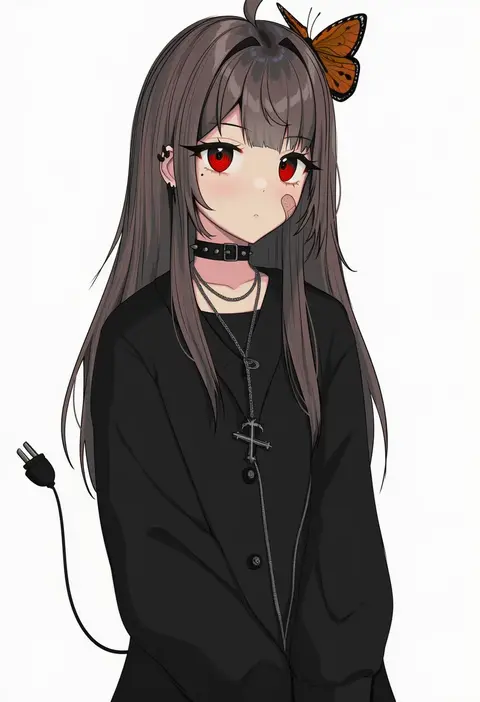
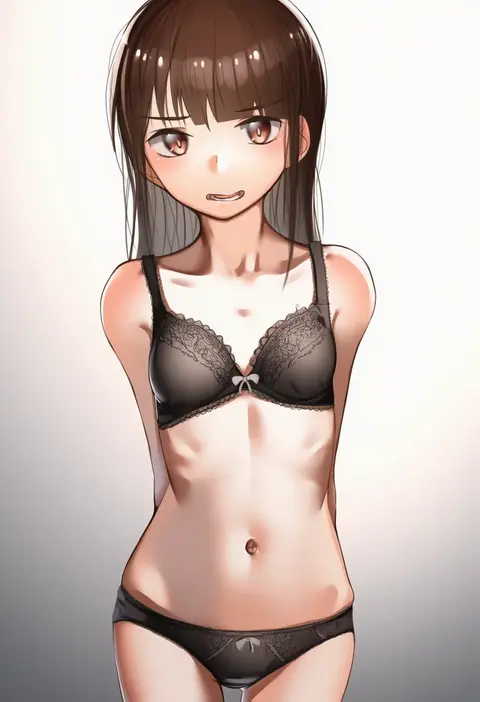
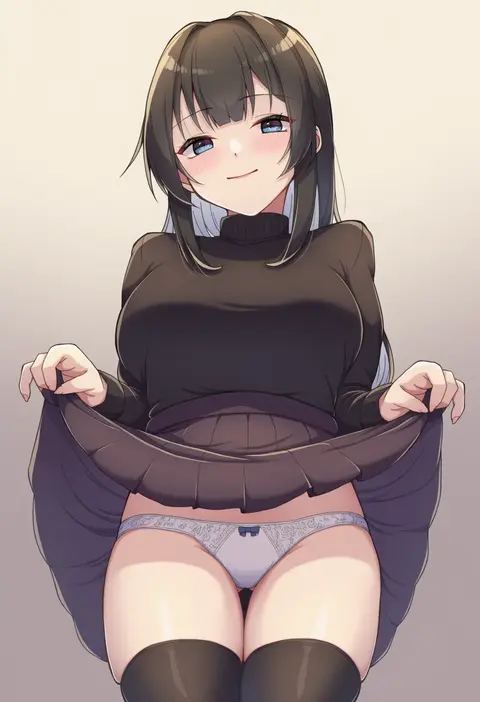
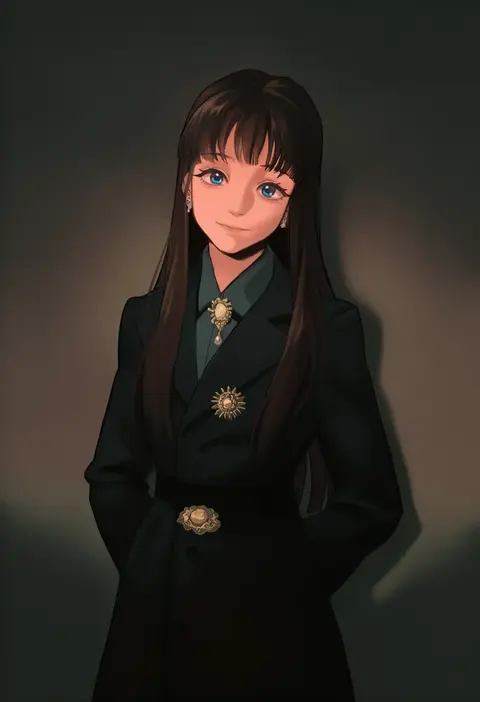
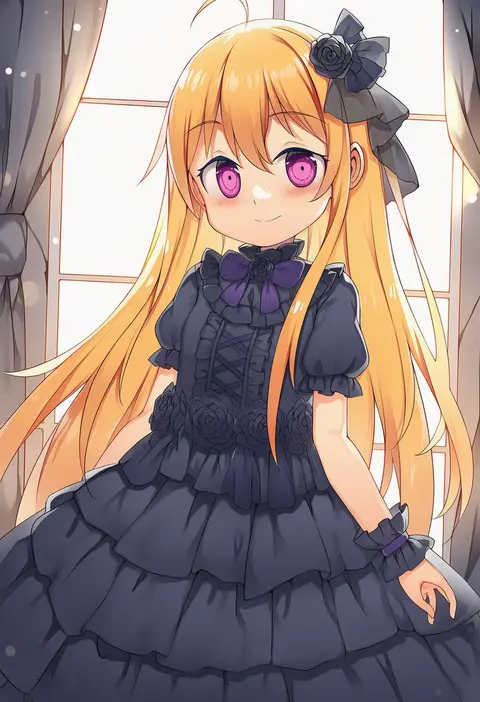
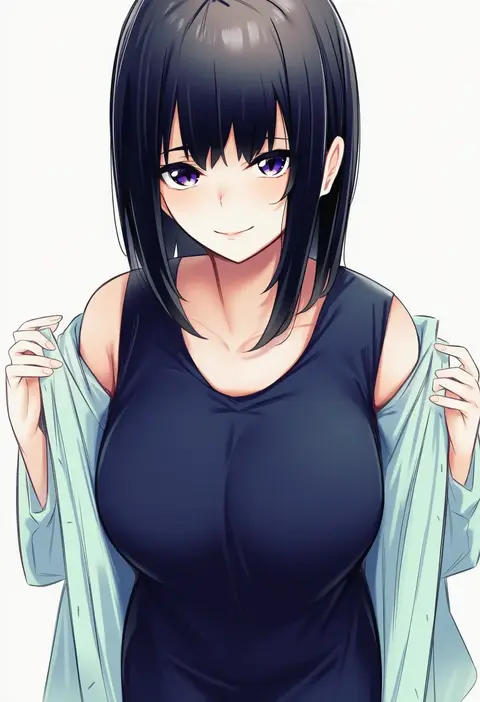
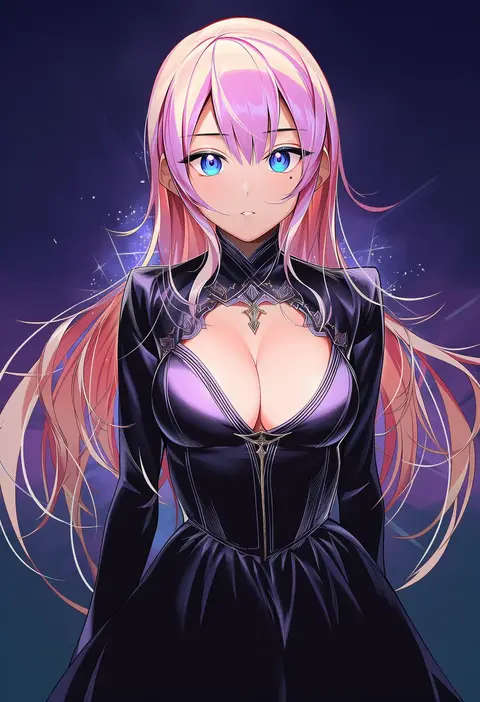
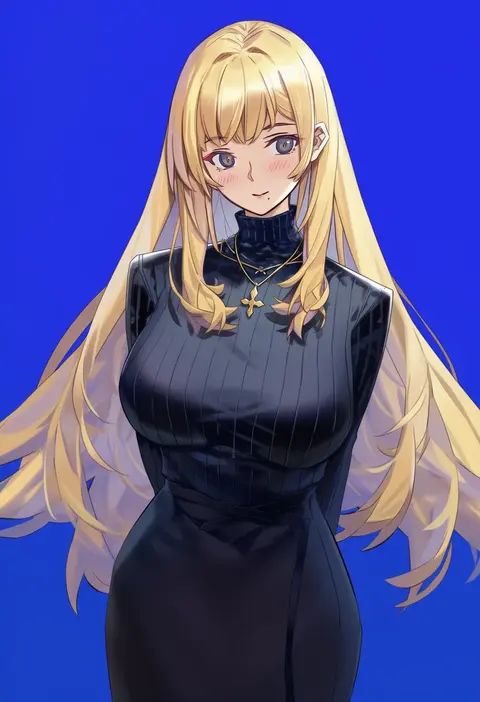
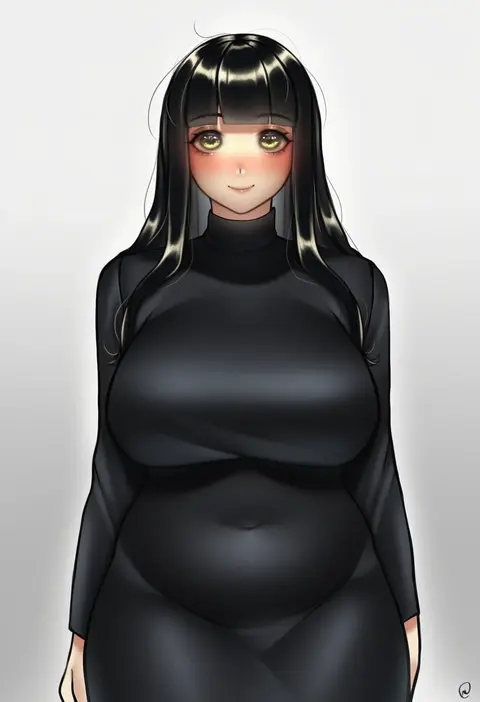
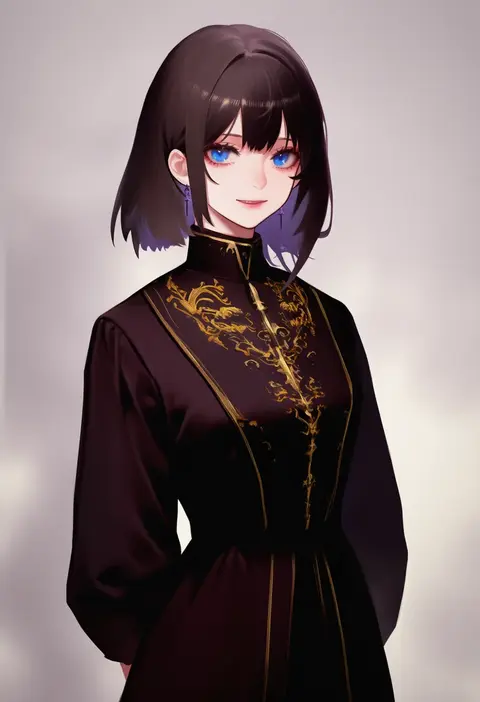
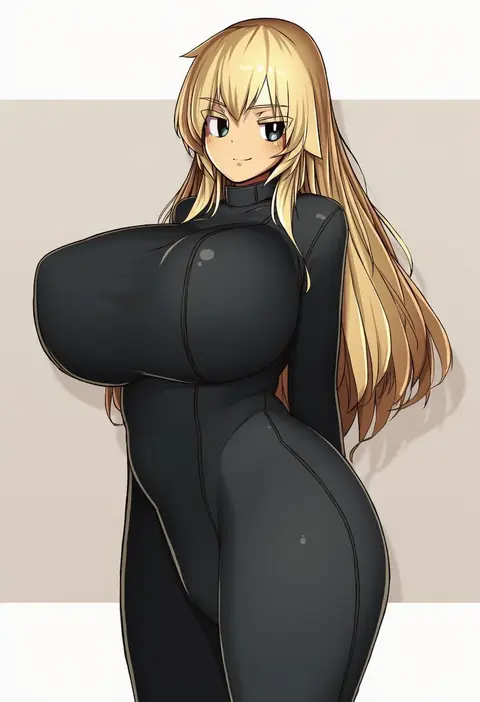
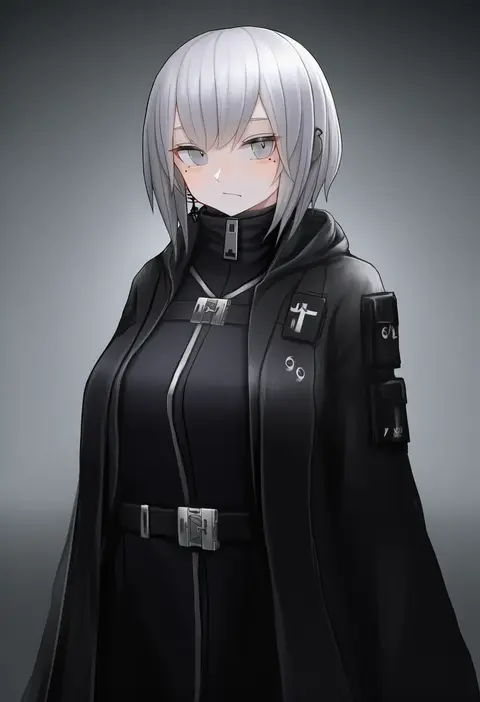
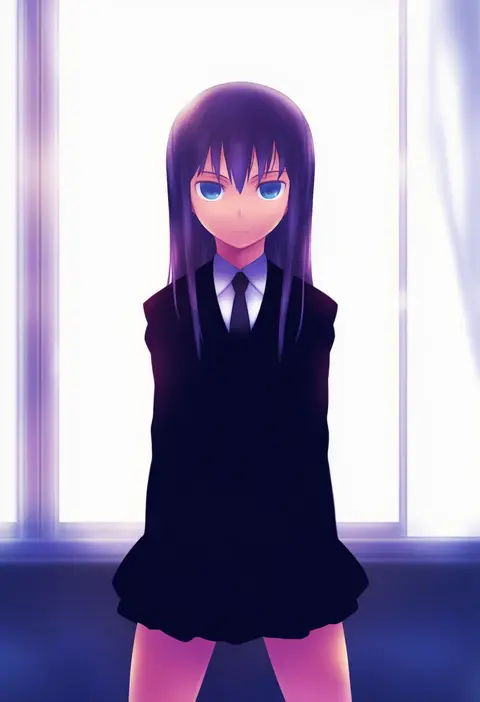
Every tag listed here is verified to react in NovelAI. All images use the same prompt, seed and settings with only the artist tag swapped, so the difference between two images is the style that tag brings in.

How to use them

Put the artist tag near the front of the prompt, e.g. "<artist>, 1girl, solo, best quality, masterpiece, cowboy shot". Two or three artist tags blend styles; lower the weight with "0.8::<artist>::" when the style overpowers the character.

SCORE sorts by Danbooru's top score, POSTS by post count, FAVS by hearts on this site. Open a card to see V5 and V4.5 side by side on the same seed.

V5 vs V4.5

V5 usually lands closer to the artist's real style, and tags that did nothing on V4.5 often react on V5. V4.5 still fits older and doujin-heavy artists better. Try V5 first, fall back to V4.5.

FAQ

Where does the artist tag go?
Near the front of the prompt. Use "0.8::tag::" to adjust its weight.

Can I stack artist tags?
Yes, styles blend. Past two or three the result stops looking like anyone.

Are these the artists' own works?
No. Every image is a NovelAI sample generated from the tag.