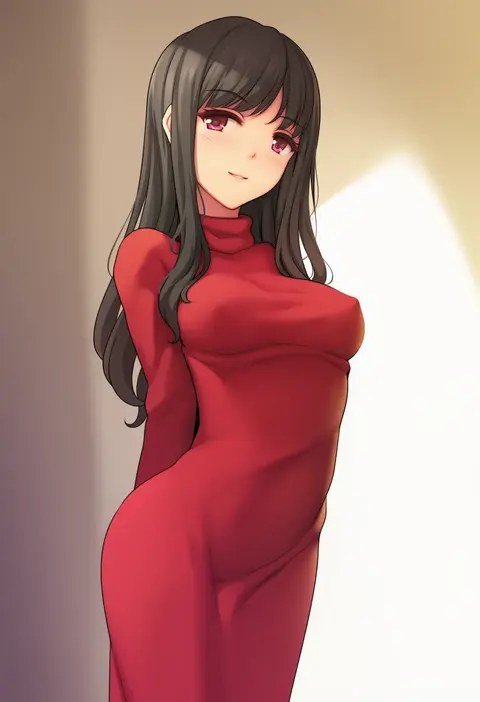
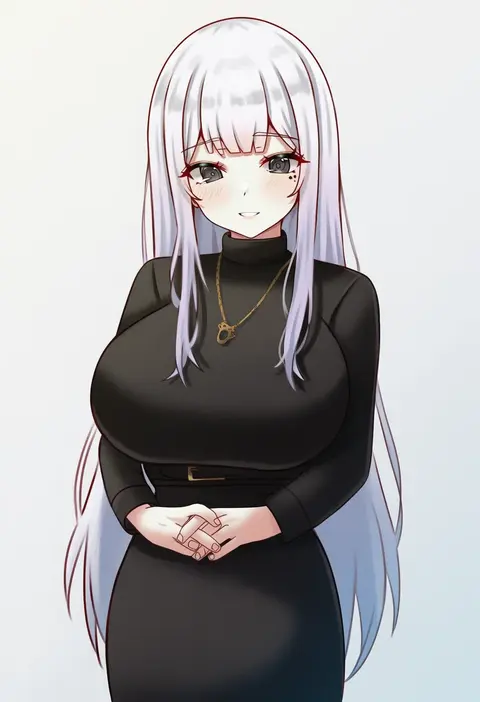
V4.5Artists
sort: FAVS▾
▾
>
$

NovelAI Artist Tags List — V4.5

artist --count 16,352[71/273]
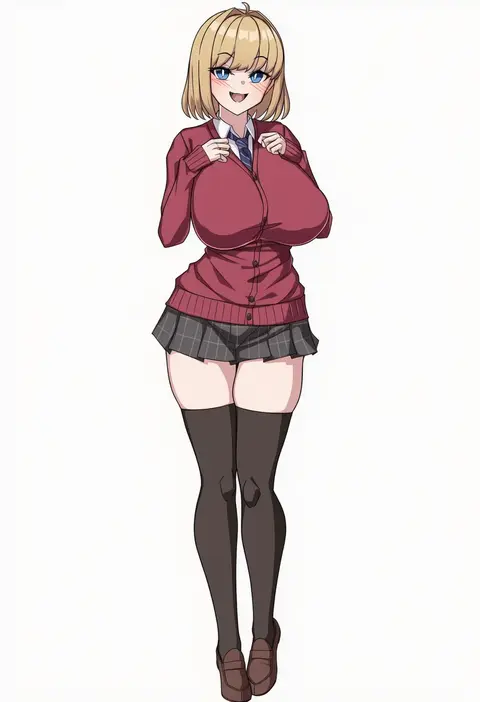
muta poo
ARTIST0x1068
0
jungon kim
ARTIST0x1069
0
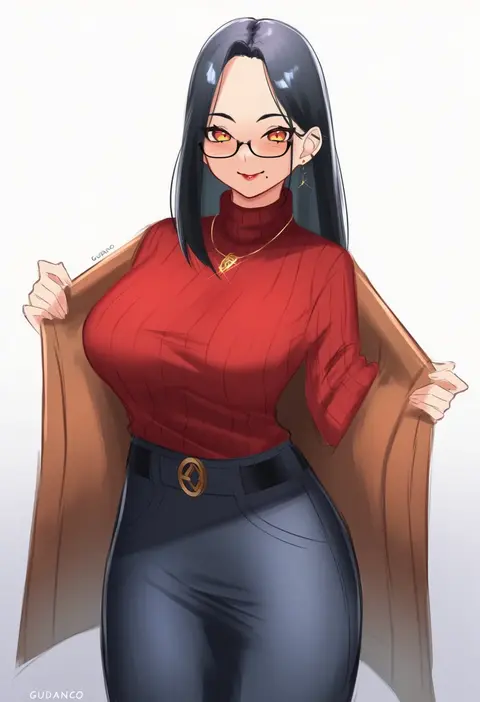
gudanco (nyanmeowzer)
ARTIST0x106A
0
mm (yoromu)
ARTIST0x106B
0
gokurin
ARTIST0x106C
0
urayama (backmountain)
ARTIST0x106D
0
ap cammy
ARTIST0x106E
0
hadaparuka
ARTIST0x106F
0
cohi27151463
ARTIST0x1070
0
samneco
ARTIST0x1071
0
kanno takanori
ARTIST0x1072
0
jilu
ARTIST0x1073
0
mountain han
ARTIST0x1074
0
jikatarou
ARTIST0x1075
0
dancho (dancyo)
ARTIST0x1076
0
ryuudog
ARTIST0x1077
0
maki ikazuya
ARTIST0x1078
0
seisui bar
ARTIST0x1079
0
kincora
ARTIST0x107A
0
koyubi maru
ARTIST0x107B
0
steb
ARTIST0x107C
0
simon (n.s craft)
ARTIST0x107D
0
hukahire0120
ARTIST0x107E
0
mina cream
ARTIST0x107F
0
mizushina minato
ARTIST0x1080
0
hey taisyou
ARTIST0x1081
0
narumiya (narumiya)
ARTIST0x1082
0
miso (misomiso 154)
ARTIST0x1083
0
poin (hidsuki)
ARTIST0x1084
0
nagomian
ARTIST0x1085
0
sino42
ARTIST0x1086
0
zaregoto tsukai no deshi
ARTIST0x1087
0
matcha (mattyan)
ARTIST0x1088
0
gu luco
ARTIST0x1089
0
kare huang
ARTIST0x108A
0
cloritin
ARTIST0x108B
0
yuki maccha (yukimattya10)
ARTIST0x108C
0
mins (minevi)
ARTIST0x108D
0
jam-orbital
ARTIST0x108E
0
painterliuhao
ARTIST0x108F
0
dongho kang
ARTIST0x1090
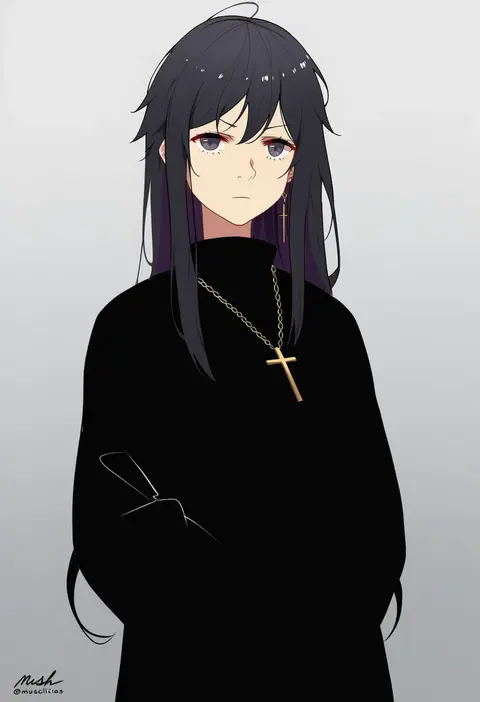
0
mush (mushlicious)
ARTIST0x1091
0
agovitch
ARTIST0x1092
0
nedia (nedia region)
ARTIST0x1093
0
gin moku
ARTIST0x1094
0
ero kaeru
ARTIST0x1095
0
micon
ARTIST0x1096
0
grs-
ARTIST0x1097
0
maidforge
ARTIST0x1098
0
taaru (taru)
ARTIST0x1099
0
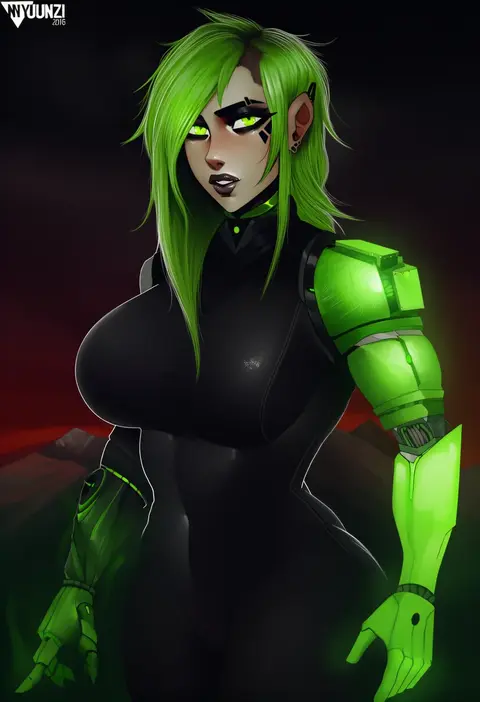
nyuunzi
ARTIST0x109A
0
shiawase hougan
ARTIST0x109B
0
josal
ARTIST0x109C
0
mk (mod0)
ARTIST0x109D
0
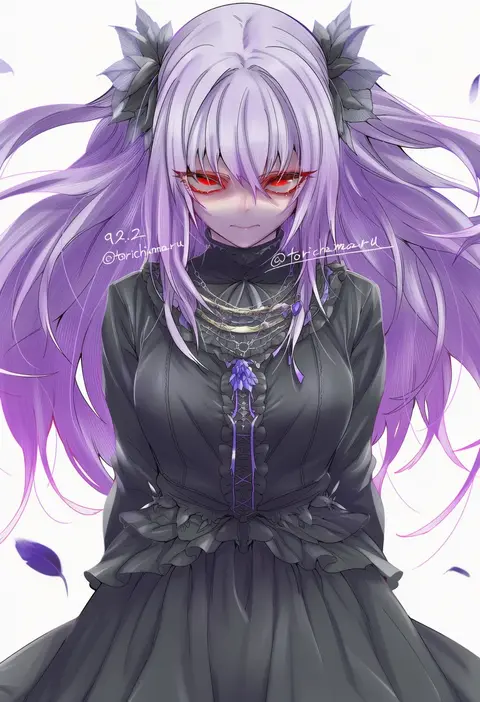
torichamaru
ARTIST0x109E
0
dorontabi
ARTIST0x109F
0
tomato rice
ARTIST0x10A0
0
jakelian
ARTIST0x10A1
0
alpha (alpha91)
ARTIST0x10A2
0
kano (wi3028)
ARTIST0x10A3
0

What these tags change

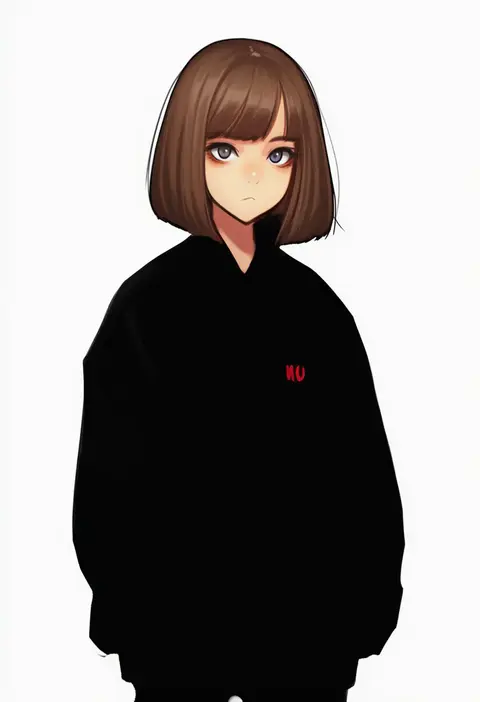
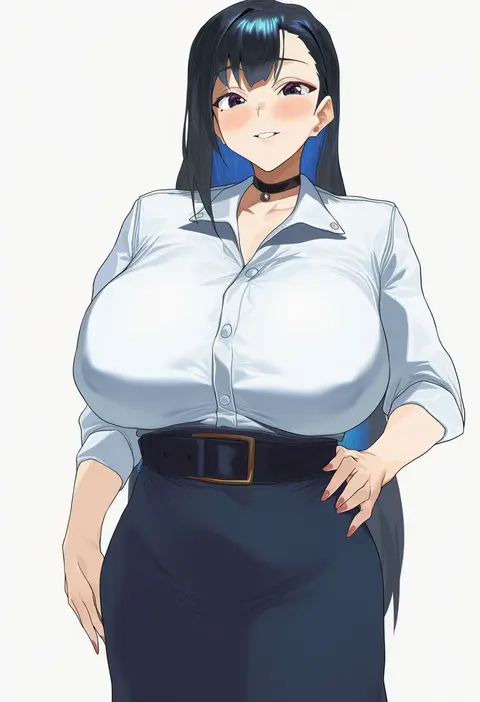
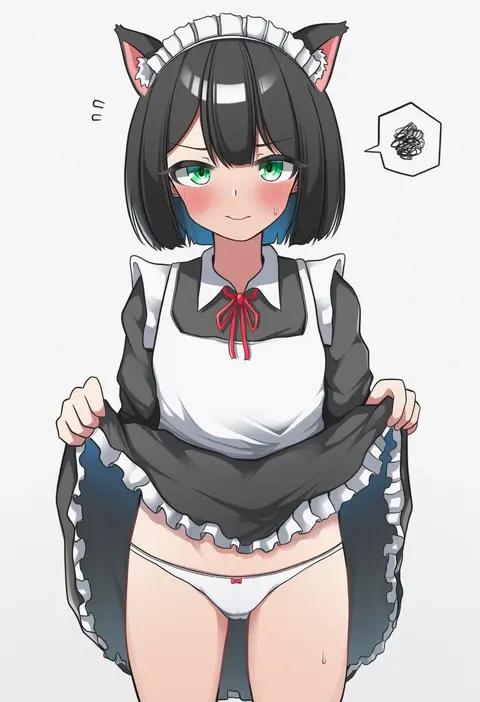
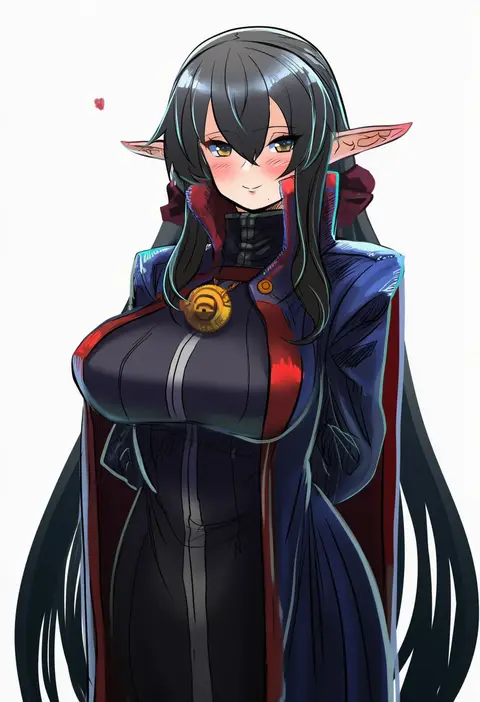
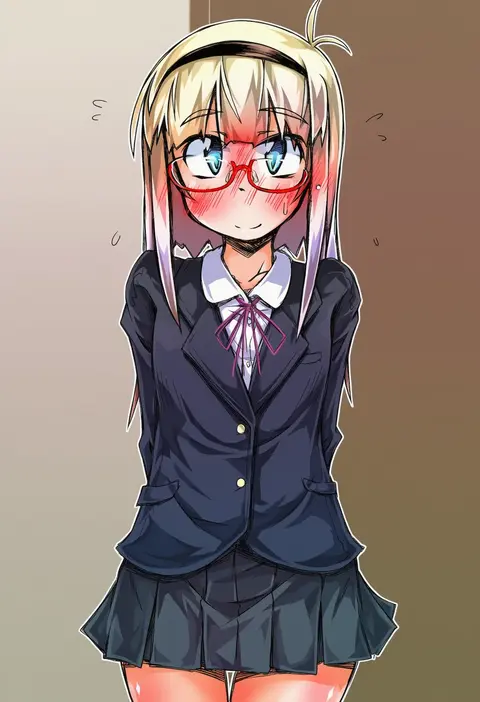
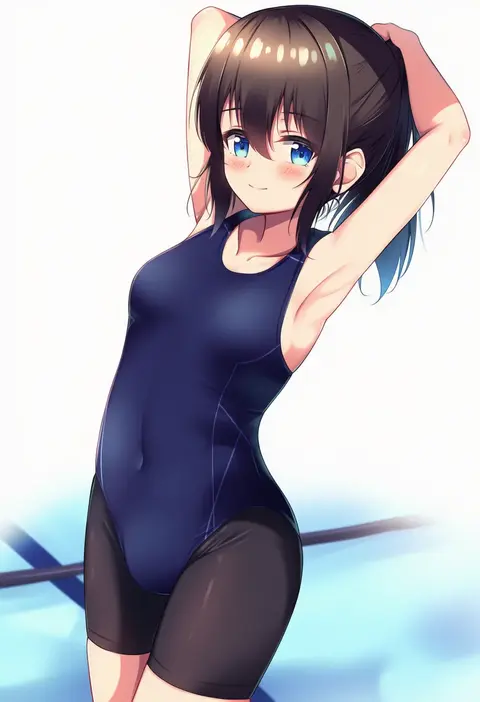
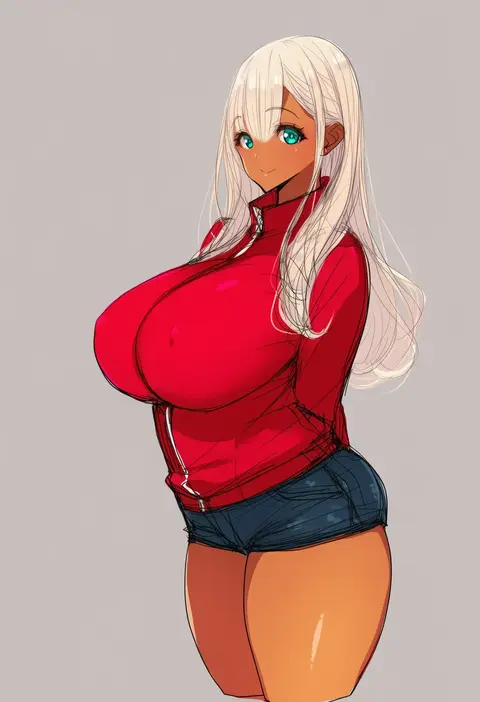
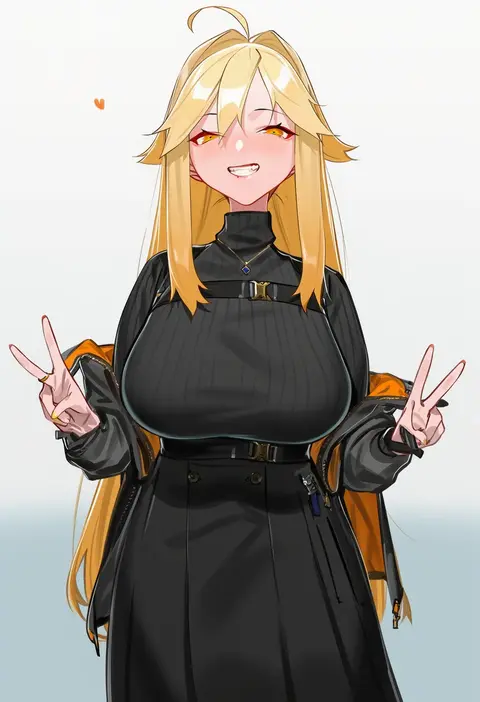
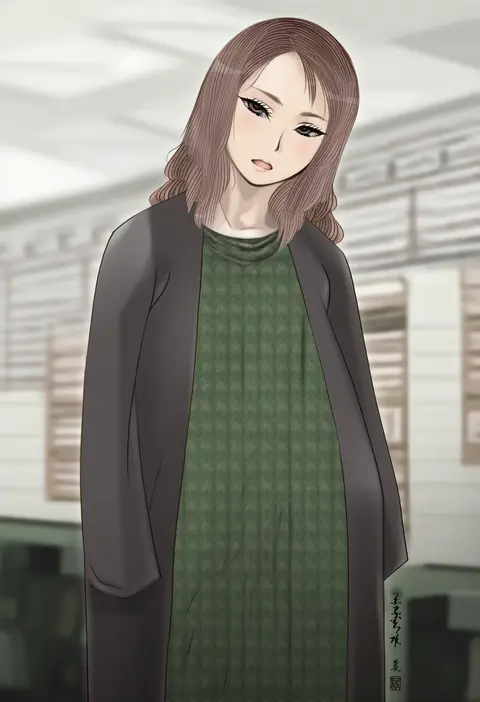
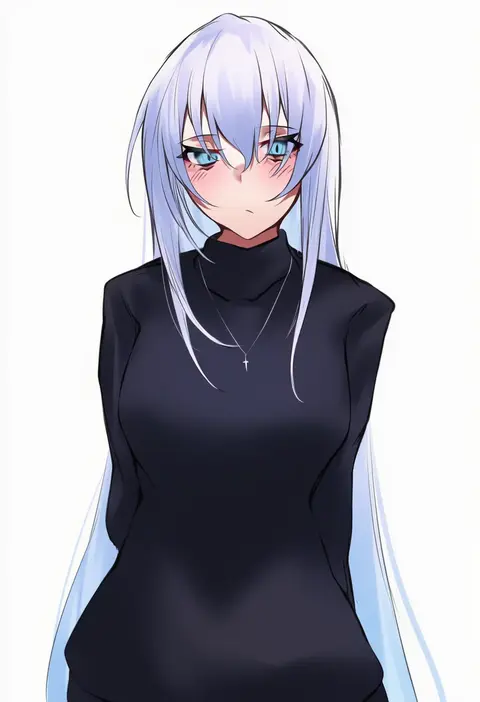
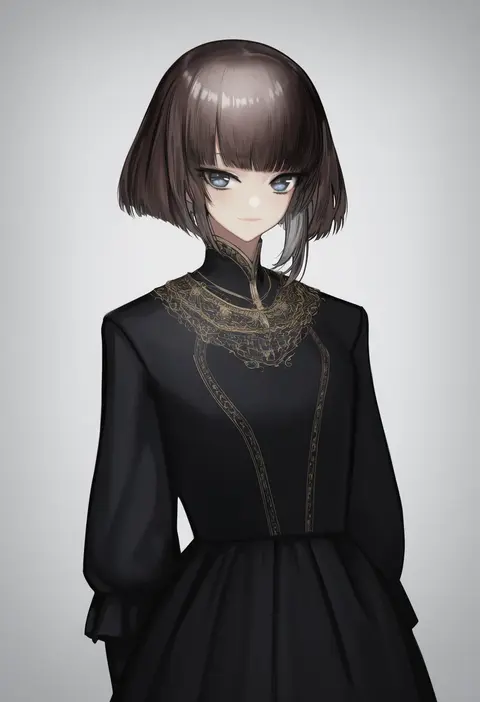
Artist tags tell NovelAI Diffusion to draw in a specific artist's style: line weight, paint texture, face shapes and palette all shift at once. Character and outfit tags decide what is drawn; artist tags decide how. 16,352 tags are listed for V4.5.
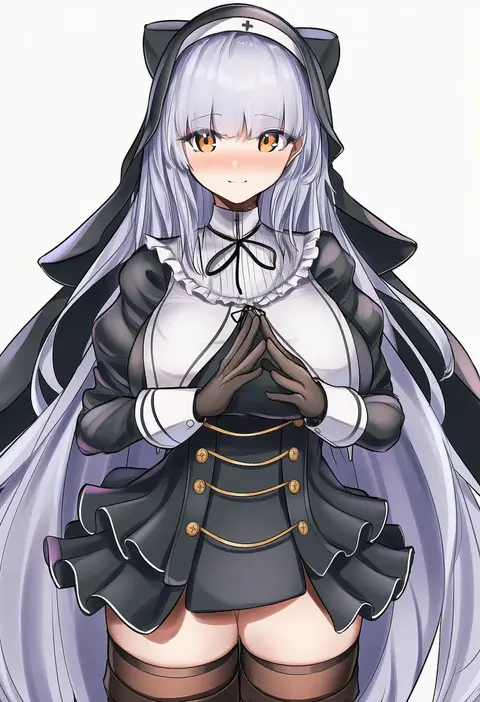
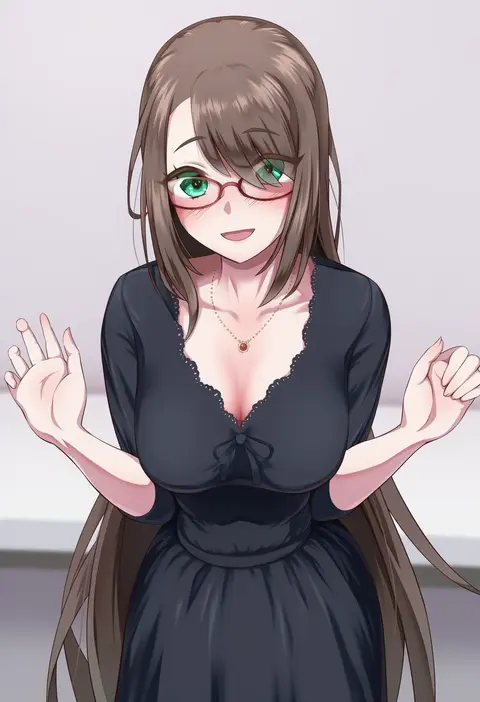
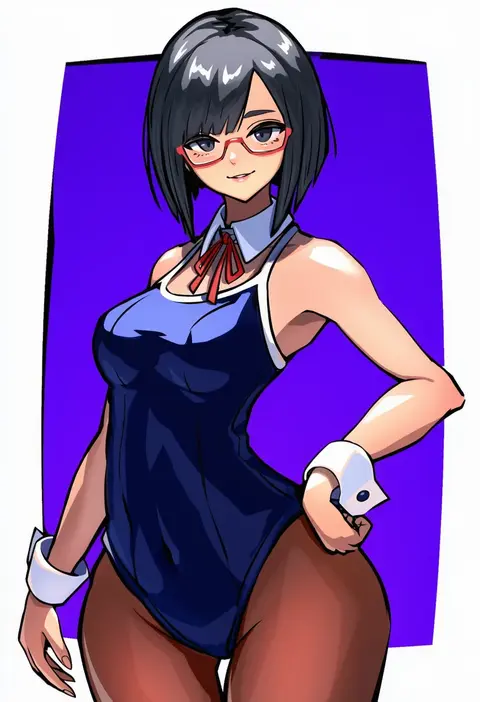
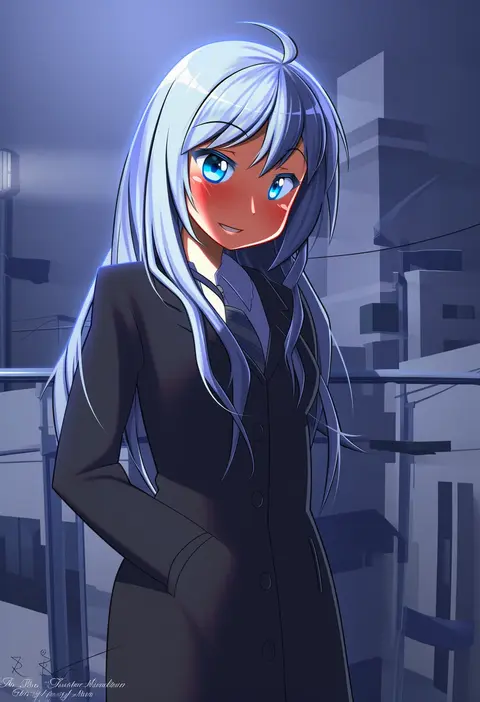
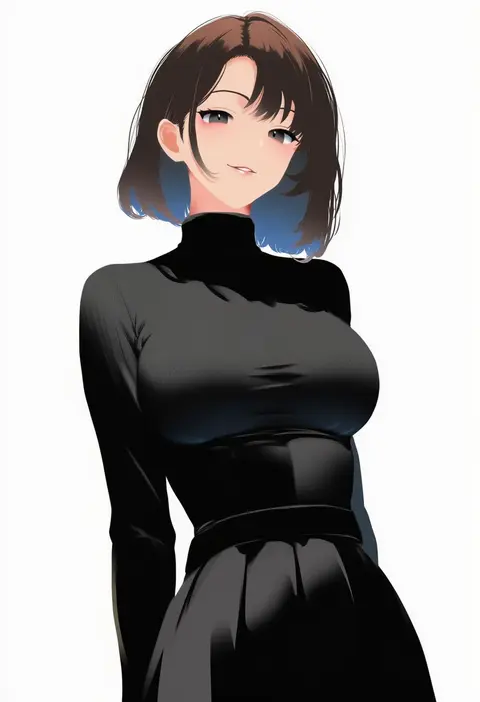
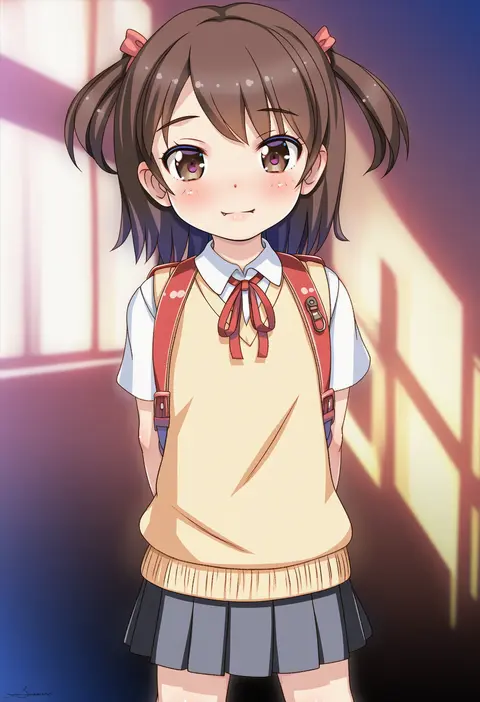
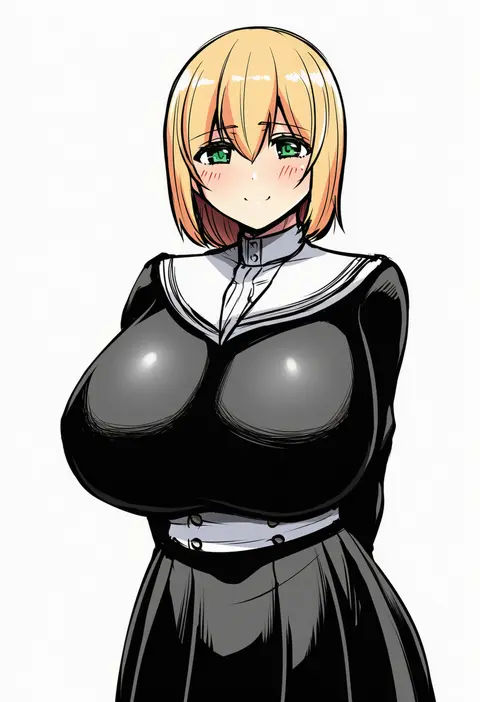
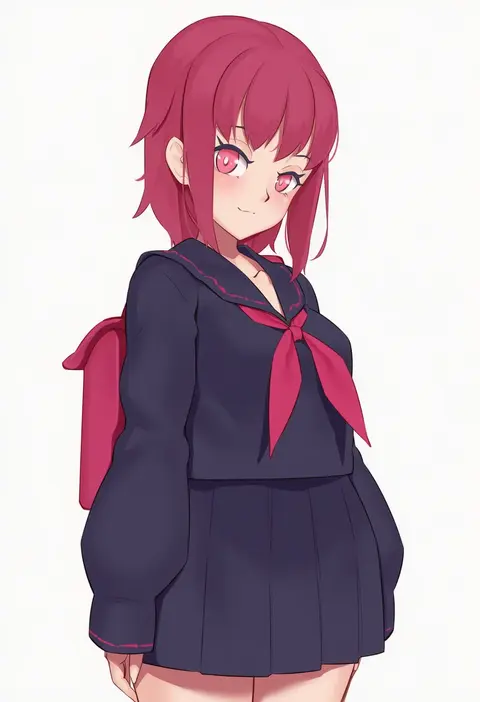
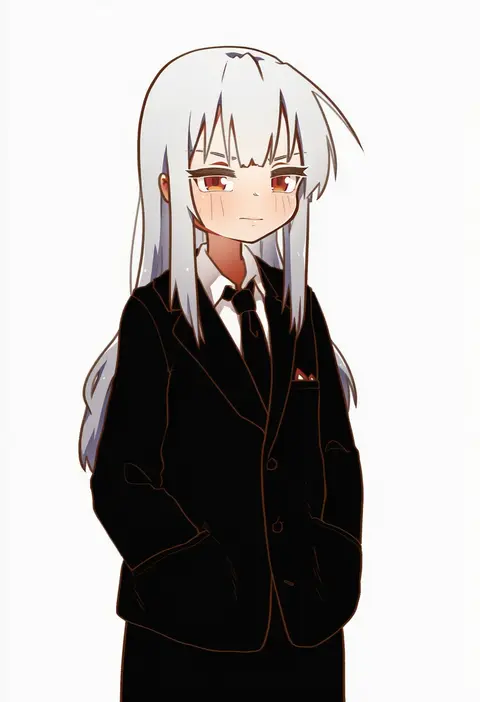
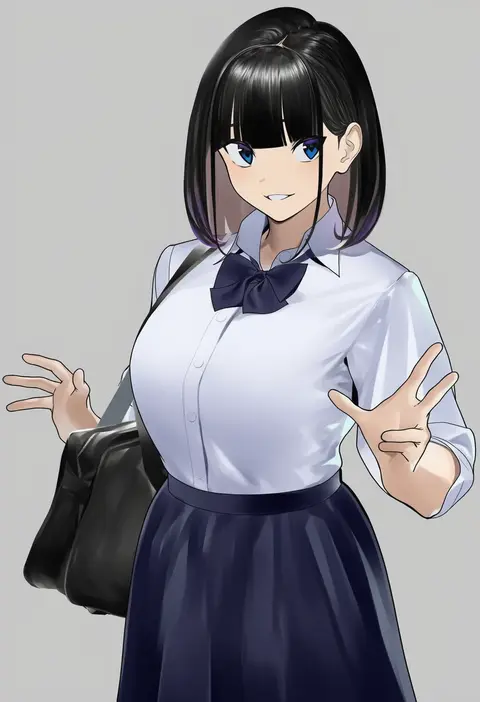
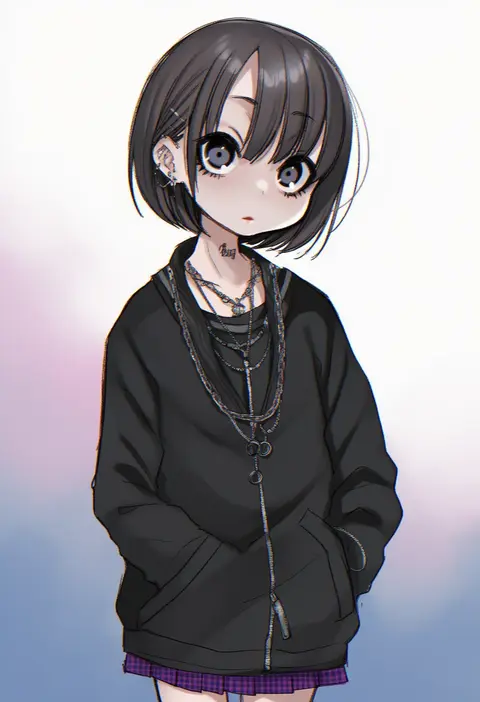
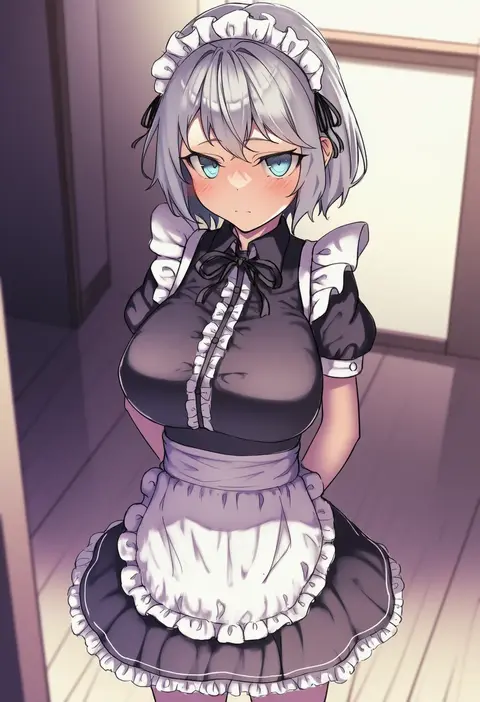
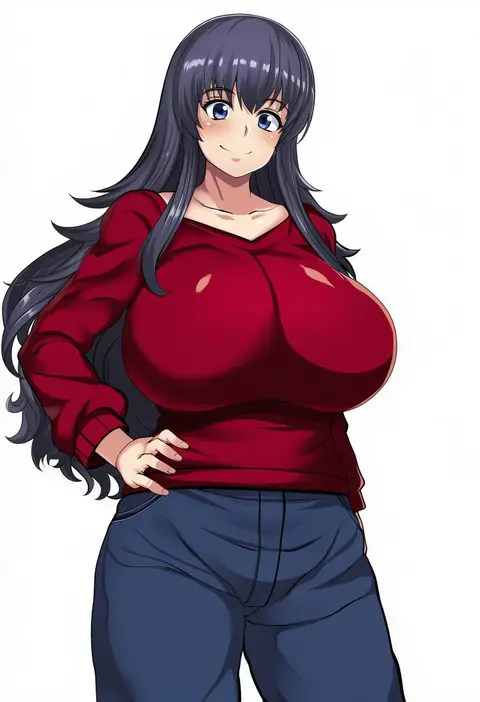
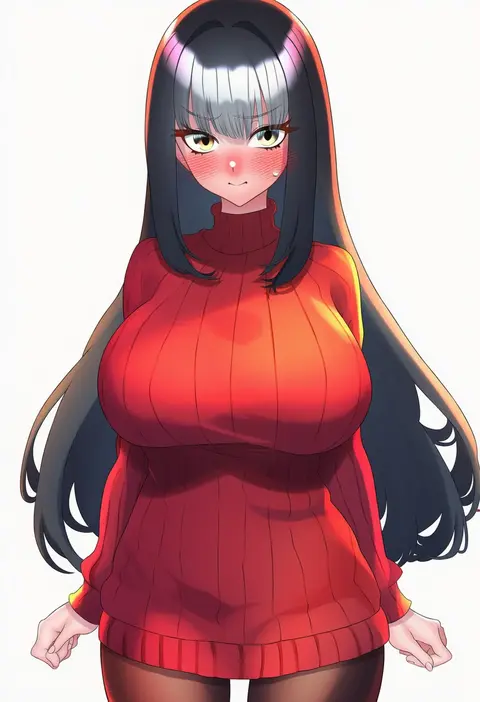
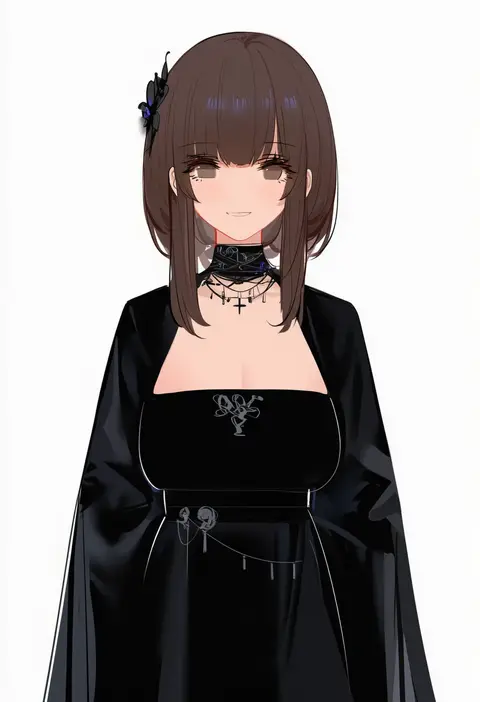
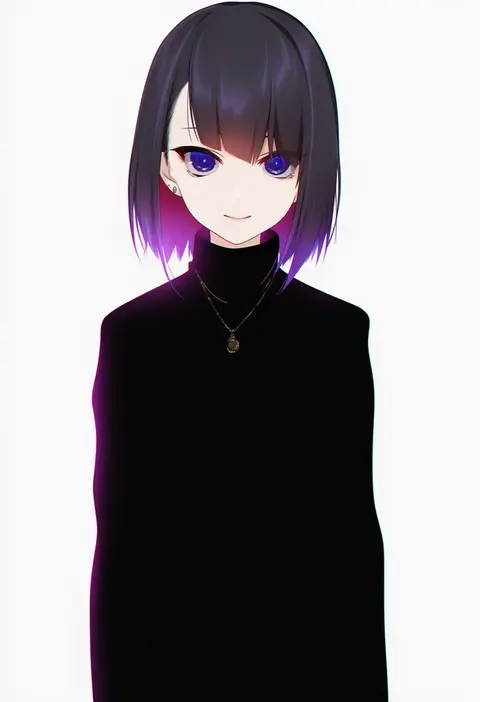
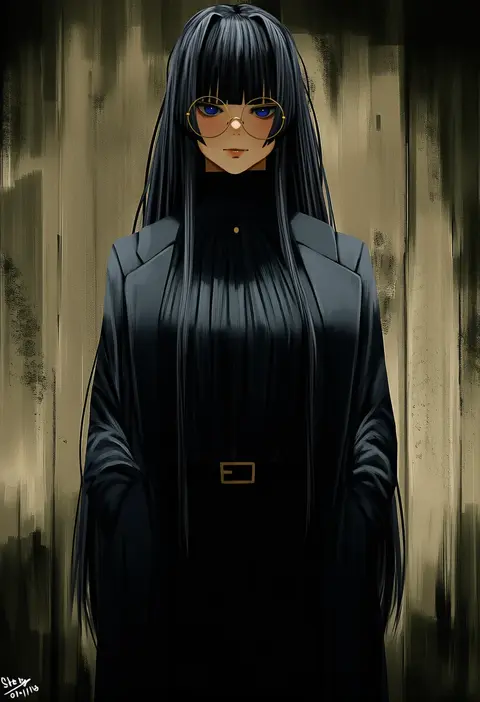
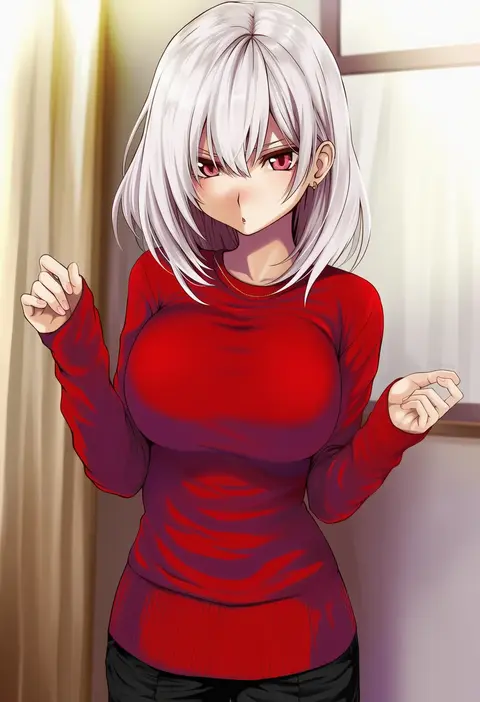
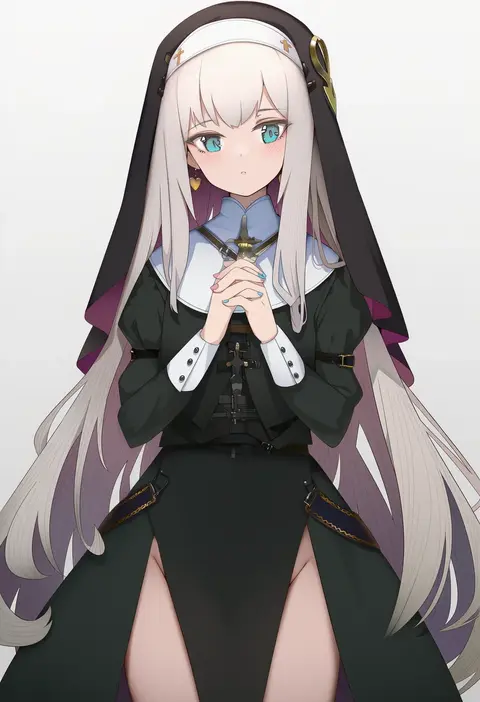
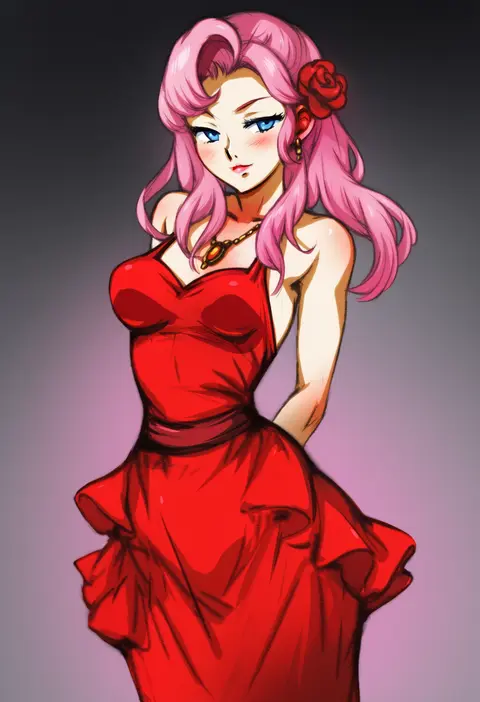
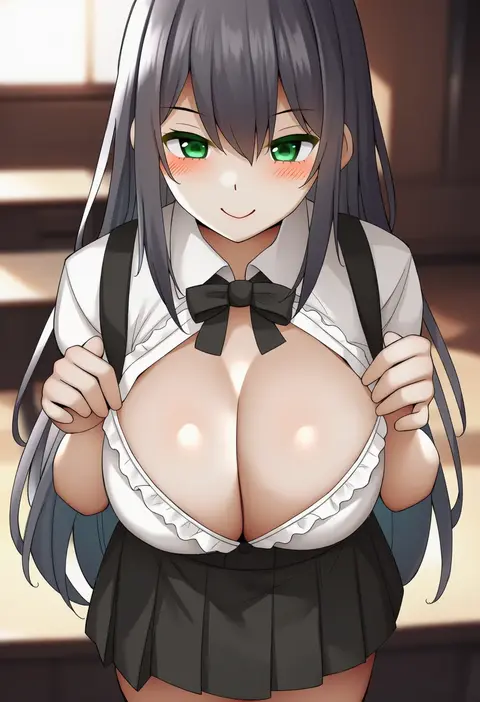
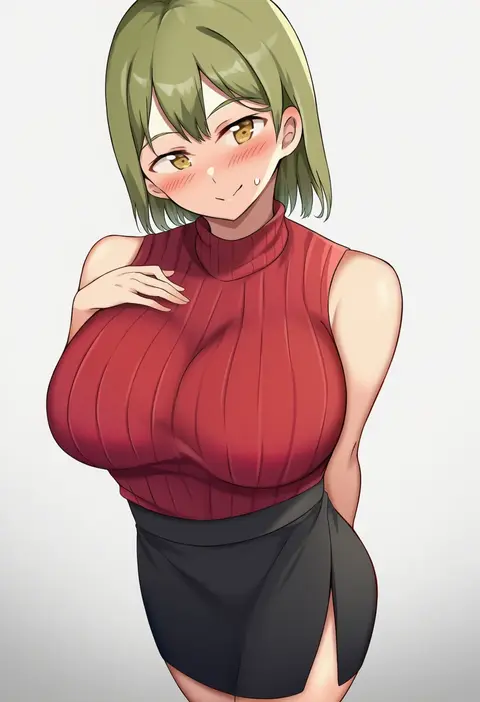
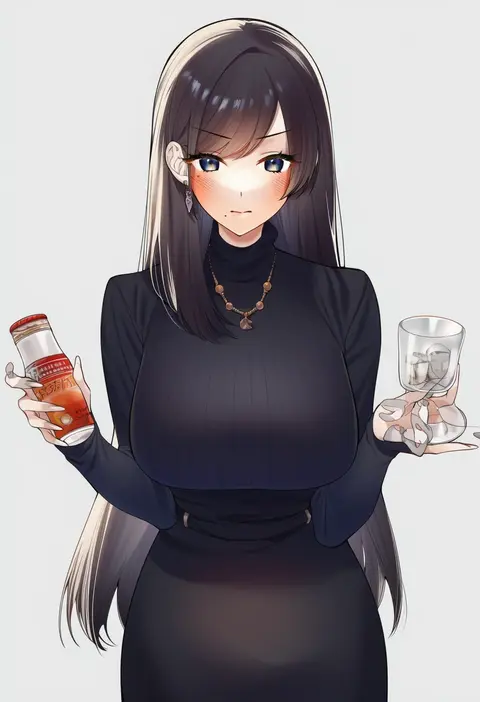
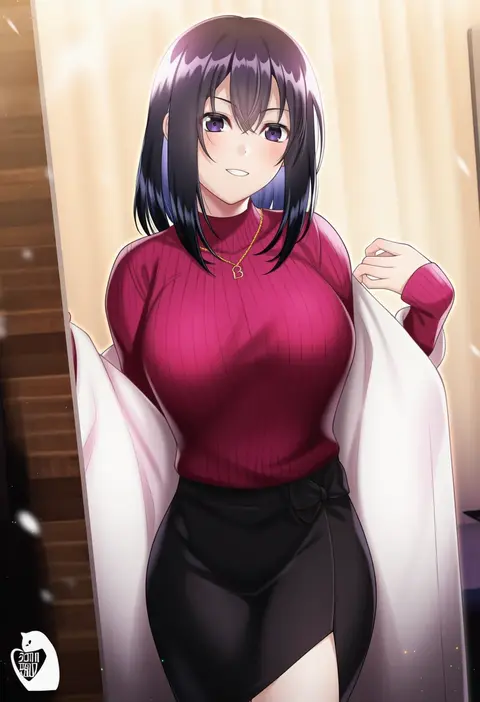
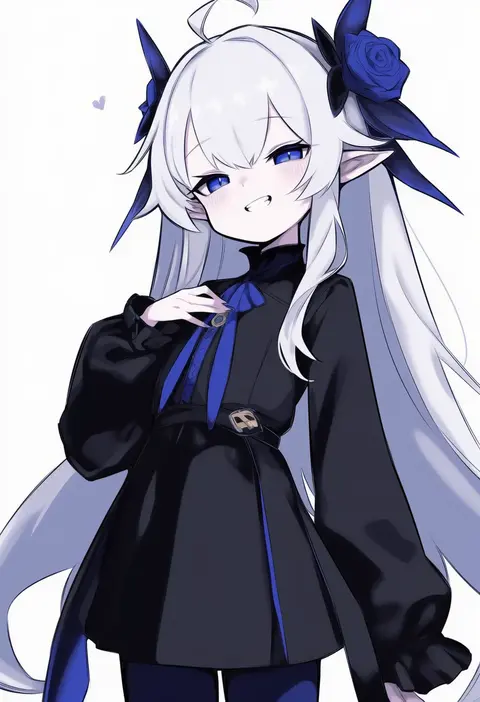
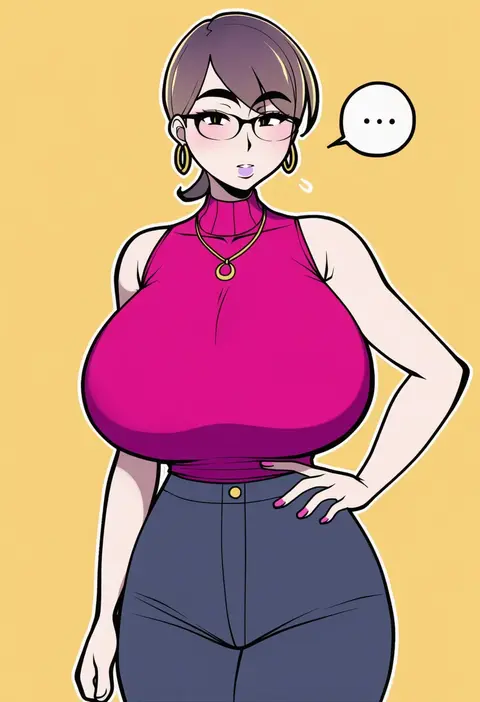
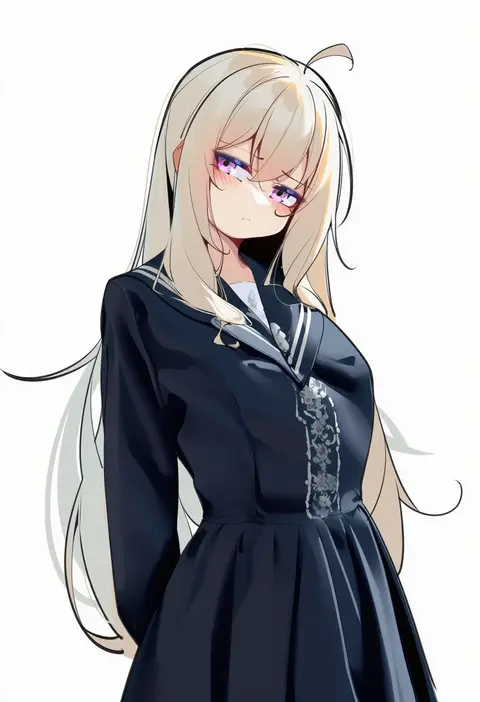
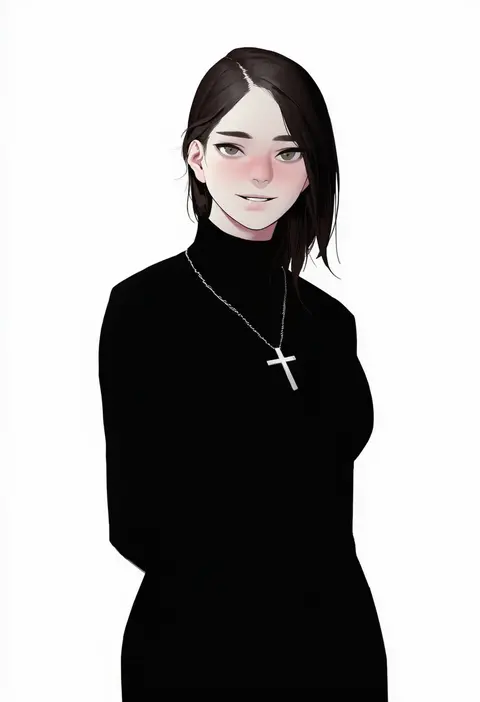
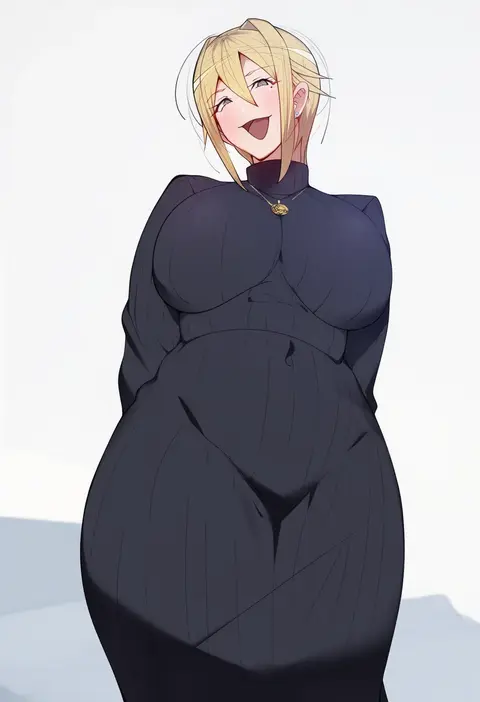
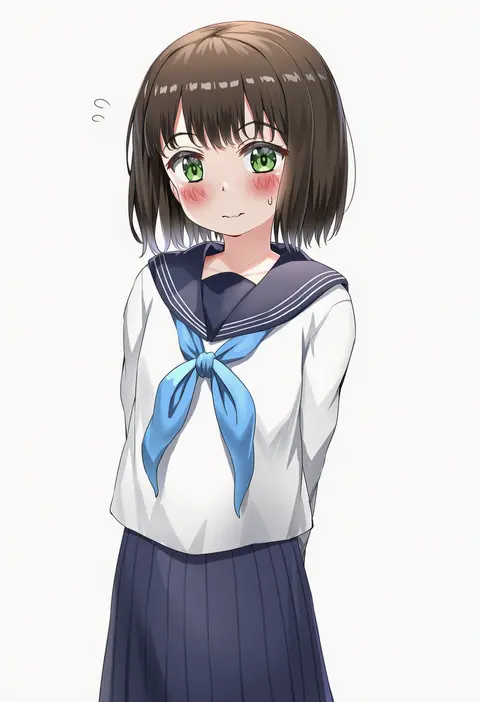
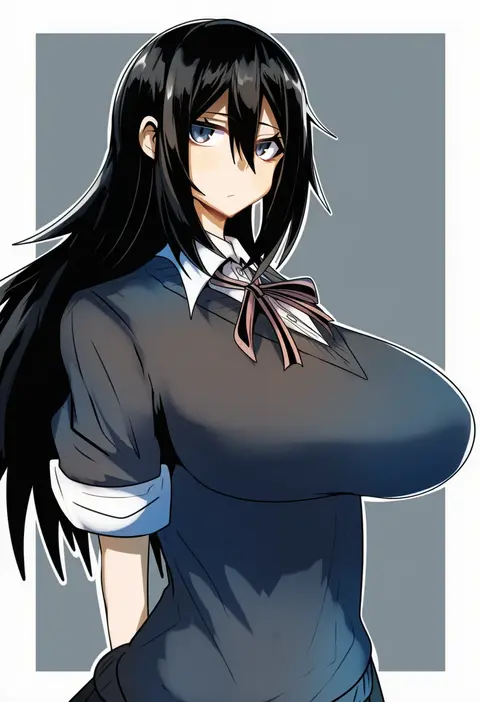
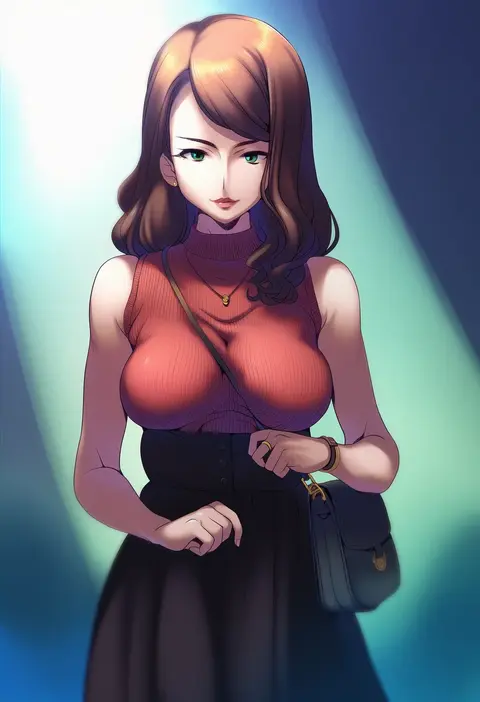
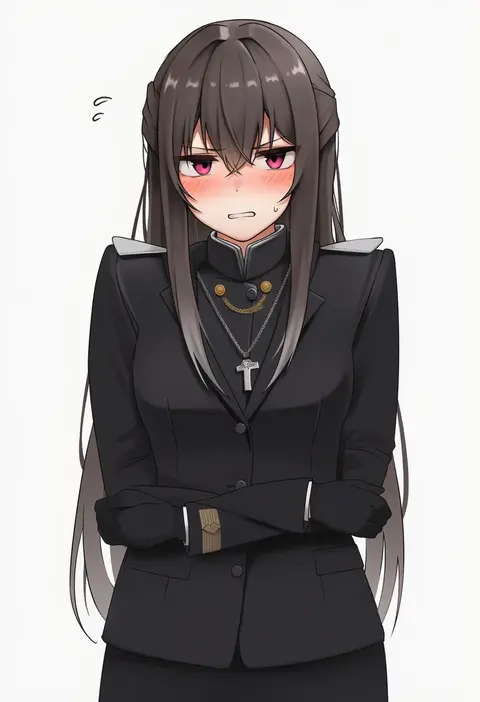
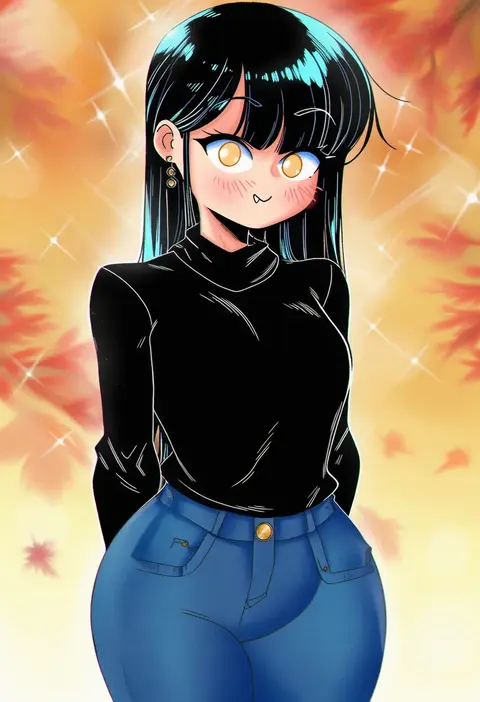
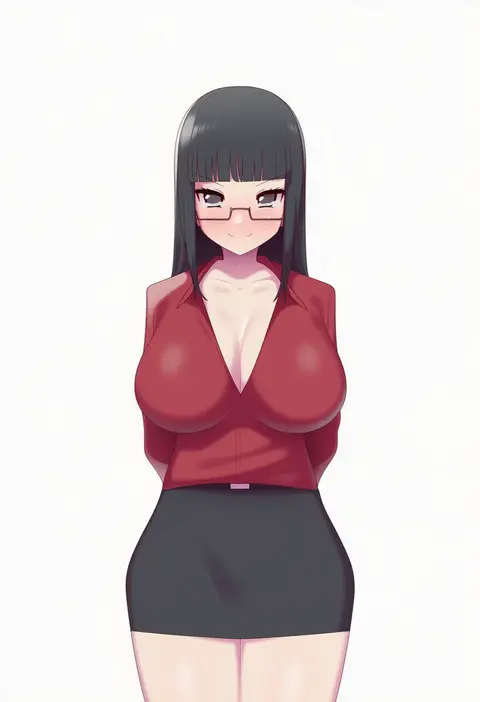
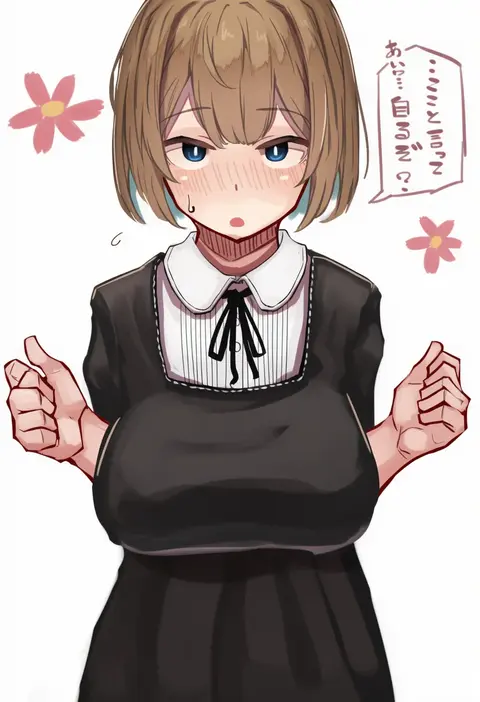
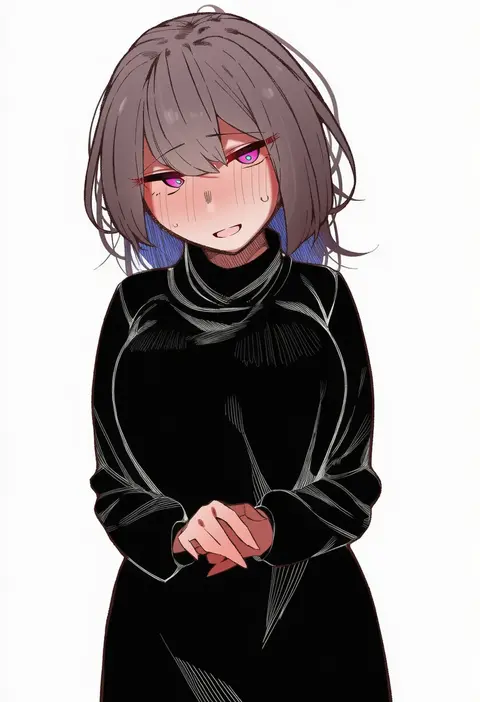
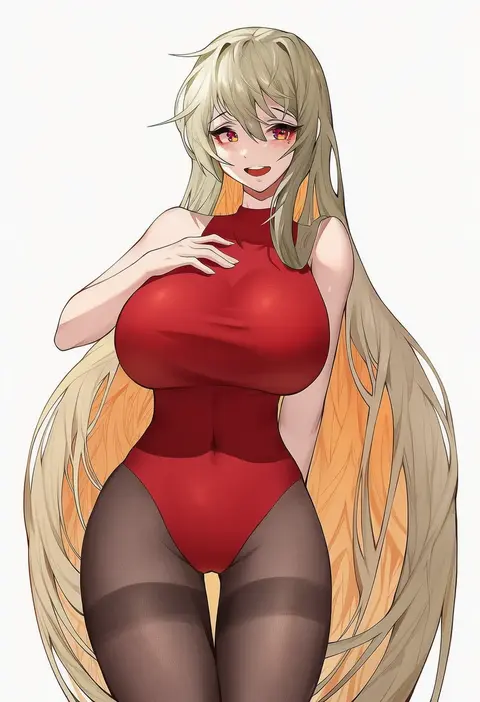
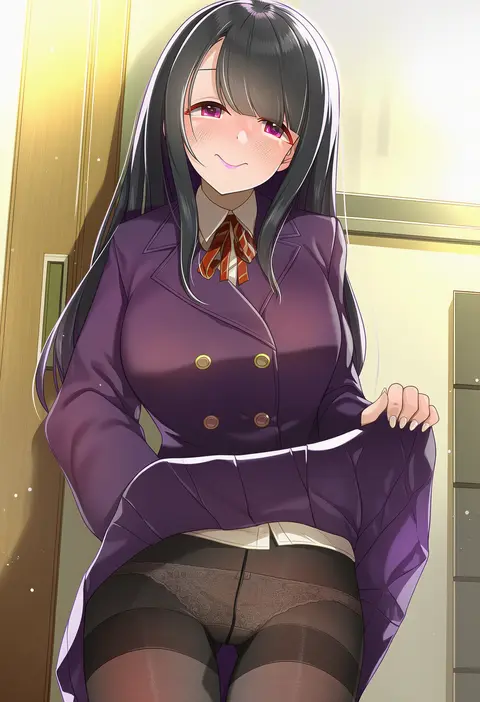
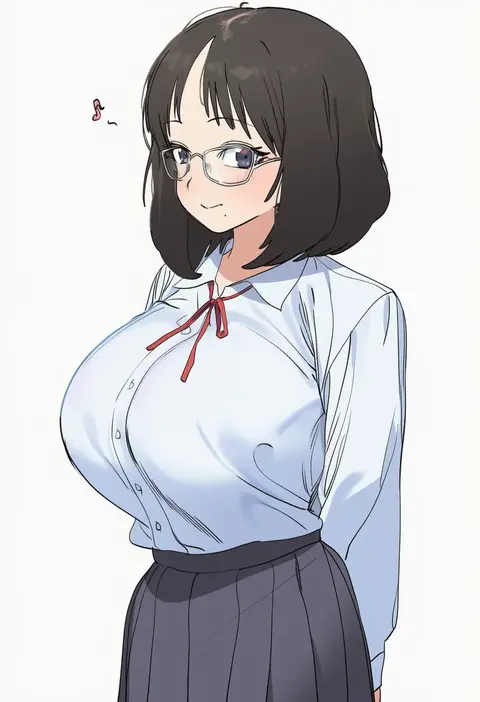
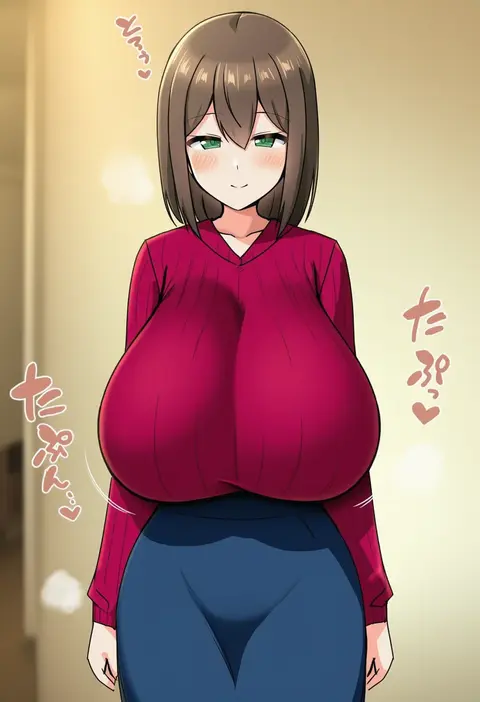
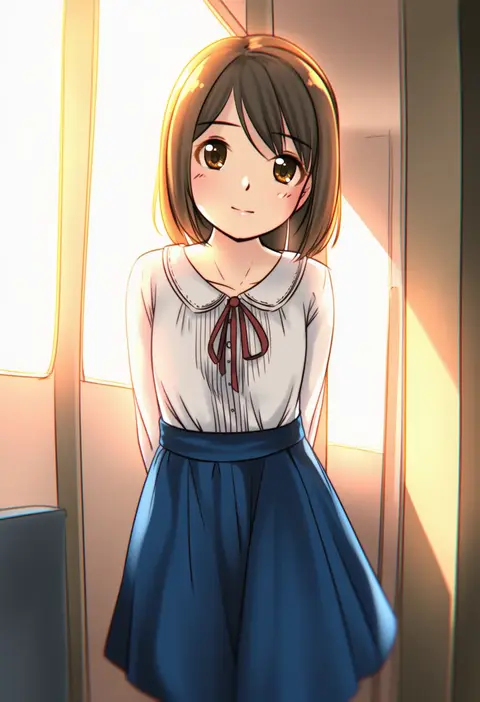
Every tag listed here is verified to react in NovelAI. All images use the same prompt, seed and settings with only the artist tag swapped, so the difference between two images is the style that tag brings in.

How to use them

Put the artist tag near the front of the prompt, e.g. "<artist>, 1girl, solo, best quality, masterpiece, cowboy shot". Two or three artist tags blend styles; lower the weight with "0.8::<artist>::" when the style overpowers the character.

SCORE sorts by Danbooru's top score, POSTS by post count, FAVS by hearts on this site. Open a card to see V5 and V4.5 side by side on the same seed.

V5 vs V4.5

V5 usually lands closer to the artist's real style, and tags that did nothing on V4.5 often react on V5. V4.5 still fits older and doujin-heavy artists better. Try V5 first, fall back to V4.5.

FAQ

Where does the artist tag go?
Near the front of the prompt. Use "0.8::tag::" to adjust its weight.

Can I stack artist tags?
Yes, styles blend. Past two or three the result stops looking like anyone.

Are these the artists' own works?
No. Every image is a NovelAI sample generated from the tag.