V4.5Artists
sort: FAVS▾
▾
>
$

NovelAI Artist Tags List — V4.5

artist --count 16,352[68/273]
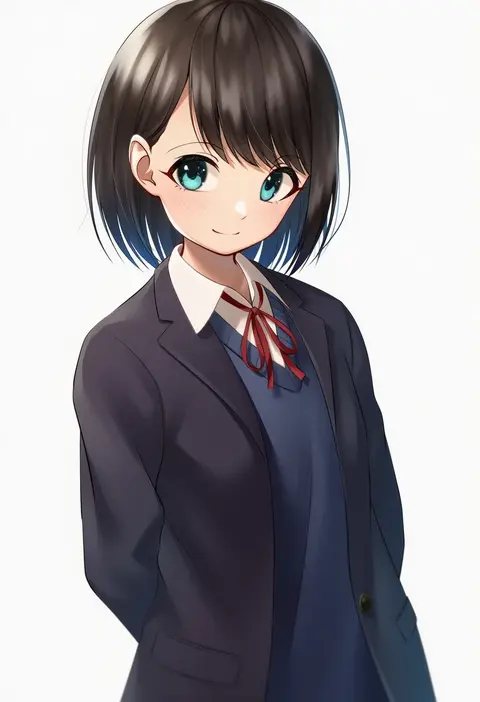
tsunenorip
ARTIST0x0FB4
0
diieru
ARTIST0x0FB5
0
auguste
ARTIST0x0FB6
0
mu46016419
ARTIST0x0FB7
0
jadenkaiba
ARTIST0x0FB8
0
kopam
ARTIST0x0FB9
0
lunch boxer
ARTIST0x0FBA
0
dashi (dashiart)
ARTIST0x0FBB
0
oishi kuwagata
ARTIST0x0FBC
0
toin (iitoin)
ARTIST0x0FBD
0
ildy
ARTIST0x0FBE
0
makingtawawa
ARTIST0x0FBF
0
terazip
ARTIST0x0FC0
0
piyopoyo
ARTIST0x0FC1
0
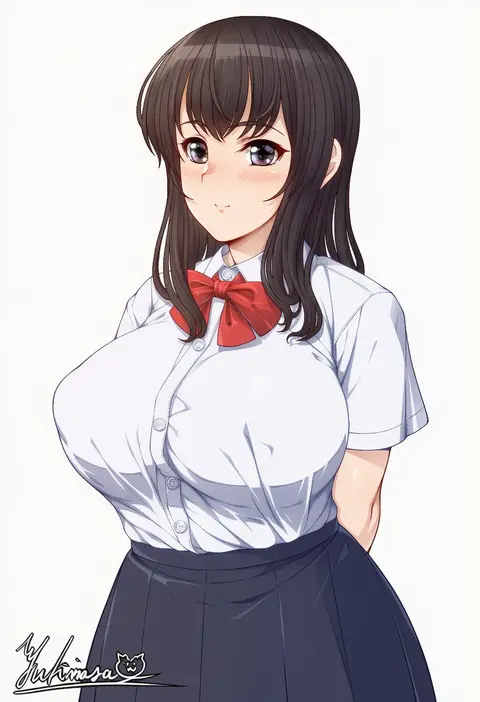
yukimasa (nkk145)
ARTIST0x0FC2
0
moriforest1040
ARTIST0x0FC3
0
yukimi
ARTIST0x0FC4
0
habu rin
ARTIST0x0FC5
0
sugaishi
ARTIST0x0FC6
0
den (kur0 yuki)
ARTIST0x0FC7
0
mel (dodosae)
ARTIST0x0FC8
0
revenantart
ARTIST0x0FC9
0
raindrop746079
ARTIST0x0FCA
0
nujima
ARTIST0x0FCB
0
rammionn
ARTIST0x0FCC
0
homare (fool's art)
ARTIST0x0FCD
0
uneg
ARTIST0x0FCE
0
batsu
ARTIST0x0FCF
0
konka
ARTIST0x0FD0
0
poch4n
ARTIST0x0FD1
0
kou futoshi
ARTIST0x0FD2
0
bobobo
ARTIST0x0FD3
0
aer7o
ARTIST0x0FD4
0
sobbi11
ARTIST0x0FD5
0
onsoku inu
ARTIST0x0FD6
0
tasaka shinnosuke
ARTIST0x0FD7
0
hijiri tsukasa
ARTIST0x0FD8
0
pizza (pizzania company)
ARTIST0x0FD9
0
k2isu
ARTIST0x0FDA
0
applepie (12711019)
ARTIST0x0FDB
0
mku
ARTIST0x0FDC
0
muloli
ARTIST0x0FDD
0
mibushiro
ARTIST0x0FDE
0
aosaki yukina
ARTIST0x0FDF
0
geso smith
ARTIST0x0FE0
0
di le to
ARTIST0x0FE1
0
m mance
ARTIST0x0FE2
0
ao usagi
ARTIST0x0FE3
0
leavv
ARTIST0x0FE4
0
jin rou
ARTIST0x0FE5
0
kurai nao
ARTIST0x0FE6
0
anno masato
ARTIST0x0FE7
0
type-dog
ARTIST0x0FE8
0
mori shin risuku
ARTIST0x0FE9
0
eto (ikumika)
ARTIST0x0FEA
0
tsukareta san
ARTIST0x0FEB
0
goyain
ARTIST0x0FEC
0
coffeekite
ARTIST0x0FED
0
origami aya
ARTIST0x0FEE
0
gud0c
ARTIST0x0FEF
0

What these tags change

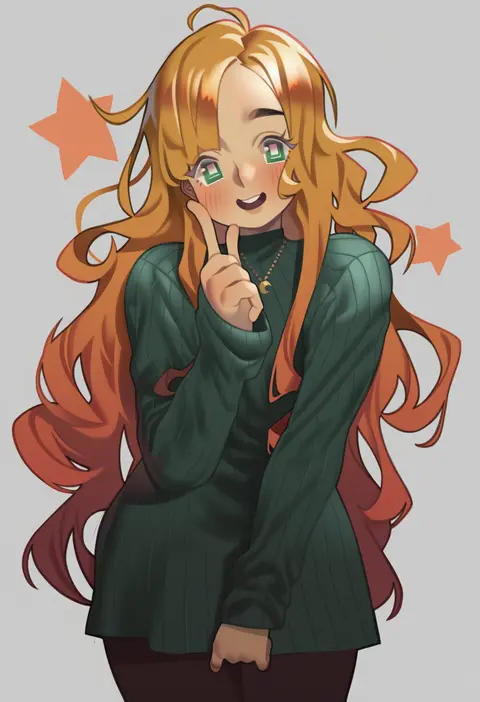
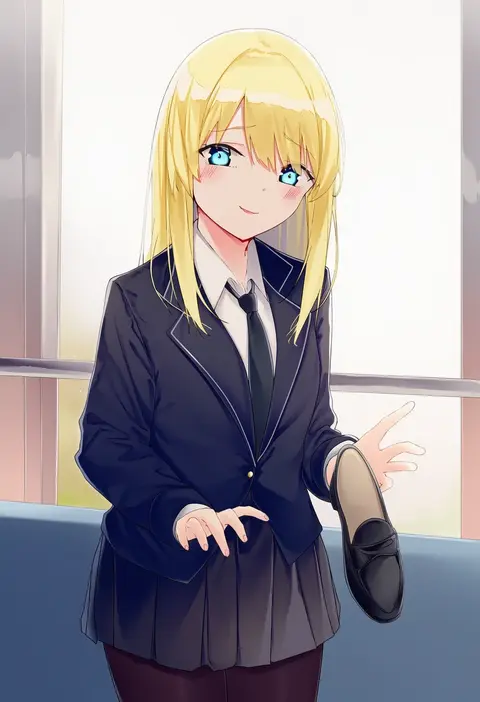
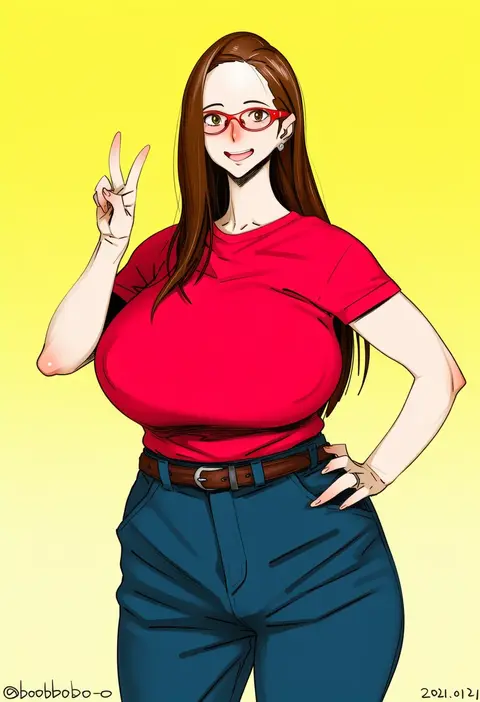
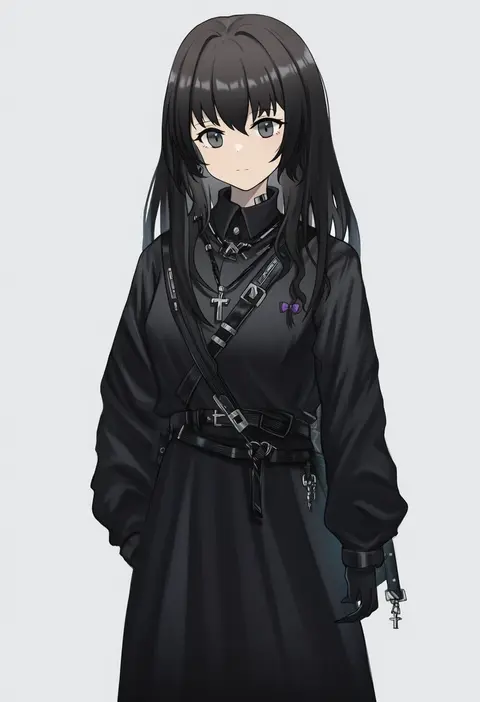
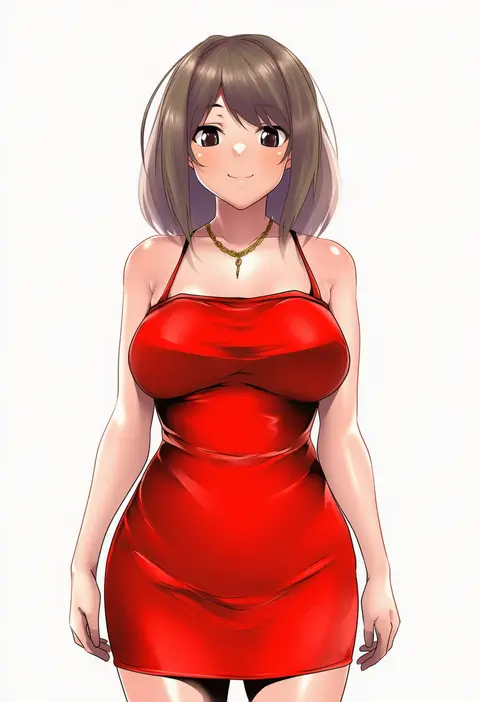
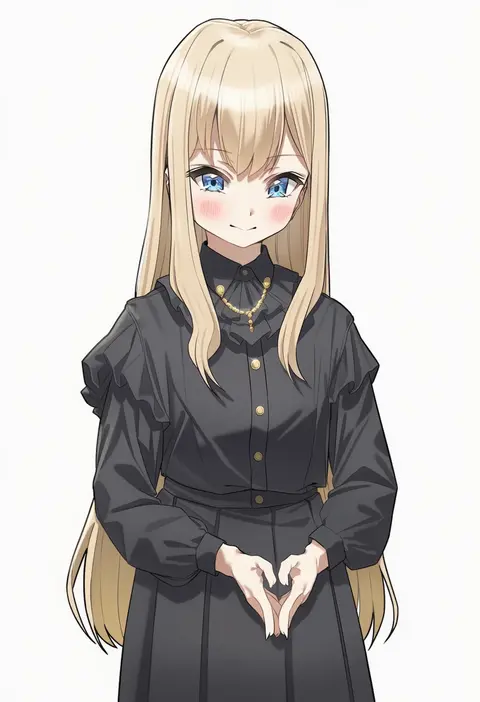
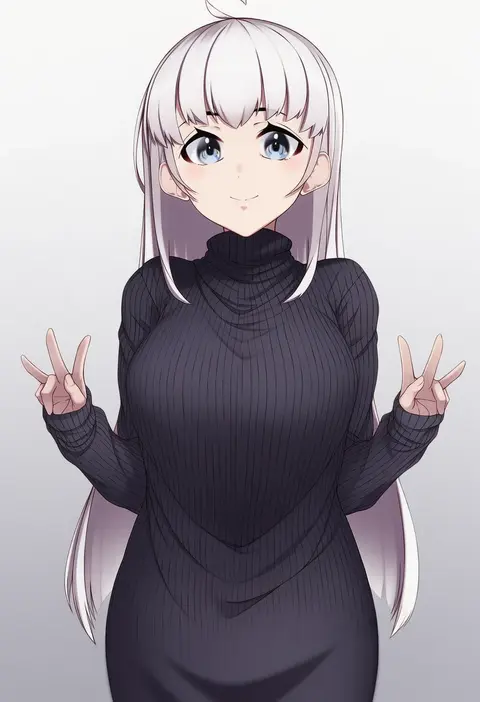
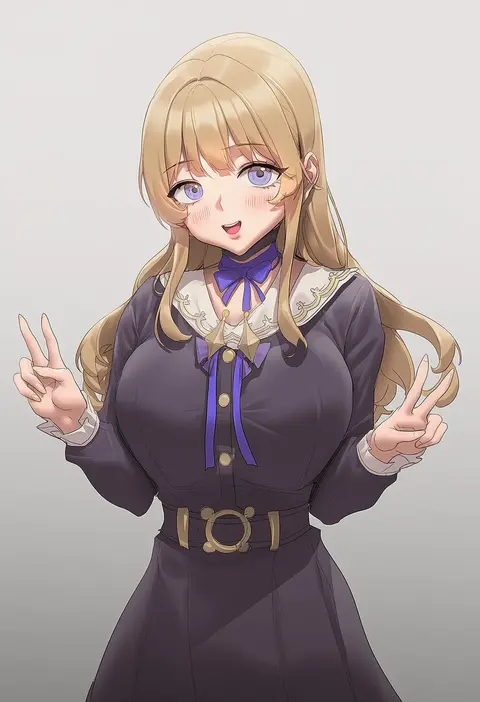
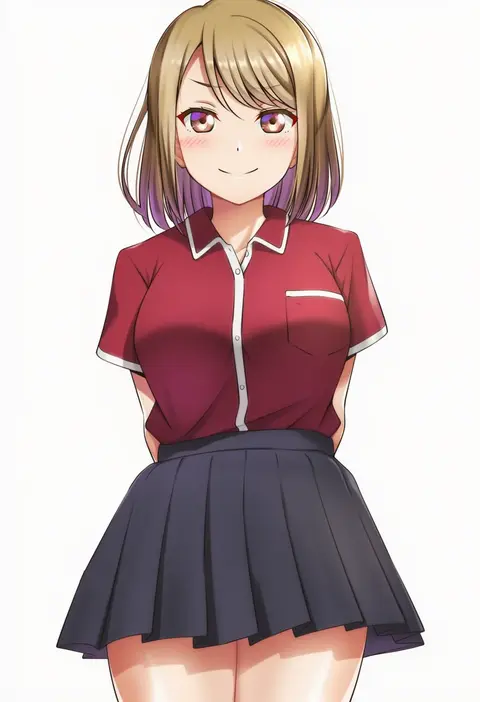
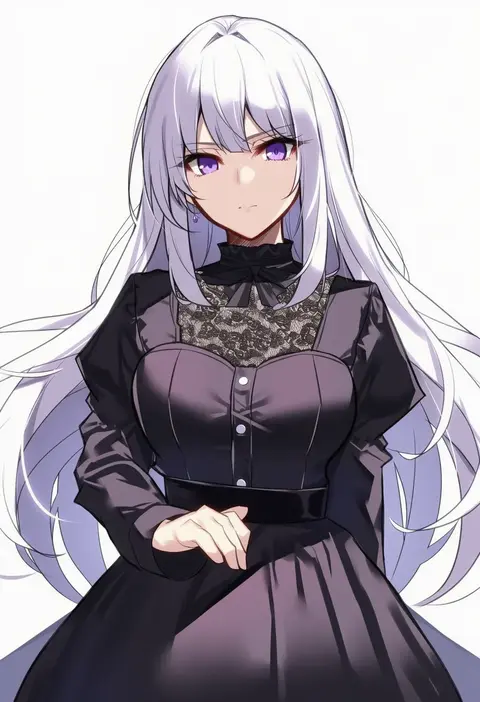
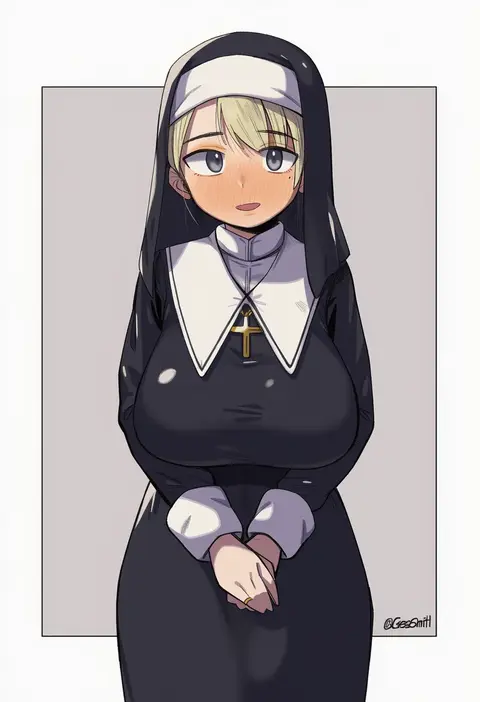
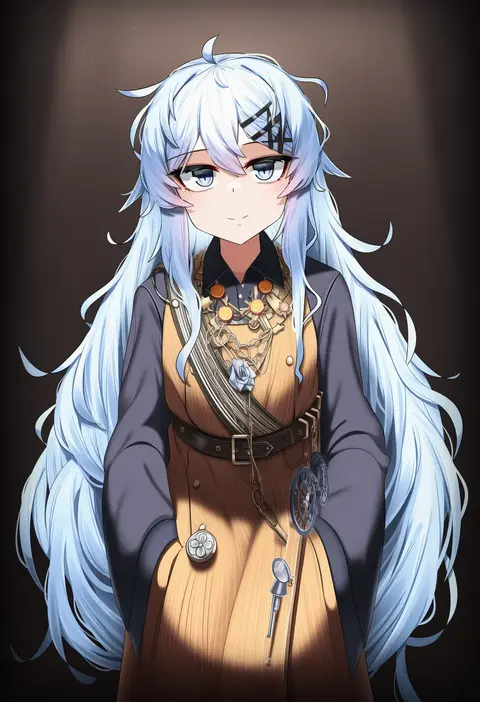
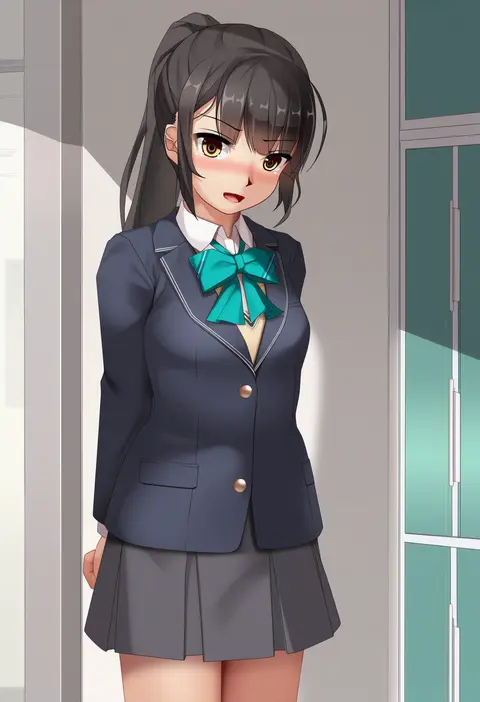
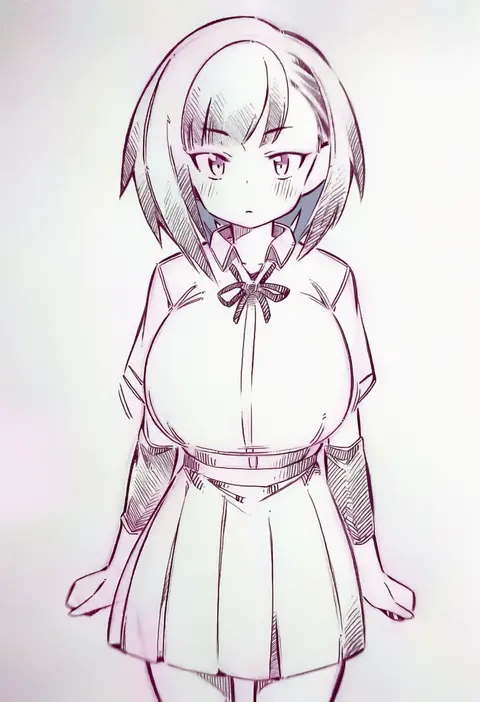
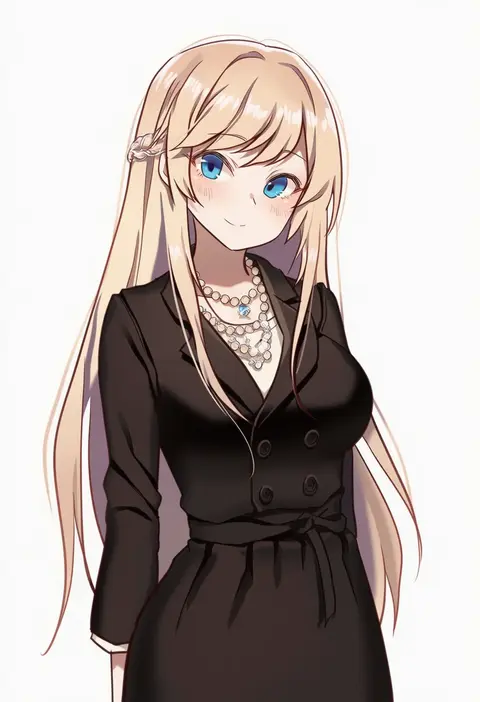
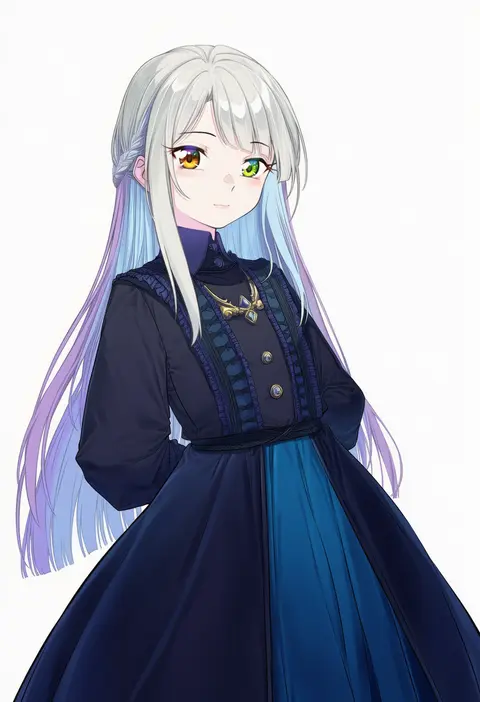
Artist tags tell NovelAI Diffusion to draw in a specific artist's style: line weight, paint texture, face shapes and palette all shift at once. Character and outfit tags decide what is drawn; artist tags decide how. 16,352 tags are listed for V4.5.
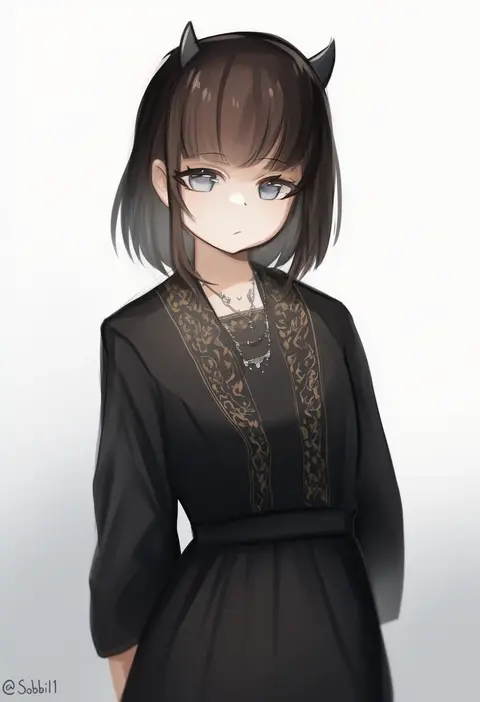
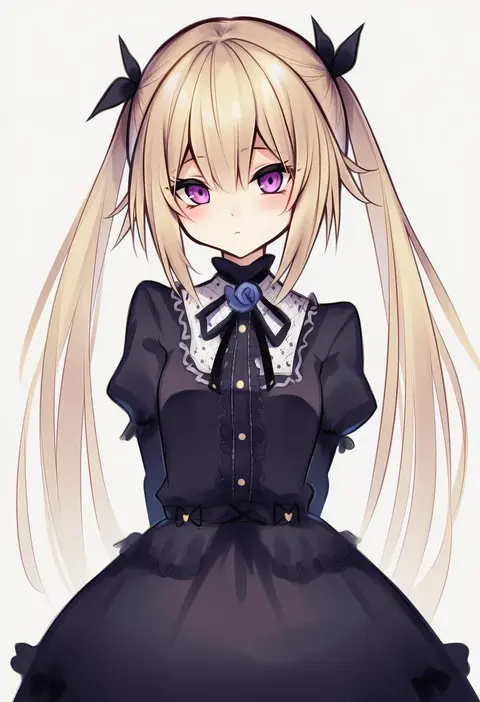
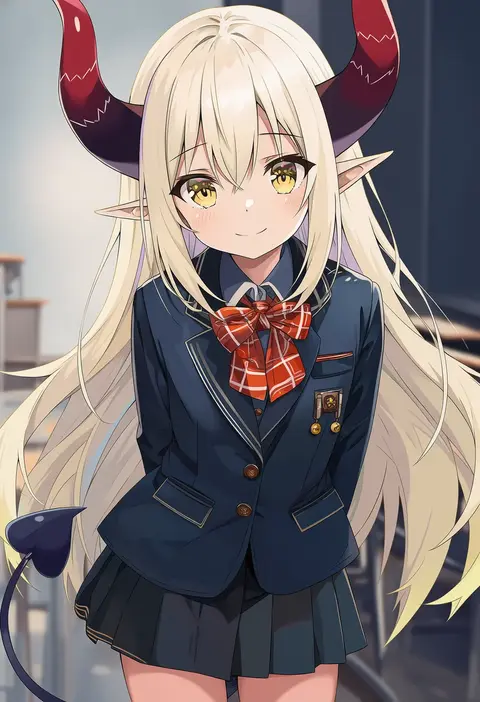
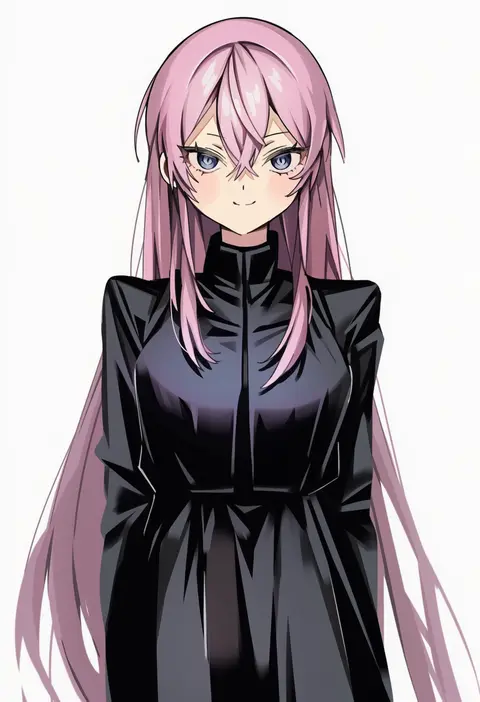
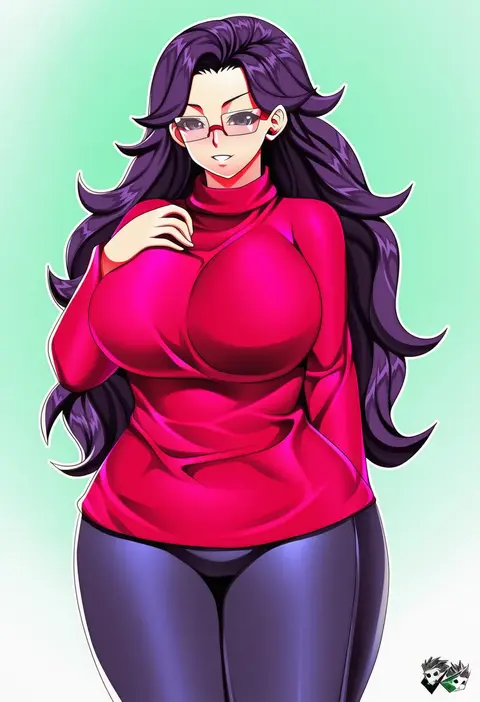
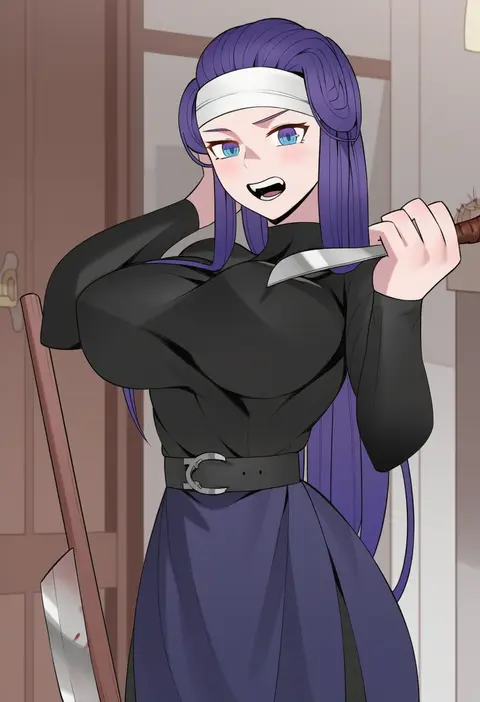
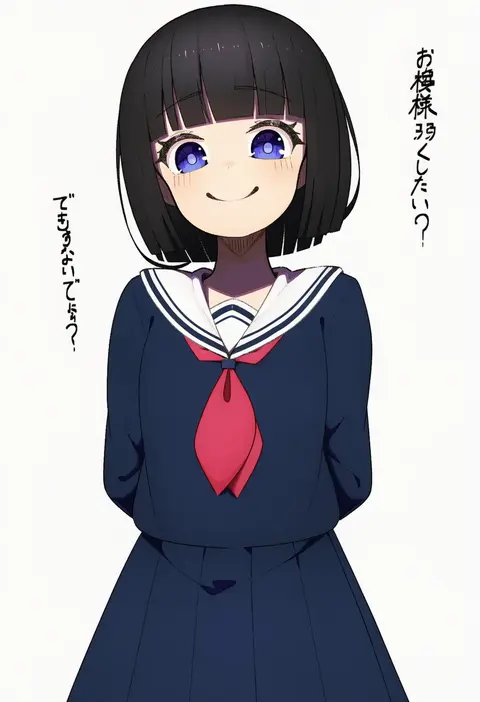
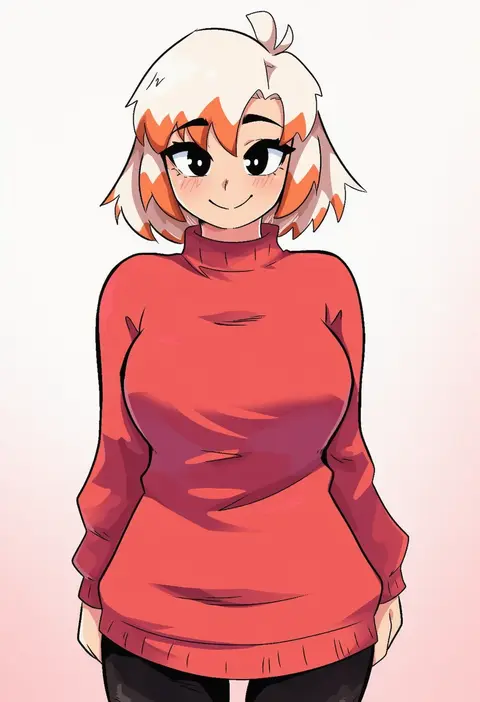
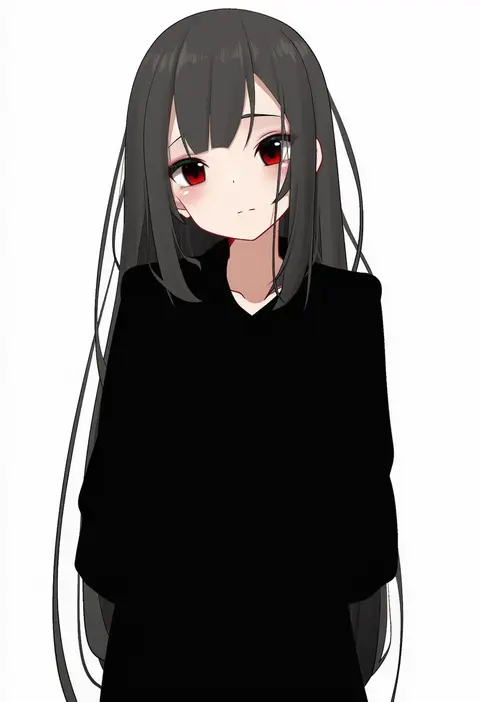
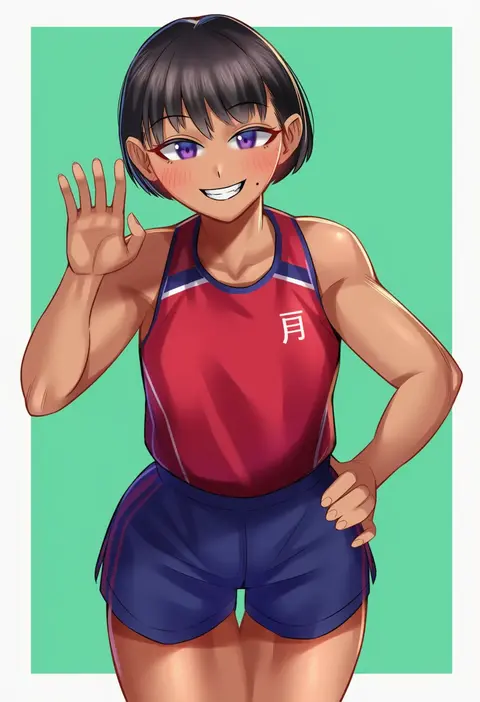
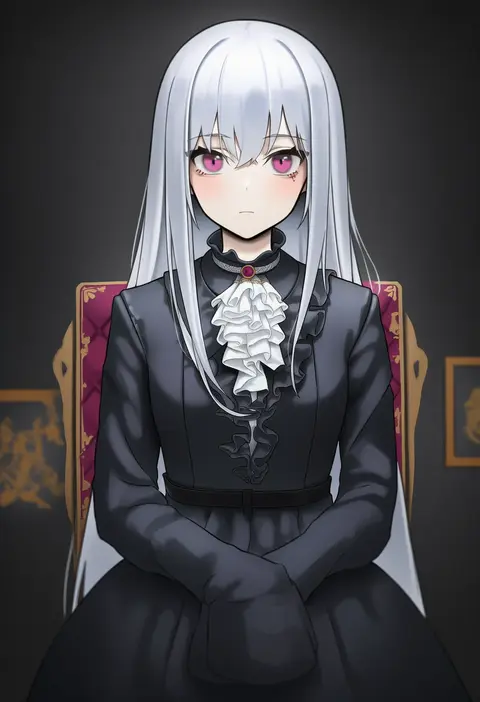
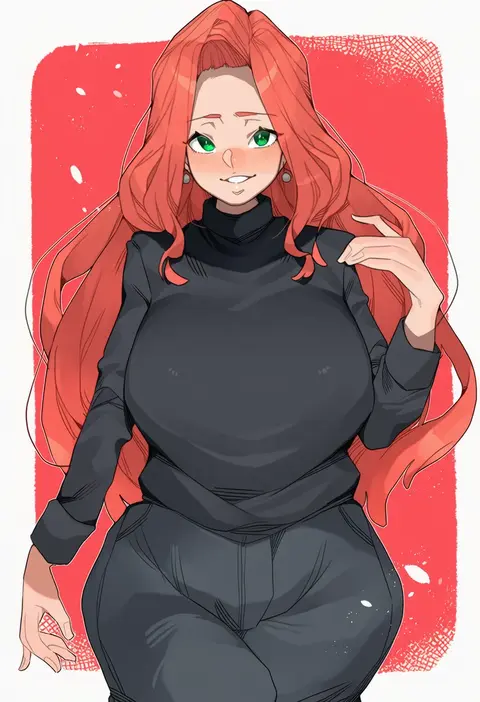
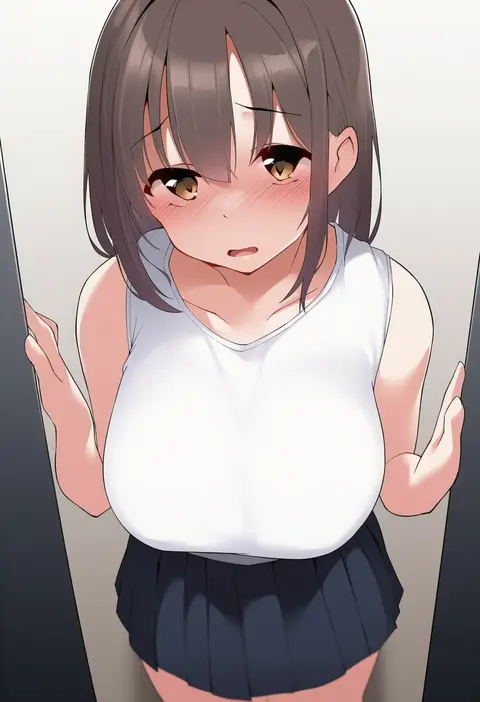
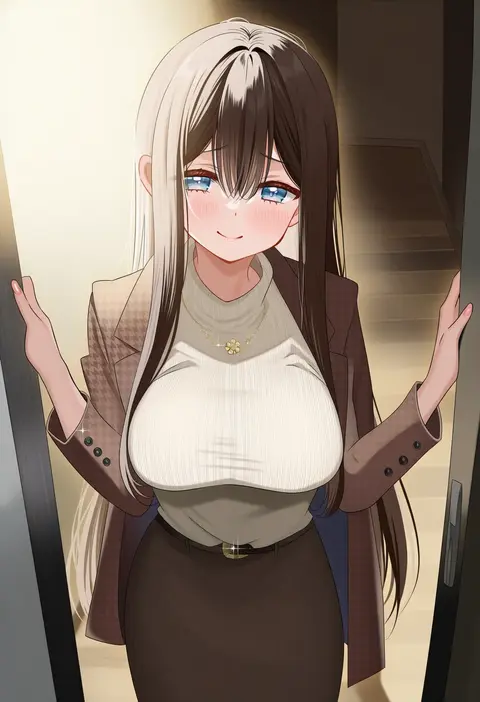
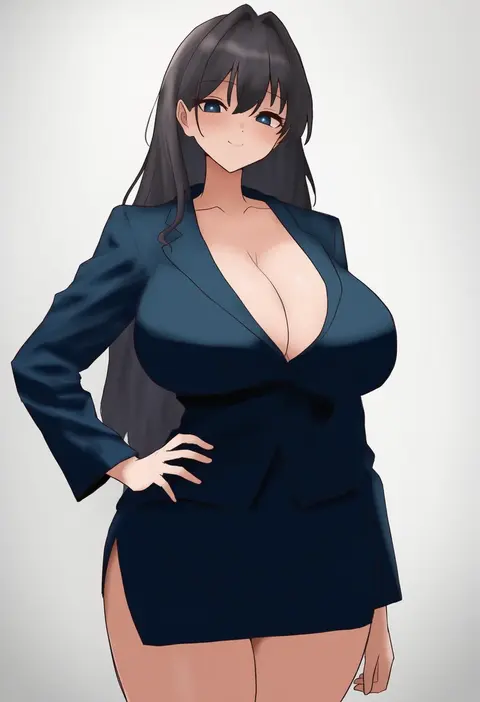
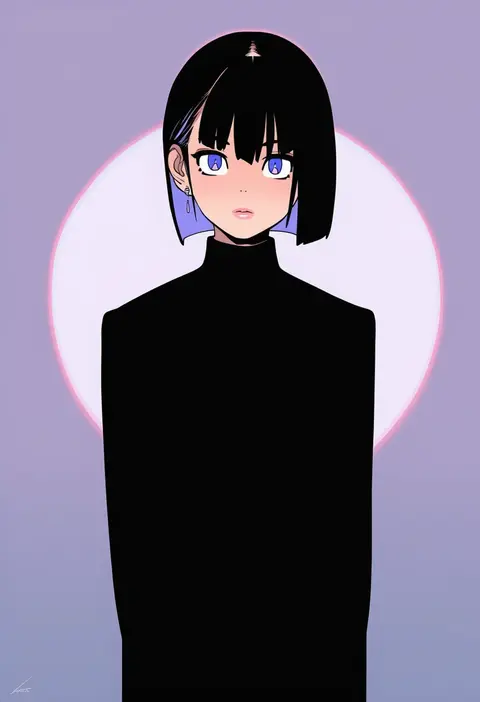
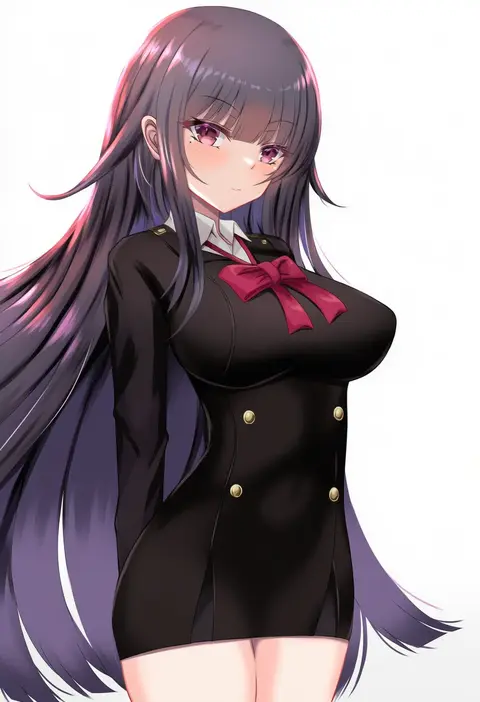
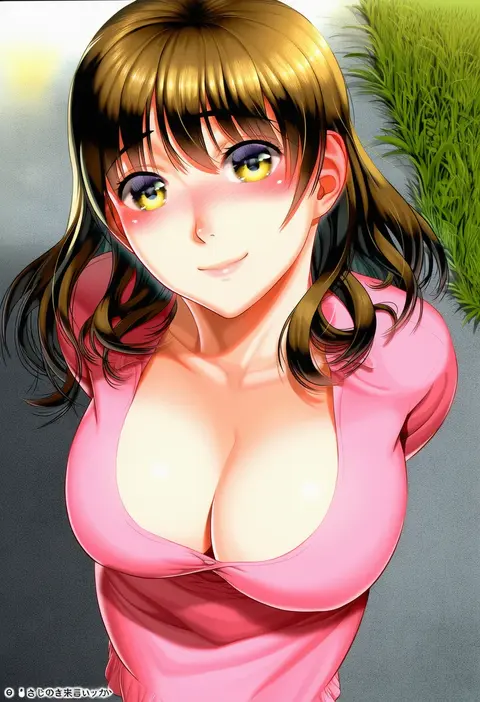
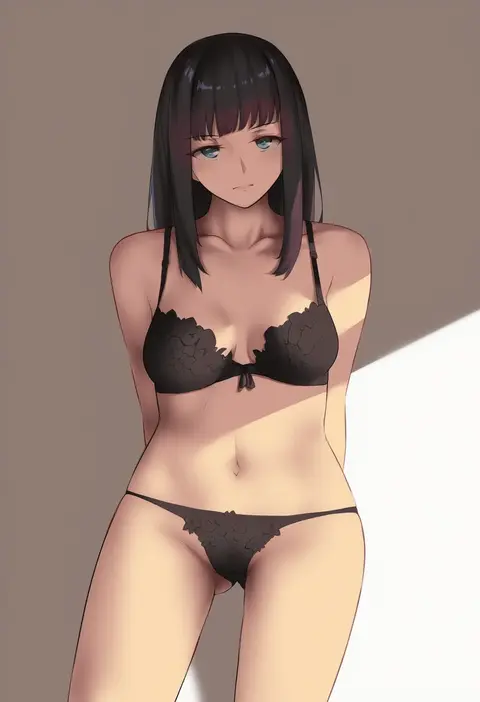
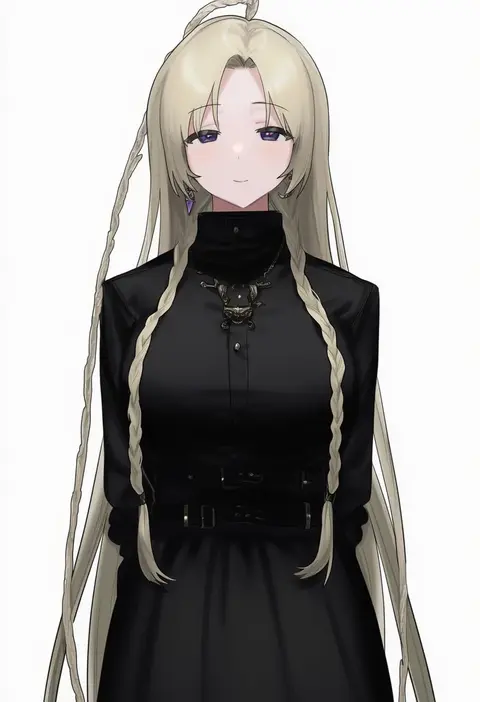
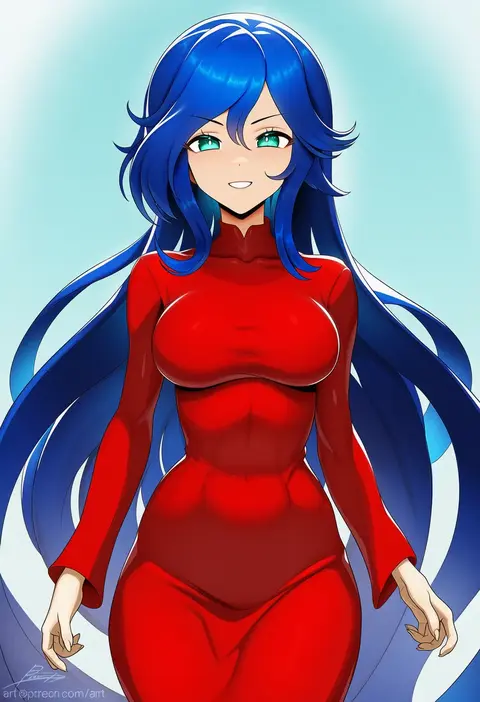
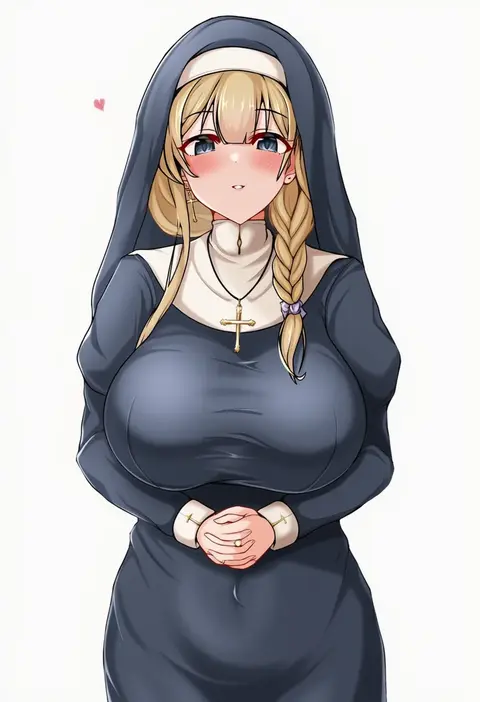
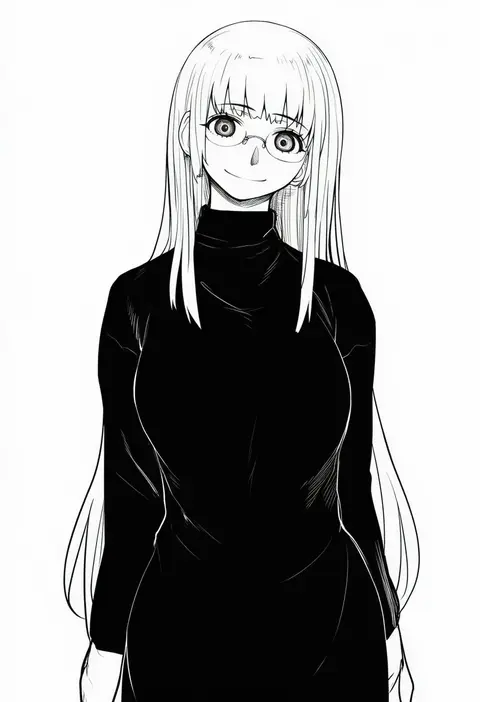
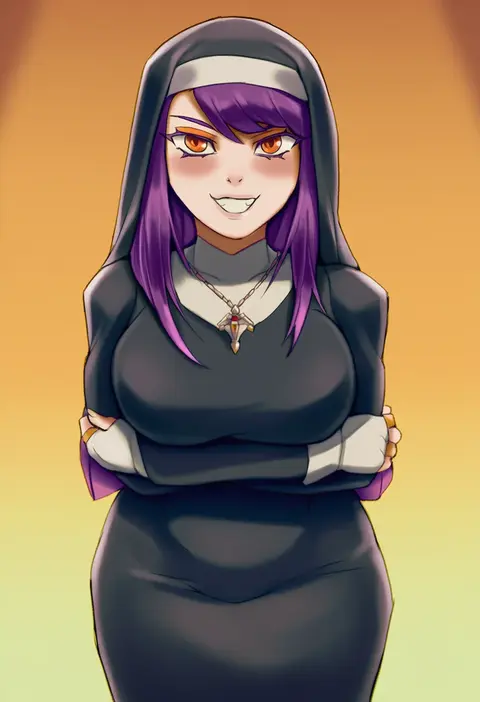
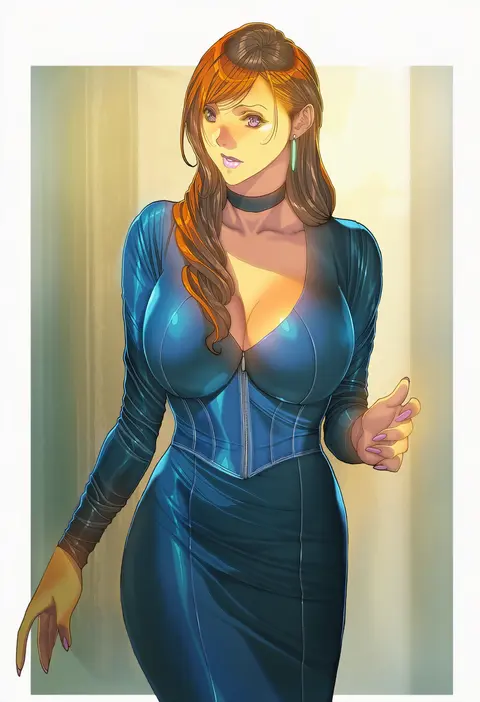
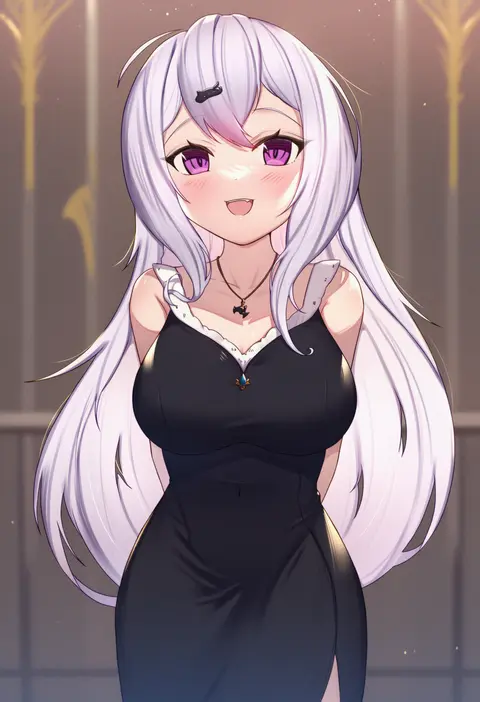
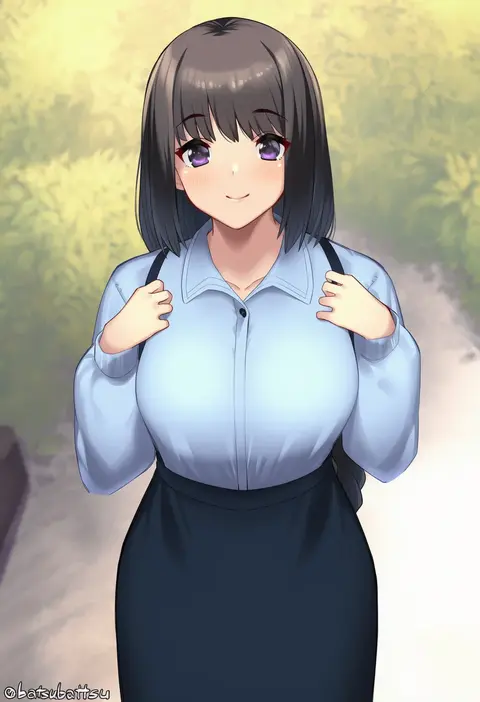
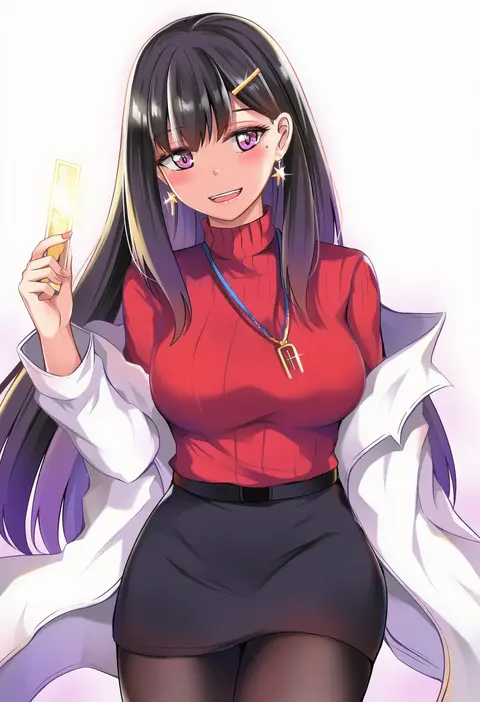
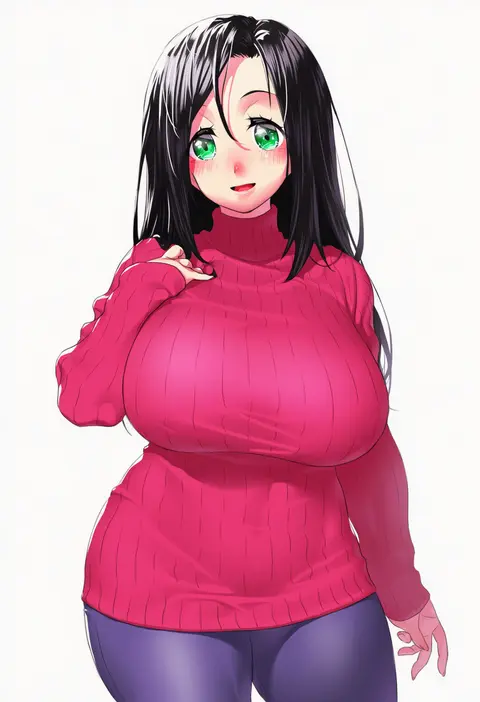
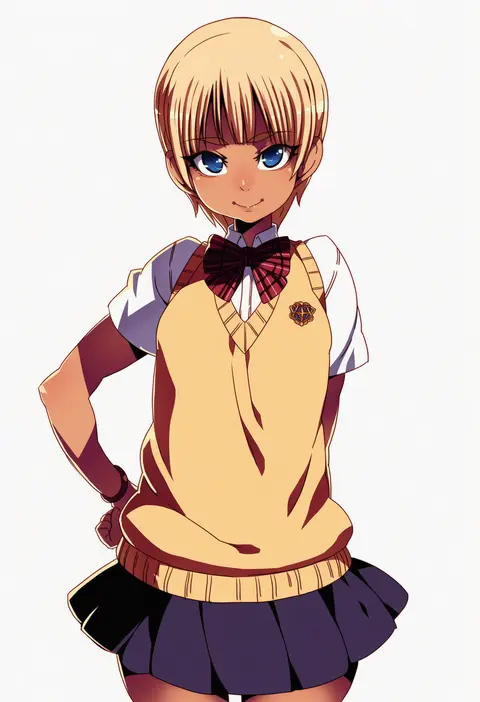
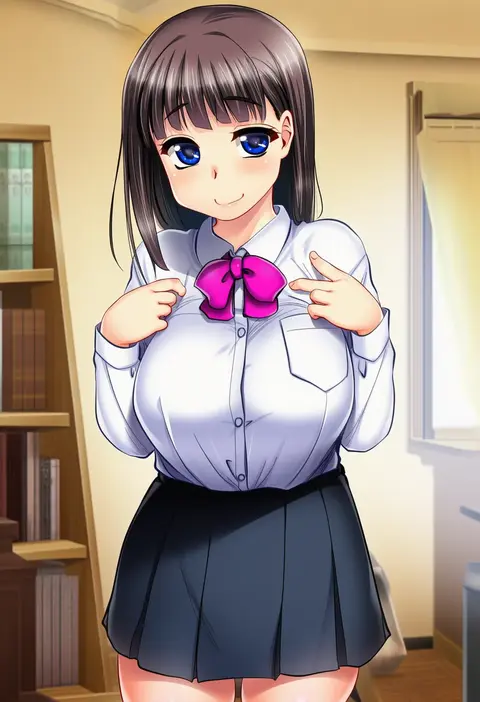
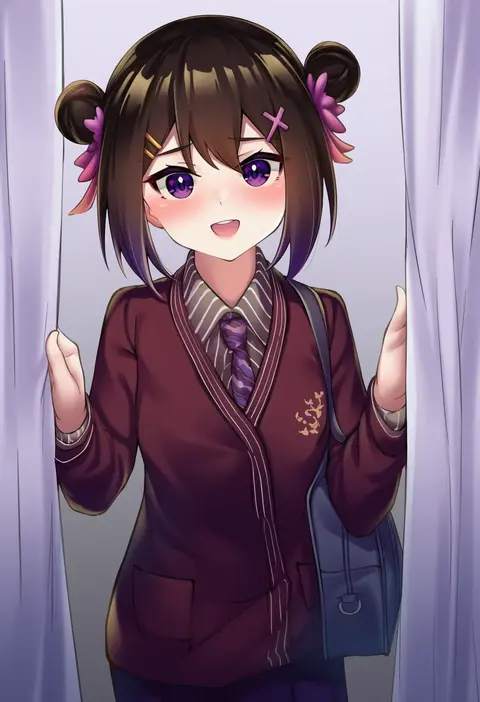
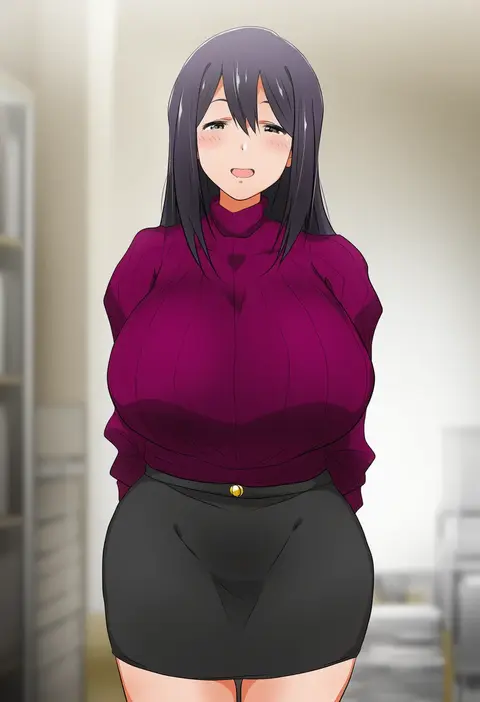
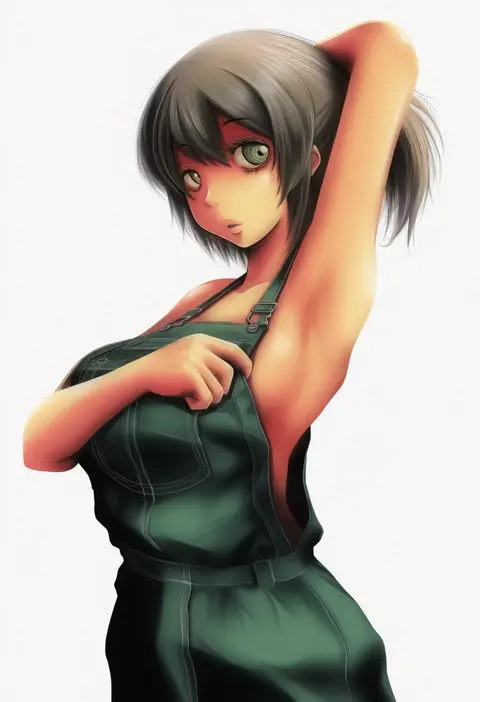
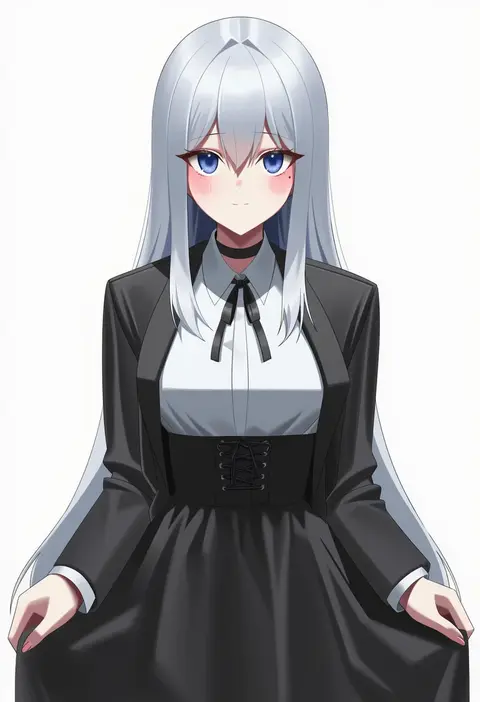
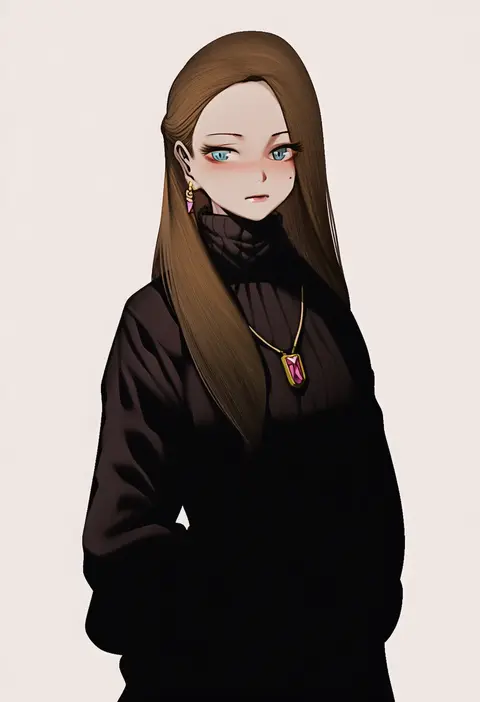
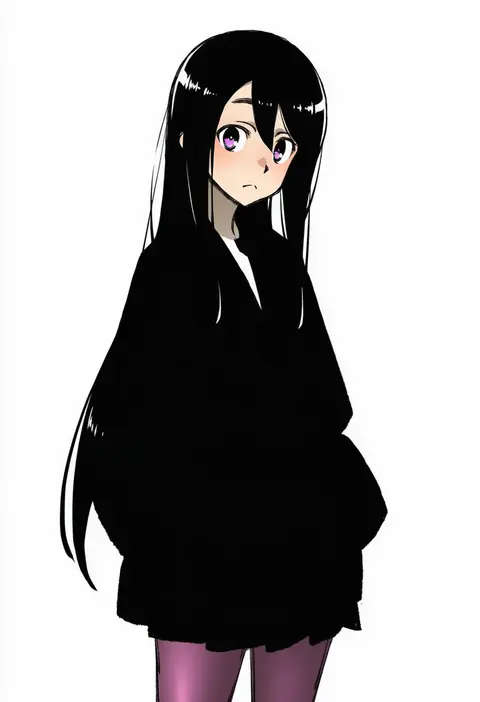
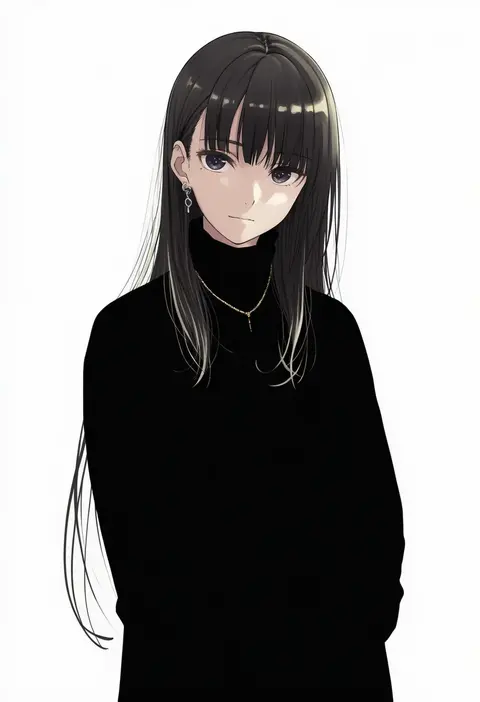
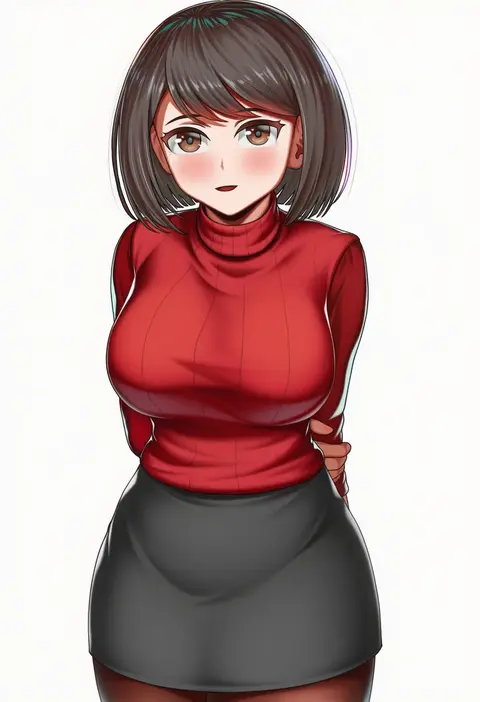
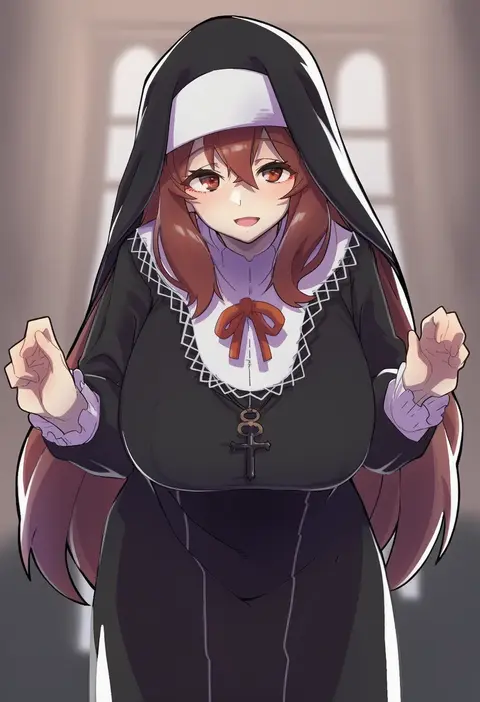
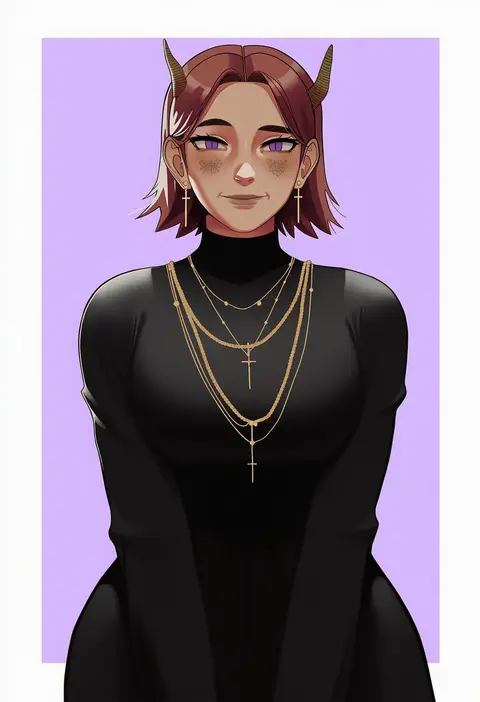
Every tag listed here is verified to react in NovelAI. All images use the same prompt, seed and settings with only the artist tag swapped, so the difference between two images is the style that tag brings in.

How to use them

Put the artist tag near the front of the prompt, e.g. "<artist>, 1girl, solo, best quality, masterpiece, cowboy shot". Two or three artist tags blend styles; lower the weight with "0.8::<artist>::" when the style overpowers the character.

SCORE sorts by Danbooru's top score, POSTS by post count, FAVS by hearts on this site. Open a card to see V5 and V4.5 side by side on the same seed.

V5 vs V4.5

V5 usually lands closer to the artist's real style, and tags that did nothing on V4.5 often react on V5. V4.5 still fits older and doujin-heavy artists better. Try V5 first, fall back to V4.5.

FAQ

Where does the artist tag go?
Near the front of the prompt. Use "0.8::tag::" to adjust its weight.

Can I stack artist tags?
Yes, styles blend. Past two or three the result stops looking like anyone.

Are these the artists' own works?
No. Every image is a NovelAI sample generated from the tag.