V4.5Artists
sort: FAVS▾
▾
>
$

NovelAI Artist Tags List — V4.5

artist --count 16,352[75/273]
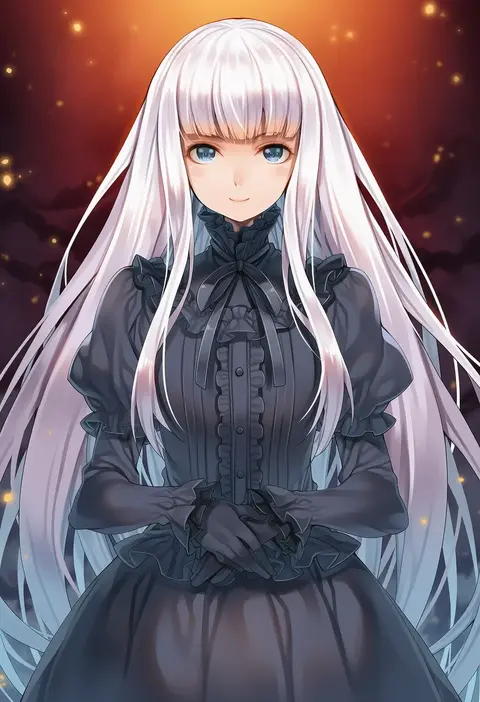
hagure keg
ARTIST0x1158
0
grandia lee
ARTIST0x1159
0
shino (comic penguin club)
ARTIST0x115A
0
anzumame
ARTIST0x115B
0
togekk0
ARTIST0x115C
0
akuma (st.takuma)
ARTIST0x115D
0
seicoh
ARTIST0x115E
0
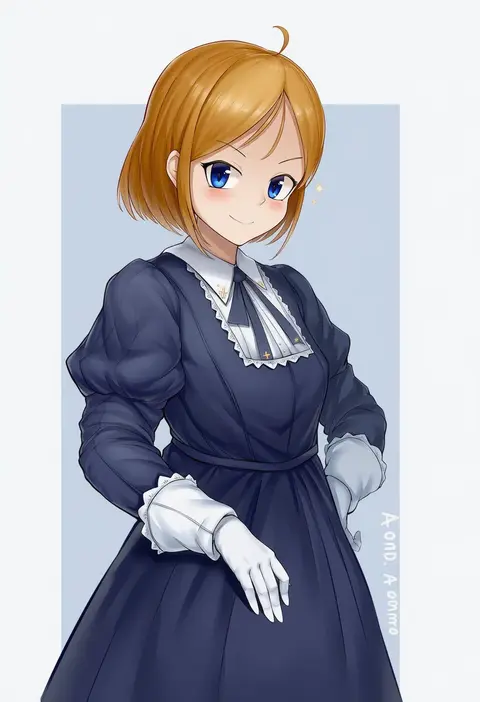
aomoro
ARTIST0x115F
0
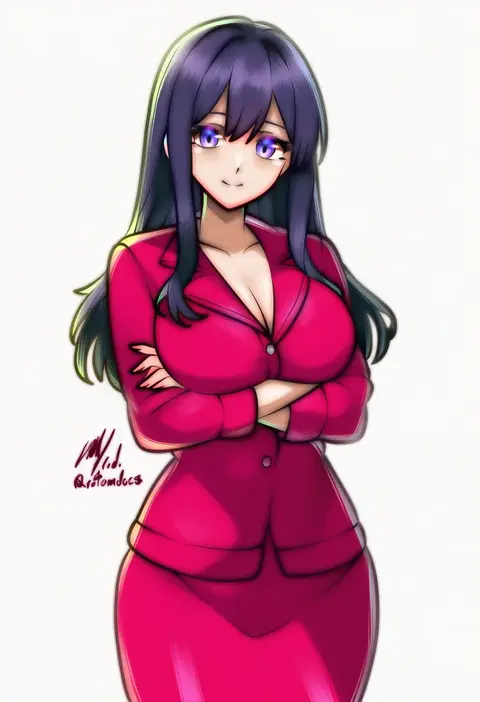
rotomdocs
ARTIST0x1160
0
epi zero
ARTIST0x1161
0
diathorn
ARTIST0x1162
0
raidon
ARTIST0x1163
0
kosuke haruhito
ARTIST0x1164
0
torso (hjk098)
ARTIST0x1165
0
yajuu
ARTIST0x1166
0
studiozombie
ARTIST0x1167
0
yoshimoto (carpsukidayo)
ARTIST0x1168
0
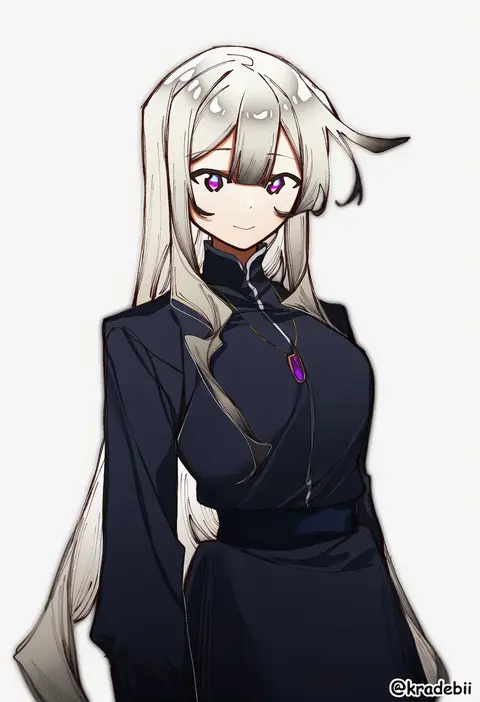
kradebii
ARTIST0x1169
0
wasabijoyu76
ARTIST0x116A
0
auui
ARTIST0x116B
0
nyuu (pixiv12143565)
ARTIST0x116C
0
yenkoes
ARTIST0x116D
0
kajitsu no hito
ARTIST0x116E
0
yato (yama0x1)
ARTIST0x116F
0
atdan
ARTIST0x1170
0
kozaki yuusuke
ARTIST0x1171
0
butter-t
ARTIST0x1172
0
shuuzo3
ARTIST0x1173
0
konakona
ARTIST0x1174
0
hitotsuki nanoka
ARTIST0x1175
0
tm (hanamakisan)
ARTIST0x1176
0
strelka belca
ARTIST0x1177
0
befu
ARTIST0x1178
0
futapi
ARTIST0x1179
0
vesperia
ARTIST0x117A
0
ibukichi
ARTIST0x117B
0
pirukusu
ARTIST0x117C
0
matsuryuu
ARTIST0x117D
0
takase muh
ARTIST0x117E
0
nipi27
ARTIST0x117F
0
dytm
ARTIST0x1180
0
madotsukumo
ARTIST0x1181
0
akahito
ARTIST0x1182
0
maze yuri
ARTIST0x1183
0
skywalker0610
ARTIST0x1184
0
azure-maya
ARTIST0x1185
0
zcune
ARTIST0x1186
0
unitedunti
ARTIST0x1187
0
ribao
ARTIST0x1188
0
s-goon
ARTIST0x1189
0
ichikawa saasha
ARTIST0x118A
0
sstthei
ARTIST0x118B
0
peragura
ARTIST0x118C
0
kagami hirotaka
ARTIST0x118D
0
hamao
ARTIST0x118E
0
wanaata
ARTIST0x118F
0
tachimi (basue)
ARTIST0x1190
0
mojarin (kihara mojarin)
ARTIST0x1191
0
baakurou
ARTIST0x1192
0
kaguura (kagu)
ARTIST0x1193
0

What these tags change

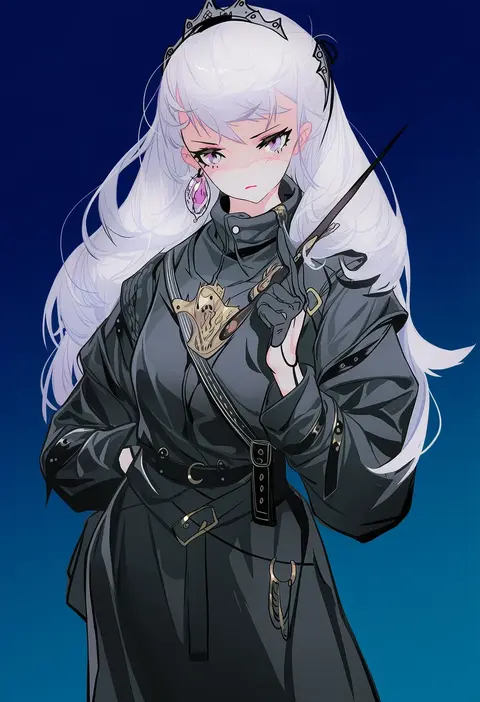
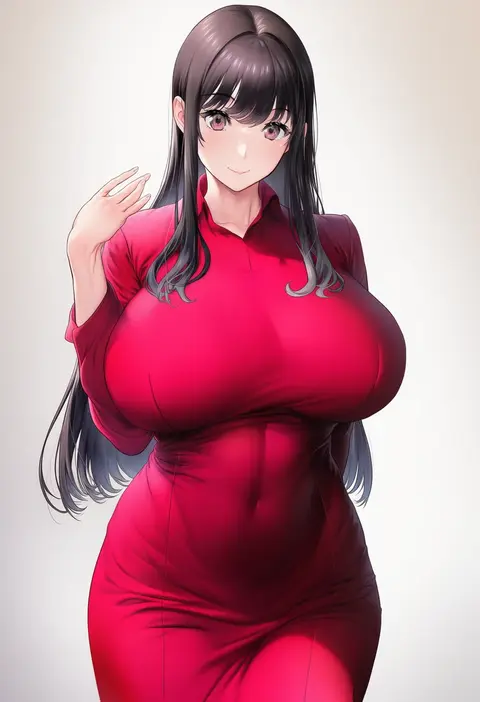
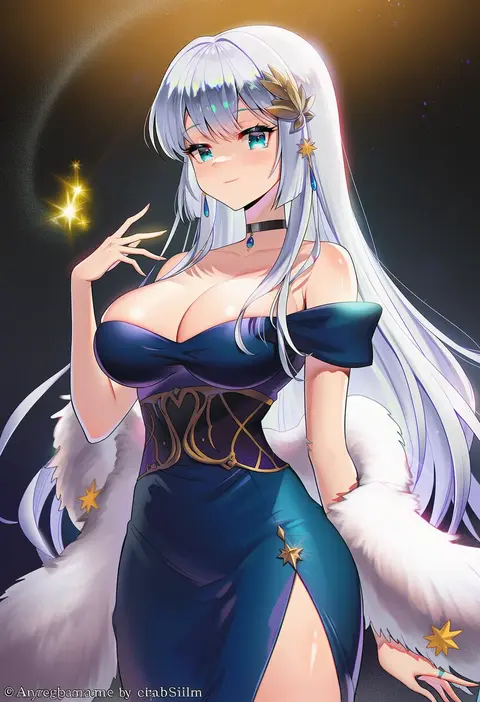
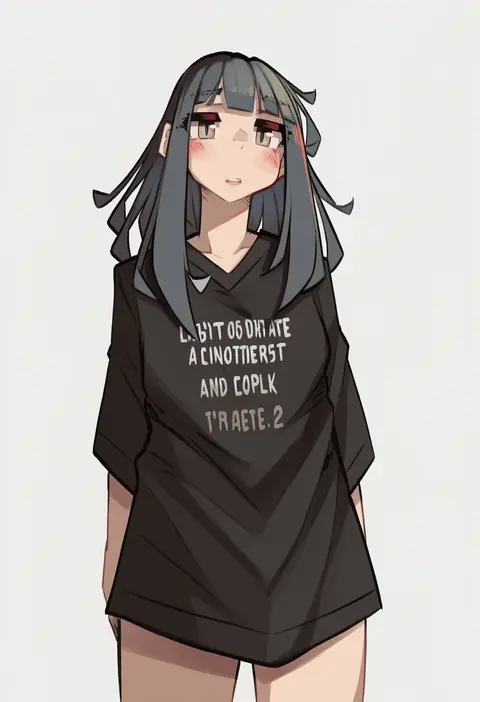
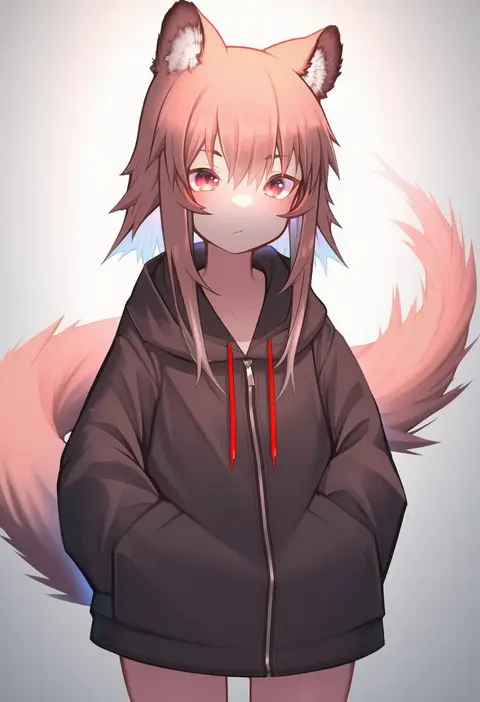
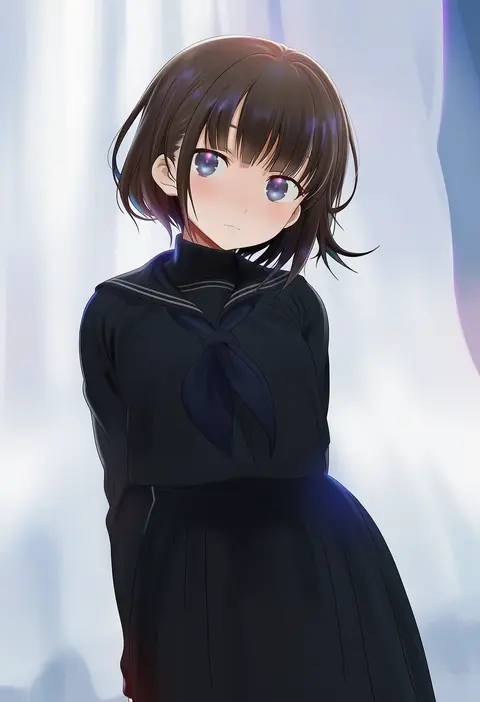
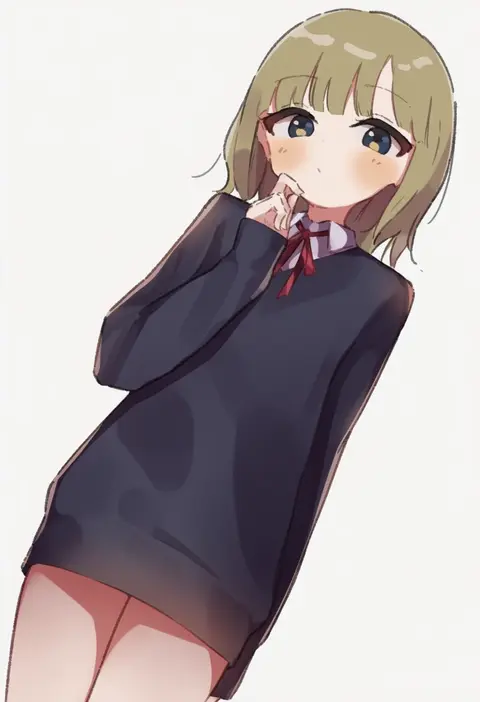
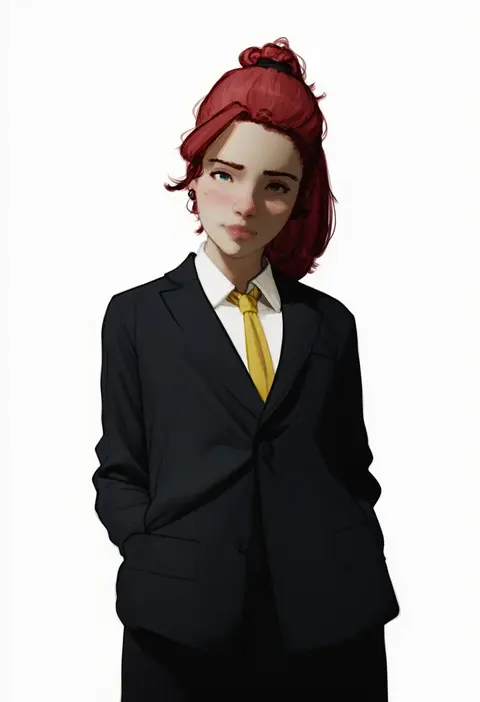
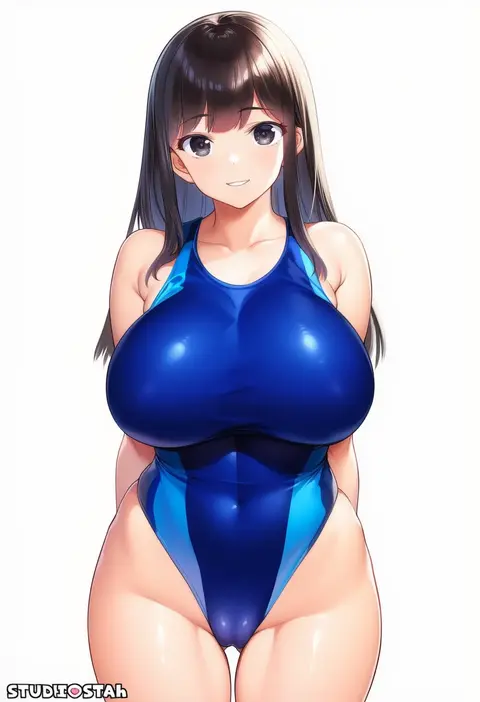
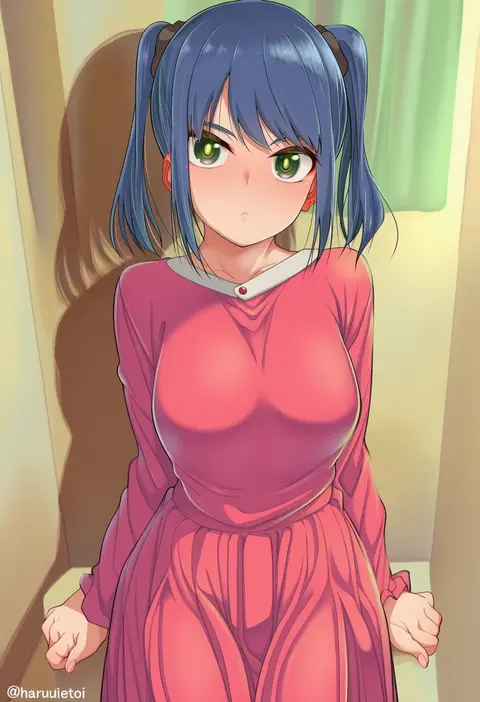
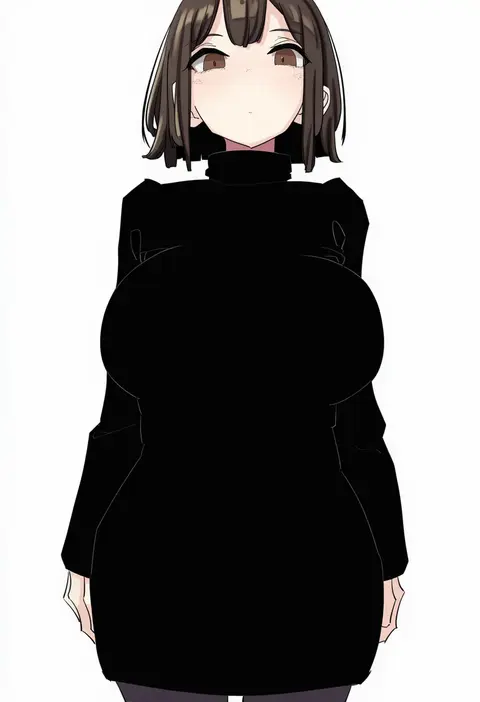
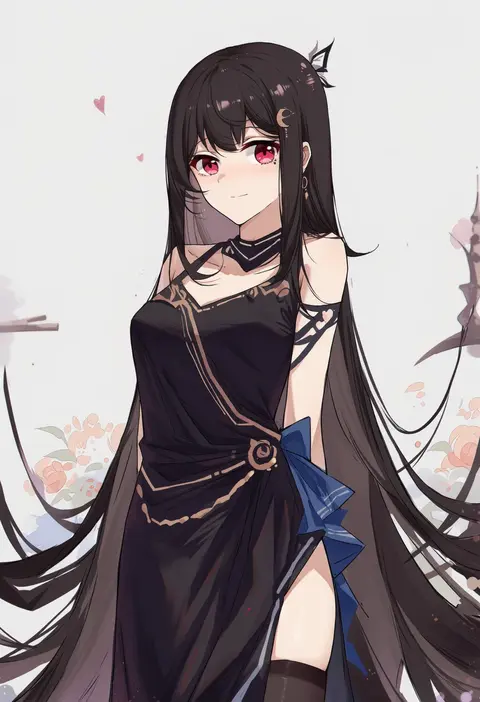
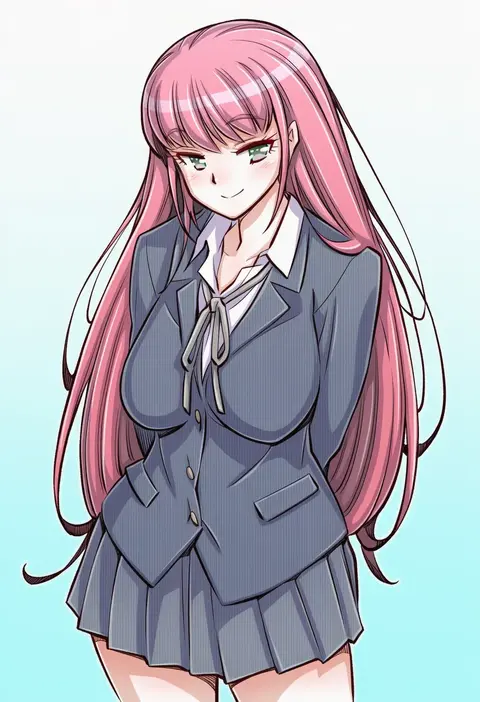
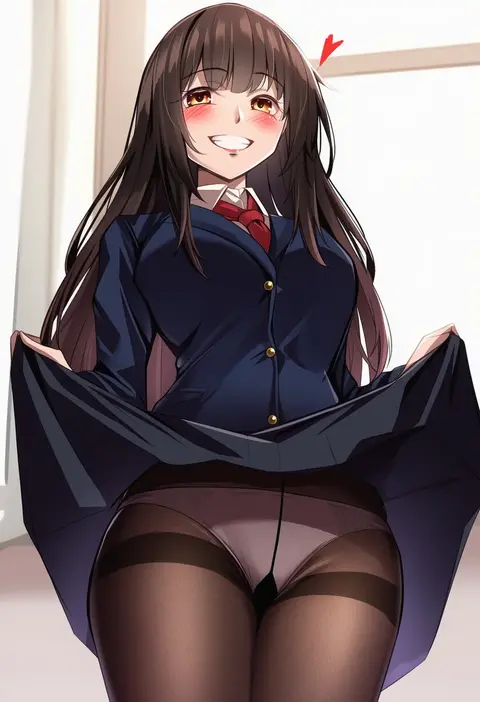
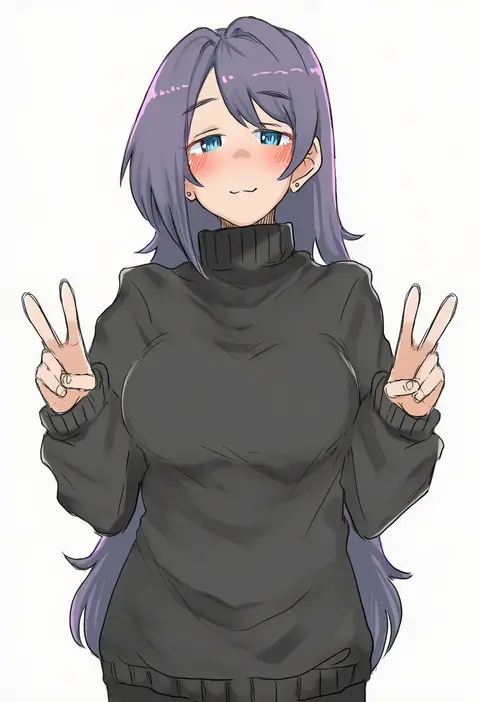
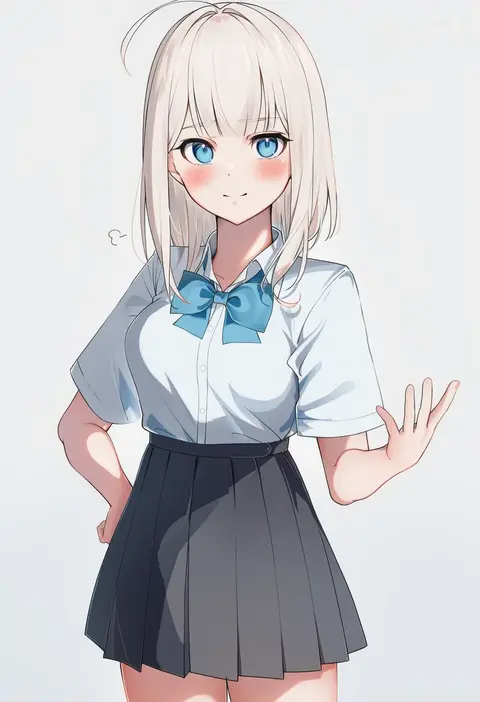
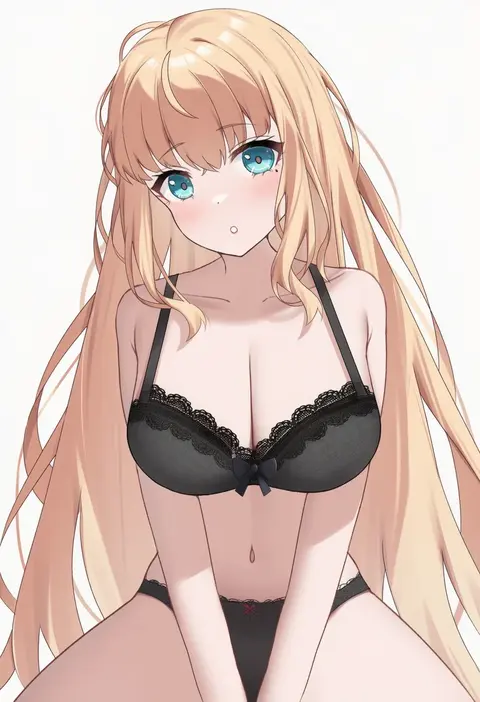
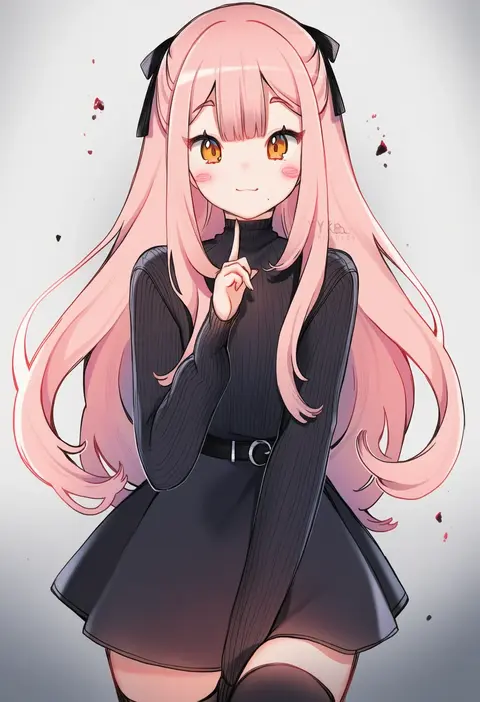
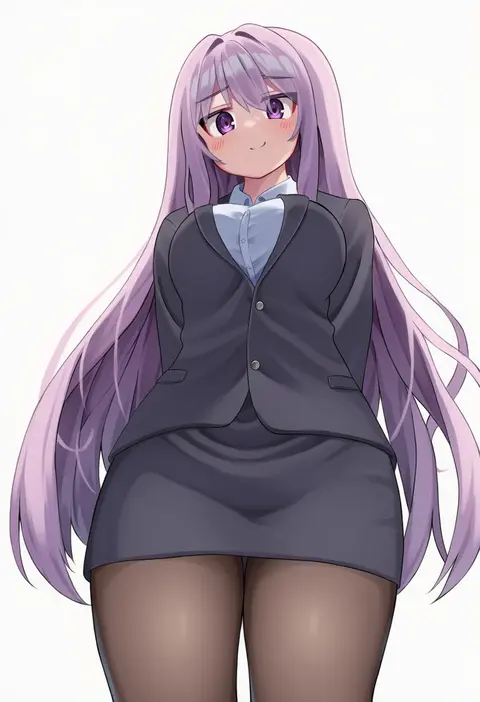
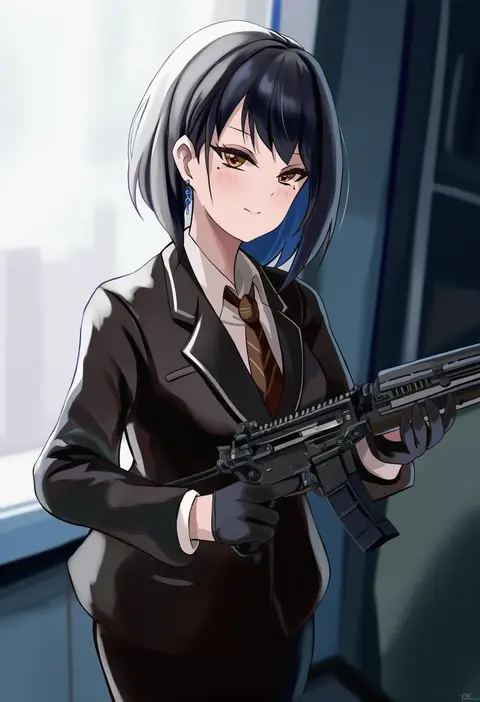
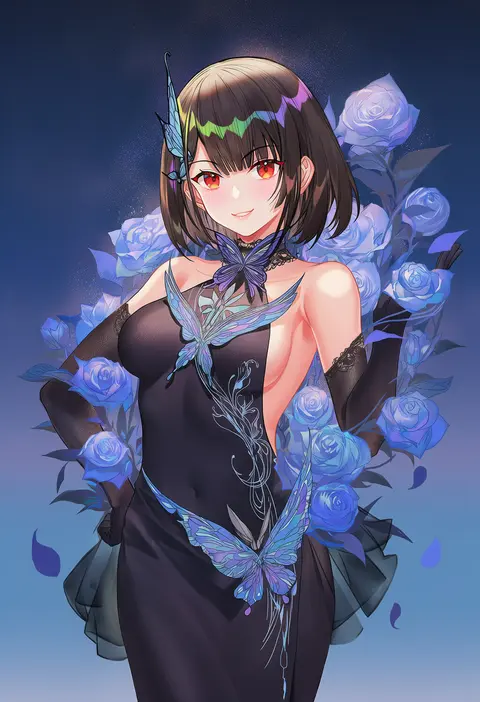
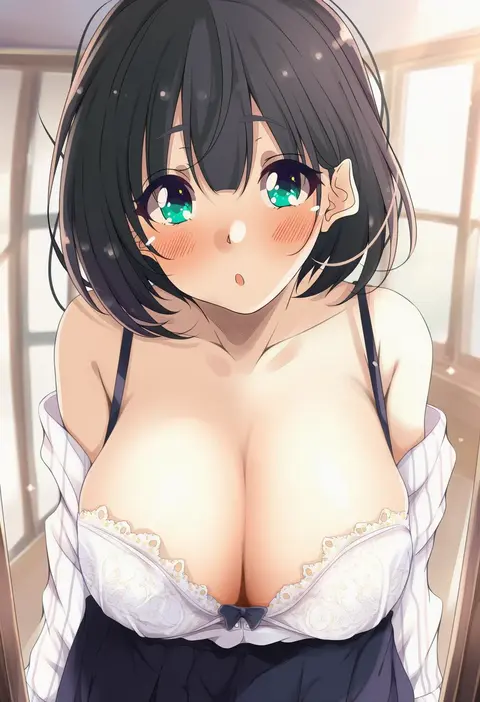
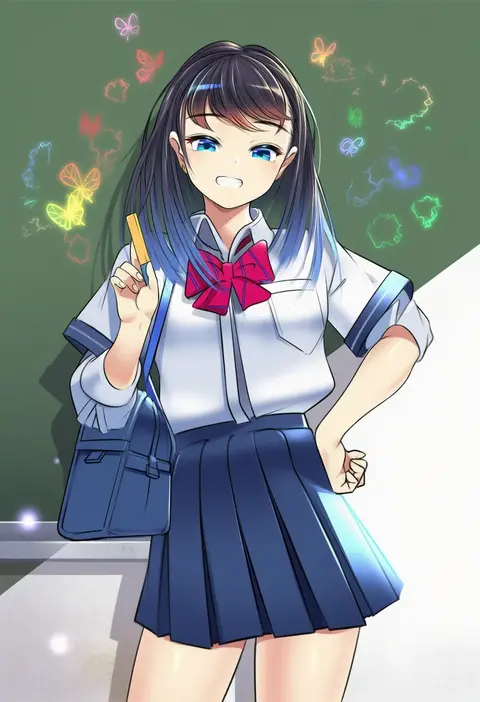
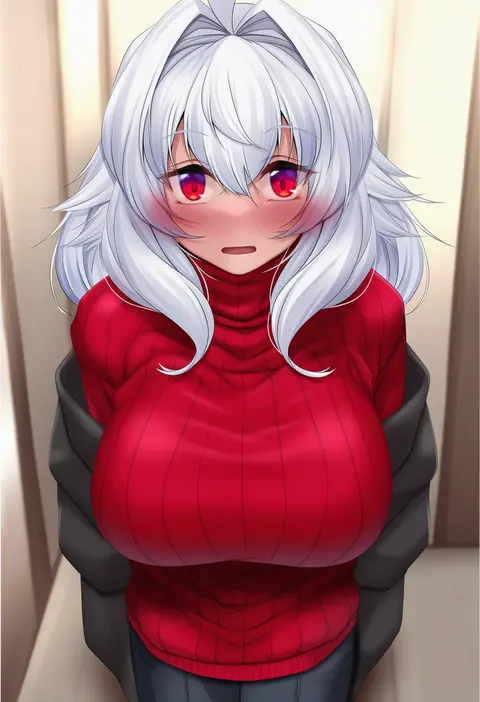
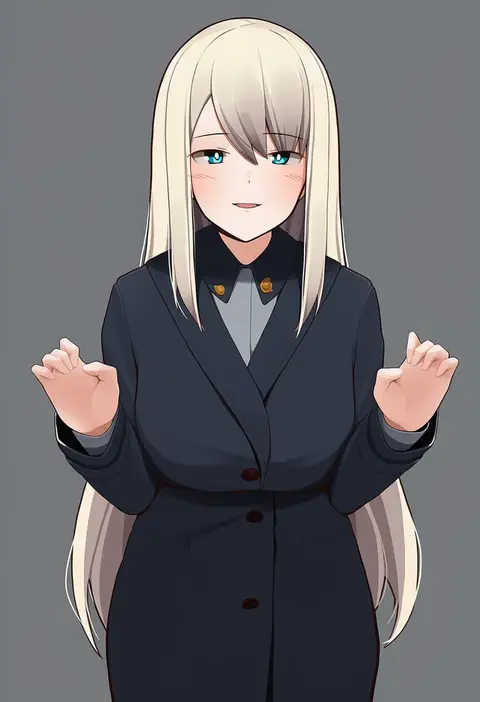
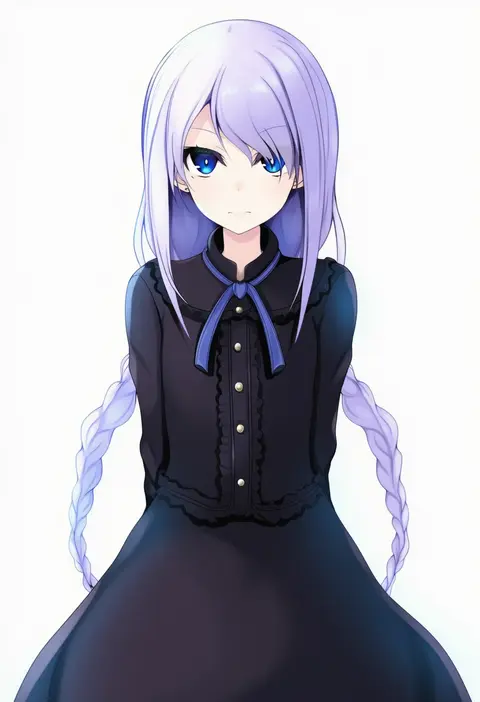
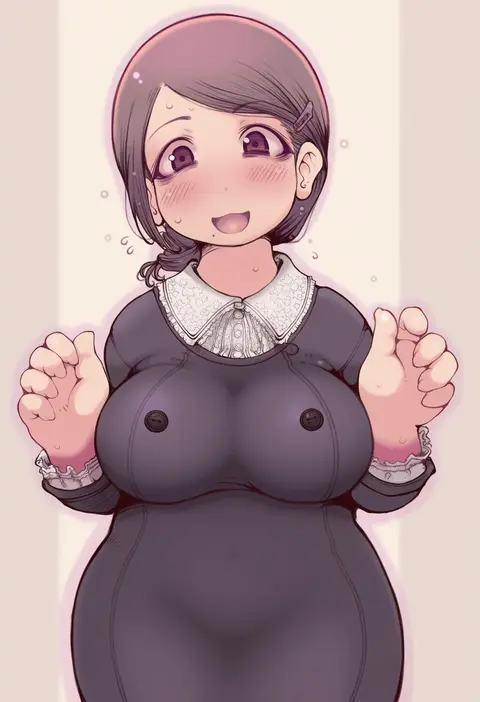
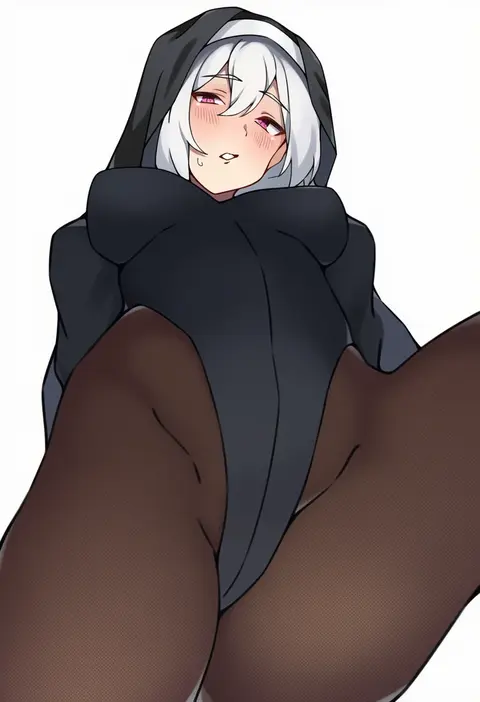
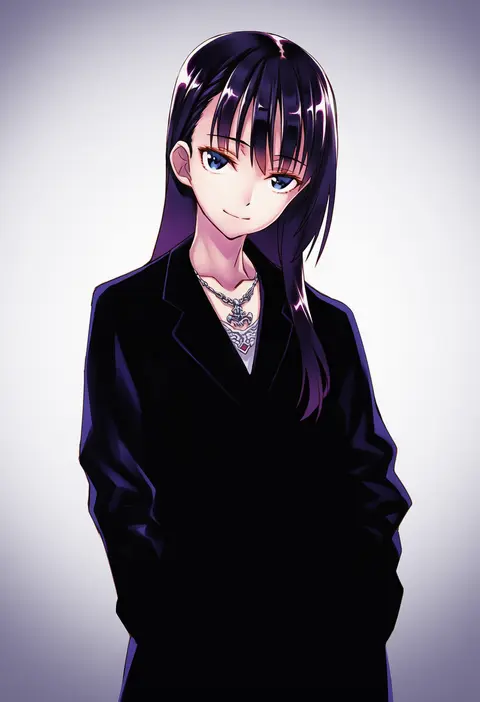
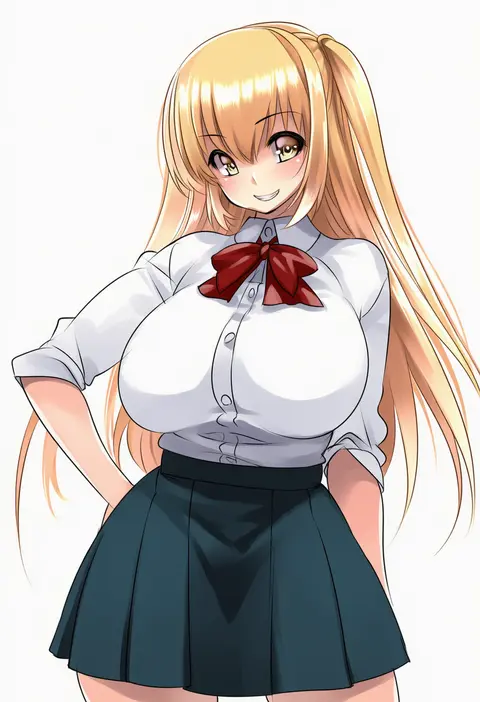
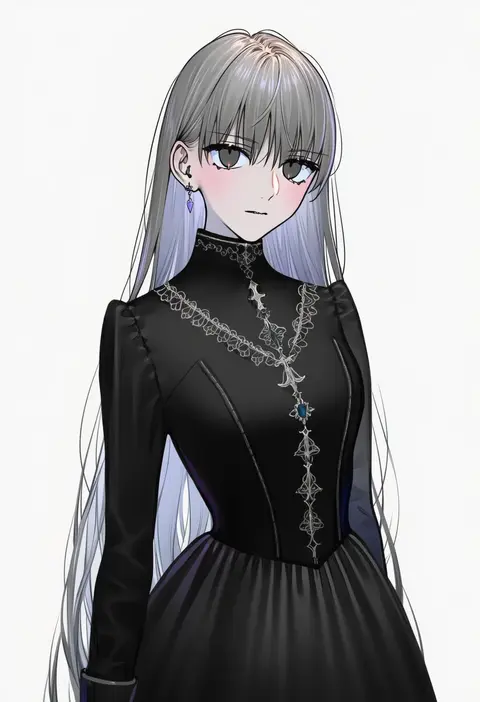
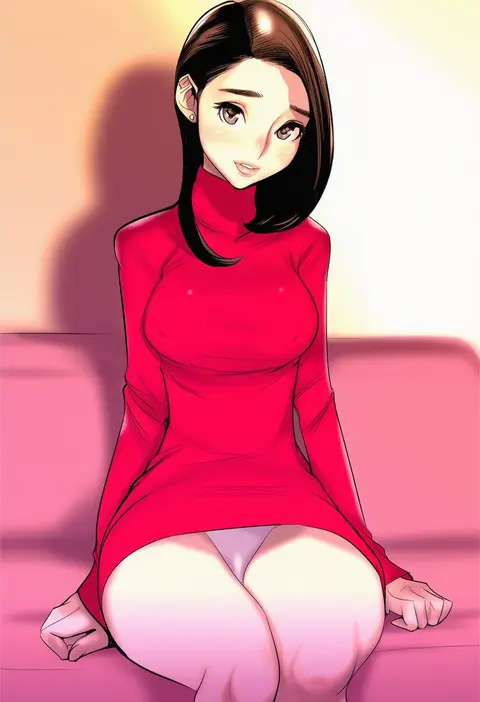
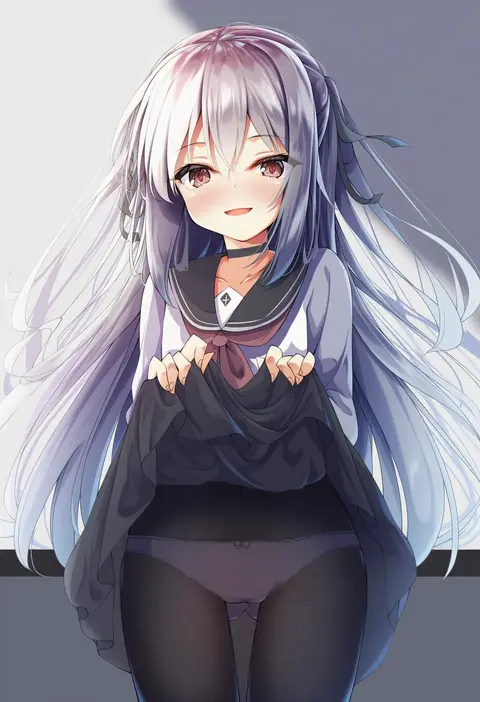
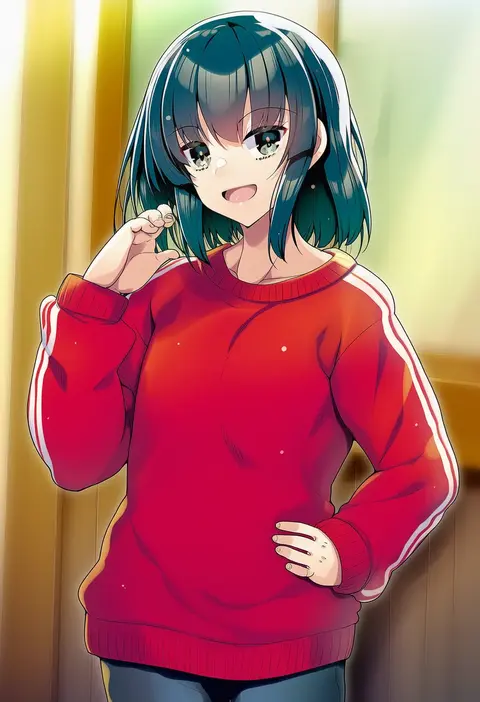
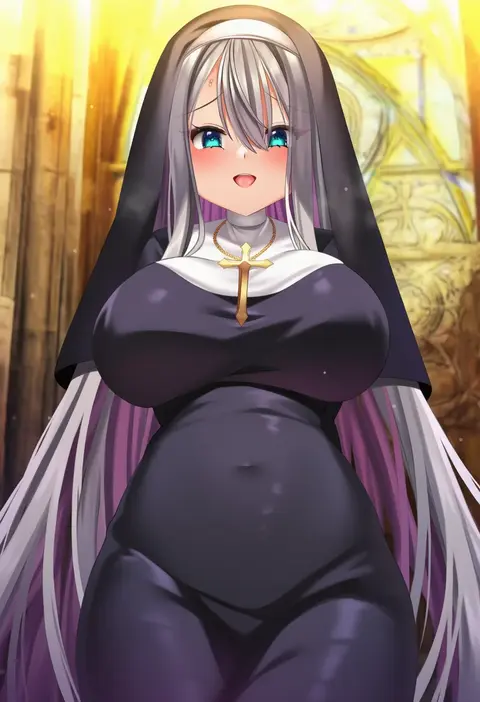
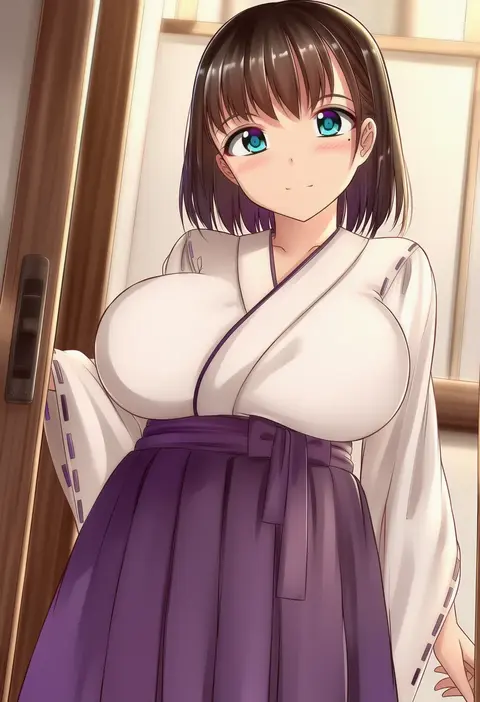
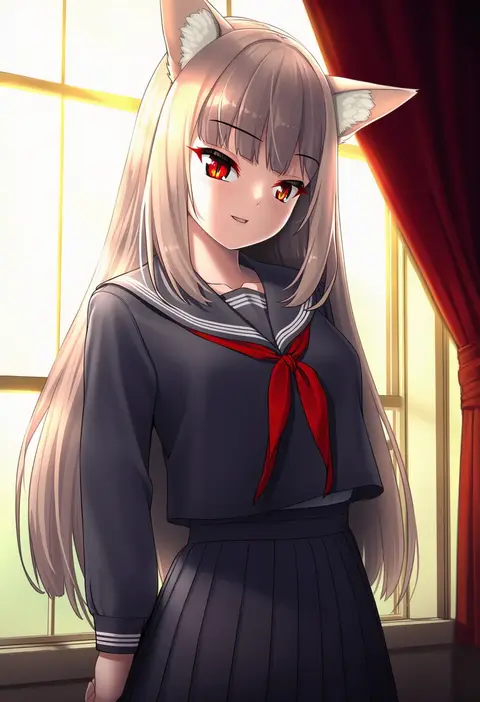
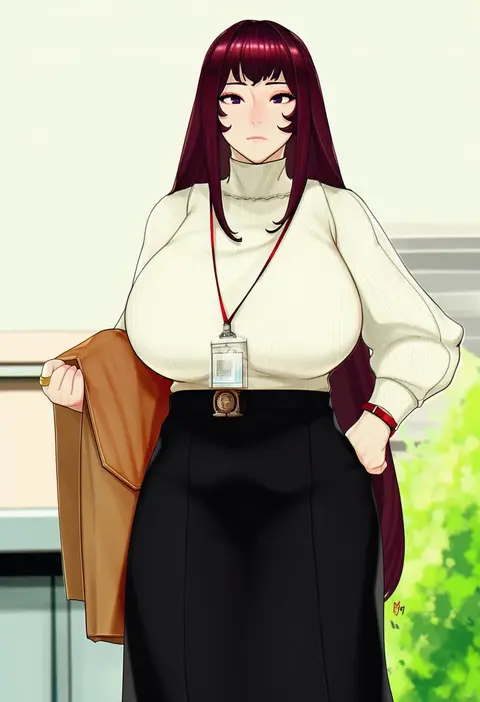
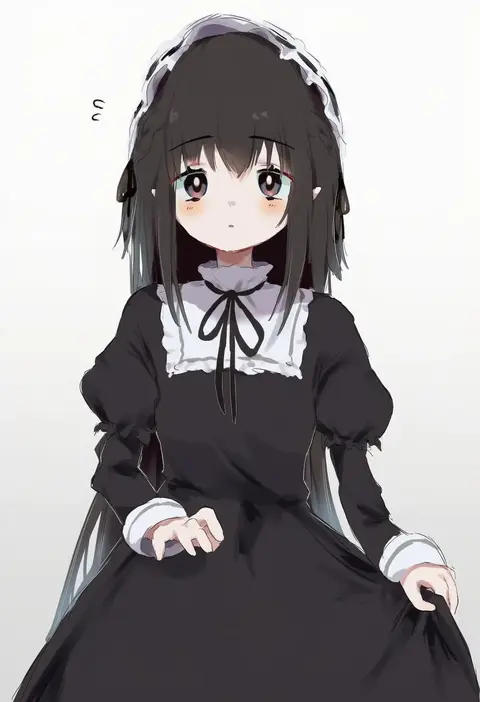
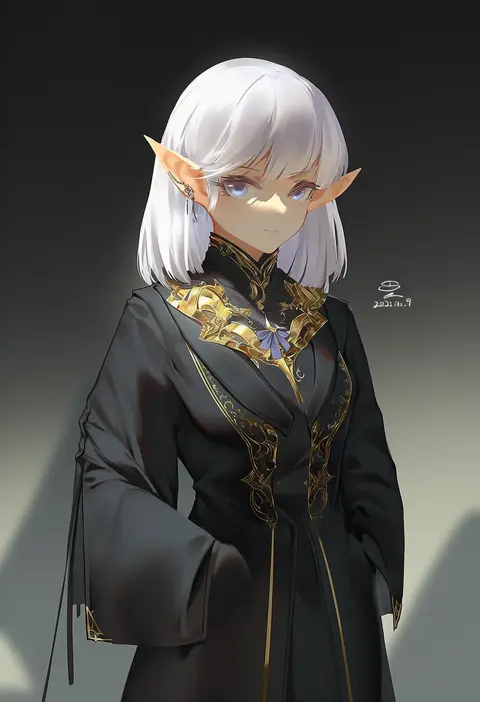
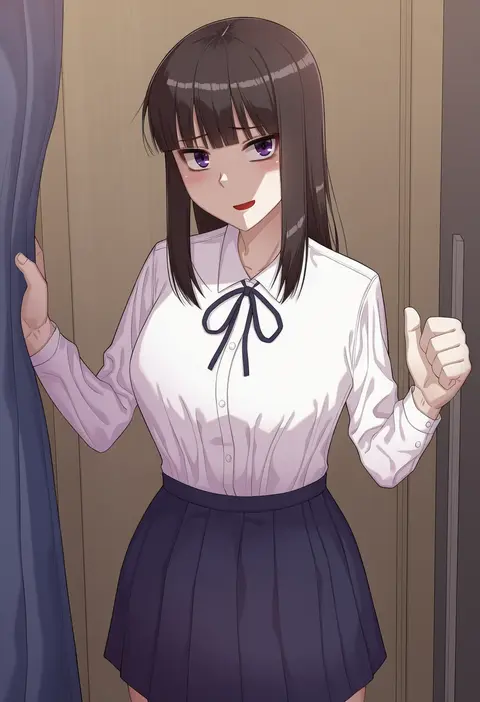
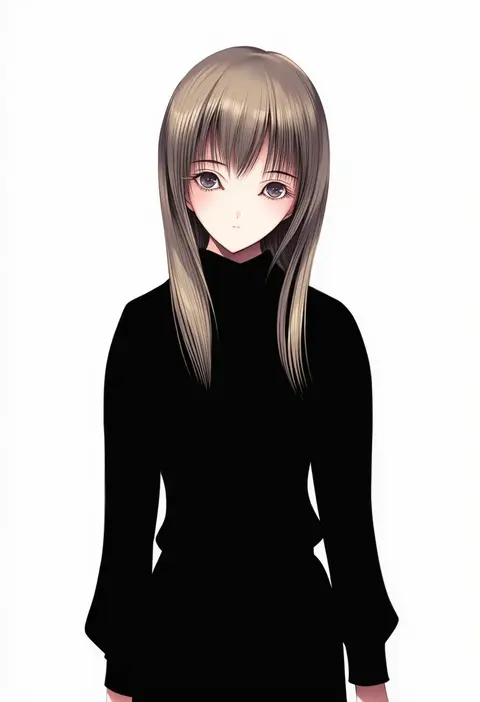
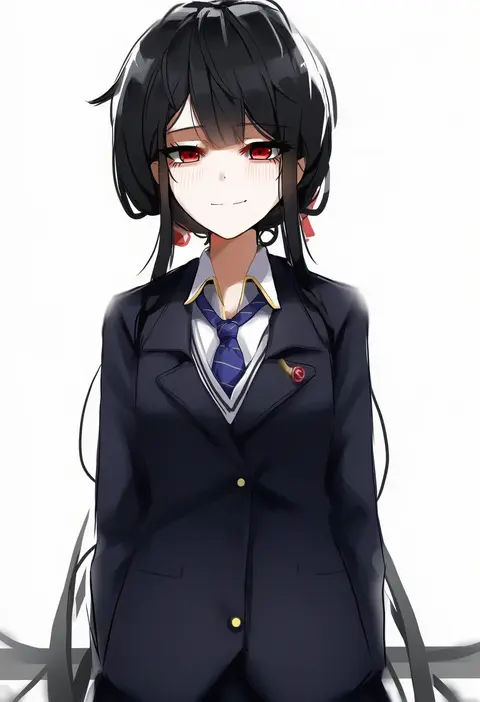
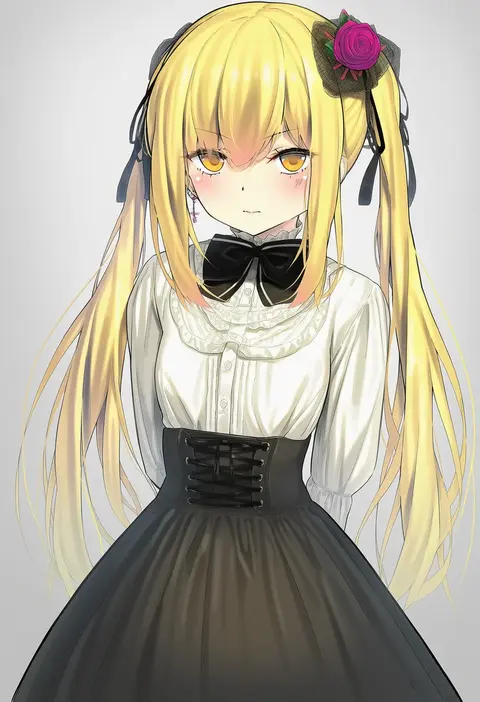
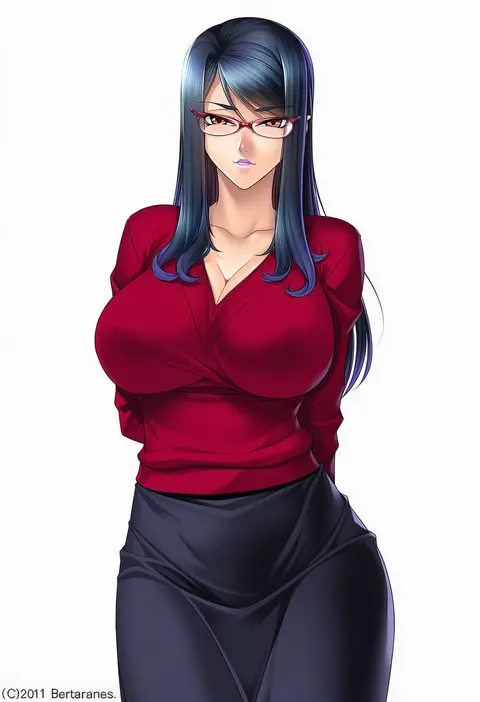
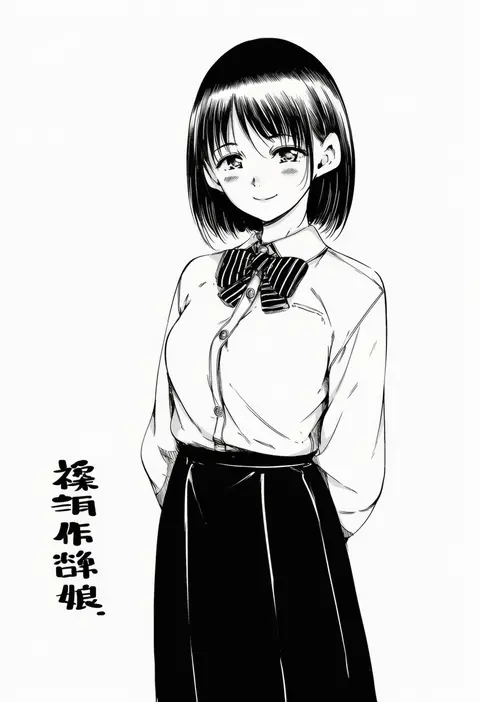
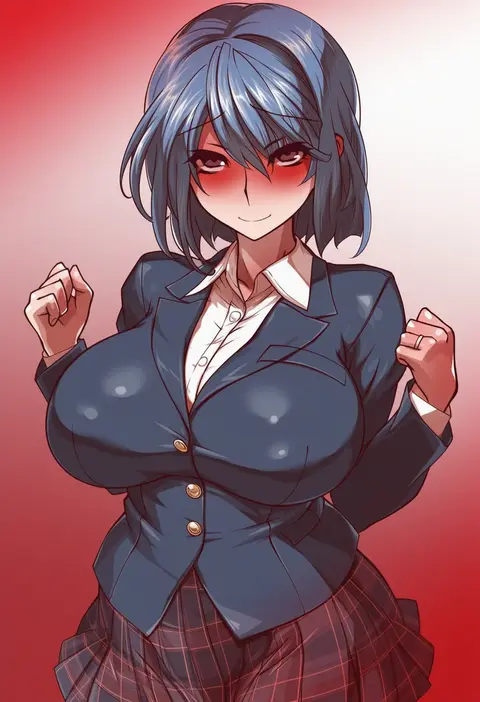
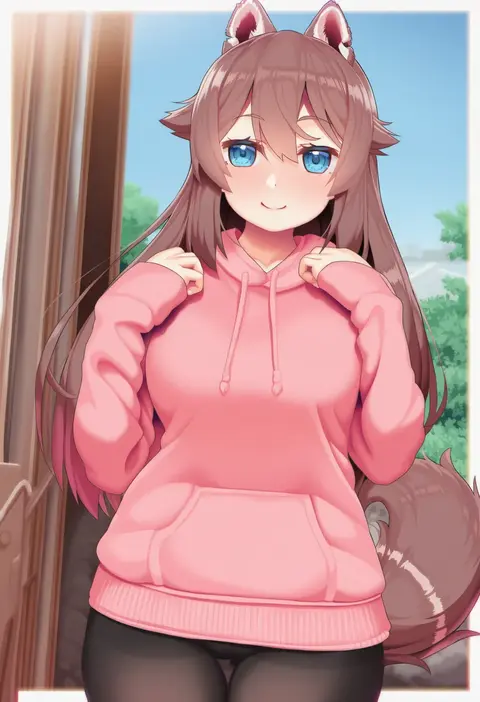
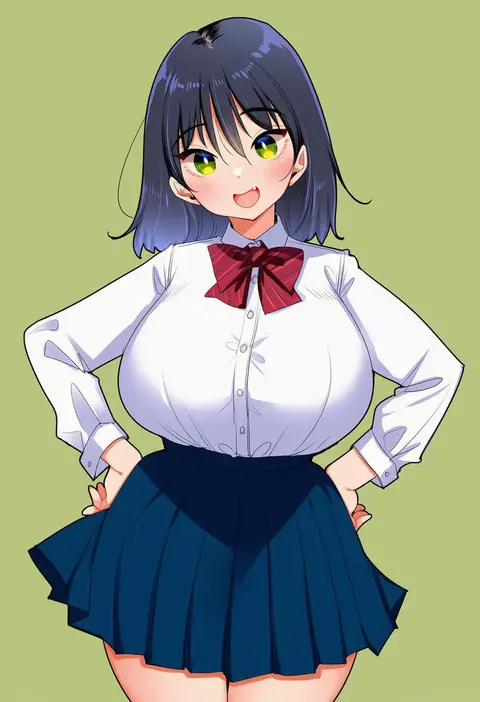
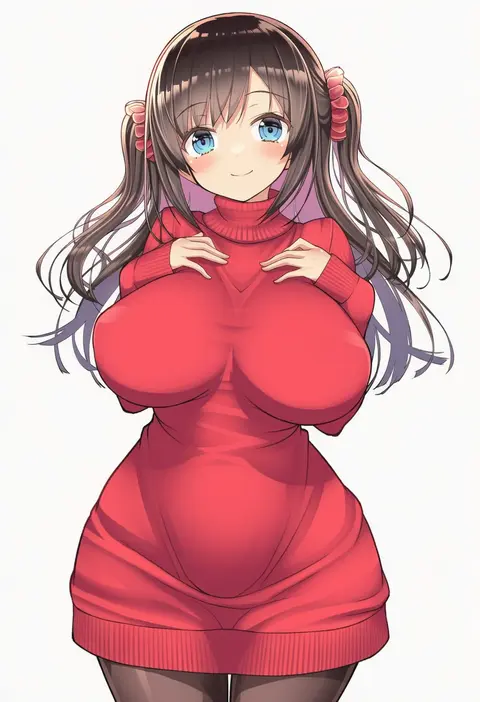
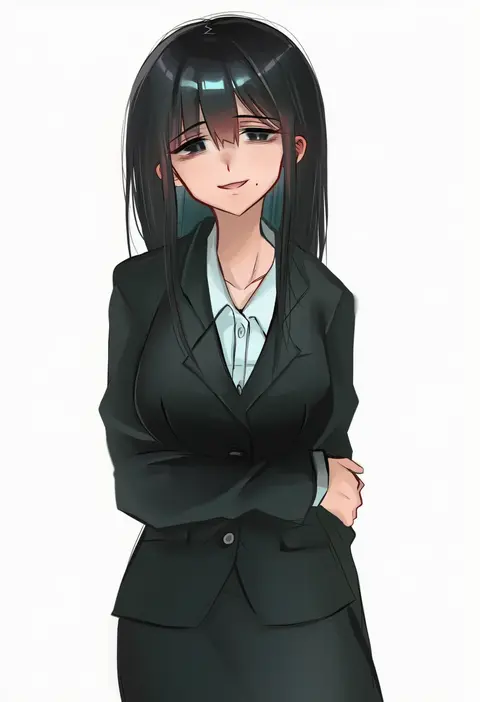
Artist tags tell NovelAI Diffusion to draw in a specific artist's style: line weight, paint texture, face shapes and palette all shift at once. Character and outfit tags decide what is drawn; artist tags decide how. 16,352 tags are listed for V4.5.
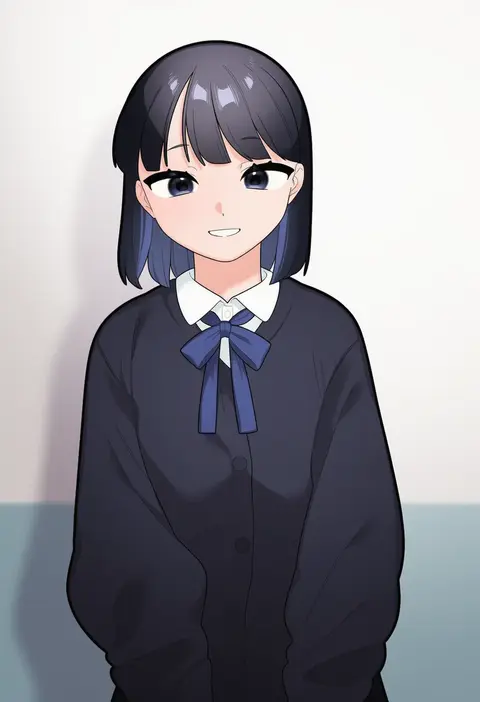
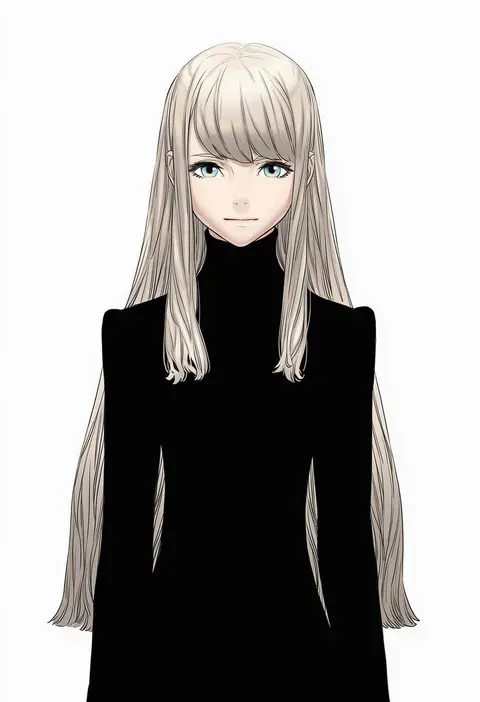
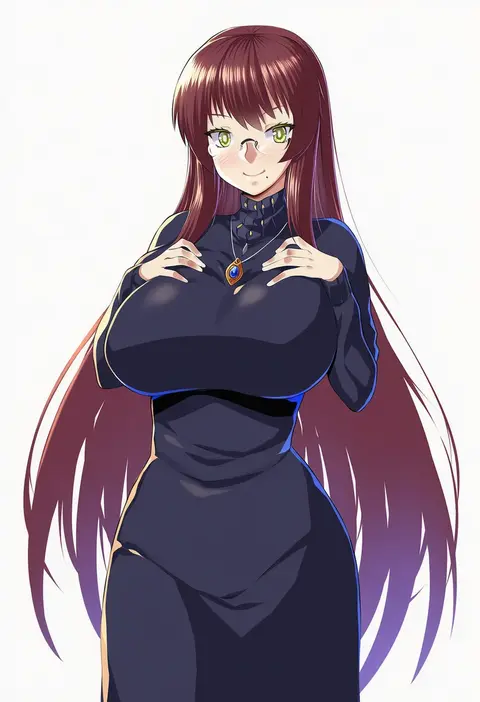
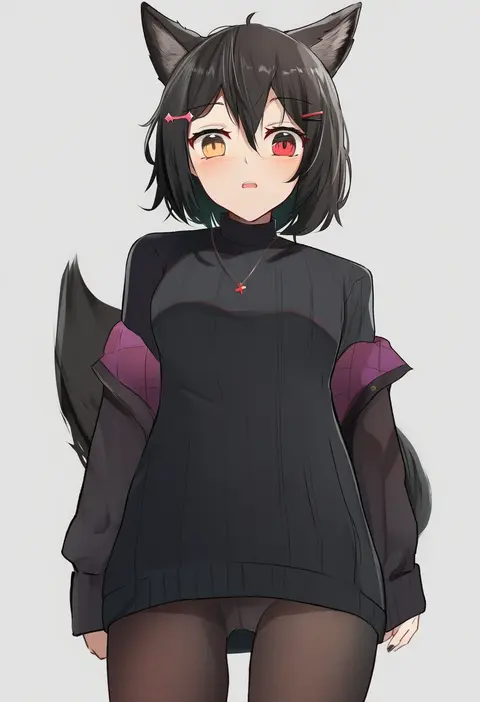
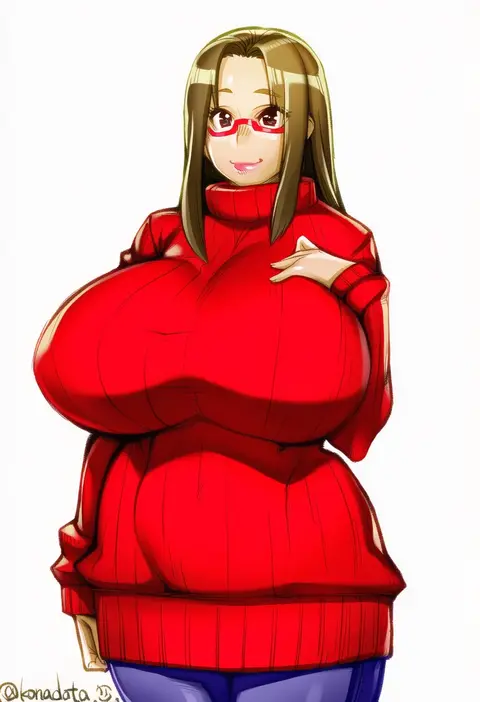
Every tag listed here is verified to react in NovelAI. All images use the same prompt, seed and settings with only the artist tag swapped, so the difference between two images is the style that tag brings in.

How to use them

Put the artist tag near the front of the prompt, e.g. "<artist>, 1girl, solo, best quality, masterpiece, cowboy shot". Two or three artist tags blend styles; lower the weight with "0.8::<artist>::" when the style overpowers the character.

SCORE sorts by Danbooru's top score, POSTS by post count, FAVS by hearts on this site. Open a card to see V5 and V4.5 side by side on the same seed.

V5 vs V4.5

V5 usually lands closer to the artist's real style, and tags that did nothing on V4.5 often react on V5. V4.5 still fits older and doujin-heavy artists better. Try V5 first, fall back to V4.5.

FAQ

Where does the artist tag go?
Near the front of the prompt. Use "0.8::tag::" to adjust its weight.

Can I stack artist tags?
Yes, styles blend. Past two or three the result stops looking like anyone.

Are these the artists' own works?
No. Every image is a NovelAI sample generated from the tag.