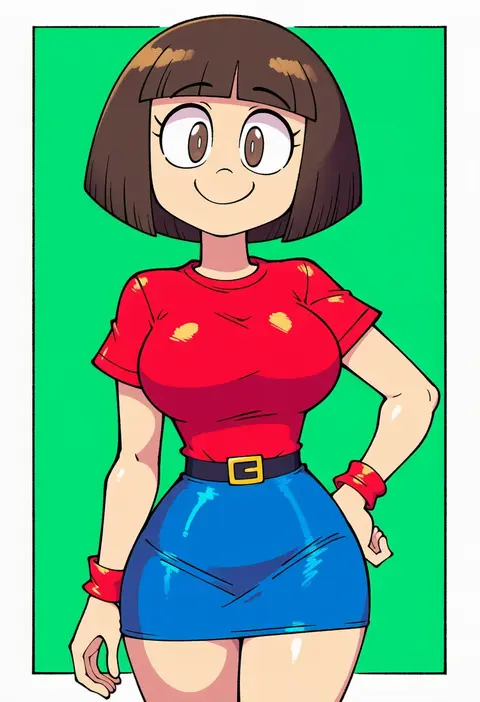
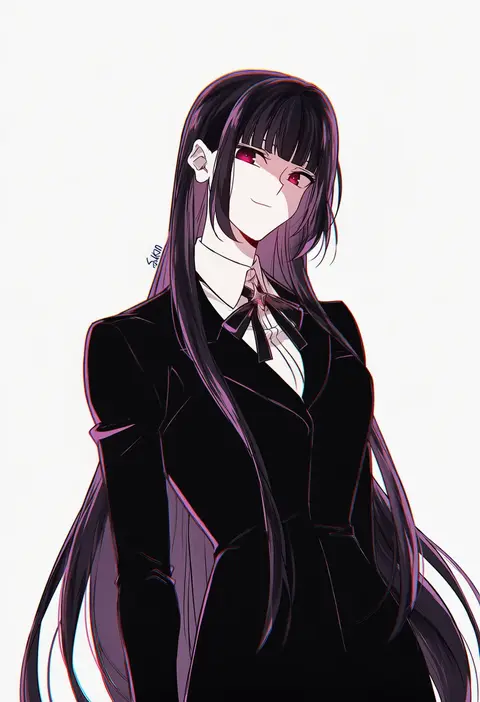
V4.5Artists
sort: FAVS▾
▾
>
$

NovelAI Artist Tags List — V4.5

artist --count 16,352[77/273]
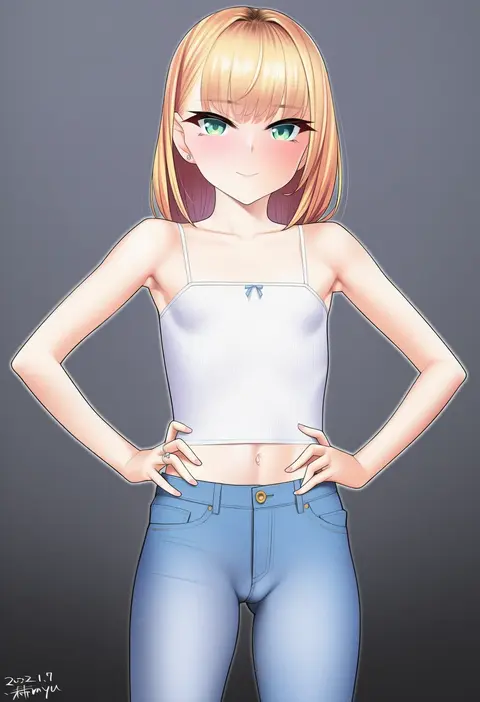
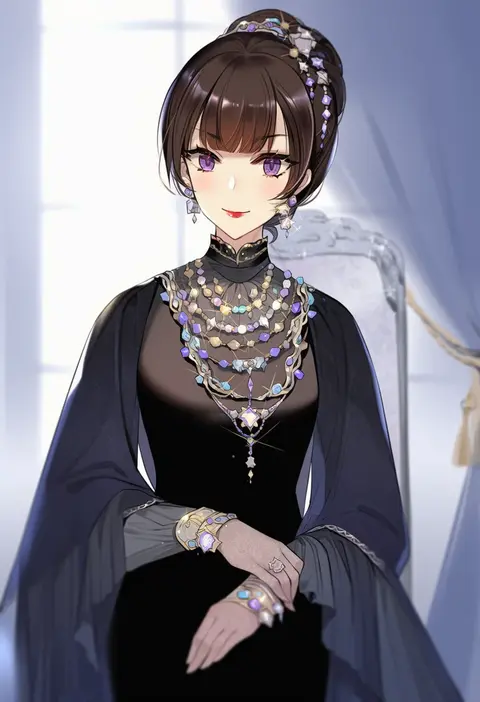
kanzaki muyu
ARTIST0x11D0
0
hatoyama itsuru
ARTIST0x11D1
0
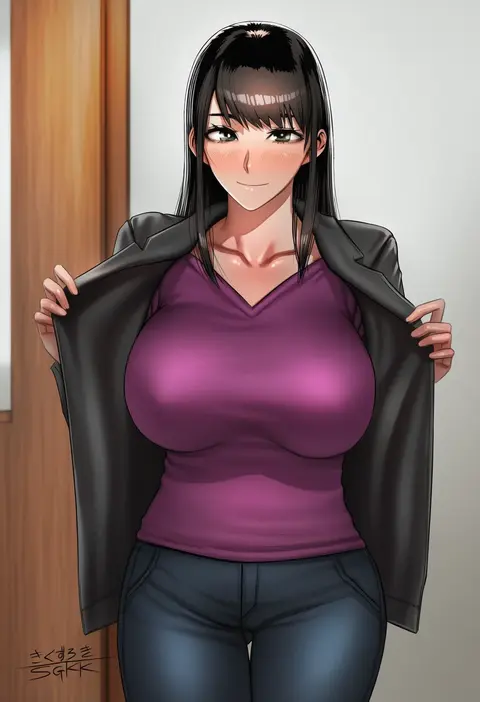
sgk
ARTIST0x11D2
0
rama (yu-light8)
ARTIST0x11D3
0
katsushika pachi
ARTIST0x11D4
0
adarin
ARTIST0x11D5
0
alphy
ARTIST0x11D6
0
kuri (animejpholic)
ARTIST0x11D7
0
yuzu modoki
ARTIST0x11D8
0
prophecy (rakuichimonji)
ARTIST0x11D9
0
eikawa suru
ARTIST0x11DA
0
chinnpou
ARTIST0x11DB
0
kemoyuri
ARTIST0x11DC
0
mi2mi2 minmi
ARTIST0x11DD
0
hellandheaven
ARTIST0x11DE
0
nextoad
ARTIST0x11DF
0
toriatto gununu
ARTIST0x11E0
0
oruka (kamituki0827)
ARTIST0x11E1
0
e sky rugo
ARTIST0x11E2
0
hayyan
ARTIST0x11E3
0
gabao (mattari 2019)
ARTIST0x11E4
0
yutou (yutou75)
ARTIST0x11E5
0
ryuuji teitoku
ARTIST0x11E6
0
tajima yoshikazu
ARTIST0x11E7
0
superpig
ARTIST0x11E8
0
yuuki shuri
ARTIST0x11E9
0
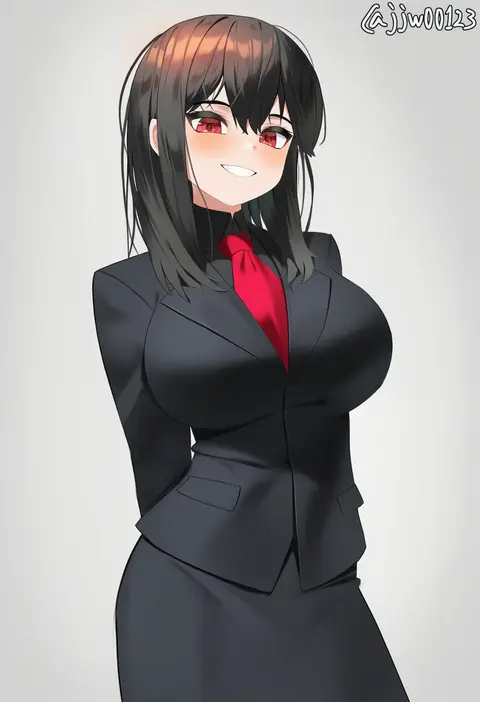
g1 (jjw00123)
ARTIST0x11EA
0
wazakita
ARTIST0x11EB
0
kcar66t
ARTIST0x11EC
0
blsh (blshwrks)
ARTIST0x11ED
0
mototenn
ARTIST0x11EE
0
siya ho
ARTIST0x11EF
0
mystra77
ARTIST0x11F0
0
jurrig
ARTIST0x11F1
0
buri (retty9349)
ARTIST0x11F2
0
morry
ARTIST0x11F3
0
indol
ARTIST0x11F4
0
yun cao bing
ARTIST0x11F5
0
sasetsu
ARTIST0x11F6
0
takeshisu
ARTIST0x11F7
0
parfaitlate
ARTIST0x11F8
0
milliani
ARTIST0x11F9
0
borvar
ARTIST0x11FA
0
h.carrrrrrot
ARTIST0x11FB
0
kiritto
ARTIST0x11FC
0
yaomai
ARTIST0x11FD
0
porqueloin
ARTIST0x11FE
0
yana mori
ARTIST0x11FF
0
nishiide kengorou
ARTIST0x1200
0
ouri (aya pine)
ARTIST0x1201
0
barleyshake
ARTIST0x1202
0
virus-g
ARTIST0x1203
0
sao satoru
ARTIST0x1204
0
yolanda
ARTIST0x1205
0
yanagui yugi
ARTIST0x1206
0
gongba laoge
ARTIST0x1207
0
ikeda yasuhiro
ARTIST0x1208
0
wantan meo
ARTIST0x1209
0
shenanimation
ARTIST0x120A
0
sakon04
ARTIST0x120B
0

What these tags change

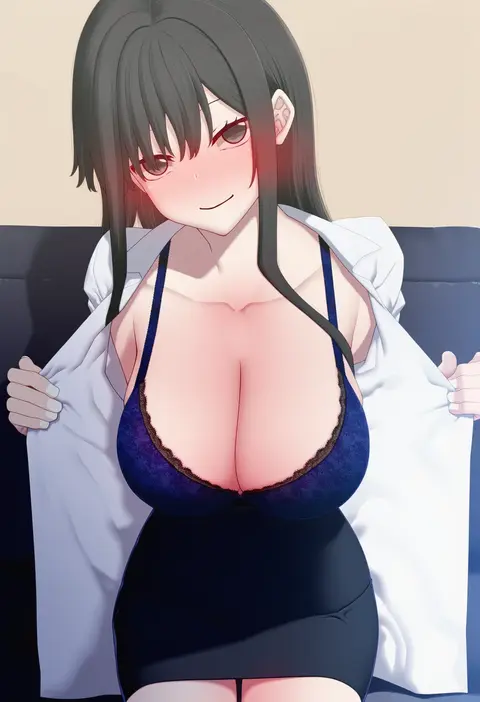
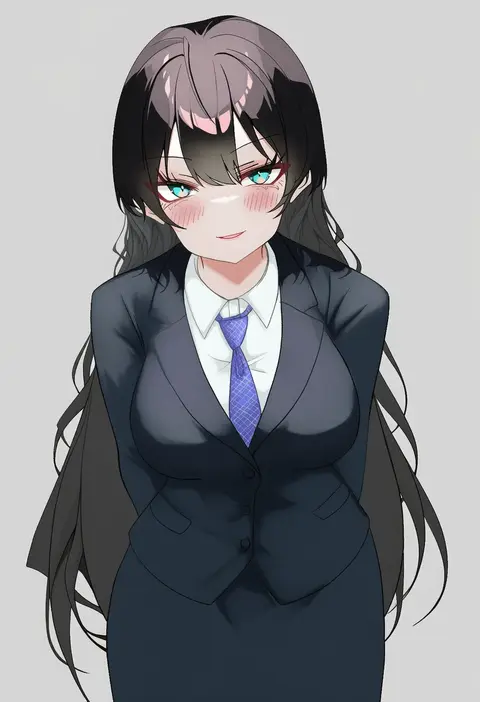
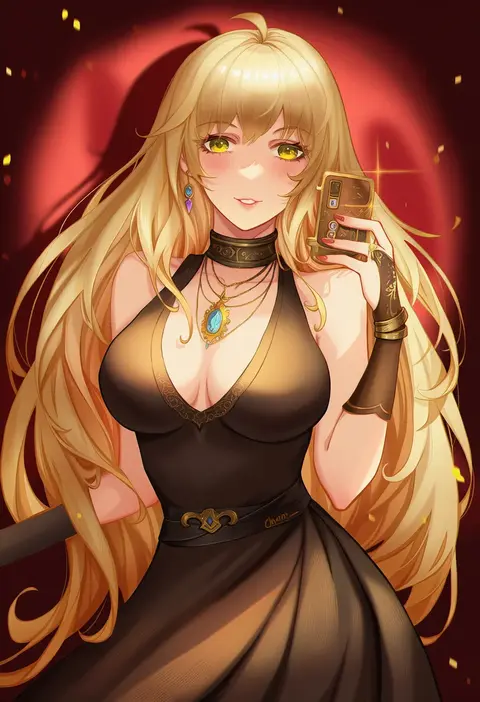
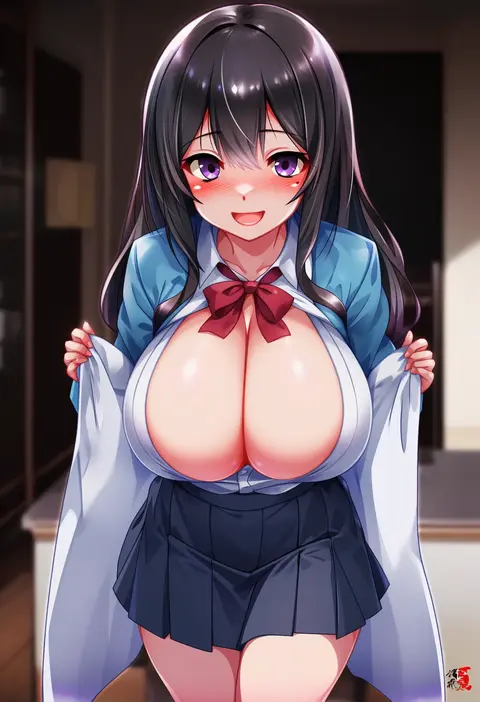
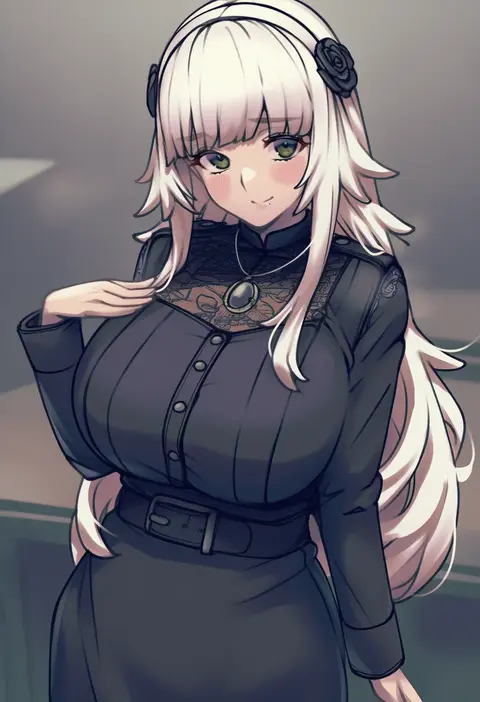
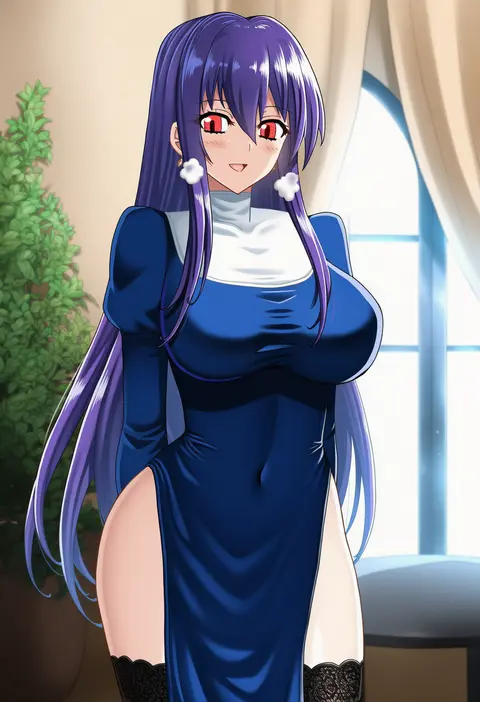
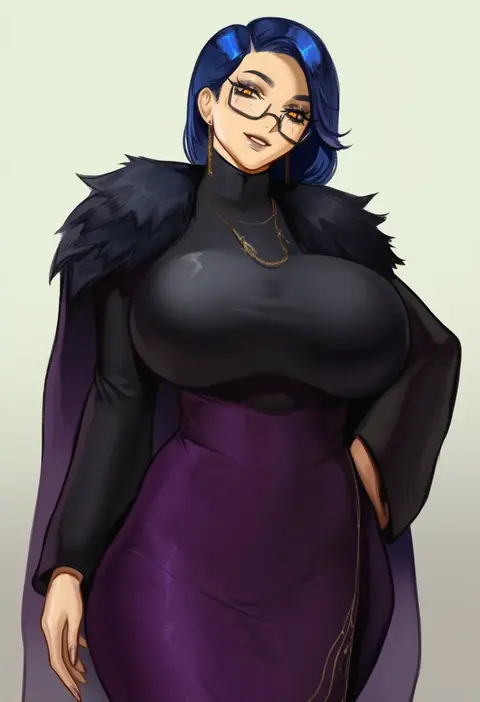
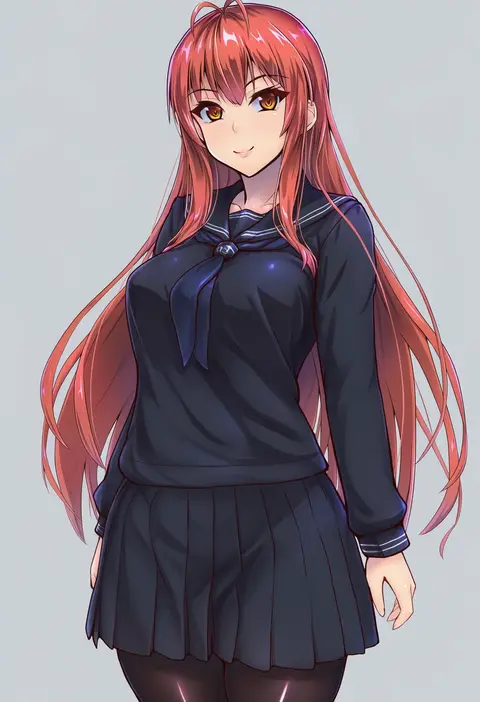
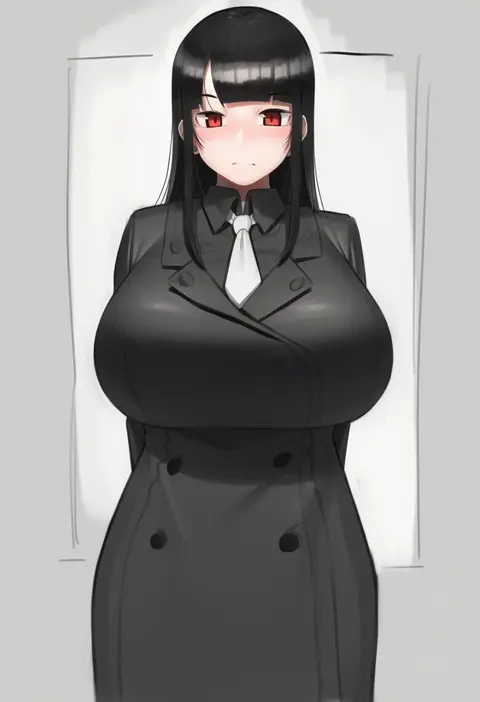
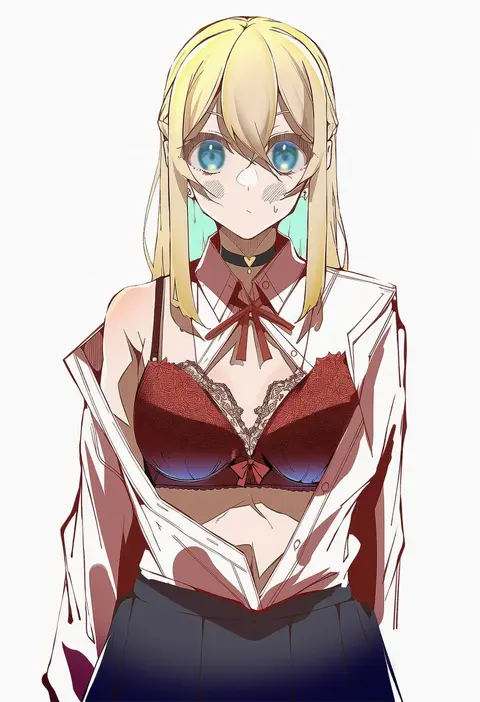
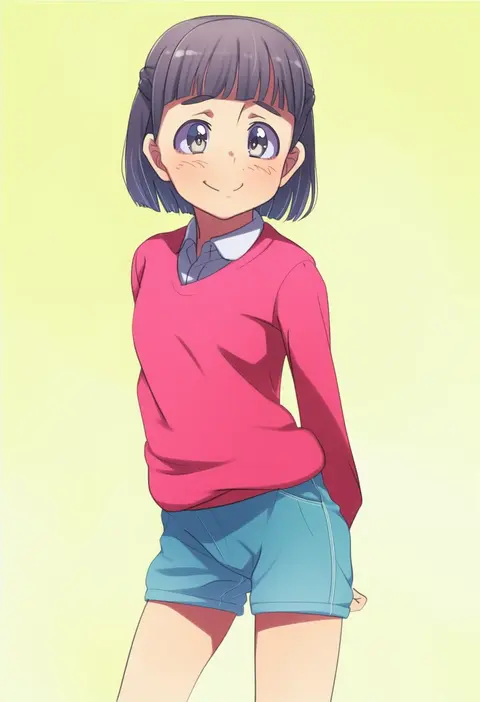
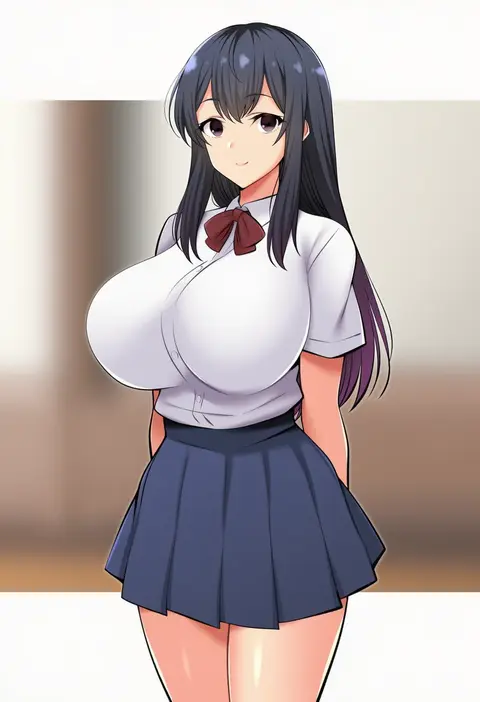
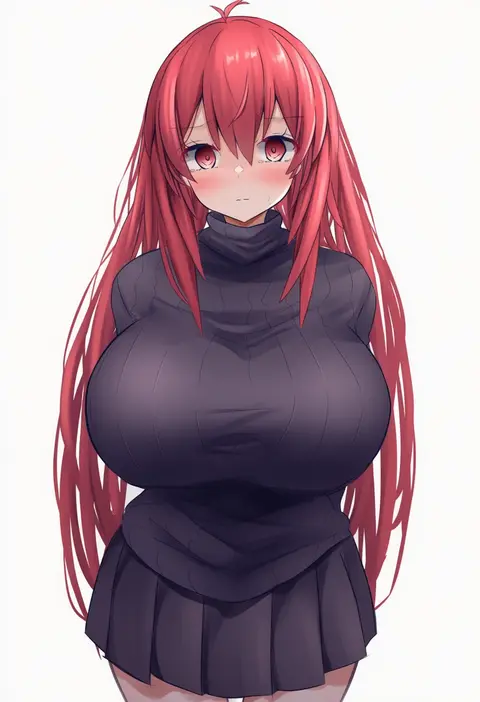
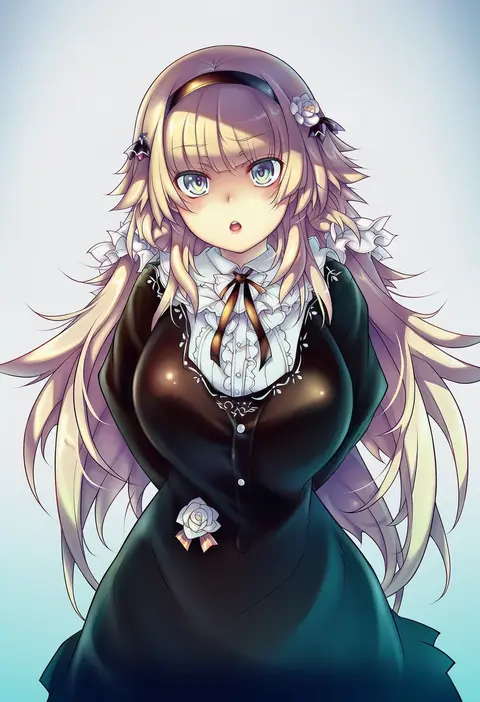
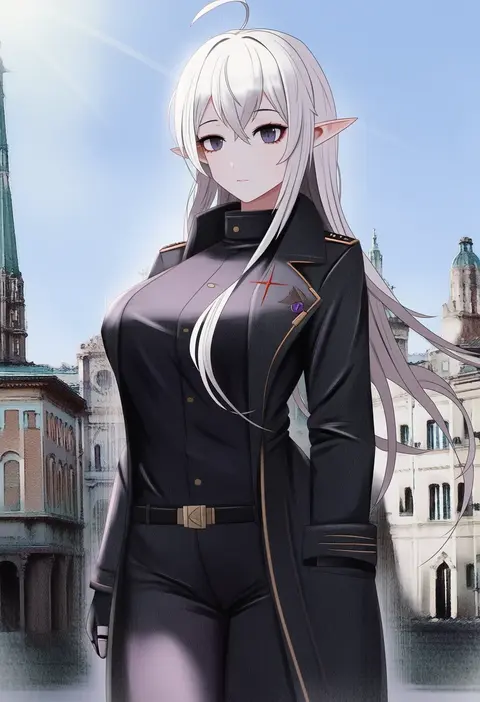
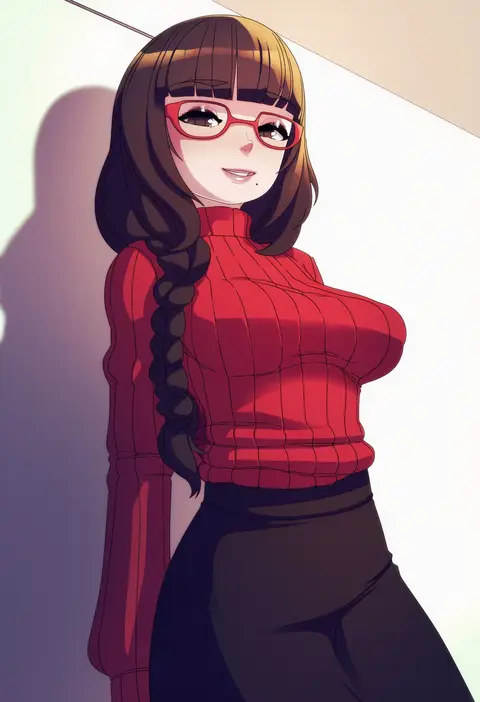
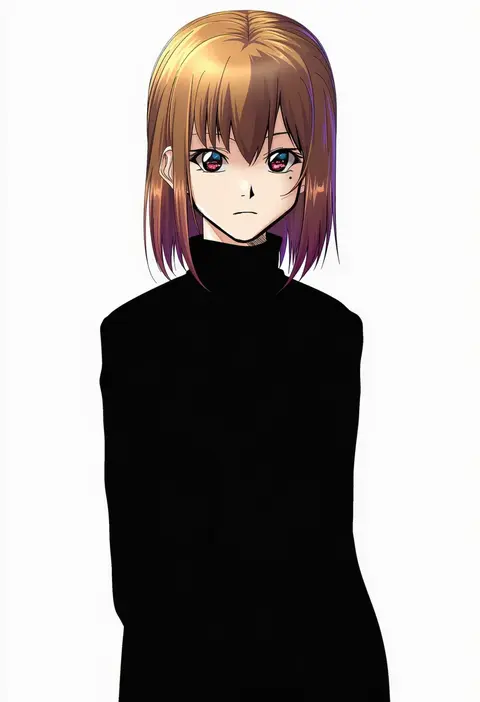
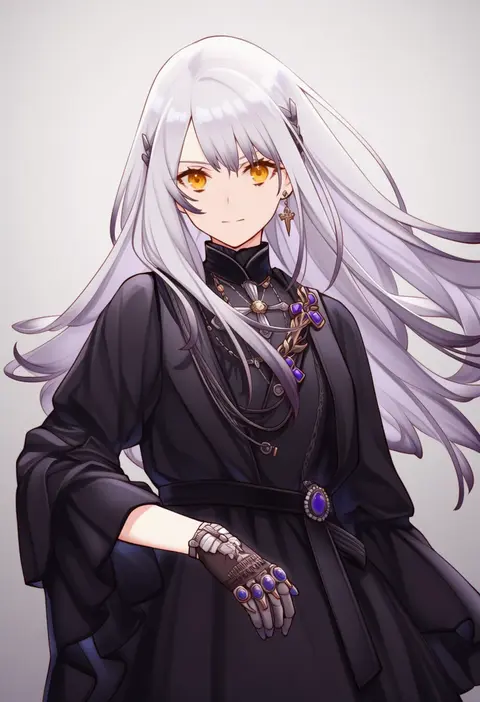
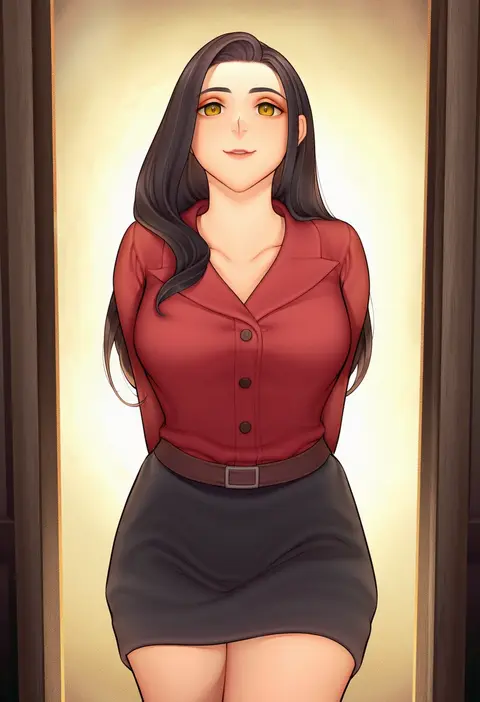
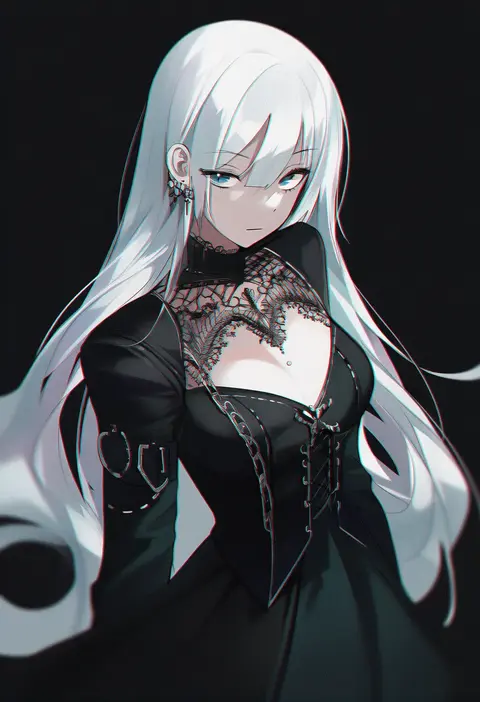
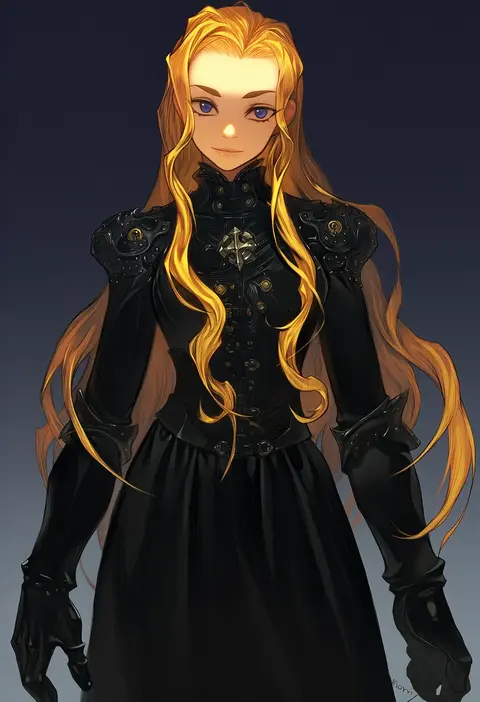
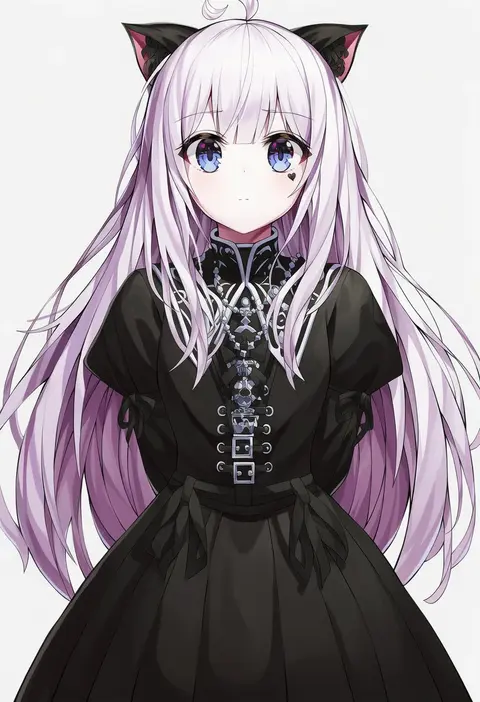
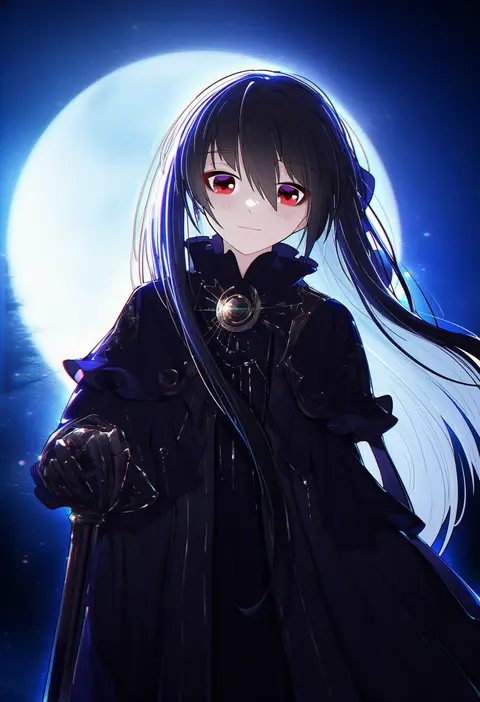
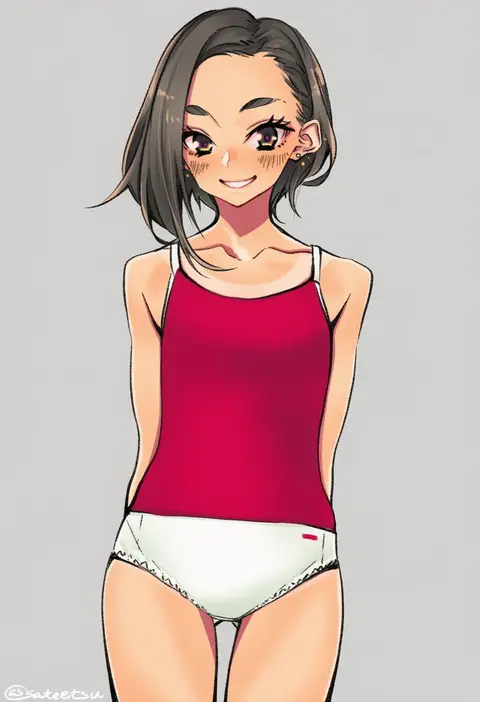
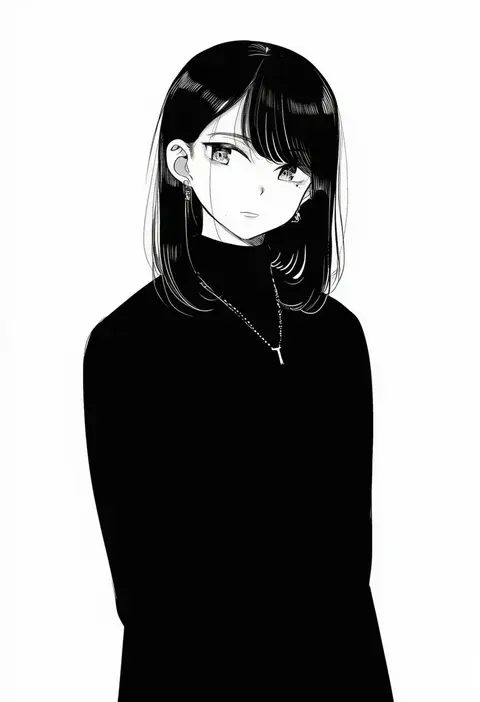
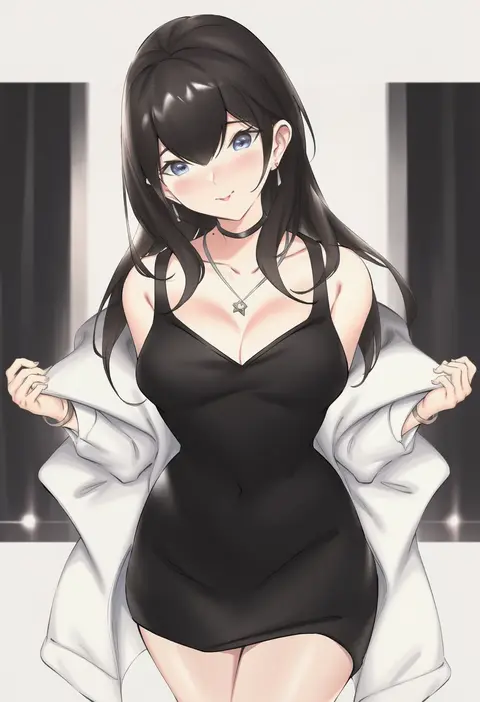
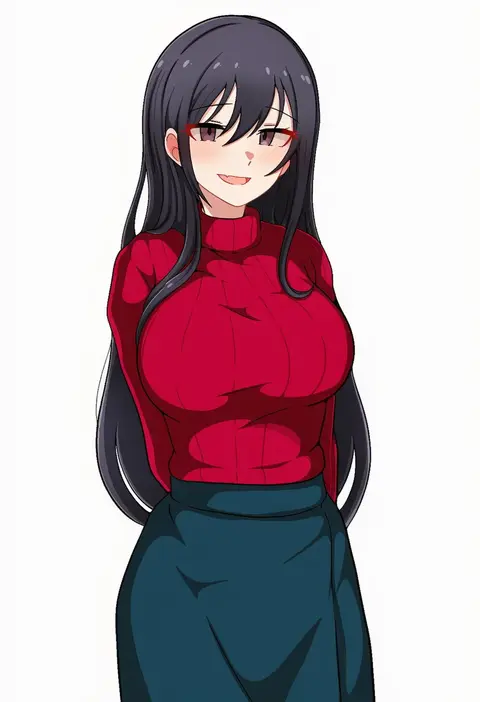
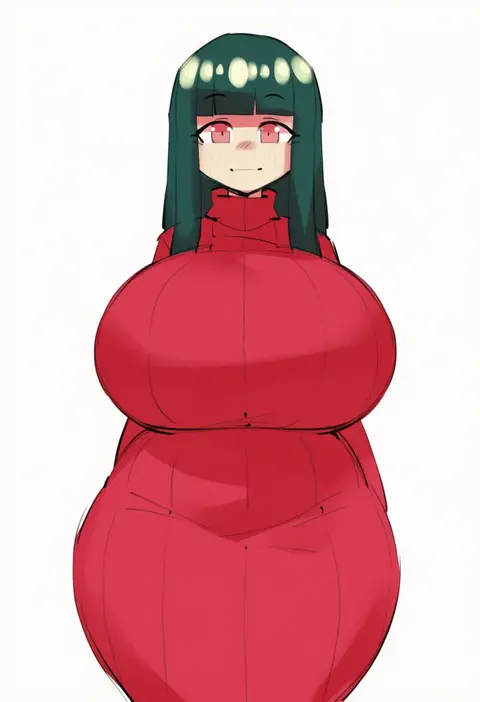
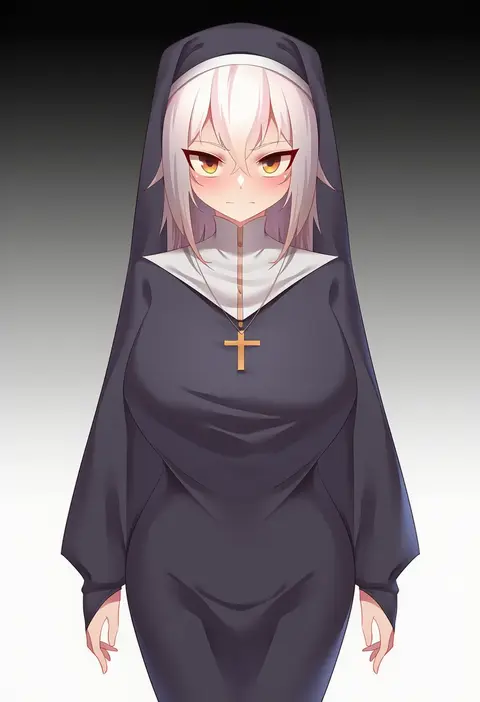
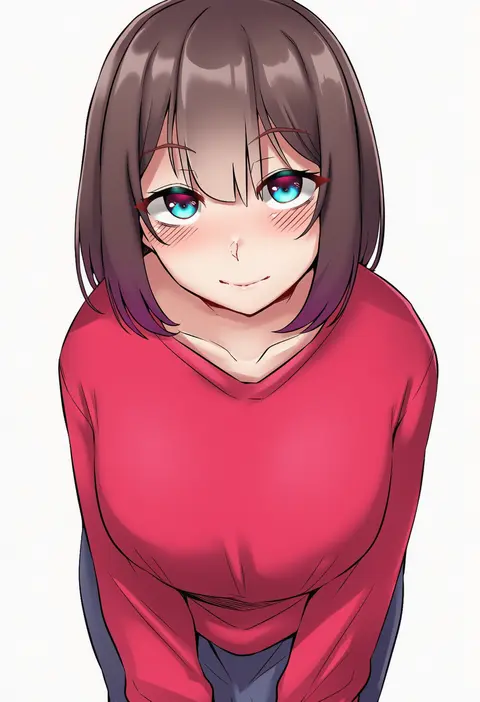
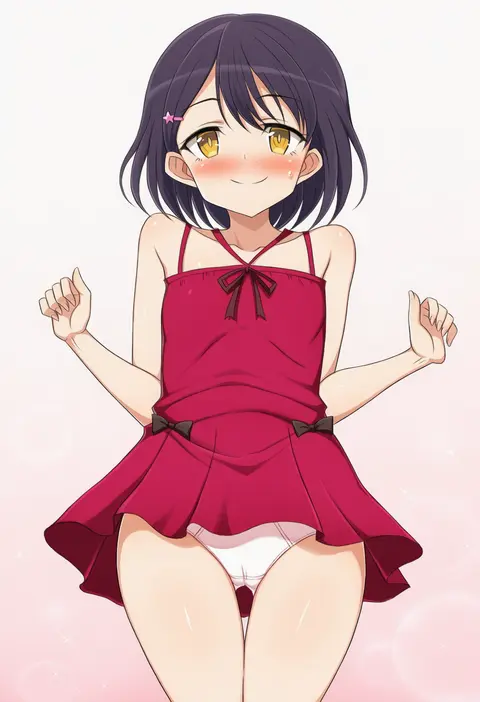
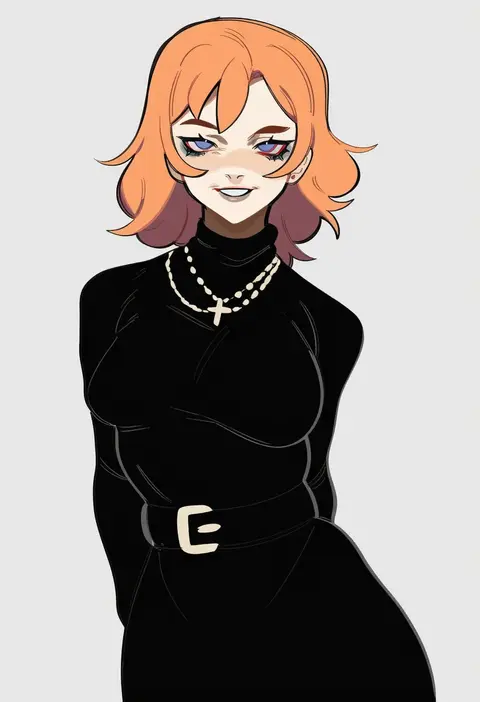
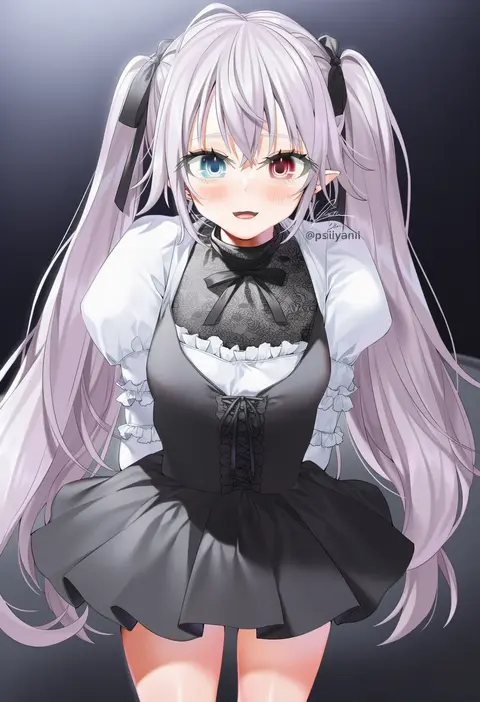
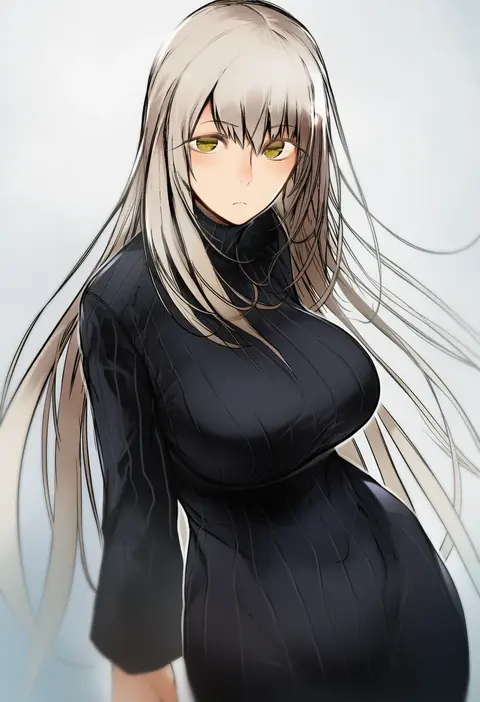
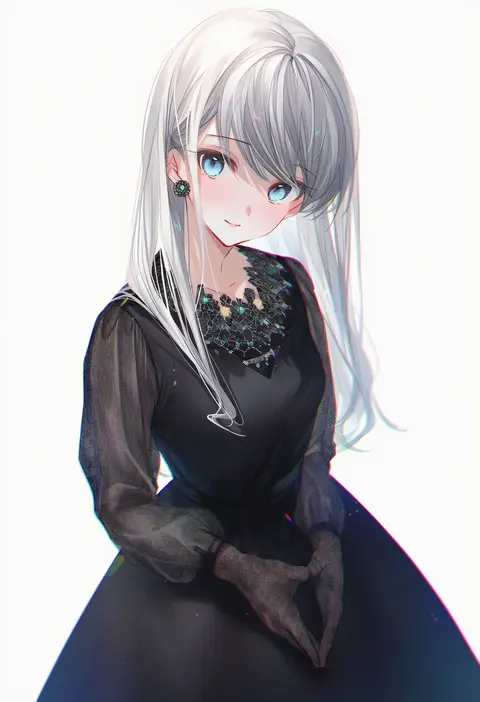
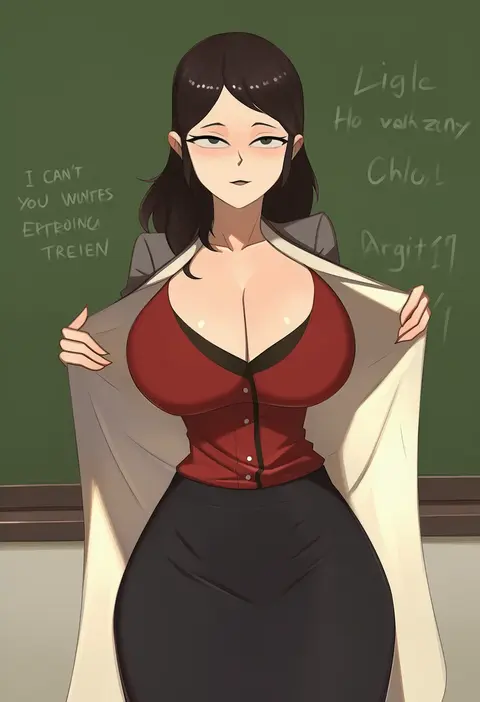
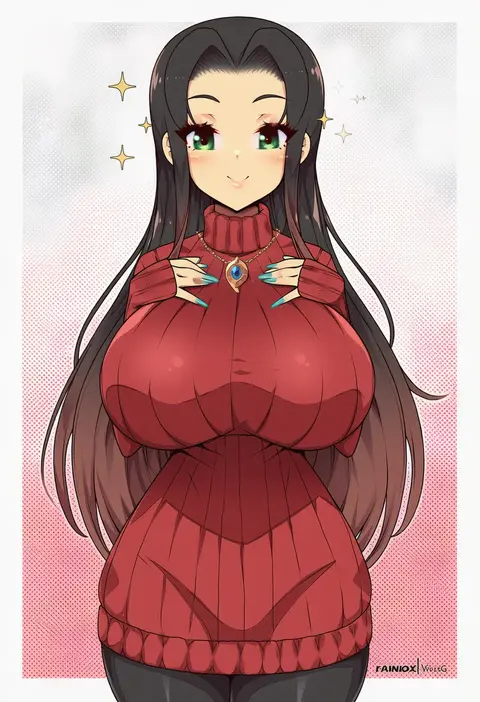
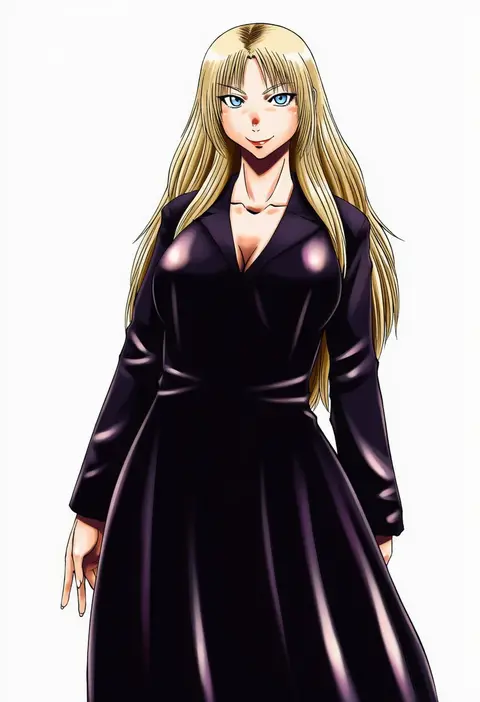
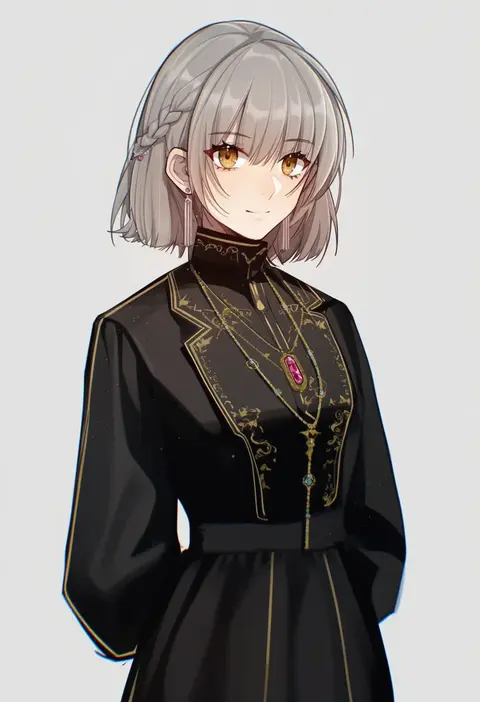
Artist tags tell NovelAI Diffusion to draw in a specific artist's style: line weight, paint texture, face shapes and palette all shift at once. Character and outfit tags decide what is drawn; artist tags decide how. 16,352 tags are listed for V4.5.
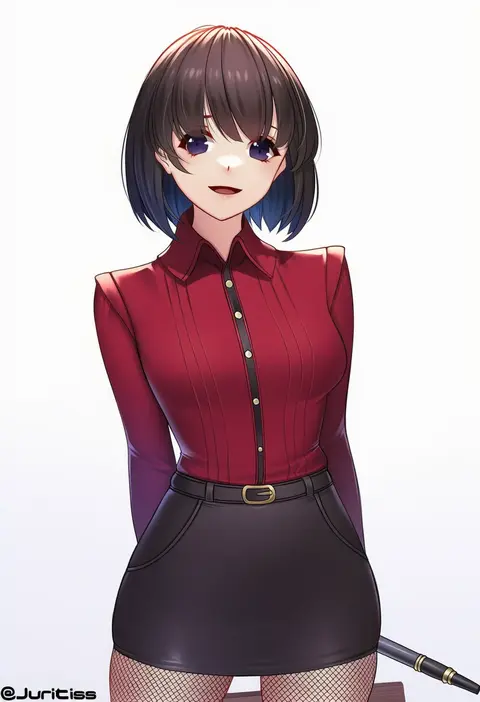
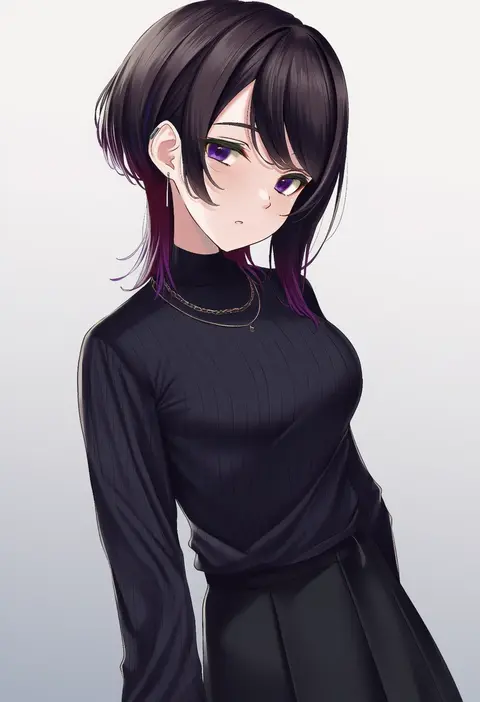
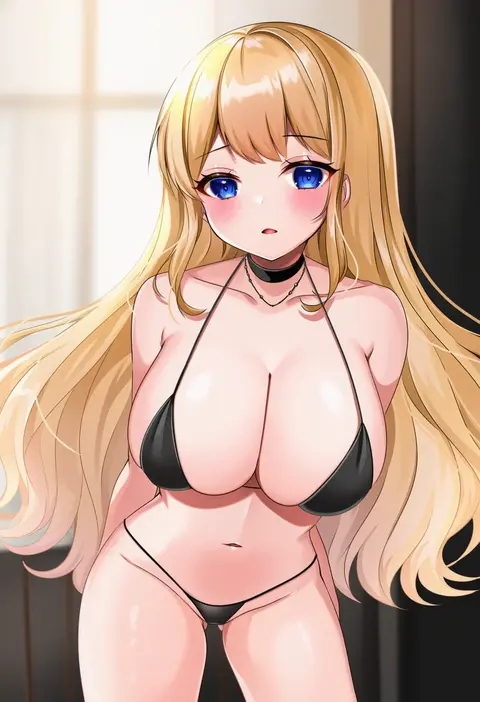
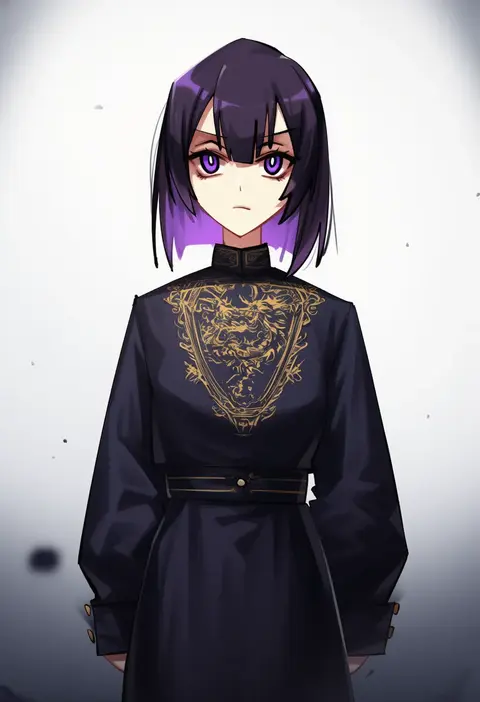
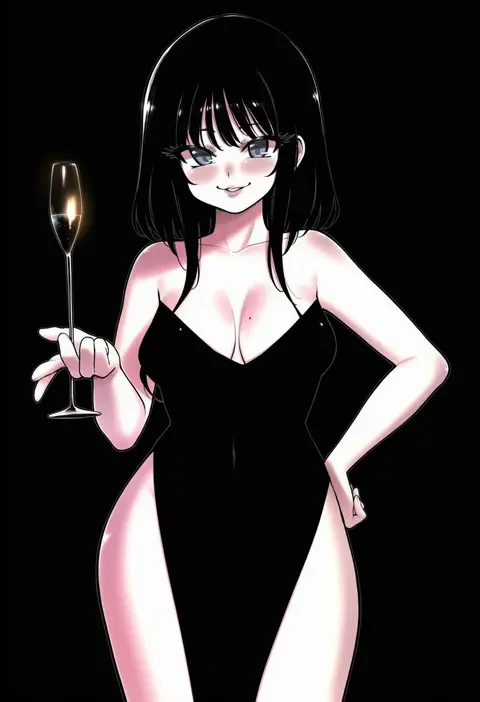
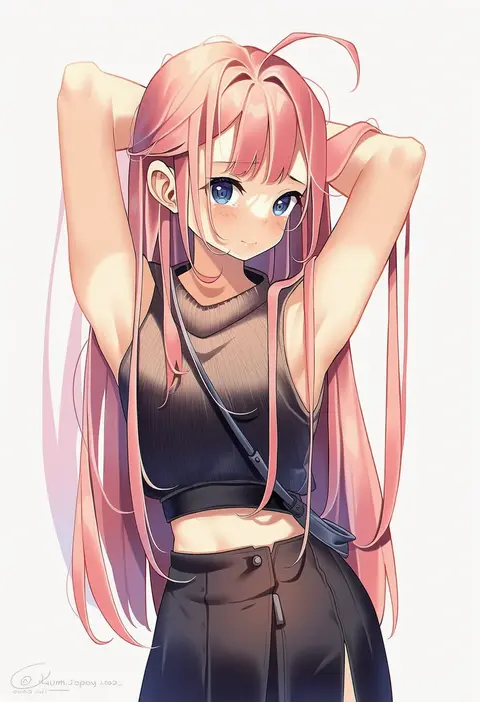
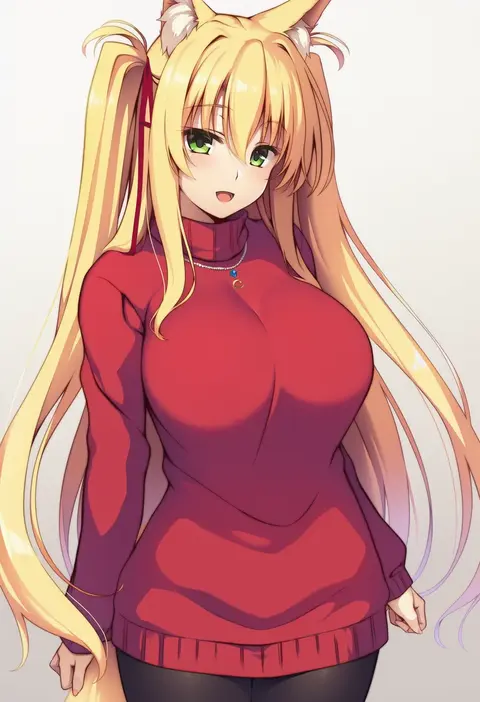
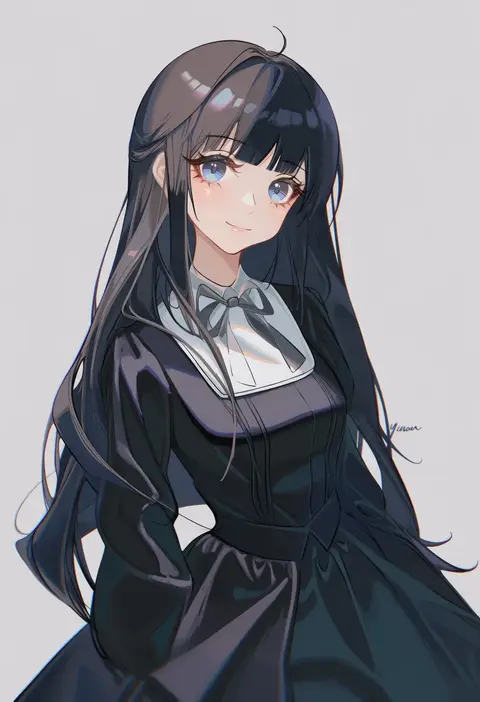
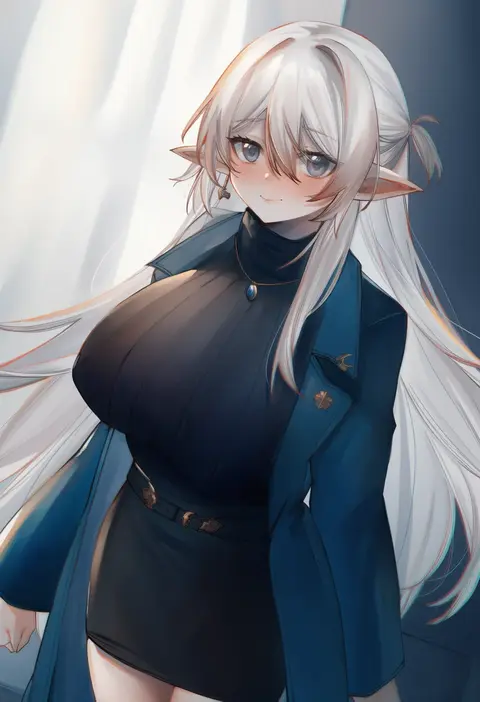
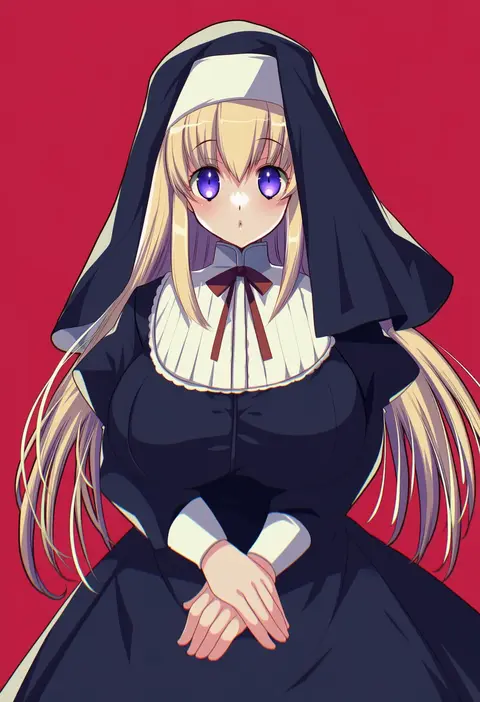
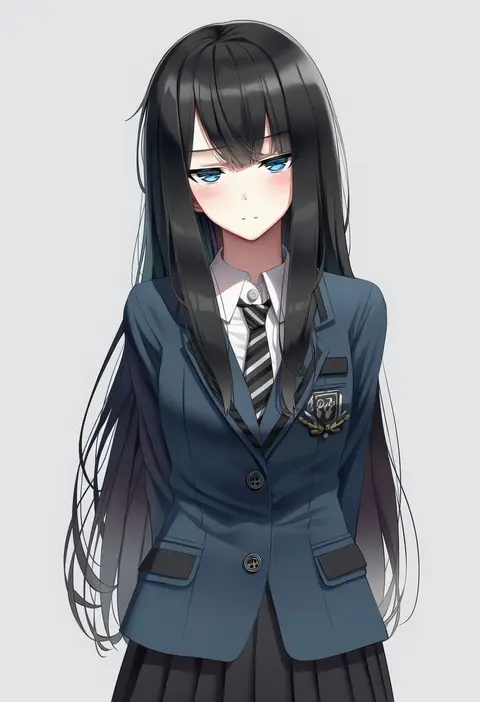
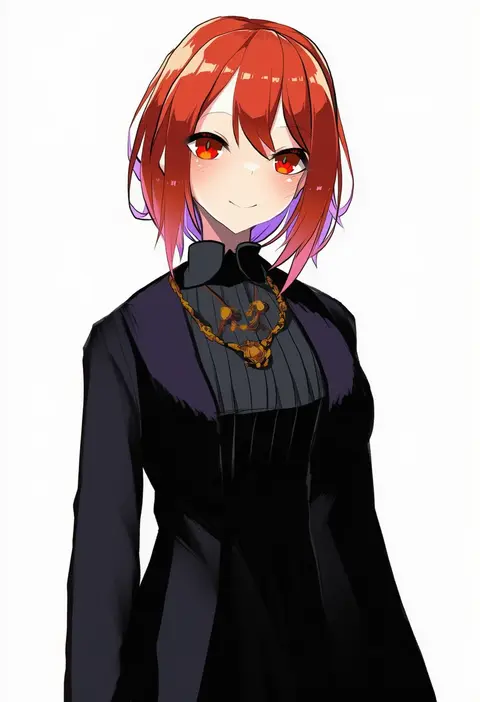
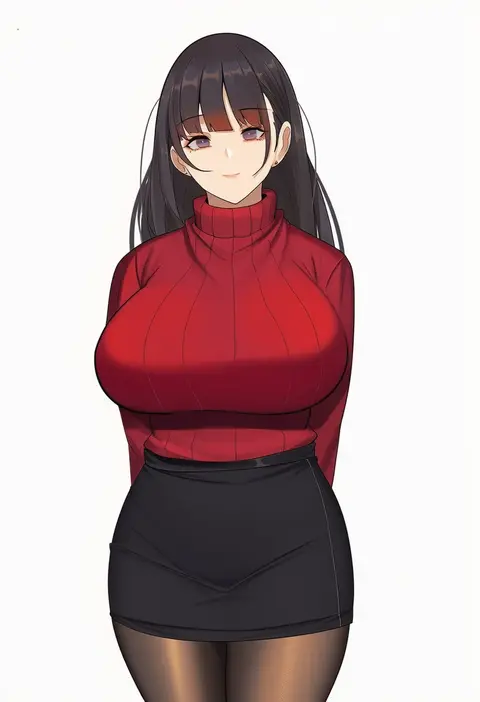
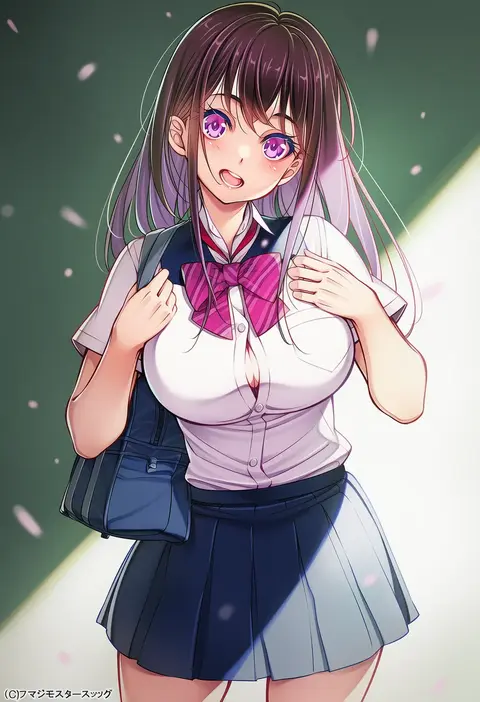
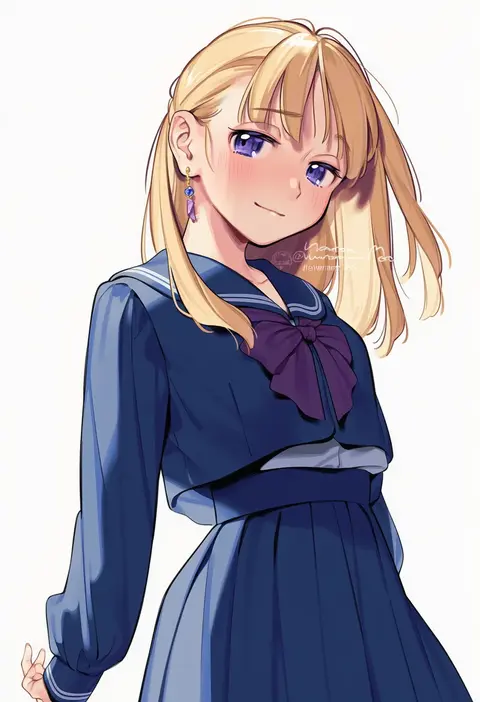
Every tag listed here is verified to react in NovelAI. All images use the same prompt, seed and settings with only the artist tag swapped, so the difference between two images is the style that tag brings in.

How to use them

Put the artist tag near the front of the prompt, e.g. "<artist>, 1girl, solo, best quality, masterpiece, cowboy shot". Two or three artist tags blend styles; lower the weight with "0.8::<artist>::" when the style overpowers the character.

SCORE sorts by Danbooru's top score, POSTS by post count, FAVS by hearts on this site. Open a card to see V5 and V4.5 side by side on the same seed.

V5 vs V4.5

V5 usually lands closer to the artist's real style, and tags that did nothing on V4.5 often react on V5. V4.5 still fits older and doujin-heavy artists better. Try V5 first, fall back to V4.5.

FAQ

Where does the artist tag go?
Near the front of the prompt. Use "0.8::tag::" to adjust its weight.

Can I stack artist tags?
Yes, styles blend. Past two or three the result stops looking like anyone.

Are these the artists' own works?
No. Every image is a NovelAI sample generated from the tag.