V4.5Artists
sort: FAVS▾
▾
>
$

NovelAI Artist Tags List — V4.5

artist --count 16,352[79/273]
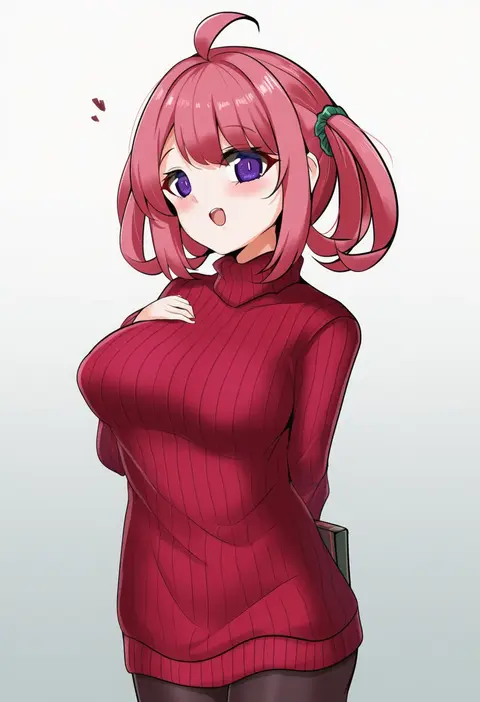
rumiya9i
ARTIST0x1248
0
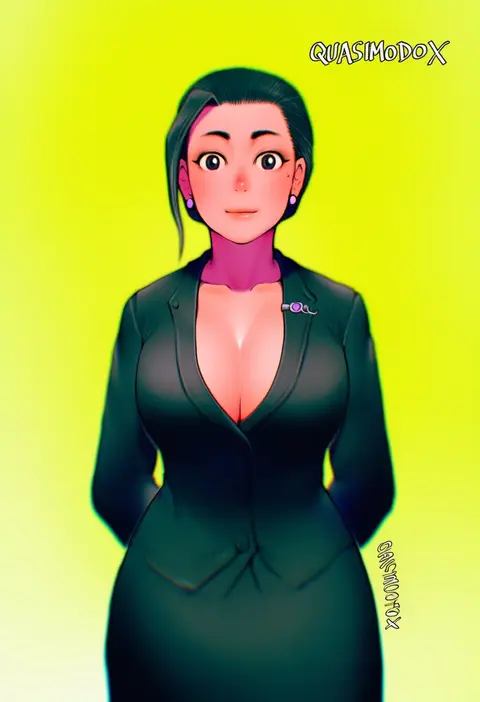
quasimodox
ARTIST0x1249
0
sahara386
ARTIST0x124A
0
wachiwo
ARTIST0x124B
0
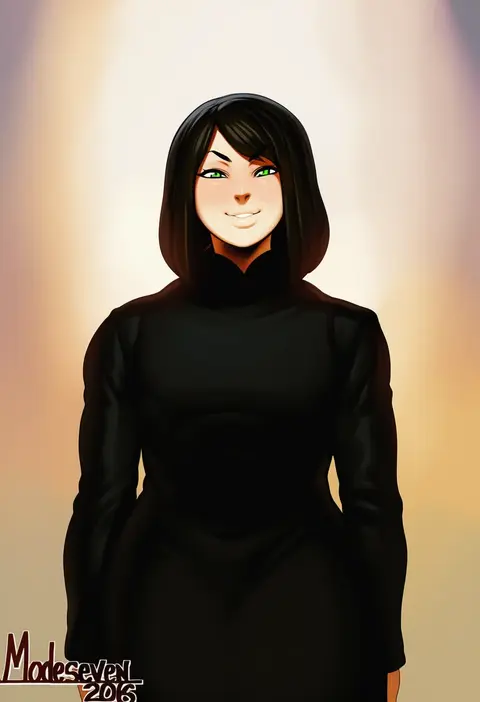
modeseven
ARTIST0x124C
0
kimi tsuru
ARTIST0x124D
0
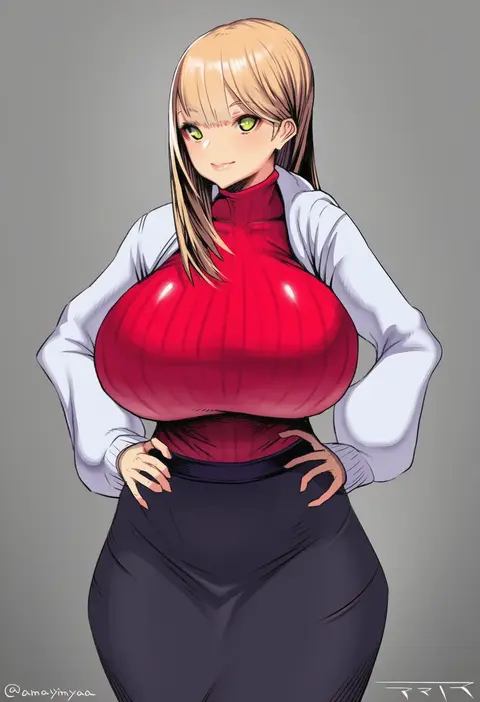
amamiya (abaros)
ARTIST0x124E
0
aragiken
ARTIST0x124F
0
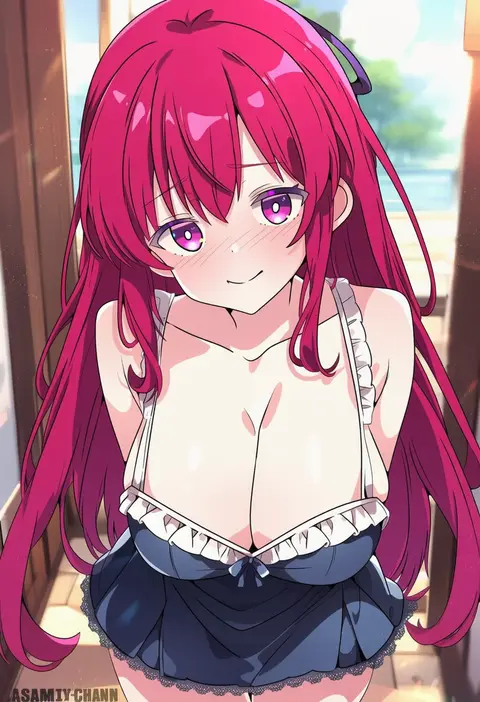
asami-chan
ARTIST0x1250
0
rei (ilust9999)
ARTIST0x1251
0
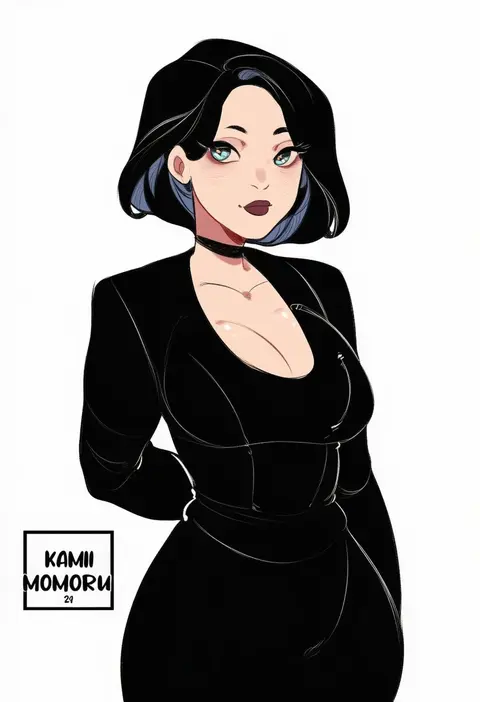
kamii momoru
ARTIST0x1252
0
yudepii
ARTIST0x1253
0
naruko hanaharu
ARTIST0x1254
0
urabi (tomatohouse)
ARTIST0x1255
0
island (kossori)
ARTIST0x1256
0
pupi (rain prophet)
ARTIST0x1257
0
kinomtan
ARTIST0x1258
0
hmax
ARTIST0x1259
0
j.h.
ARTIST0x125A
0
eshineko
ARTIST0x125B
0
faicha
ARTIST0x125C
0
sharpffffff
ARTIST0x125D
0
guardian-panda
ARTIST0x125E
0
dethmaid
ARTIST0x125F
0
hebameki
ARTIST0x1260
0
natsukaze shigure
ARTIST0x1261
0
fengling (furin-jp)
ARTIST0x1262
0
yotubeya
ARTIST0x1263
0
yoshino ryou
ARTIST0x1264
0
lomocya
ARTIST0x1265
0
zuo wei er
ARTIST0x1266
0
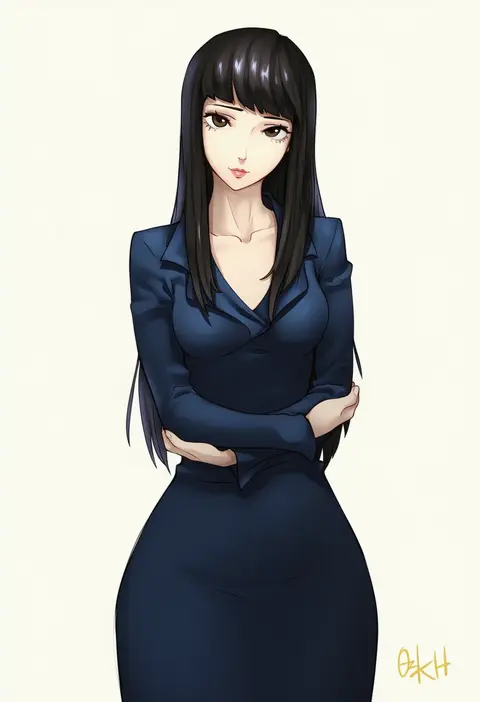
ozkh
ARTIST0x1267
0
sukesan
ARTIST0x1268
0
seele0907
ARTIST0x1269
0
sbbs
ARTIST0x126A
0
nekomimipunks
ARTIST0x126B
0
suruga (xsurugax)
ARTIST0x126C
0
umyonge (lkakeu)
ARTIST0x126D
0
bang-you
ARTIST0x126E
0
koyashaka
ARTIST0x126F
0
dev (dev0614)
ARTIST0x1270
0
ram hachimin
ARTIST0x1271
0
hazuki haru
ARTIST0x1272
0
ncontrail (mgax7527)
ARTIST0x1273
0
moyu marginal
ARTIST0x1274
0
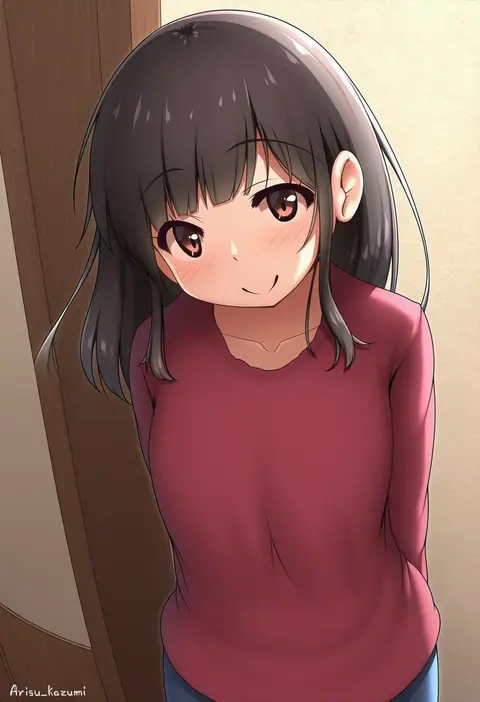
arisu kazumi
ARTIST0x1275
0
sakura kotetsu
ARTIST0x1276
0
katsuten
ARTIST0x1277
0
illian-san
ARTIST0x1278
0
norazura
ARTIST0x1279
0
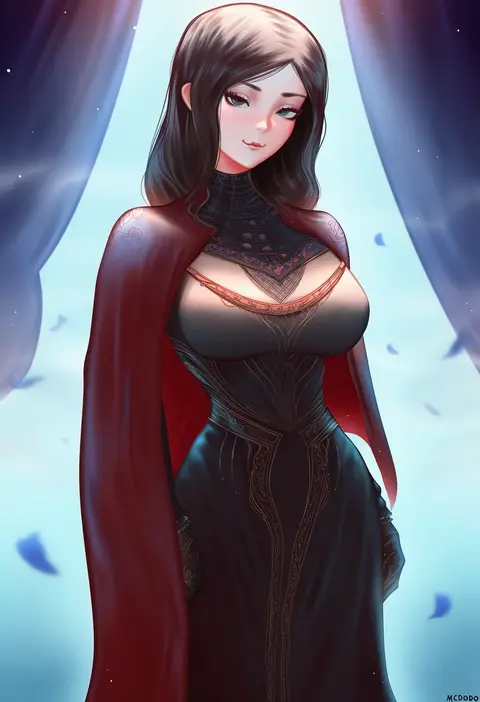
mcdobo
ARTIST0x127A
0
gaoling gangqin
ARTIST0x127B
0
nanashi maru
ARTIST0x127C
0
kokomachi
ARTIST0x127D
0
yokoyama kouji
ARTIST0x127E
0
kisaragi nana
ARTIST0x127F
0
marugoshi teppei
ARTIST0x1280
0
mac star
ARTIST0x1281
0
10eki (tenchou)
ARTIST0x1282
0
gen (black factory)
ARTIST0x1283
0

What these tags change

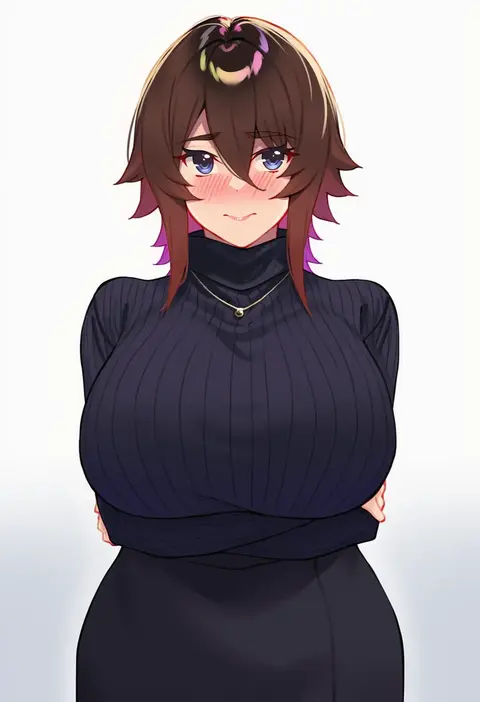
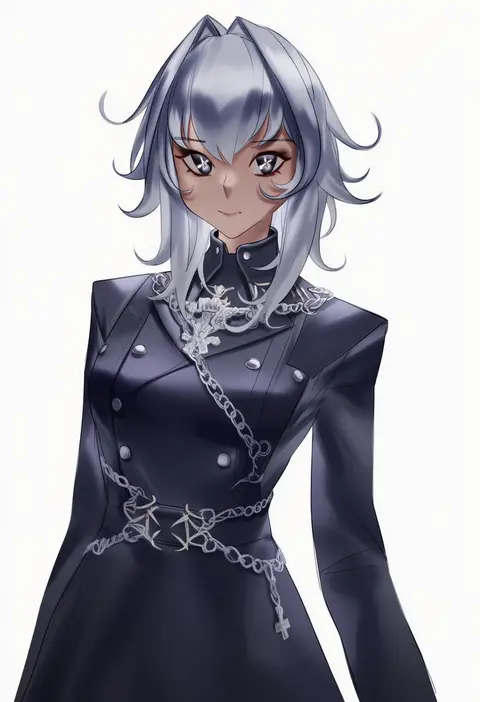
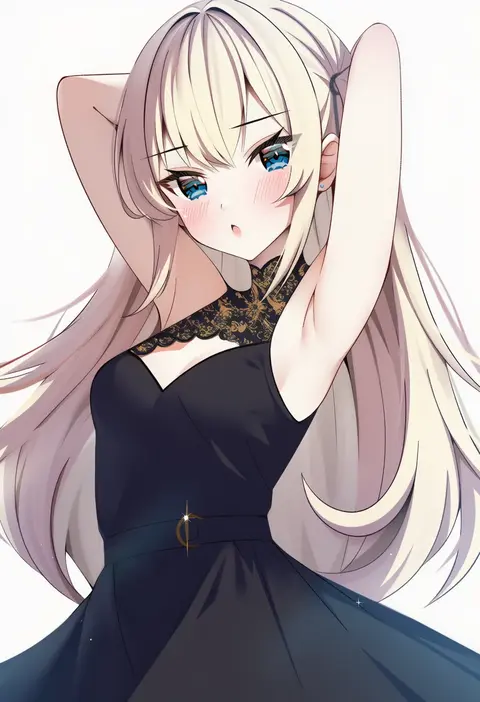
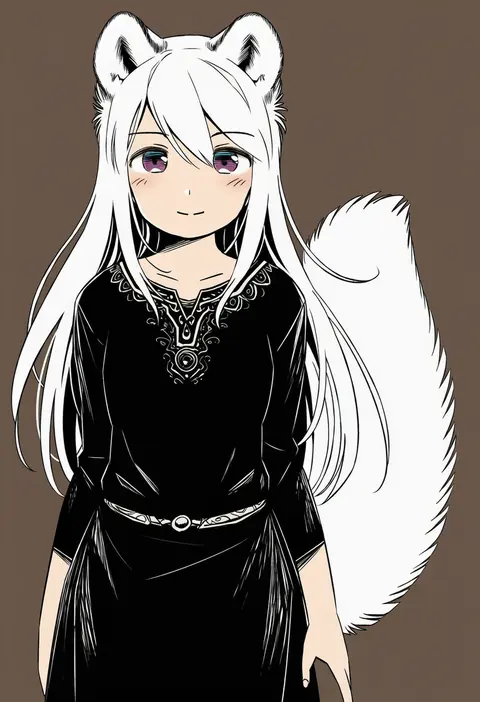
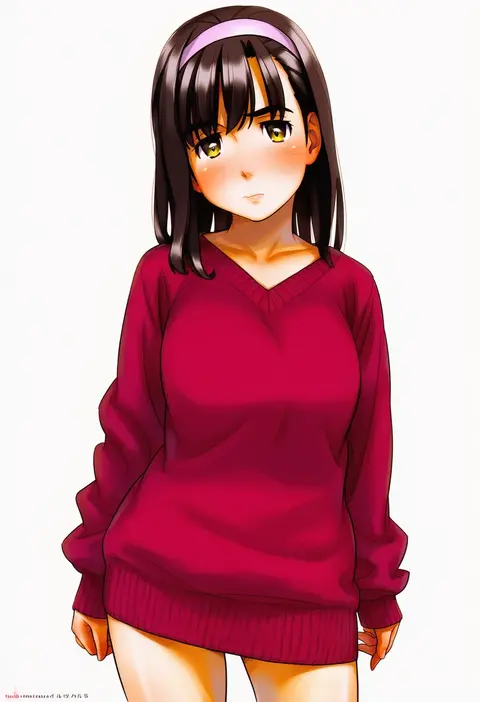
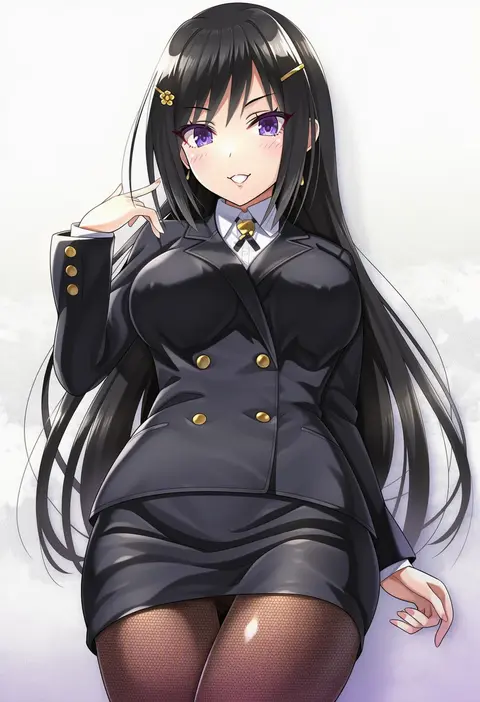
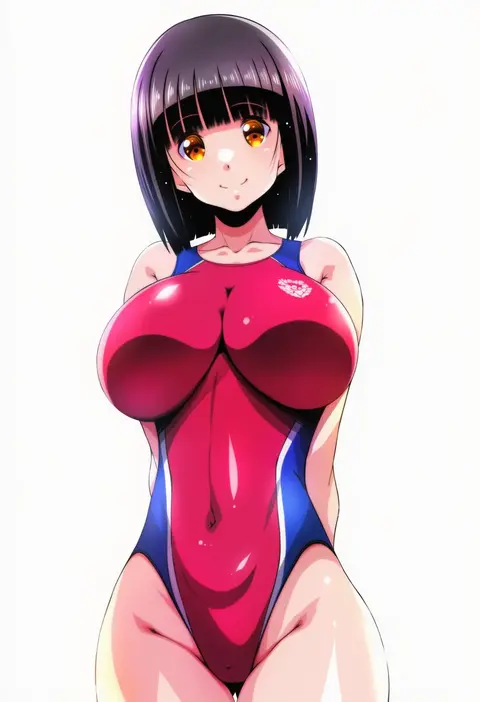
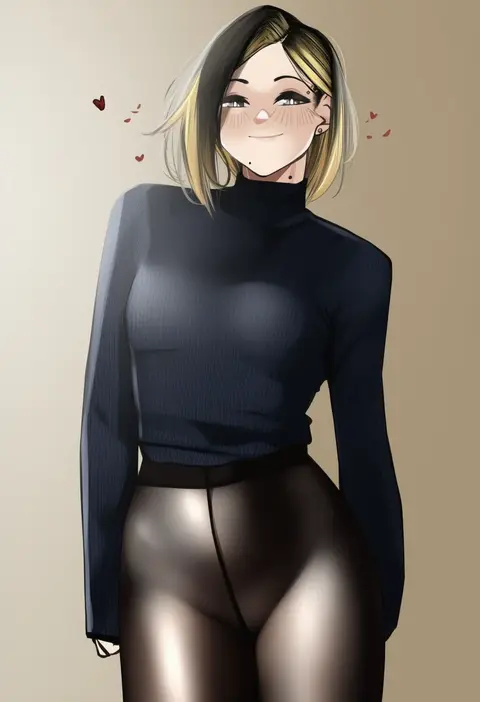
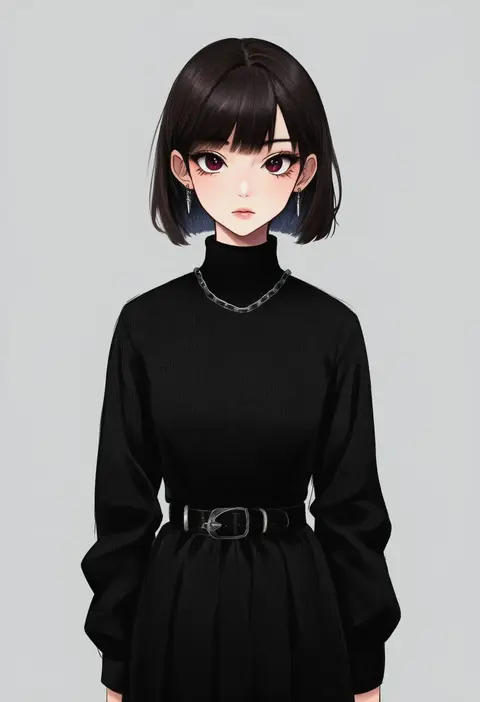
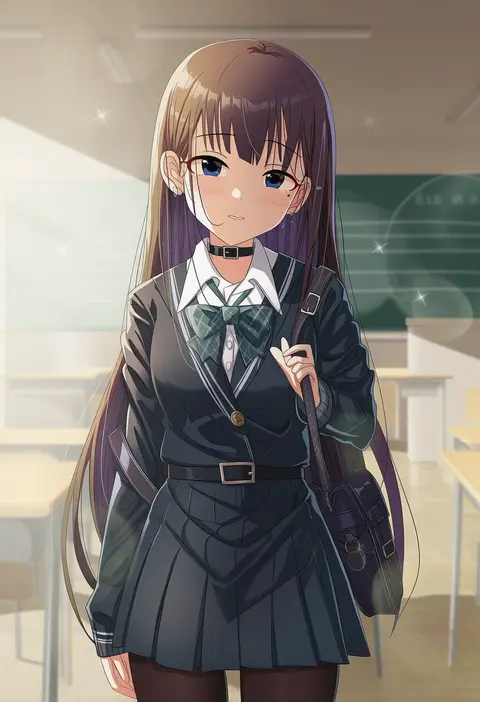
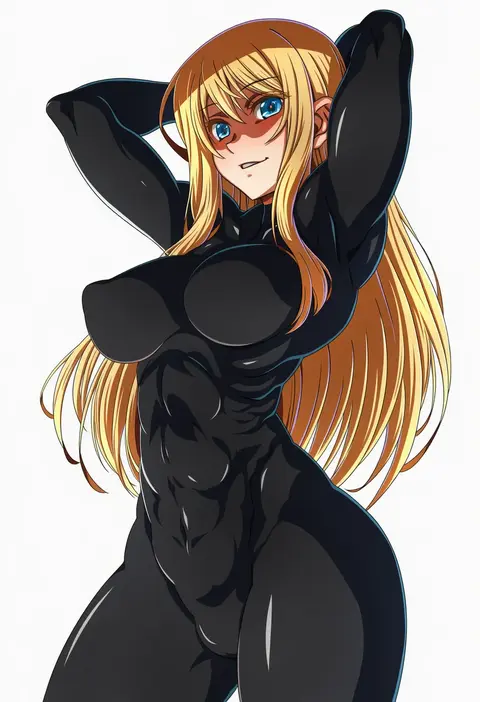
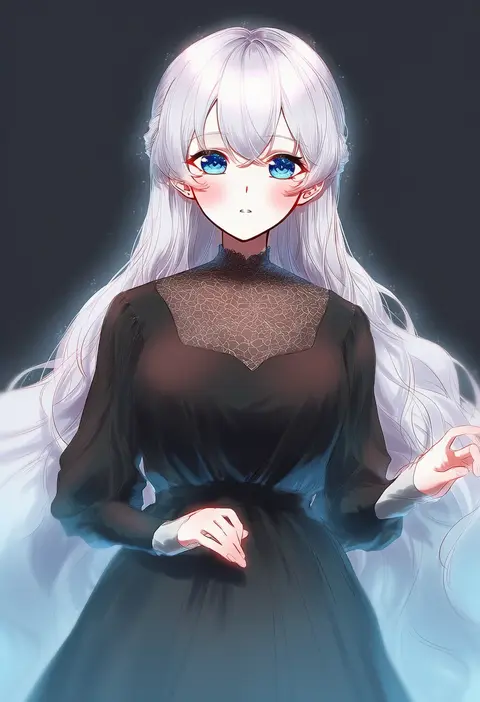
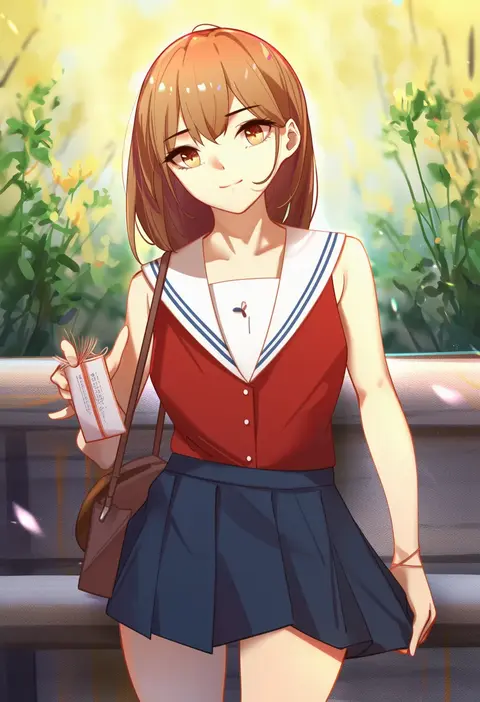
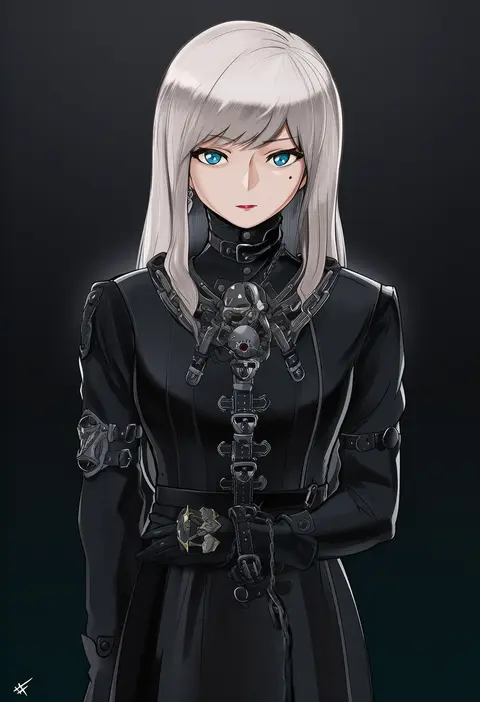
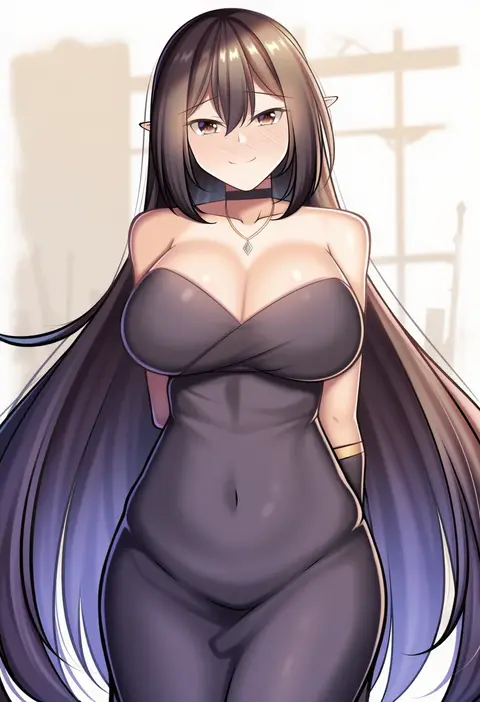
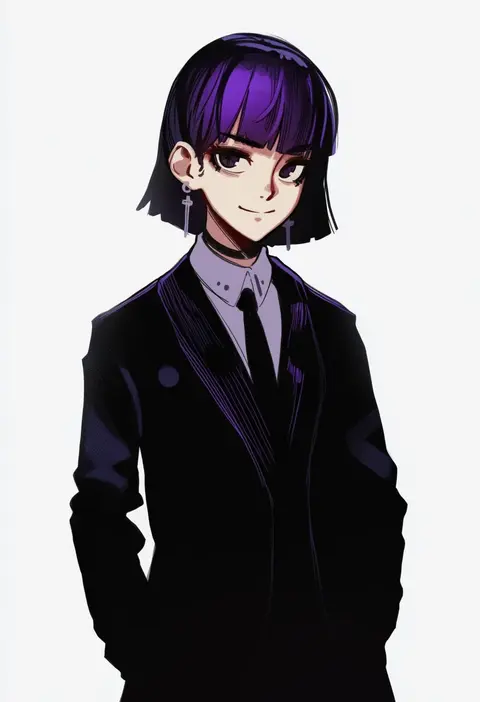
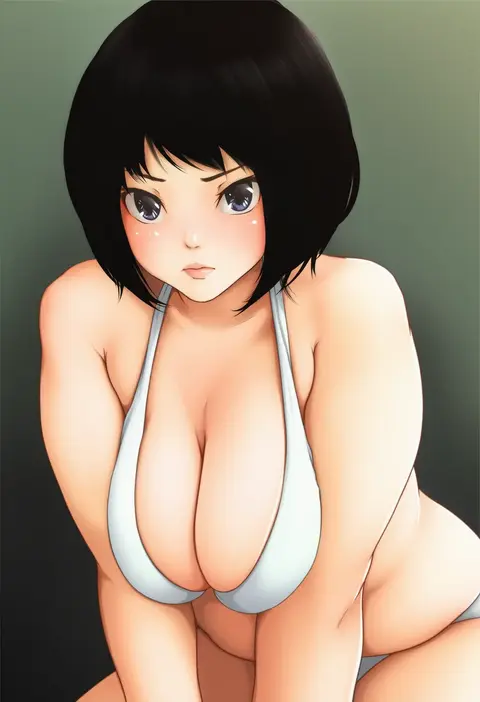
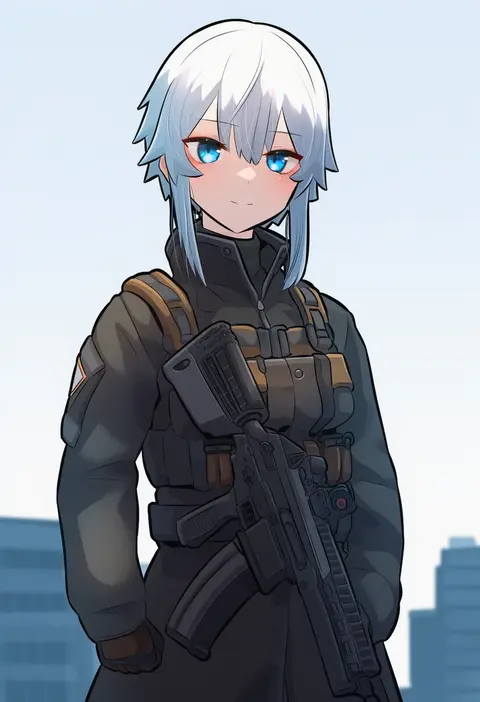
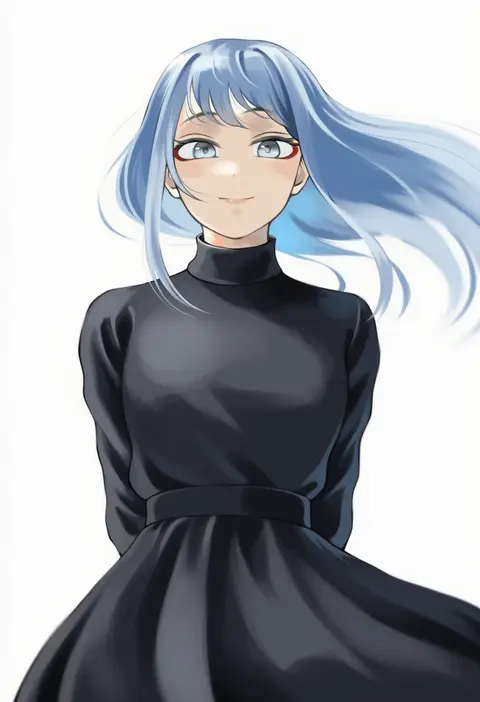
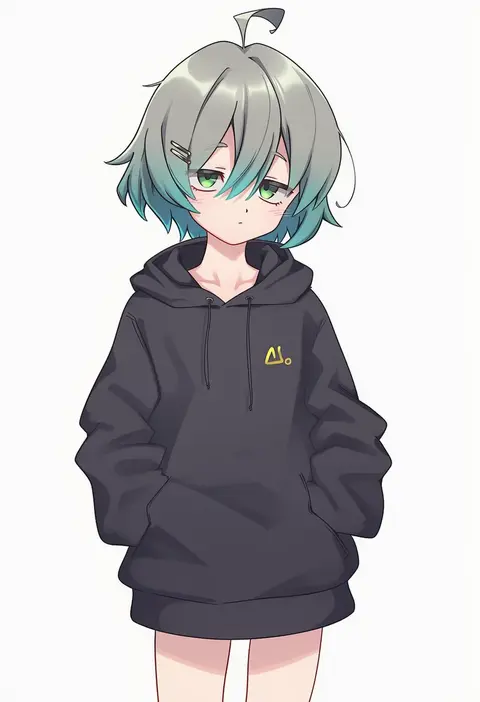
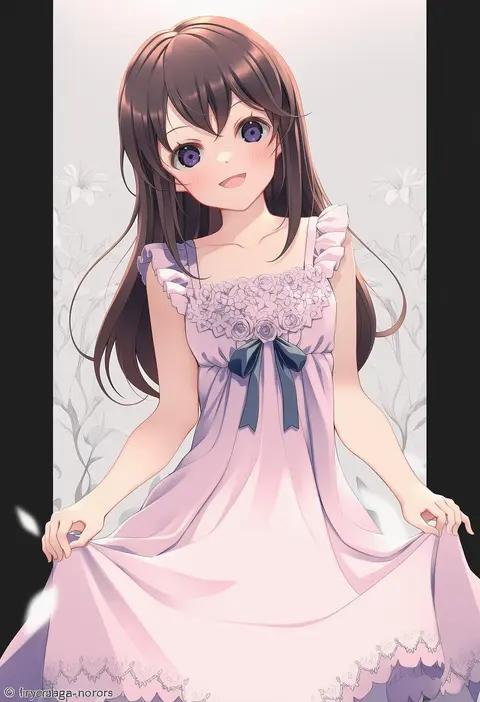
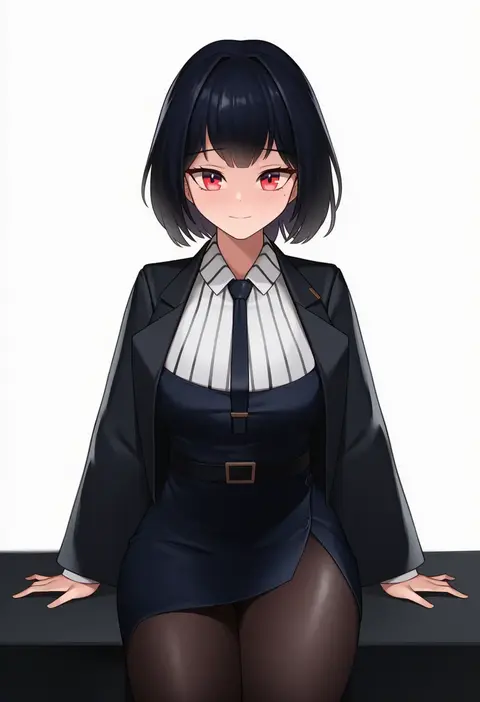
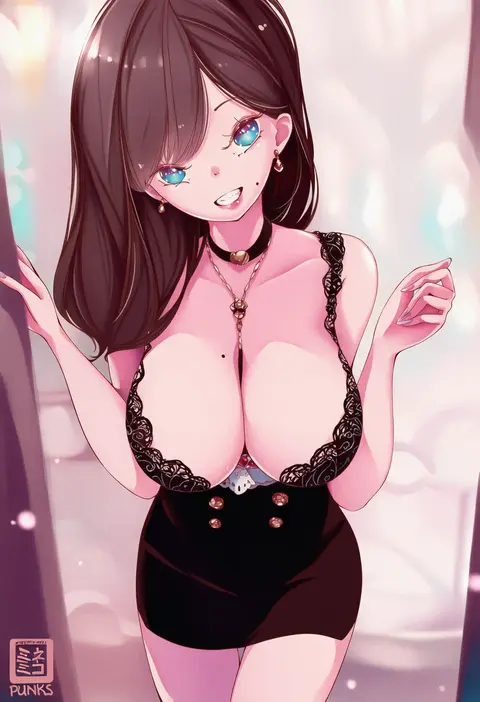
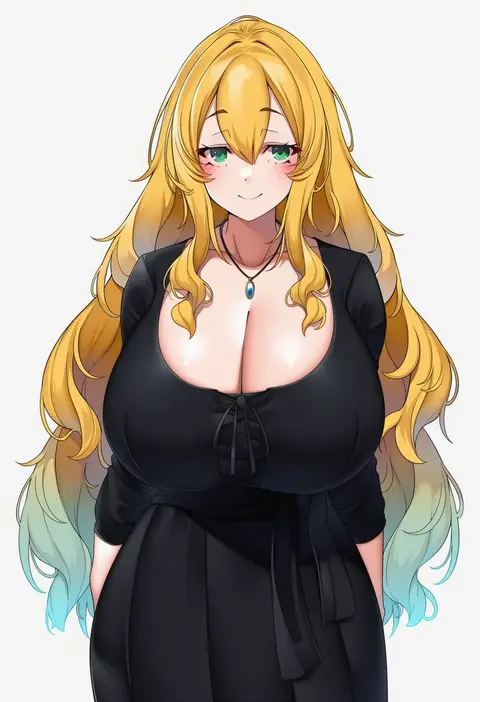
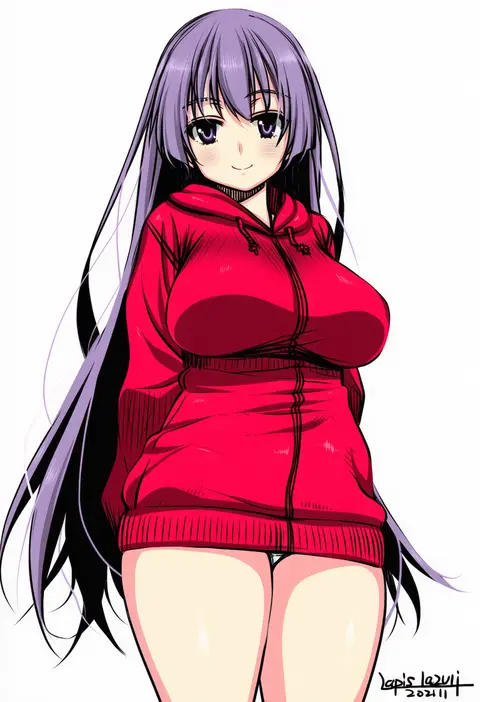
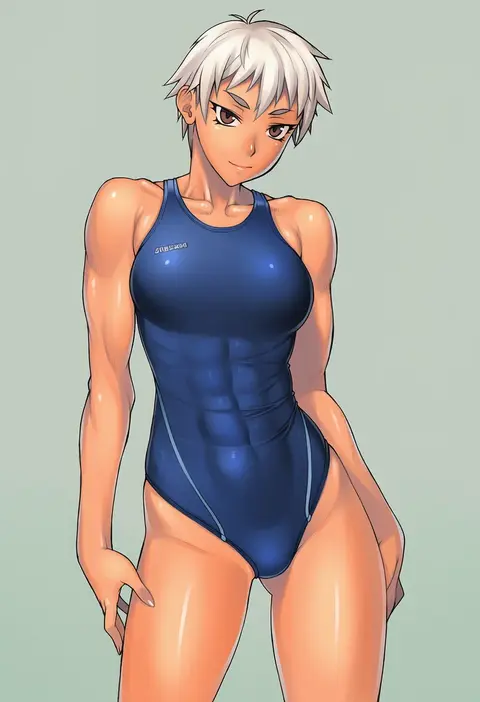
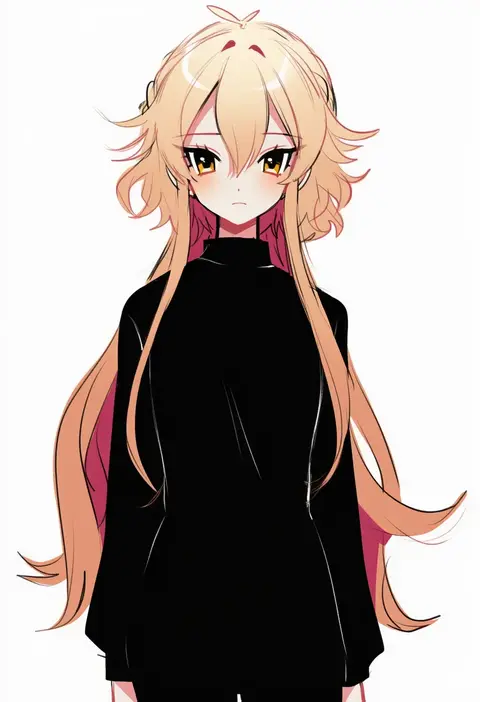
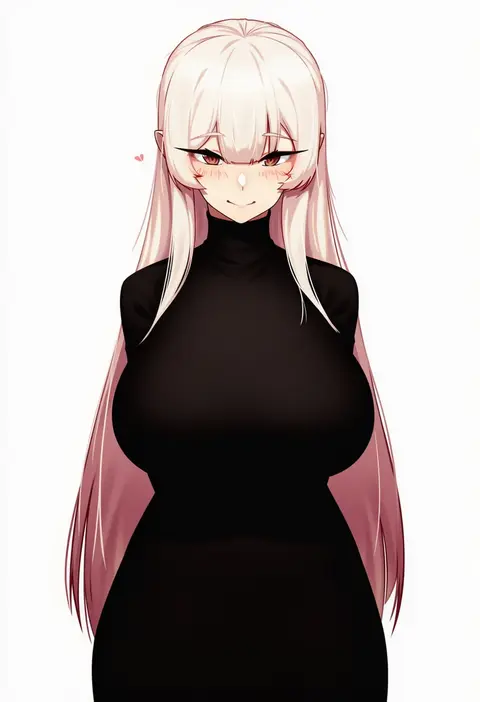
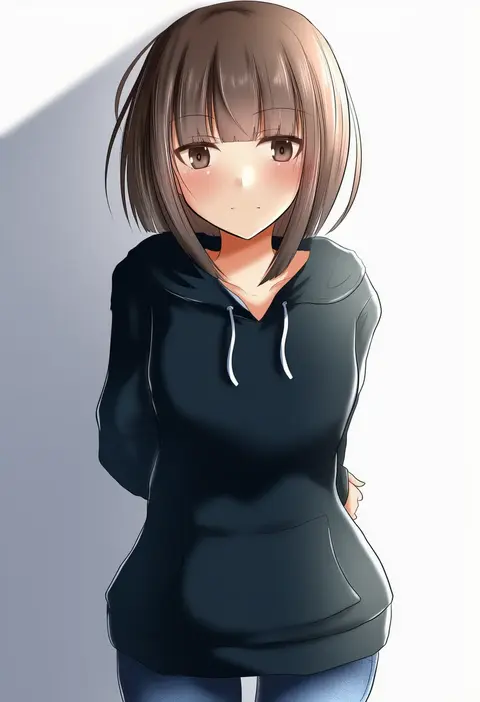
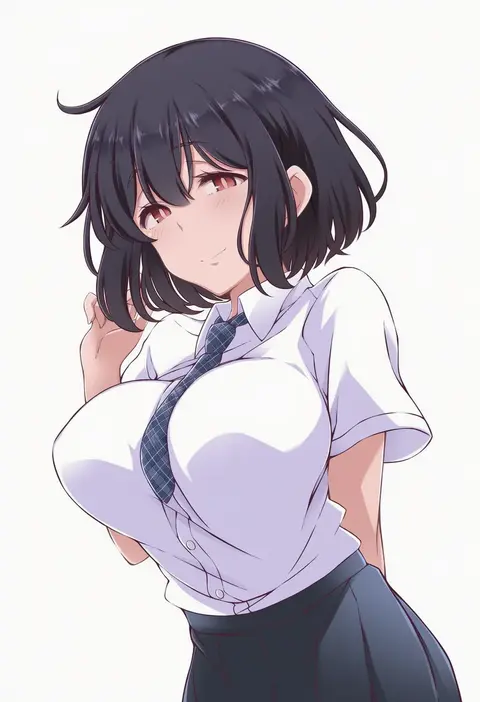
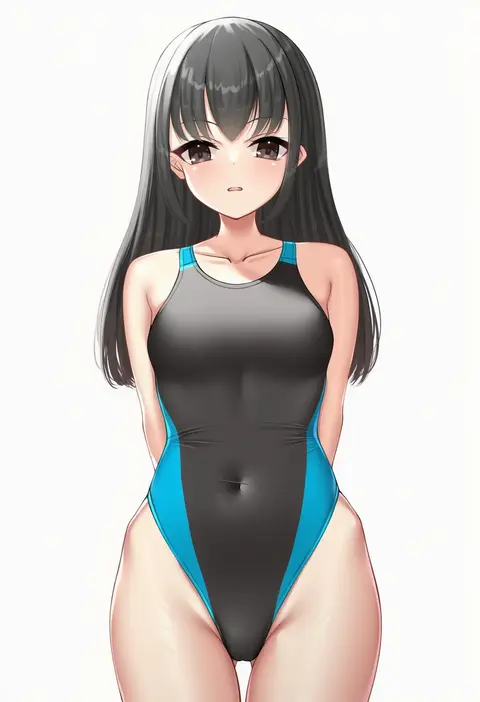
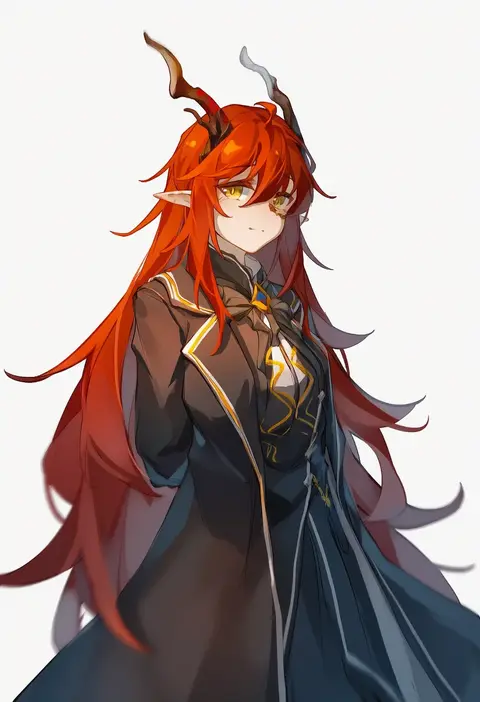
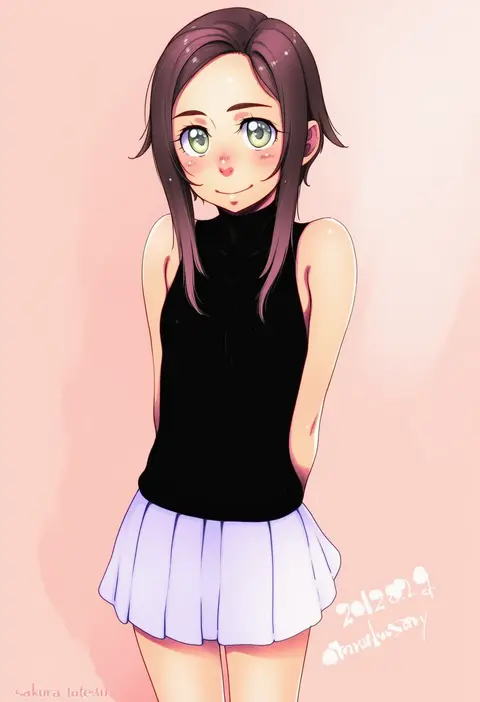
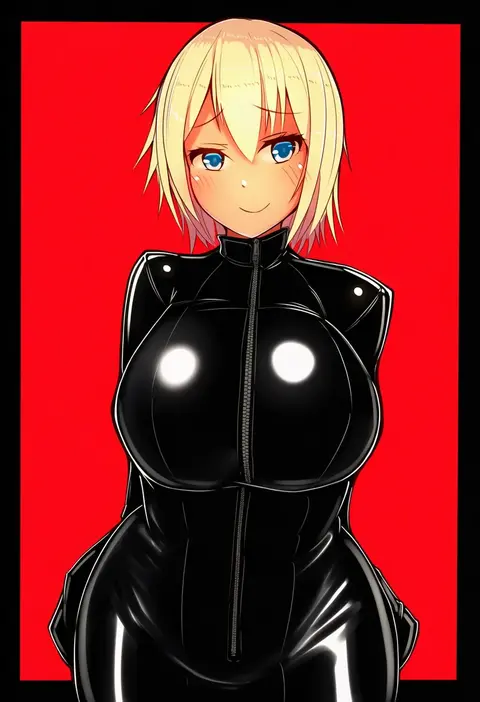
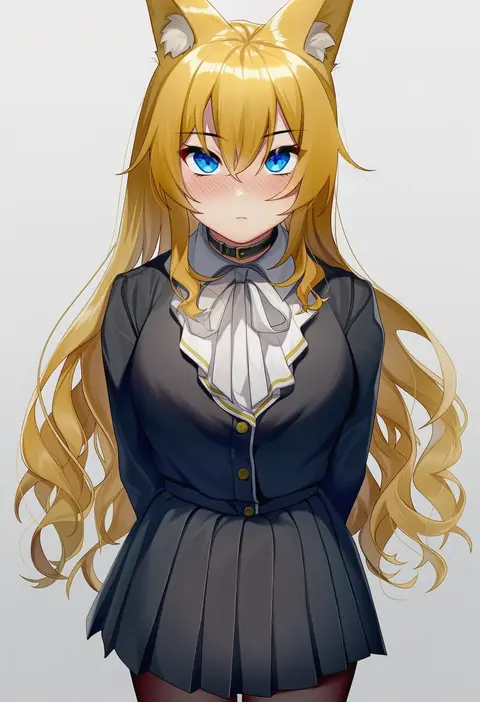
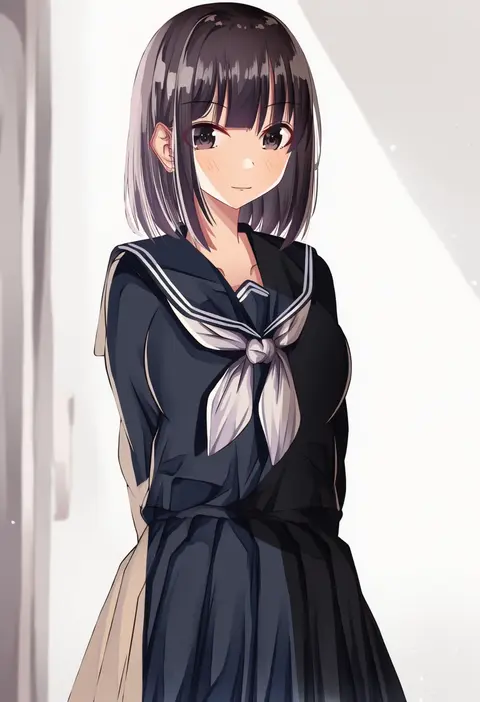
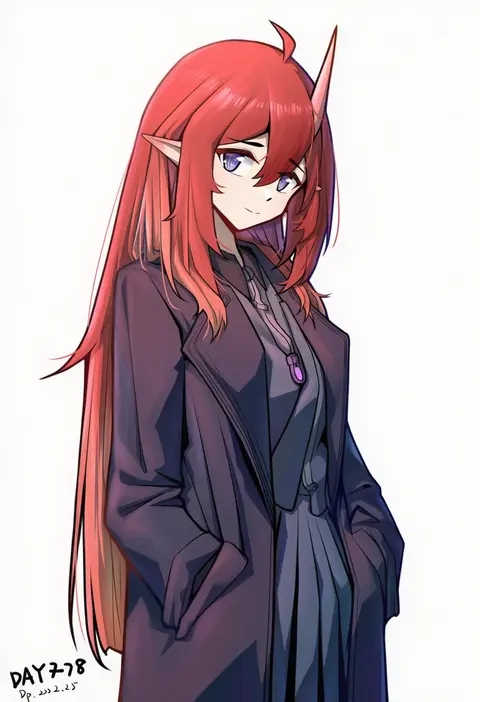
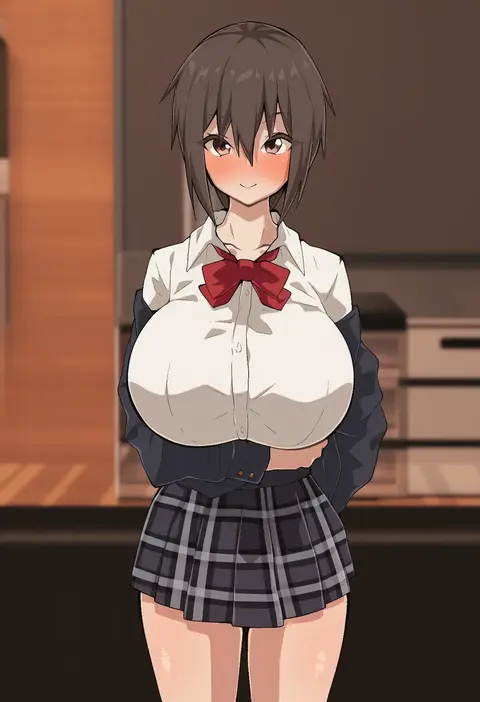
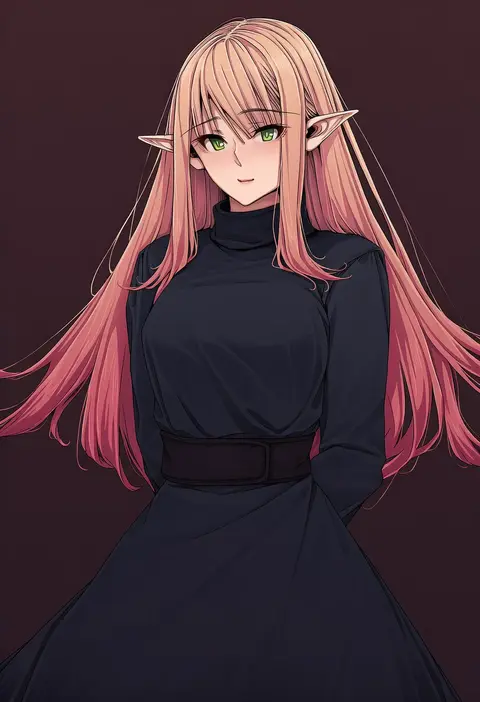
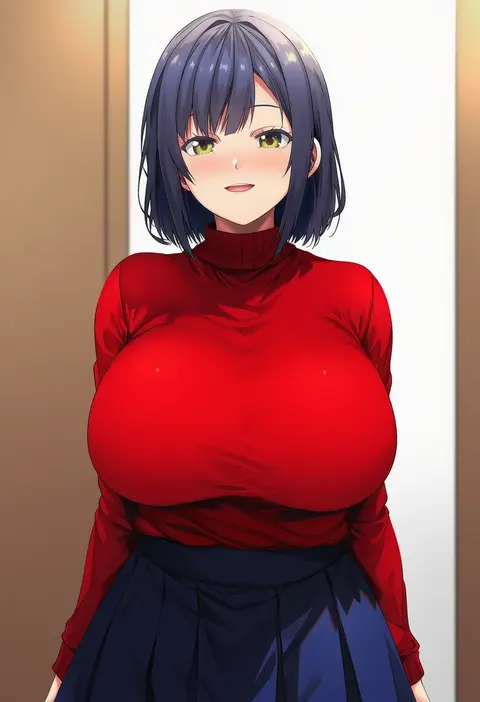
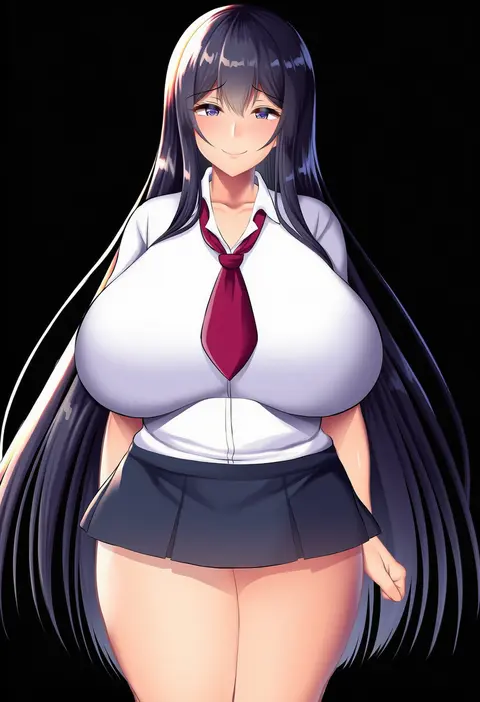
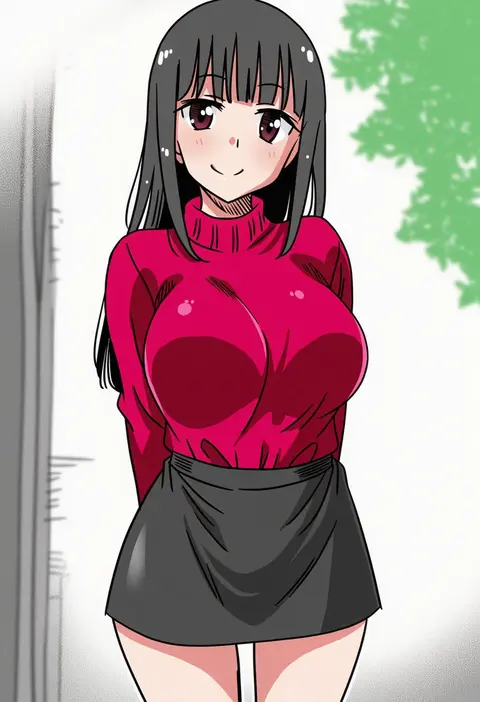
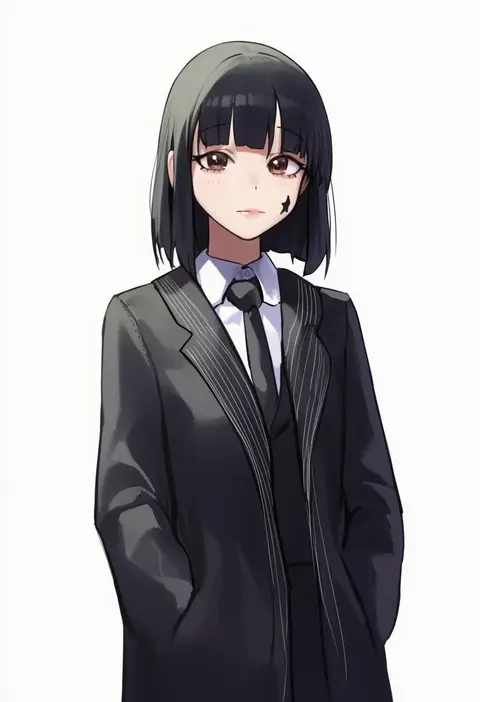
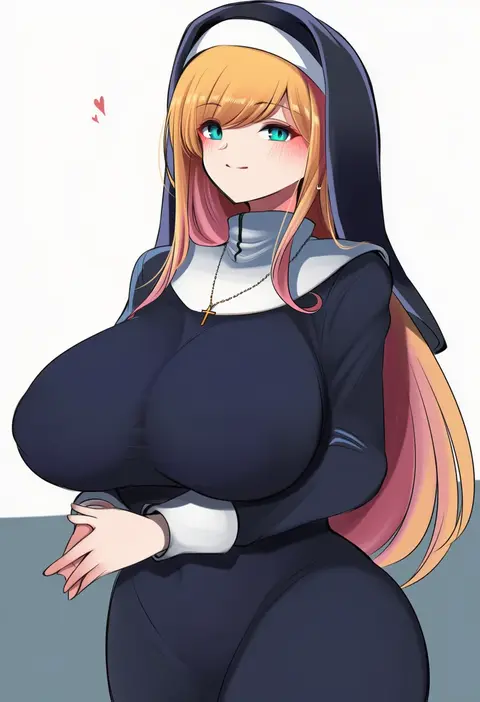
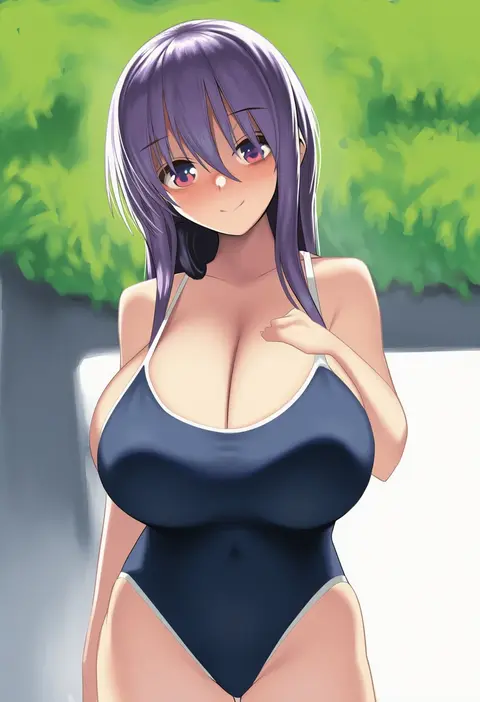
Artist tags tell NovelAI Diffusion to draw in a specific artist's style: line weight, paint texture, face shapes and palette all shift at once. Character and outfit tags decide what is drawn; artist tags decide how. 16,352 tags are listed for V4.5.
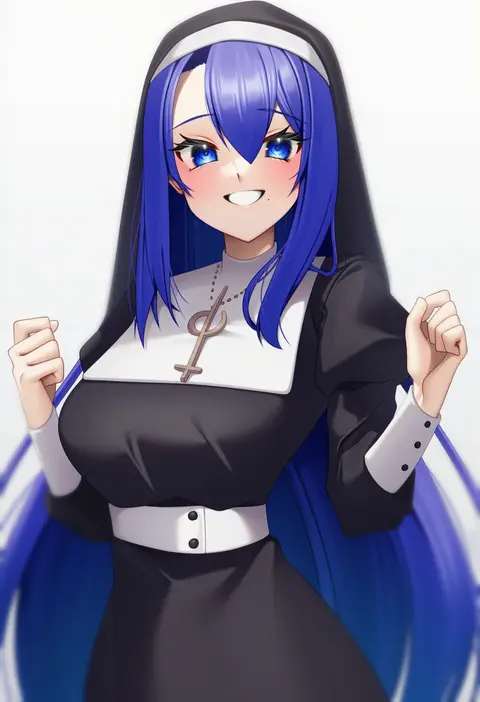
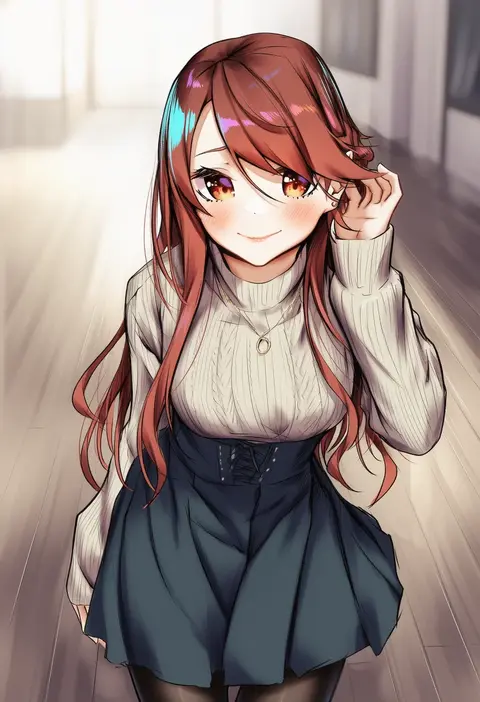
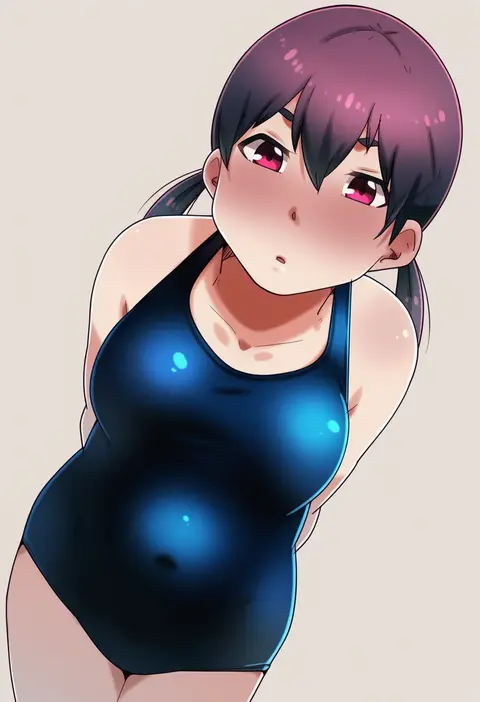
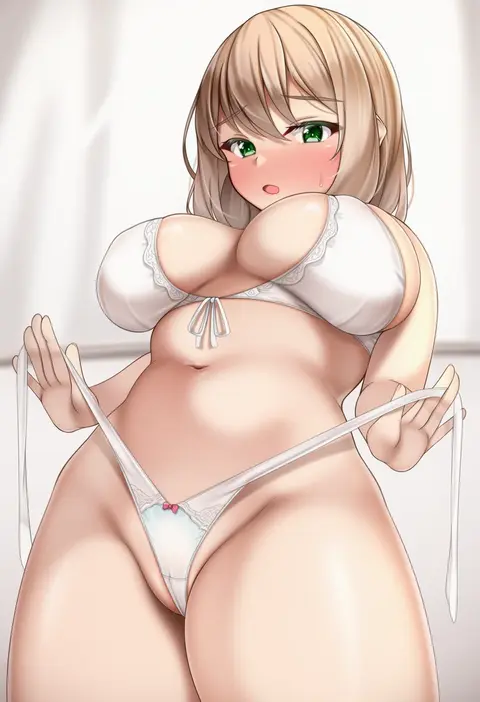
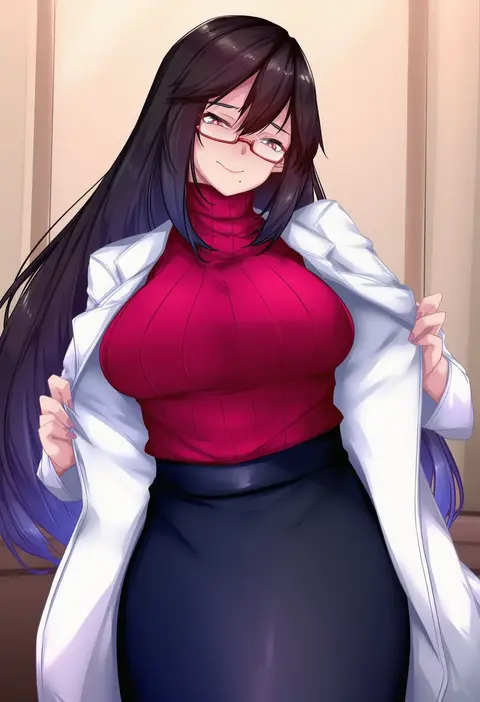
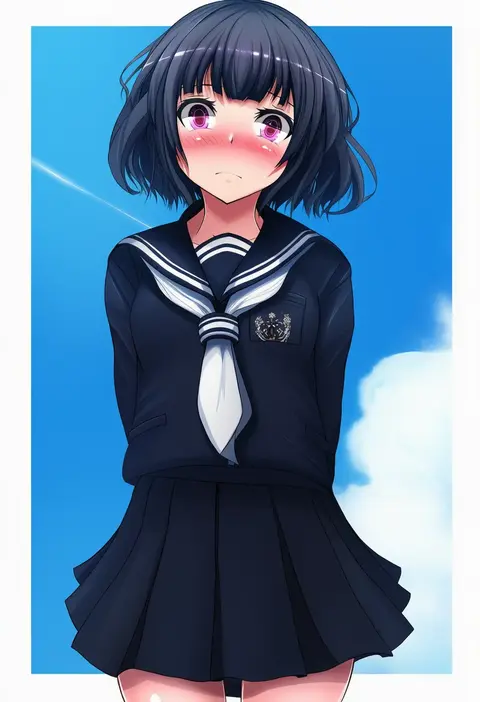
Every tag listed here is verified to react in NovelAI. All images use the same prompt, seed and settings with only the artist tag swapped, so the difference between two images is the style that tag brings in.

How to use them

Put the artist tag near the front of the prompt, e.g. "<artist>, 1girl, solo, best quality, masterpiece, cowboy shot". Two or three artist tags blend styles; lower the weight with "0.8::<artist>::" when the style overpowers the character.

SCORE sorts by Danbooru's top score, POSTS by post count, FAVS by hearts on this site. Open a card to see V5 and V4.5 side by side on the same seed.

V5 vs V4.5

V5 usually lands closer to the artist's real style, and tags that did nothing on V4.5 often react on V5. V4.5 still fits older and doujin-heavy artists better. Try V5 first, fall back to V4.5.

FAQ

Where does the artist tag go?
Near the front of the prompt. Use "0.8::tag::" to adjust its weight.

Can I stack artist tags?
Yes, styles blend. Past two or three the result stops looking like anyone.

Are these the artists' own works?
No. Every image is a NovelAI sample generated from the tag.