V4.5Artists
sort: FAVS▾
▾
>
$

NovelAI Artist Tags List — V4.5

artist --count 16,352[82/273]
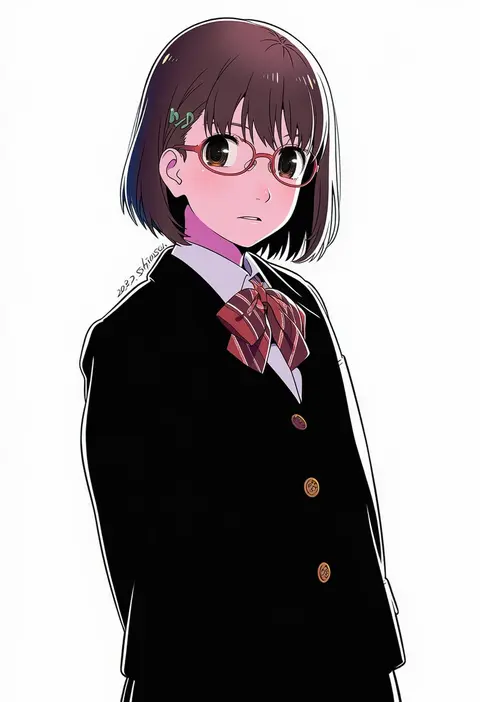
shiwasu takashi
ARTIST0x12FC
0
miemia
ARTIST0x12FD
0
kate (alice catharsis)
ARTIST0x12FE
0
taitai
ARTIST0x12FF
0
karepack
ARTIST0x1300
0
miyai (myai04)
ARTIST0x1301
0
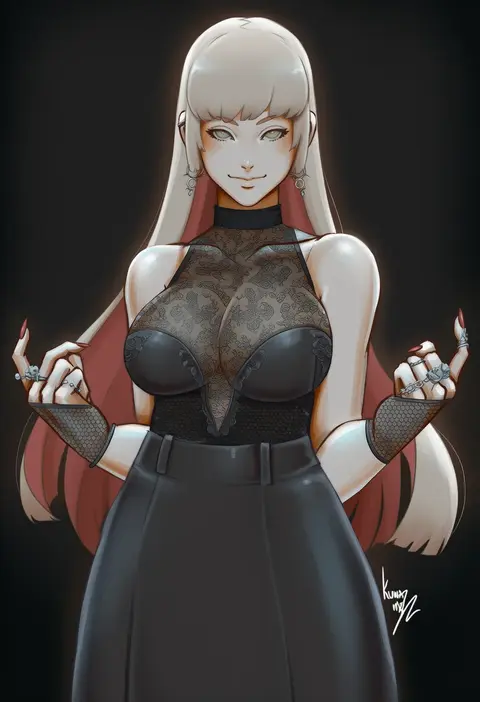
kumanz
ARTIST0x1302
0
tsuji santa
ARTIST0x1303
0
sen (astronomy)
ARTIST0x1304
0
cura
ARTIST0x1305
0
liz (piyoko piyop)
ARTIST0x1306
0
sparrowl
ARTIST0x1307
0
itohana
ARTIST0x1308
0
hayama kazusa
ARTIST0x1309
0
258n
ARTIST0x130A
0
usagi nagomu
ARTIST0x130B
0
tororo ten
ARTIST0x130C
0
solcha
ARTIST0x130D
0
veyonis
ARTIST0x130E
0
lemon snail
ARTIST0x130F
0
kztk
ARTIST0x1310
0
purasu (puni101010)
ARTIST0x1311
0
rasupekuto
ARTIST0x1312
0
kobayashi chisato
ARTIST0x1313
0
miyama-zero
ARTIST0x1314
0
nyan (reinyan 007)
ARTIST0x1315
0
kanaria hisagi
ARTIST0x1316
0
suruga kreuz
ARTIST0x1317
0
evan yang
ARTIST0x1318
0
alkemanubis
ARTIST0x1319
0
focke wulf
ARTIST0x131A
0
dan evan
ARTIST0x131B
0
hayakawa pao
ARTIST0x131C
0
furisuku
ARTIST0x131D
0
inre kemomimi
ARTIST0x131E
0
hyonee
ARTIST0x131F
0
cain (gunnermul)
ARTIST0x1320
0
yuichi ishikawa
ARTIST0x1321
0
mamaprofennn
ARTIST0x1322
0
captain kirb
ARTIST0x1323
0
mud (artist)
ARTIST0x1324
0
kaiga
ARTIST0x1325
0
sakiryo kanna
ARTIST0x1326
0
shefu
ARTIST0x1327
0
shouna mitsuishi
ARTIST0x1328
0
jean.organ
ARTIST0x1329
0
asgykk
ARTIST0x132A
0
radiostarkiller
ARTIST0x132B
0
grimmelsdathird
ARTIST0x132C
0
kayumidome
ARTIST0x132D
0
hecha (01964237)
ARTIST0x132E
0
crystal shoujo
ARTIST0x132F
0
ddolggol
ARTIST0x1330
0
mizuno sao
ARTIST0x1331
0
kawabata yoshihiro
ARTIST0x1332
0
hidarikiki
ARTIST0x1333
0
nagul
ARTIST0x1334
0
muririn
ARTIST0x1335
0
cai geng
ARTIST0x1336
0
matsumotoke
ARTIST0x1337
0

What these tags change

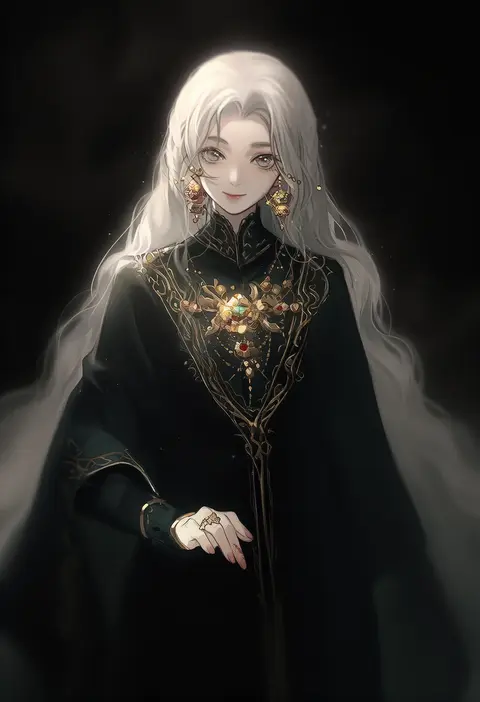
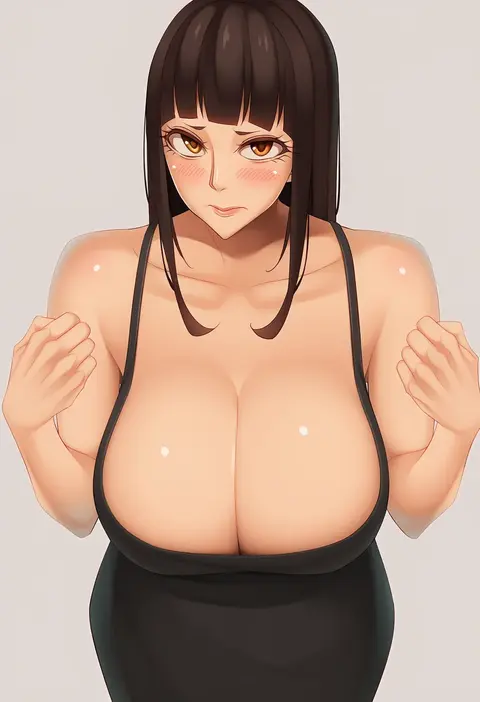
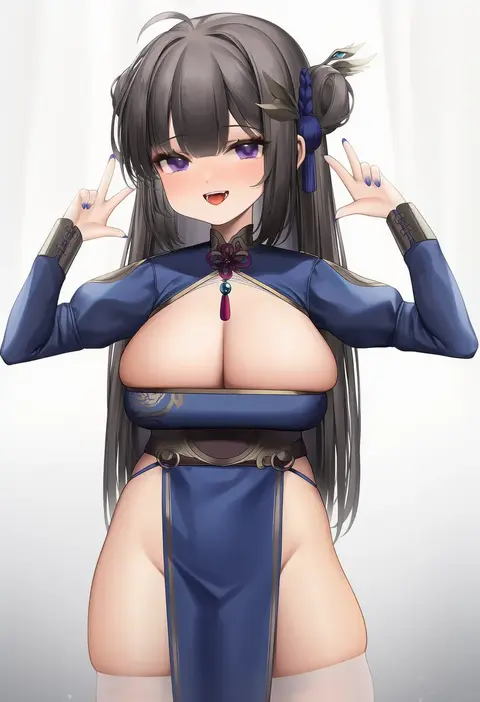
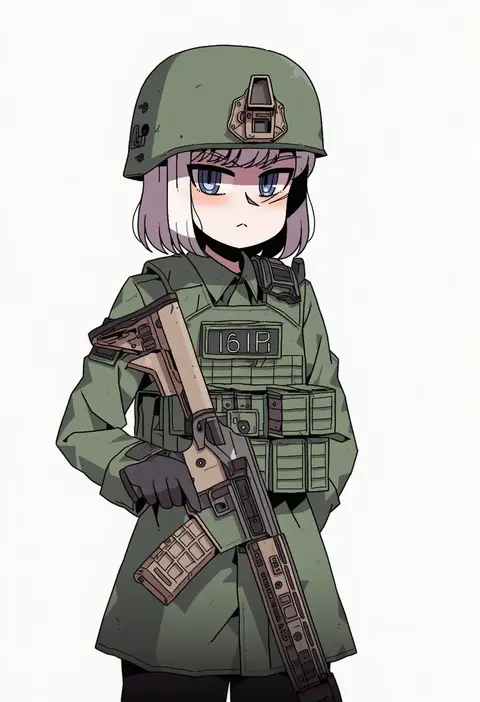
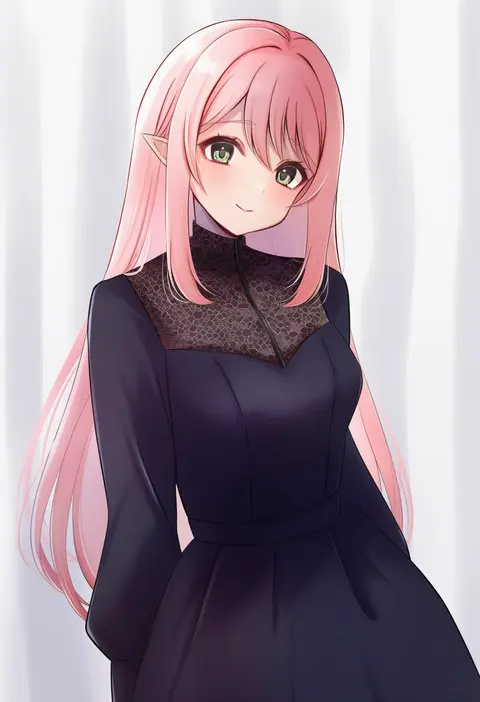
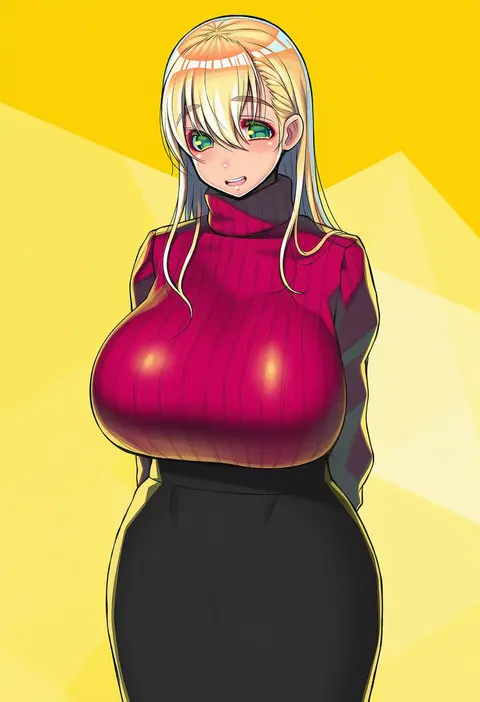
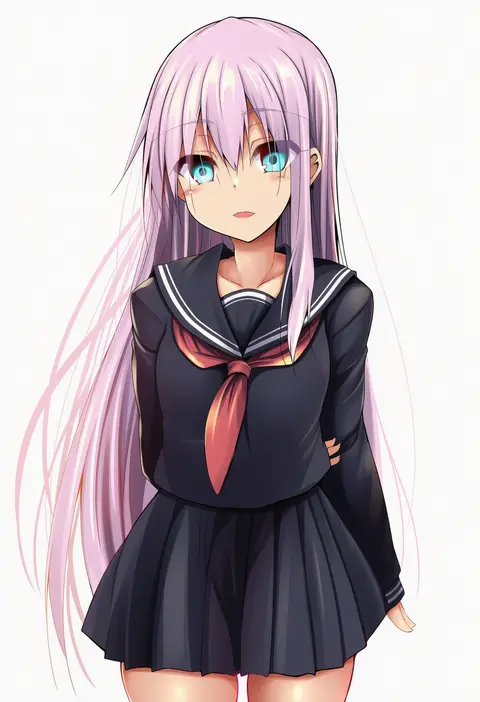
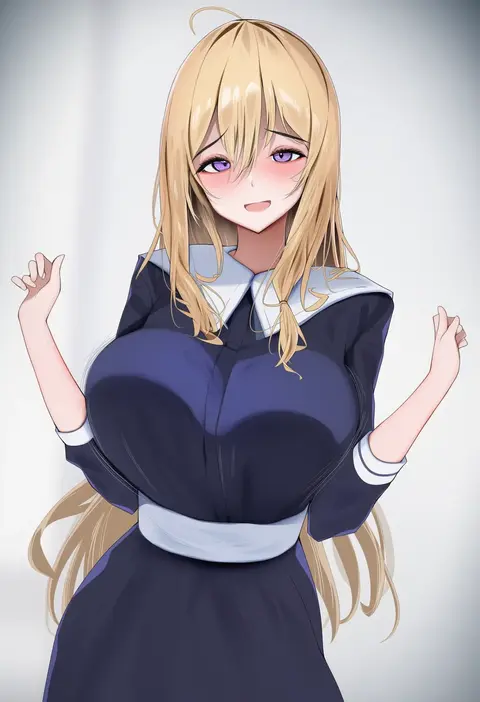
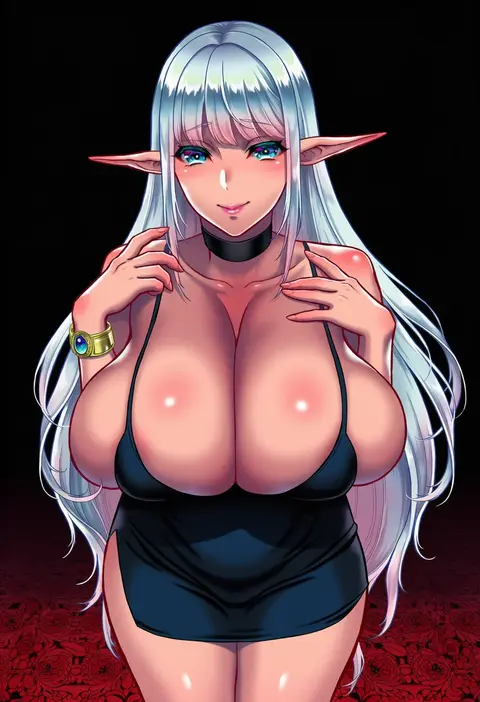
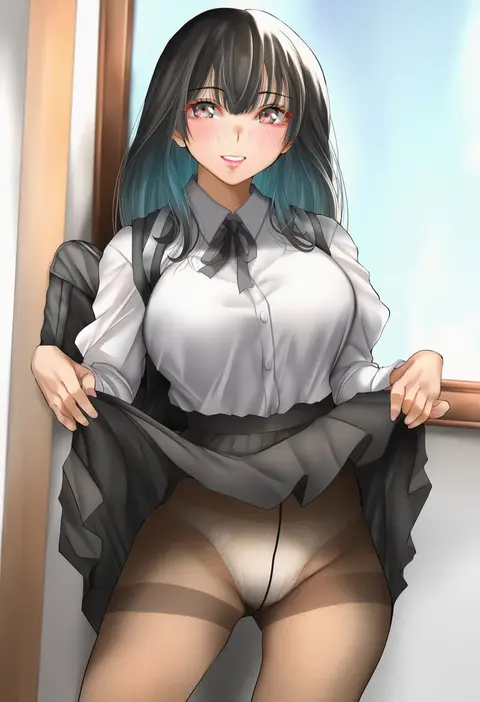
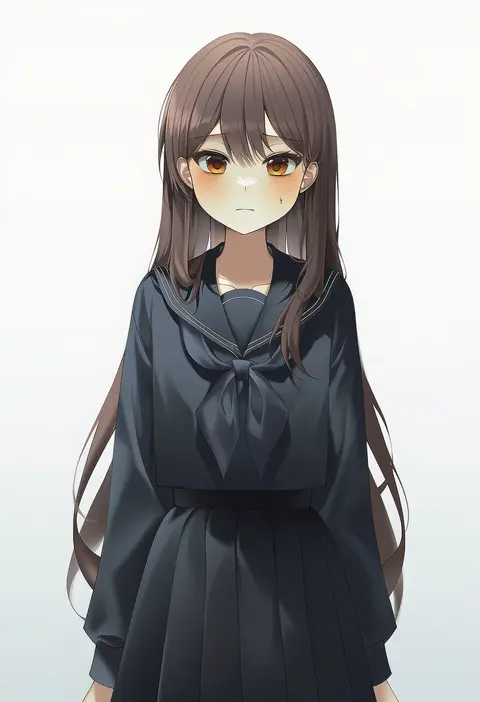
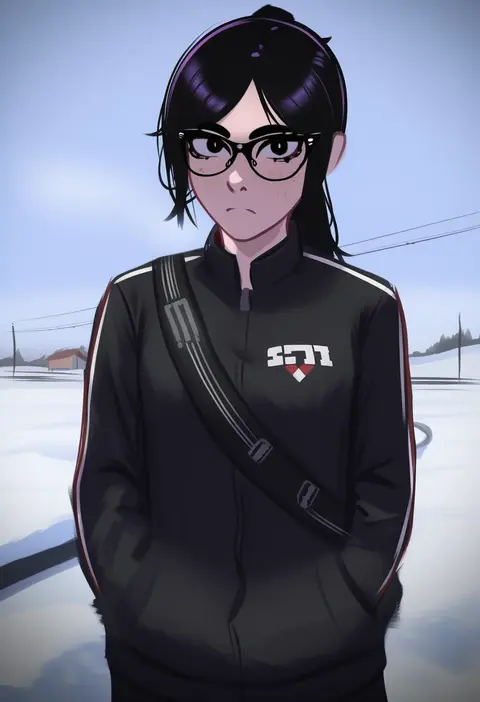
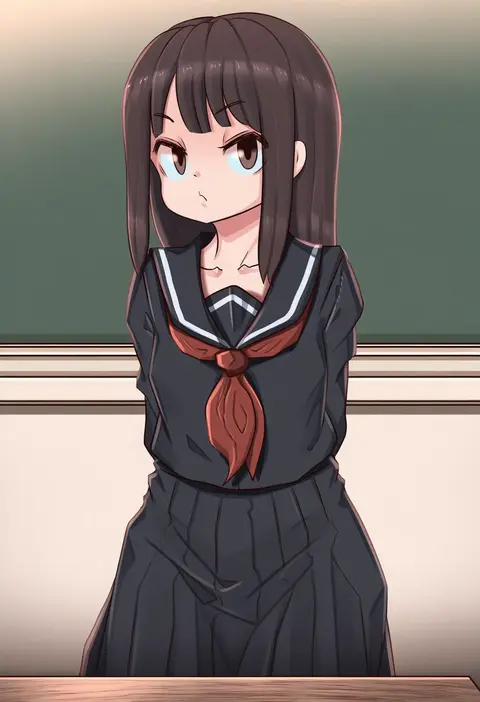
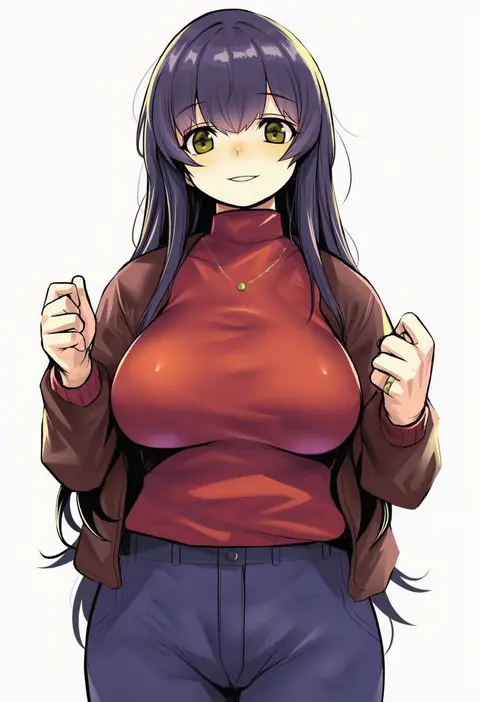
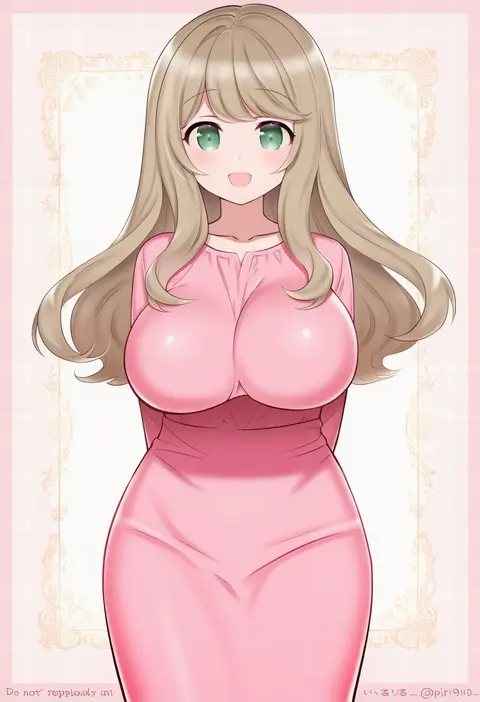
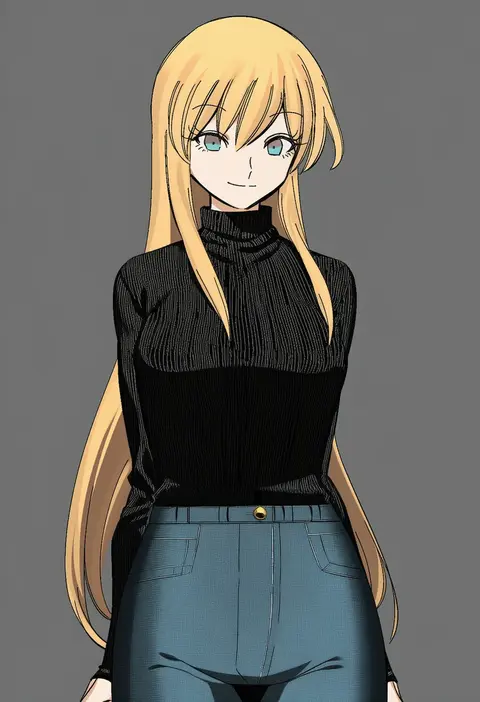
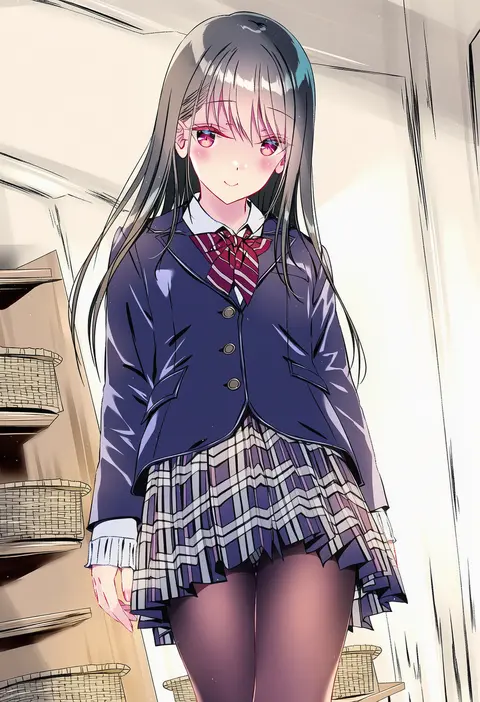
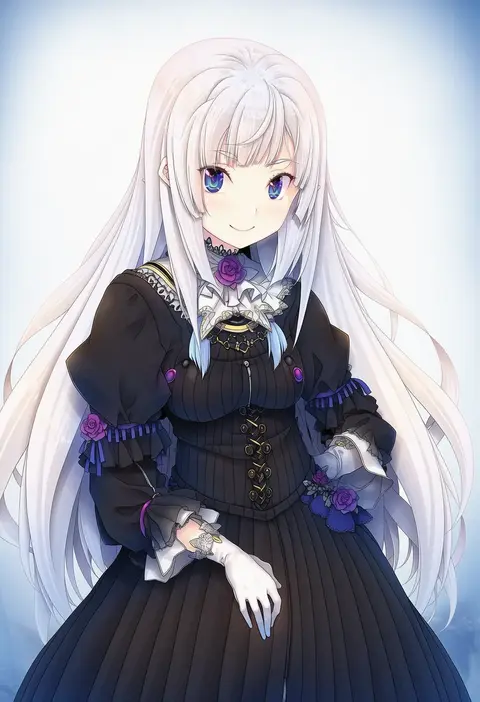
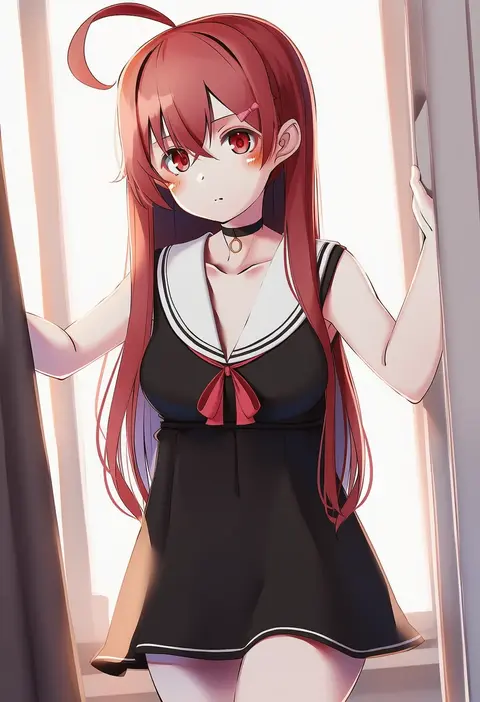
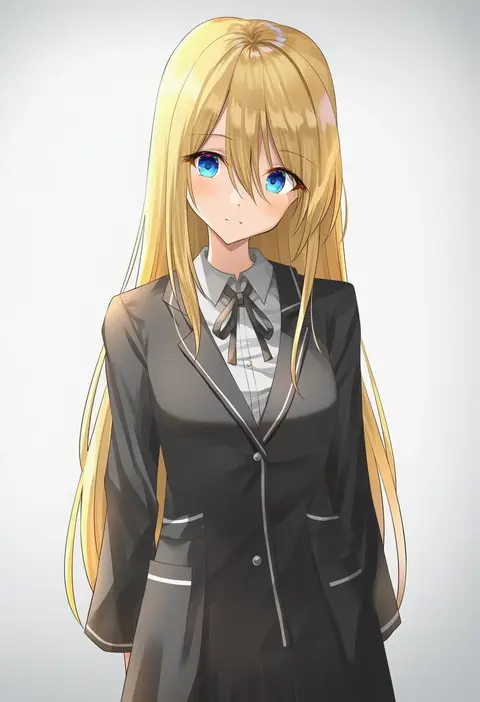
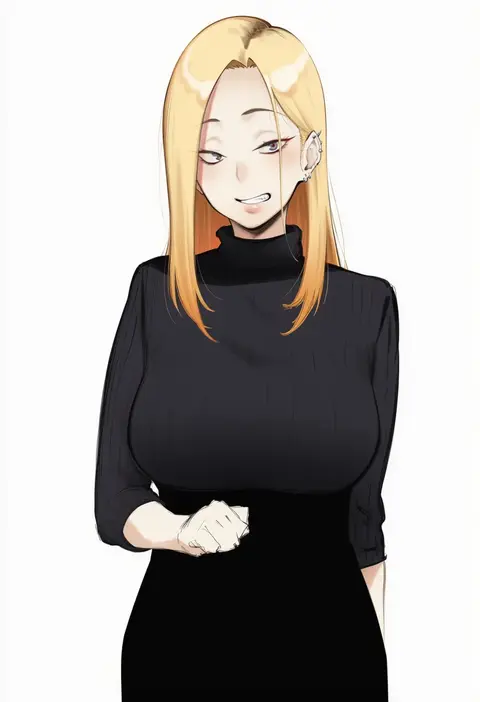
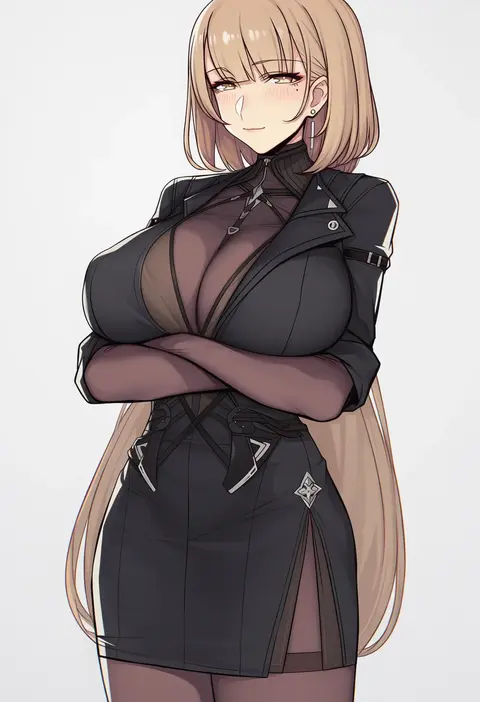
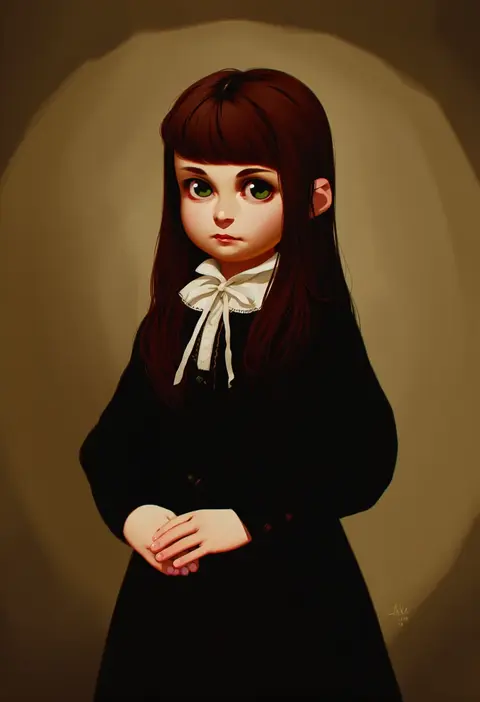
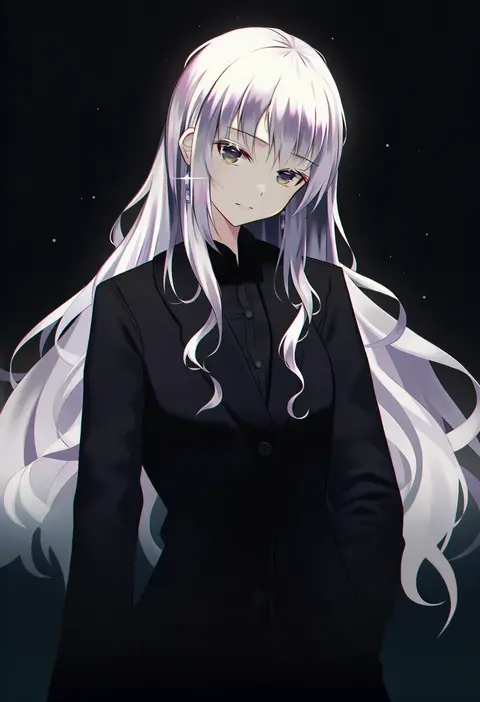
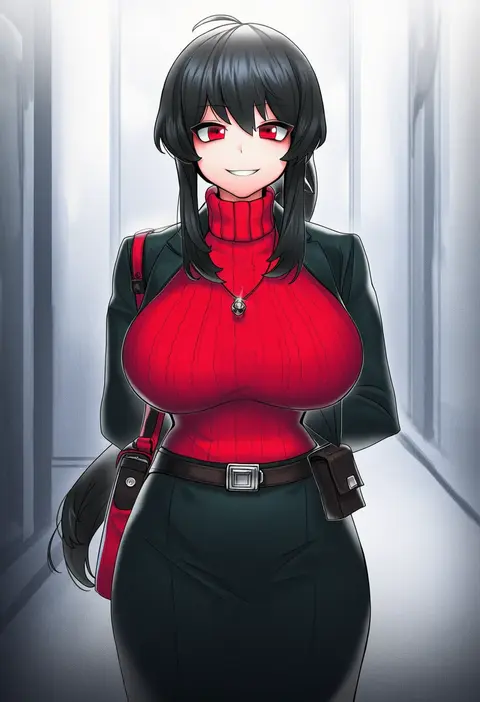
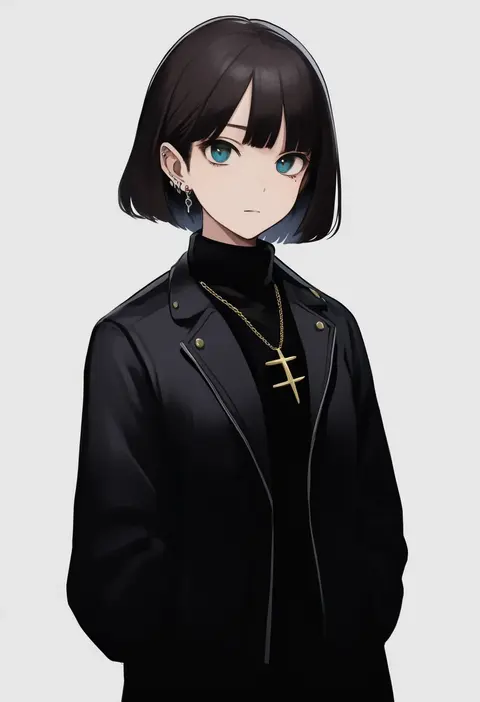
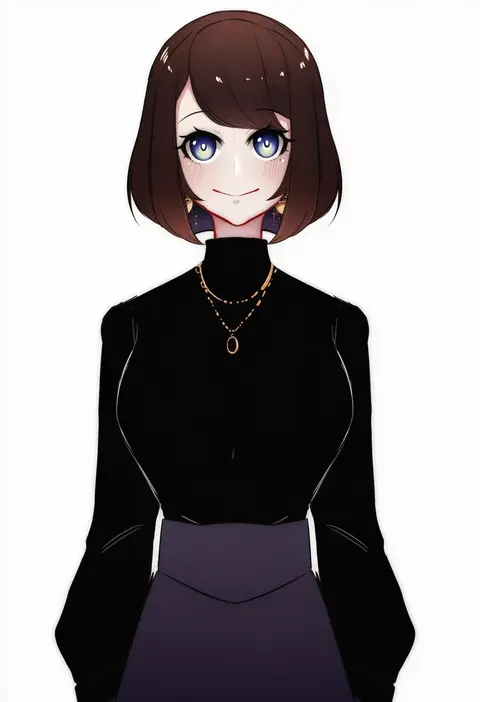
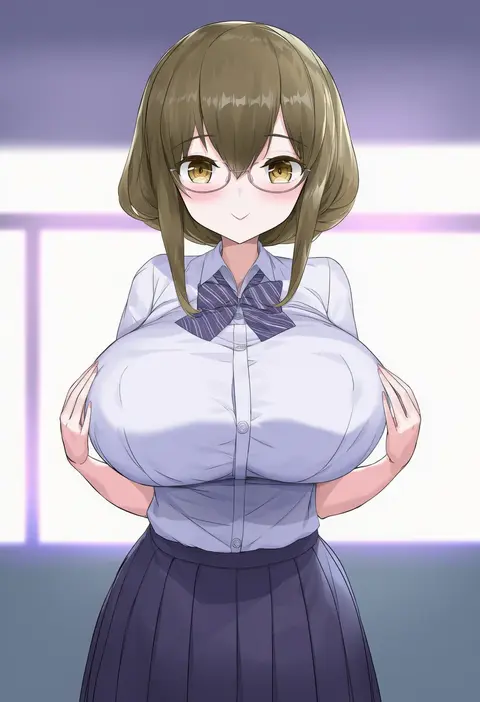
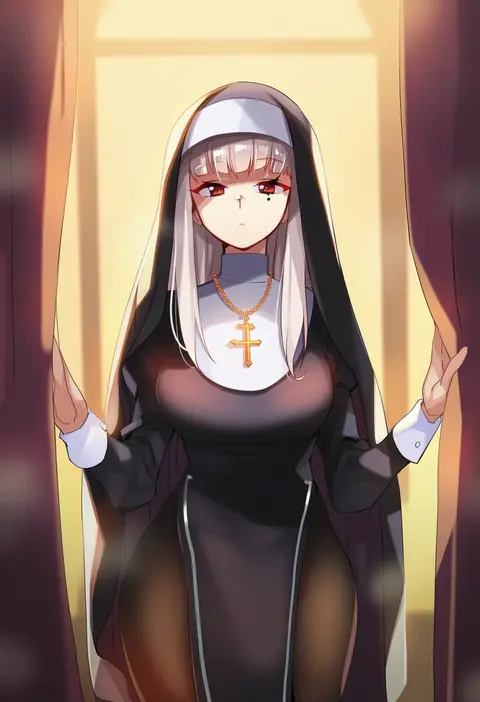
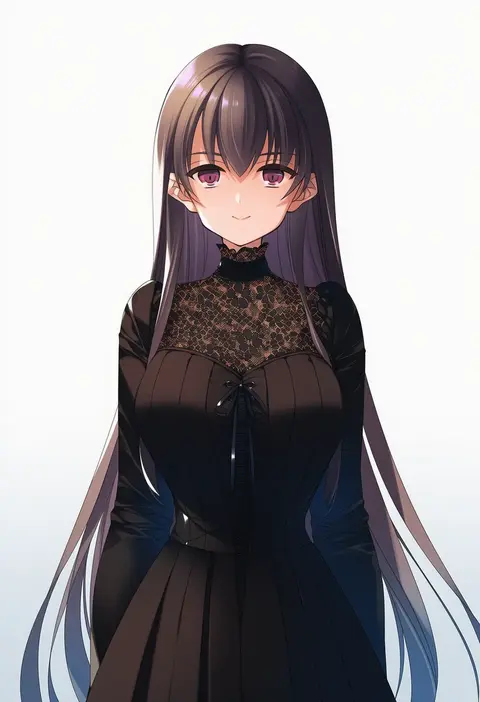
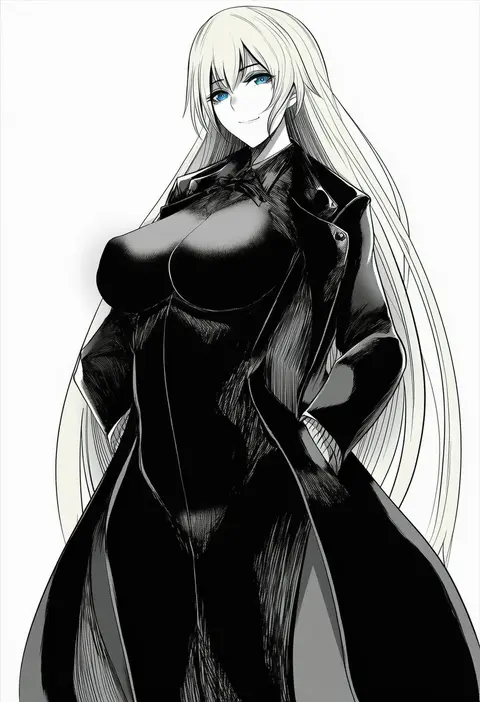
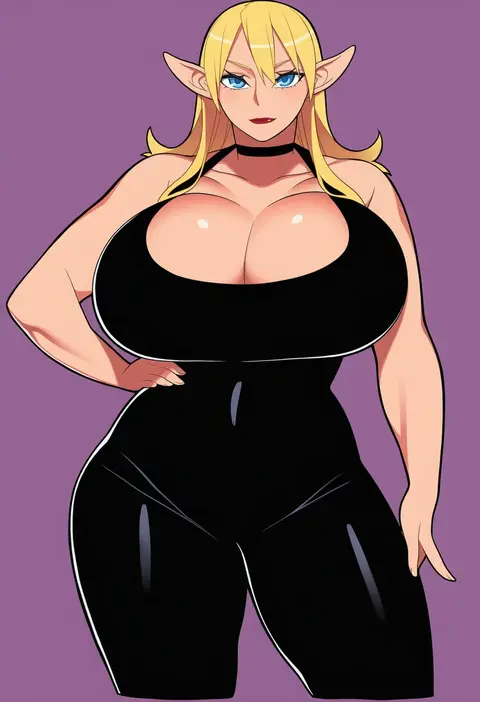
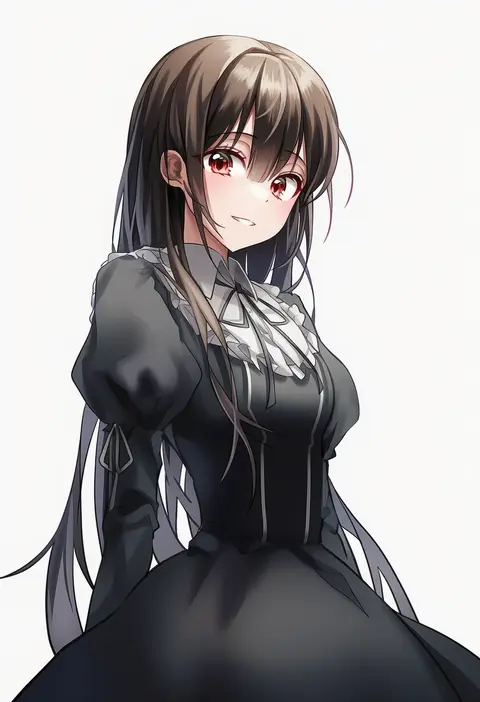
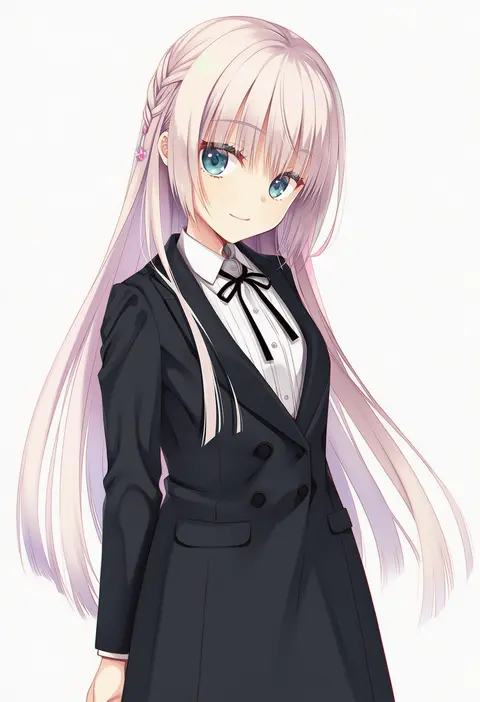
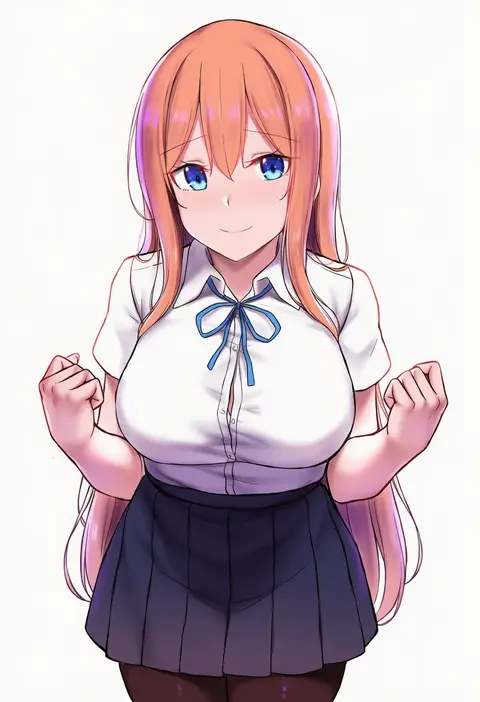
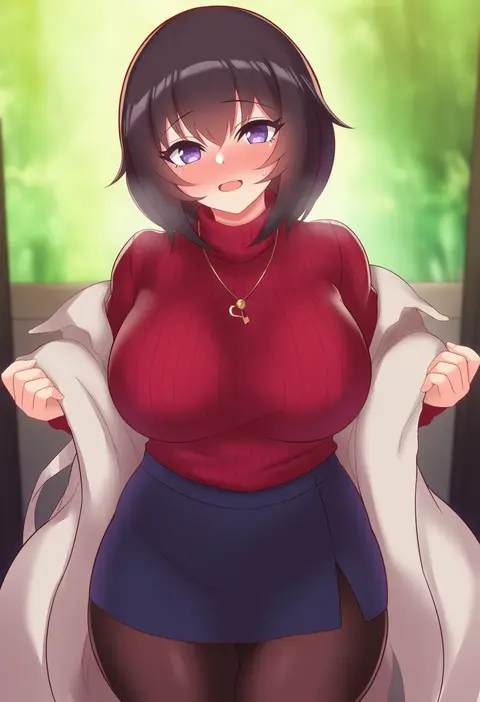
Artist tags tell NovelAI Diffusion to draw in a specific artist's style: line weight, paint texture, face shapes and palette all shift at once. Character and outfit tags decide what is drawn; artist tags decide how. 16,352 tags are listed for V4.5.
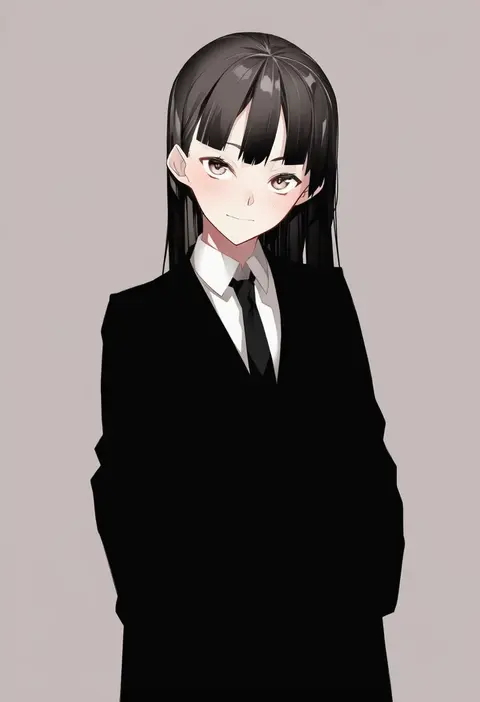
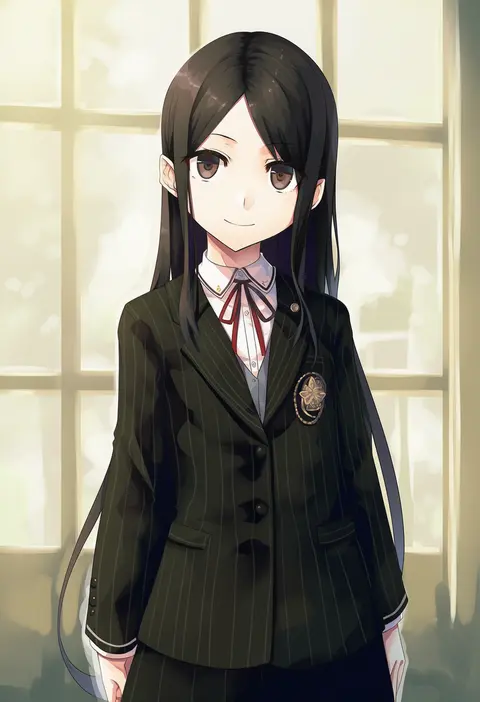
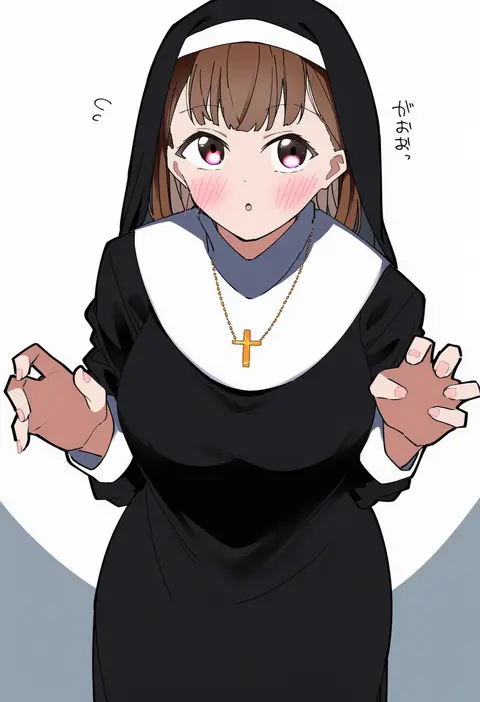
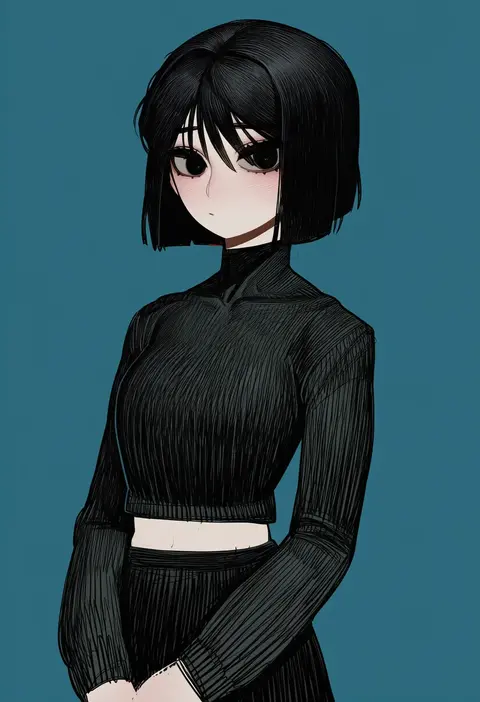
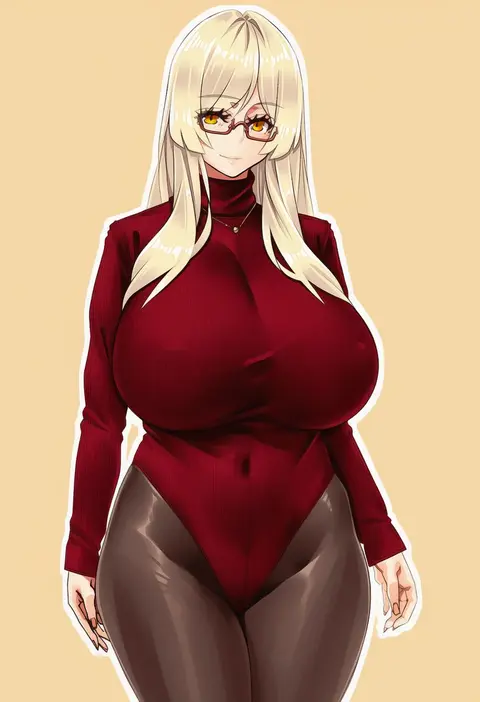
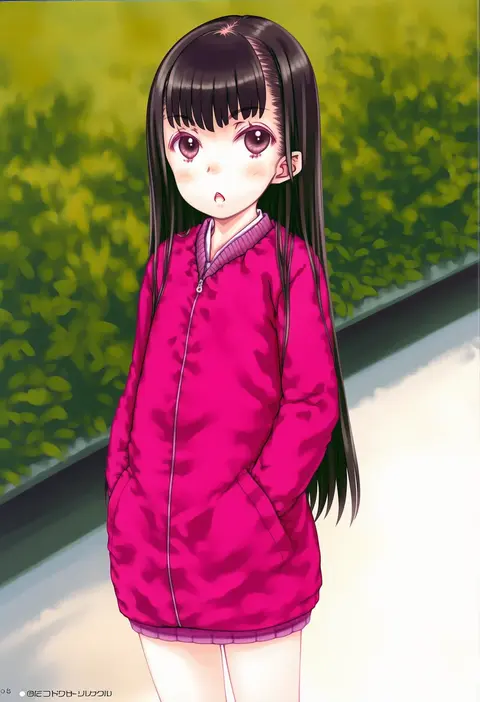
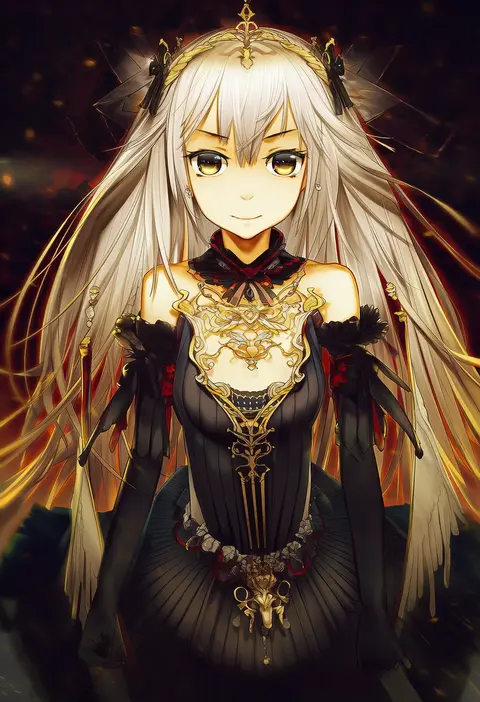
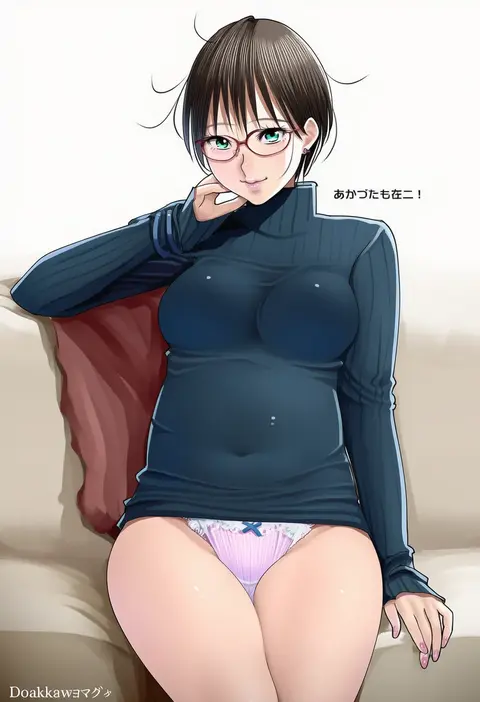
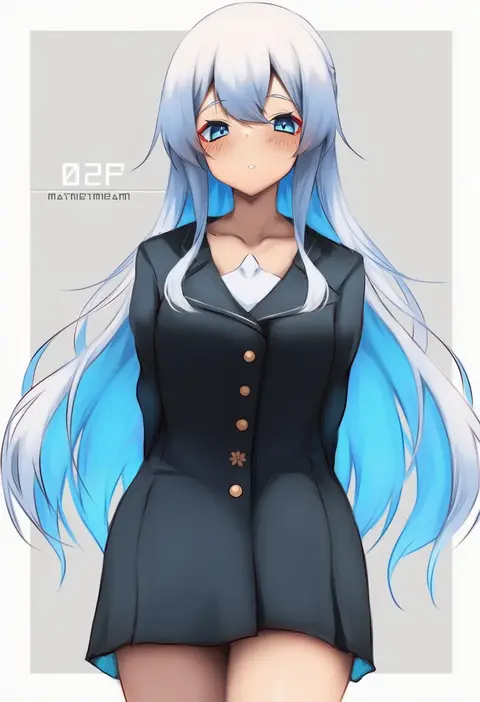
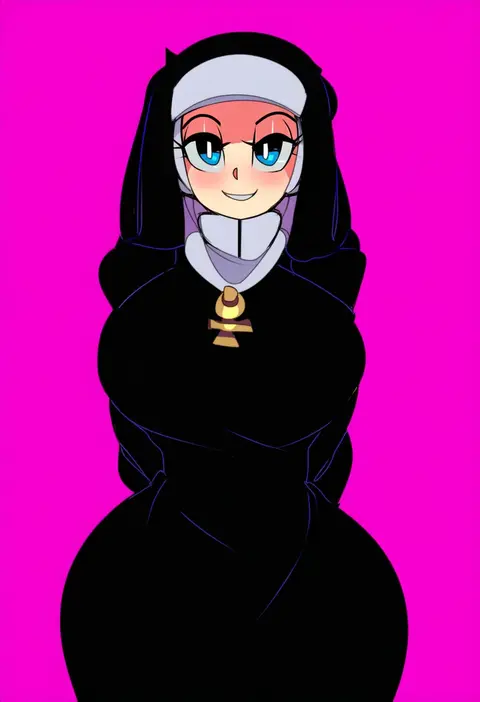
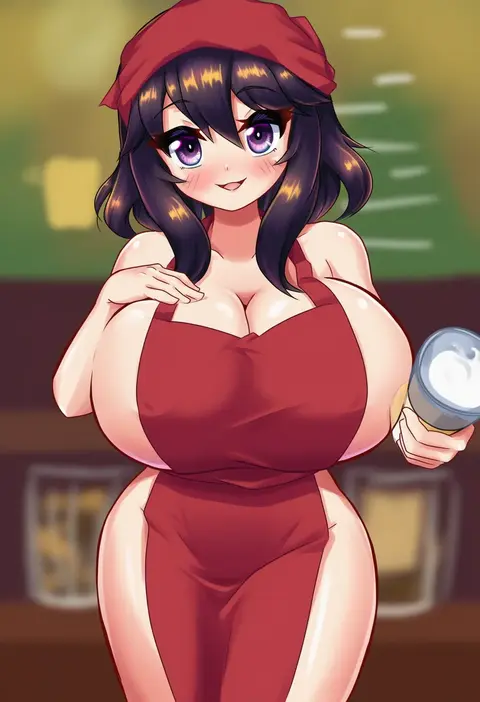
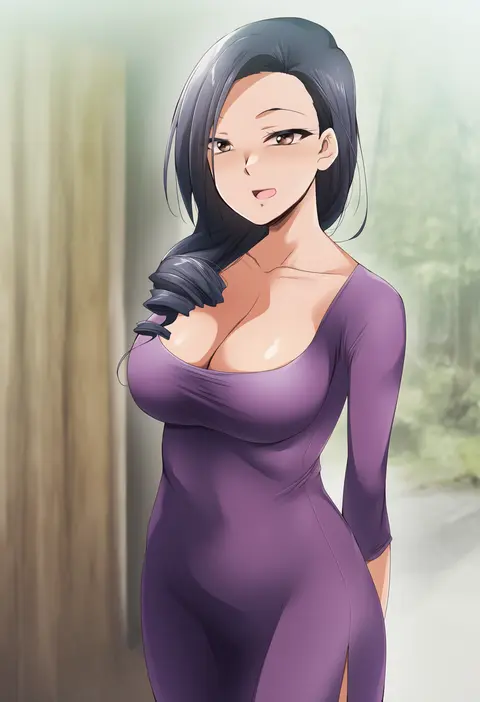
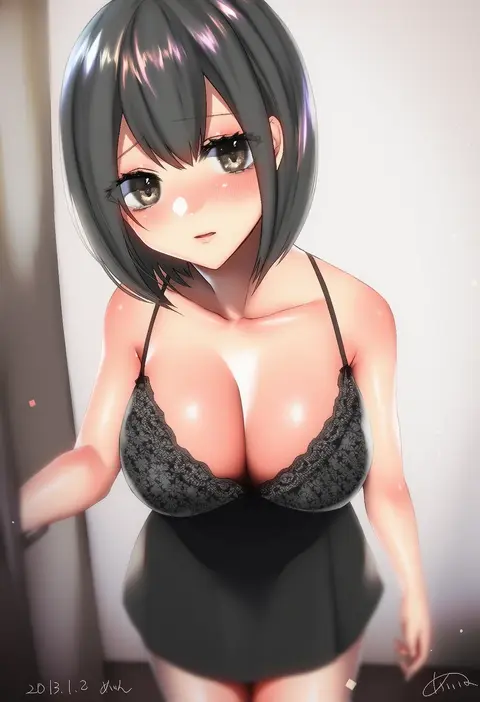
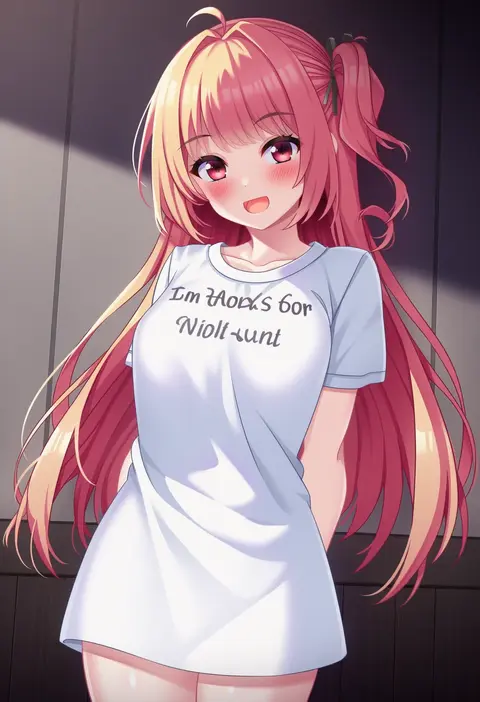
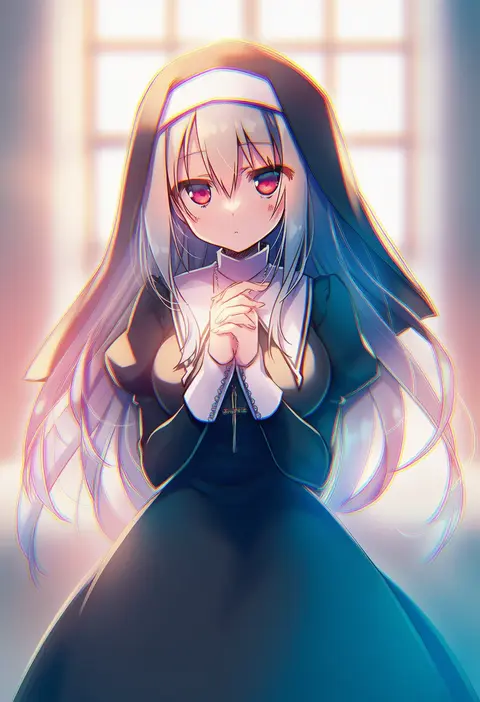
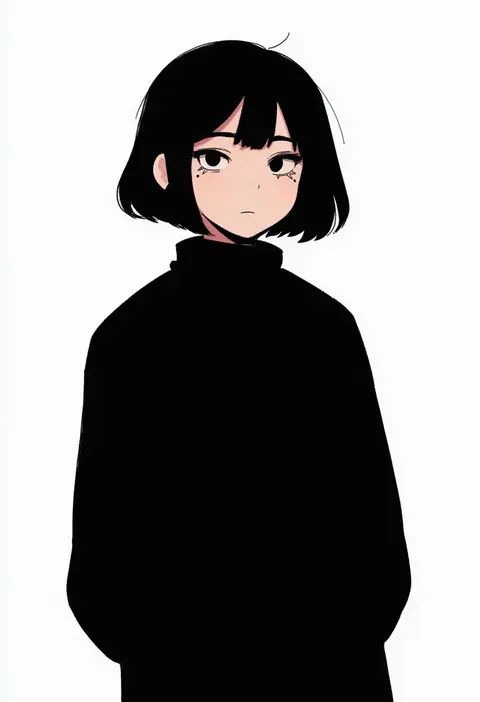
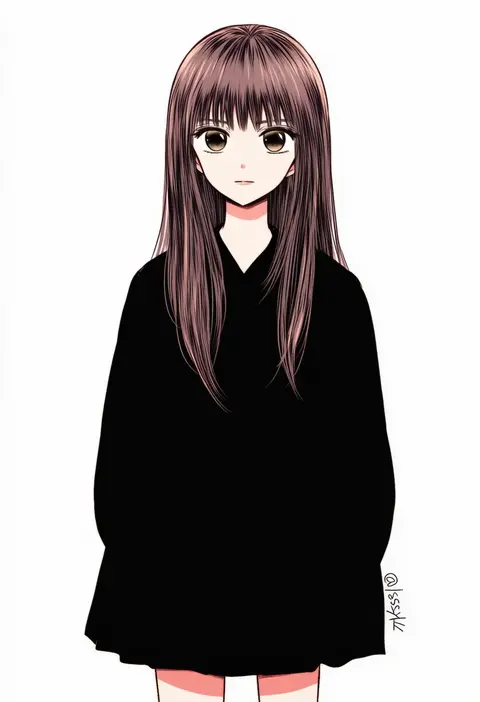
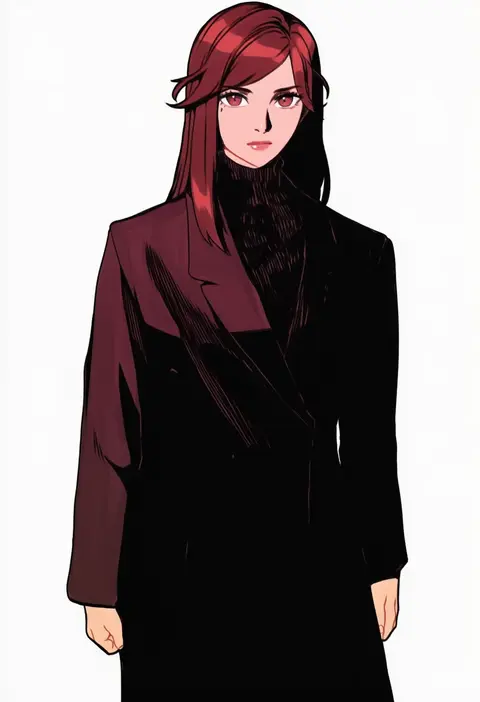
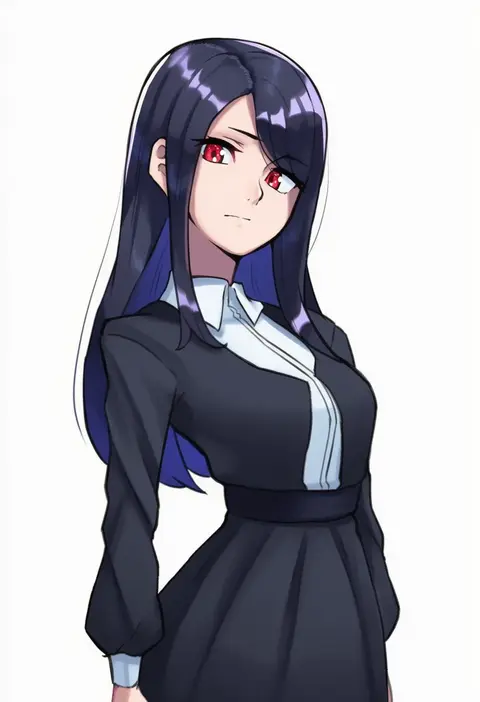
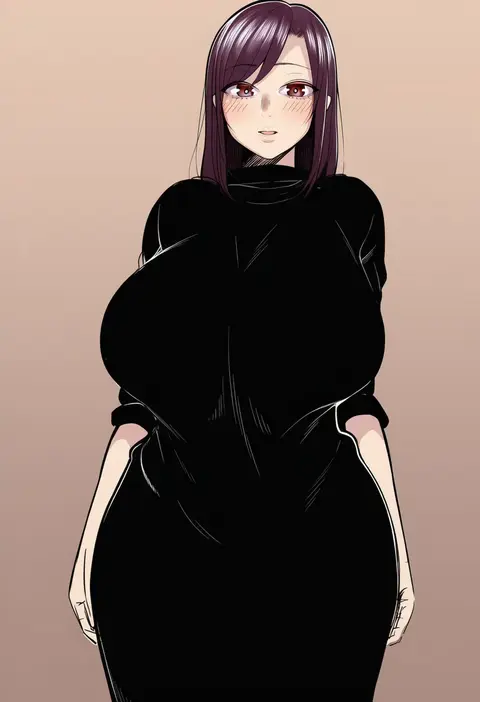
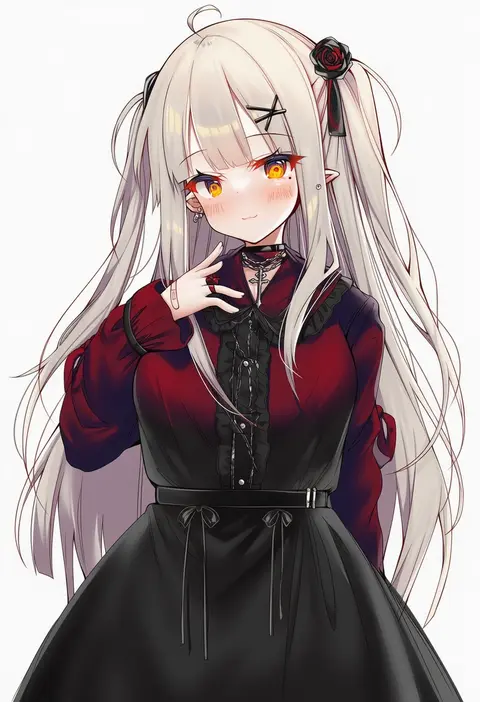
Every tag listed here is verified to react in NovelAI. All images use the same prompt, seed and settings with only the artist tag swapped, so the difference between two images is the style that tag brings in.

How to use them

Put the artist tag near the front of the prompt, e.g. "<artist>, 1girl, solo, best quality, masterpiece, cowboy shot". Two or three artist tags blend styles; lower the weight with "0.8::<artist>::" when the style overpowers the character.

SCORE sorts by Danbooru's top score, POSTS by post count, FAVS by hearts on this site. Open a card to see V5 and V4.5 side by side on the same seed.

V5 vs V4.5

V5 usually lands closer to the artist's real style, and tags that did nothing on V4.5 often react on V5. V4.5 still fits older and doujin-heavy artists better. Try V5 first, fall back to V4.5.

FAQ

Where does the artist tag go?
Near the front of the prompt. Use "0.8::tag::" to adjust its weight.

Can I stack artist tags?
Yes, styles blend. Past two or three the result stops looking like anyone.

Are these the artists' own works?
No. Every image is a NovelAI sample generated from the tag.