V4.5Artists
sort: FAVS▾
▾
>
$

NovelAI Artist Tags List — V4.5

artist --count 16,352[84/273]
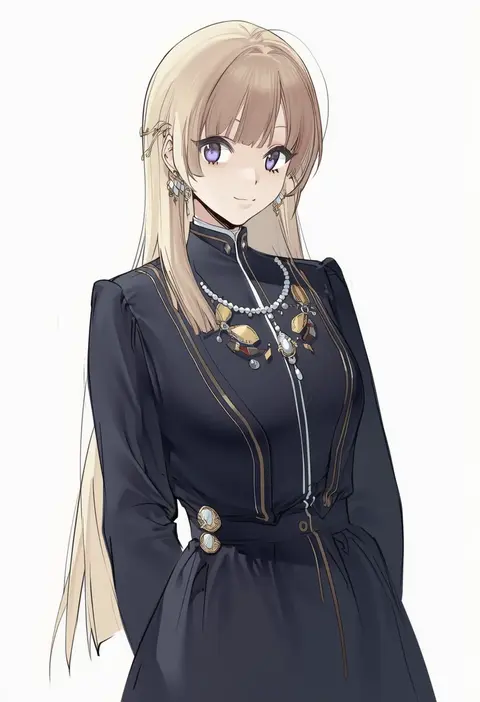
kurumi (recycllamo)
ARTIST0x1374
0
ryu-akt
ARTIST0x1375
0
kurokan (kokkyou oudan)
ARTIST0x1376
0
macosee
ARTIST0x1377
0
fiodo
ARTIST0x1378
0
morisova
ARTIST0x1379
0
kyoyakyo
ARTIST0x137A
0
liclac
ARTIST0x137B
0
beanis
ARTIST0x137C
0
kuroame (kurinohana)
ARTIST0x137D
0
kabu (niniko2ko)
ARTIST0x137E
0
kamizuki shiki
ARTIST0x137F
0
benimura karu
ARTIST0x1380
0
sotcho
ARTIST0x1381
0
tomo eokaiteru
ARTIST0x1382
0
yoracrab
ARTIST0x1383
0
itou nanami
ARTIST0x1384
0
duan henglong
ARTIST0x1385
0
inui sanagi
ARTIST0x1386
0
kuro (zhurunbo1997)
ARTIST0x1387
0
tako seijin
ARTIST0x1388
0
parallaxfused
ARTIST0x1389
0
maki (letusgomaki)
ARTIST0x138A
0
poni (poni arknights)
ARTIST0x138B
0
erospanda
ARTIST0x138C
0
athenawyrm
ARTIST0x138D
0
t@ke-g
ARTIST0x138E
0
shuvi (shuvi1125)
ARTIST0x138F
0
ichiren takushou
ARTIST0x1390
0
motokonut
ARTIST0x1391
0
chin gero
ARTIST0x1392
0
nurami (shouji)
ARTIST0x1393
0
gulim
ARTIST0x1394
0
zakimpo
ARTIST0x1395
0
rakugaki ningen
ARTIST0x1396
0
aimpoleume
ARTIST0x1397
0
peach88
ARTIST0x1398
0
mata (matasoup)
ARTIST0x1399
0
ninoko
ARTIST0x139A
0
langbazi
ARTIST0x139B
0
z-ton
ARTIST0x139C
0
chiachun0621
ARTIST0x139D
0
w.k
ARTIST0x139E
0
moeanime
ARTIST0x139F
0
dha
ARTIST0x13A0
0
moose (moosemitchell2)
ARTIST0x13A1
0
kieed
ARTIST0x13A2
0
ashino moto
ARTIST0x13A3
0
tamakaga
ARTIST0x13A4
0
konarofu
ARTIST0x13A5
0
ra mun5239
ARTIST0x13A6
0
veilrain
ARTIST0x13A7
0
piiko (aa doushiyou)
ARTIST0x13A8
0
kishida shiki
ARTIST0x13A9
0
niko (tama)
ARTIST0x13AA
0
ryo (liver sashi daisuki!)
ARTIST0x13AB
0
flippy (cripine111)
ARTIST0x13AC
0
shimotsuki shio
ARTIST0x13AD
0
pink lady mage
ARTIST0x13AE
0
greenkohgen
ARTIST0x13AF
0

What these tags change

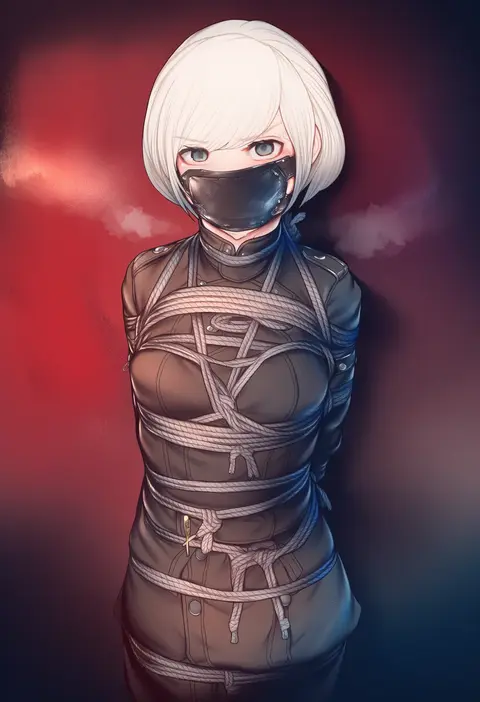
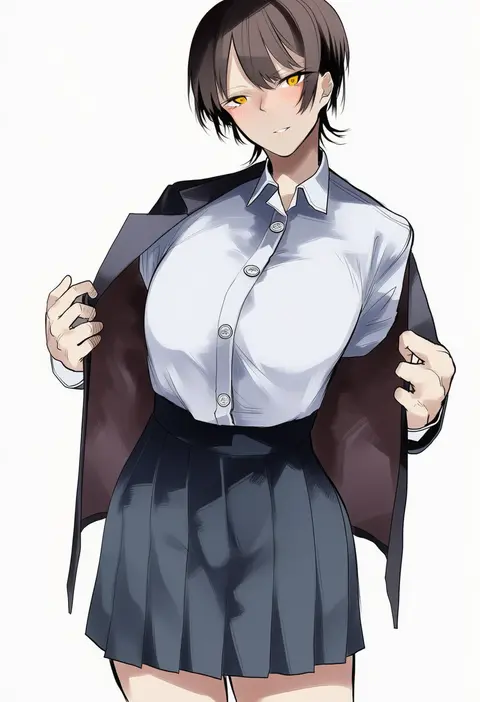
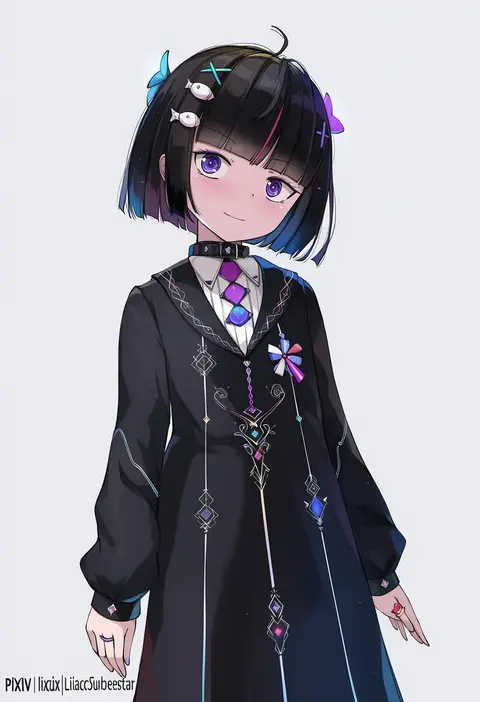
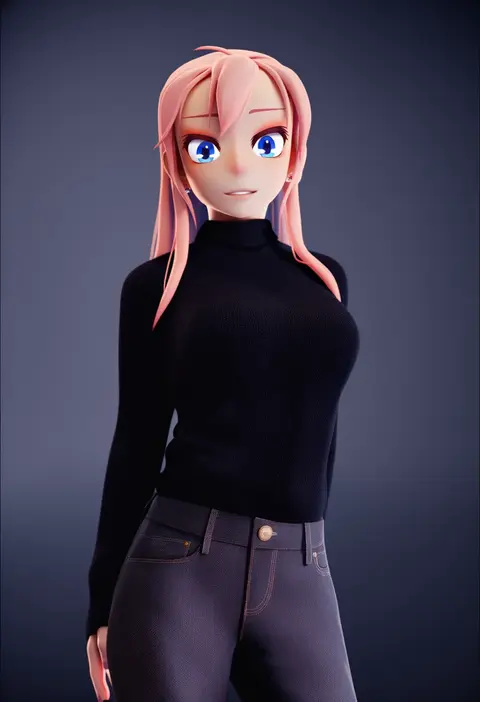
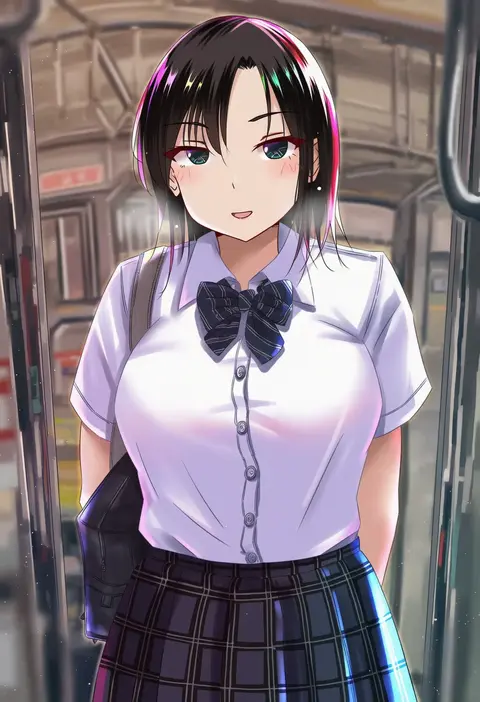
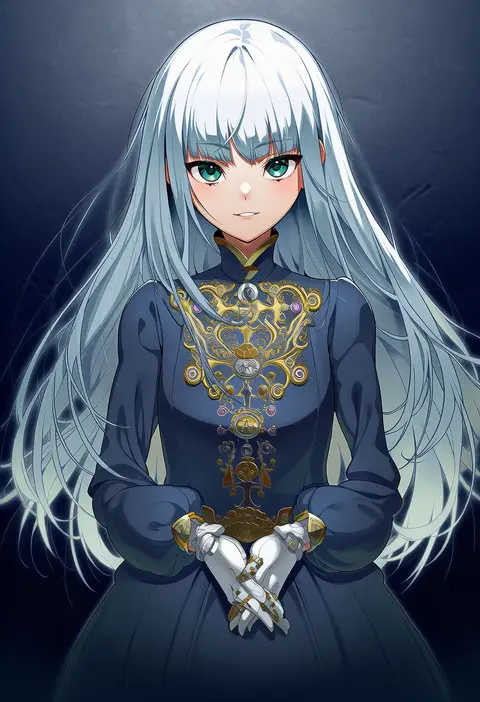
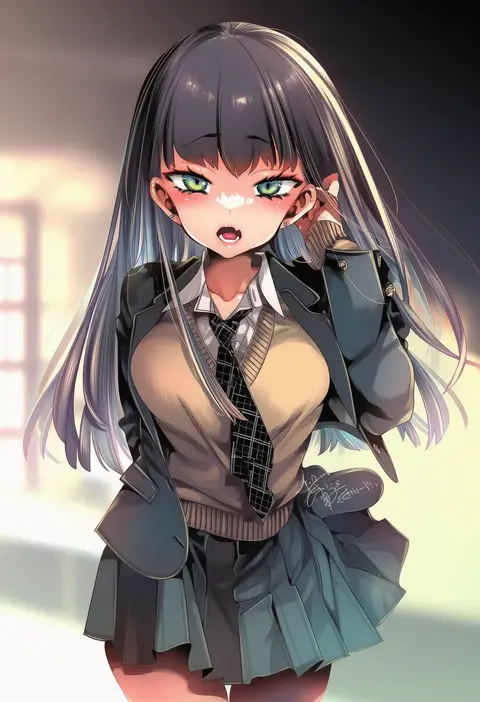
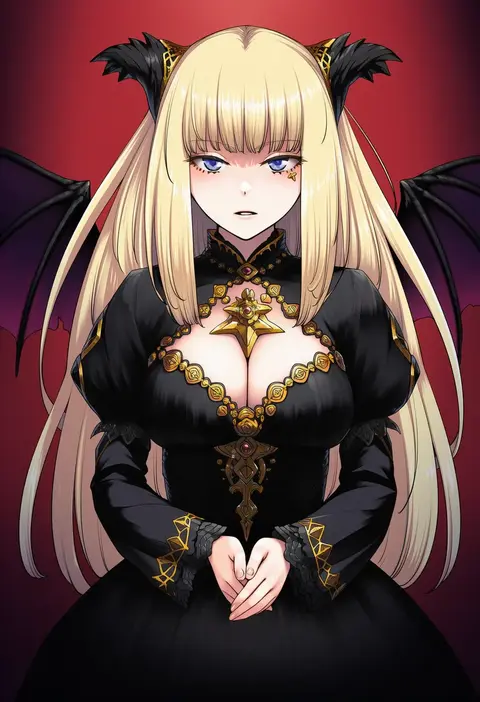
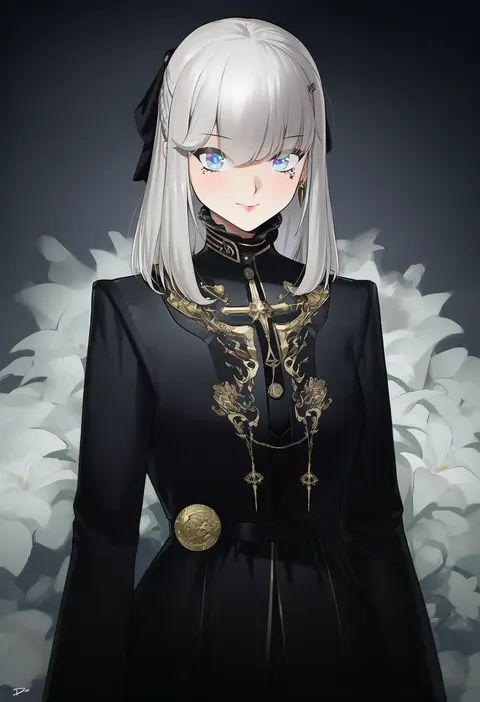
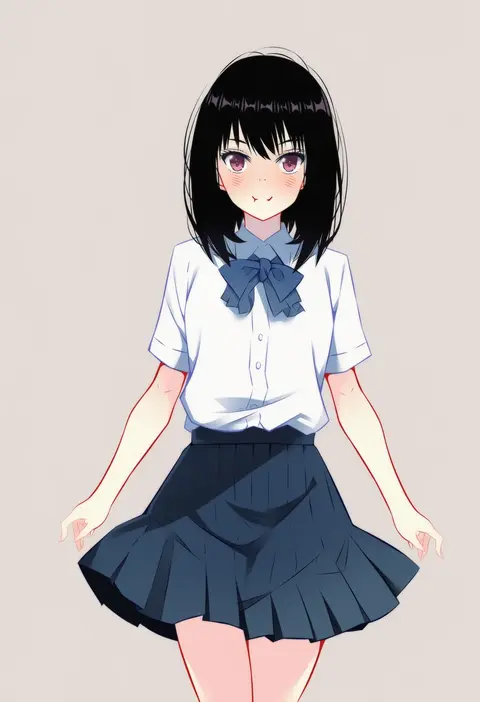
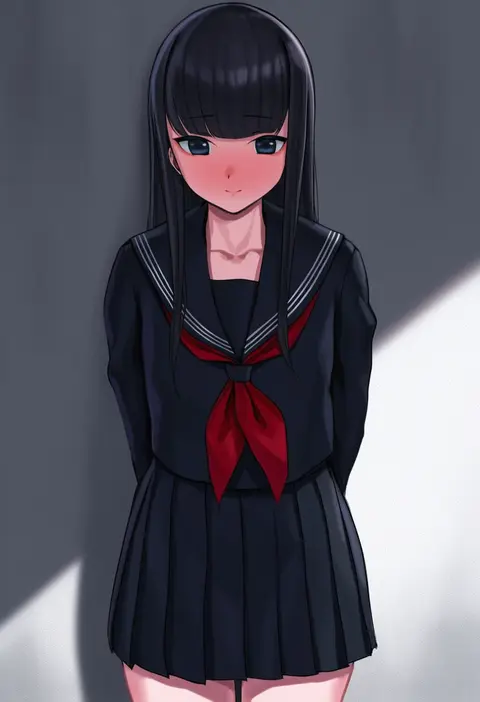
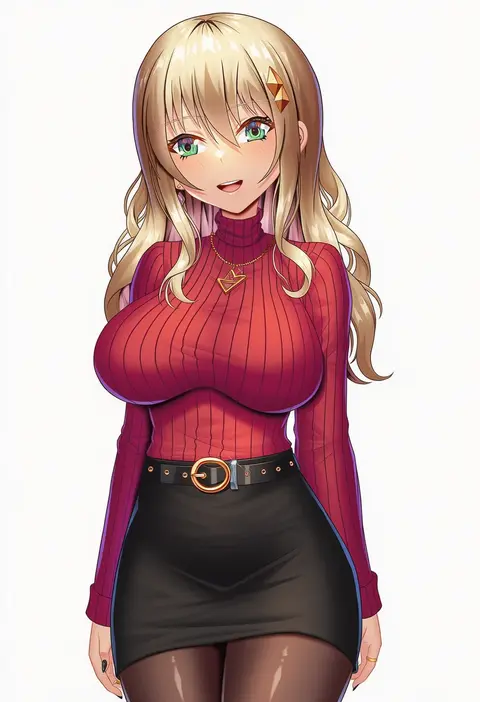
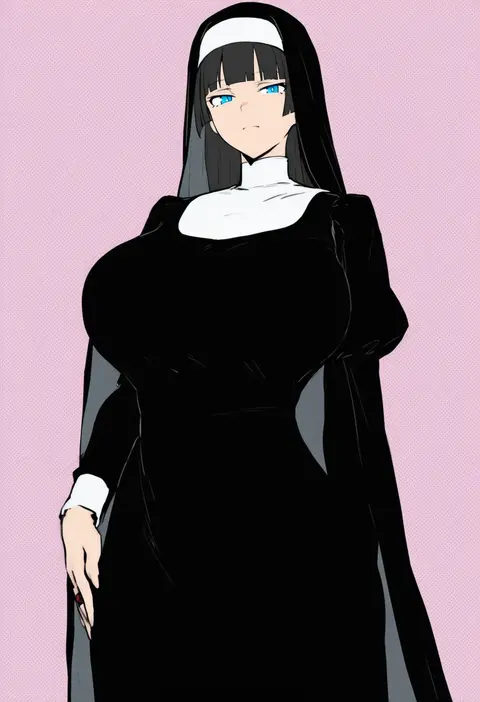
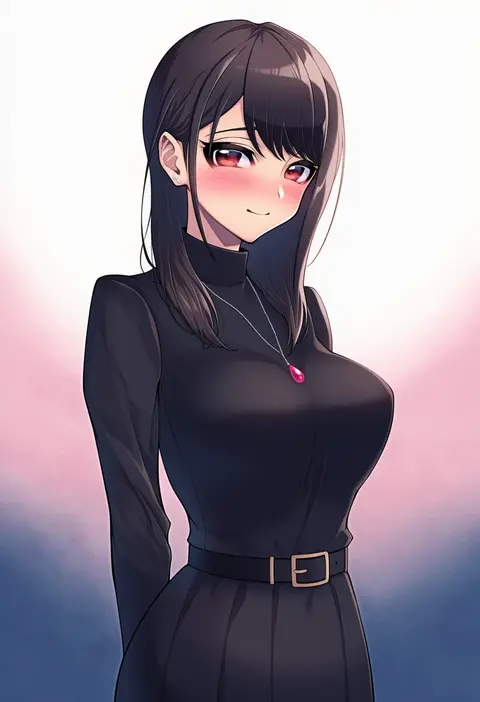
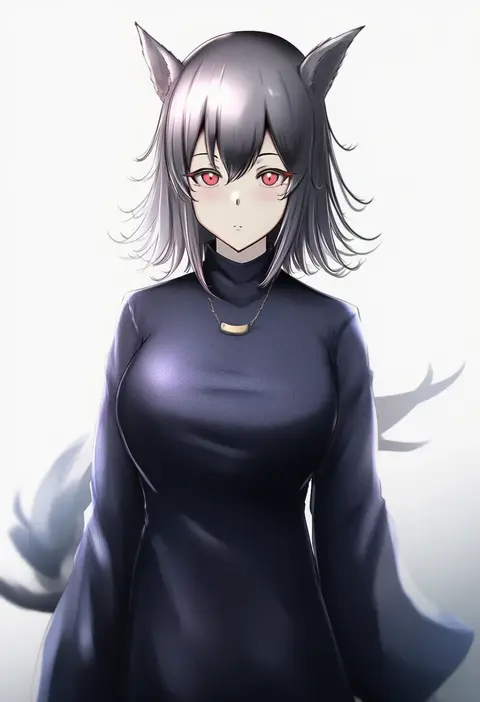
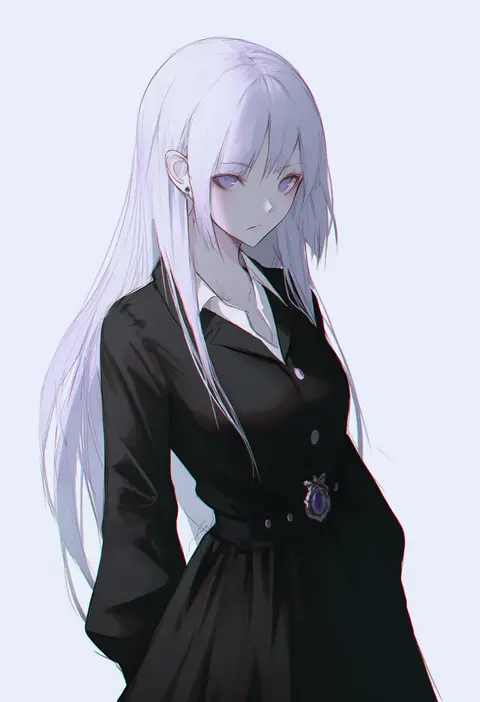
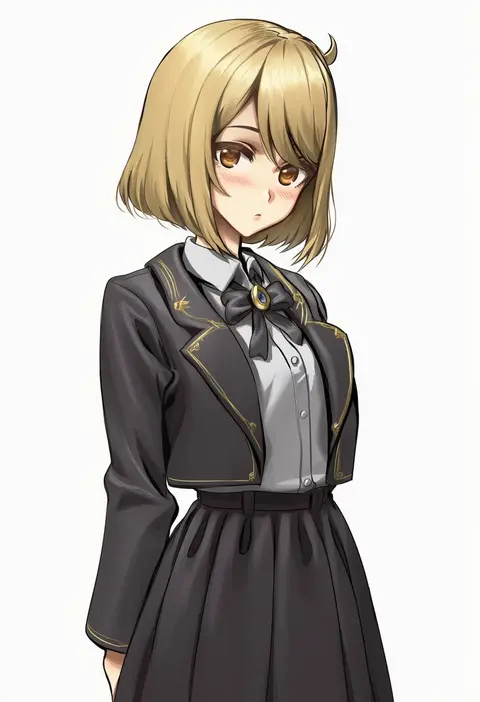
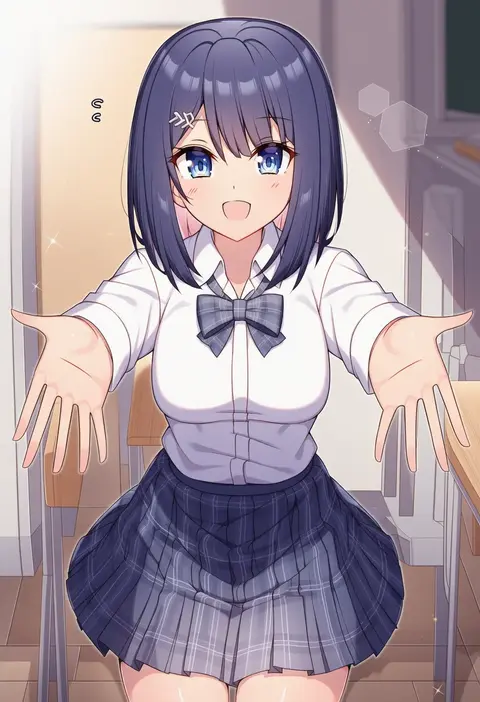
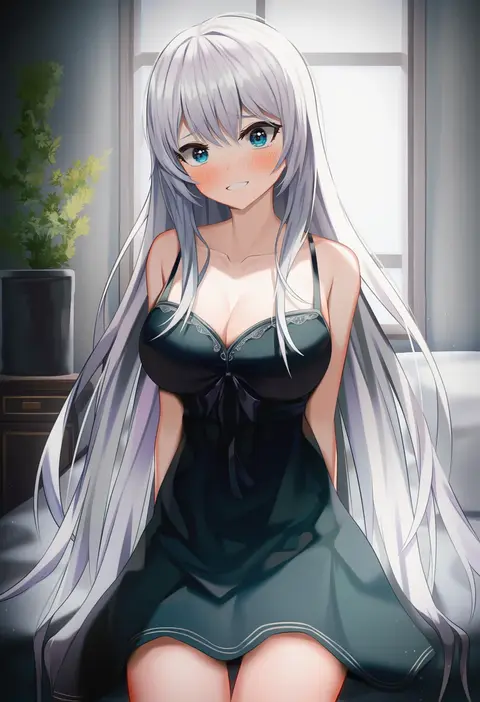
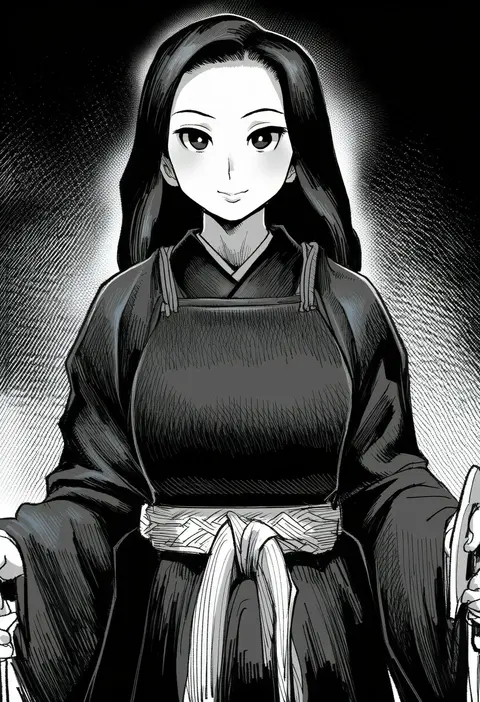
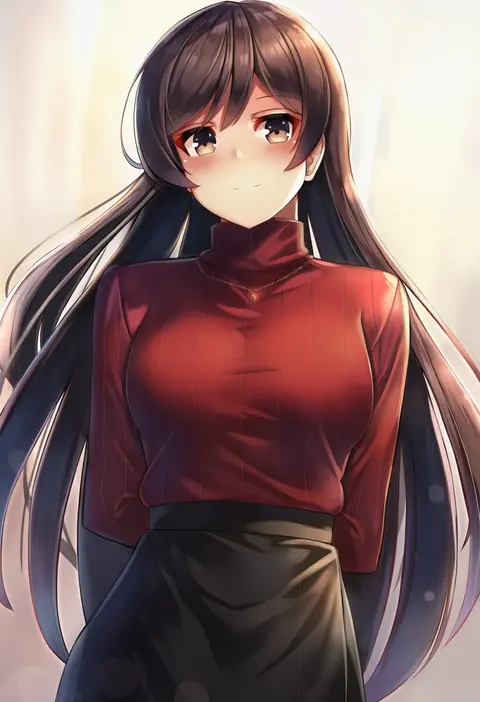
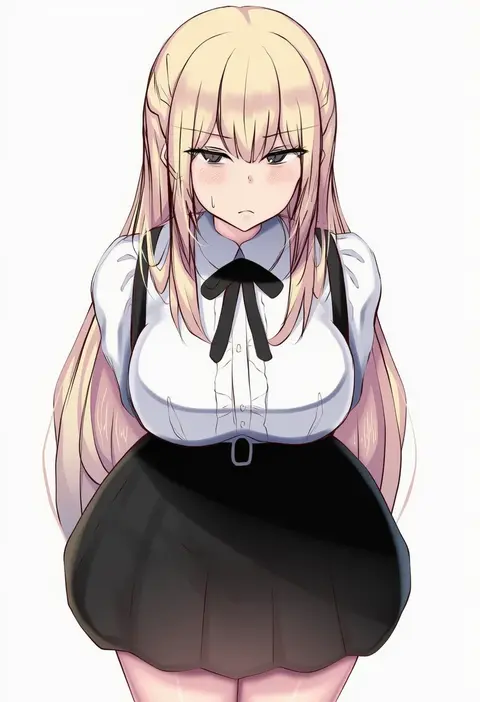
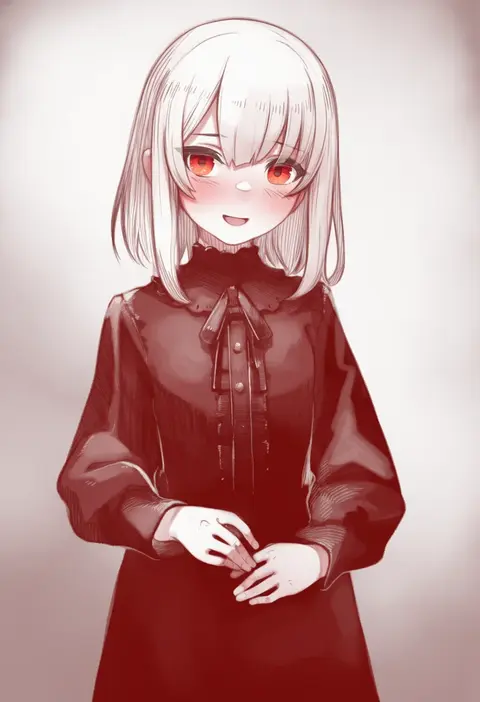
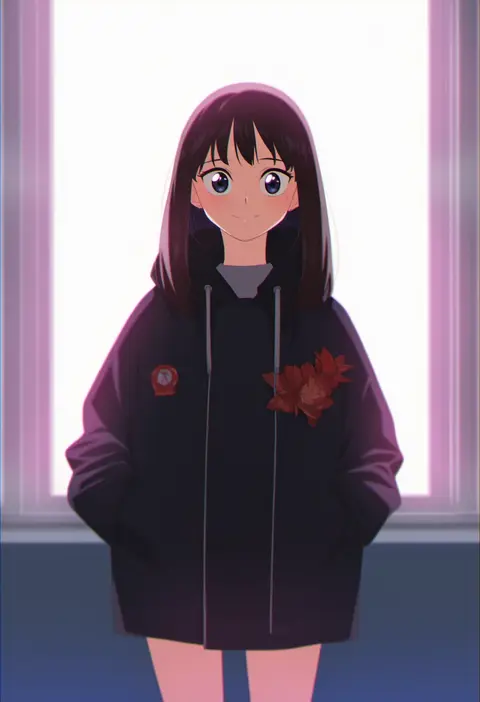
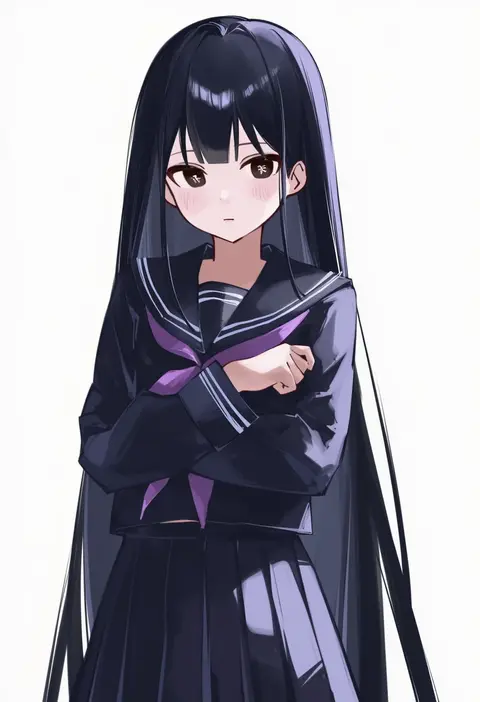
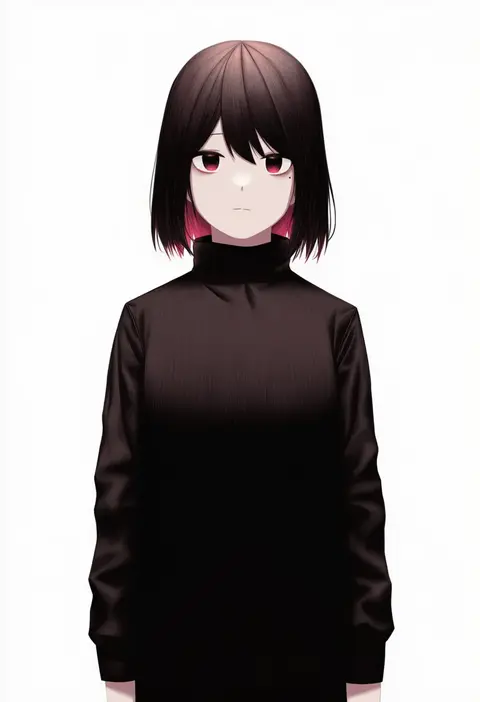
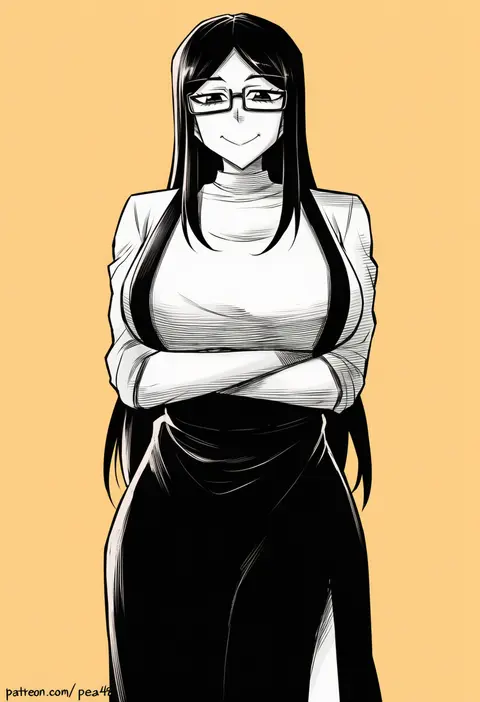
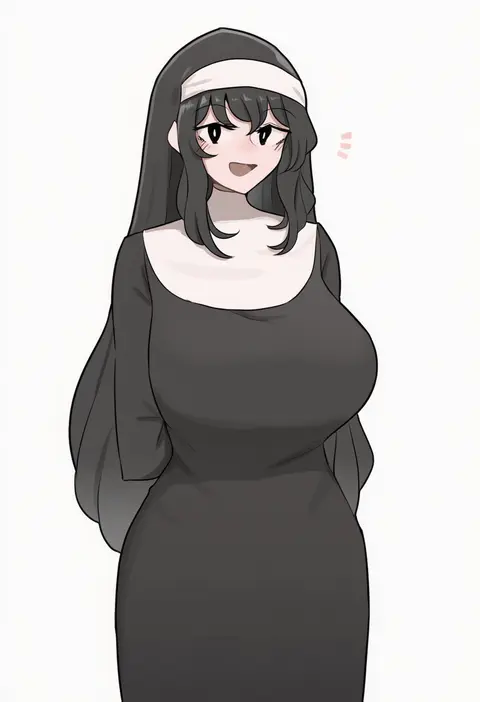
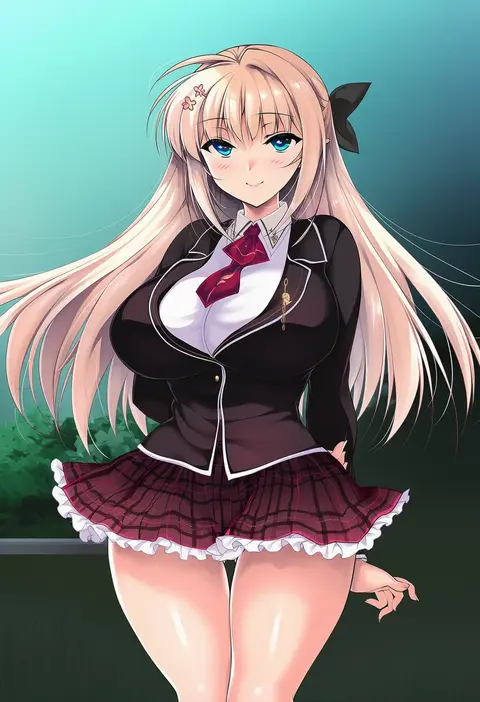
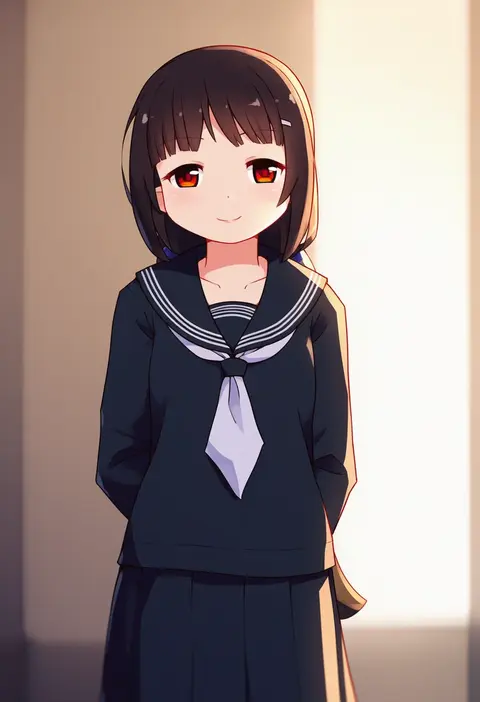
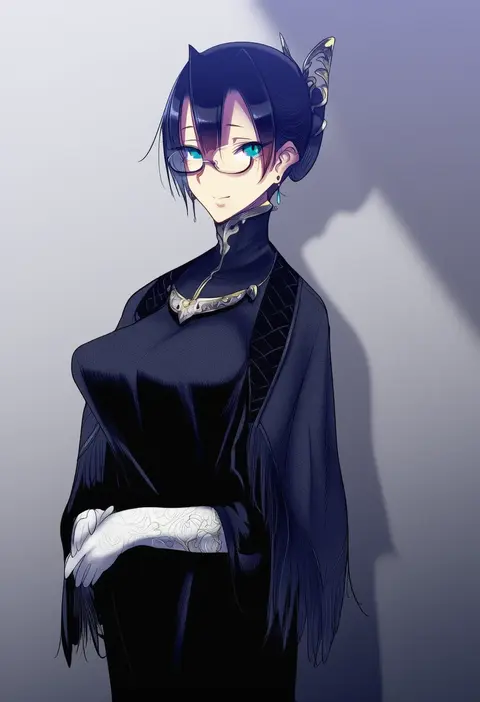
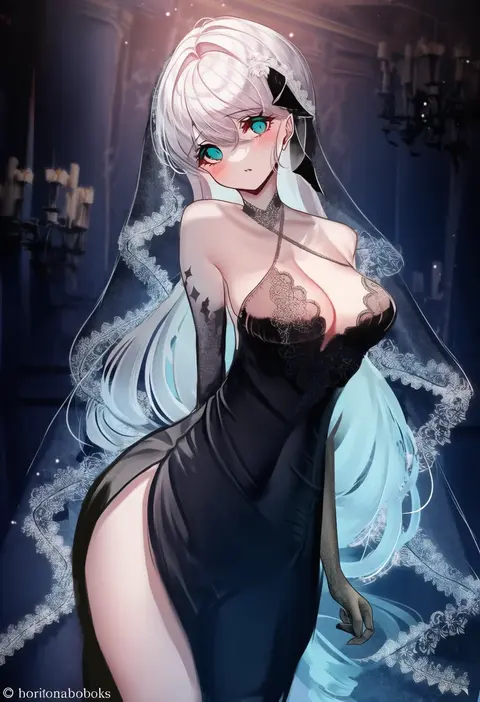
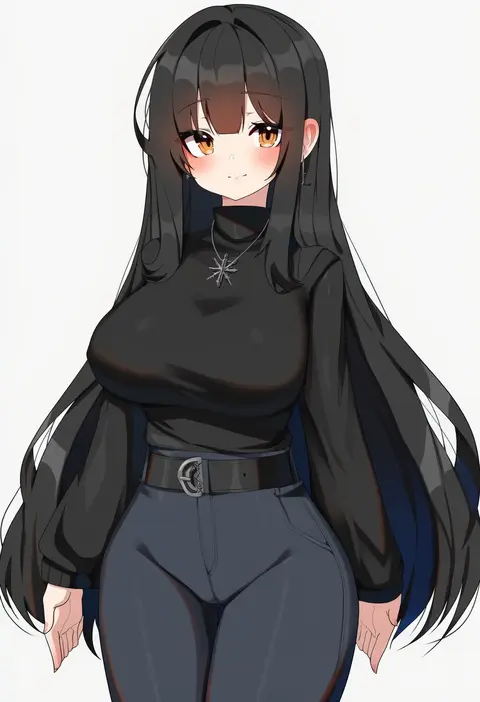
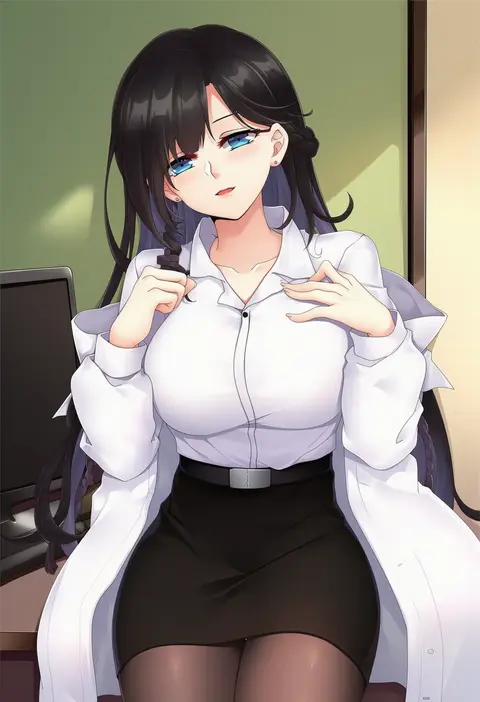
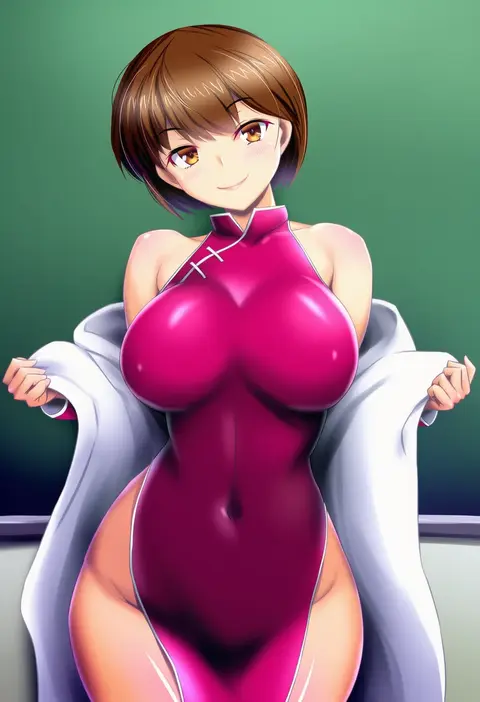
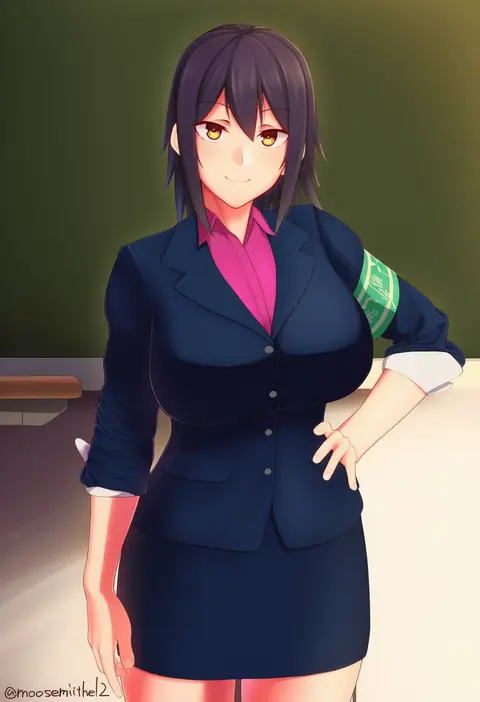
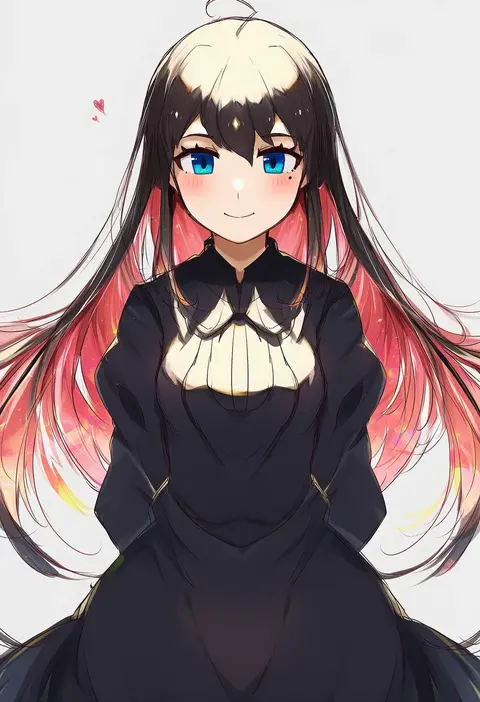
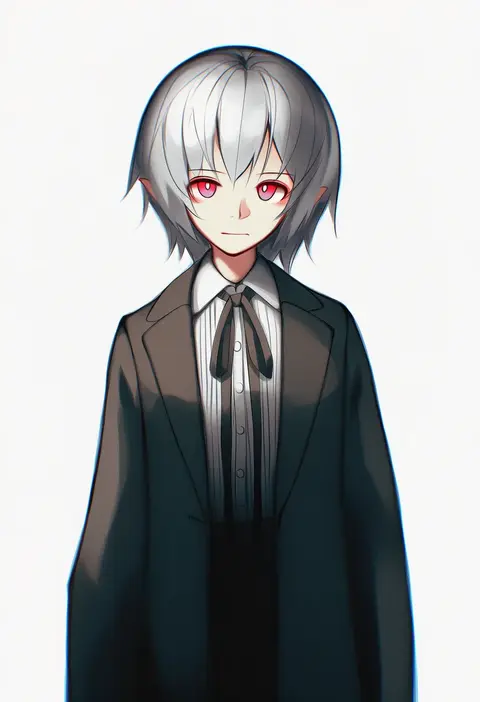
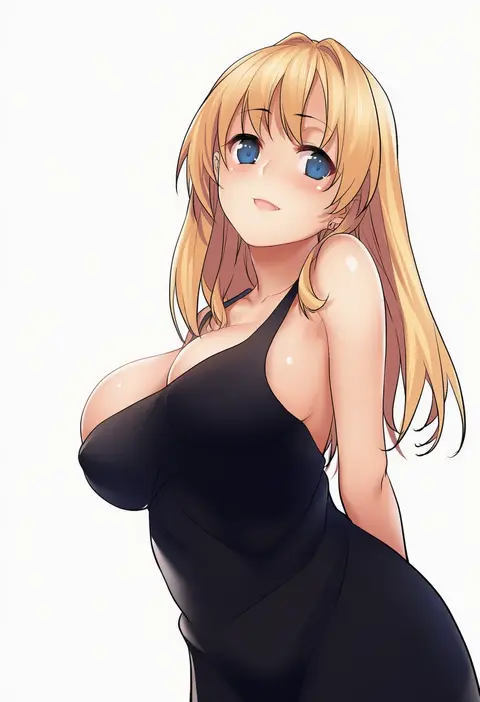
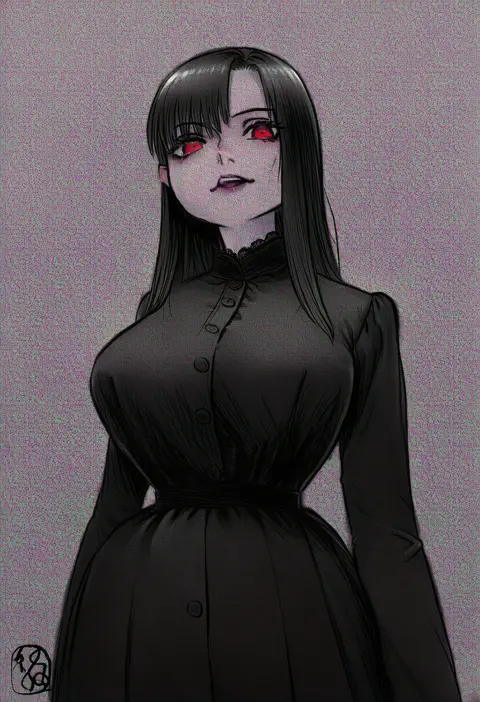
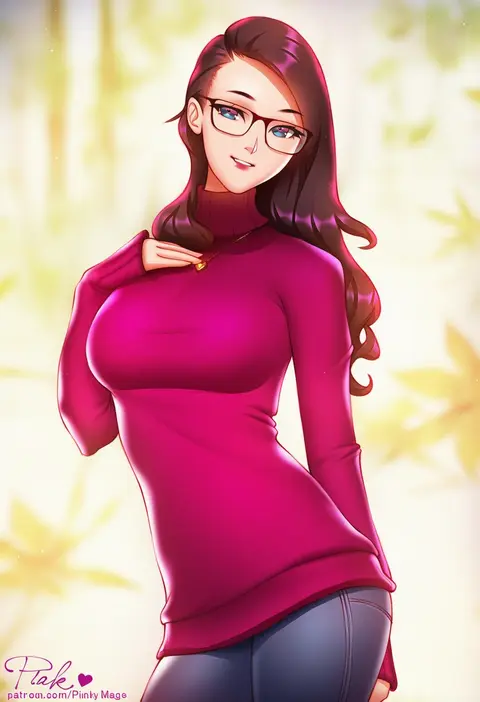
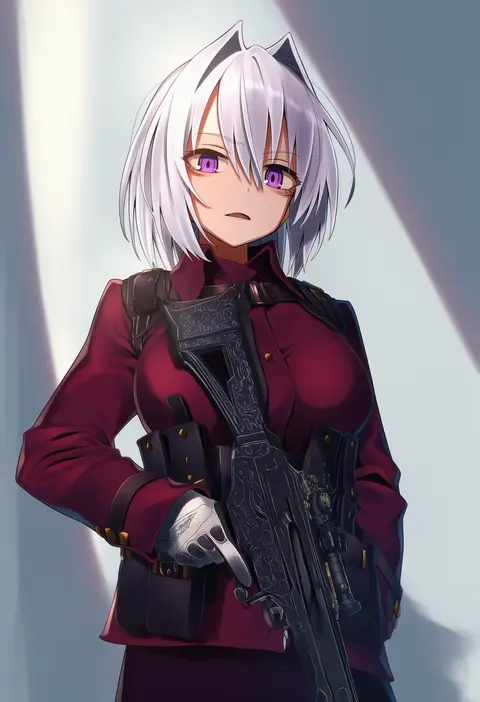
Artist tags tell NovelAI Diffusion to draw in a specific artist's style: line weight, paint texture, face shapes and palette all shift at once. Character and outfit tags decide what is drawn; artist tags decide how. 16,352 tags are listed for V4.5.
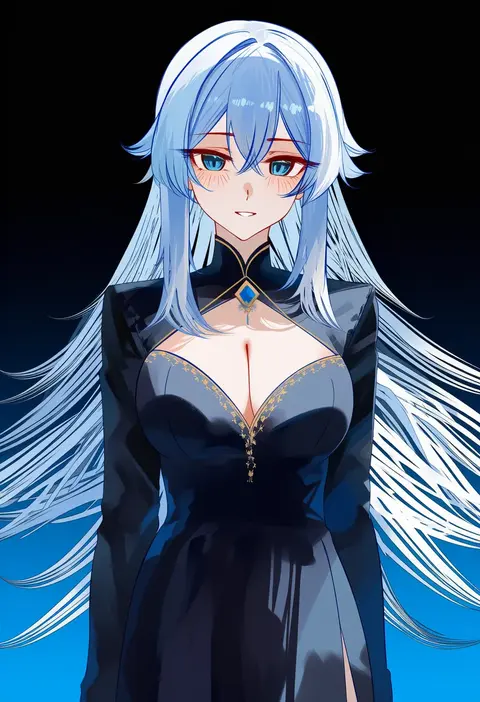
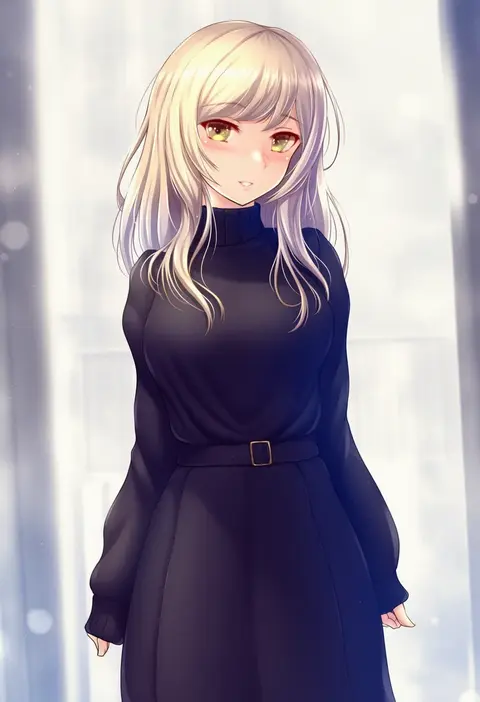
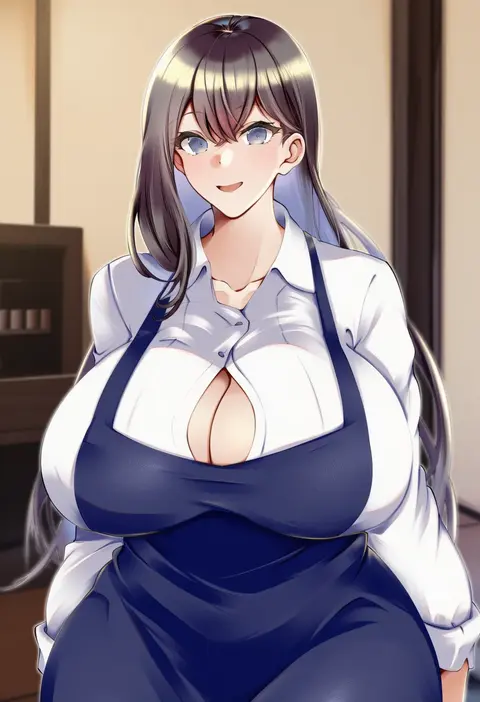
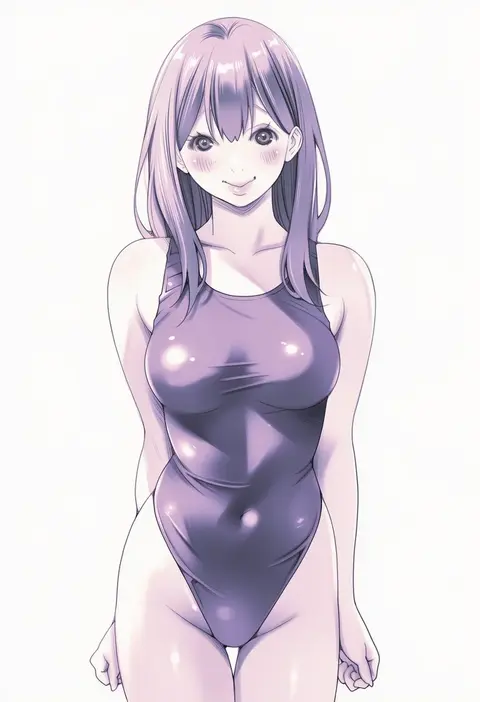
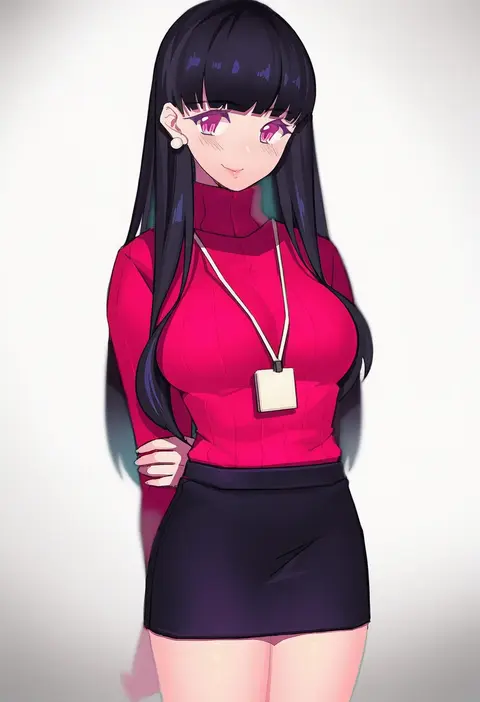
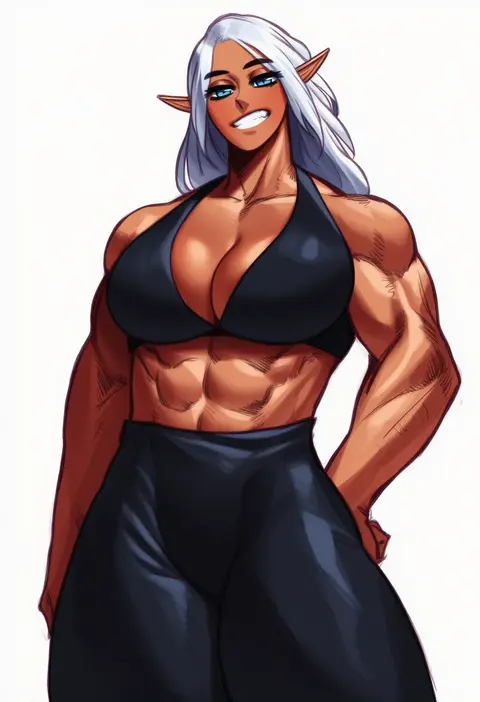
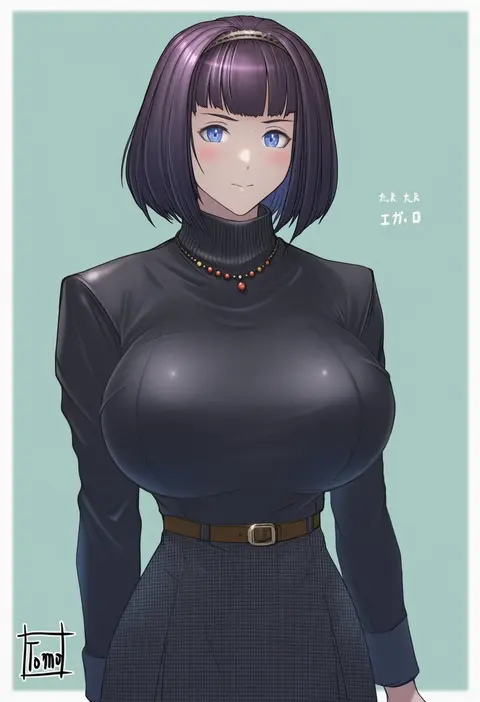
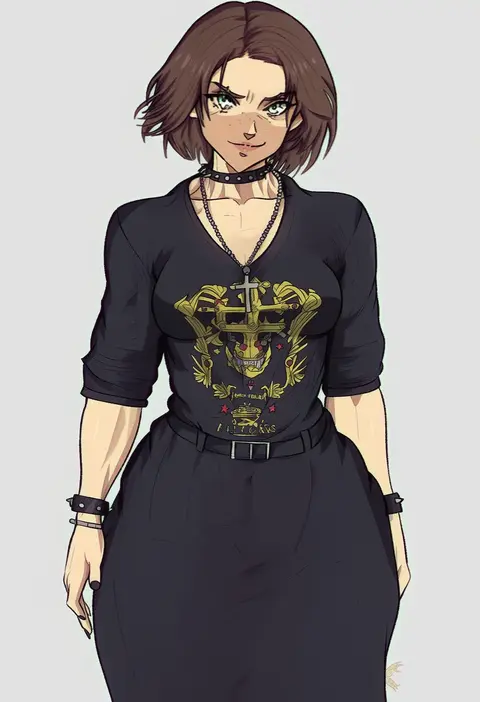
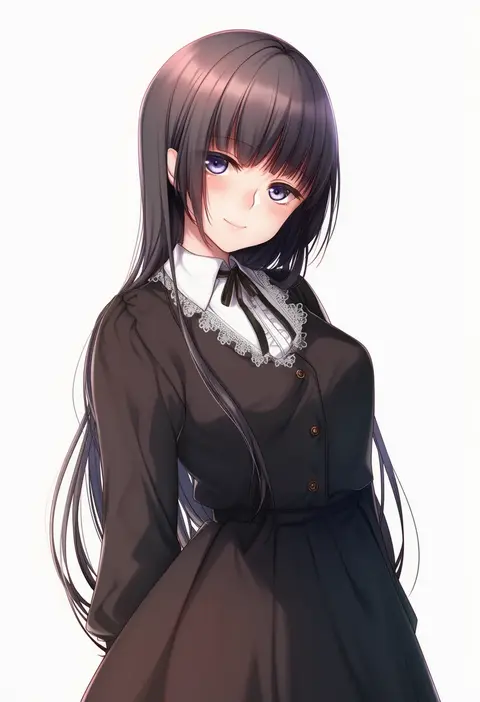
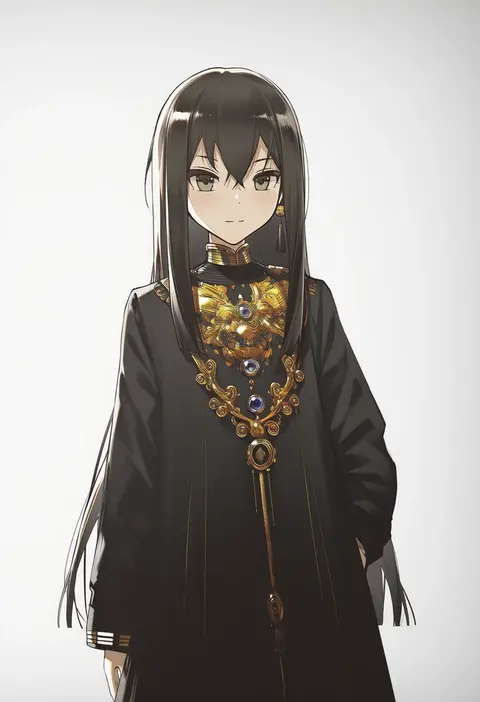
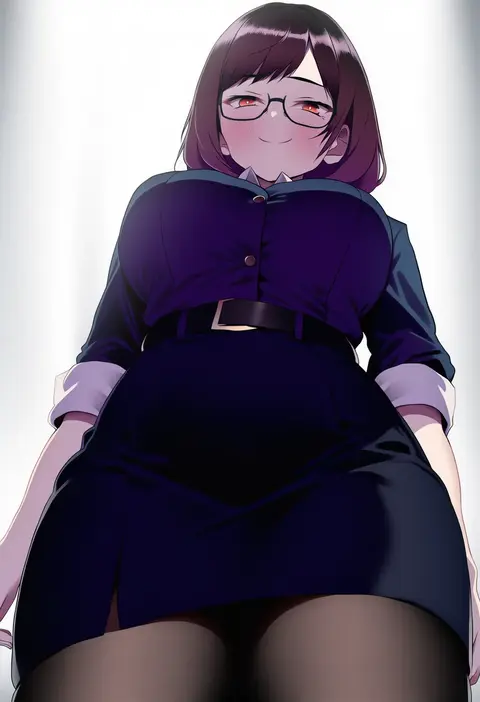
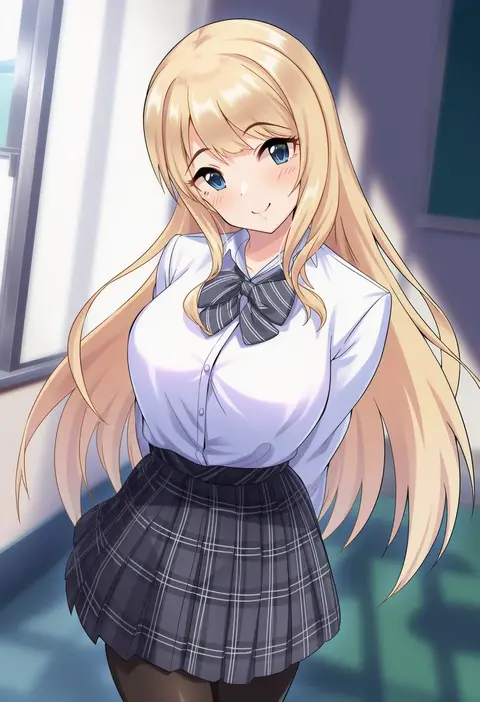
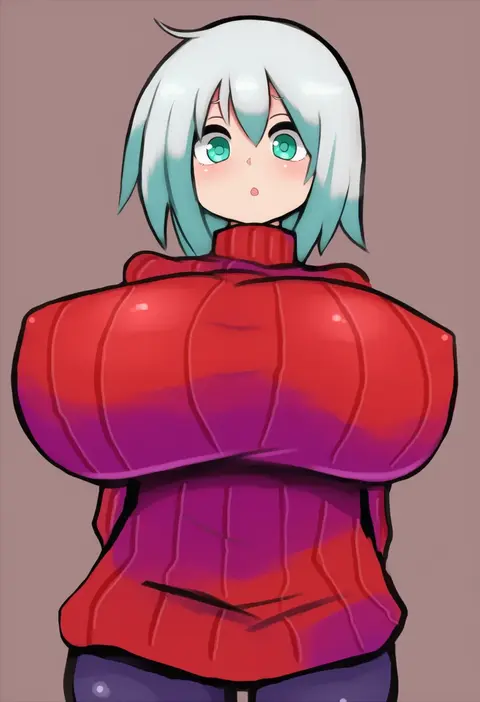
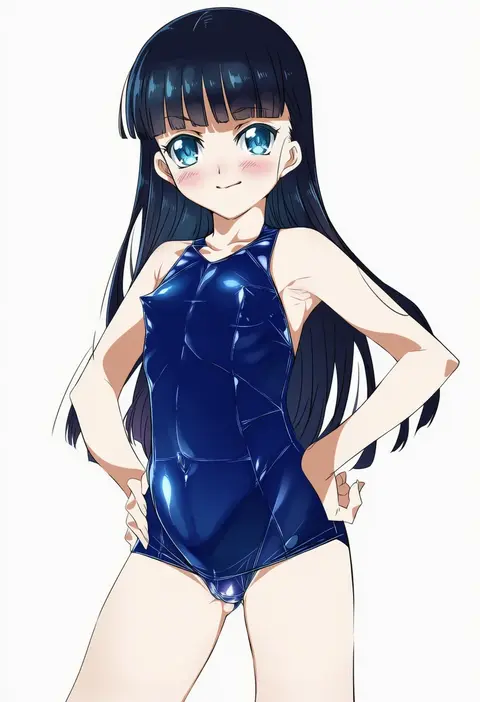
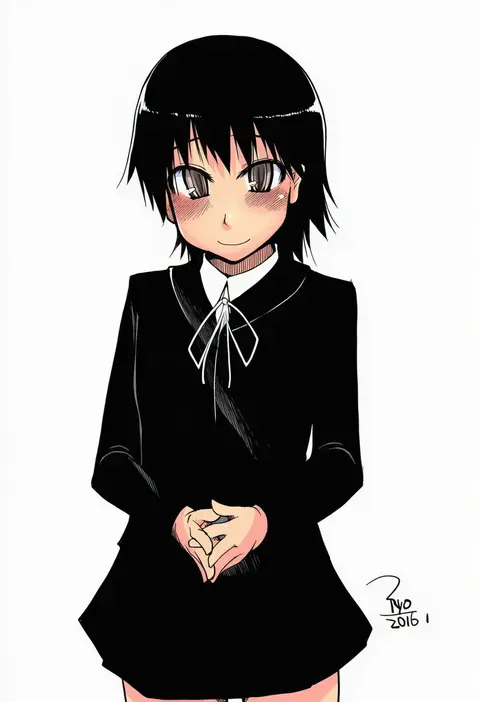
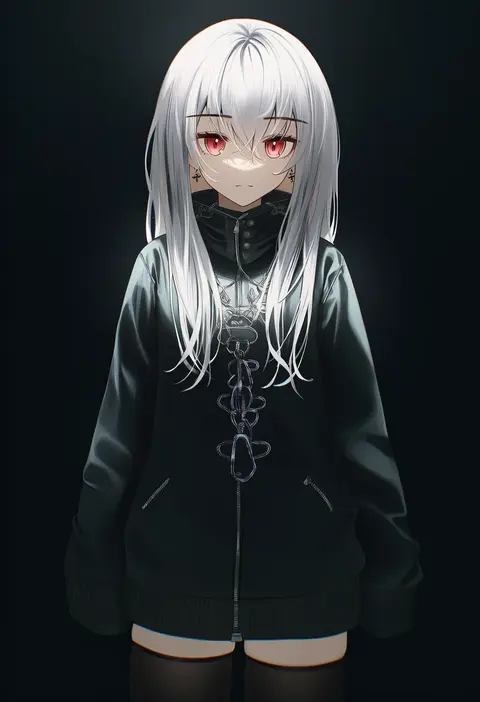
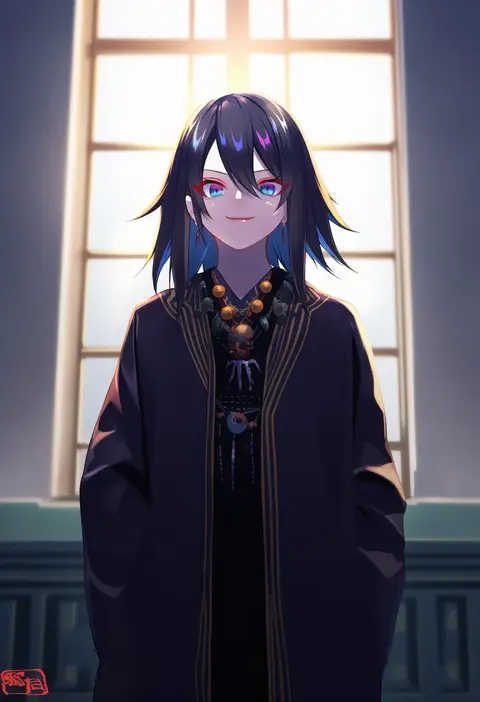
Every tag listed here is verified to react in NovelAI. All images use the same prompt, seed and settings with only the artist tag swapped, so the difference between two images is the style that tag brings in.

How to use them

Put the artist tag near the front of the prompt, e.g. "<artist>, 1girl, solo, best quality, masterpiece, cowboy shot". Two or three artist tags blend styles; lower the weight with "0.8::<artist>::" when the style overpowers the character.

SCORE sorts by Danbooru's top score, POSTS by post count, FAVS by hearts on this site. Open a card to see V5 and V4.5 side by side on the same seed.

V5 vs V4.5

V5 usually lands closer to the artist's real style, and tags that did nothing on V4.5 often react on V5. V4.5 still fits older and doujin-heavy artists better. Try V5 first, fall back to V4.5.

FAQ

Where does the artist tag go?
Near the front of the prompt. Use "0.8::tag::" to adjust its weight.

Can I stack artist tags?
Yes, styles blend. Past two or three the result stops looking like anyone.

Are these the artists' own works?
No. Every image is a NovelAI sample generated from the tag.