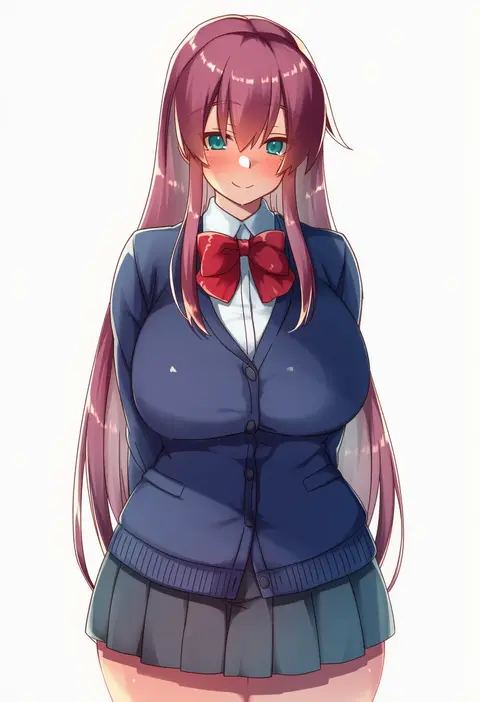
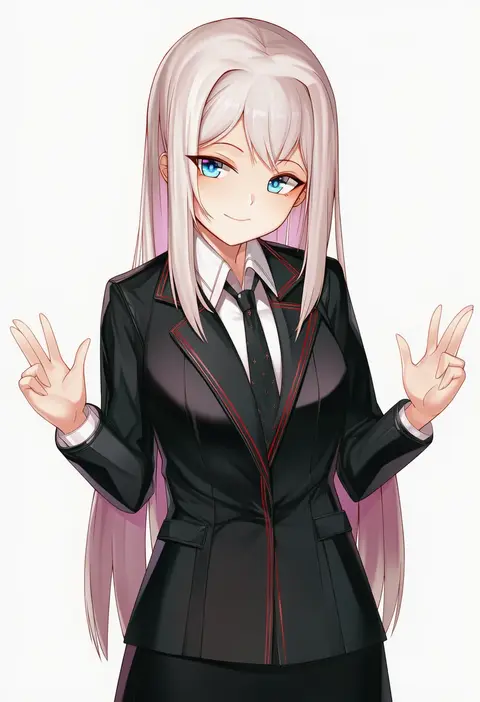
V4.5Artists
sort: FAVS▾
▾
>
$

NovelAI Artist Tags List — V4.5

artist --count 16,352[87/273]
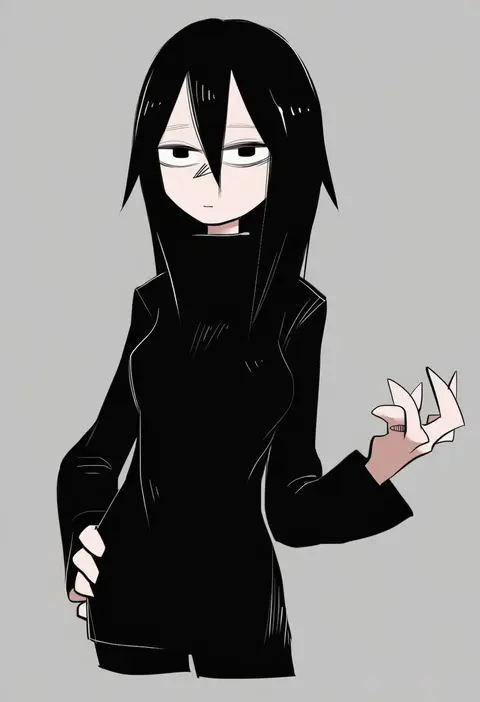
tirarizun
ARTIST0x1428
0
sakurajima saromako
ARTIST0x1429
0
hisama kumako
ARTIST0x142A
0
mirufuaa
ARTIST0x142B
0
bnari
ARTIST0x142C
0
sajittari
ARTIST0x142D
0
nopeys
ARTIST0x142E
0
atori
ARTIST0x142F
0
shuru y
ARTIST0x1430
0
mizuno-go
ARTIST0x1431
0
darumoon
ARTIST0x1432
0
jingai modoki
ARTIST0x1433
0
aya shachou
ARTIST0x1434
0
dk.senie
ARTIST0x1435
0
sebu illust
ARTIST0x1436
0
goki buri
ARTIST0x1437
0
kataku musou
ARTIST0x1438
0
mizunashi kenichi
ARTIST0x1439
0
jikihatiman
ARTIST0x143A
0
hanarito
ARTIST0x143B
0
nolia
ARTIST0x143C
0
yiduan zhu
ARTIST0x143D
0
fuku (fuku12290574)
ARTIST0x143E
0
mukunokino isshiki
ARTIST0x143F
0
suga hideo
ARTIST0x1440
0
black beat
ARTIST0x1441
0
takara joney
ARTIST0x1442
0
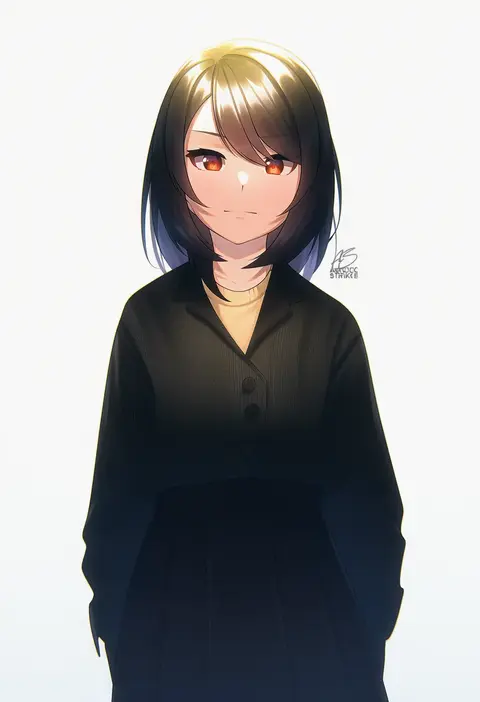
acrylicstroke
ARTIST0x1443
0
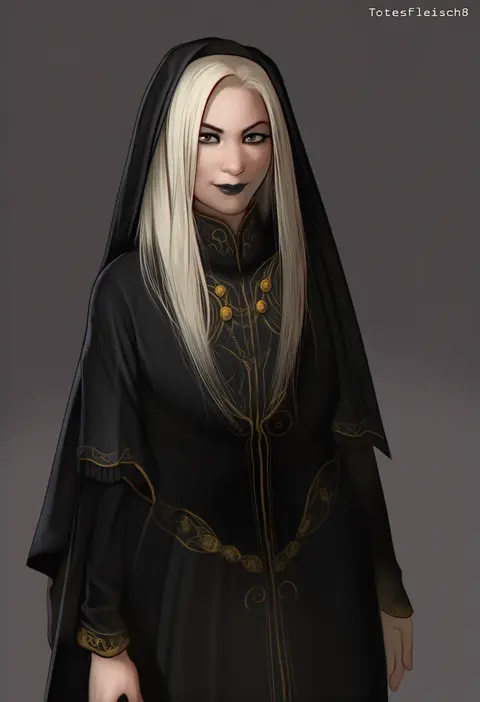
totesfleisch8
ARTIST0x1444
0
2dswirl
ARTIST0x1445
0
lovelovemaid
ARTIST0x1446
0
bloody0rabby
ARTIST0x1447
0
jazz (fukukan)
ARTIST0x1448
0
ryo (tg290)
ARTIST0x1449
0
saeki hokuto
ARTIST0x144A
0
minami koyogi
ARTIST0x144B
0
shiren (ourboy83)
ARTIST0x144C
0
romana
ARTIST0x144D
0
may.l
ARTIST0x144E
0
kasumi seiki
ARTIST0x144F
0
tsuseki
ARTIST0x1450
0
sk02
ARTIST0x1451
0
usashiro mani
ARTIST0x1452
0
k mugura
ARTIST0x1453
0
nekomata naomi
ARTIST0x1454
0
ment
ARTIST0x1455
0
watao
ARTIST0x1456
0
aruman
ARTIST0x1457
0
nksk
ARTIST0x1458
0
izuoku
ARTIST0x1459
0
packge
ARTIST0x145A
0
yoshino norihito
ARTIST0x145B
0
chichibu (watson)
ARTIST0x145C
0
rauto
ARTIST0x145D
0
kanna asuke
ARTIST0x145E
0
chien zero
ARTIST0x145F
0
karakuri musha
ARTIST0x1460
0
mirakichi
ARTIST0x1461
0
satou (kuso-neet)
ARTIST0x1462
0
btraphen
ARTIST0x1463
0

What these tags change

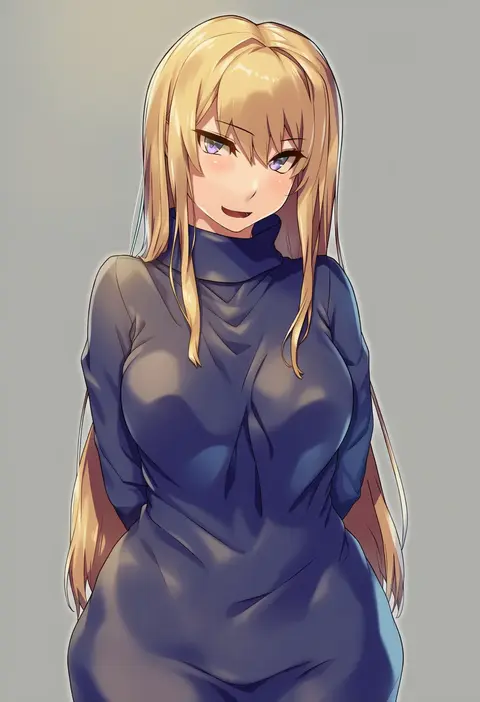
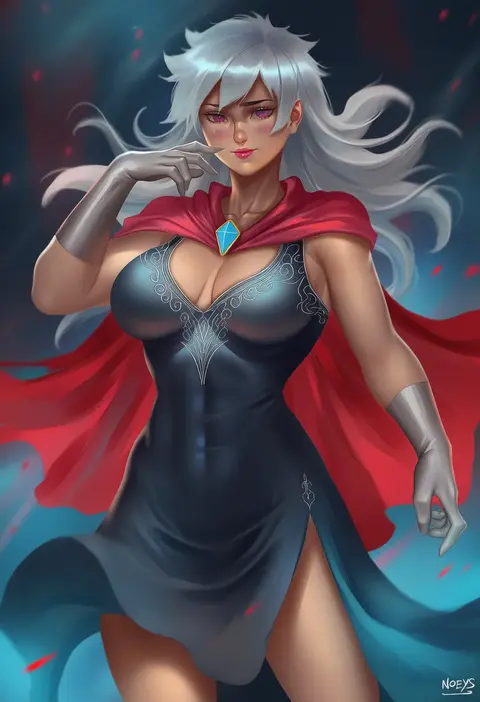
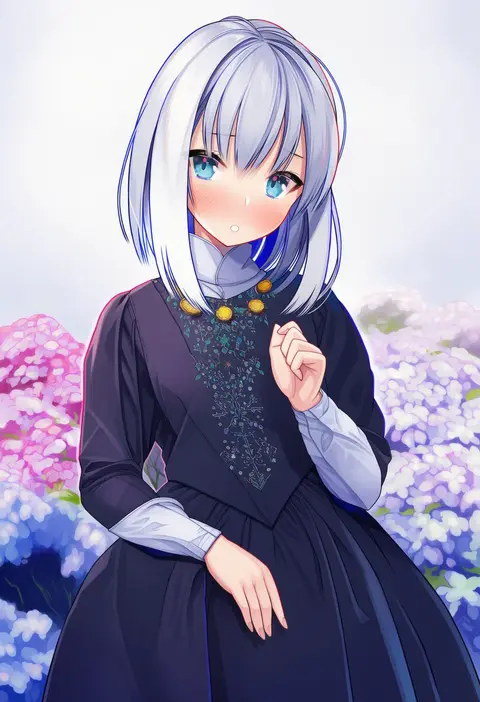
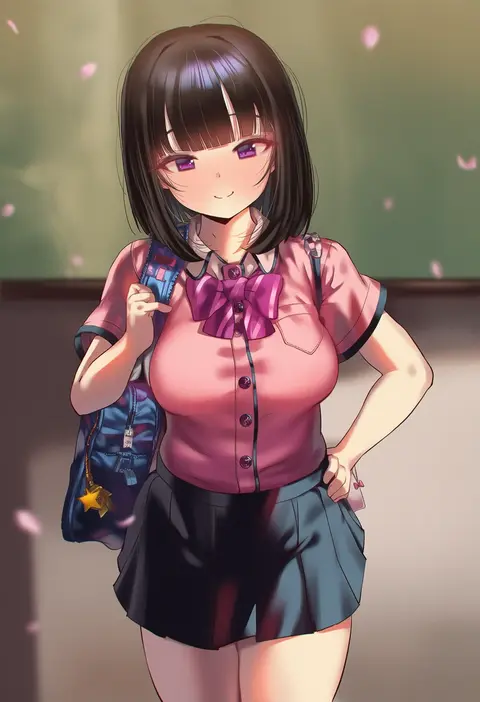
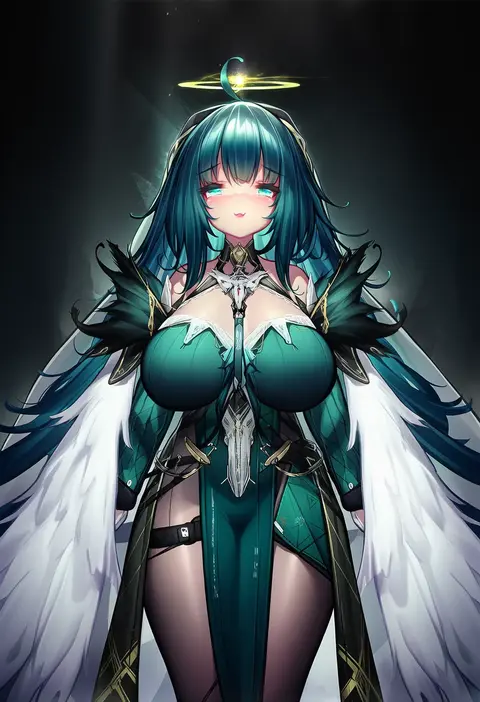
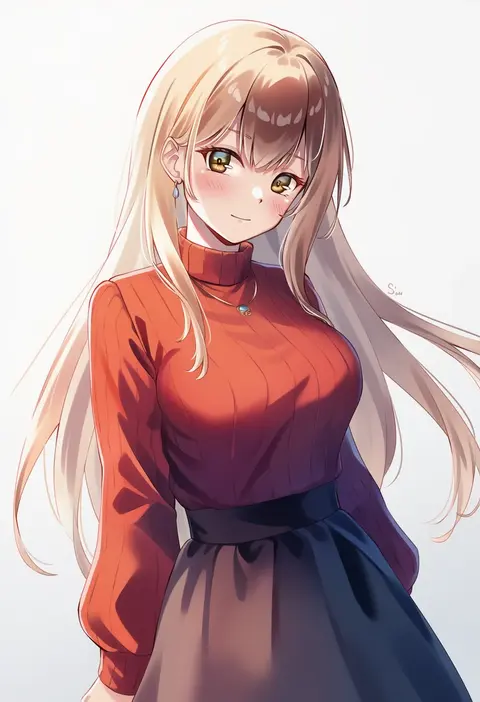
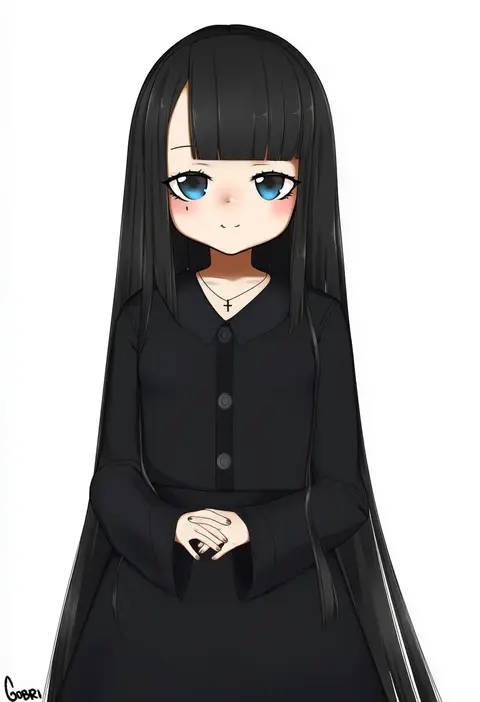
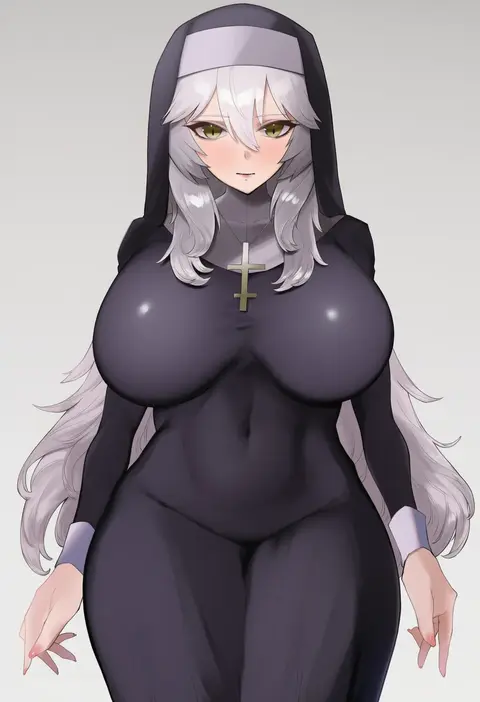
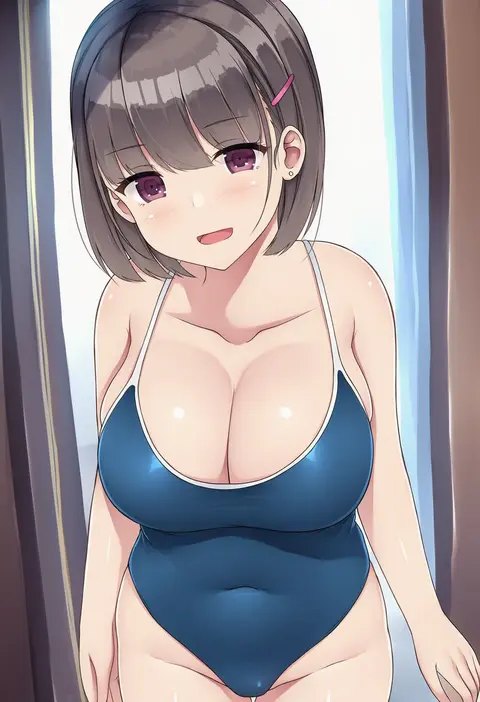
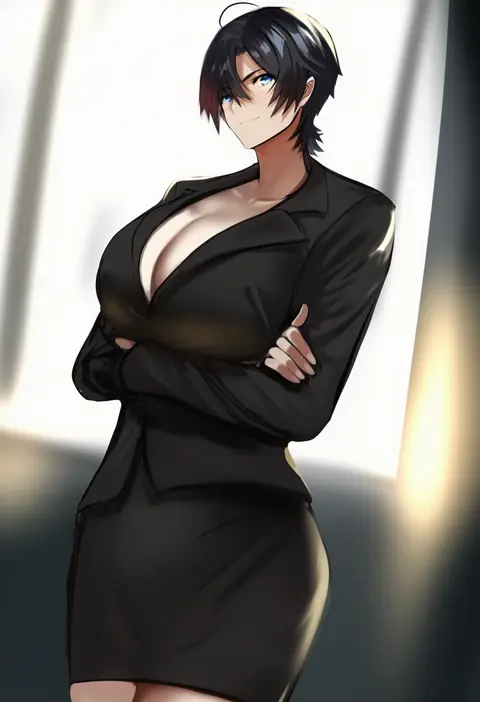
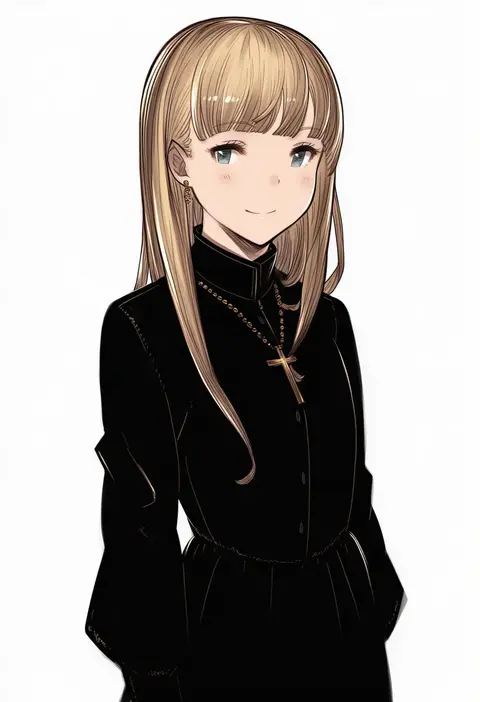
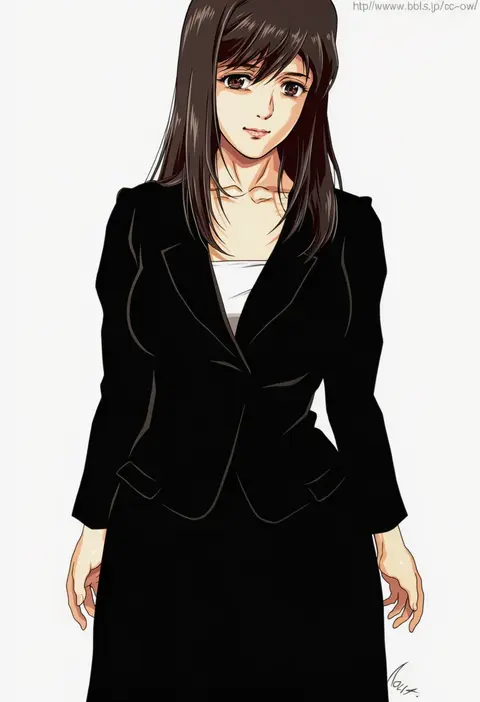
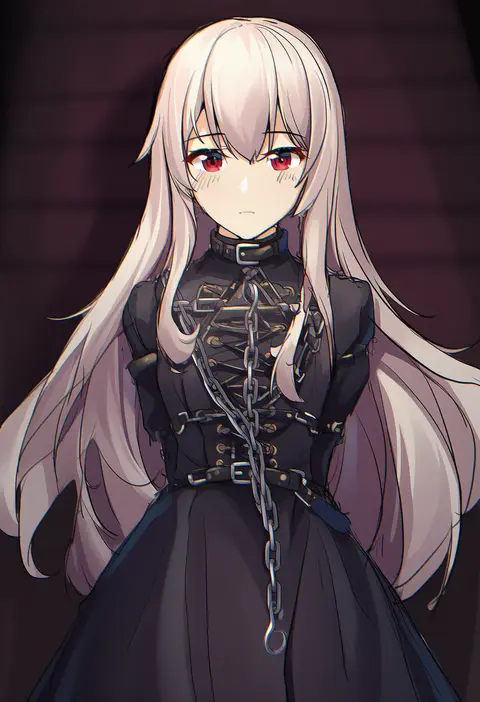
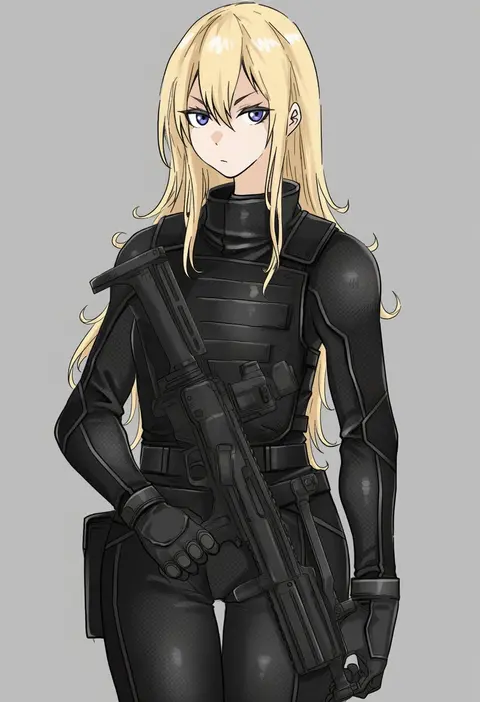
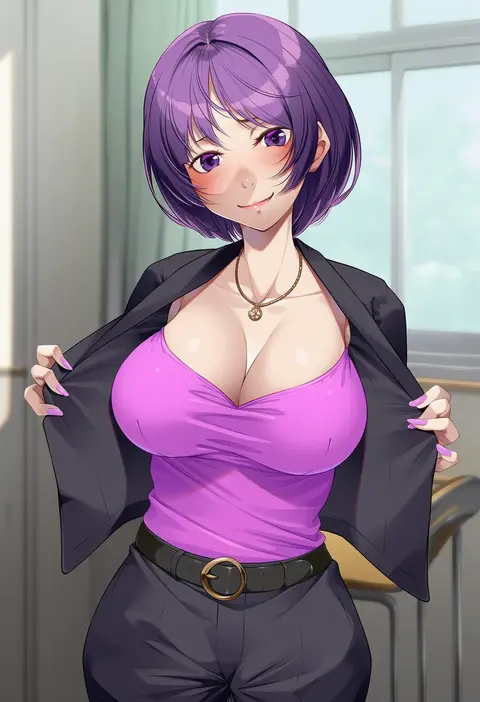
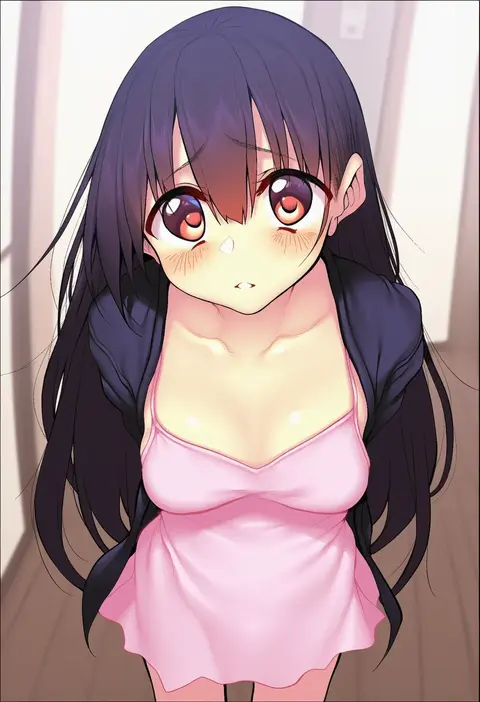
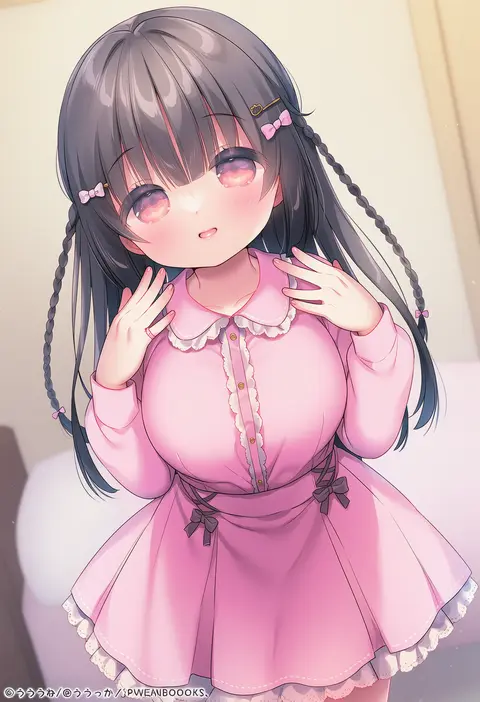
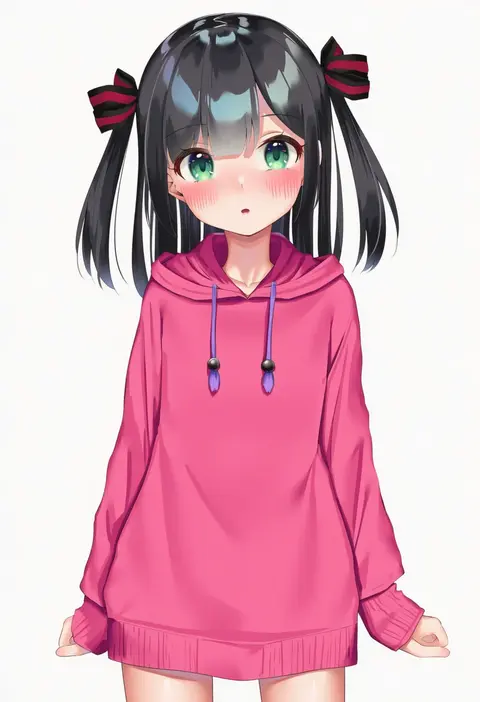
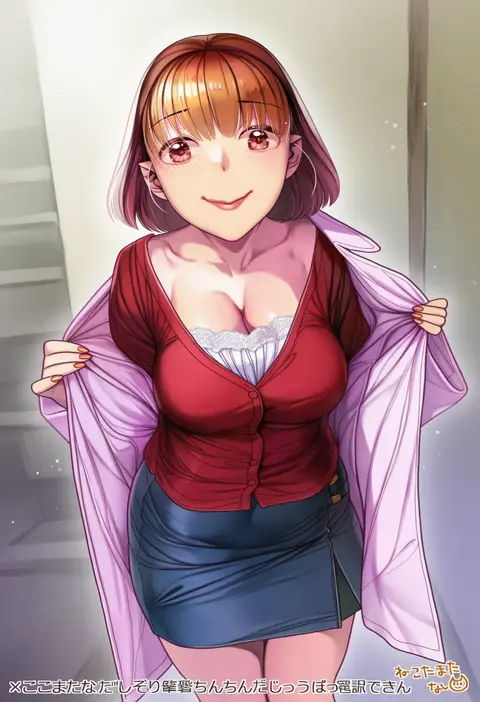
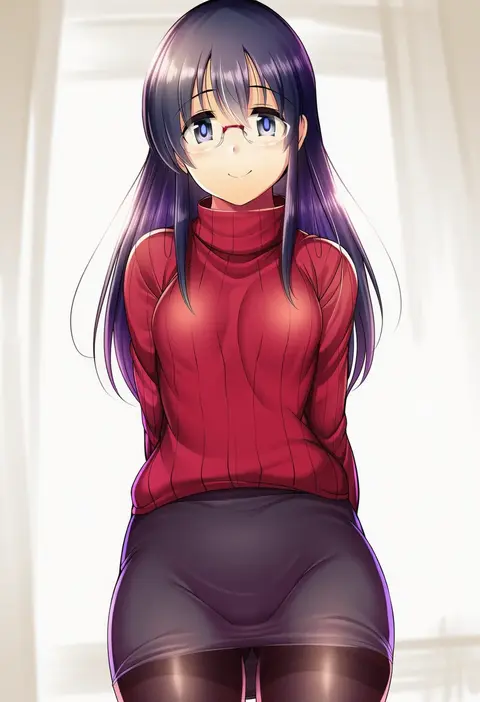
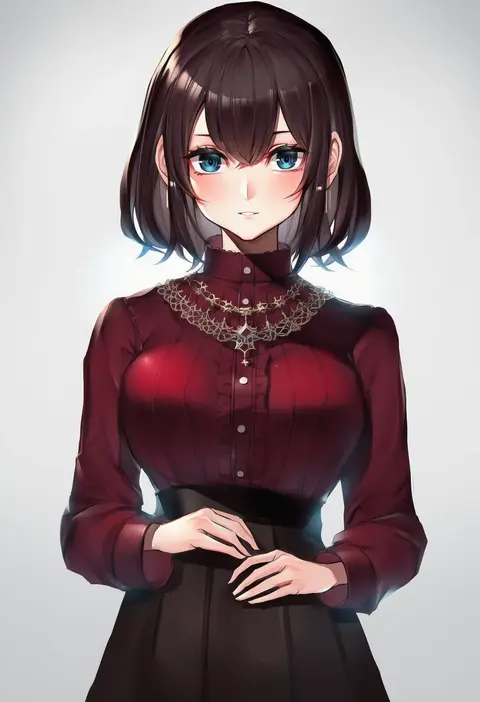
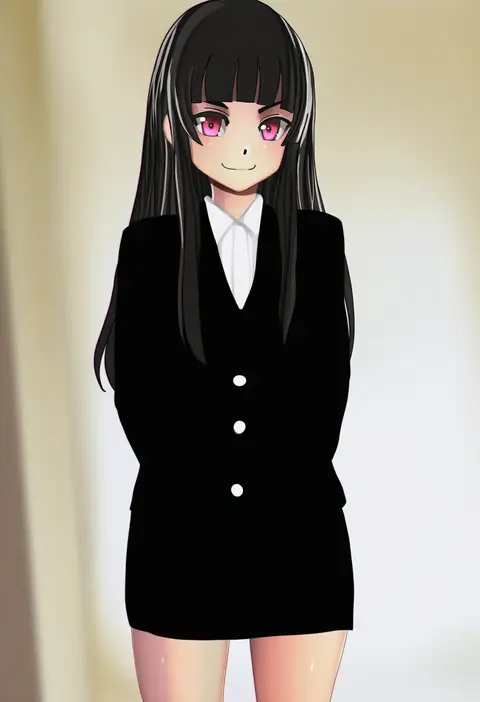
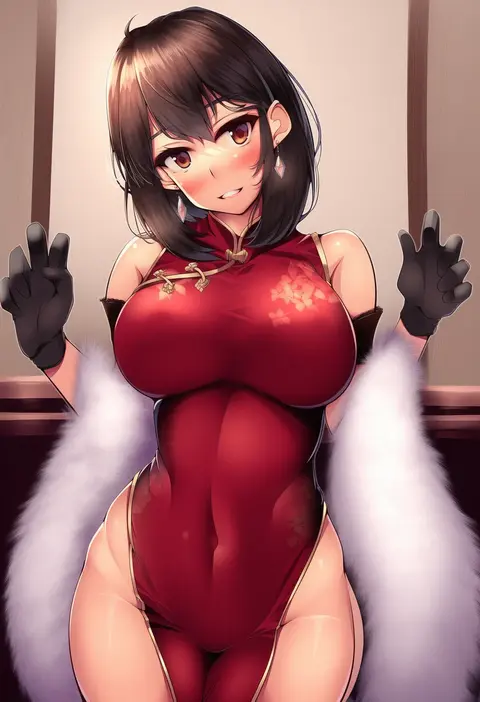
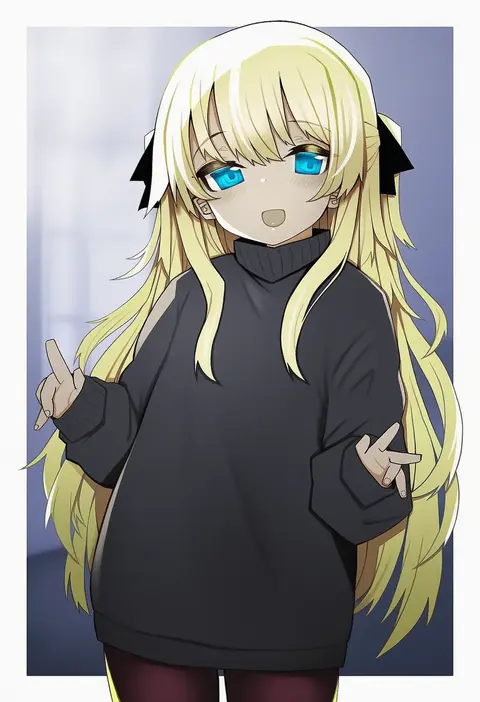
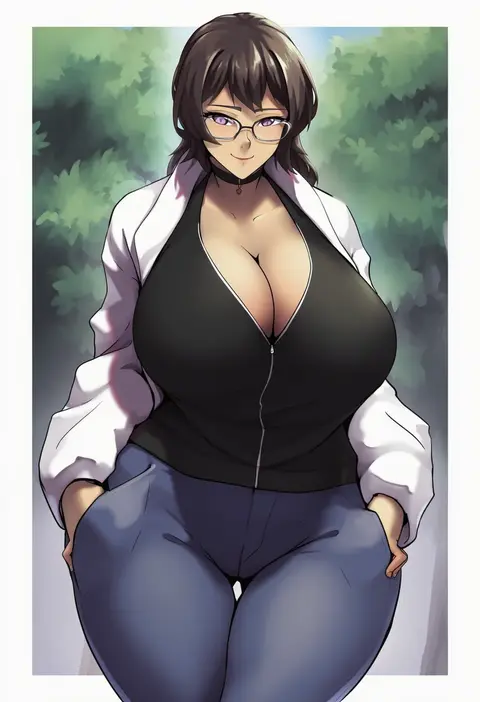
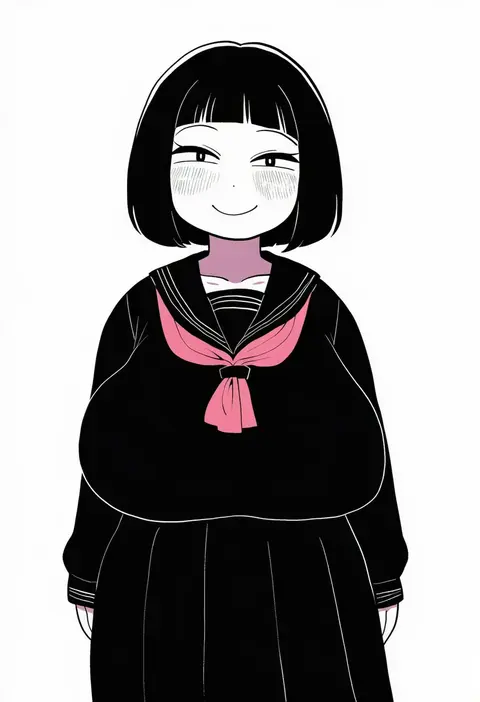
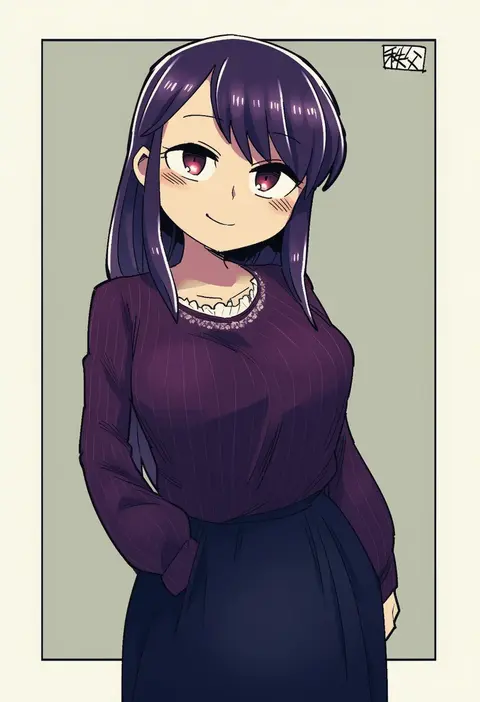
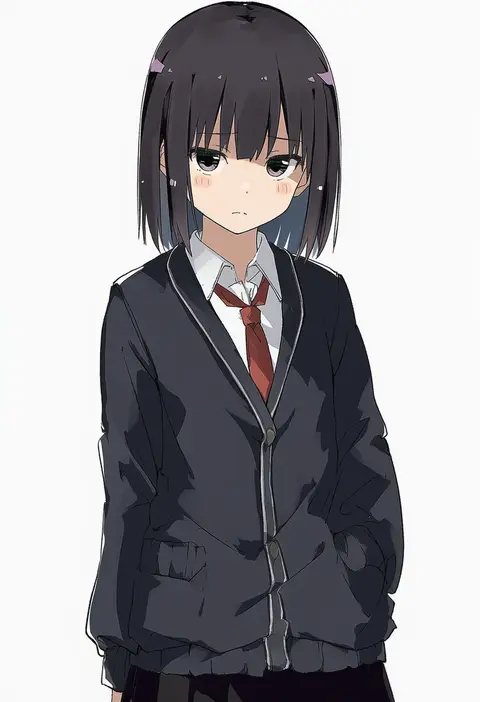
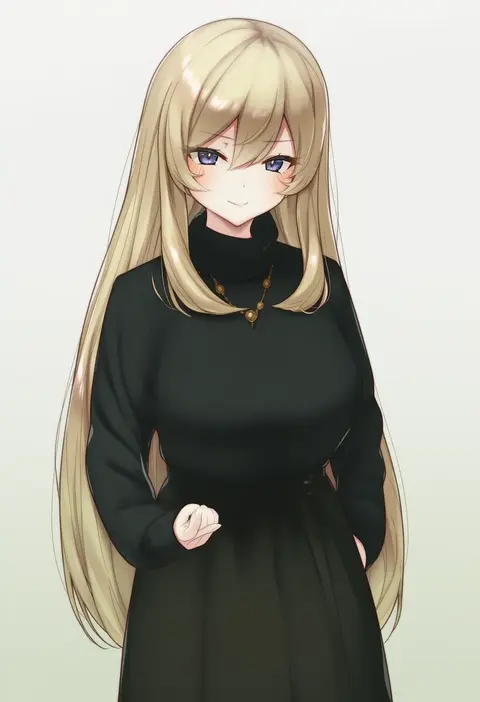
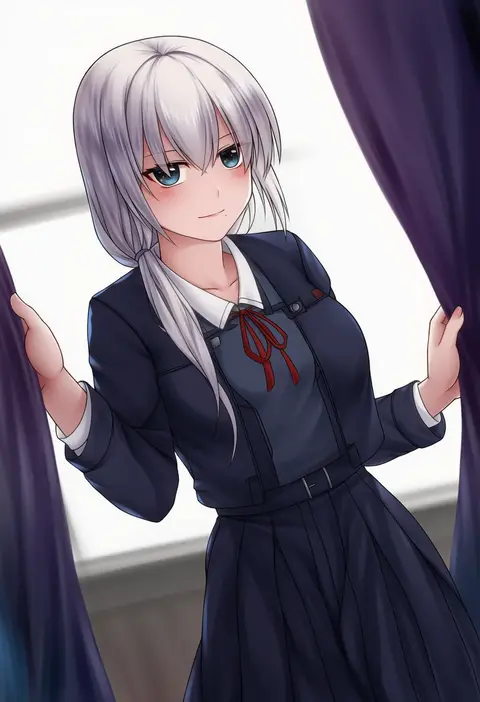
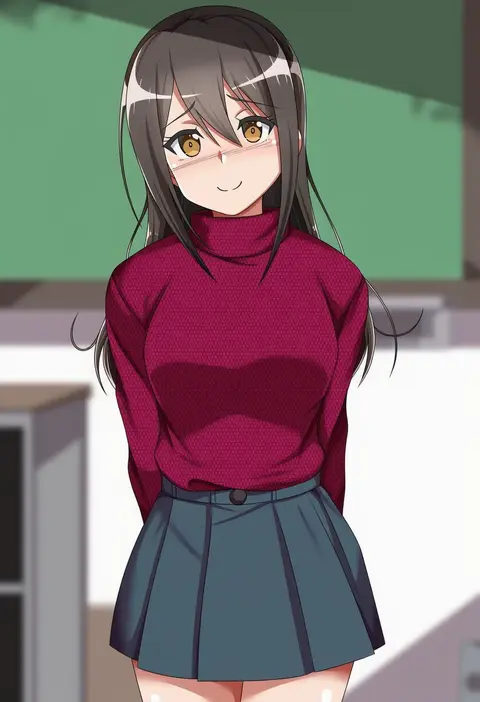
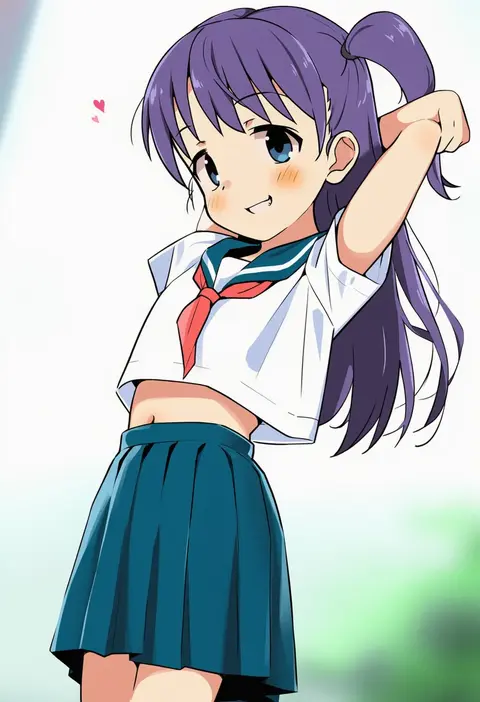
Artist tags tell NovelAI Diffusion to draw in a specific artist's style: line weight, paint texture, face shapes and palette all shift at once. Character and outfit tags decide what is drawn; artist tags decide how. 16,352 tags are listed for V4.5.
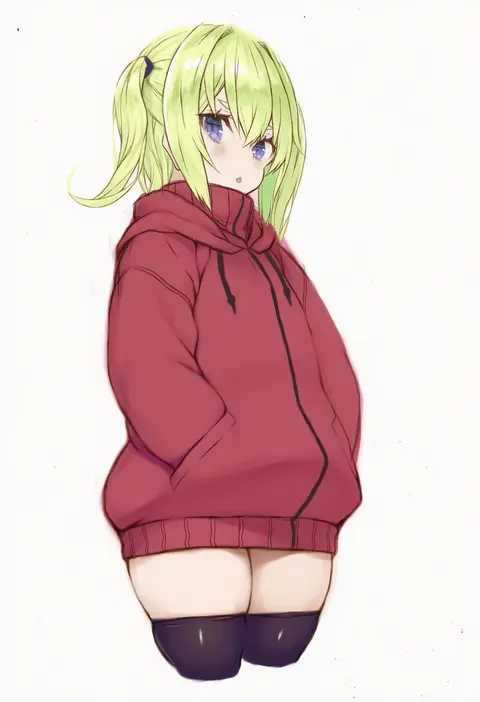
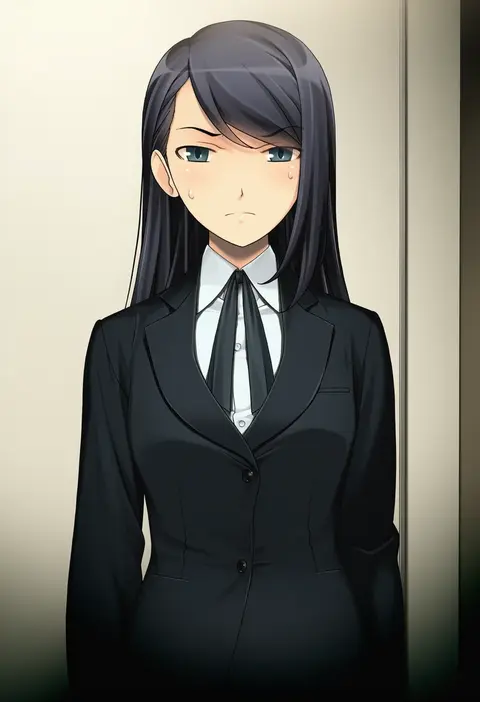
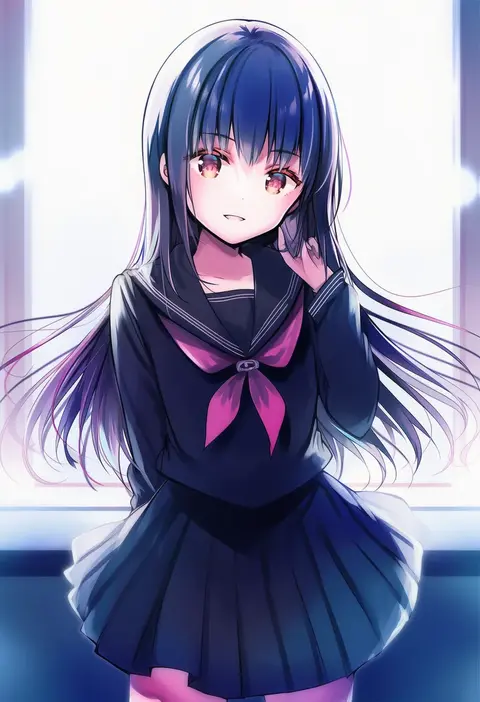
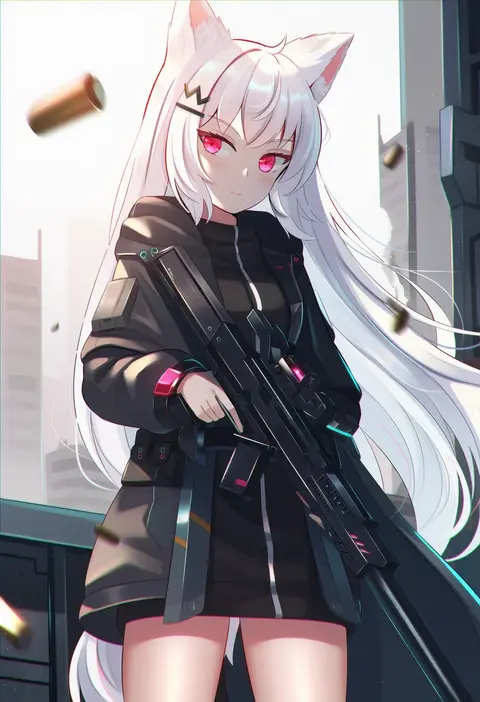
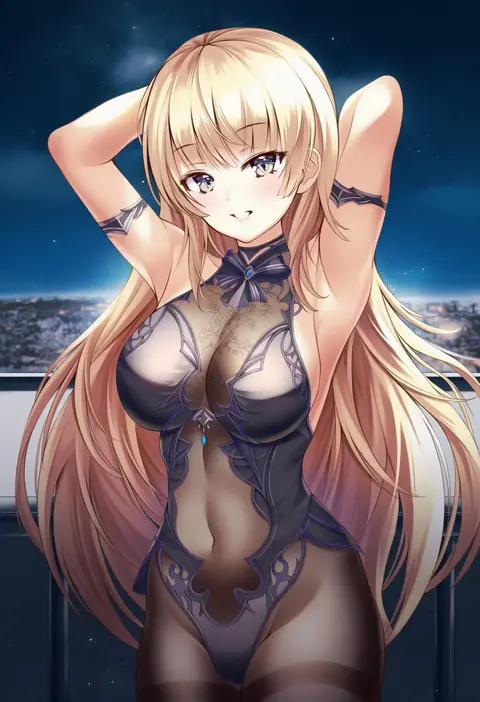
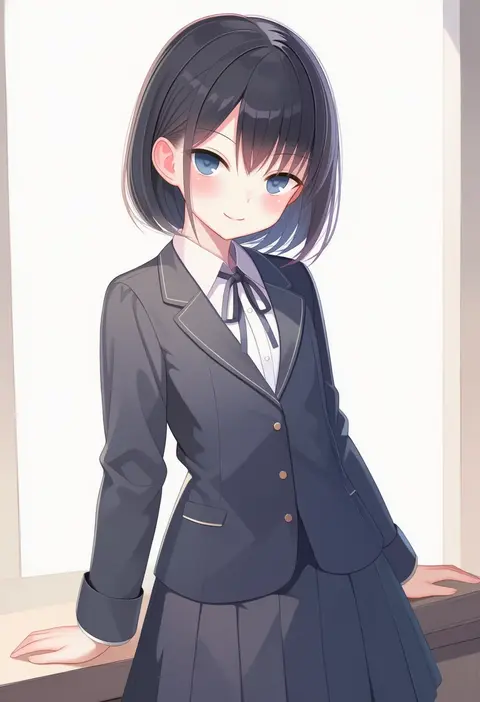
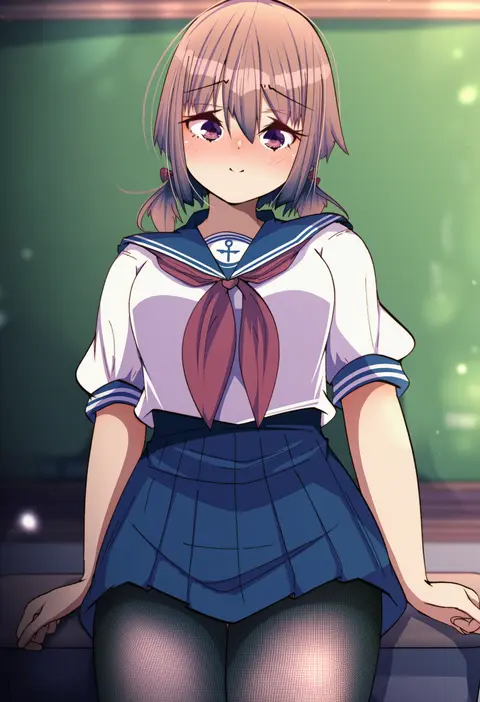
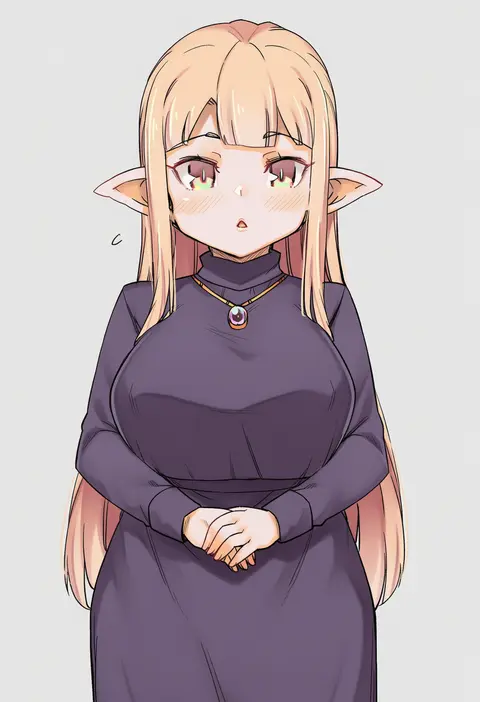
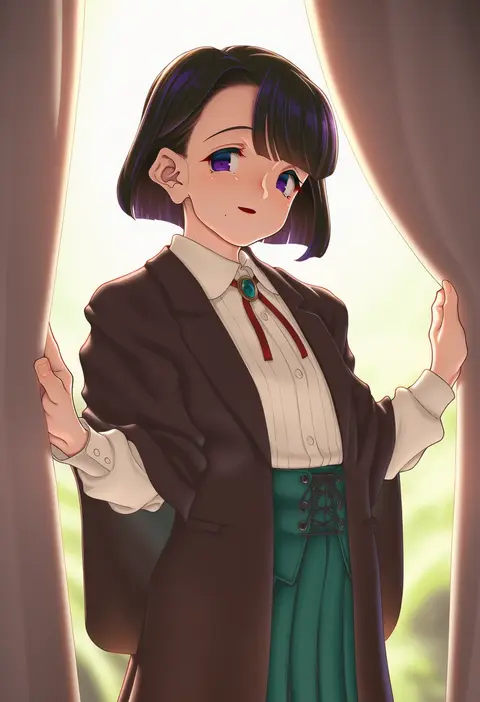
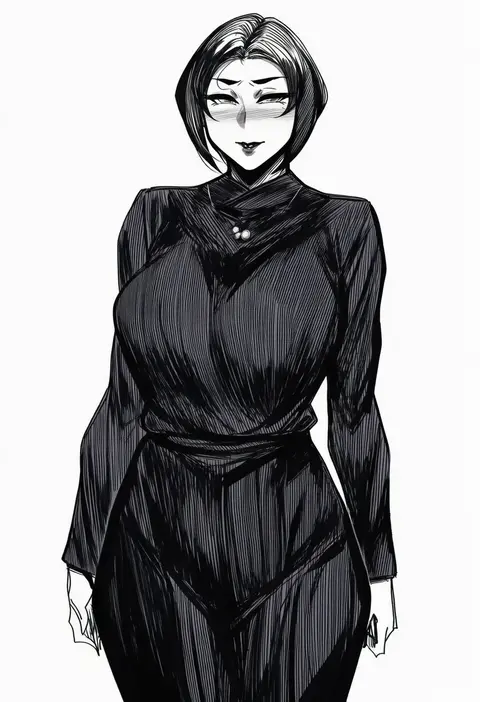
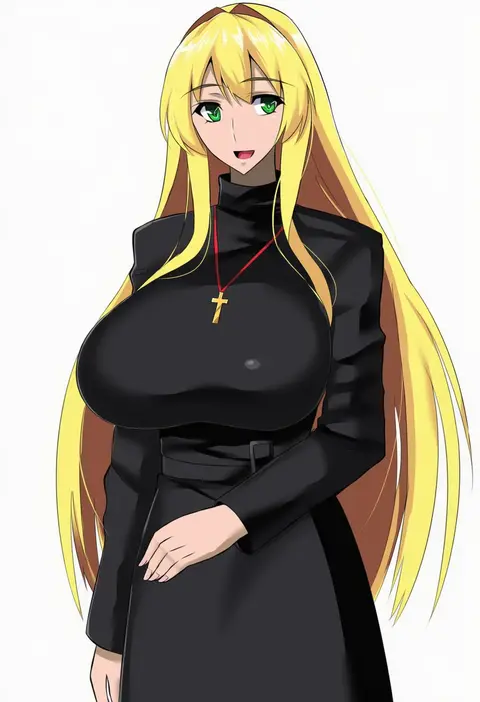
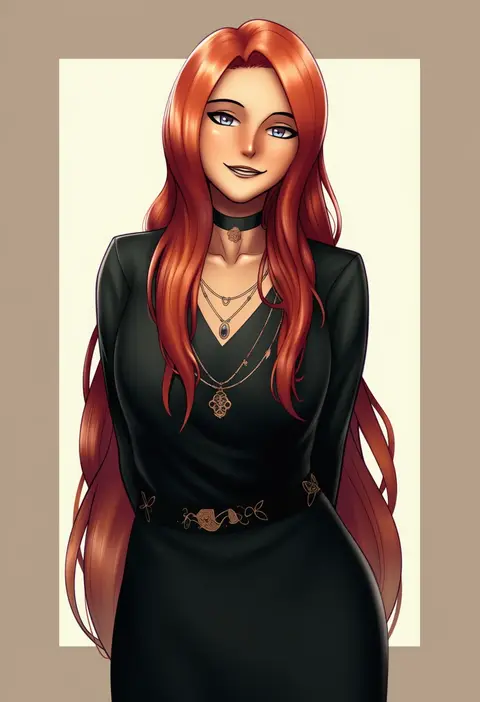
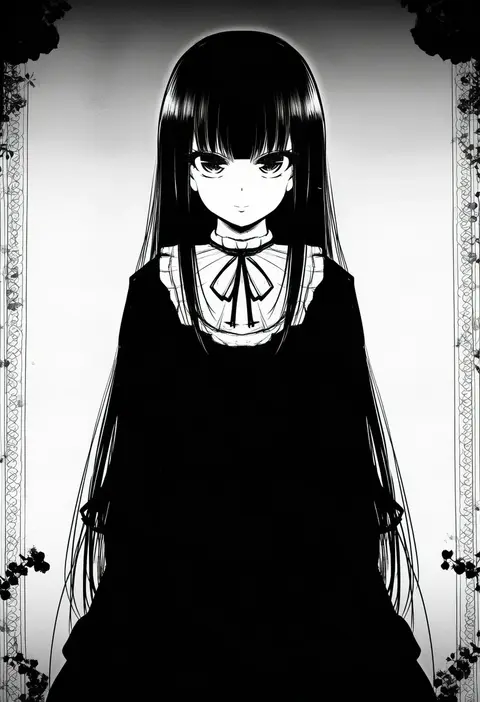
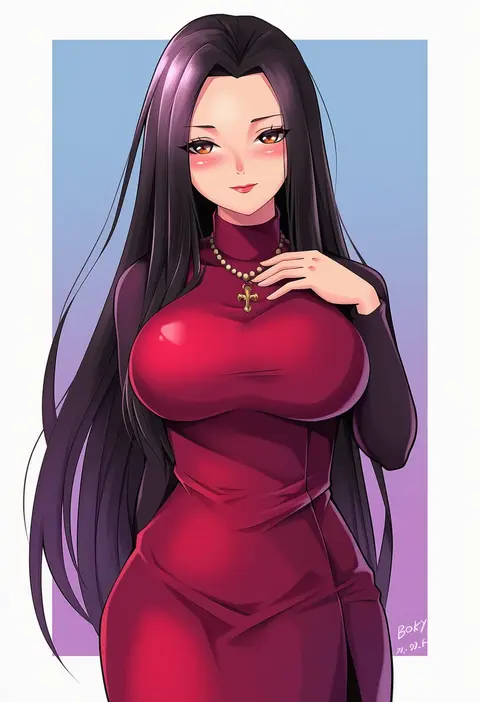
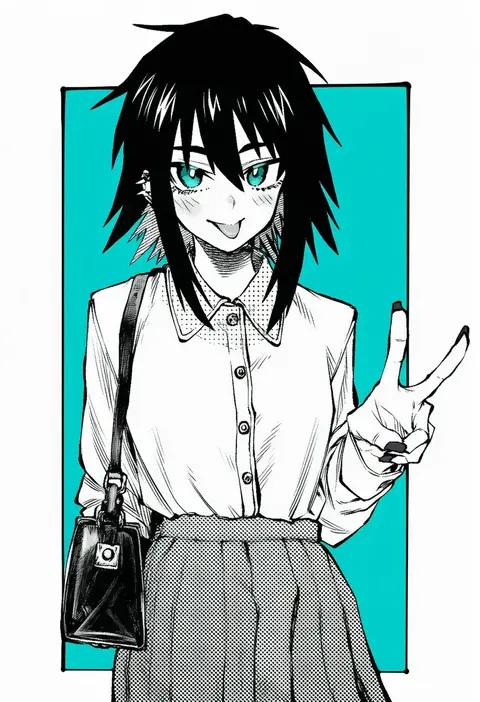
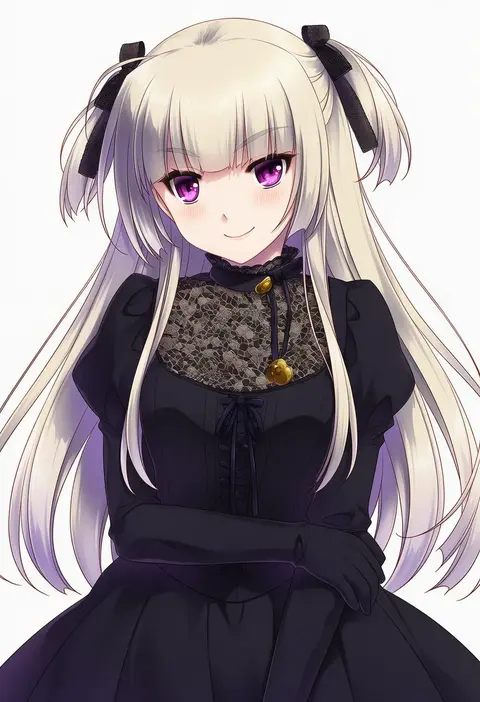
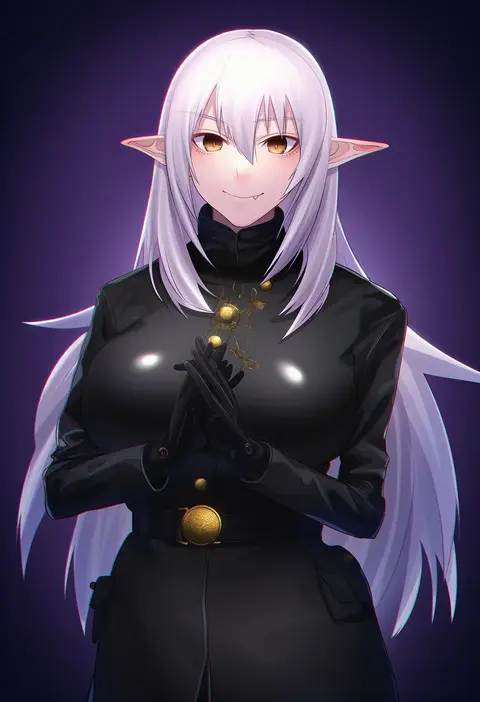
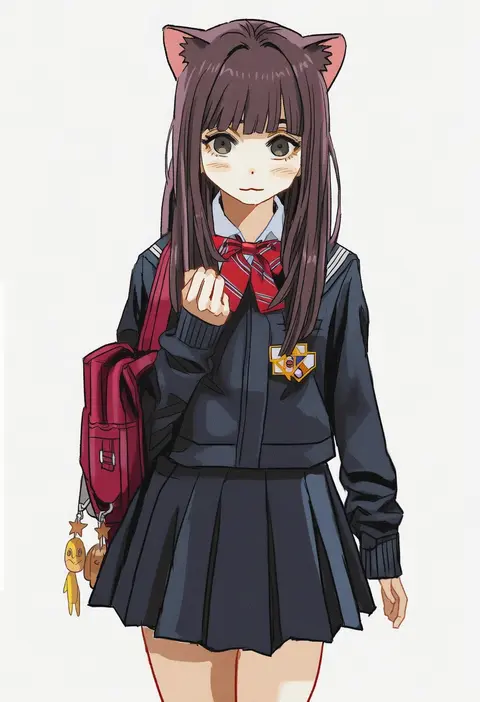
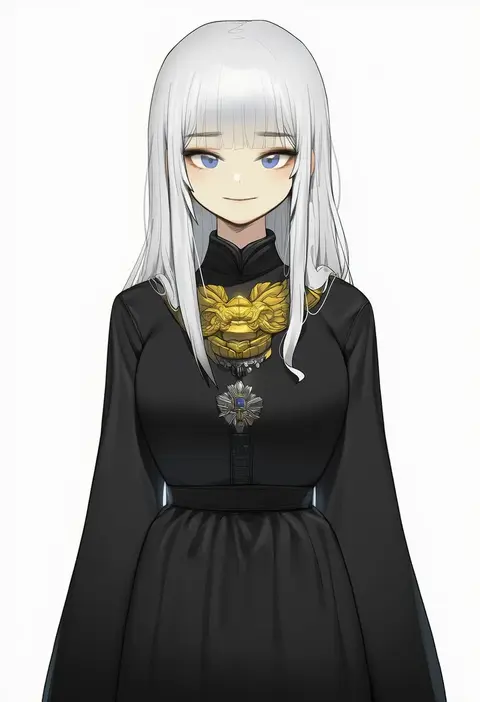
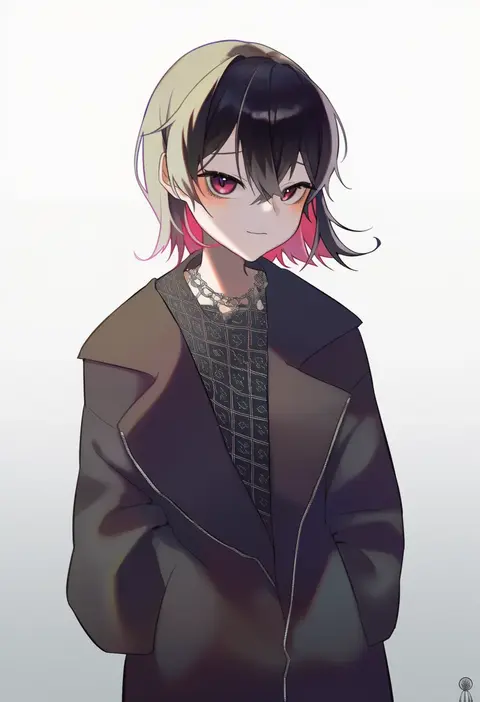
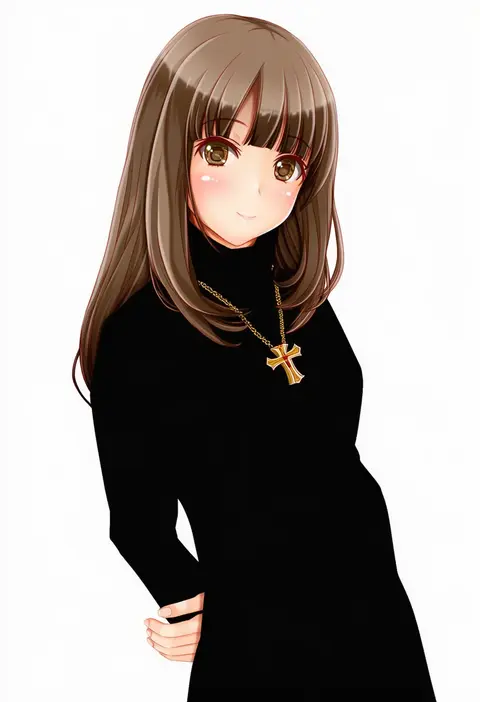
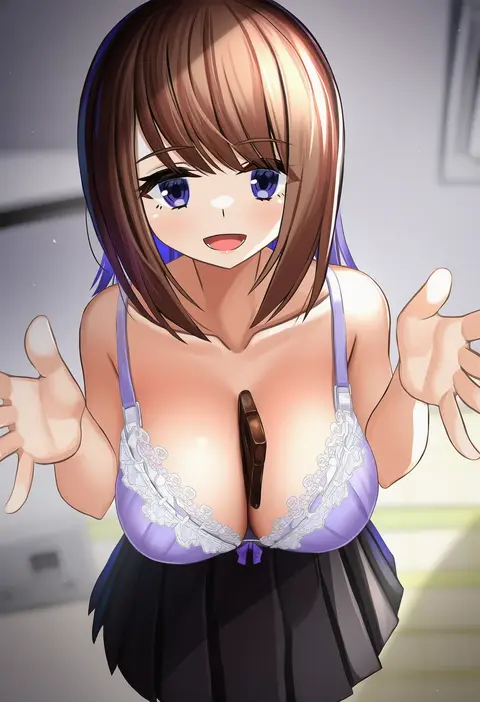
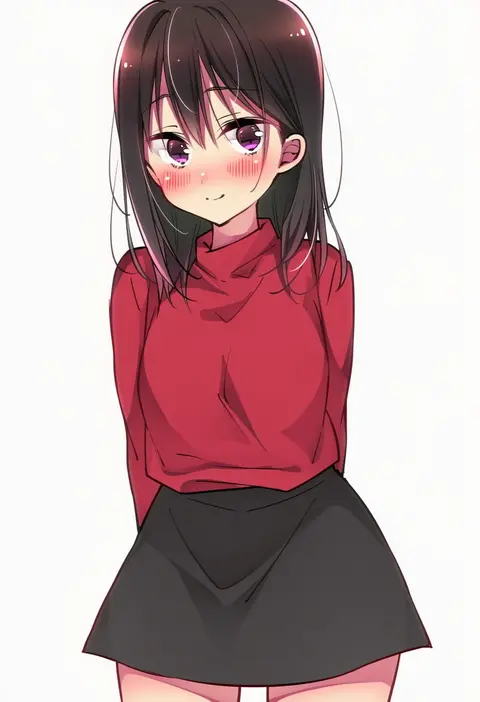
Every tag listed here is verified to react in NovelAI. All images use the same prompt, seed and settings with only the artist tag swapped, so the difference between two images is the style that tag brings in.

How to use them

Put the artist tag near the front of the prompt, e.g. "<artist>, 1girl, solo, best quality, masterpiece, cowboy shot". Two or three artist tags blend styles; lower the weight with "0.8::<artist>::" when the style overpowers the character.

SCORE sorts by Danbooru's top score, POSTS by post count, FAVS by hearts on this site. Open a card to see V5 and V4.5 side by side on the same seed.

V5 vs V4.5

V5 usually lands closer to the artist's real style, and tags that did nothing on V4.5 often react on V5. V4.5 still fits older and doujin-heavy artists better. Try V5 first, fall back to V4.5.

FAQ

Where does the artist tag go?
Near the front of the prompt. Use "0.8::tag::" to adjust its weight.

Can I stack artist tags?
Yes, styles blend. Past two or three the result stops looking like anyone.

Are these the artists' own works?
No. Every image is a NovelAI sample generated from the tag.