V4.5Artists
sort: FAVS▾
▾
>
$

NovelAI Artist Tags List — V4.5

artist --count 16,352[86/273]
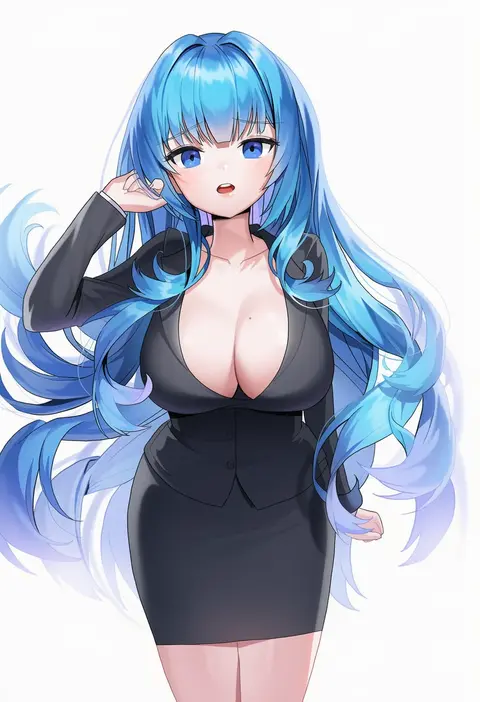
hyoin
ARTIST0x13EC
0
jiu ye sang
ARTIST0x13ED
0
obazzotto
ARTIST0x13EE
0
hwansang jungdog
ARTIST0x13EF
0
yoru (yowuyoru)
ARTIST0x13F0
0
apoidea
ARTIST0x13F1
0
juurouta
ARTIST0x13F2
0
joshua (shisanli934)
ARTIST0x13F3
0
ryuuneart
ARTIST0x13F4
0
ichibi
ARTIST0x13F5
0
k.t.cube
ARTIST0x13F6
0
plus step
ARTIST0x13F7
0
hinata yuu (atelierhinata)
ARTIST0x13F8
0
lebring
ARTIST0x13F9
0
gardavwar
ARTIST0x13FA
0
dudeunderscore
ARTIST0x13FB
0
suminagashi
ARTIST0x13FC
0
akagi kurage
ARTIST0x13FD
0
shinozuka jouji
ARTIST0x13FE
0
kyuuso inukami
ARTIST0x13FF
0
apt
ARTIST0x1400
0
tonchinkan
ARTIST0x1401
0
mamo williams
ARTIST0x1402
0
tom-neko (zamudo akiyuki)
ARTIST0x1403
0
msp sammy
ARTIST0x1404
0
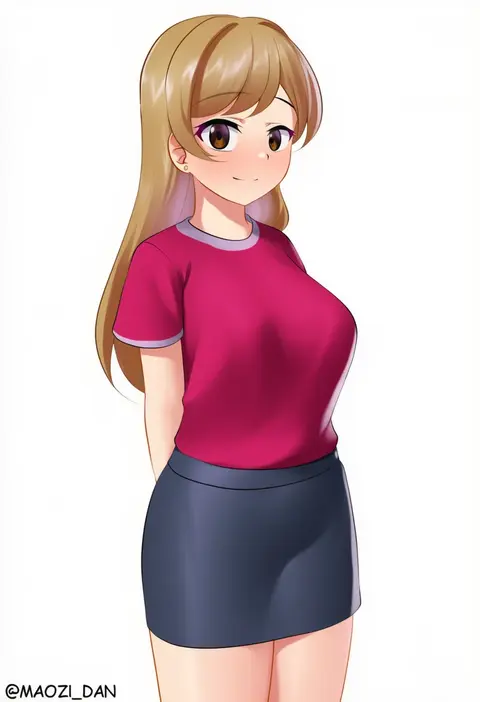
maozi dan
ARTIST0x1405
0
n3moni
ARTIST0x1406
0
toki (toki ship8)
ARTIST0x1407
0
nyanzai-sensei
ARTIST0x1408
0
rock zinc
ARTIST0x1409
0
jenmin12
ARTIST0x140A
0
dayama
ARTIST0x140B
0
oddsnail
ARTIST0x140C
0
ebi 193
ARTIST0x140D
0
barbariank
ARTIST0x140E
0
mitsuba minoru
ARTIST0x140F
0
morino donguri
ARTIST0x1410
0
andou you
ARTIST0x1411
0
oohira sunset
ARTIST0x1412
0
mannack
ARTIST0x1413
0
oshage (osyage921)
ARTIST0x1414
0
saboten teishoku
ARTIST0x1415
0
kawachi rin
ARTIST0x1416
0
profnote
ARTIST0x1417
0
tomo (tmtm mf mf)
ARTIST0x1418
0
makabe gorou
ARTIST0x1419
0
mohoshadream
ARTIST0x141A
0
satoimo chika
ARTIST0x141B
0
kandori
ARTIST0x141C
0
minpei ichigo
ARTIST0x141D
0
xiongmao
ARTIST0x141E
0
muyoshito
ARTIST0x141F
0
peperon (peperou)
ARTIST0x1420
0
yagisawa teru
ARTIST0x1421
0
konpeto
ARTIST0x1422
0
mikomachi (35machi)
ARTIST0x1423
0
takeashiro
ARTIST0x1424
0
linreplica
ARTIST0x1425
0
nekomugiharu
ARTIST0x1426
0
ippongui
ARTIST0x1427
0

What these tags change

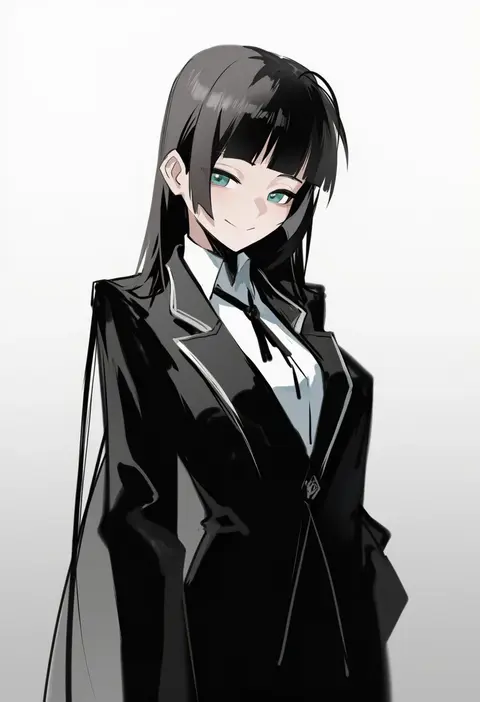
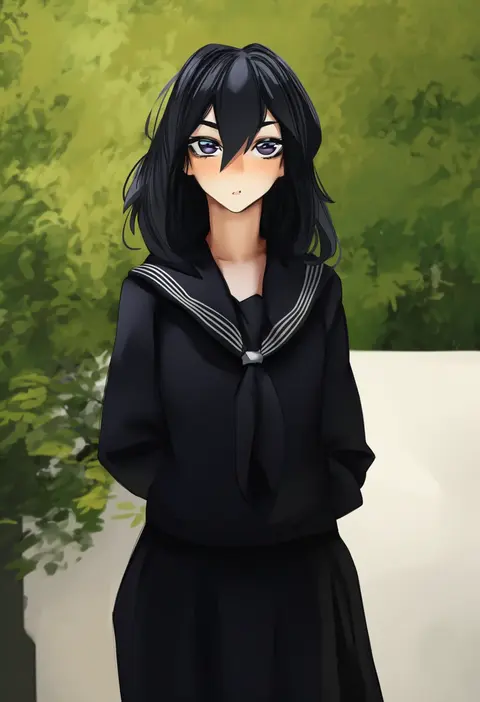
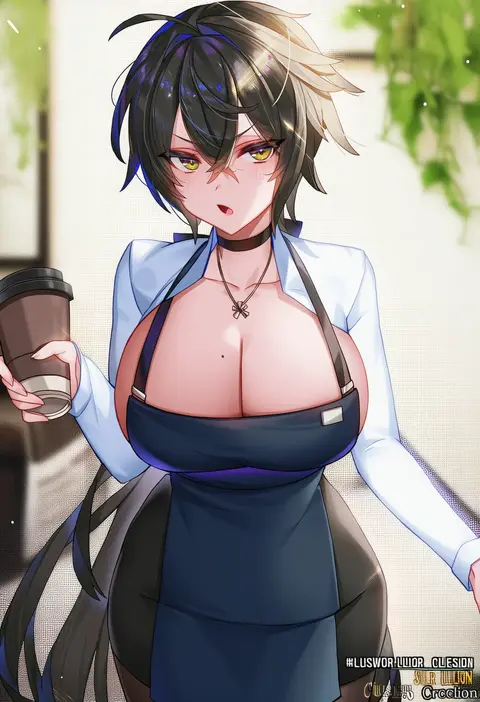
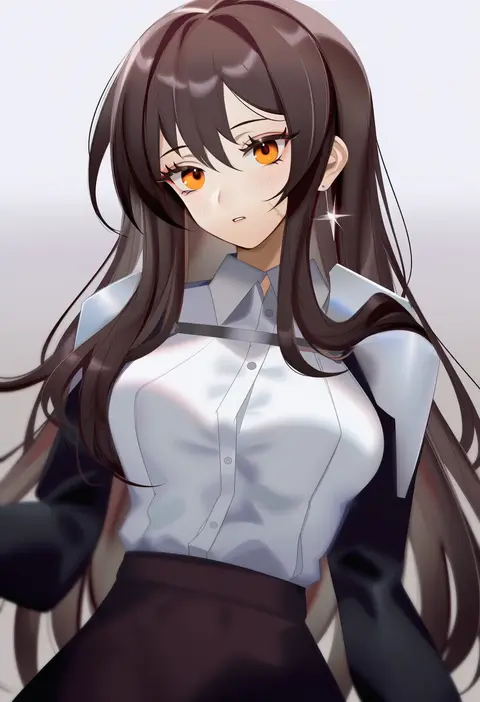
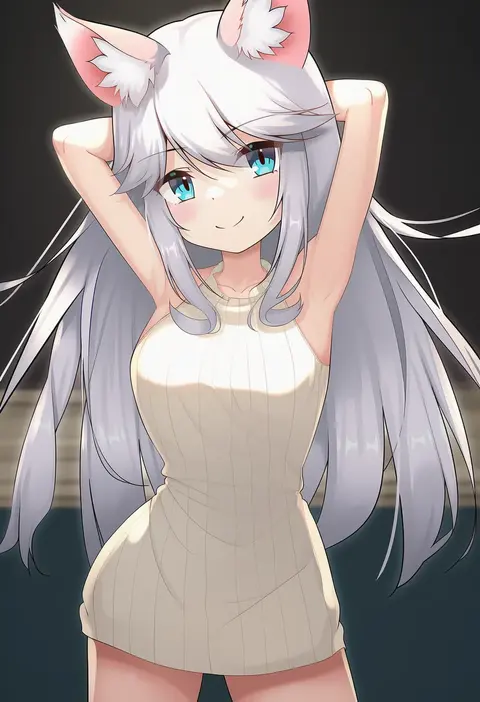
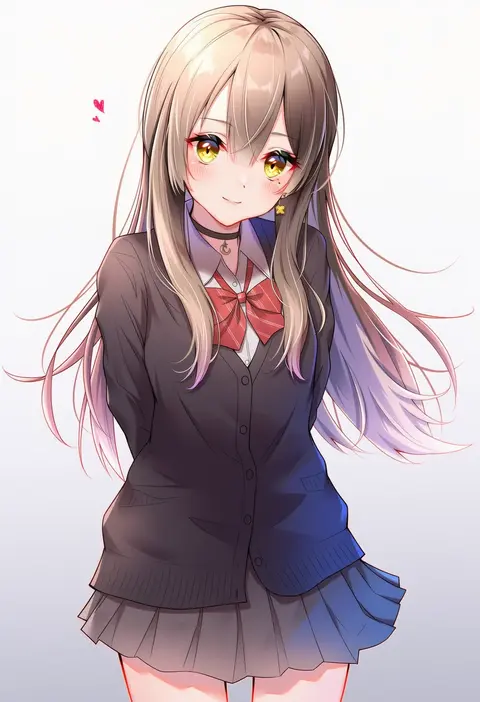
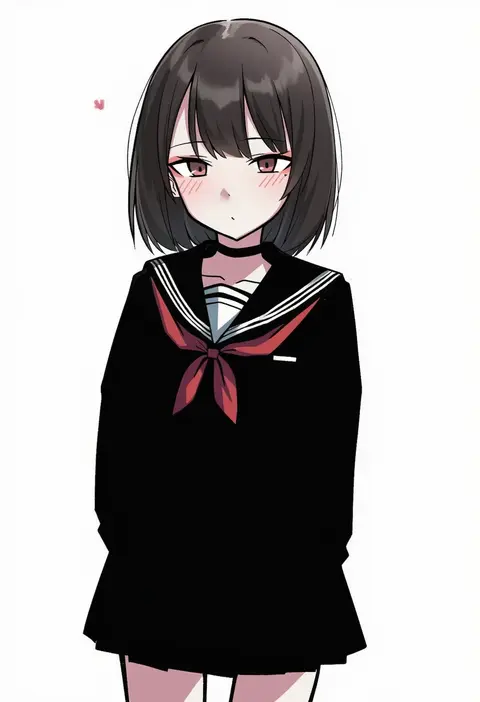
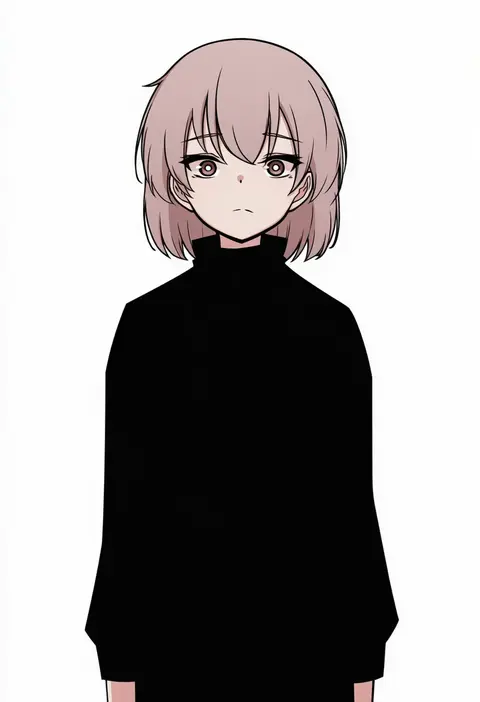
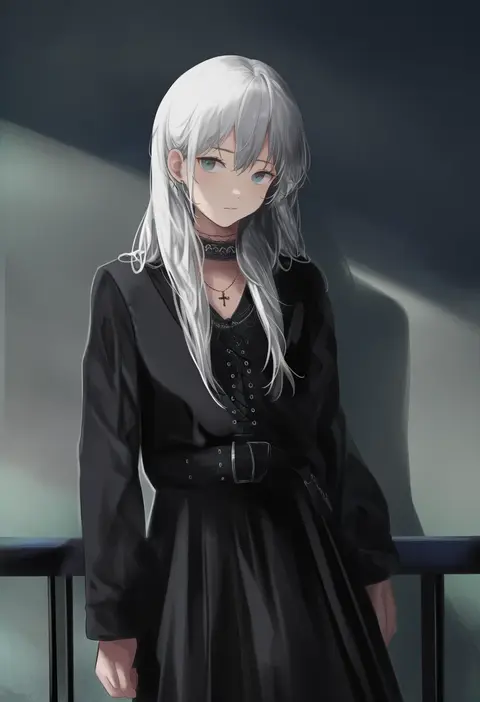
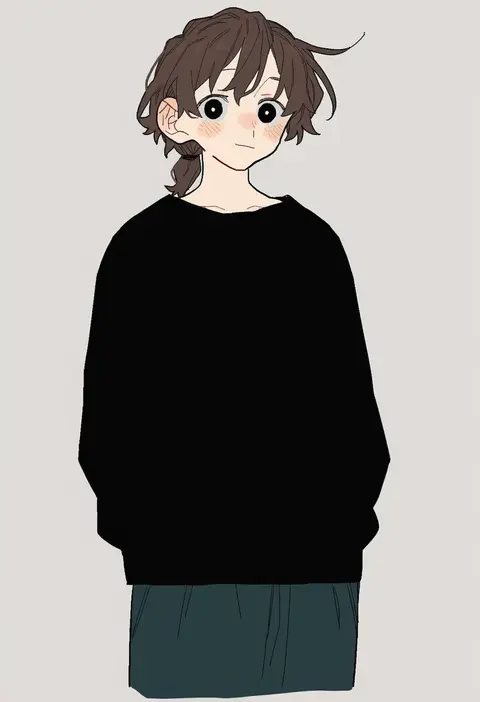
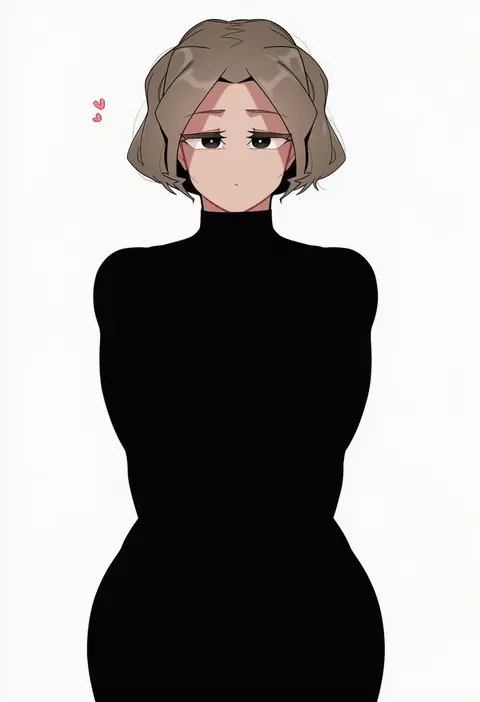
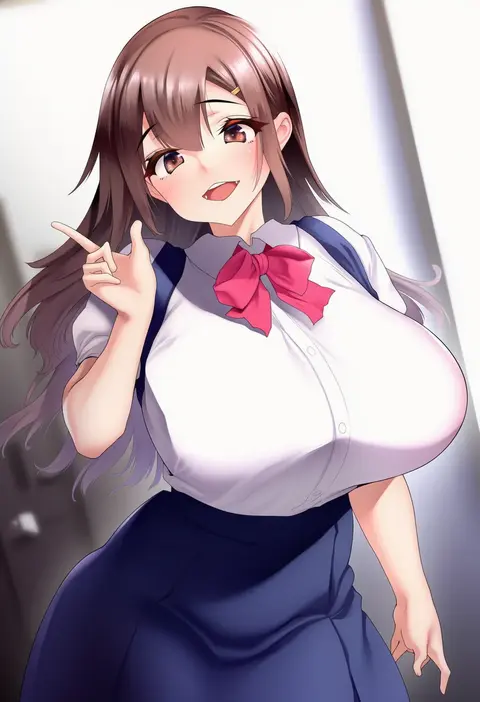
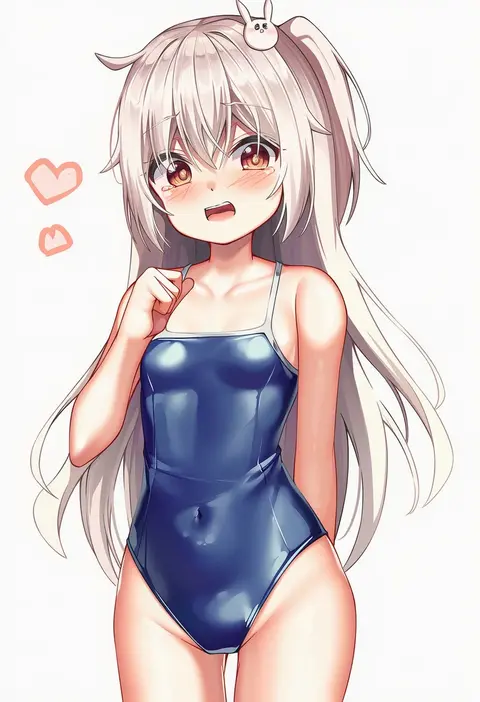
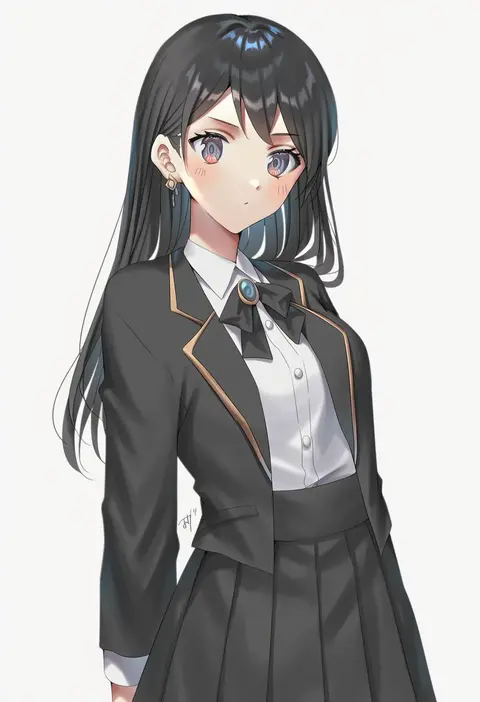
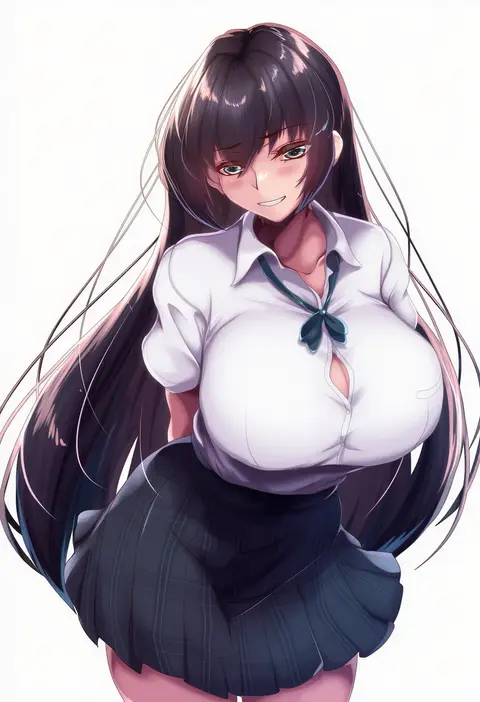
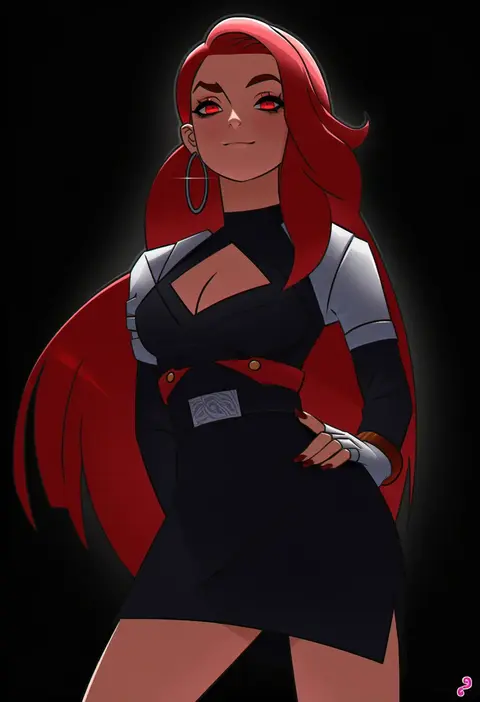
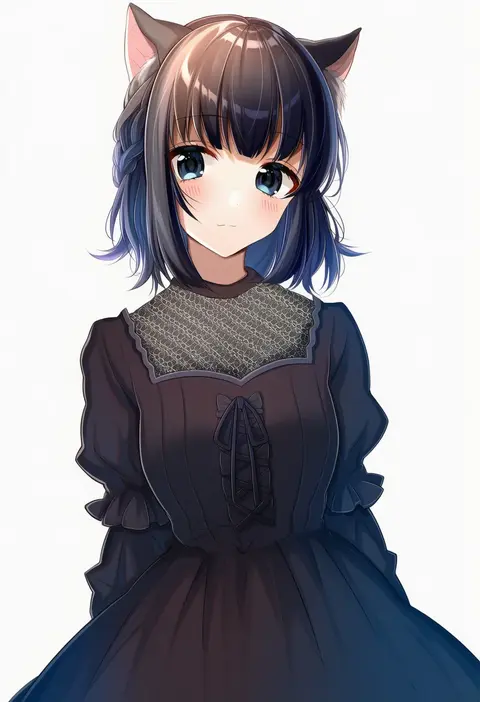
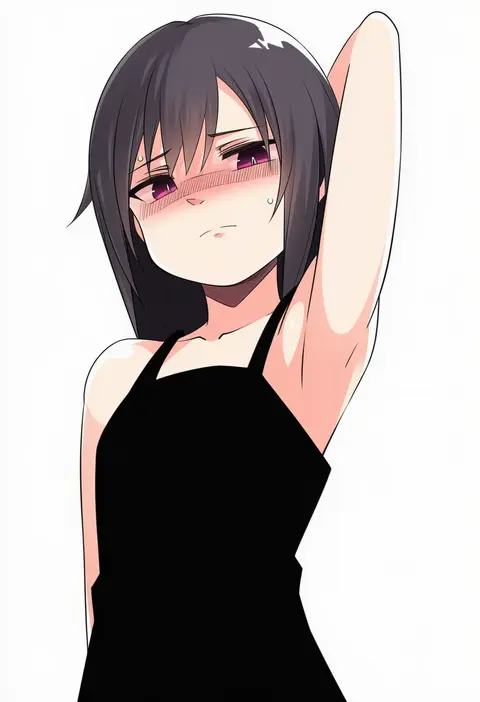
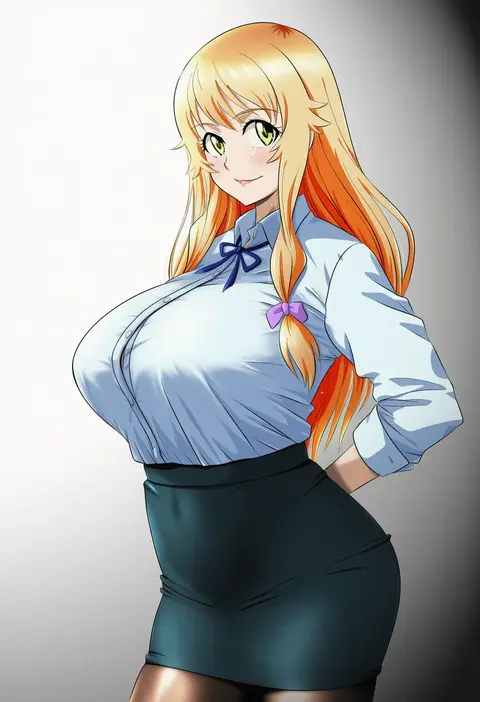
Artist tags tell NovelAI Diffusion to draw in a specific artist's style: line weight, paint texture, face shapes and palette all shift at once. Character and outfit tags decide what is drawn; artist tags decide how. 16,352 tags are listed for V4.5.
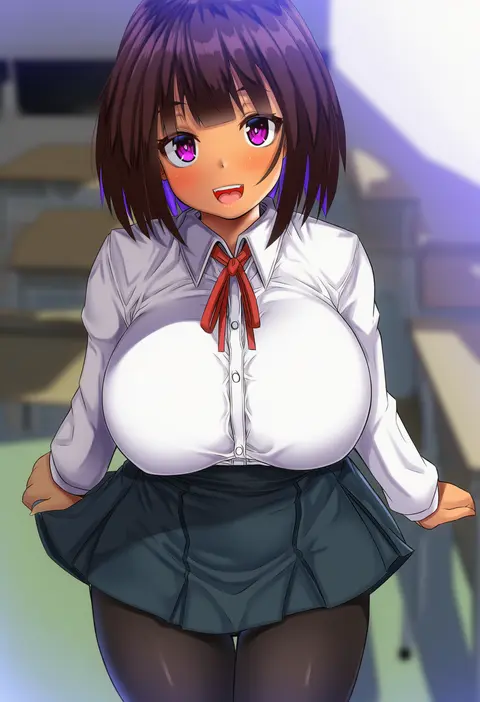
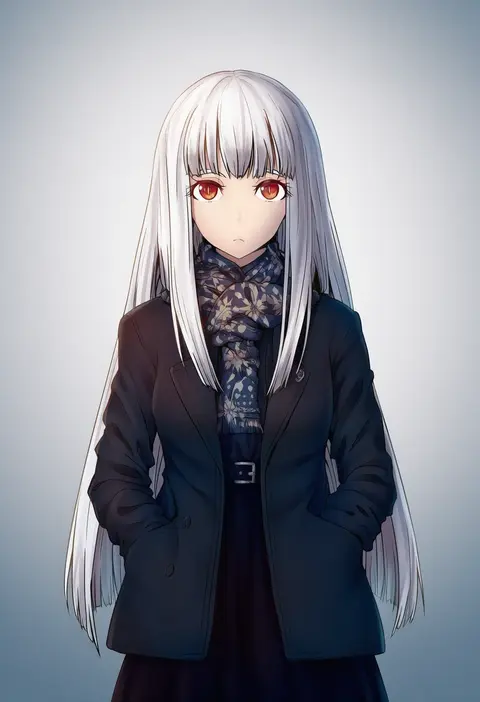
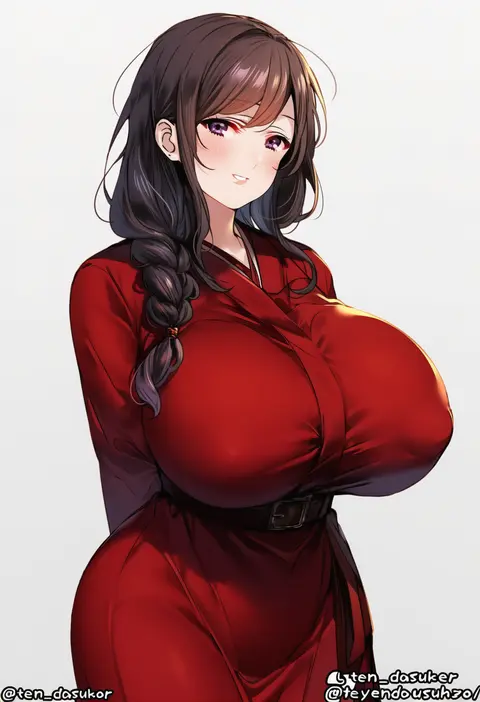
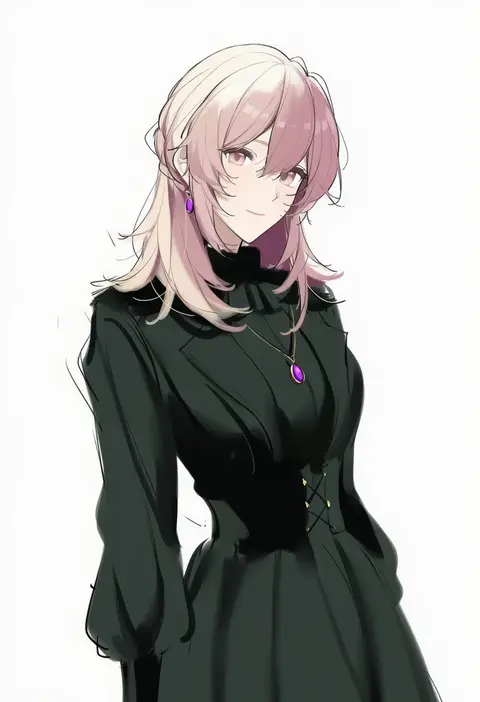
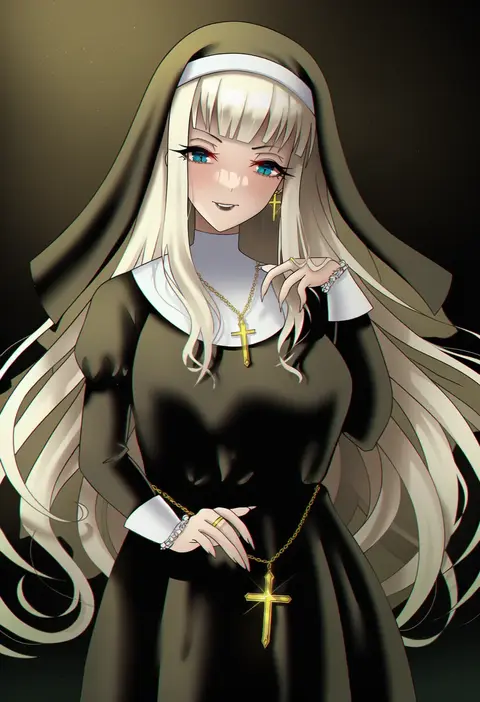
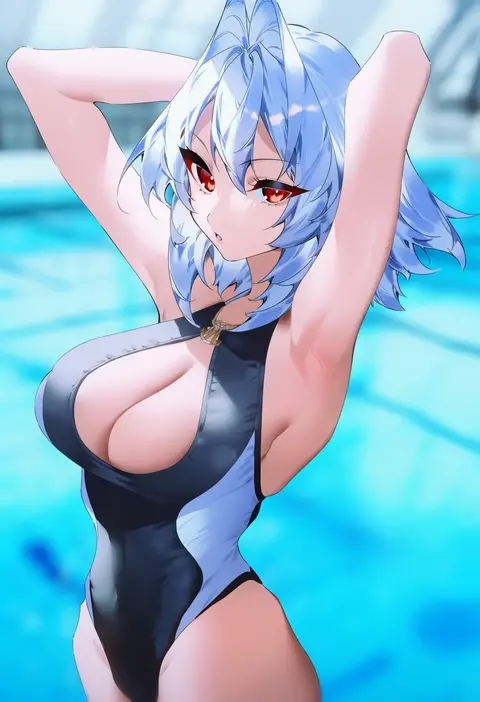
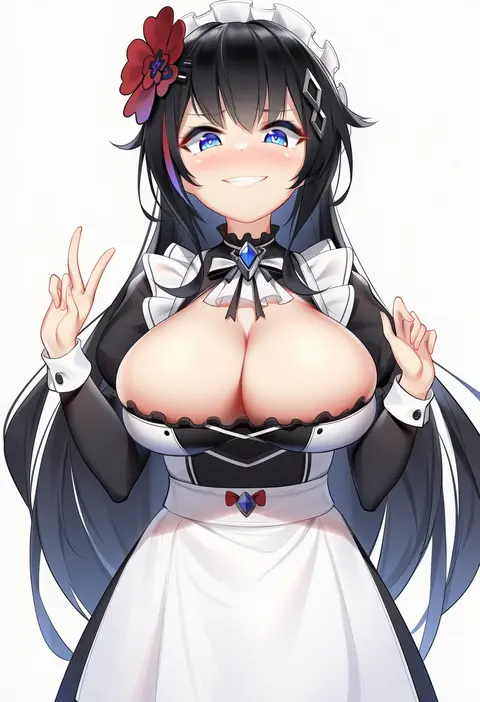
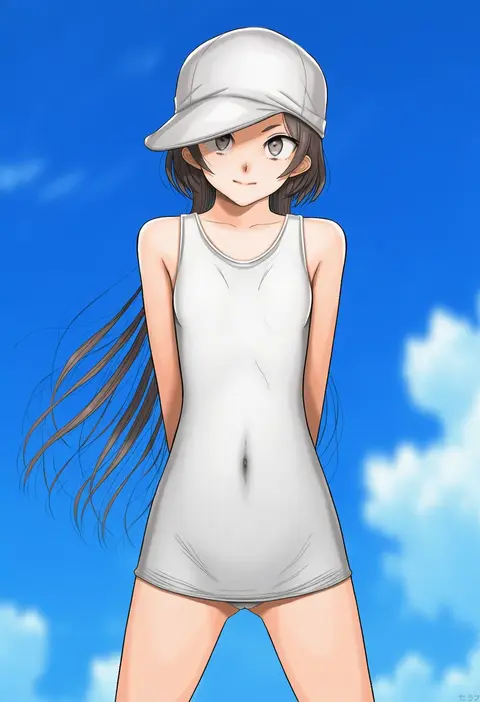
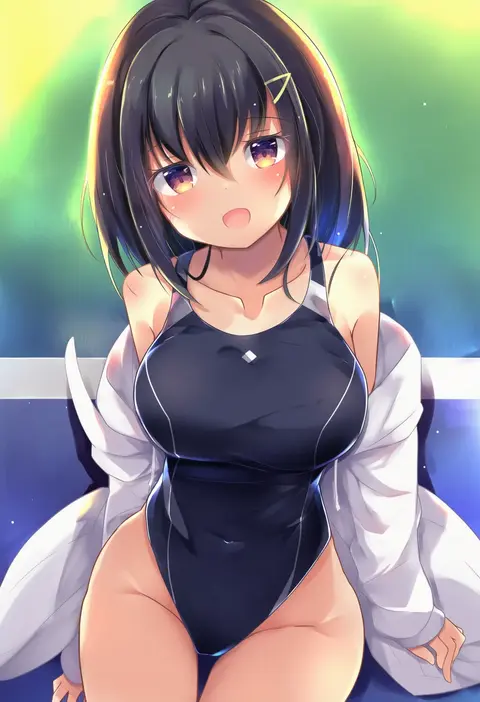
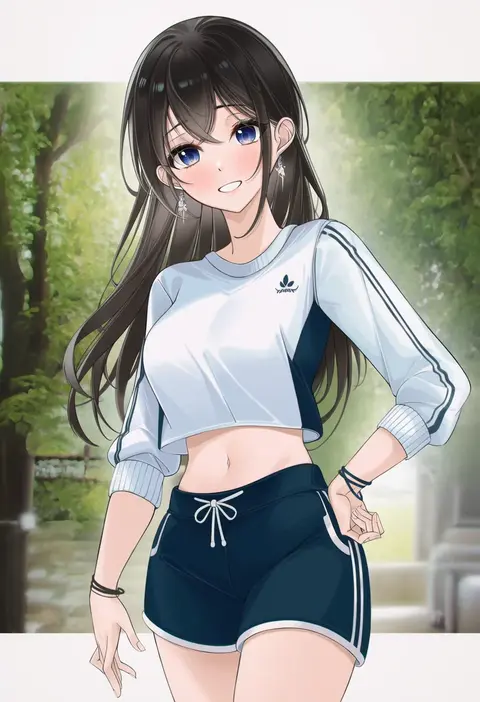
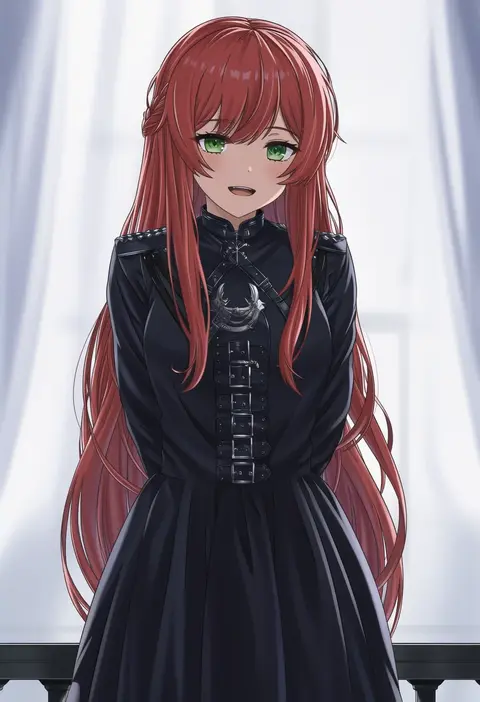
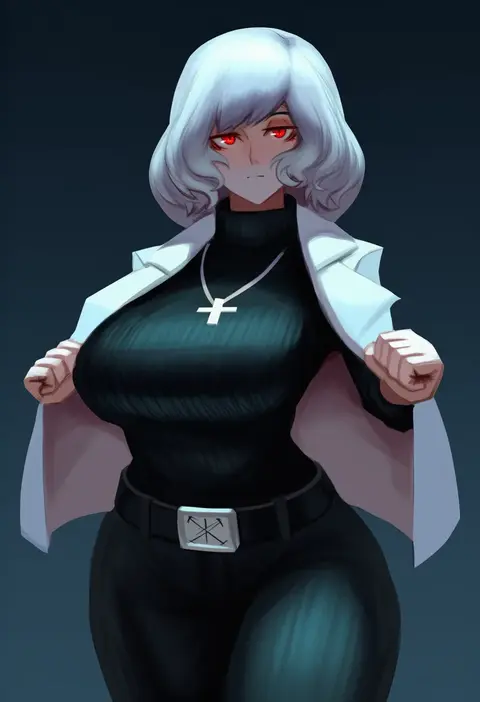
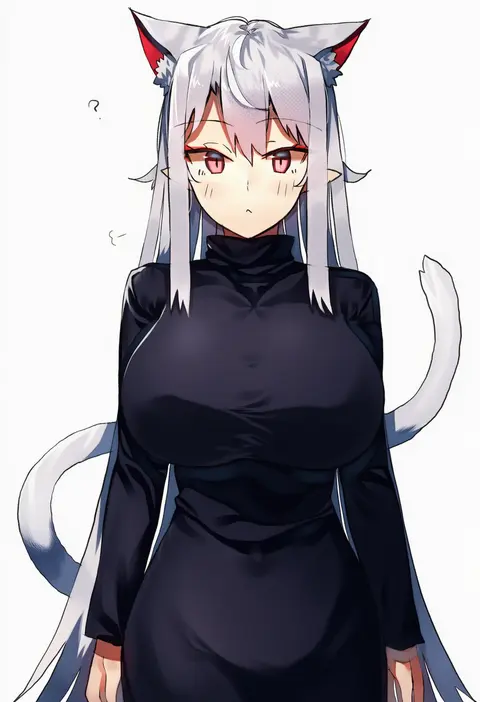
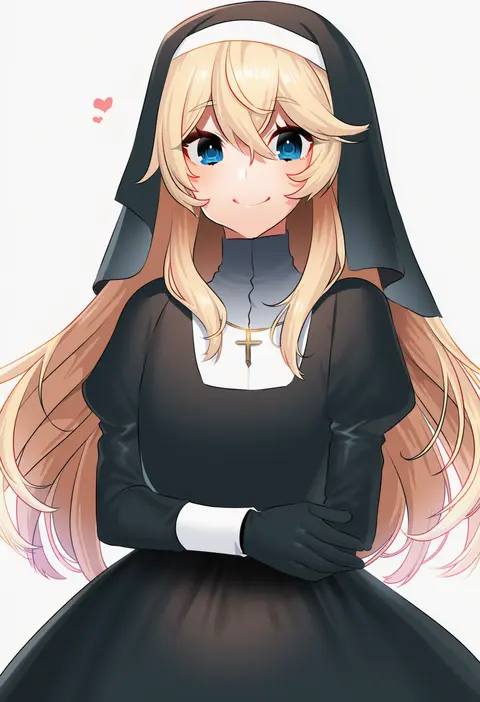
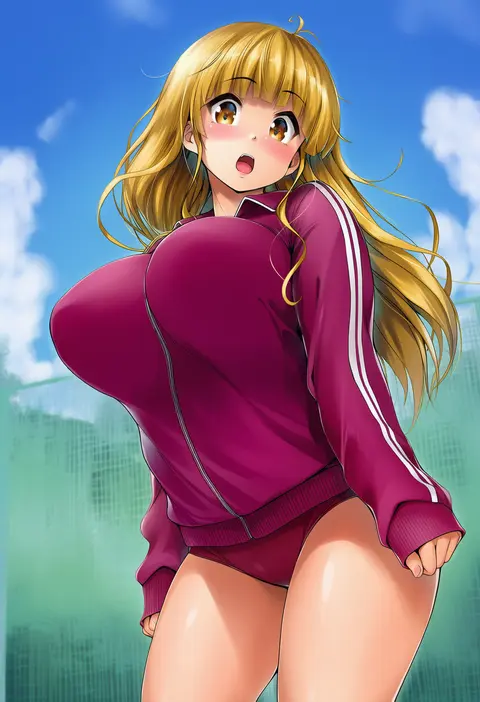
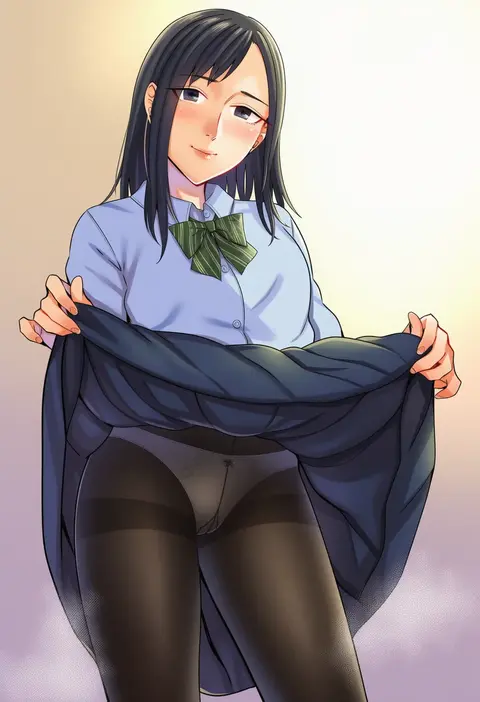
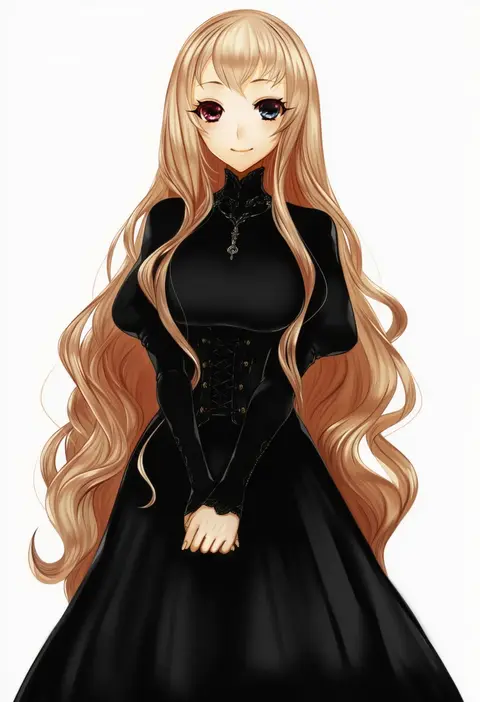
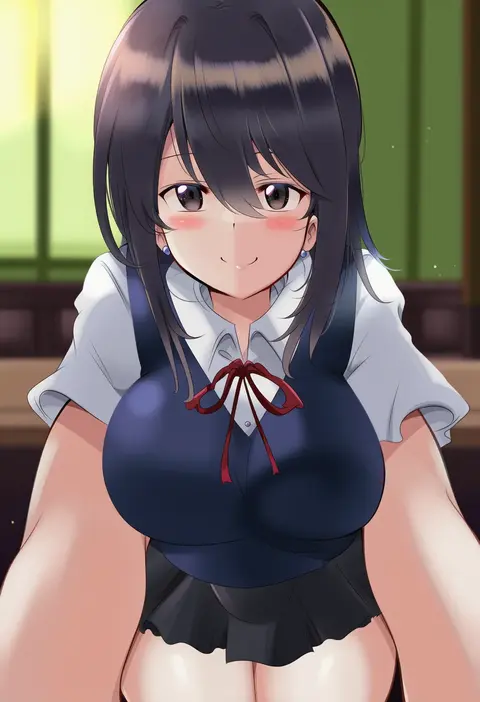
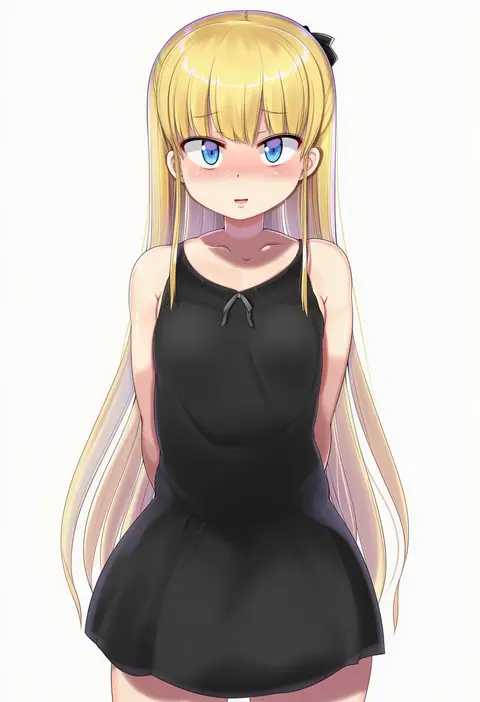
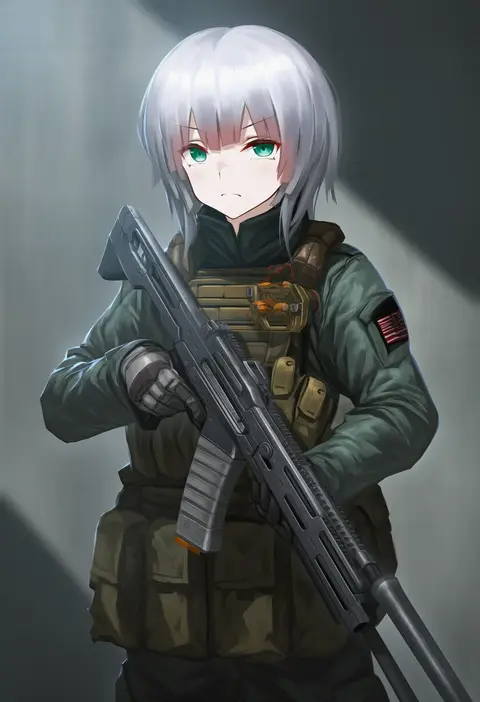
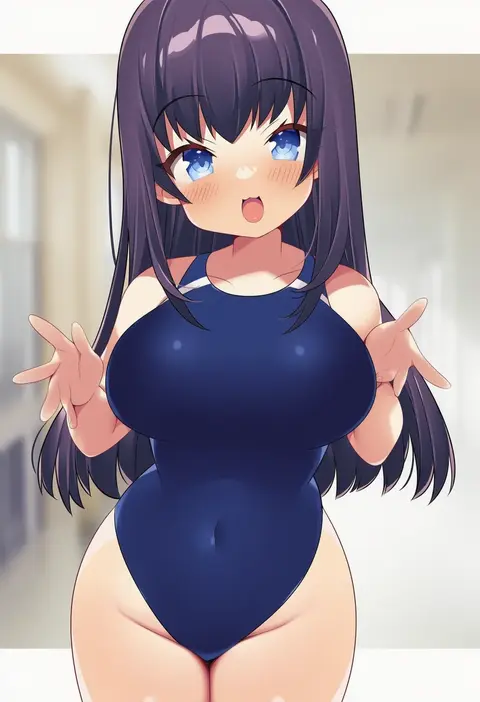
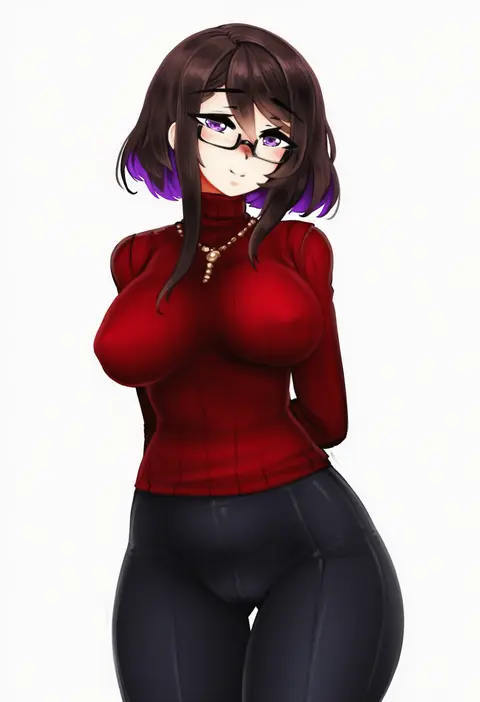
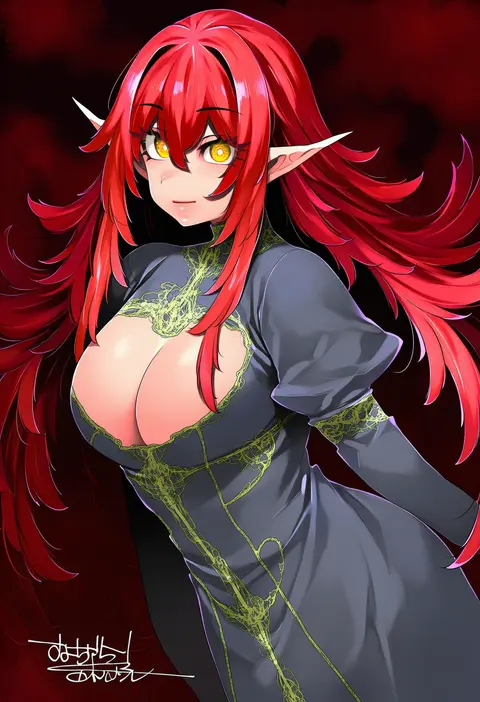
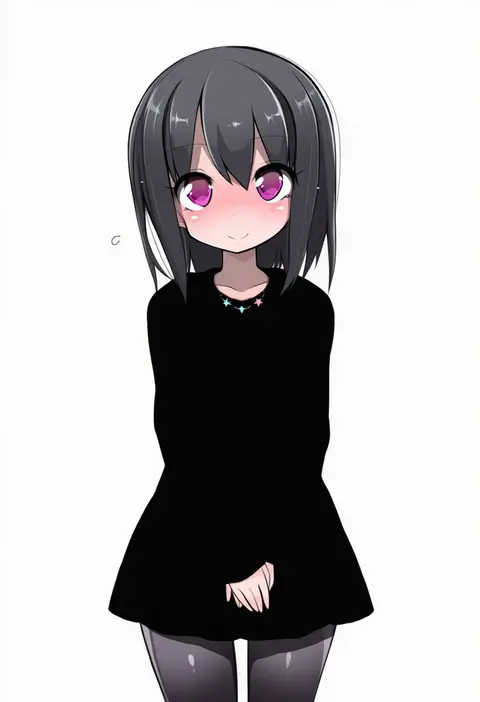
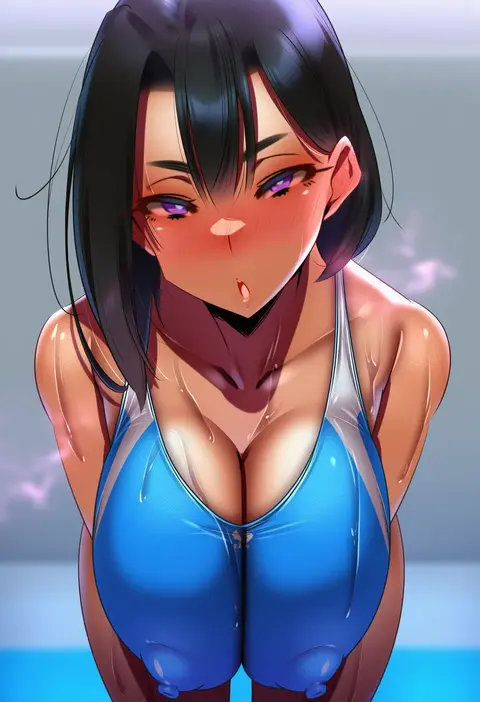
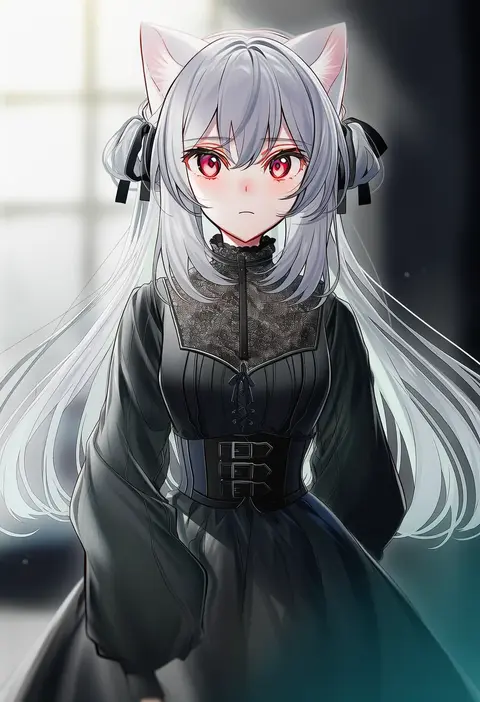
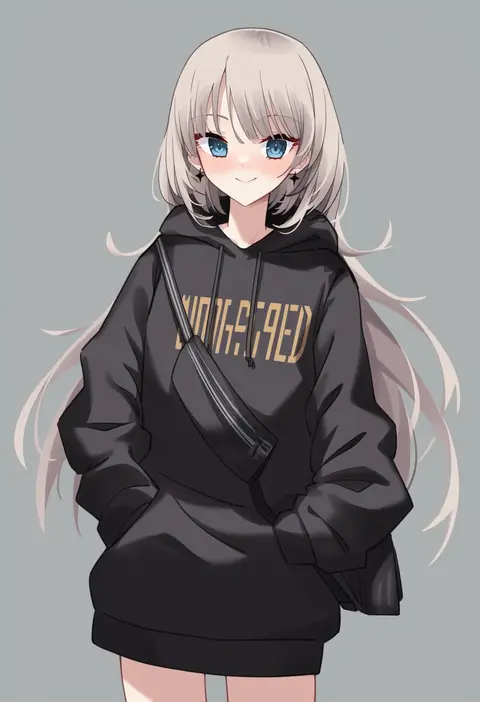
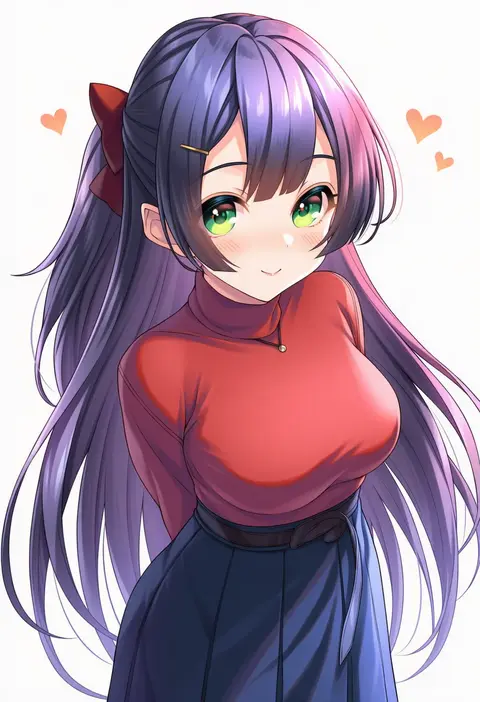
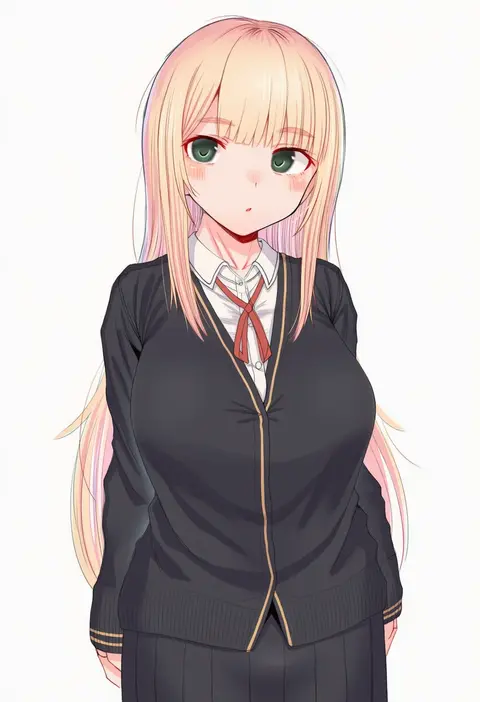
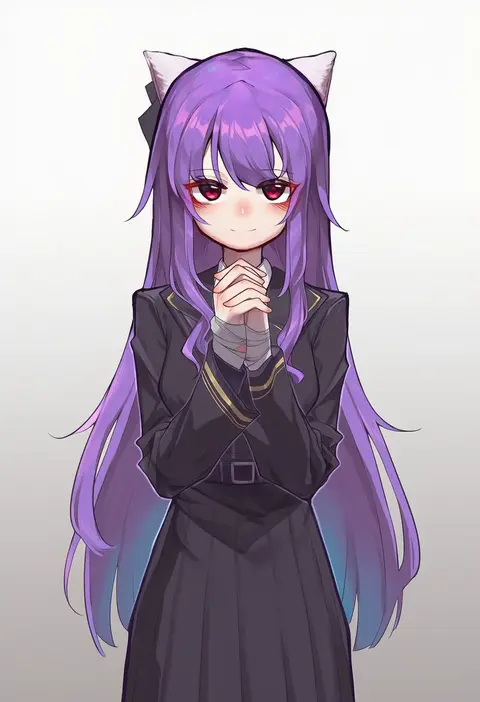
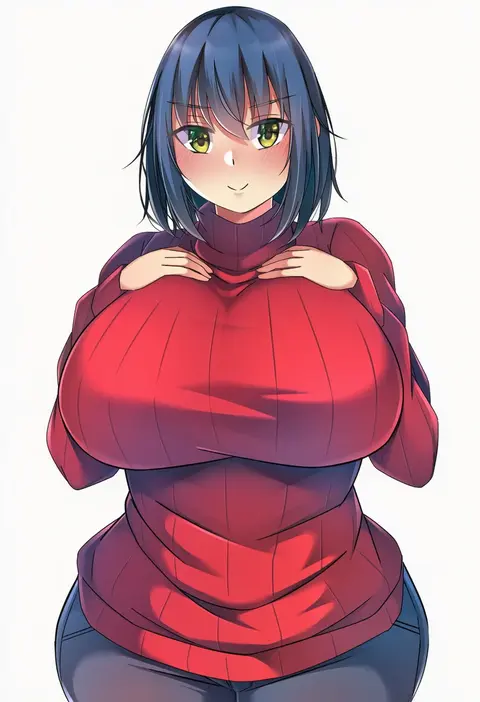
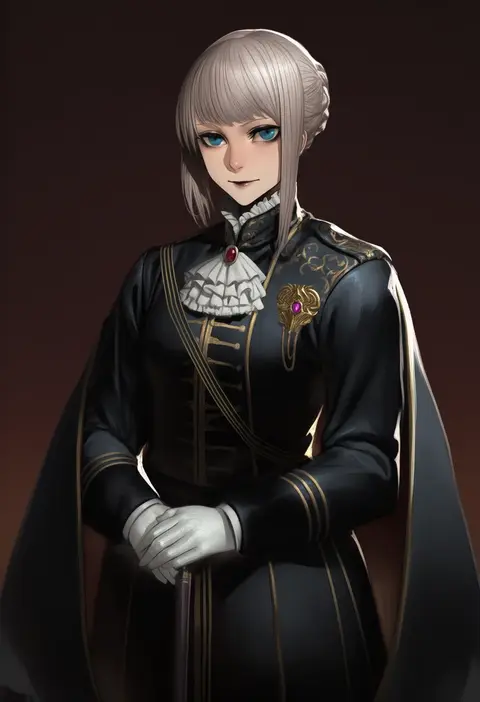
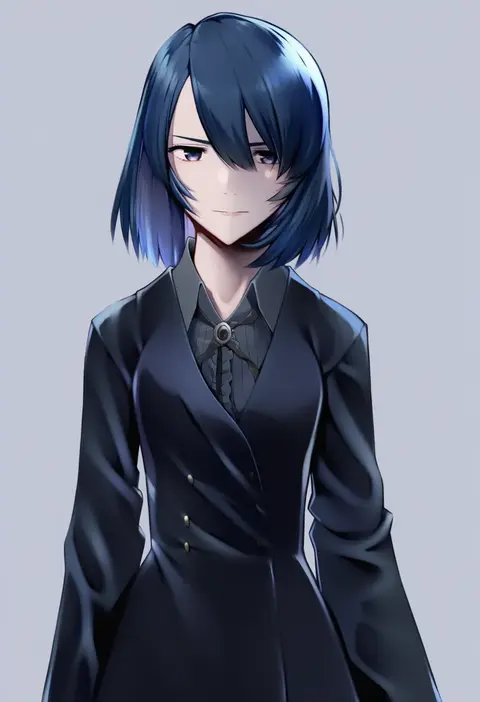
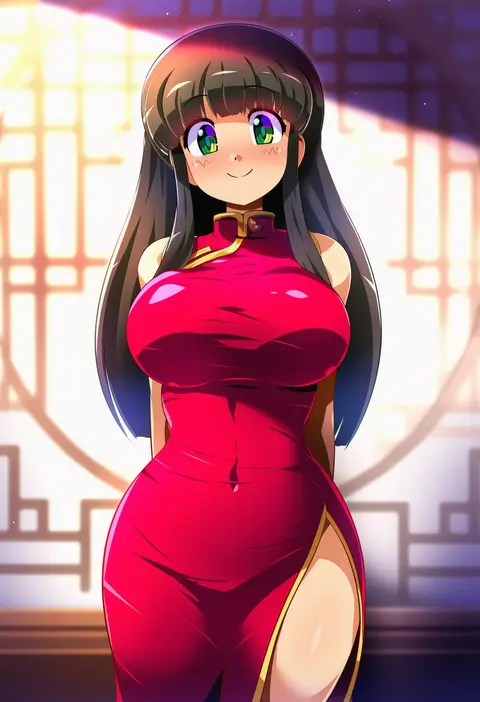
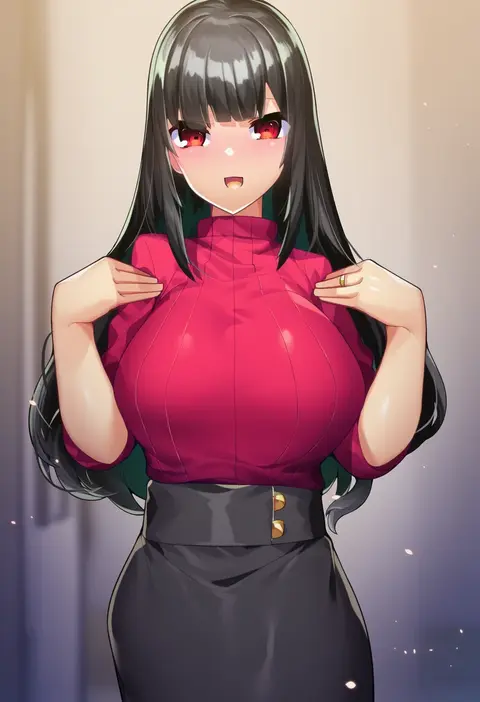
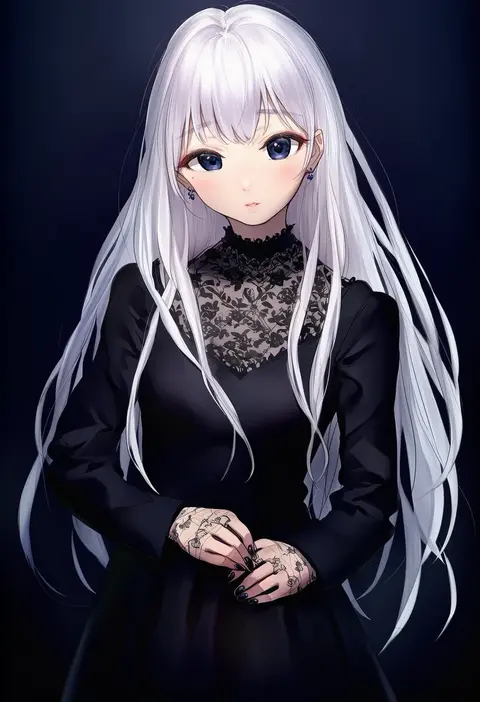
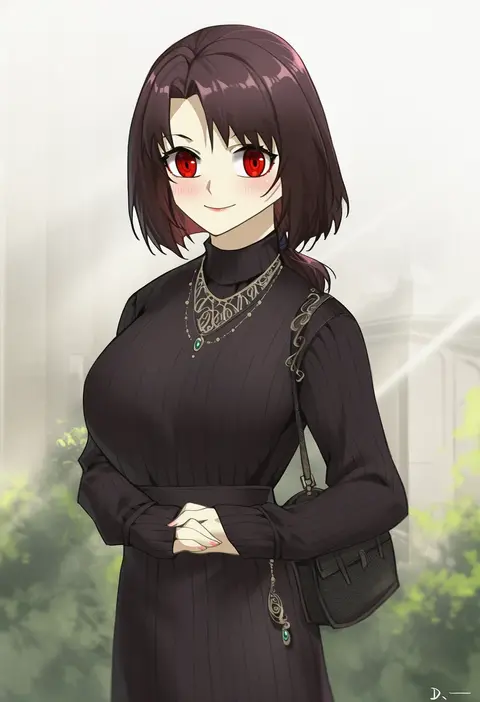
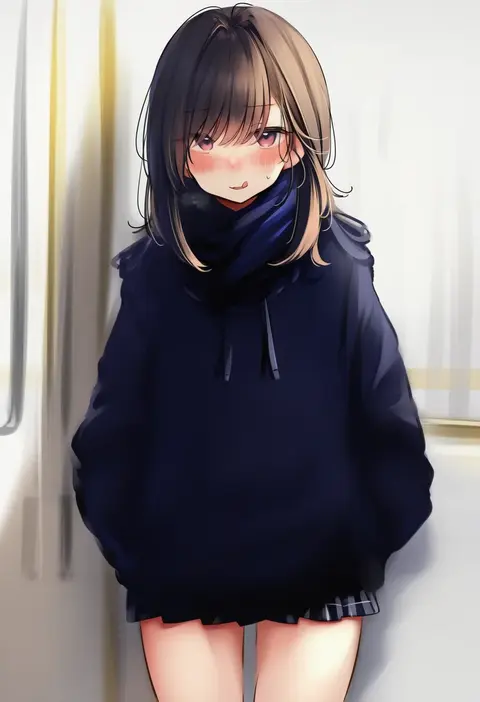
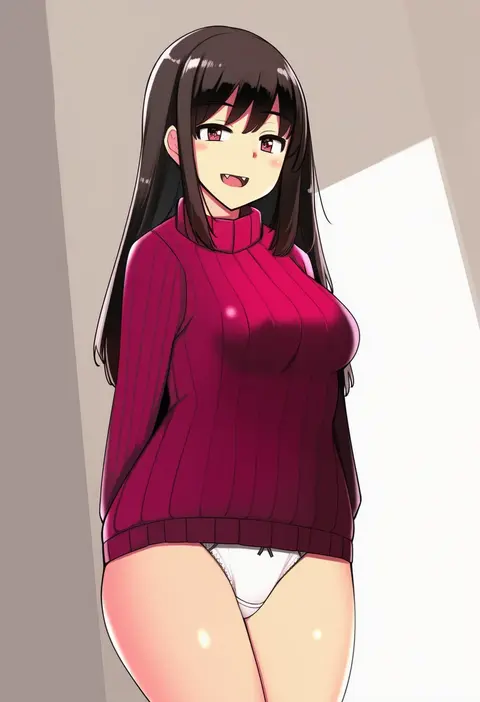
Every tag listed here is verified to react in NovelAI. All images use the same prompt, seed and settings with only the artist tag swapped, so the difference between two images is the style that tag brings in.

How to use them

Put the artist tag near the front of the prompt, e.g. "<artist>, 1girl, solo, best quality, masterpiece, cowboy shot". Two or three artist tags blend styles; lower the weight with "0.8::<artist>::" when the style overpowers the character.

SCORE sorts by Danbooru's top score, POSTS by post count, FAVS by hearts on this site. Open a card to see V5 and V4.5 side by side on the same seed.

V5 vs V4.5

V5 usually lands closer to the artist's real style, and tags that did nothing on V4.5 often react on V5. V4.5 still fits older and doujin-heavy artists better. Try V5 first, fall back to V4.5.

FAQ

Where does the artist tag go?
Near the front of the prompt. Use "0.8::tag::" to adjust its weight.

Can I stack artist tags?
Yes, styles blend. Past two or three the result stops looking like anyone.

Are these the artists' own works?
No. Every image is a NovelAI sample generated from the tag.