V4.5Artists
sort: FAVS▾
▾
>
$

NovelAI Artist Tags List — V4.5

artist --count 16,352[80/273]
rokita
ARTIST0x1284
0
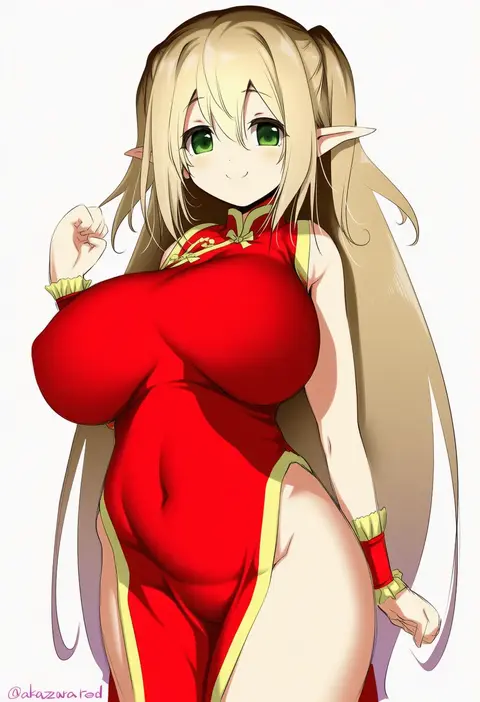
akazawa red
ARTIST0x1285
0
kyarahiba
ARTIST0x1286
0
c take0141
ARTIST0x1287
0
xue lu
ARTIST0x1288
0
ryouya
ARTIST0x1289
0
krs (karasu)
ARTIST0x128A
0
misa pika
ARTIST0x128B
0
catstudioinc (punepuni)
ARTIST0x128C
0
tusia
ARTIST0x128D
0
libre
ARTIST0x128E
0
mile (off8mile)
ARTIST0x128F
0
kaoming
ARTIST0x1290
0
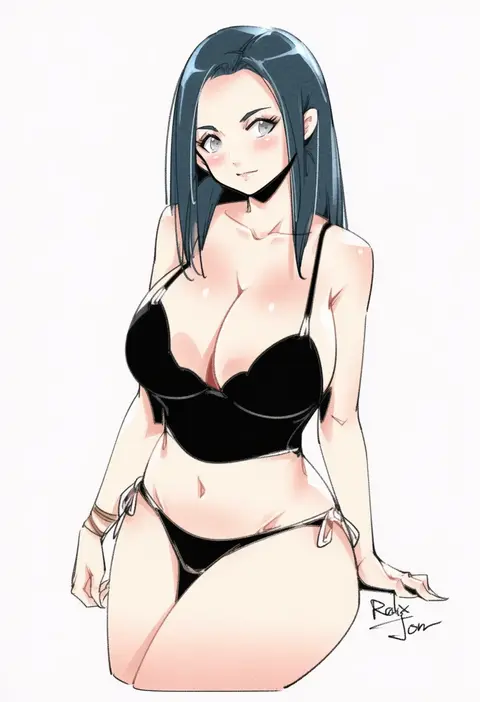
relaxjon
ARTIST0x1291
0
tsudero
ARTIST0x1292
0
kawa mura
ARTIST0x1293
0
katsurai yoshiaki
ARTIST0x1294
0
saberiii
ARTIST0x1295
0
kumakichi (cost-lost)
ARTIST0x1296
0
umou (may65879)
ARTIST0x1297
0
dabuki
ARTIST0x1298
0
zoruboi
ARTIST0x1299
0
youshu ohepe
ARTIST0x129A
0
artnip
ARTIST0x129B
0
hinazuka ryou
ARTIST0x129C
0
kirishima satoshi
ARTIST0x129D
0
tori (minamopa)
ARTIST0x129E
0
yamaha tsui
ARTIST0x129F
0
echiru39
ARTIST0x12A0
0
karaage (xxxmido02)
ARTIST0x12A1
0
kenken (keuken)
ARTIST0x12A2
0
super zombie
ARTIST0x12A3
0
ochinsama
ARTIST0x12A4
0
nuka (nvkka)
ARTIST0x12A5
0
nasii
ARTIST0x12A6
0
yuzuki himuka
ARTIST0x12A7
0
ninomae ina'nis (artist)
ARTIST0x12A8
0
minyom
ARTIST0x12A9
0
daisy mitsumata
ARTIST0x12AA
0
xiho (xi ho )
ARTIST0x12AB
0
wakuta chisaki
ARTIST0x12AC
0
luzzi (milllim)
ARTIST0x12AD
0
sawayaka samehada
ARTIST0x12AE
0
catnnn
ARTIST0x12AF
0
kotatsu (kotatsu3)
ARTIST0x12B0
0
molyb
ARTIST0x12B1
0
dankestofdans
ARTIST0x12B2
0
nakazawa aki
ARTIST0x12B3
0
yamamoto shuuhei
ARTIST0x12B4
0
natsuki shuri
ARTIST0x12B5
0
tokufumi
ARTIST0x12B6
0
keibeam
ARTIST0x12B7
0
rehu (mangyu)
ARTIST0x12B8
0
huyumitsu
ARTIST0x12B9
0
kokukyukeo
ARTIST0x12BA
0
osuman toruko
ARTIST0x12BB
0
wakamepiza
ARTIST0x12BC
0
c-low
ARTIST0x12BD
0
mzet
ARTIST0x12BE
0
chirang
ARTIST0x12BF
0

What these tags change

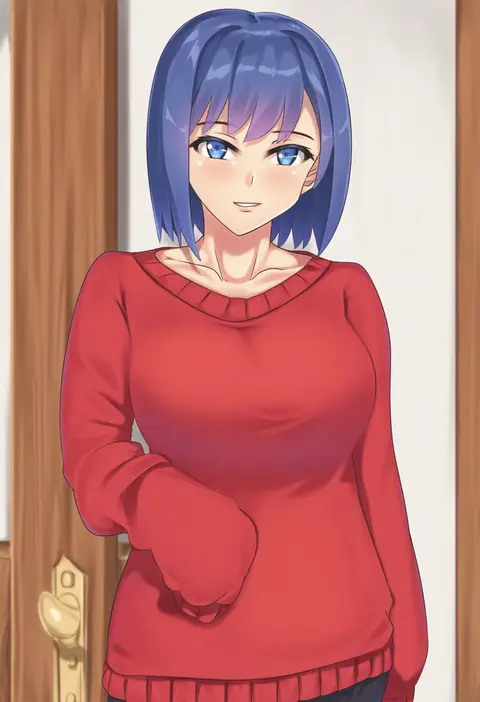
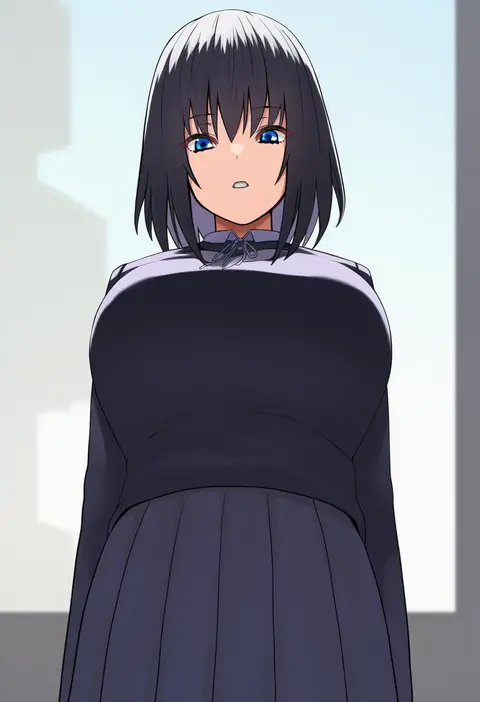
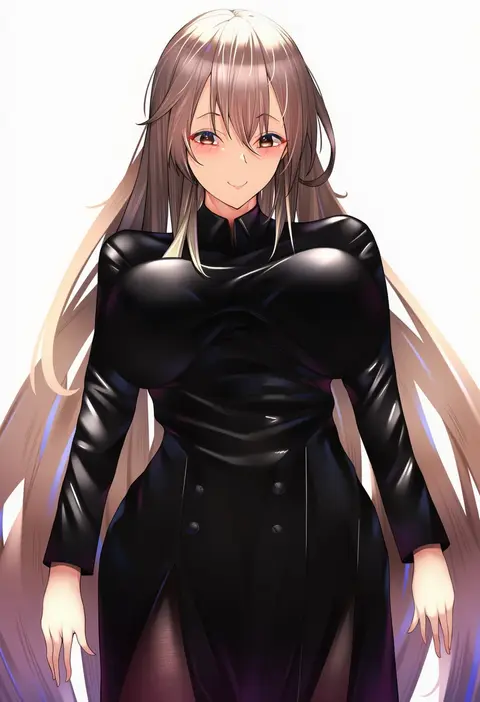
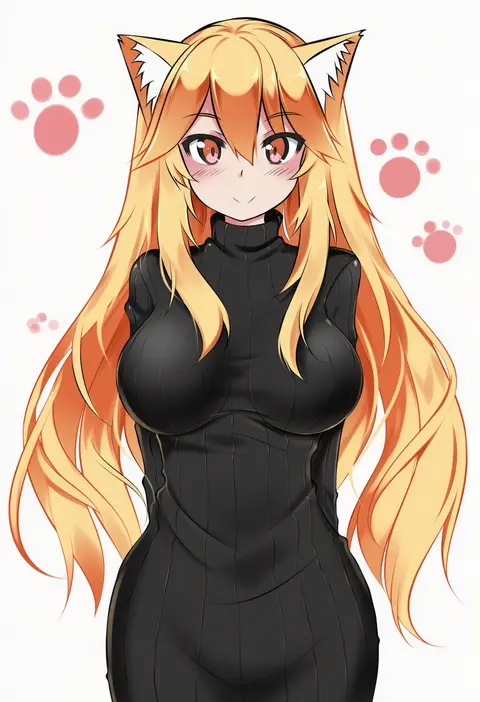
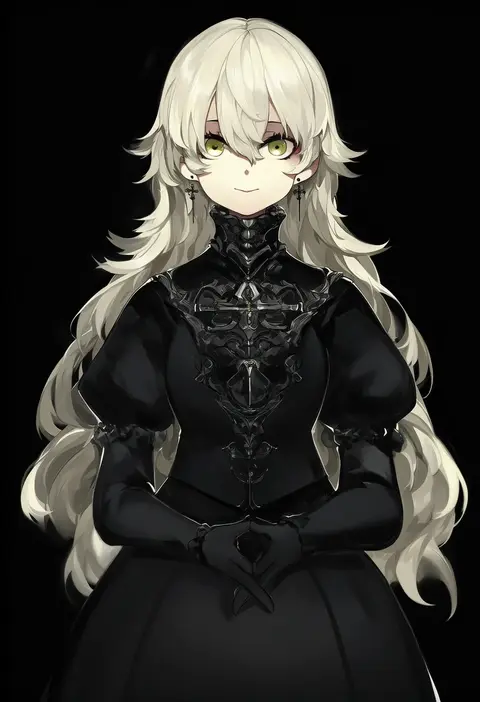
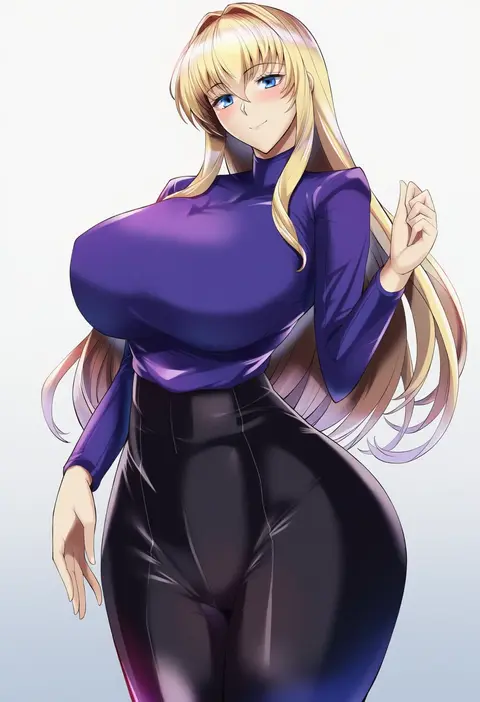
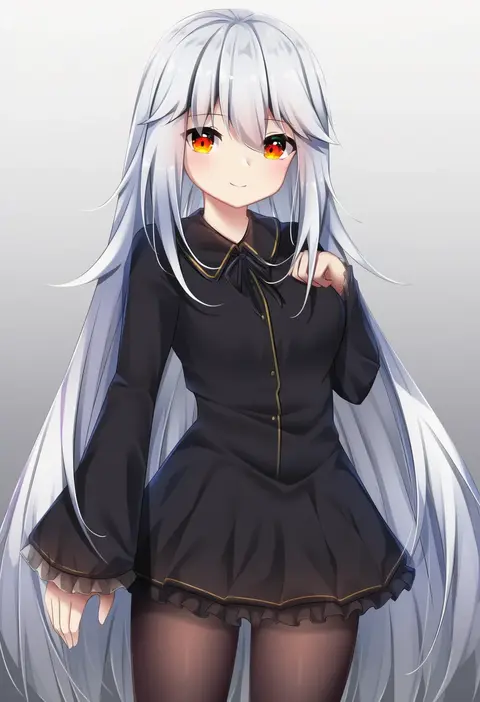
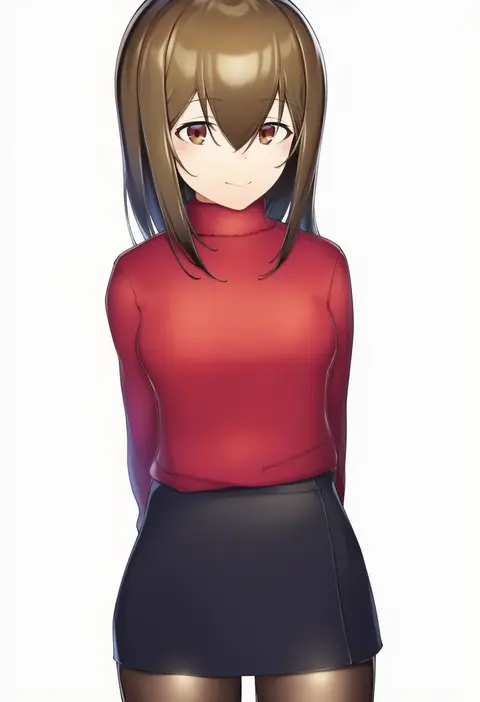
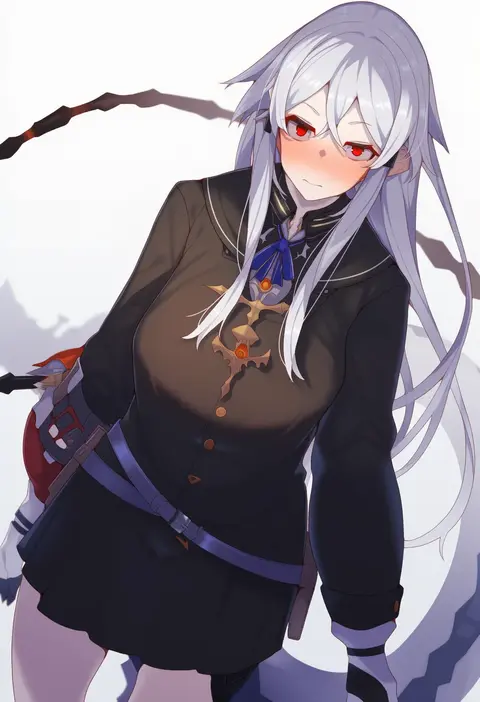
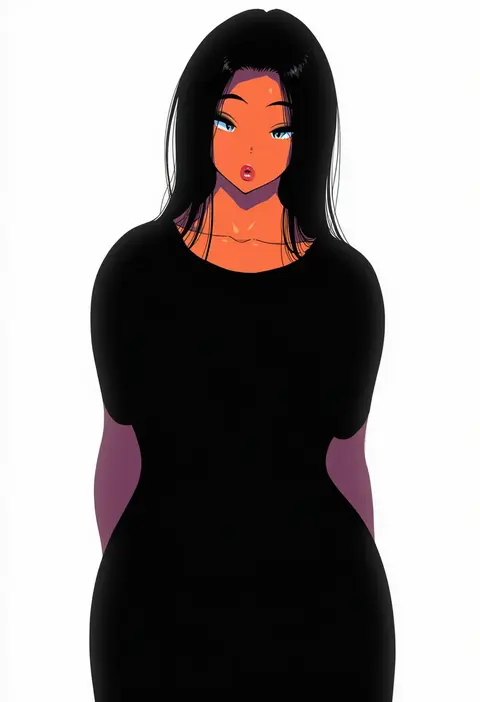
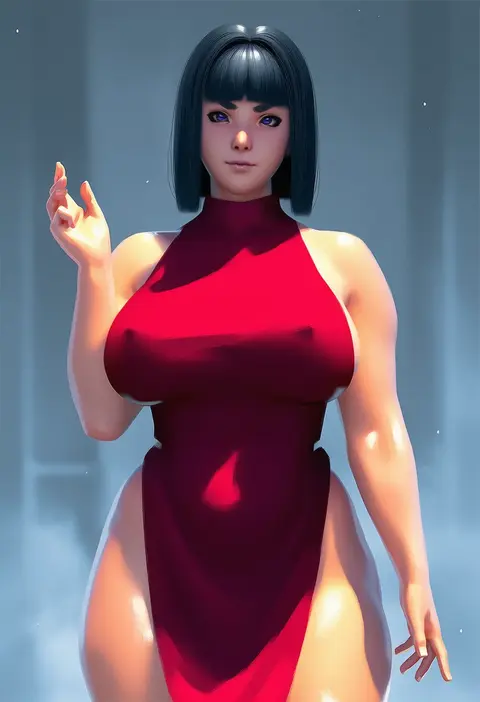
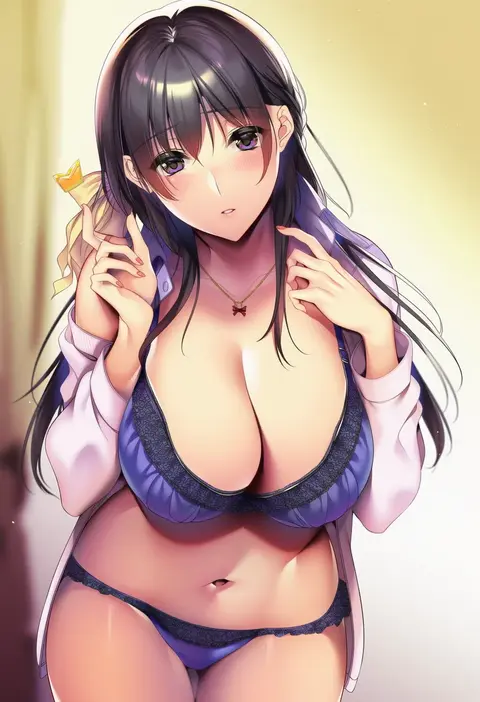
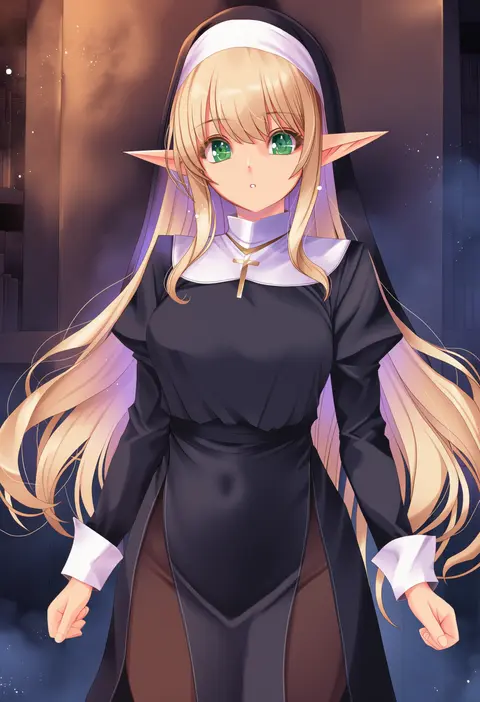
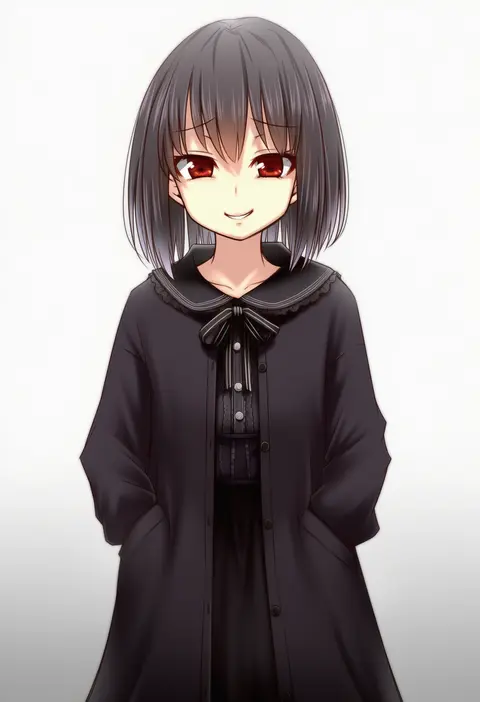
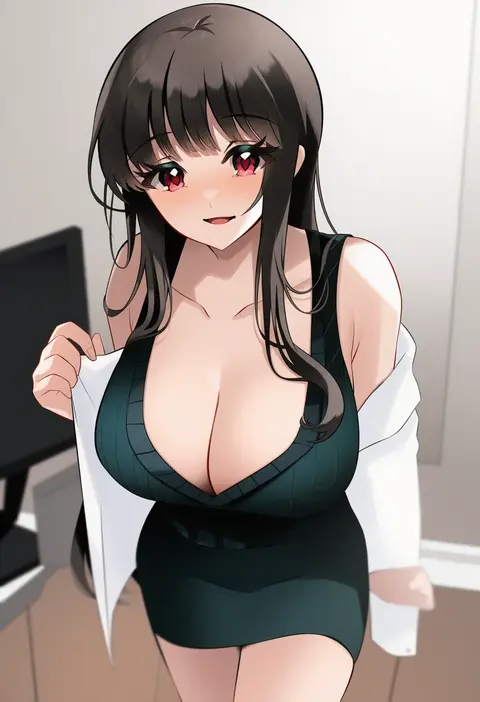
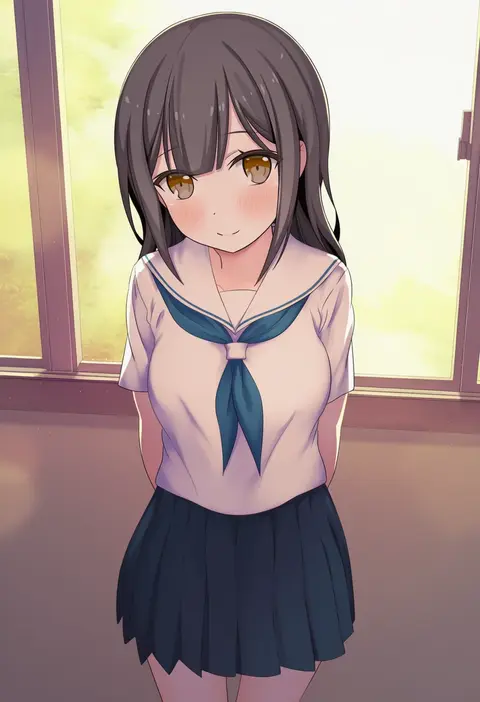
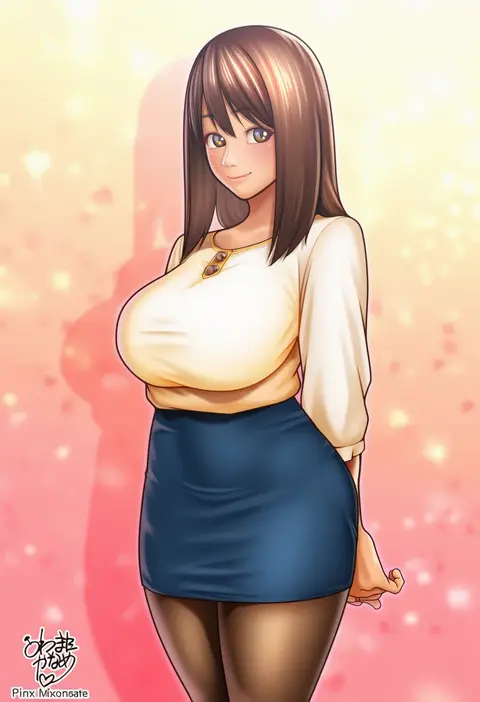
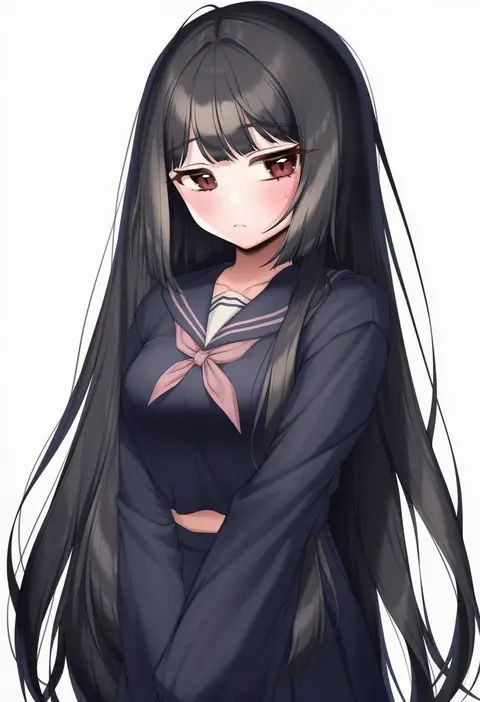
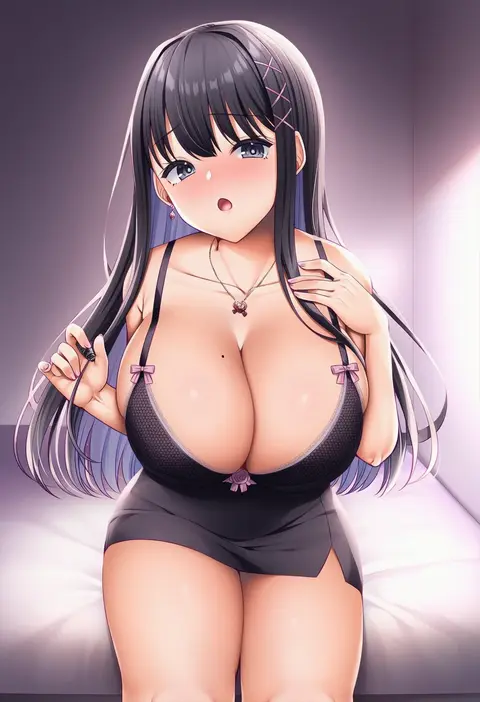
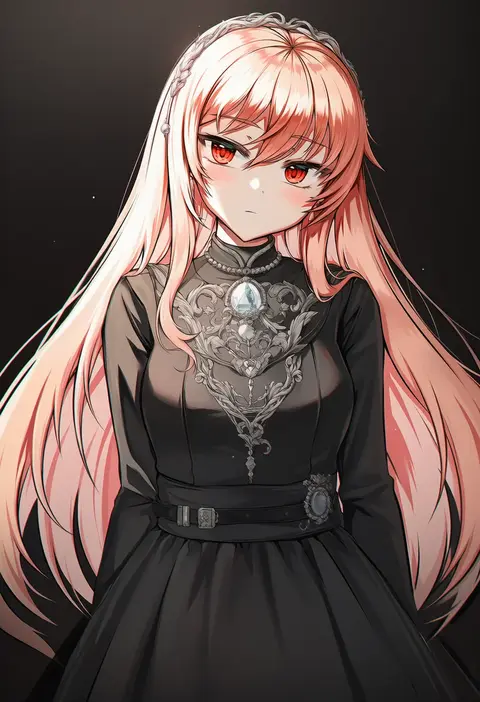
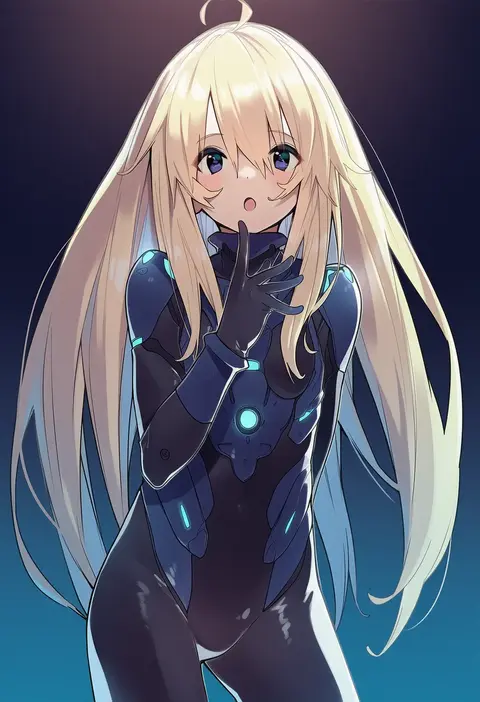
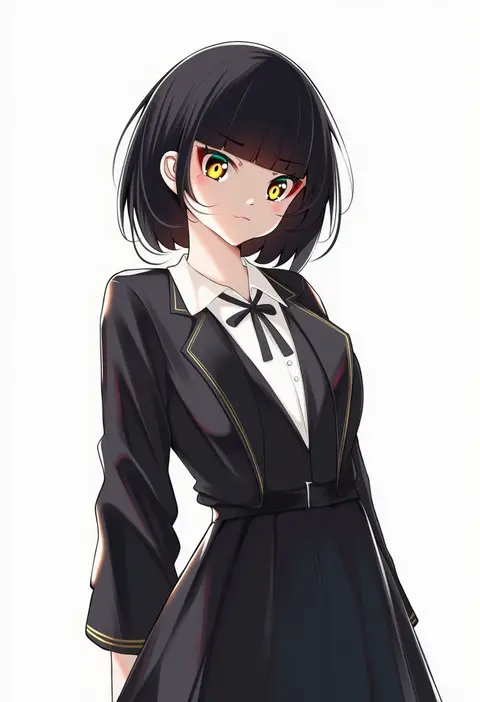
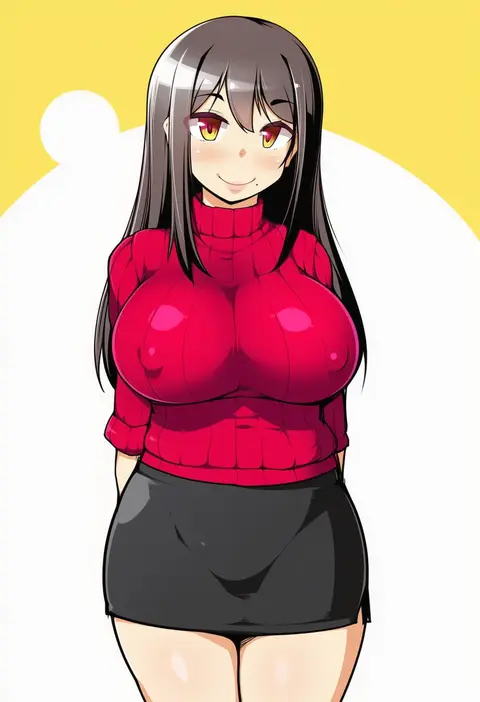
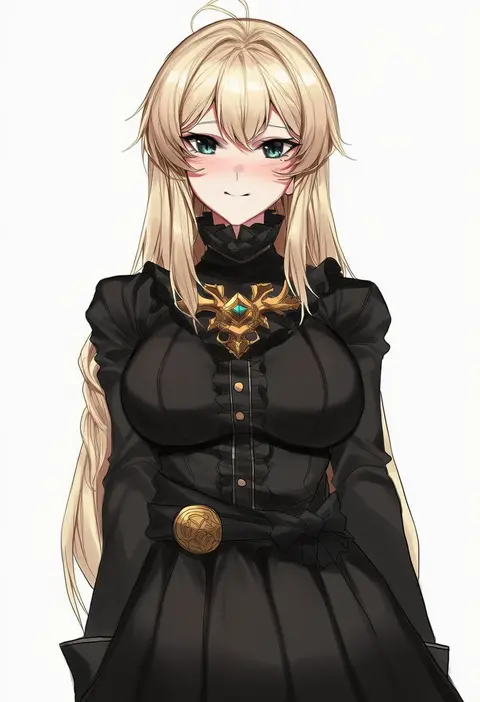
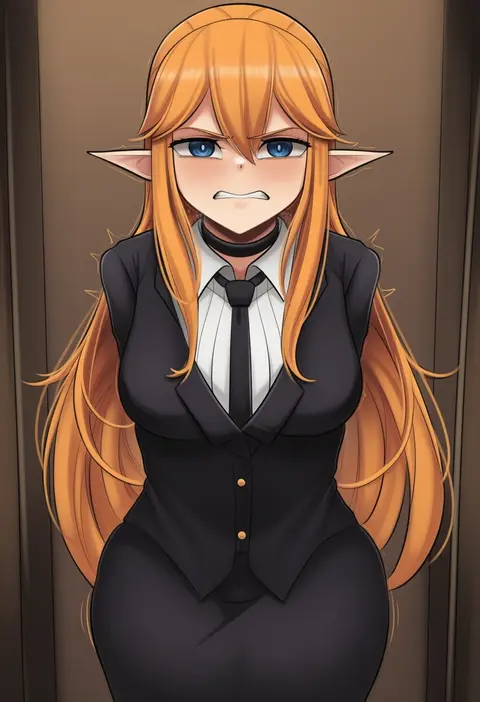
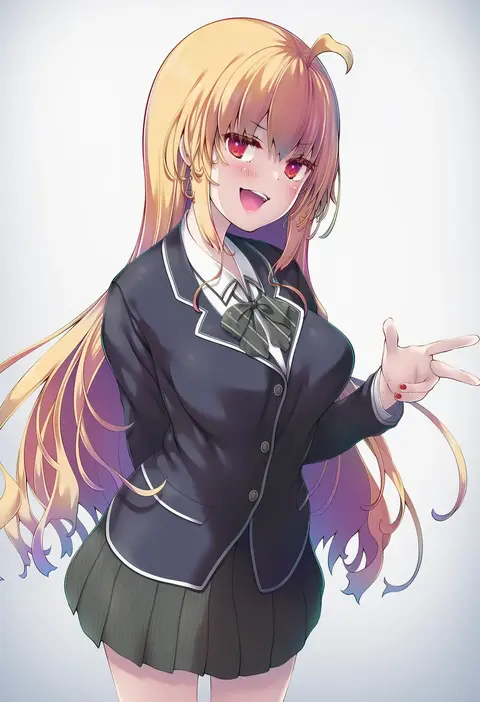
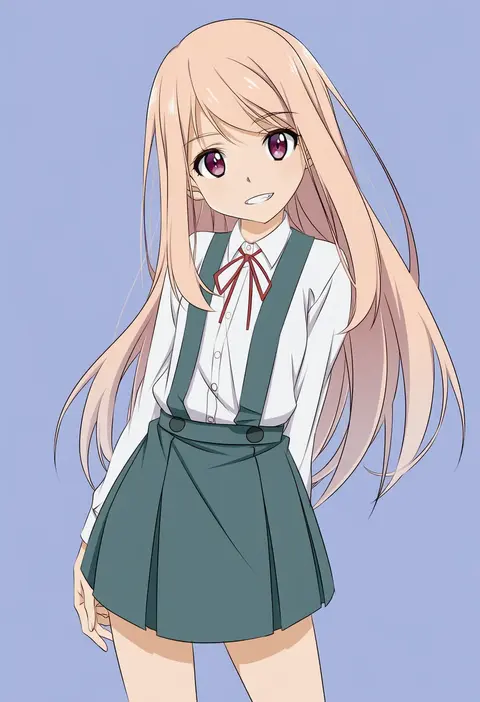
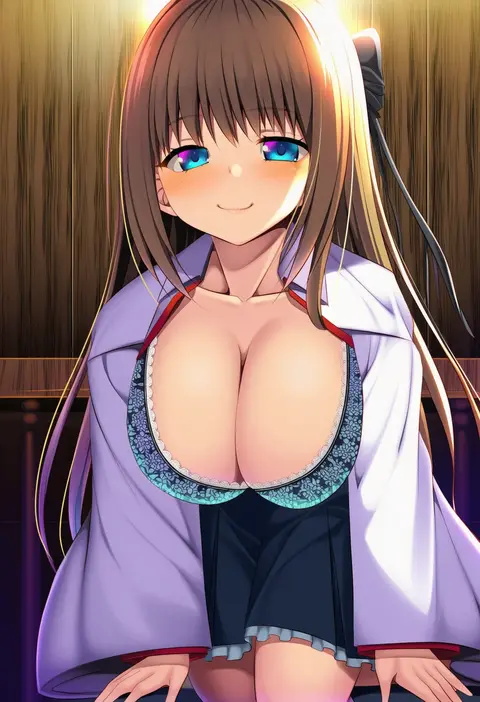
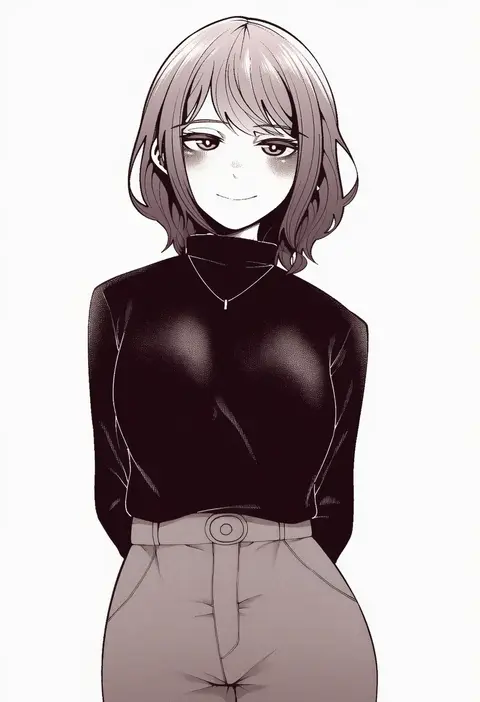
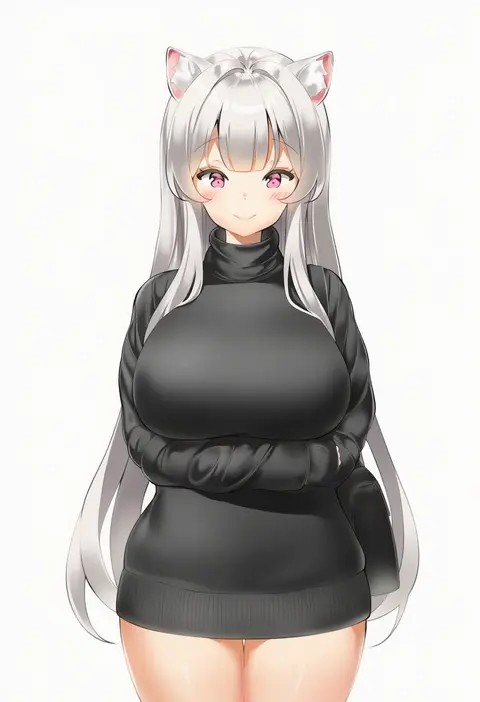
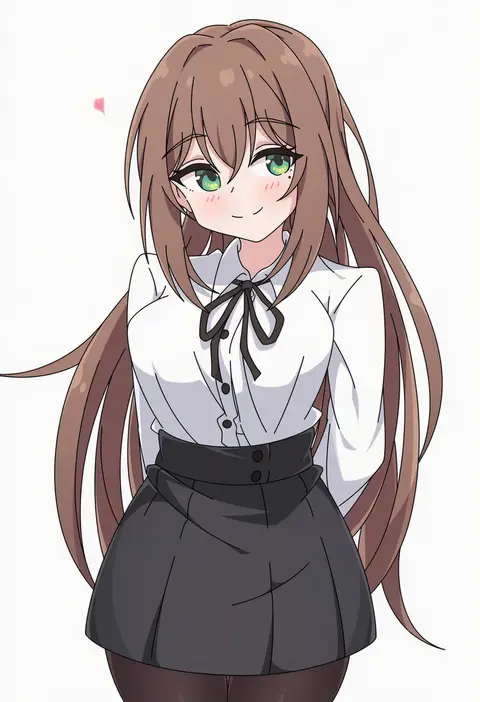
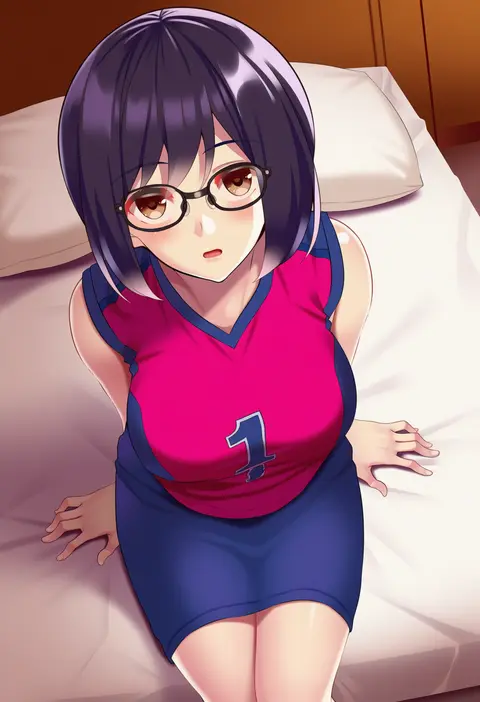
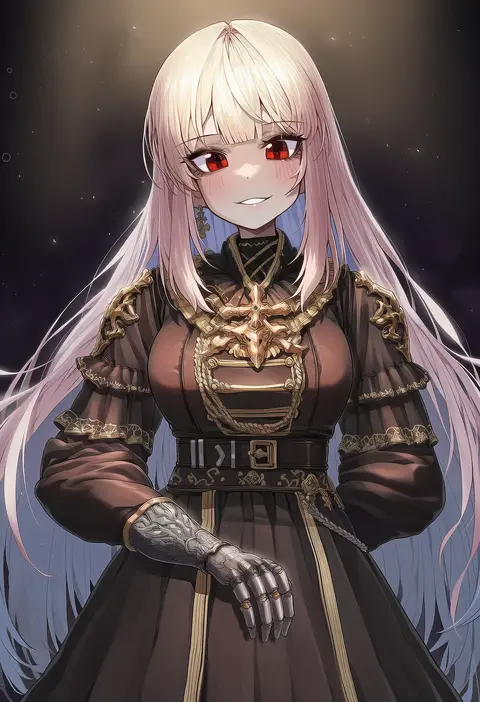
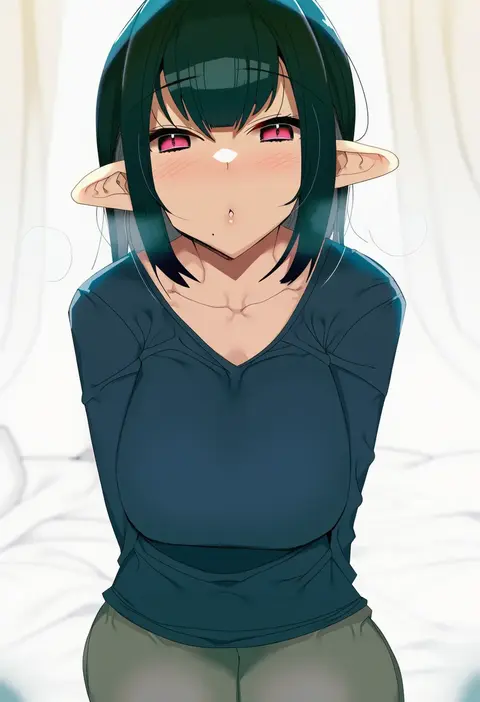
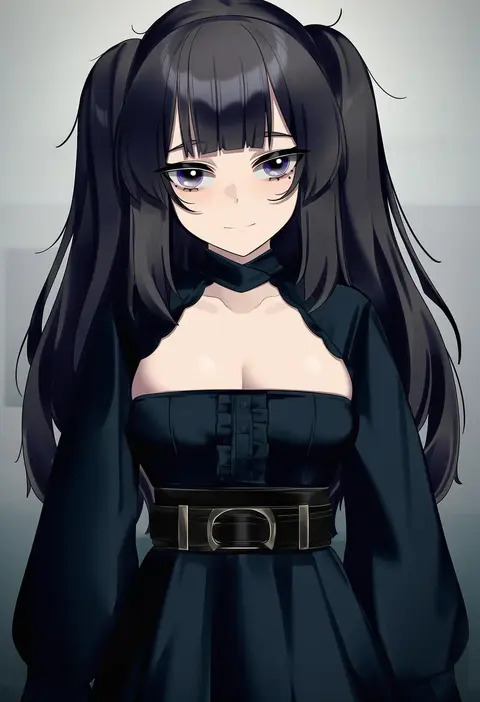
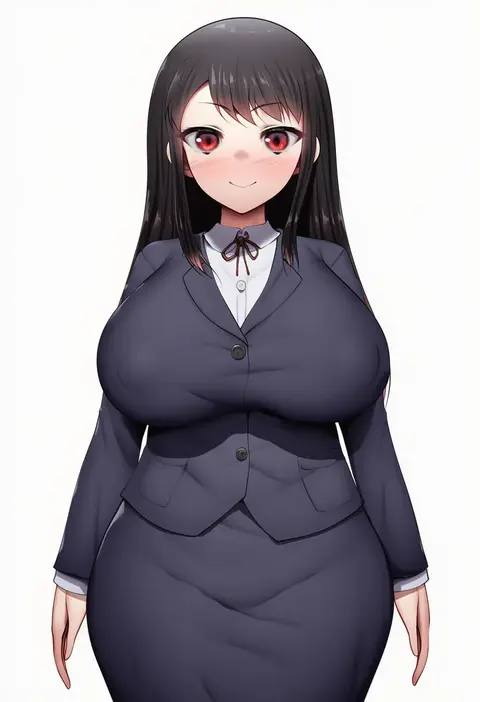
Artist tags tell NovelAI Diffusion to draw in a specific artist's style: line weight, paint texture, face shapes and palette all shift at once. Character and outfit tags decide what is drawn; artist tags decide how. 16,352 tags are listed for V4.5.
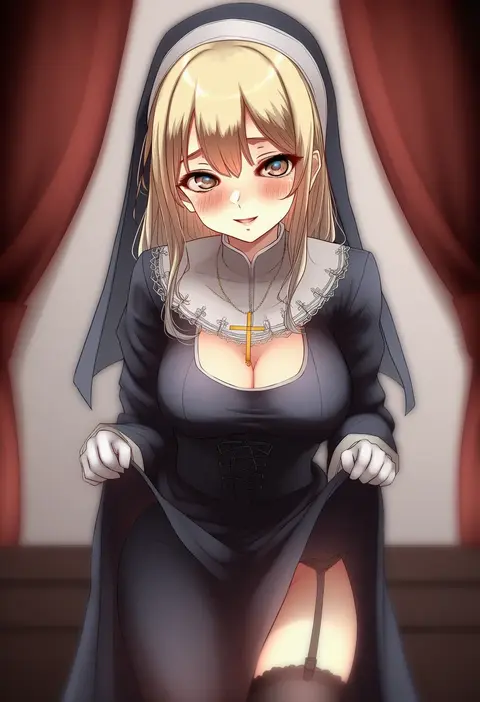
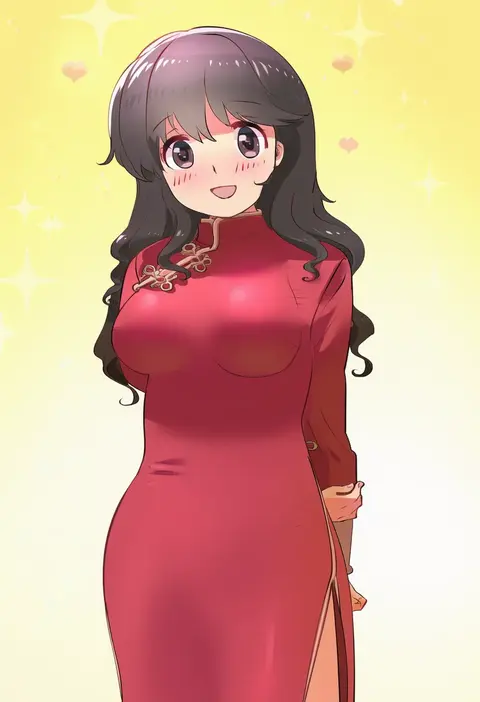
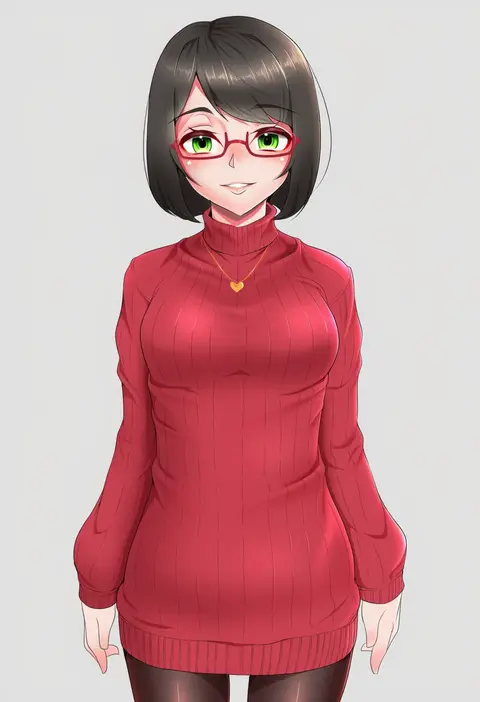
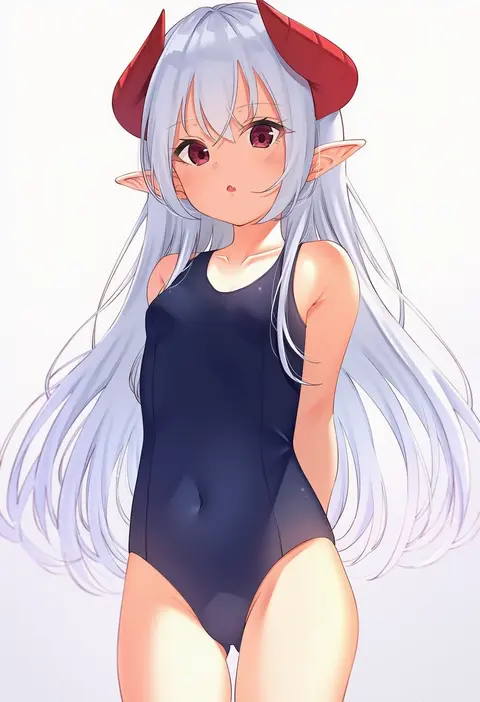
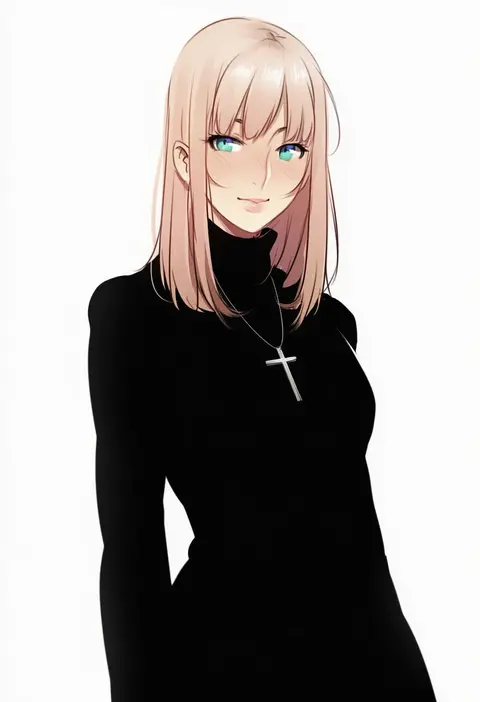
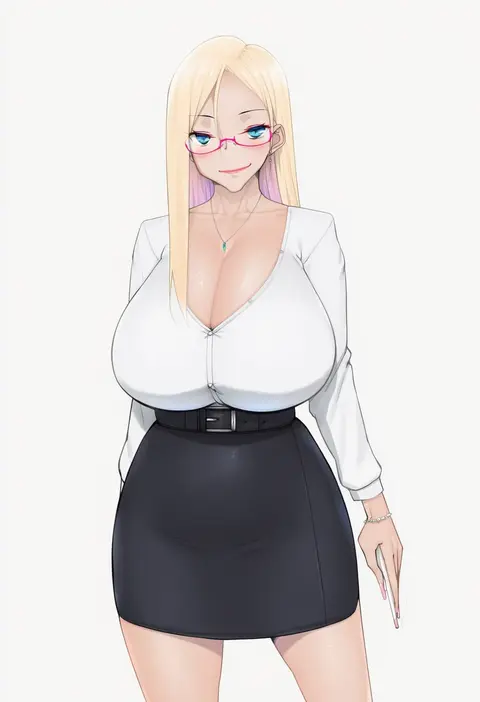
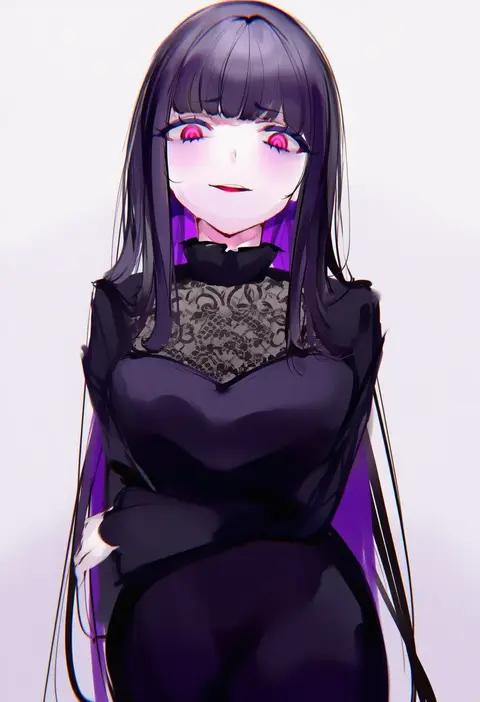
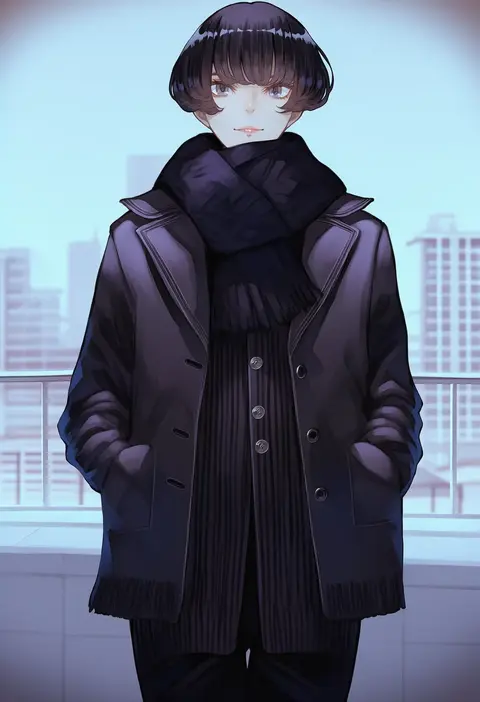
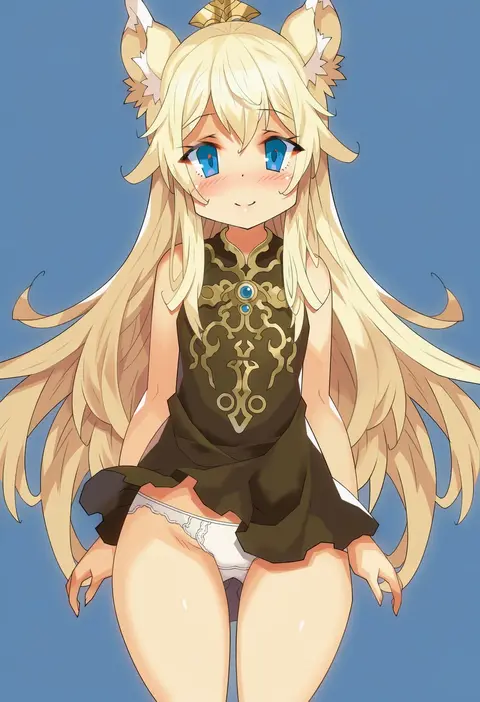
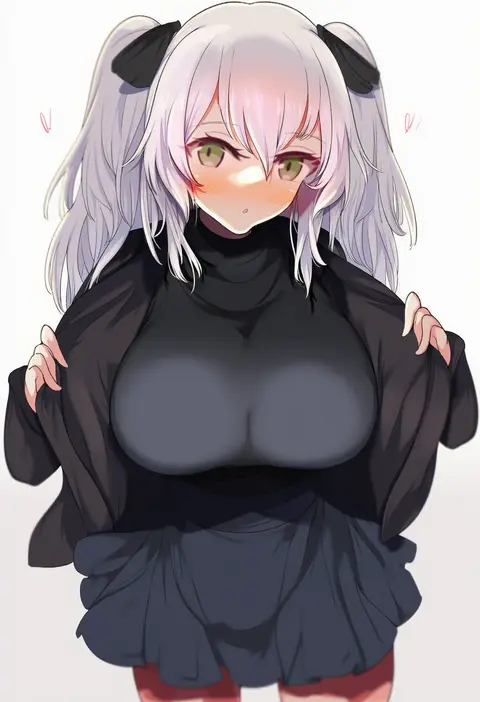
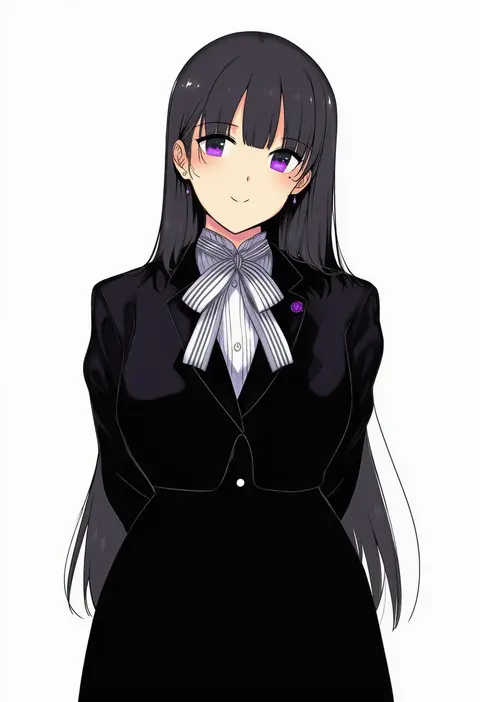
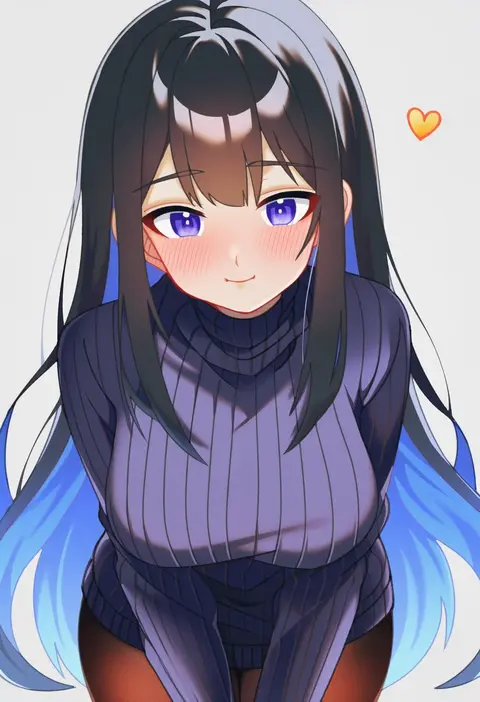
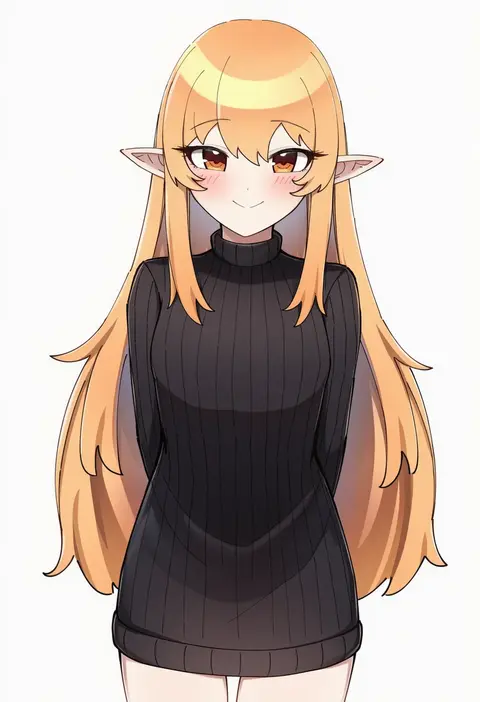
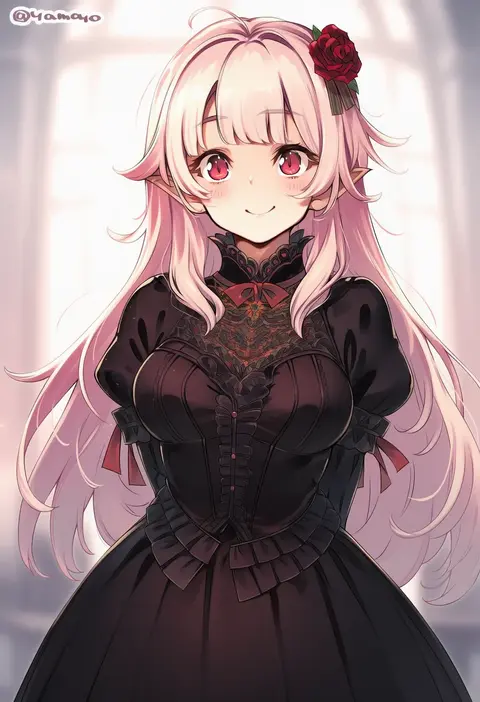
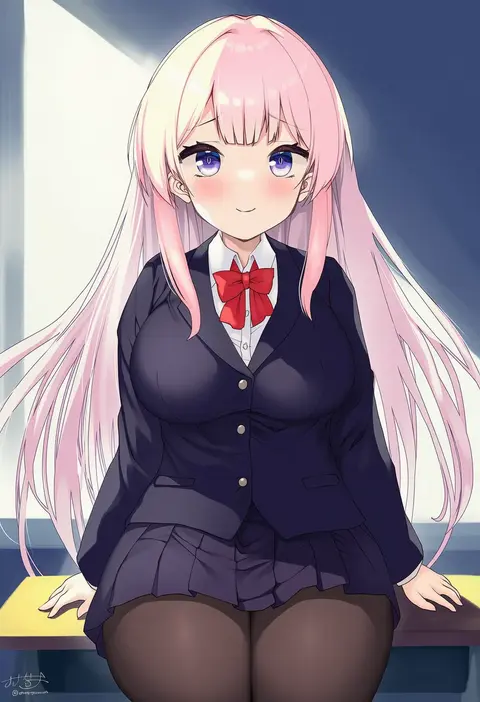
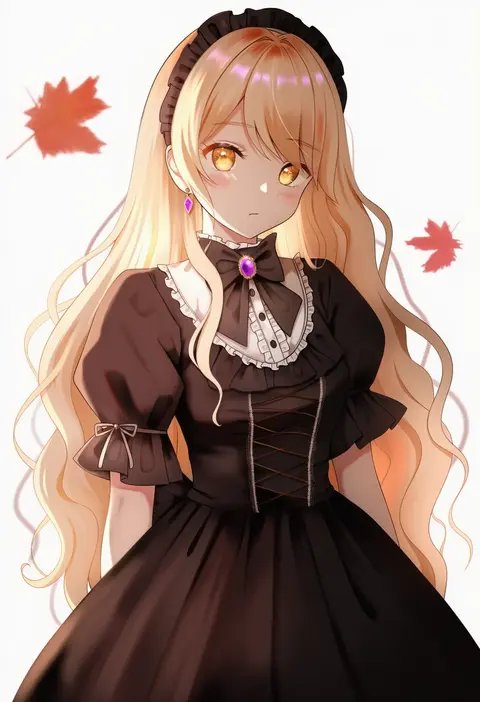
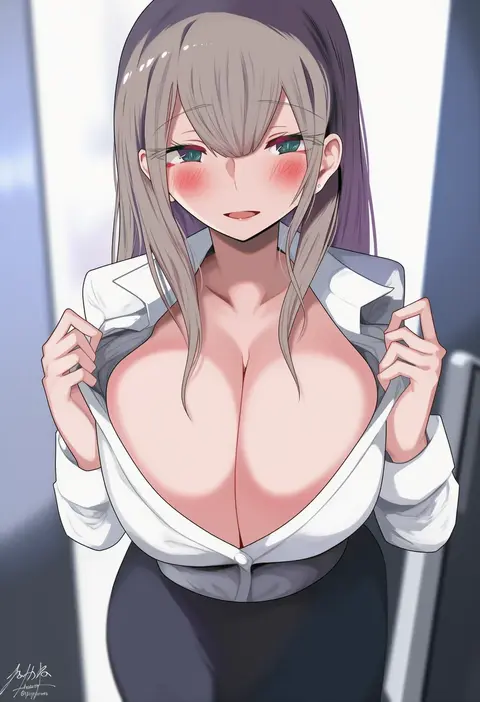
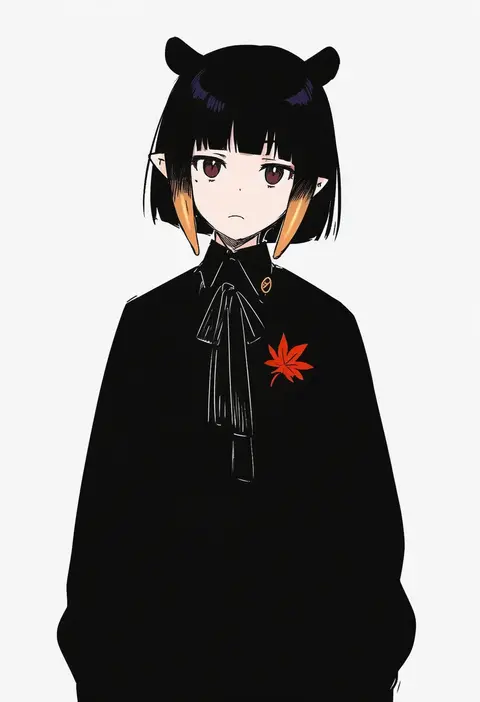
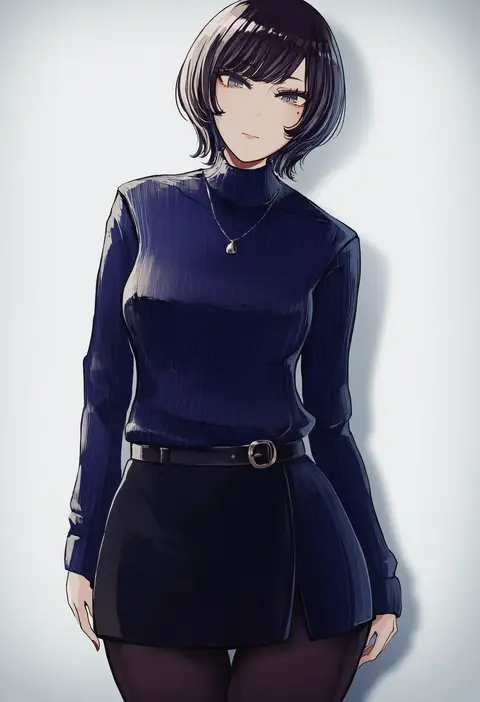
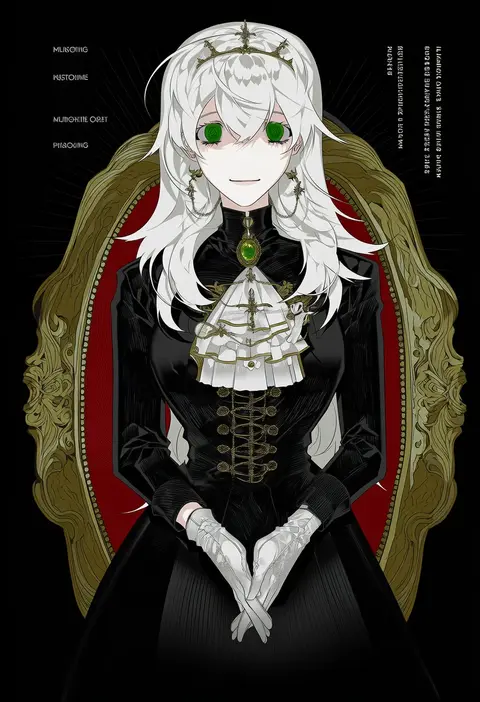
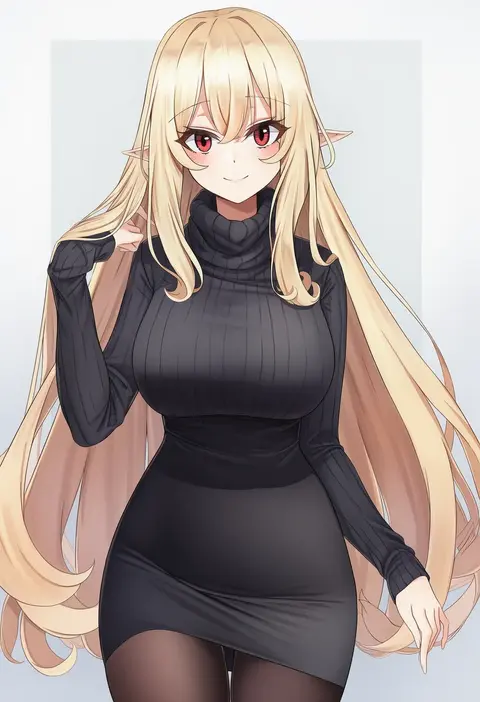
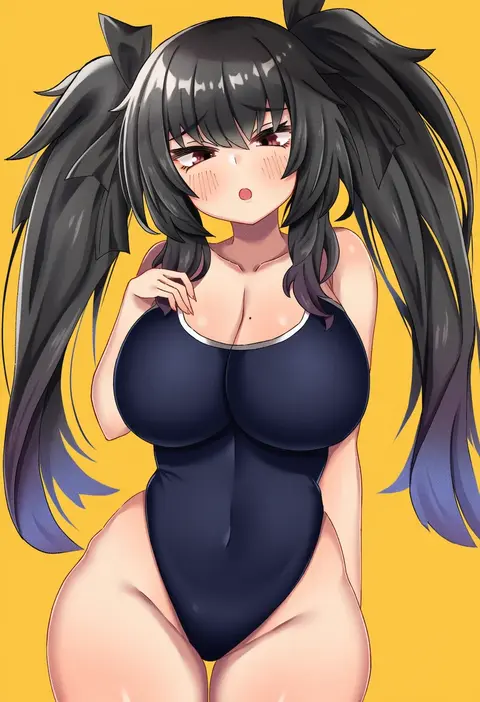
Every tag listed here is verified to react in NovelAI. All images use the same prompt, seed and settings with only the artist tag swapped, so the difference between two images is the style that tag brings in.

How to use them

Put the artist tag near the front of the prompt, e.g. "<artist>, 1girl, solo, best quality, masterpiece, cowboy shot". Two or three artist tags blend styles; lower the weight with "0.8::<artist>::" when the style overpowers the character.

SCORE sorts by Danbooru's top score, POSTS by post count, FAVS by hearts on this site. Open a card to see V5 and V4.5 side by side on the same seed.

V5 vs V4.5

V5 usually lands closer to the artist's real style, and tags that did nothing on V4.5 often react on V5. V4.5 still fits older and doujin-heavy artists better. Try V5 first, fall back to V4.5.

FAQ

Where does the artist tag go?
Near the front of the prompt. Use "0.8::tag::" to adjust its weight.

Can I stack artist tags?
Yes, styles blend. Past two or three the result stops looking like anyone.

Are these the artists' own works?
No. Every image is a NovelAI sample generated from the tag.