V5Artists
sort: FAVS▾
▾
>
$

NovelAI V5 Artist Tags List

artist --count 2,556[18/43]
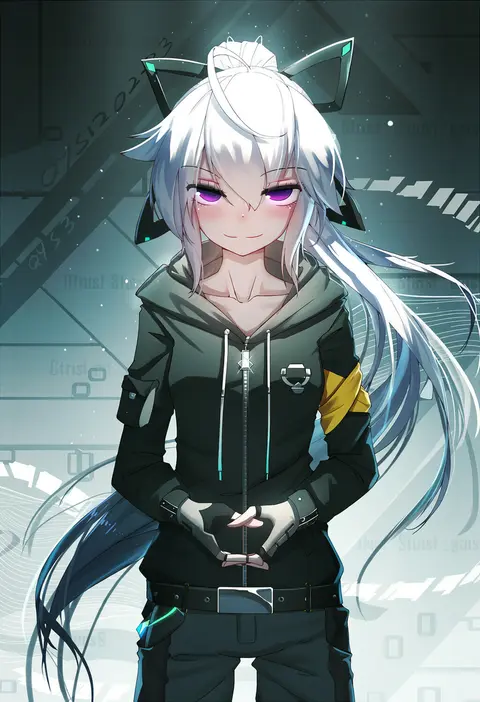
qys3
ARTIST0x03FC
1
gaston18
ARTIST0x03FD
1
yayoi maka
ARTIST0x03FE
1
kitahara tomoe (kitahara koubou)
ARTIST0x03FF
1
flasher (flasher ura)
ARTIST0x0400
1
kouno (masao)
ARTIST0x0401
1
hiememiko
ARTIST0x0402
1
nanashi (nlo)
ARTIST0x0403
1
nagase haruhito
ARTIST0x0404
1
kkopoli
ARTIST0x0405
1
ryoji (nomura ryouji)
ARTIST0x0406
1
ekrea jan
ARTIST0x0407
1
sheya
ARTIST0x0408
1
bison cangshu
ARTIST0x0409
1
hammer (sunset beach)
ARTIST0x040A
1
matsunaga kouyou
ARTIST0x040B
1
komone ushio
ARTIST0x040C
1
creayus
ARTIST0x040D
1
karukan (monjya)
ARTIST0x040E
1
ouma tokiichi
ARTIST0x040F
1
yakihebi
ARTIST0x0410
1
sazaki ichiri
ARTIST0x0411
1
hyurasan
ARTIST0x0412
1
shimouki izui
ARTIST0x0413
1
shiki (psychedelic g2)
ARTIST0x0414
1
nekono matatabi
ARTIST0x0415
1
synecdoche
ARTIST0x0416
1
mame1645
ARTIST0x0417
1
shigure ui
ARTIST0x0418
1
amane hasuhito
ARTIST0x0419
1
haoro
ARTIST0x041A
1
himajin noizu
ARTIST0x041B
1
kichihachi
ARTIST0x041C
1
nishieda
ARTIST0x041D
1
mitsurugi sugar
ARTIST0x041E
1
fagi (kakikaki)
ARTIST0x041F
1
huke
ARTIST0x0420
1
sakimichan
ARTIST0x0421
1
monety
ARTIST0x0422
1
somechime (sometime1209)
ARTIST0x0423
1
pray (furei)
ARTIST0x0424
1
hisahiko
ARTIST0x0425
1
ran'ou (tamago no kimi)
ARTIST0x0426
1
doitsuken
ARTIST0x0427
1
maturiuta sorato
ARTIST0x0428
1
spacezin
ARTIST0x0429
1
saki chisuzu
ARTIST0x042A
1
taketora suzume
ARTIST0x042B
1
iesupa
ARTIST0x042C
1
scott malin
ARTIST0x042D
1
guweiz
ARTIST0x042E
1
konnyaku (kk-monmon)
ARTIST0x042F
1
hitsukuya
ARTIST0x0430
1
shouno kotarou
ARTIST0x0431
1
yapo (croquis side)
ARTIST0x0432
1
kfr
ARTIST0x0433
1
yano mitsuki (nanairo)
ARTIST0x0434
1
necomi
ARTIST0x0435
1
icomochi
ARTIST0x0436
1
takayama toshinori
ARTIST0x0437
1

What these tags change

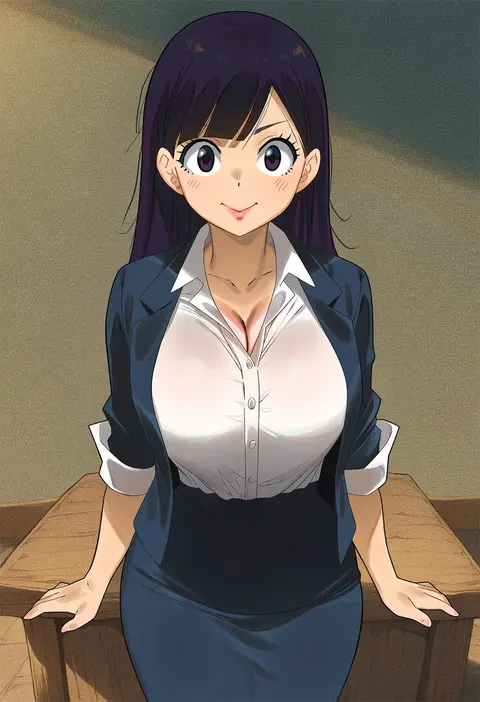
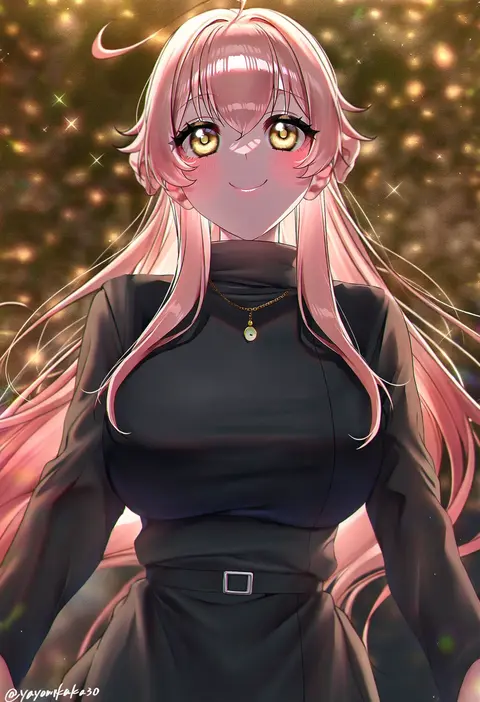
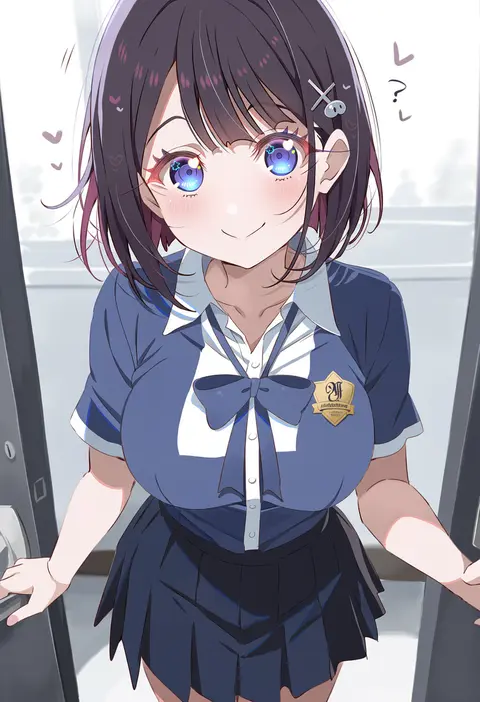
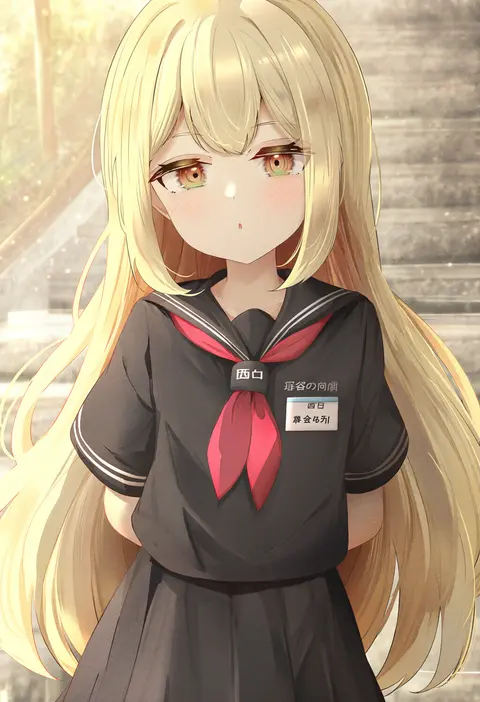
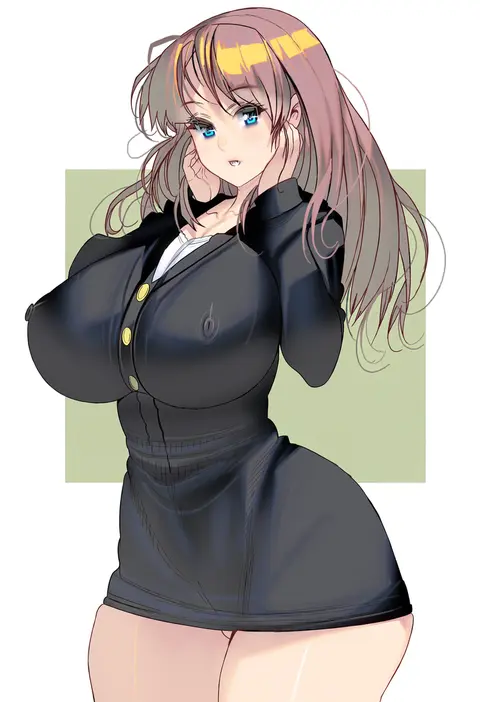
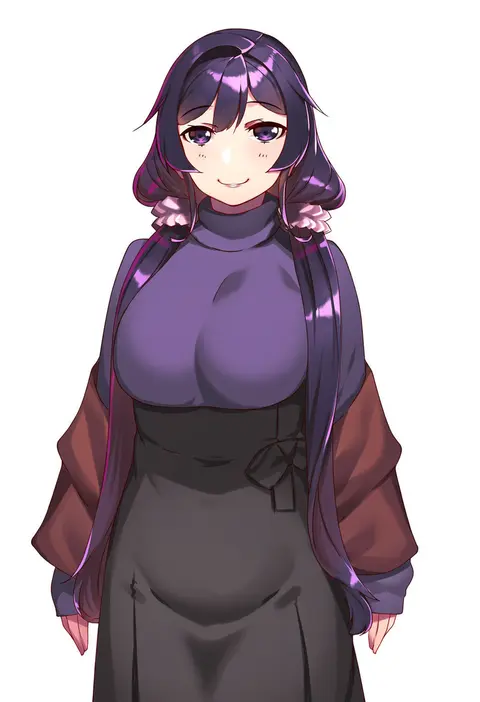
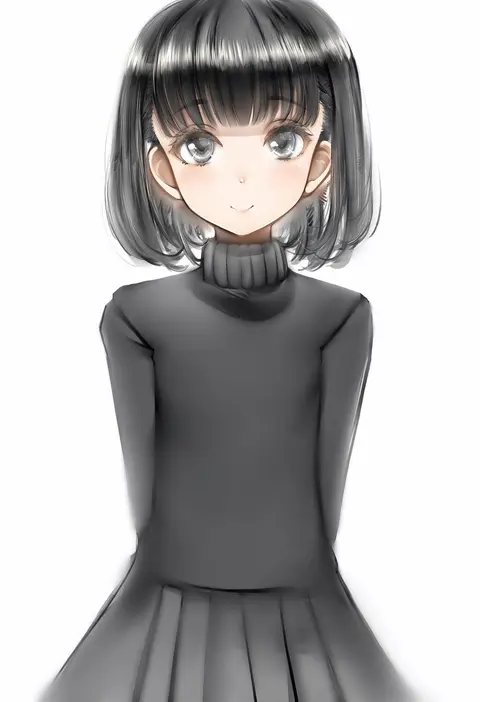
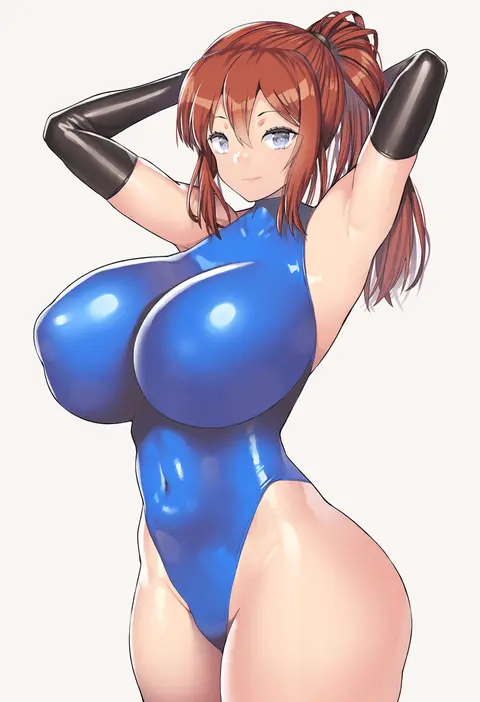
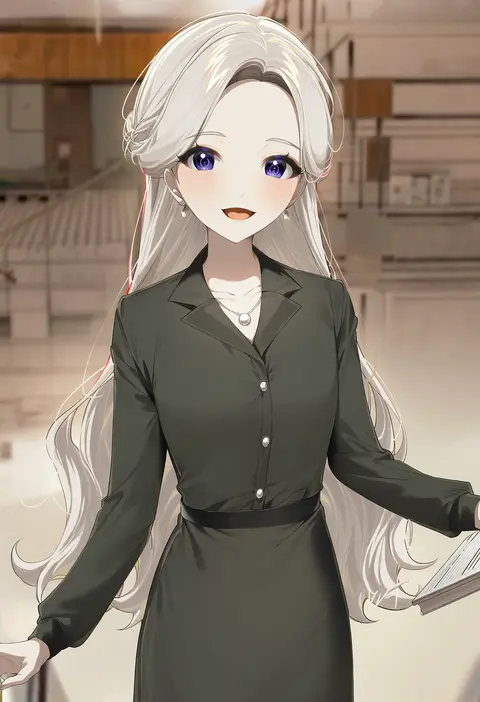
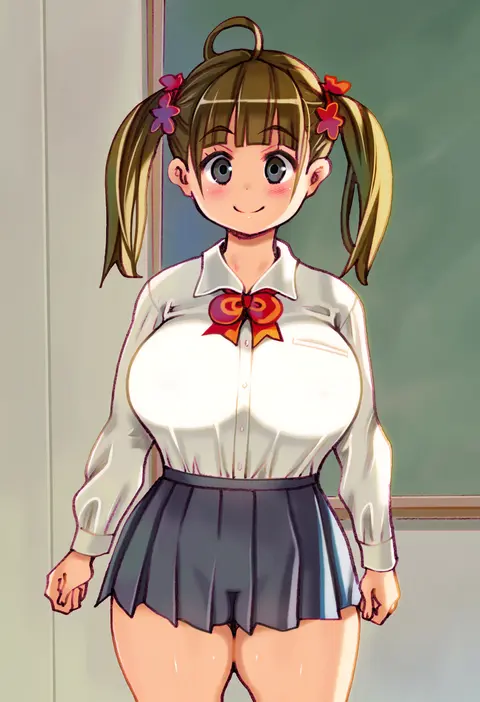
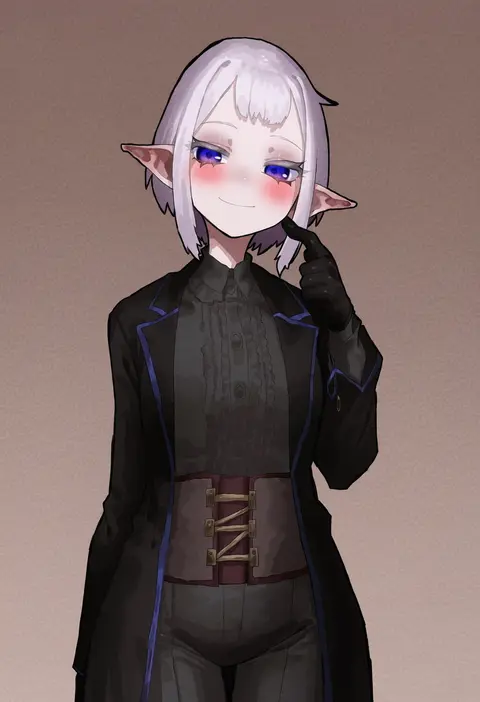
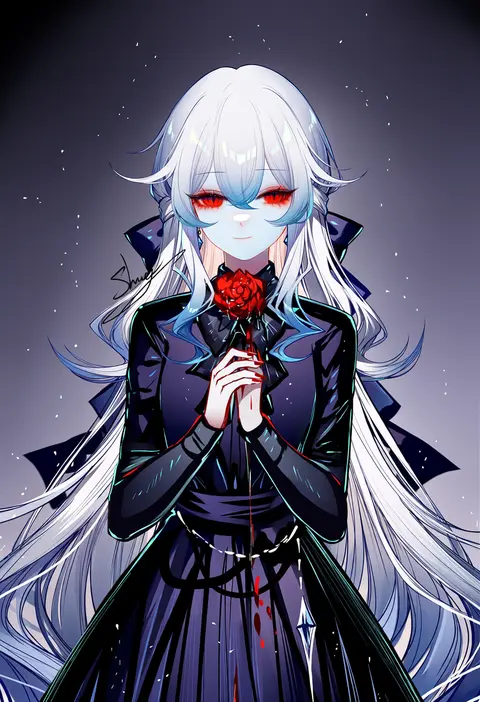
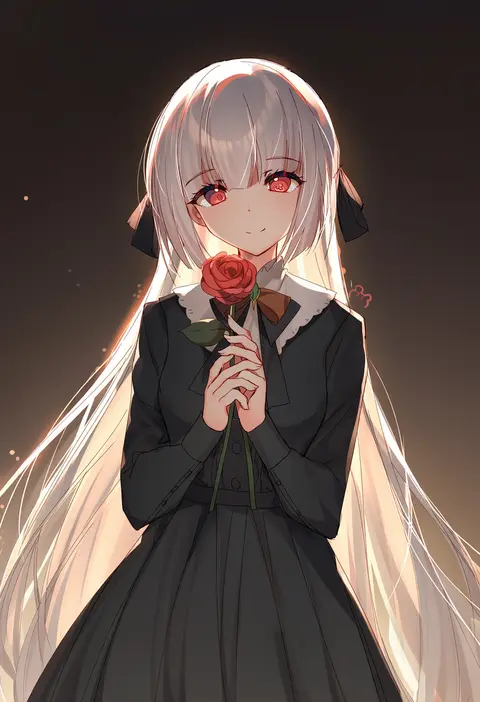
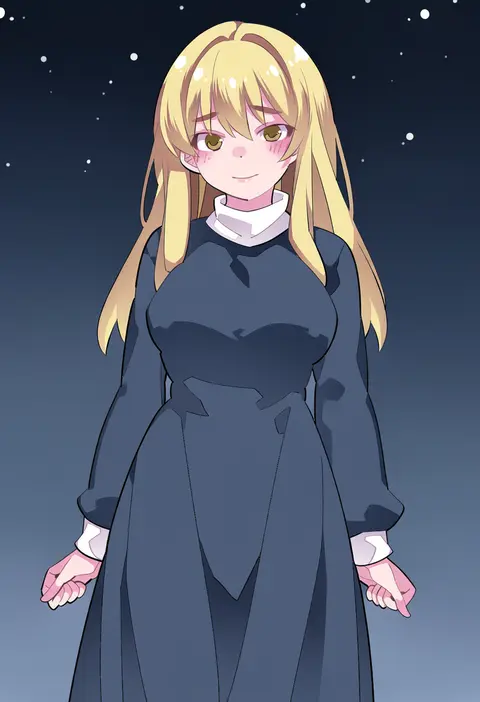
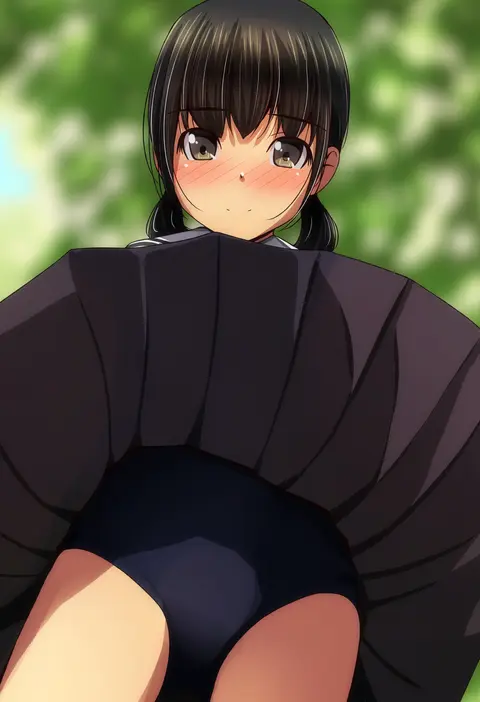
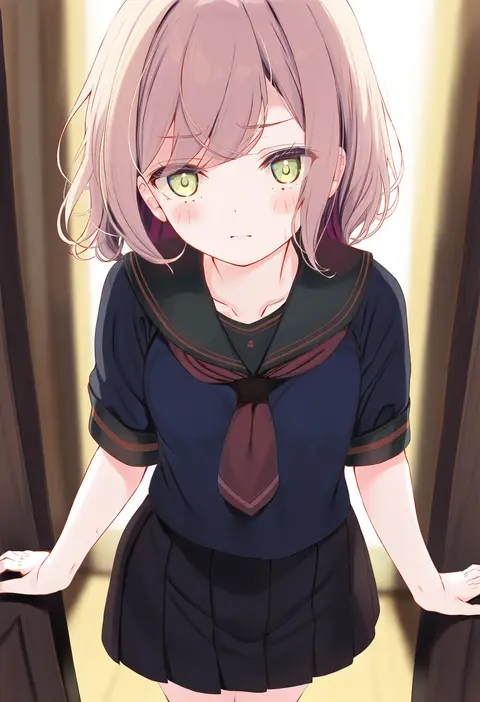
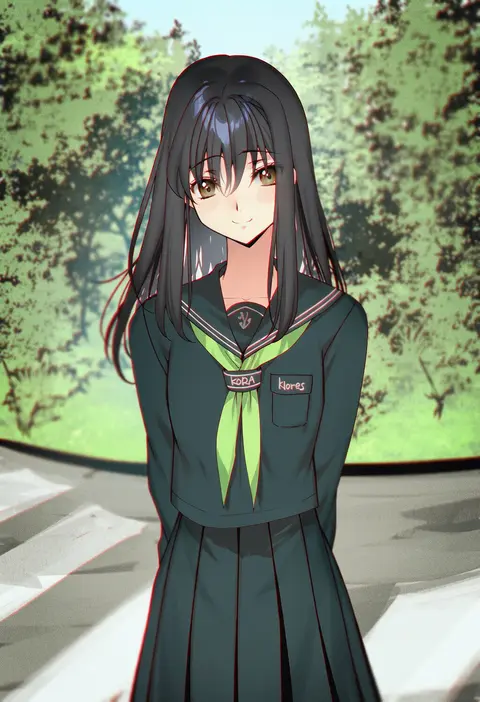
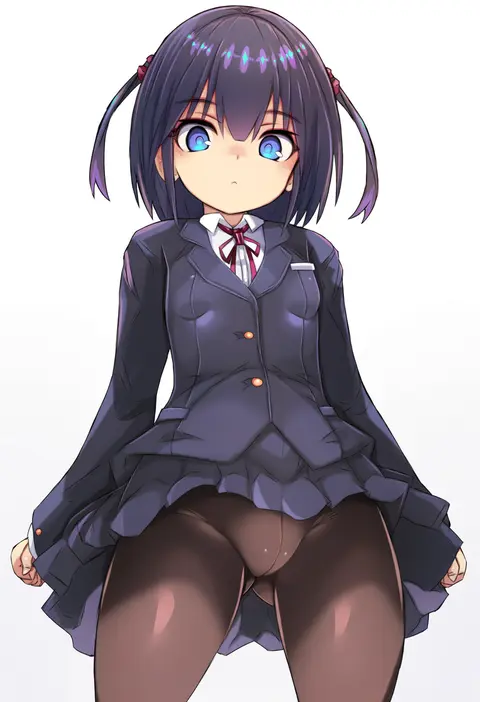
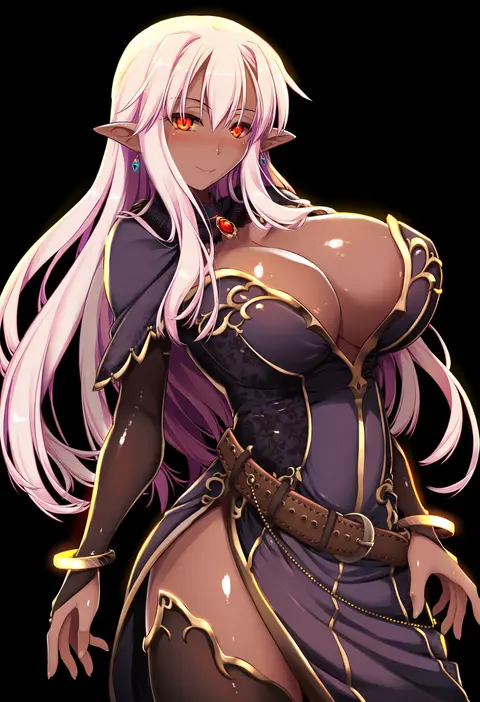
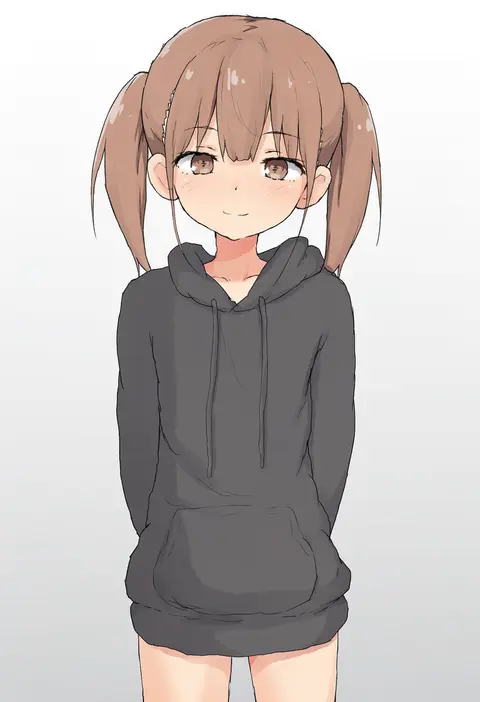
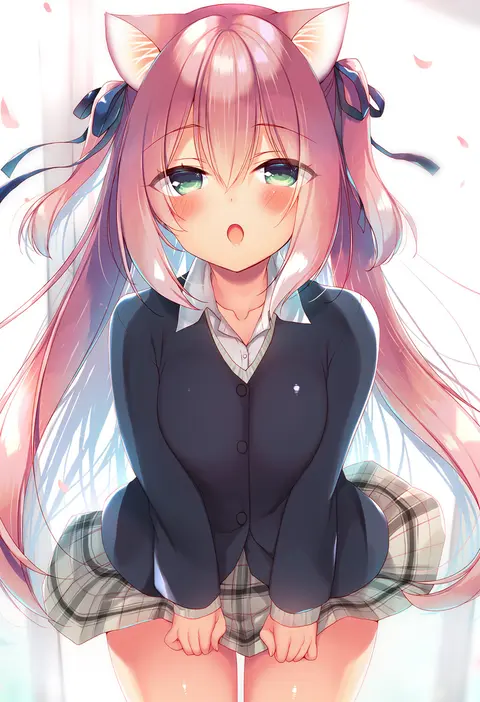
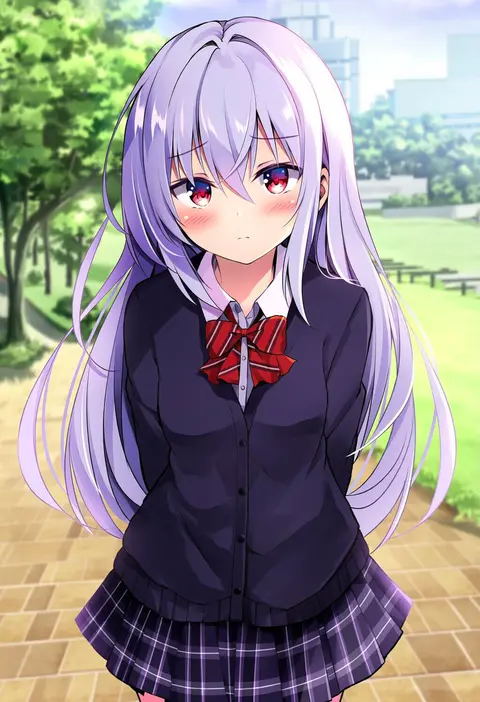
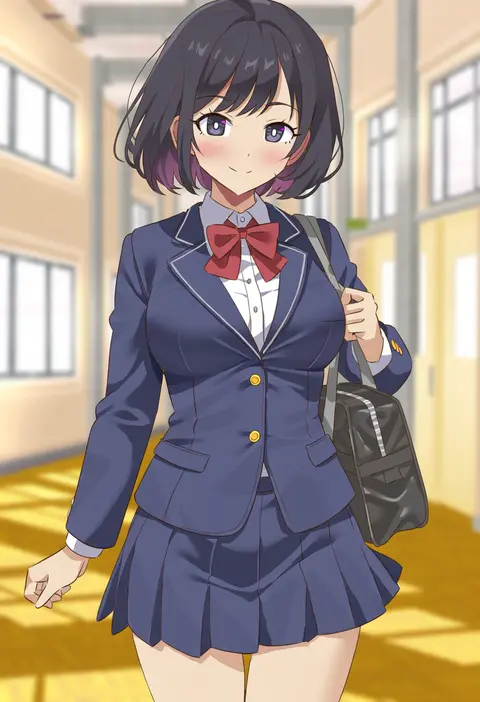
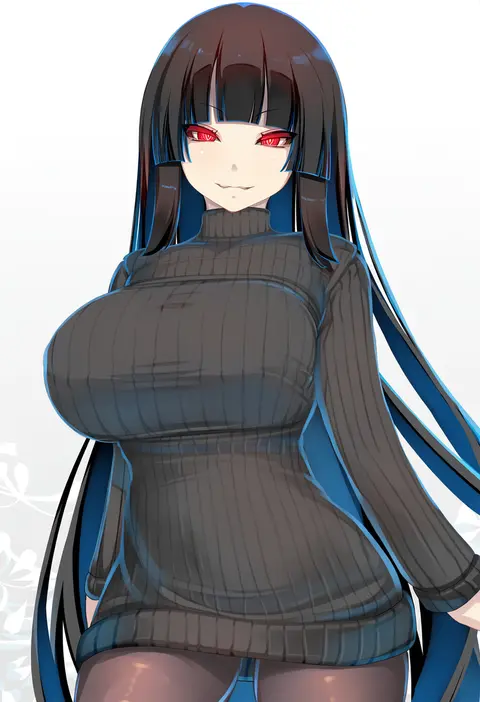
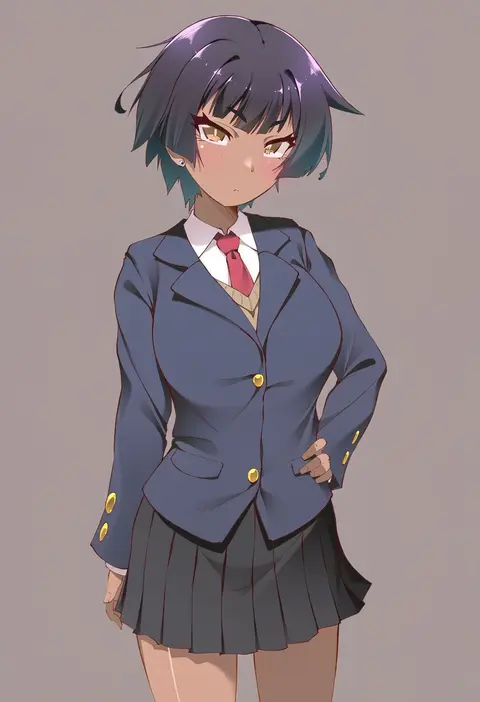
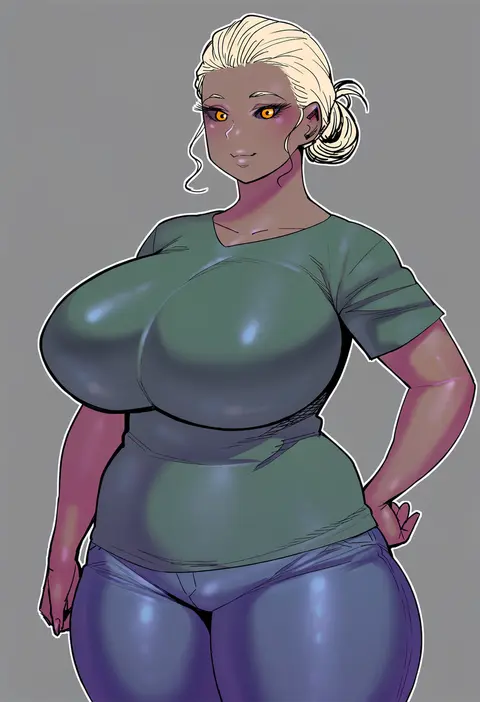
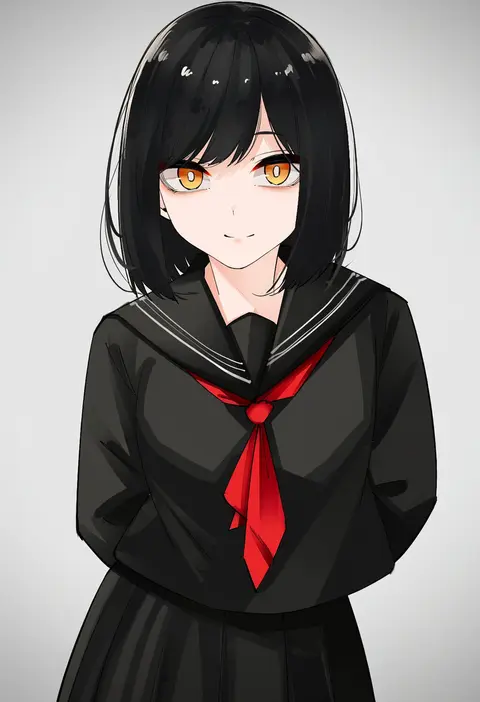
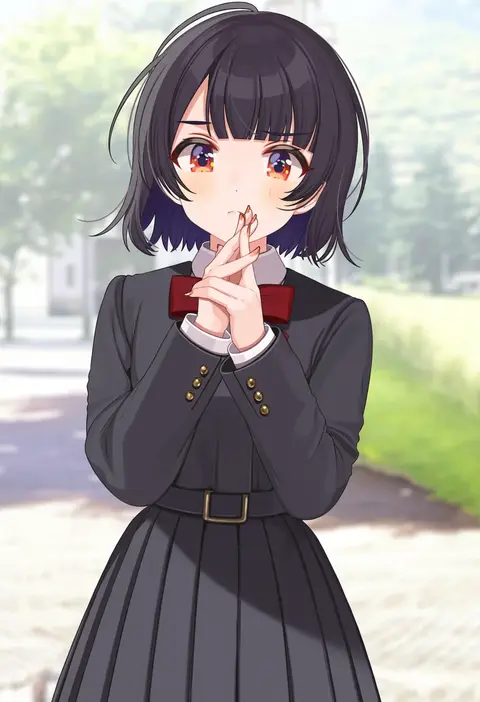
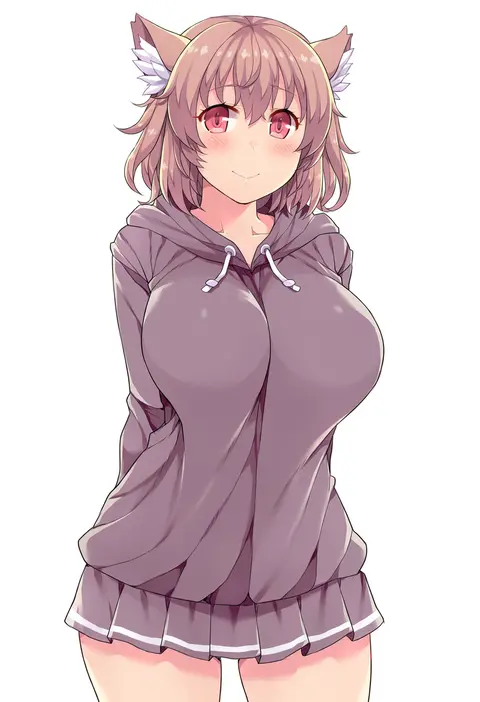
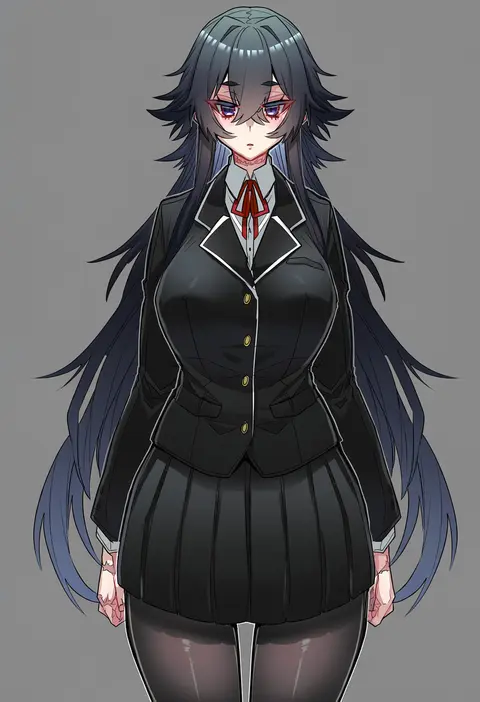
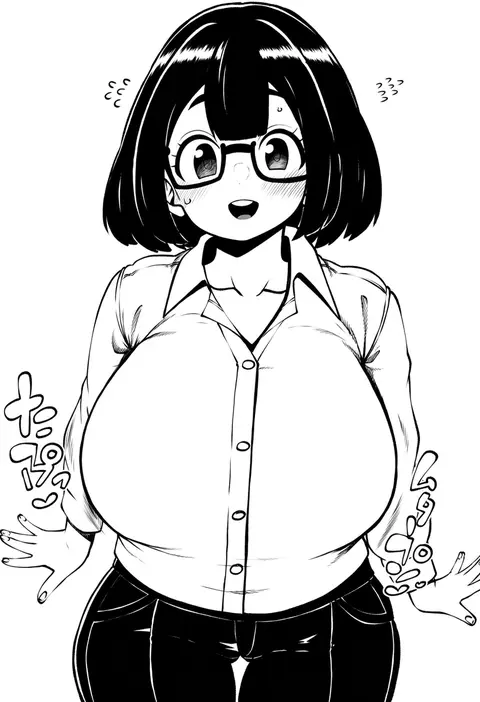
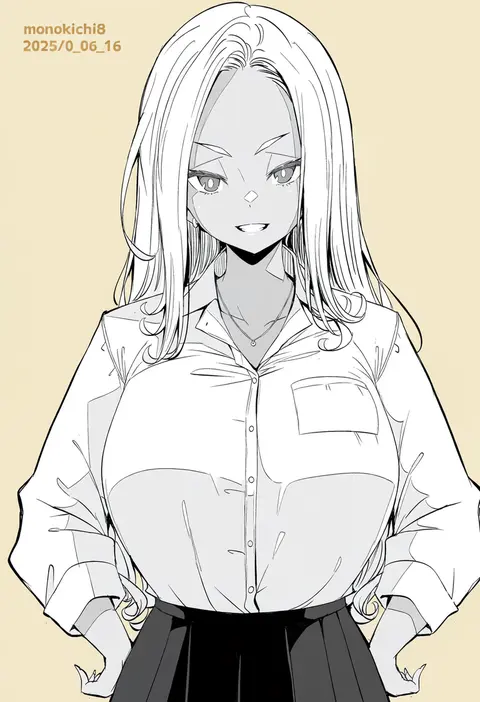
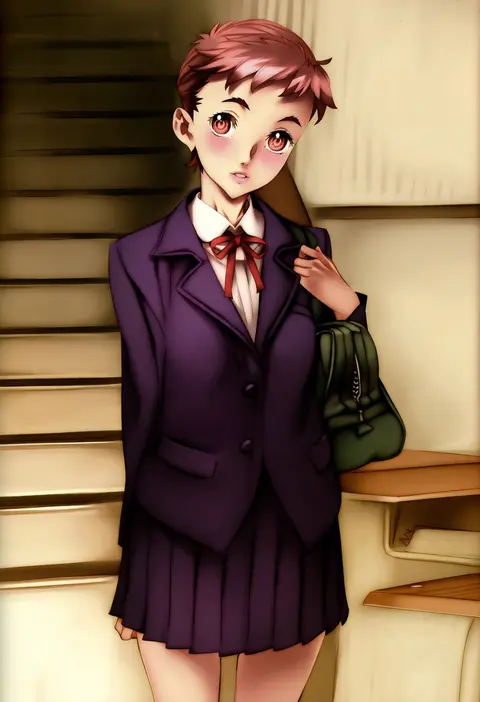
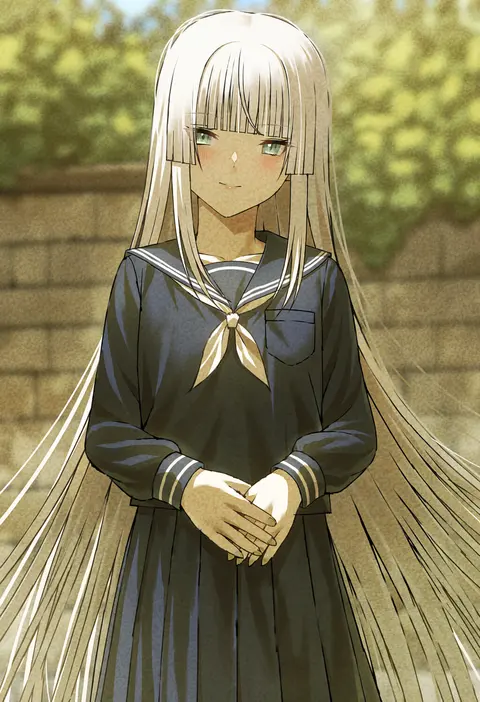
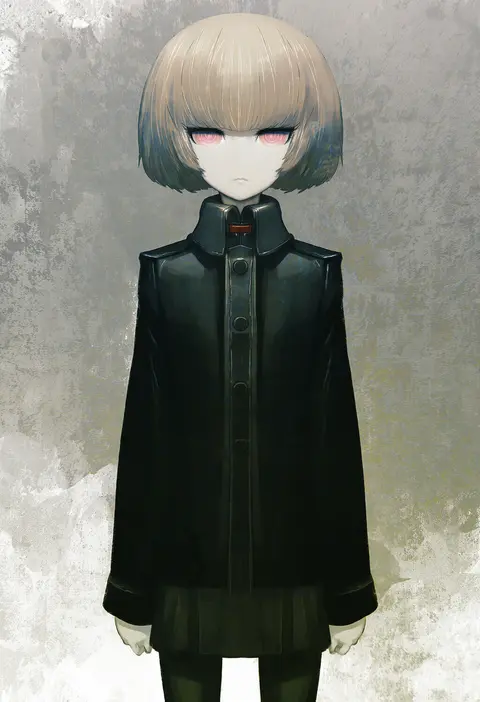
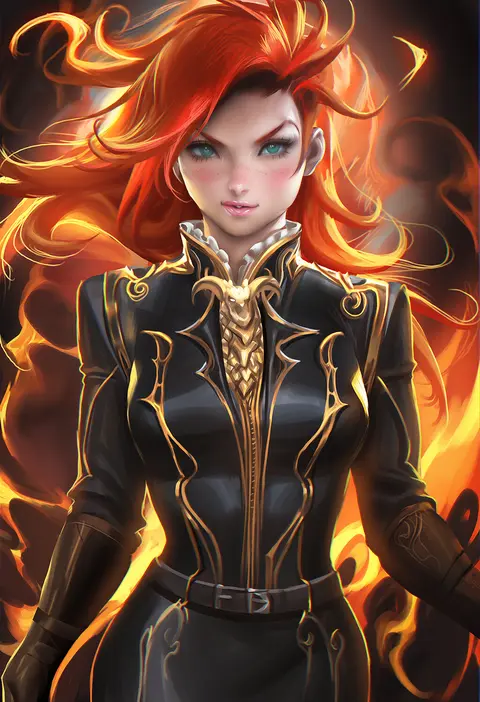
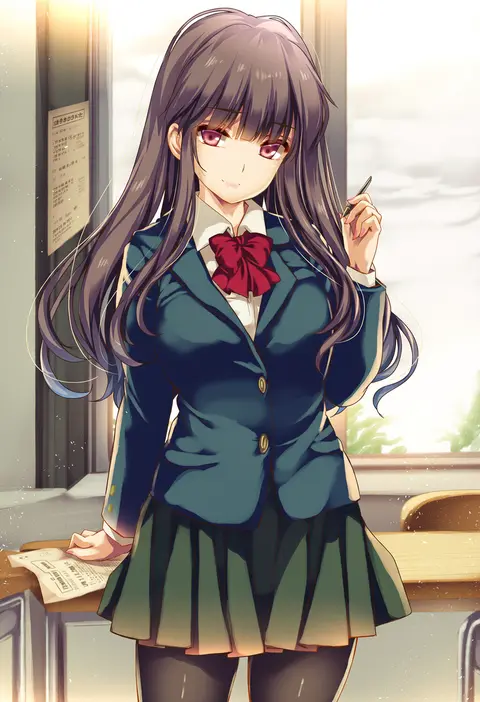
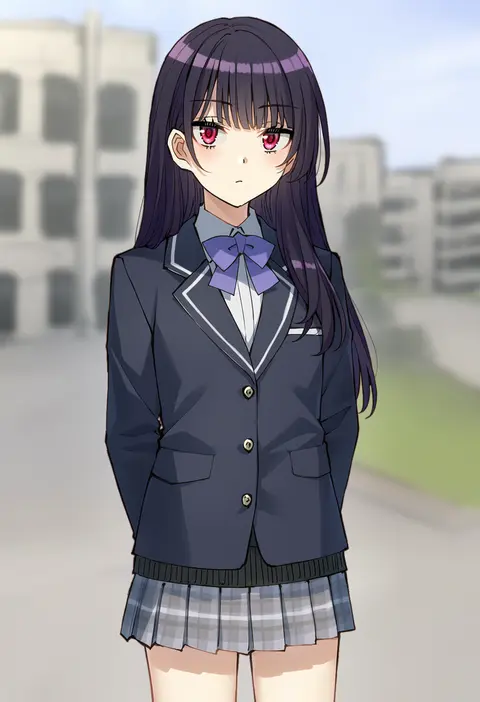
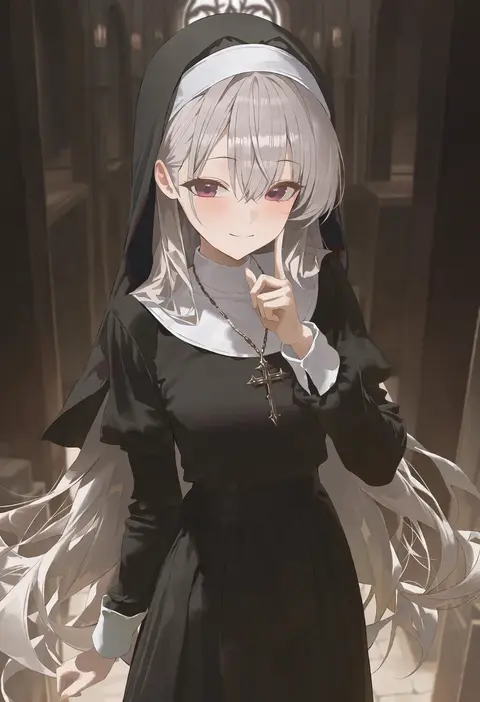
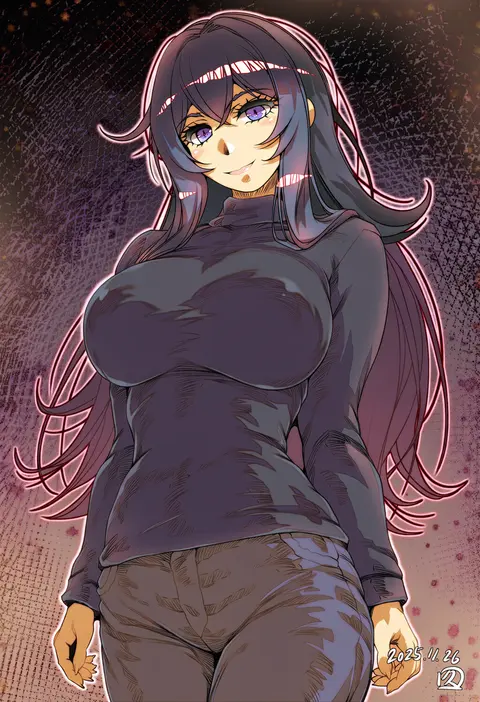
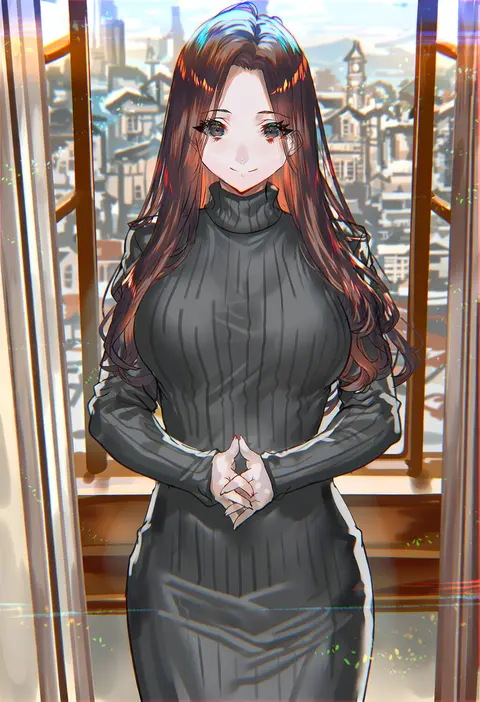
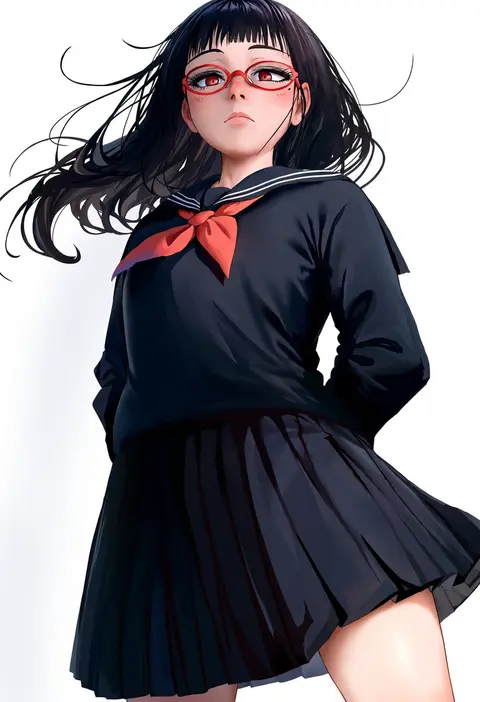
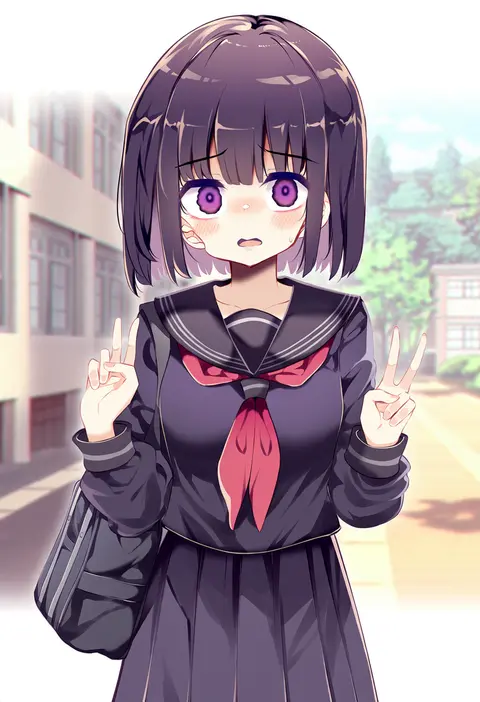
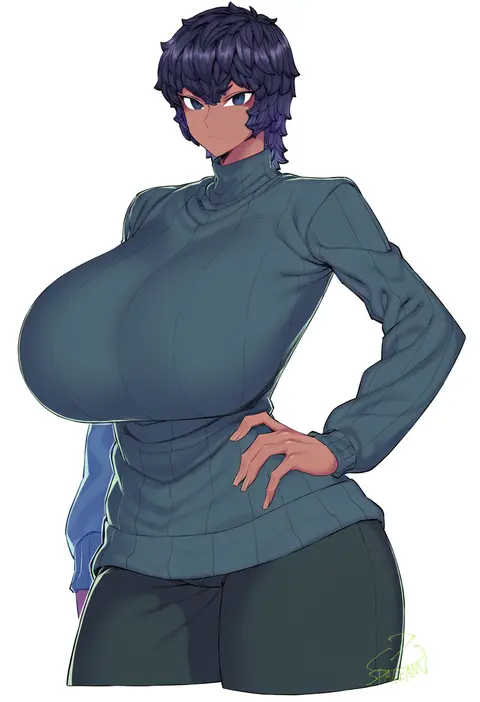
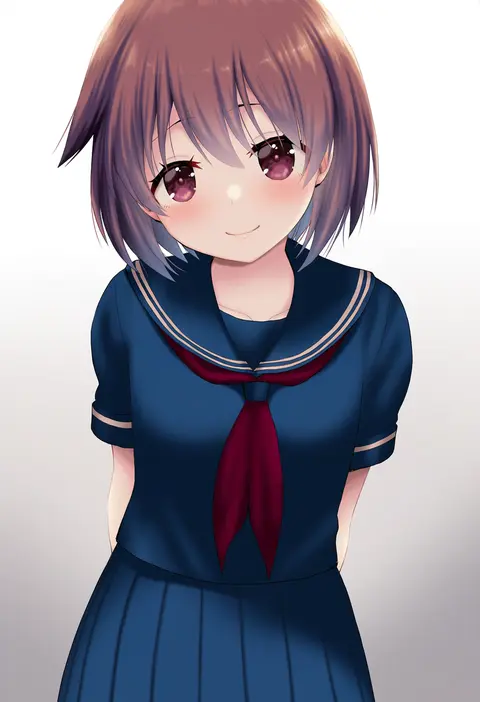
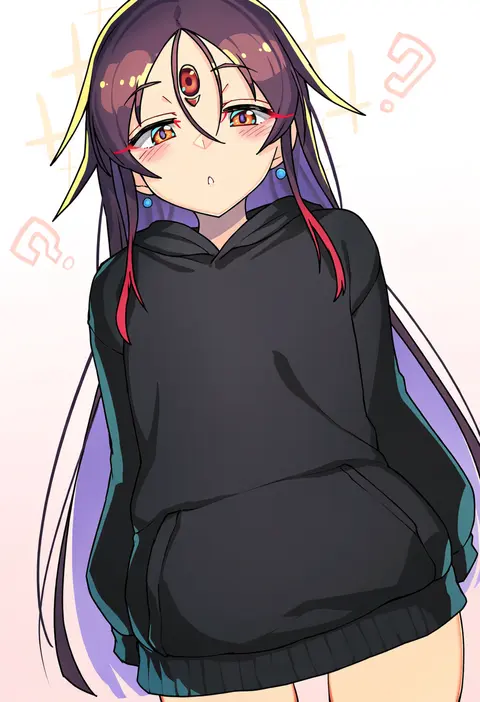
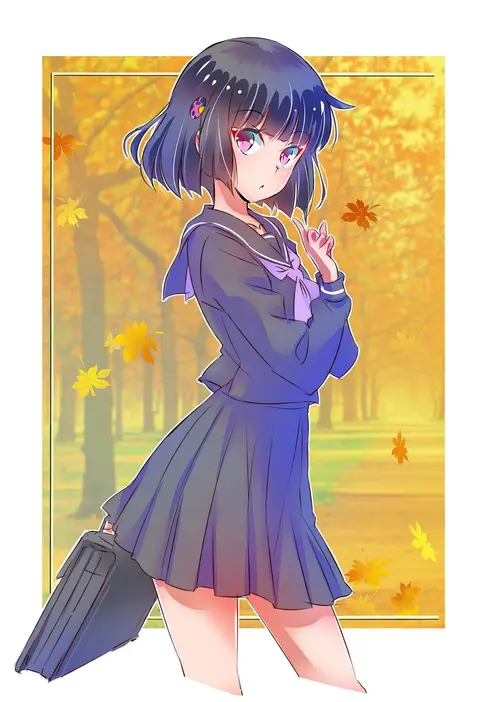
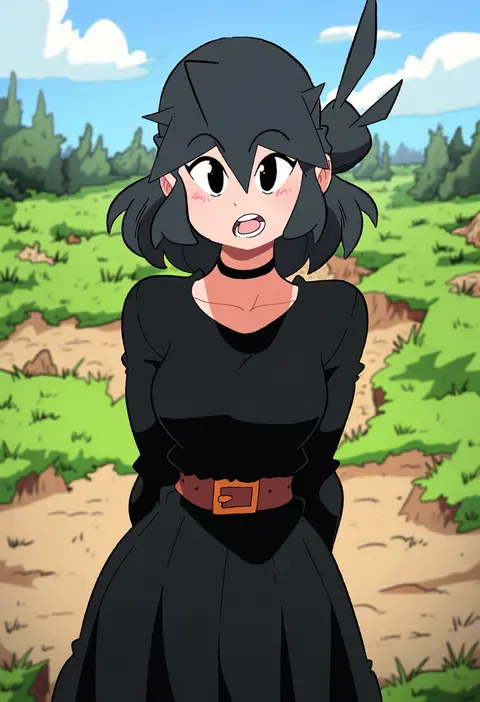
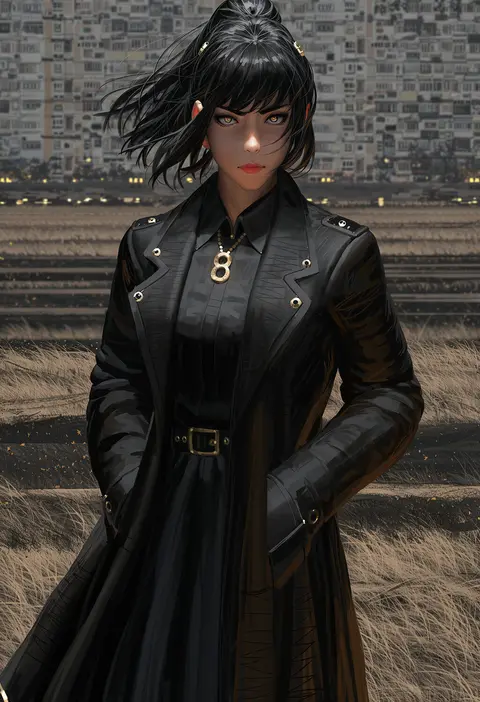
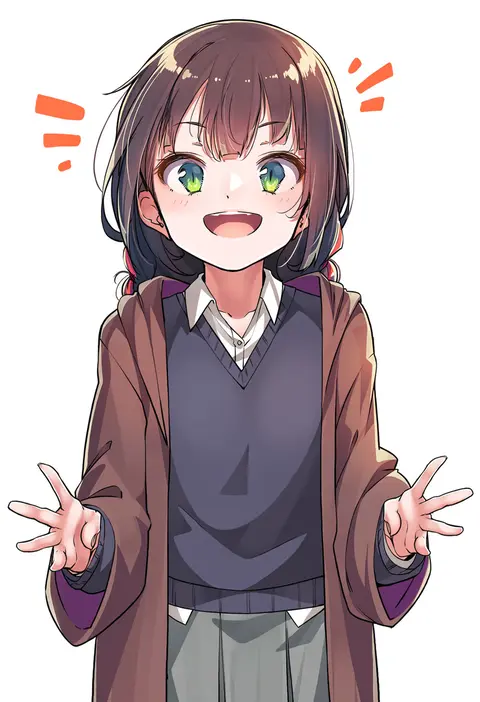
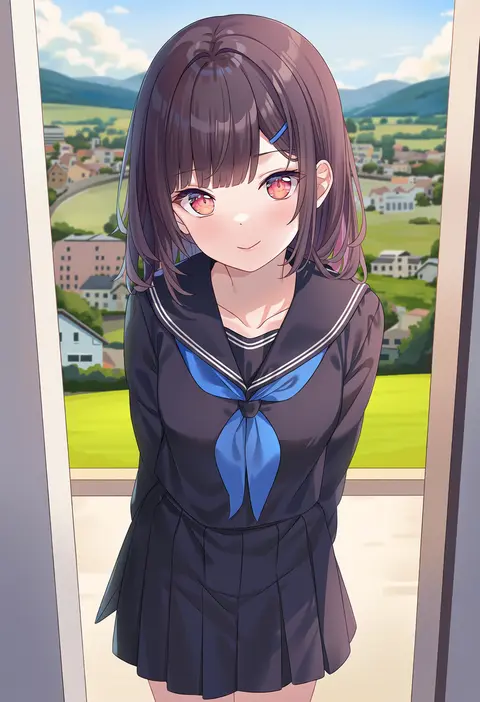
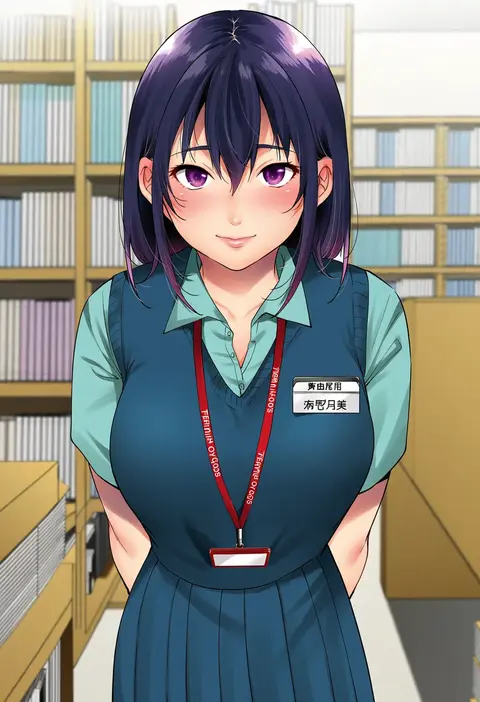
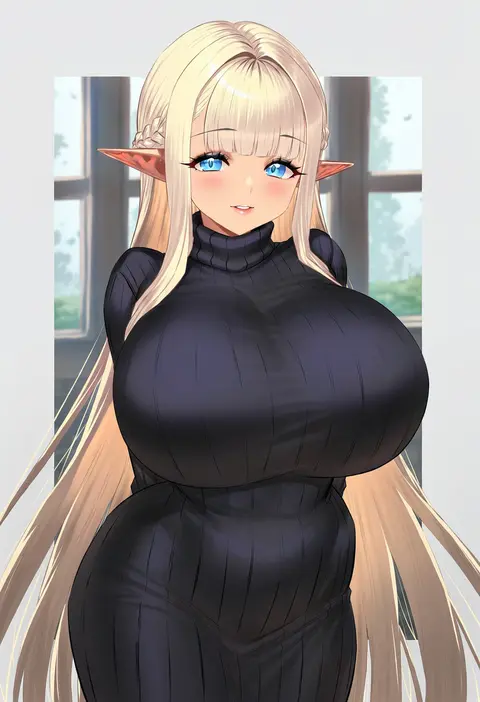
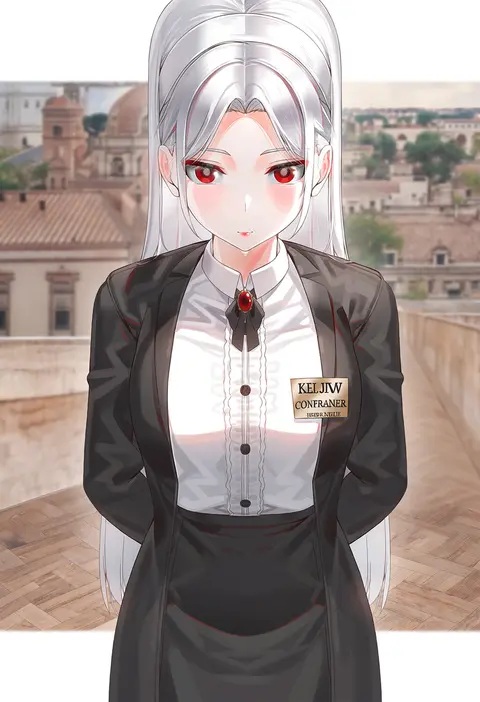
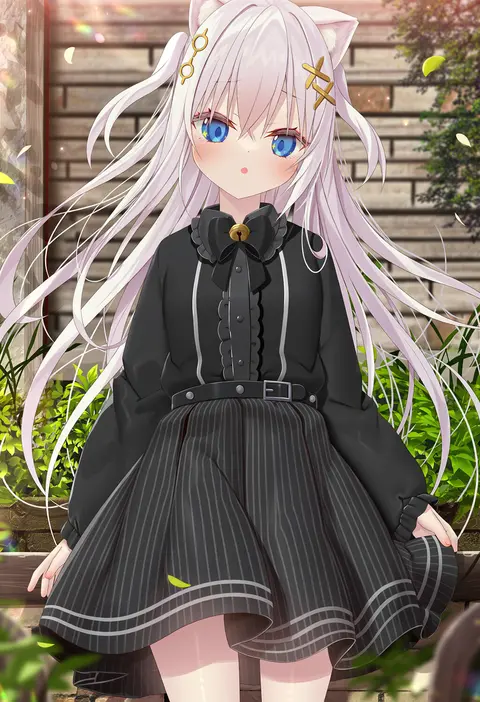
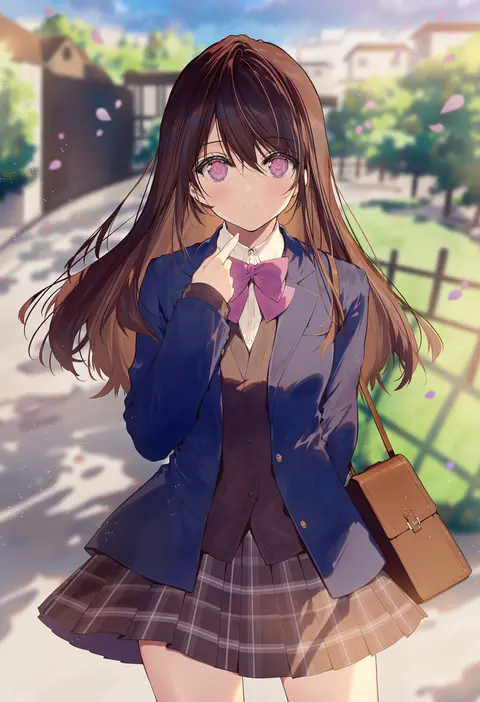
Artist tags tell NovelAI Diffusion to draw in a specific artist's style: line weight, paint texture, face shapes and palette all shift at once. Character and outfit tags decide what is drawn; artist tags decide how. 2,556 tags are listed for V5.
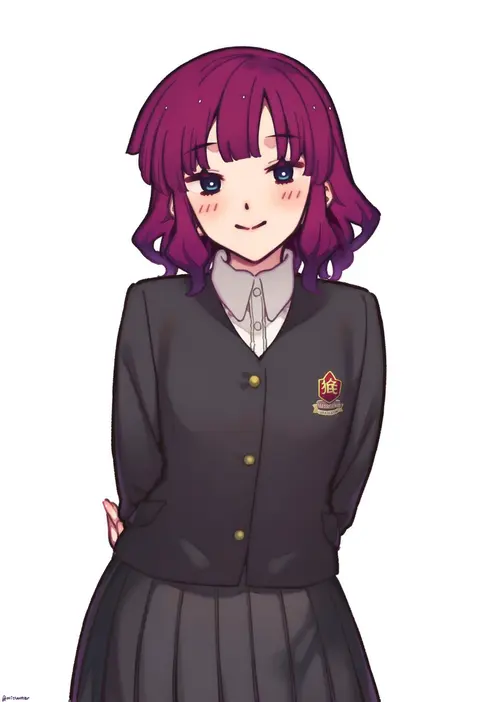
Every tag listed here is verified to react in NovelAI. All images use the same prompt, seed and settings with only the artist tag swapped, so the difference between two images is the style that tag brings in.

How to use them

Put the artist tag near the front of the prompt, e.g. "<artist>, 1girl, solo, best quality, masterpiece, cowboy shot". Two or three artist tags blend styles; lower the weight with "0.8::<artist>::" when the style overpowers the character.

SCORE sorts by Danbooru's top score, POSTS by post count, FAVS by hearts on this site. Open a card to see V5 and V4.5 side by side on the same seed.

V5 vs V4.5

V5 usually lands closer to the artist's real style, and tags that did nothing on V4.5 often react on V5. V4.5 still fits older and doujin-heavy artists better. Try V5 first, fall back to V4.5.

FAQ

Where does the artist tag go?
Near the front of the prompt. Use "0.8::tag::" to adjust its weight.

Can I stack artist tags?
Yes, styles blend. Past two or three the result stops looking like anyone.

Are these the artists' own works?
No. Every image is a NovelAI sample generated from the tag.