V5Artists
sort: FAVS▾
▾
>
$

NovelAI V5 Artist Tags List

artist --count 2,556[20/43]
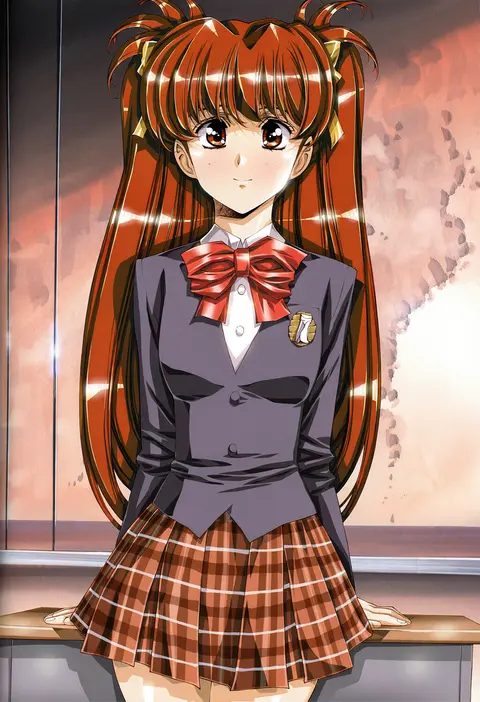
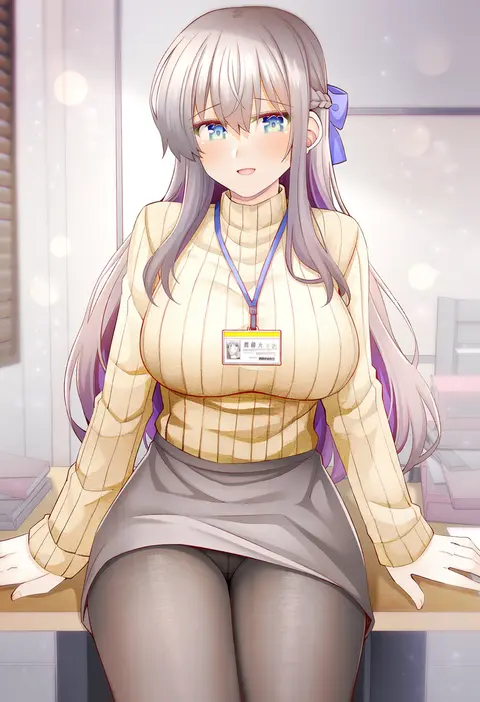
urushihara satoshi
ARTIST0x0474
1
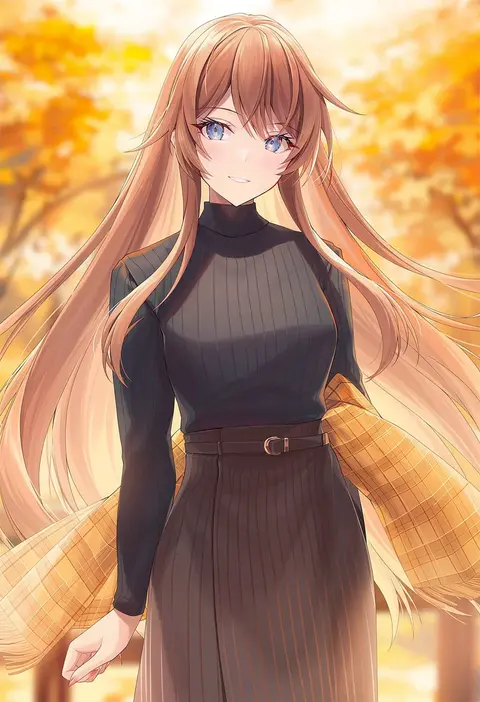
amane soh
ARTIST0x0475
1
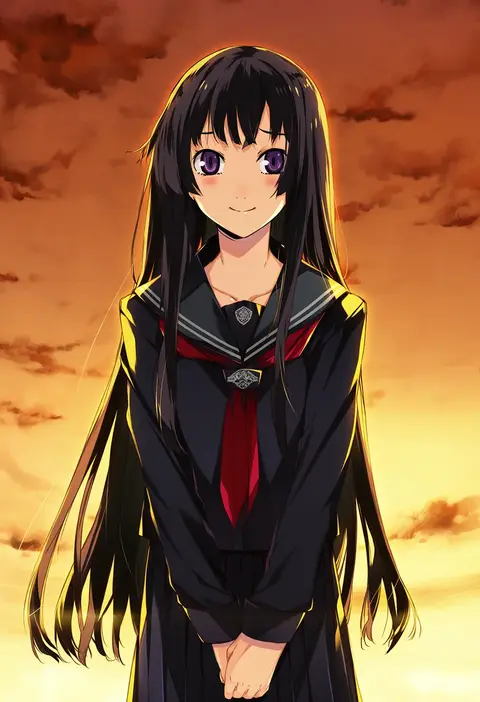
weee (raemz)
ARTIST0x0476
1
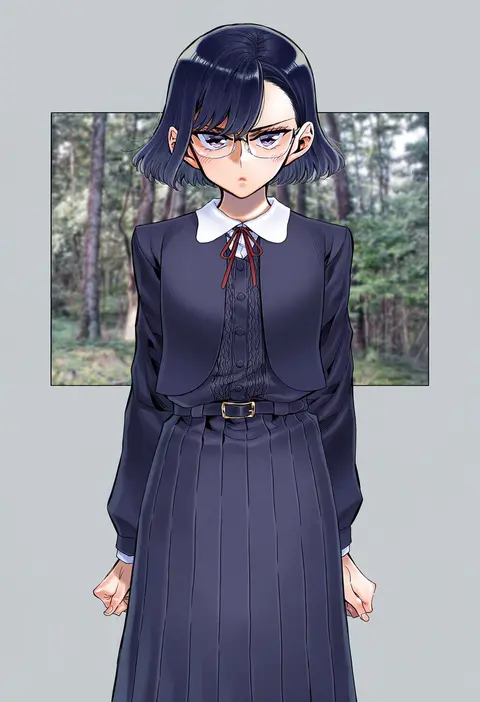
papajay (jennygin2)
ARTIST0x0477
1
sofra
ARTIST0x0478
1
takano yuki (allegro mistic)
ARTIST0x0479
1
sukja
ARTIST0x047A
1
60mai
ARTIST0x047B
1
rangu
ARTIST0x047C
1
cream (nipakupa)
ARTIST0x047D
1
sorani (kaeru0768)
ARTIST0x047E
1
ominaeshi (takenoko)
ARTIST0x047F
1
kotatsu (g-rough)
ARTIST0x0480
1
ainy
ARTIST0x0481
1
lielos
ARTIST0x0482
1
cofffee
ARTIST0x0483
1
kurou (quadruple zero)
ARTIST0x0484
1
merryweather
ARTIST0x0485
1
tajima yuuki
ARTIST0x0486
1
kanda done
ARTIST0x0487
1
babalilo
ARTIST0x0488
1
hinakisara
ARTIST0x0489
1
yuuji (yukimimi)
ARTIST0x048A
1
shiratama (shiratamaco)
ARTIST0x048B
1
shigino sohuzi
ARTIST0x048C
1
itou (onsoku tassha)
ARTIST0x048D
1
nishimura eri
ARTIST0x048E
1
chan co
ARTIST0x048F
1
mahoro (minase mahoro)
ARTIST0x0490
1
teshima nari
ARTIST0x0491
1
kuga huna
ARTIST0x0492
1
namori
ARTIST0x0493
1
aoki (fumomo)
ARTIST0x0494
1
lpip
ARTIST0x0495
1
yu yu
ARTIST0x0496
1
yamabukiiro
ARTIST0x0497
1
gin (oyoyo)
ARTIST0x0498
1
kei (keigarou)
ARTIST0x0499
1
rui shi (rayze ray)
ARTIST0x049A
1
kagachi saku
ARTIST0x049B
1
g yuusuke
ARTIST0x049C
1
takanashi ringo
ARTIST0x049D
1
tonda
ARTIST0x049E
1
misumi (macaroni)
ARTIST0x049F
1
neko majin
ARTIST0x04A0
1
narumi arata
ARTIST0x04A1
1
pan (mimi)
ARTIST0x04A2
1
yoru nai
ARTIST0x04A3
1
hemogurobin a1c
ARTIST0x04A4
1
ponkan 8
ARTIST0x04A5
1
e20
ARTIST0x04A6
1
na-ga
ARTIST0x04A7
1
zounose
ARTIST0x04A8
1
akkijin
ARTIST0x04A9
1
yuugen
ARTIST0x04AA
1
boushi-ya
ARTIST0x04AB
1
shitacemayo
ARTIST0x04AC
1
krudears
ARTIST0x04AD
1
matsumiya kiseri
ARTIST0x04AE
1
bambi2000line
ARTIST0x04AF
1

What these tags change

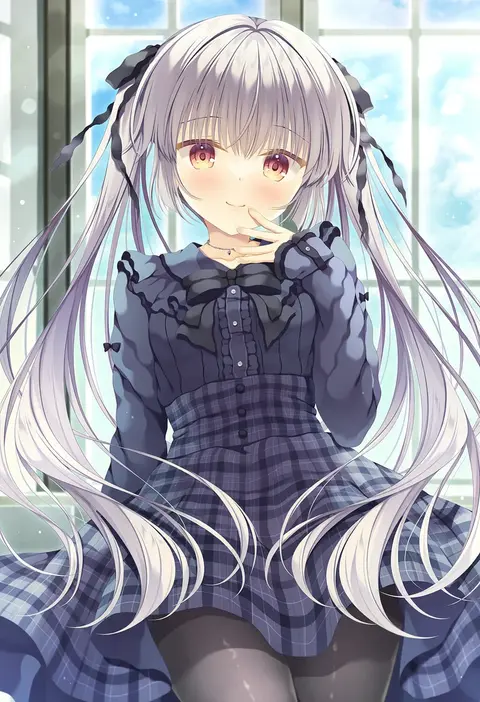
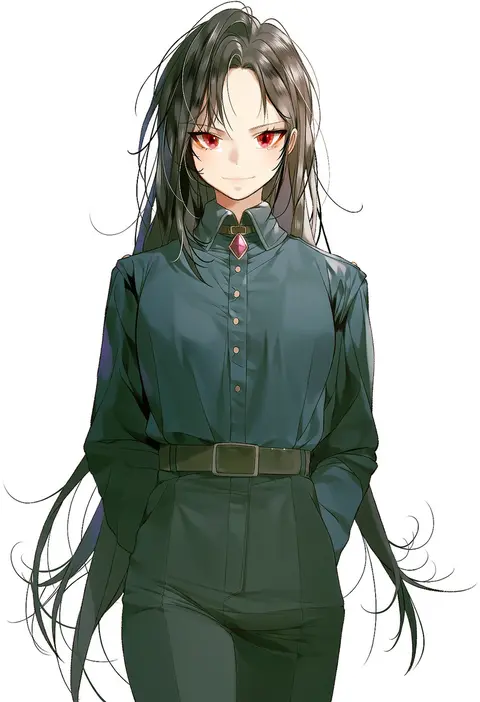
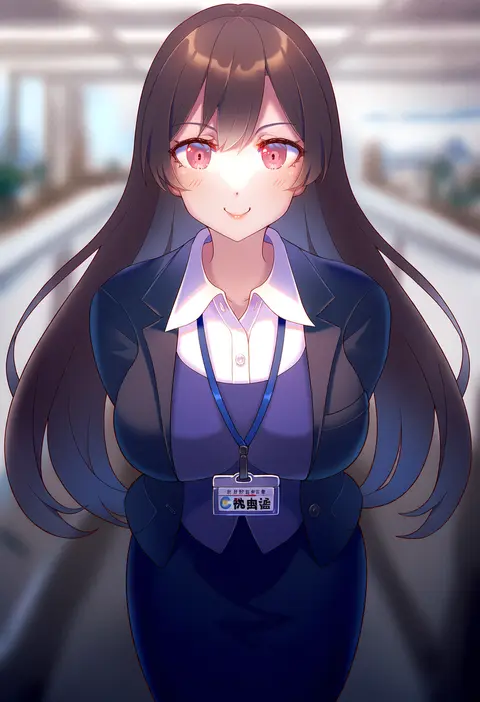
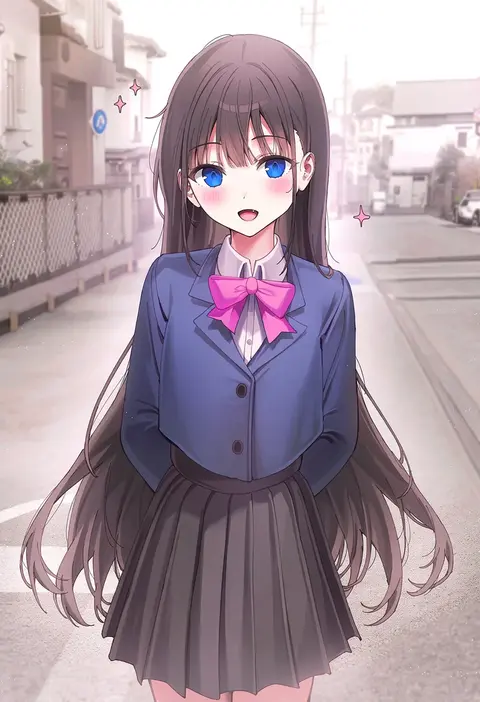
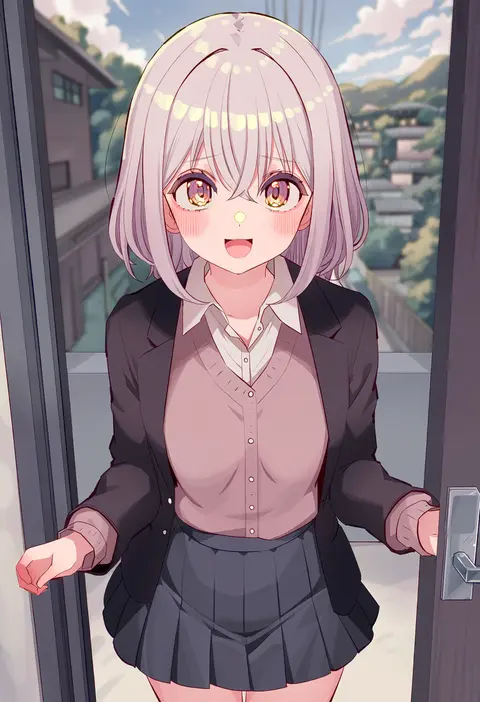
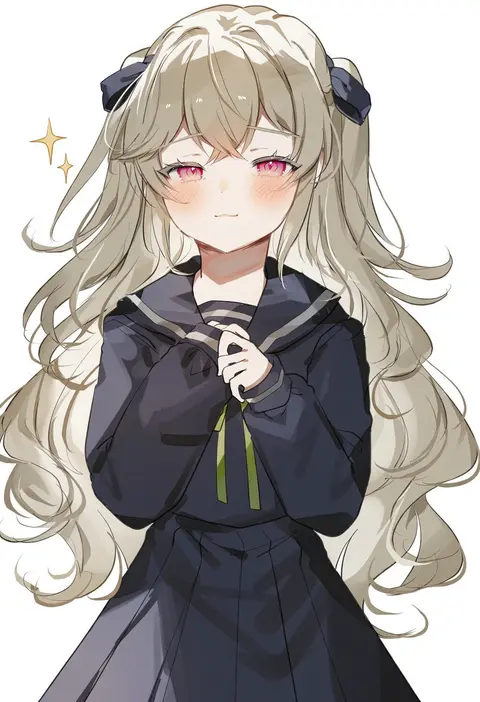
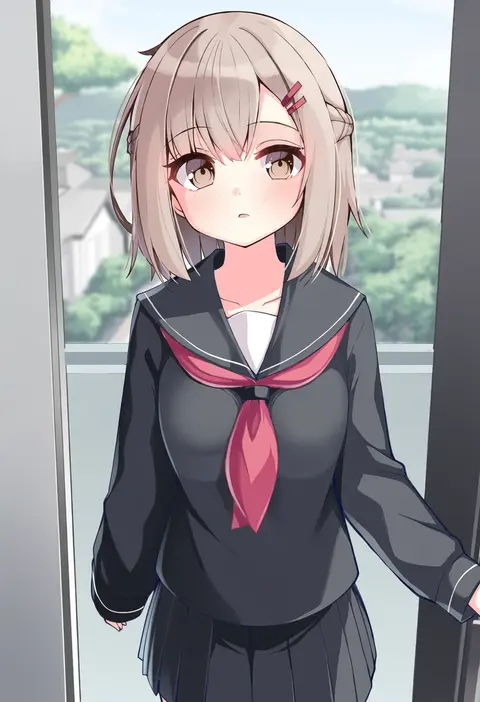
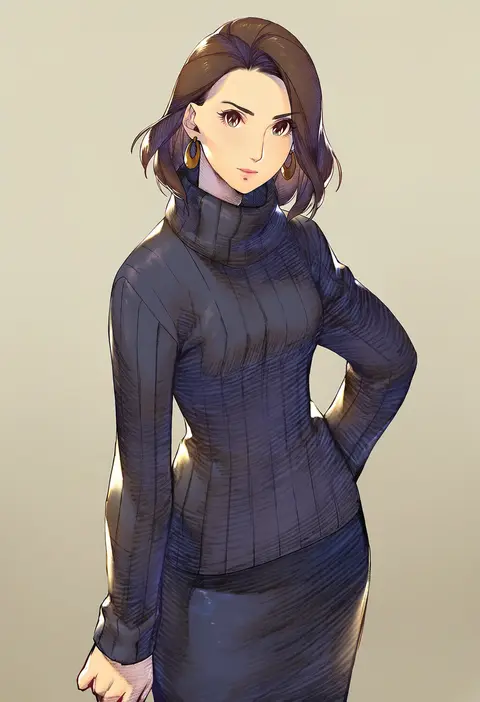
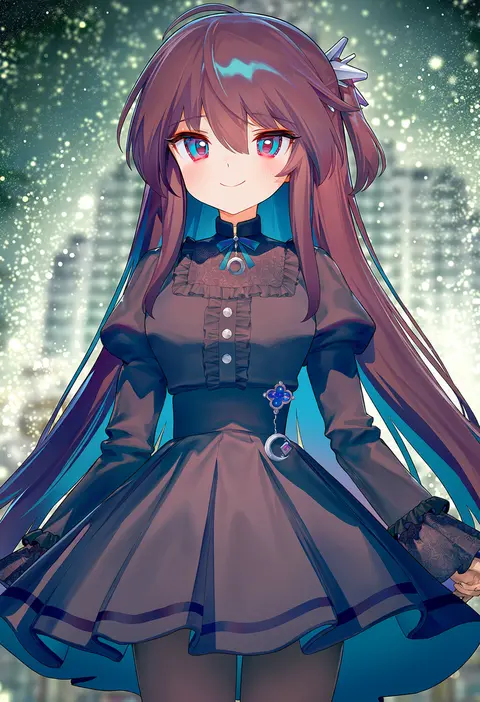
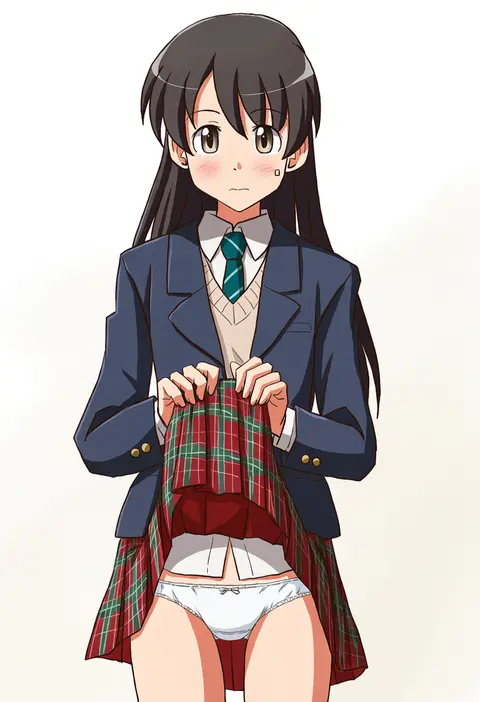
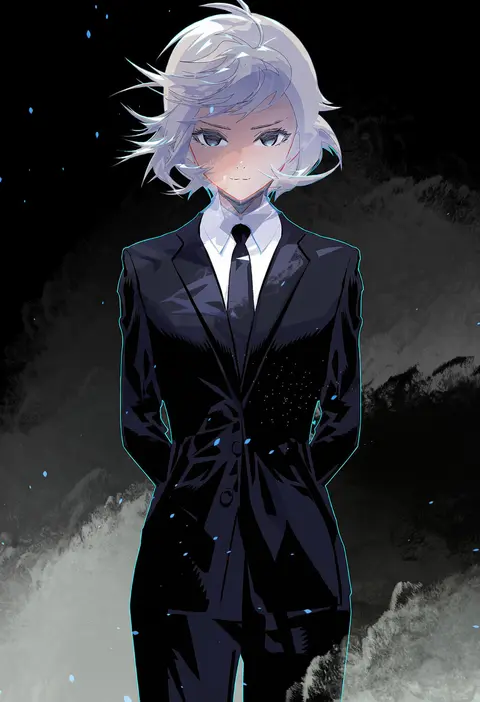
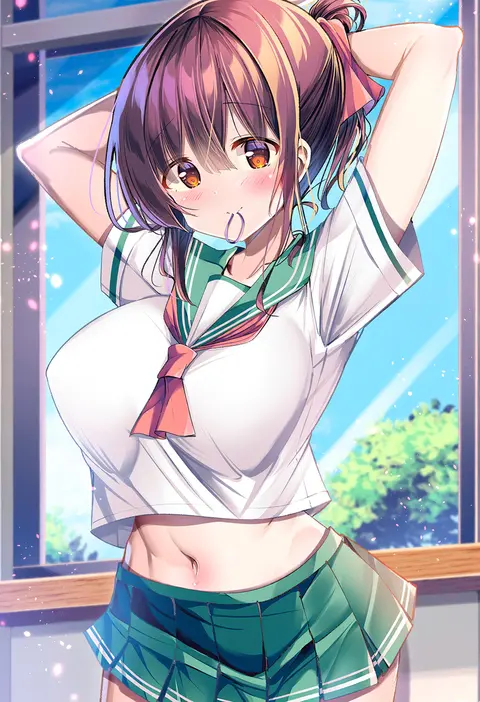
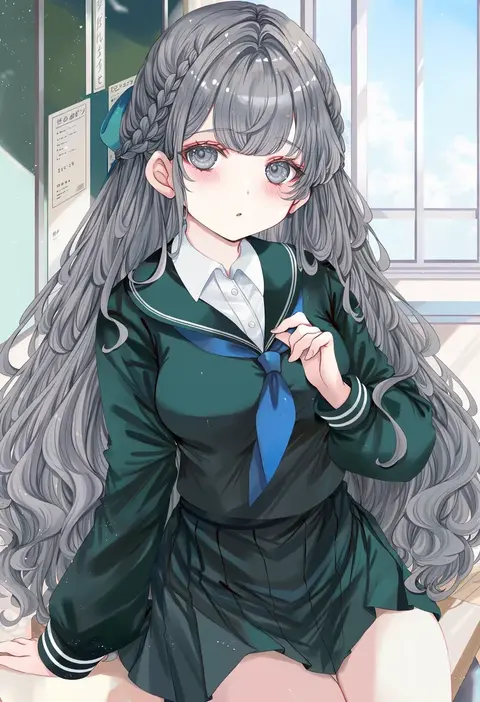
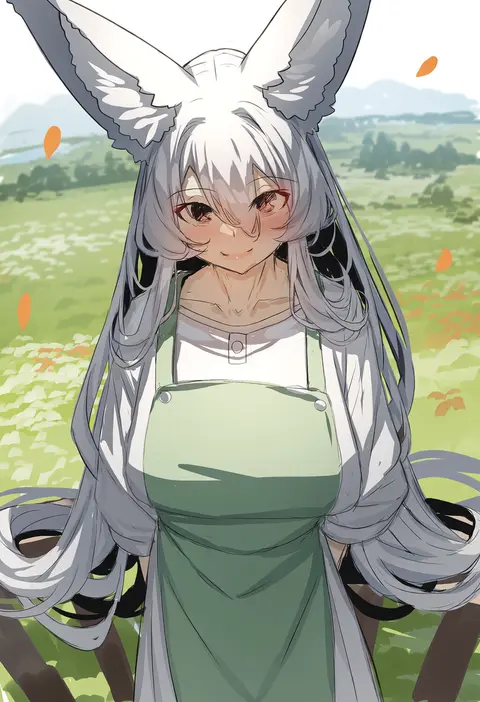
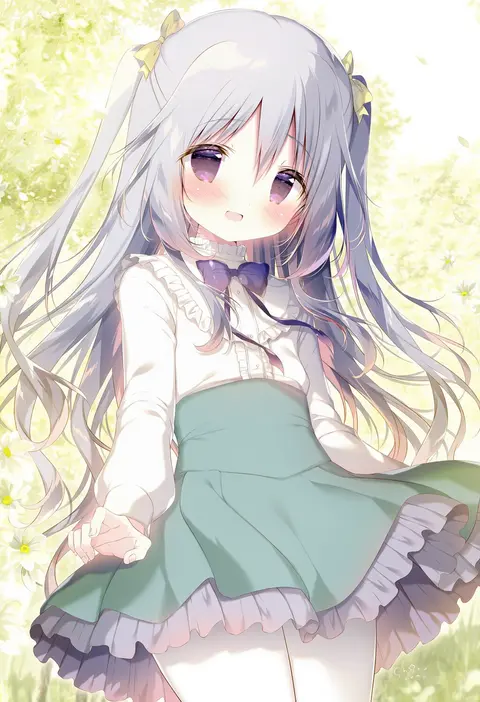
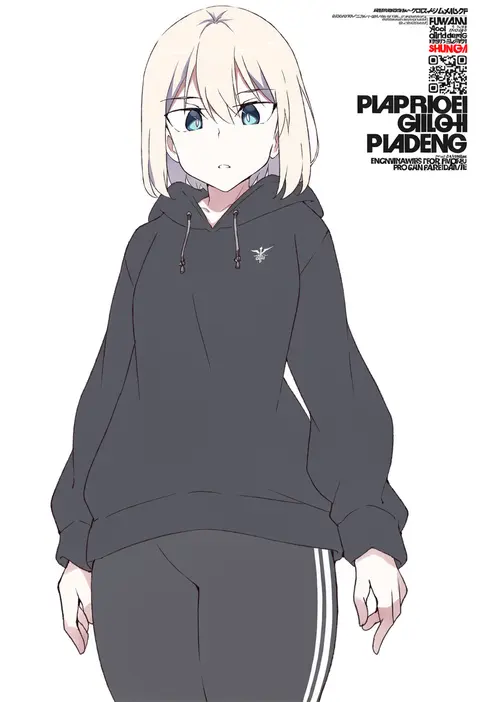
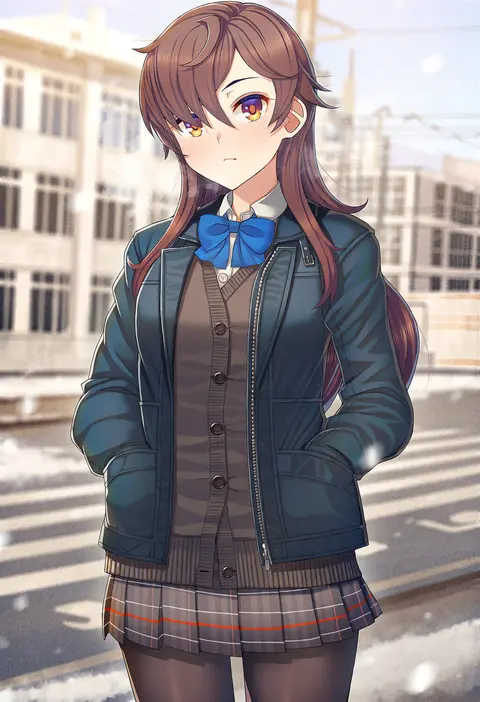
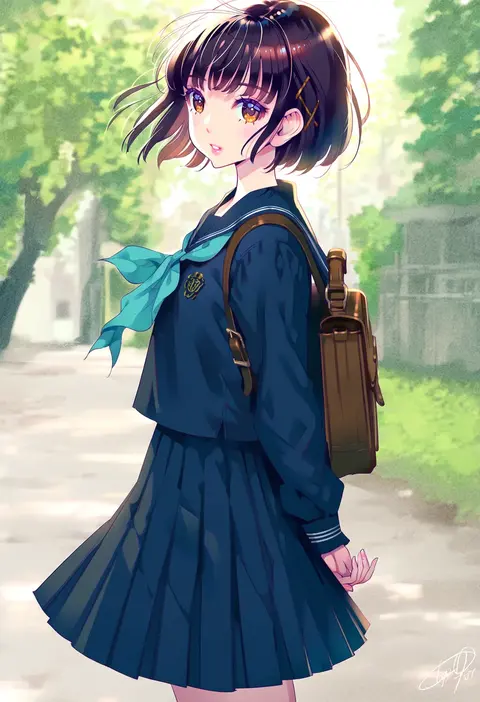
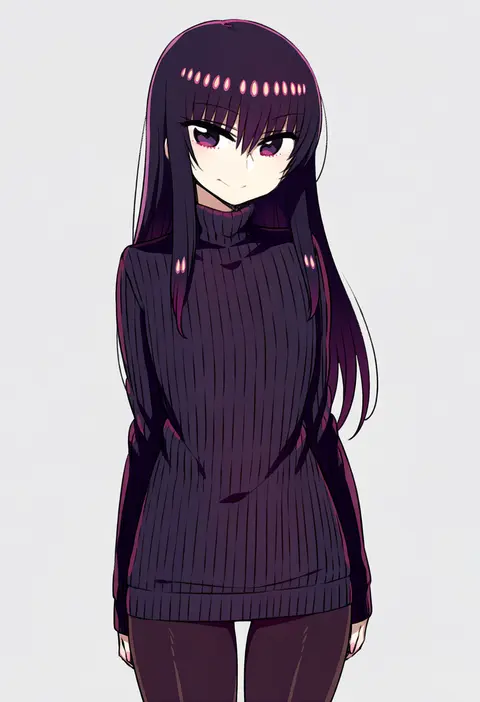
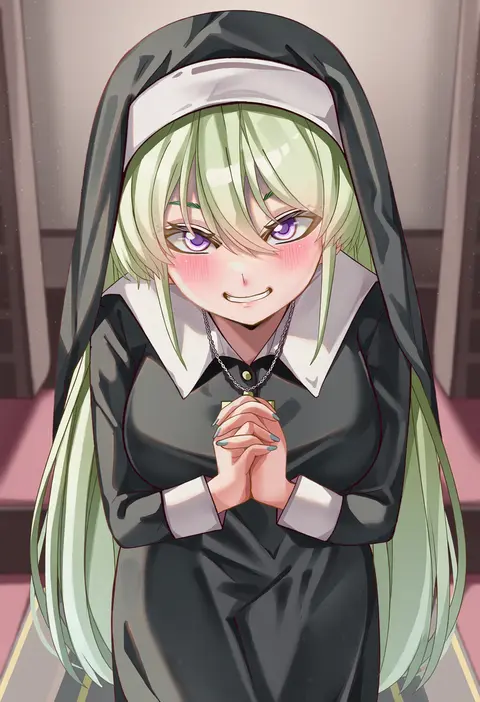
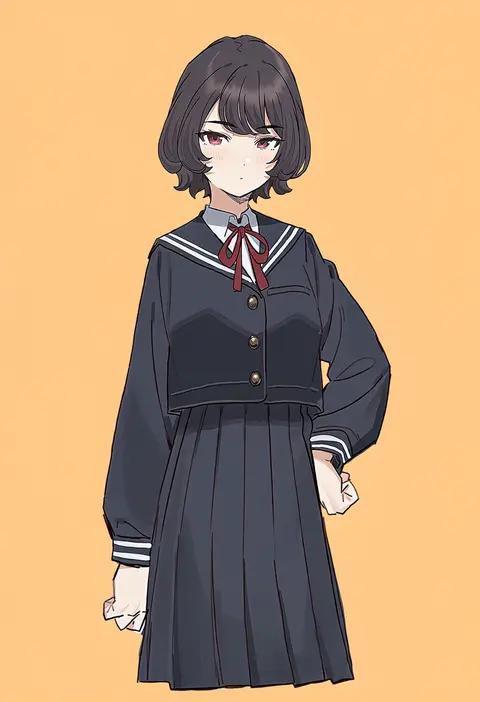
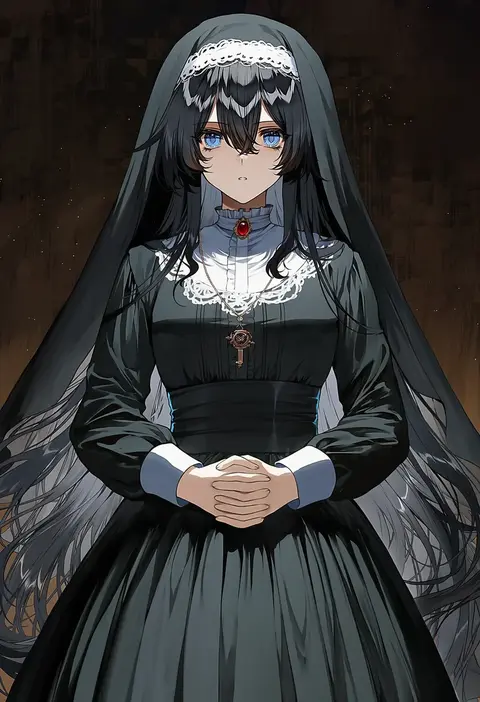
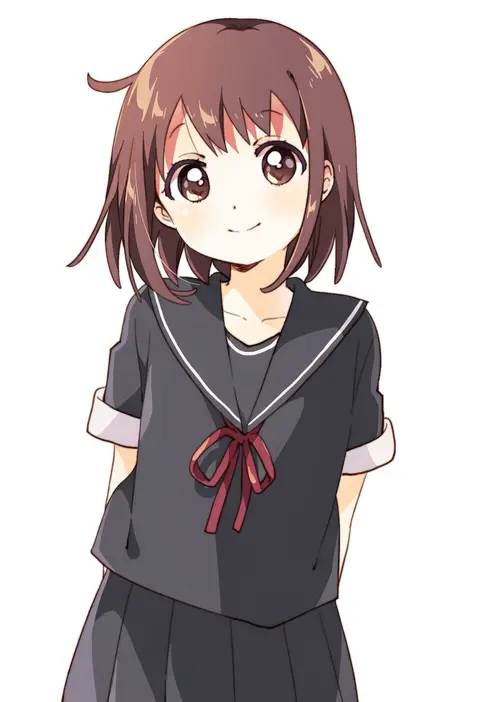
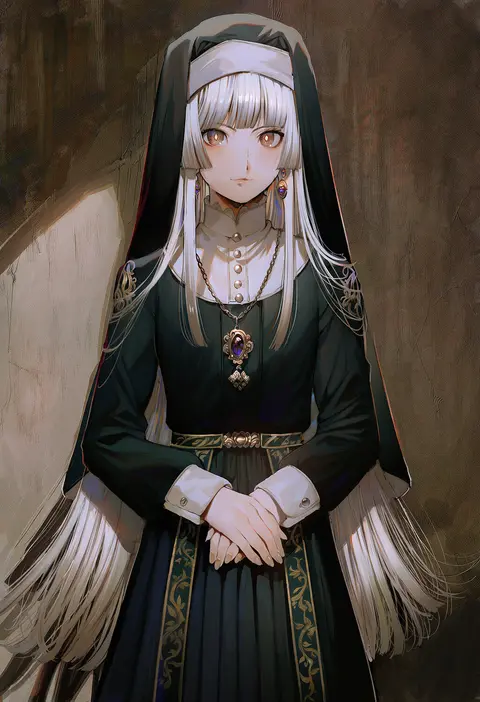
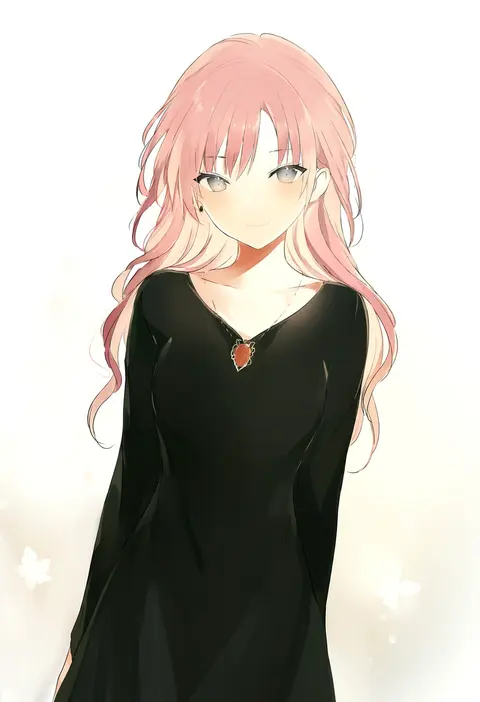
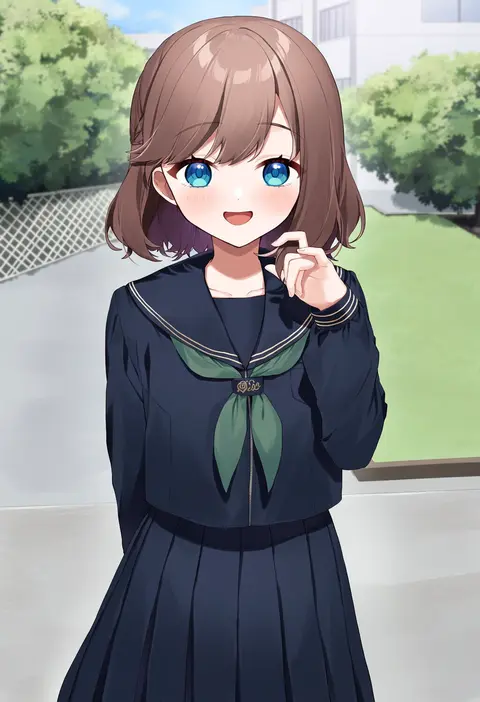
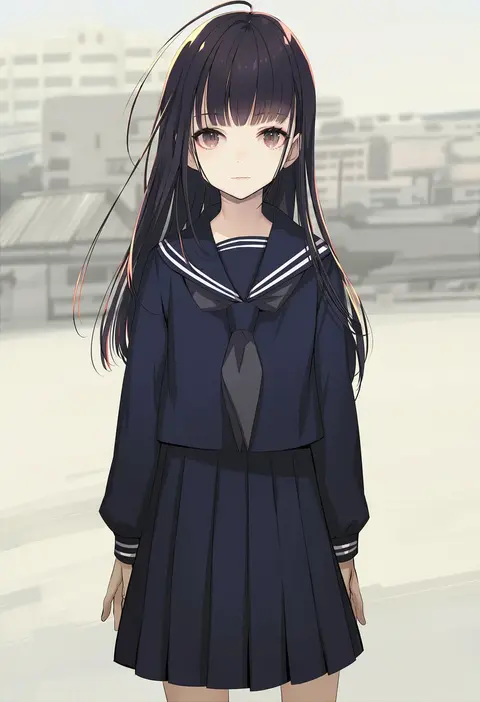
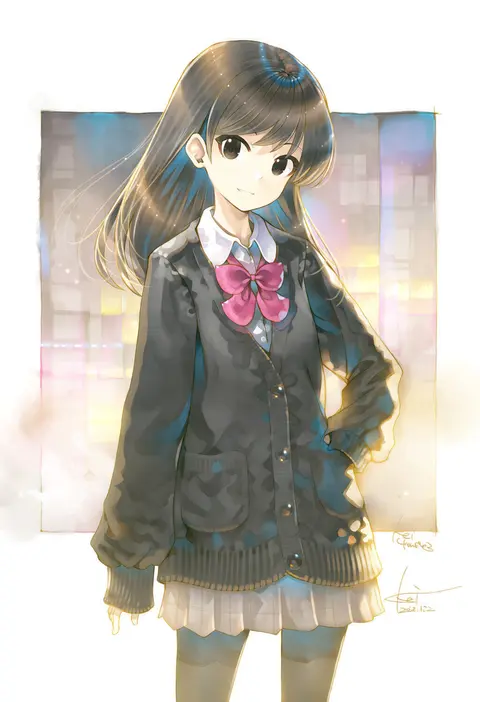
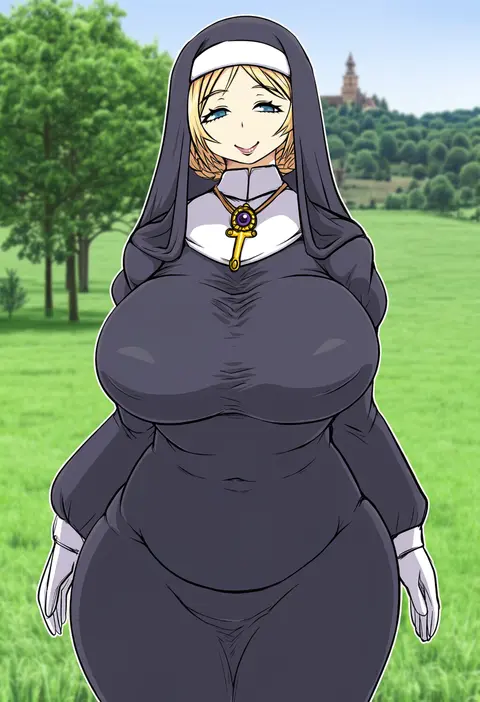
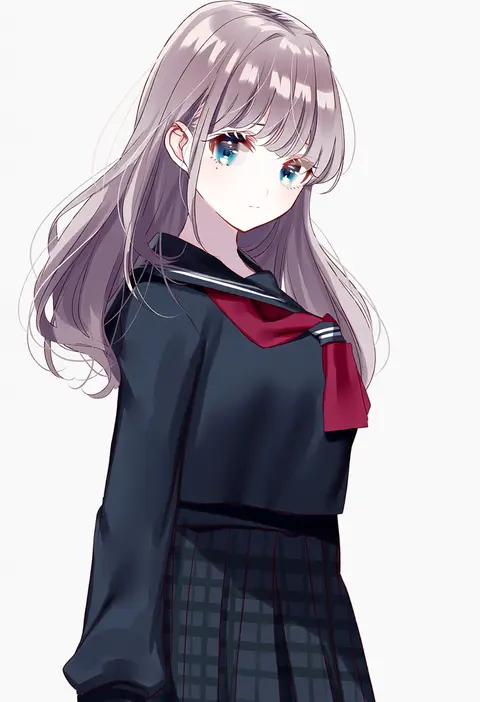
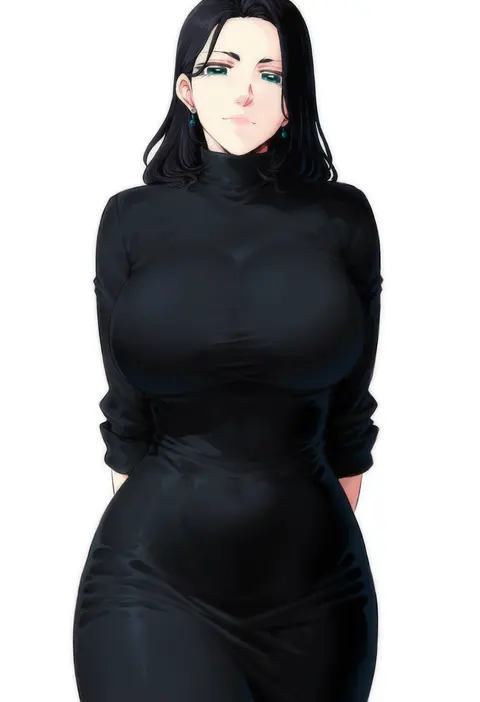
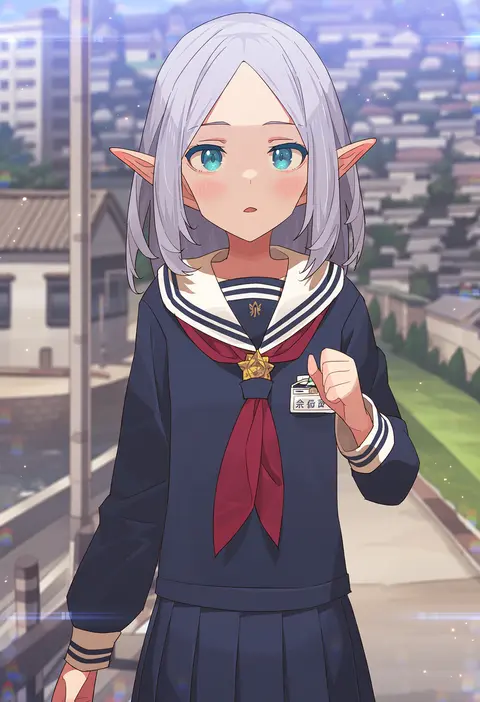
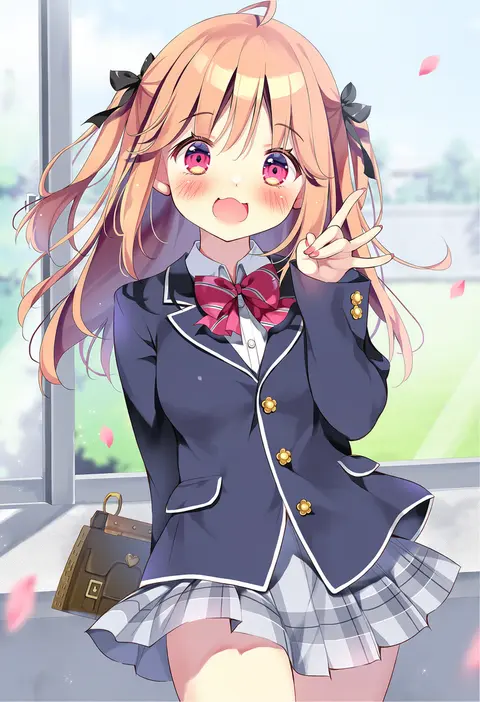
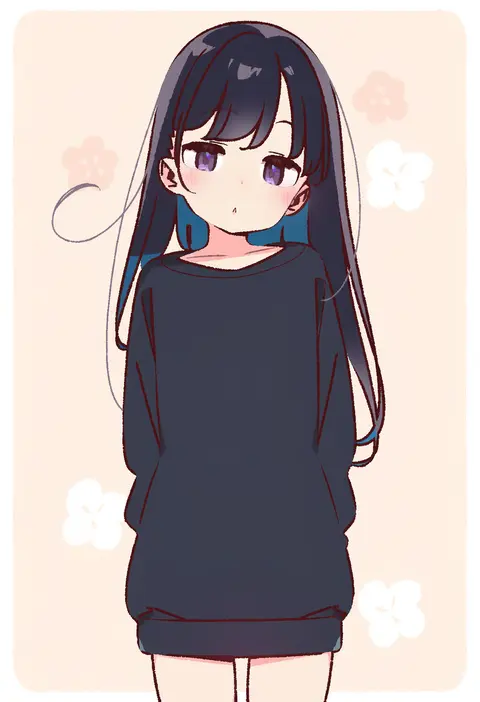
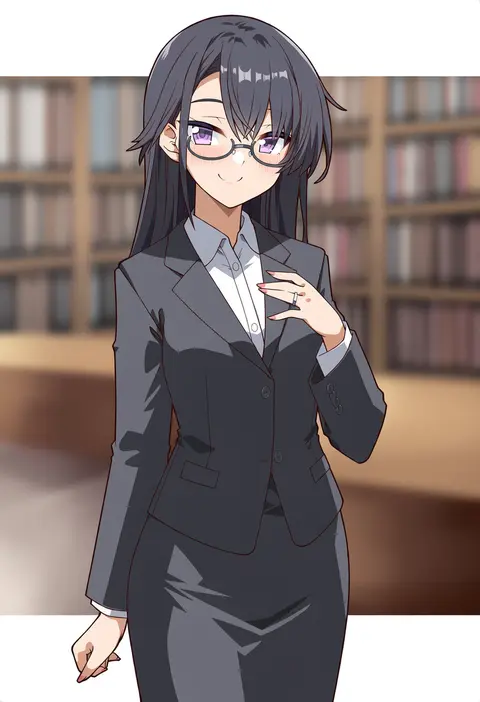
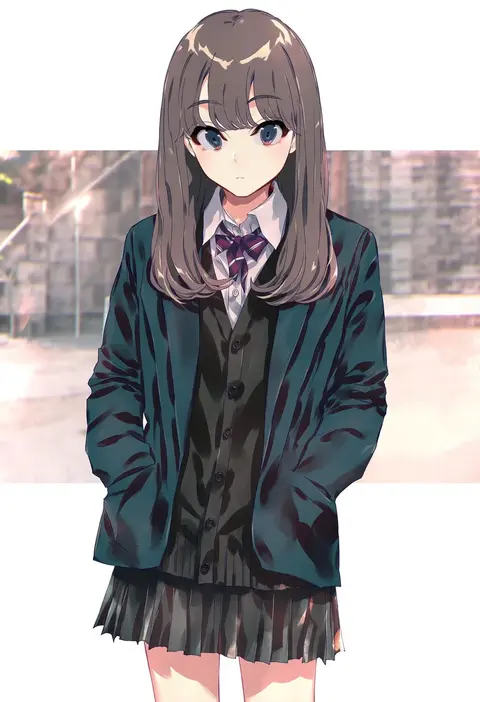
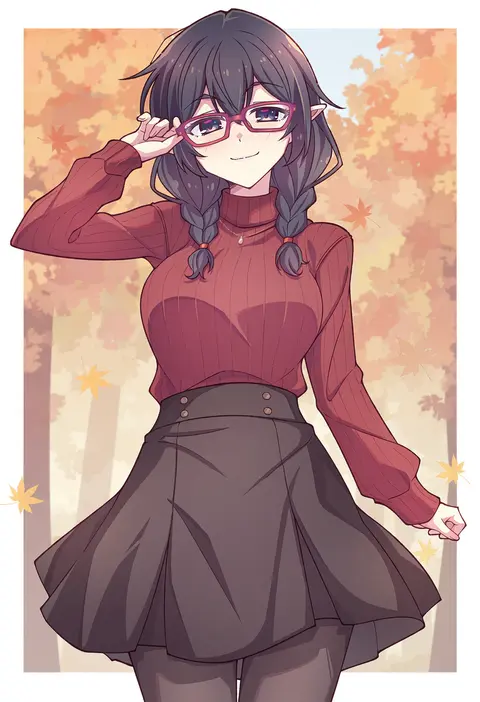
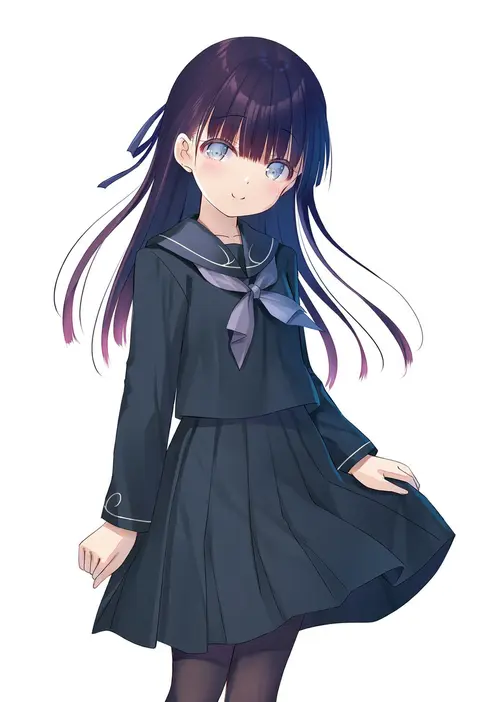
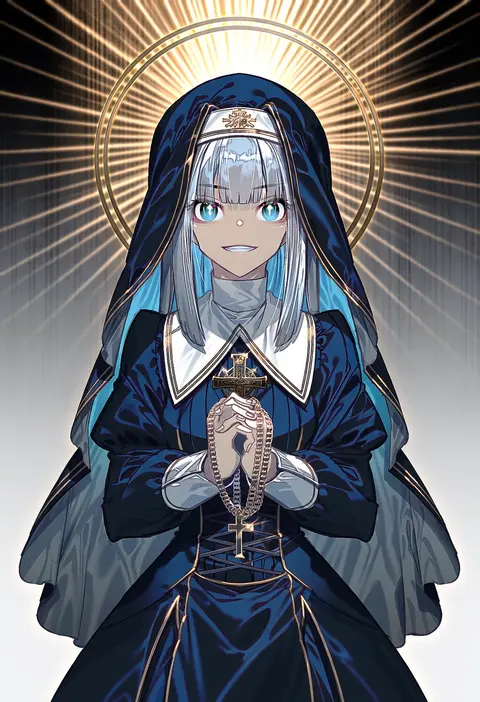
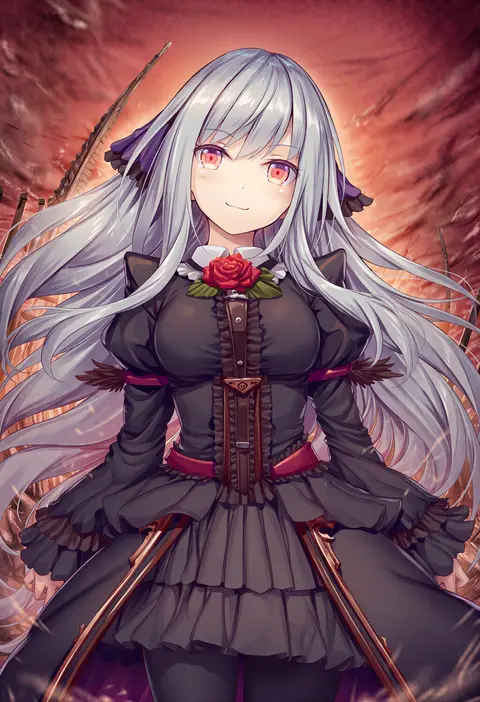
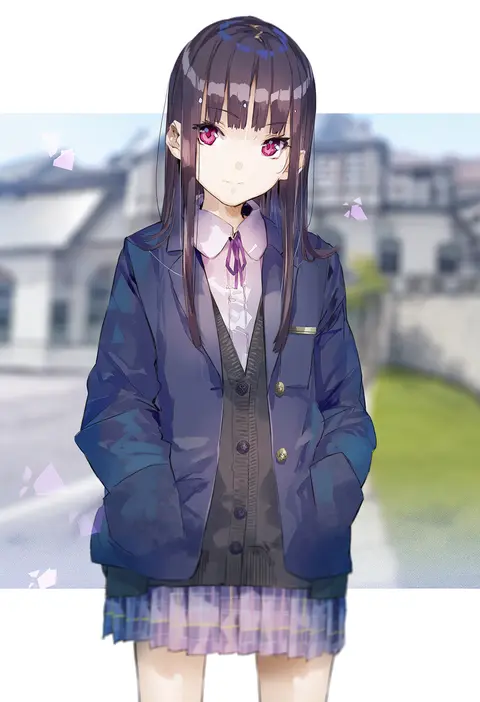
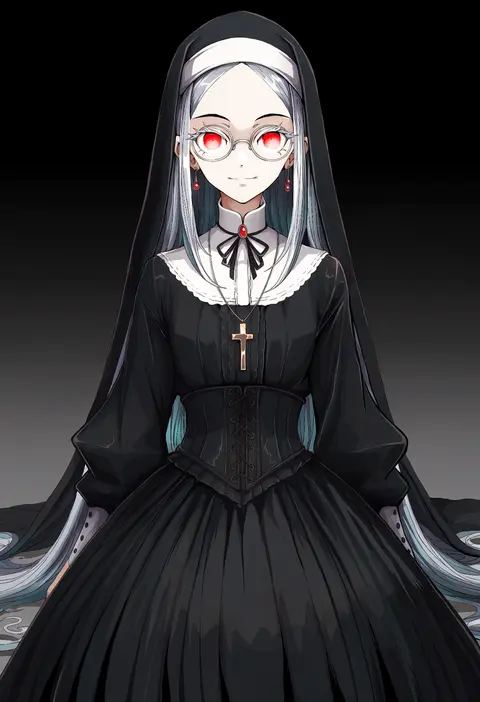
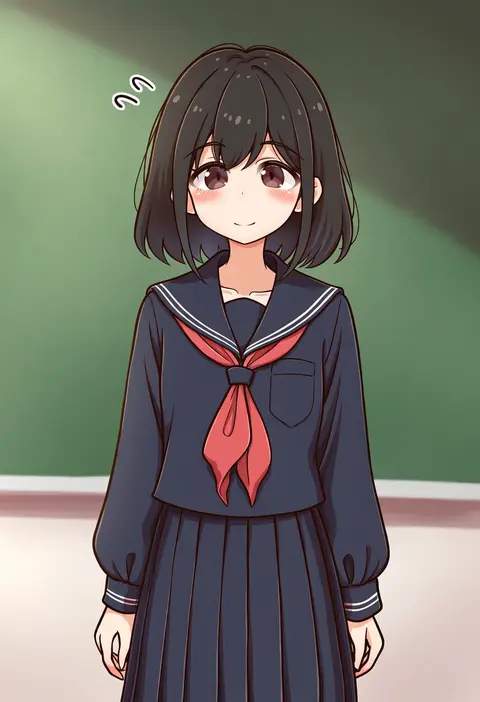
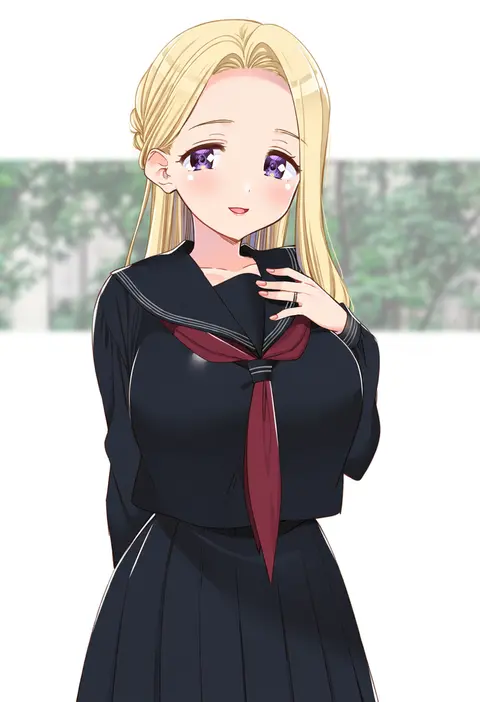
Artist tags tell NovelAI Diffusion to draw in a specific artist's style: line weight, paint texture, face shapes and palette all shift at once. Character and outfit tags decide what is drawn; artist tags decide how. 2,556 tags are listed for V5.
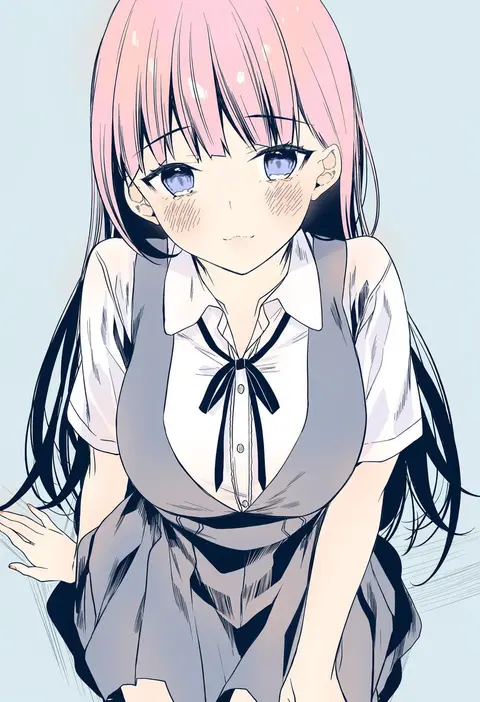
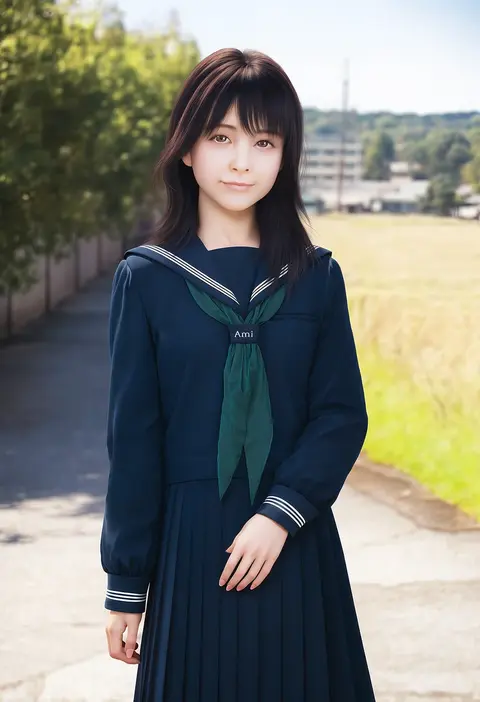
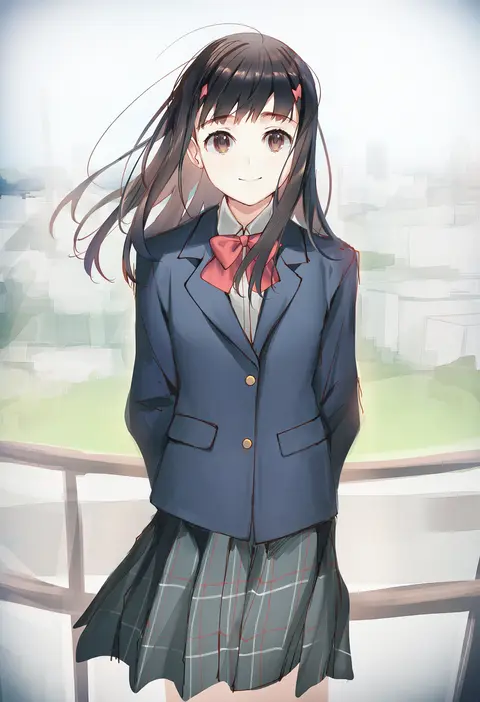
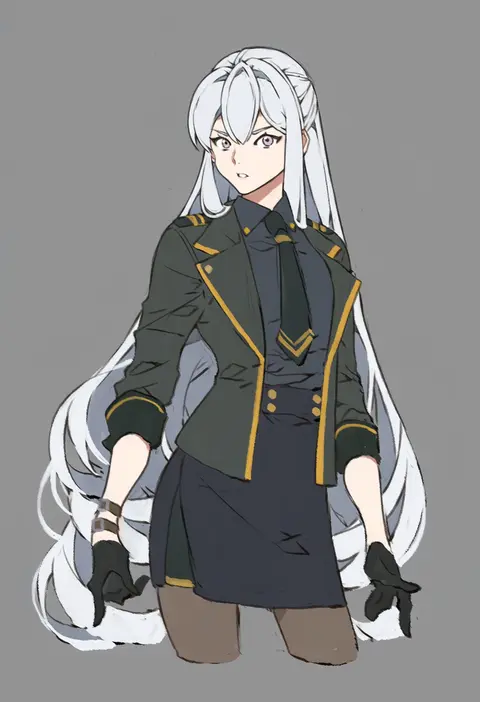
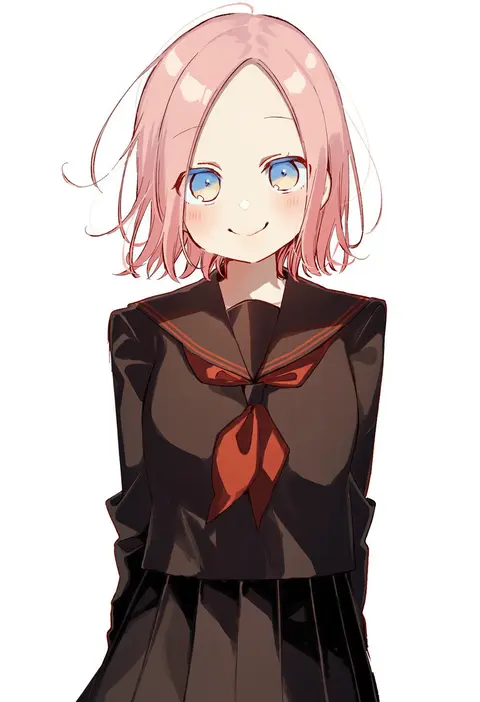
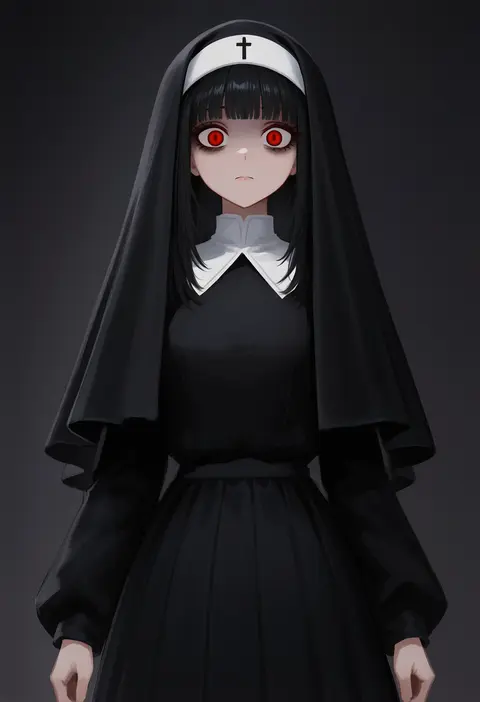
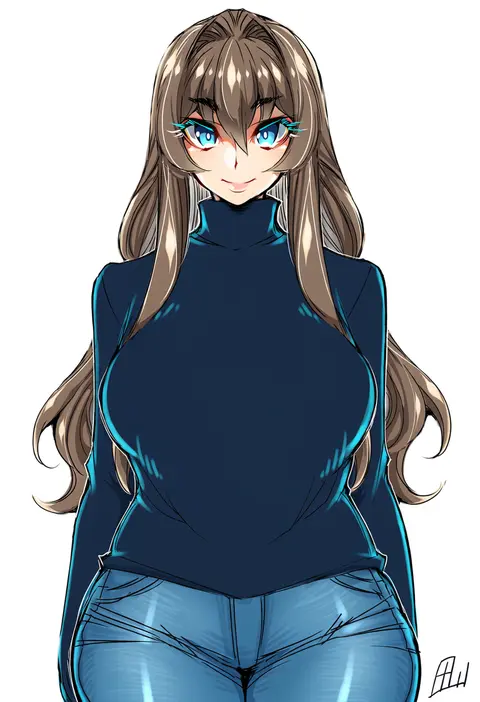
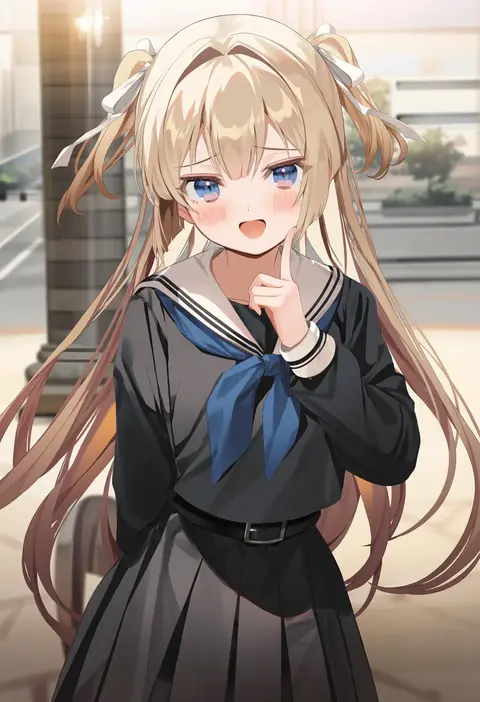
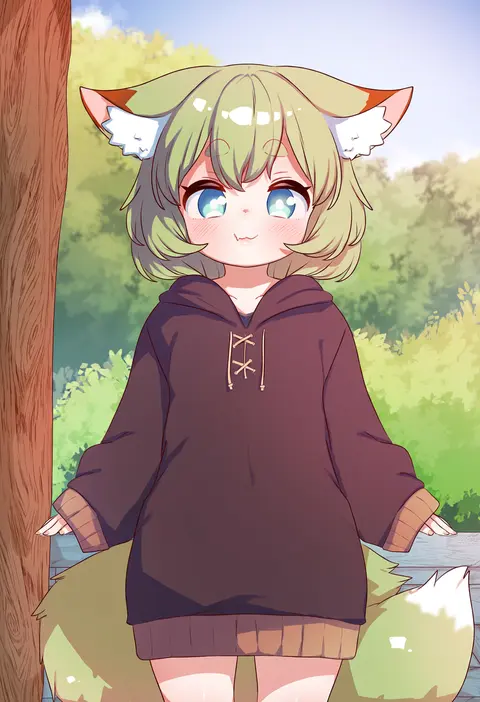
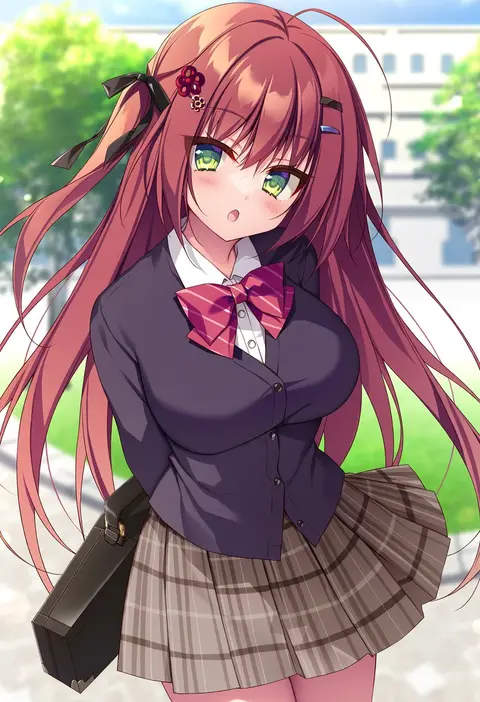
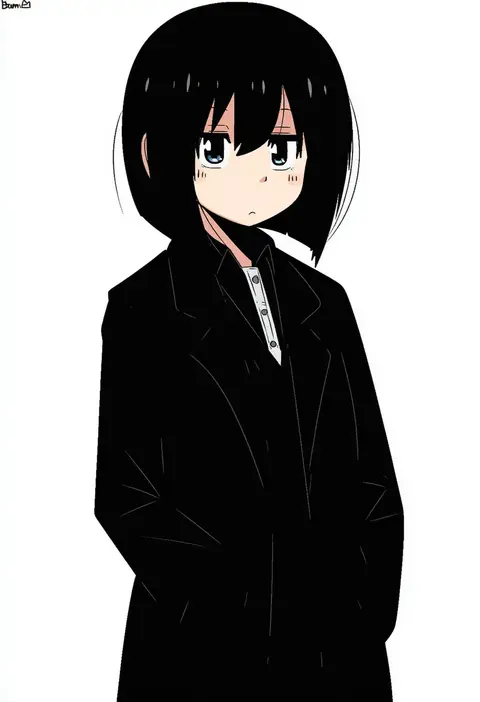
Every tag listed here is verified to react in NovelAI. All images use the same prompt, seed and settings with only the artist tag swapped, so the difference between two images is the style that tag brings in.

How to use them

Put the artist tag near the front of the prompt, e.g. "<artist>, 1girl, solo, best quality, masterpiece, cowboy shot". Two or three artist tags blend styles; lower the weight with "0.8::<artist>::" when the style overpowers the character.

SCORE sorts by Danbooru's top score, POSTS by post count, FAVS by hearts on this site. Open a card to see V5 and V4.5 side by side on the same seed.

V5 vs V4.5

V5 usually lands closer to the artist's real style, and tags that did nothing on V4.5 often react on V5. V4.5 still fits older and doujin-heavy artists better. Try V5 first, fall back to V4.5.

FAQ

Where does the artist tag go?
Near the front of the prompt. Use "0.8::tag::" to adjust its weight.

Can I stack artist tags?
Yes, styles blend. Past two or three the result stops looking like anyone.

Are these the artists' own works?
No. Every image is a NovelAI sample generated from the tag.