V5Artists
sort: FAVS▾
▾
>
$

NovelAI V5 Artist Tags List

artist --count 2,556[23/43]
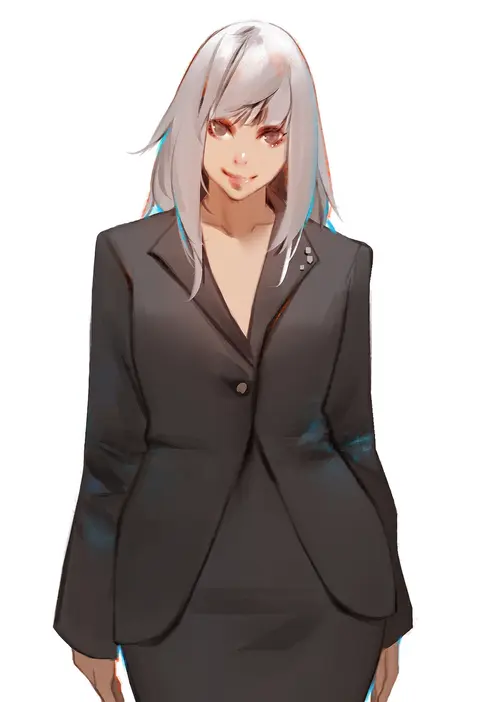
hu dako
ARTIST0x0528
0
nekoda (maoda)
ARTIST0x0529
0
asutora
ARTIST0x052A
0
ricegnat
ARTIST0x052B
0
omaru gyuunyuu
ARTIST0x052C
0
roropull
ARTIST0x052D
0
free style (yohan1754)
ARTIST0x052E
0
greatm8
ARTIST0x052F
0
kinkymation
ARTIST0x0530
0
hinagi (fox priest)
ARTIST0x0531
0
merunyaa
ARTIST0x0532
0
gweda
ARTIST0x0533
0
dermar
ARTIST0x0534
0
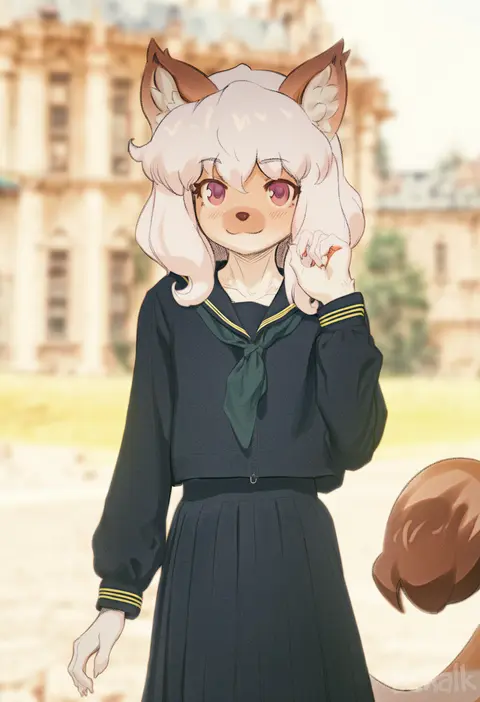
butterchalk
ARTIST0x0535
0
waligner
ARTIST0x0536
0
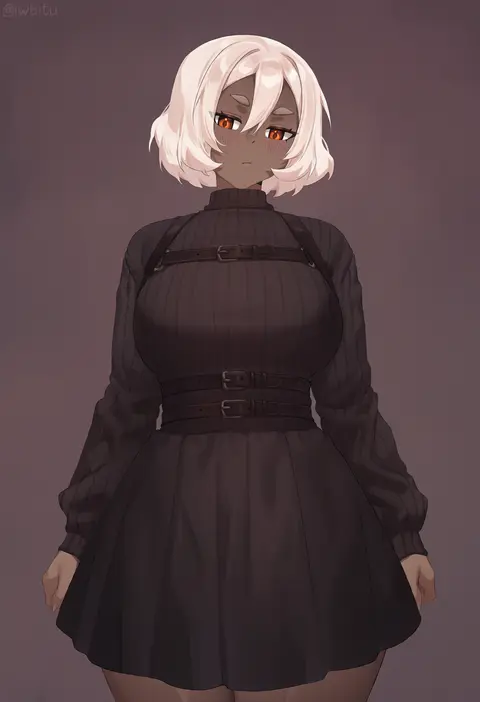
iwbitu
ARTIST0x0537
0
houraku
ARTIST0x0538
0
aztodio
ARTIST0x0539
0
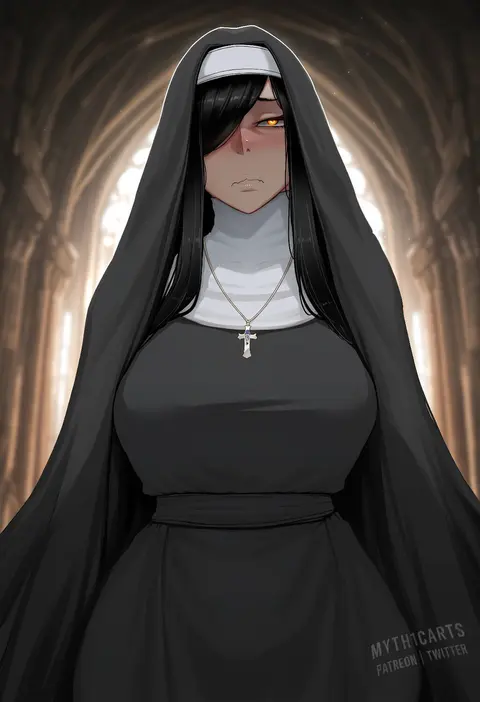
myth1carts
ARTIST0x053A
0
skai kun
ARTIST0x053B
0
speedl00ver
ARTIST0x053C
0
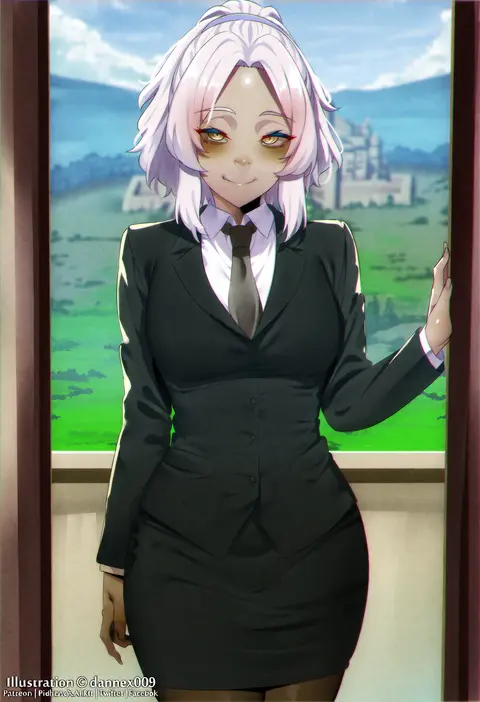
dannex009
ARTIST0x053D
0
geewhy
ARTIST0x053E
0
harris hero
ARTIST0x053F
0
kenshin187
ARTIST0x0540
0
jjanda
ARTIST0x0541
0
tab head
ARTIST0x0542
0
hitotose rin
ARTIST0x0543
0
lvl (sentrythe2310)
ARTIST0x0544
0
whoosaku
ARTIST0x0545
0
bigrbear
ARTIST0x0546
0
somebody (leiking00)
ARTIST0x0547
0
lainart
ARTIST0x0548
0
tony guisado
ARTIST0x0549
0
ginhaha
ARTIST0x054A
0
kimoshi
ARTIST0x054B
0
mikazuki akira!
ARTIST0x054C
0
huhi (huhi 1211)
ARTIST0x054D
0
kanden sky
ARTIST0x054E
0
riyo (lyomsnpmp)
ARTIST0x054F
0
nironiro
ARTIST0x0550
0
eudetenis
ARTIST0x0551
0
yaneko uta
ARTIST0x0552
0
kazuma (kazumav)
ARTIST0x0553
0
shirosato
ARTIST0x0554
0
meito (maze)
ARTIST0x0555
0
ogami kazuki
ARTIST0x0556
0
dei shirou
ARTIST0x0557
0
yoshi tama
ARTIST0x0558
0
takato kurosuke
ARTIST0x0559
0
colonel aki
ARTIST0x055A
0
eiri (eirri)
ARTIST0x055B
0
nagian
ARTIST0x055C
0
hikawa shou
ARTIST0x055D
0
youkan
ARTIST0x055E
0
aozora market
ARTIST0x055F
0
marugoshi (54burger)
ARTIST0x0560
0
seki (red shine)
ARTIST0x0561
0
kuro suto sukii
ARTIST0x0562
0
michii yuuki
ARTIST0x0563
0

What these tags change

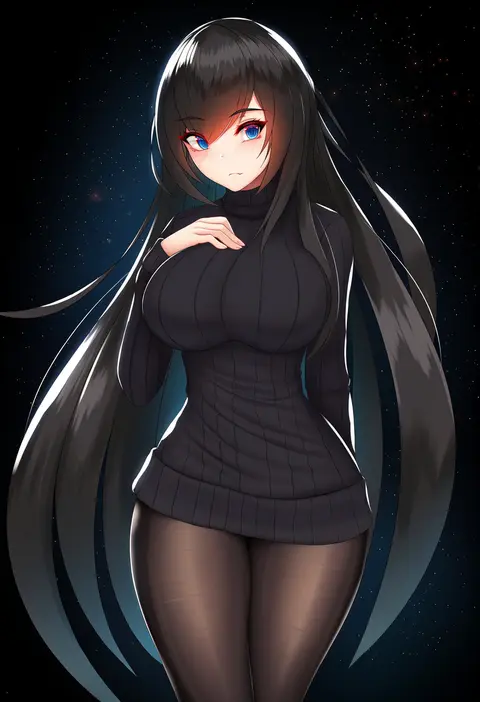
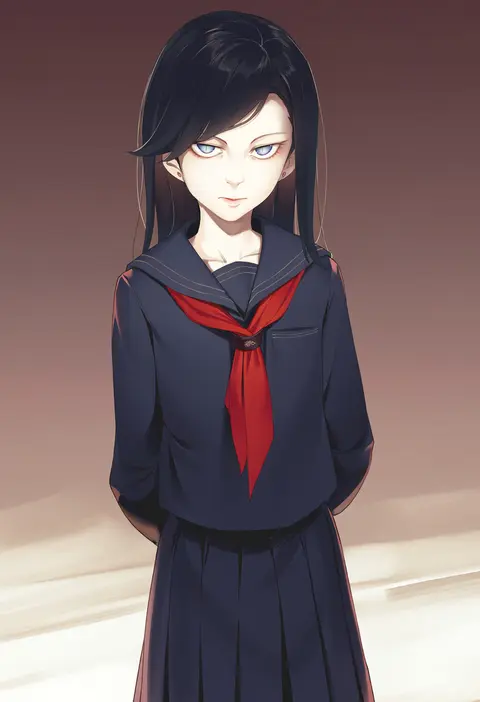
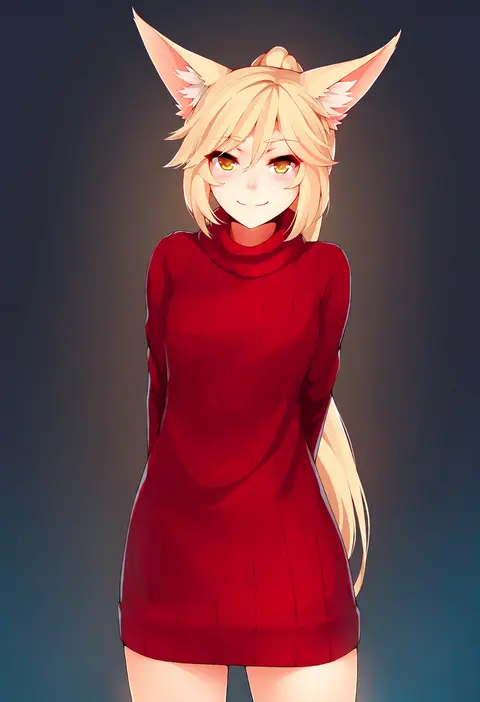
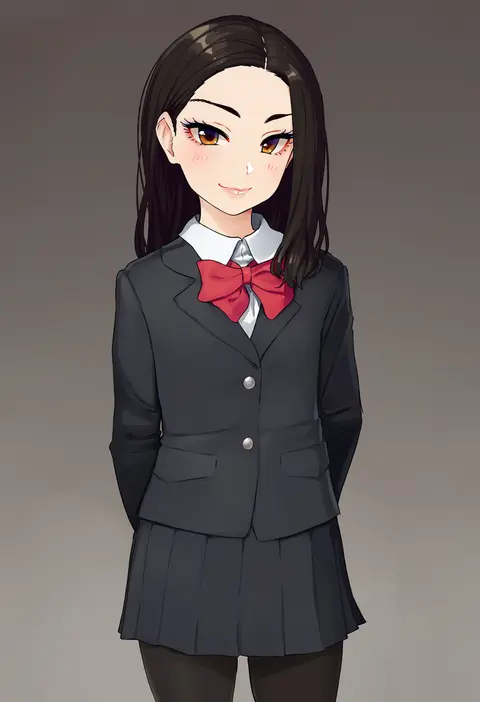
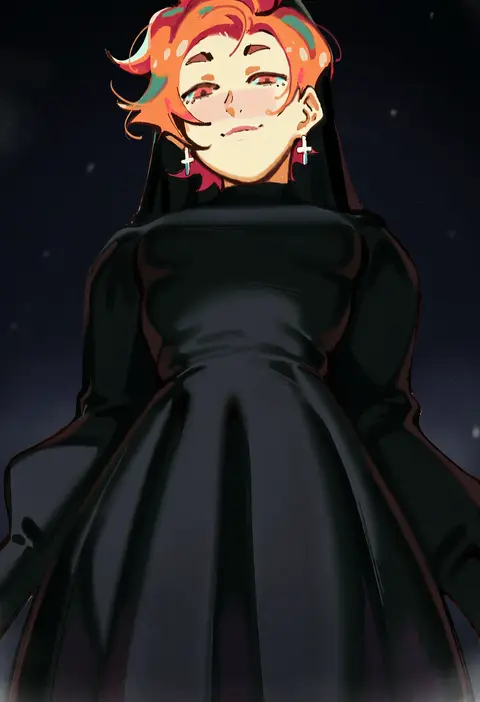
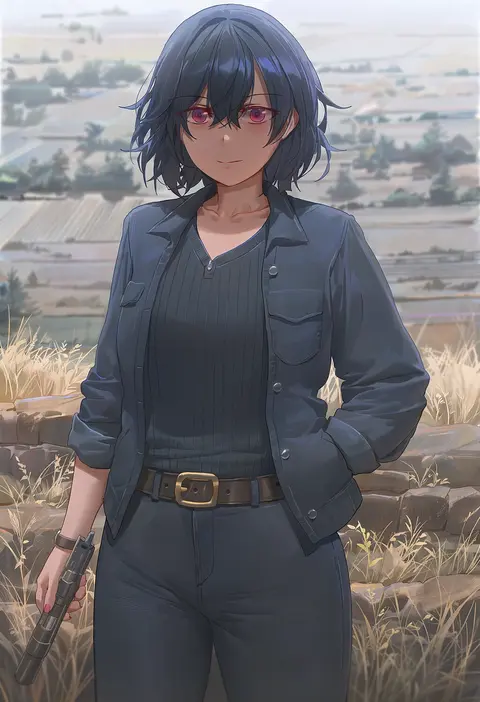
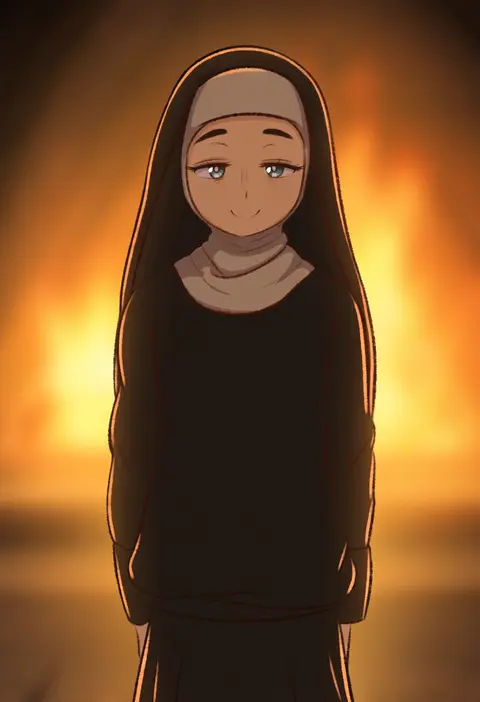
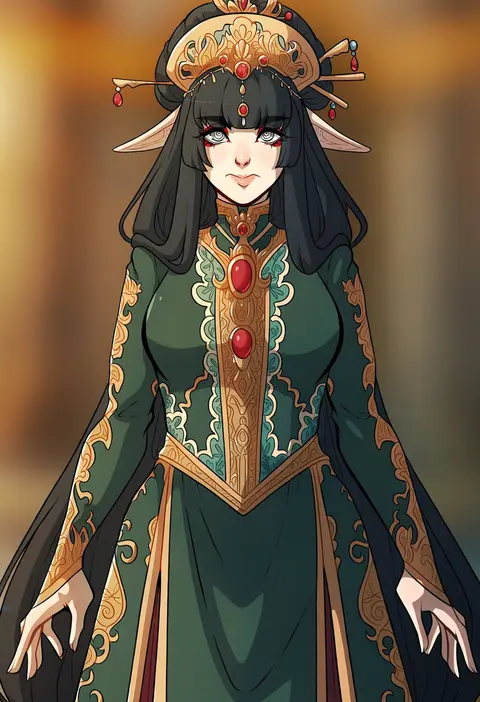
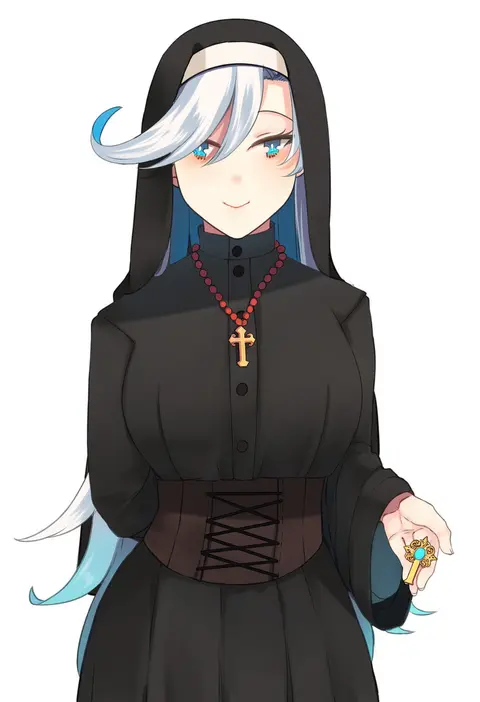
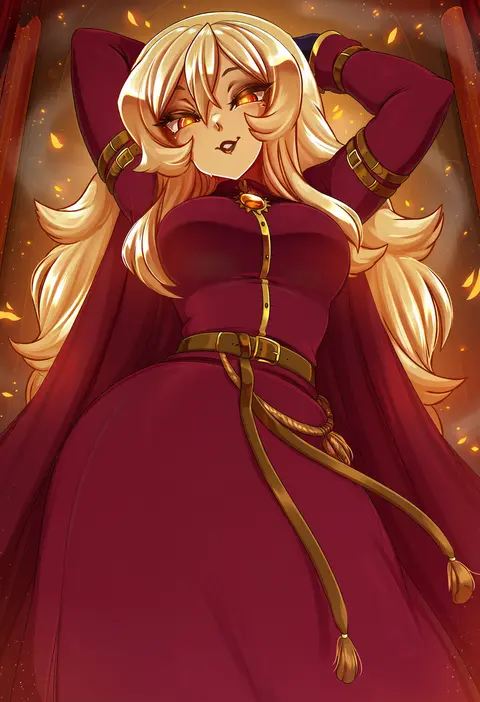
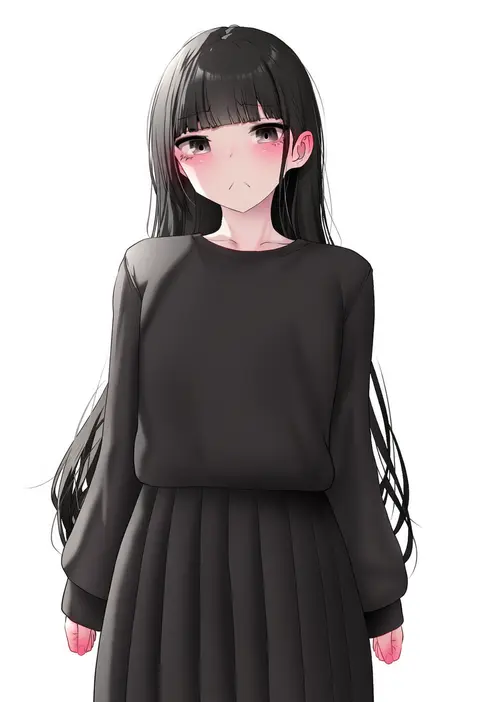
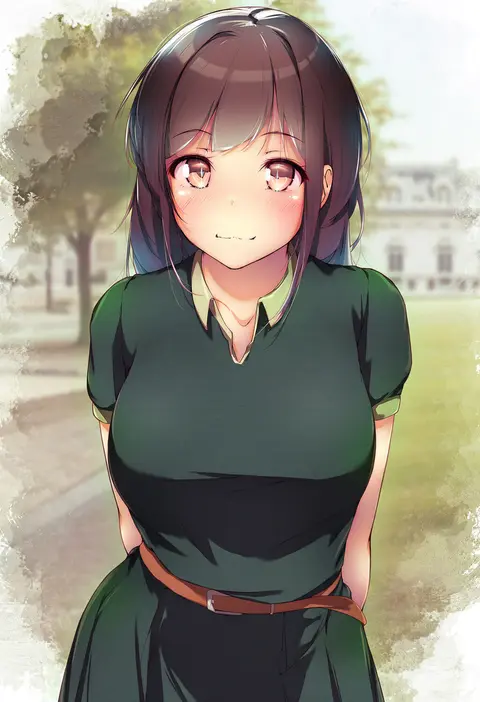
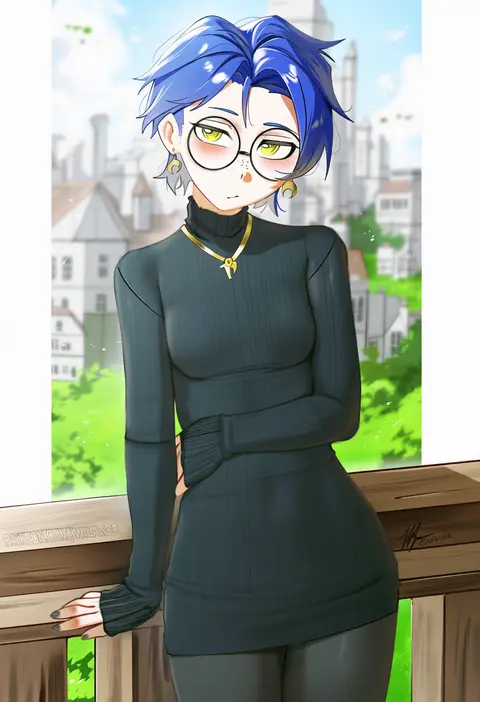
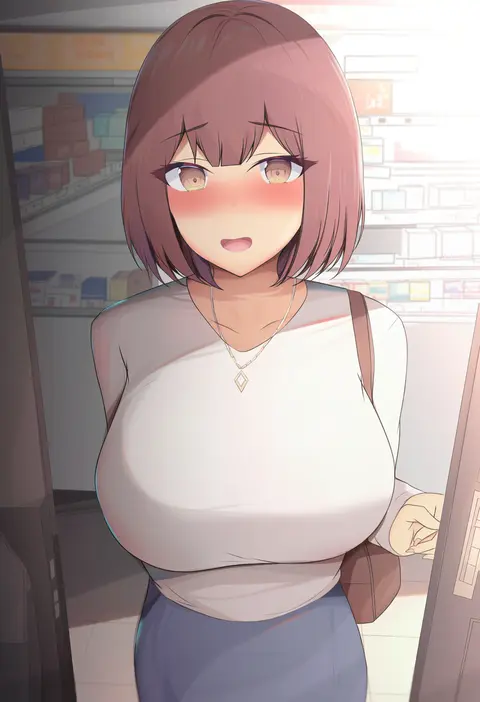
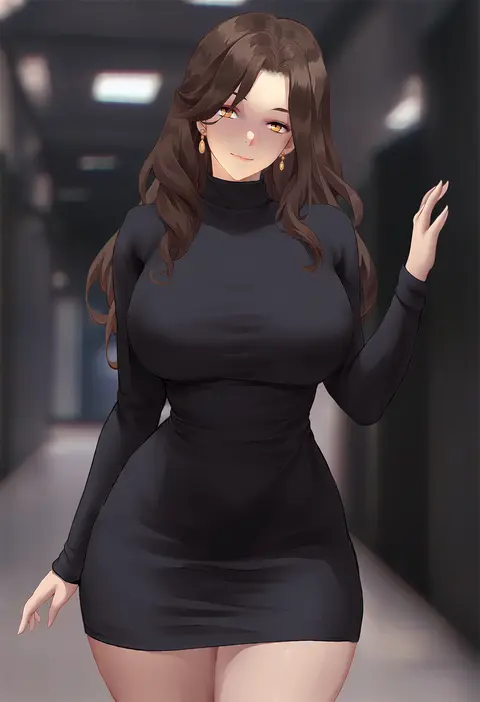
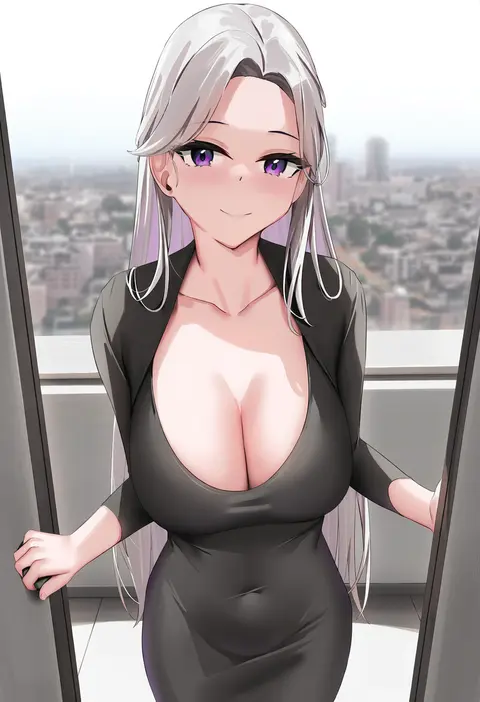
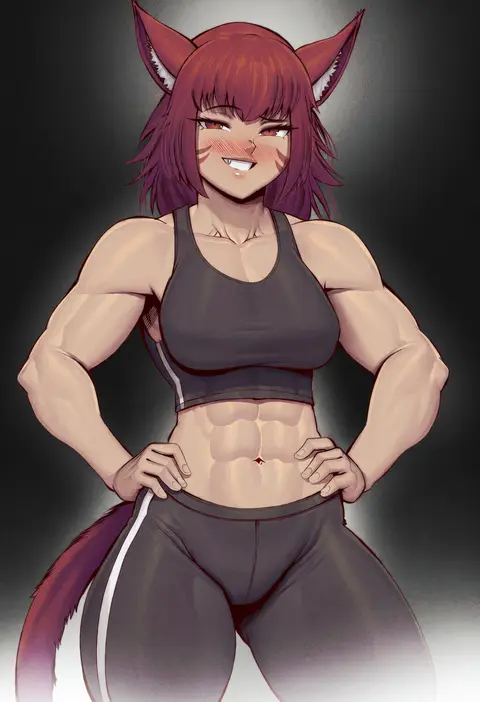
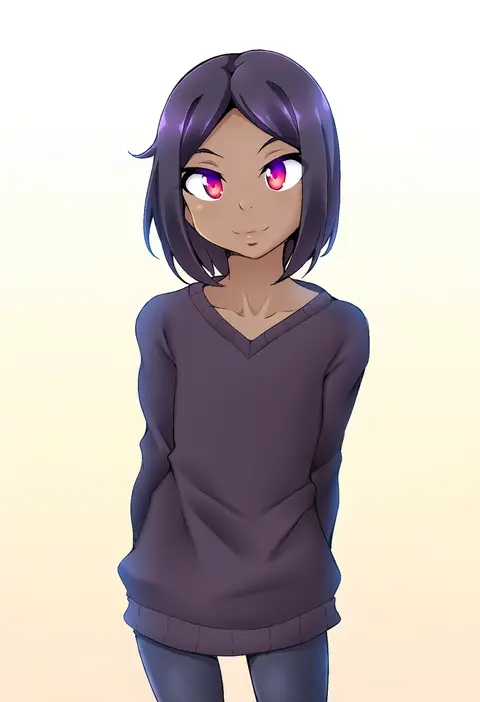
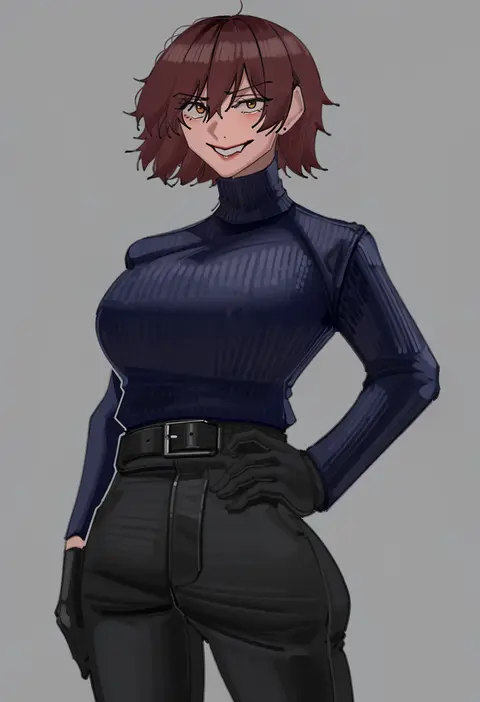
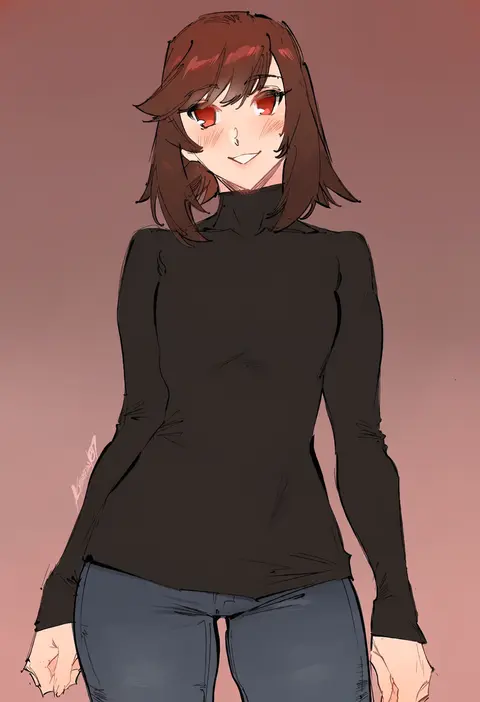
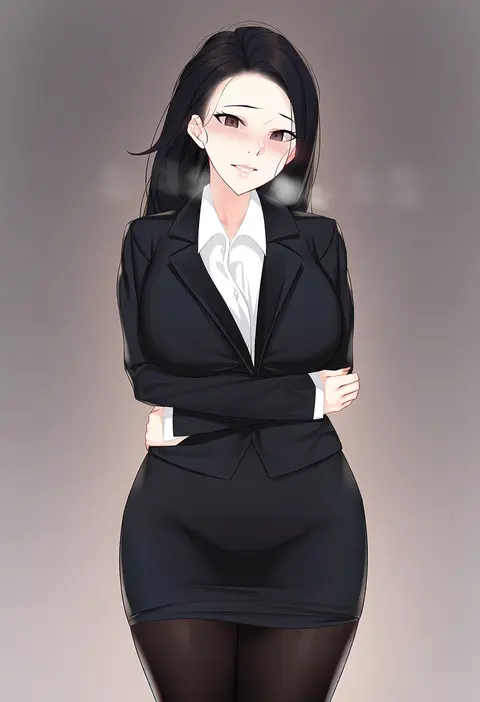
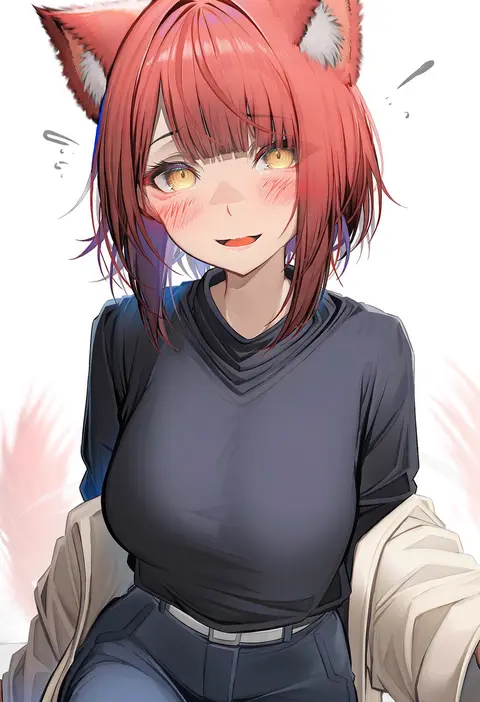
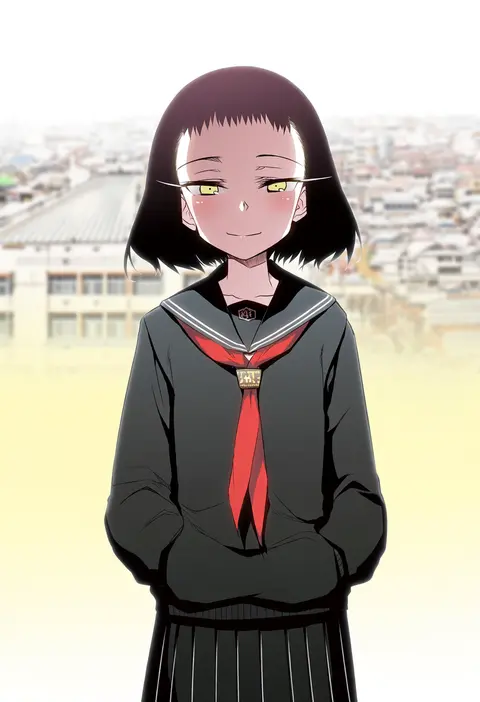
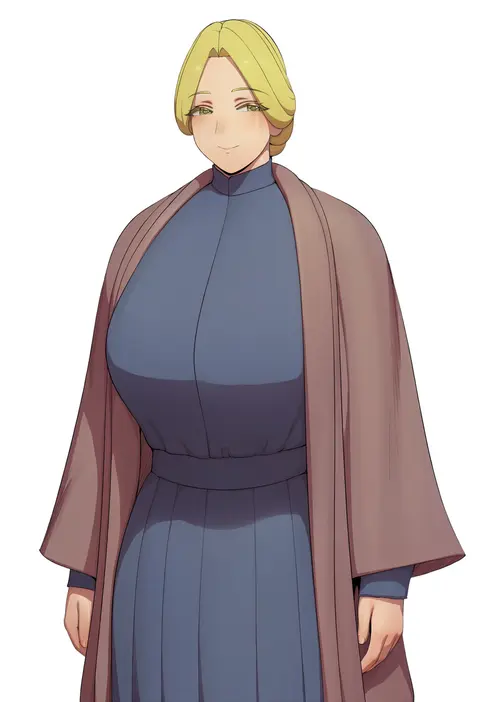
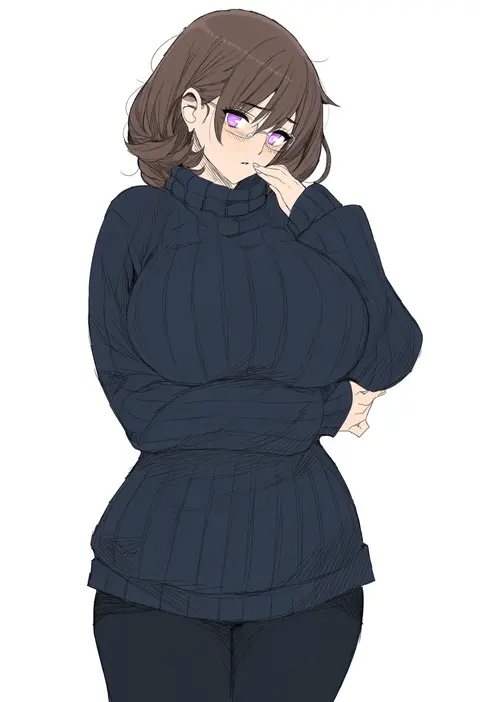
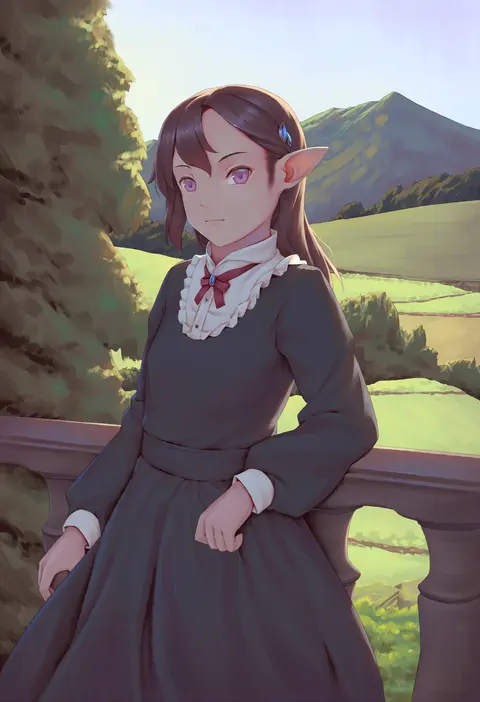
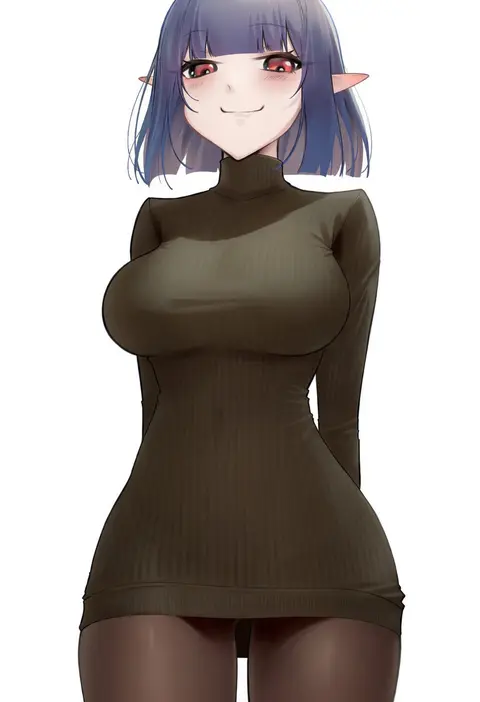
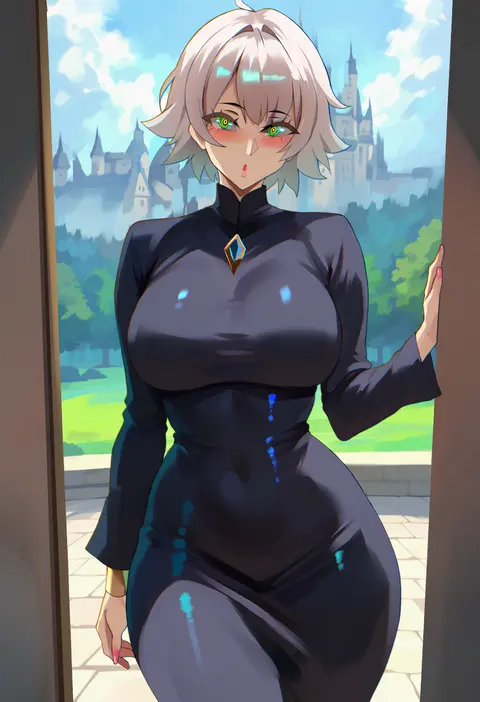
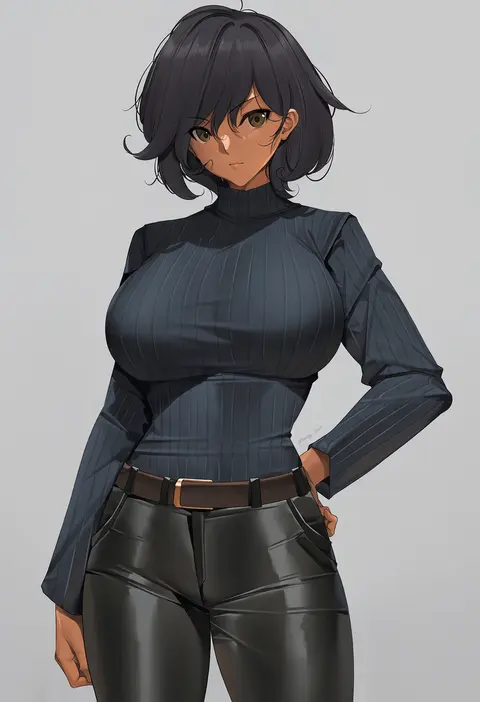
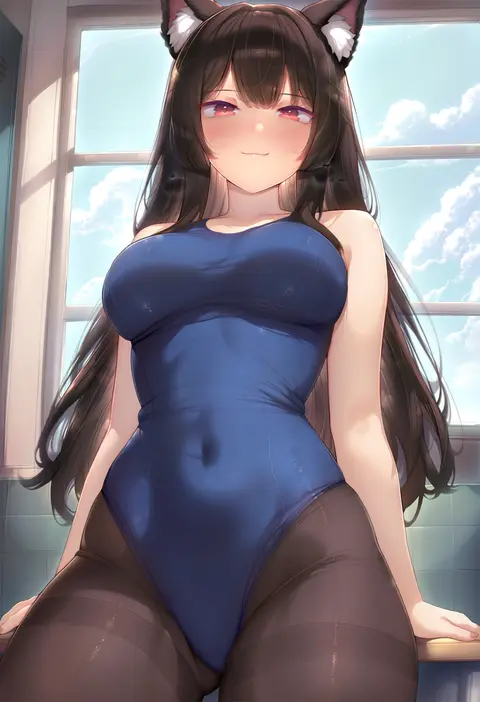
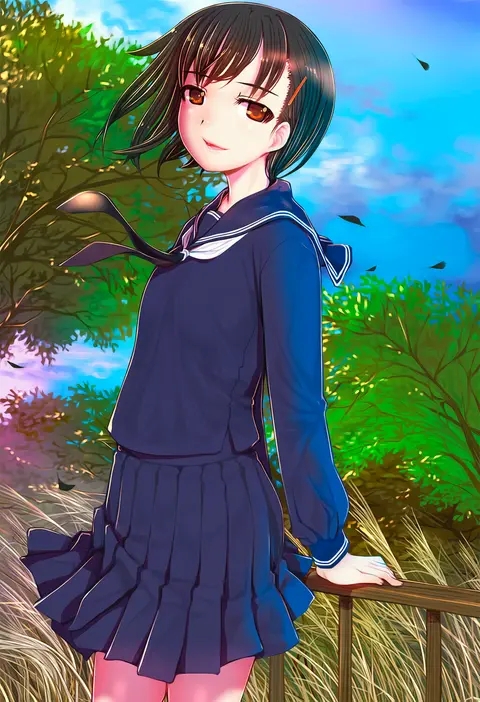
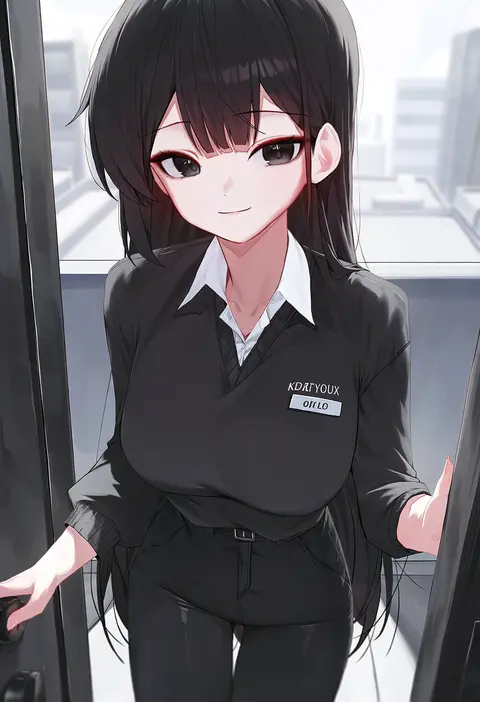
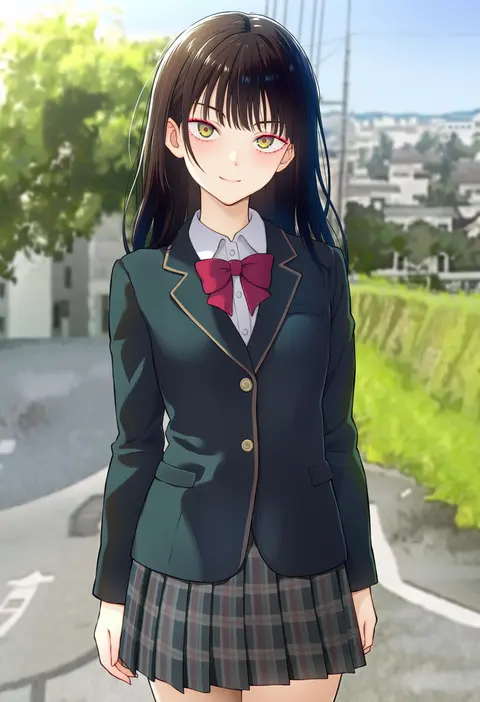
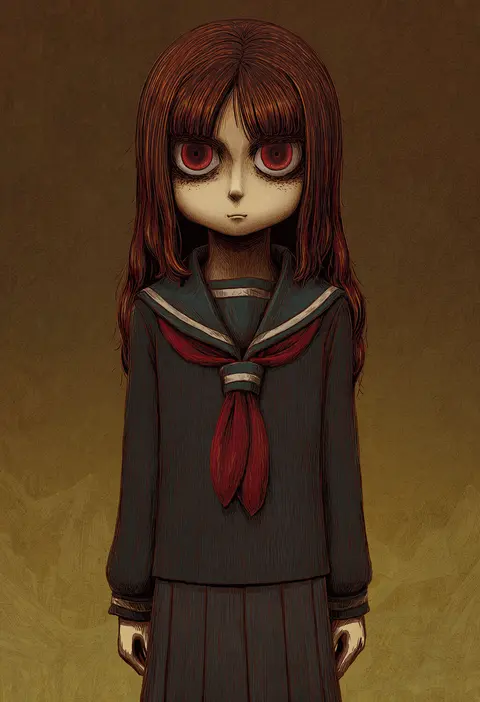
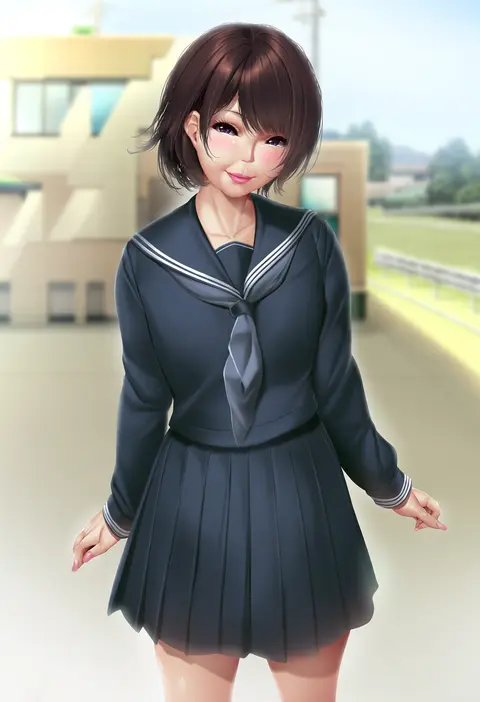
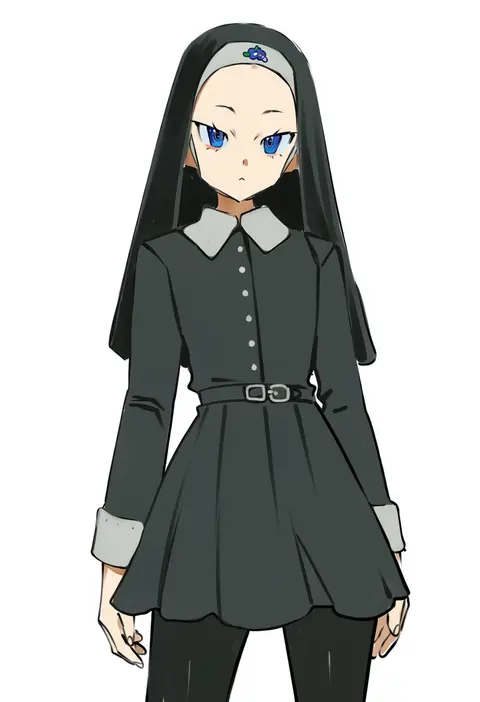
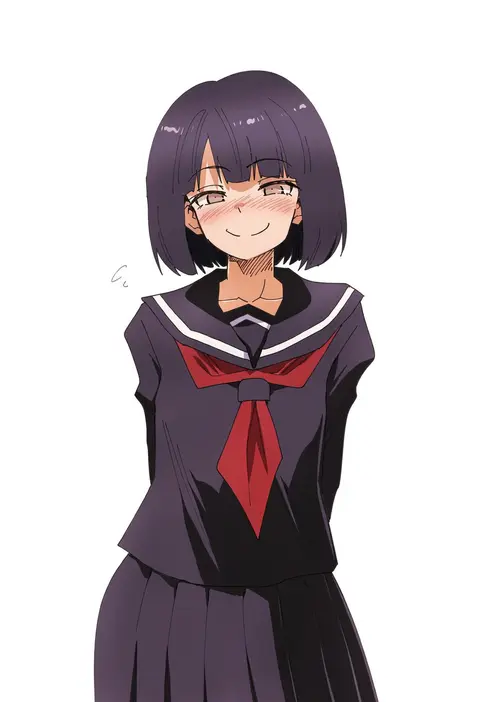
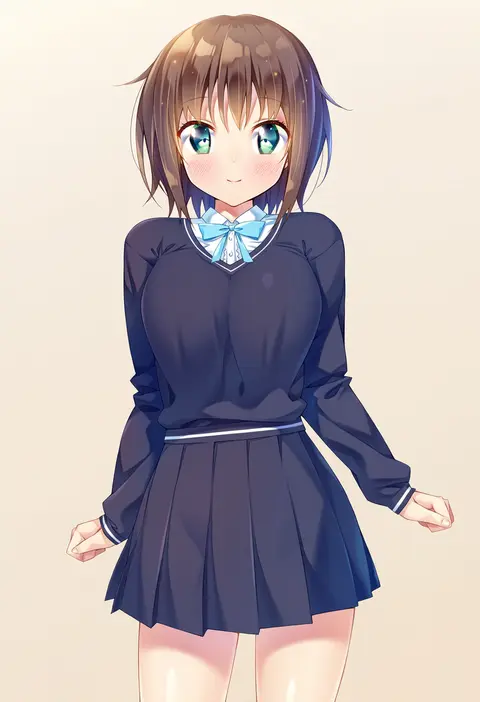
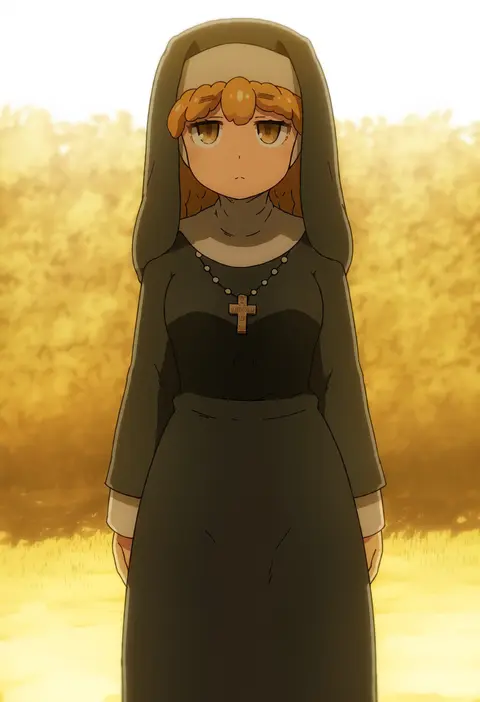
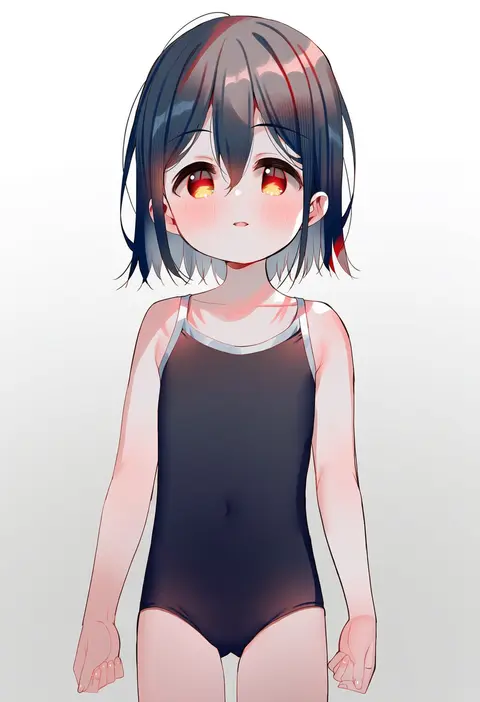
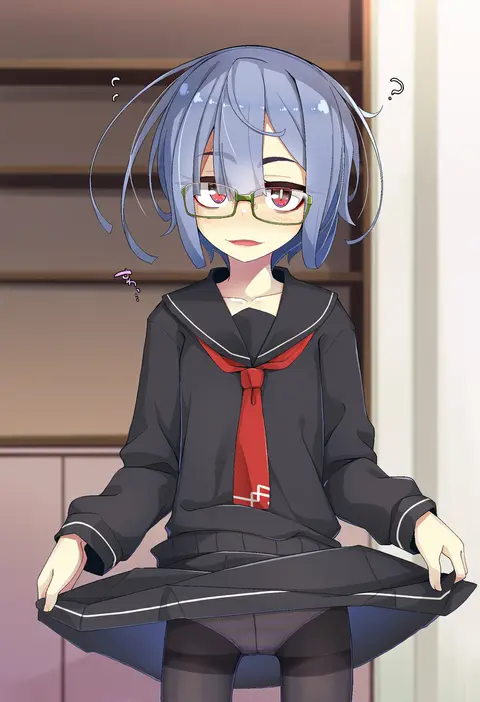
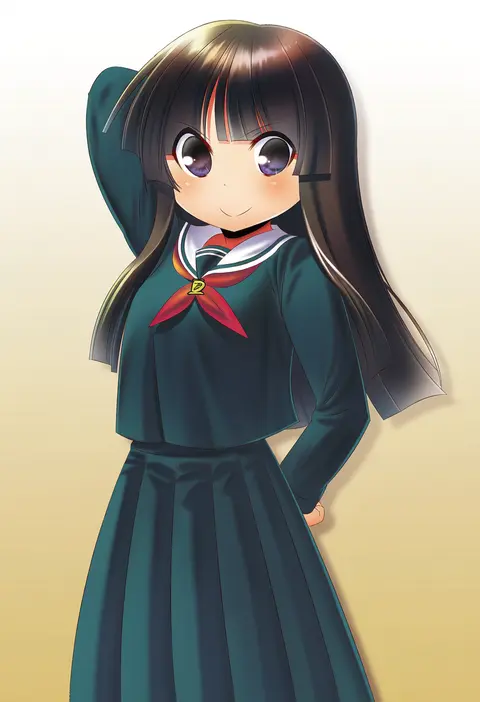
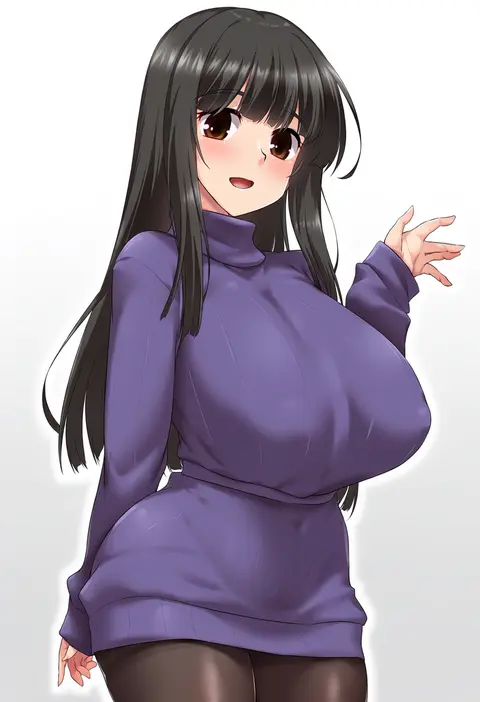
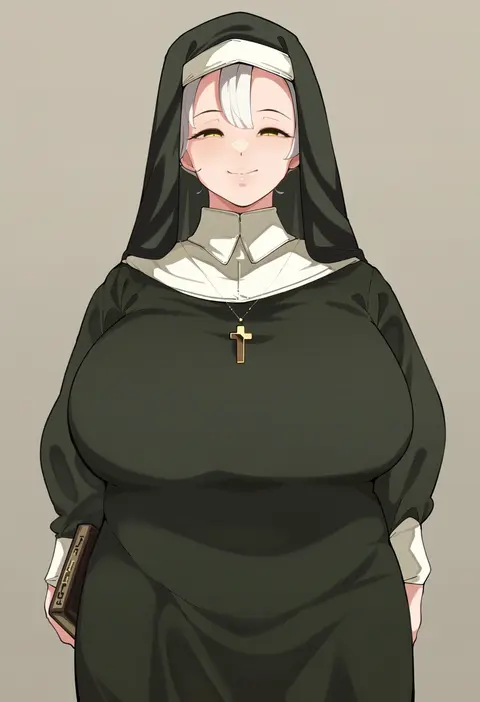
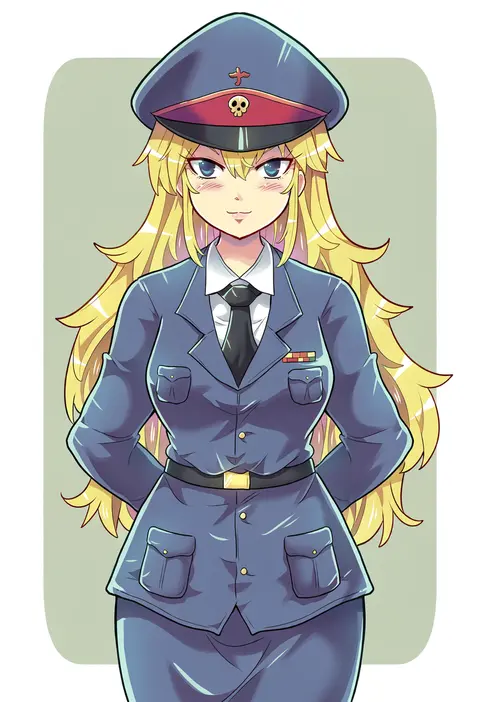
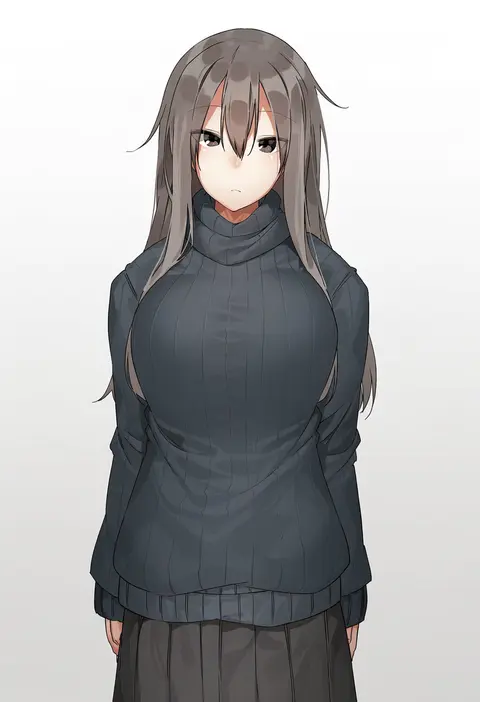
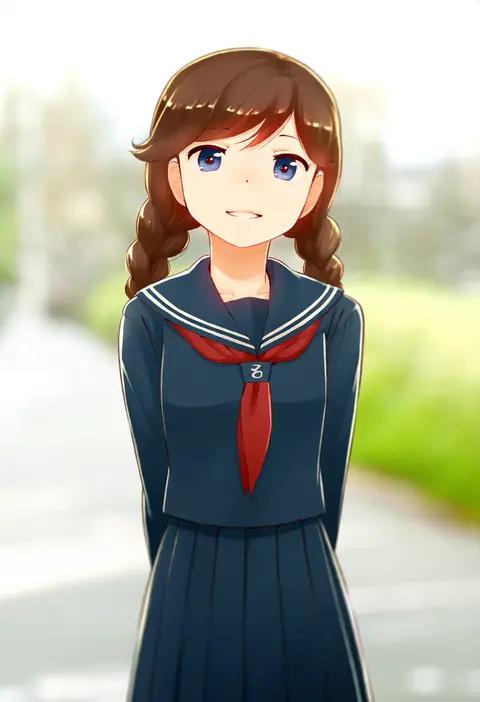
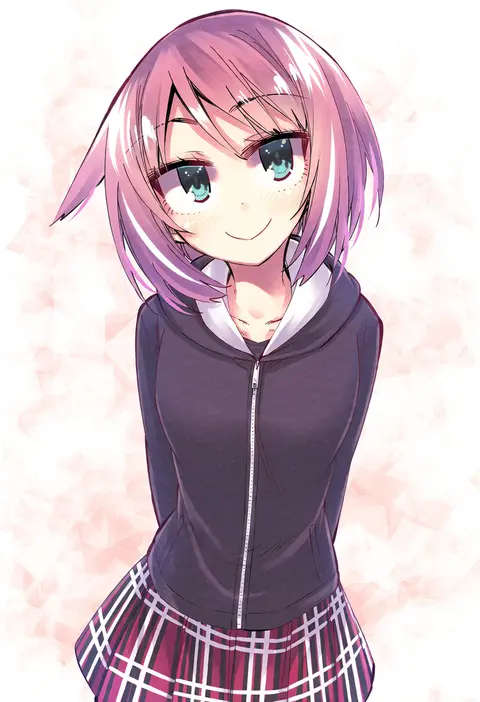
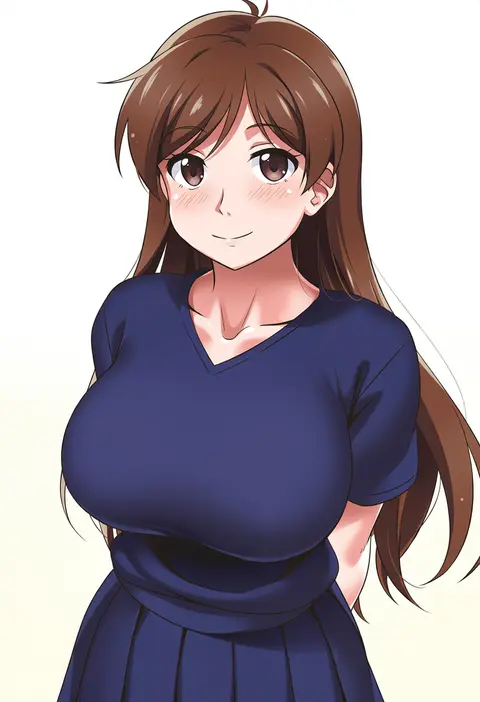
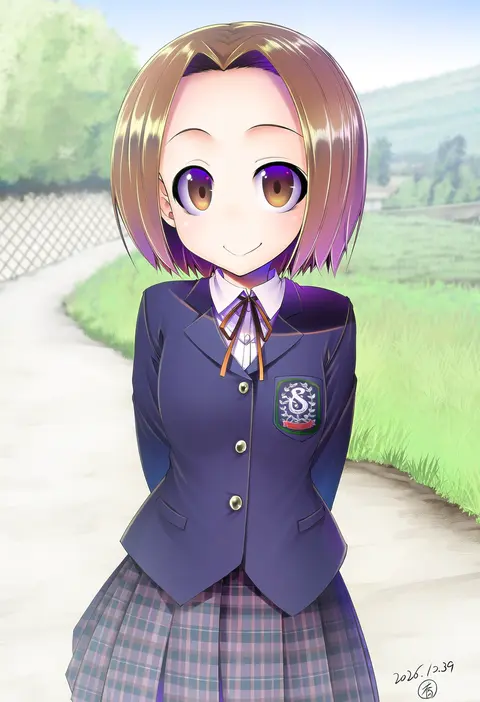
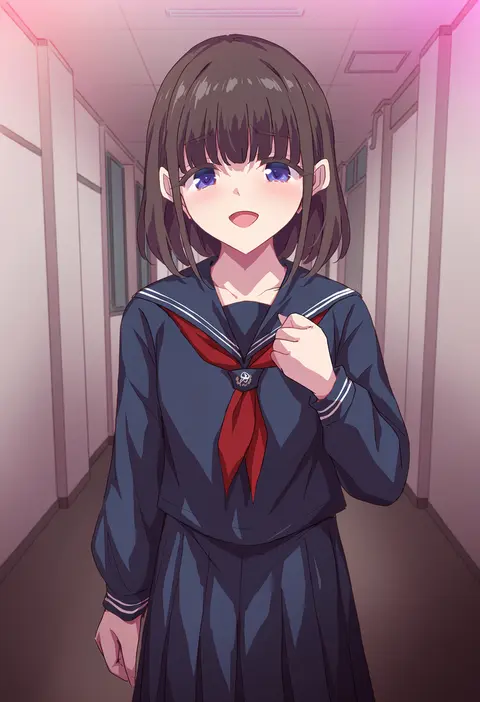
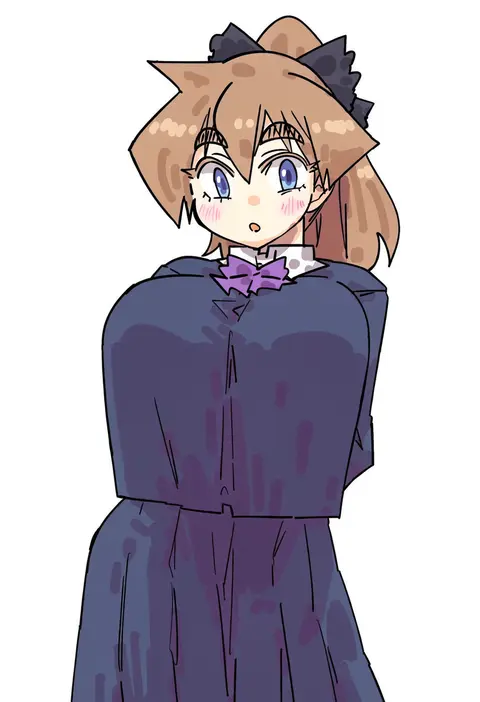
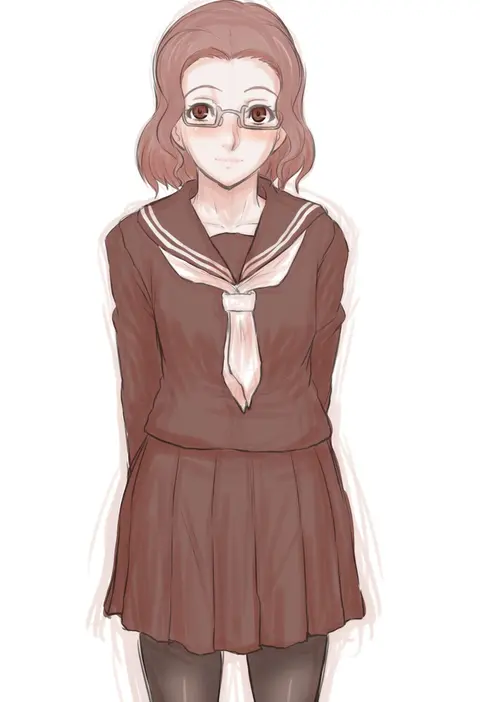
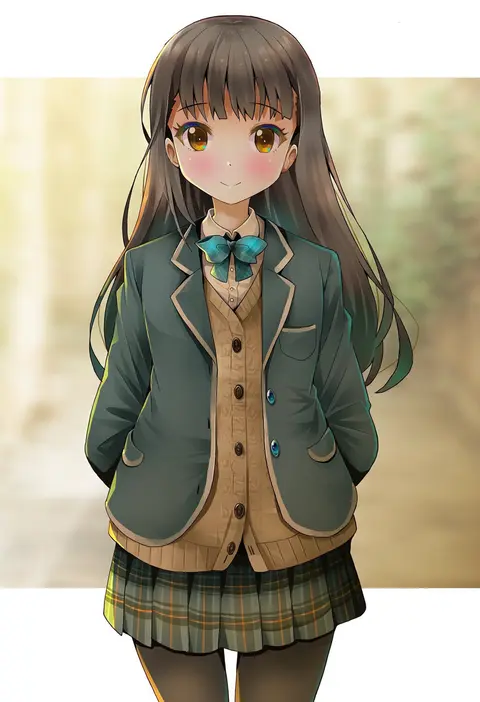
Artist tags tell NovelAI Diffusion to draw in a specific artist's style: line weight, paint texture, face shapes and palette all shift at once. Character and outfit tags decide what is drawn; artist tags decide how. 2,556 tags are listed for V5.
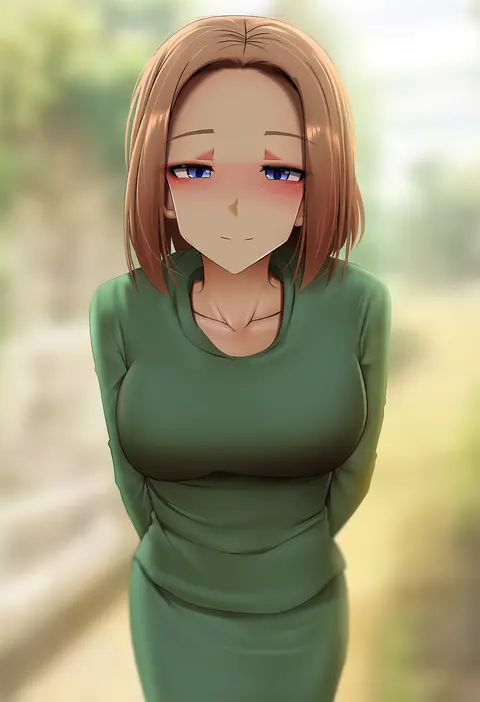
Every tag listed here is verified to react in NovelAI. All images use the same prompt, seed and settings with only the artist tag swapped, so the difference between two images is the style that tag brings in.

How to use them

Put the artist tag near the front of the prompt, e.g. "<artist>, 1girl, solo, best quality, masterpiece, cowboy shot". Two or three artist tags blend styles; lower the weight with "0.8::<artist>::" when the style overpowers the character.

SCORE sorts by Danbooru's top score, POSTS by post count, FAVS by hearts on this site. Open a card to see V5 and V4.5 side by side on the same seed.

V5 vs V4.5

V5 usually lands closer to the artist's real style, and tags that did nothing on V4.5 often react on V5. V4.5 still fits older and doujin-heavy artists better. Try V5 first, fall back to V4.5.

FAQ

Where does the artist tag go?
Near the front of the prompt. Use "0.8::tag::" to adjust its weight.

Can I stack artist tags?
Yes, styles blend. Past two or three the result stops looking like anyone.

Are these the artists' own works?
No. Every image is a NovelAI sample generated from the tag.