V5Artists
sort: FAVS▾
▾
>
$

NovelAI V5 Artist Tags List

artist --count 2,536[26/43]
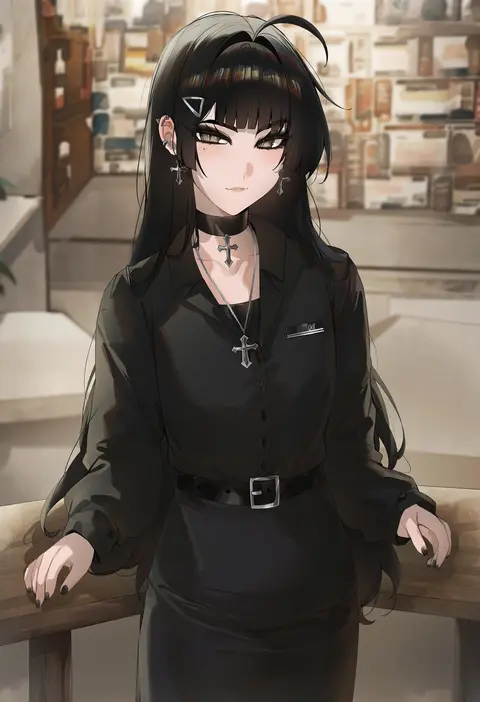
kanniiepan
ARTIST0x05DC
0
kupa (jesterwii)
ARTIST0x05DD
0
mitarashi kousei
ARTIST0x05DE
0
sasanon (sasapoliton)
ARTIST0x05DF
0
fu-ta
ARTIST0x05E0
0
ge-b
ARTIST0x05E1
0
fuuzasa
ARTIST0x05E2
0
kawase seiki
ARTIST0x05E3
0
sakimori dan
ARTIST0x05E4
0
walzrj
ARTIST0x05E5
0
watanabe yoshihiro
ARTIST0x05E6
0
minato ojitan
ARTIST0x05E7
0
shingyou (alexander-13)
ARTIST0x05E8
0
namiorii
ARTIST0x05E9
0
caburi
ARTIST0x05EA
0
less
ARTIST0x05EB
0
tsuruyama (tenten)
ARTIST0x05EC
0
mery (yangmalgage)
ARTIST0x05ED
0
pas (paxiti)
ARTIST0x05EE
0
koumei (twinameless)
ARTIST0x05EF
0
harunoibuki
ARTIST0x05F0
0
isshi pyuma
ARTIST0x05F1
0
aaaa (quad-a)
ARTIST0x05F2
0
fumio (rsqkr)
ARTIST0x05F3
0
sunnysideup
ARTIST0x05F4
0
daiaru
ARTIST0x05F5
0
sasamori tomoe
ARTIST0x05F6
0
kurokoshou (emuburemu123)
ARTIST0x05F7
0
hokuro ryuuseigun
ARTIST0x05F8
0
cad (caddo)
ARTIST0x05F9
0
monikano
ARTIST0x05FA
0
murata tefu
ARTIST0x05FB
0
ginko (silver fox)
ARTIST0x05FC
0
hikage eiji
ARTIST0x05FD
0
nagioka
ARTIST0x05FE
0
akinbo (hyouka fuyou)
ARTIST0x05FF
0
akeyama kitsune
ARTIST0x0600
0
kurozawa yui
ARTIST0x0601
0
mvv
ARTIST0x0602
0
boa (brianoa)
ARTIST0x0603
0
muku (muku-coffee)
ARTIST0x0604
0
mu46016419
ARTIST0x0605
0
homare (fool's art)
ARTIST0x0606
0
uneg
ARTIST0x0607
0
poch4n
ARTIST0x0608
0
onsoku inu
ARTIST0x0609
0
tasaka shinnosuke
ARTIST0x060A
0
eto (ikumika)
ARTIST0x060B
0
tsukareta san
ARTIST0x060C
0
coffeekite
ARTIST0x060D
0
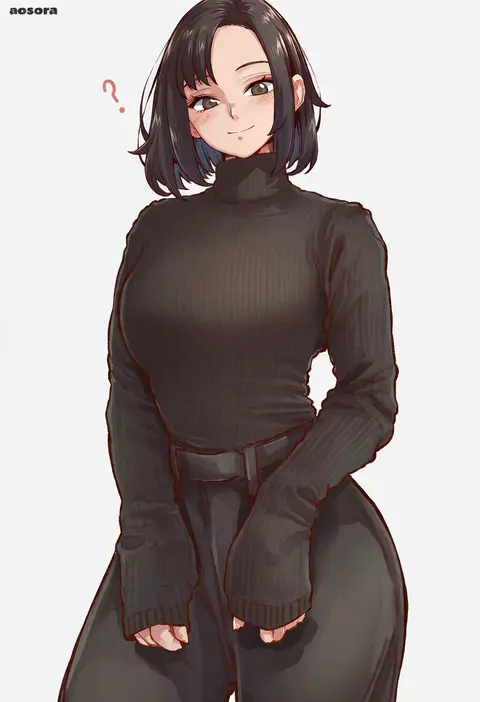
aosora2823
ARTIST0x060E
0
moyoron
ARTIST0x060F
0
hm (hmongt)
ARTIST0x0610
0
ao banana
ARTIST0x0611
0
kanpa (campagne 9)
ARTIST0x0612
0
piripun
ARTIST0x0613
0
cslucaris
ARTIST0x0614
0
akitsuki karasu
ARTIST0x0615
0
swordsouls
ARTIST0x0616
0
samneco
ARTIST0x0617
0

What these tags change

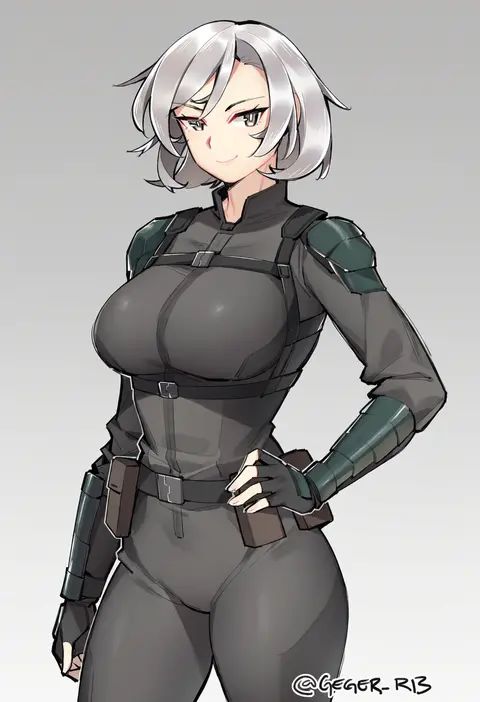
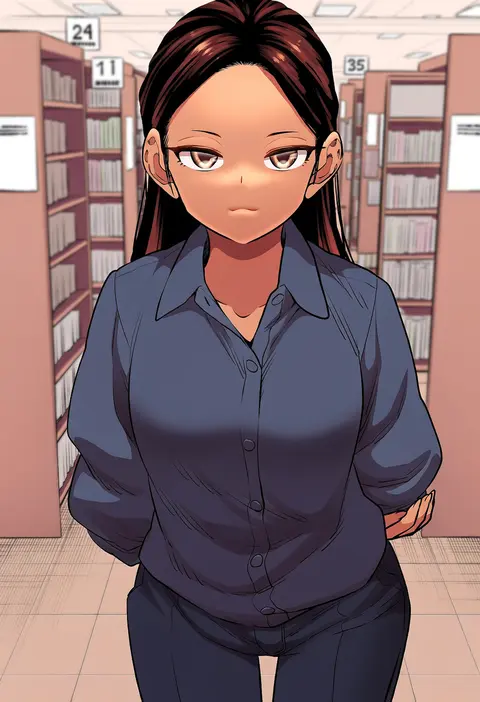
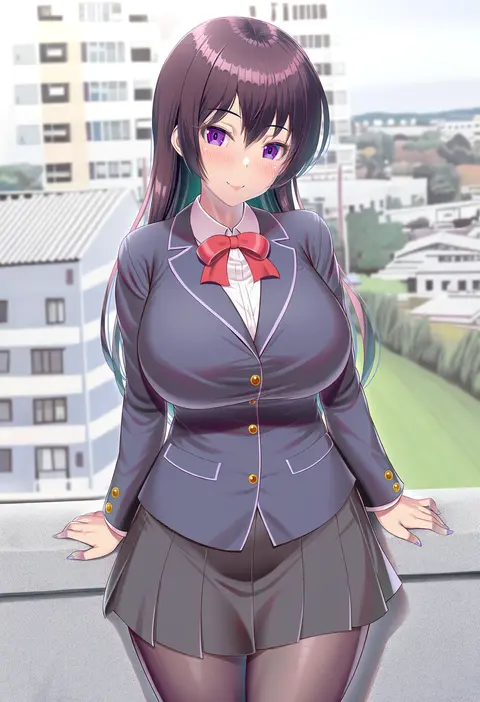
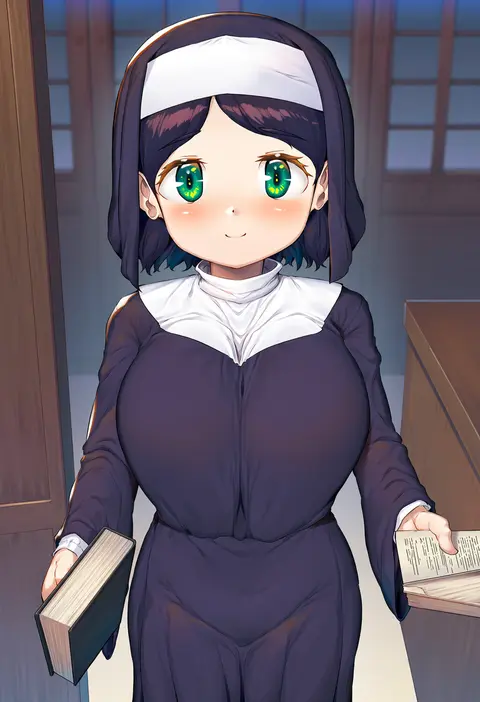
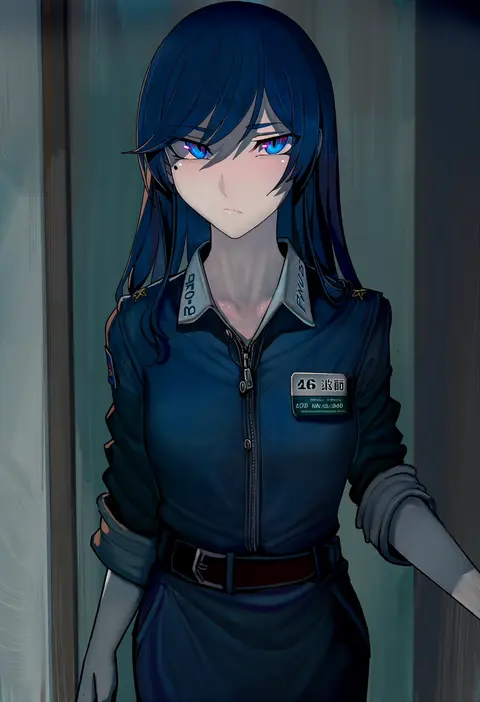
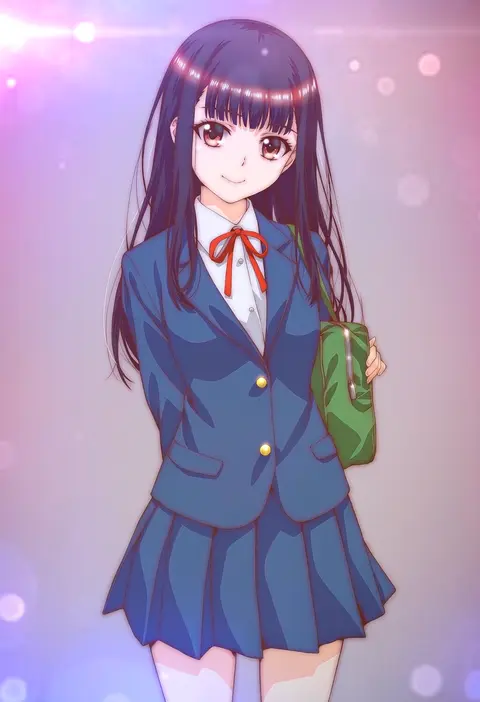
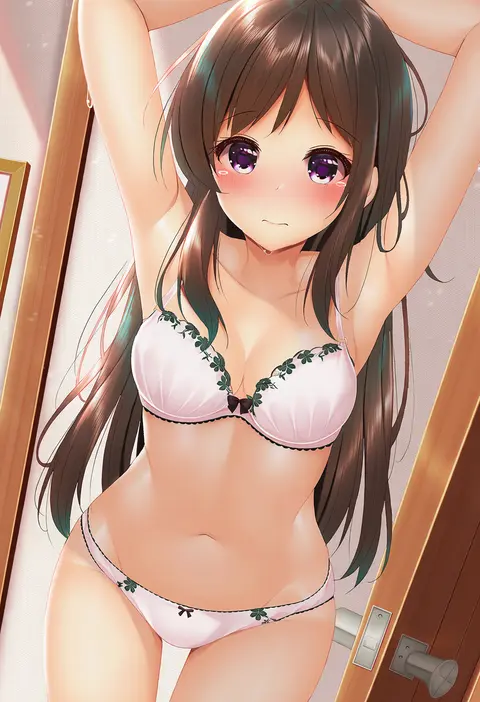
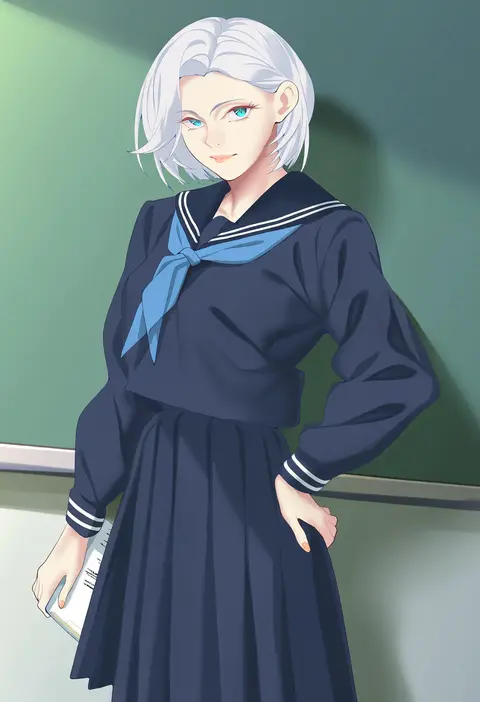
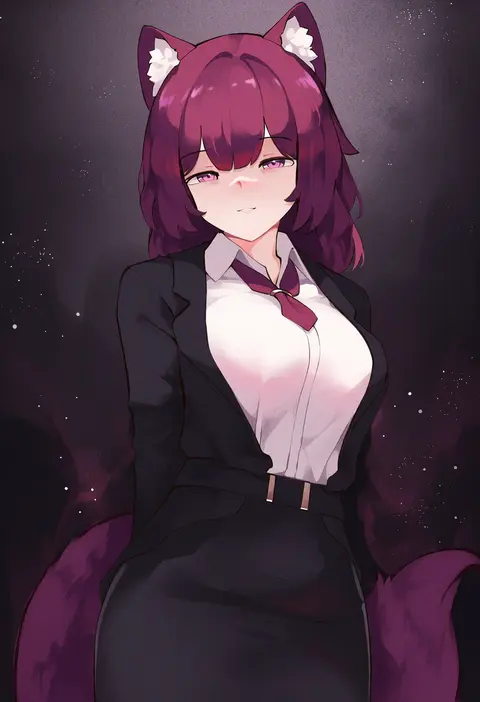
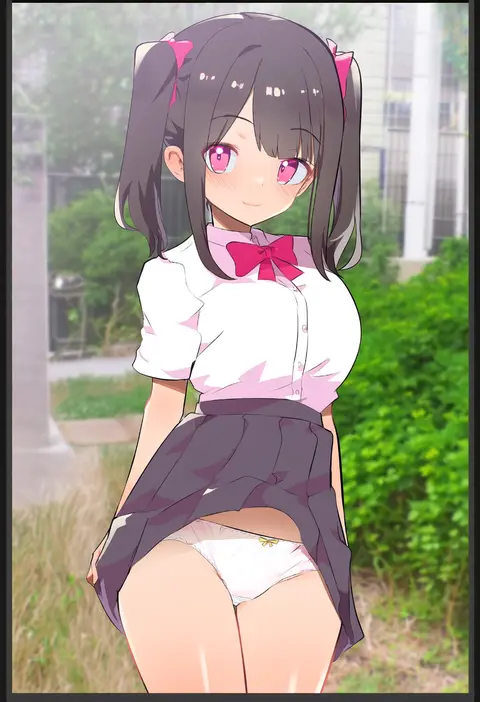
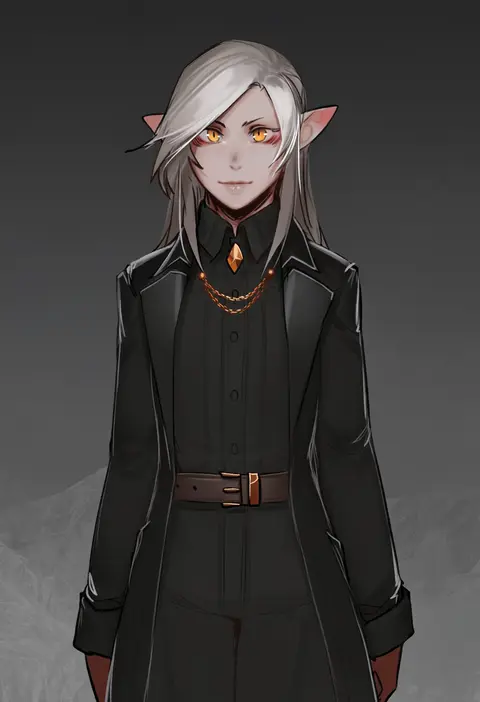
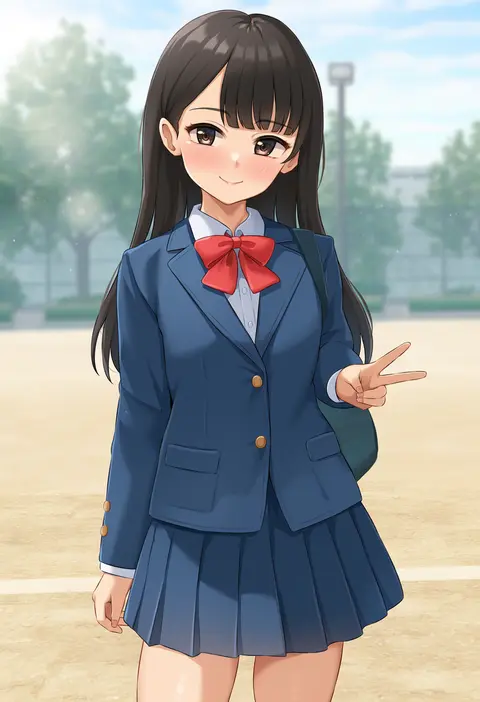
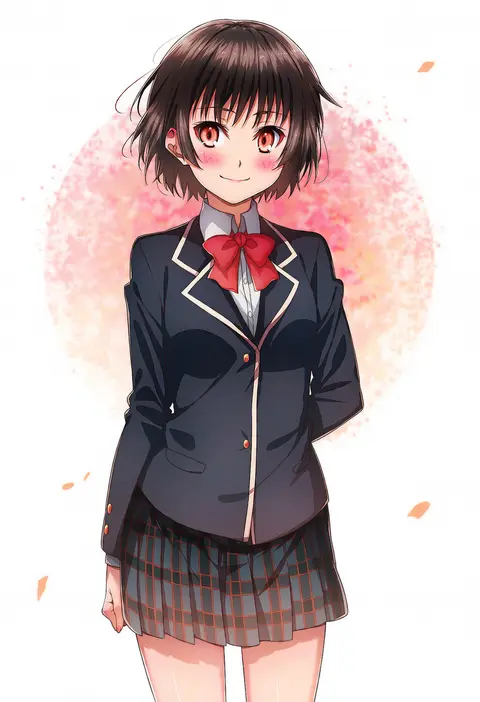
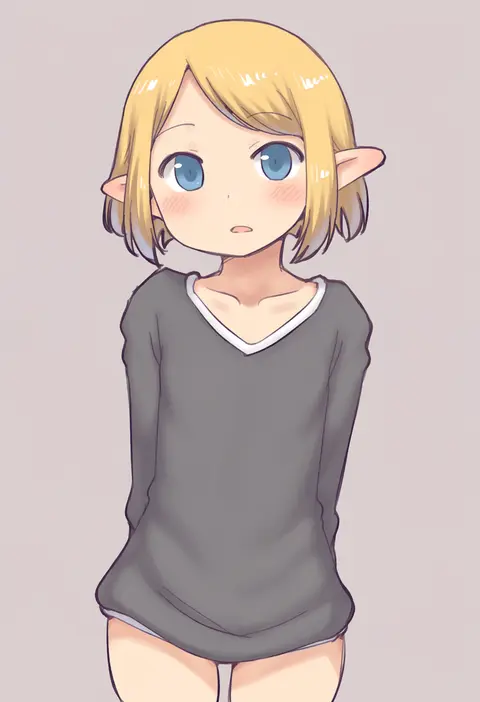
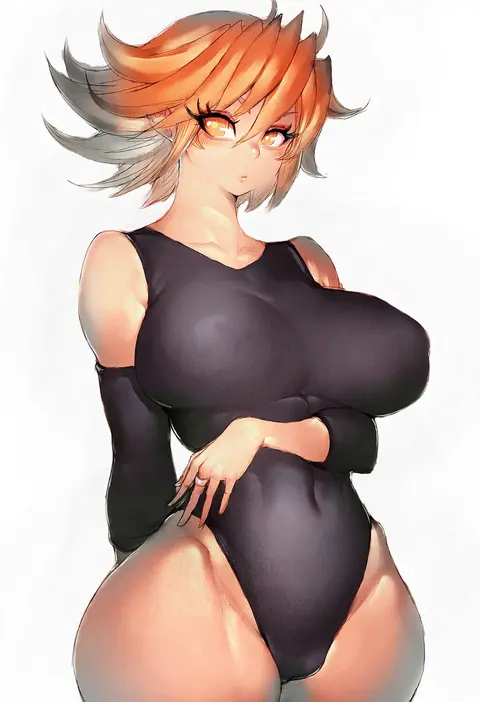
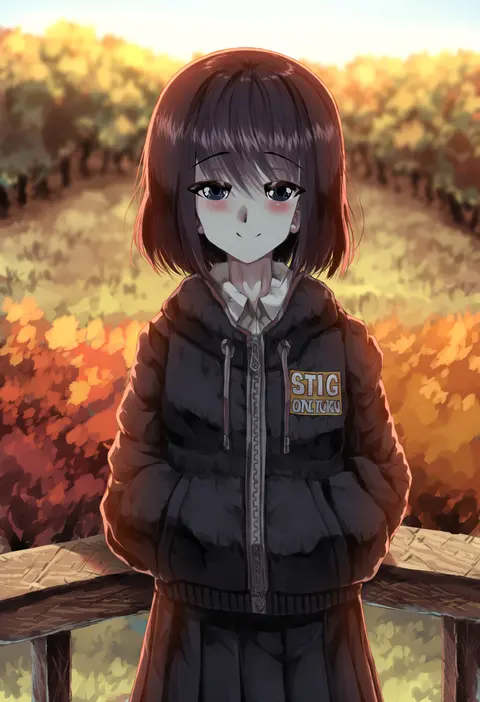
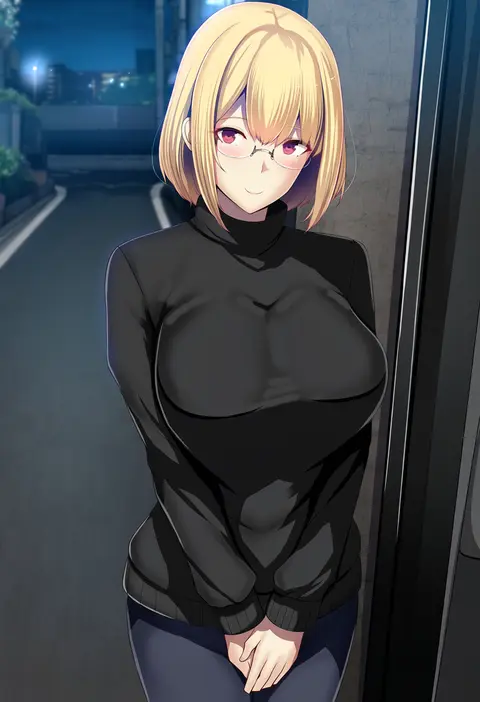
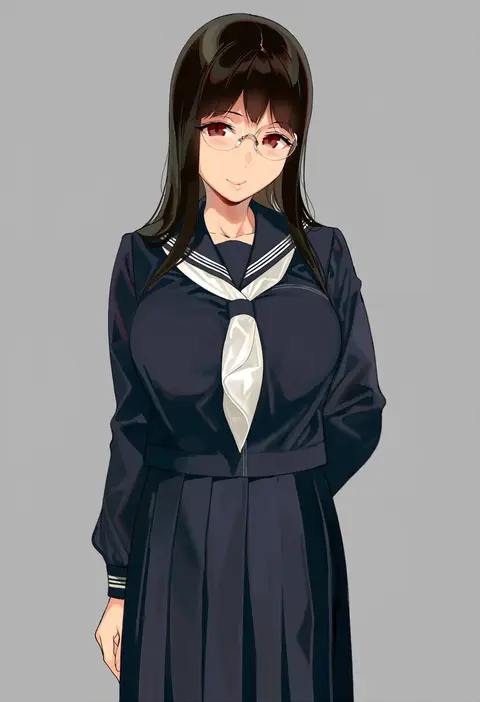
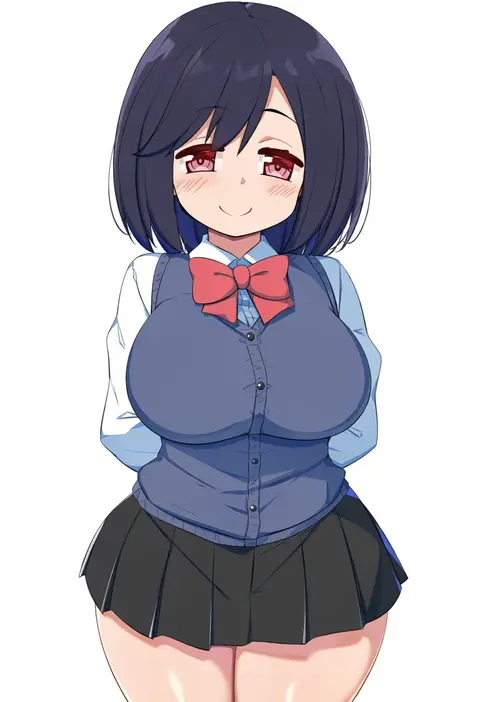
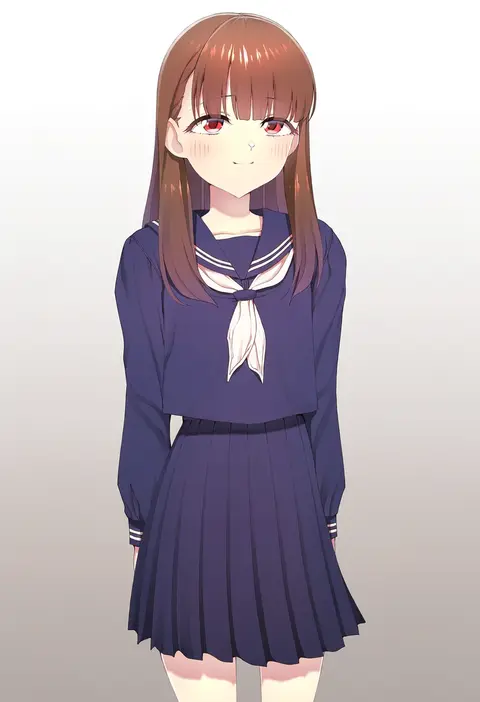
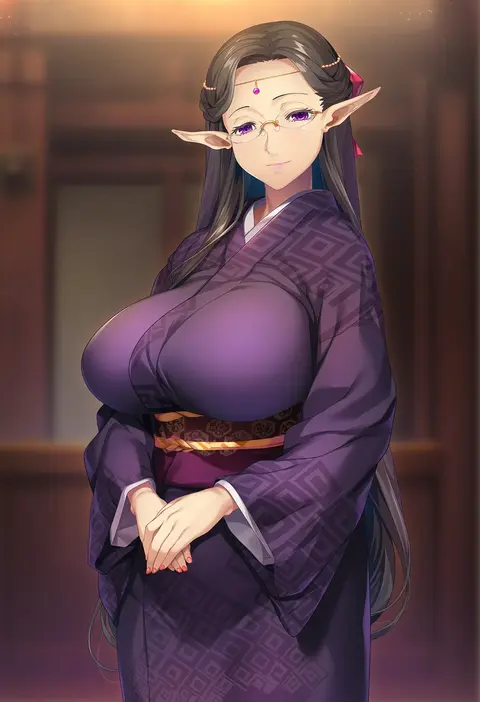
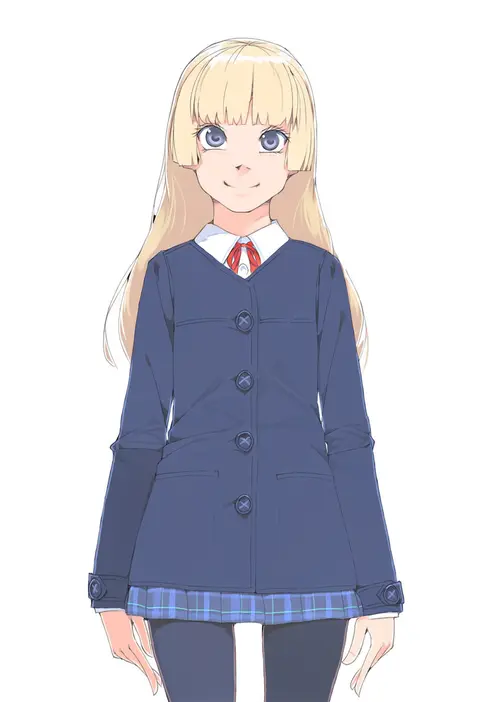
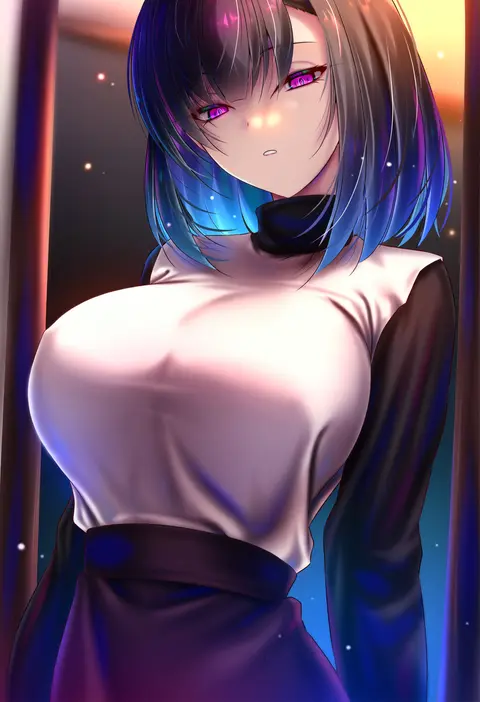
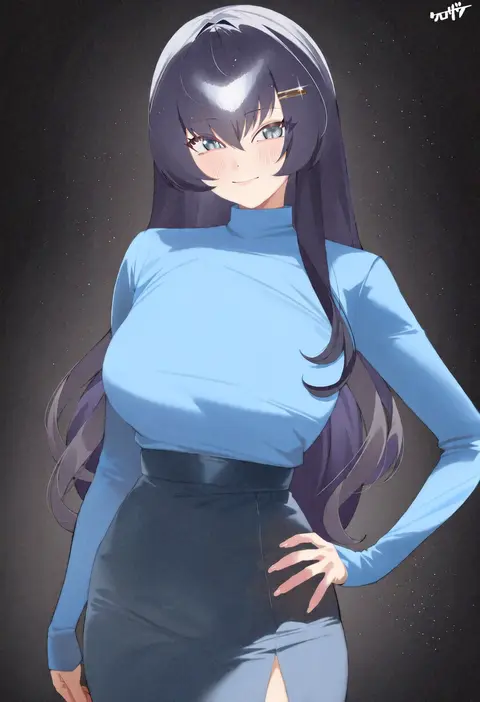
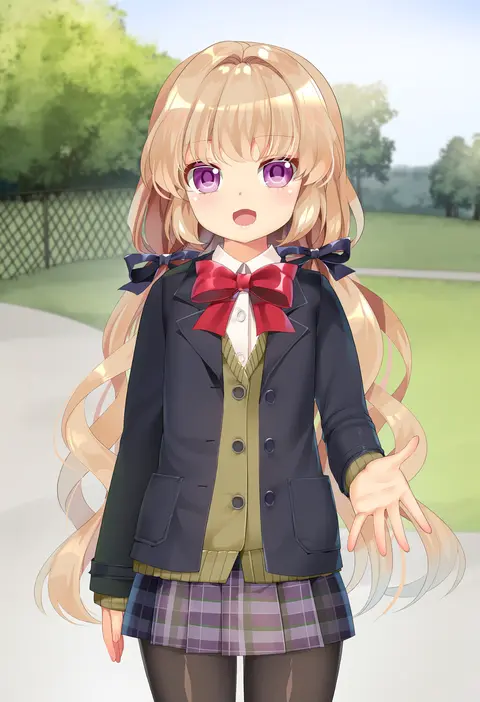
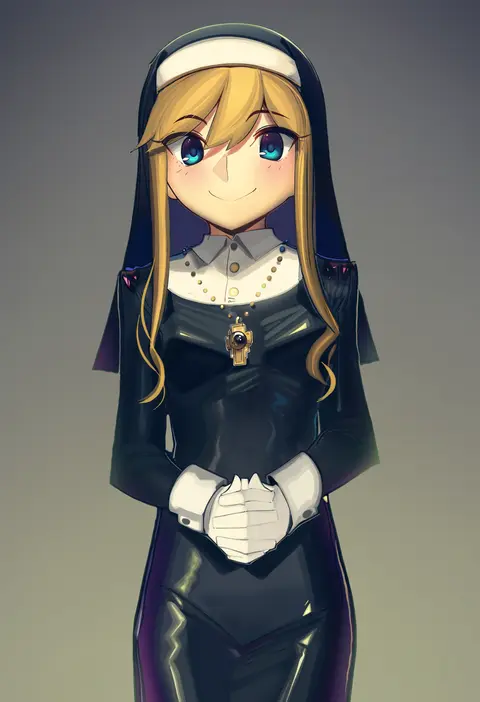
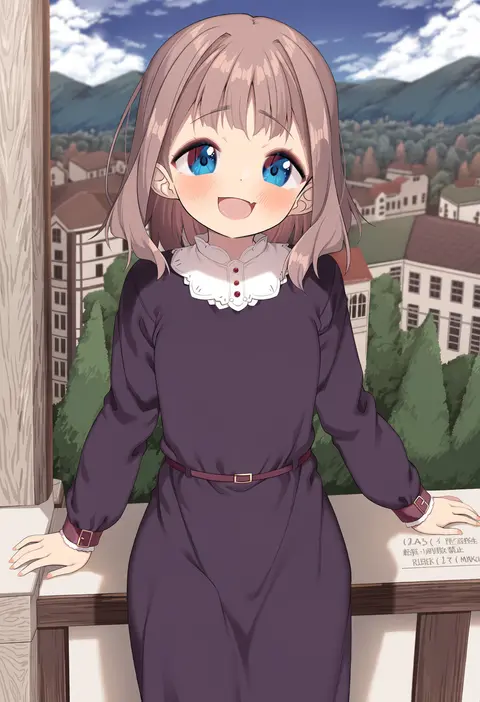
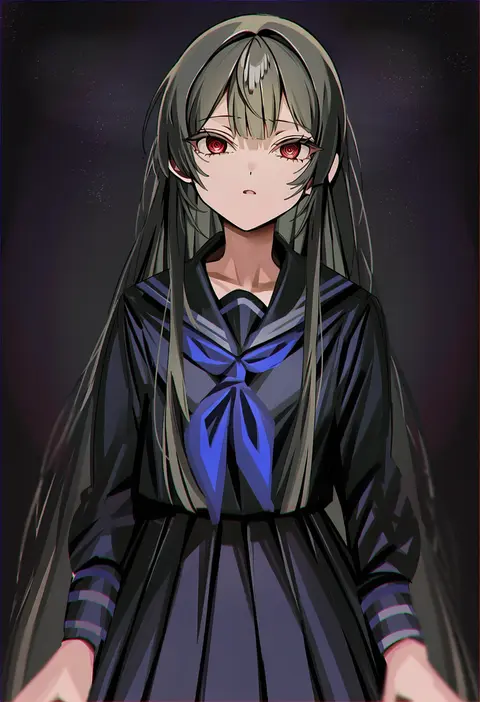
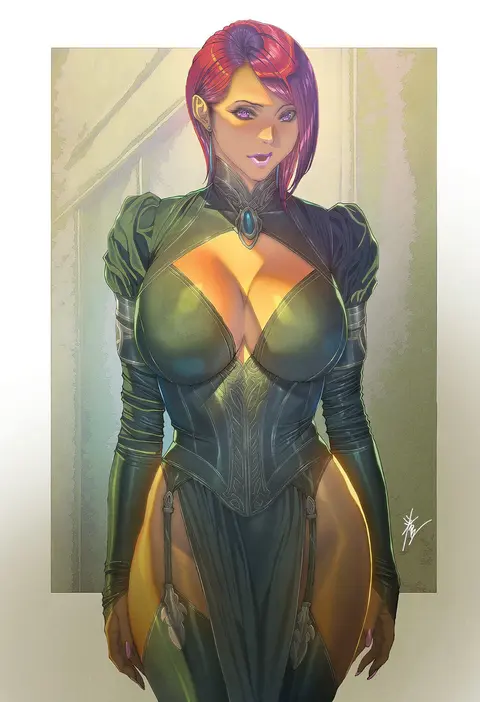
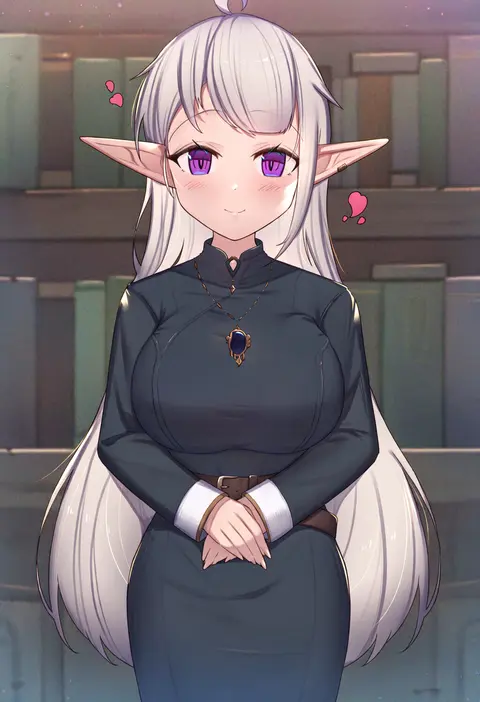
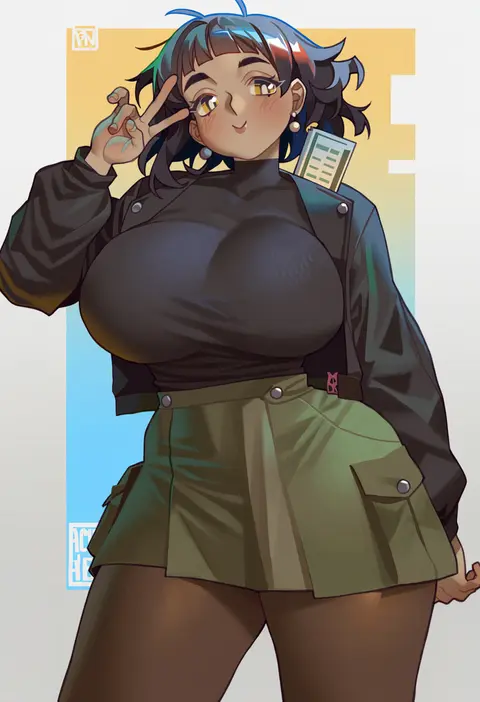
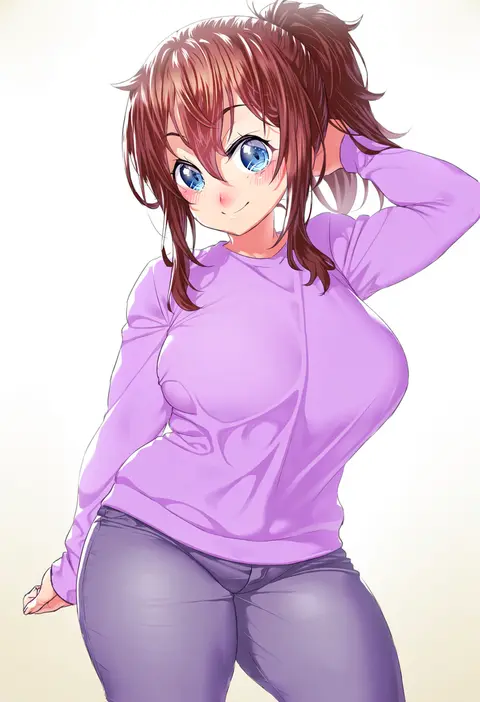
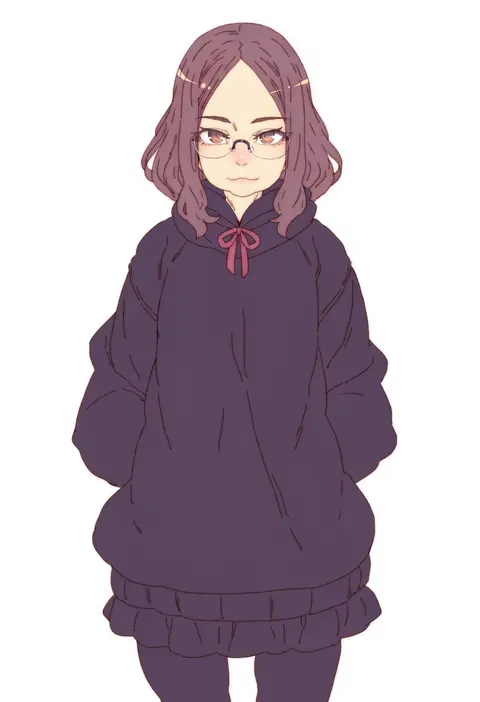
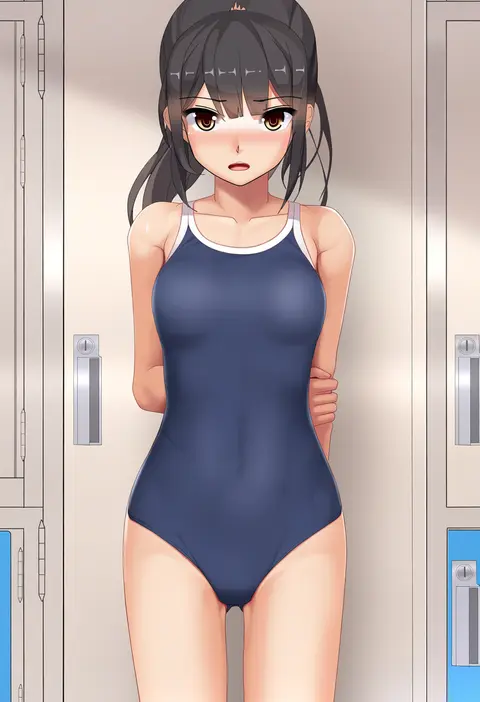
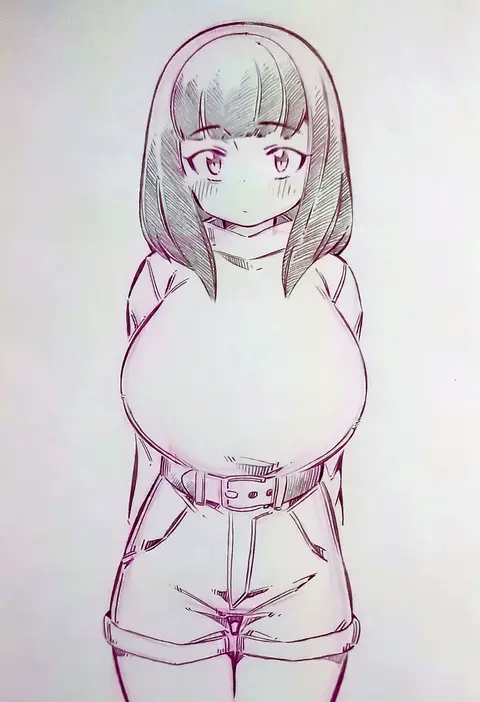
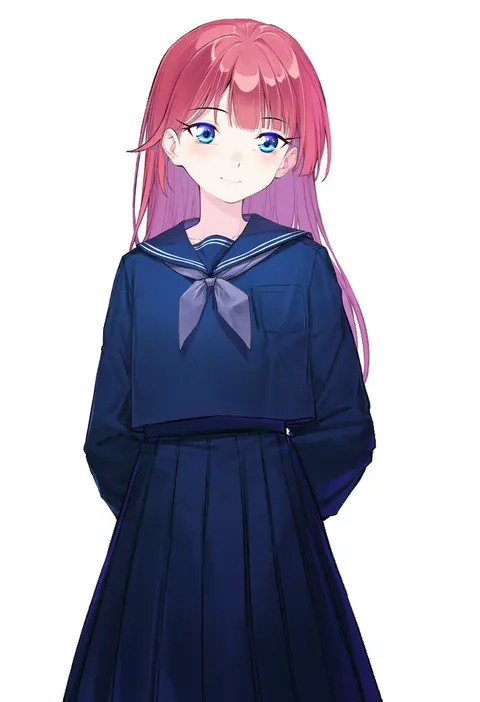
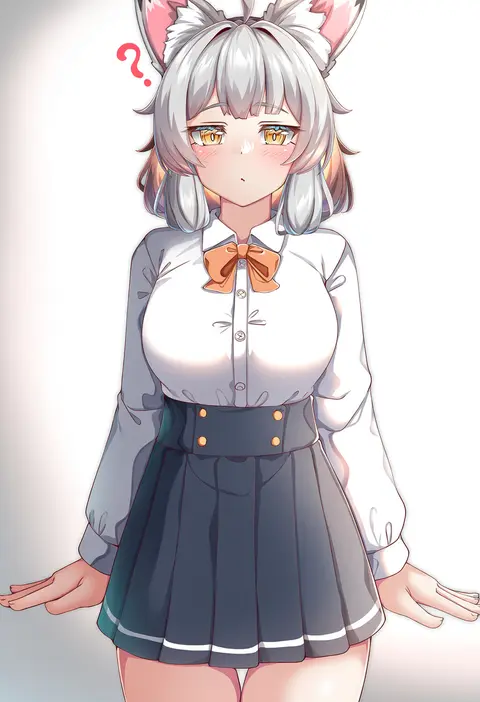
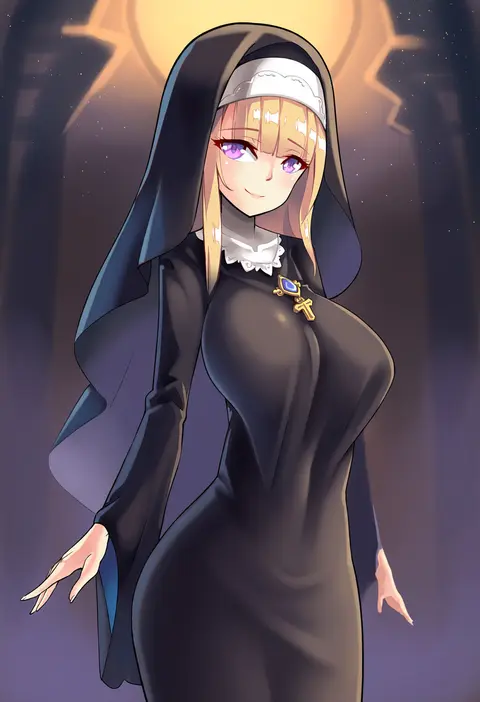
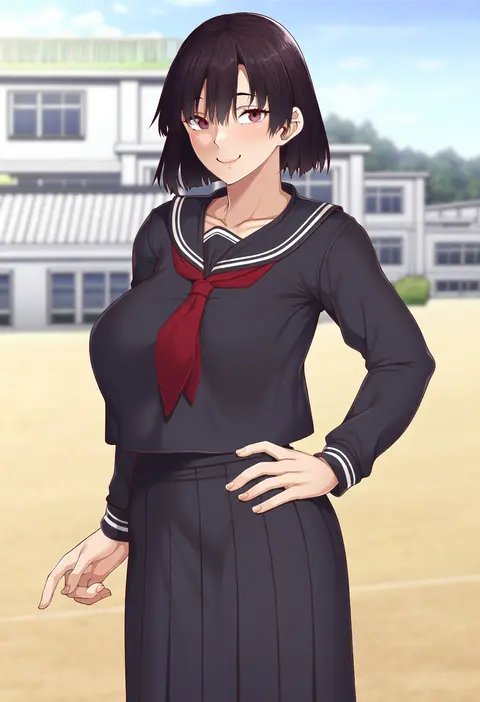
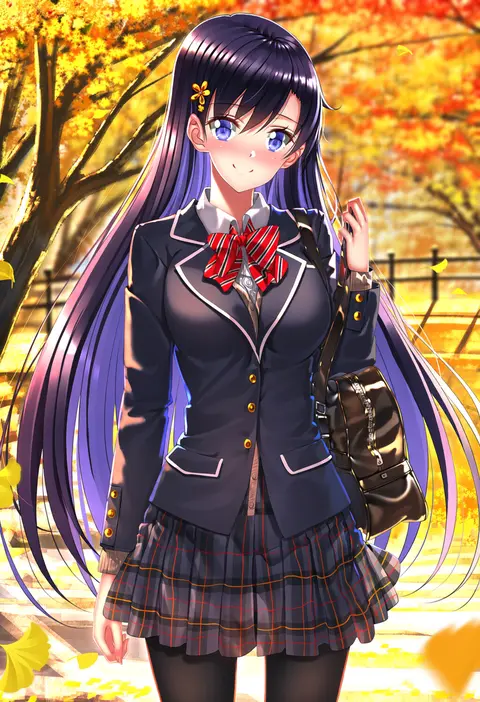
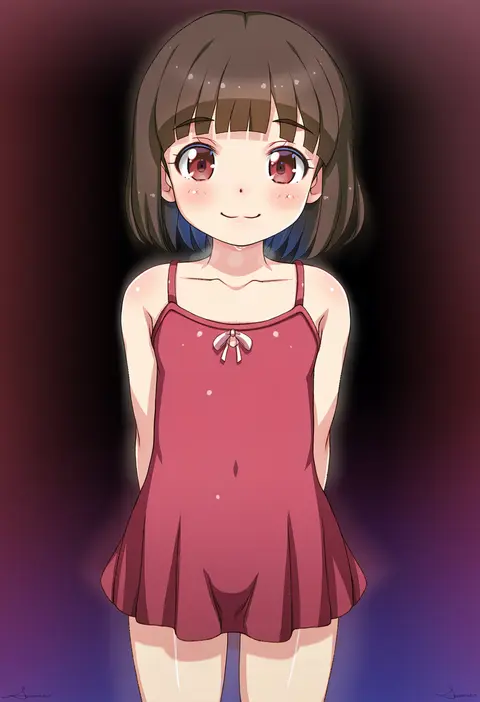
Artist tags tell NovelAI Diffusion to draw in a specific artist's style: line weight, paint texture, face shapes and palette all shift at once. Character and outfit tags decide what is drawn; artist tags decide how. 2,536 tags are listed for V5.
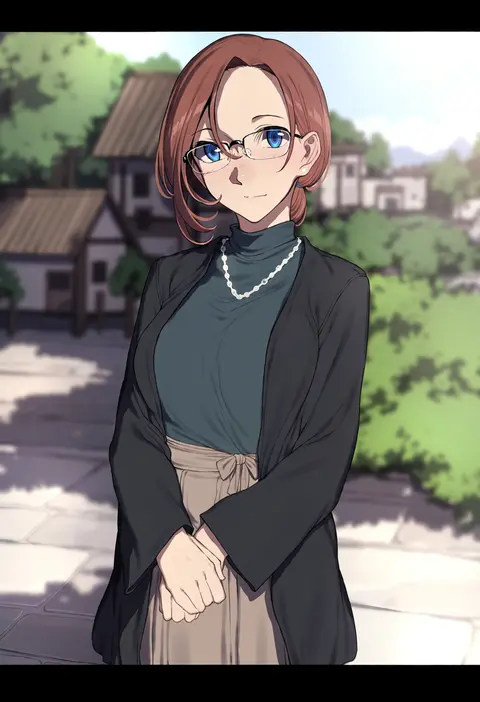
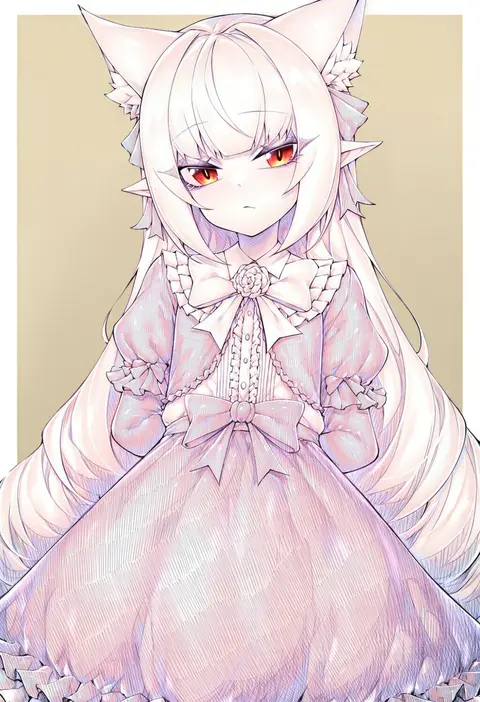
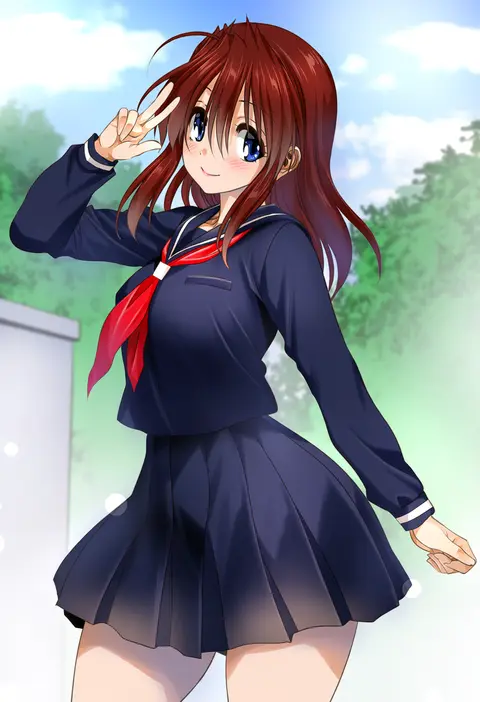
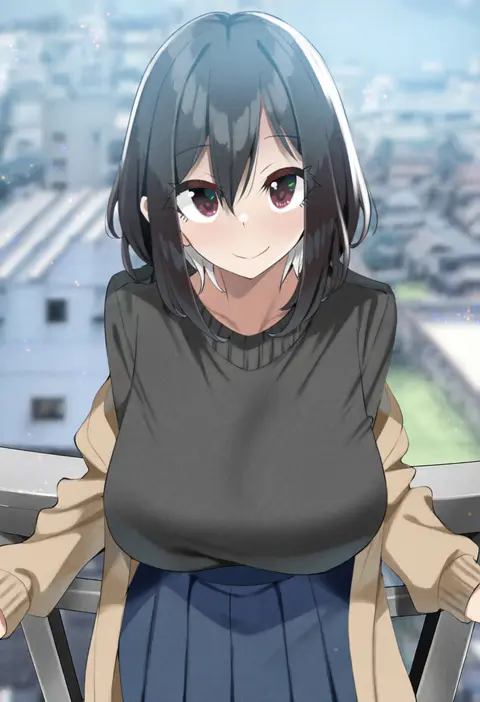
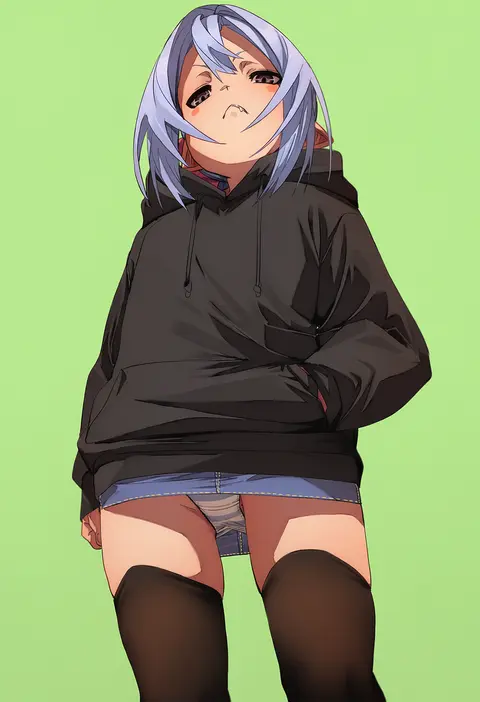
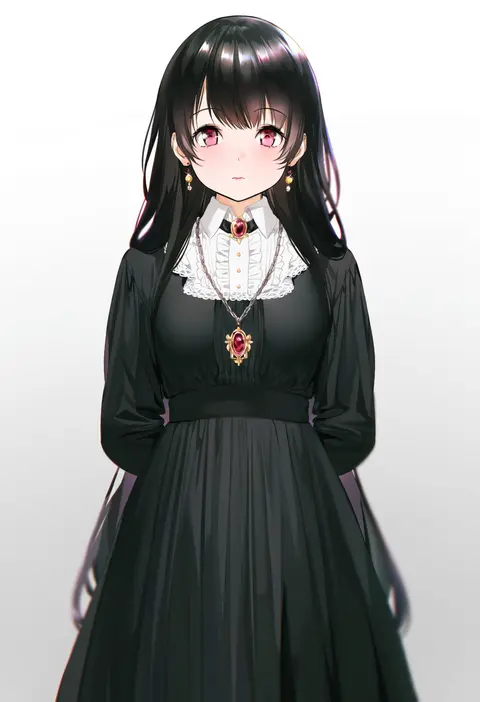
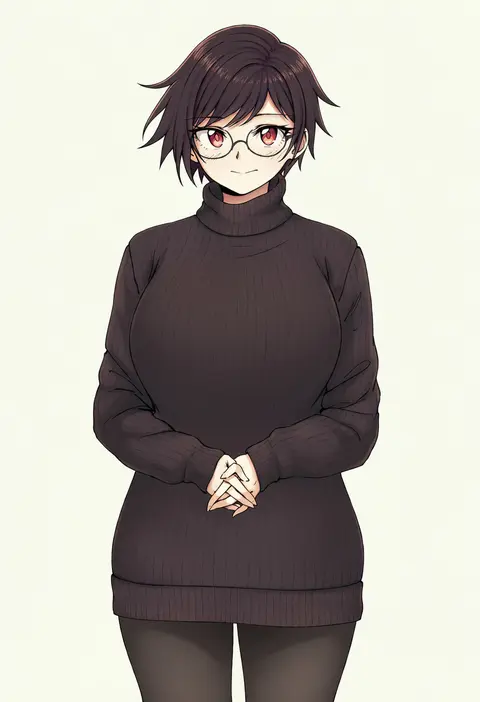
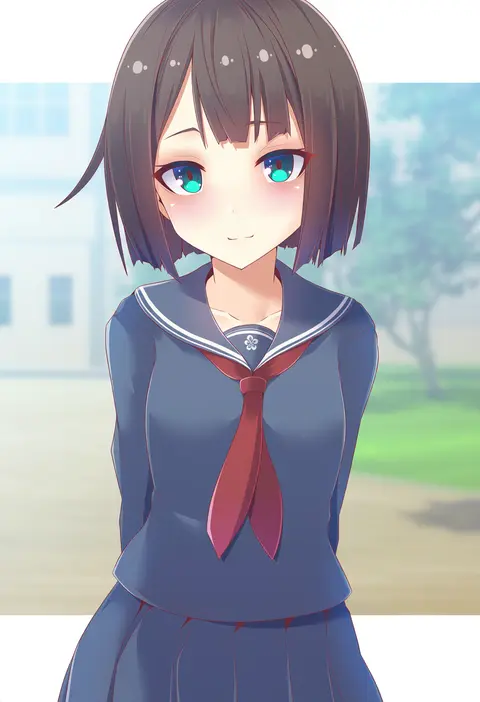
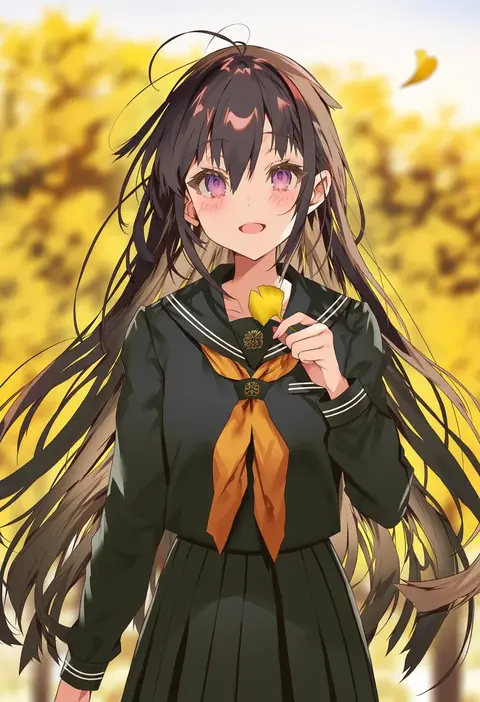
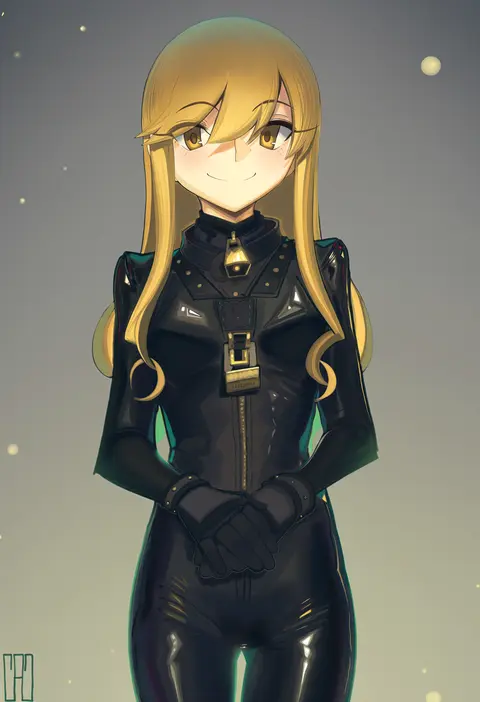
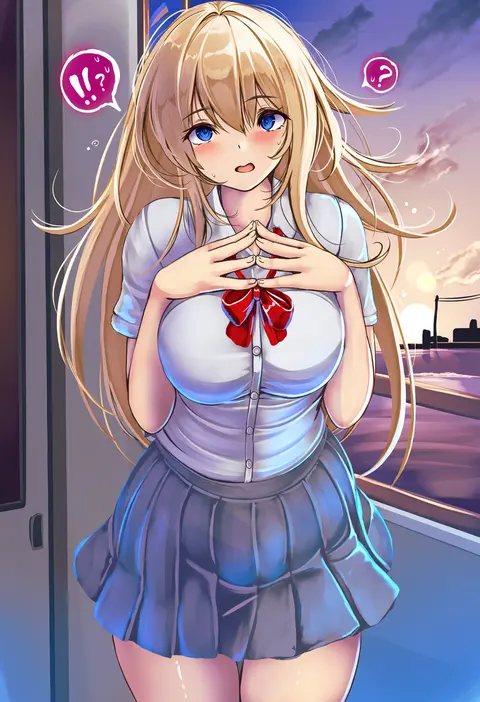
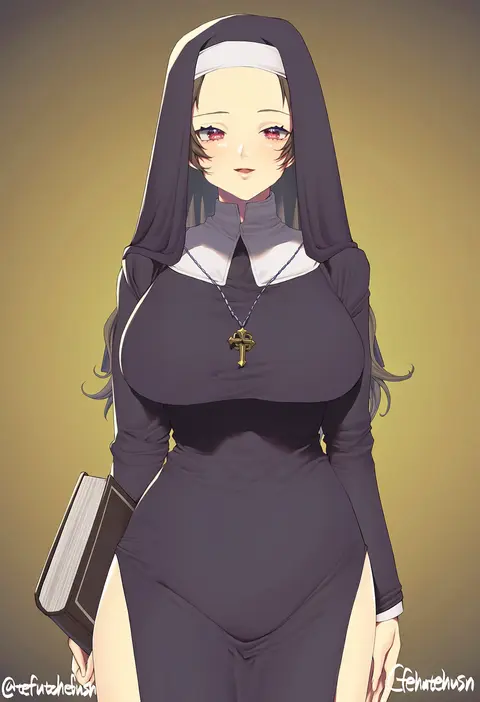
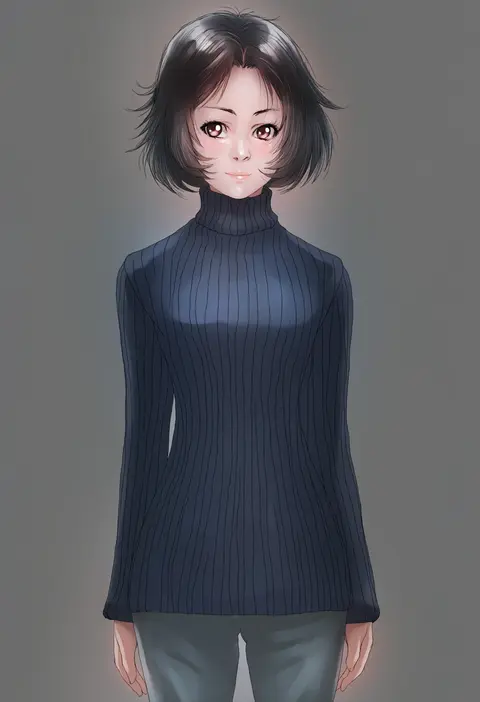
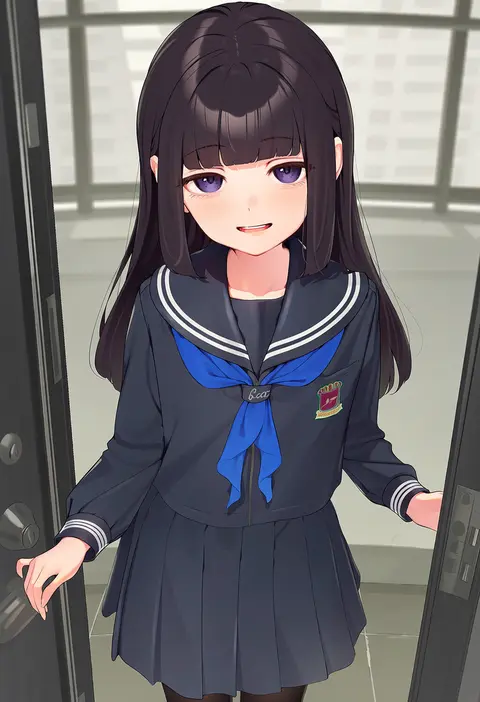
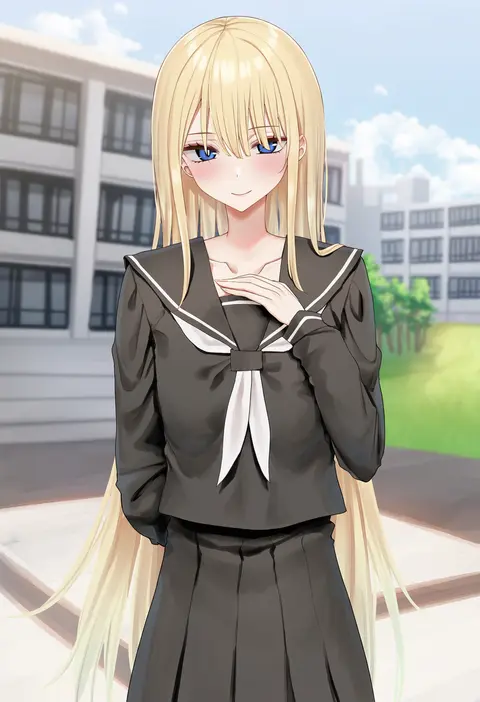
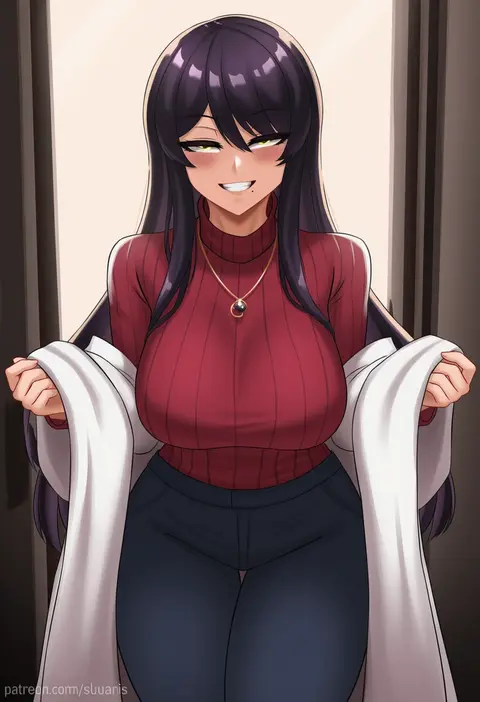
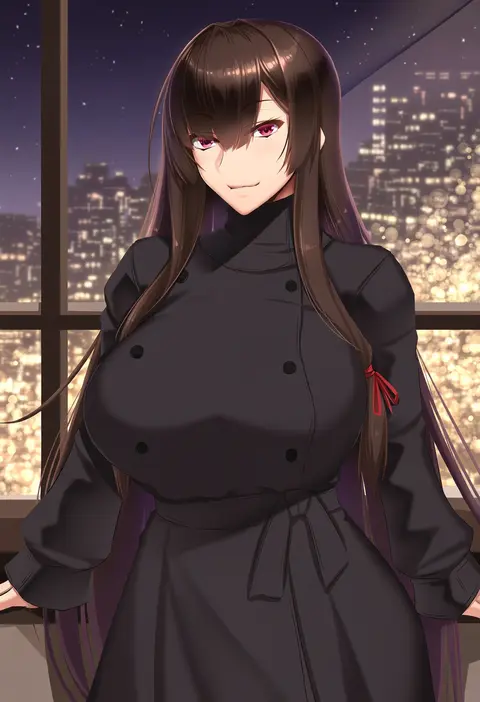
Every tag listed here is verified to react in NovelAI. All images use the same prompt, seed and settings with only the artist tag swapped, so the difference between two images is the style that tag brings in.

How to use them

Put the artist tag near the front of the prompt, e.g. "<artist>, 1girl, solo, best quality, masterpiece, cowboy shot". Two or three artist tags blend styles; lower the weight with "0.8::<artist>::" when the style overpowers the character.

SCORE sorts by Danbooru's top score, POSTS by post count, FAVS by hearts on this site. Open a card to see V5 and V4.5 side by side on the same seed.

V5 vs V4.5

V5 usually lands closer to the artist's real style, and tags that did nothing on V4.5 often react on V5. V4.5 still fits older and doujin-heavy artists better. Try V5 first, fall back to V4.5.

FAQ

Where does the artist tag go?
Near the front of the prompt. Use "0.8::tag::" to adjust its weight.

Can I stack artist tags?
Yes, styles blend. Past two or three the result stops looking like anyone.

Are these the artists' own works?
No. Every image is a NovelAI sample generated from the tag.