V5Artists
sort: FAVS▾
▾
>
$

NovelAI V5 Artist Tags List

artist --count 2,556[27/43]
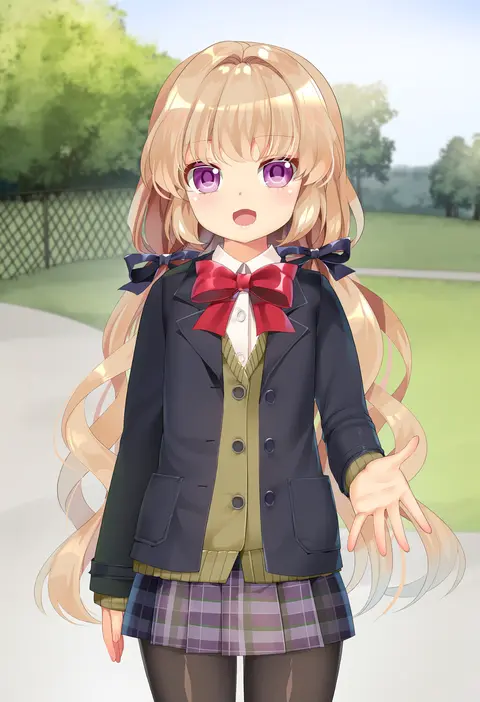
mvv
ARTIST0x0618
0
boa (brianoa)
ARTIST0x0619
0
muku (muku-coffee)
ARTIST0x061A
0
mu46016419
ARTIST0x061B
0
homare (fool's art)
ARTIST0x061C
0
uneg
ARTIST0x061D
0
poch4n
ARTIST0x061E
0
onsoku inu
ARTIST0x061F
0
tasaka shinnosuke
ARTIST0x0620
0
eto (ikumika)
ARTIST0x0621
0
tsukareta san
ARTIST0x0622
0
coffeekite
ARTIST0x0623
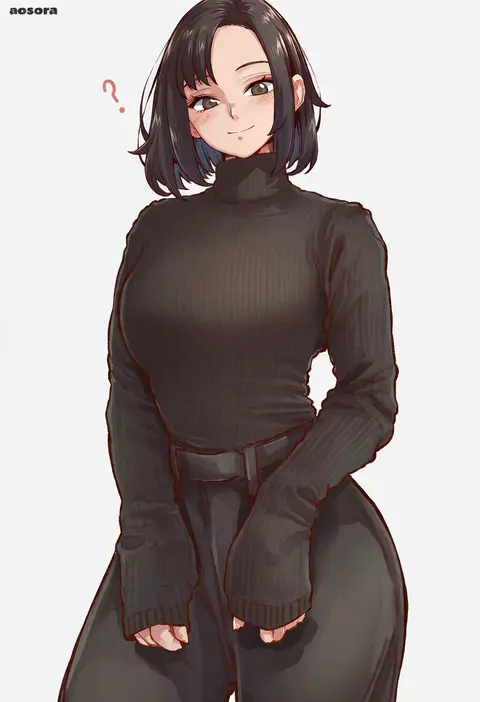
0
aosora2823
ARTIST0x0624
0
moyoron
ARTIST0x0625
0
hm (hmongt)
ARTIST0x0626
0
ao banana
ARTIST0x0627
0
kanpa (campagne 9)
ARTIST0x0628
0
piripun
ARTIST0x0629
0
cslucaris
ARTIST0x062A
0
akitsuki karasu
ARTIST0x062B
0
swordsouls
ARTIST0x062C
0
samneco
ARTIST0x062D
0
kanno takanori
ARTIST0x062E
0
mina cream
ARTIST0x062F
0
nedia (nedia region)
ARTIST0x0630
0
mk (mod0)
ARTIST0x0631
0
tsukudani (coke-buta)
ARTIST0x0632
0
sumeragi kohaku
ARTIST0x0633
0
saipaco
ARTIST0x0634
0
ino (magloid)
ARTIST0x0635
0
giraffe (ilconte)
ARTIST0x0636
0
kamille (vcx68)
ARTIST0x0637
0
kagematsuri
ARTIST0x0638
0
tama (tamago)
ARTIST0x0639
0
kisetsu
ARTIST0x063A
0
ryuki (ryukisukune)
ARTIST0x063B
0
otokuyou
ARTIST0x063C
0
robaato
ARTIST0x063D
0
zucchini
ARTIST0x063E
0
syope
ARTIST0x063F
0
hagure keg
ARTIST0x0640
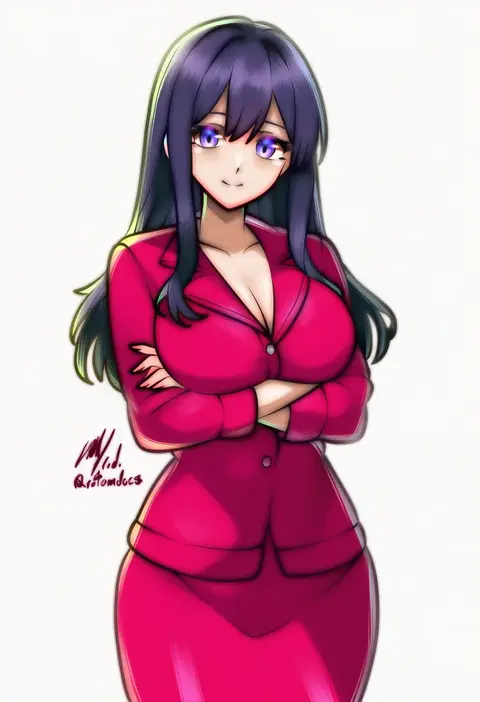
0
rotomdocs
ARTIST0x0641
0
atdan
ARTIST0x0642
0
kozaki yuusuke
ARTIST0x0643
0
matsuryuu
ARTIST0x0644
0
takase muh
ARTIST0x0645
0
akahito
ARTIST0x0646
0
kagami hirotaka
ARTIST0x0647
0
hamao
ARTIST0x0648
0
kuromayu
ARTIST0x0649
0
gabiran
ARTIST0x064A
0
shepherd0821
ARTIST0x064B
0
okama
ARTIST0x064C
0
pokoten (pokoten718)
ARTIST0x064D
0
hellandheaven
ARTIST0x064E
0
yun cao bing
ARTIST0x064F
0
kiritto
ARTIST0x0650
0
yaomai
ARTIST0x0651
0
ryuusei (mark ii)
ARTIST0x0652
0
yukito (dreamrider)
ARTIST0x0653
0

What these tags change

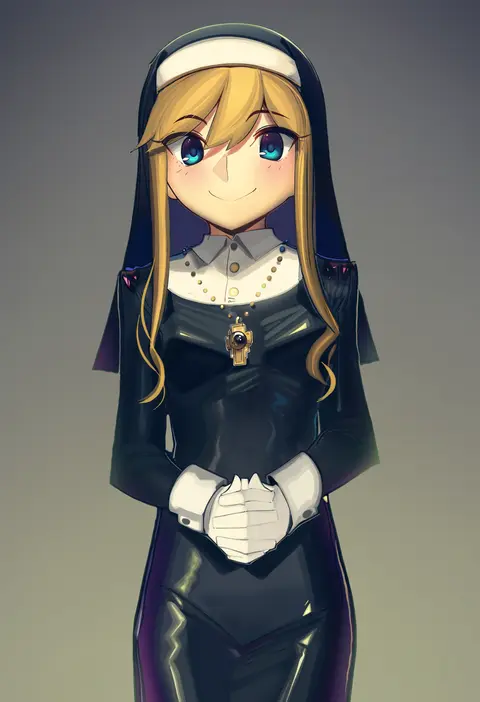
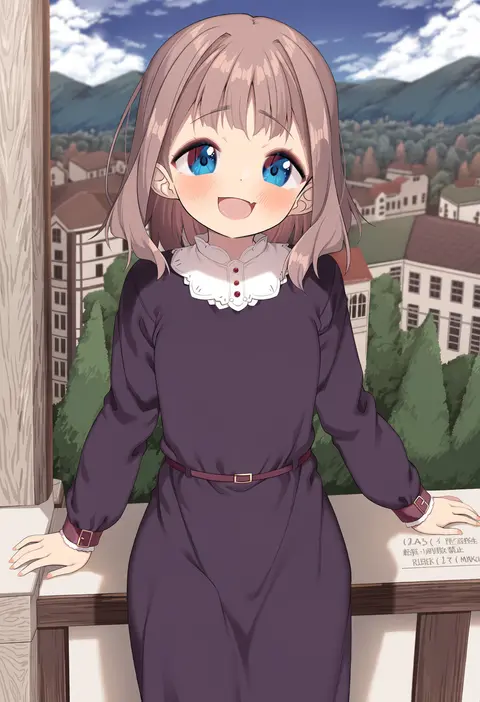
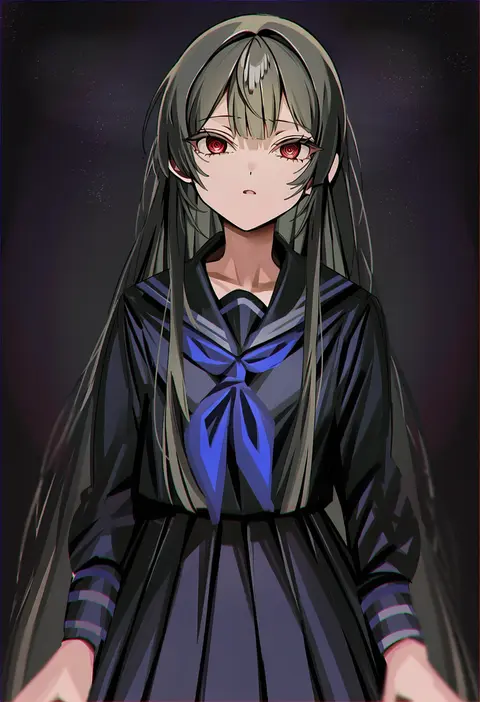
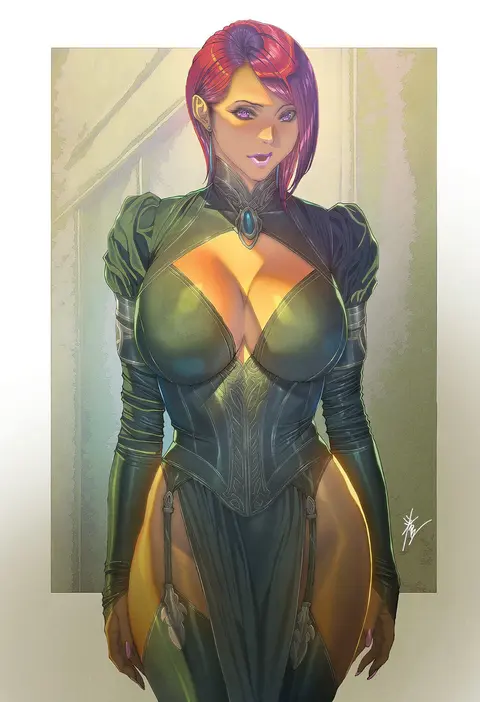
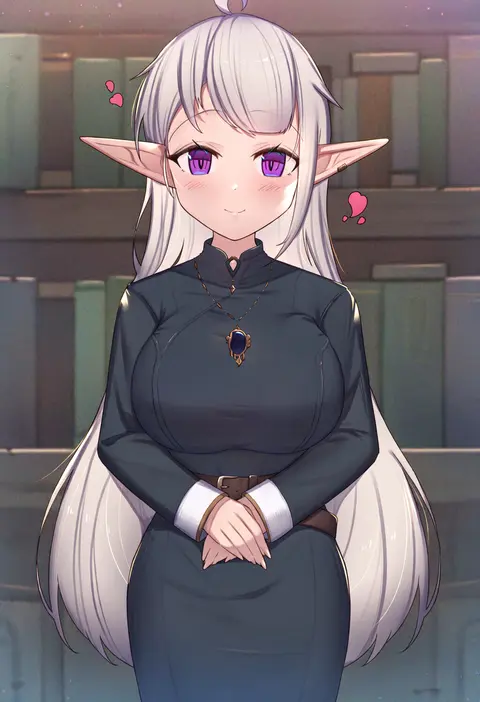
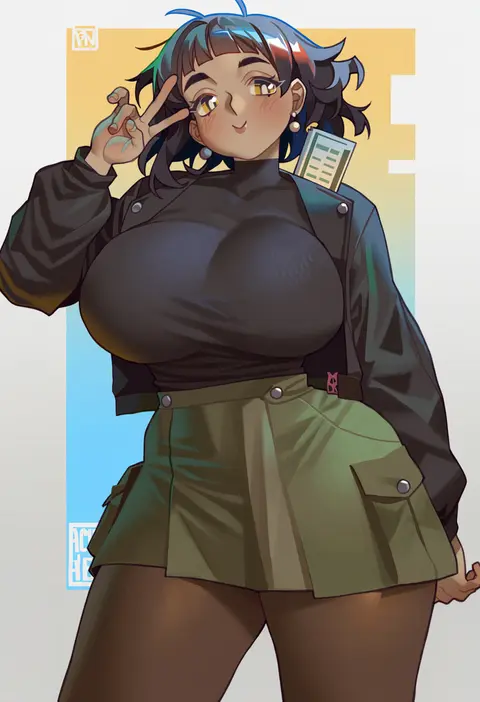
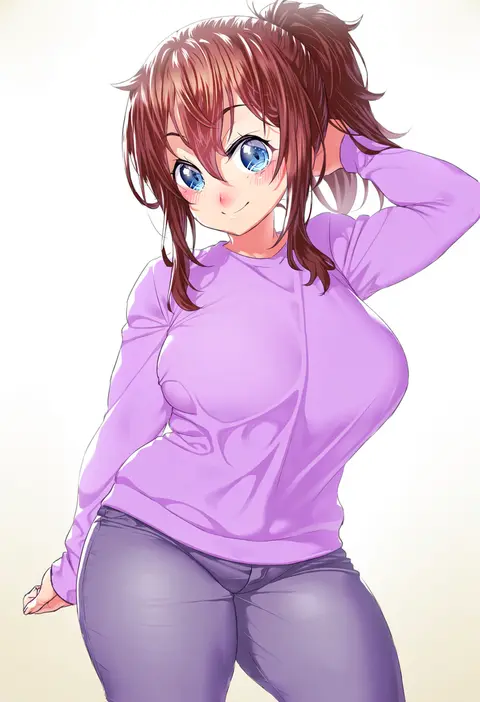
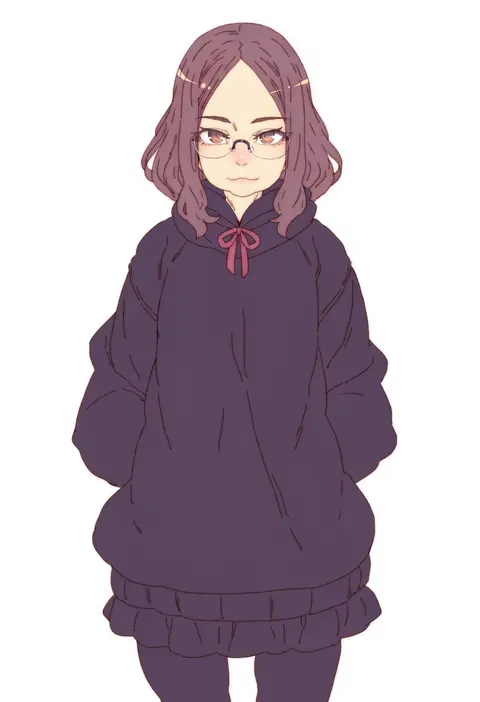
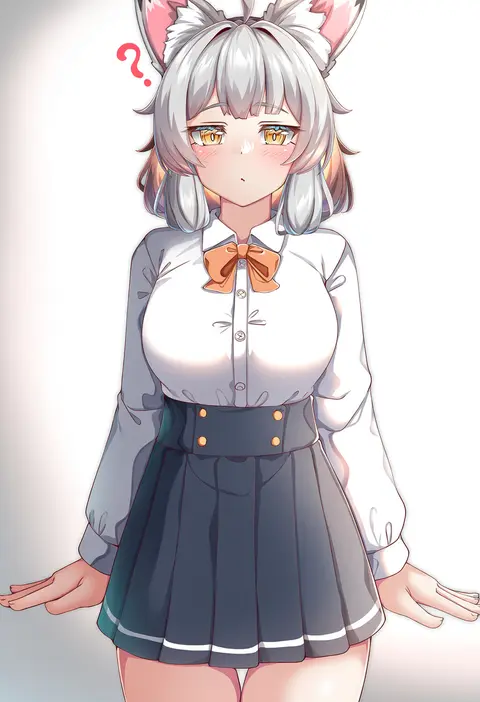
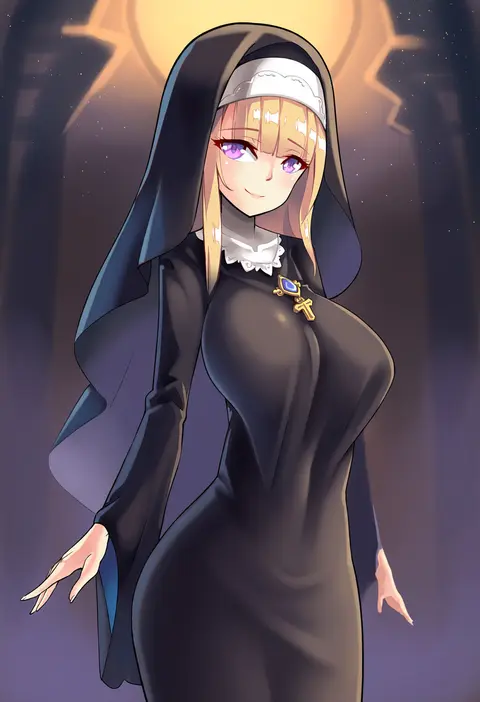
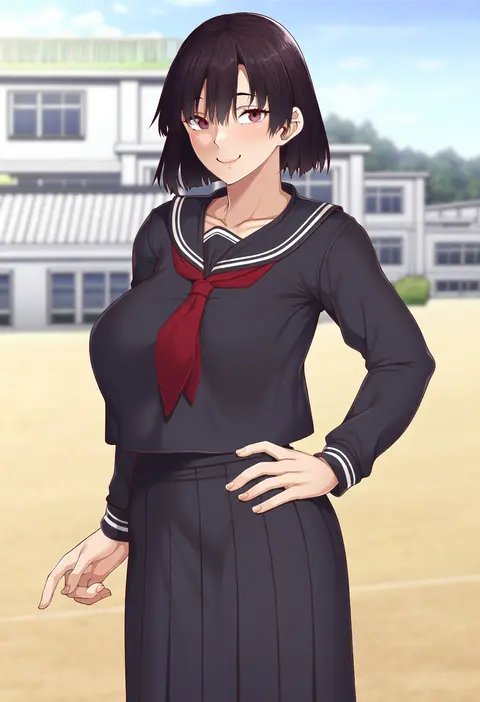
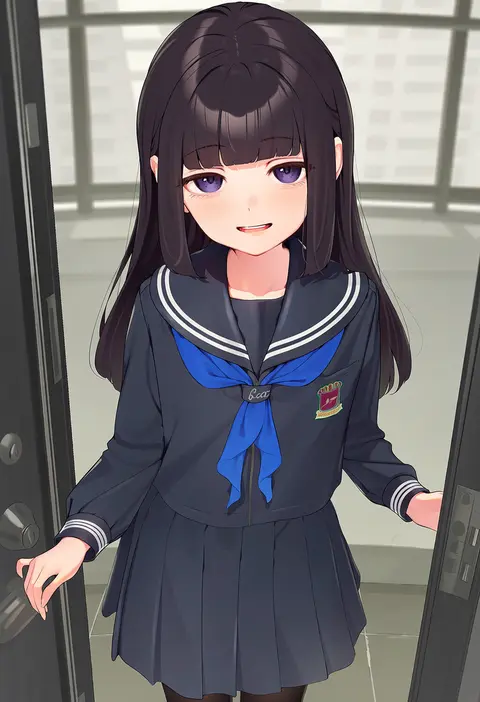
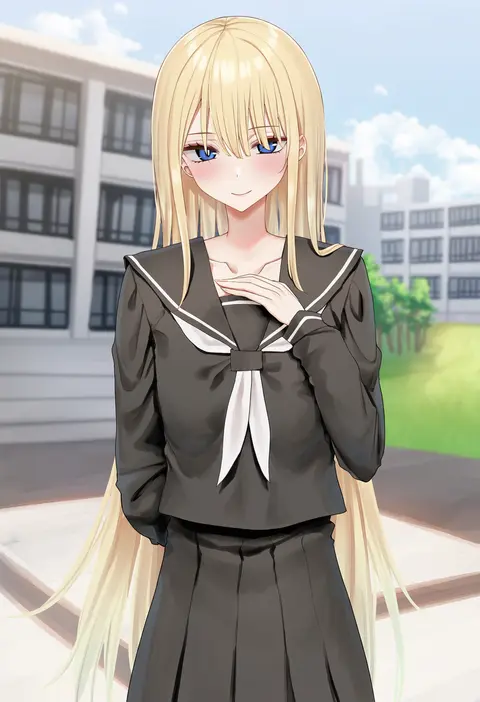
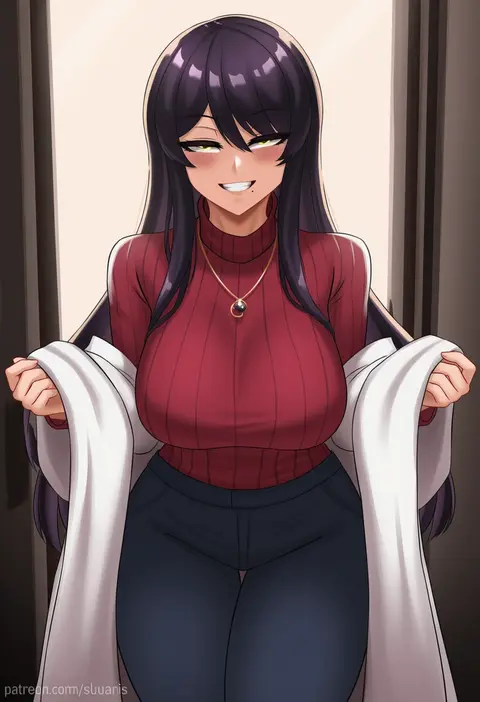
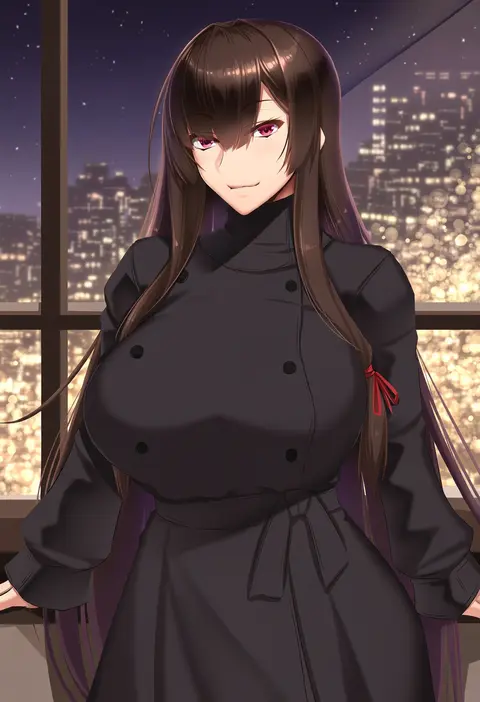
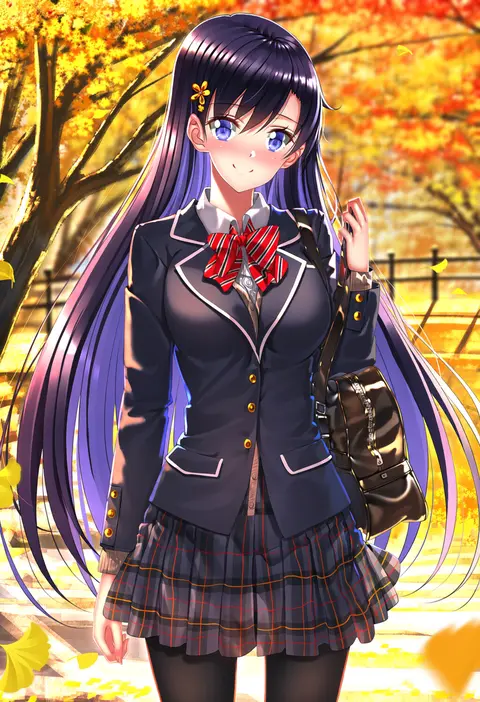
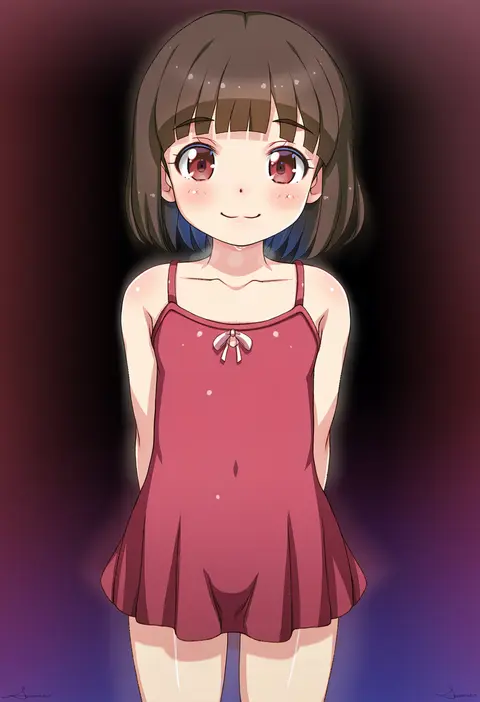
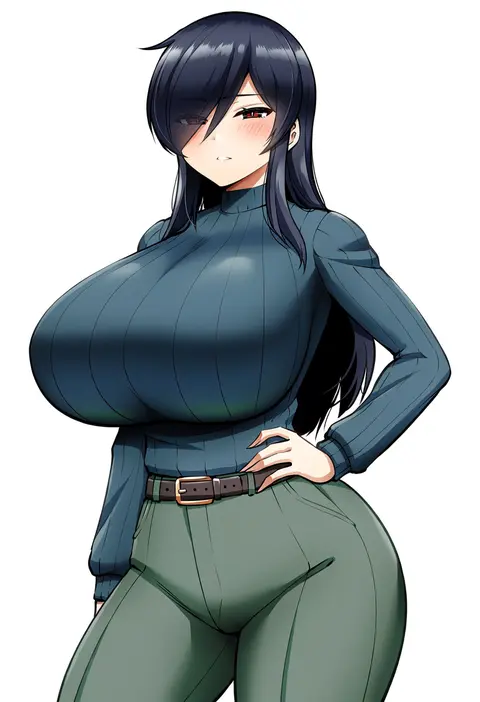
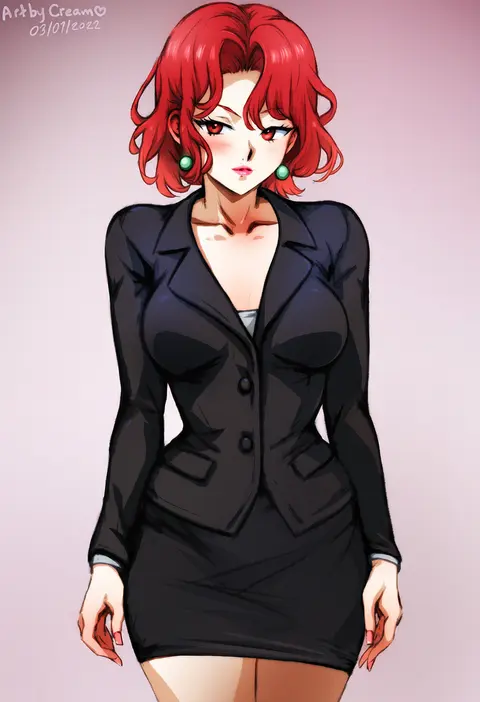
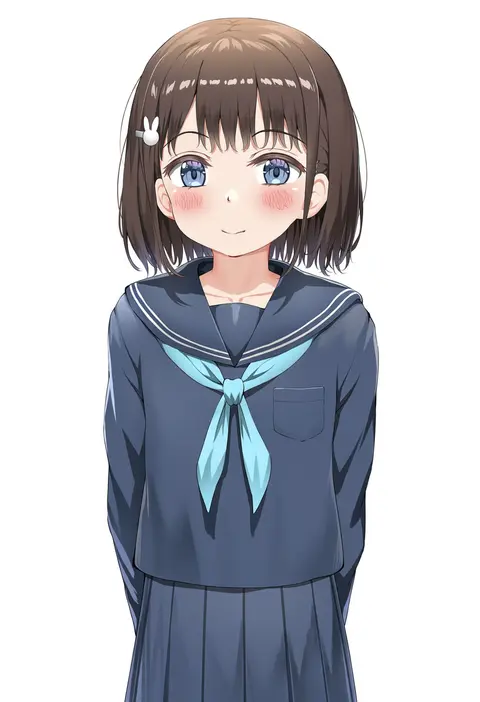
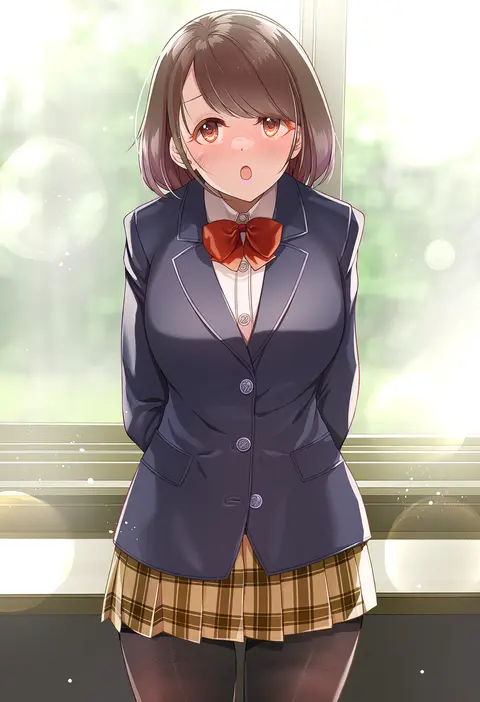
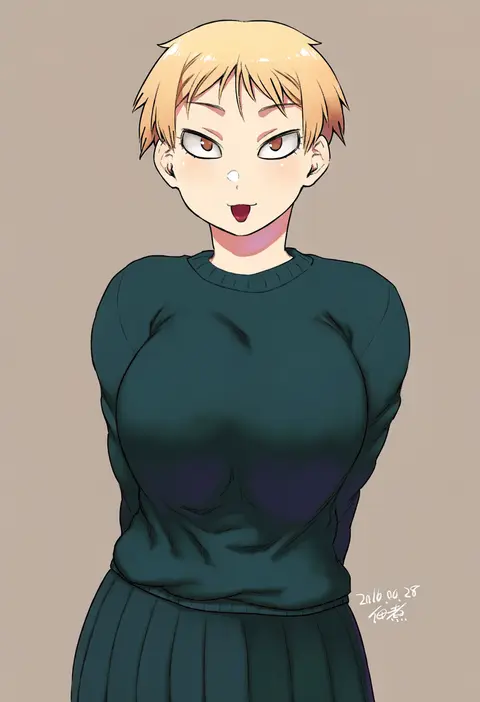
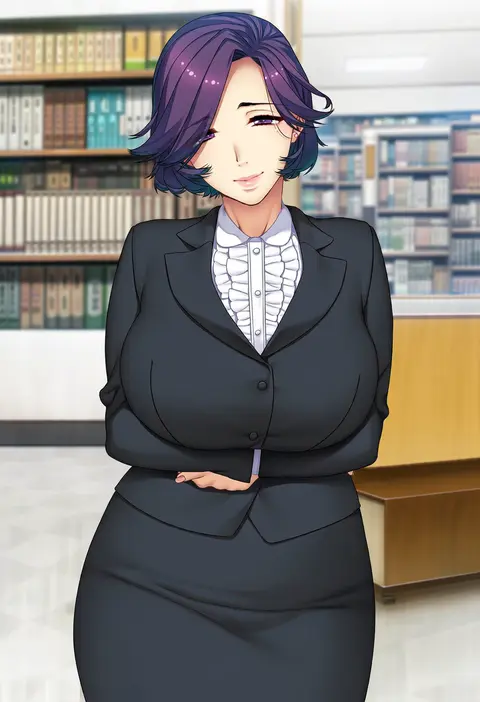
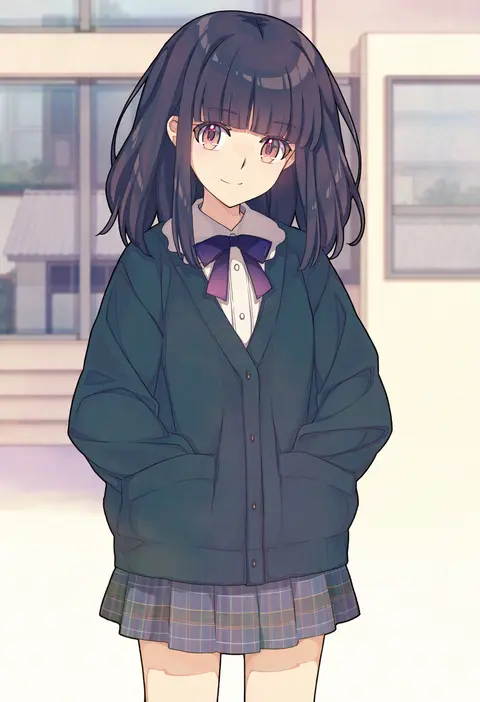
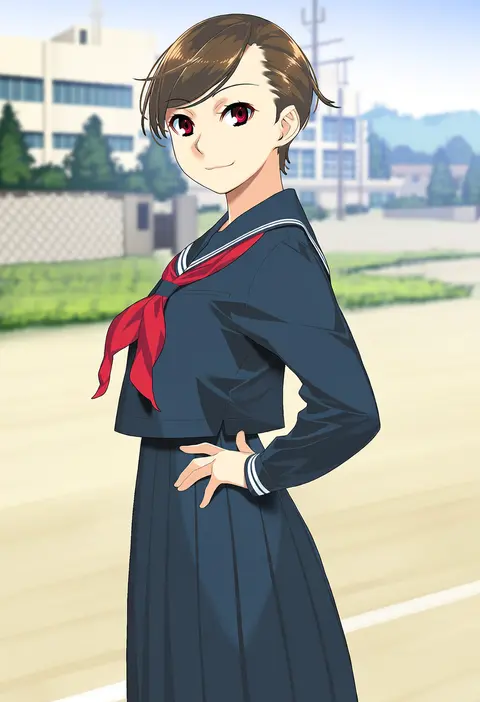
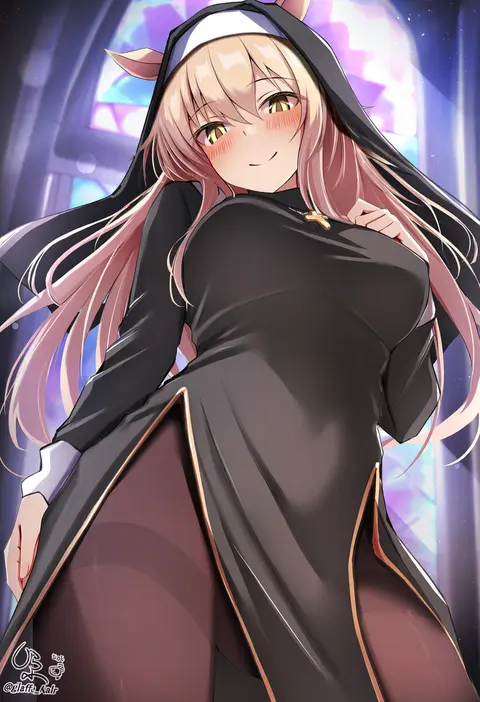
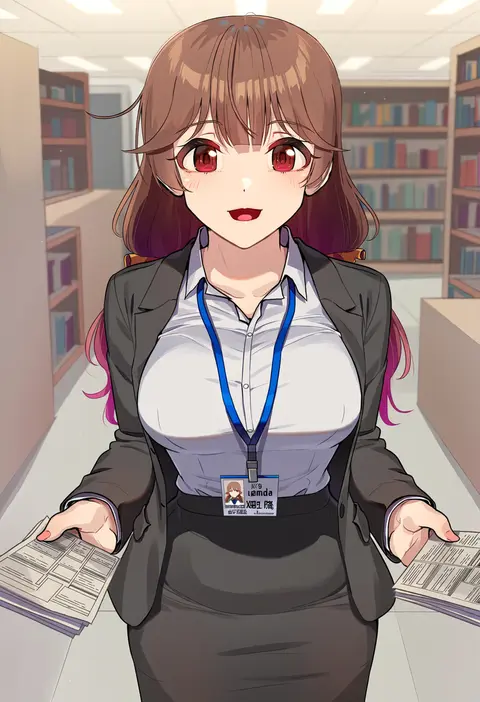
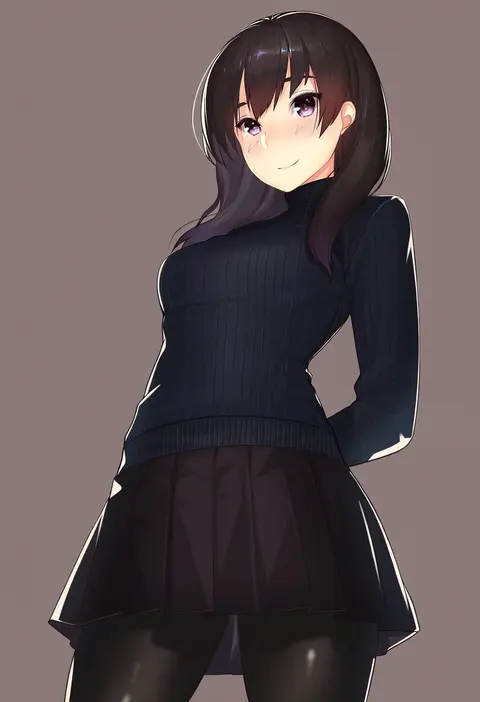
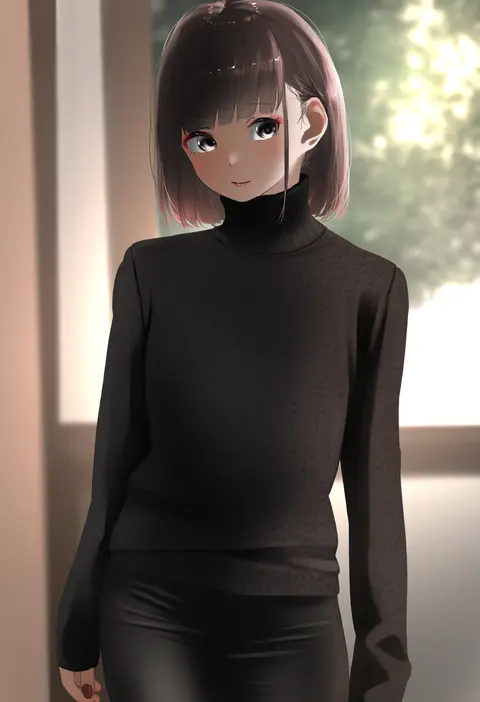
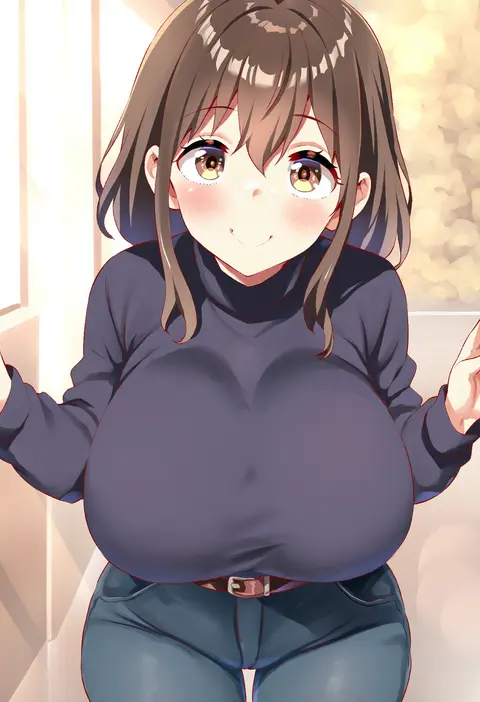
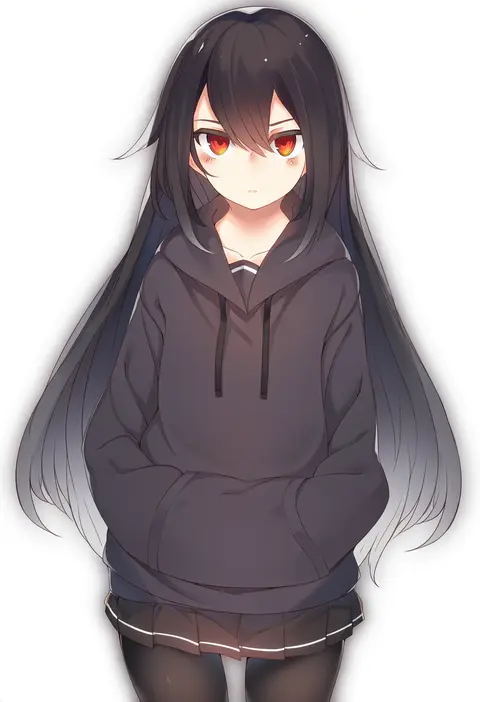
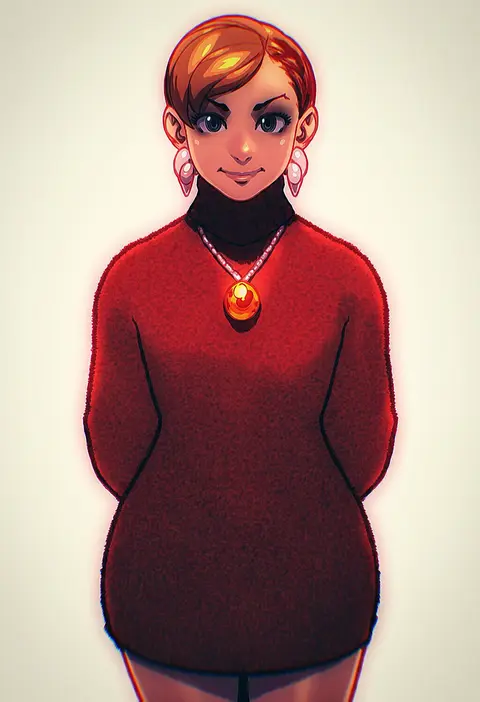
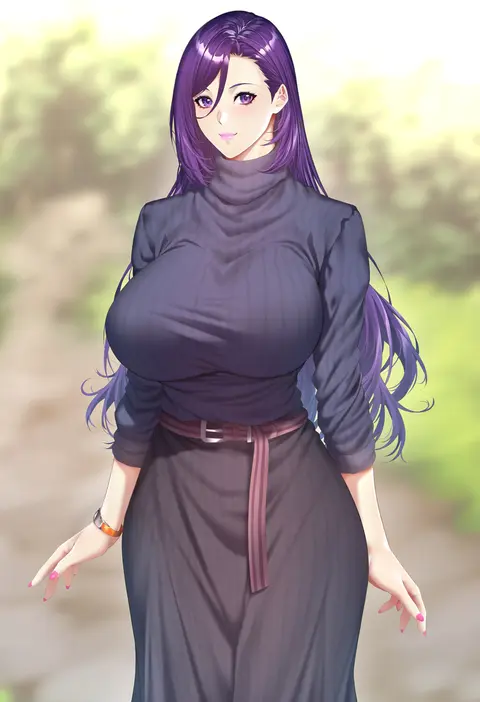
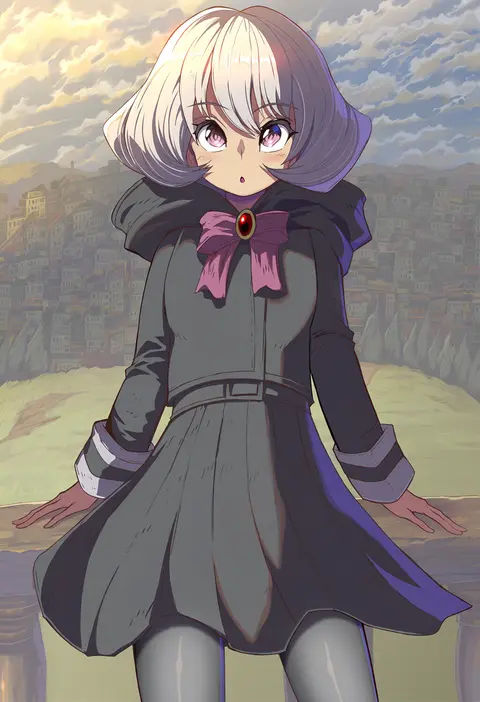
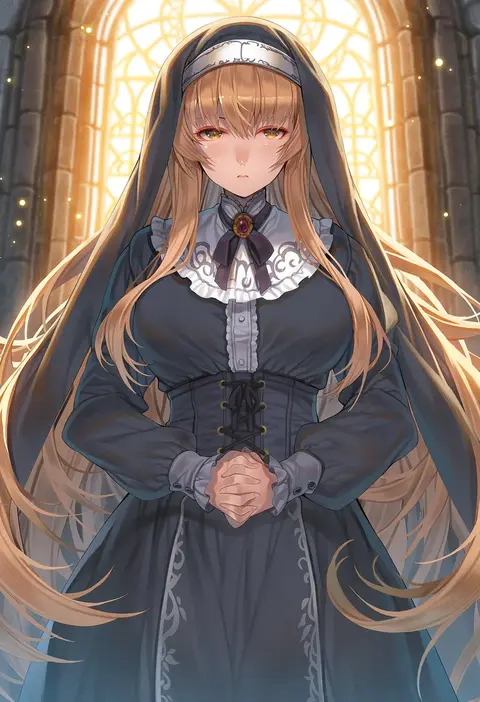
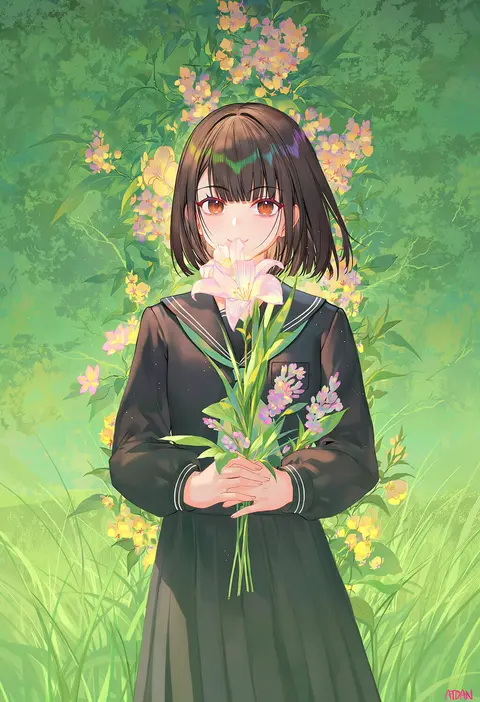
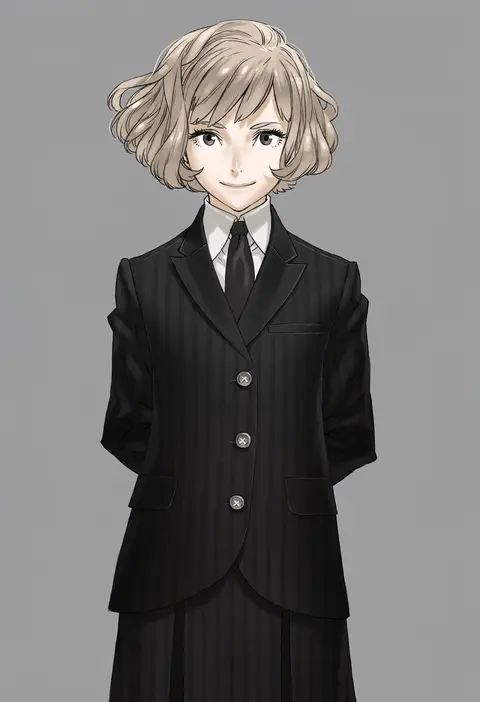
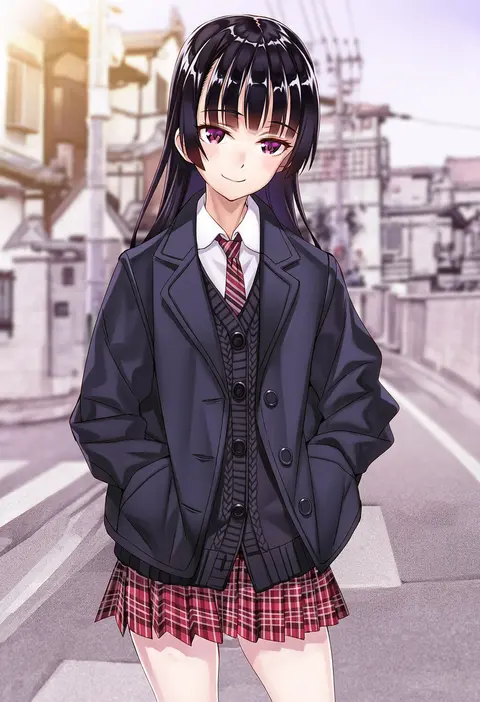
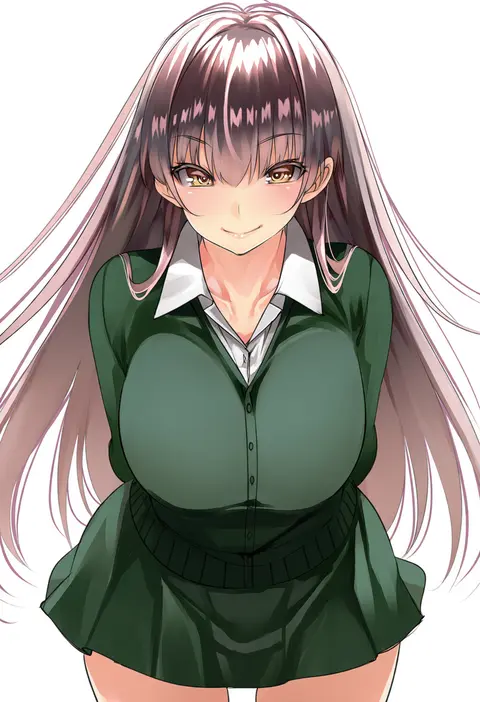
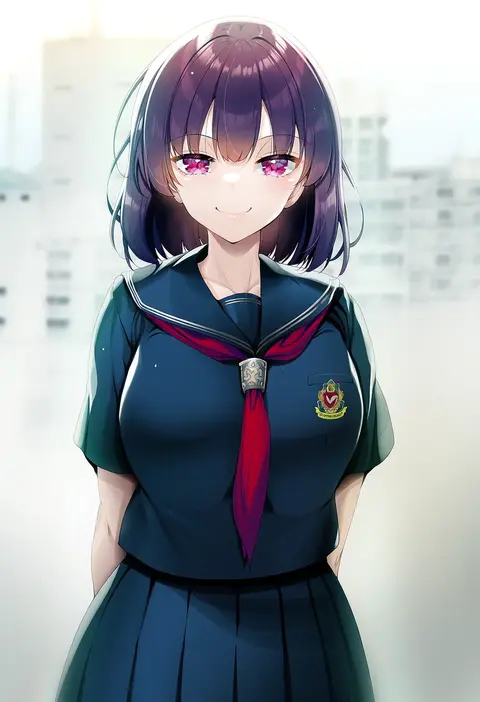
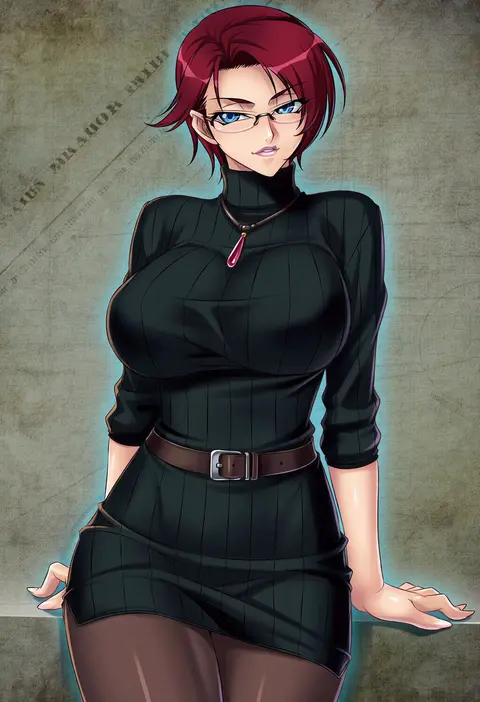
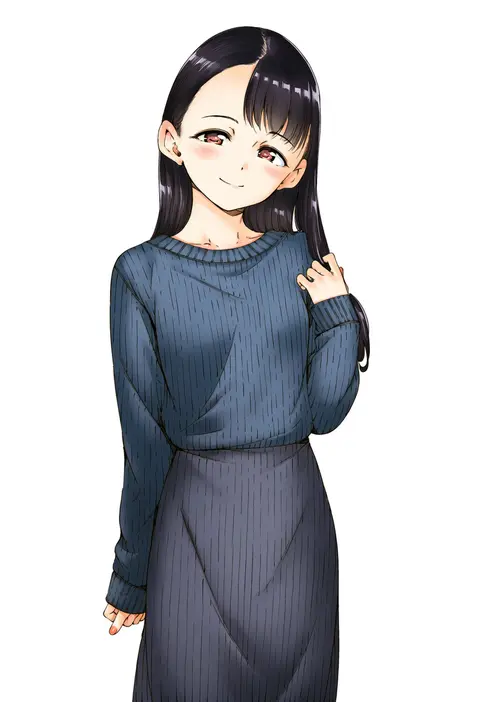
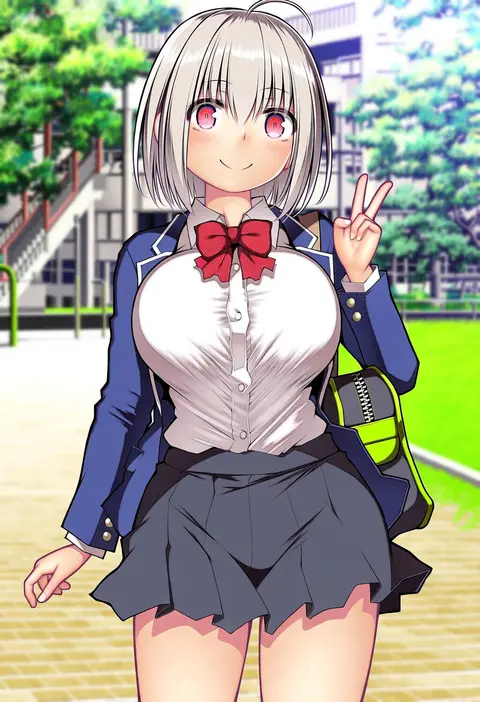
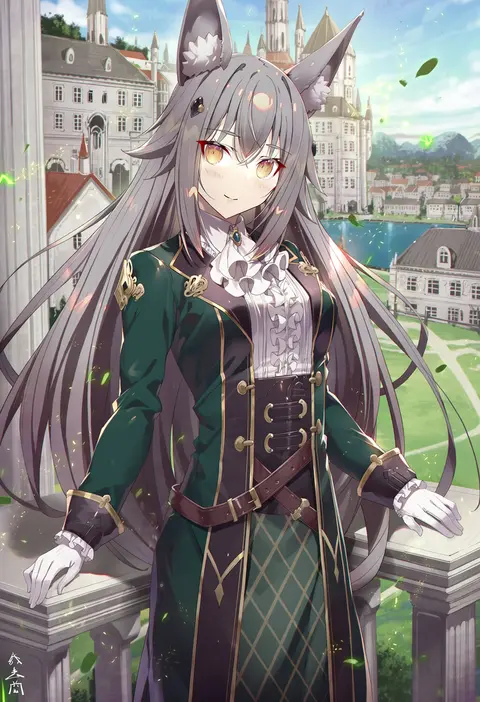
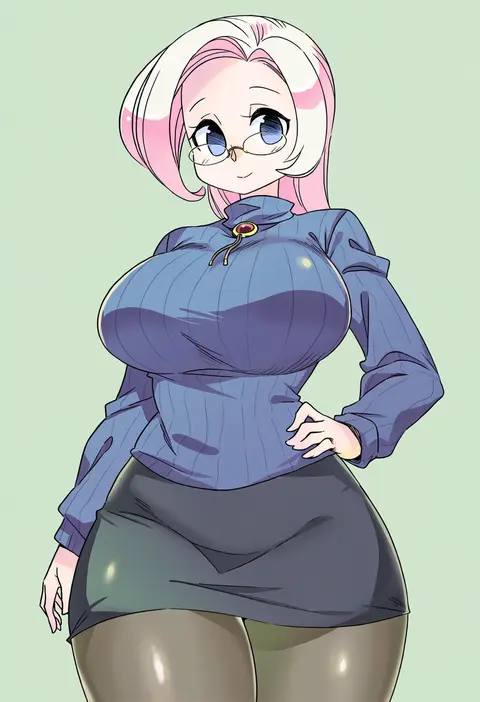
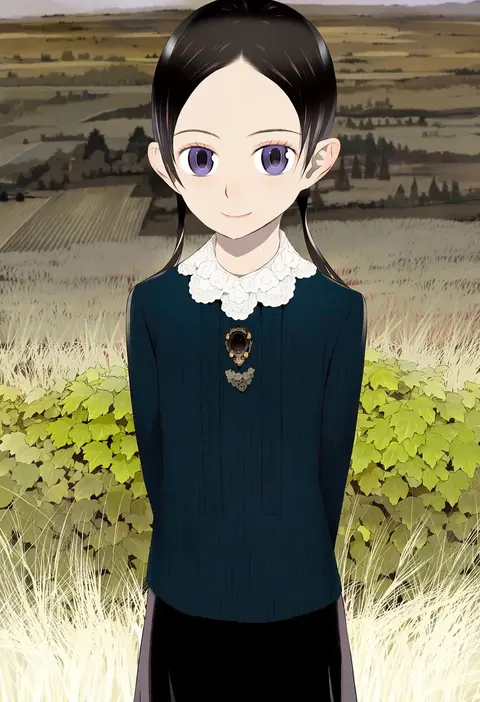
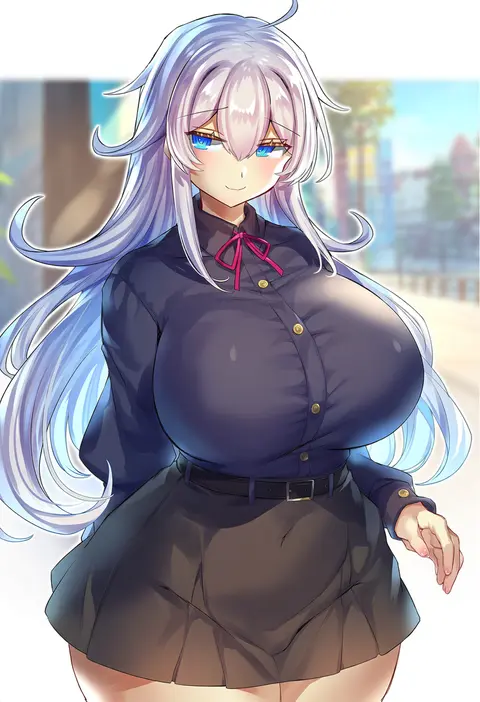
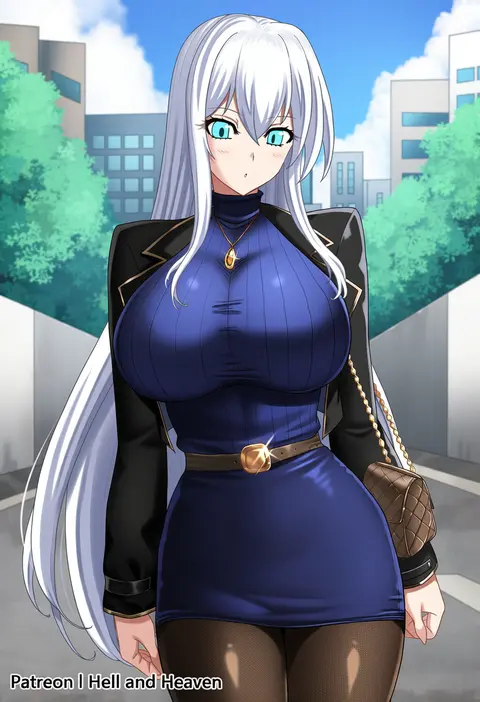
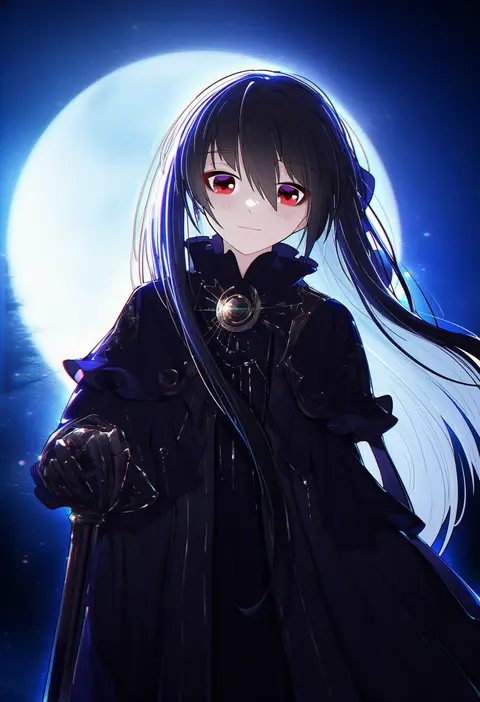
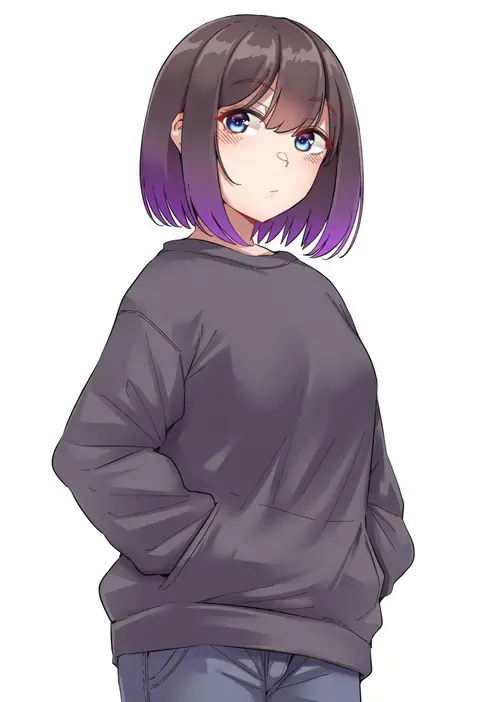
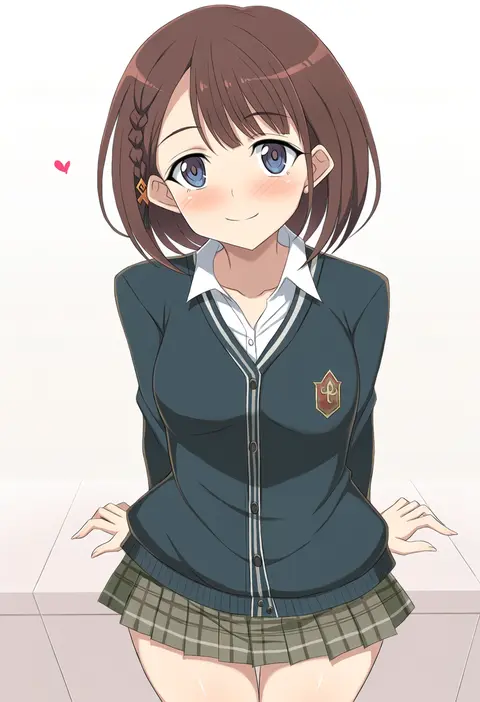
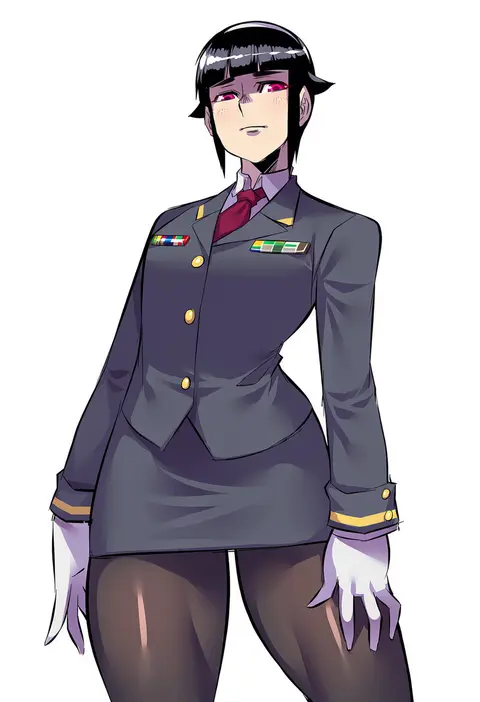
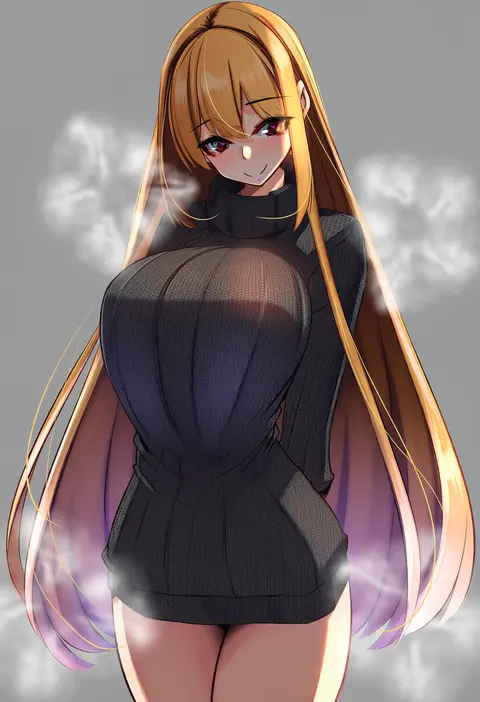
Artist tags tell NovelAI Diffusion to draw in a specific artist's style: line weight, paint texture, face shapes and palette all shift at once. Character and outfit tags decide what is drawn; artist tags decide how. 2,556 tags are listed for V5.
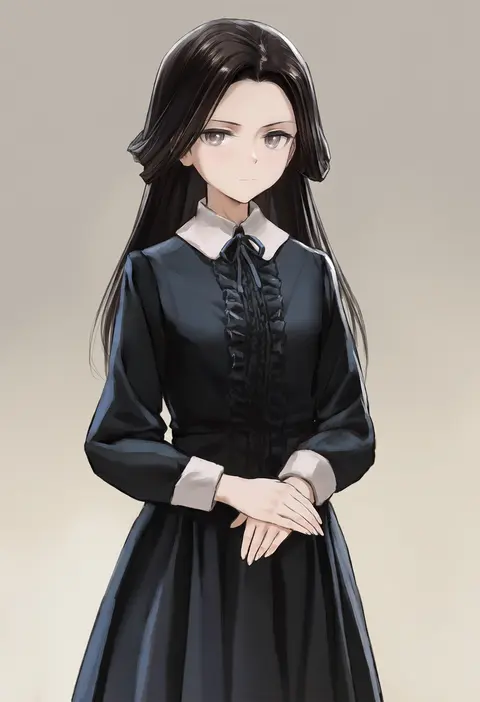
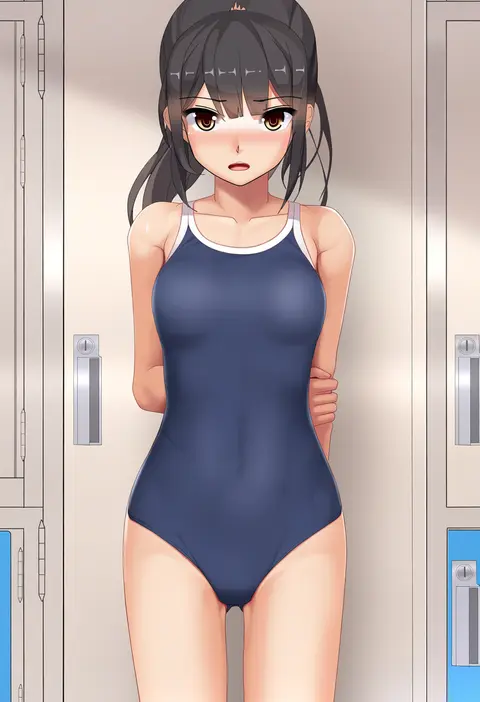
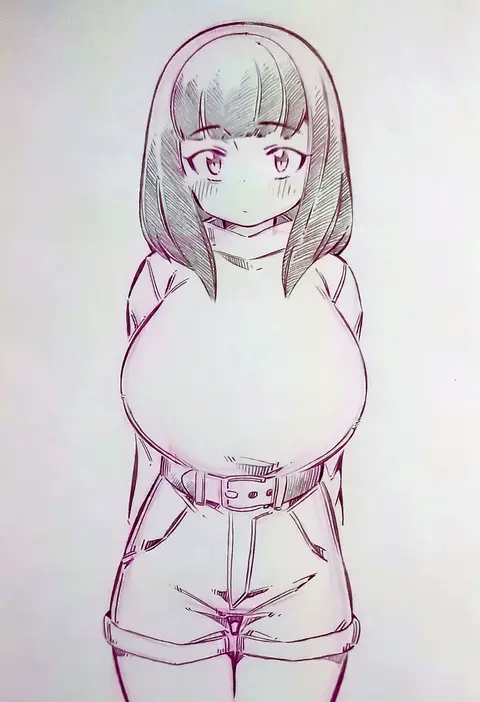
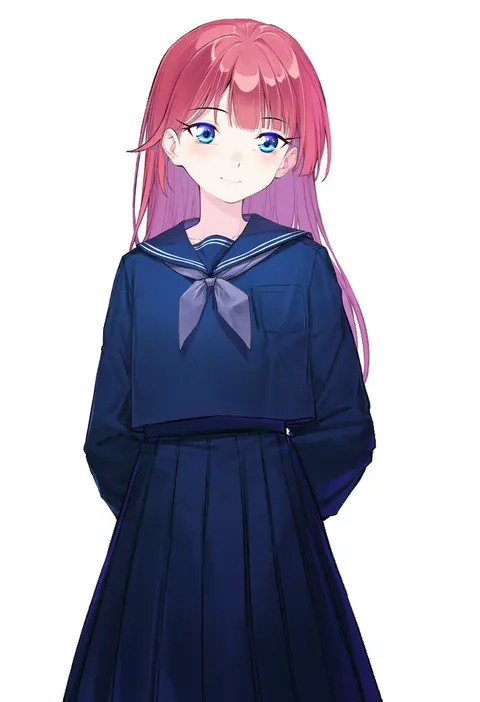
Every tag listed here is verified to react in NovelAI. All images use the same prompt, seed and settings with only the artist tag swapped, so the difference between two images is the style that tag brings in.

How to use them

Put the artist tag near the front of the prompt, e.g. "<artist>, 1girl, solo, best quality, masterpiece, cowboy shot". Two or three artist tags blend styles; lower the weight with "0.8::<artist>::" when the style overpowers the character.

SCORE sorts by Danbooru's top score, POSTS by post count, FAVS by hearts on this site. Open a card to see V5 and V4.5 side by side on the same seed.

V5 vs V4.5

V5 usually lands closer to the artist's real style, and tags that did nothing on V4.5 often react on V5. V4.5 still fits older and doujin-heavy artists better. Try V5 first, fall back to V4.5.

FAQ

Where does the artist tag go?
Near the front of the prompt. Use "0.8::tag::" to adjust its weight.

Can I stack artist tags?
Yes, styles blend. Past two or three the result stops looking like anyone.

Are these the artists' own works?
No. Every image is a NovelAI sample generated from the tag.