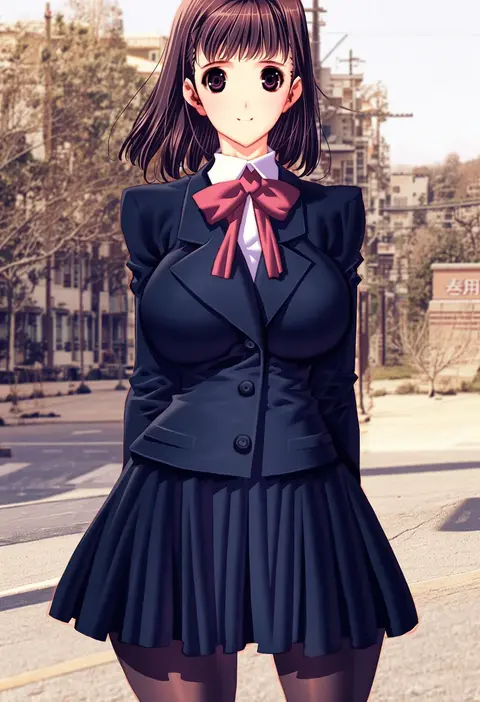
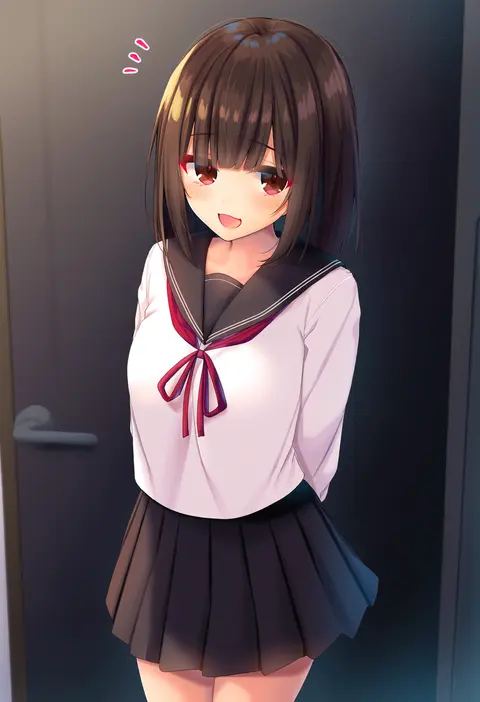
V5Artists
sort: FAVS▾
▾
>
$

NovelAI V5 Artist Tags List

artist --count 2,536[30/43]
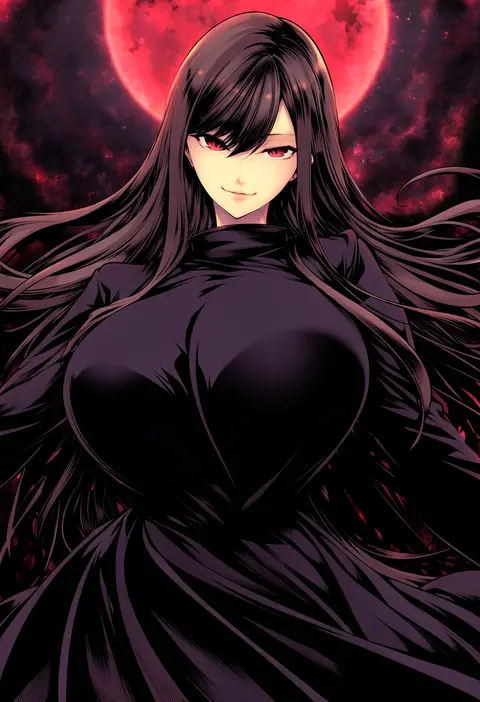
chado
ARTIST0x06CC
0
guin guin
ARTIST0x06CD
0
dr rex
ARTIST0x06CE
0
kiri futoshi
ARTIST0x06CF
0
nakajima yuka
ARTIST0x06D0
0
po-ju
ARTIST0x06D1
0
twrlare
ARTIST0x06D2
0
miwano rag
ARTIST0x06D3
0
kayahara
ARTIST0x06D4
0
asiri senpai
ARTIST0x06D5
0
sugimura tomokazu
ARTIST0x06D6
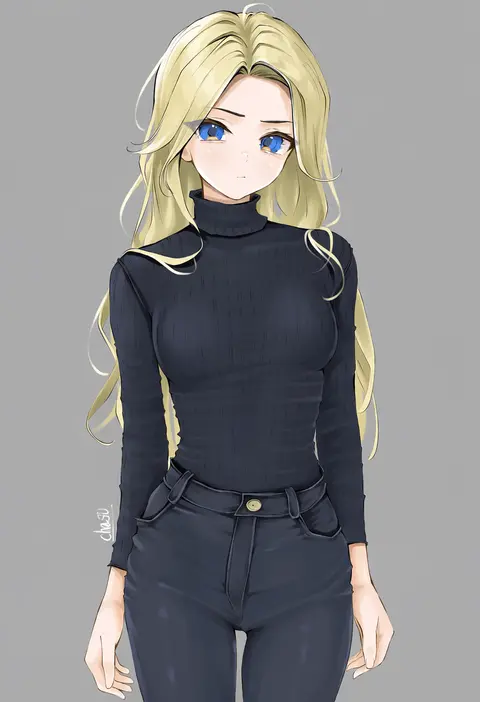
0
chaesu
ARTIST0x06D7
0
yuzuna hiyo
ARTIST0x06D8
0
non (z-art)
ARTIST0x06D9
0
koflif
ARTIST0x06DA
0
rom (20)
ARTIST0x06DB
0
shirotsumekusa
ARTIST0x06DC
0
habsida (habsida hpy)
ARTIST0x06DD
0
chikuwa.
ARTIST0x06DE
0
shin (new)
ARTIST0x06DF
0
yadokari genpachirou
ARTIST0x06E0
0
chyko
ARTIST0x06E1
0
aoki shizumi
ARTIST0x06E2
0
nonohara miki
ARTIST0x06E3
0
tukiwani
ARTIST0x06E4
0
takiki
ARTIST0x06E5
0
fir3born
ARTIST0x06E6
0
uni mate
ARTIST0x06E7
0
ikegami akane
ARTIST0x06E8
0
kujou danbo
ARTIST0x06E9
0
tandohark
ARTIST0x06EA
0
souryu
ARTIST0x06EB
0
suien
ARTIST0x06EC
0
kizuki aruchu
ARTIST0x06ED
0
kawata hisashi
ARTIST0x06EE
0
rinotuna
ARTIST0x06EF
0
y.ssanoha
ARTIST0x06F0
0
porforever
ARTIST0x06F1
0
dars (recolors)
ARTIST0x06F2
0
fuumi (radial engine)
ARTIST0x06F3
0
gazing eye
ARTIST0x06F4
0
pairan
ARTIST0x06F5
0
yasumo (kuusouorbital)
ARTIST0x06F6
0
jinguu (4839ms)
ARTIST0x06F7
0
kara (color)
ARTIST0x06F8
0
yaman
ARTIST0x06F9
0
minew
ARTIST0x06FA
0
maki (seventh heaven maxion)
ARTIST0x06FB
0
wool (miwol)
ARTIST0x06FC
0
kamiya tomoe
ARTIST0x06FD
0
komi zumiko
ARTIST0x06FE
0
illu (illu stratos)
ARTIST0x06FF
0
noshimurin
ARTIST0x0700
0
naruse mai
ARTIST0x0701
0
ido (teketeke)
ARTIST0x0702
0
kamogawa tanuki
ARTIST0x0703
0
nigo (aozoragarou)
ARTIST0x0704
0
tiv
ARTIST0x0705
0
itou ben
ARTIST0x0706
0
ramchi
ARTIST0x0707
0

What these tags change

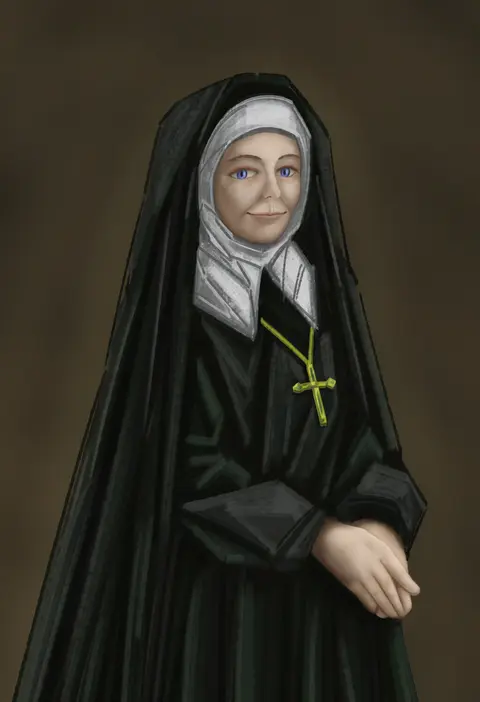
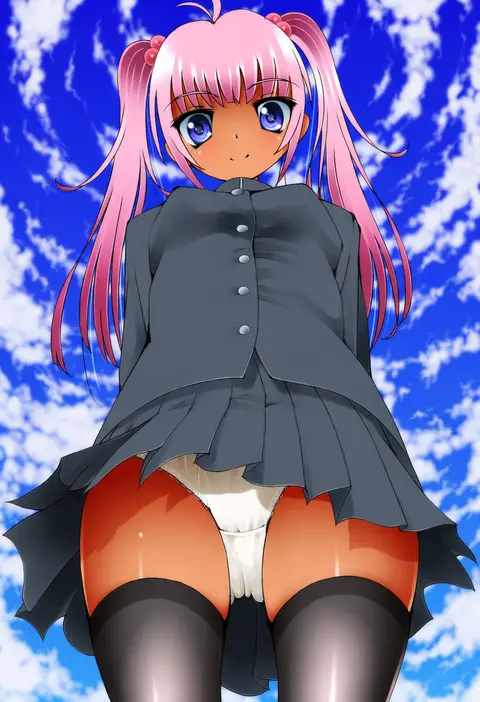
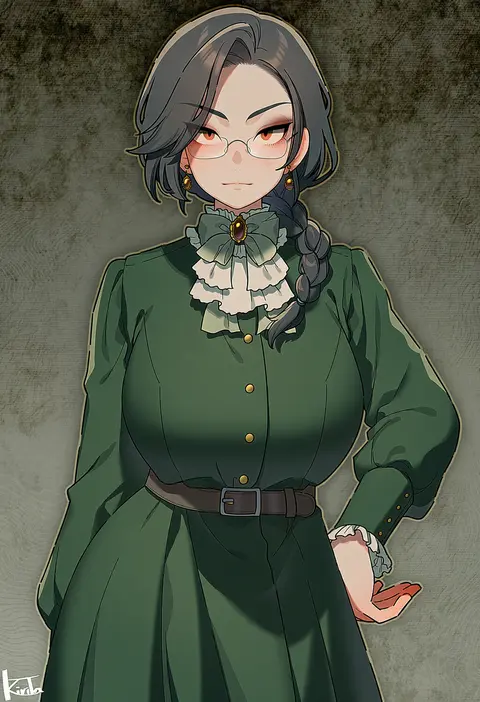
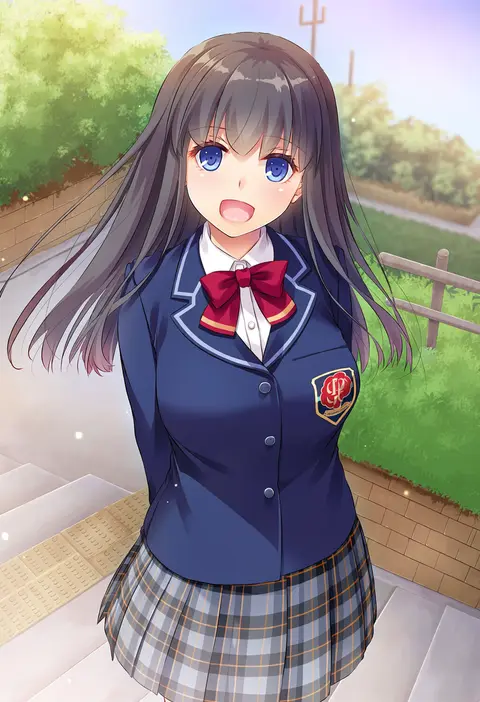
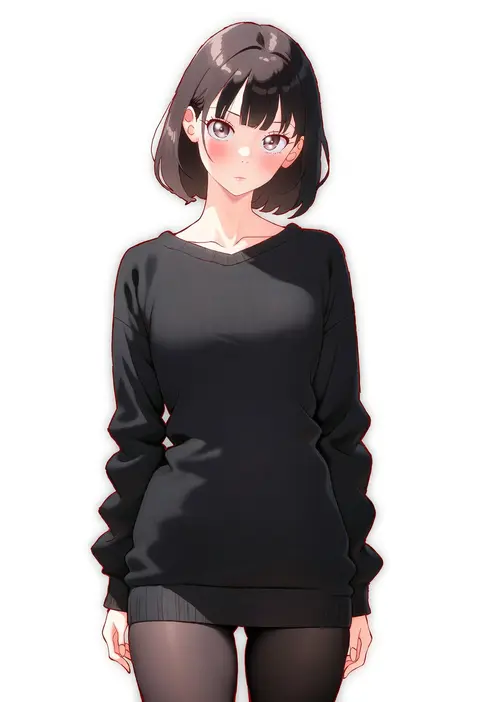
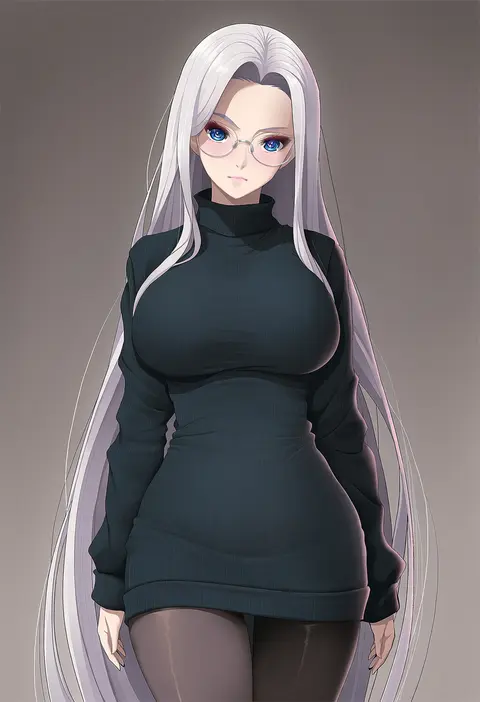
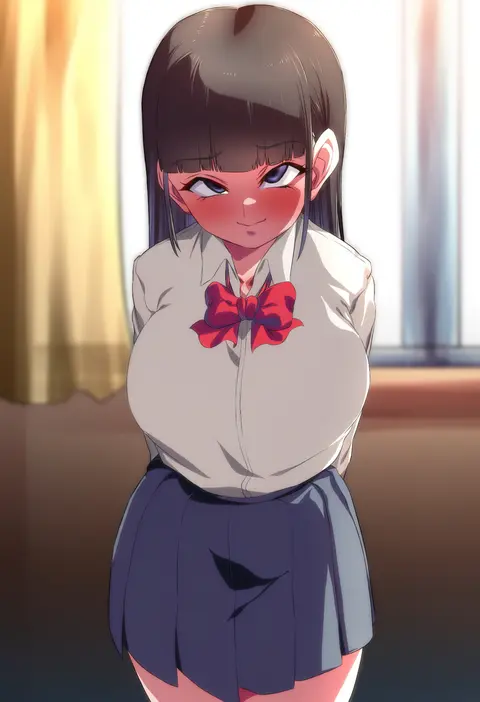
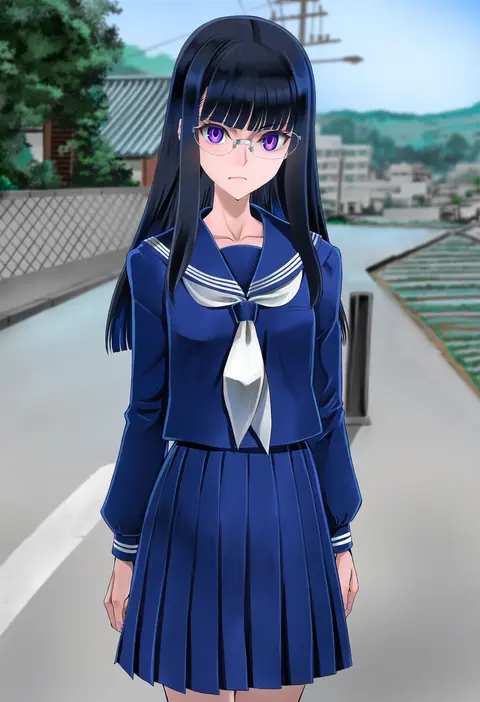
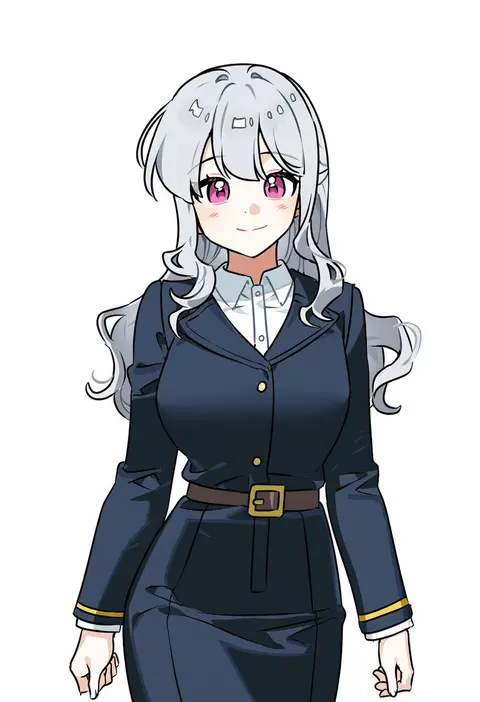
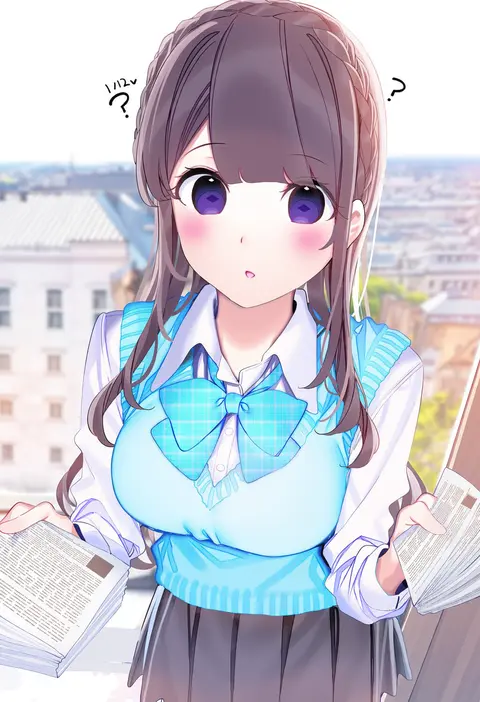
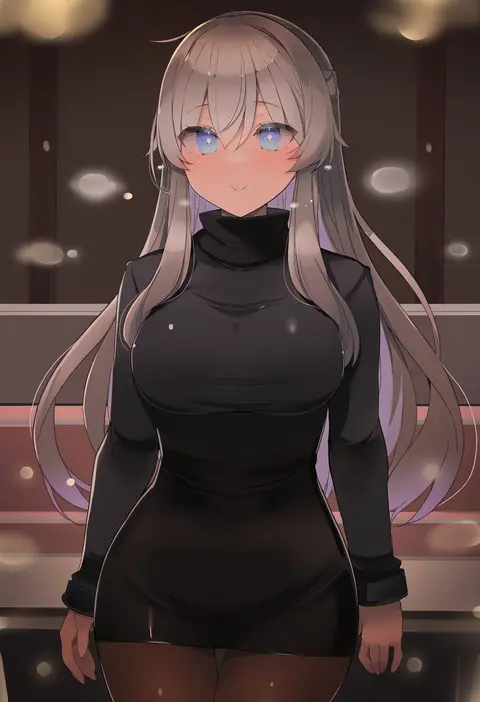
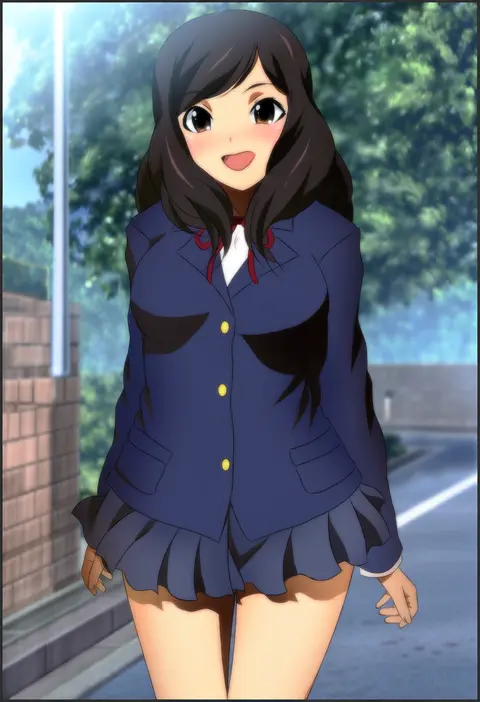
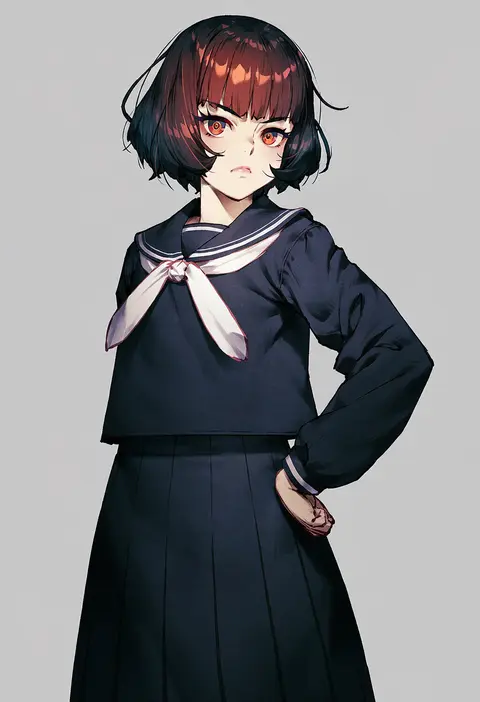
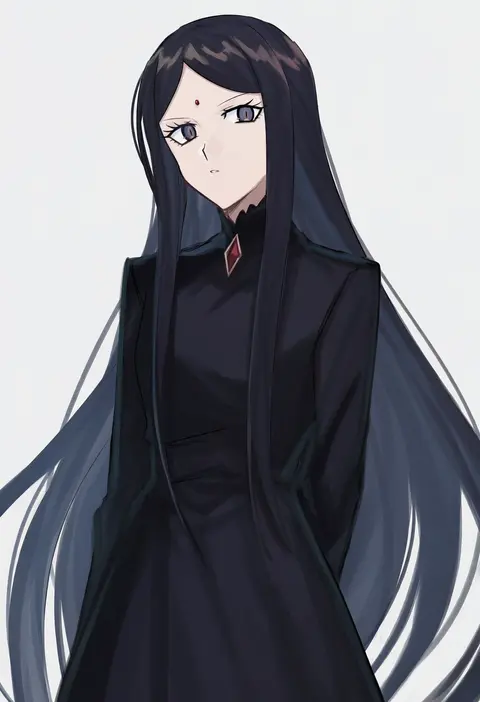
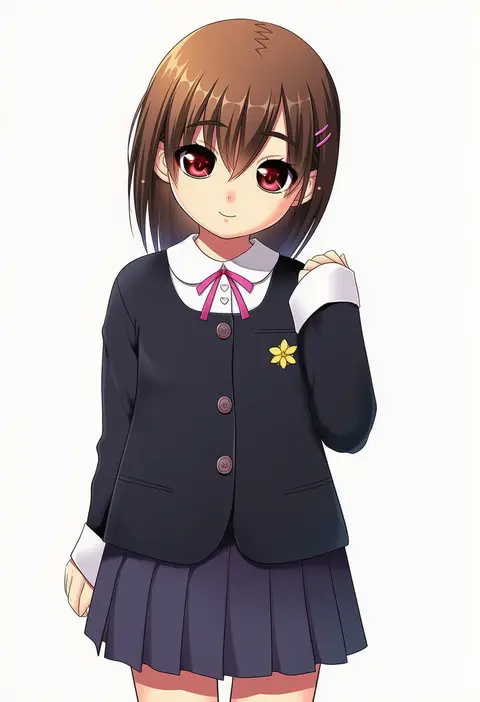
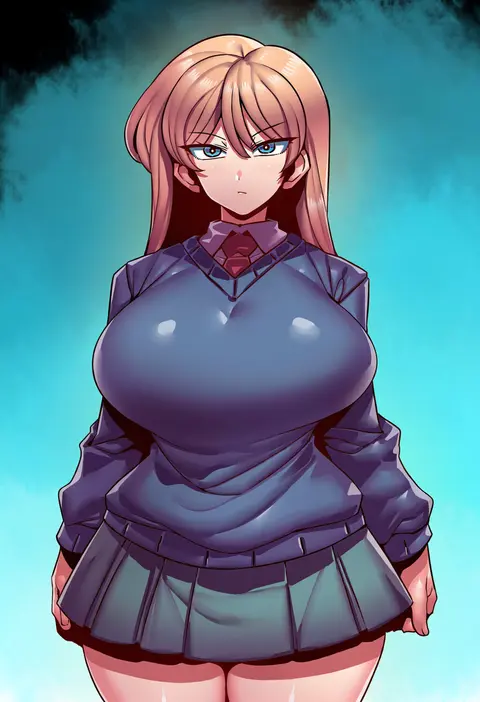
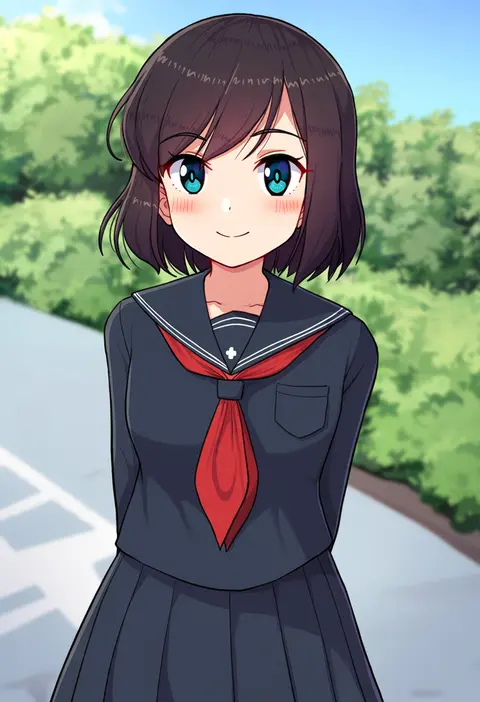
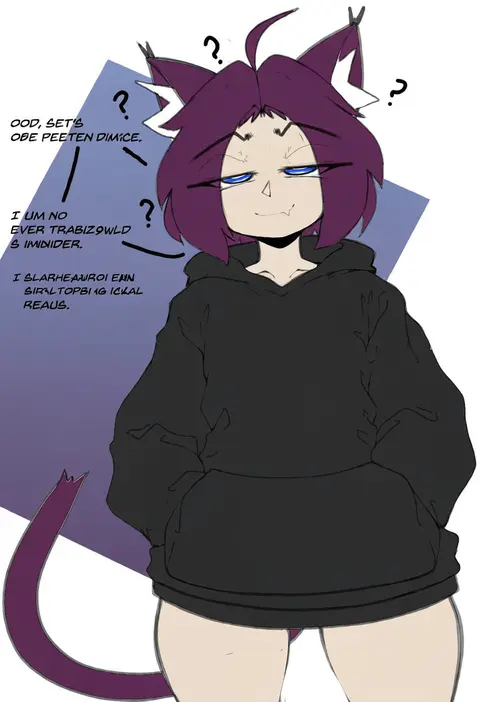
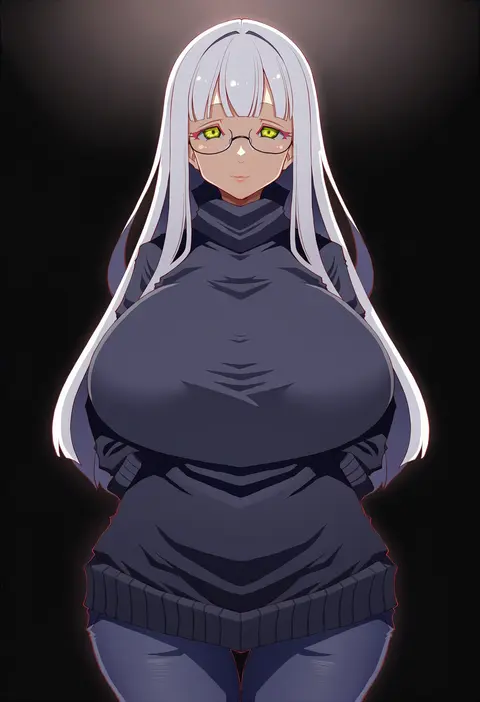
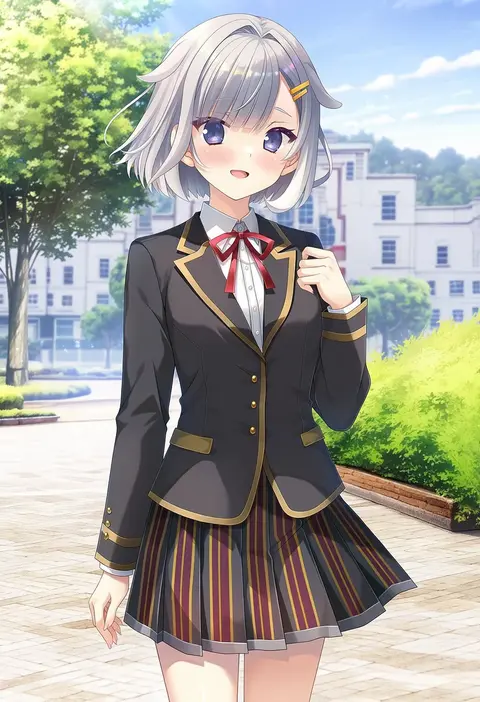
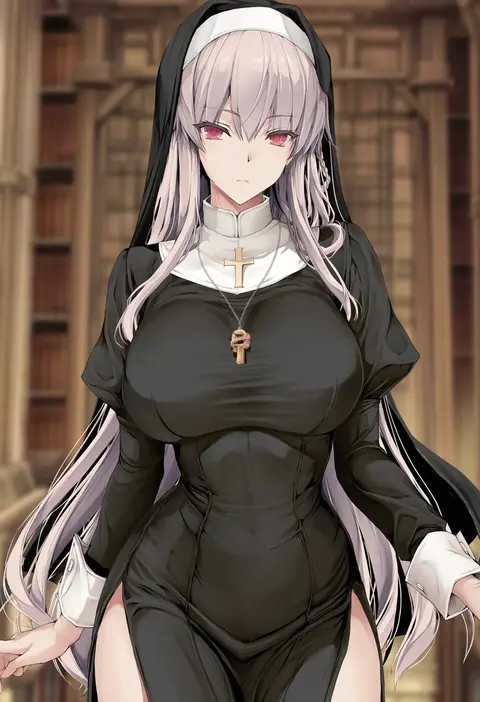
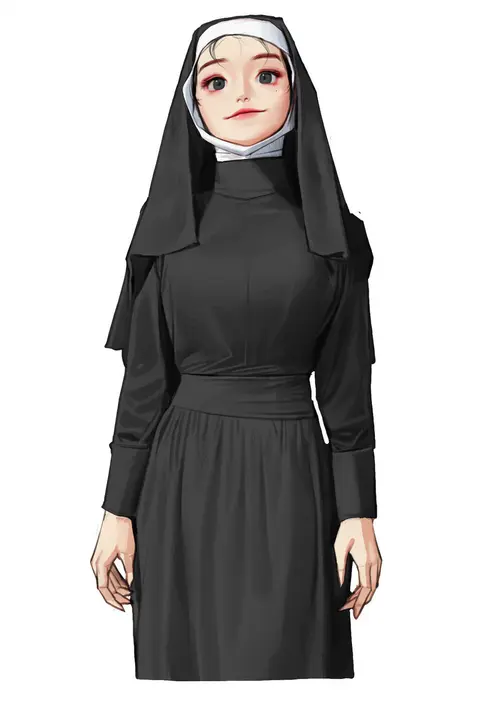
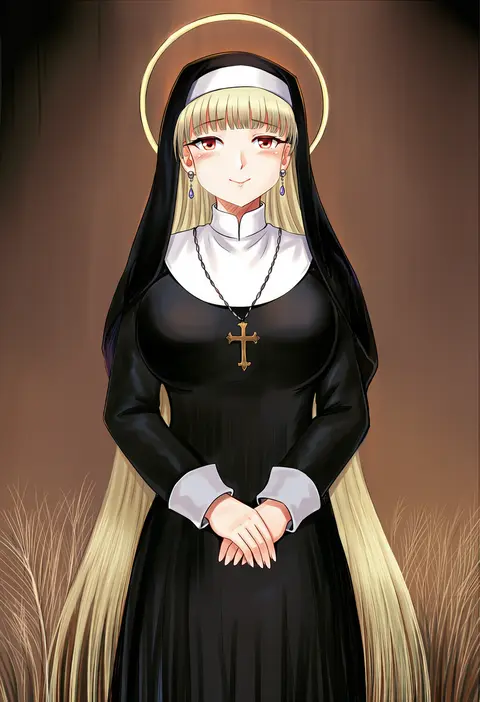
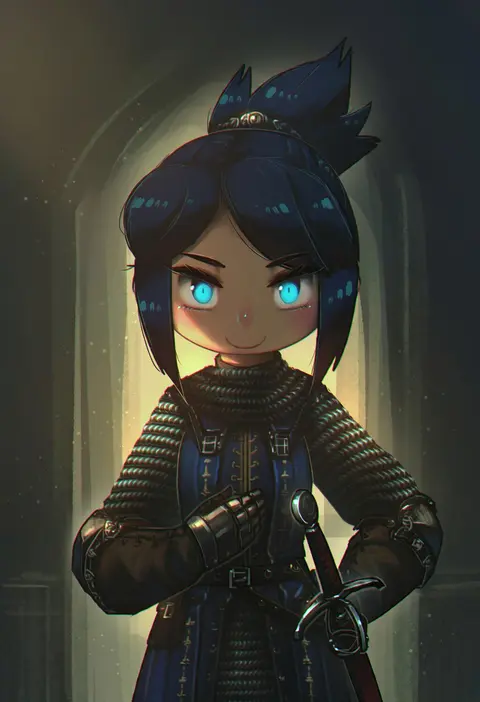
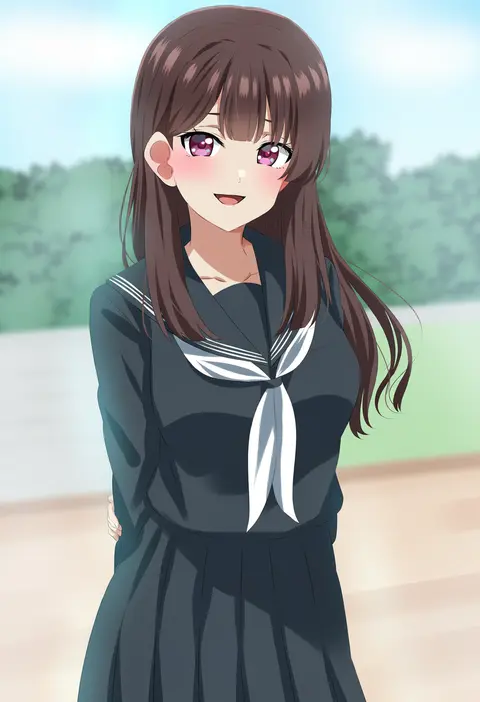
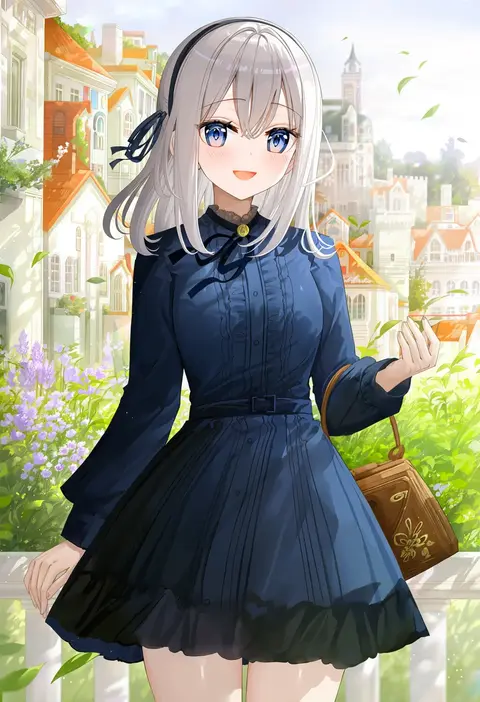
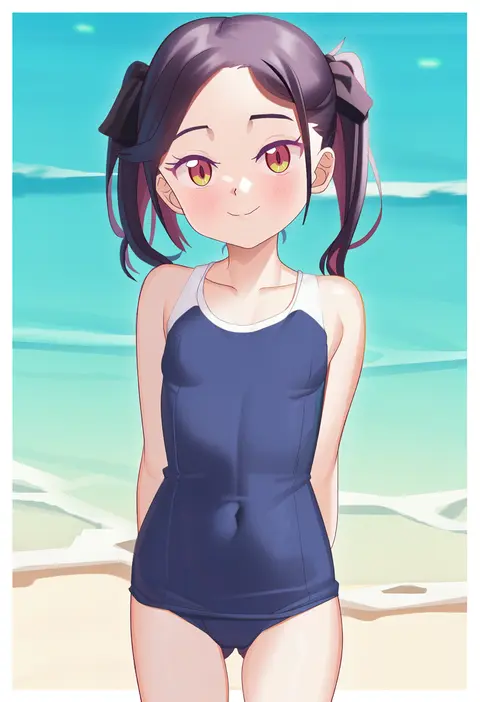
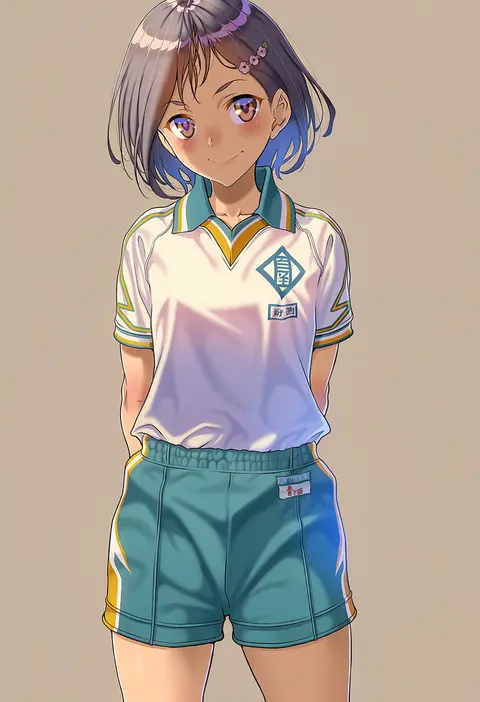
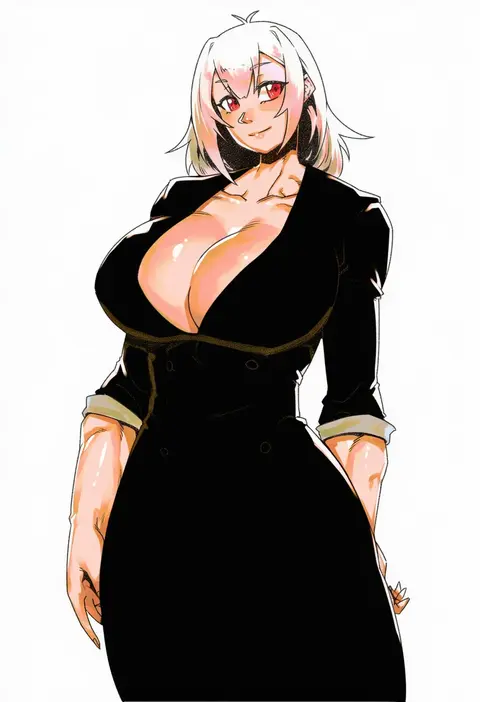
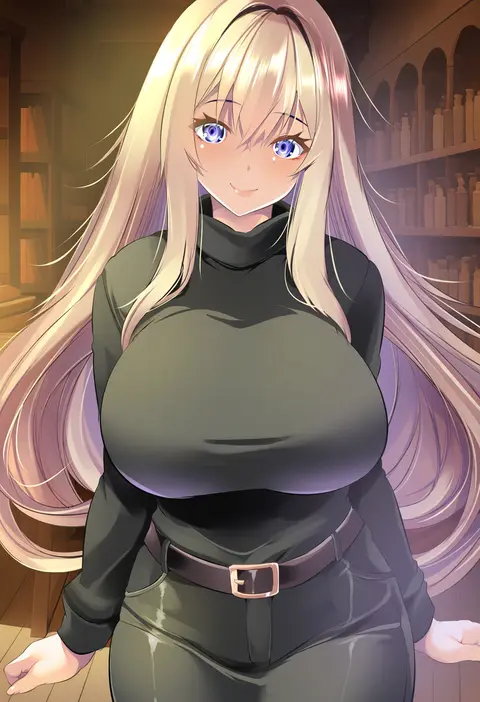
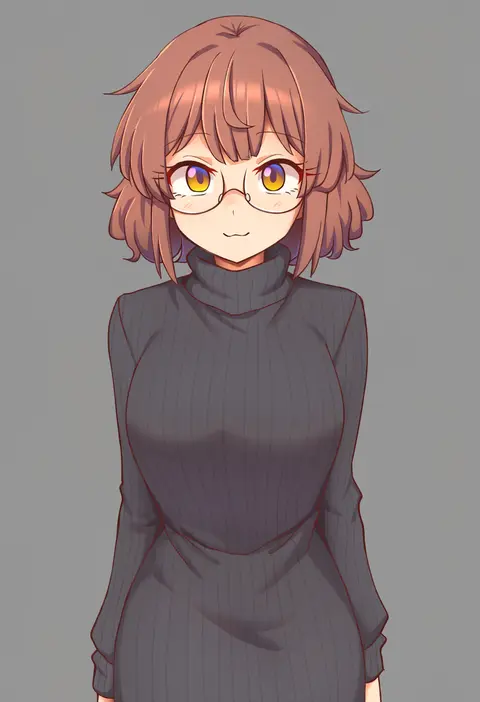
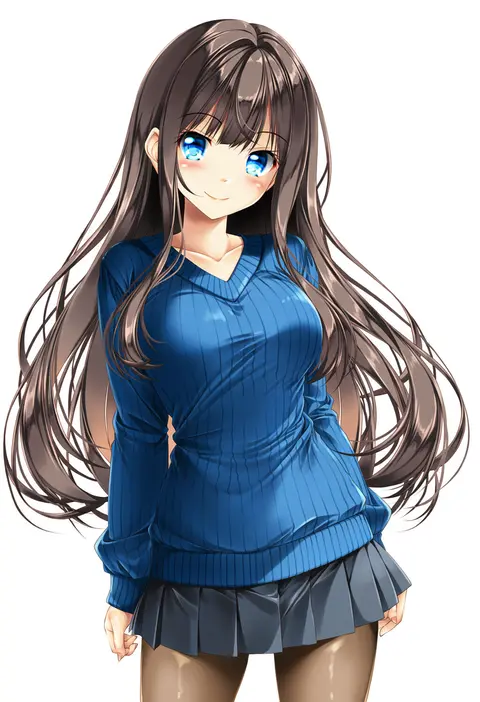
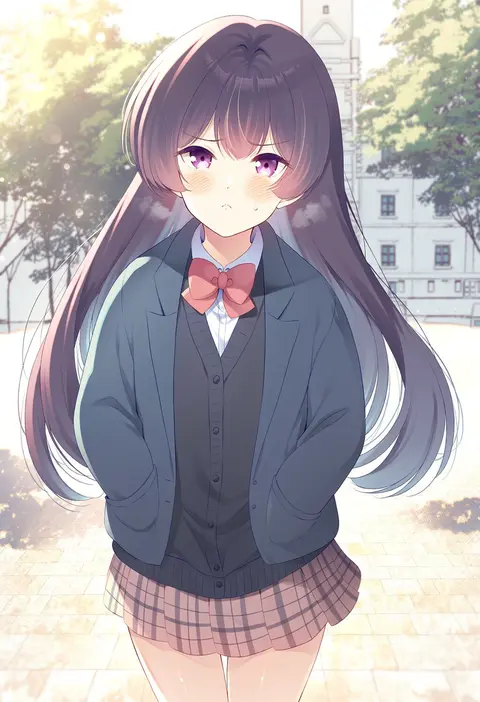
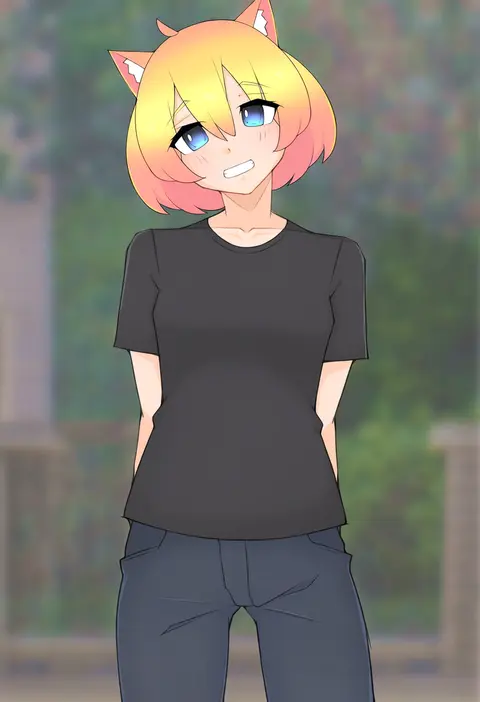
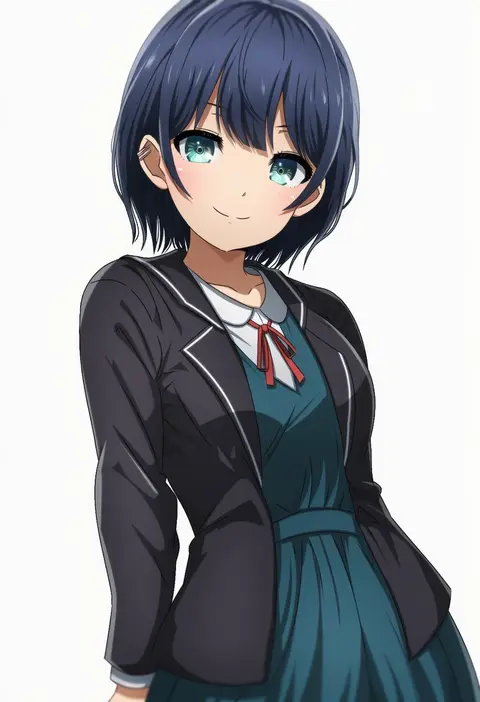
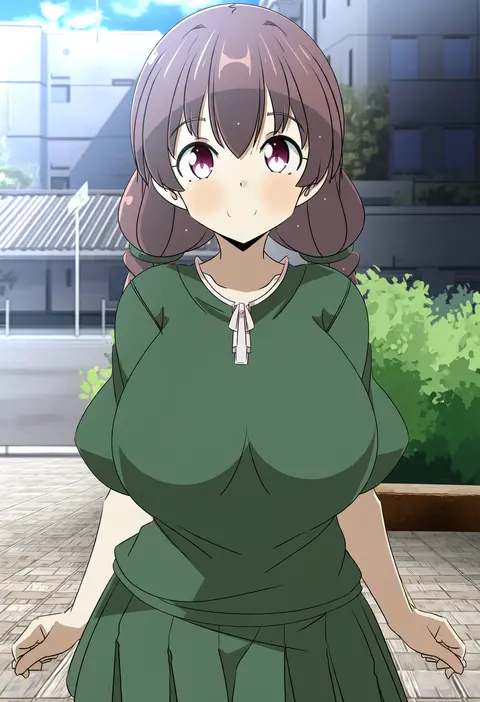
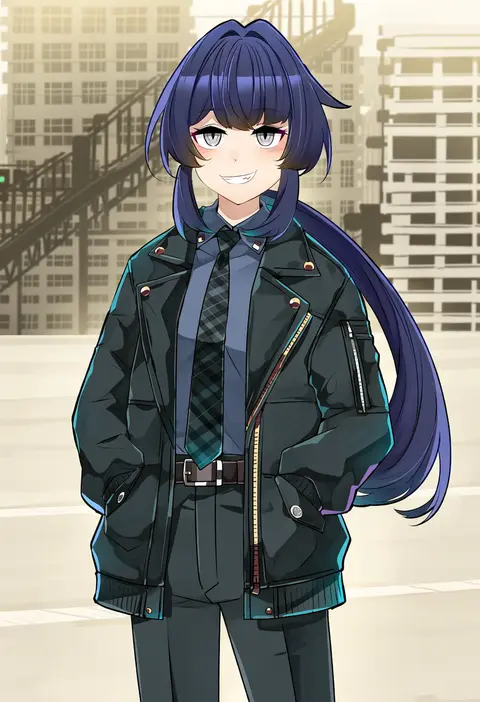
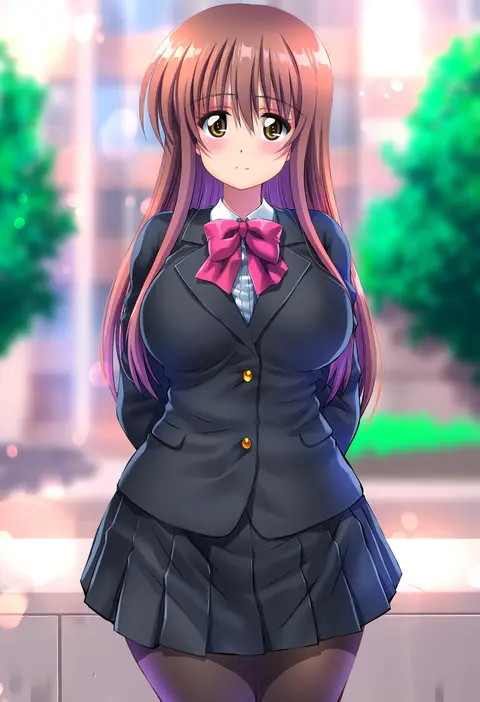
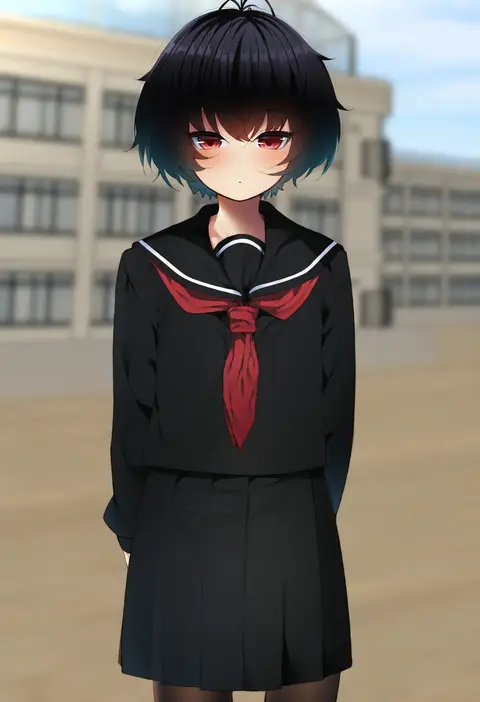
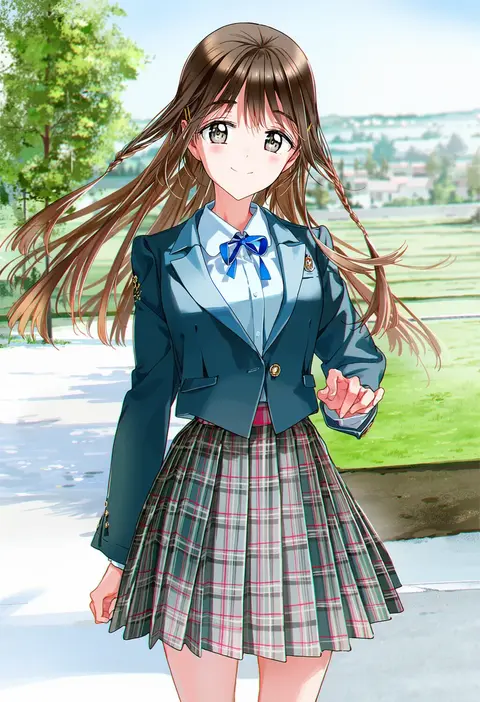
Artist tags tell NovelAI Diffusion to draw in a specific artist's style: line weight, paint texture, face shapes and palette all shift at once. Character and outfit tags decide what is drawn; artist tags decide how. 2,536 tags are listed for V5.
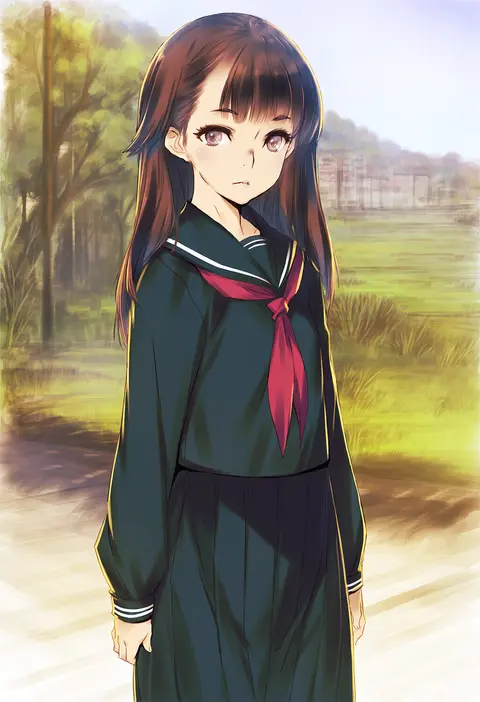
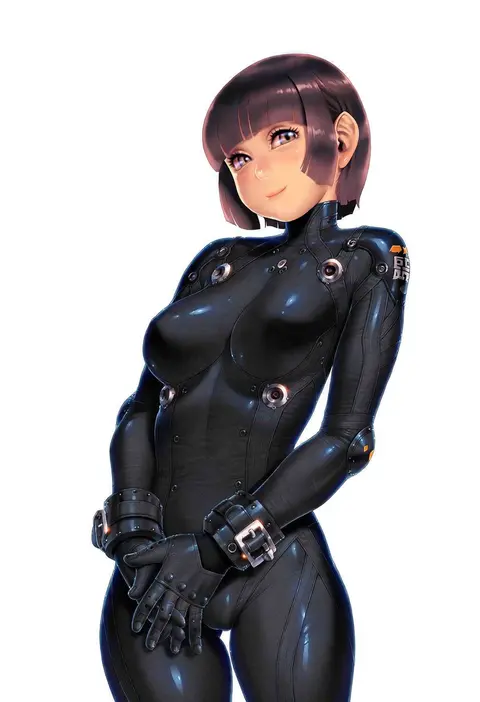
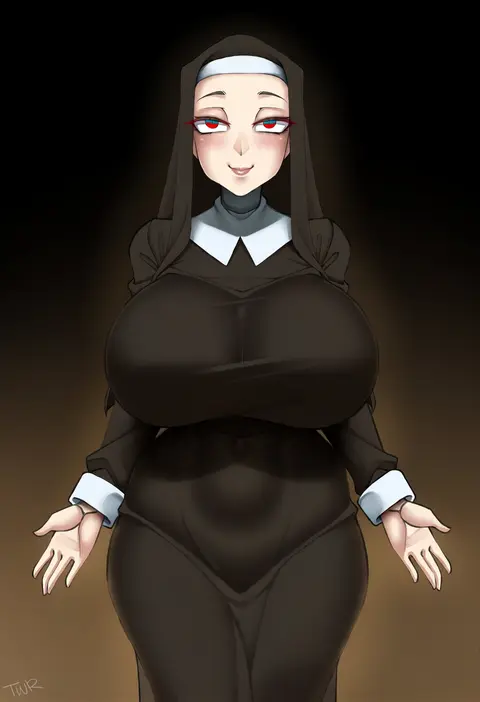
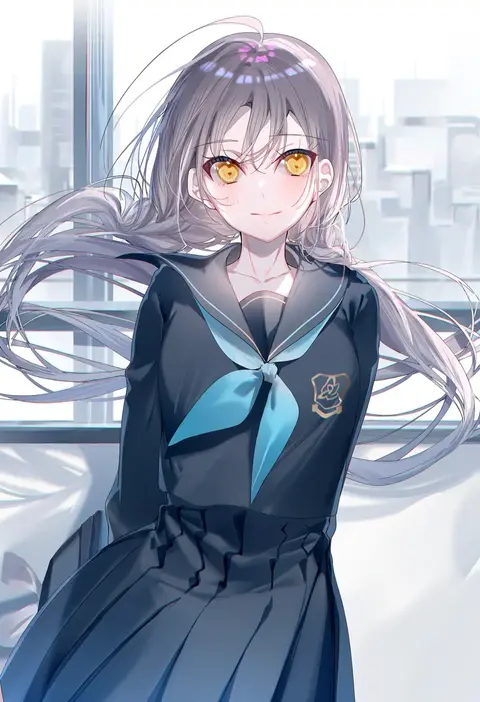
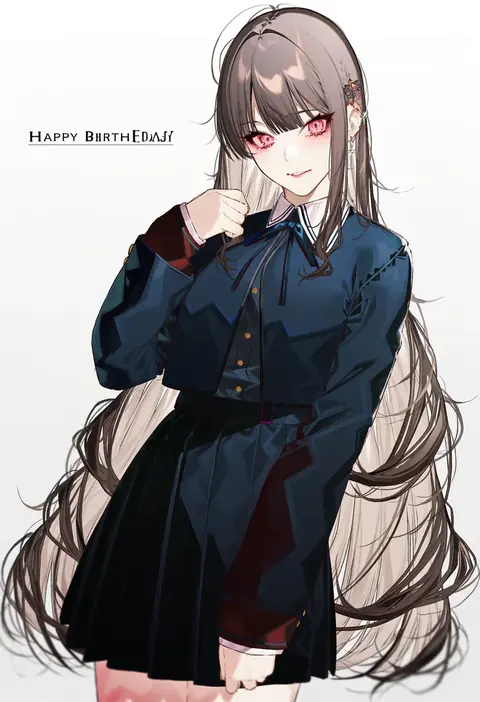
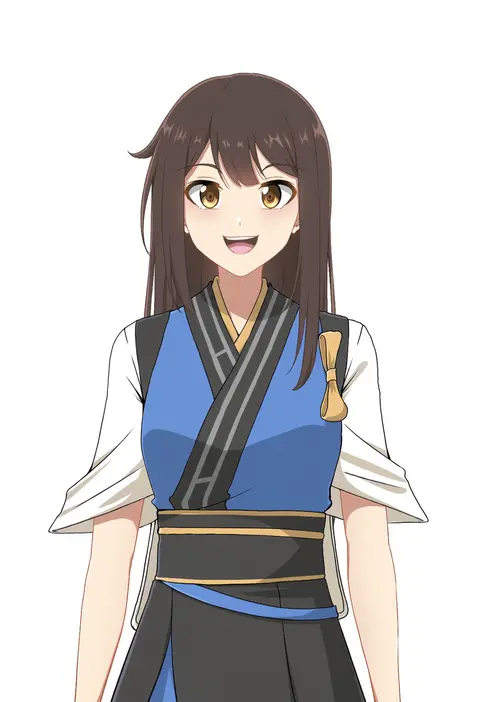
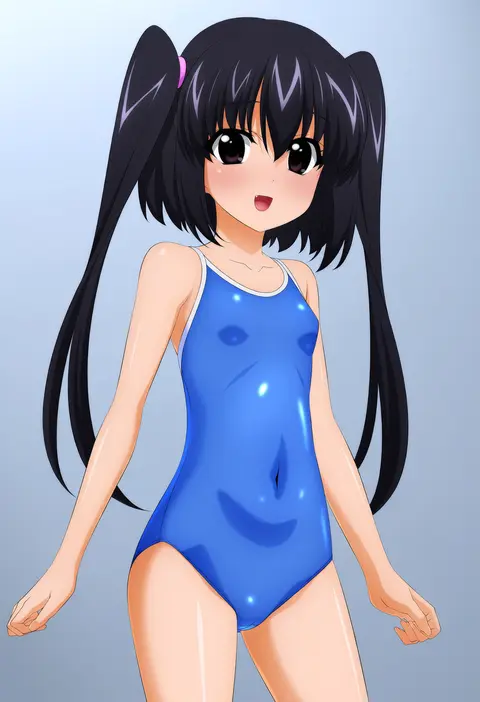
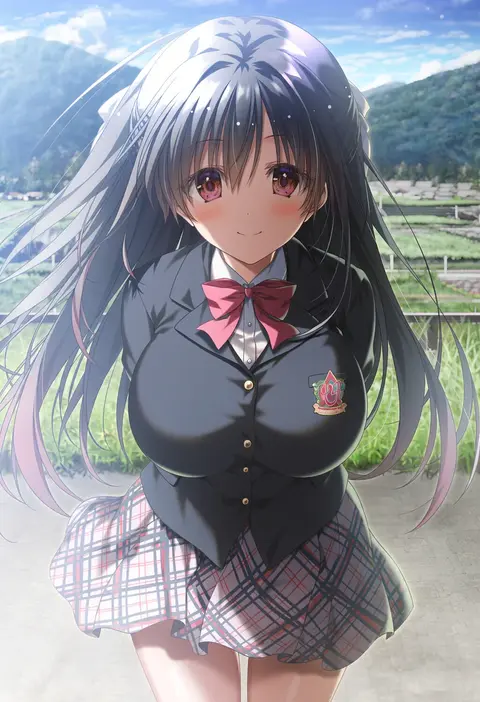
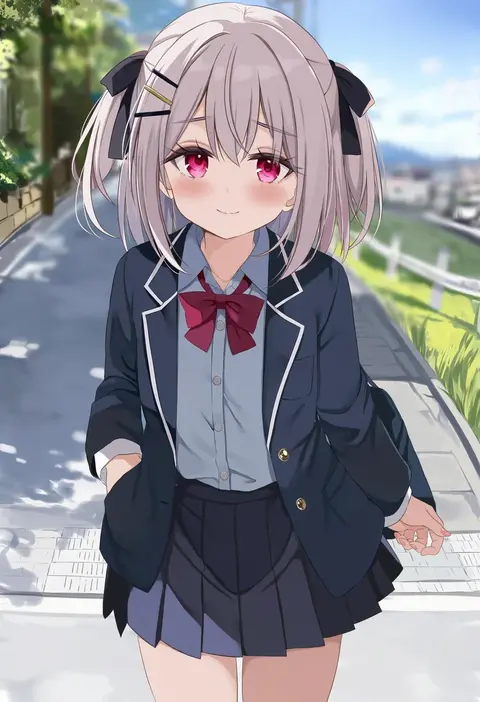
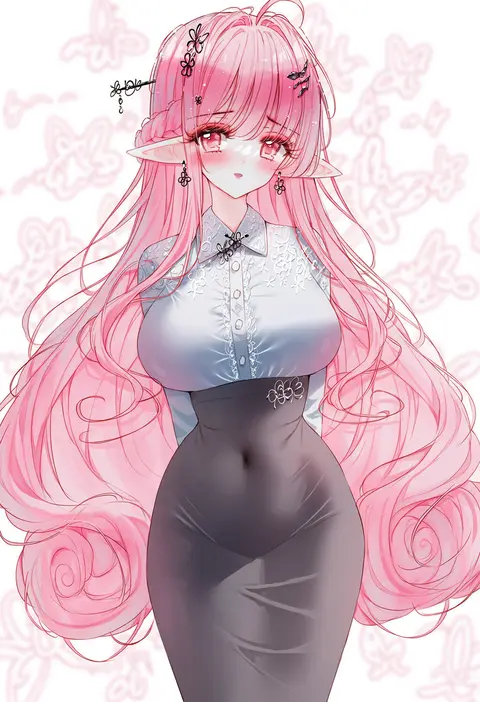
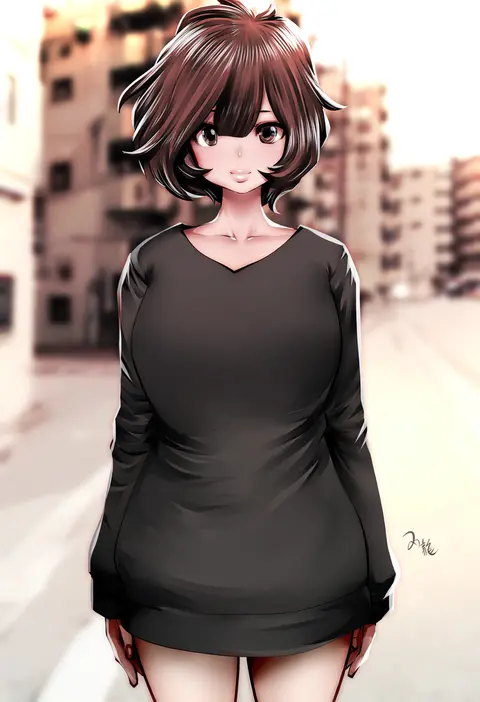
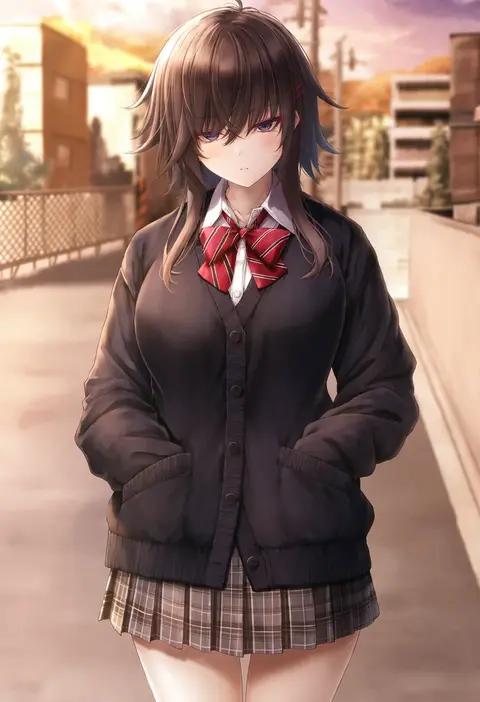
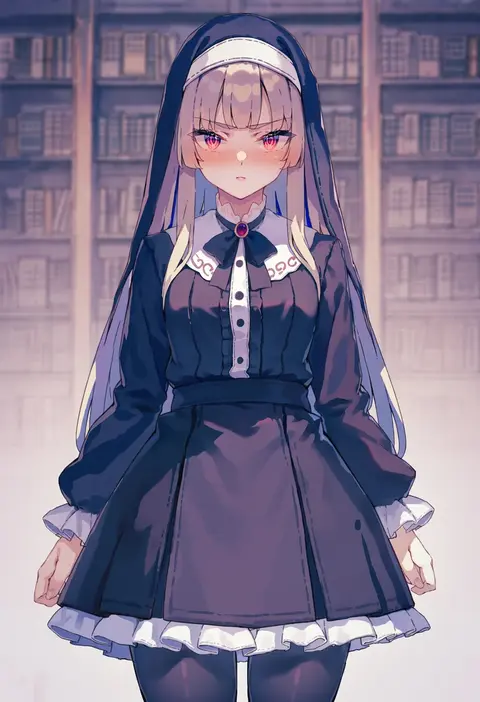
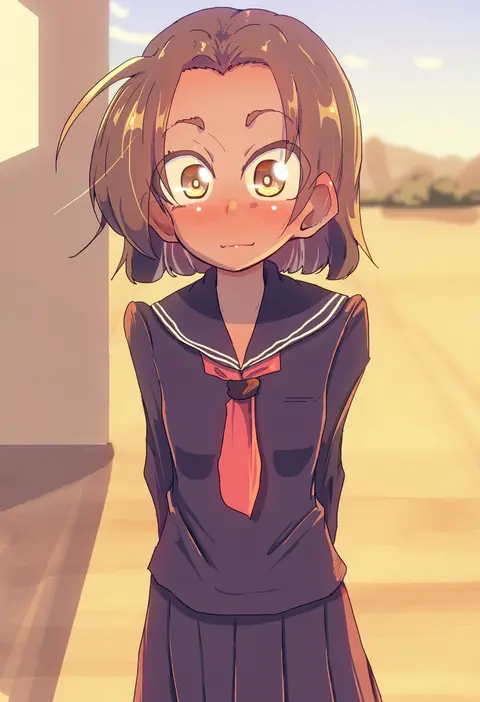
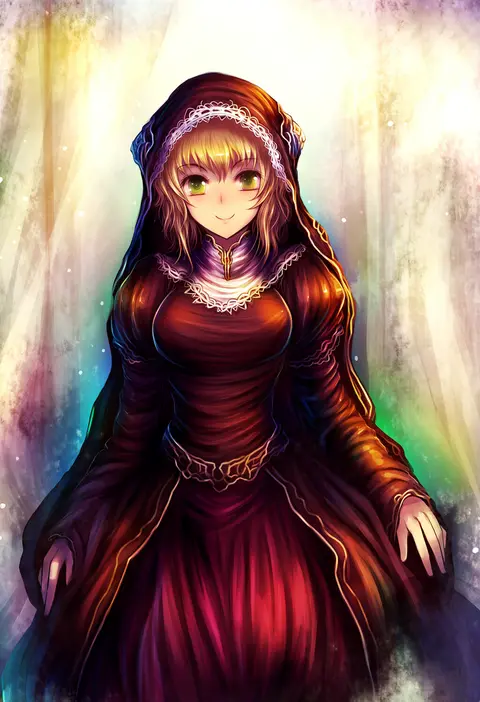
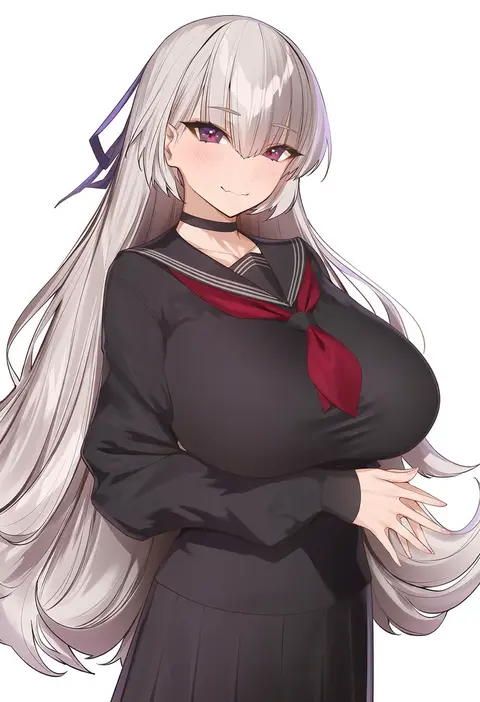
Every tag listed here is verified to react in NovelAI. All images use the same prompt, seed and settings with only the artist tag swapped, so the difference between two images is the style that tag brings in.

How to use them

Put the artist tag near the front of the prompt, e.g. "<artist>, 1girl, solo, best quality, masterpiece, cowboy shot". Two or three artist tags blend styles; lower the weight with "0.8::<artist>::" when the style overpowers the character.

SCORE sorts by Danbooru's top score, POSTS by post count, FAVS by hearts on this site. Open a card to see V5 and V4.5 side by side on the same seed.

V5 vs V4.5

V5 usually lands closer to the artist's real style, and tags that did nothing on V4.5 often react on V5. V4.5 still fits older and doujin-heavy artists better. Try V5 first, fall back to V4.5.

FAQ

Where does the artist tag go?
Near the front of the prompt. Use "0.8::tag::" to adjust its weight.

Can I stack artist tags?
Yes, styles blend. Past two or three the result stops looking like anyone.

Are these the artists' own works?
No. Every image is a NovelAI sample generated from the tag.