V5Artists
sort: FAVS▾
▾
>
$

NovelAI V5 Artist Tags List

artist --count 2,508[32/42]
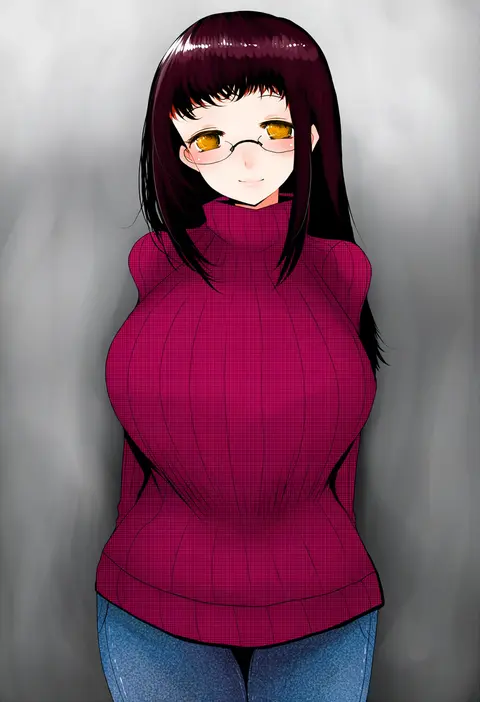
han (jackpot)
ARTIST0x0744
0
noco (adamas)
ARTIST0x0745
0
hiraga matsuri
ARTIST0x0746
0
koyomania
ARTIST0x0747
0
choco chip
ARTIST0x0748
0
oosaki shin'ya
ARTIST0x0749
0
booota
ARTIST0x074A
0
tsukumo (soar99)
ARTIST0x074B
0
yasume yukito
ARTIST0x074C
0
koyubi (littlefinger1988)
ARTIST0x074D
0
kamioka shun'ya
ARTIST0x074E
0
sankuma
ARTIST0x074F
0
peso (cheese company)
ARTIST0x0750
0
futaba miwa
ARTIST0x0751
0
do m kaeru
ARTIST0x0752
0
takeuchi ryousuke
ARTIST0x0753
0
surio
ARTIST0x0754
0
necro (nekurodayo)
ARTIST0x0755
0
molu stranger
ARTIST0x0756
0
aventador
ARTIST0x0757
0
yua (checkmate)
ARTIST0x0758
0
pochimaru (marumaru wanwan)
ARTIST0x0759
0
kokudou juunigou
ARTIST0x075A
0
nobita (makoto7060355)
ARTIST0x075B
0
deetamu
ARTIST0x075C
0
fujitaka nasu
ARTIST0x075D
0
kuroda akimi
ARTIST0x075E
0
anbe yoshirou
ARTIST0x075F
0
advarcher
ARTIST0x0760
0
ragho no erika
ARTIST0x0761
0
t2r
ARTIST0x0762
0
kamezaemon
ARTIST0x0763
0
kojima takeshi
ARTIST0x0764
0
reku
ARTIST0x0765
0
fusu (a95101221)
ARTIST0x0766
0
nakahira guy
ARTIST0x0767
0
suzunone rena
ARTIST0x0768
0
eko
ARTIST0x0769
0
yoon cook
ARTIST0x076A
0
chai (drawingchisanne)
ARTIST0x076B
0
nollety
ARTIST0x076C
0
harusame (unmei no ikasumi)
ARTIST0x076D
0
culter
ARTIST0x076E
0
ichihaya
ARTIST0x076F
0
pako (pakosun)
ARTIST0x0770
0
azuma yuki
ARTIST0x0771
0
nanao naru
ARTIST0x0772
0
chamaji
ARTIST0x0773
0
eromame
ARTIST0x0774
0
criis-chan
ARTIST0x0775
0
minamura haruki
ARTIST0x0776
0
minust
ARTIST0x0777
0
zunkome
ARTIST0x0778
0
ponzu rui
ARTIST0x0779
0
mudou eichi
ARTIST0x077A
0
mikan (chipstar182)
ARTIST0x077B
0
teoi (good chaos)
ARTIST0x077C
0
suzuhira hiro
ARTIST0x077D
0
nishi koutarou
ARTIST0x077E
0
sakuraba yuuki
ARTIST0x077F
0

What these tags change

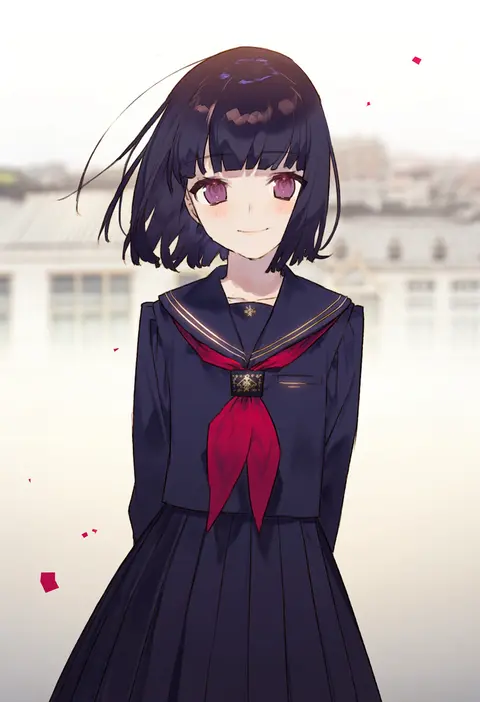
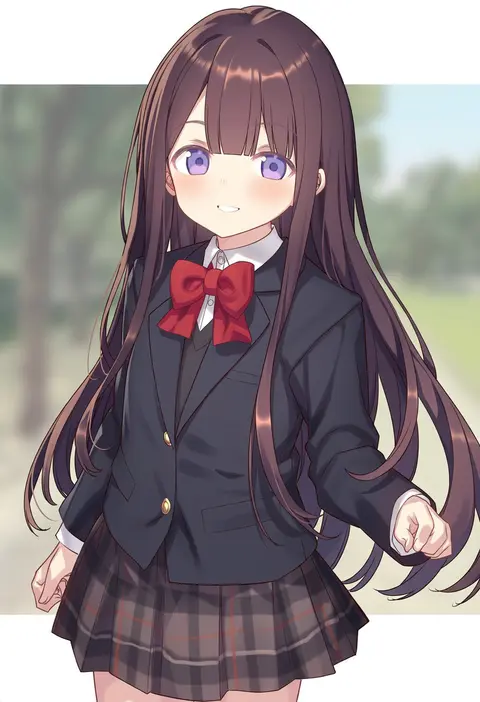
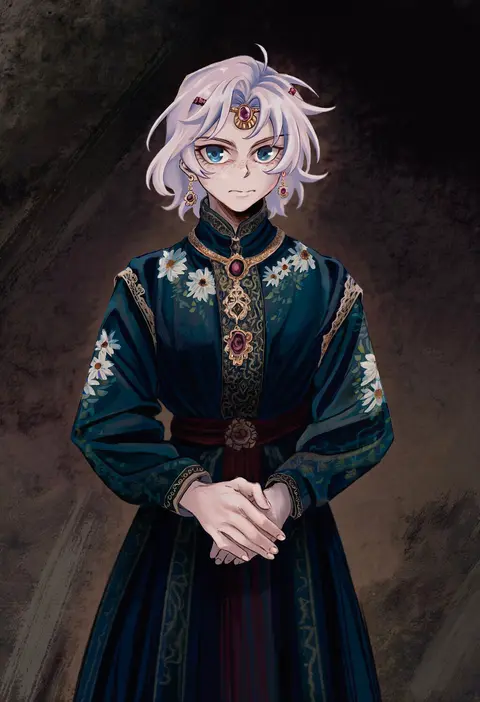
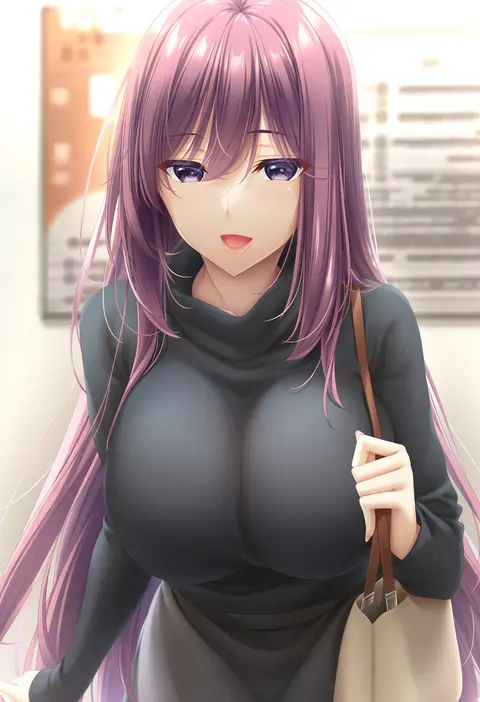
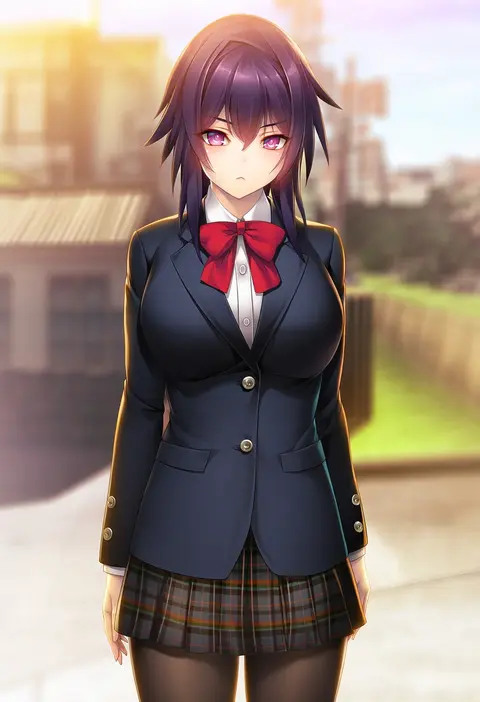
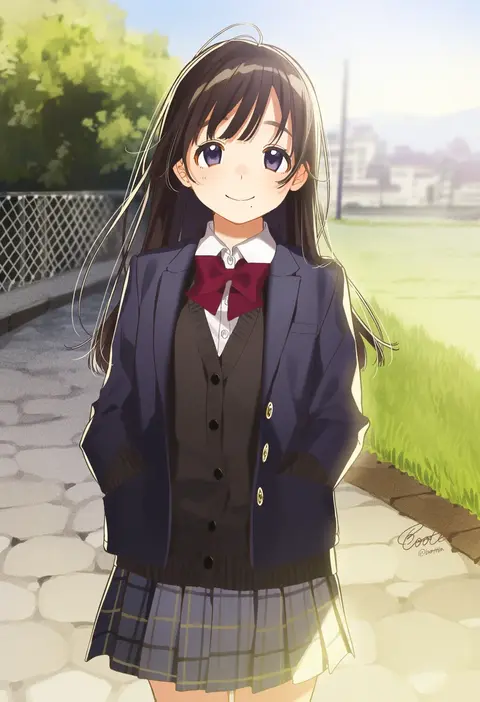
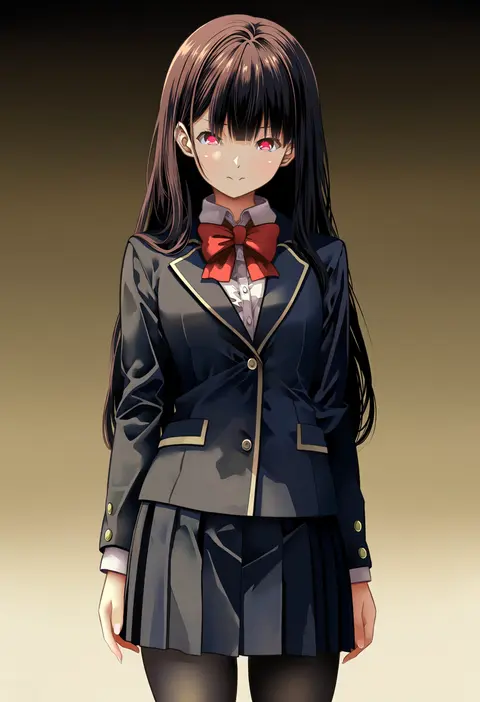
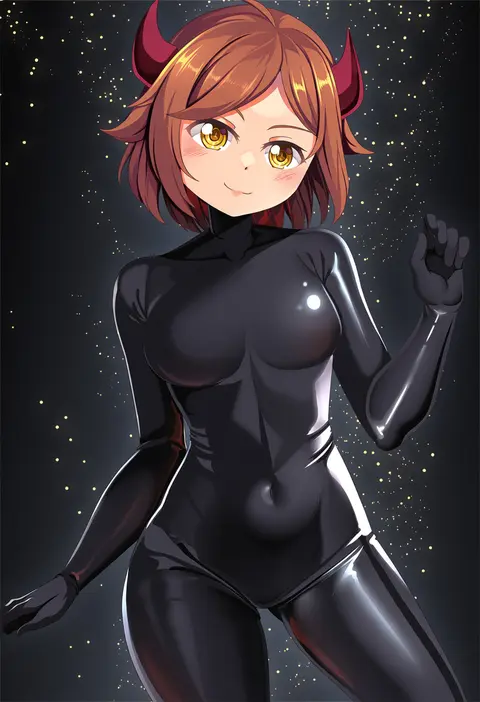
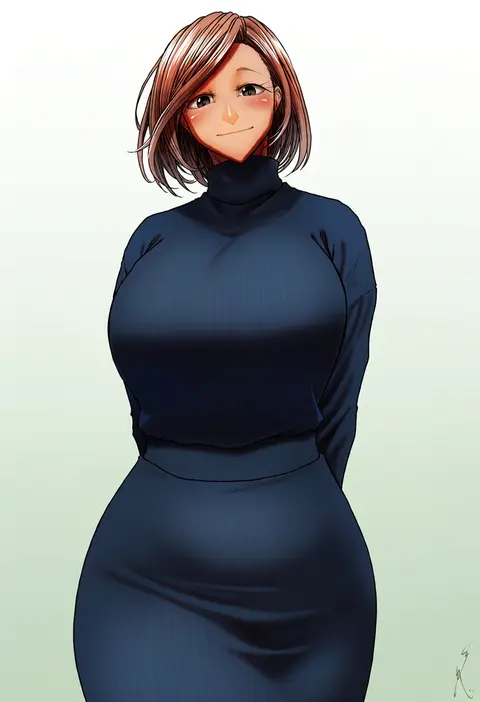
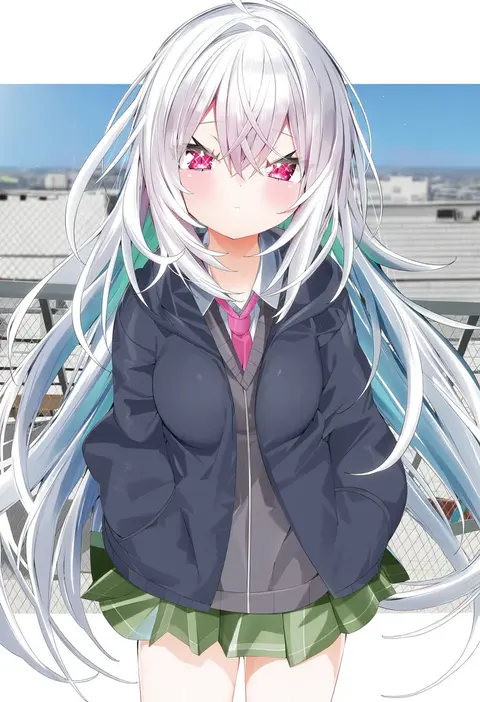
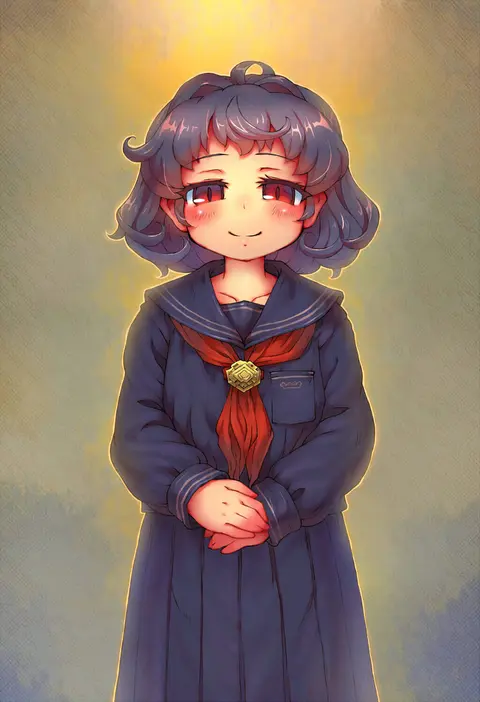
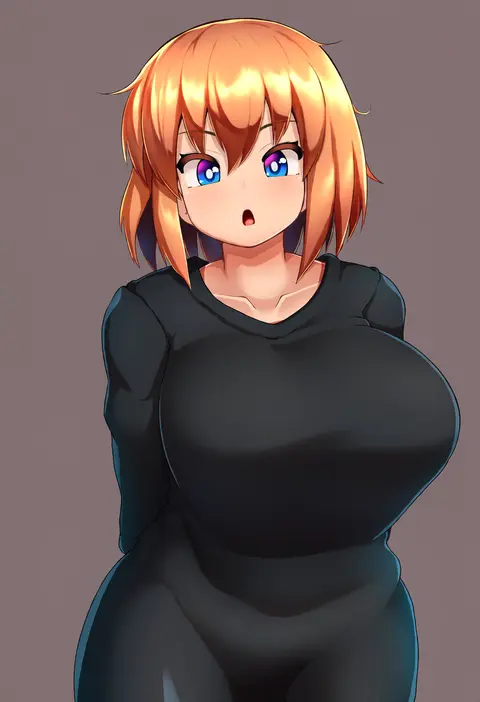
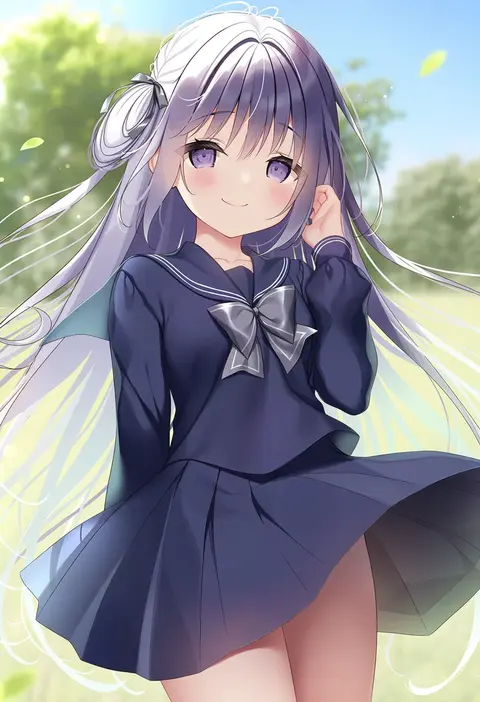
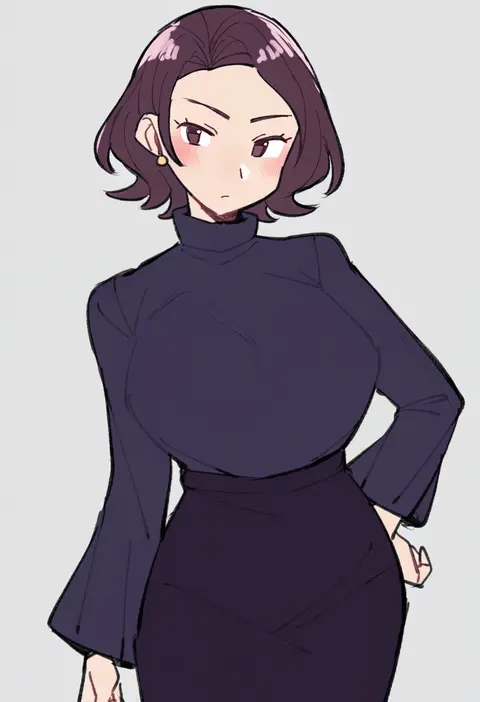
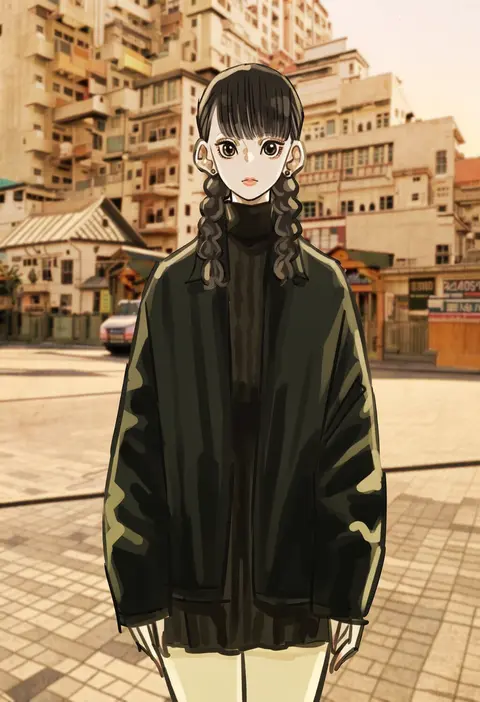
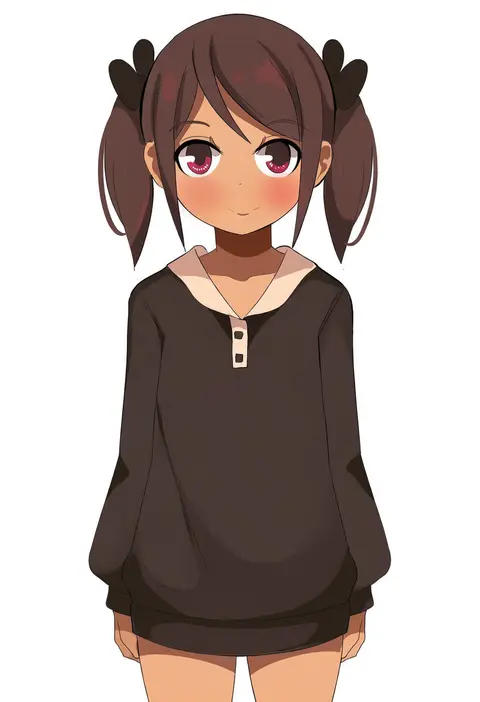
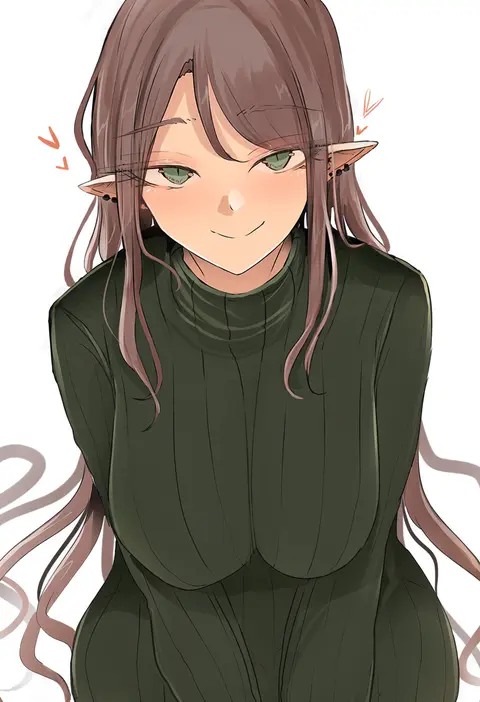
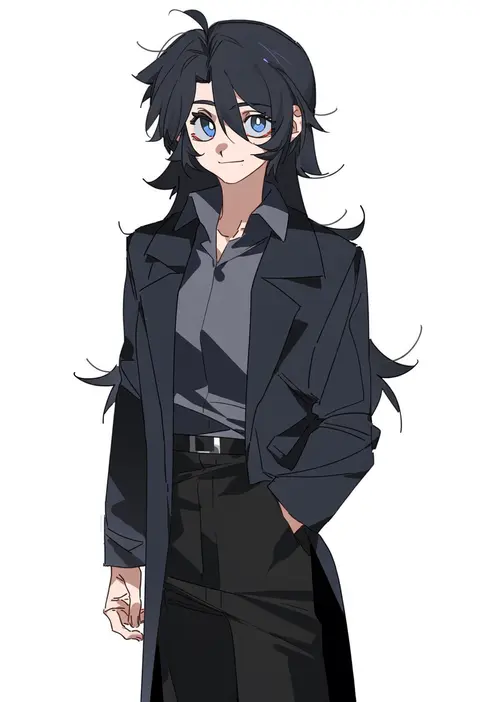
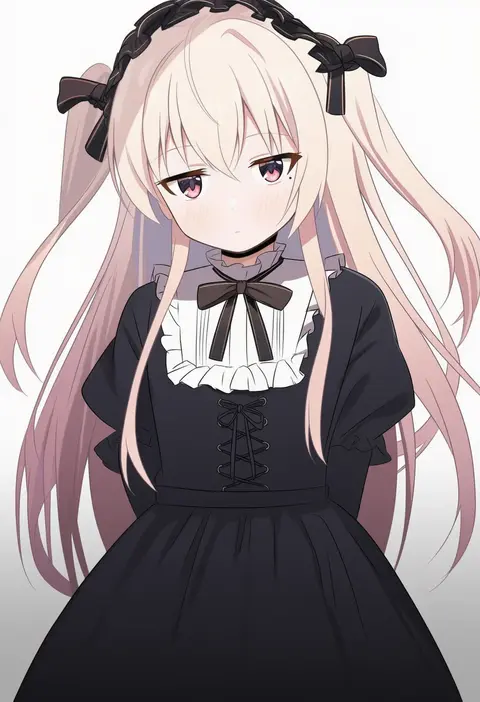
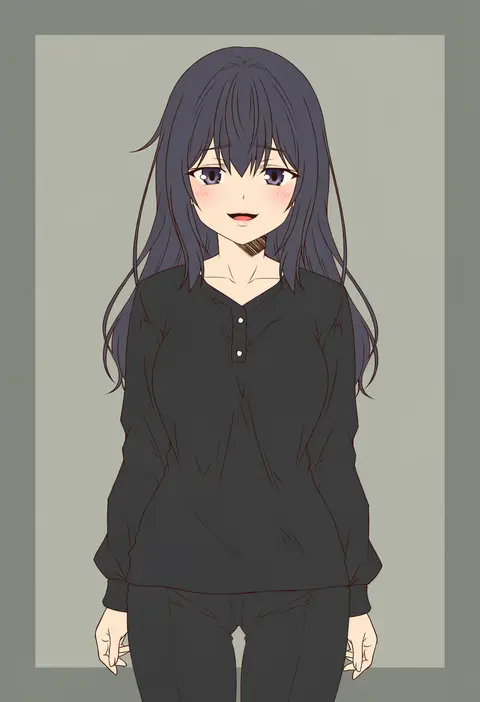
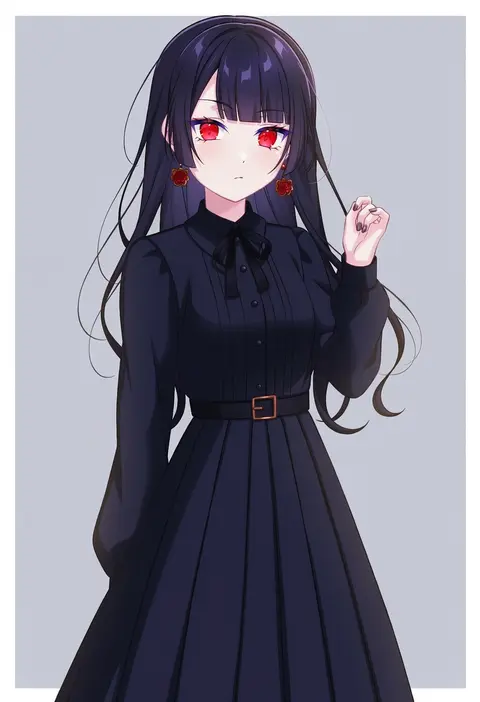
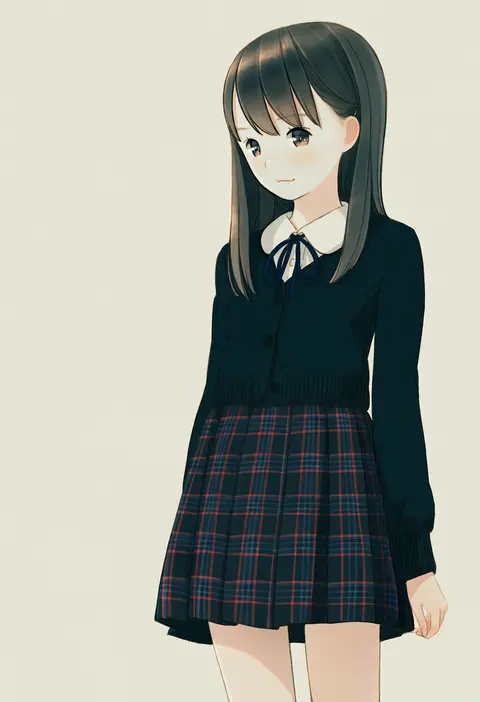
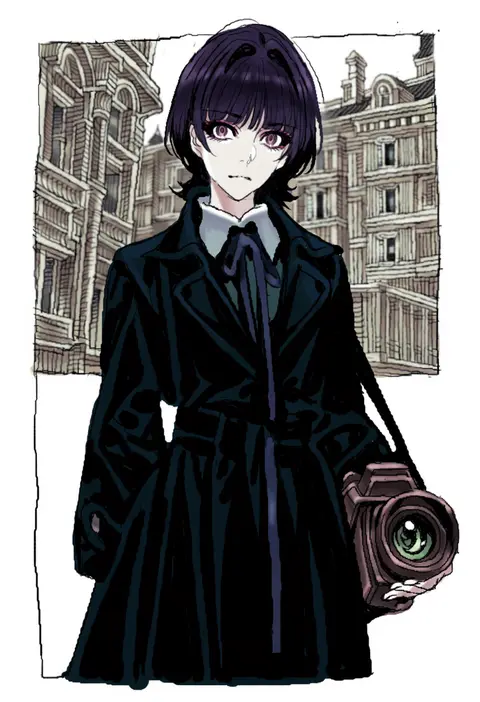
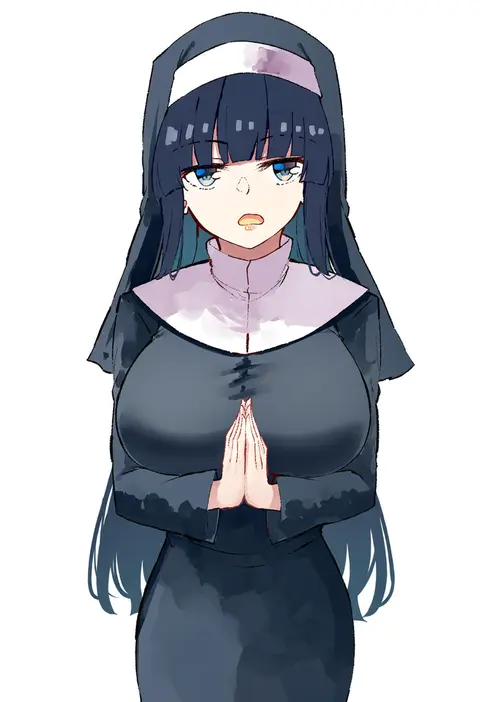
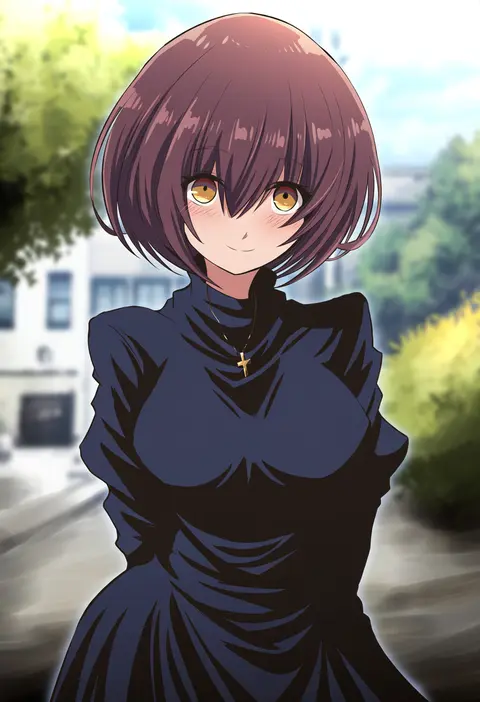
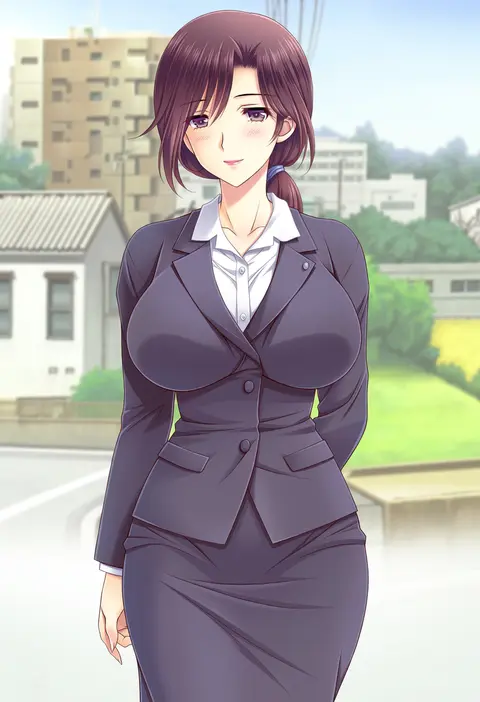
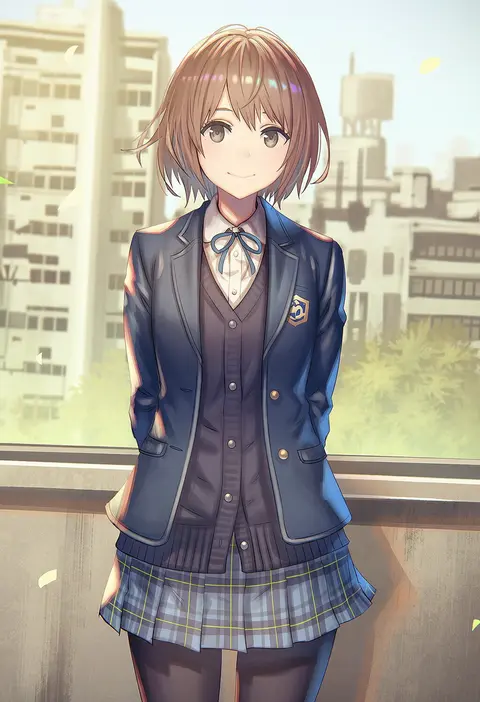
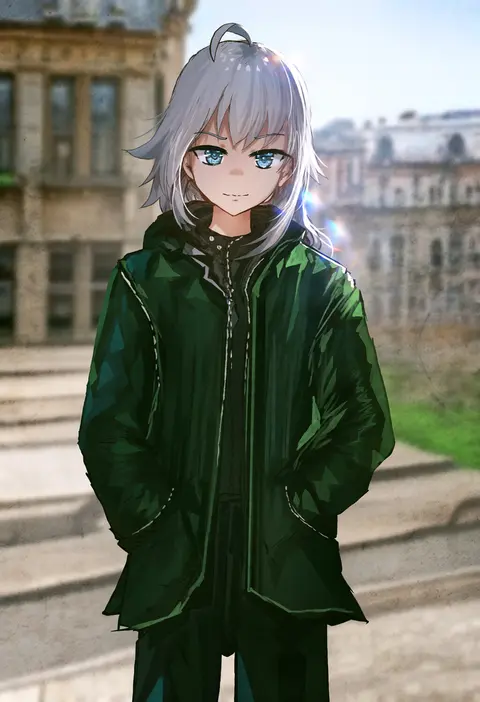
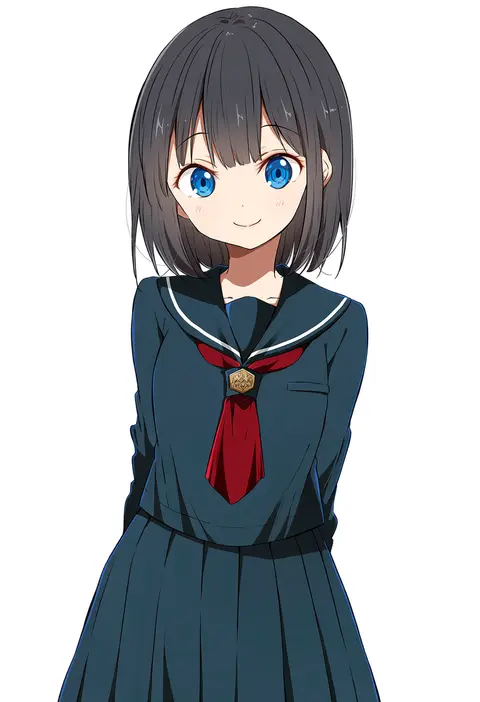
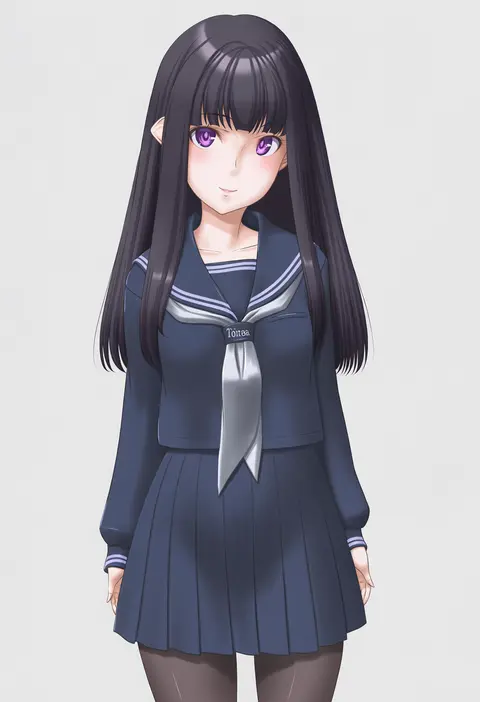
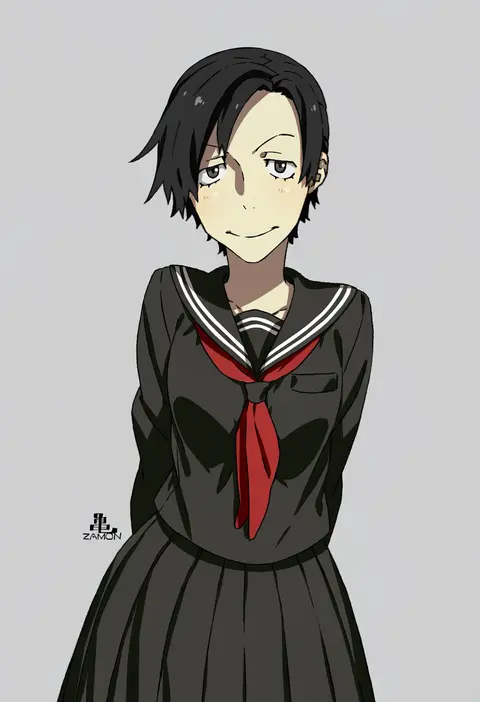
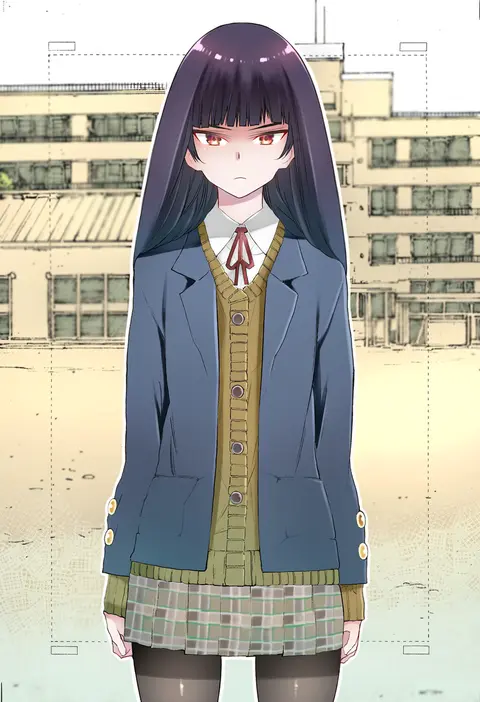
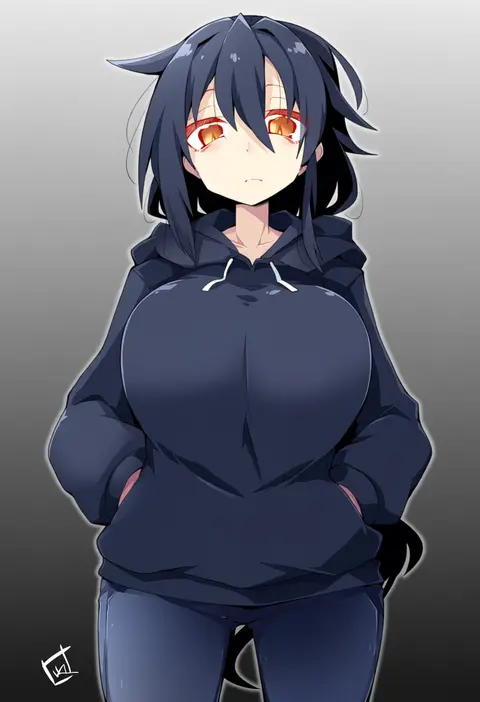
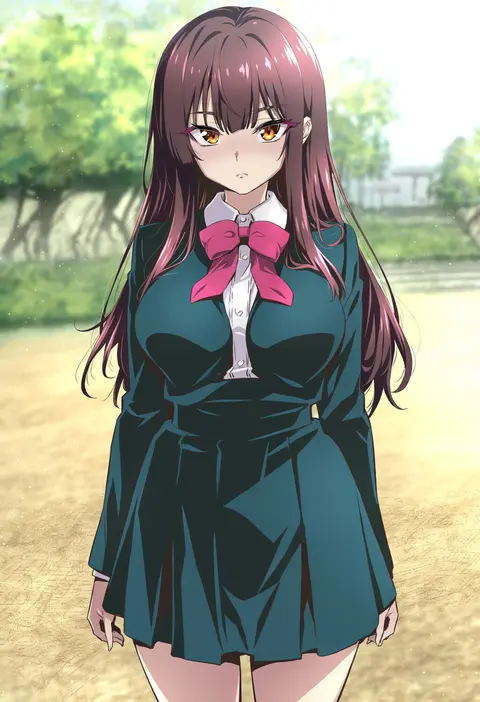
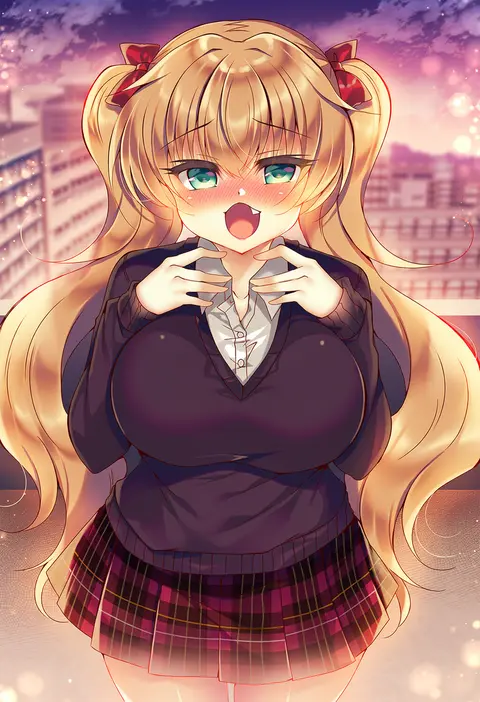
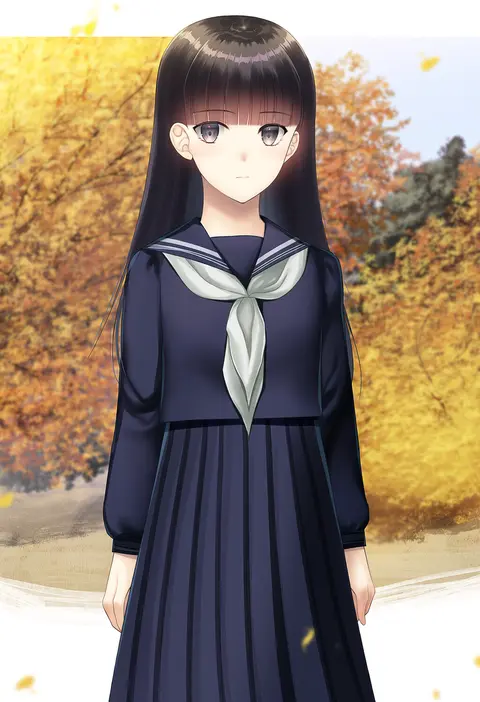
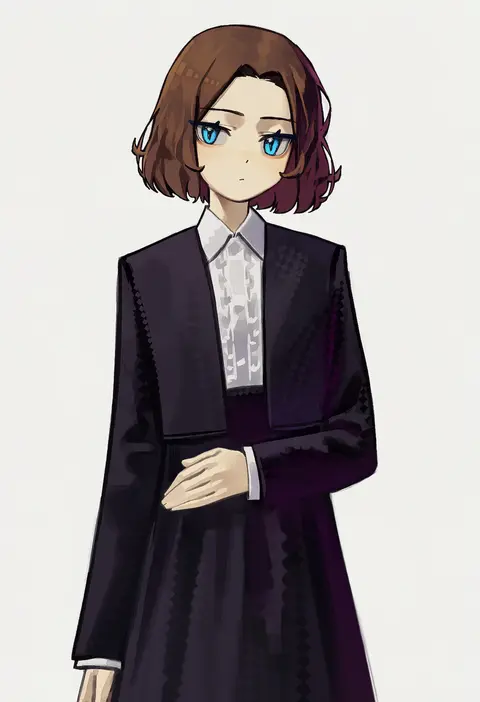
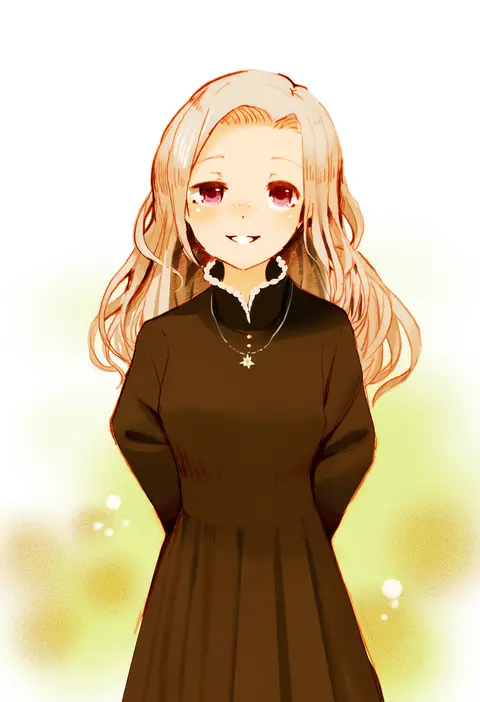
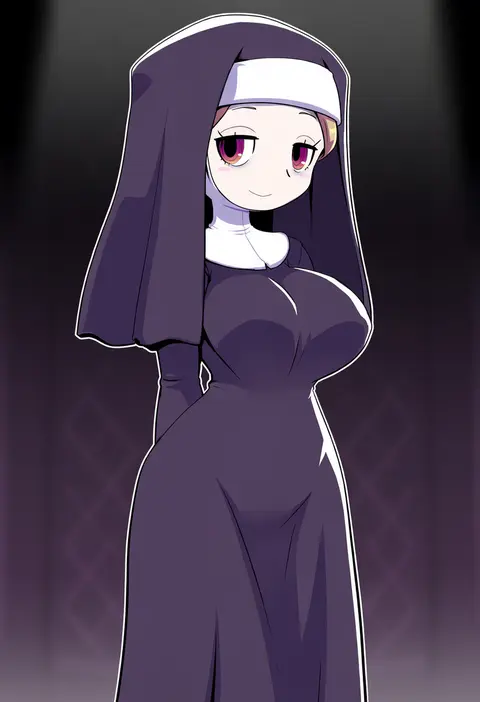
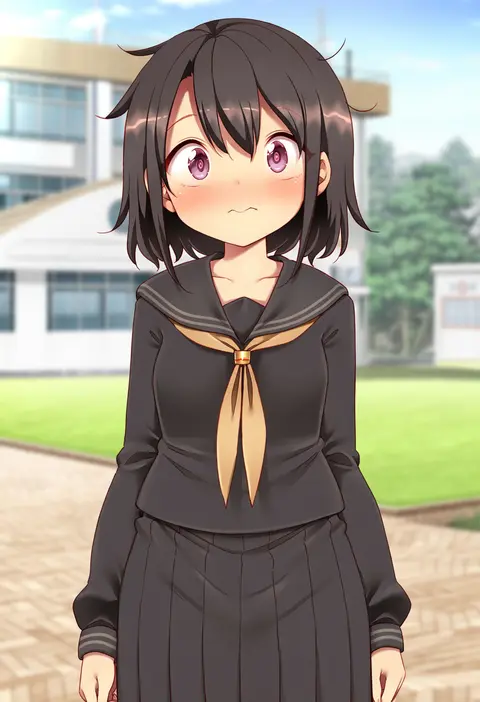
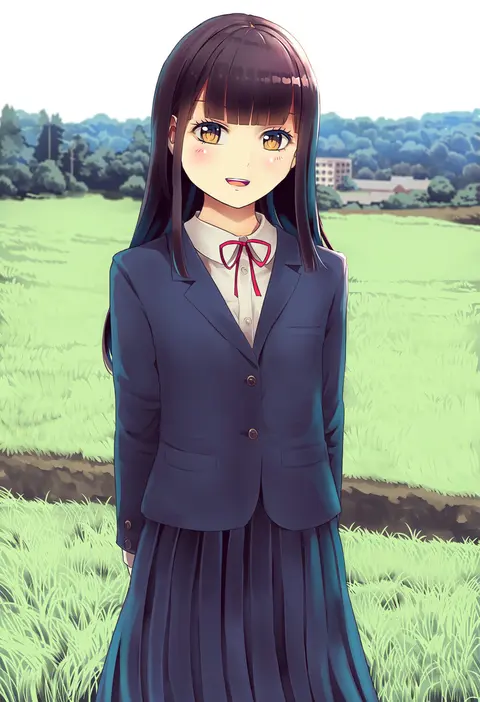
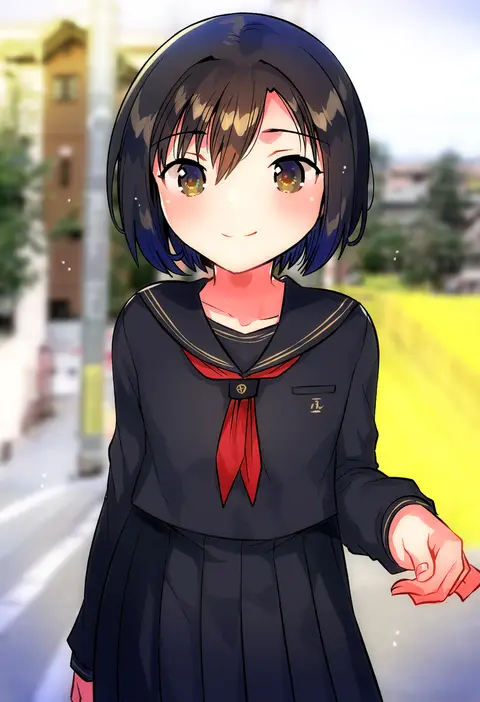
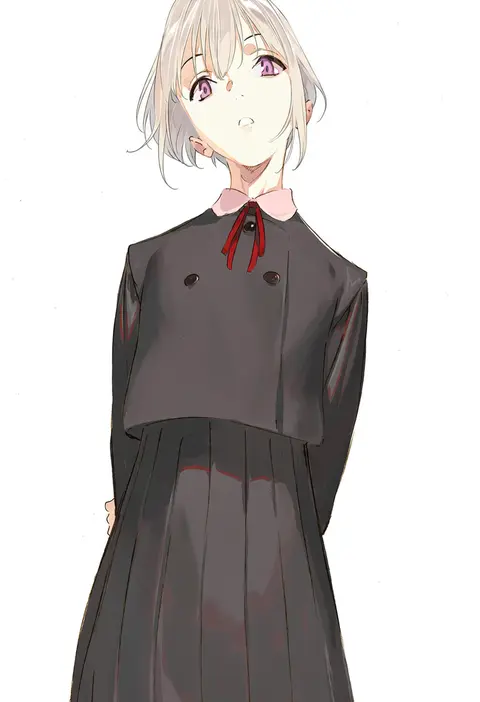
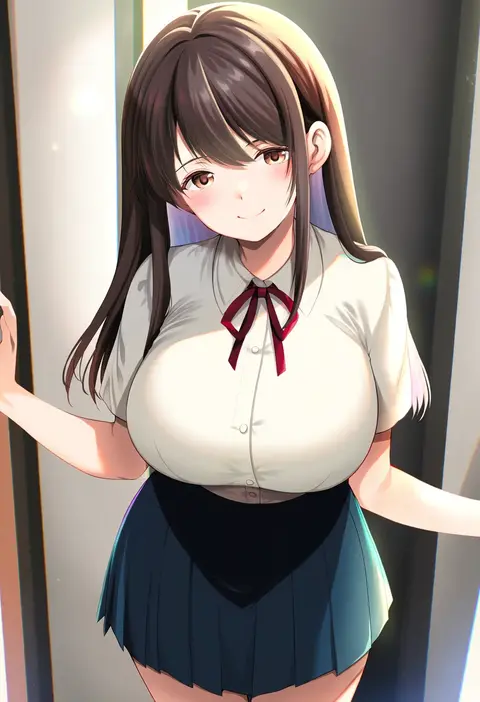
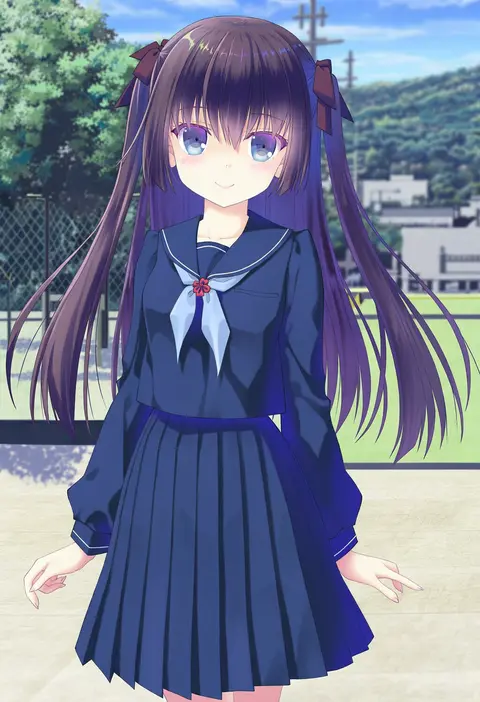
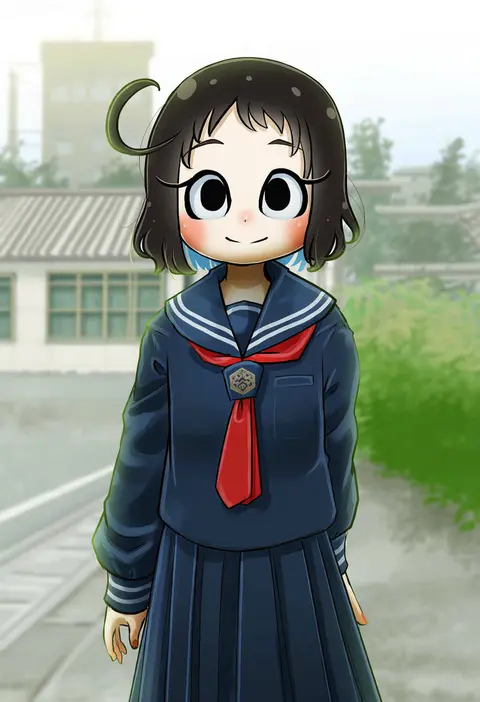
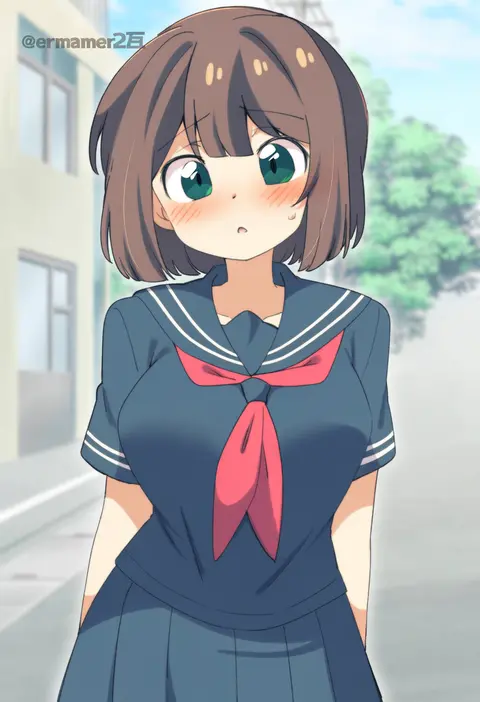
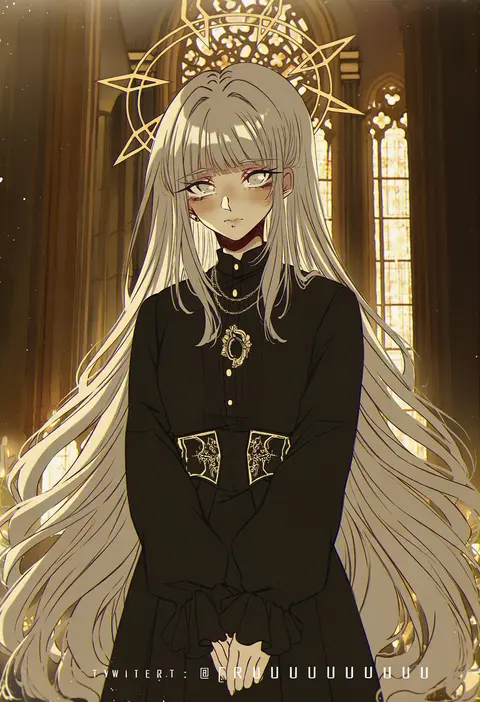
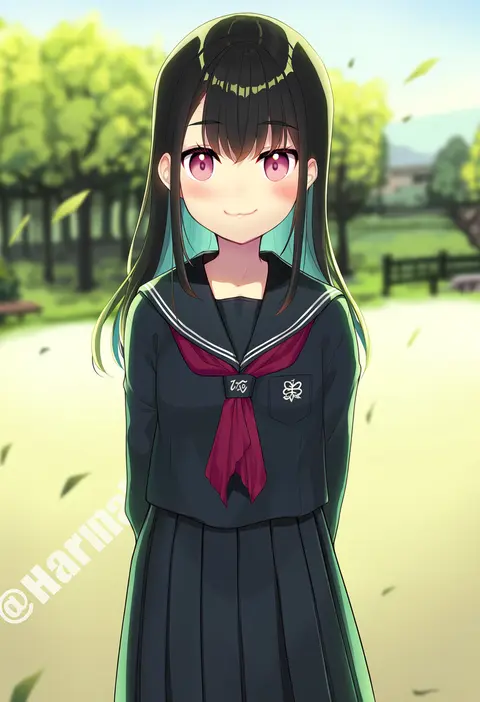
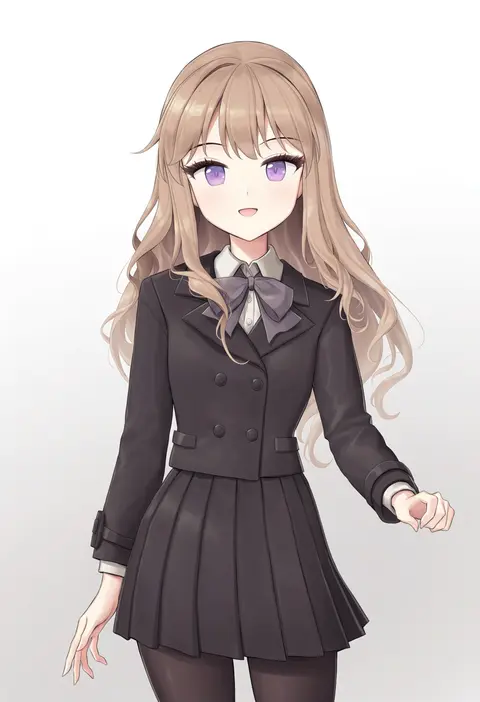
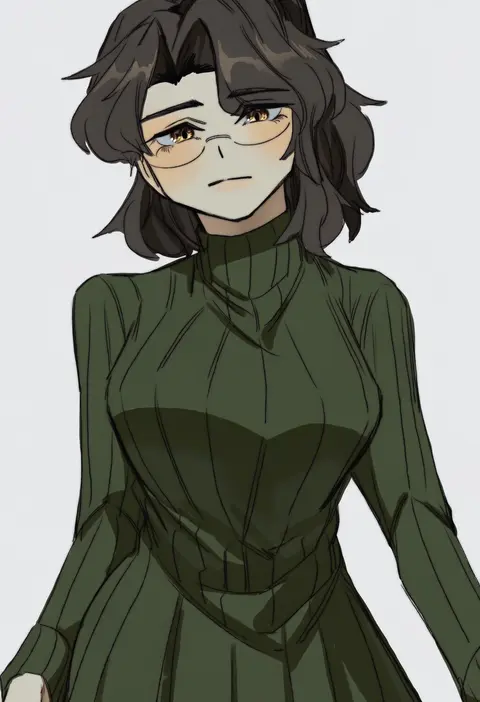
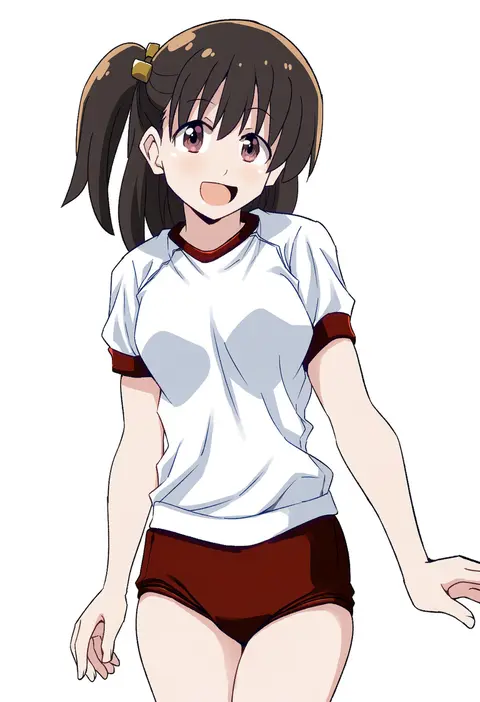
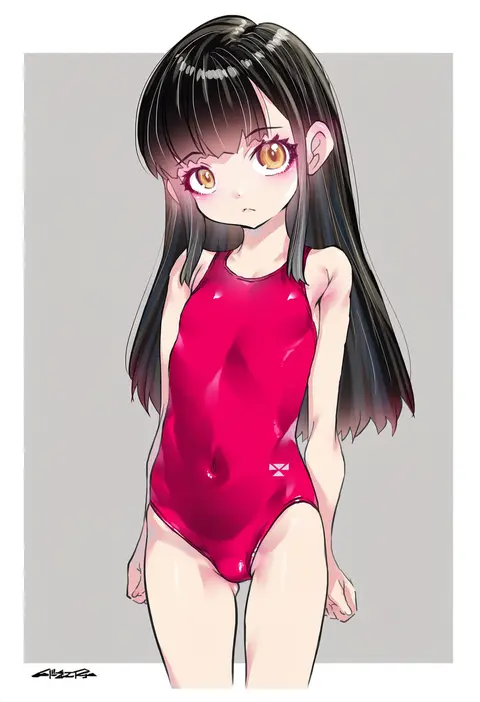
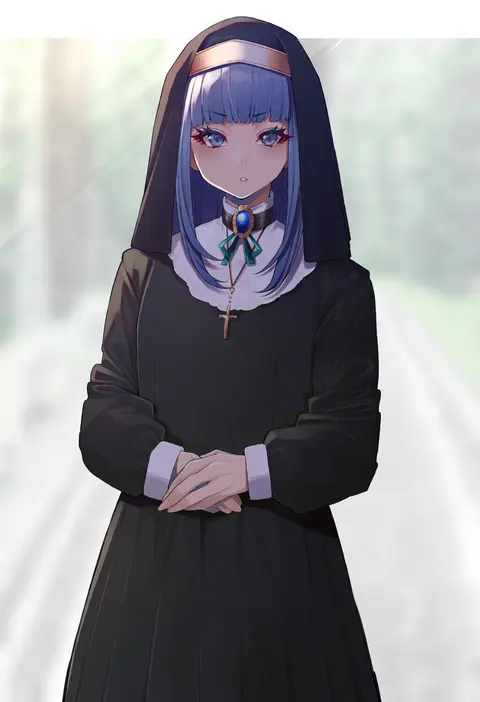
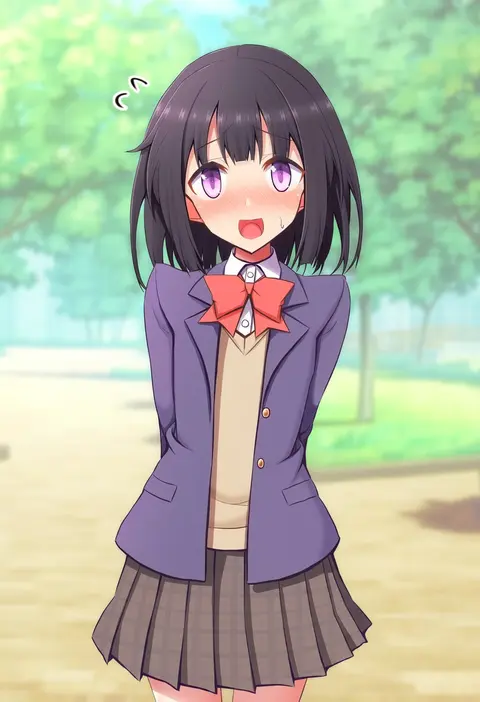
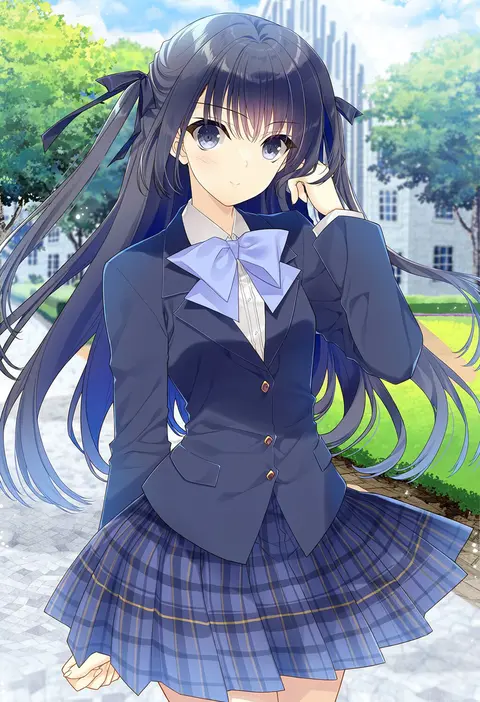
Artist tags tell NovelAI Diffusion to draw in a specific artist's style: line weight, paint texture, face shapes and palette all shift at once. Character and outfit tags decide what is drawn; artist tags decide how. 2,508 tags are listed for V5.
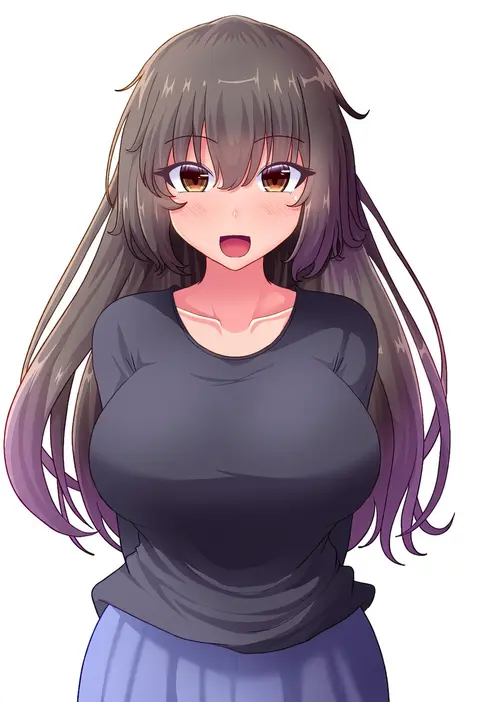
Every tag listed here is verified to react in NovelAI. All images use the same prompt, seed and settings with only the artist tag swapped, so the difference between two images is the style that tag brings in.

How to use them

Put the artist tag near the front of the prompt, e.g. "<artist>, 1girl, solo, best quality, masterpiece, cowboy shot". Two or three artist tags blend styles; lower the weight with "0.8::<artist>::" when the style overpowers the character.

SCORE sorts by Danbooru's top score, POSTS by post count, FAVS by hearts on this site. Open a card to see V5 and V4.5 side by side on the same seed.

V5 vs V4.5

V5 usually lands closer to the artist's real style, and tags that did nothing on V4.5 often react on V5. V4.5 still fits older and doujin-heavy artists better. Try V5 first, fall back to V4.5.

FAQ

Where does the artist tag go?
Near the front of the prompt. Use "0.8::tag::" to adjust its weight.

Can I stack artist tags?
Yes, styles blend. Past two or three the result stops looking like anyone.

Are these the artists' own works?
No. Every image is a NovelAI sample generated from the tag.