V5Artists
sort: FAVS▾
▾
>
$

NovelAI V5 Artist Tags List

artist --count 2,556[31/43]
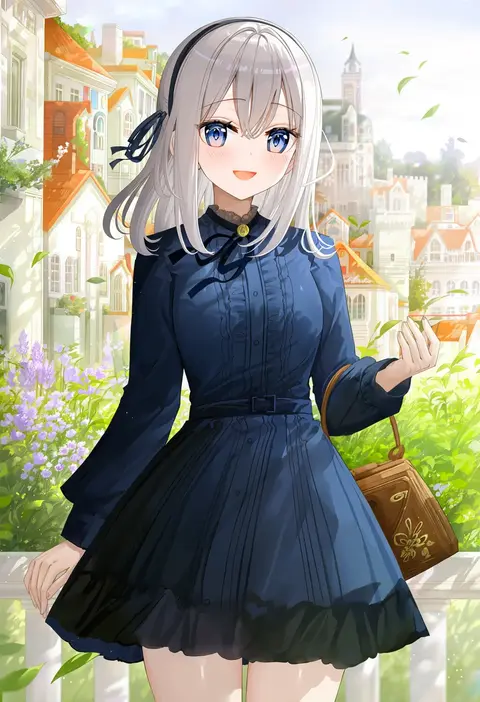
fuumi (radial engine)
ARTIST0x0708
0
gazing eye
ARTIST0x0709
0
pairan
ARTIST0x070A
0
yasumo (kuusouorbital)
ARTIST0x070B
0
jinguu (4839ms)
ARTIST0x070C
0
kara (color)
ARTIST0x070D
0
yaman
ARTIST0x070E
0
minew
ARTIST0x070F
0
maki (seventh heaven maxion)
ARTIST0x0710
0
wool (miwol)
ARTIST0x0711
0
kamiya tomoe
ARTIST0x0712
0
komi zumiko
ARTIST0x0713
0
illu (illu stratos)
ARTIST0x0714
0
noshimurin
ARTIST0x0715
0
naruse mai
ARTIST0x0716
0
ido (teketeke)
ARTIST0x0717
0
kamogawa tanuki
ARTIST0x0718
0
nigo (aozoragarou)
ARTIST0x0719
0
tiv
ARTIST0x071A
0
itou ben
ARTIST0x071B
0
ramchi
ARTIST0x071C
0
umekichi
ARTIST0x071D
0
watarui
ARTIST0x071E
0
bunbun
ARTIST0x071F
0
noyama takenoko
ARTIST0x0720
0
arano oki
ARTIST0x0721
0
sasaame
ARTIST0x0722
0
sseopik
ARTIST0x0723
0
kimishima ao
ARTIST0x0724
0
hiroe rei
ARTIST0x0725
0
jazz jack
ARTIST0x0726
0
kuzuryuu kennosuke
ARTIST0x0727
0
piyokichi
ARTIST0x0728
0
zekkyou (h9s9)
ARTIST0x0729
0
ancesra
ARTIST0x072A
0
enjaku izuku
ARTIST0x072B
0
meth (emethmeth)
ARTIST0x072C
0
ootsuki wataru
ARTIST0x072D
0
kapatarou
ARTIST0x072E
0
amazuki jou
ARTIST0x072F
0
hamashima shigeo
ARTIST0x0730
0
syuri22
ARTIST0x0731
0
ayakura juu
ARTIST0x0732
0
kazenokaze
ARTIST0x0733
0
xinzoruo
ARTIST0x0734
0
toshishikisai
ARTIST0x0735
0
masuishi kinoto
ARTIST0x0736
0
nyaru (nyaru 4126)
ARTIST0x0737
0
piyodera mucha
ARTIST0x0738
0
ironlily
ARTIST0x0739
0
megao 3rd
ARTIST0x073A
0
iwashi dorobou -r-
ARTIST0x073B
0
taka (takahirokun)
ARTIST0x073C
0
soraneko hino
ARTIST0x073D
0
koyorin
ARTIST0x073E
0
mashiro yukiya
ARTIST0x073F
0
misaki nonaka
ARTIST0x0740
0
kochiya (gothope)
ARTIST0x0741
0
shika miso
ARTIST0x0742
0
miyagoe yoshitsuki
ARTIST0x0743
0

What these tags change

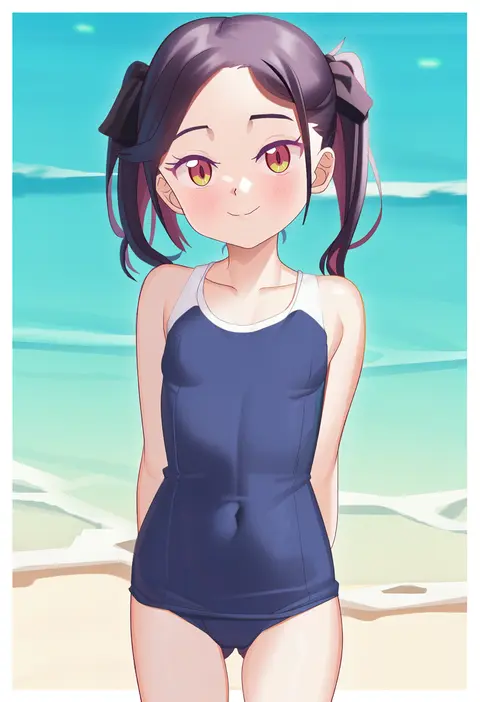
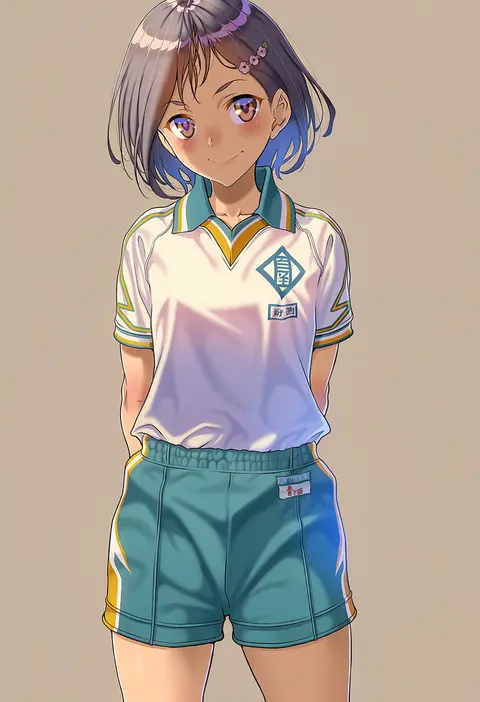
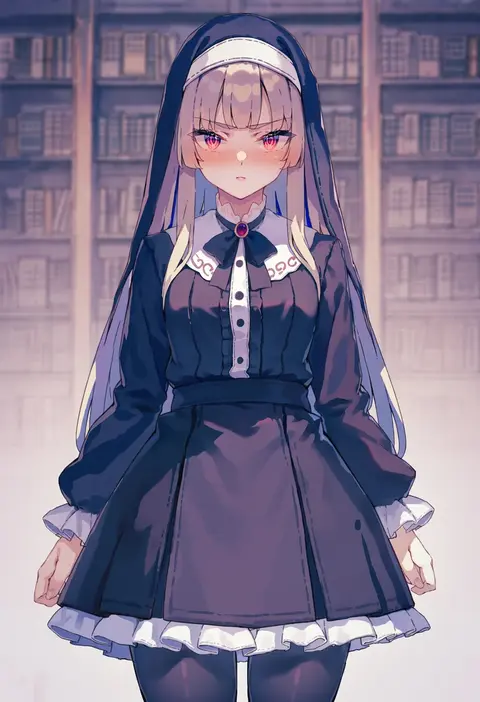
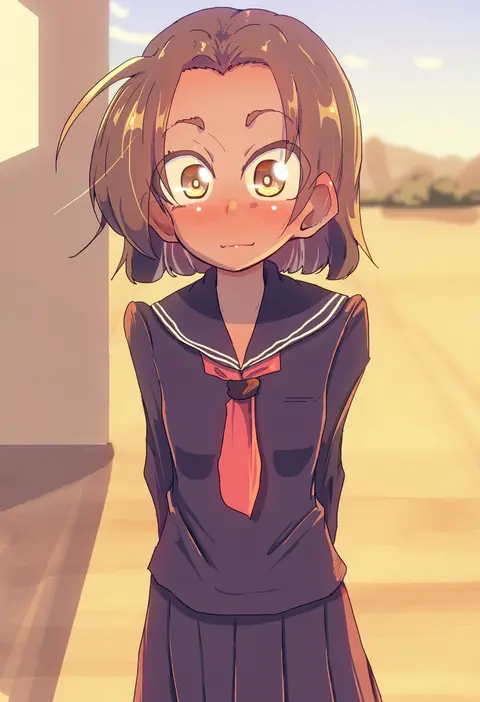
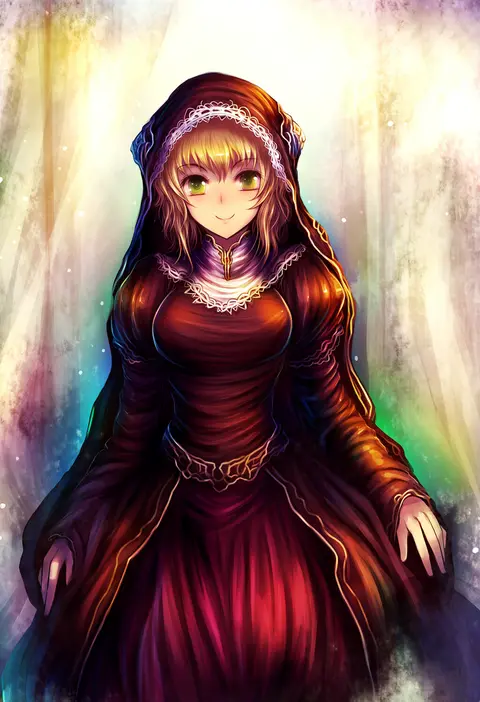
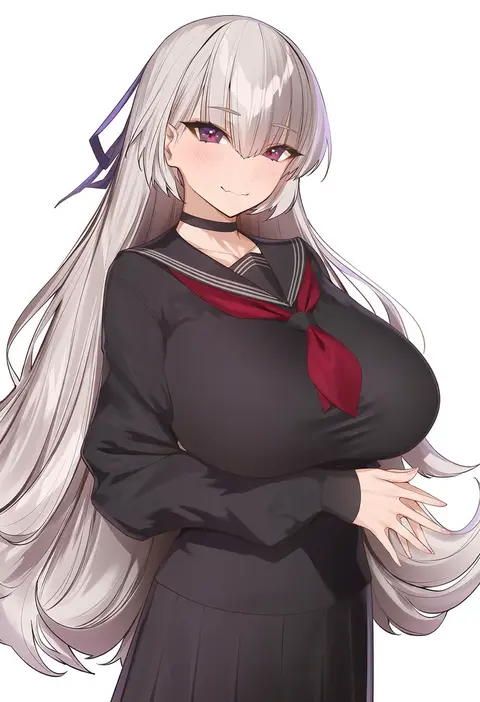
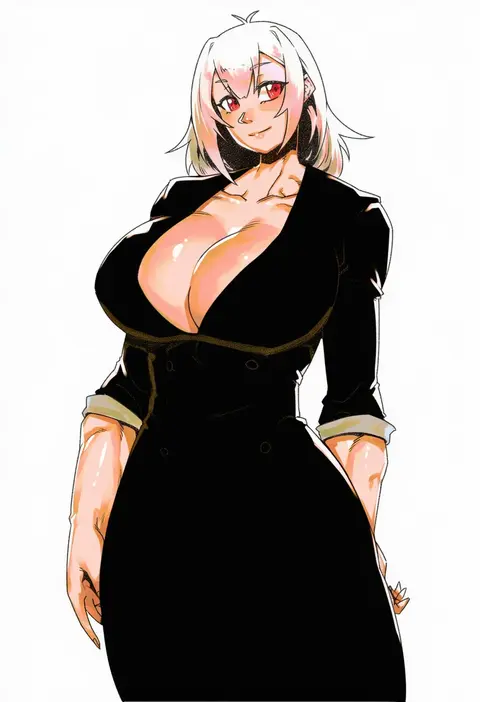
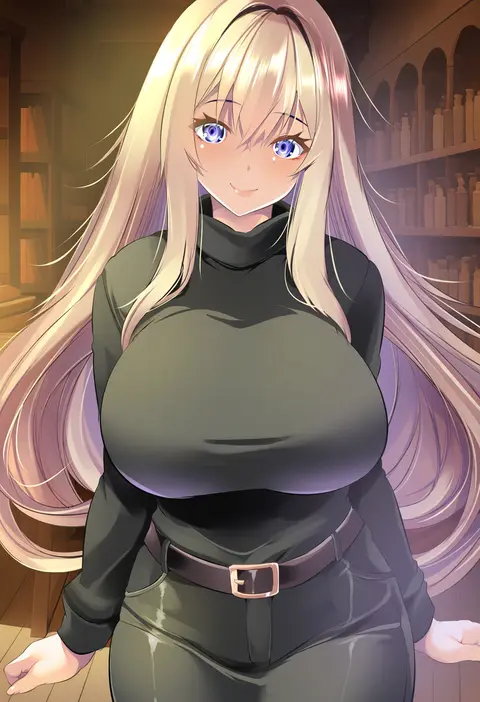
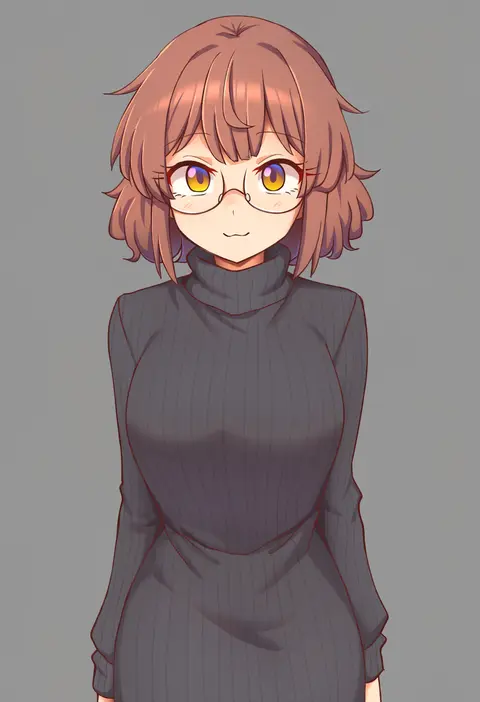
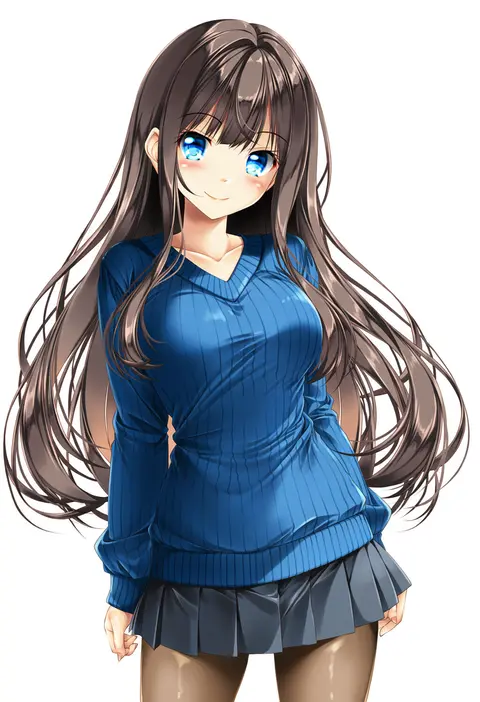
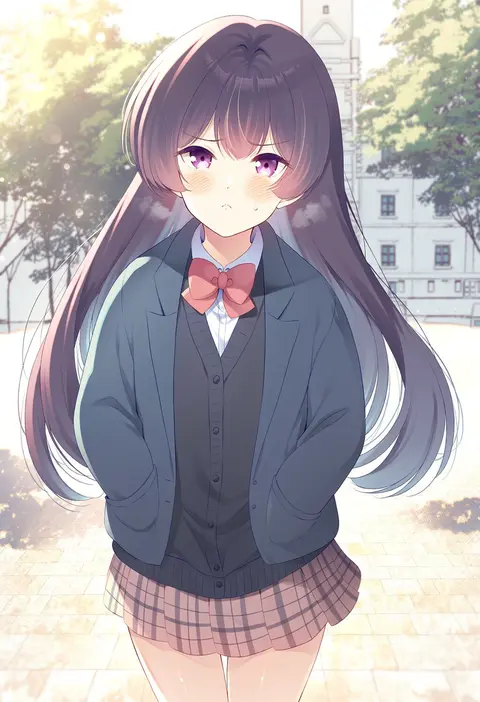
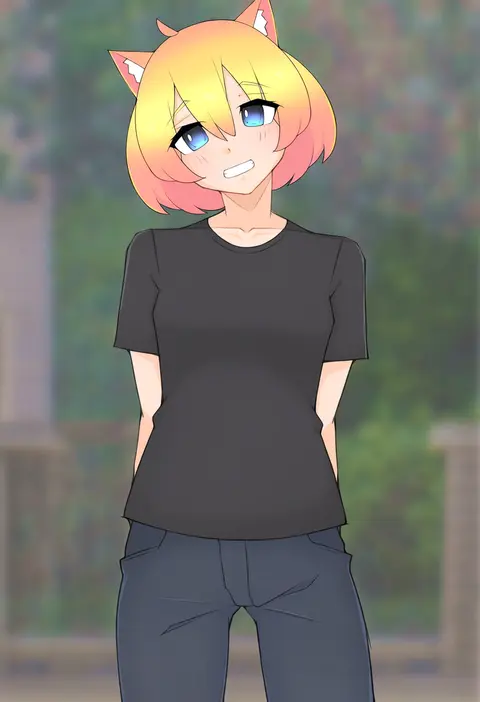
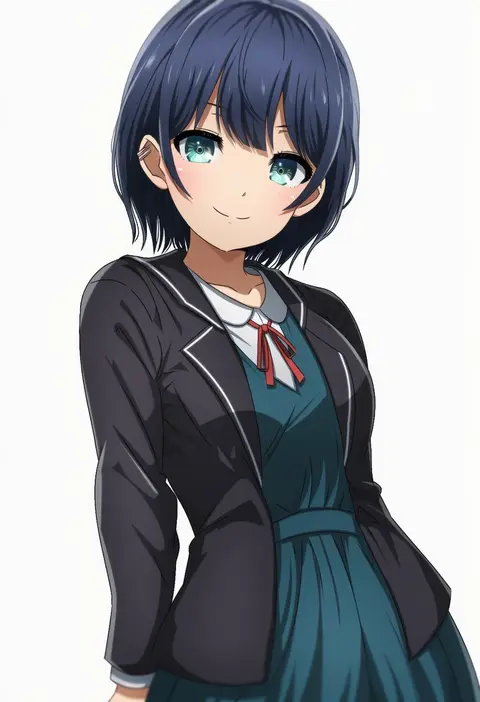
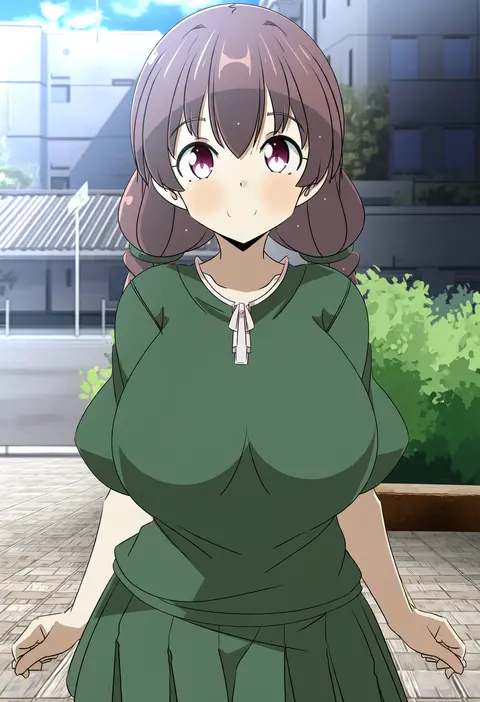
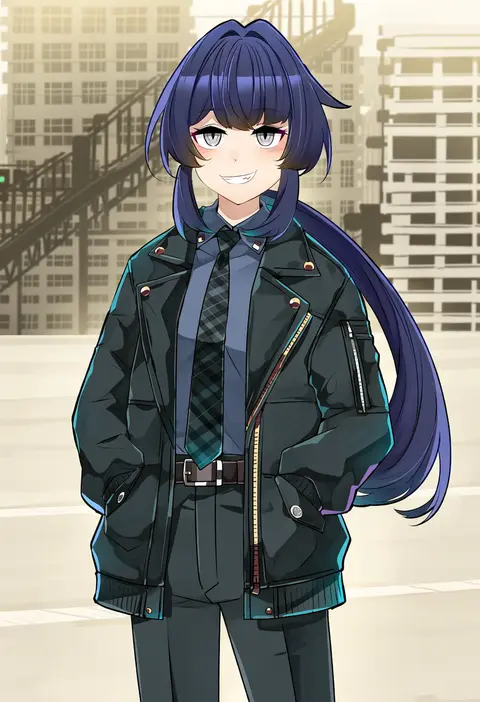
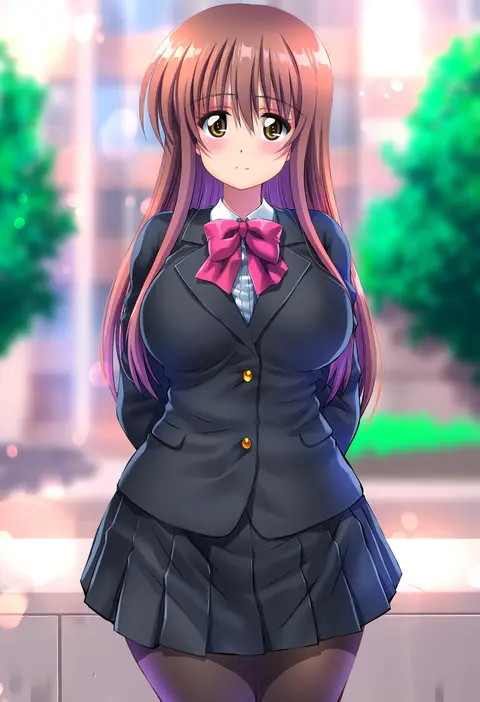
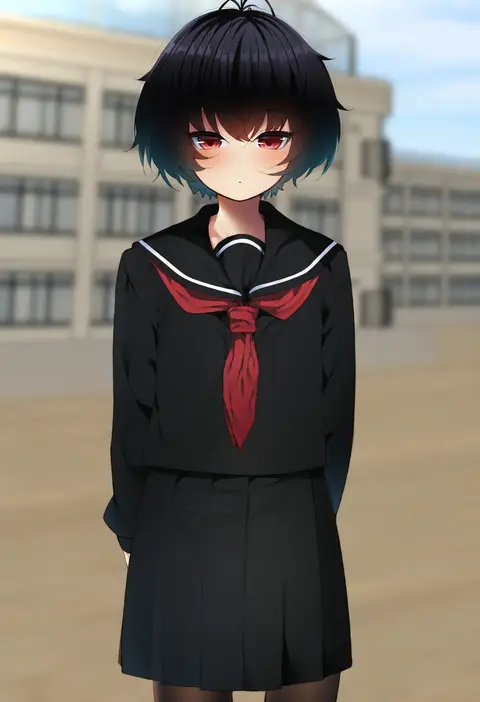
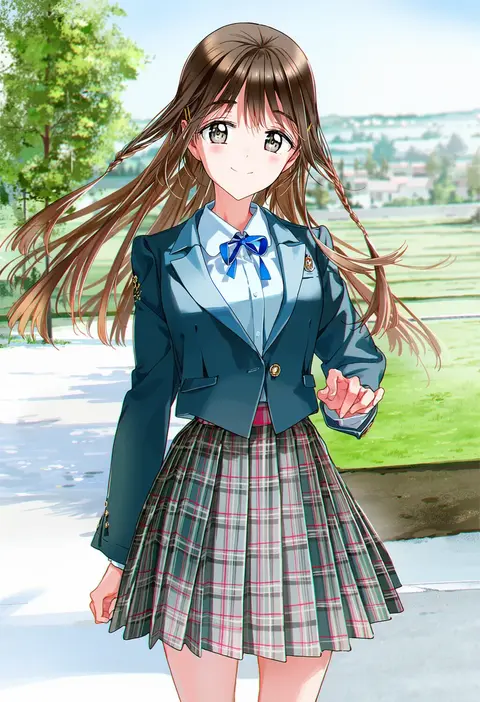
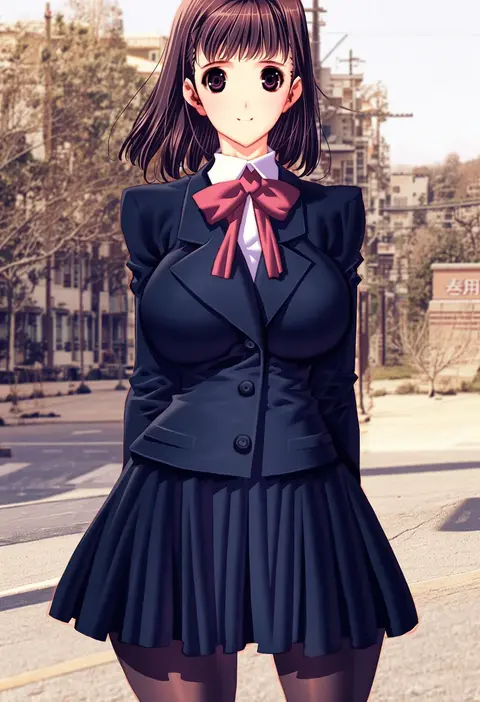
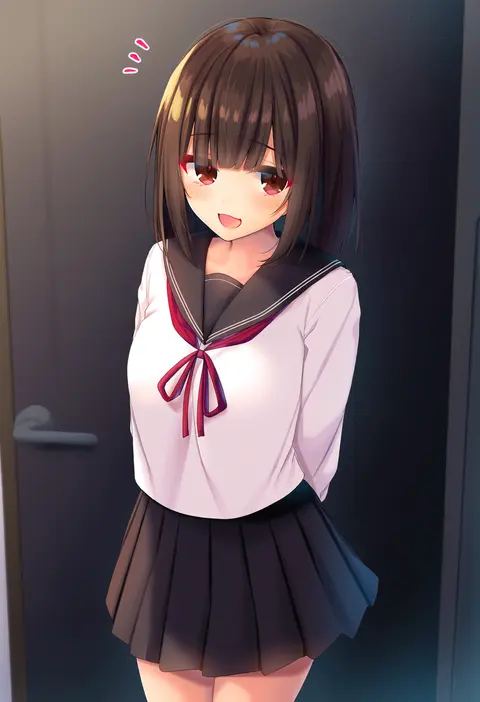
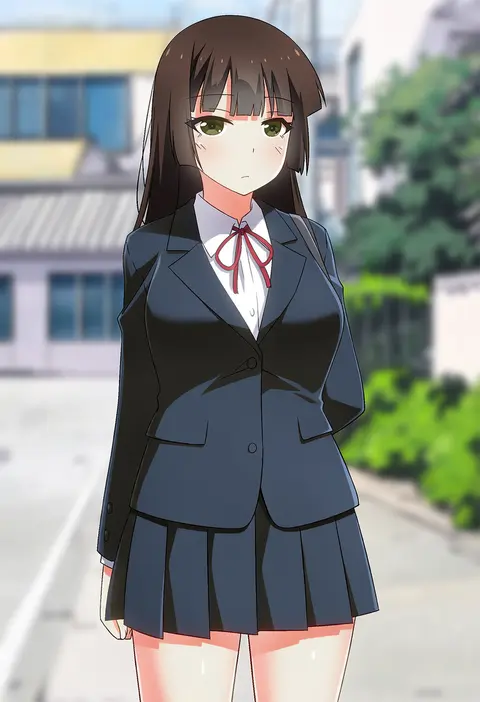
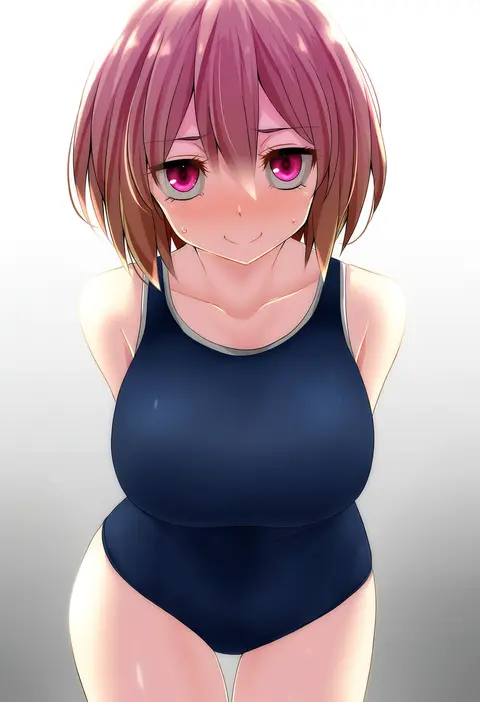
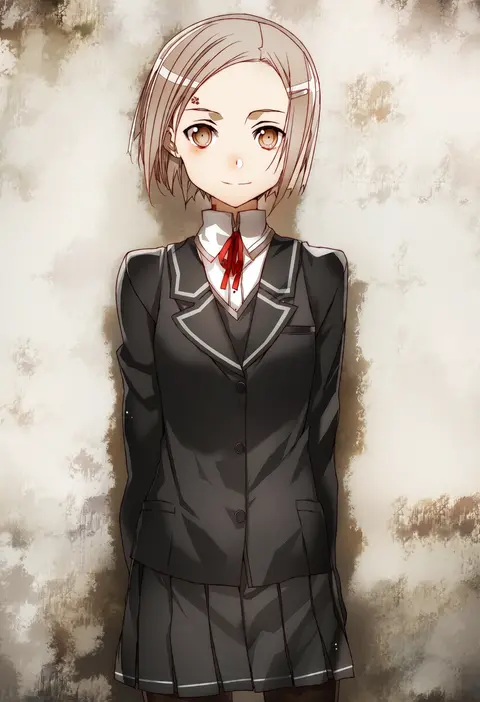
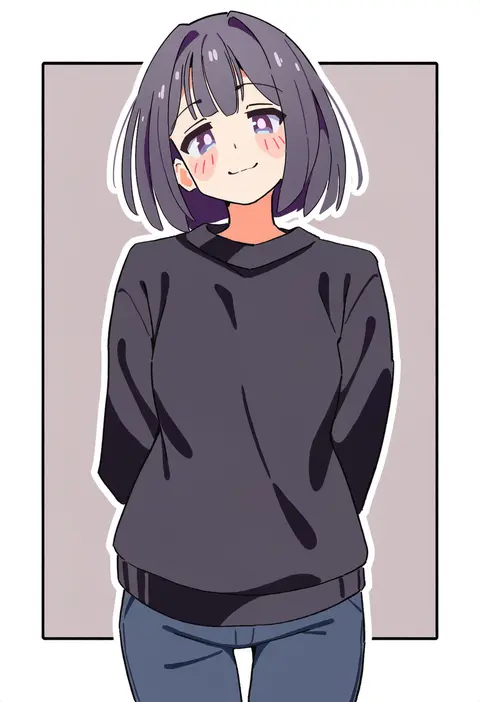
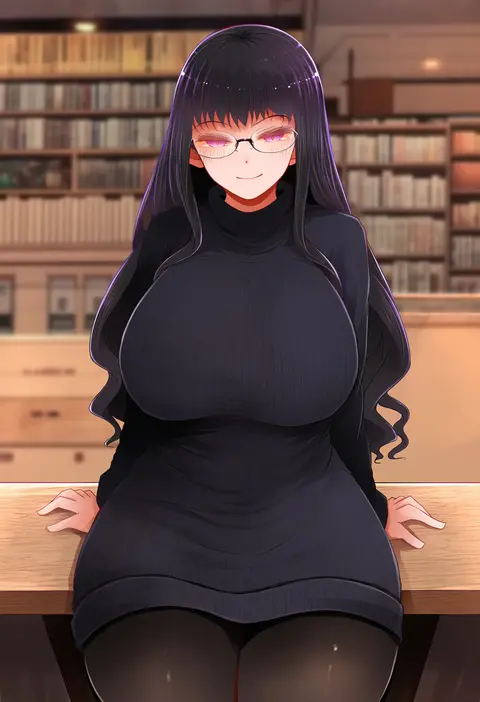
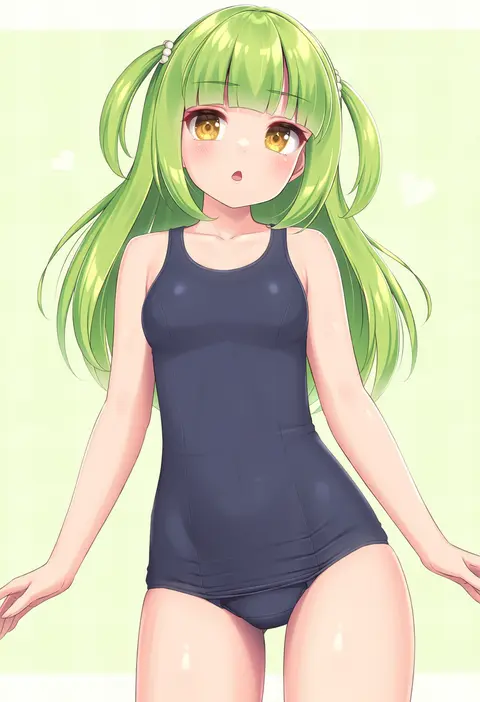
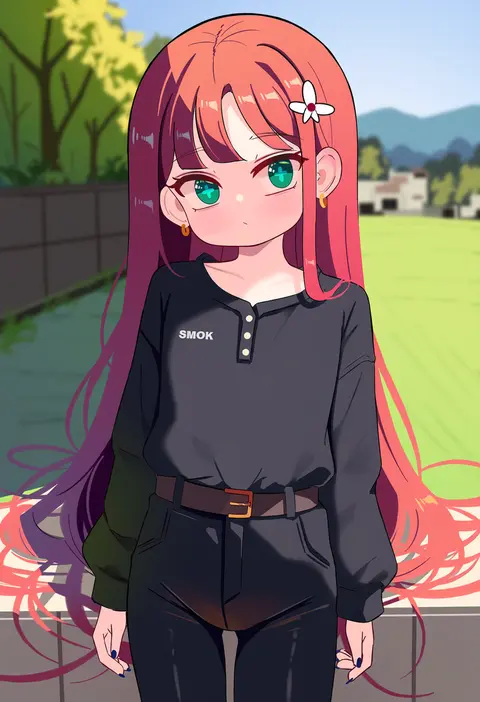
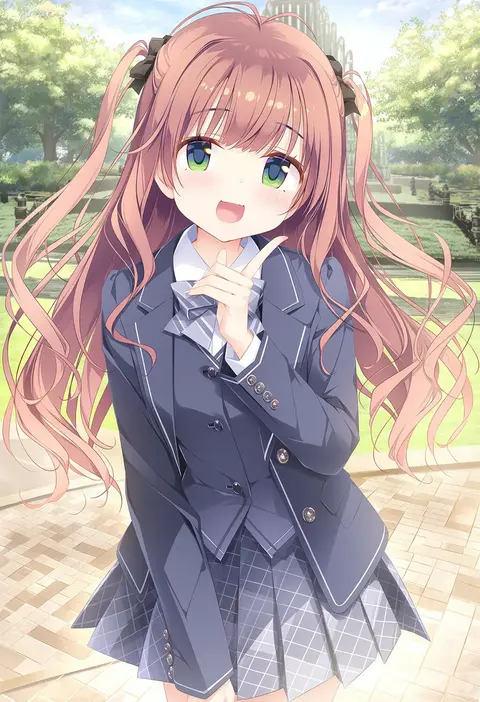
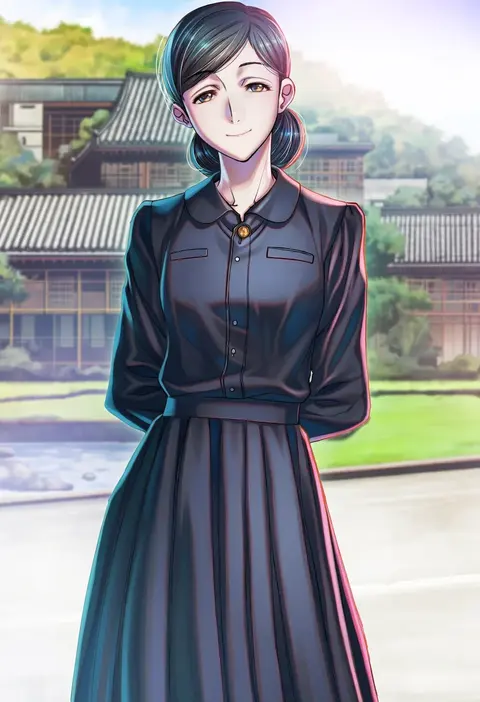
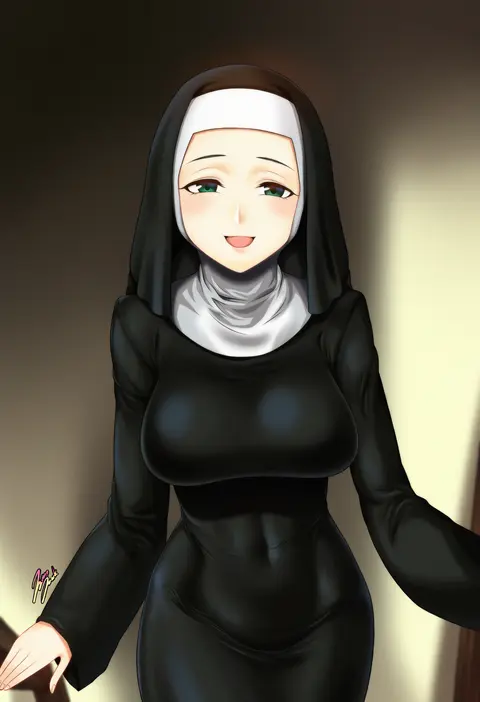
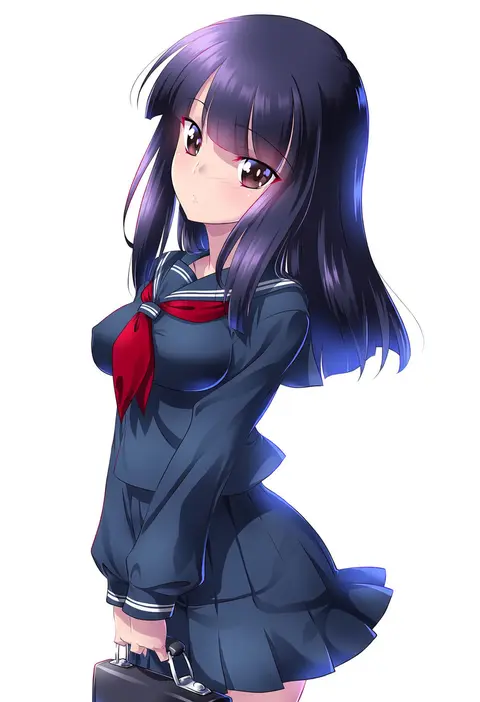
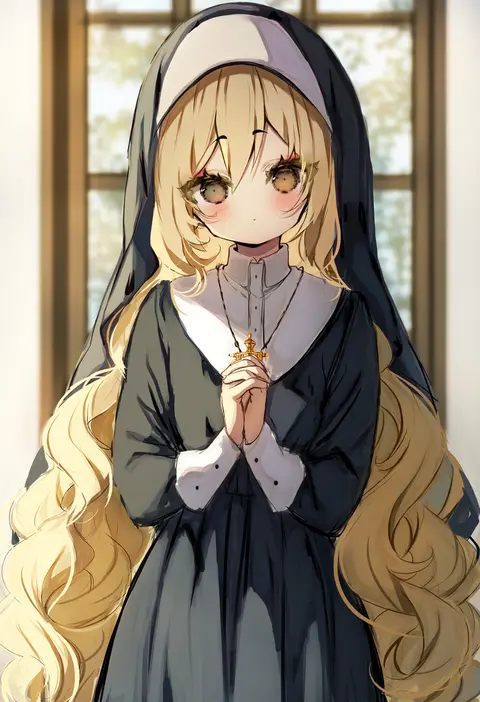
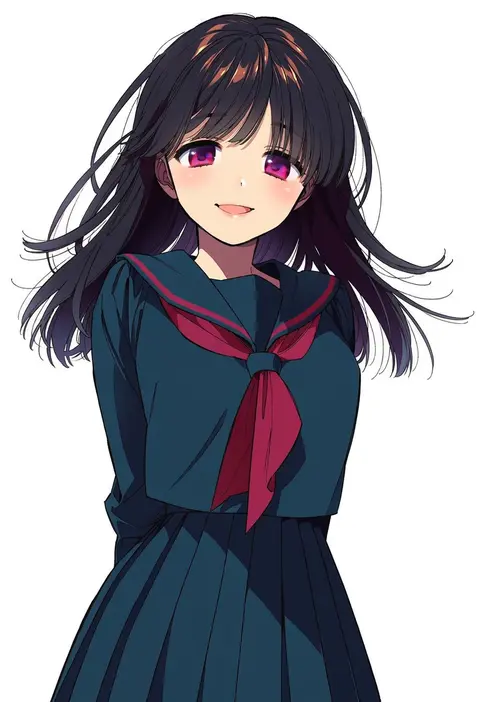
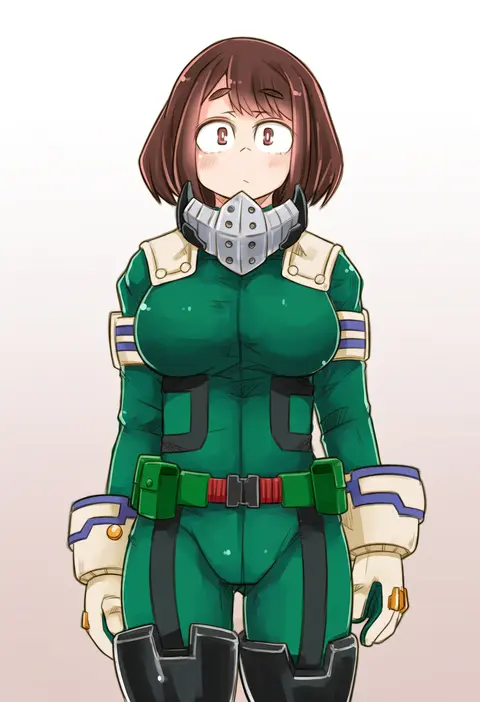
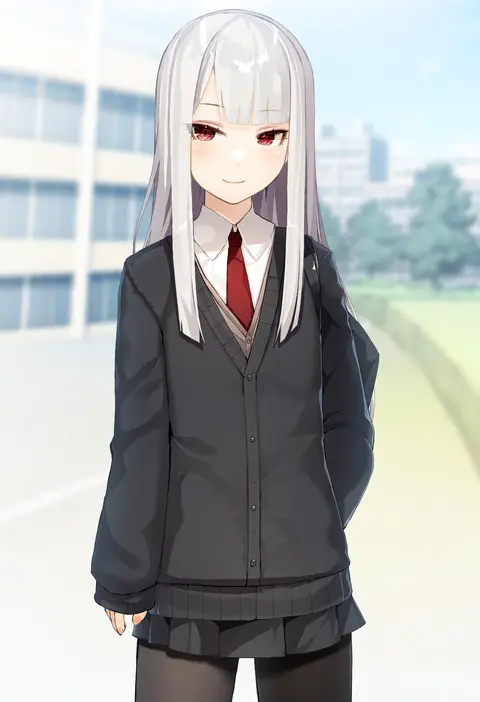
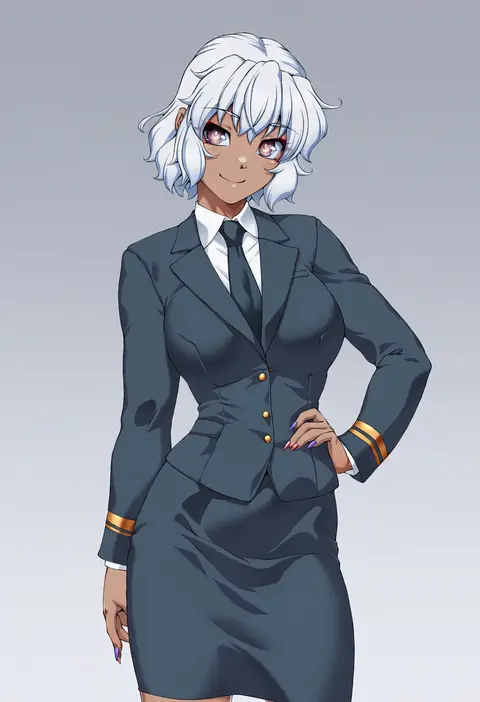
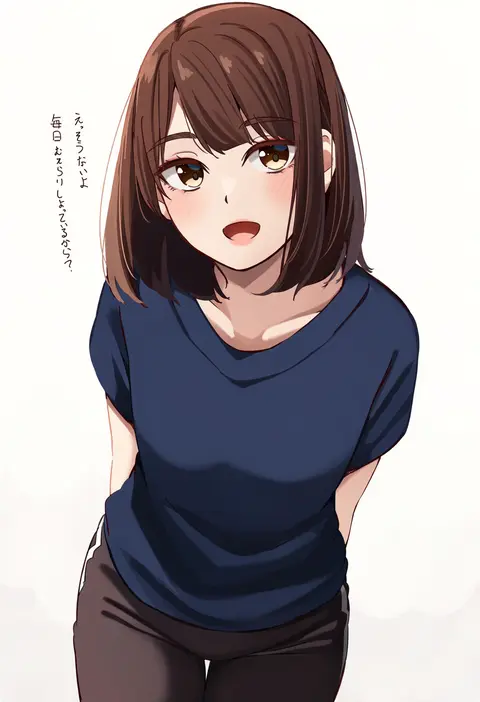
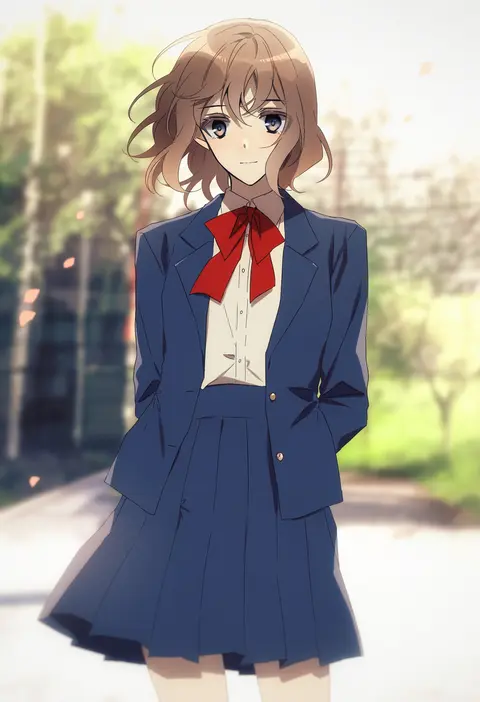
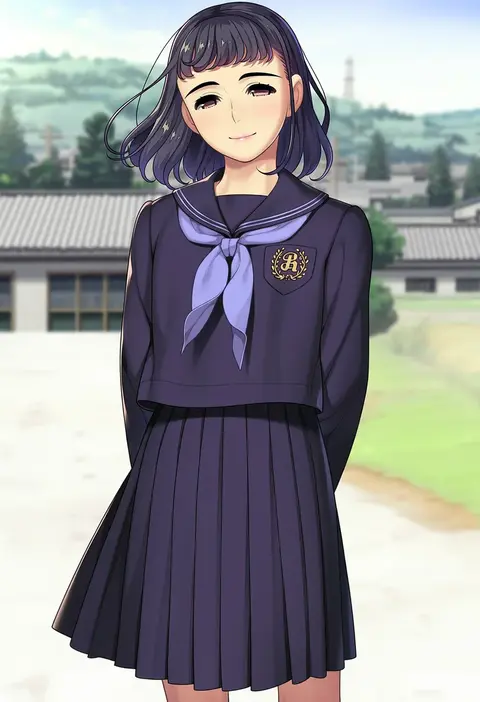
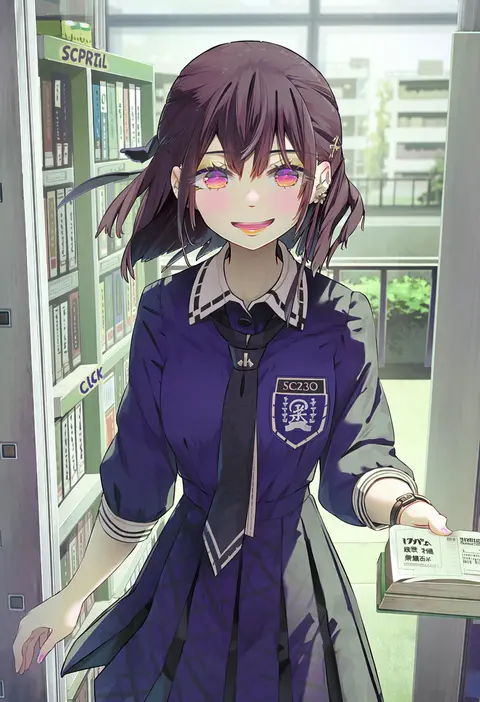
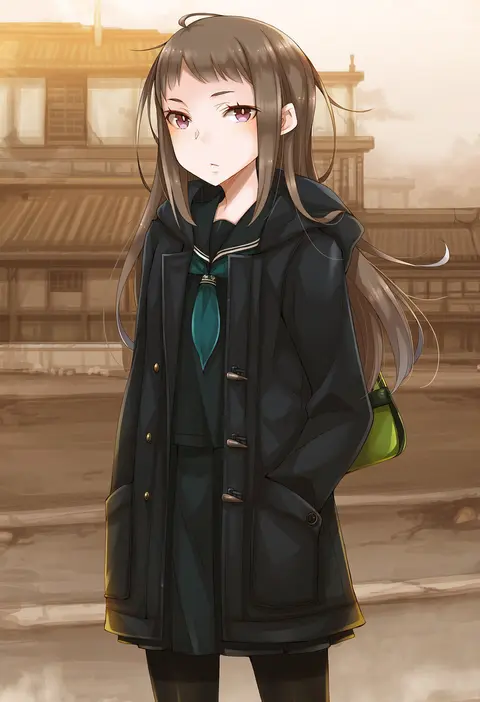
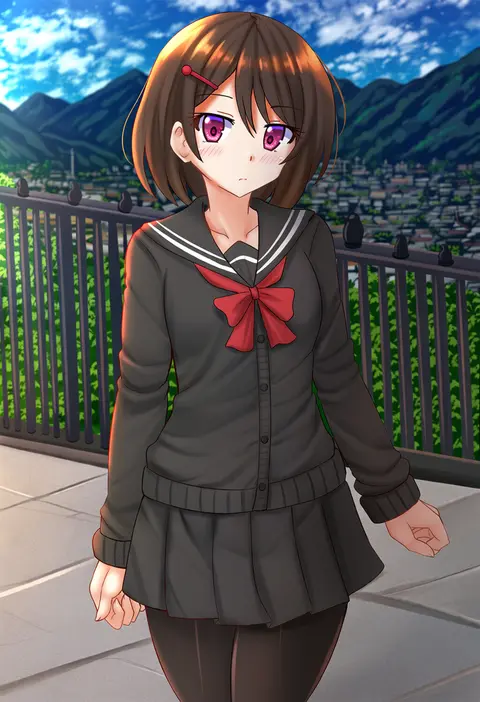
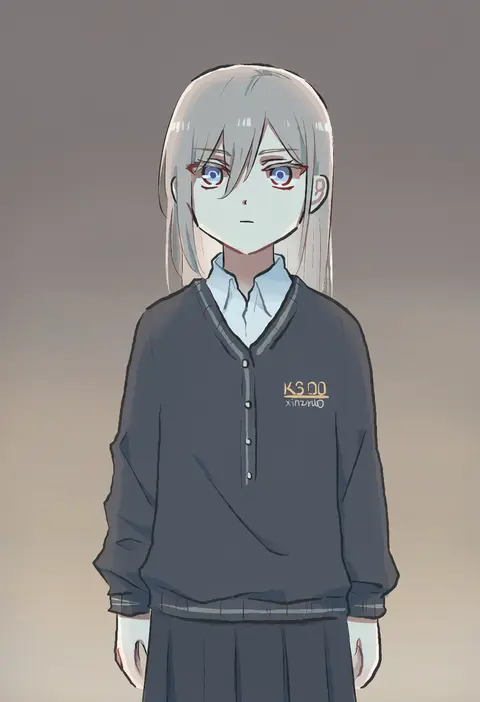
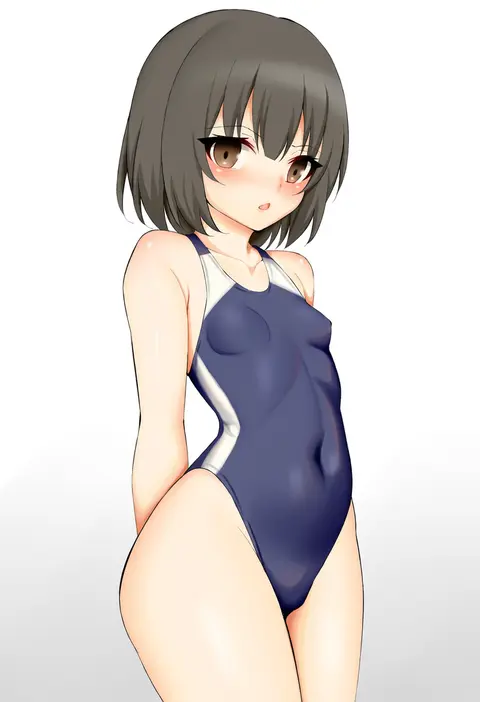
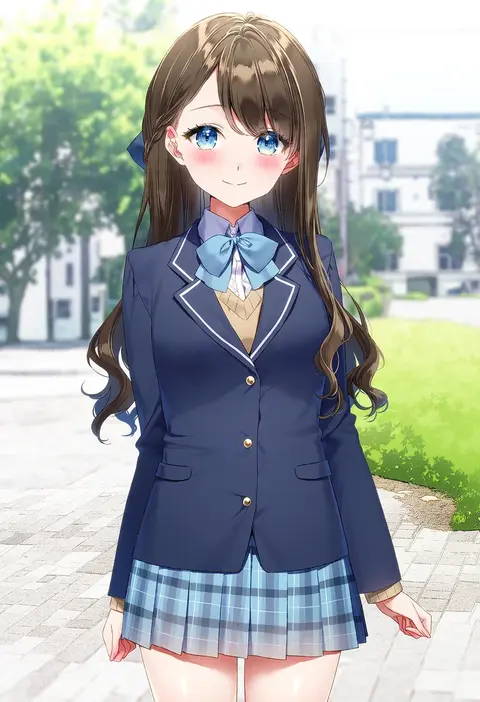
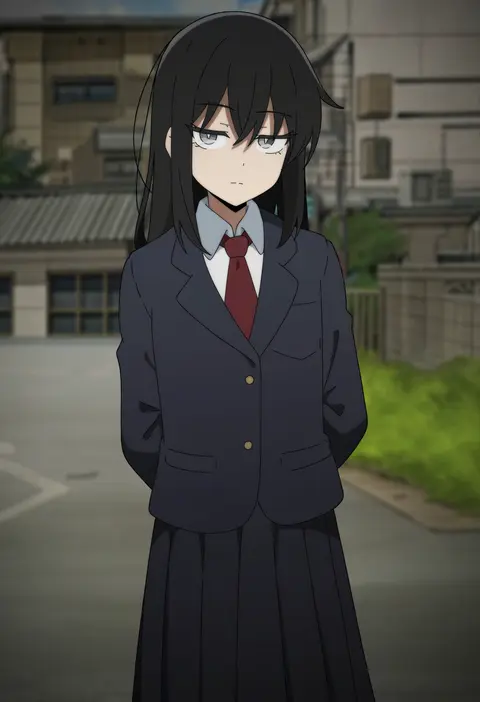
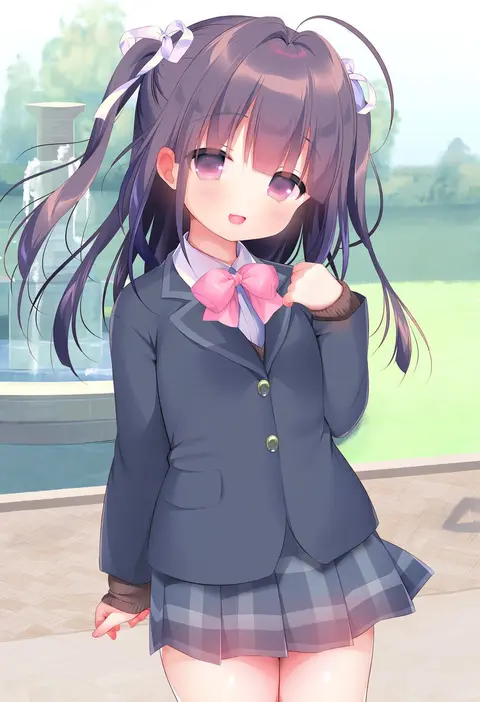
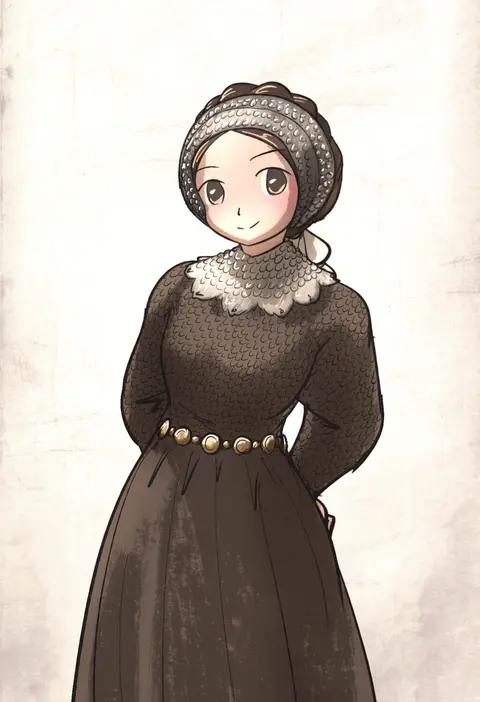
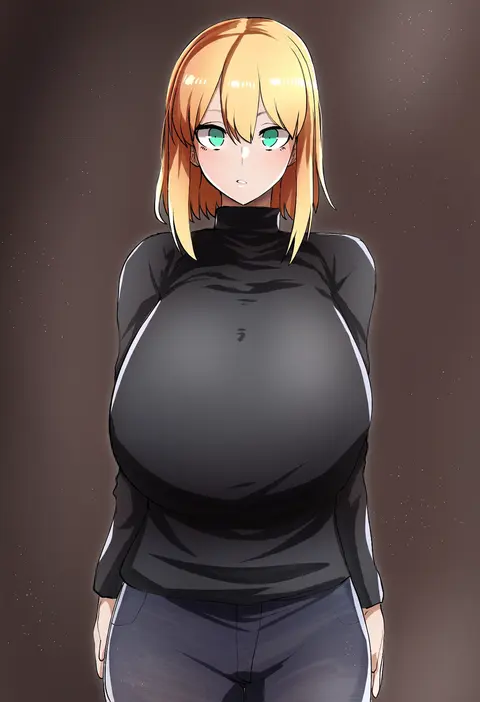
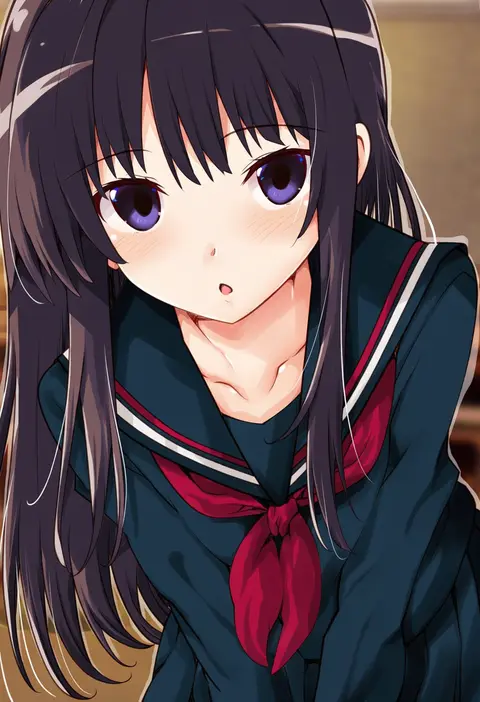
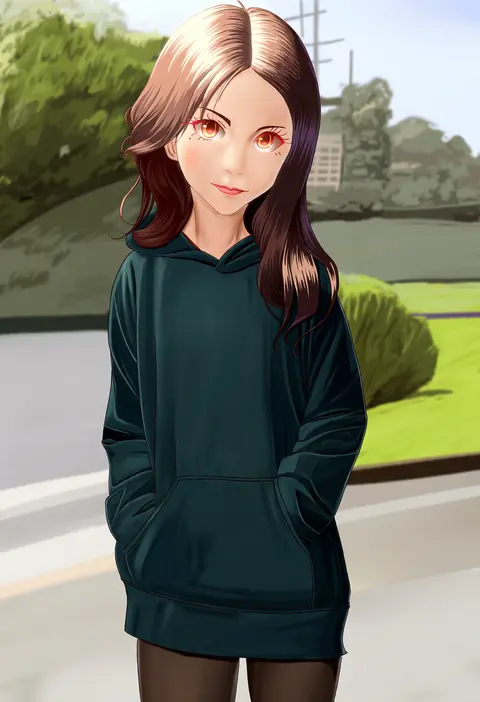
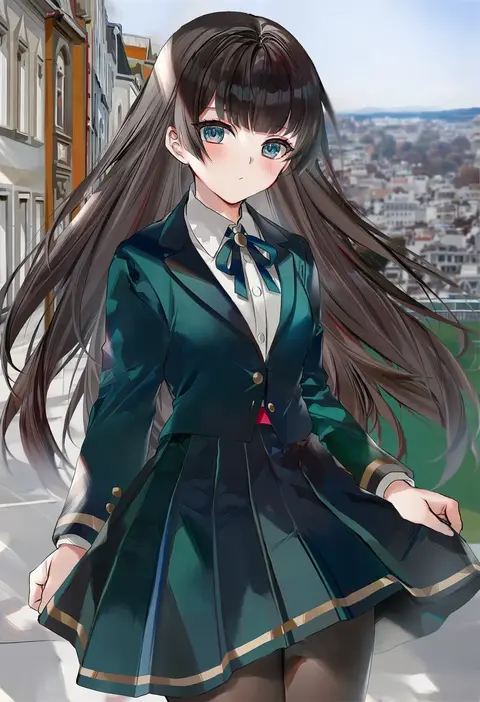
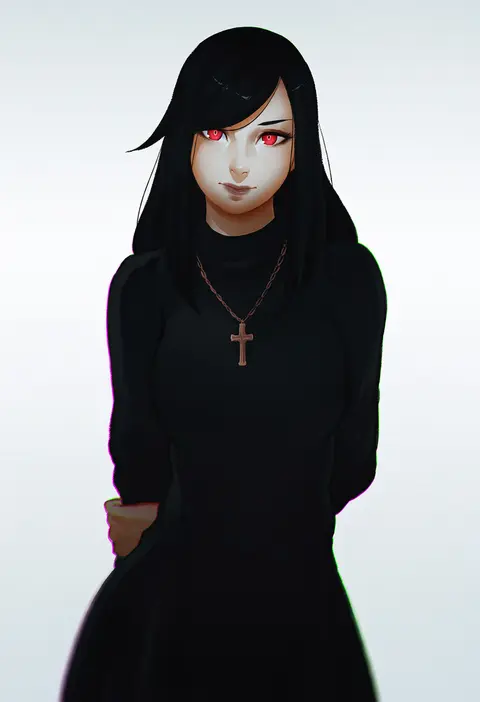
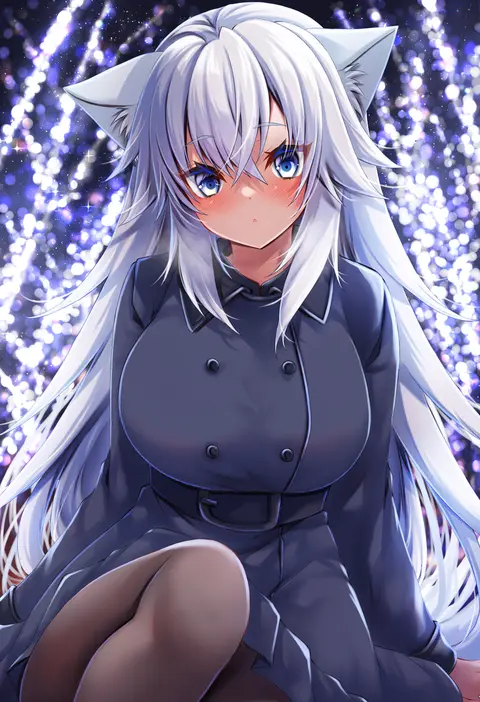
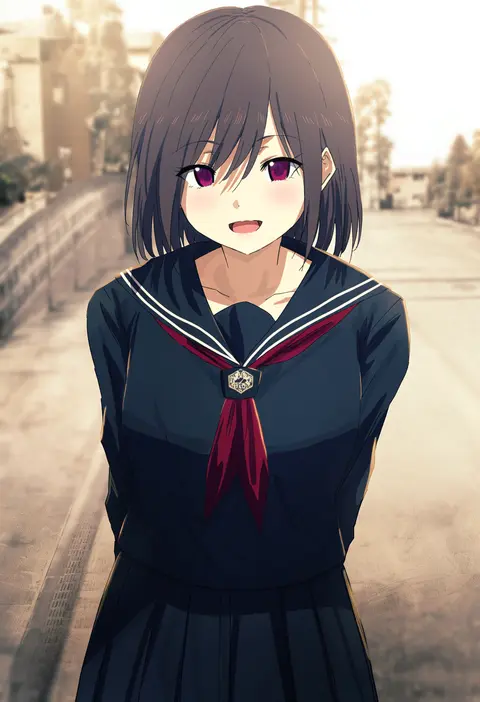
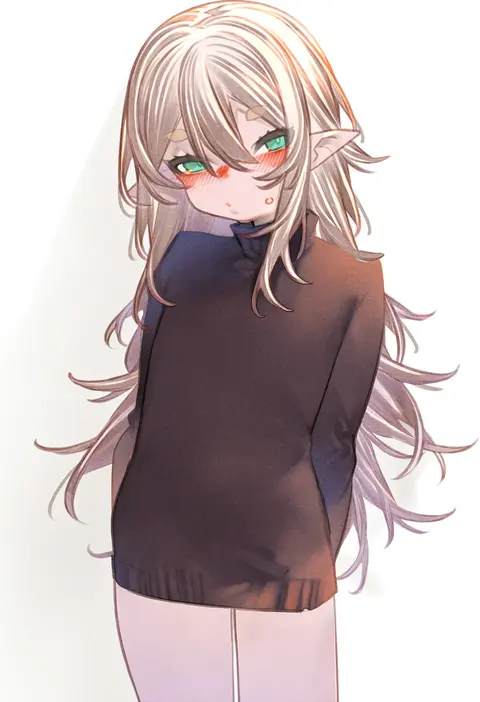
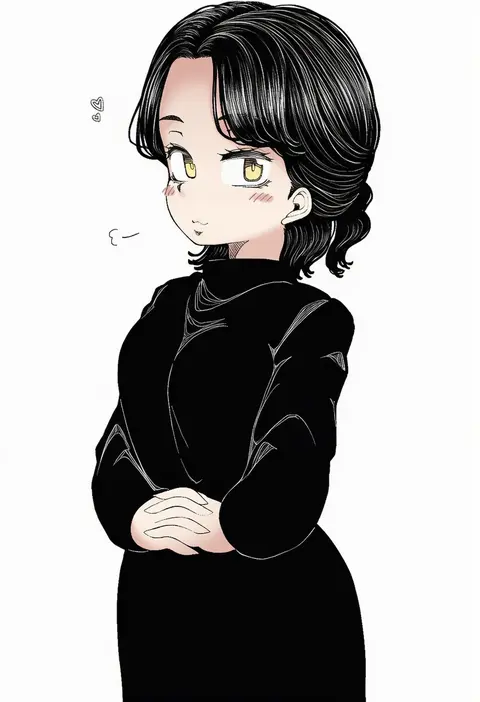
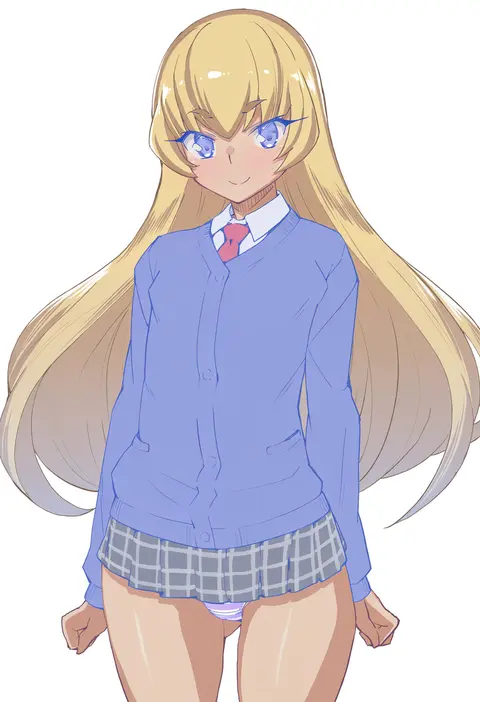
Artist tags tell NovelAI Diffusion to draw in a specific artist's style: line weight, paint texture, face shapes and palette all shift at once. Character and outfit tags decide what is drawn; artist tags decide how. 2,556 tags are listed for V5.
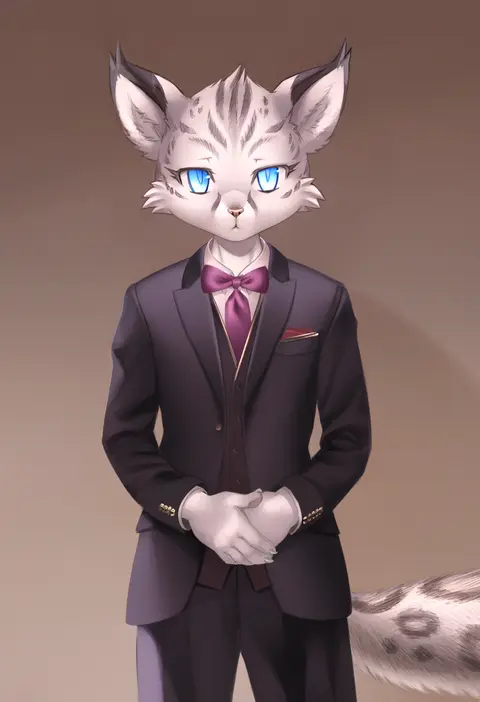
Every tag listed here is verified to react in NovelAI. All images use the same prompt, seed and settings with only the artist tag swapped, so the difference between two images is the style that tag brings in.

How to use them

Put the artist tag near the front of the prompt, e.g. "<artist>, 1girl, solo, best quality, masterpiece, cowboy shot". Two or three artist tags blend styles; lower the weight with "0.8::<artist>::" when the style overpowers the character.

SCORE sorts by Danbooru's top score, POSTS by post count, FAVS by hearts on this site. Open a card to see V5 and V4.5 side by side on the same seed.

V5 vs V4.5

V5 usually lands closer to the artist's real style, and tags that did nothing on V4.5 often react on V5. V4.5 still fits older and doujin-heavy artists better. Try V5 first, fall back to V4.5.

FAQ

Where does the artist tag go?
Near the front of the prompt. Use "0.8::tag::" to adjust its weight.

Can I stack artist tags?
Yes, styles blend. Past two or three the result stops looking like anyone.

Are these the artists' own works?
No. Every image is a NovelAI sample generated from the tag.