V5Artists
sort: FAVS▾
▾
>
$

NovelAI V5 Artist Tags List

artist --count 2,536[28/43]
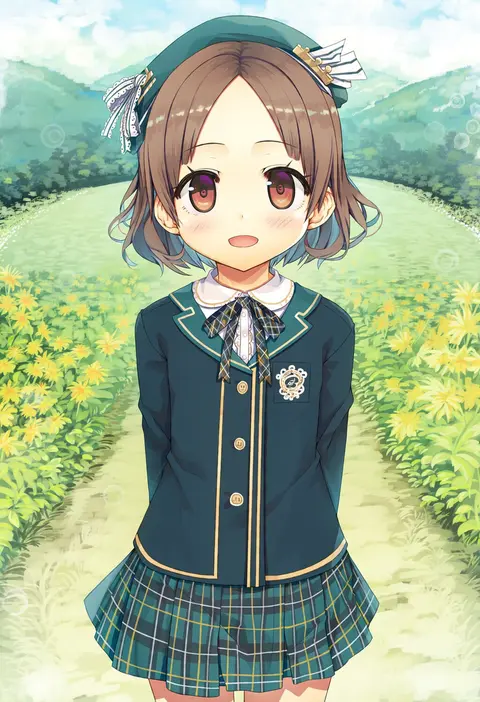
cura
ARTIST0x0654
0
liz (piyoko piyop)
ARTIST0x0655
0
kobayashi chisato
ARTIST0x0656
0
kaiga
ARTIST0x0657
0
shouna mitsuishi
ARTIST0x0658
0
muririn
ARTIST0x0659
0
nyuu (manekin-eko)
ARTIST0x065A
0
wanderjegson
ARTIST0x065B
0
mota
ARTIST0x065C
0
suihei sen
ARTIST0x065D
0
takasuma hiro
ARTIST0x065E
0
techi (techi35499)
ARTIST0x065F
0
peach88
ARTIST0x0660
0
mata (matasoup)
ARTIST0x0661
0
kishida shiki
ARTIST0x0662
0
monori rogue
ARTIST0x0663
0
crumbles
ARTIST0x0664
0
nanashino
ARTIST0x0665
0
natsuhiko
ARTIST0x0666
0
mtu (orewamuzituda)
ARTIST0x0667
0
kinokomushi
ARTIST0x0668
0
juurouta
ARTIST0x0669
0
suminagashi
ARTIST0x066A
0
akagi kurage
ARTIST0x066B
0
shinozuka jouji
ARTIST0x066C
0
ebi 193
ARTIST0x066D
0
barbariank
ARTIST0x066E
0
mitsuba minoru
ARTIST0x066F
0
konpeto
ARTIST0x0670
0
darumoon
ARTIST0x0671
0
jingai modoki
ARTIST0x0672
0
ryo (tg290)
ARTIST0x0673
0
usashiro mani
ARTIST0x0674
0
murata range
ARTIST0x0675
0
furaggu (frag 0416)
ARTIST0x0676
0
seihekiog
ARTIST0x0677
0
sakaki imasato
ARTIST0x0678
0
suurin (ksyaro)
ARTIST0x0679
0
uni8
ARTIST0x067A
0
yakob labo
ARTIST0x067B
0
kadeart
ARTIST0x067C
0
jonsun
ARTIST0x067D
0
koume keito
ARTIST0x067E
0
yuran
ARTIST0x067F
0
blew andwhite
ARTIST0x0680
0
yakisobapan tarou & negitoro-ko
ARTIST0x0681
0
okuri banto
ARTIST0x0682
0
gonzarez
ARTIST0x0683
0
pokemoa
ARTIST0x0684
0
kozue akari
ARTIST0x0685
0
kazuma muramasa
ARTIST0x0686
0
himeyamato
ARTIST0x0687
0
kiyama satoshi
ARTIST0x0688
0
masuyama ryou
ARTIST0x0689
0
doushimasho
ARTIST0x068A
0
gurande (g-size)
ARTIST0x068B
0
shashaki
ARTIST0x068C
0
silence girl
ARTIST0x068D
0
aile (crossroads)
ARTIST0x068E
0
gibagiba
ARTIST0x068F
0

What these tags change

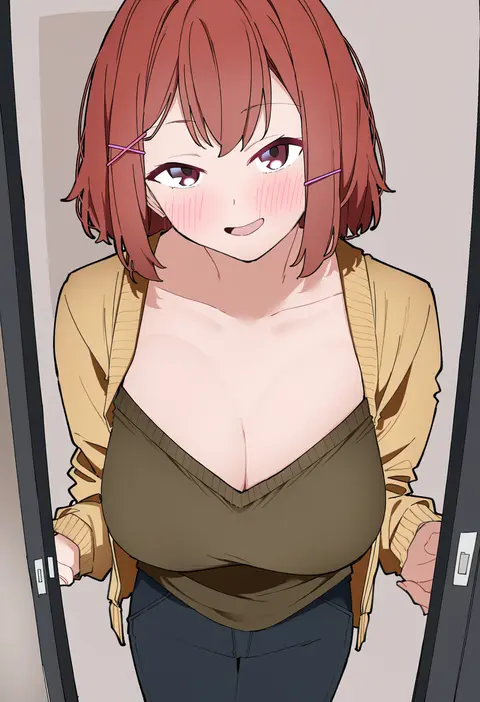
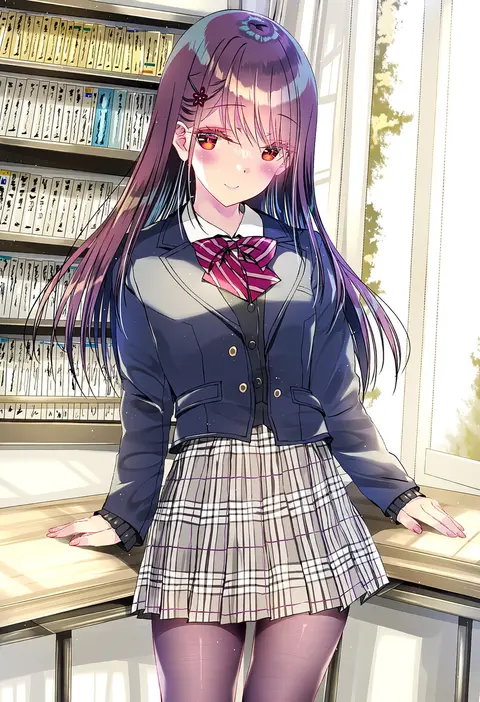
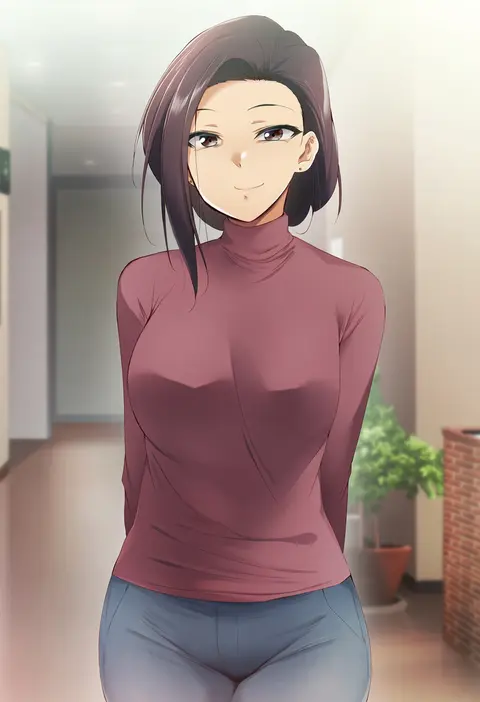
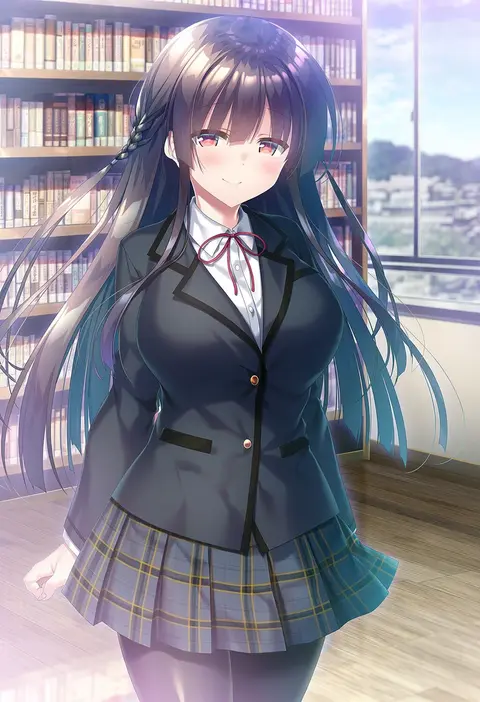
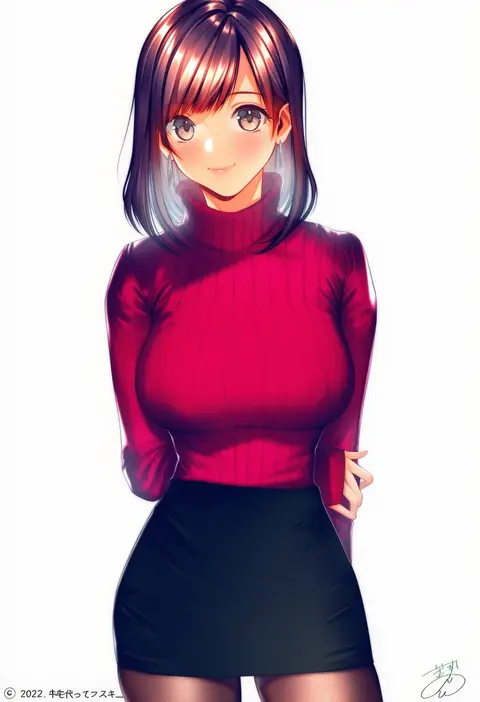
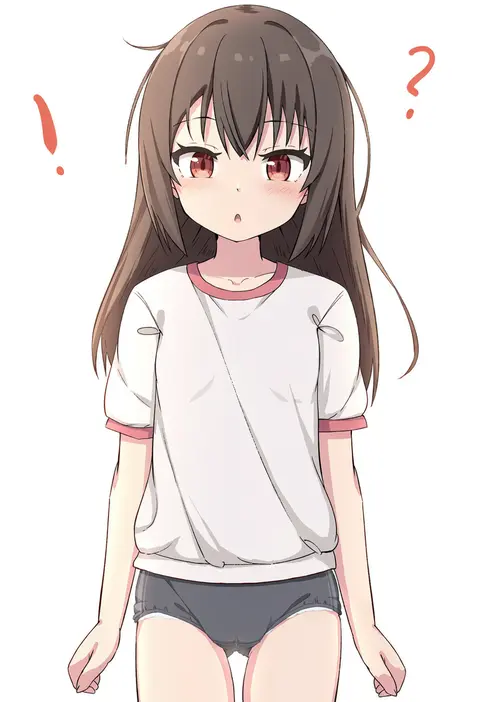
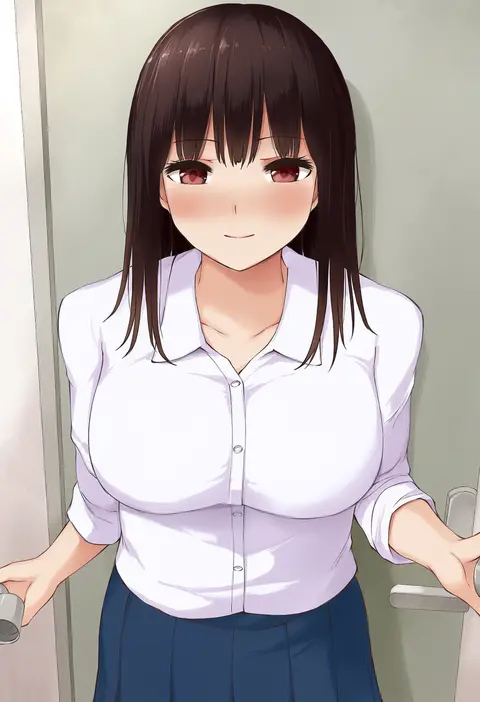
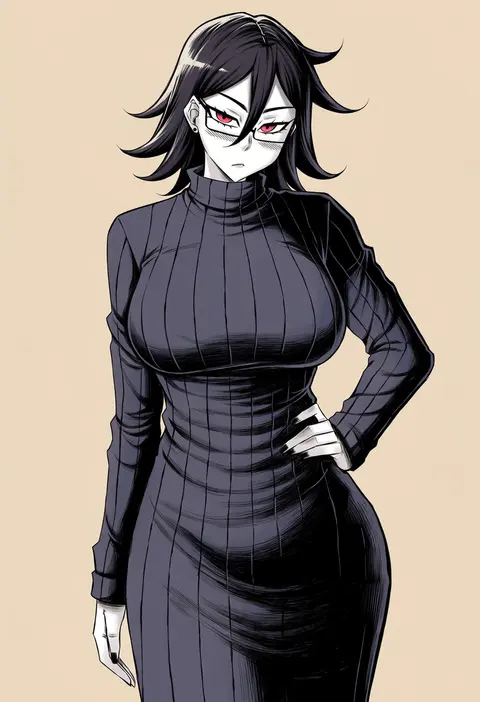
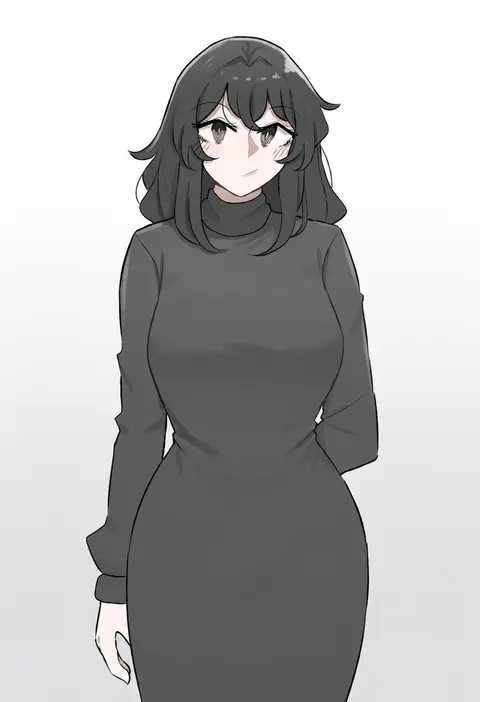
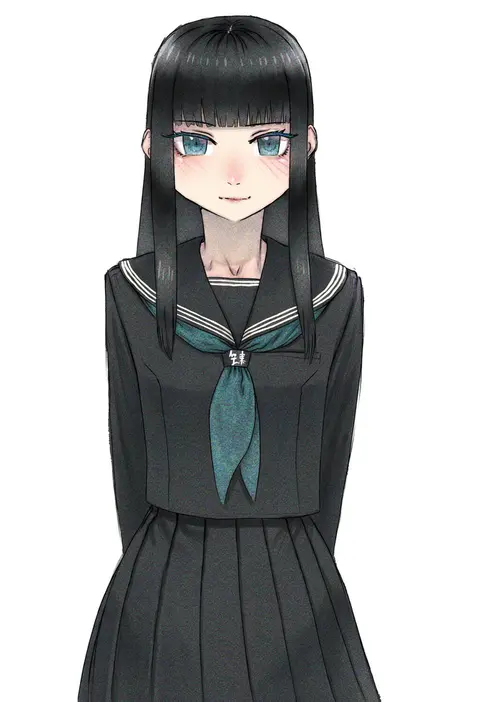
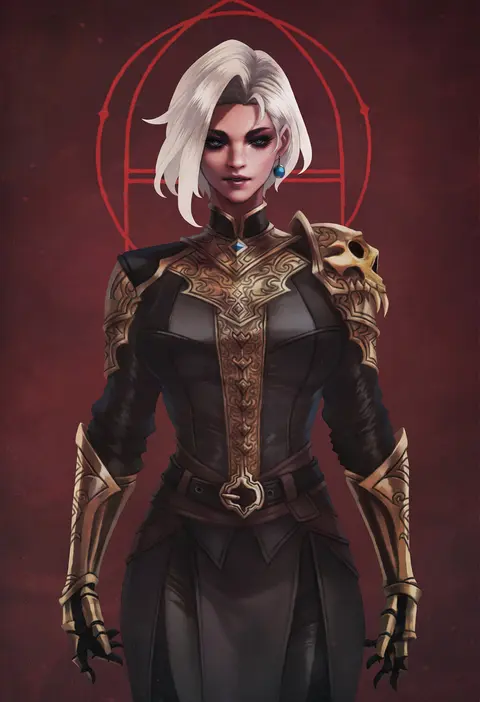
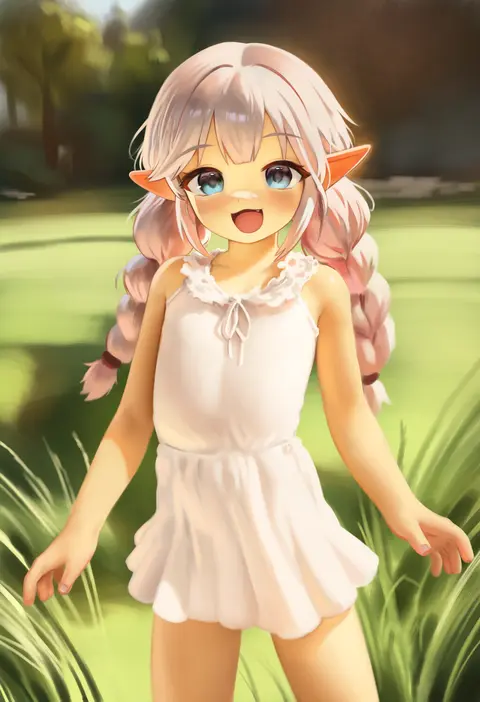
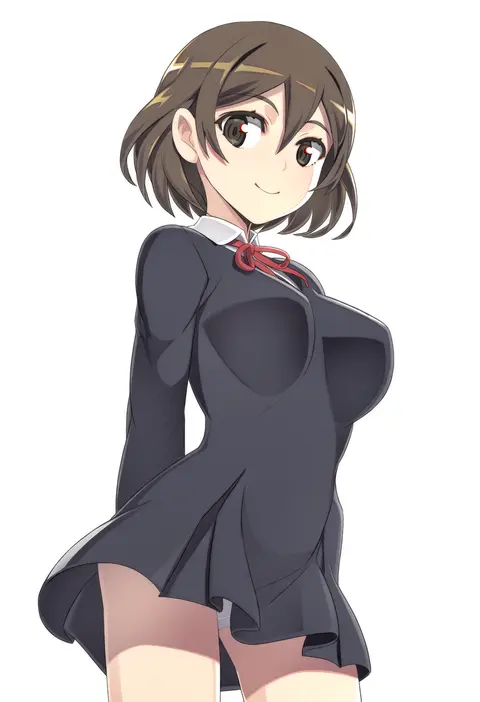
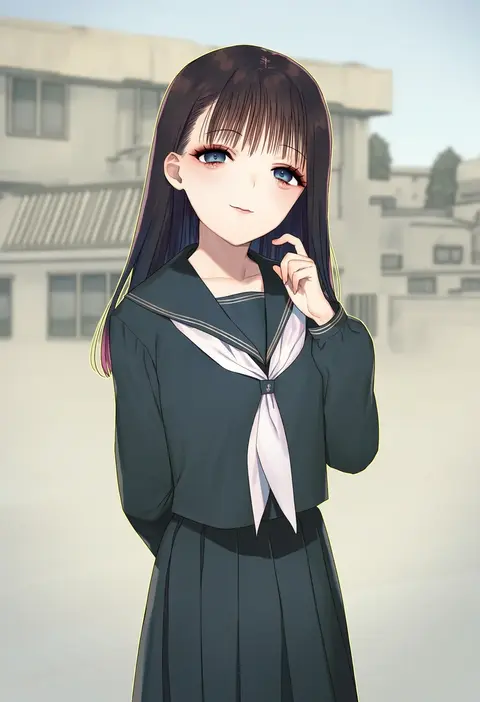
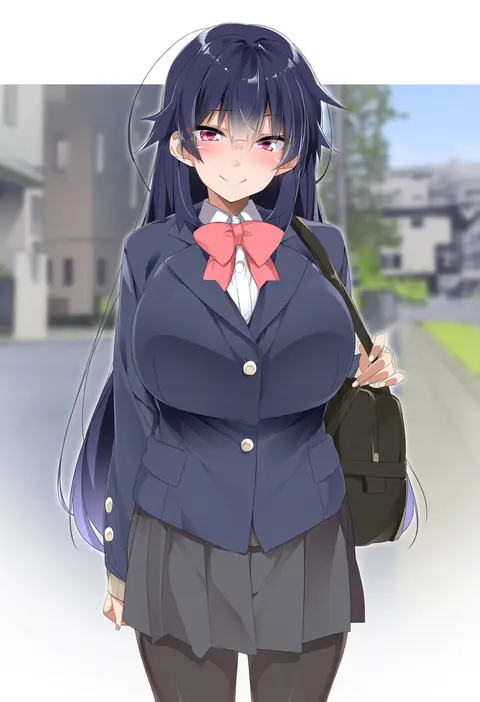
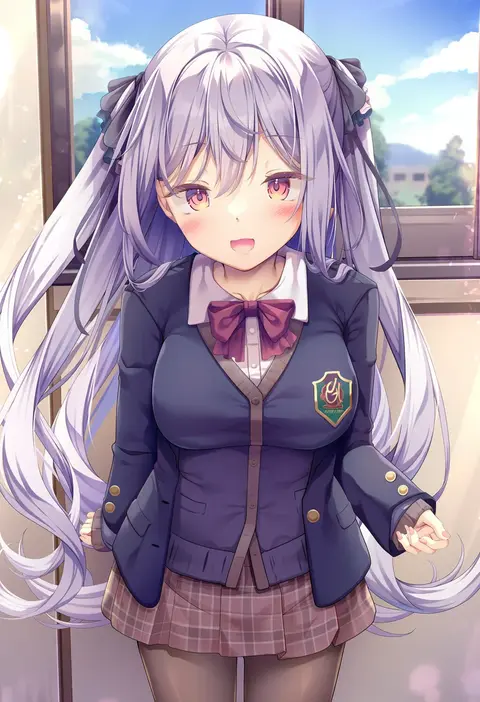
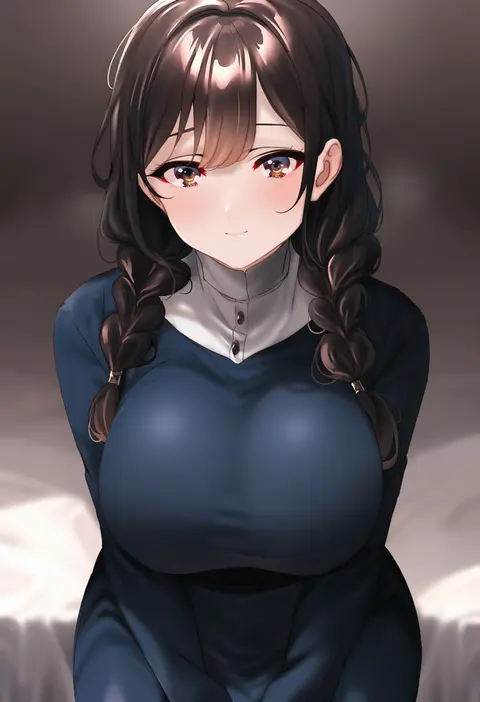
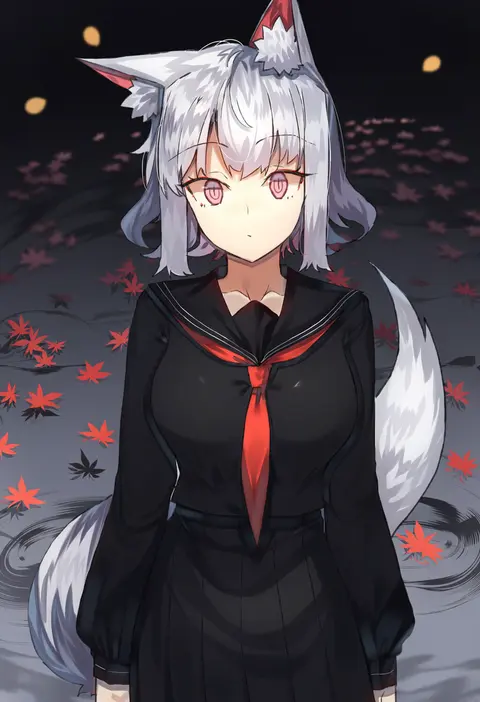
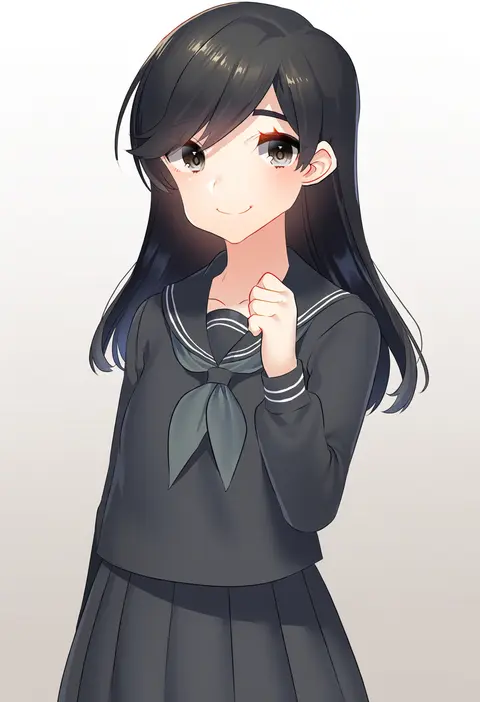
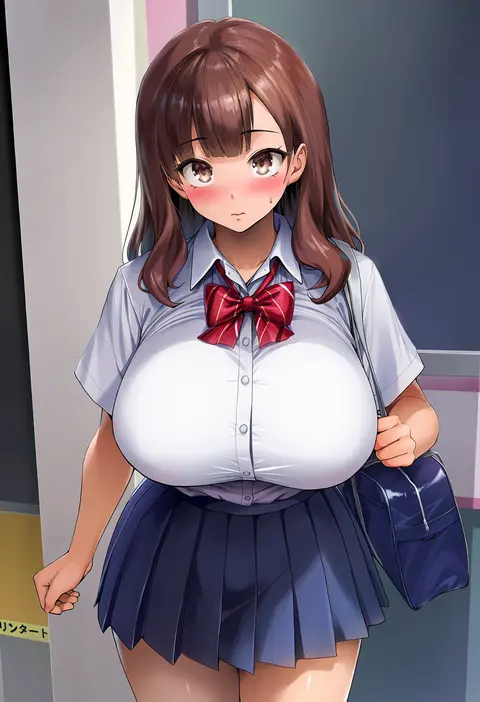
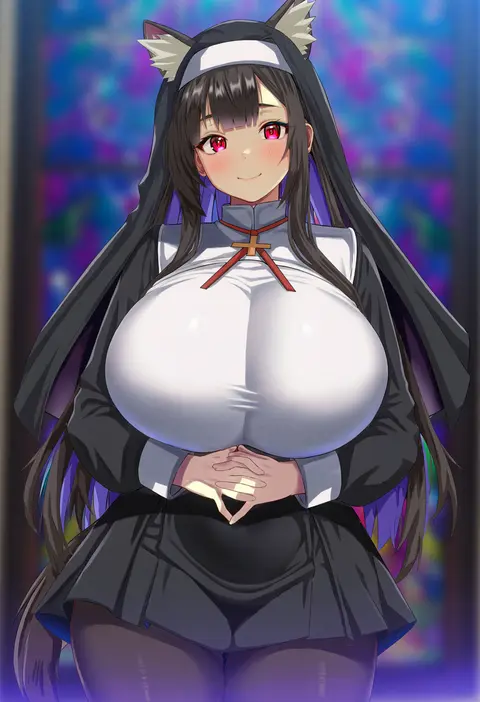
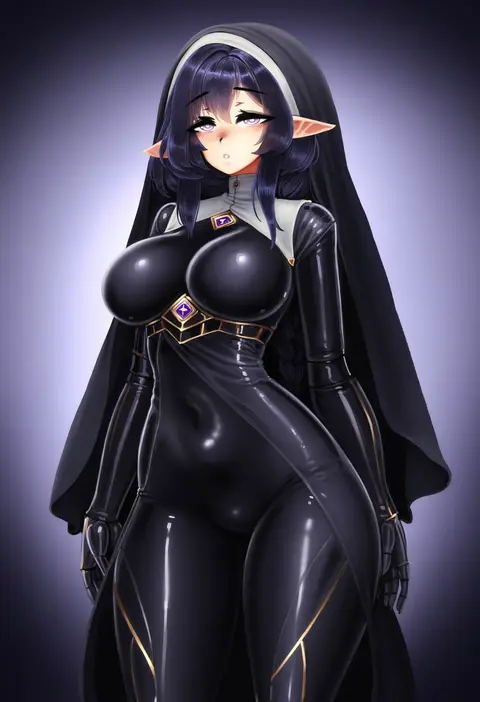
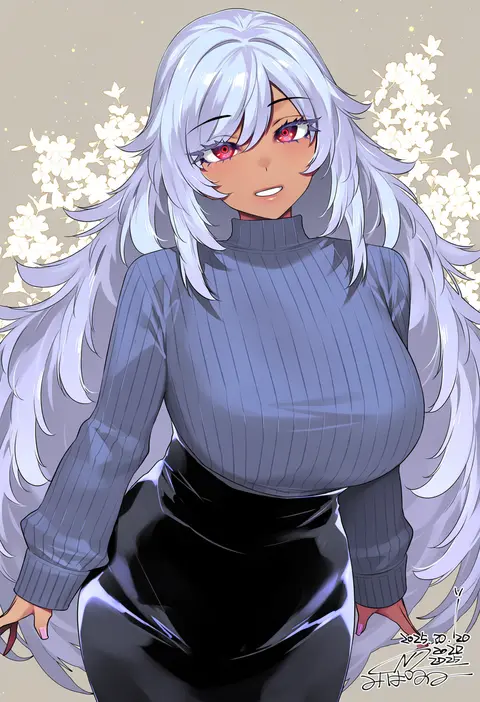
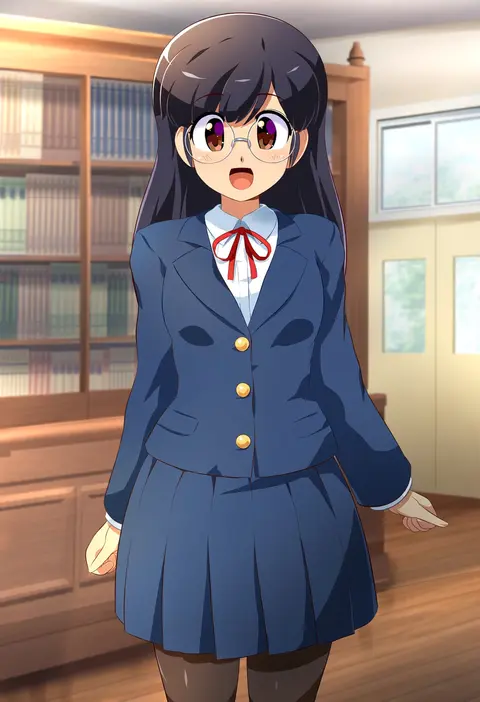
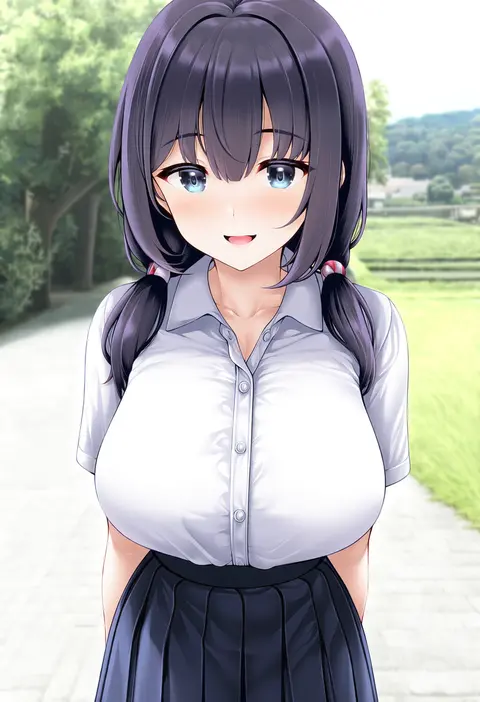
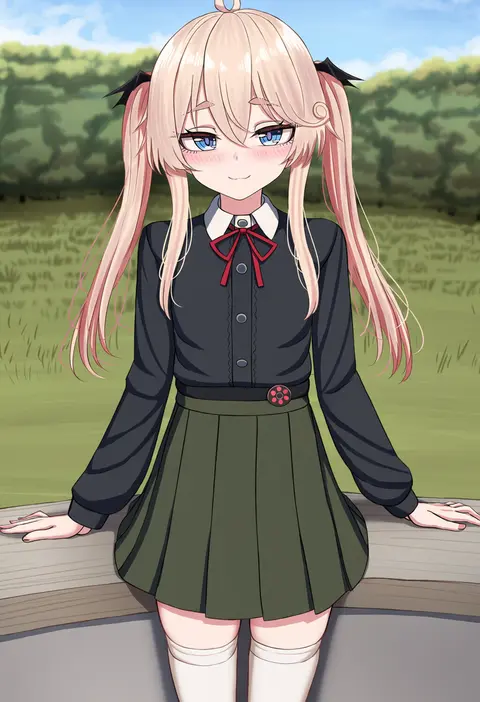
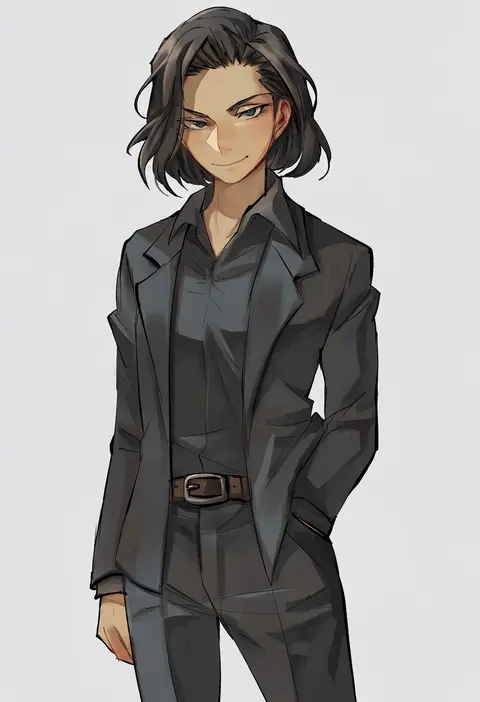
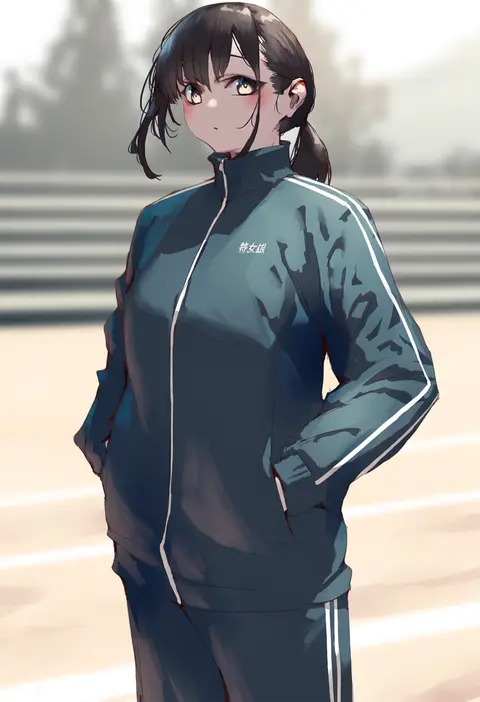
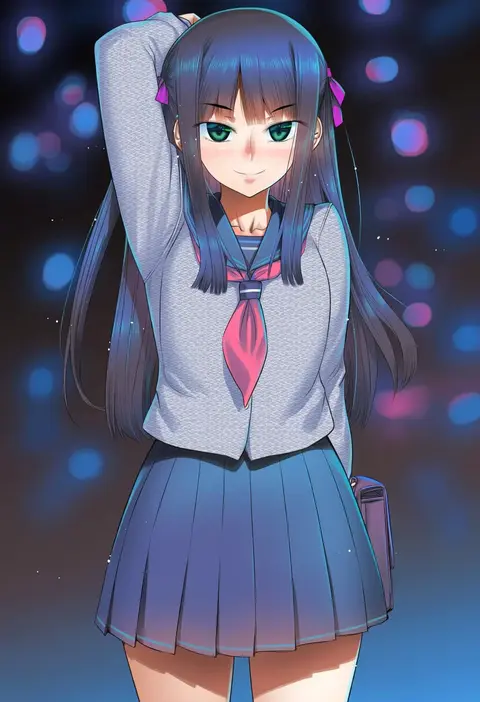
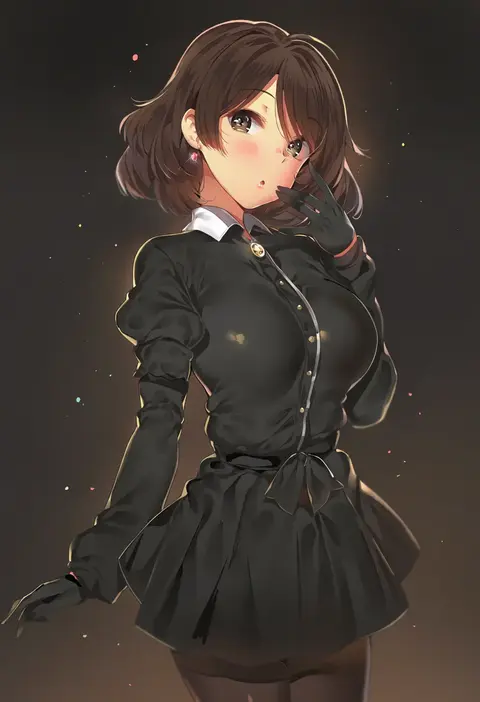
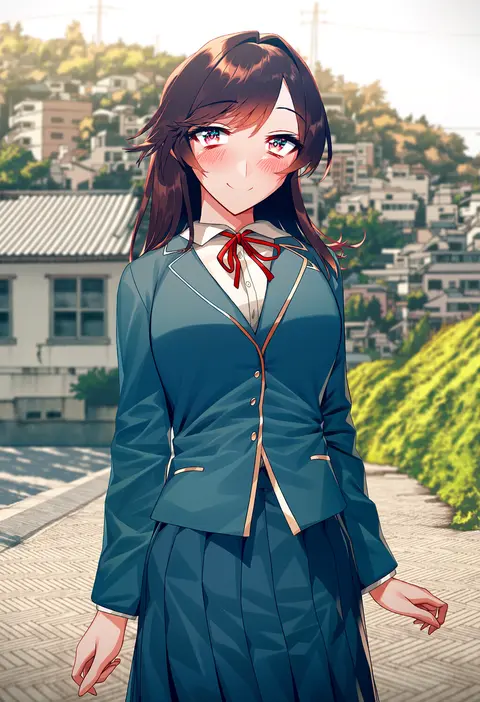
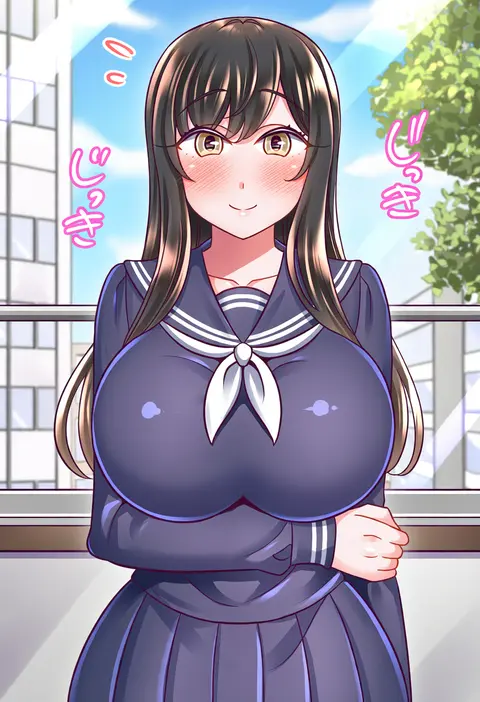
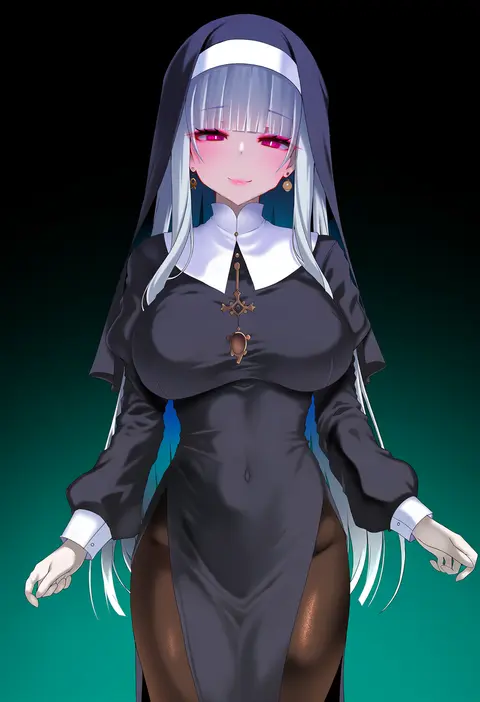
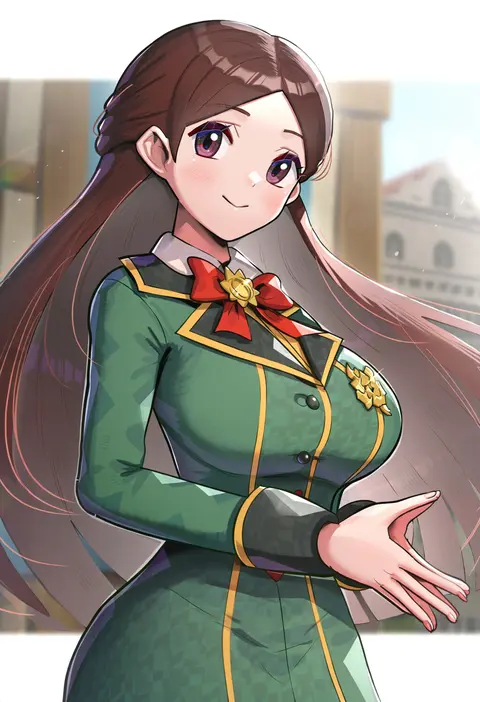
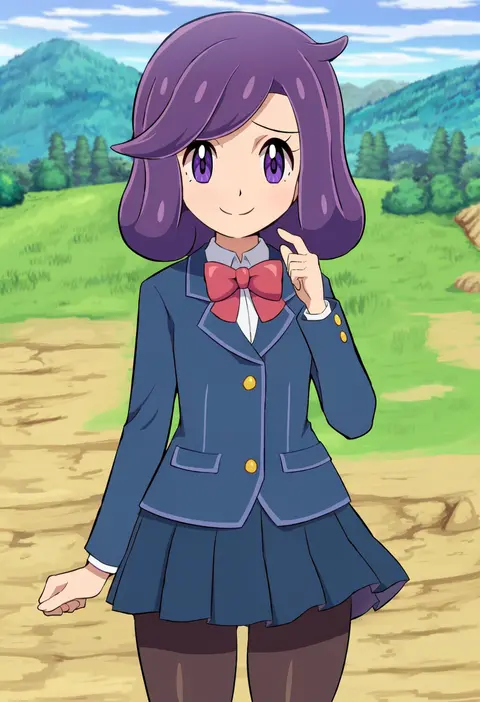
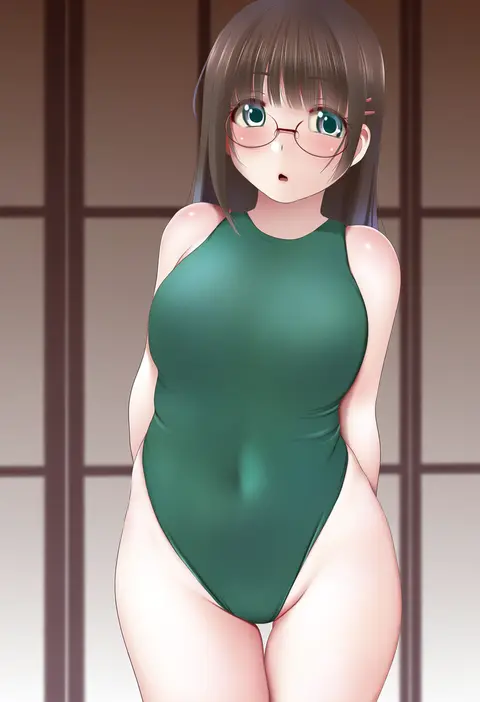
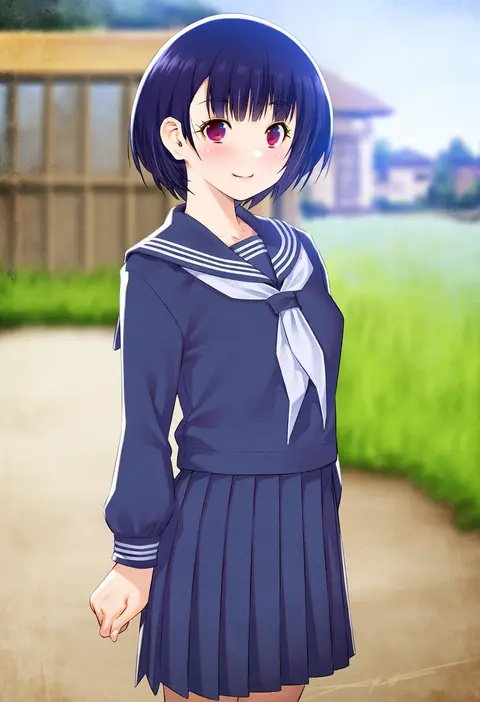
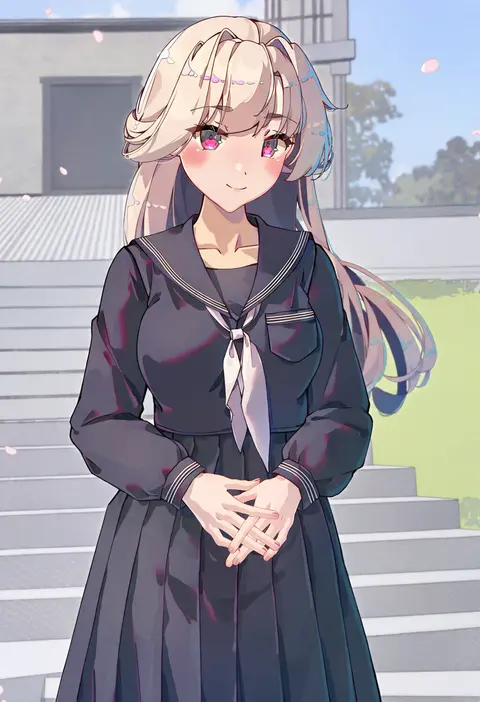
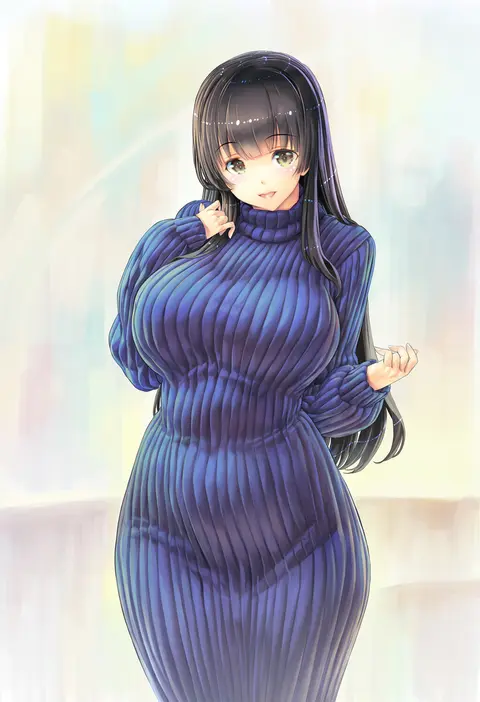
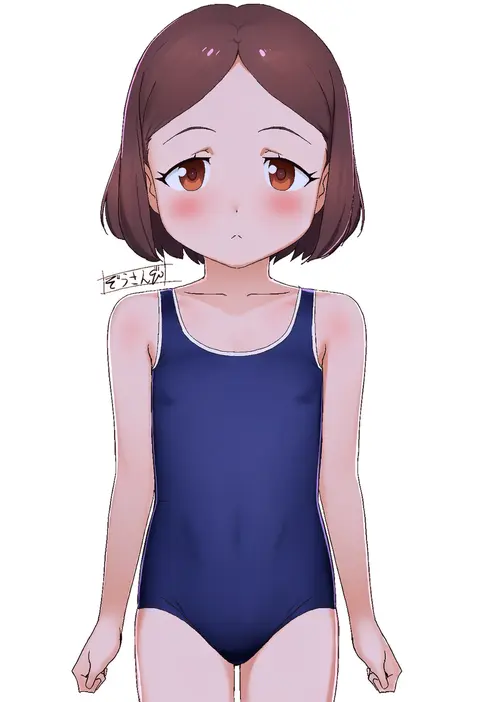
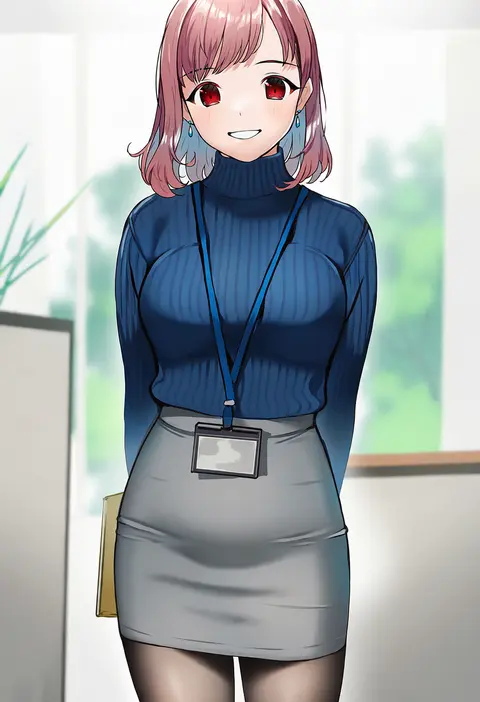
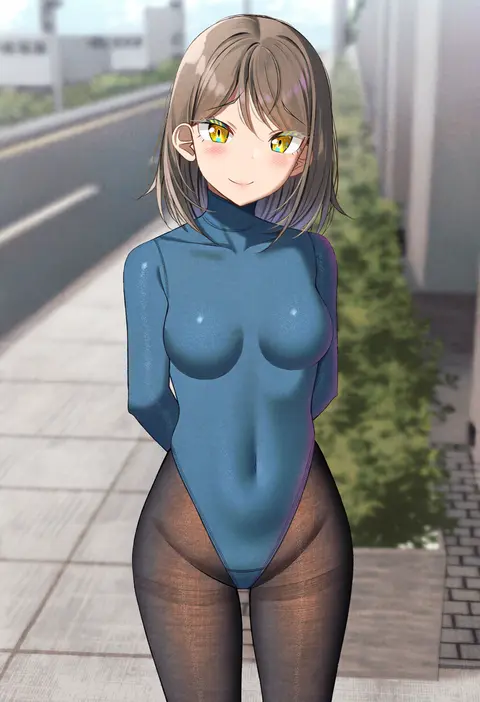
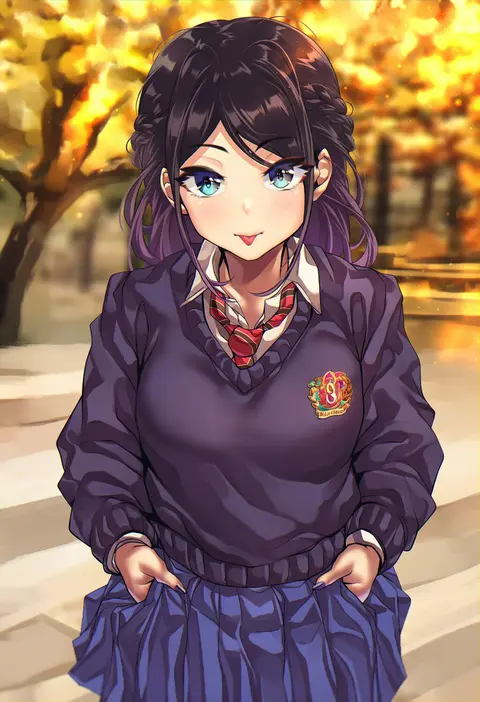
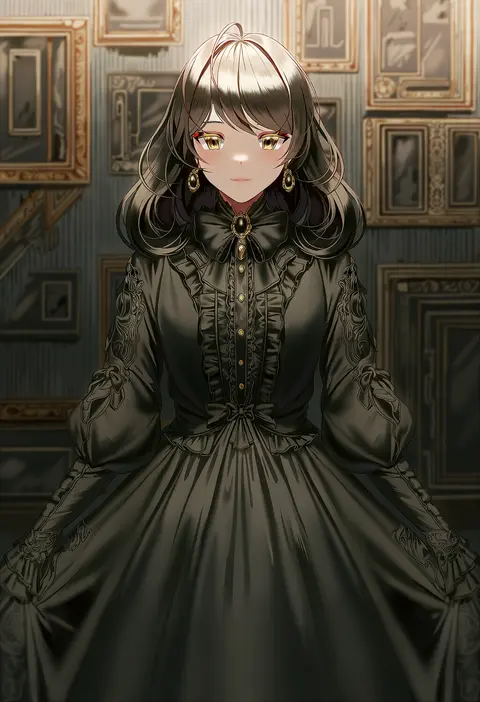
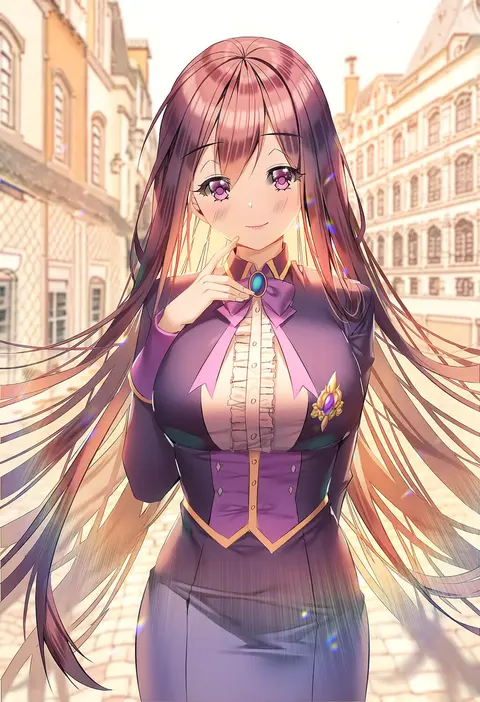
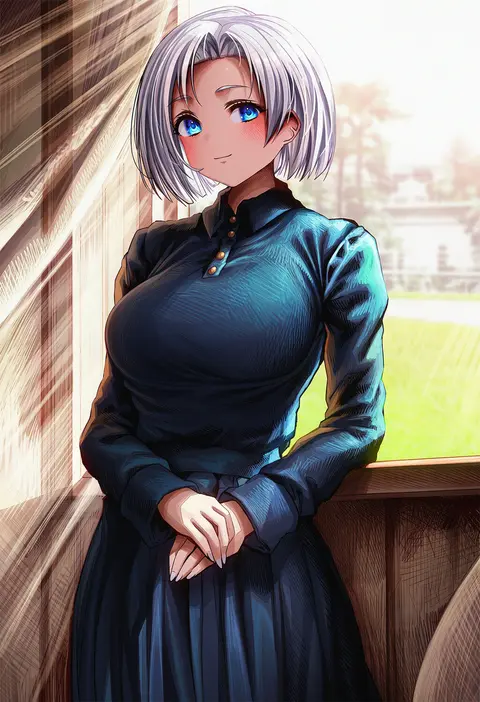
Artist tags tell NovelAI Diffusion to draw in a specific artist's style: line weight, paint texture, face shapes and palette all shift at once. Character and outfit tags decide what is drawn; artist tags decide how. 2,536 tags are listed for V5.
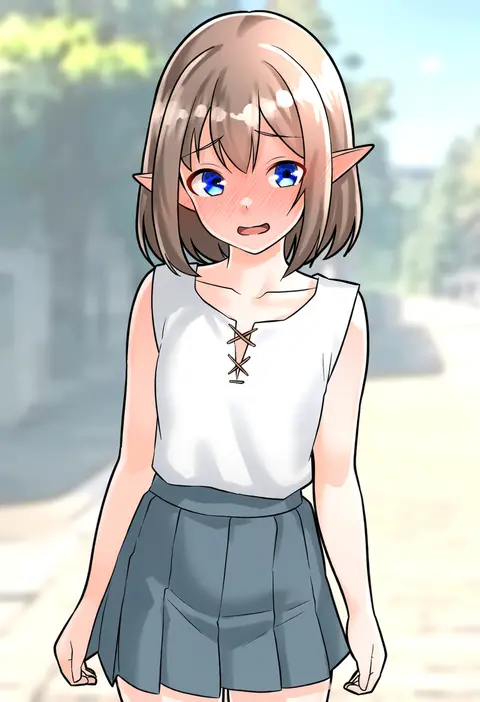
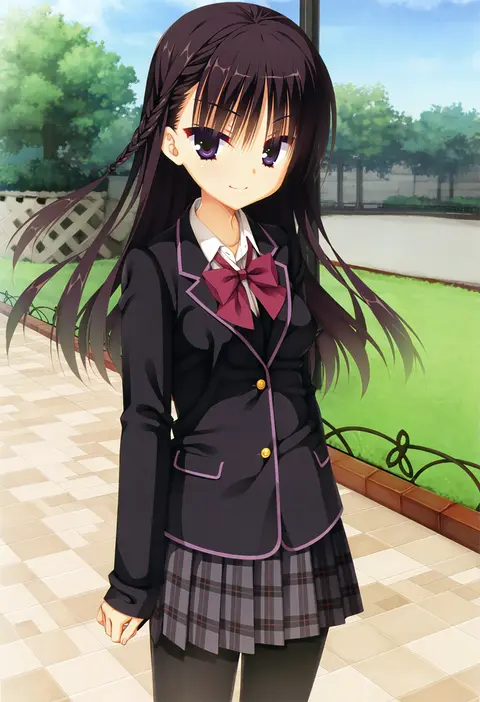
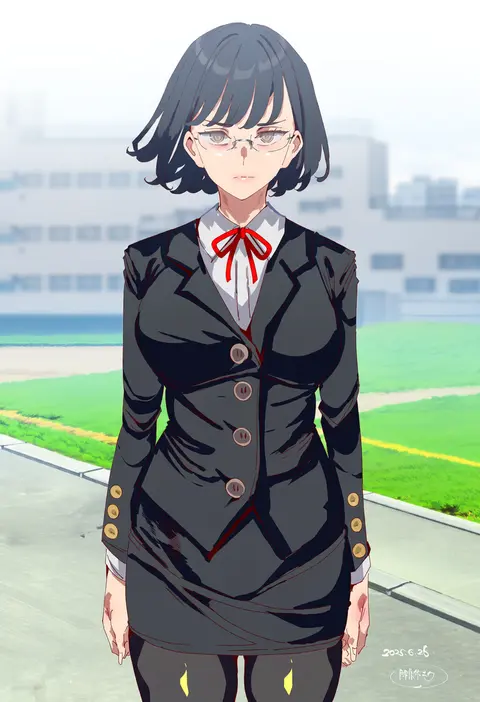
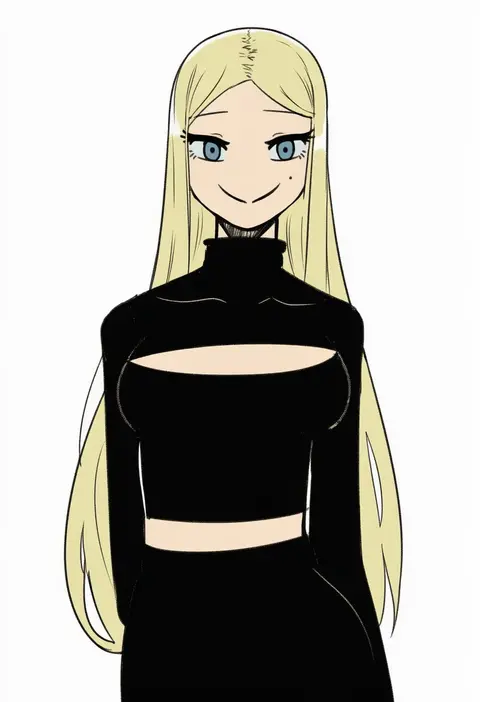
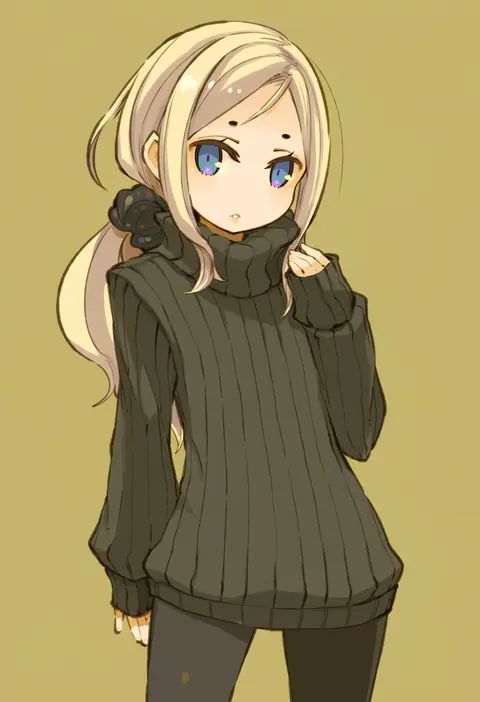
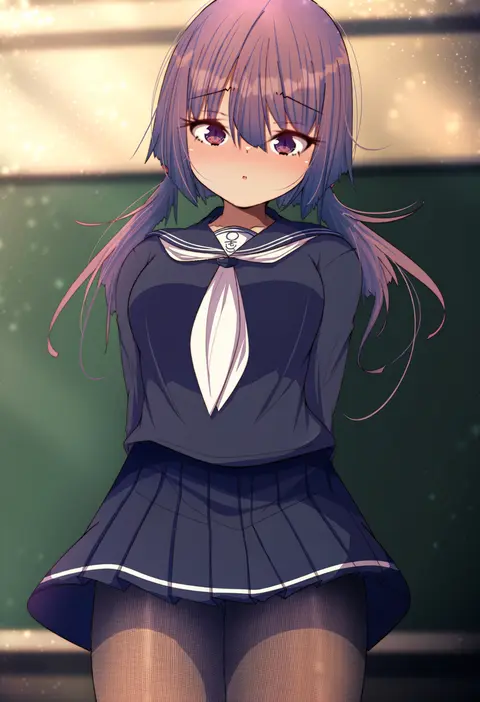
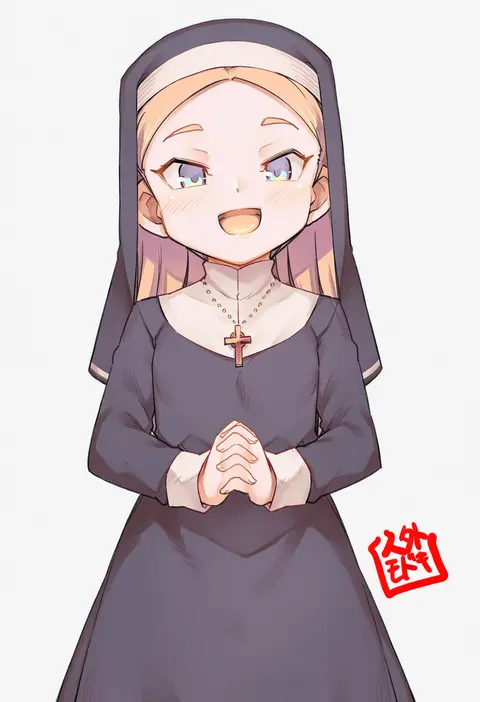
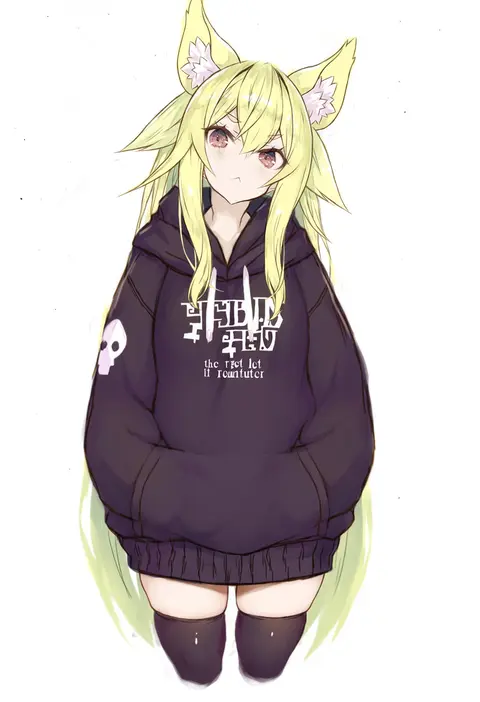
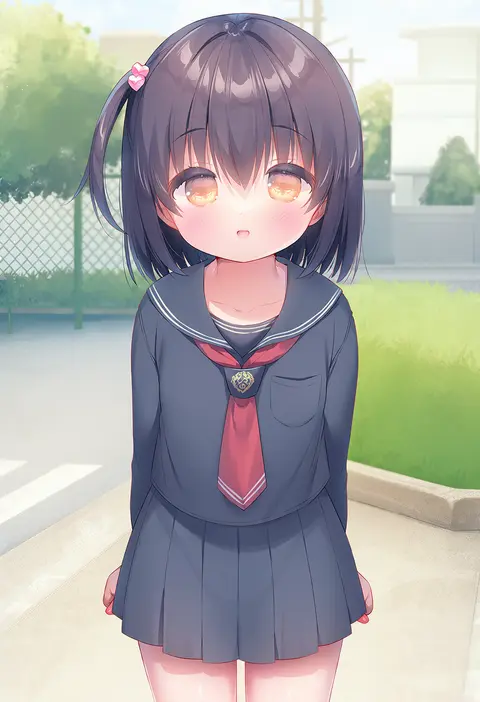
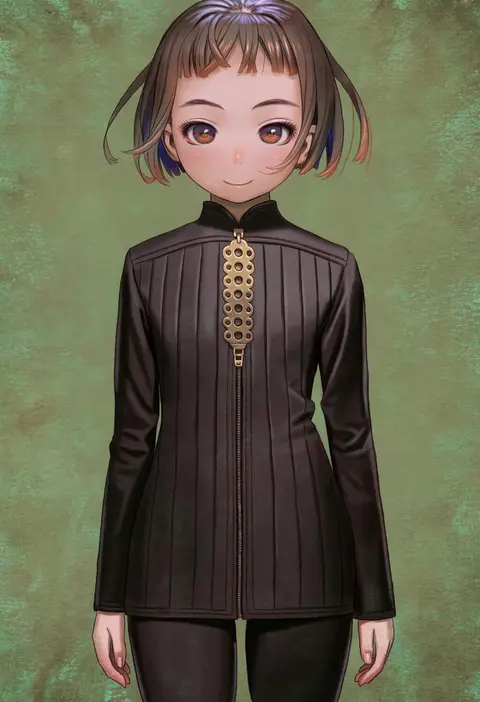
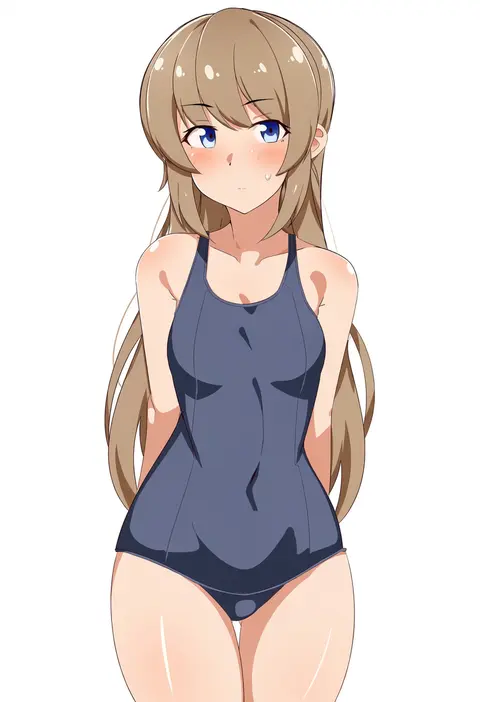
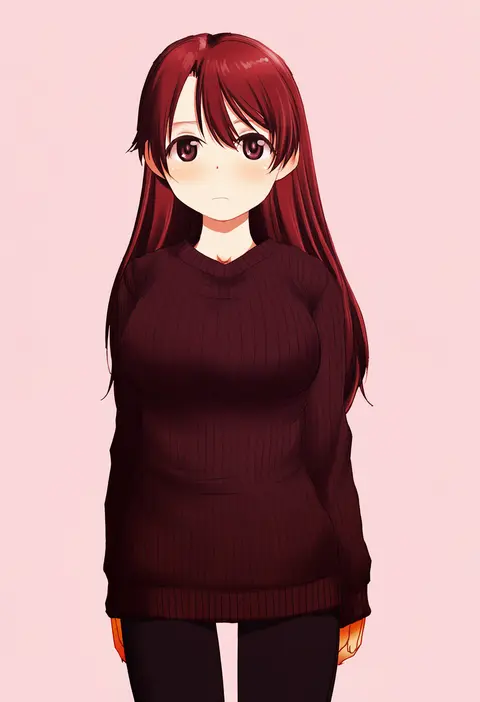
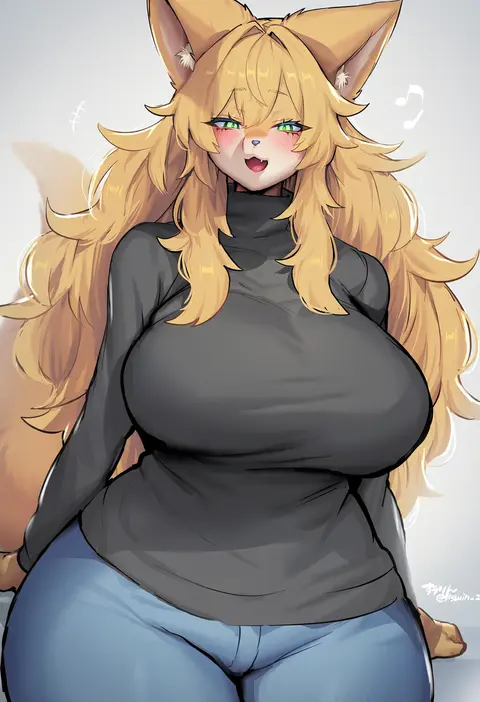
Every tag listed here is verified to react in NovelAI. All images use the same prompt, seed and settings with only the artist tag swapped, so the difference between two images is the style that tag brings in.

How to use them

Put the artist tag near the front of the prompt, e.g. "<artist>, 1girl, solo, best quality, masterpiece, cowboy shot". Two or three artist tags blend styles; lower the weight with "0.8::<artist>::" when the style overpowers the character.

SCORE sorts by Danbooru's top score, POSTS by post count, FAVS by hearts on this site. Open a card to see V5 and V4.5 side by side on the same seed.

V5 vs V4.5

V5 usually lands closer to the artist's real style, and tags that did nothing on V4.5 often react on V5. V4.5 still fits older and doujin-heavy artists better. Try V5 first, fall back to V4.5.

FAQ

Where does the artist tag go?
Near the front of the prompt. Use "0.8::tag::" to adjust its weight.

Can I stack artist tags?
Yes, styles blend. Past two or three the result stops looking like anyone.

Are these the artists' own works?
No. Every image is a NovelAI sample generated from the tag.