V5Artists
sort: FAVS▾
▾
>
$

NovelAI V5 Artist Tags List

artist --count 2,508[34/42]
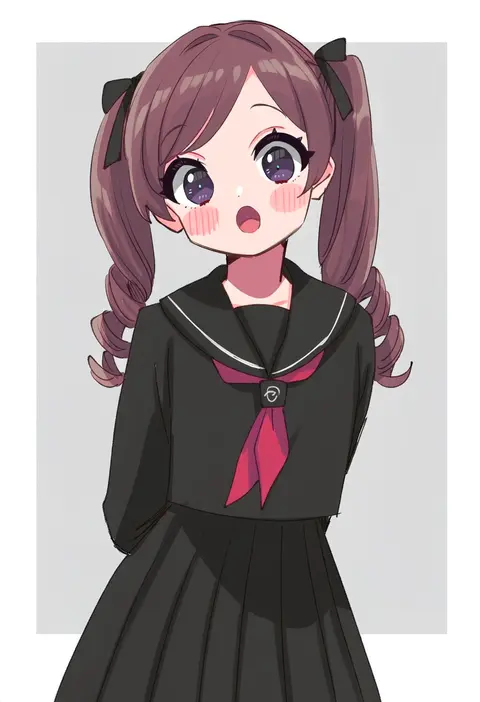
sukoyaka (100hituzi)
ARTIST0x07BC
0
yuuma (skirthike)
ARTIST0x07BD
0
gishiki (gshk)
ARTIST0x07BE
0
idkuroi
ARTIST0x07BF
0
mikage takashi
ARTIST0x07C0
0
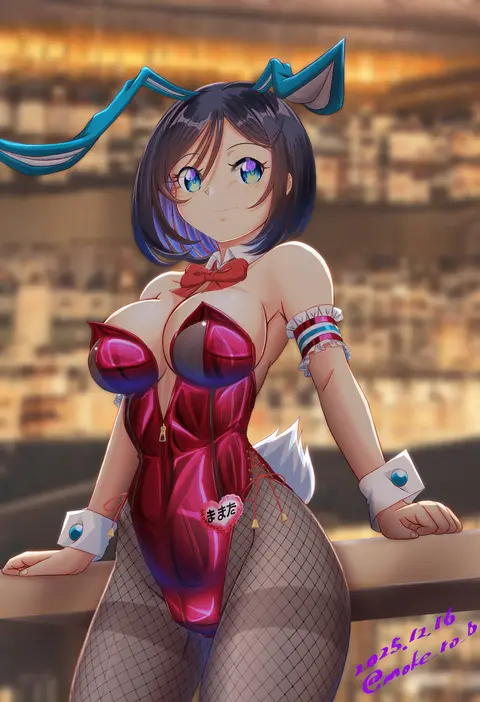
moke ro
ARTIST0x07C1
0
lansane
ARTIST0x07C2
0
shiina excel
ARTIST0x07C3
0
echo (circa)
ARTIST0x07C4
0
hagoonha
ARTIST0x07C5
0
yamu (reverse noise)
ARTIST0x07C6
0
seramikku
ARTIST0x07C7
0
koizumi amane
ARTIST0x07C8
0
watagashi yui
ARTIST0x07C9
0
nui (nuinui0300)
ARTIST0x07CA
0
miwa shirow
ARTIST0x07CB
0
katou shinobu
ARTIST0x07CC
0
koruri
ARTIST0x07CD
0
re ghotion
ARTIST0x07CE
0
ichiba youichi
ARTIST0x07CF
0
nagare
ARTIST0x07D0
0
nameo (judgemasterkou)
ARTIST0x07D1
0
ganesagi
ARTIST0x07D2
0
ray.s
ARTIST0x07D3
0
nana kagura
ARTIST0x07D4
0
raine (acke2445)
ARTIST0x07D5
0
menma (enaic31)
ARTIST0x07D6
0
ishikkoro
ARTIST0x07D7
0
kyo (kuroichigo)
ARTIST0x07D8
0
kuuchuu yousai
ARTIST0x07D9
0
banpai akira
ARTIST0x07DA
0
taisa (kari)
ARTIST0x07DB
0
sakazaki freddy
ARTIST0x07DC
0
udon (shiratama)
ARTIST0x07DD
0
xenon (for achieve)
ARTIST0x07DE
0
tebi (tbd11)
ARTIST0x07DF
0
sirokuma shake
ARTIST0x07E0
0
lee (colt)
ARTIST0x07E1
0
[ null ]
ARTIST0x07E2
0
odawara hakone
ARTIST0x07E3
0
eroe
ARTIST0x07E4
0
porurin
ARTIST0x07E5
0
mutsuki (moonknives)
ARTIST0x07E6
0
yonedatomo mizu
ARTIST0x07E7
0
orizen
ARTIST0x07E8
0
toka (marchlizard)
ARTIST0x07E9
0
sekina
ARTIST0x07EA
0
hijiri rei
ARTIST0x07EB
0
shiro9jira
ARTIST0x07EC
0
chamaruk
ARTIST0x07ED
0
chameleon (ryokucha combo)
ARTIST0x07EE
0
ougi hina
ARTIST0x07EF
0
wata do chinkuru
ARTIST0x07F0
0
aki (neyuki41028)
ARTIST0x07F1
0
kokone (coconeeeco)
ARTIST0x07F2
0
kiba satoshi
ARTIST0x07F3
0
siva (executor)
ARTIST0x07F4
0
matsuzaki miyuki
ARTIST0x07F5
0
falken (yutozin)
ARTIST0x07F6
0
nitamako (sakamalh)
ARTIST0x07F7
0

What these tags change

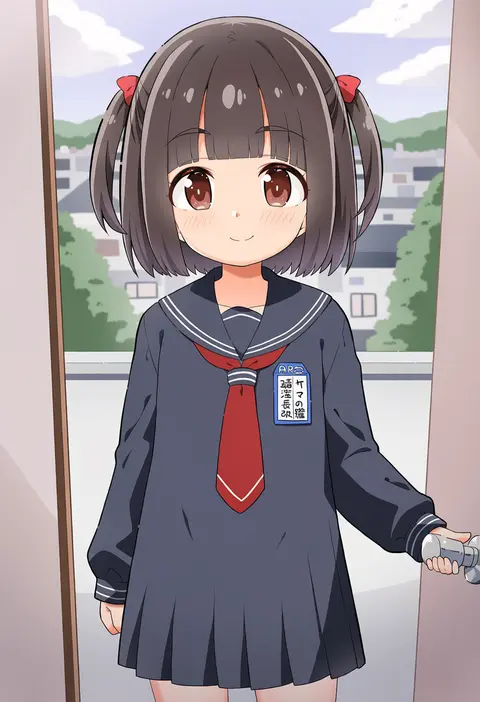
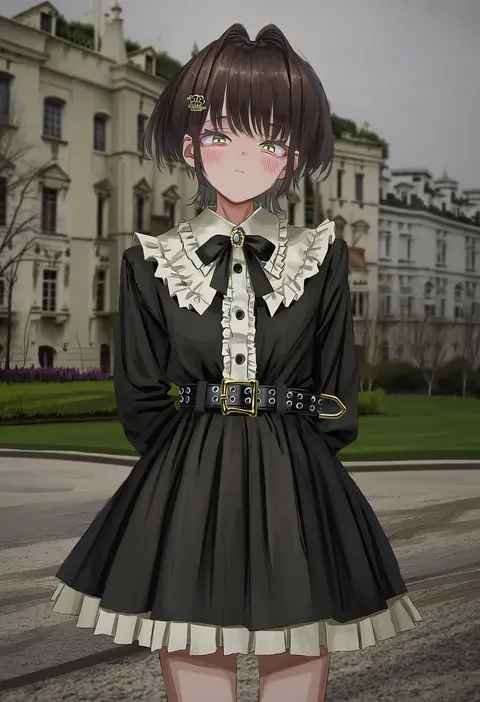
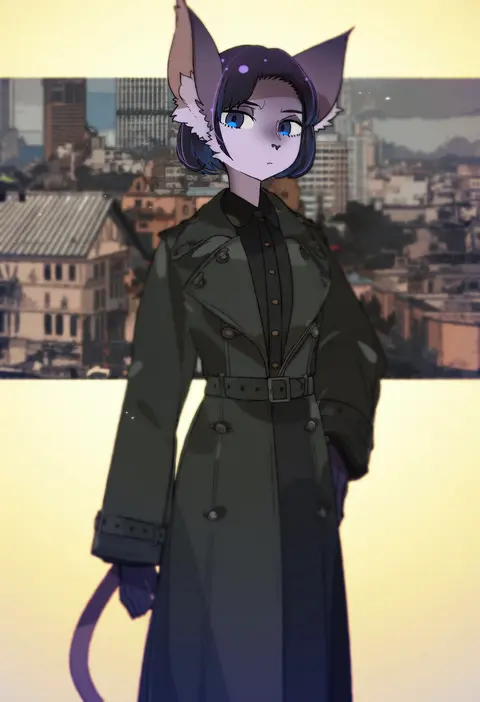
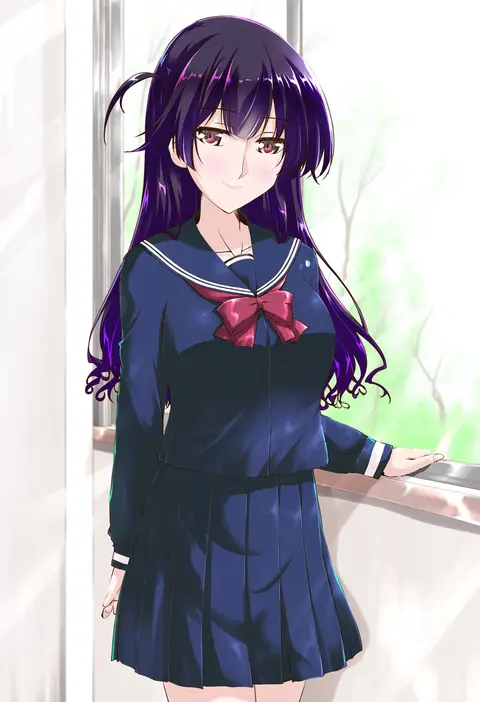
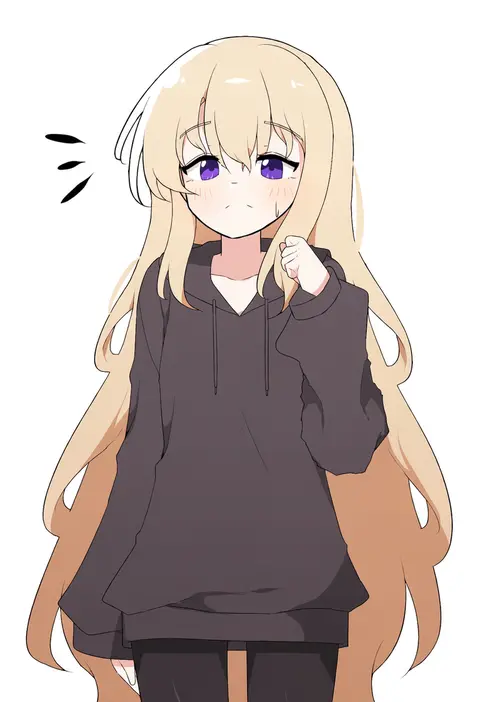
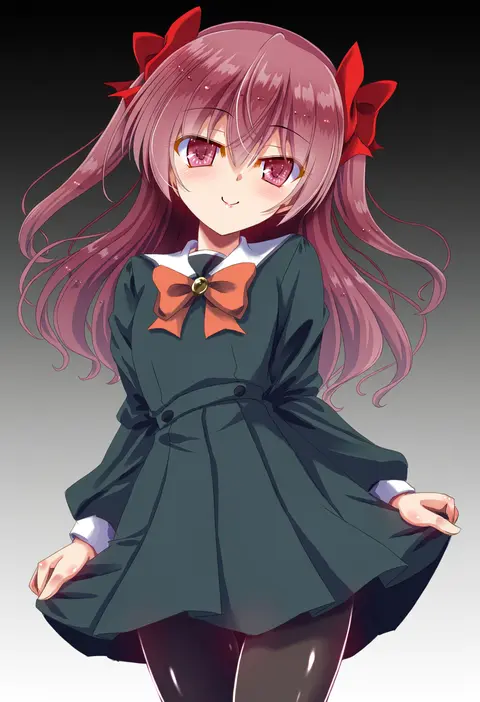
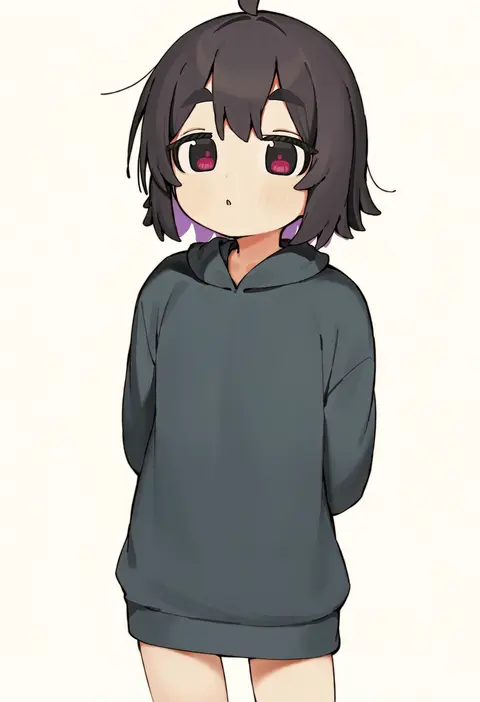
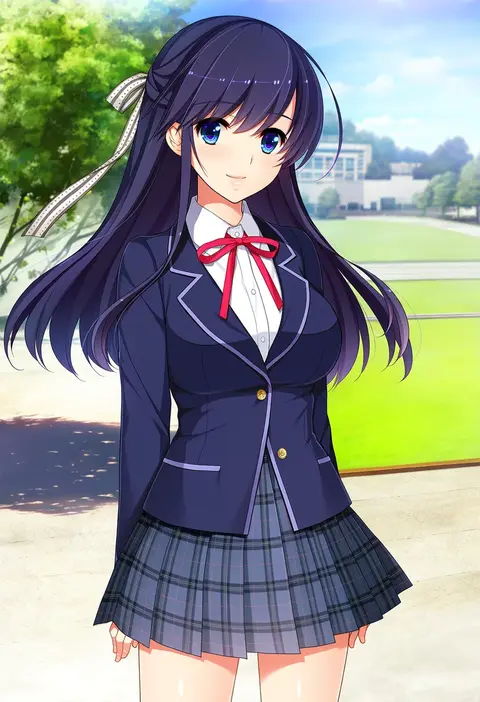
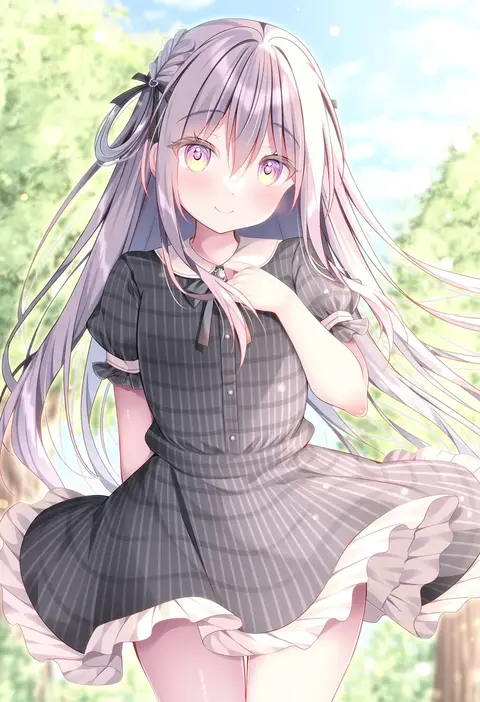
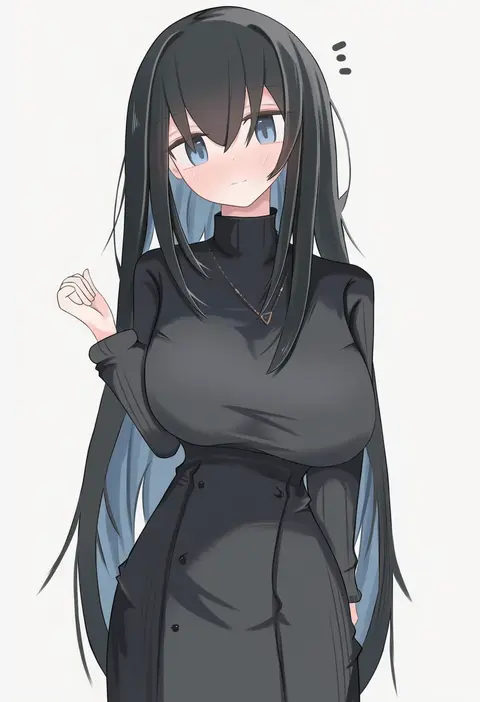
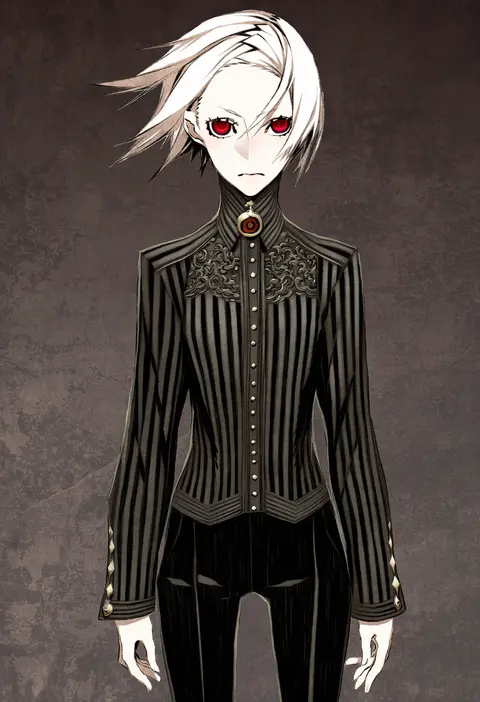
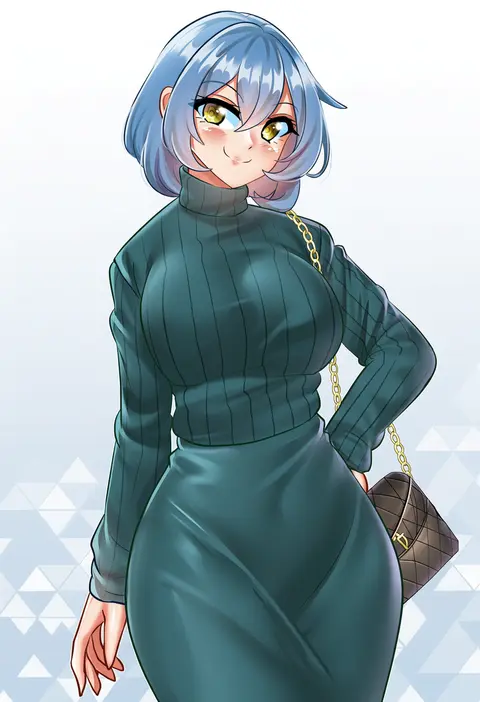
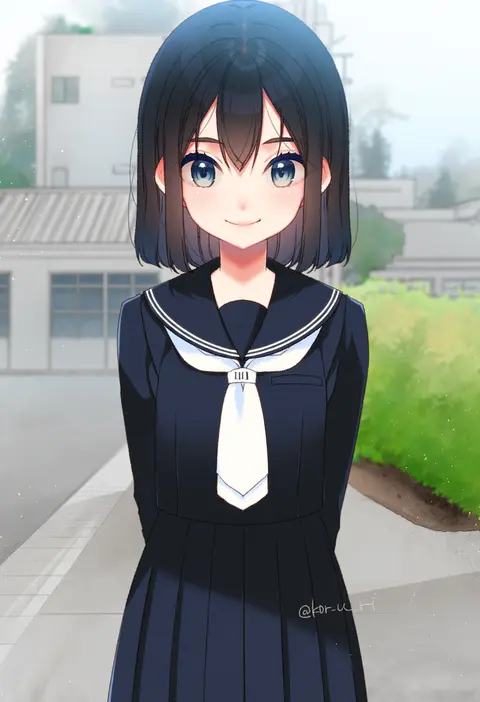
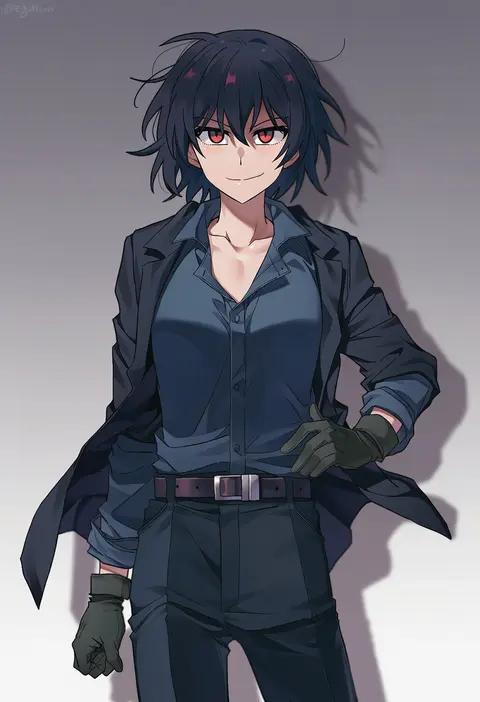
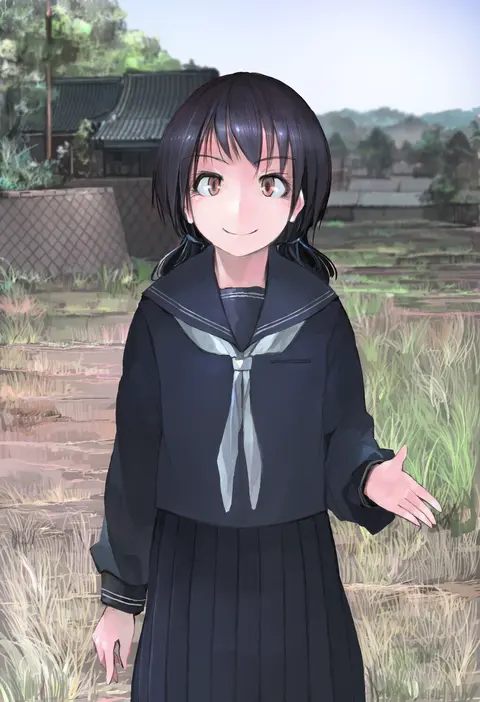
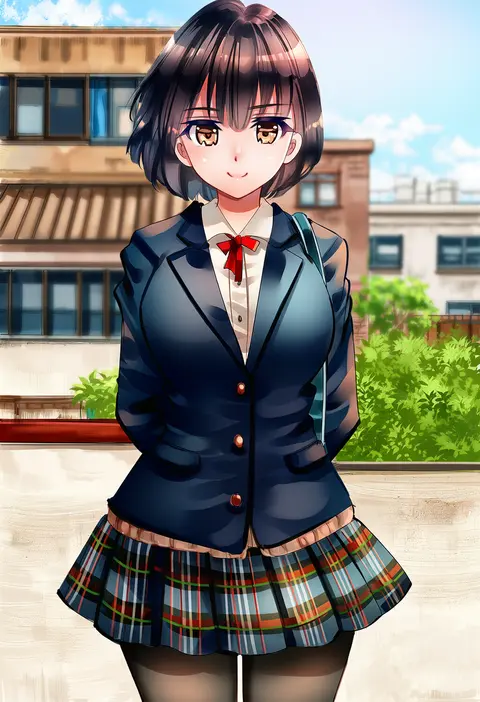
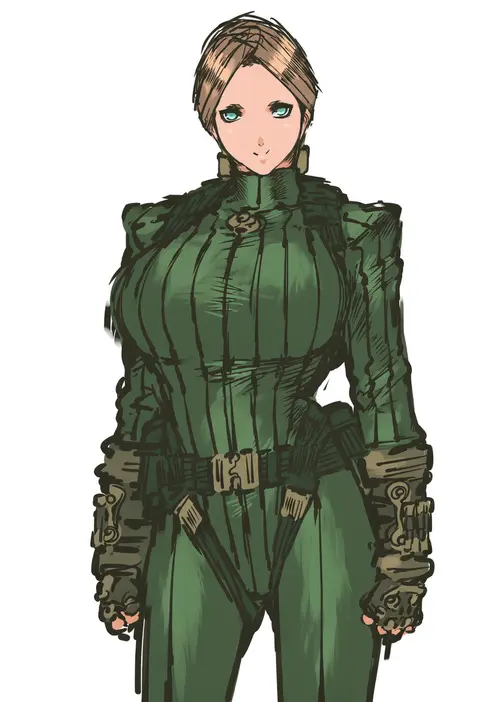
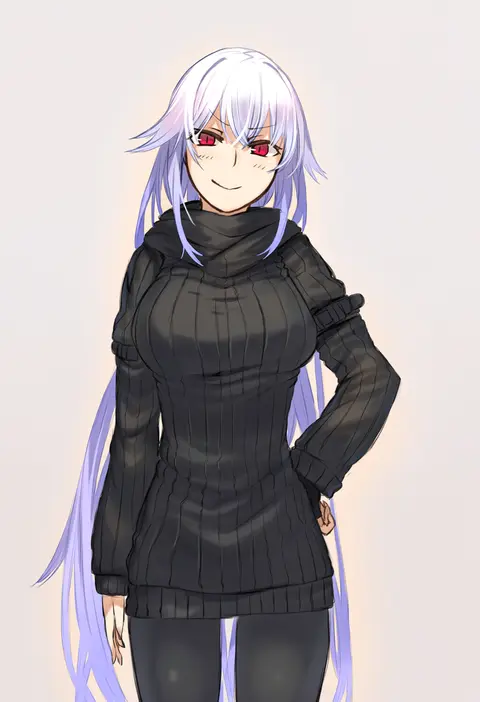
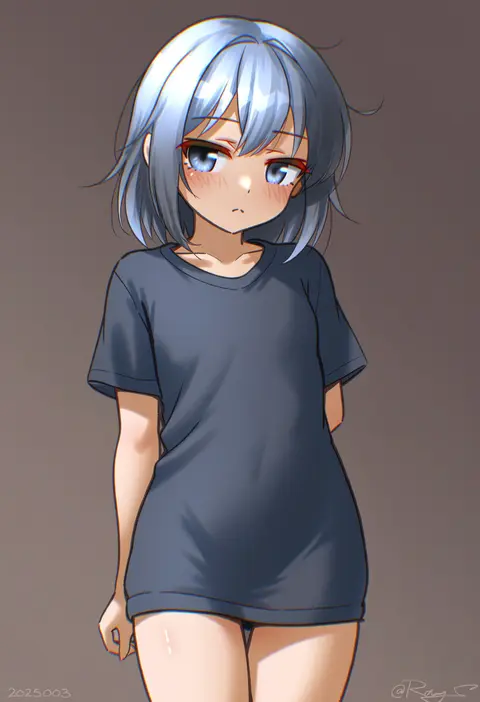
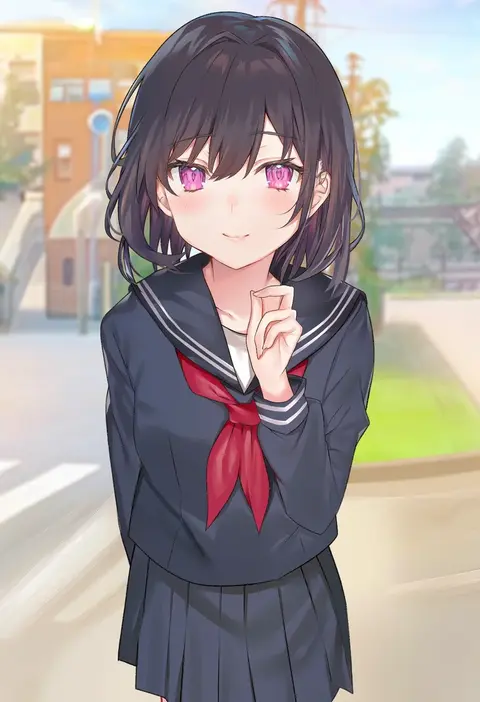
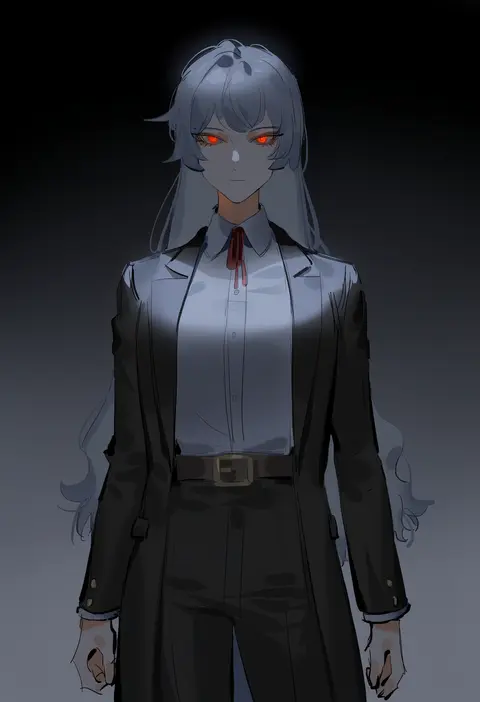
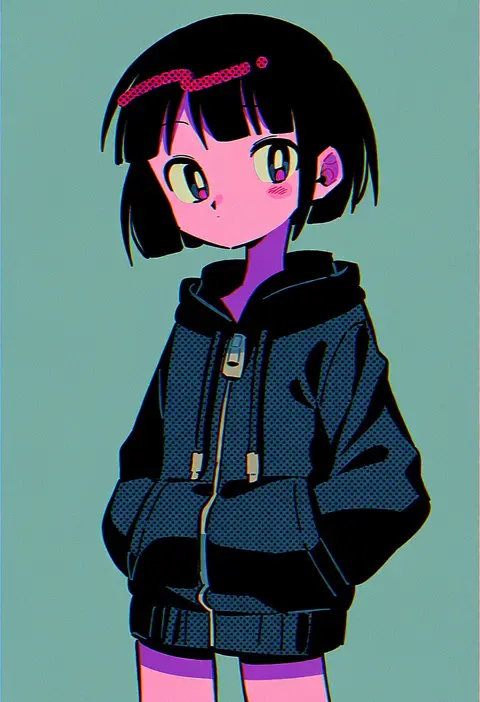
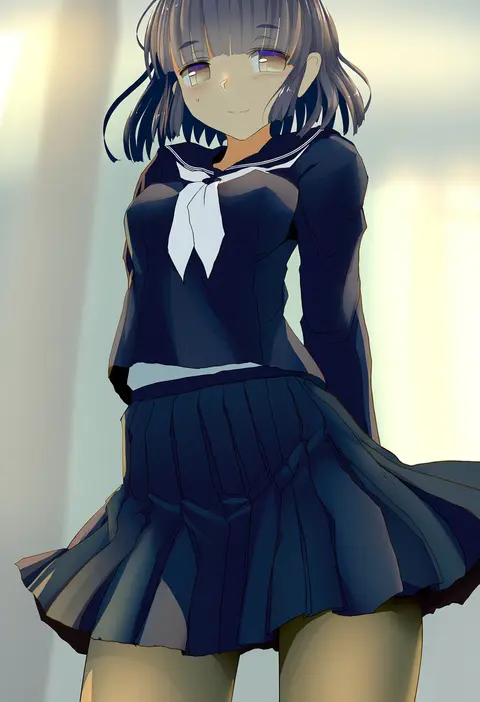
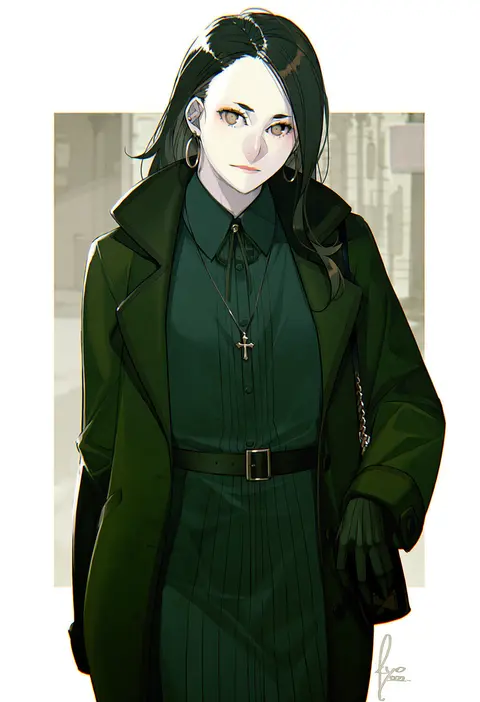
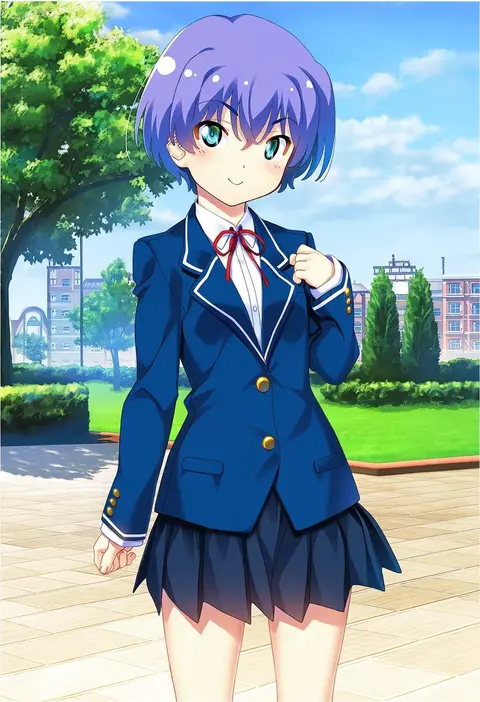
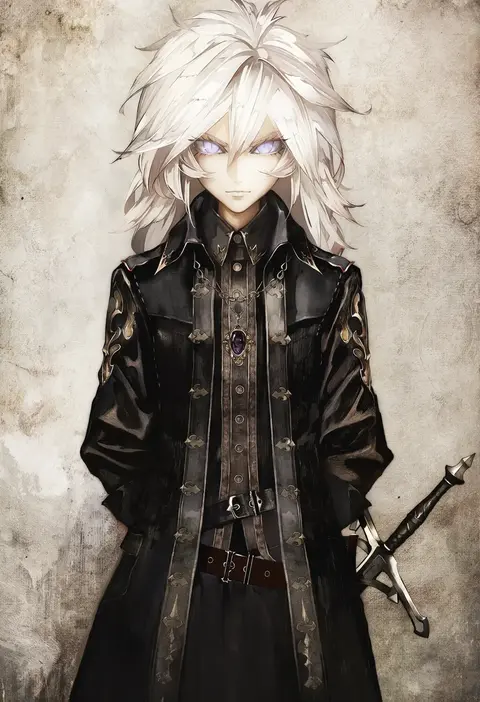
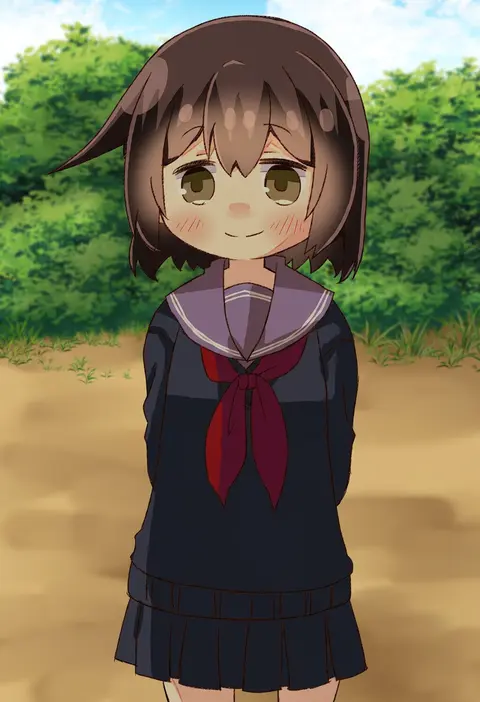
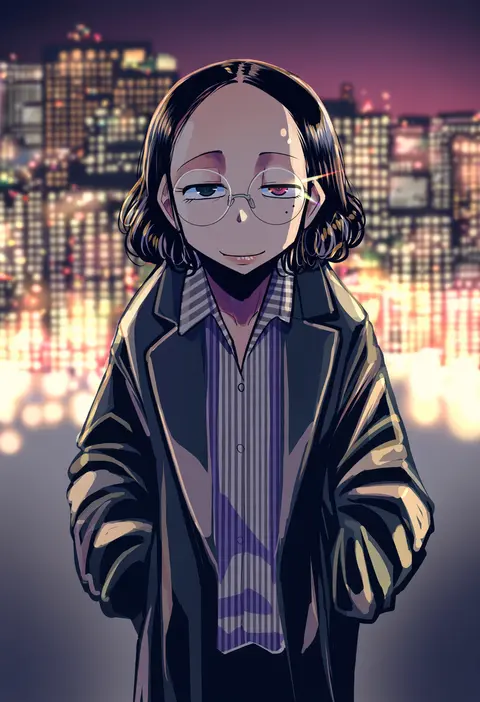
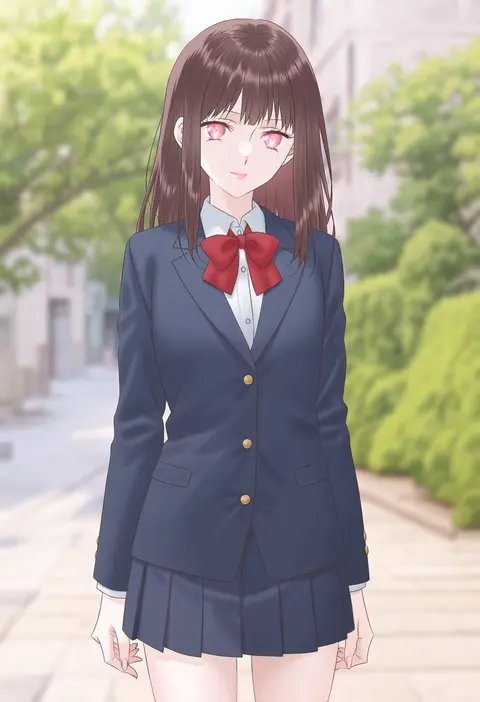
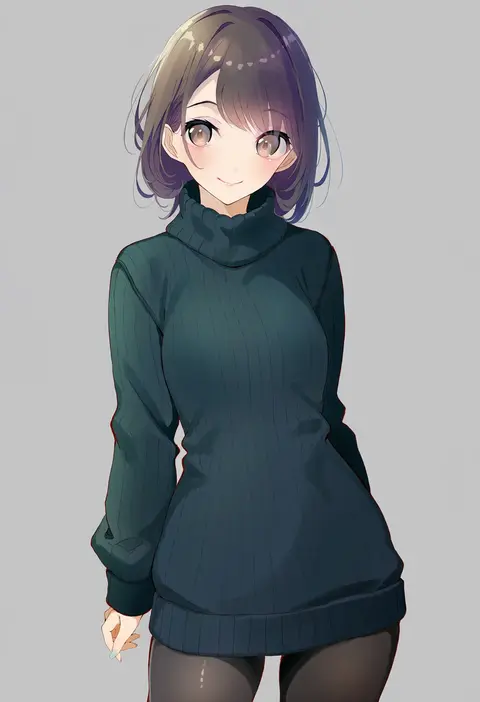
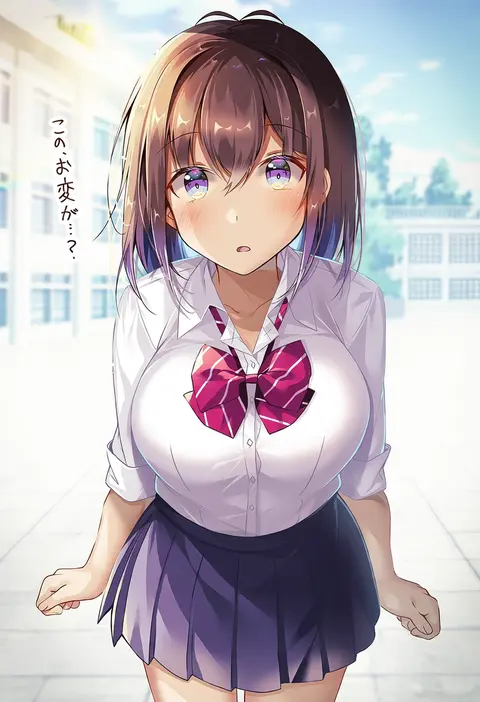
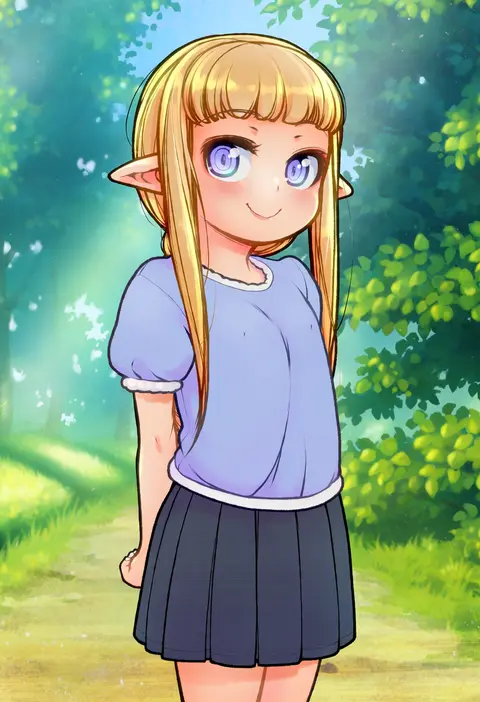
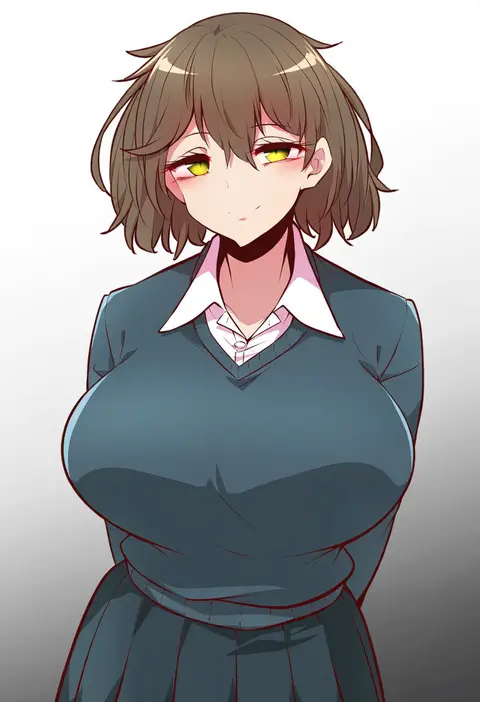
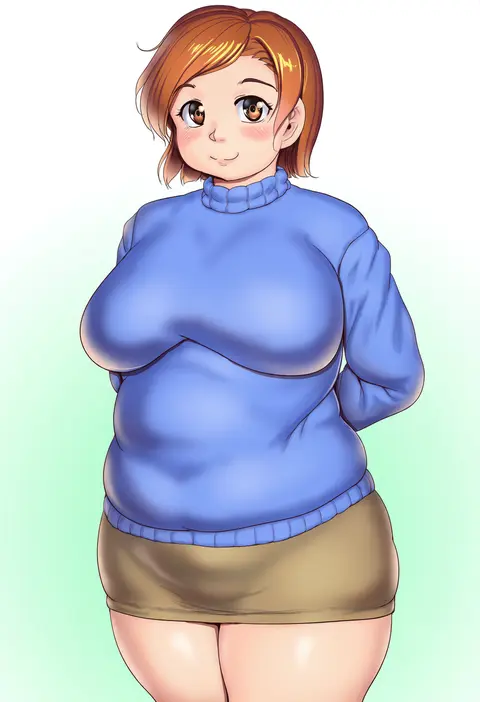
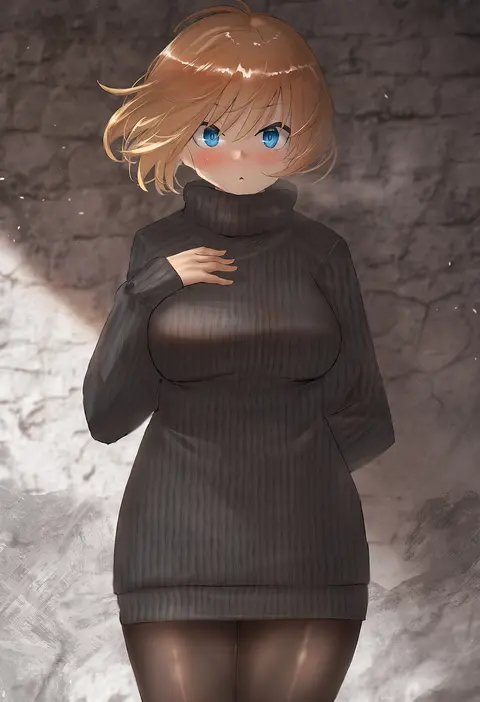
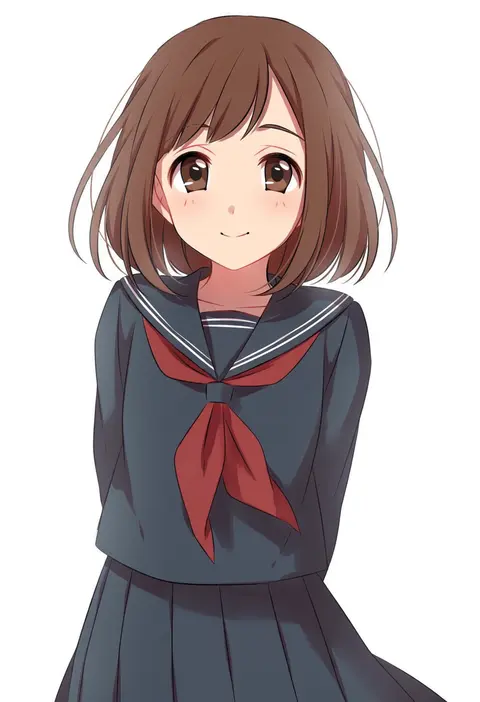
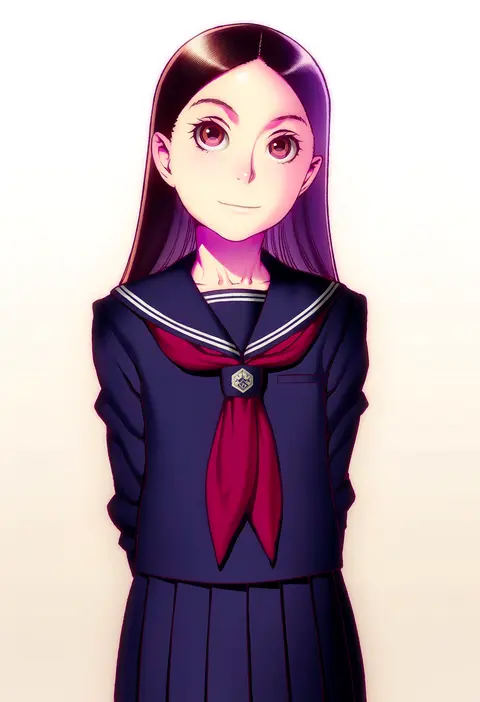
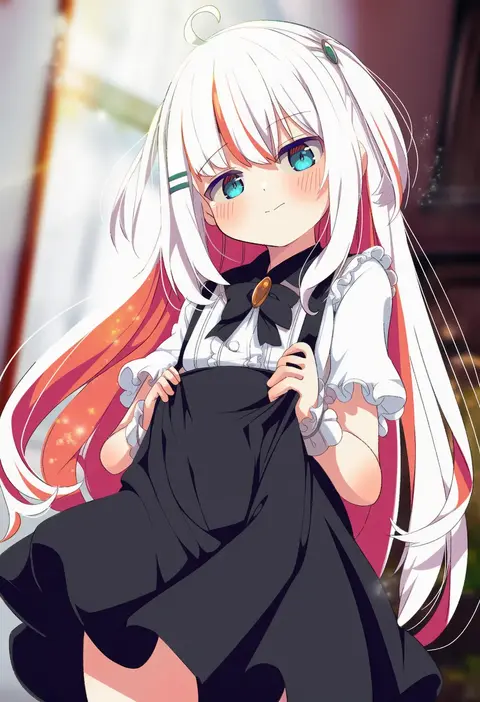
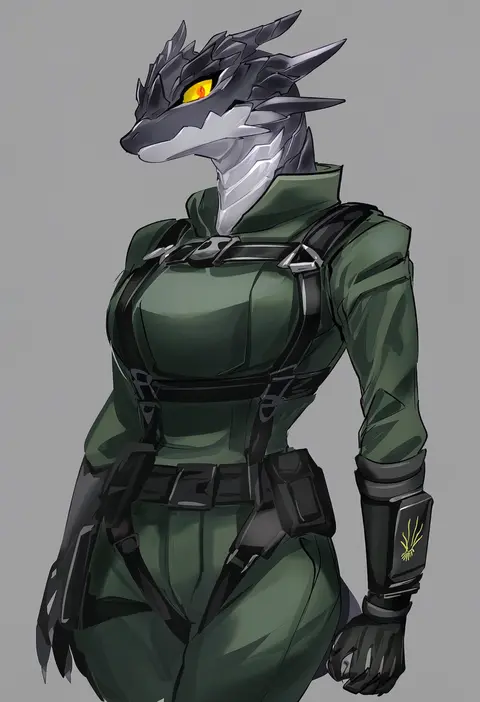
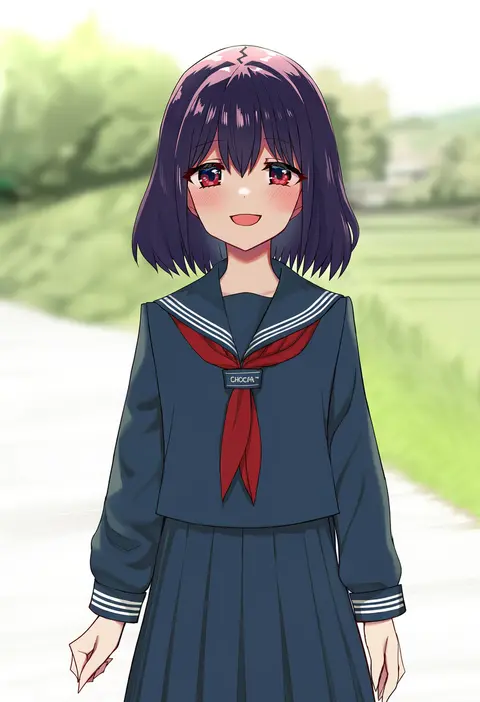
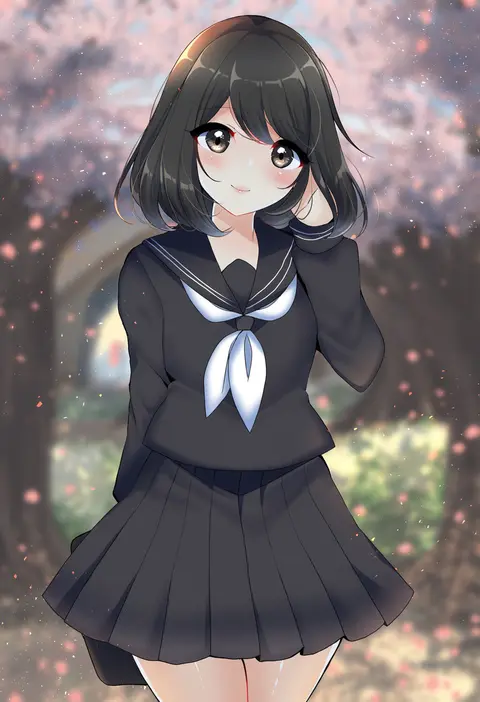
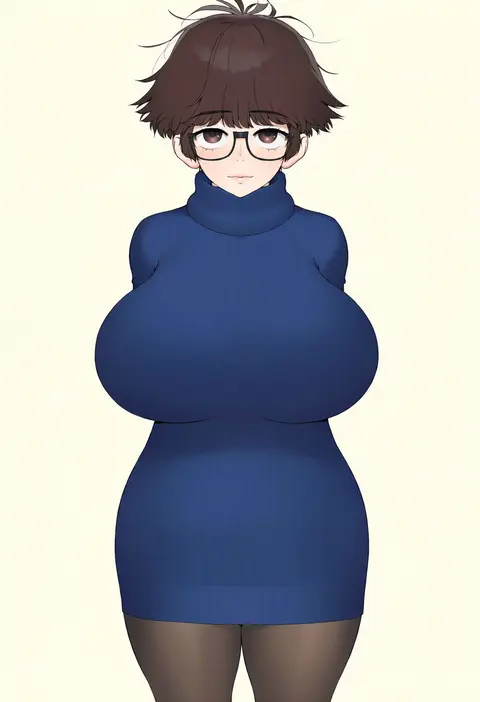
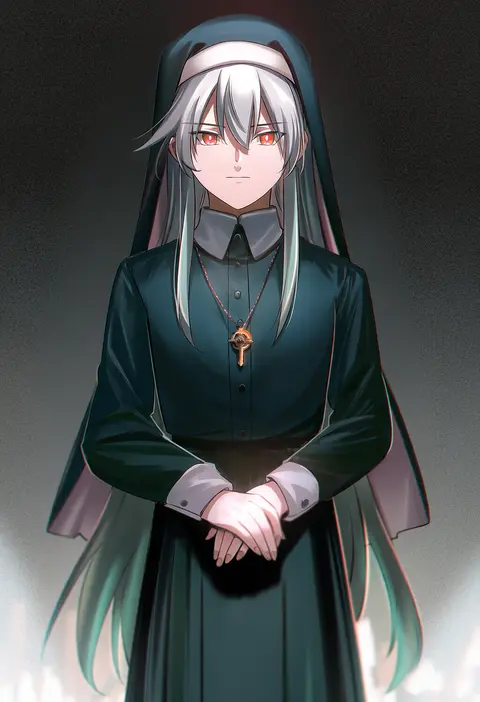
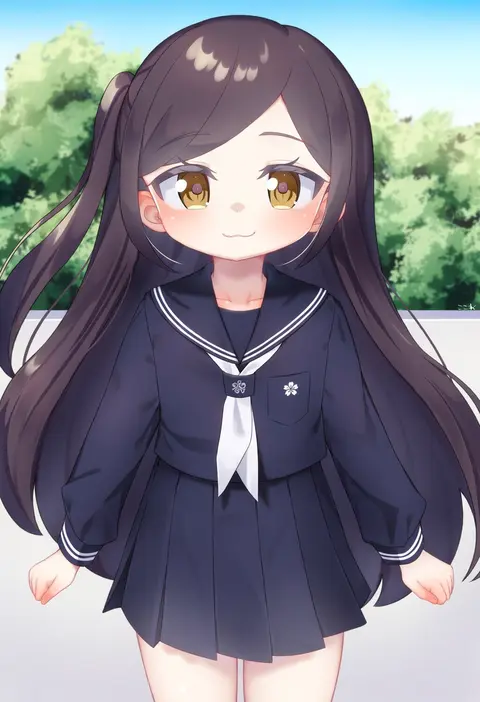
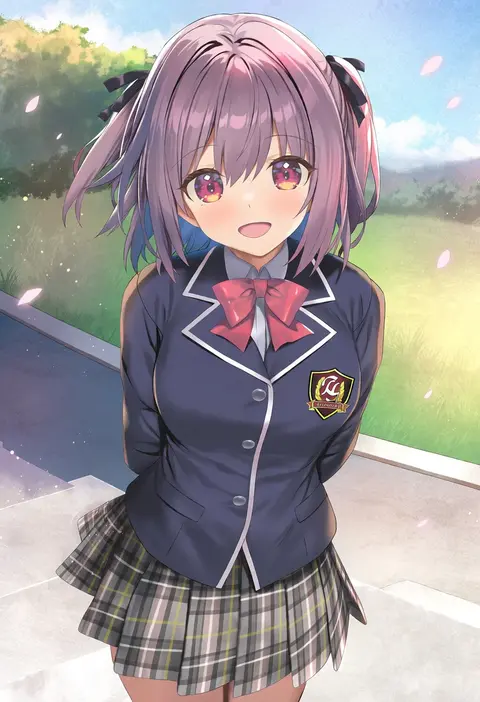
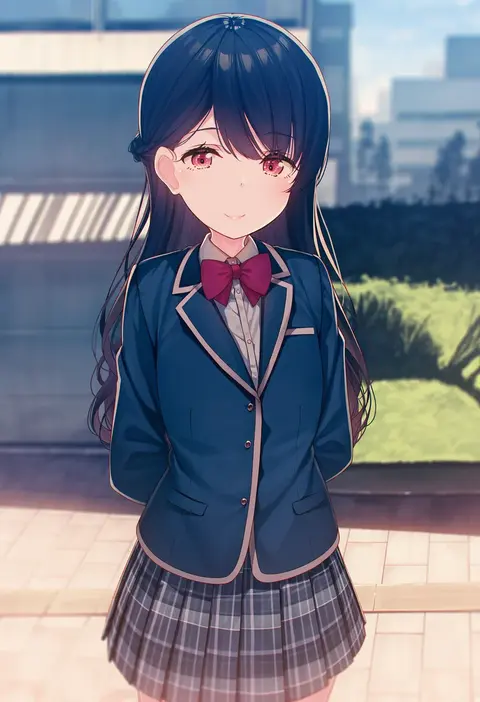
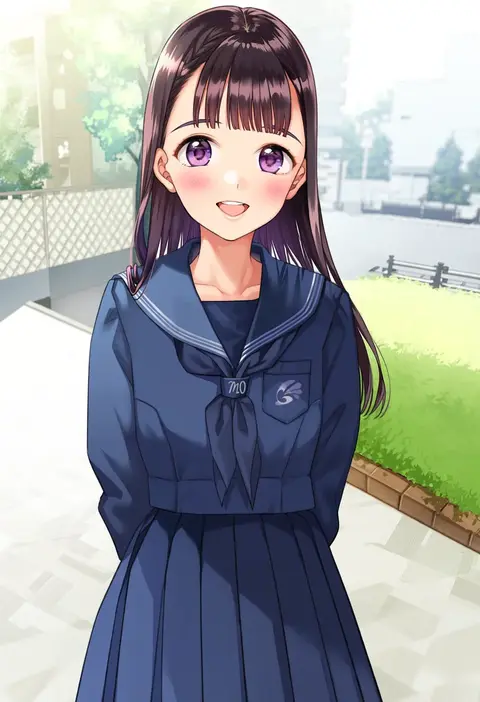
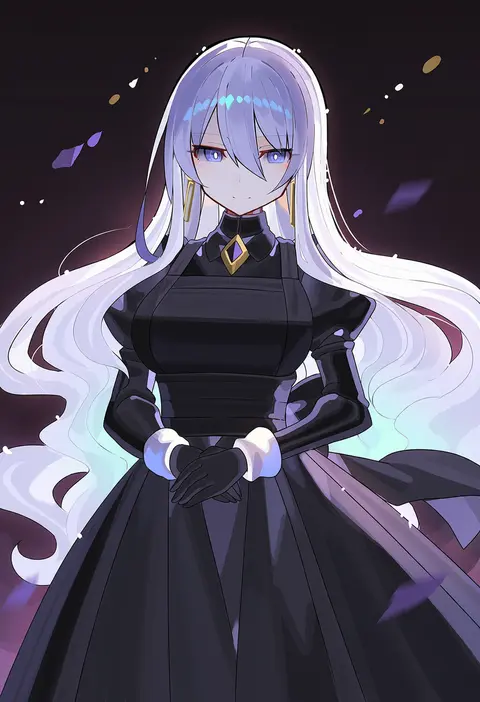
Artist tags tell NovelAI Diffusion to draw in a specific artist's style: line weight, paint texture, face shapes and palette all shift at once. Character and outfit tags decide what is drawn; artist tags decide how. 2,508 tags are listed for V5.
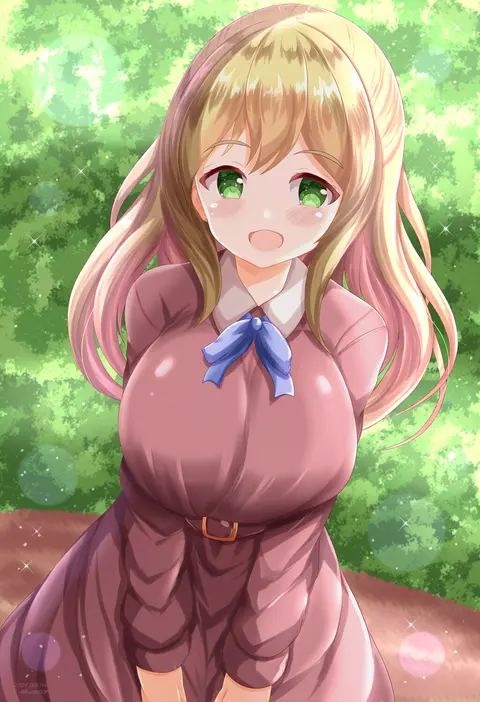
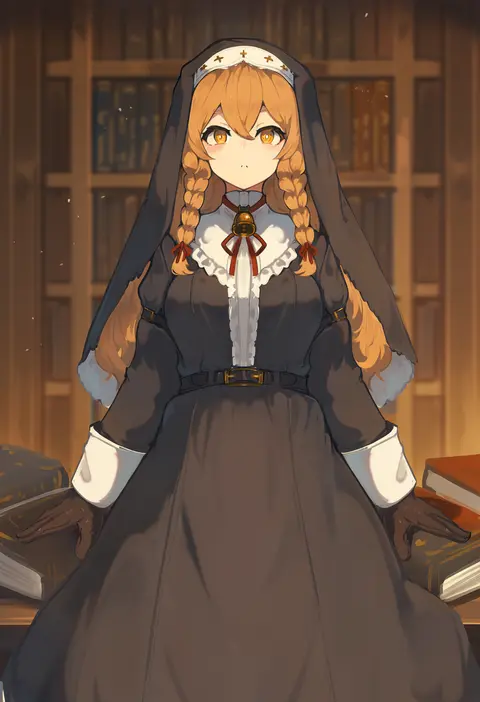
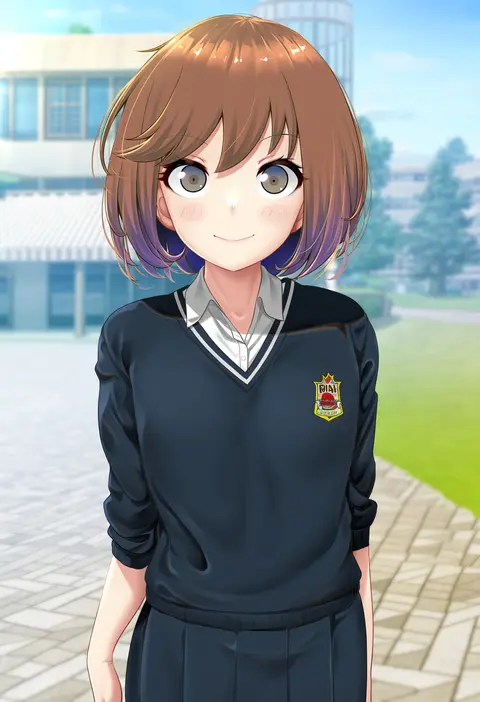
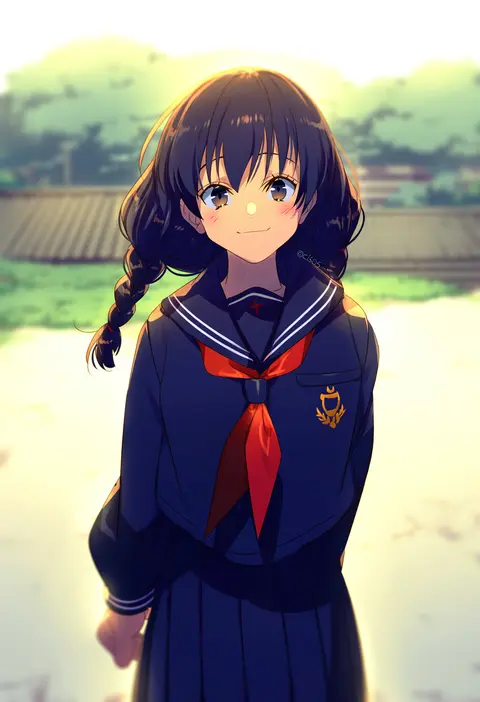
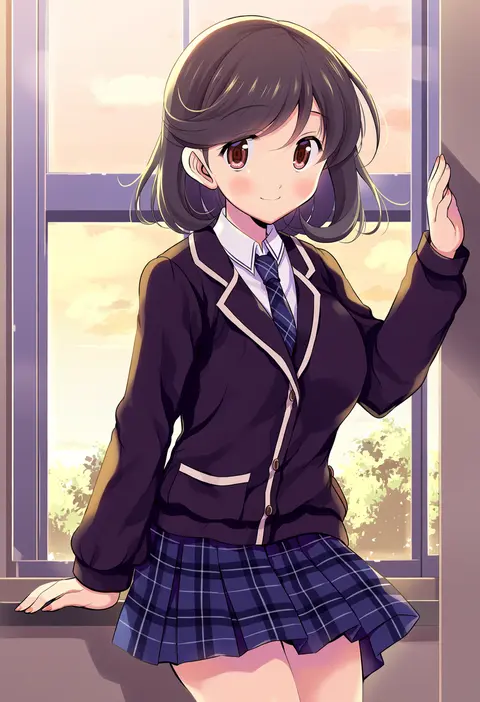
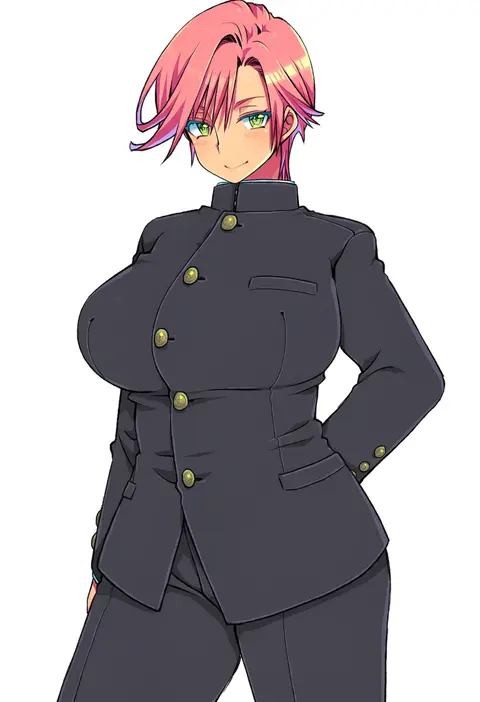
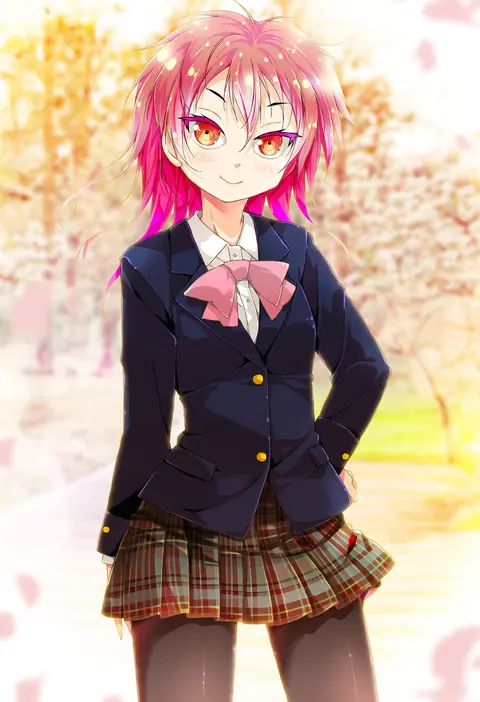
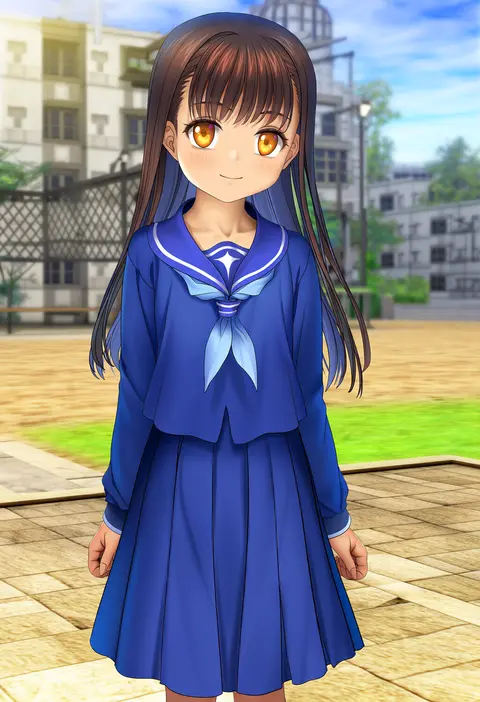
Every tag listed here is verified to react in NovelAI. All images use the same prompt, seed and settings with only the artist tag swapped, so the difference between two images is the style that tag brings in.

How to use them

Put the artist tag near the front of the prompt, e.g. "<artist>, 1girl, solo, best quality, masterpiece, cowboy shot". Two or three artist tags blend styles; lower the weight with "0.8::<artist>::" when the style overpowers the character.

SCORE sorts by Danbooru's top score, POSTS by post count, FAVS by hearts on this site. Open a card to see V5 and V4.5 side by side on the same seed.

V5 vs V4.5

V5 usually lands closer to the artist's real style, and tags that did nothing on V4.5 often react on V5. V4.5 still fits older and doujin-heavy artists better. Try V5 first, fall back to V4.5.

FAQ

Where does the artist tag go?
Near the front of the prompt. Use "0.8::tag::" to adjust its weight.

Can I stack artist tags?
Yes, styles blend. Past two or three the result stops looking like anyone.

Are these the artists' own works?
No. Every image is a NovelAI sample generated from the tag.