V5Artists
sort: FAVS▾
▾
>
$

NovelAI V5 Artist Tags List

artist --count 2,508[33/42]
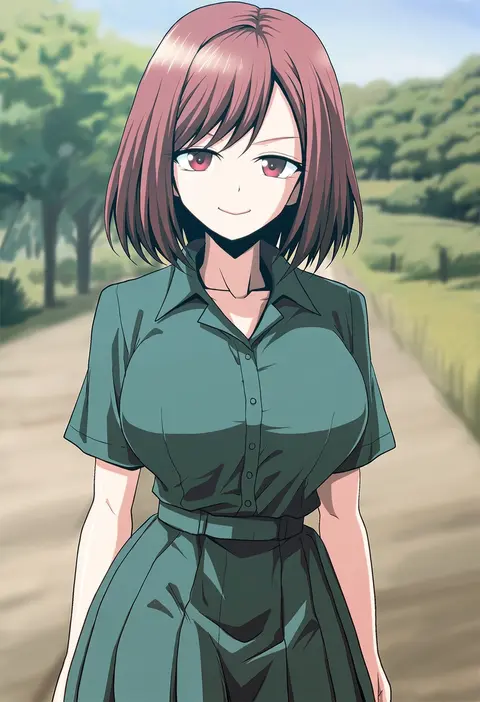
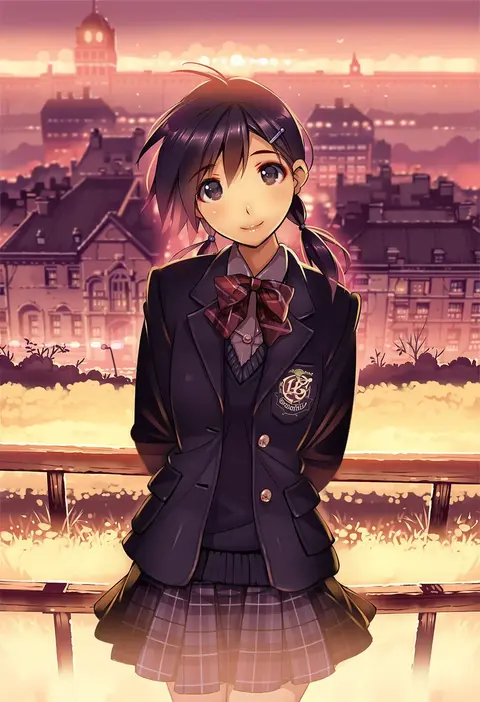
kamishima kanon
ARTIST0x0780
0
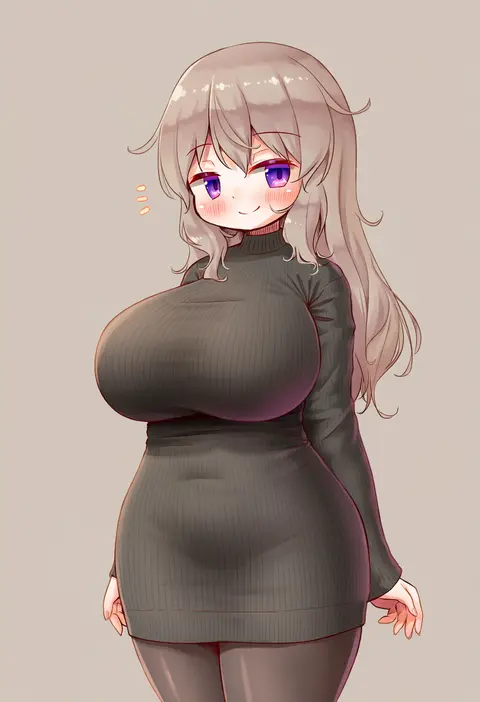
arikawa satoru
ARTIST0x0781
0
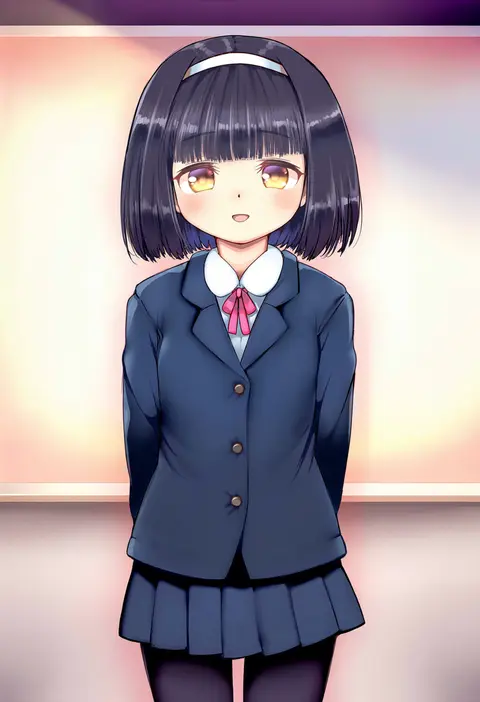
jiyu2
ARTIST0x0782
0
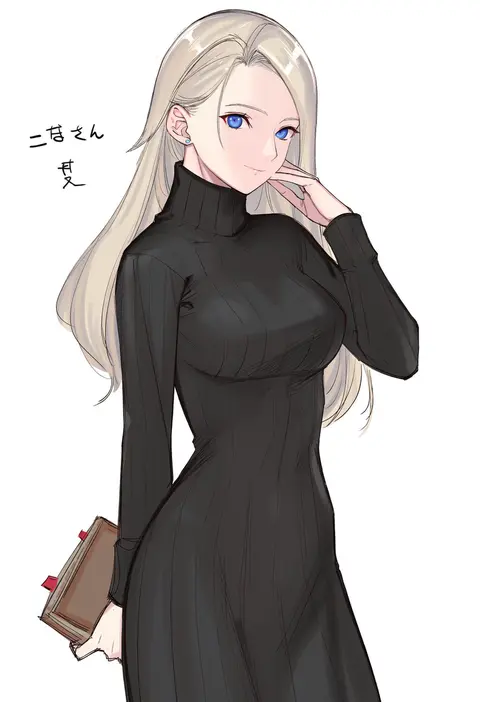
hase yu
ARTIST0x0783
0
hatano kiyoshi
ARTIST0x0784
0
fukuro (maruaru00)
ARTIST0x0785
0
caryo
ARTIST0x0786
0
otoi rekomaru
ARTIST0x0787
0
minato hitori
ARTIST0x0788
0
nakabayashi zun
ARTIST0x0789
0
kagome (traumatize)
ARTIST0x078A
0
awa
ARTIST0x078B
0
jeno
ARTIST0x078C
0
imamiya pinoko
ARTIST0x078D
0
[ null ]
ARTIST0x078E
0
9law
ARTIST0x078F
0
suito
ARTIST0x0790
0
onyhakase
ARTIST0x0791
0
hibiki (zerocodo)
ARTIST0x0792
0
totokichi
ARTIST0x0793
0
hyuuga azuri
ARTIST0x0794
0
ooji
ARTIST0x0795
0
wingheart
ARTIST0x0796
0
kuroya shinobu
ARTIST0x0797
0
futa (nabezoko)
ARTIST0x0798
0
aoshima
ARTIST0x0799
0
shinama
ARTIST0x079A
0
nakatani nio
ARTIST0x079B
0
pataneet
ARTIST0x079C
0
imoko (imonatsuki)
ARTIST0x079D
0
harumina mau
ARTIST0x079E
0
arnest
ARTIST0x079F
0
kamisimo 90
ARTIST0x07A0
0
kakizaki (chou neji)
ARTIST0x07A1
0
sumaki shungo
ARTIST0x07A2
0
zashiki usagi
ARTIST0x07A3
0
muuran
ARTIST0x07A4
0
mae (maesanpicture)
ARTIST0x07A5
0
sazanami mio
ARTIST0x07A6
0
nonono mino
ARTIST0x07A7
0
kurowashi
ARTIST0x07A8
0
setz
ARTIST0x07A9
0
oimanji
ARTIST0x07AA
0
chiharu (9654784)
ARTIST0x07AB
0
ginta
ARTIST0x07AC
0
kasukabe akira
ARTIST0x07AD
0
kamelie
ARTIST0x07AE
0
skeptycally
ARTIST0x07AF
0
s-a-murai
ARTIST0x07B0
0
shirako miso
ARTIST0x07B1
0
higuchi isami
ARTIST0x07B2
0
hirano katsuyuki
ARTIST0x07B3
0
yamakaze ran
ARTIST0x07B4
0
mattaku mousuke
ARTIST0x07B5
0
mikeou
ARTIST0x07B6
0
vania600
ARTIST0x07B7
0
[ null ]
ARTIST0x07B8
0
arinu
ARTIST0x07B9
0
ajitarou (setsu)
ARTIST0x07BA
0
tetsu (kimuchi)
ARTIST0x07BB
0

What these tags change

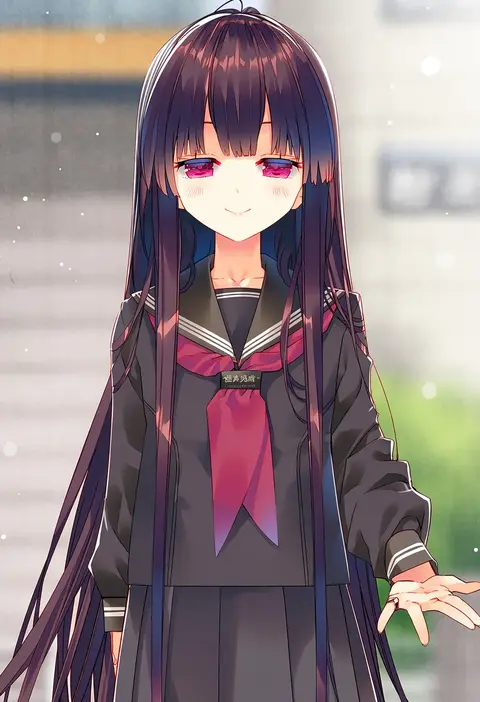
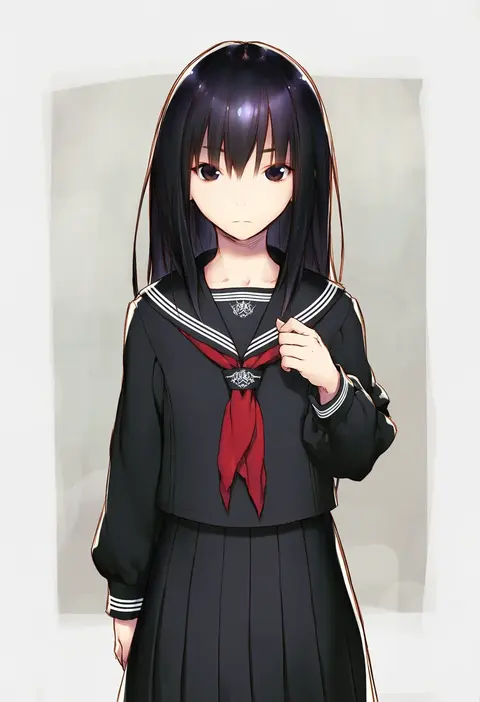
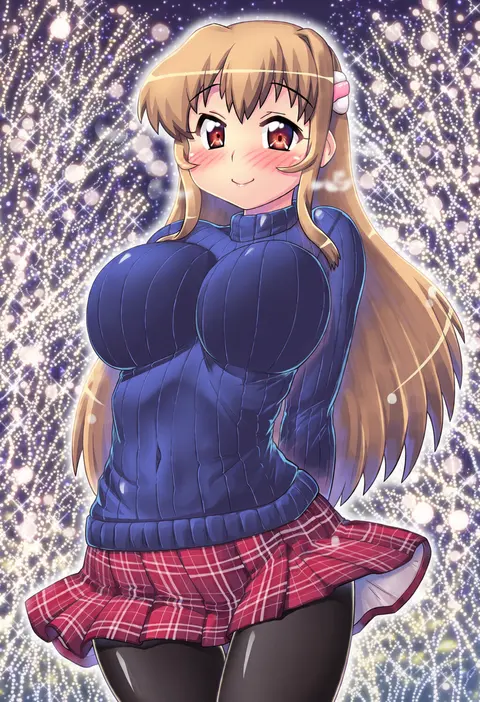
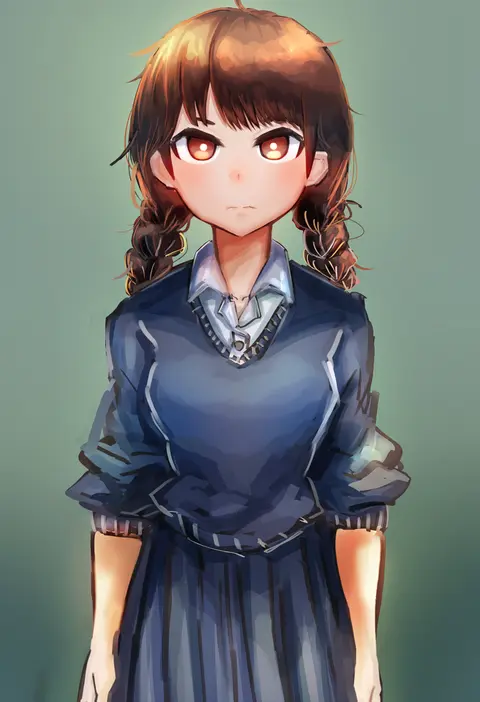
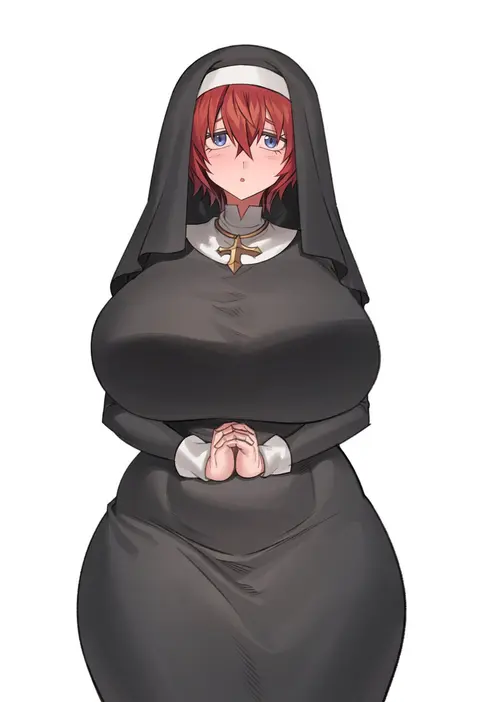
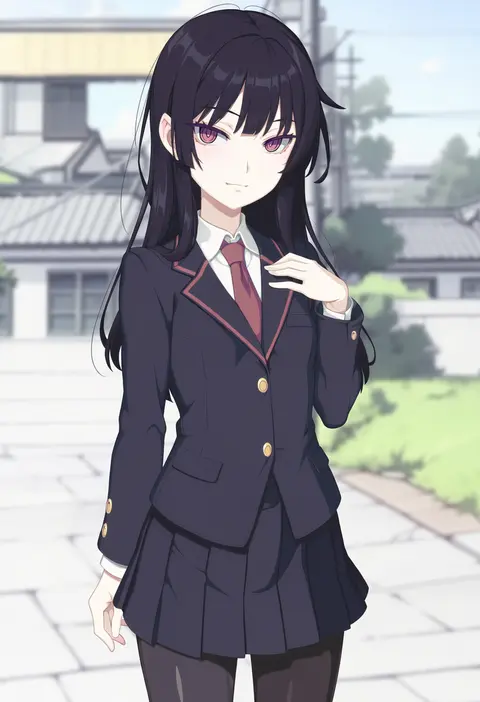
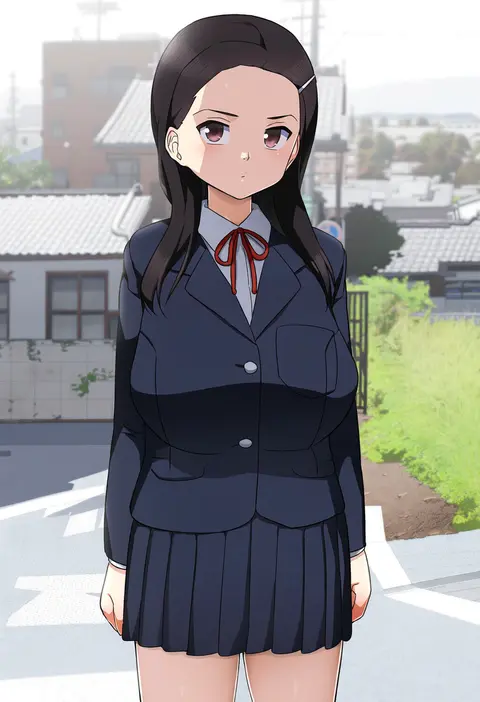
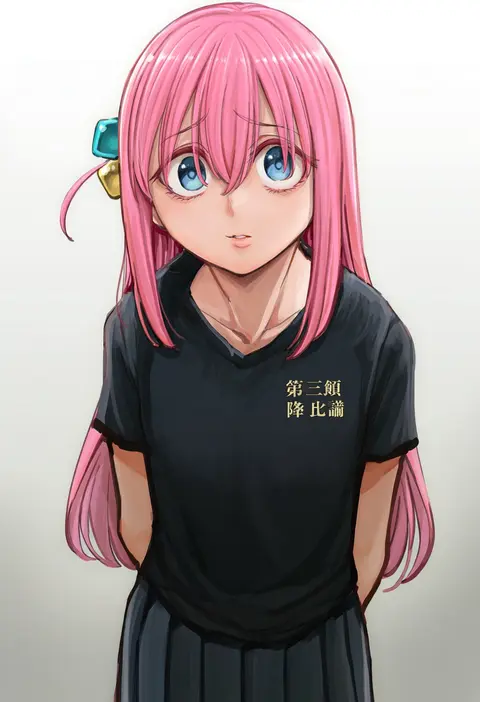
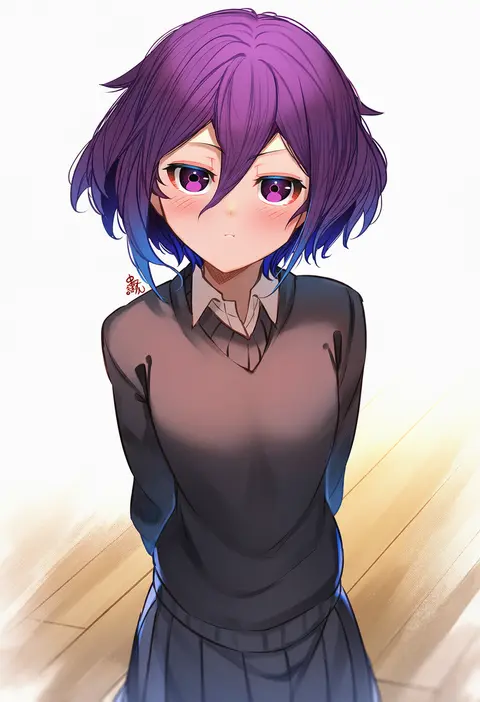
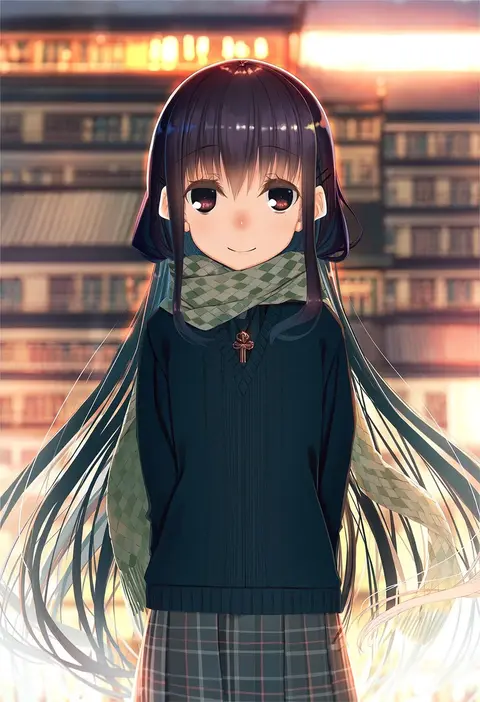
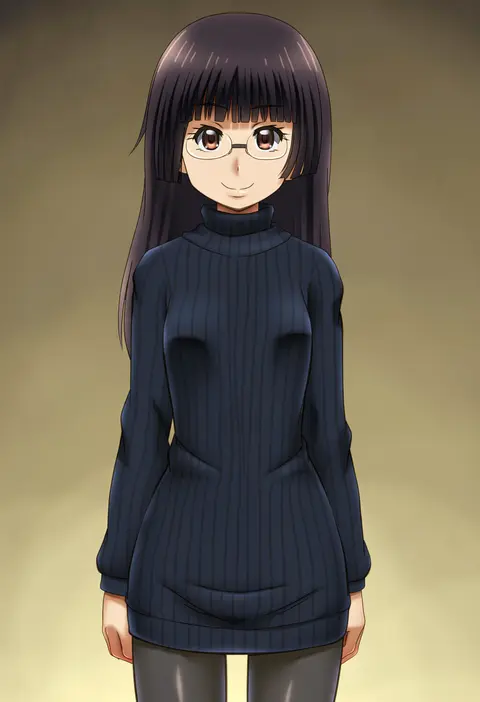
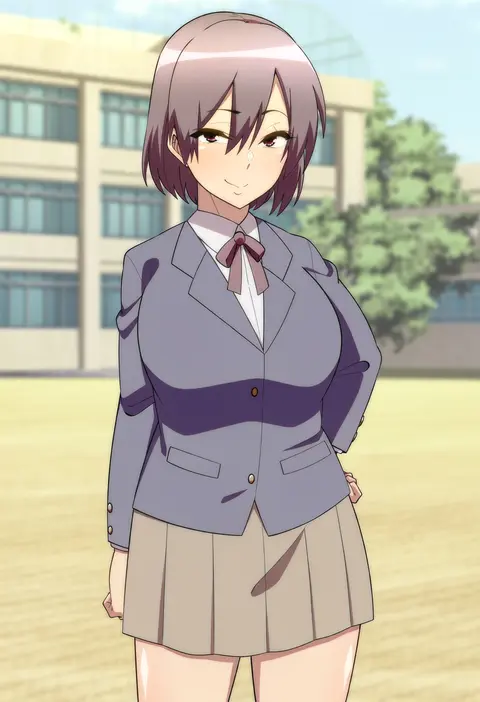
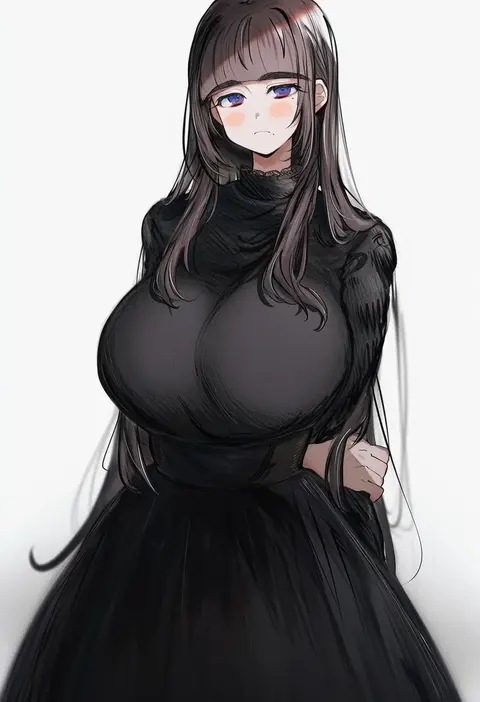
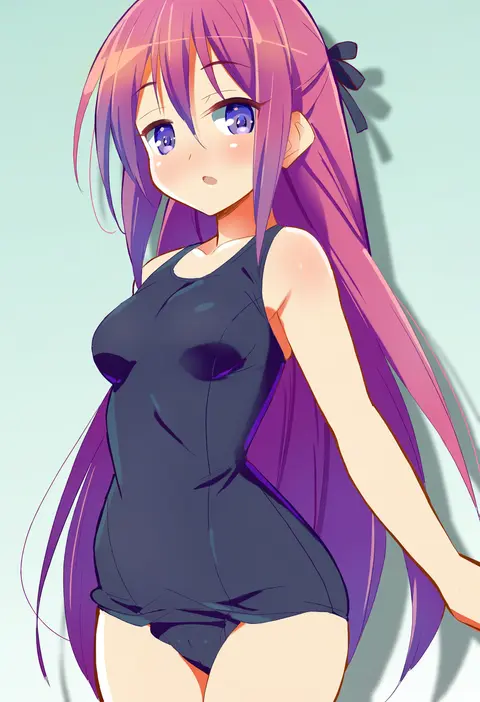
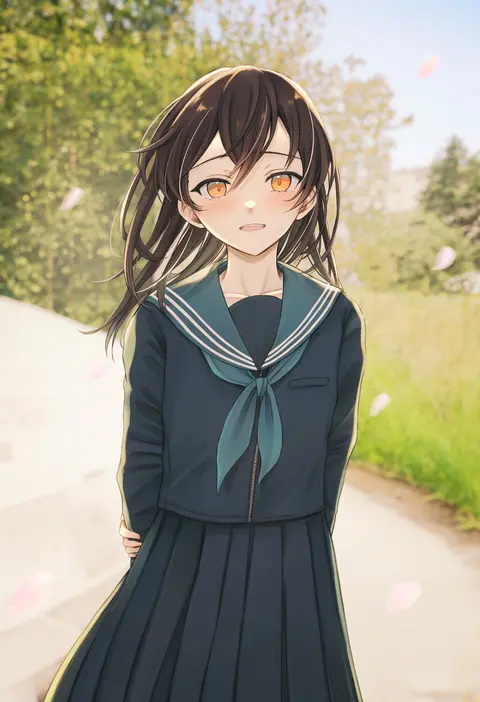
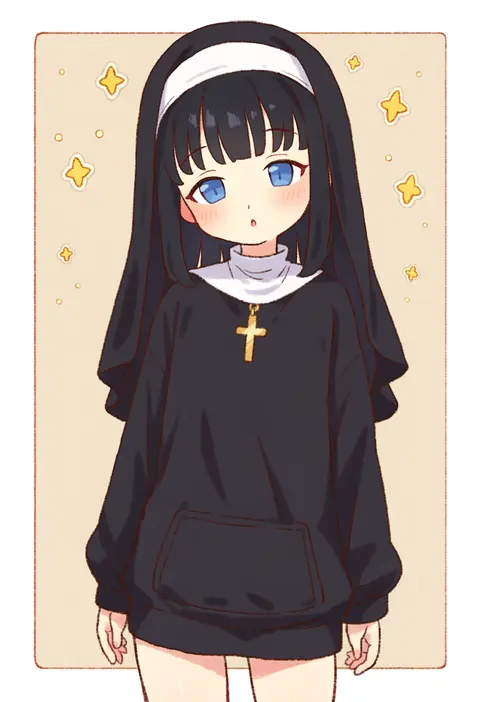
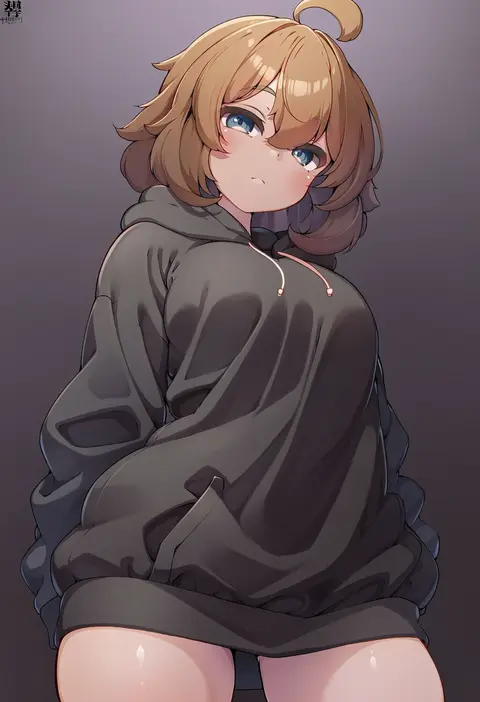
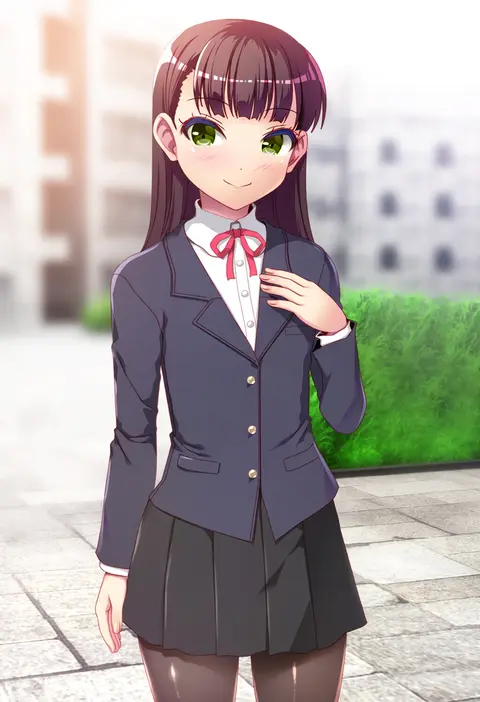
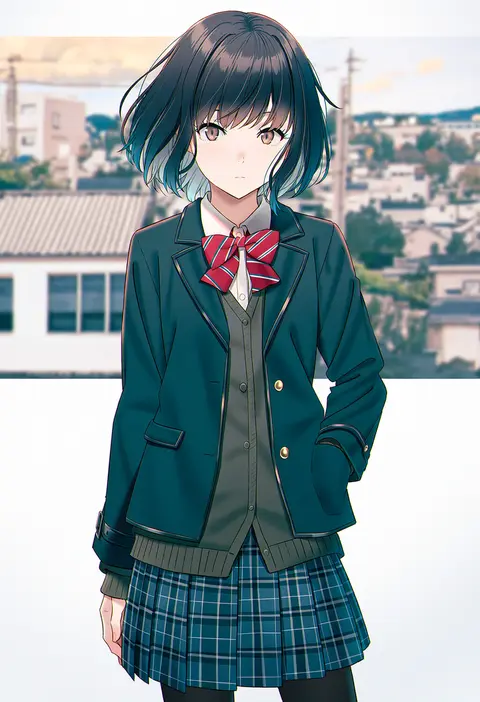
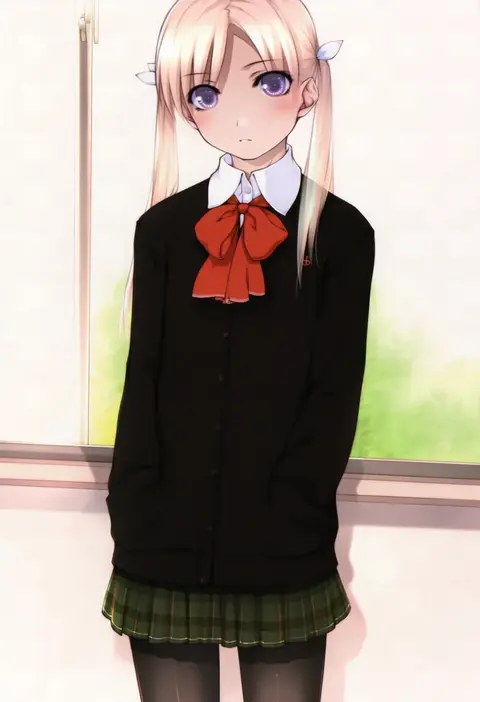
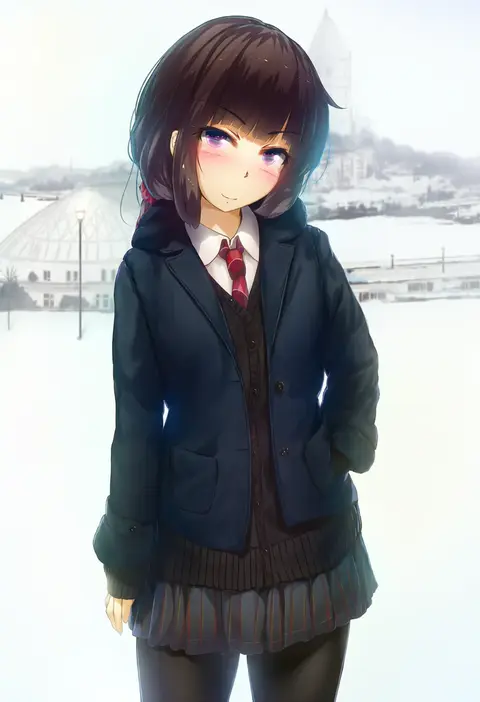
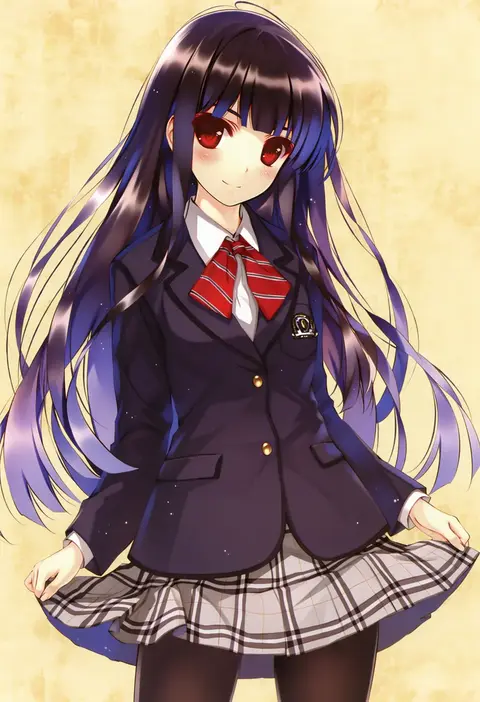
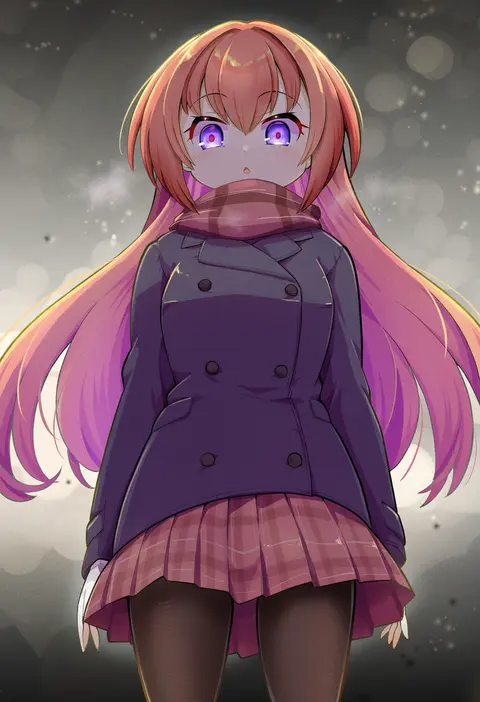
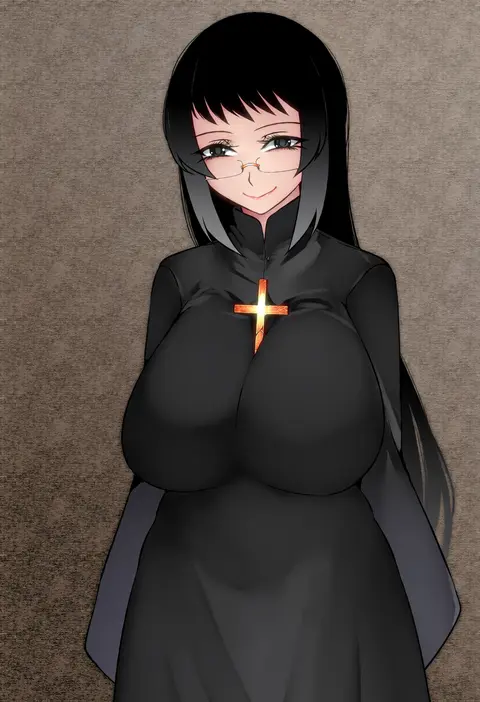
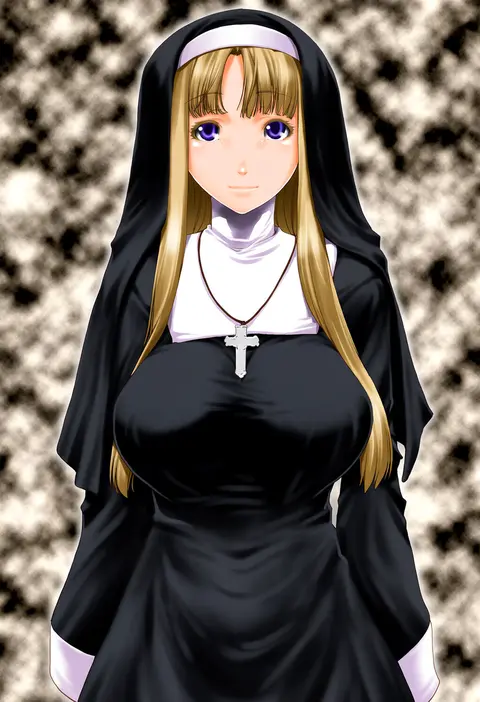
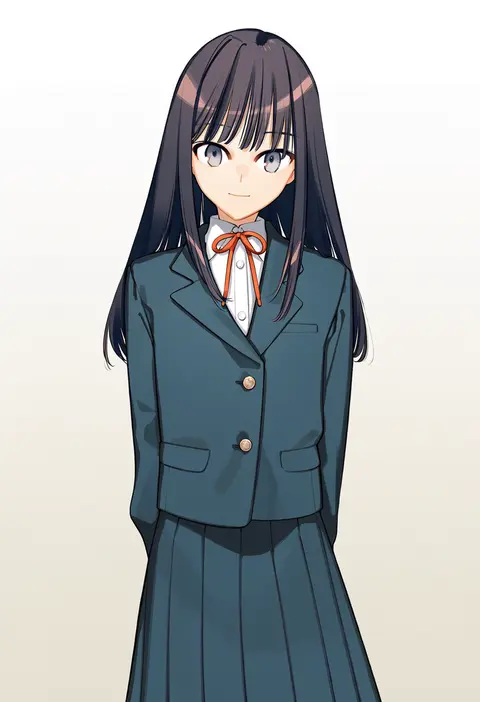
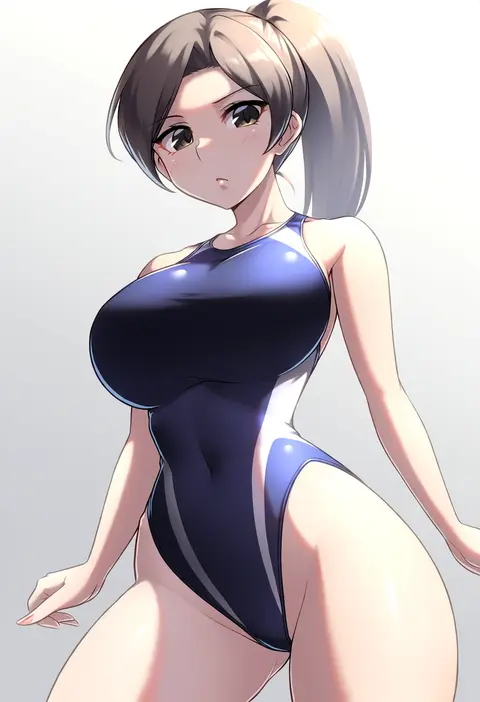
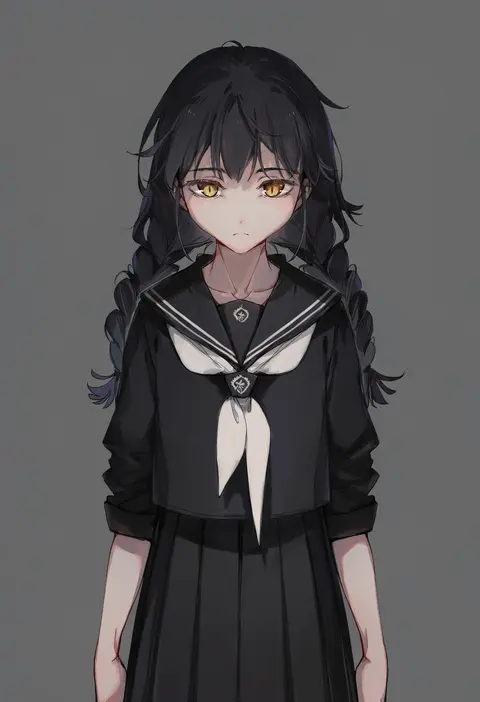
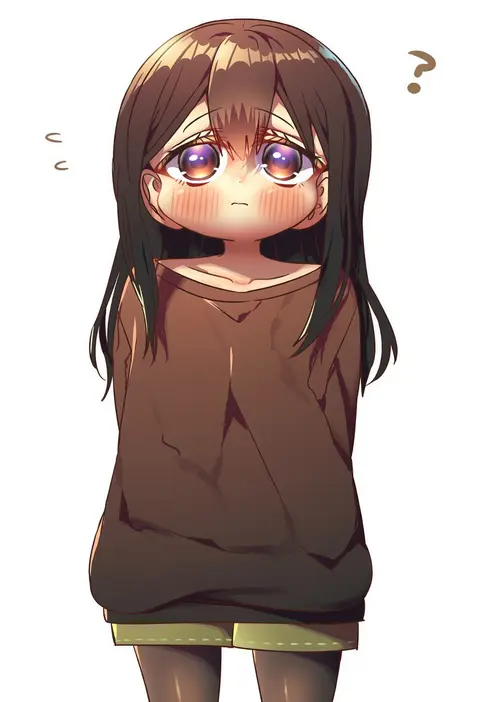
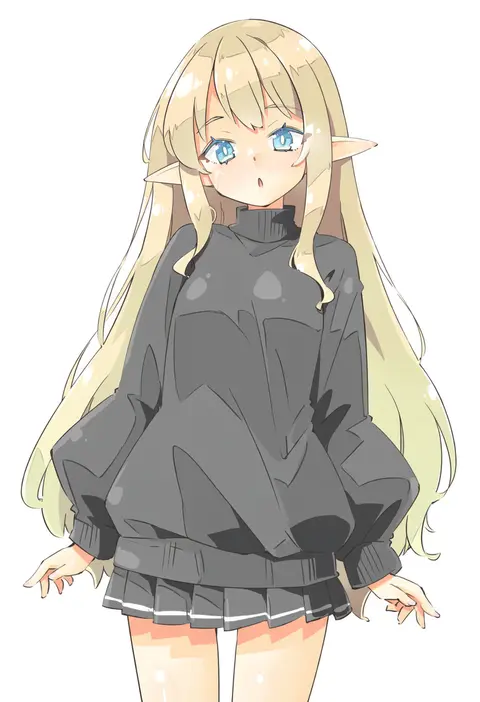
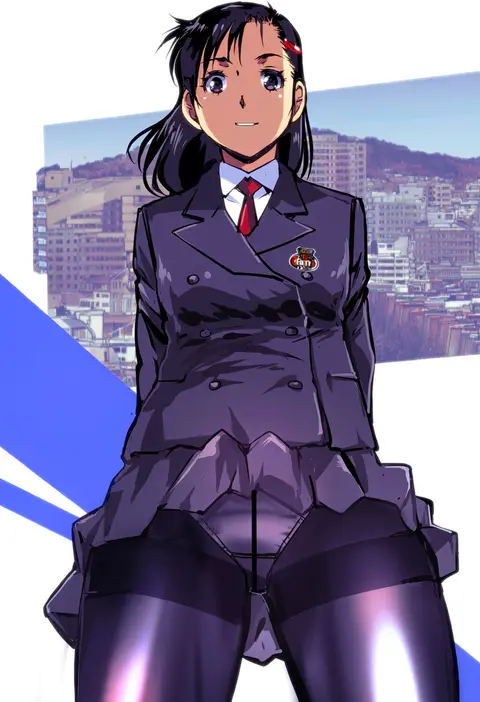
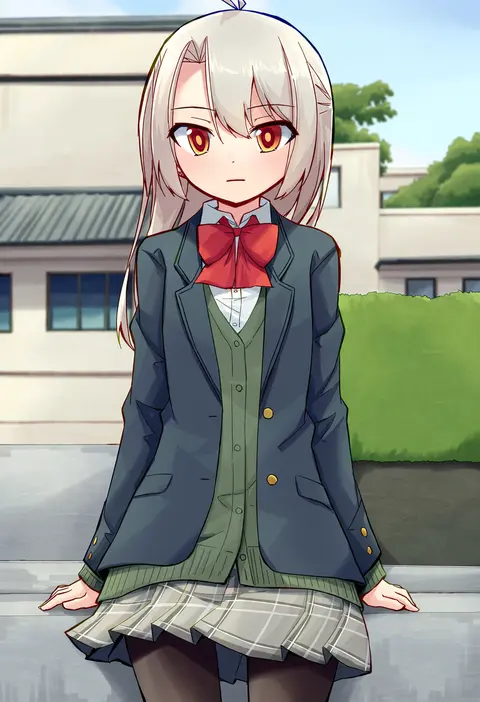
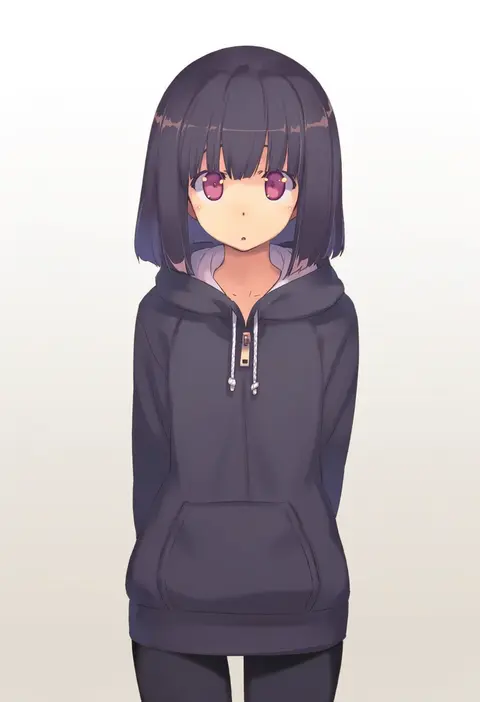
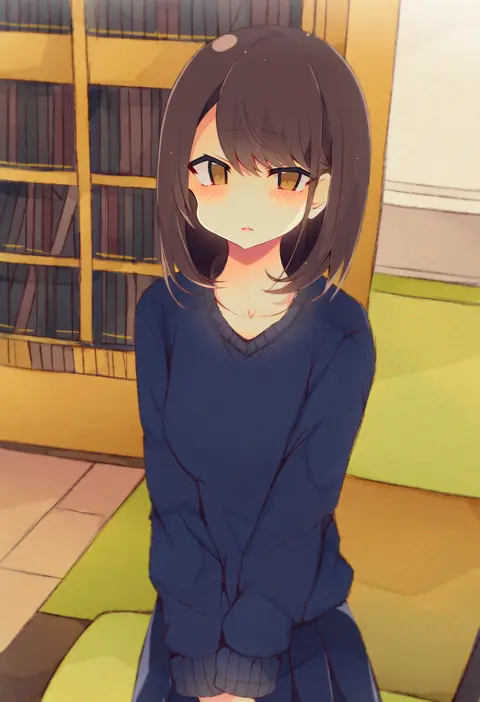
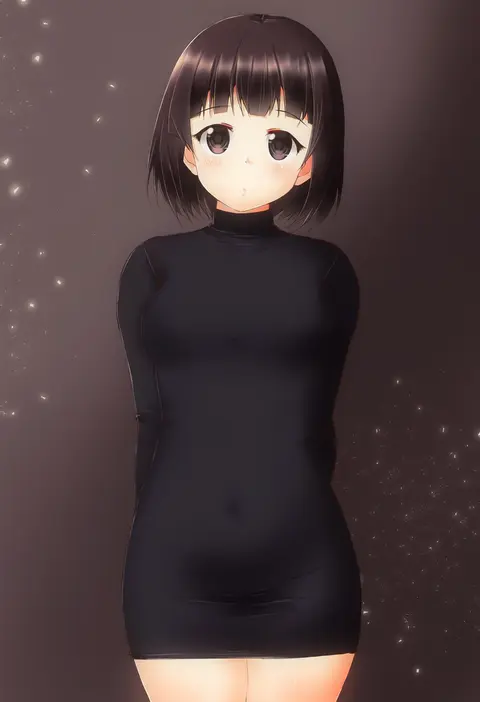
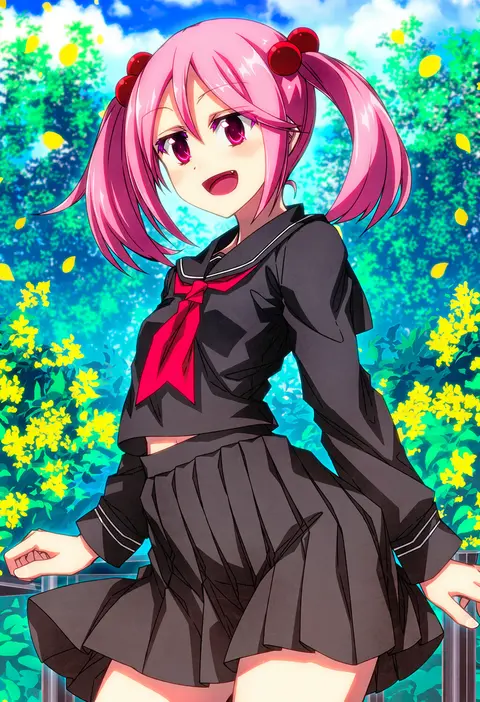
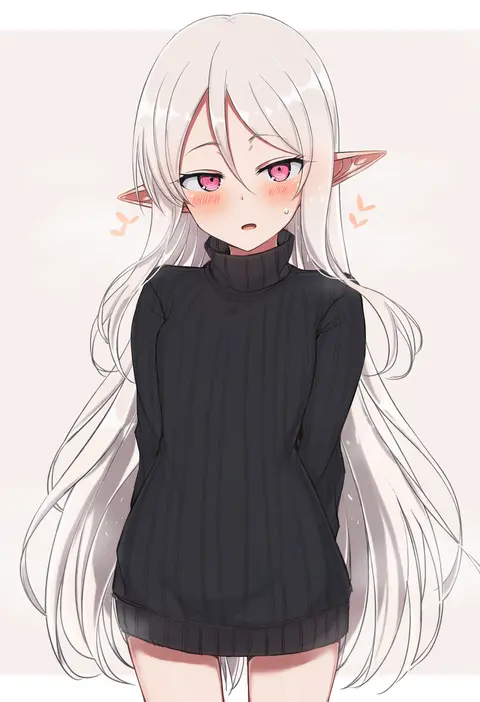
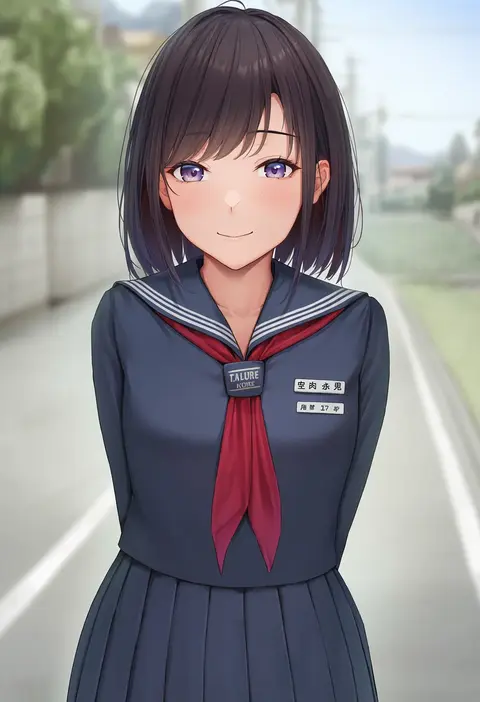
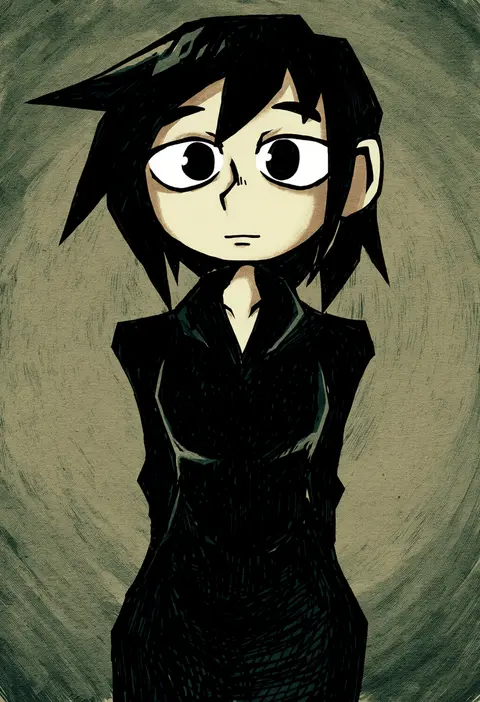
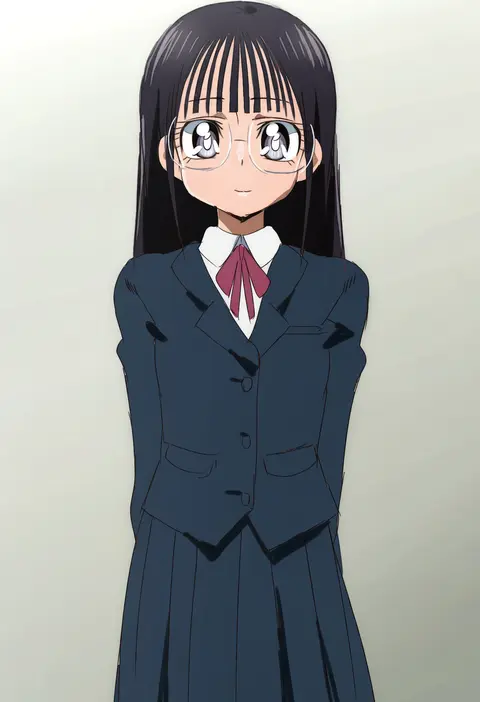
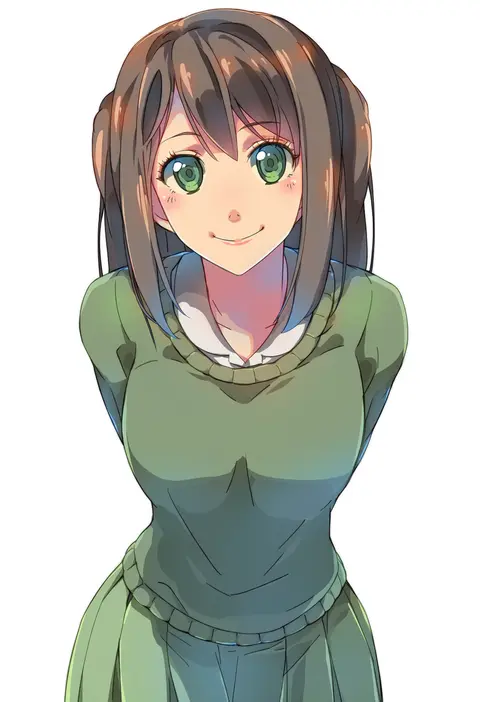
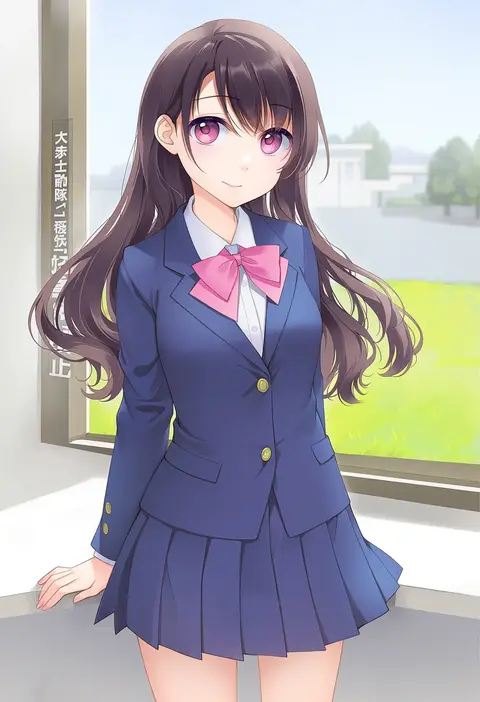
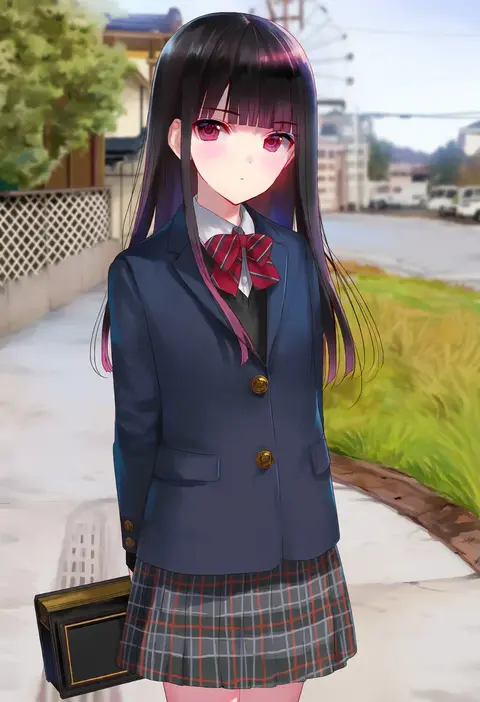
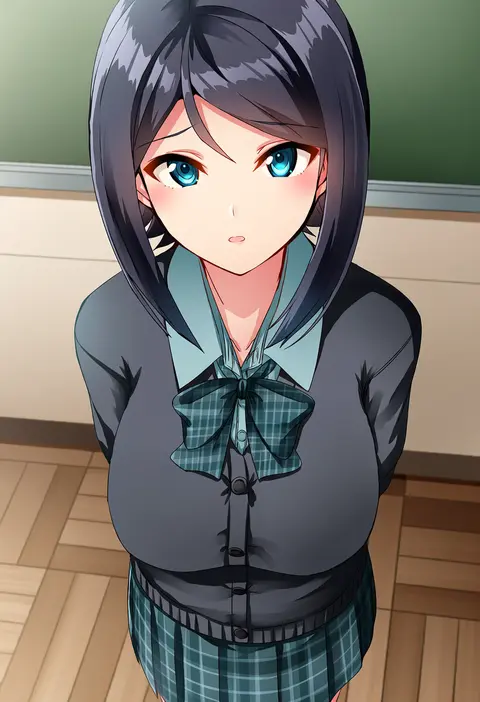
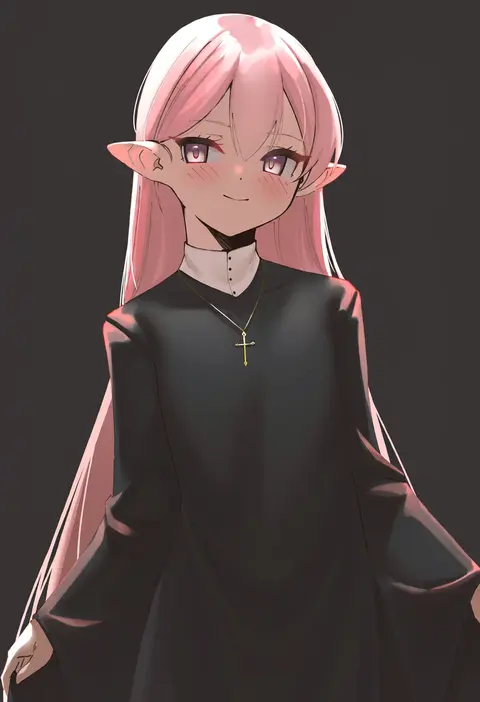
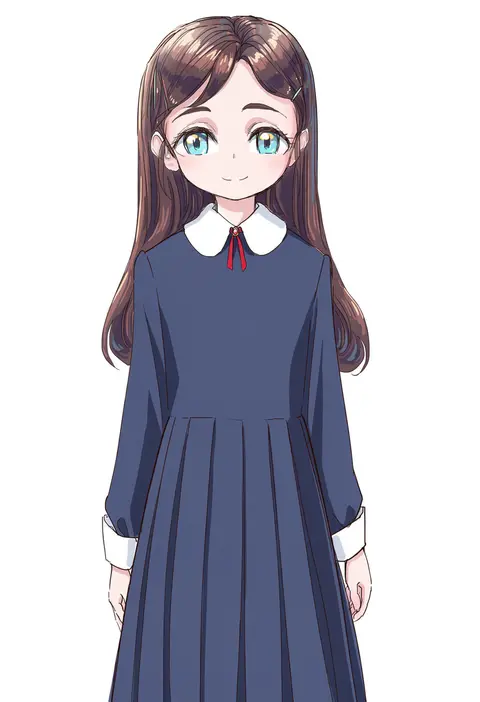
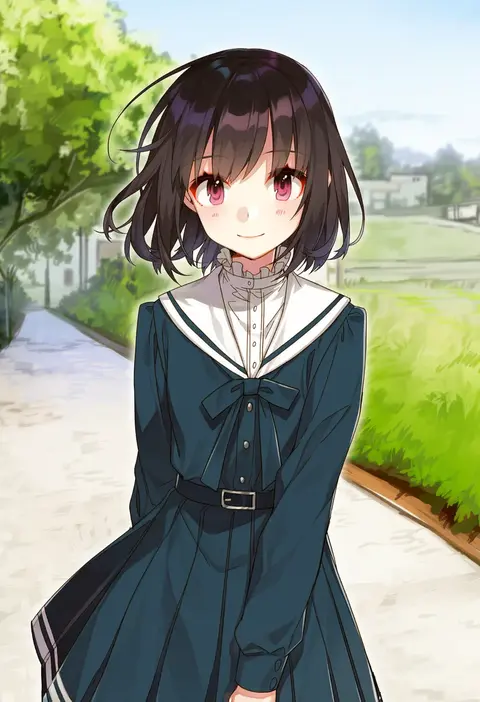
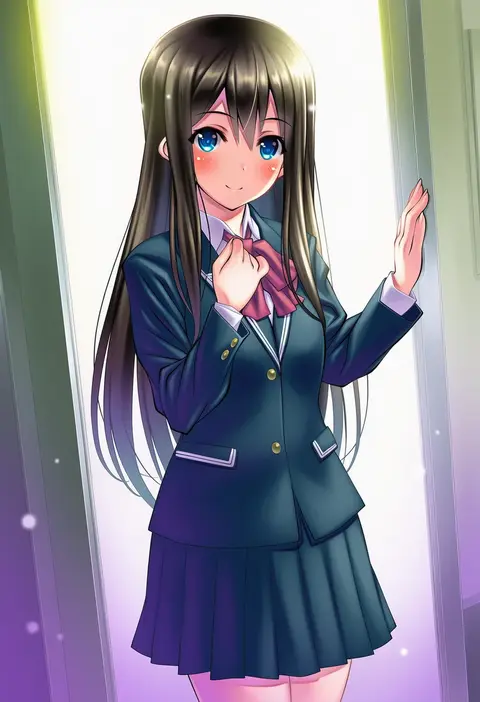
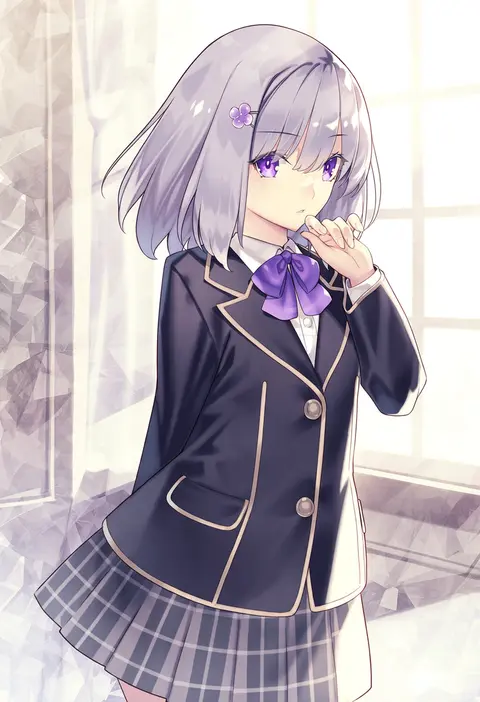
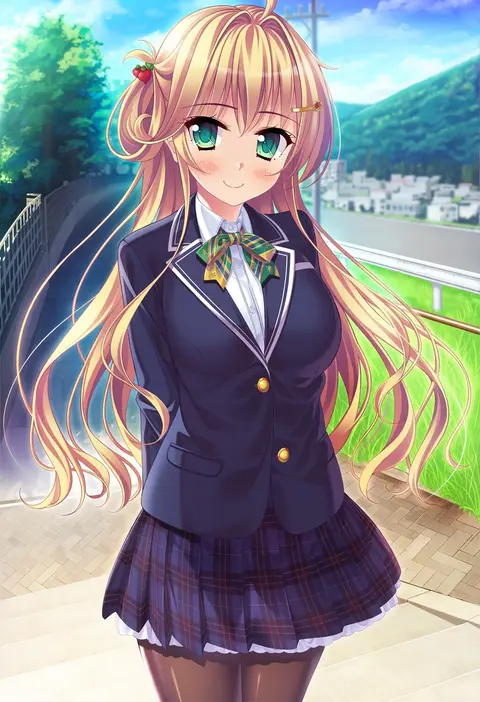
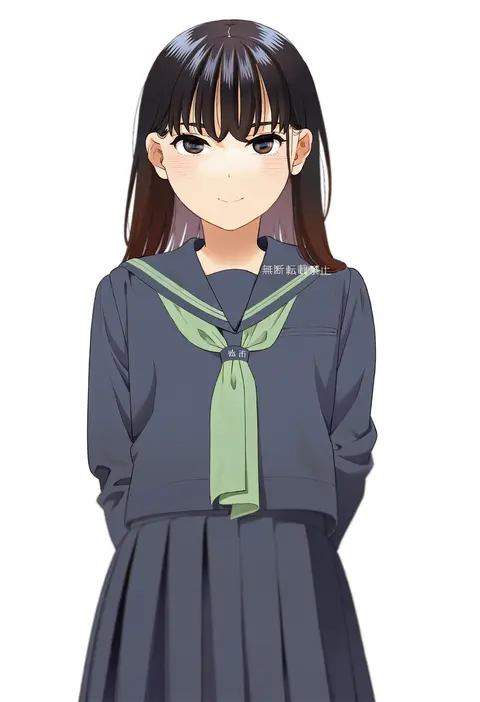
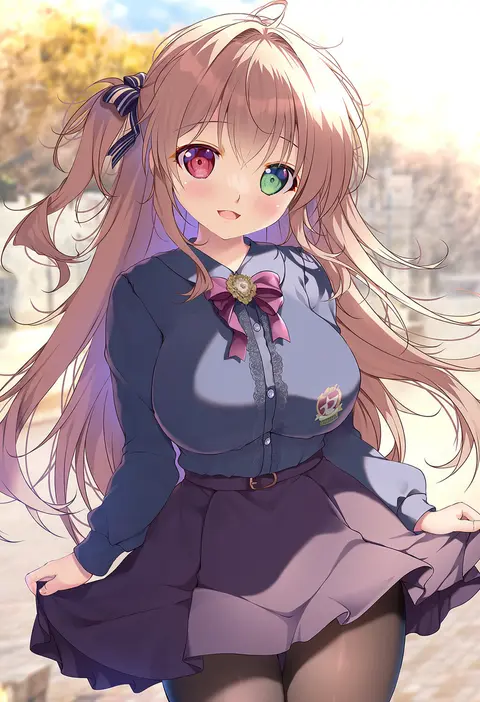
Artist tags tell NovelAI Diffusion to draw in a specific artist's style: line weight, paint texture, face shapes and palette all shift at once. Character and outfit tags decide what is drawn; artist tags decide how. 2,508 tags are listed for V5.
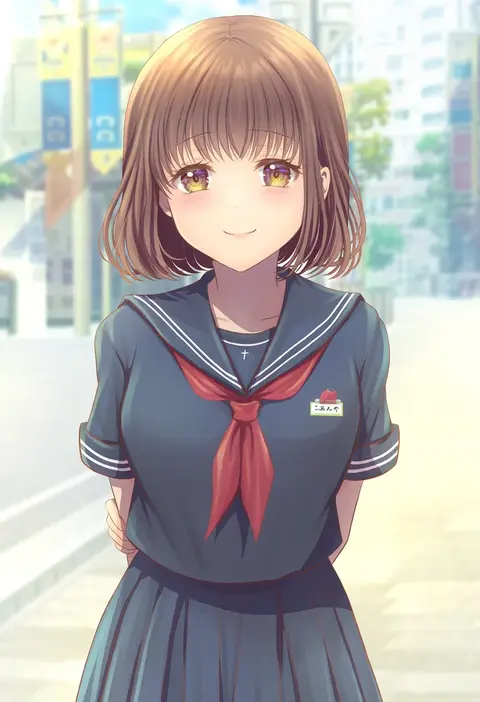
Every tag listed here is verified to react in NovelAI. All images use the same prompt, seed and settings with only the artist tag swapped, so the difference between two images is the style that tag brings in.

How to use them

Put the artist tag near the front of the prompt, e.g. "<artist>, 1girl, solo, best quality, masterpiece, cowboy shot". Two or three artist tags blend styles; lower the weight with "0.8::<artist>::" when the style overpowers the character.

SCORE sorts by Danbooru's top score, POSTS by post count, FAVS by hearts on this site. Open a card to see V5 and V4.5 side by side on the same seed.

V5 vs V4.5

V5 usually lands closer to the artist's real style, and tags that did nothing on V4.5 often react on V5. V4.5 still fits older and doujin-heavy artists better. Try V5 first, fall back to V4.5.

FAQ

Where does the artist tag go?
Near the front of the prompt. Use "0.8::tag::" to adjust its weight.

Can I stack artist tags?
Yes, styles blend. Past two or three the result stops looking like anyone.

Are these the artists' own works?
No. Every image is a NovelAI sample generated from the tag.