V5Artists
sort: FAVS▾
▾
>
$

NovelAI V5 Artist Tags List

artist --count 2,508[4/42]
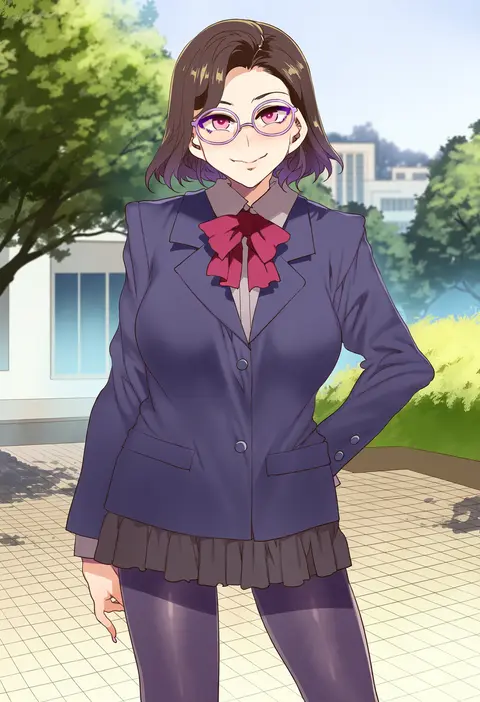
mizuryu kei
ARTIST0x00B4
7
sawamura aoi
ARTIST0x00B5
7
alien1452
ARTIST0x00B6
7
7010
ARTIST0x00B7
7
shirow masamune
ARTIST0x00B8
7
ganaishoten
ARTIST0x00B9
7
u u zan
ARTIST0x00BA
7
96yottea
ARTIST0x00BB
7
akakura
ARTIST0x00BC
7
ninahachi
ARTIST0x00BD
7
nyantcha
ARTIST0x00BE
6
mignon
ARTIST0x00BF
6
eonsang
ARTIST0x00C0
6
okpriko
ARTIST0x00C1
6
puuzaki puuna
ARTIST0x00C2
6
abpart
ARTIST0x00C3
6
siu (siu0207)
ARTIST0x00C4
6
neku oneneko
ARTIST0x00C5
6
rikudou inuhiko
ARTIST0x00C6
6
kawakami rokkaku
ARTIST0x00C7
6
nakamura regura
ARTIST0x00C8
6
hayan
ARTIST0x00C9
6
shimadouma
ARTIST0x00CA
6
77gl
ARTIST0x00CB
6
akipeko
ARTIST0x00CC
6
kat (bu-kunn)
ARTIST0x00CD
6
inuinui
ARTIST0x00CE
6
popqn
ARTIST0x00CF
6
danimaru
ARTIST0x00D0
6
dino (dinoartforame)
ARTIST0x00D1
6
hizuki akira
ARTIST0x00D2
6
halcon
ARTIST0x00D3
6
takaman (gaffe)
ARTIST0x00D4
6
yu-ta
ARTIST0x00D5
6
jewel (the black canvas)
ARTIST0x00D6
6
senri gan
ARTIST0x00D7
6
yamai (yamaichandayo)
ARTIST0x00D8
6
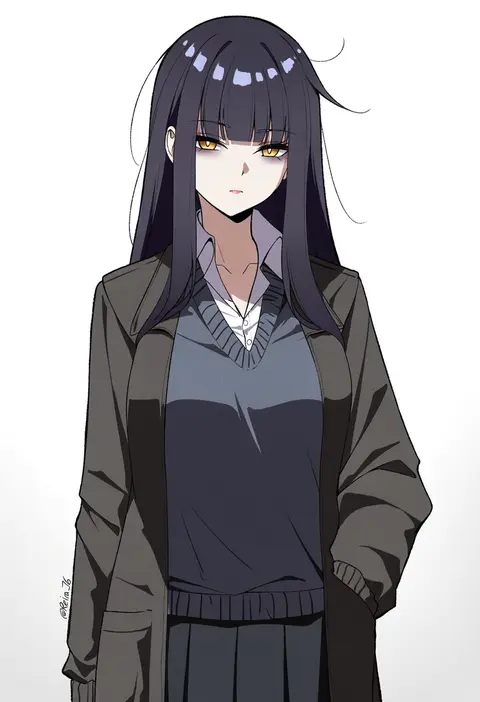
reia 76
ARTIST0x00D9
6
zerocat
ARTIST0x00DA
6
starraisins
ARTIST0x00DB
6
r3dfive
ARTIST0x00DC
6
kani biimu
ARTIST0x00DD
6
gashi-gashi
ARTIST0x00DE
6
rurudo
ARTIST0x00DF
6
yamamoto souichirou
ARTIST0x00E0
6
imigimuru
ARTIST0x00E1
6
koyama shigeru
ARTIST0x00E2
6
ikeuchi tanuma
ARTIST0x00E3
6
dsmile
ARTIST0x00E4
6
takeshima eku
ARTIST0x00E5
6
hanekoto
ARTIST0x00E6
6
luicent
ARTIST0x00E7
6
ito noizi
ARTIST0x00E8
6
mochizuki shiina
ARTIST0x00E9
6
atie1225
ARTIST0x00EA
6
koi (koisan)
ARTIST0x00EB
6
na bia
ARTIST0x00EC
6
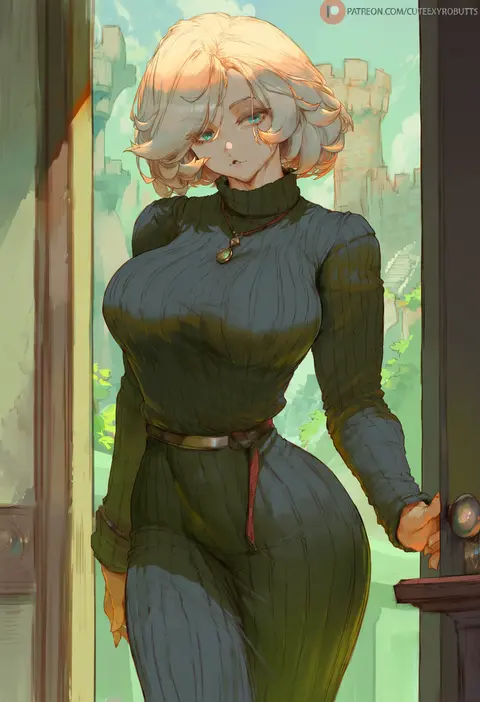
cutesexyrobutts
ARTIST0x00ED
5
kumasteam
ARTIST0x00EE
5
kairunoburogu
ARTIST0x00EF
5

What these tags change

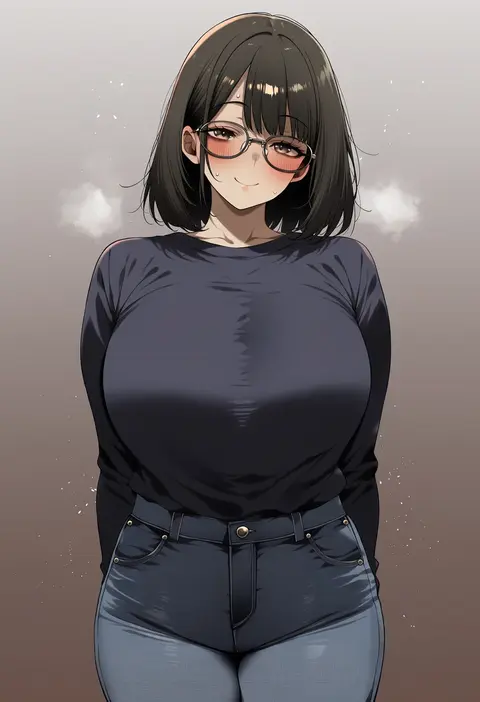
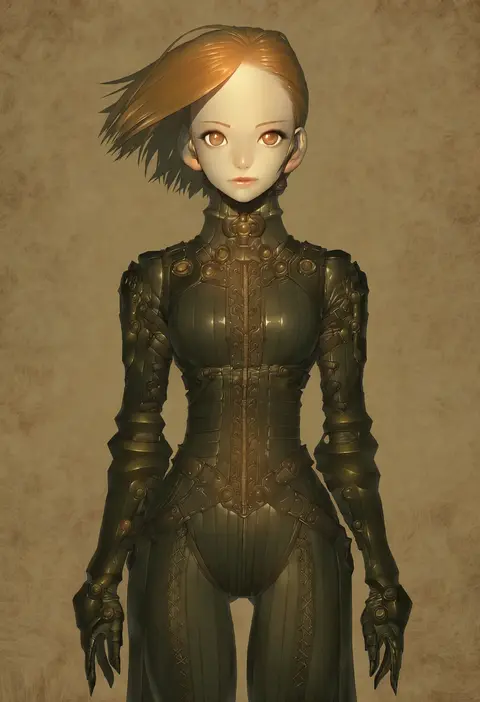
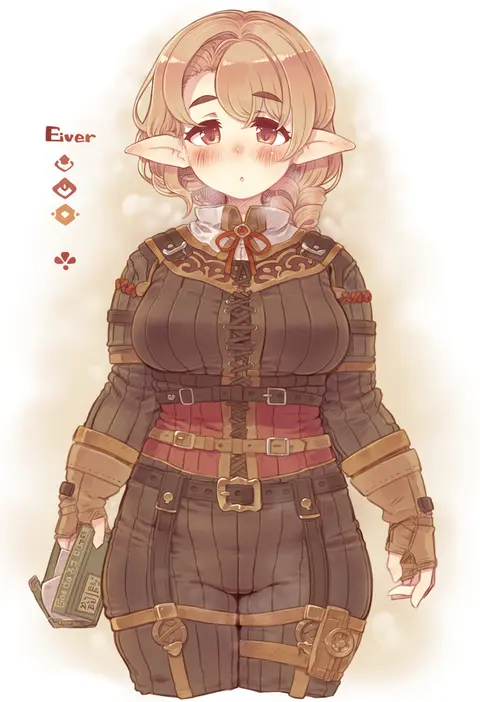
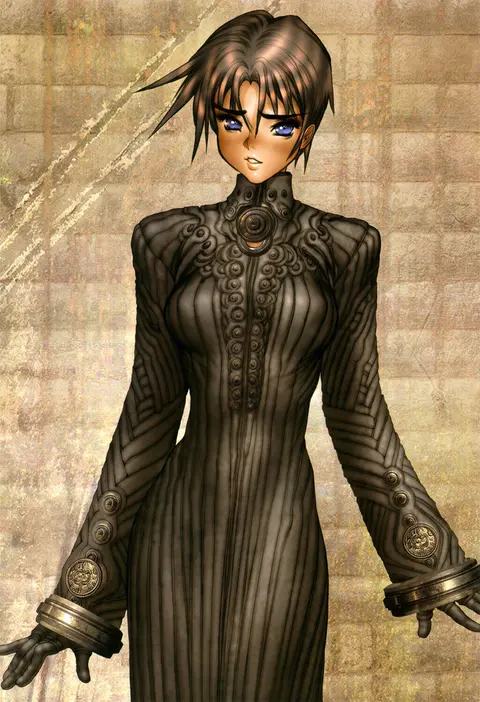
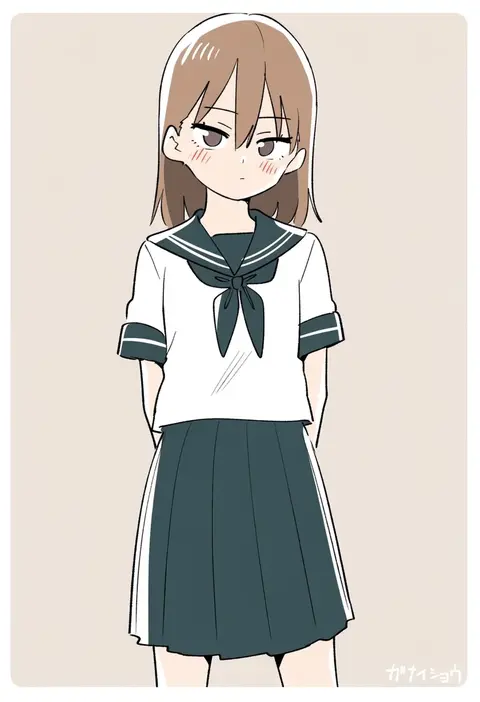
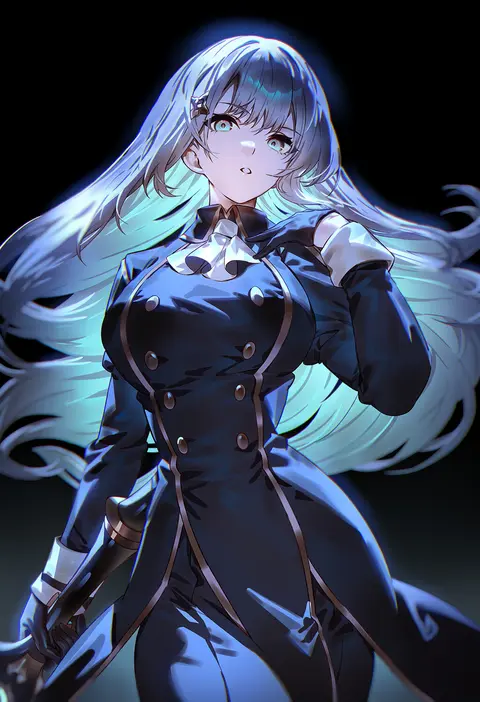
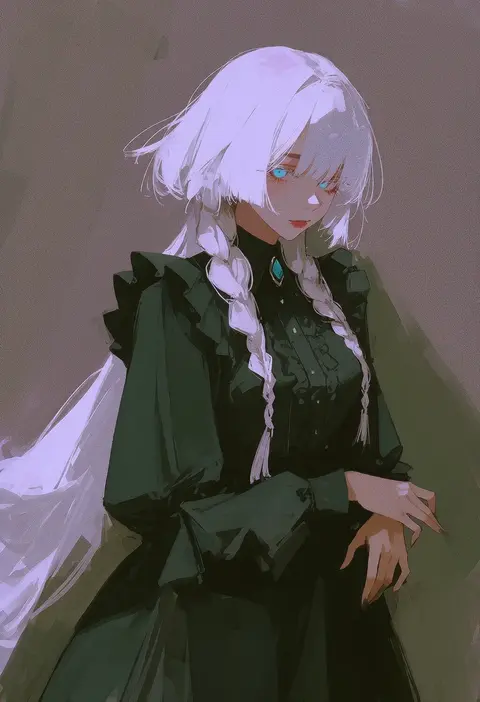
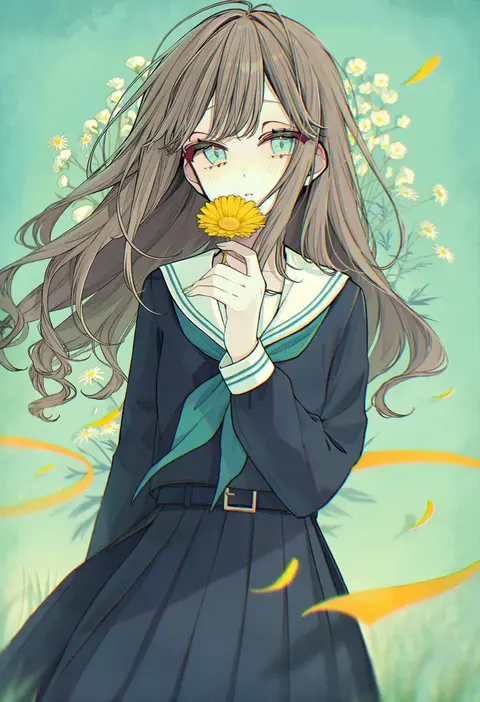
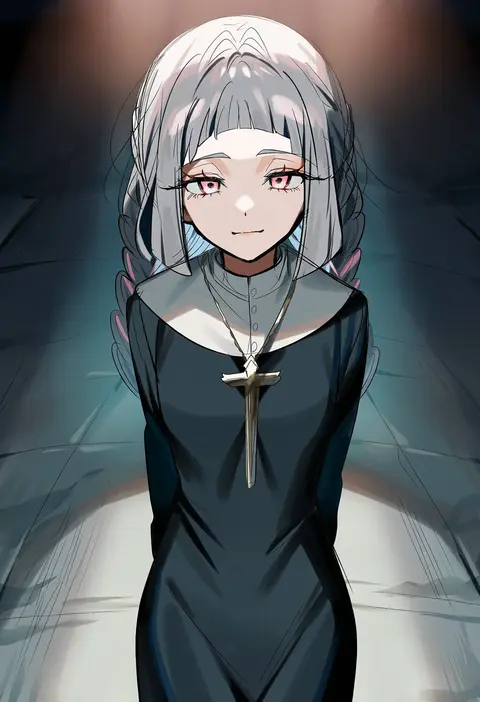
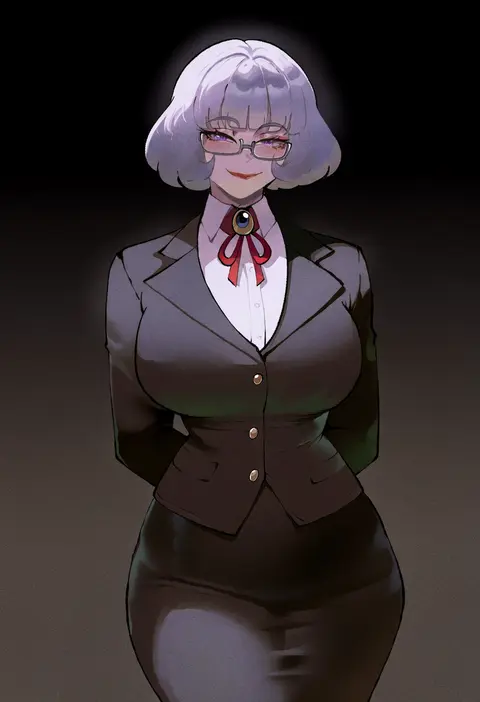
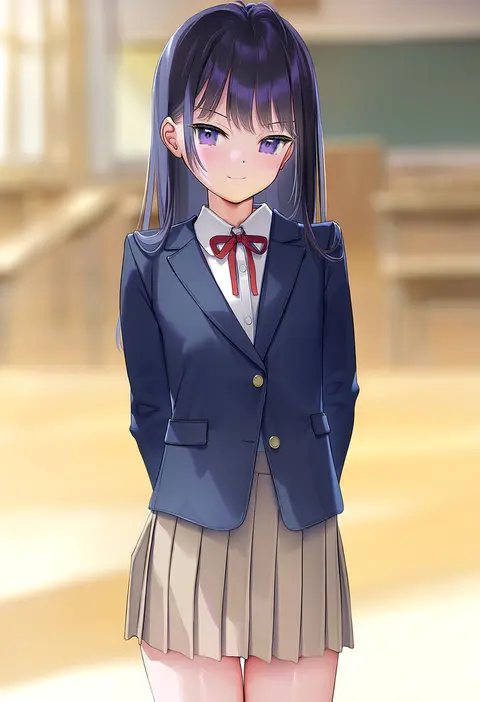
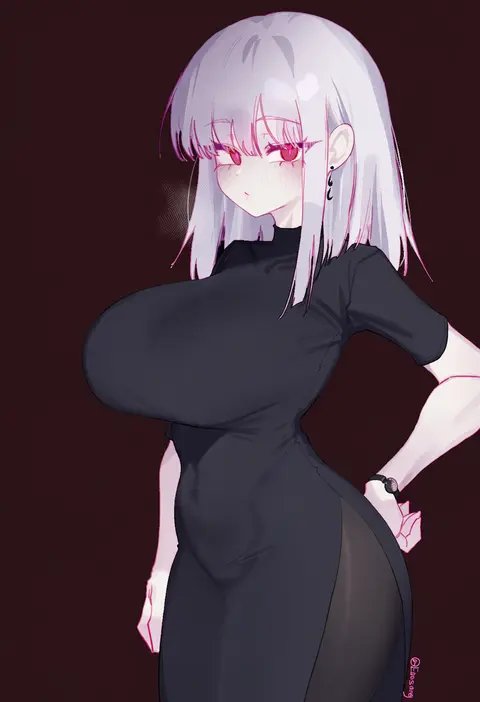
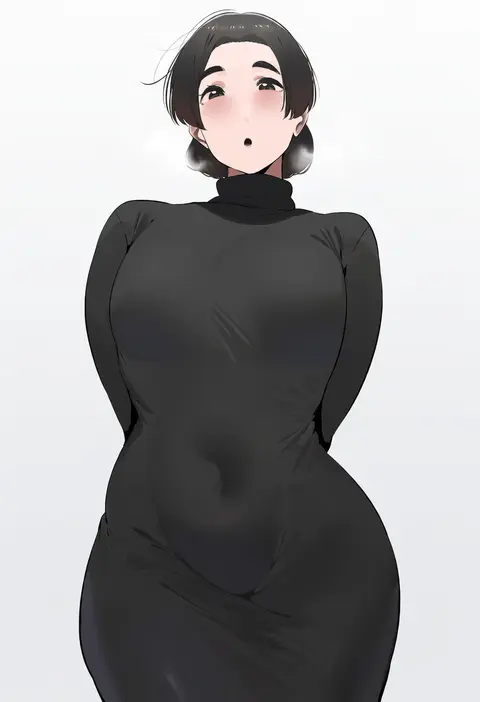
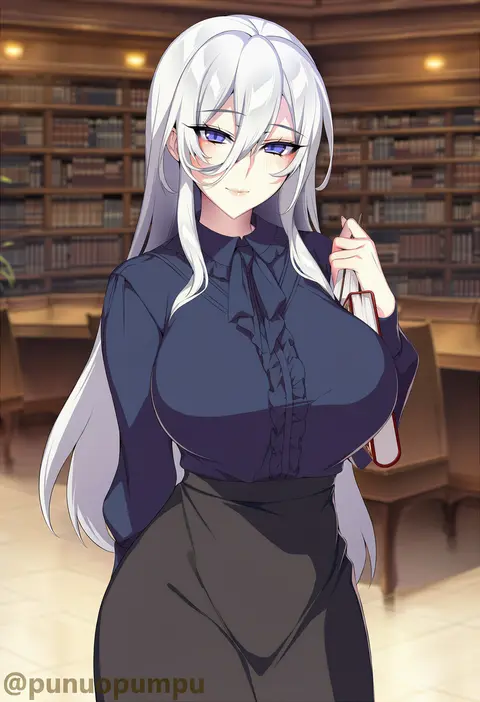
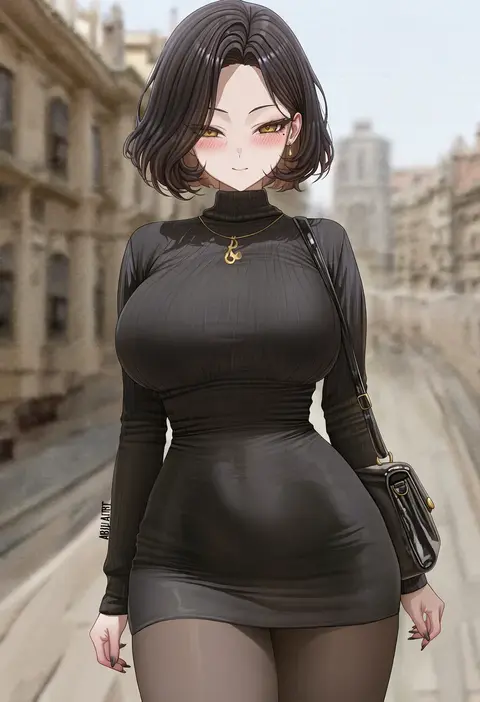
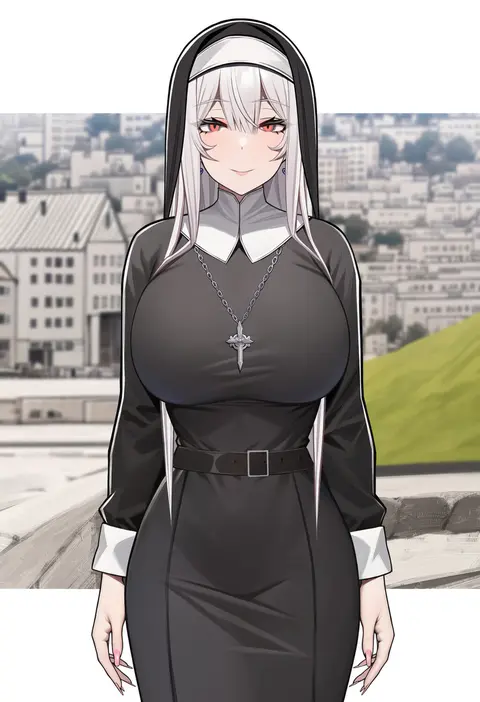
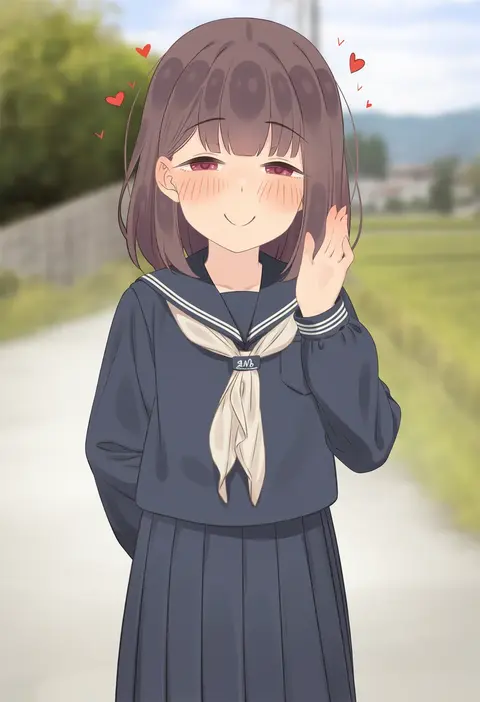
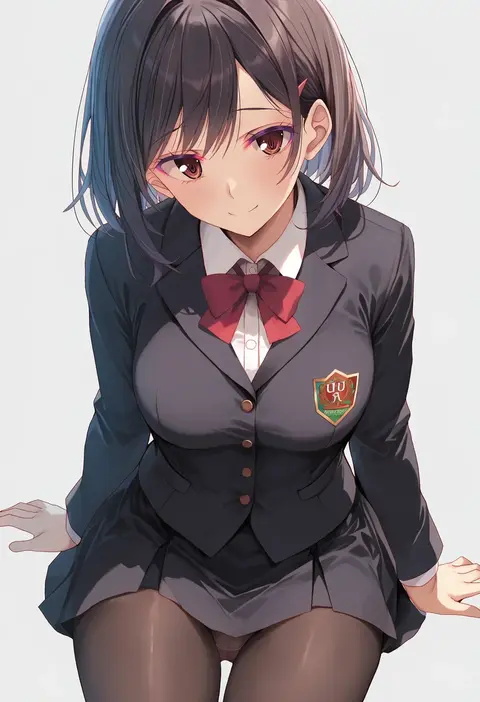
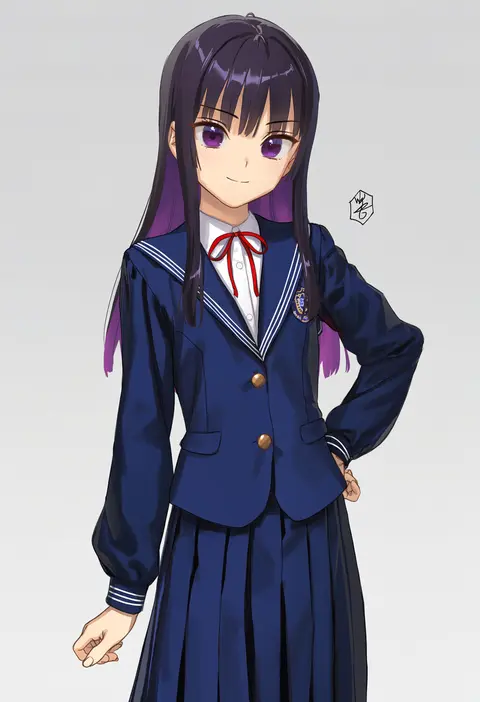
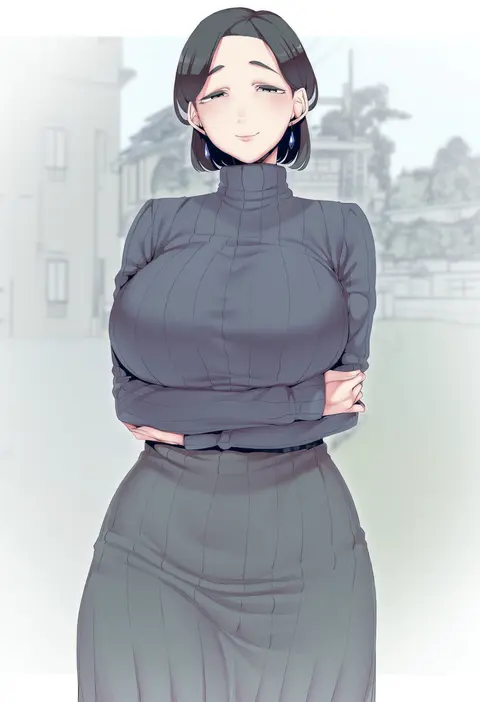
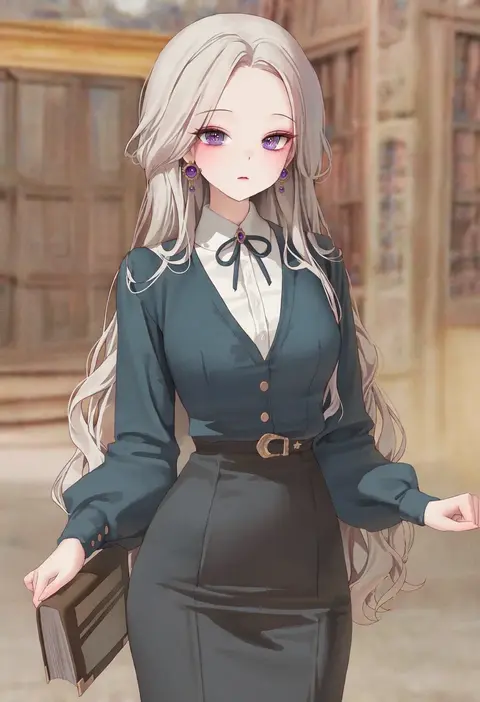
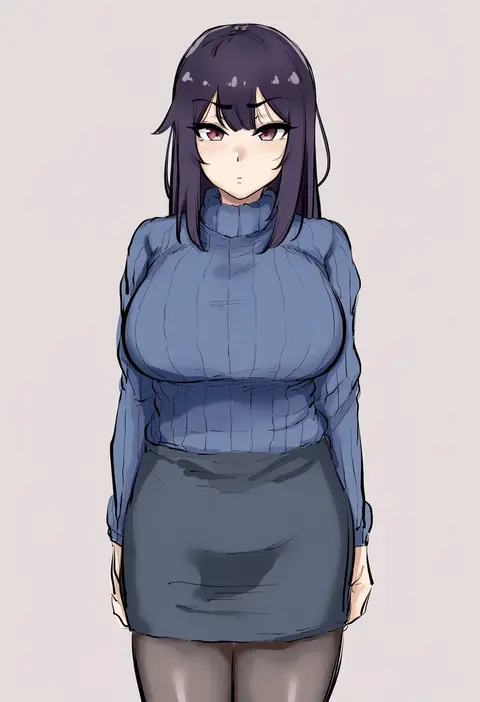
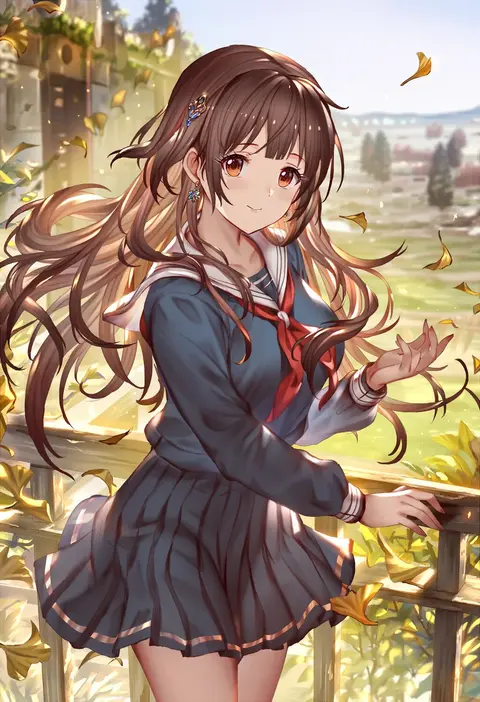
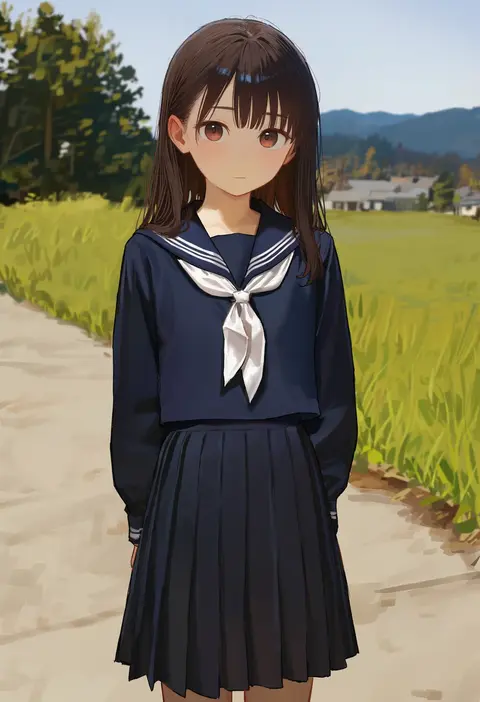
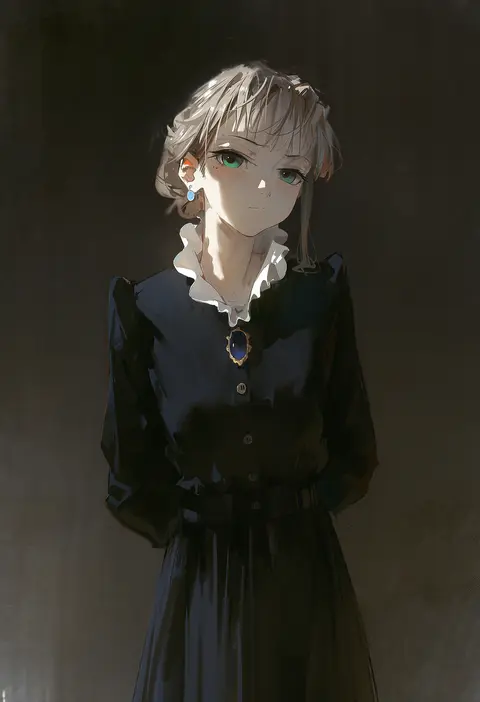
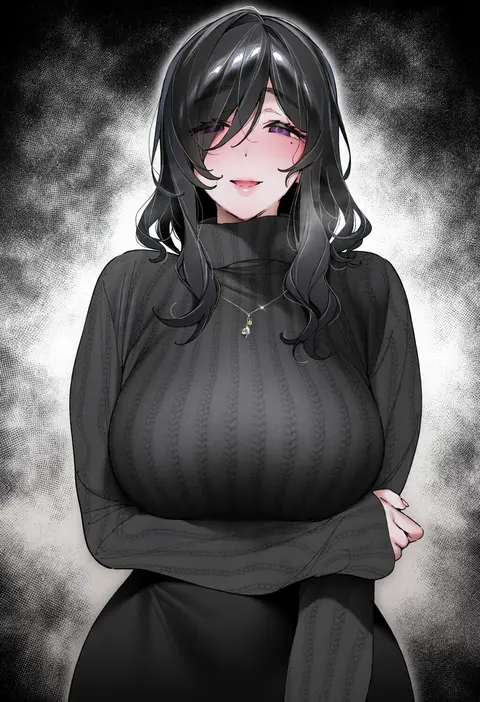
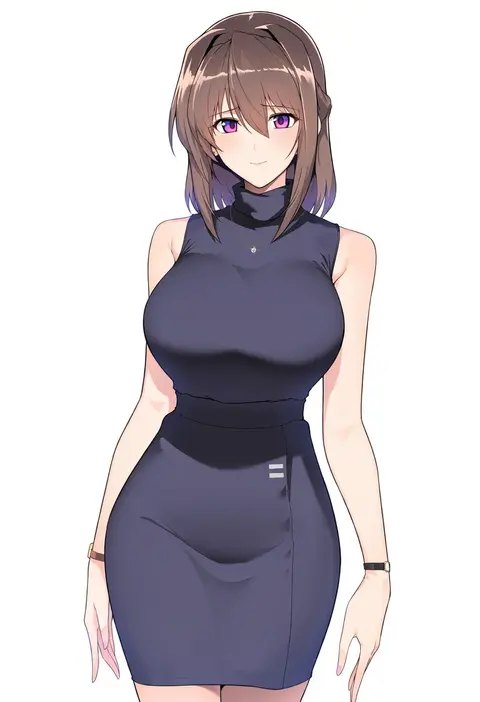
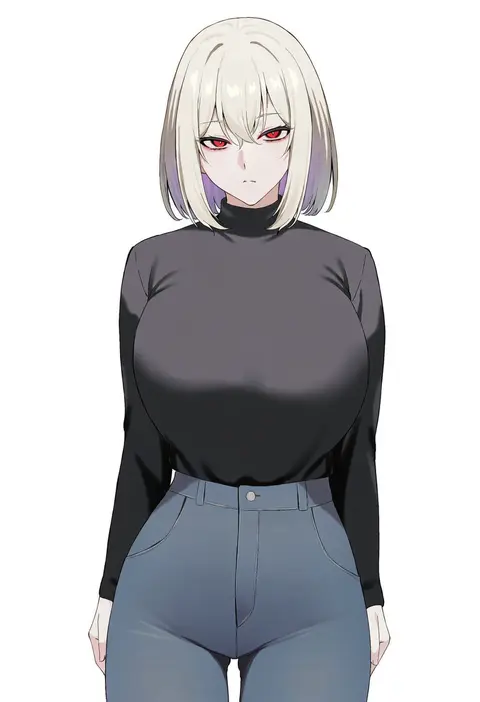
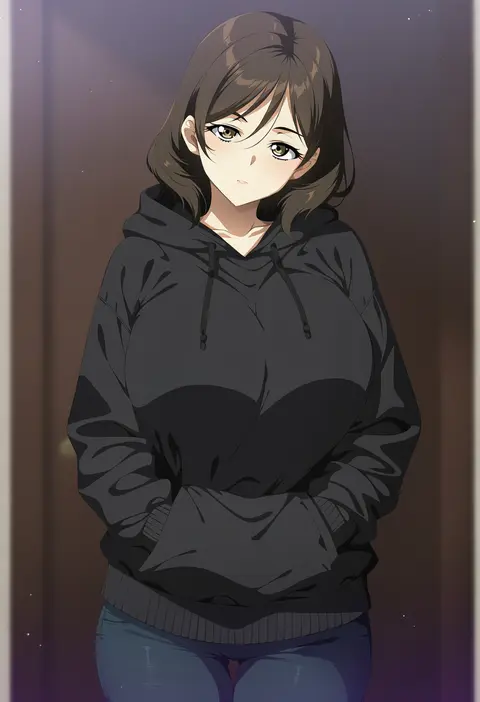
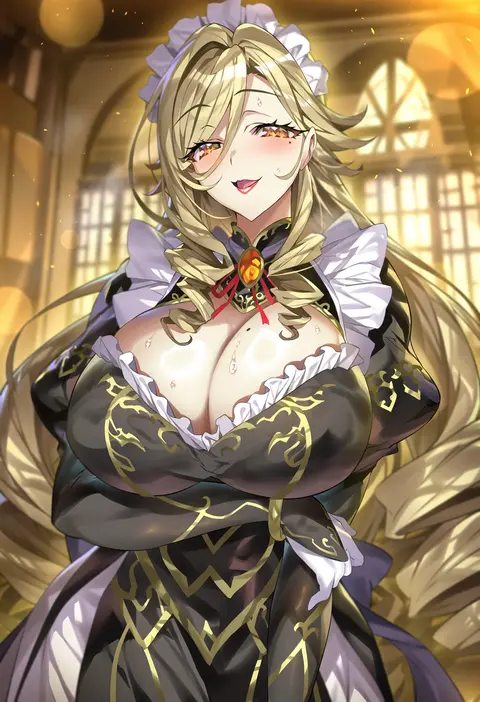
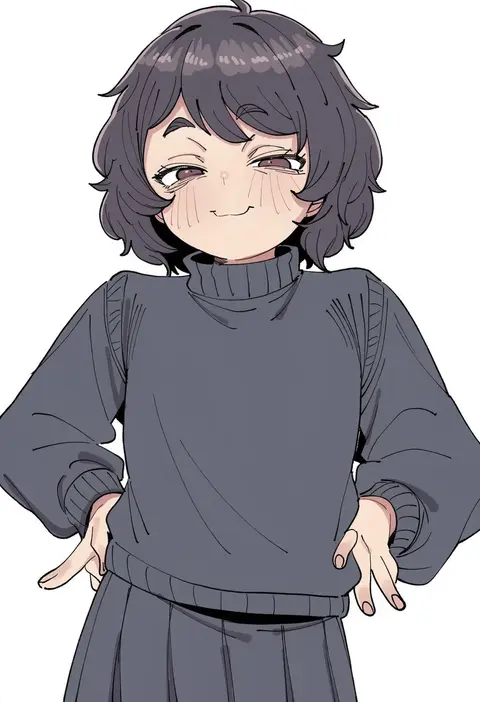
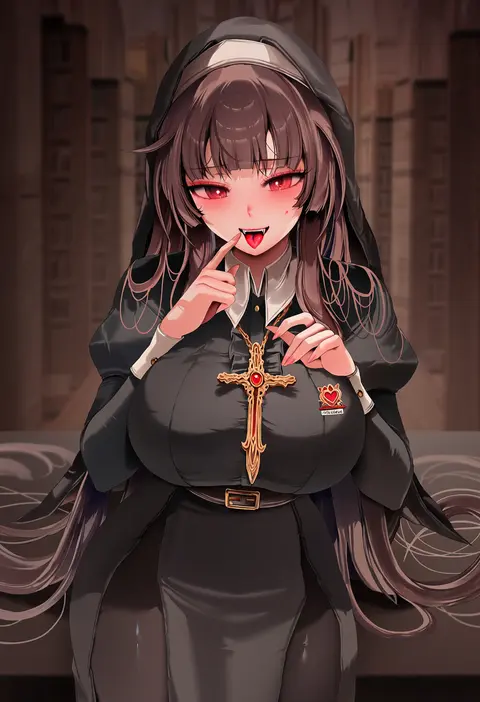
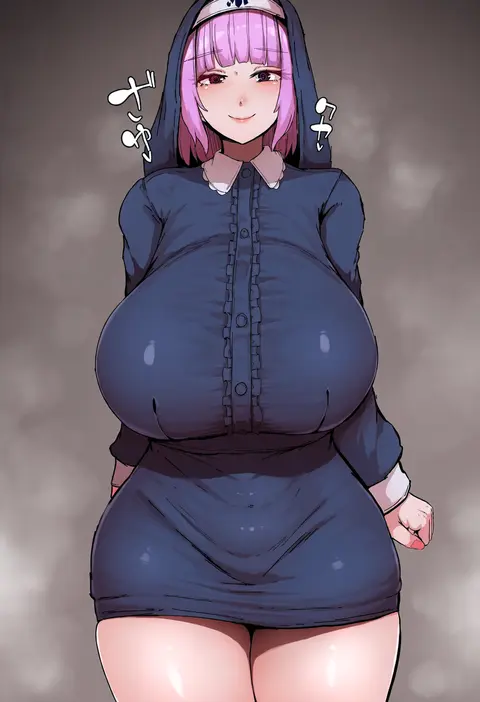
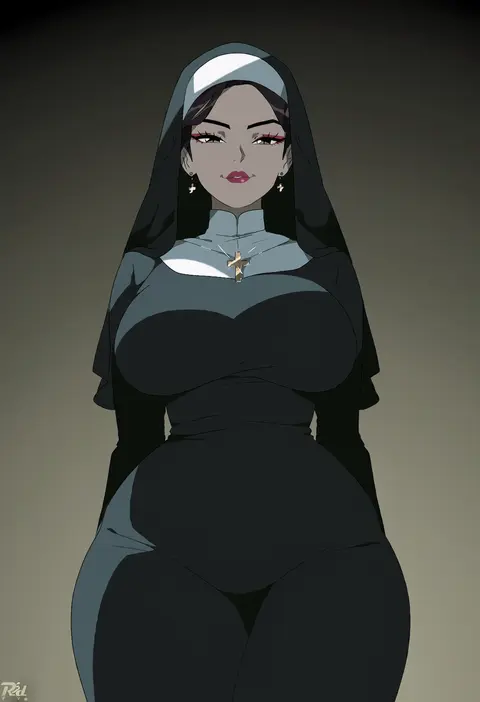
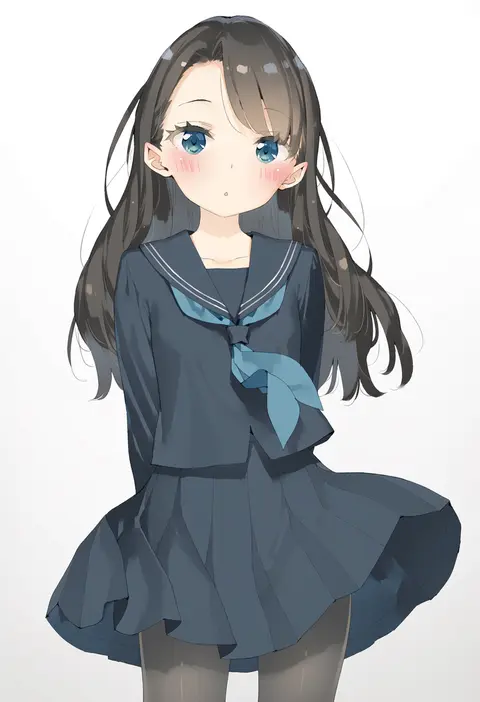
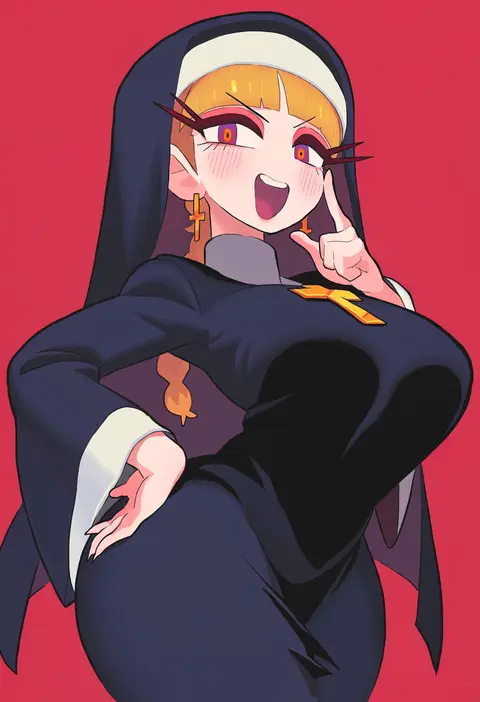
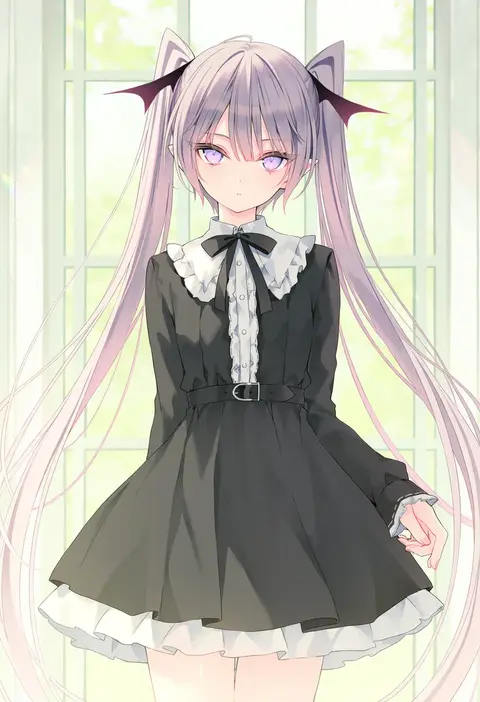
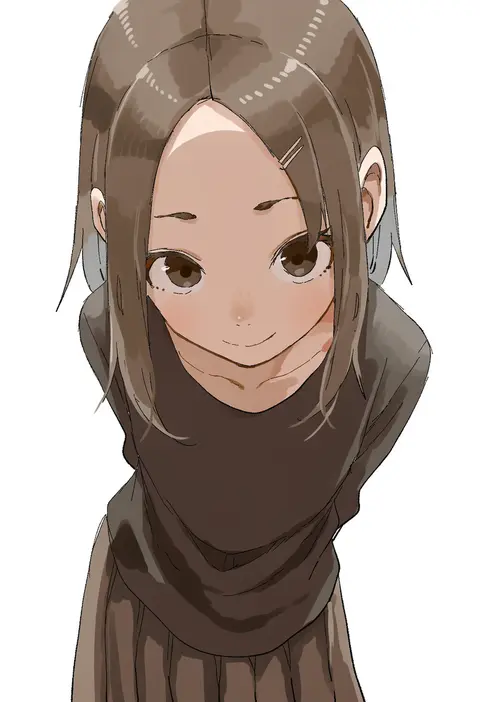
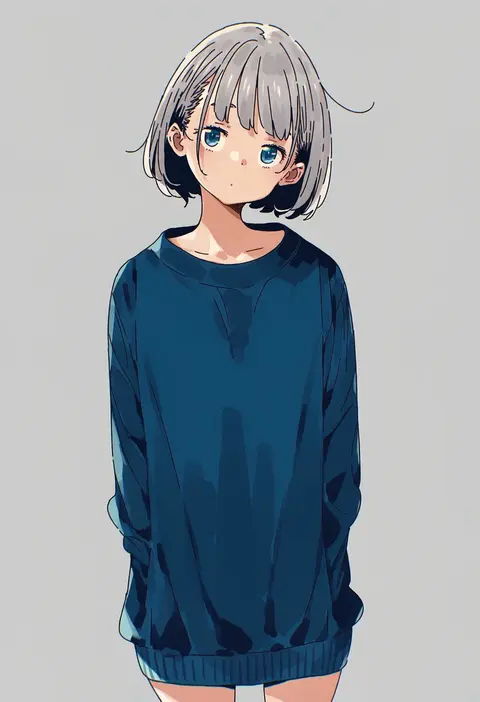
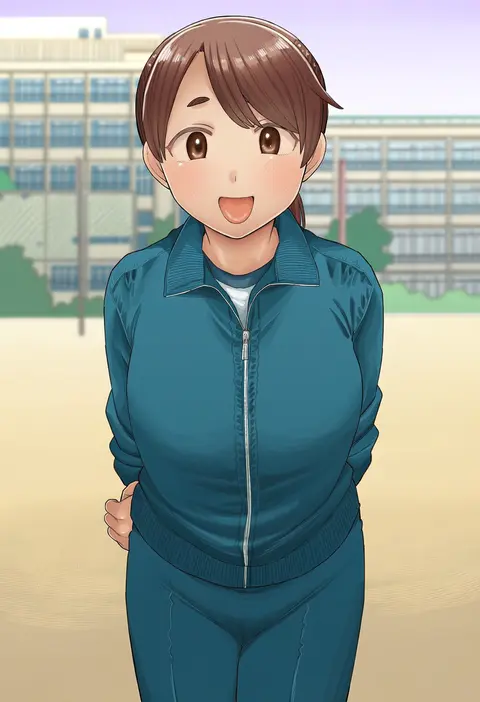
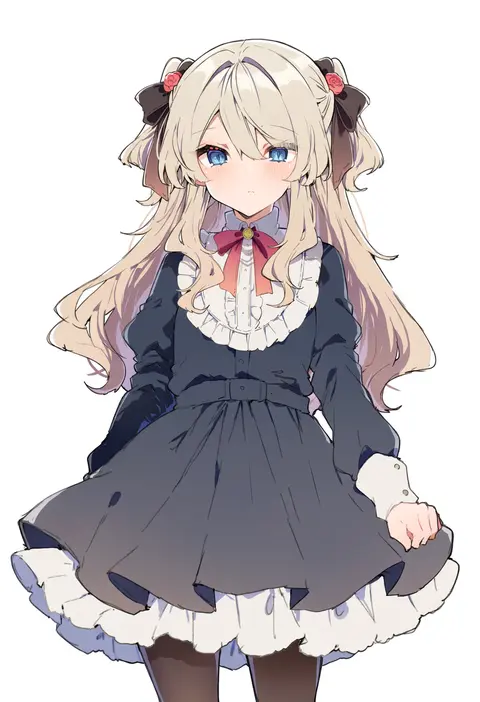
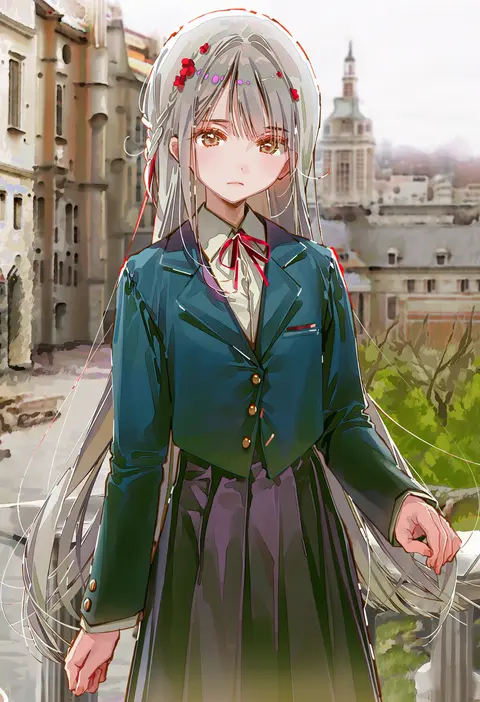
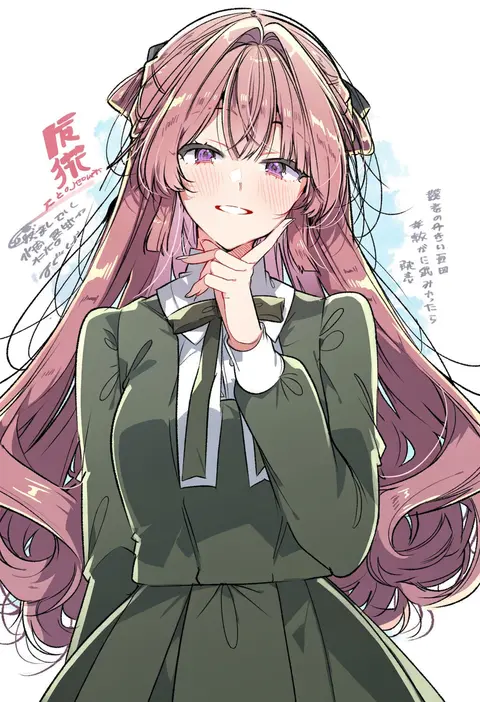
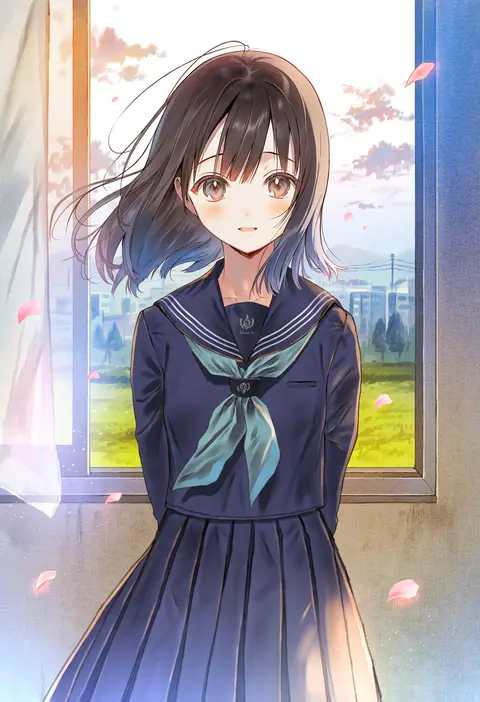
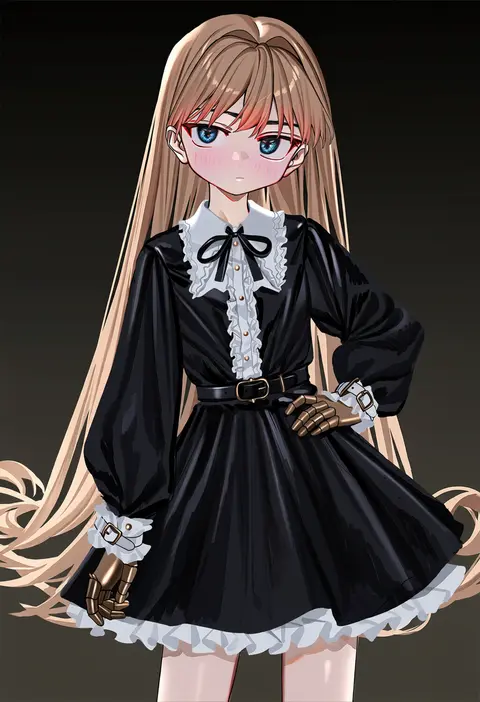
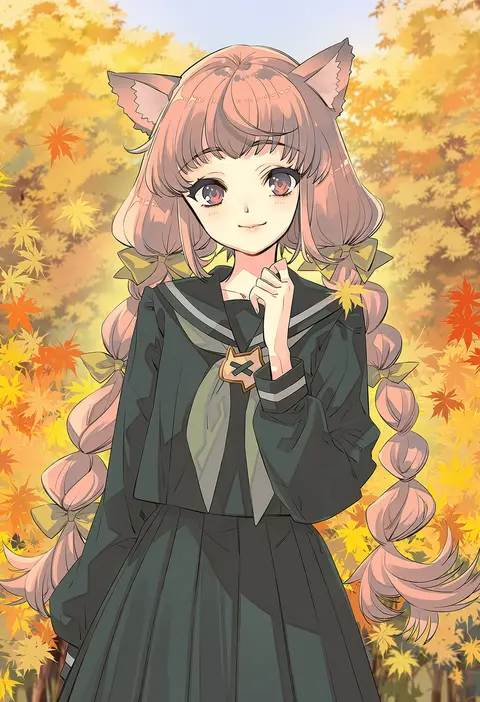
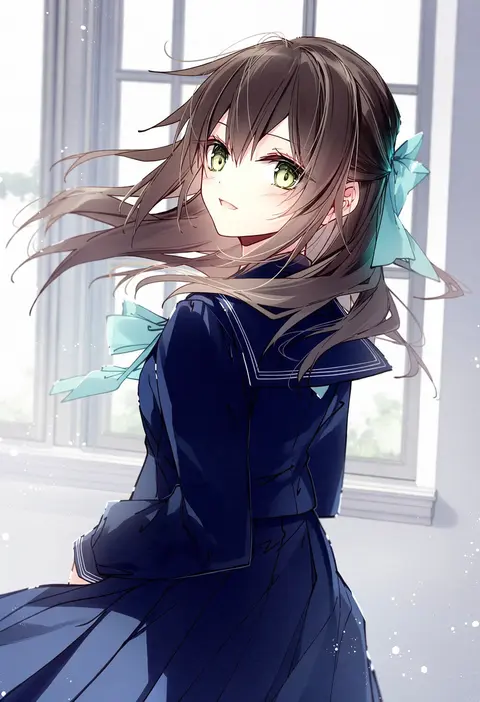
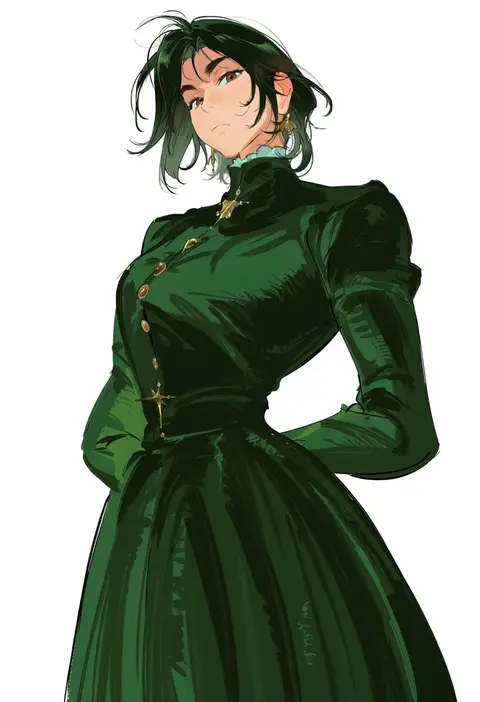
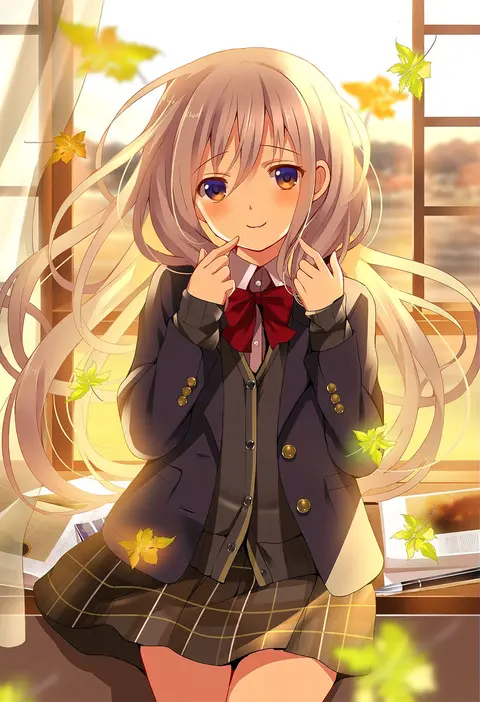
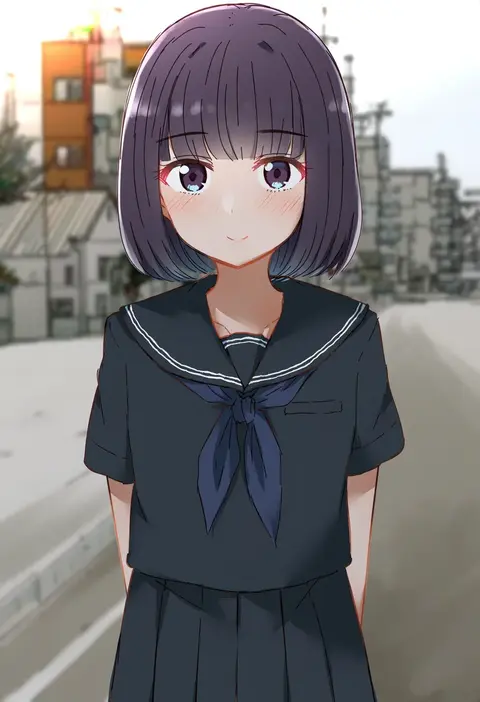
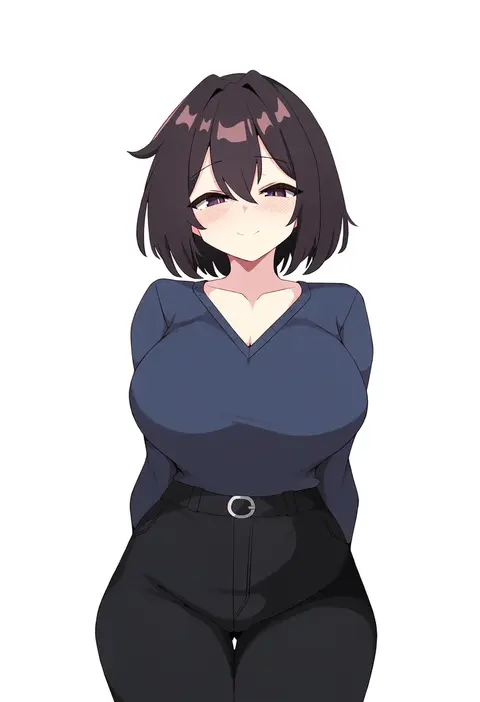
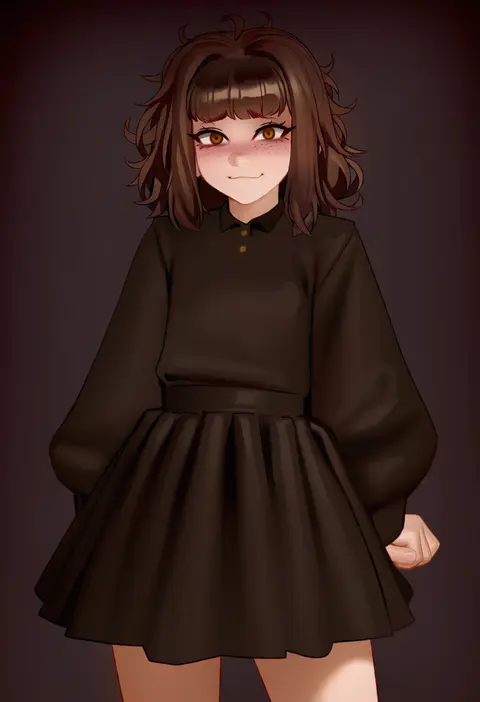
Artist tags tell NovelAI Diffusion to draw in a specific artist's style: line weight, paint texture, face shapes and palette all shift at once. Character and outfit tags decide what is drawn; artist tags decide how. 2,508 tags are listed for V5.
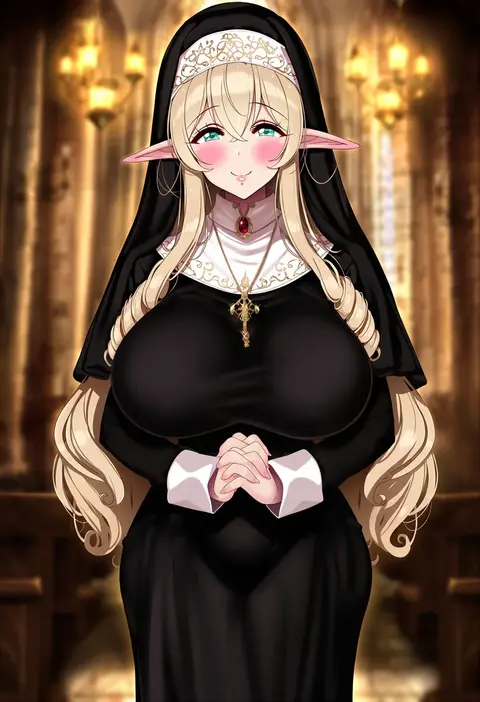
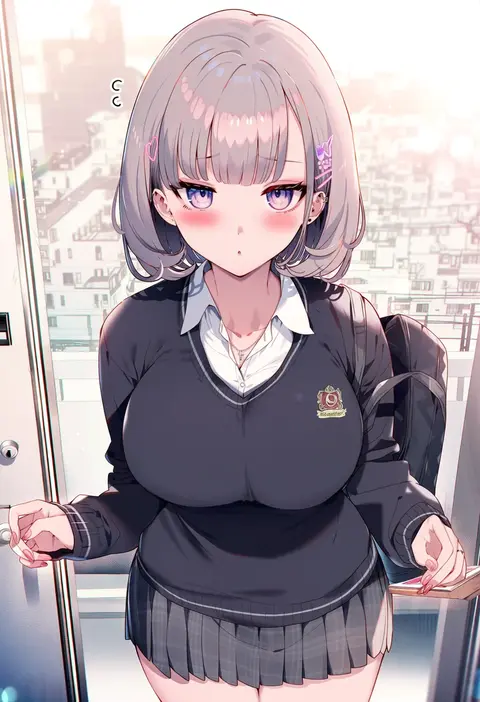
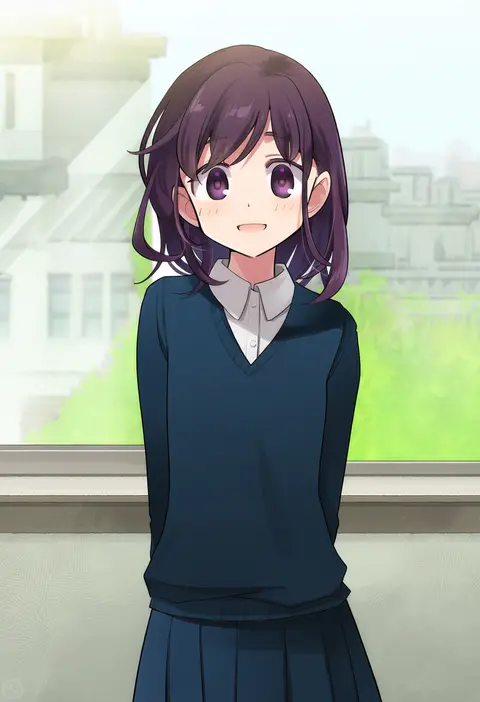
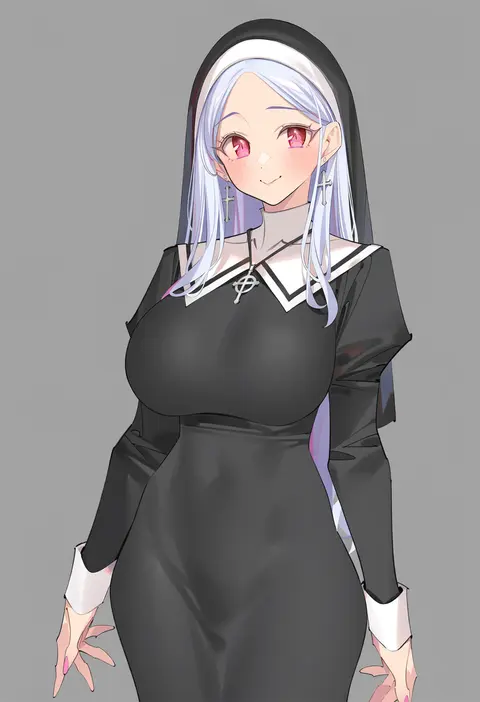
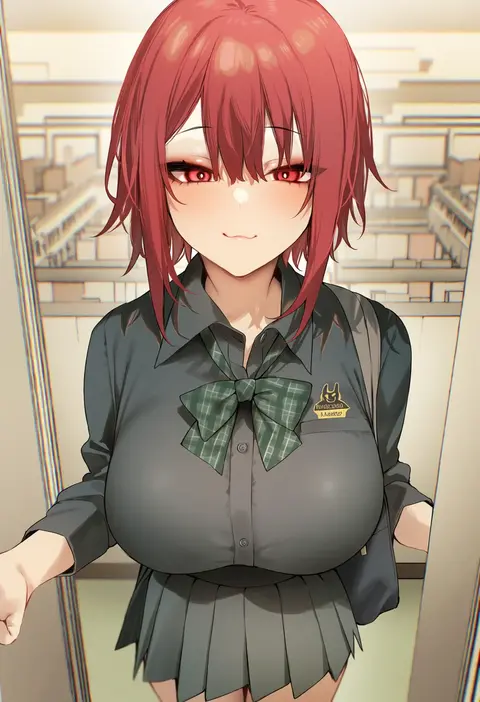
Every tag listed here is verified to react in NovelAI. All images use the same prompt, seed and settings with only the artist tag swapped, so the difference between two images is the style that tag brings in.

How to use them

Put the artist tag near the front of the prompt, e.g. "<artist>, 1girl, solo, best quality, masterpiece, cowboy shot". Two or three artist tags blend styles; lower the weight with "0.8::<artist>::" when the style overpowers the character.

SCORE sorts by Danbooru's top score, POSTS by post count, FAVS by hearts on this site. Open a card to see V5 and V4.5 side by side on the same seed.

V5 vs V4.5

V5 usually lands closer to the artist's real style, and tags that did nothing on V4.5 often react on V5. V4.5 still fits older and doujin-heavy artists better. Try V5 first, fall back to V4.5.

FAQ

Where does the artist tag go?
Near the front of the prompt. Use "0.8::tag::" to adjust its weight.

Can I stack artist tags?
Yes, styles blend. Past two or three the result stops looking like anyone.

Are these the artists' own works?
No. Every image is a NovelAI sample generated from the tag.