V5Artists
sort: FAVS▾
▾
>
$

NovelAI V5 Artist Tags List

artist --count 2,536[6/43]
nahaki
ARTIST0x012C
4
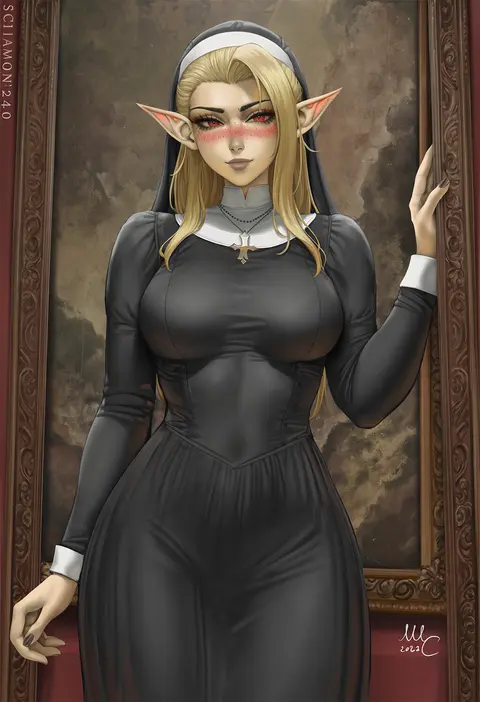
sciamano240
ARTIST0x012D
4
pingpangpongpang
ARTIST0x012E
4
gdhs
ARTIST0x012F
4
kuse (0201)
ARTIST0x0130
4
miurahha
ARTIST0x0131
4
sage joh
ARTIST0x0132
4
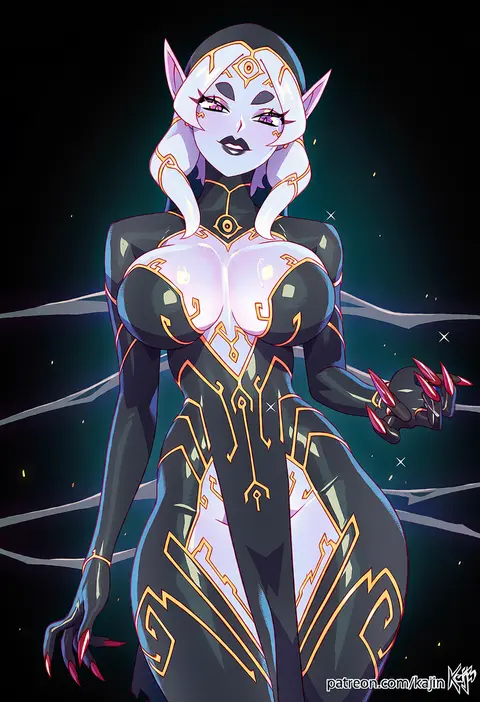
kajin (kajinman)
ARTIST0x0133
4
terasu mc
ARTIST0x0134
4
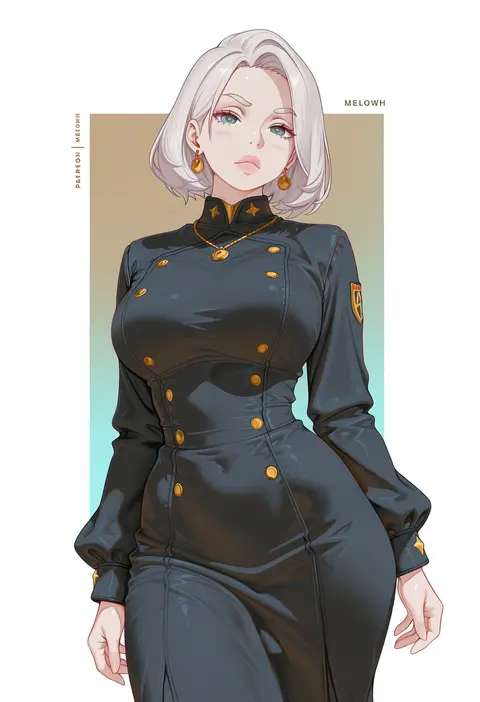
melowh
ARTIST0x0135
4
kaedeko (kaedelic)
ARTIST0x0136
4
mamerakkkkko
ARTIST0x0137
4
twin (tt lsh)
ARTIST0x0138
4
ru zhai
ARTIST0x0139
4
miyase mahiro
ARTIST0x013A
4
kazane-wind
ARTIST0x013B
4
ishikei
ARTIST0x013C
4
tima
ARTIST0x013D
4
tateha (marvelous grace)
ARTIST0x013E
4
minakata sunao
ARTIST0x013F
4
yuzutei
ARTIST0x0140
4
hizuki higure
ARTIST0x0141
4
mejikara scene
ARTIST0x0142
4
eruu (eruuman)
ARTIST0x0143
4
noah (tettsui-sole)
ARTIST0x0144
4
ayagi daifuku
ARTIST0x0145
4
0lightsource
ARTIST0x0146
4
nawakena
ARTIST0x0147
4
anshinmama
ARTIST0x0148
4
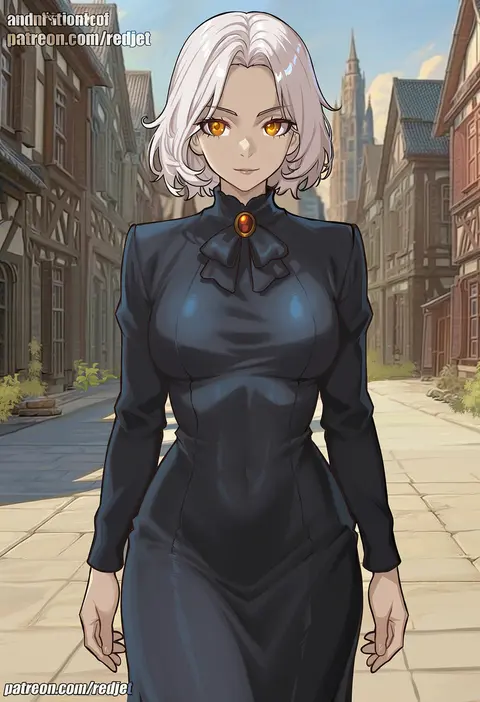
redjet
ARTIST0x0149
4
nonco
ARTIST0x014A
4
furau
ARTIST0x014B
4
muchi maro
ARTIST0x014C
4
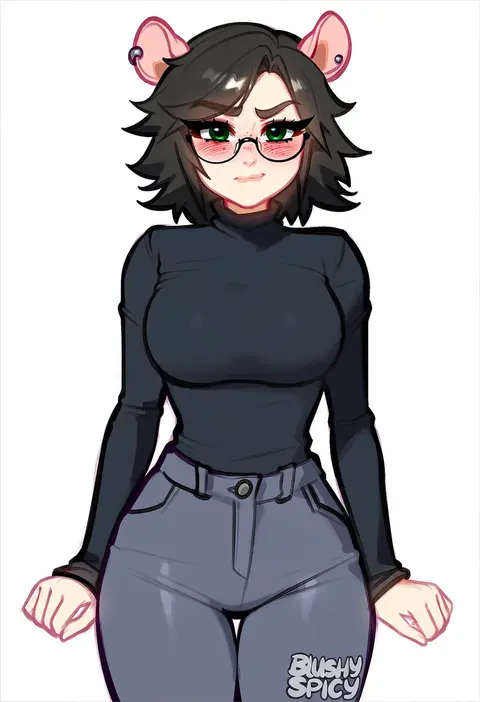
blushyspicy
ARTIST0x014D
4
ringeko-chan
ARTIST0x014E
4
hiten (hitenkei)
ARTIST0x014F
4
oyari ashito
ARTIST0x0150
4
toosaka asagi
ARTIST0x0151
4
himura kiseki
ARTIST0x0152
4
dd (ijigendd)
ARTIST0x0153
4
kokaki mumose
ARTIST0x0154
4
nardack
ARTIST0x0155
4
karutamo
ARTIST0x0156
4
arakure
ARTIST0x0157
4
mo (kireinamo)
ARTIST0x0158
4
juukyuu
ARTIST0x0159
4
elf (stroll in the woods)
ARTIST0x015A
4
unomiki
ARTIST0x015B
4
hirayama kanna
ARTIST0x015C
4
niku (ni23ku)
ARTIST0x015D
4
yuuki hagure
ARTIST0x015E
4
kafun
ARTIST0x015F
4
cool-kyou shinja
ARTIST0x0160
4
fuzuki fuuro
ARTIST0x0161
4
ryusei hashida
ARTIST0x0162
4
tantanmen72
ARTIST0x0163
4
riichu
ARTIST0x0164
4
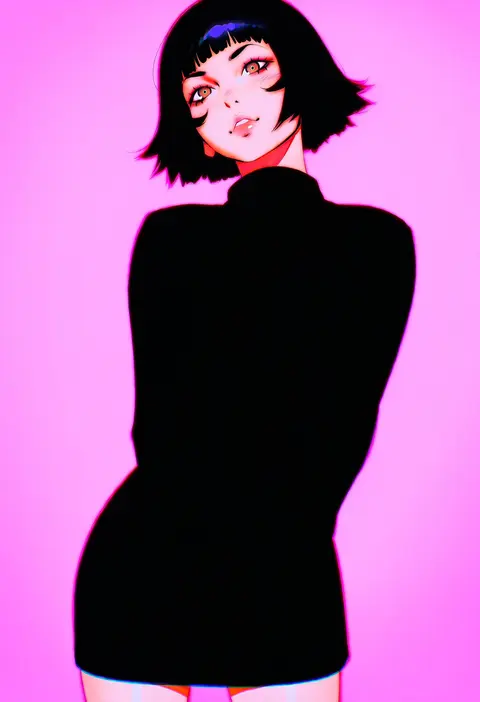
ilya kuvshinov
ARTIST0x0165
4
hungry clicker
ARTIST0x0166
4
haimura kiyotaka
ARTIST0x0167
4

What these tags change

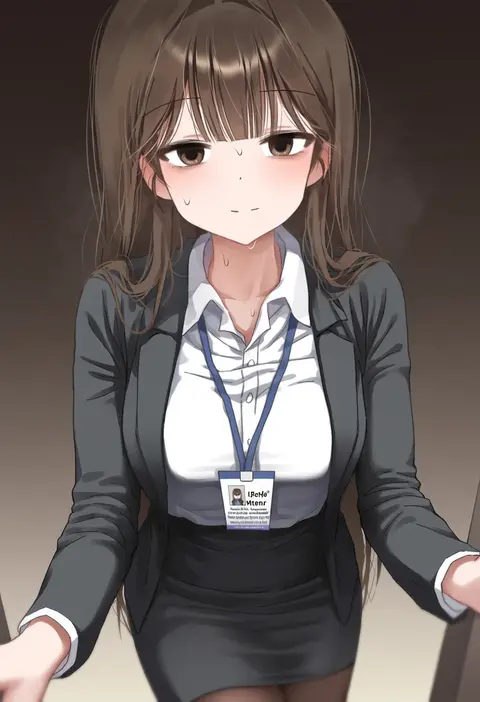
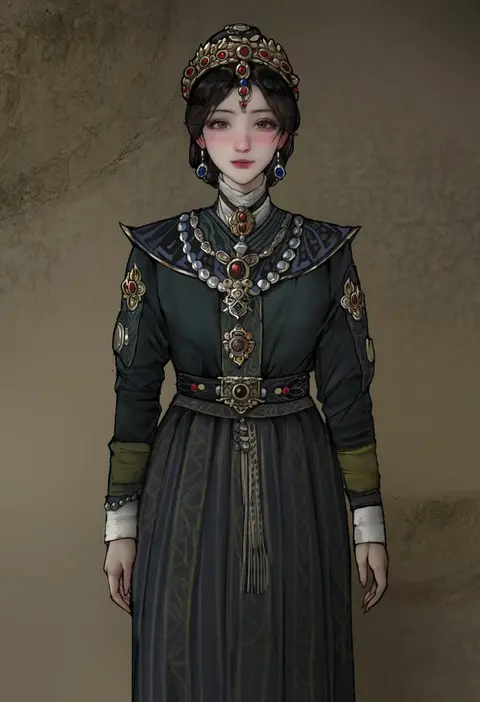
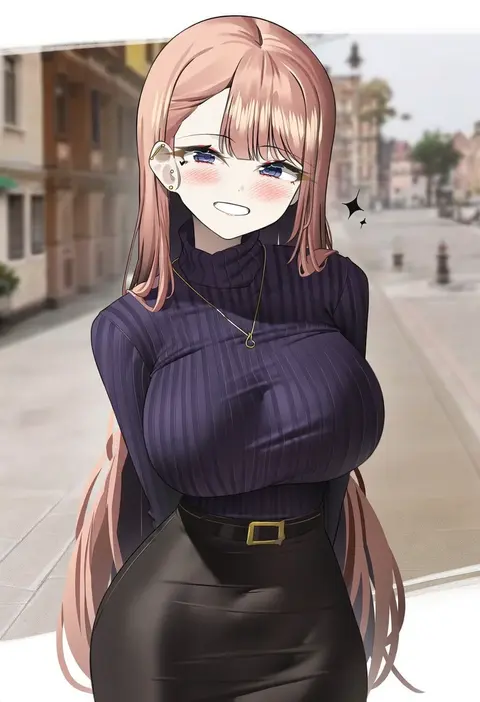
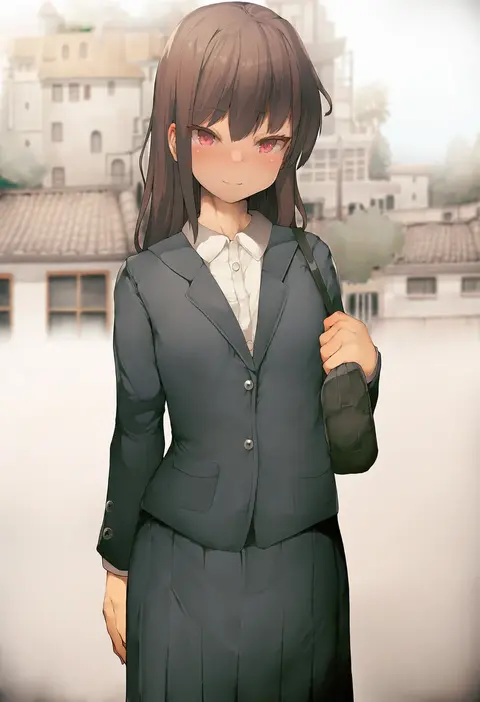
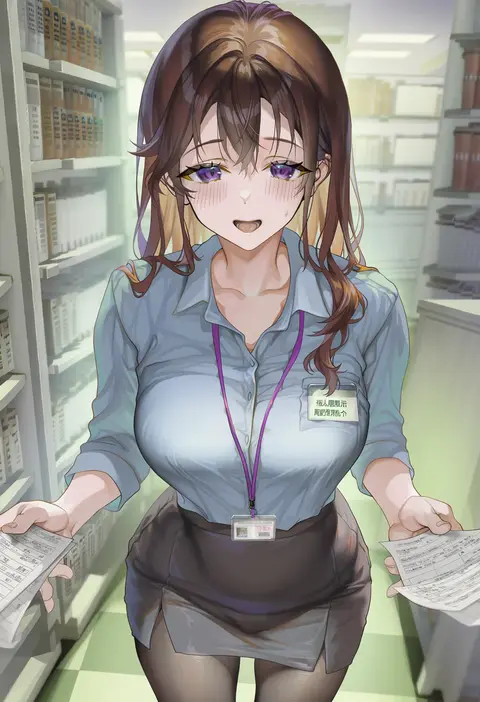
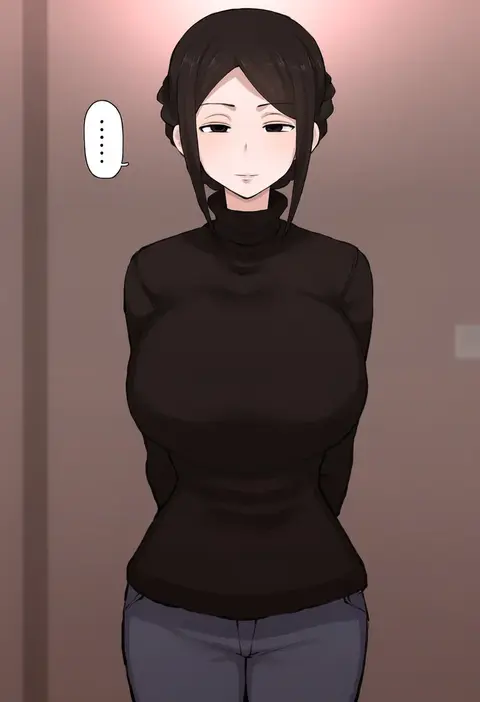
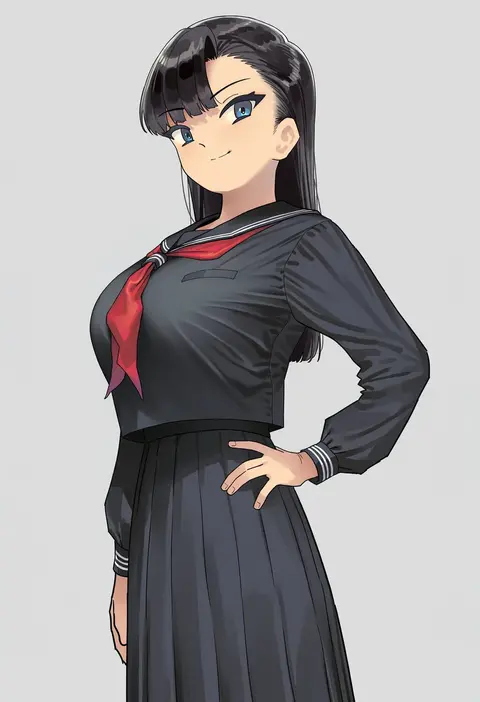
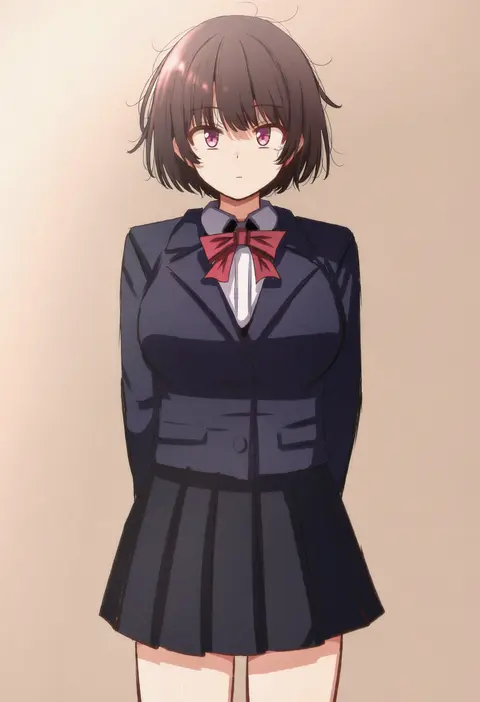
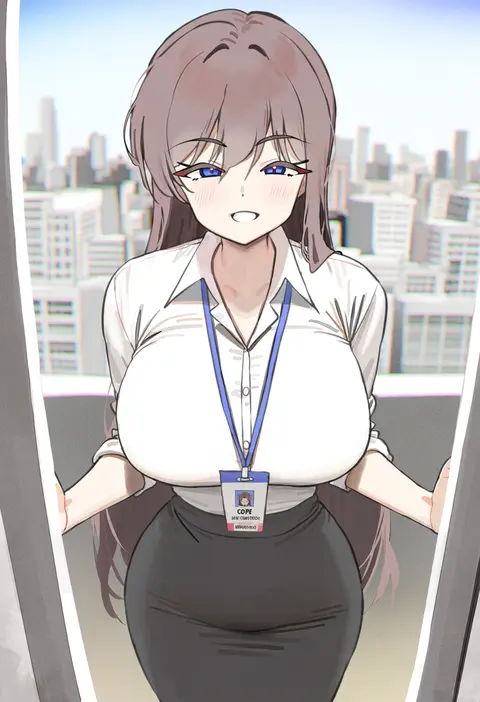
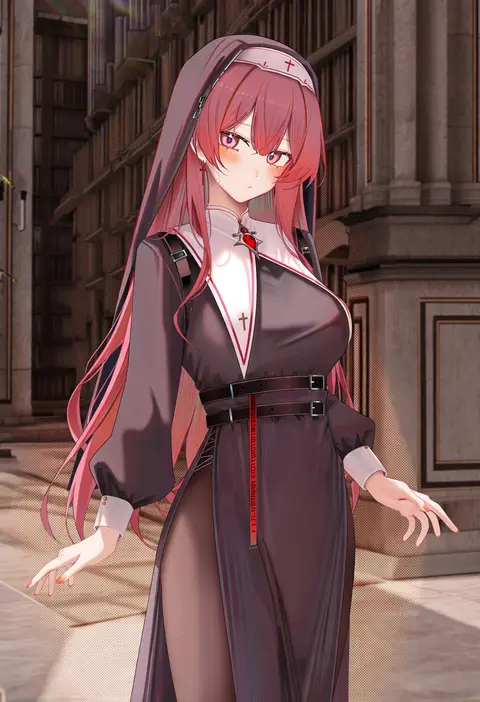
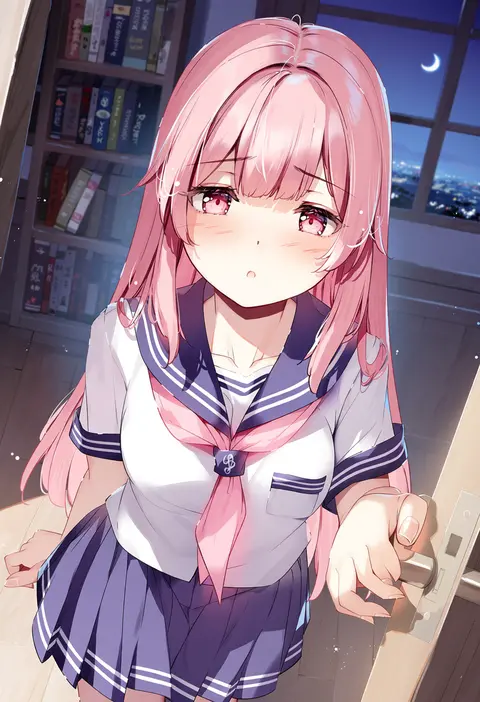
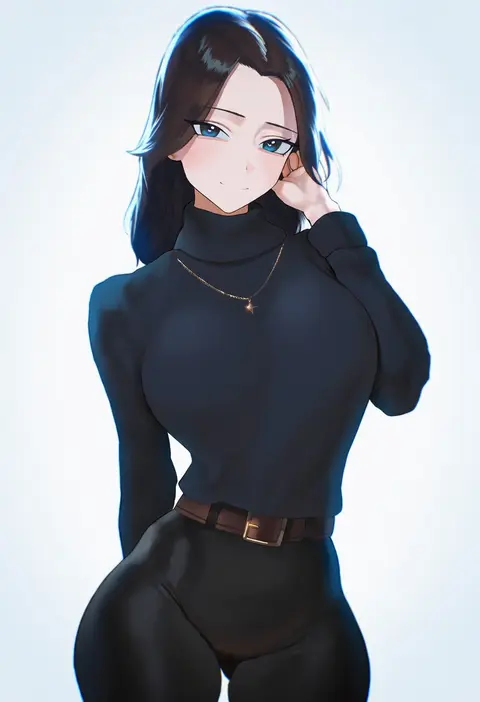
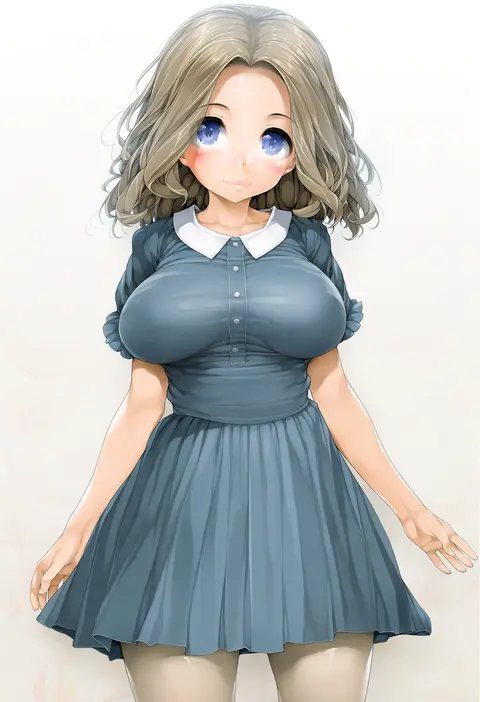
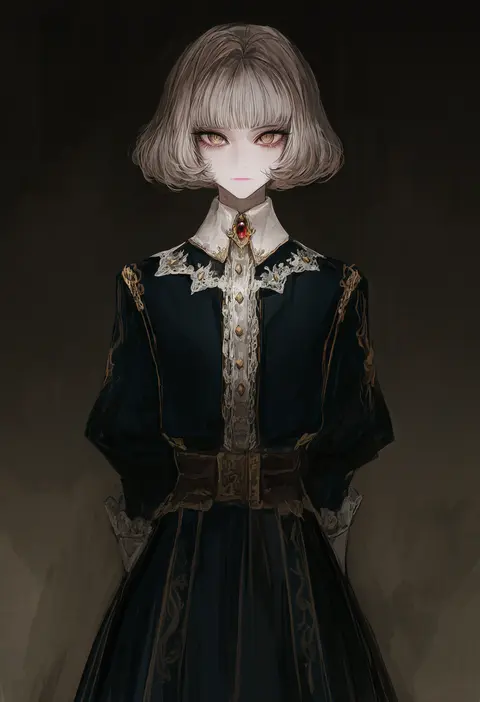
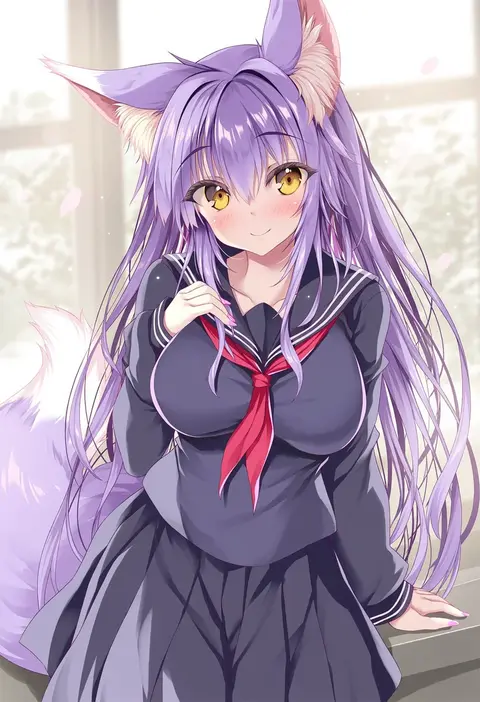
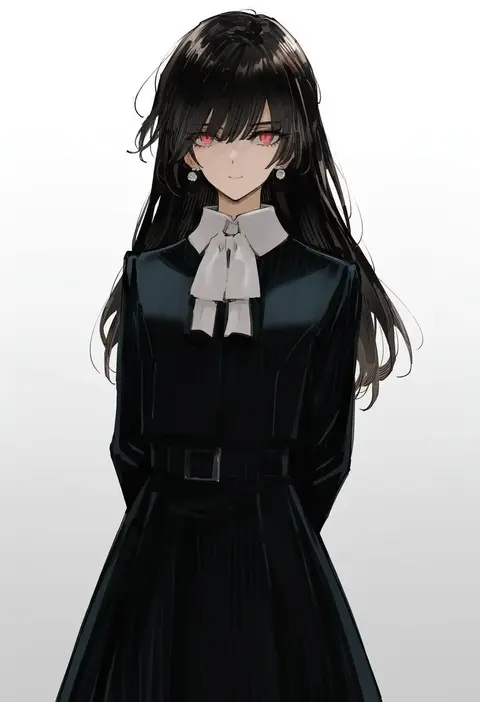
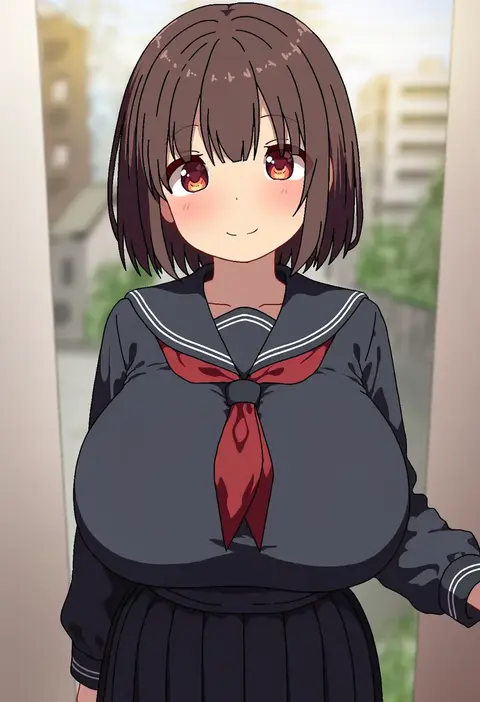
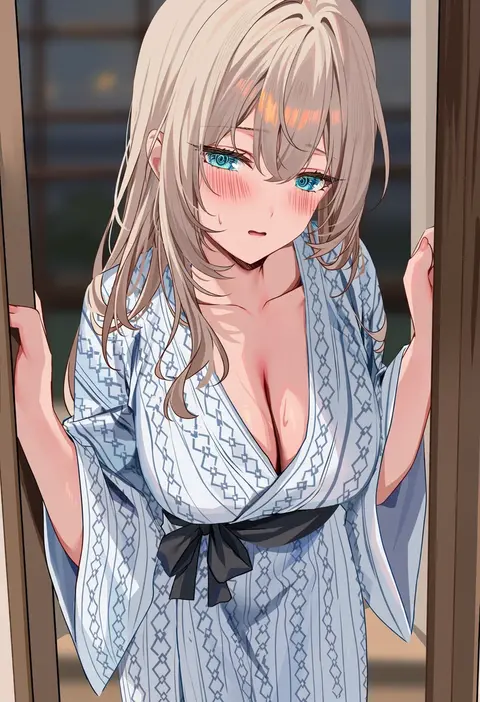
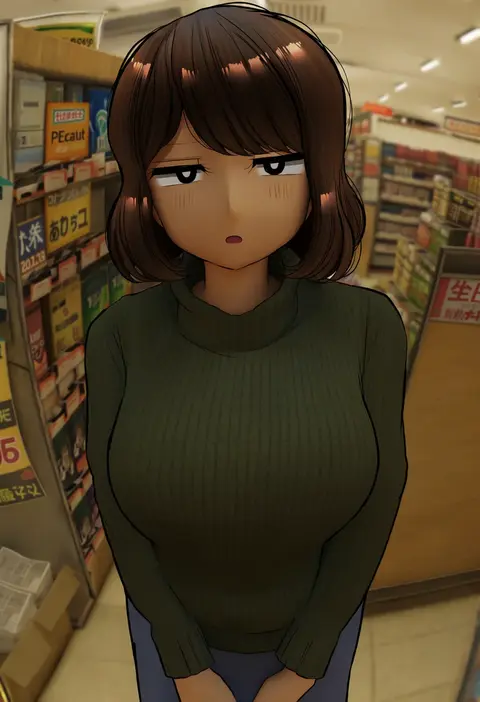
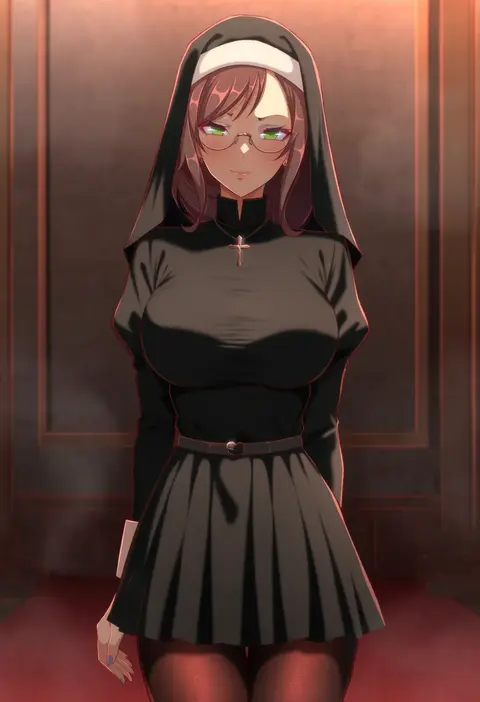
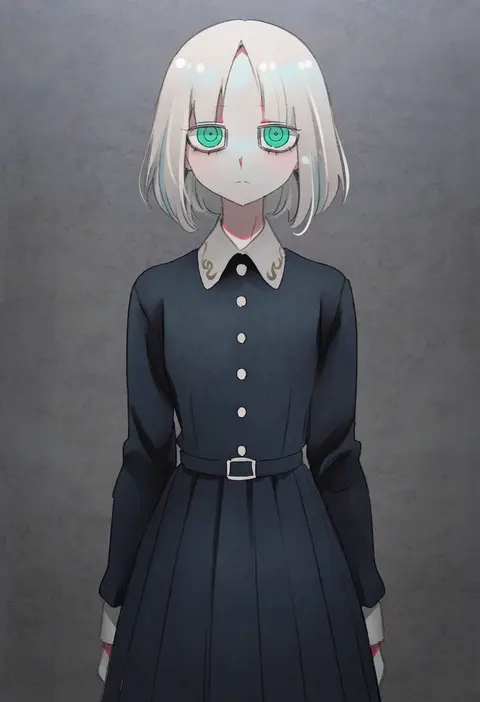
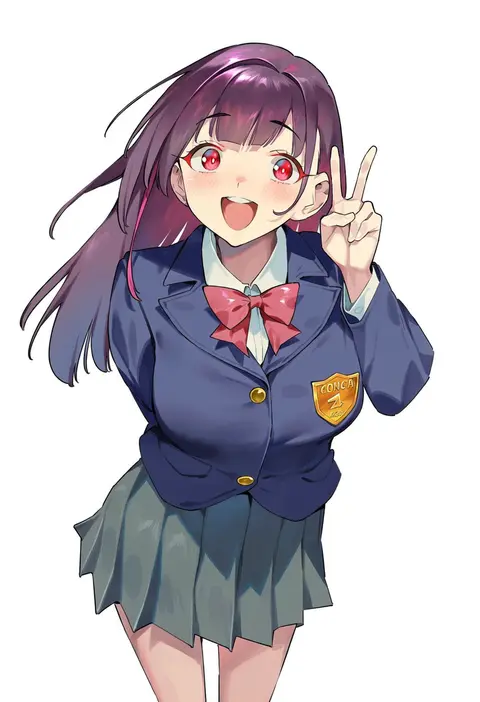
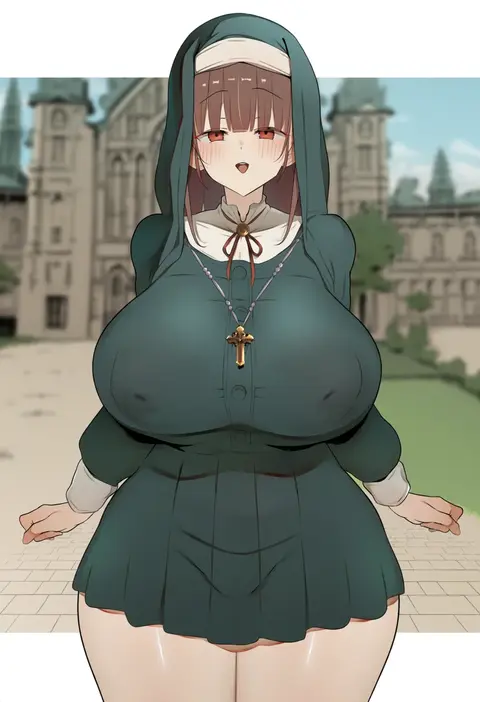
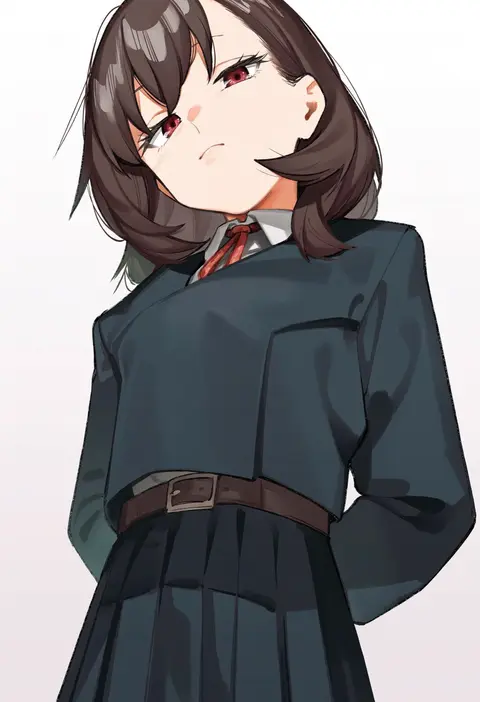
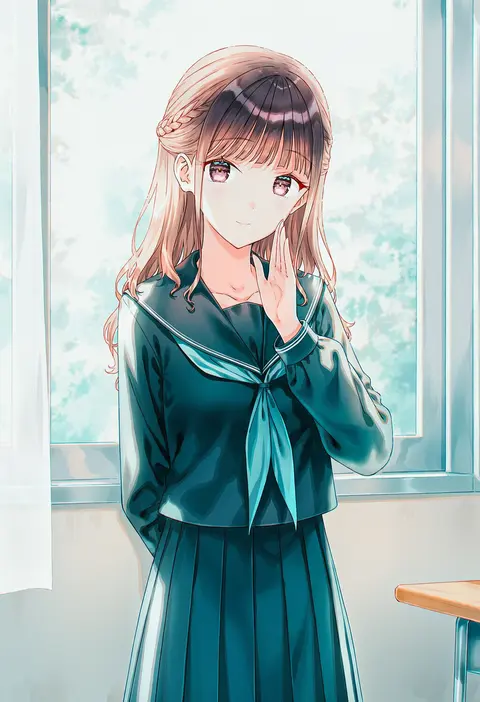
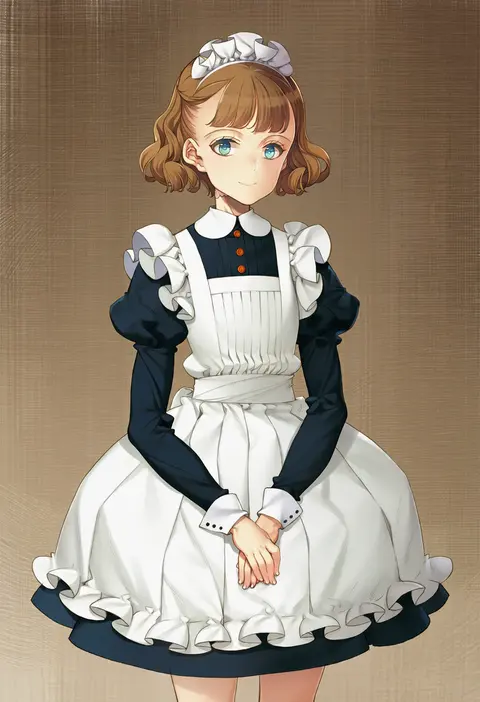
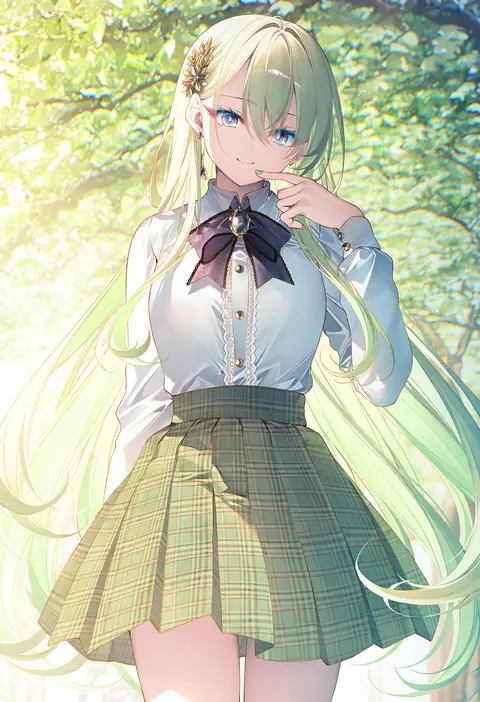
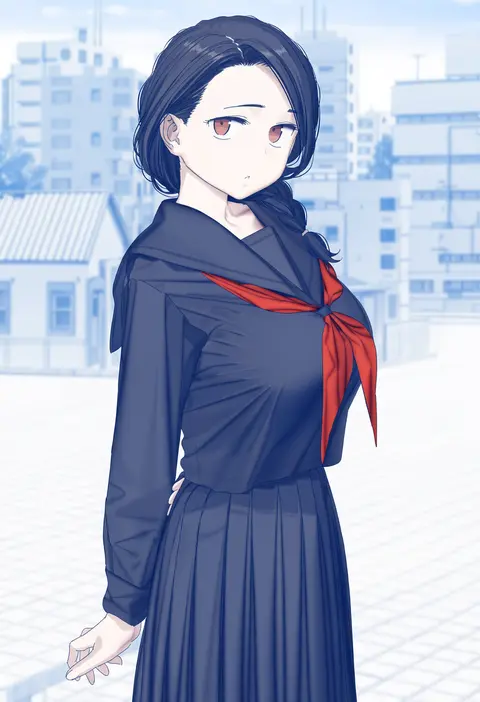
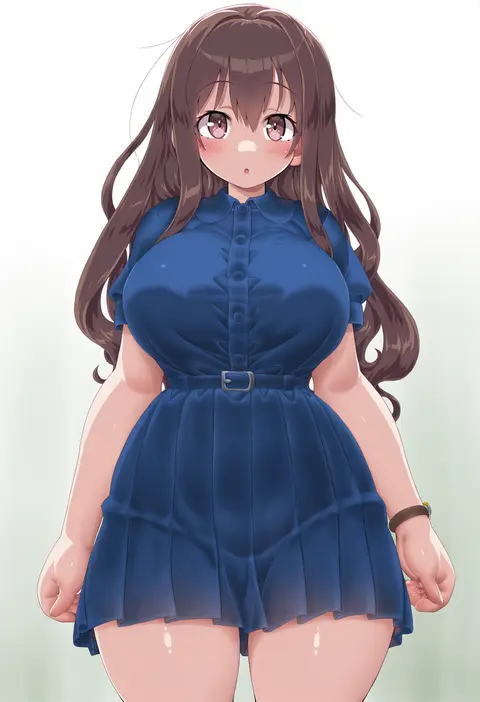
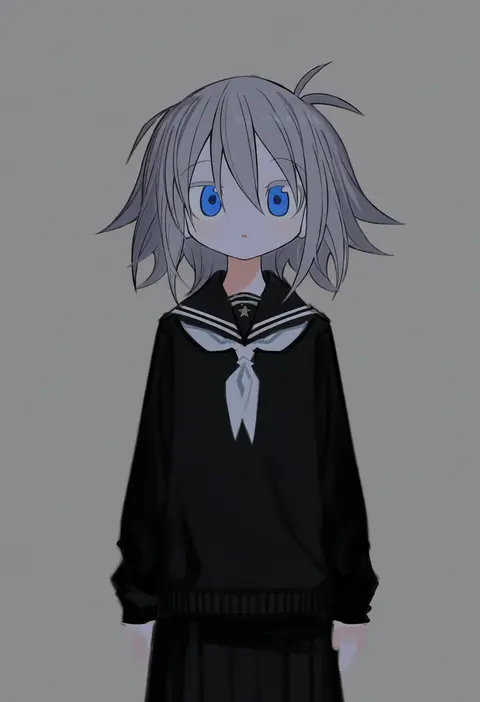
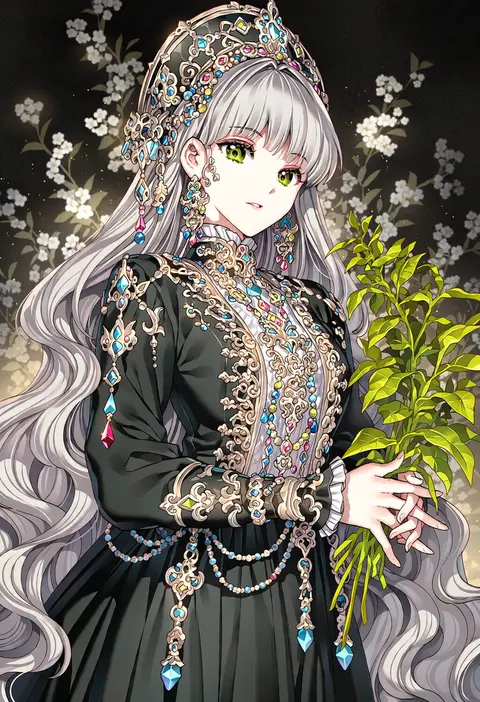
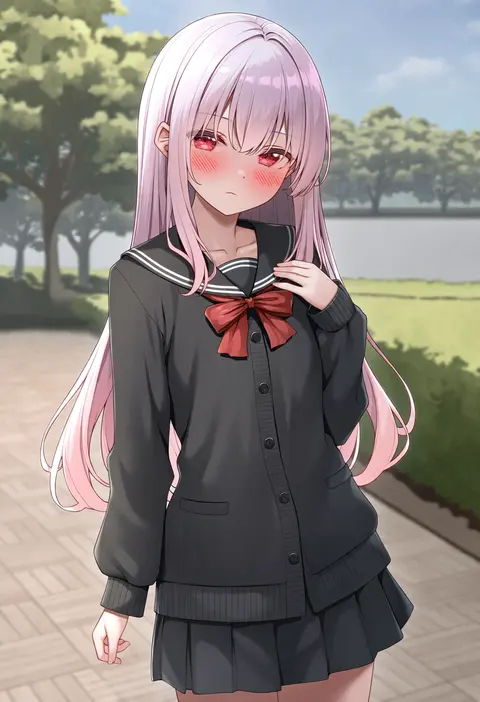
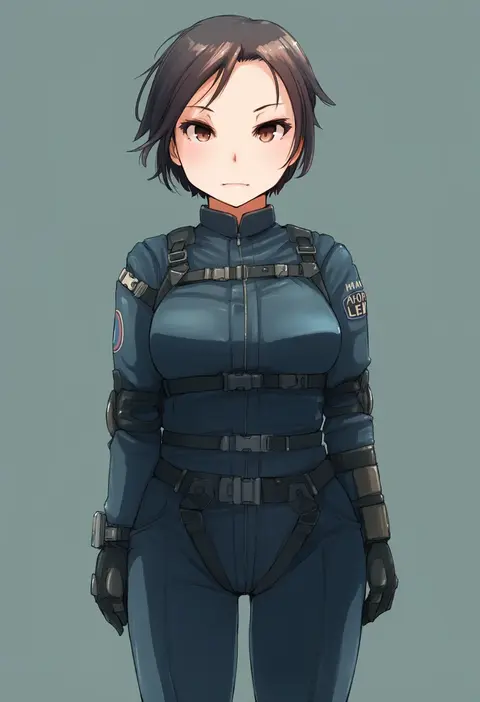
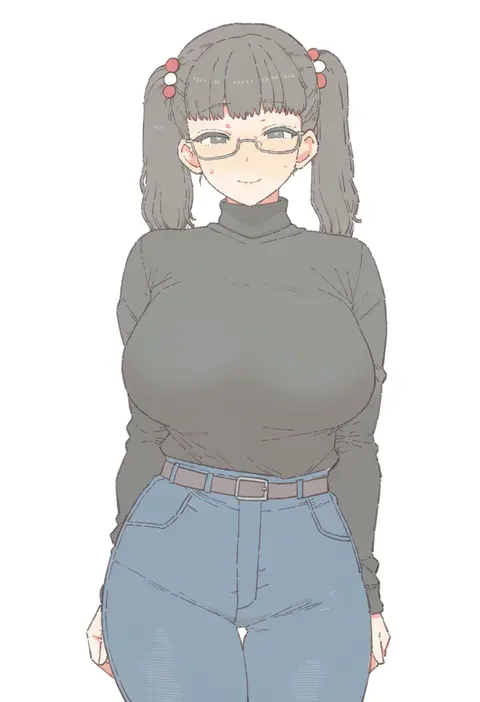
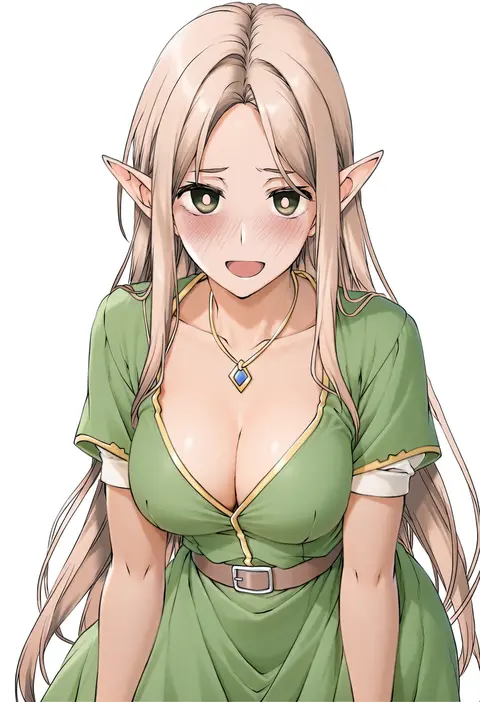
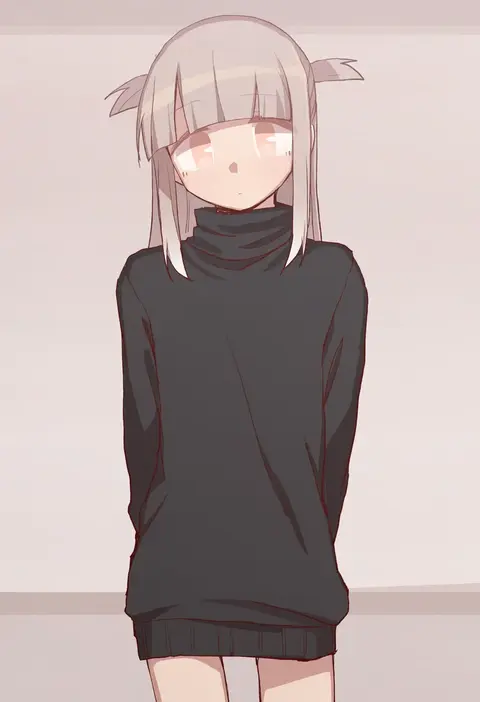
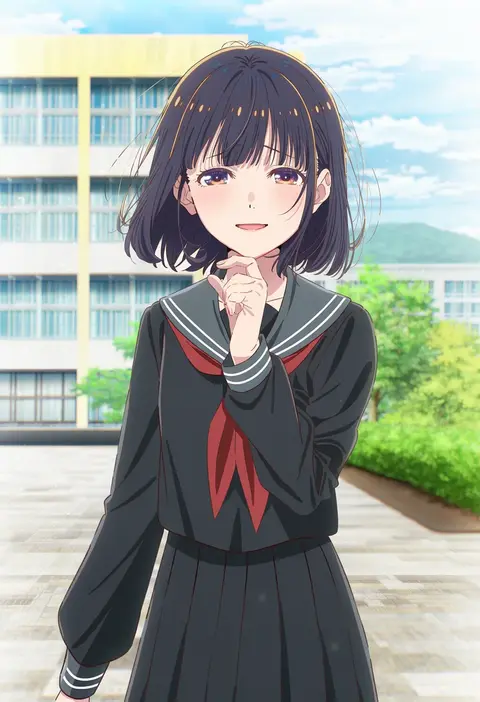
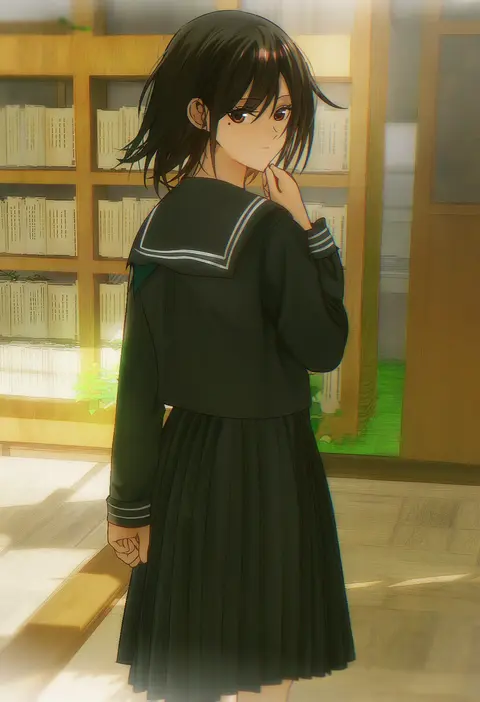
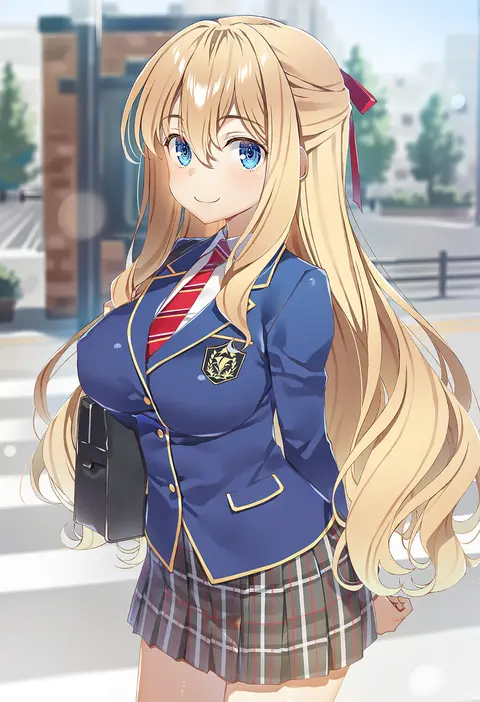
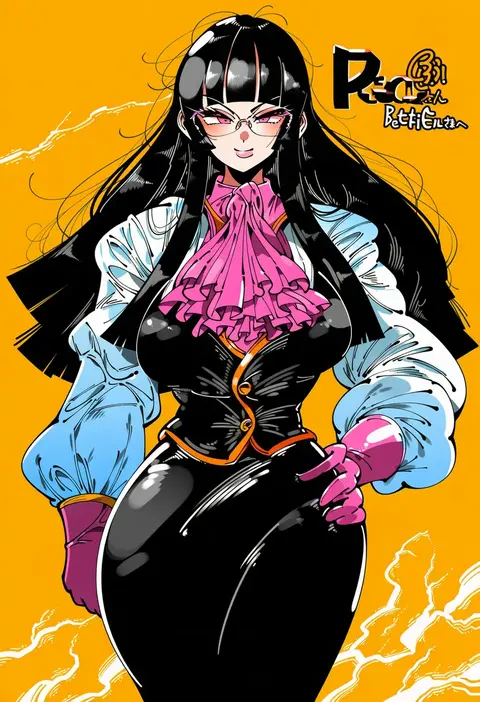
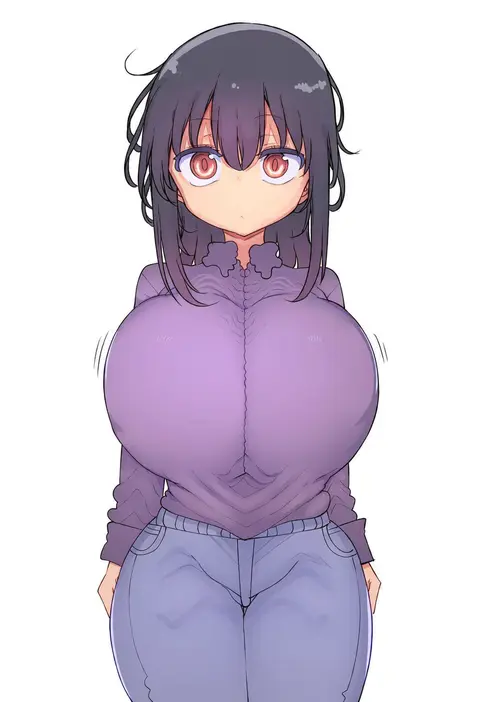
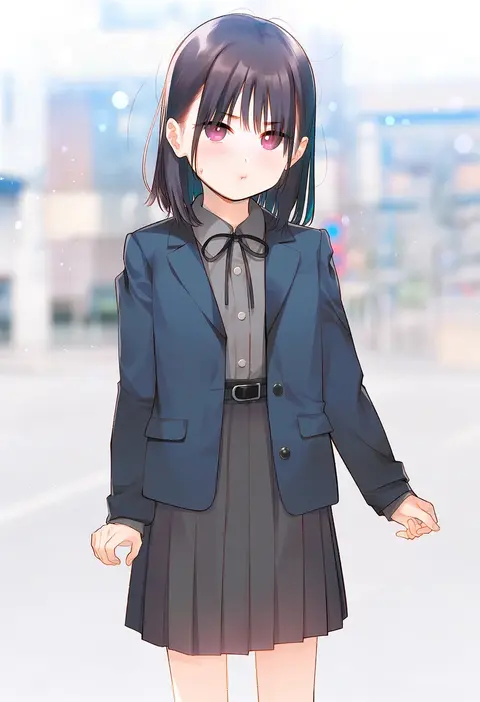
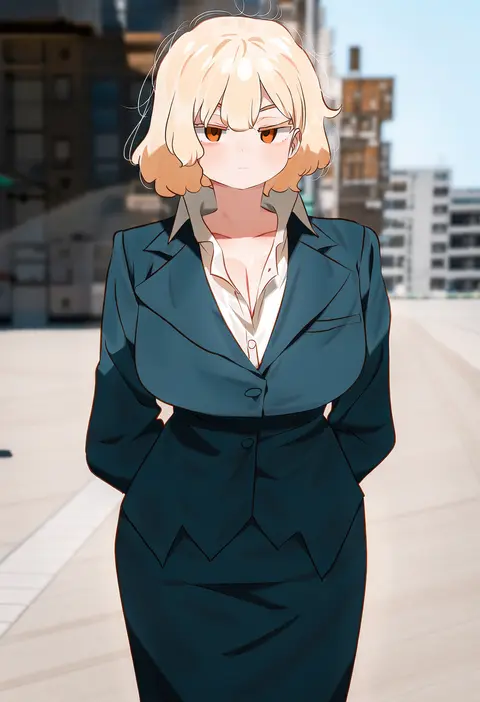
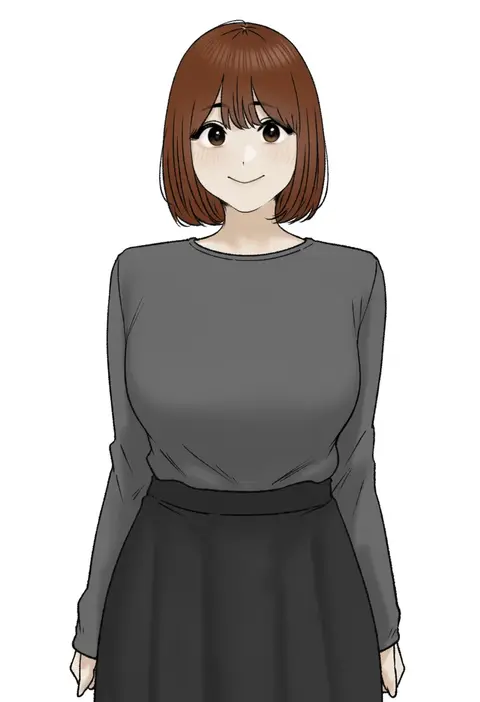
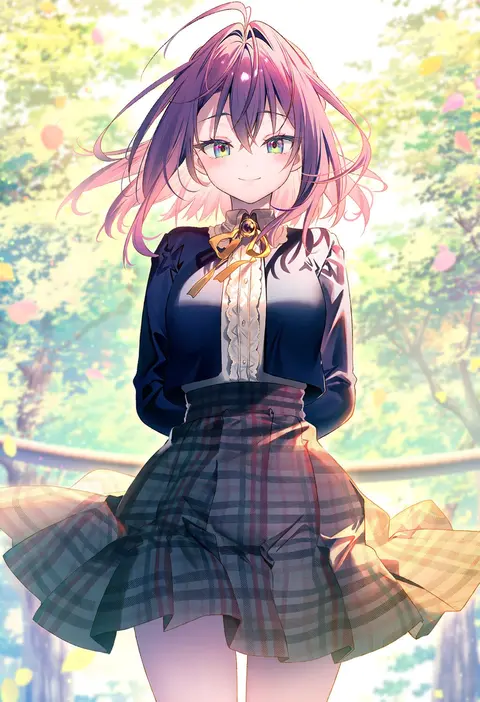
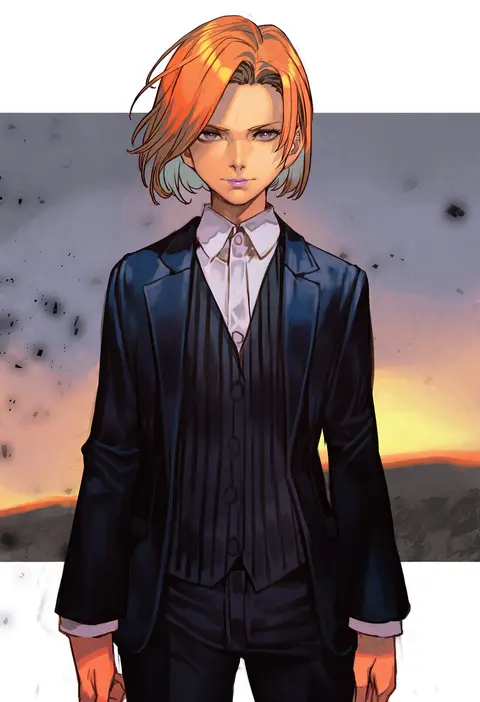
Artist tags tell NovelAI Diffusion to draw in a specific artist's style: line weight, paint texture, face shapes and palette all shift at once. Character and outfit tags decide what is drawn; artist tags decide how. 2,536 tags are listed for V5.
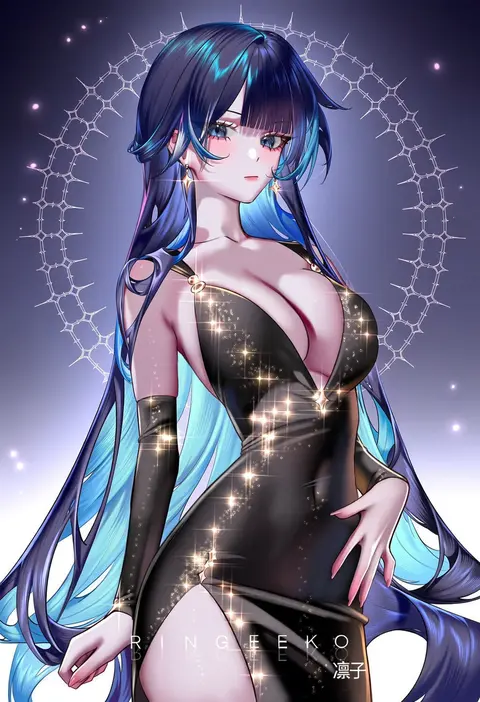
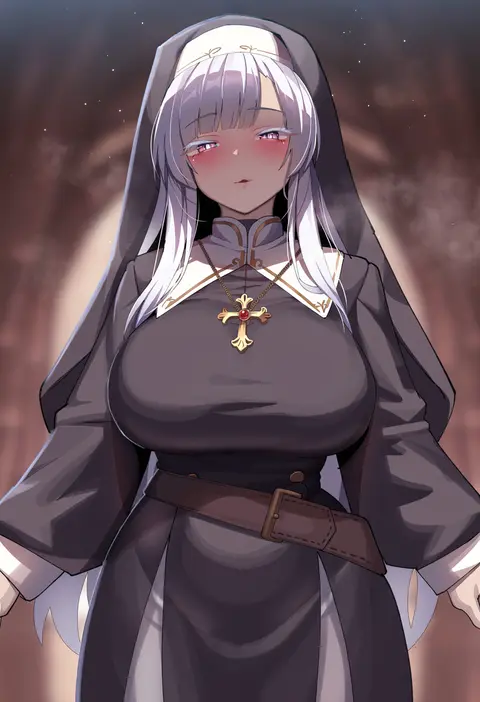
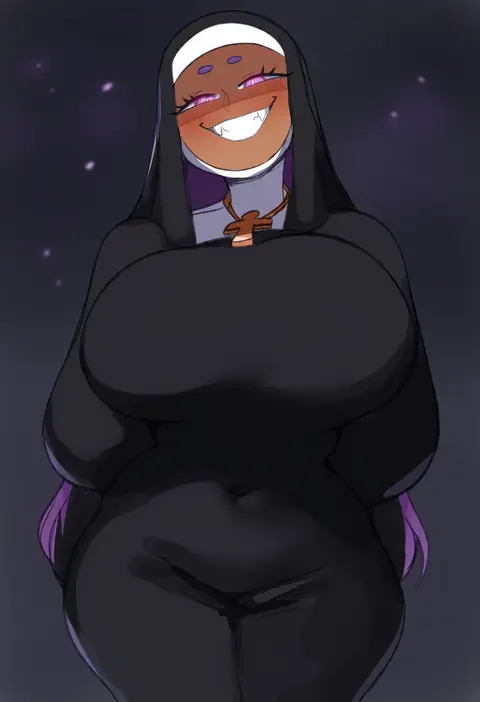
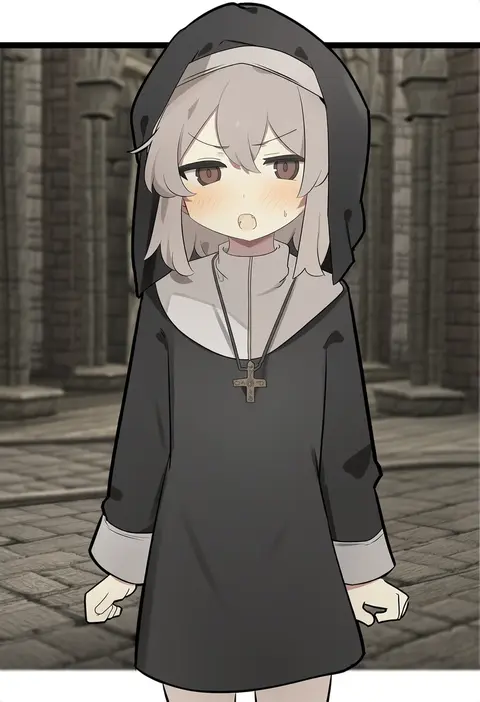
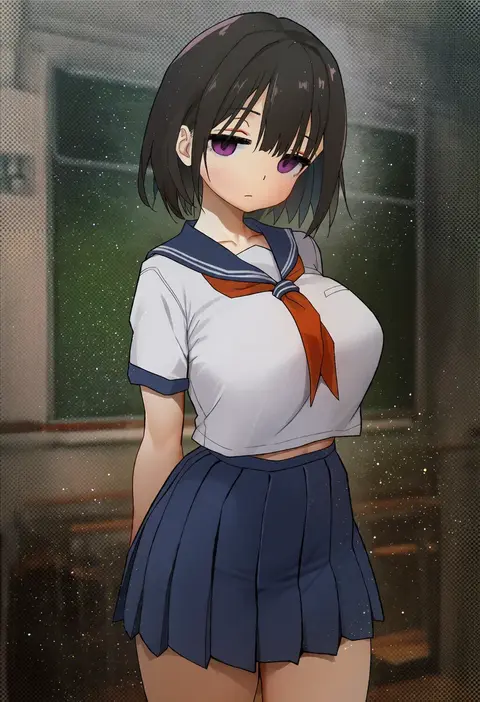
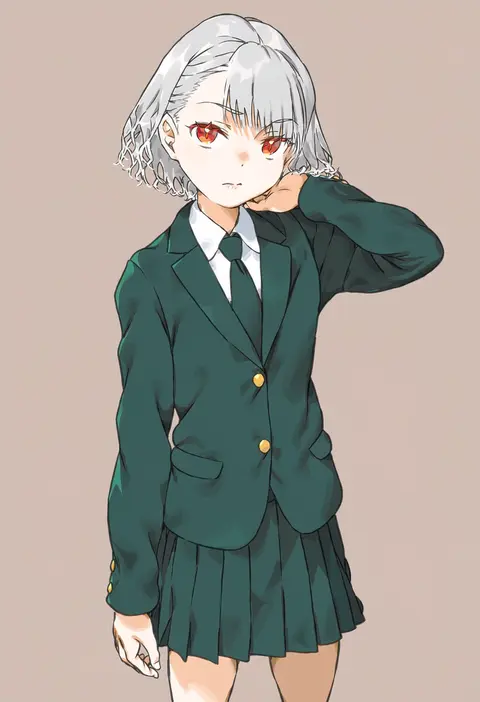
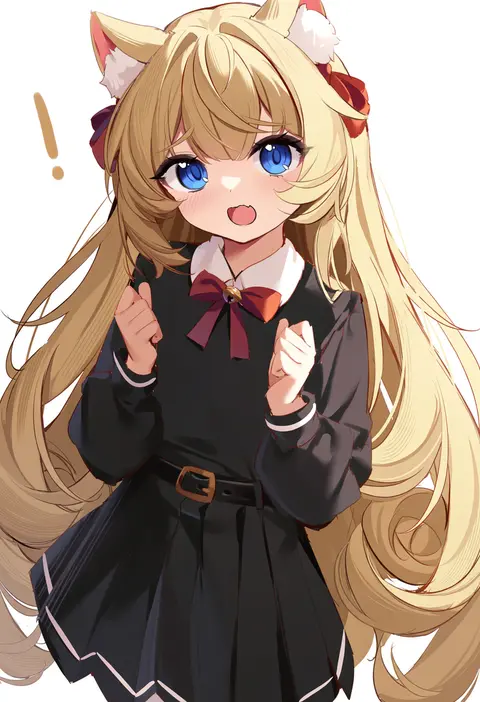
Every tag listed here is verified to react in NovelAI. All images use the same prompt, seed and settings with only the artist tag swapped, so the difference between two images is the style that tag brings in.

How to use them

Put the artist tag near the front of the prompt, e.g. "<artist>, 1girl, solo, best quality, masterpiece, cowboy shot". Two or three artist tags blend styles; lower the weight with "0.8::<artist>::" when the style overpowers the character.

SCORE sorts by Danbooru's top score, POSTS by post count, FAVS by hearts on this site. Open a card to see V5 and V4.5 side by side on the same seed.

V5 vs V4.5

V5 usually lands closer to the artist's real style, and tags that did nothing on V4.5 often react on V5. V4.5 still fits older and doujin-heavy artists better. Try V5 first, fall back to V4.5.

FAQ

Where does the artist tag go?
Near the front of the prompt. Use "0.8::tag::" to adjust its weight.

Can I stack artist tags?
Yes, styles blend. Past two or three the result stops looking like anyone.

Are these the artists' own works?
No. Every image is a NovelAI sample generated from the tag.